

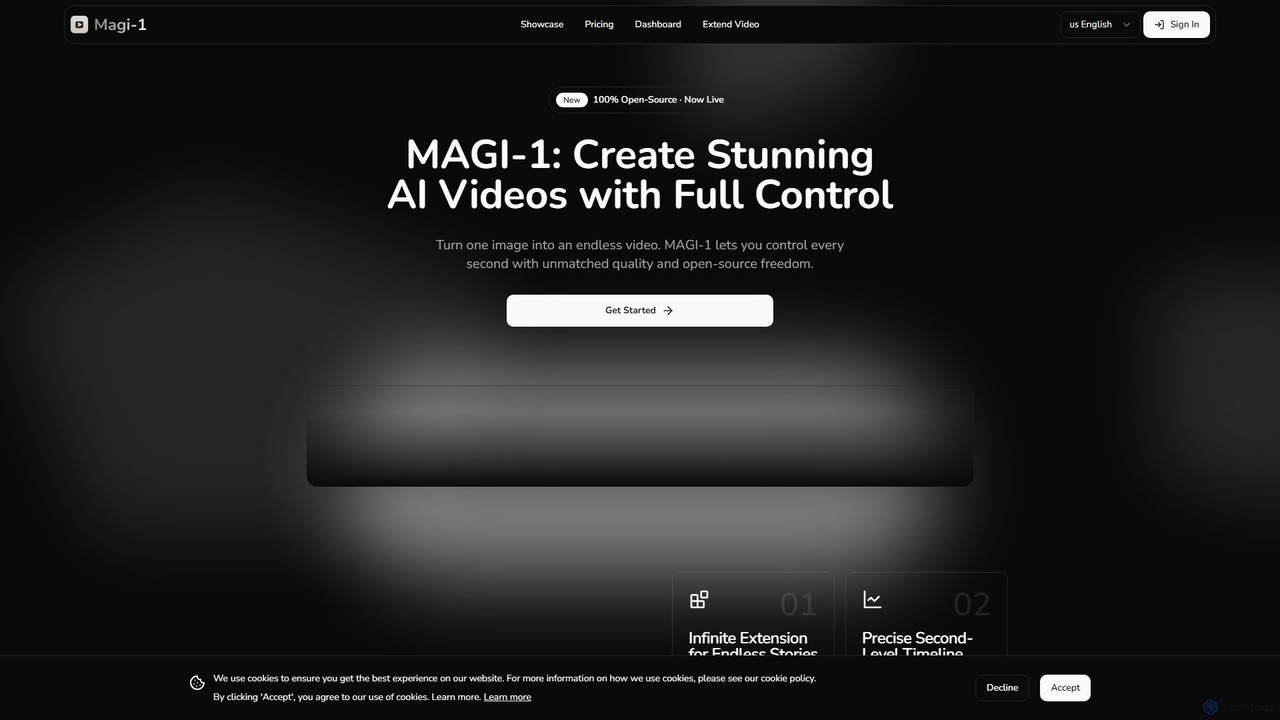
magi_1 Overview
MAGI-1 is a state-of-the-art, open-source autoregressive video model developed by Sand AI, setting a new standard in the field of AI-driven video creation. It has gained significant attention for its ability to generate hyper-realistic videos that convincingly cross the "uncanny valley." By leveraging a sophisticated diffusion model architecture, MAGI-1 transforms text prompts into crisp, high-definition video content, supporting resolutions up to 1440p (QHD). As an open-source project, it not only provides a powerful tool for creators but also fosters a community of innovation for developers and researchers. Whether you're a filmmaker, a marketer, or an artist, MAGI-1 offers a versatile platform to bring your visual ideas to life with unprecedented fidelity and control.
How to use magi_1
Using the MAGI-1 platform is a straightforward process designed for both beginners and advanced users. The user-friendly dashboard allows for seamless video creation and management.
- Start a New Project: Navigate to the MAGI-1 dashboard to begin.
- Enter Your Prompt: In the designated input field, type a detailed description of the video you want to create. For best results, be specific about subjects, actions, settings, and style.
- Add a Reference Image (Optional): You can upload a reference image to guide the AI's style, color palette, or character design, giving you more creative control over the output.
- Configure Generation Settings: Adjust the parameters to fit your needs. You can choose between 'Standard Mode' for faster generation and 'High Quality Mode' for superior detail. Set the desired number of frames (to control duration), frames per second (typically 24), and aspect ratio (e.g., 16:9 for widescreen, 9:16 for mobile, 1:1 for social media).
- Generate the Video: Once you're satisfied with your settings, click the "Generate Video" button. The platform will calculate the credit cost and begin processing your request.
- Extend Existing Videos: MAGI-1 features a unique "Extend Video" function. Upload a previously generated clip, provide a new prompt for the continuation, and set the start frame. The model will seamlessly add new frames, extending your video's length while maintaining coherence.
Core Features of magi_1
- High-Resolution Output: Generates videos in 720p HD and up to 1440p QHD, ensuring crisp, detailed visuals suitable for professional use.
- Open-Source Model: The underlying model is open-source, promoting transparency, customization, and community-driven development. It is available on Hugging Face for researchers and developers.
- Autoregressive Architecture: This advanced architecture allows for generating longer, more coherent videos (up to 16 seconds per clip) with smooth transitions.
- Video Extension: A powerful feature to seamlessly extend the duration of existing videos by generating additional frames based on a new prompt.
- Text-to-Video with Image Reference: Create videos from text prompts and optionally guide the generation with a reference image for enhanced stylistic control.
- Detailed Parameter Control: Users can fine-tune generation by adjusting the number of frames, FPS, aspect ratio, quality mode, and inference steps.
- Real-Time Streaming Support: The model is capable of supporting real-time streaming applications, opening up possibilities for interactive content.
- Second-by-Second Prompting: Allows for changing prompts during the generation process to create dynamic scenes and smooth transitions within a single clip.
Use Cases for magi_1
MAGI-1's versatility makes it suitable for a wide range of applications across various industries:
- Filmmaking and Animation: Create concept visuals, animated shorts, B-roll footage, or complex special effects sequences without the need for expensive equipment or software.
- Marketing and Advertising: Produce high-quality, engaging video advertisements and promotional content for social media campaigns, product showcases, and brand storytelling.
- Digital Art and Generative Art: Artists can explore new creative frontiers by generating unique, AI-driven video art and abstract visual experiences.
- Prototyping and Education: Quickly visualize concepts, create educational explainers, or develop training materials with dynamic video content.
- Social Media Content: Generate eye-catching short-form videos for platforms like TikTok, Instagram Reels, and YouTube Shorts to boost engagement.
Advantages of magi_1
MAGI-1 stands out from other commercial video tools due to several key advantages:
- Exceptional Realism: The model is widely praised for its ability to produce videos with incredible detail, realistic textures (like fur and reflections), and fluid motion.
- Accessibility and Innovation: Being open-source democratizes access to high-end video generation technology, encouraging a vibrant community of developers to build upon and improve the model.
- Creative Flexibility: The combination of text prompts, image references, video extension, and detailed parameter control gives users unparalleled creative freedom.
- High-Fidelity Output: Support for QHD resolution places it at the forefront of quality in the AI video generation market.
- Transparent and Scalable Pricing: The credit-based system and tiered plans offer clear, predictable costs, with options suitable for everyone from hobbyists to power users.
Pricing and Plans
MAGI-1 offers a flexible, credit-based pricing structure to accommodate different levels of usage. Users can choose between monthly and yearly billing, with the yearly option providing a 30% discount.
- Basic Plan: $29.99/month. Includes 1000 credits per month, access to Standard Mode generation (up to 5s videos), and standard processing speeds. Ideal for beginners and occasional users.
- Plus Plan: $49.99/month. Includes 2000 credits per month, High Quality Mode, generation of up to 10s videos, priority processing, and access to the Extend Video feature. This is the most popular plan for regular users.
- Pro Plan: $99.99/month. Includes 4500 credits per month, High Quality Mode, up to 10s videos, the fastest processing speeds, and the Extend Video feature. Designed for power users and professionals with high-volume needs.
Credit Calculation: Credits are consumed based on video duration and quality. For a 4-second (96-frame) video at 24fps, Standard Mode costs 16 credits, while High Quality Mode costs 32 credits. Each additional second costs 4 credits in Standard Mode and 8 credits in High Quality Mode.
Traffic
Latest traffic
Status
Monthly traffic trend
- 2025-9: 44.6K
- 2026-1: 12.1K
- 2026-2: 3.8K
- 2026-3: 3.8K
- 2026-4: 5.1K
- 2026-5: 7.3K
Geography
Top 5 countries / regions
- 🇧🇷Brazil36.0%
- 🇮🇳India23.5%
- 🇺🇸United States21.7%
- 🇰🇷South Korea16.8%
- 🇮🇹Italy2.0%
Top keywords
| Keyword | Cost per click |
|---|---|
| magi | $0.42 |
| magi1 ai | $0.00 |
| magi-1 ai nsfw video | $0.00 |
| magi ai | $2.32 |
| magi ia | $0.13 |
magi_1 Alternatives
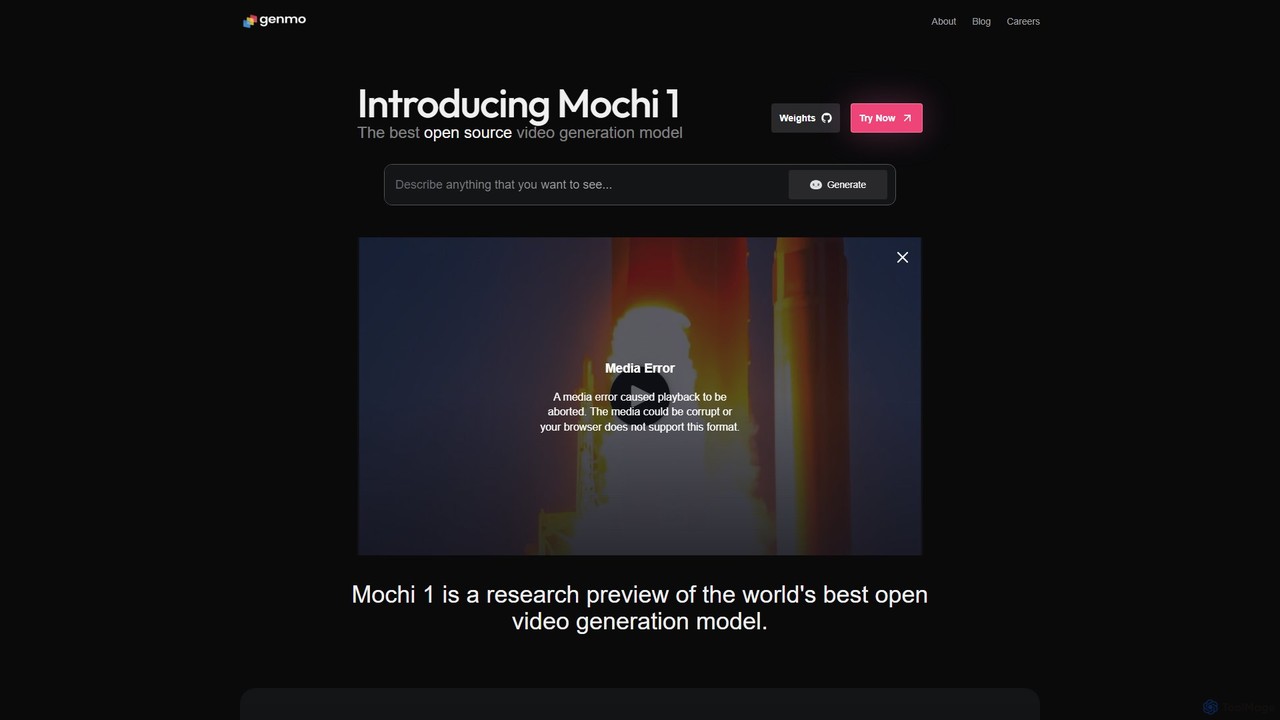
Genmo
Genmo is a pioneering AI video generation platform featuring Mochi 1, a state-of-the-art open-source model. It transforms text prompts into high-fidelity videos with exceptional motion quality and prompt adherence. Designed for creators, developers, and researchers, Genmo offers both a user-friendly web interface and an open ecosystem for building custom applications, making it a versatile tool for filmmaking, marketing, and synthetic data generation.
Generative Art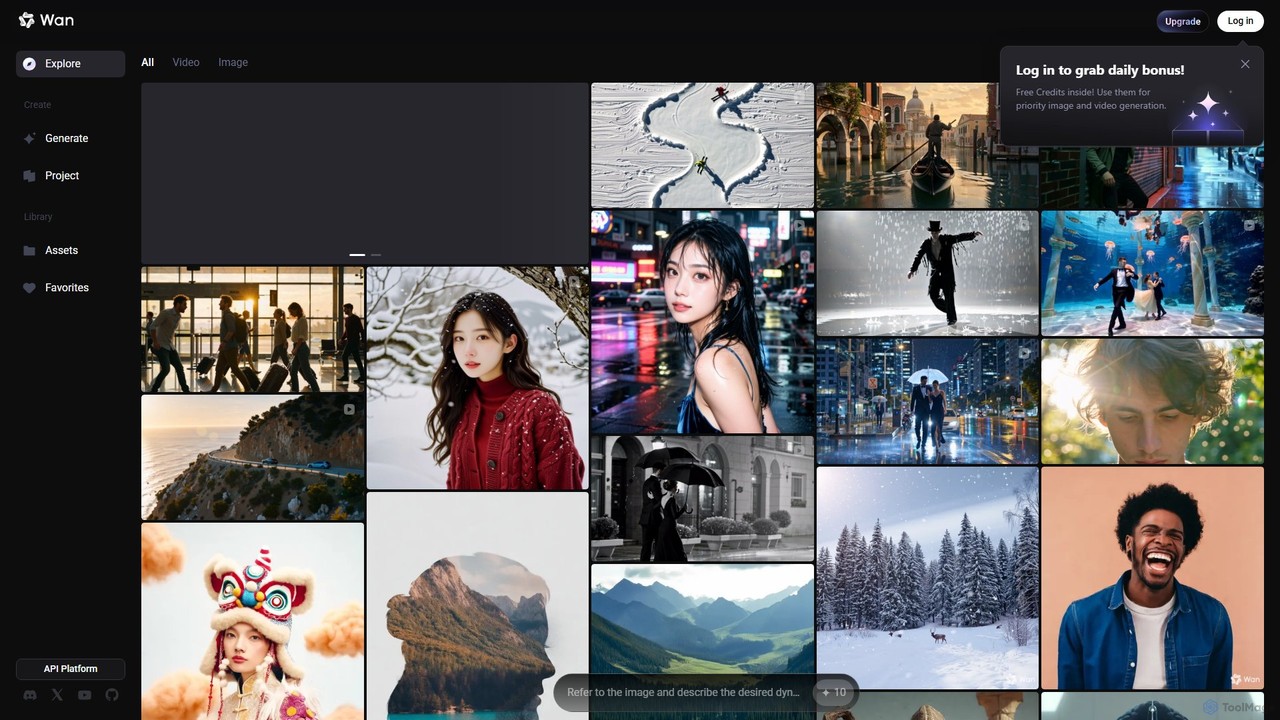
Wan AI
Wan AI is a leading AI video generation platform powered by the Wan 2.2 model. It transforms text prompts and static images into high-quality, dynamic video clips. Ideal for creators, marketers, and developers, it offers an intuitive interface, a project library, and a powerful API for seamless integration.
Generative Art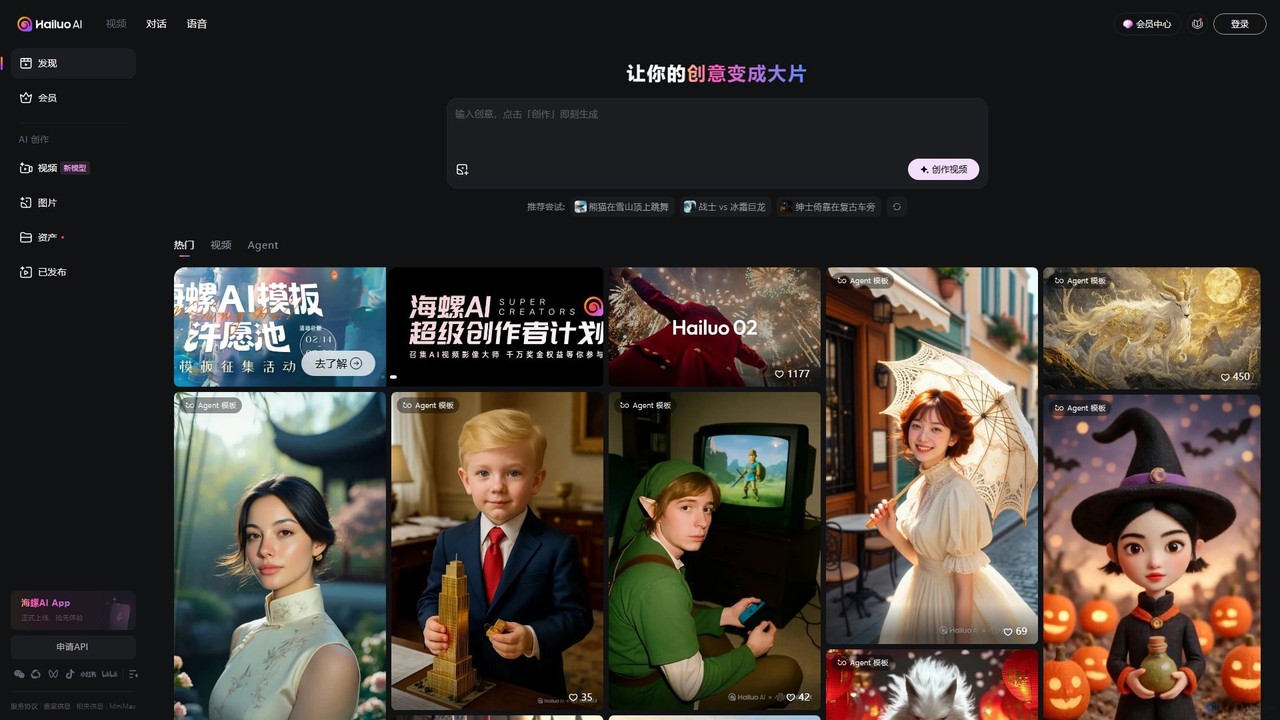
Hailuo AI
Hailuo AI is a powerful AI video generator that transforms your ideas, text prompts, and images into stunning, high-quality videos. Leveraging advanced AI from MiniMax, it offers a wide range of creative templates and customization options, making video creation simple, fun, and efficient for marketers, content creators, and individuals.
Generative Art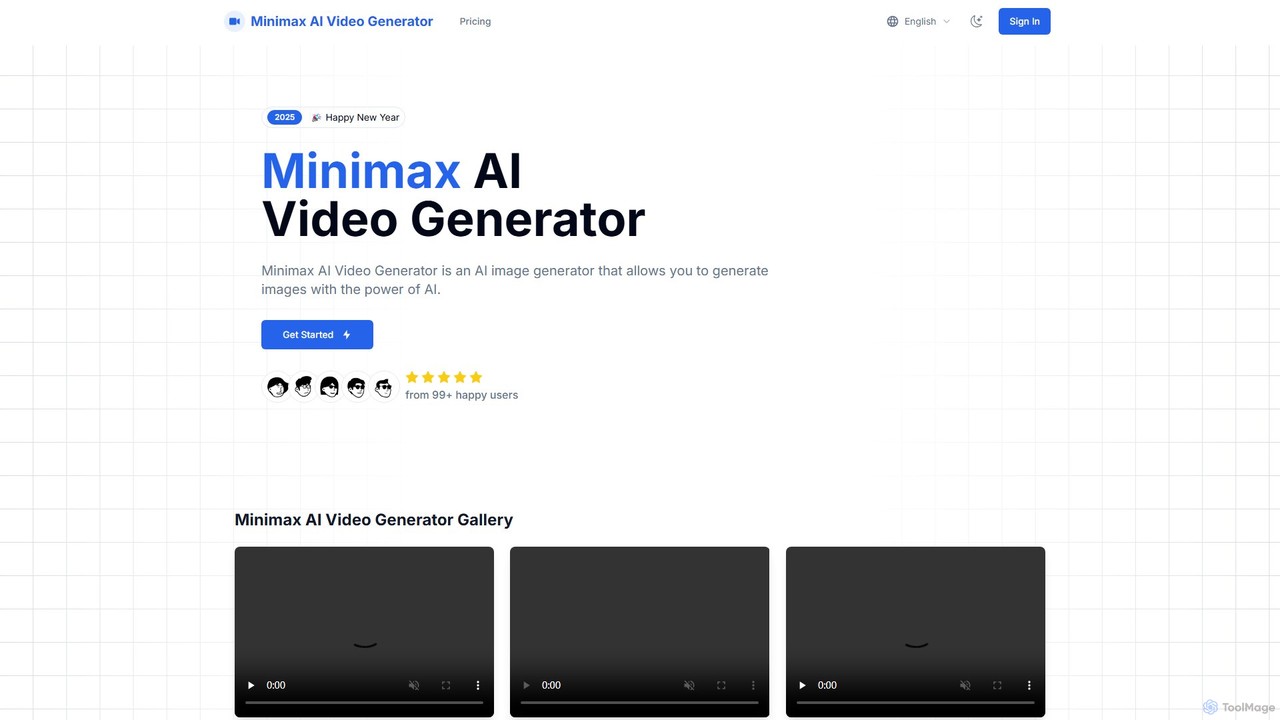
Minimax AI Video Generator
A powerful AI tool that generates high-definition videos from text and images. Developed by MiniMax, it uses the advanced Video-01 model to create stunningly clear and smooth 6-second clips, ideal for marketers, creators, and artists.
Generative Art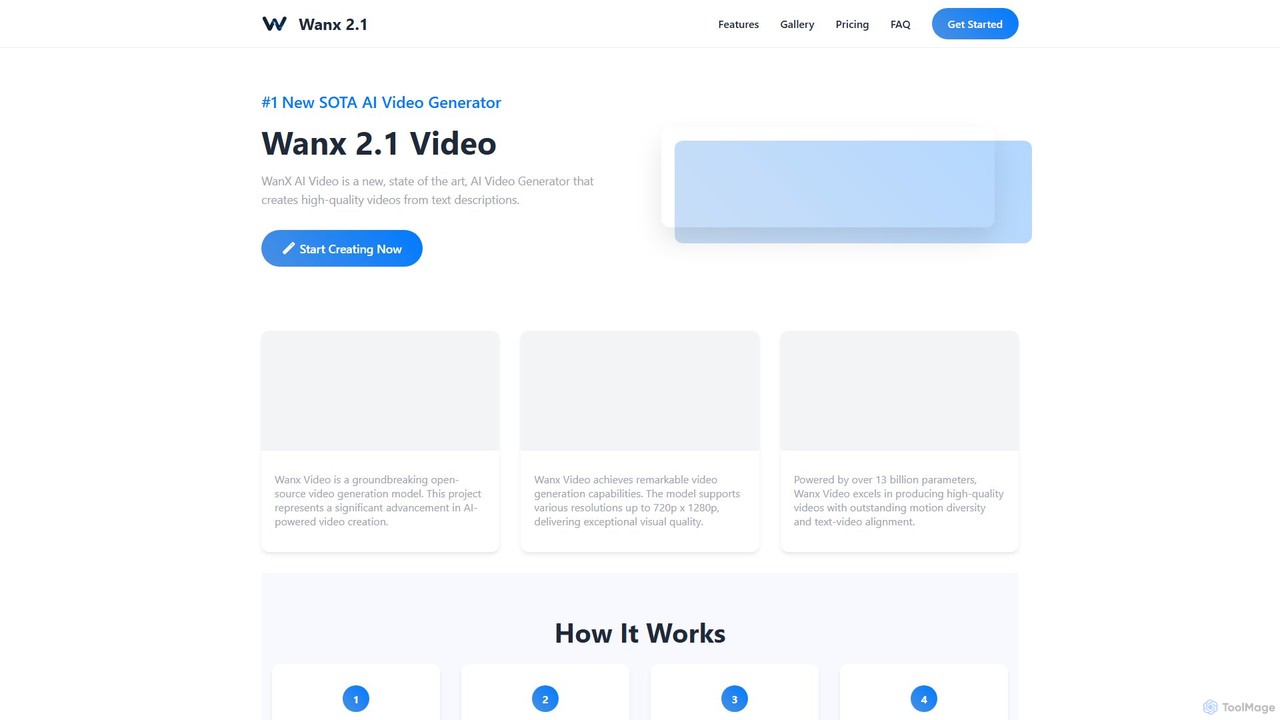
wanx_ai
wanx_ai is a state-of-the-art AI video generator that transforms text prompts into high-quality, professional videos. Powered by a 13-billion parameter open-source model, it excels in creating cinematic and photorealistic scenes with smooth motion and excellent text-video alignment. Users can generate 5-second, 720p HD videos for social media, commercials, or artistic projects. Features include a smart prompt builder, native camera cuts, and support for both landscape and vertical formats, making it a versatile tool for content creators.
Generative Artmagi_1 Categories
magi_1 Embed Widget
Copy this embed code to place the badge on your blog, article, or product site and send readers directly to this ToolMage detail page.

Related AI tools
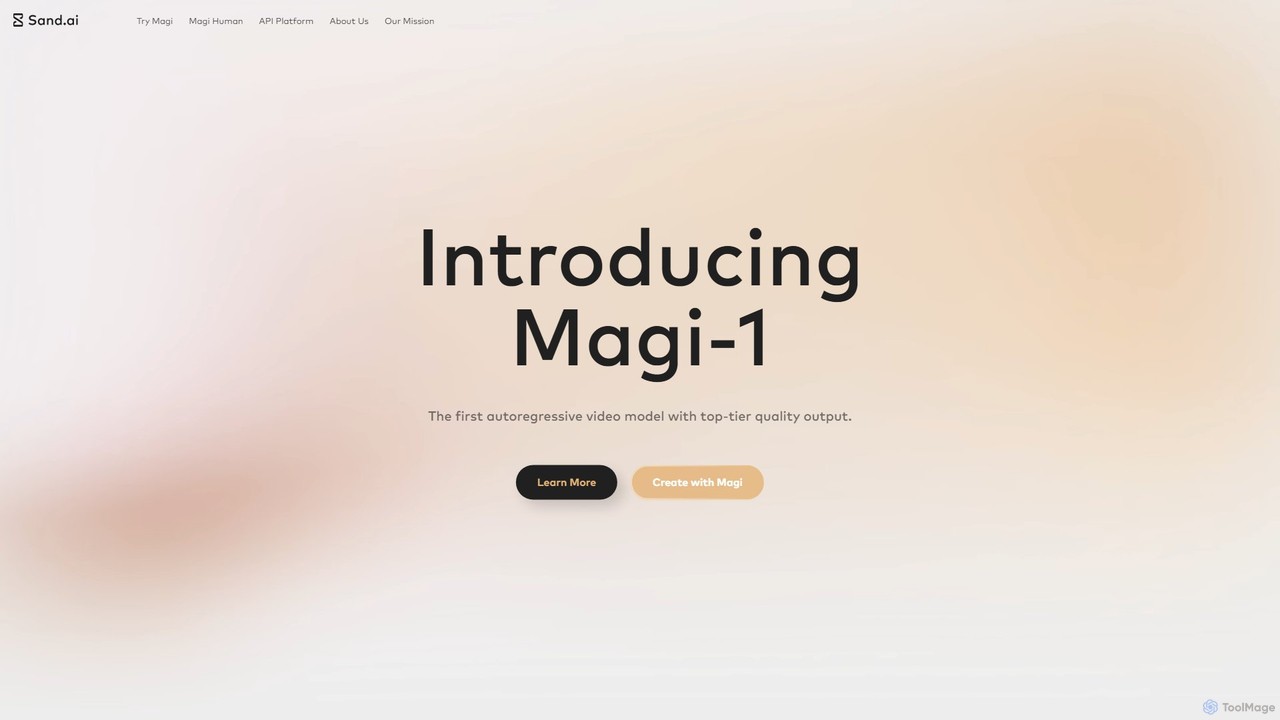
Magi
Magi, by Sand.ai, is a revolutionary AI video platform featuring the world's first autoregressive video model, Magi-1. It transforms images or text into high-quality videos, offers infinite video extension capabilities, and creates lifelike talking avatars from a single photo. With an open-source model, Magi provides creators with unparalleled control, speed, and creative freedom for filmmaking, marketing, and content creation.
Talking AvatarGenmo
Genmo is a pioneering AI video generation platform featuring Mochi 1, a state-of-the-art open-source model. It transforms text prompts into high-fidelity videos with exceptional motion quality and prompt adherence. Designed for creators, developers, and researchers, Genmo offers both a user-friendly web interface and an open ecosystem for building custom applications, making it a versatile tool for filmmaking, marketing, and synthetic data generation.
Generative Art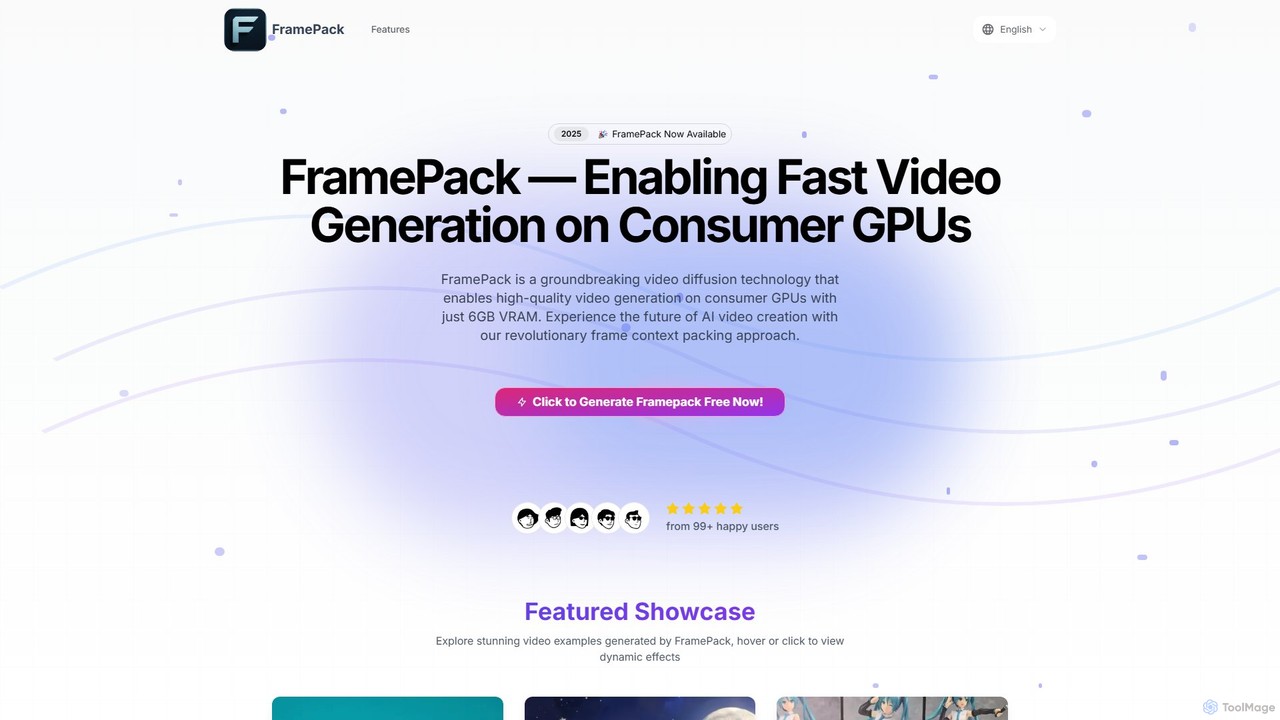
FramePack
FramePack is a groundbreaking open-source video diffusion technology that enables high-quality AI video generation on local consumer GPUs with as little as 6GB VRAM. It offers a cost-effective, private, and customizable solution for creators, animators, and researchers to produce long, consistent video sequences without relying on expensive cloud services.
Animation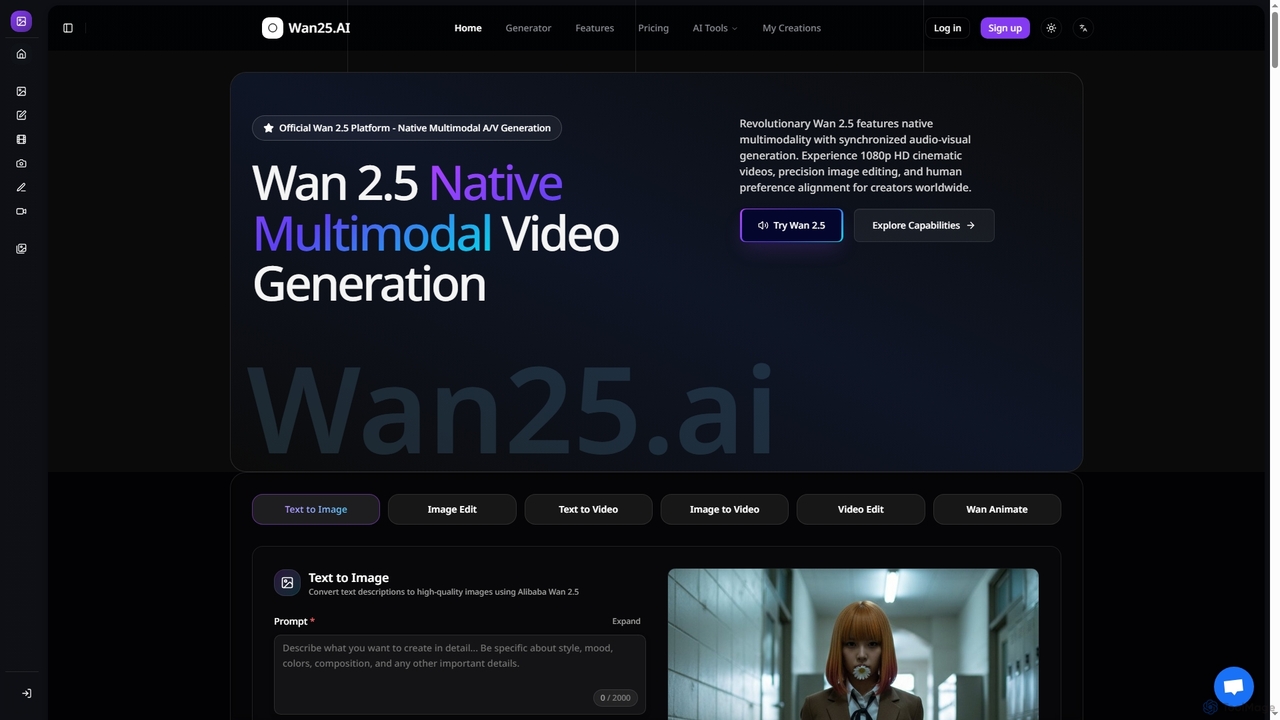
Wan25
Wan25 is a revolutionary native multimodal AI platform for synchronized audio-visual content generation. It creates 1080p HD cinematic videos, high-quality images, and offers advanced editing capabilities from text or images. Leveraging a unified architecture and RLHF, Wan25 delivers professional-grade results with high fidelity and human preference alignment for creators and researchers.
Ai Content Creation
Kling 2.6
Kling 2.6 is an advanced AI-powered video generation platform that transforms text and images into stunning, high-quality videos with unparalleled prompt adherence and temporal consistency. It offers cinematic motion, deep scene understanding, and rapid generation for professional creative workflows.
Motion GraphicsWan AI
Wan AI is a leading AI video generation platform powered by the Wan 2.2 model. It transforms text prompts and static images into high-quality, dynamic video clips. Ideal for creators, marketers, and developers, it offers an intuitive interface, a project library, and a powerful API for seamless integration.
Generative ArtHailuo AI
Hailuo AI is a powerful AI video generator that transforms your ideas, text prompts, and images into stunning, high-quality videos. Leveraging advanced AI from MiniMax, it offers a wide range of creative templates and customization options, making video creation simple, fun, and efficient for marketers, content creators, and individuals.
Generative ArtMinimax AI Video Generator
A powerful AI tool that generates high-definition videos from text and images. Developed by MiniMax, it uses the advanced Video-01 model to create stunningly clear and smooth 6-second clips, ideal for marketers, creators, and artists.
Generative Artwanx_ai
wanx_ai is a state-of-the-art AI video generator that transforms text prompts into high-quality, professional videos. Powered by a 13-billion parameter open-source model, it excels in creating cinematic and photorealistic scenes with smooth motion and excellent text-video alignment. Users can generate 5-second, 720p HD videos for social media, commercials, or artistic projects. Features include a smart prompt builder, native camera cuts, and support for both landscape and vertical formats, making it a versatile tool for content creators.
Generative Art
GliaCloud
GliaCloud is an AI-powered video platform that enables businesses to automate and scale their video content creation. Using intelligent video agents, it transforms text, data, and brand assets into engaging videos for marketing, communication, and education without requiring any editing skills.
Content Creation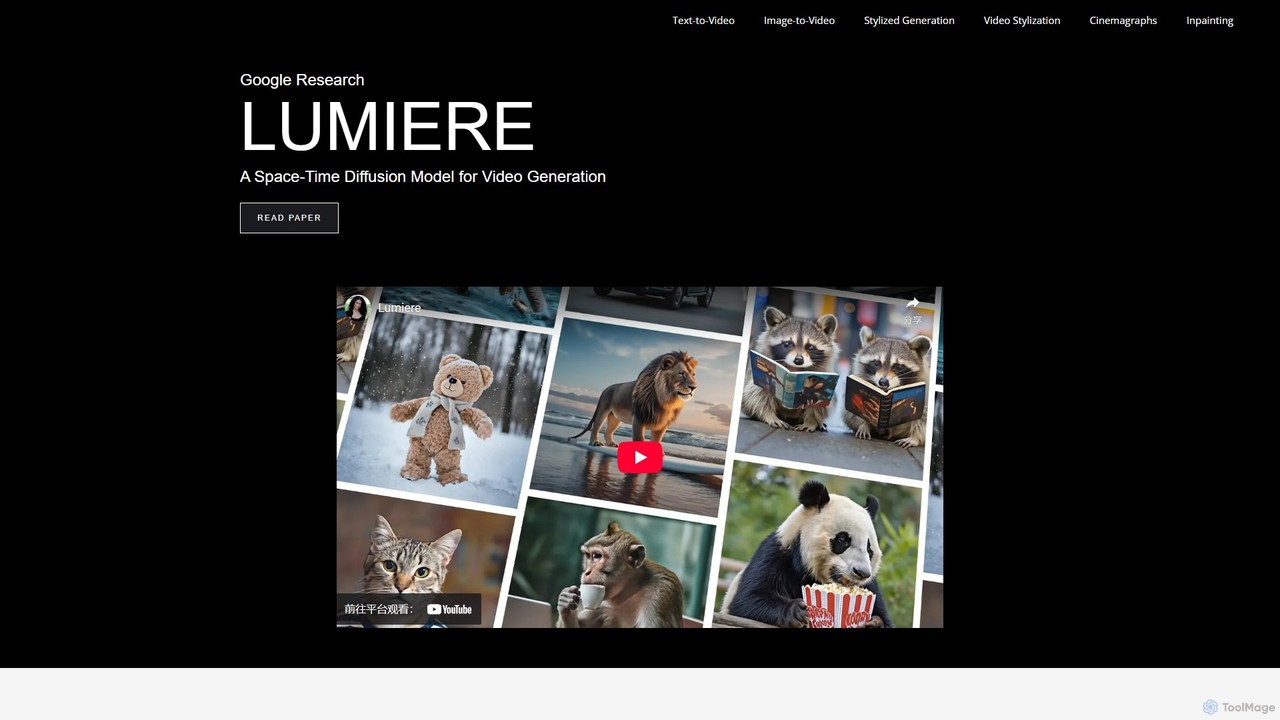
Lumiere
Lumiere is a state-of-the-art text-to-video diffusion model by Google Research. It is designed to generate videos with realistic, diverse, and coherent motion. Its unique Space-Time U-Net architecture generates the entire video duration in a single pass, ensuring exceptional temporal consistency and enabling a wide range of video creation and editing tasks.
Animation
Jyek
Jyek is an AI agent platform that understands objectives, creates execution plans, uses tools, and delivers verifiable results for complex, multi-step tasks.
Automation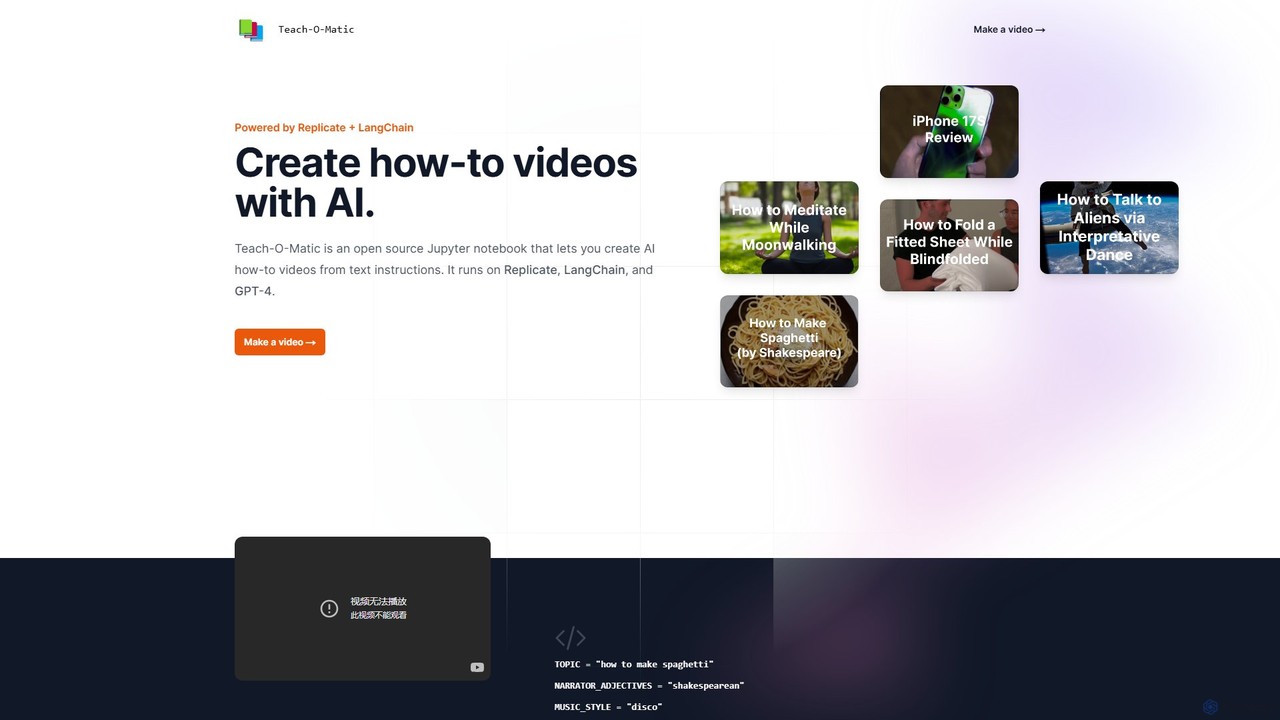
Teach-O-Matic
Teach-O-Matic is an open-source AI tool that automatically creates how-to videos from simple text instructions. It leverages a suite of AI models, including GPT-4 and LangChain, to generate scripts, voiceovers, video clips, music, and cover art, streamlining the entire video production process.
Open Source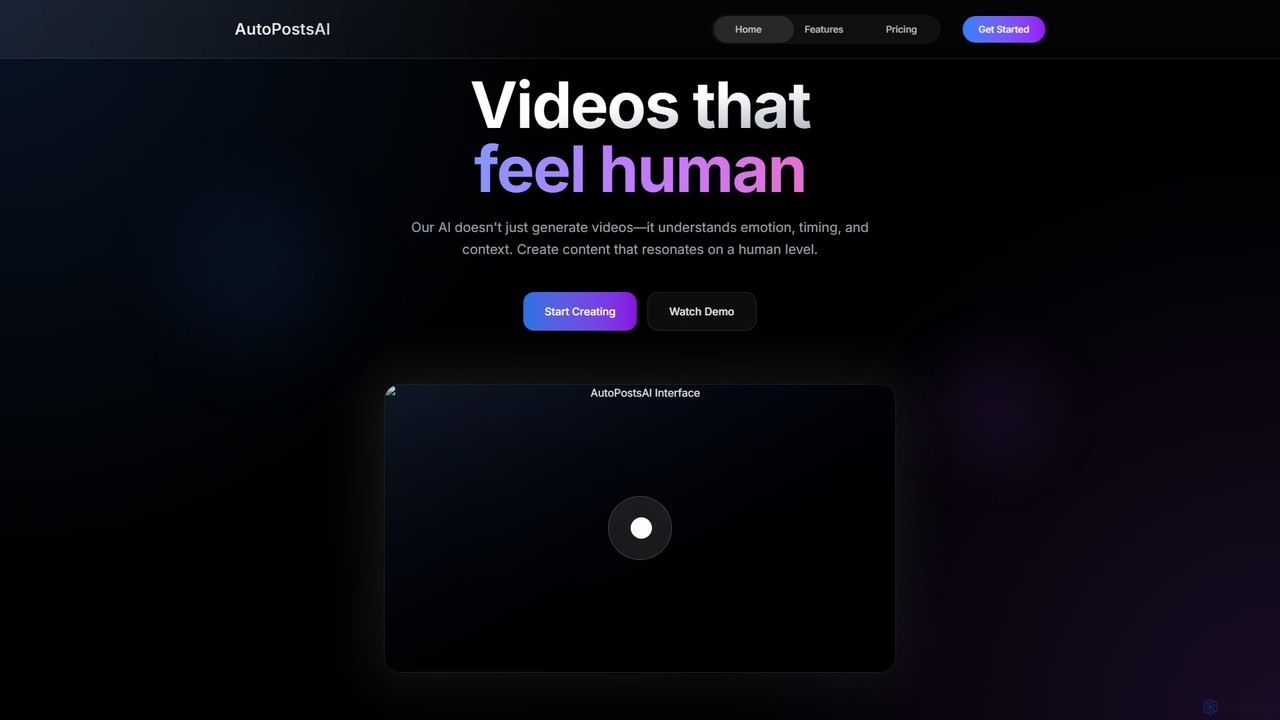
AutoPostsAI
AutoPostsAI is a next-generation AI video creation platform that produces emotionally resonant, human-like videos. It features advanced technologies like neural voice synthesis for 99.9% accurate voice cloning, quantum rendering for ultra-fast 4K video processing, and a context-aware AI that understands narrative and pacing. Ideal for creators and brands seeking to produce high-quality, authentic video content at scale, dramatically increasing engagement and production speed.
Voice Cloning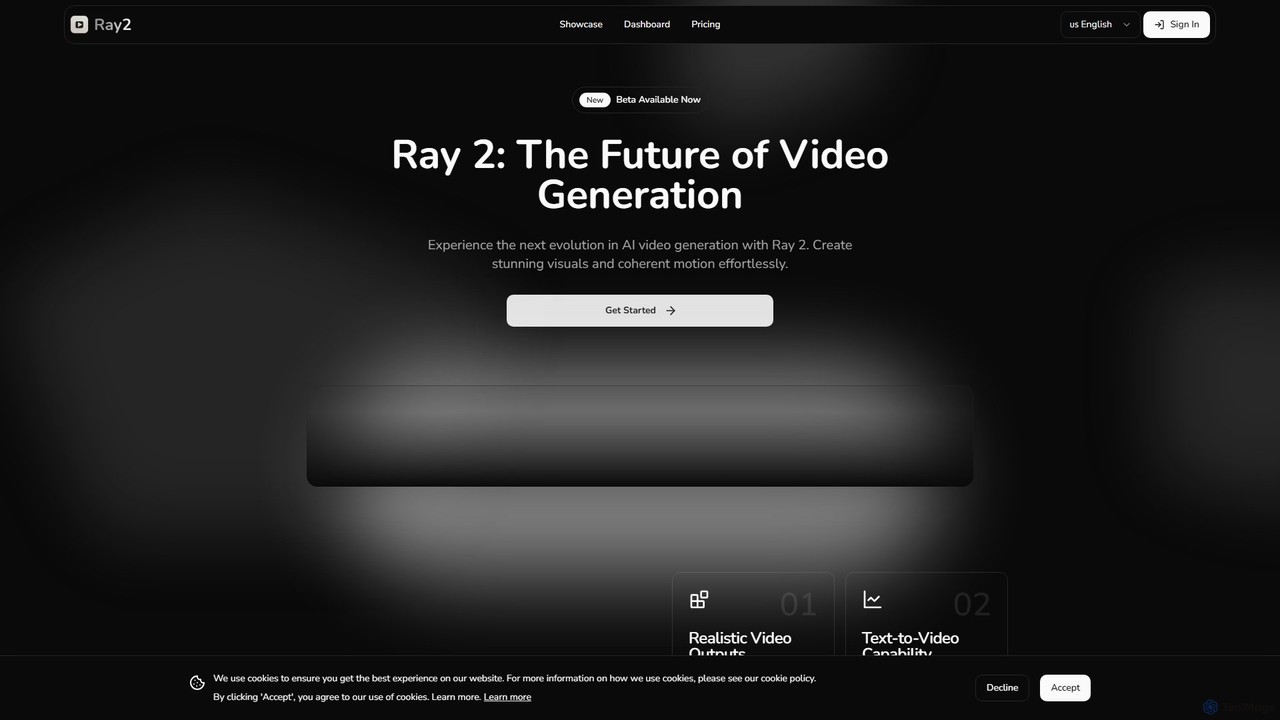
ray2
Ray 2 is an advanced AI video generation platform that transforms text prompts and images into high-quality, coherent video clips. Designed for creators, marketers, and designers, it simplifies video production with a user-friendly interface, multiple aspect ratios, and fast processing speeds, making it ideal for creating engaging content for social media, advertising, and artistic projects.
Social Media
magi_1 Comments (0)
Sign in to comment.
Sign inNo comments yet.