ToolMage
Sign in

Best 3 Motion Graphics AI tools for Creative Tools

Popular Motion Graphics AI tools in Creative Tools include Kling 2.6, Ray3 AI, and Imtovid, helping you work more efficiently.

Kling 2.6
Paid

Kling 2.6

Kling 2.6 is an advanced AI-powered video generation platform that transforms text and images into stunning, high-quality videos with unparalleled prompt adherence and temporal consistency. It offers cinematic motion, deep scene understanding, and rapid generation for professional creative workflows.

Motion Graphics
Visits 8.4KFavorites 69Likes 69
Imtovid
Paid

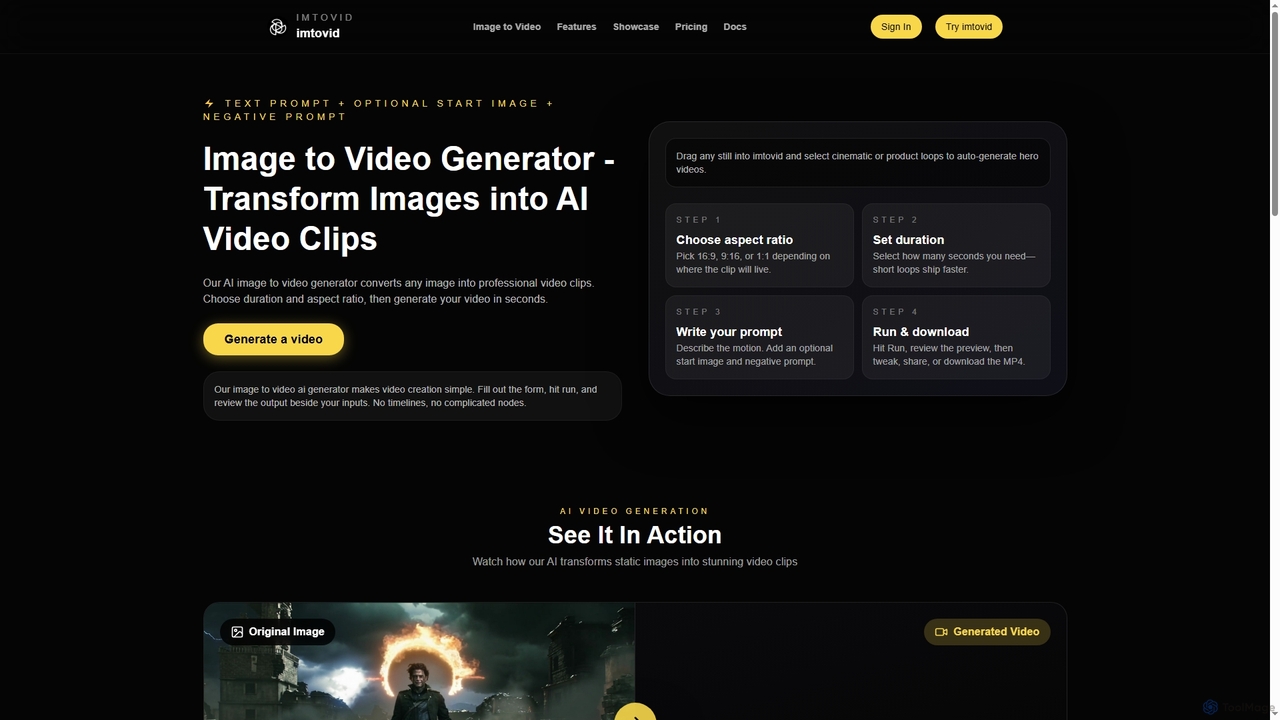
Imtovid

Imtovid is an AI-powered image to video and text to video generator that transforms static images and text prompts into dynamic video clips. It simplifies video creation with intuitive controls for aspect ratio, duration, and motion description, making professional video content accessible in minutes.

Social Media Video
Visits 3.5KFavorites 118Likes 114
Ray3 AI
Paid

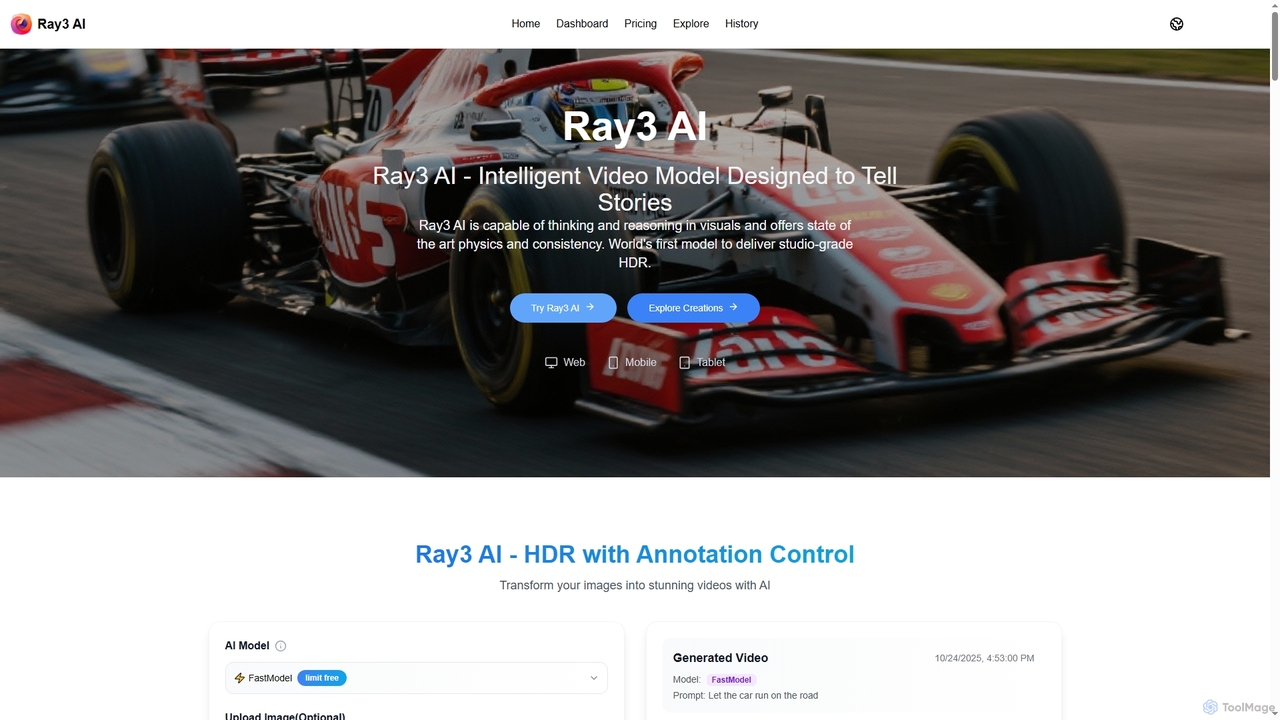
Ray3 AI

Ray3 AI is an intelligent video model designed to transform images into stunning, studio-grade HDR videos. It features advanced visual reasoning, state-of-the-art physics, and consistency, enabling creators to tell compelling stories with exceptional fidelity and precise control.

Storytelling
Visits 3.9KFavorites 88Likes 81

About Motion Graphics

Motion Graphics AI tools are a category of creative software that leverage artificial intelligence to automate and enhance the creation of animated visual content. These tools utilize advanced algorithms for tasks like automated keyframing, style transfer, and object tracking, significantly streamlining the animation workflow. They empower designers, marketers, and content creators to produce dynamic videos, engaging social media content, and interactive UI elements with greater speed and efficiency. By simplifying complex animation processes, AI motion graphics tools make professional-quality visual storytelling more accessible.

Core Features

  • Automated Animation: Generates complex motion sequences from simple inputs or text prompts.
  • Style Transfer: Applies artistic styles and visual effects to existing video or animated elements.
  • Object Tracking & Masking: Automatically identifies and tracks objects within footage for precise effects application.
  • Procedural Generation: Creates dynamic patterns, textures, and abstract animations based on defined parameters.
  • Text-to-Motion: Converts written descriptions or scripts directly into animated scenes or sequences.

Applicable Scenarios

AI motion graphics tools are invaluable for marketing teams creating explainer videos and product advertisements, social media managers producing engaging animated posts, and UI/UX designers developing interactive application interfaces. They also assist broadcast designers in generating dynamic intros and lower thirds, and educators in animating complex concepts for e-learning modules.

How to Choose

When selecting an AI motion graphics tool, consider its specific animation capabilities (2D/3D, effect types), ease of use versus granular control, and integration with your existing design software ecosystem. Evaluate the quality of its AI-generated output, available output formats, and the pricing model. Assess the learning curve and whether it offers features like text-to-motion or advanced style transfer that align with your project needs.

Featured tool rankings

Motion Graphics use cases

1

Automate Explainer Video Production

Marketing teams can leverage AI motion graphics tools to rapidly create engaging explainer videos for new products or services. By inputting scripts and visual assets, the AI can generate animated sequences, synchronize audio, and apply consistent branding, significantly reducing the time and cost associated with traditional video production. This allows for quick iteration and deployment of marketing content across various platforms.

2

Generate Dynamic Social Media Content

Social media managers can use AI motion graphics tools to produce a high volume of visually striking animated posts and stories. These tools can quickly transform static images and text into short, engaging video clips with custom animations, transitions, and effects. This capability helps maintain a consistent and dynamic online presence, capturing audience attention more effectively than static content.

3

Enhance UI/UX with Micro-interactions

UI/UX designers can utilize AI motion graphics tools to create sophisticated micro-interactions and animated elements for applications and websites. The AI can assist in generating smooth transitions, loading animations, and feedback animations that improve user experience without requiring extensive manual keyframing. This results in more intuitive and engaging digital interfaces, enhancing overall product usability and appeal.

4

Create Dynamic Broadcast Graphics

Broadcast designers and video editors can leverage AI motion graphics tools to quickly generate professional-grade intros, lower thirds, and on-screen graphics for news segments, sports broadcasts, or live streams. The AI can automate complex animation sequences and ensure brand consistency across various visual elements, allowing for rapid deployment of high-quality, dynamic content under tight deadlines.

5

Animate Educational Content

Educators and e-learning developers can use AI motion graphics tools to transform complex concepts into easily digestible animated lessons. By converting text-based explanations and static diagrams into dynamic visual narratives, these tools enhance engagement and comprehension for students. The AI can help visualize abstract ideas, illustrate processes, and create interactive quizzes with animated feedback, making learning more effective and enjoyable.

6

Visualize Data with Animated Infographics

Data analysts and content creators can employ AI motion graphics tools to transform raw data into compelling animated infographics and charts. Instead of static visualizations, the AI can generate dynamic representations that highlight trends, comparisons, and key insights through movement and visual effects. This makes complex data more accessible and engaging for presentations, reports, and digital publications, improving data storytelling.

Motion Graphics FAQ

What are Motion Graphics AI tools?

Motion Graphics AI tools are software applications that use artificial intelligence to automate, assist, and enhance the creation of animated visual content. They leverage AI algorithms for tasks such as generating animations from text, applying artistic styles, tracking objects, and creating dynamic visual effects. These tools aim to streamline the animation workflow, making it faster and more accessible for designers, marketers, and content creators to produce high-quality motion graphics for various platforms like social media, marketing videos, and UI/UX designs.

How do AI tools enhance motion graphics creation?

AI tools significantly enhance motion graphics creation by automating repetitive and complex tasks. They can generate keyframes, apply effects, and even create entire animated sequences from simple text prompts, drastically reducing manual effort. AI-powered features like intelligent object tracking, style transfer, and procedural animation allow designers to achieve sophisticated results faster. This not only accelerates the production timeline but also enables creators with varying skill levels to produce professional-quality motion graphics, fostering greater creativity and experimentation.

What's the difference between traditional motion graphics software and AI tools?

Traditional motion graphics software (like After Effects) offers extensive manual control over every aspect of animation, requiring significant time and expertise for complex projects. AI motion graphics tools, while often integrating with traditional software, focus on automation and intelligent assistance. They use AI to generate animations, apply effects, and optimize workflows based on user input or learned patterns, reducing the need for manual keyframing and intricate adjustments. This makes AI tools faster for certain tasks and more accessible to users with less specialized animation skills, though traditional software still offers unparalleled creative freedom.

Who can benefit from using AI motion graphics tools?

A wide range of professionals can benefit from AI motion graphics tools. This includes marketing teams needing to produce high volumes of engaging video content for campaigns, social media managers aiming to create dynamic posts quickly, and UI/UX designers looking to implement sophisticated micro-interactions. Freelance animators and small studios can also leverage these tools to accelerate their workflow and take on more projects, while educators can use them to create more interactive and visually stimulating e-learning materials. Essentially, anyone involved in visual storytelling or content creation can find value.

What should I look for when choosing an AI motion graphics tool?

When choosing an AI motion graphics tool, prioritize features that align with your specific project needs. Look for robust automation capabilities, such as text-to-motion or intelligent keyframing, that can save significant time. Evaluate the quality and variety of AI-generated styles and effects, ensuring they meet your aesthetic standards. Consider its integration with other design software you use, available output formats, and the learning curve. Finally, assess the pricing model, customer support, and the community around the tool to ensure it's a sustainable and effective solution for your workflow.