

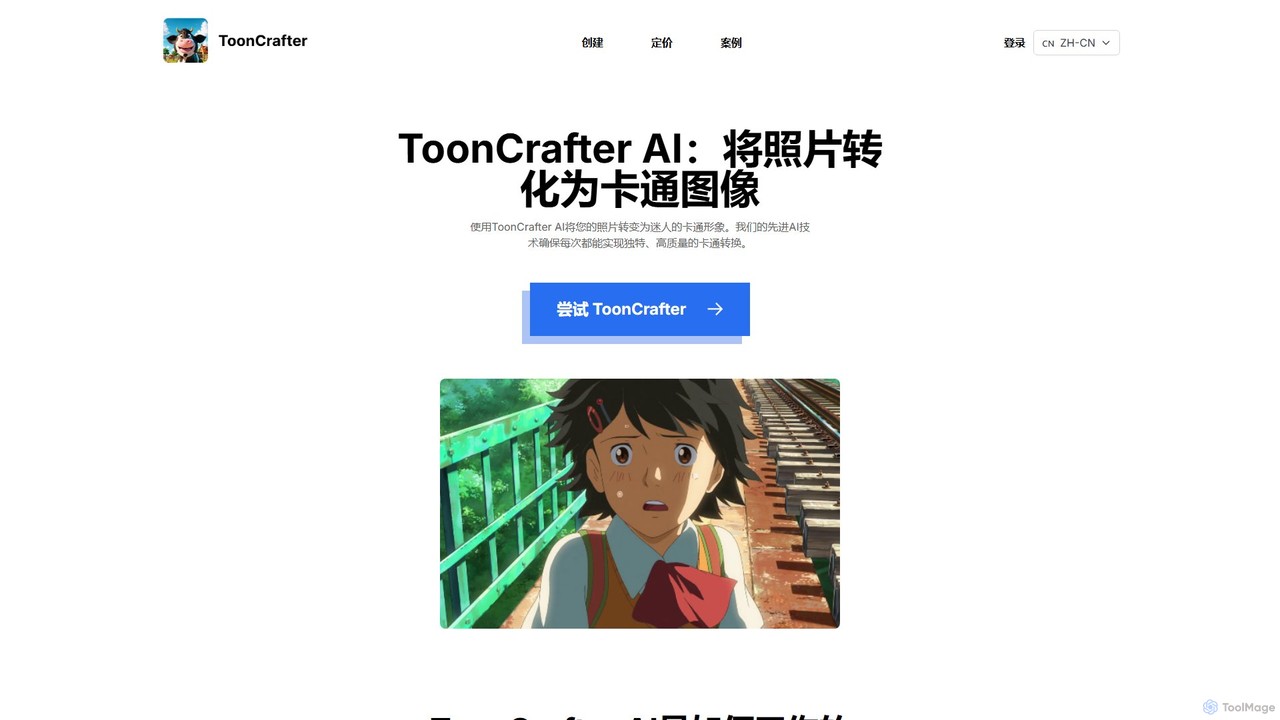
ToonCrafter Overview
ToonCrafter is a groundbreaking generative AI tool designed to create cartoon animations by interpolating between two user-provided images. Developed through a collaboration between researchers at The Chinese University of Hong Kong, City University of Hong Kong, and Tencent AI Lab, it utilizes a sophisticated pre-trained image-to-video diffusion model to generate smooth and coherent transitions. This technology empowers both professionals and enthusiasts to produce captivating visual narratives, transforming static cartoon images or sketches into lively animated sequences.
As an open-source project, ToonCrafter is not only accessible via its user-friendly website but also available on GitHub for those who wish to run it locally. This dual availability makes it a versatile tool for a wide range of creative applications, from simple character animations to more complex, sketch-guided motion generation.
How to use ToonCrafter
ToonCrafter offers a straightforward process for creating animations, accessible to users of all skill levels:
- Select Keyframes: Begin by uploading a starting image and an ending image. These two frames will act as the anchors for your animation, defining the beginning and end of the motion sequence.
- Add a Descriptive Prompt: Optionally, you can input a text prompt to guide the AI's generation process. This allows for more fine-tuned control over the resulting animation, ensuring it aligns with your artistic vision.
- Generate and Download: With the images and prompt set, the AI will process them and generate a 16-frame video. Once complete, you can easily download your unique cartoon animation and share it with the world.
For advanced users, ToonCrafter can be set up locally by cloning the GitHub repository, creating a virtual environment, and installing the required dependencies.
Core Features of ToonCrafter
- Generative Cartoon Interpolation: The primary function is to create fluid video transitions between two distinct cartoon images.
- Sketch Interpolation: Seamlessly animate between different stages of a cartoon sketch, showing the evolution of a drawing.
- Reference-Based Sketch Colorization: Apply colors to a line-art sketch by providing a colored reference image, allowing the AI to intelligently fill in the colors.
- Sketch-Guided Generation: Use sparse or simple sketches to guide the motion and final appearance of the animation, offering enhanced creative control.
- Open Source: Licensed under Apache-2.0, the project's code is publicly available on GitHub, encouraging community contribution, modification, and integration.
- Web-Based Demo: An accessible Gradio demo allows users to try the tool's capabilities directly in their browser without any local installation.
Use Cases for ToonCrafter
ToonCrafter is a versatile tool for various creative fields:
- Animators and Storytellers: Quickly create proof-of-concept animations, character movement tests, or short animated clips for storytelling.
- Content Creators: Generate unique animated visuals for social media posts, YouTube videos, or digital marketing campaigns to capture audience attention.
- Artists and Illustrators: Bring character designs and sketches to life, experiment with motion ideas, and automate the colorization process.
- Educators and Students: An excellent tool for teaching and learning the principles of animation in an accessible, hands-on manner.
Advantages of ToonCrafter
ToonCrafter stands out due to several key benefits:
- Intuitive Workflow: The simple three-step process makes animation accessible even to users with no prior experience.
- High-Quality Results: The underlying diffusion model produces visually coherent and smooth animations that are aesthetically pleasing.
- Creative Flexibility: Users can guide the AI with images, sketches, and text prompts, providing multiple avenues for creative expression.
- Accessibility: As both a free open-source tool and an easy-to-use web demo, it caters to a wide audience, from hobbyists to professional researchers.
- Strong Community Support: Being open-source with a presence on GitHub means users can report issues, suggest features, and contribute to the project's development.
Pricing and Plans
ToonCrafter is primarily an open-source research project, making its core technology free to use for anyone who can run it on their own hardware. The code and pre-trained models are available on GitHub under the Apache-2.0 license. For convenience, the official website provides a free-to-use Gradio demo that allows users to experience the tool's capabilities without any setup. While the demo and self-hosted versions are free, the website may introduce tiered plans in the future for users requiring more extensive computational resources, higher resolution outputs, or dedicated support for commercial projects.
ToonCrafter Alternatives
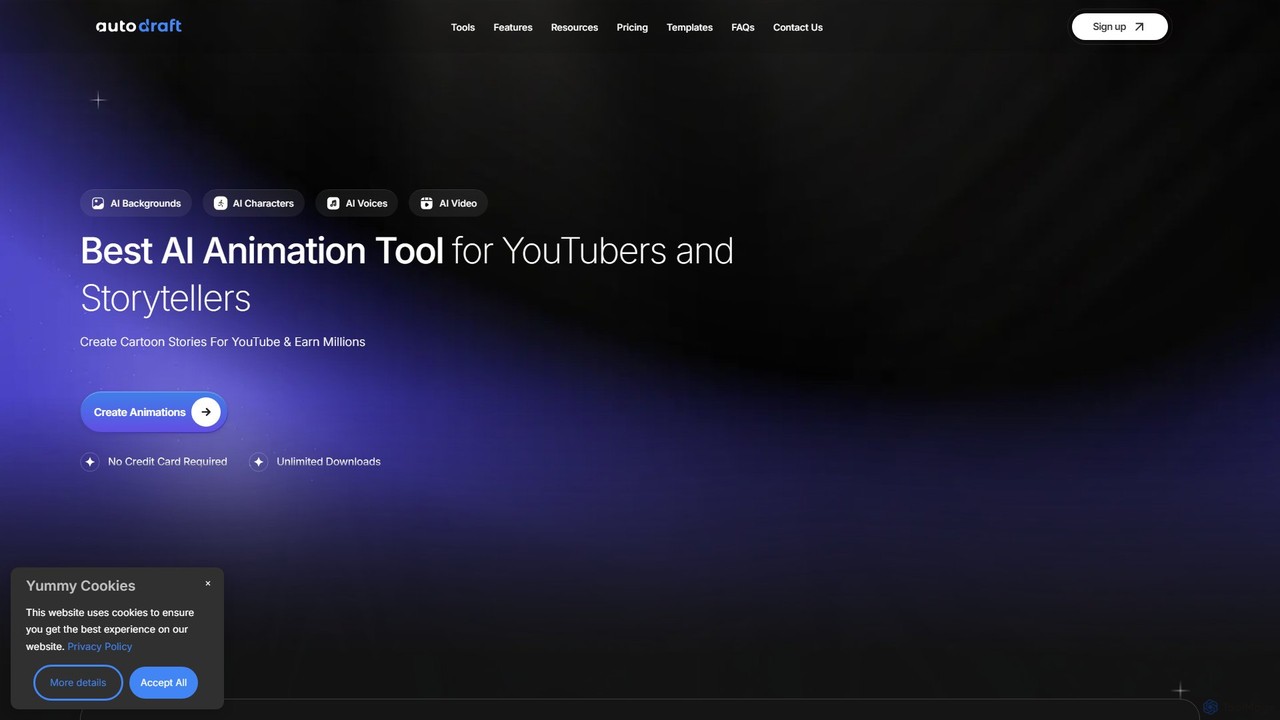
Autodraft
Autodraft is an all-in-one AI-powered platform designed for YouTubers and storytellers to create stunning cartoon animations and art instantly. It integrates tools for character generation, background creation, voiceovers, and video editing, streamlining the entire animation production process from a single interface.
Image Generation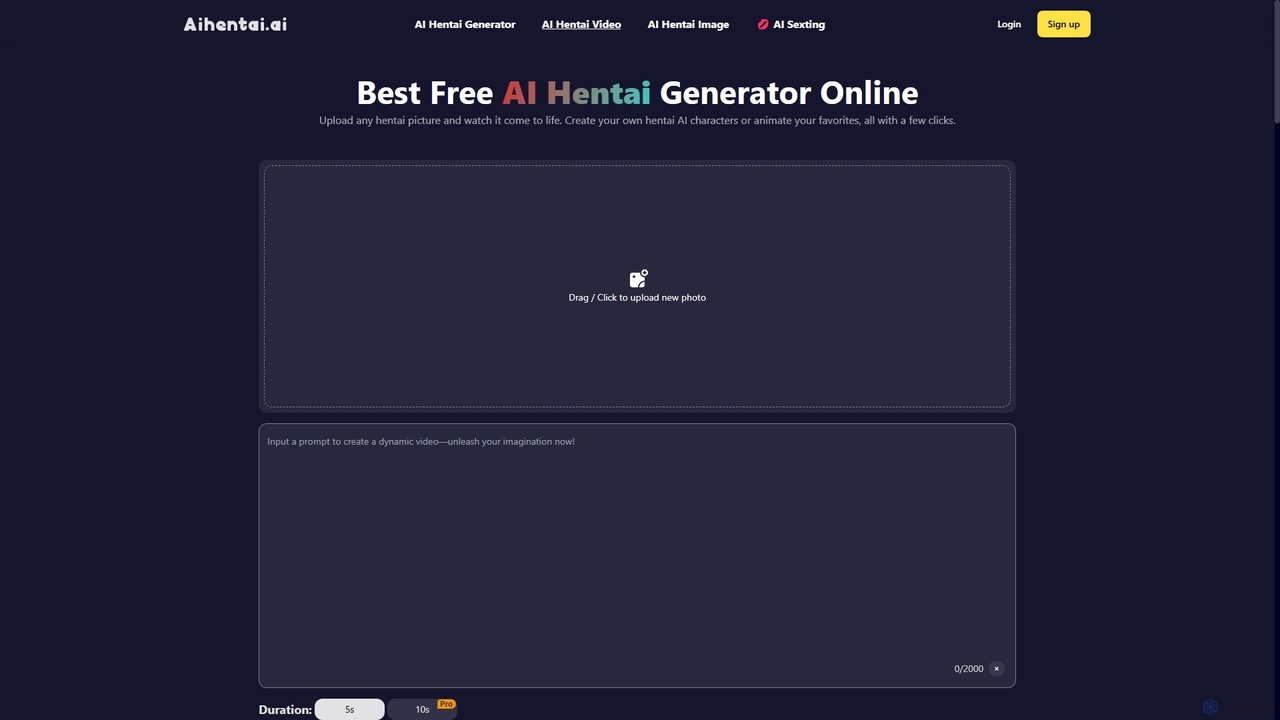
Aihentai
A powerful, uncensored AI Hentai generator for creating and animating adult-themed anime, manga, and comic art. It offers image-to-video animation, a detailed tag-based image creator, and a text-to-image generator. Experience total creative freedom with a user-friendly interface, a robust free tier, and a strict privacy policy.
Image Generation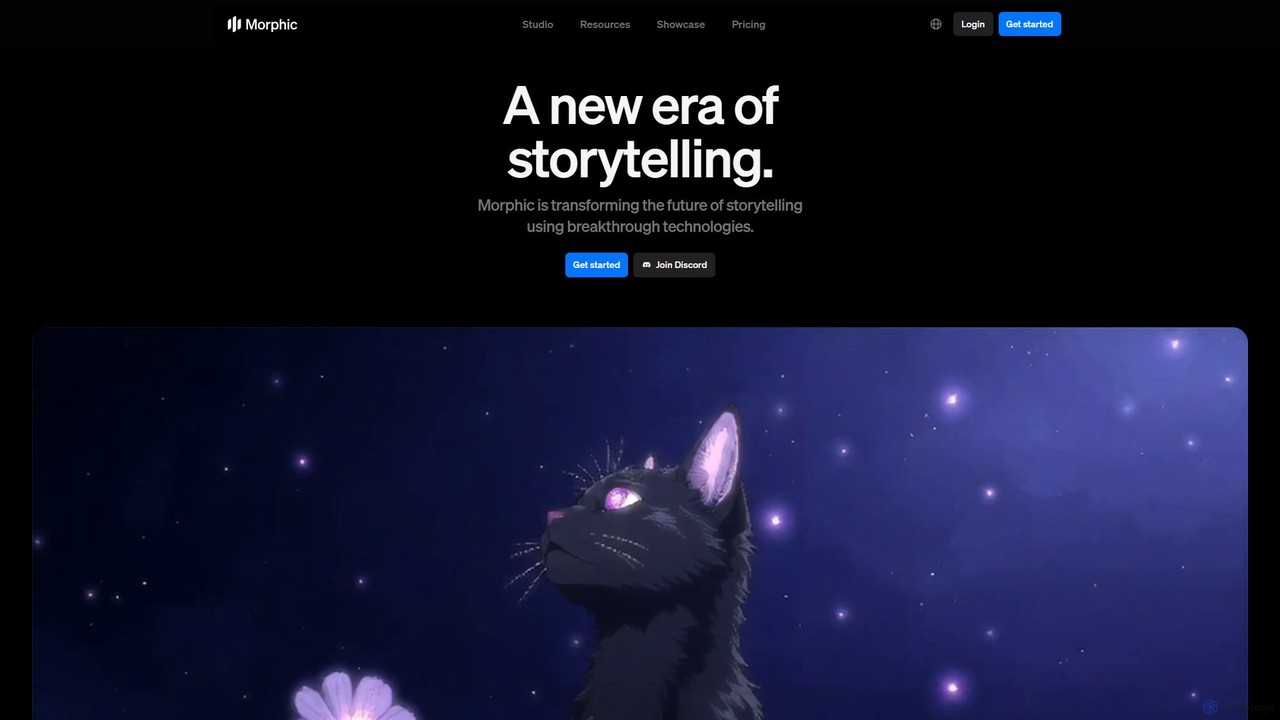
Morphic
Morphic is an AI-powered video creation studio designed for filmmakers, animators, and game designers. It provides an end-to-end platform to transform ideas into cinematic stories with features like consistent character generation, advanced camera controls, and a collaborative editing canvas. Turn your vision into high-quality animated content efficiently.
Generative Art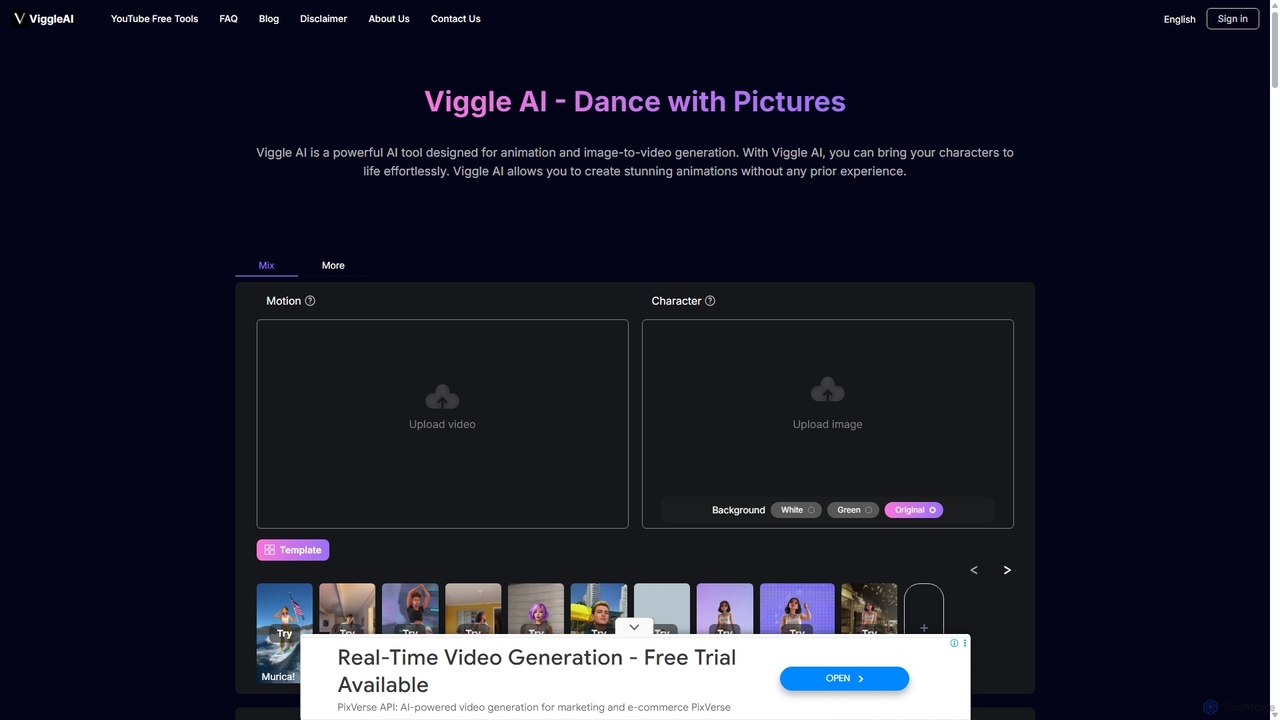
Viggle AI
Viggle AI is a revolutionary AI-powered video generation platform that animates static character images into dynamic, lifelike videos. Powered by the JST-1 video-3D foundation model, it allows users to apply motion from existing videos or text prompts to their characters, creating everything from viral dance videos and memes to professional animations with realistic, physics-based movements. It's designed for everyone, from beginners to professional creators, offering an intuitive and powerful way to bring characters to life.
Meme Generator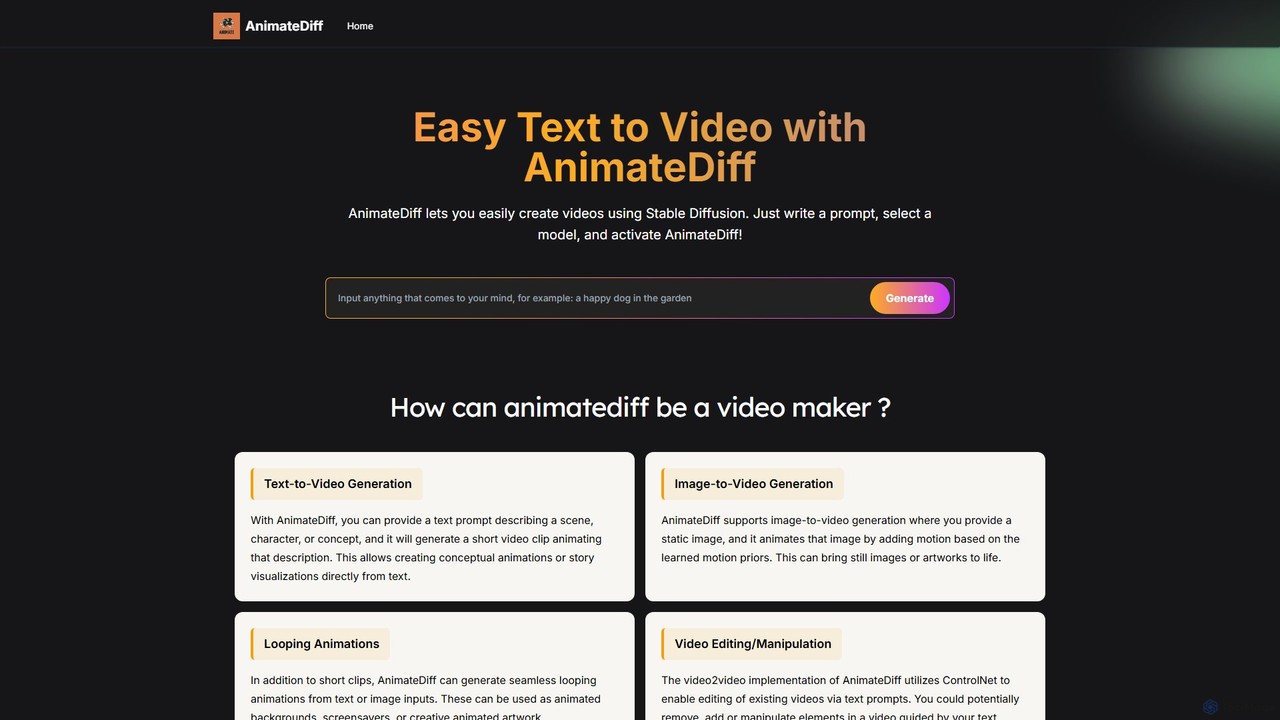
AnimateDiff
AnimateDiff is an AI-powered tool that generates short videos and animations from text prompts or static images. By integrating a motion module with Stable Diffusion models, it brings your creative ideas to life, creating seamless loops, character animations, and dynamic visual effects effortlessly.
AnimationToonCrafter Categories
ToonCrafter Embed Widget
Copy this embed code to place the badge on your blog, article, or product site and send readers directly to this ToolMage detail page.

Related AI tools
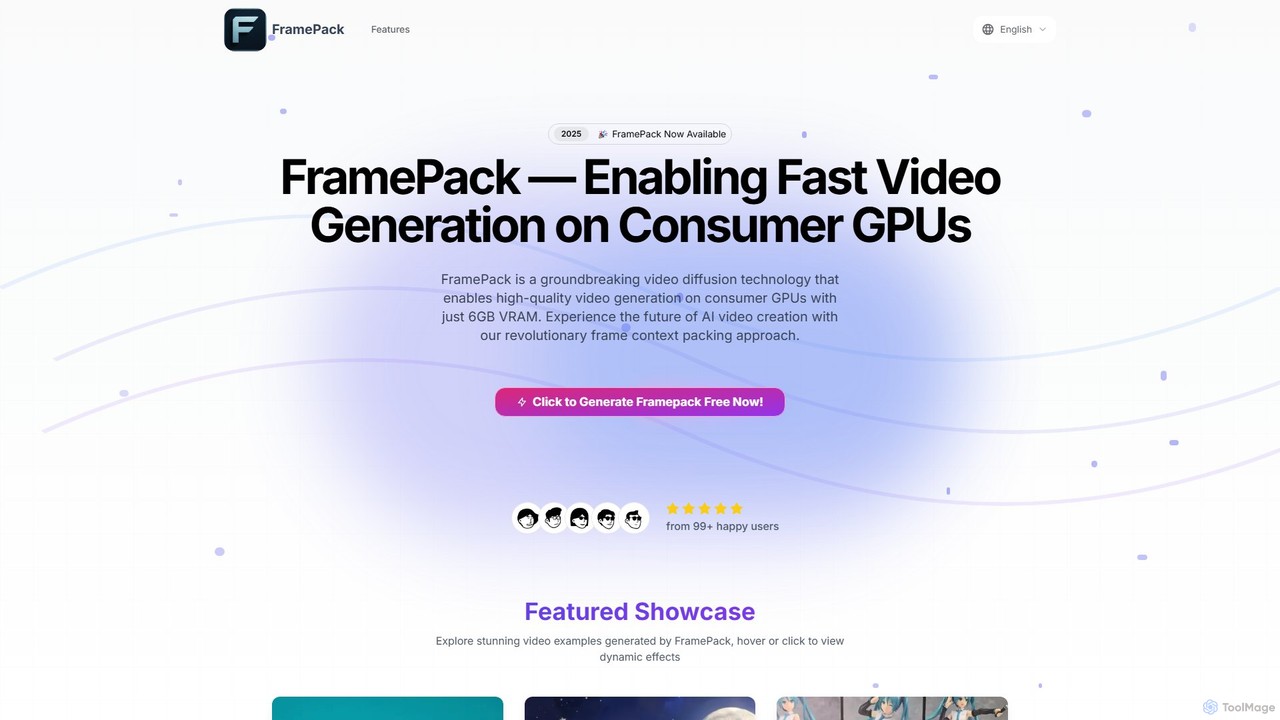
FramePack
FramePack is a groundbreaking open-source video diffusion technology that enables high-quality AI video generation on local consumer GPUs with as little as 6GB VRAM. It offers a cost-effective, private, and customizable solution for creators, animators, and researchers to produce long, consistent video sequences without relying on expensive cloud services.
Animation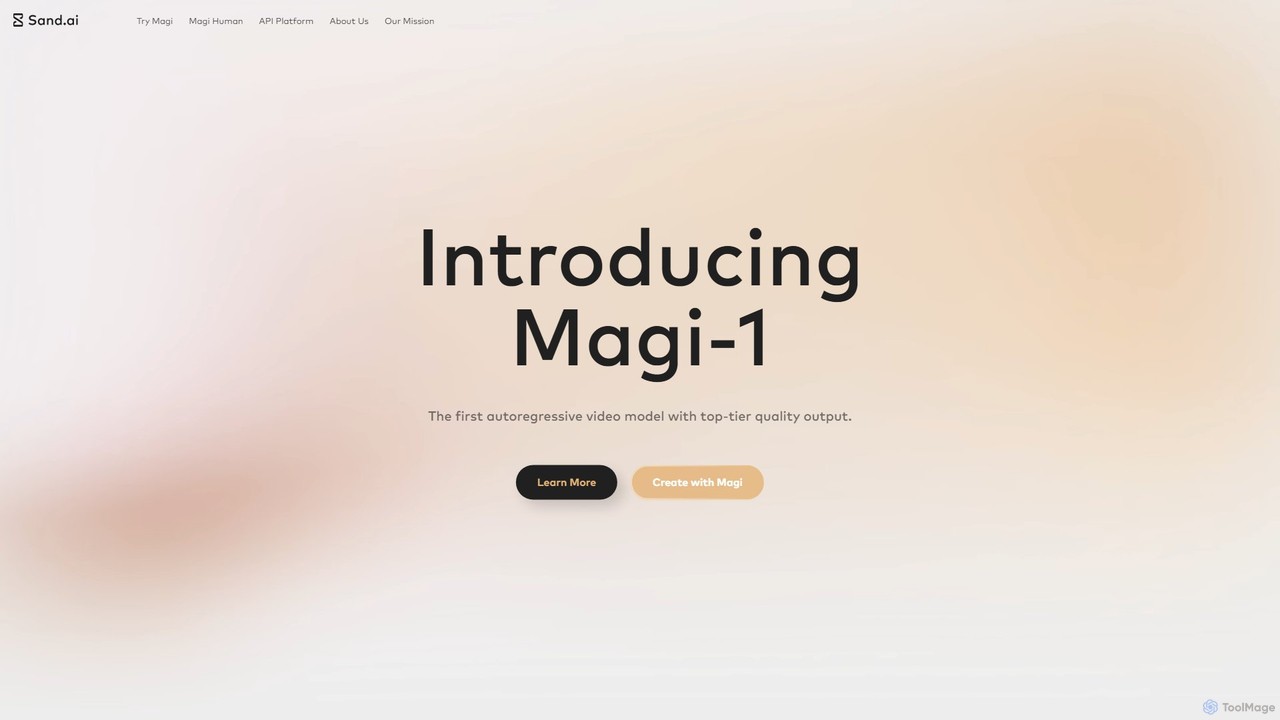
Magi
Magi, by Sand.ai, is a revolutionary AI video platform featuring the world's first autoregressive video model, Magi-1. It transforms images or text into high-quality videos, offers infinite video extension capabilities, and creates lifelike talking avatars from a single photo. With an open-source model, Magi provides creators with unparalleled control, speed, and creative freedom for filmmaking, marketing, and content creation.
Talking Avatar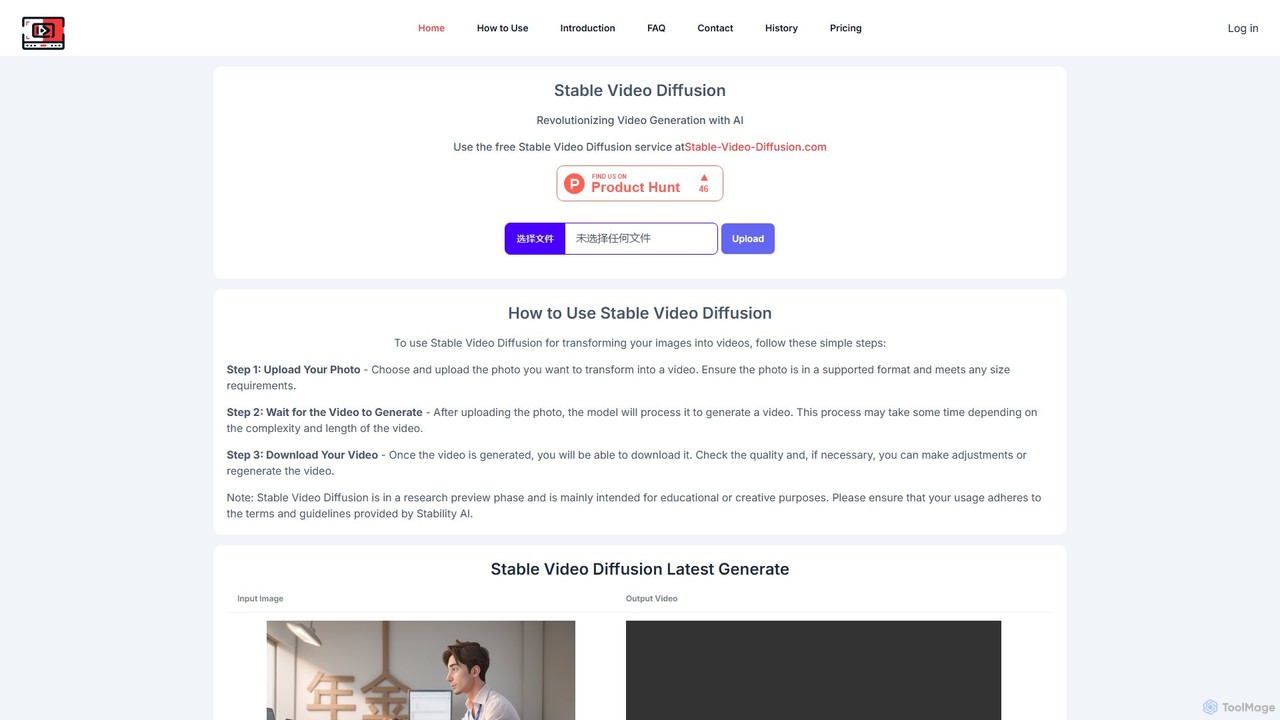
Stable Video Diffusion
Stable Video Diffusion is a powerful AI model from Stability AI that transforms static images into dynamic, short video clips. Available through a free web interface and as an open-source model, it allows users to easily animate photos for creative, educational, or entertainment purposes, offering high-quality video generation.
Meme Generator
Jyek
Jyek is an AI agent platform that understands objectives, creates execution plans, uses tools, and delivers verifiable results for complex, multi-step tasks.
AutomationMorphic
Morphic is an AI-powered video creation studio designed for filmmakers, animators, and game designers. It provides an end-to-end platform to transform ideas into cinematic stories with features like consistent character generation, advanced camera controls, and a collaborative editing canvas. Turn your vision into high-quality animated content efficiently.
Generative ArtViggle AI
Viggle AI is a revolutionary AI-powered video generation platform that animates static character images into dynamic, lifelike videos. Powered by the JST-1 video-3D foundation model, it allows users to apply motion from existing videos or text prompts to their characters, creating everything from viral dance videos and memes to professional animations with realistic, physics-based movements. It's designed for everyone, from beginners to professional creators, offering an intuitive and powerful way to bring characters to life.
Meme GeneratorAnimateDiff
AnimateDiff is an AI-powered tool that generates short videos and animations from text prompts or static images. By integrating a motion module with Stable Diffusion models, it brings your creative ideas to life, creating seamless loops, character animations, and dynamic visual effects effortlessly.
Animation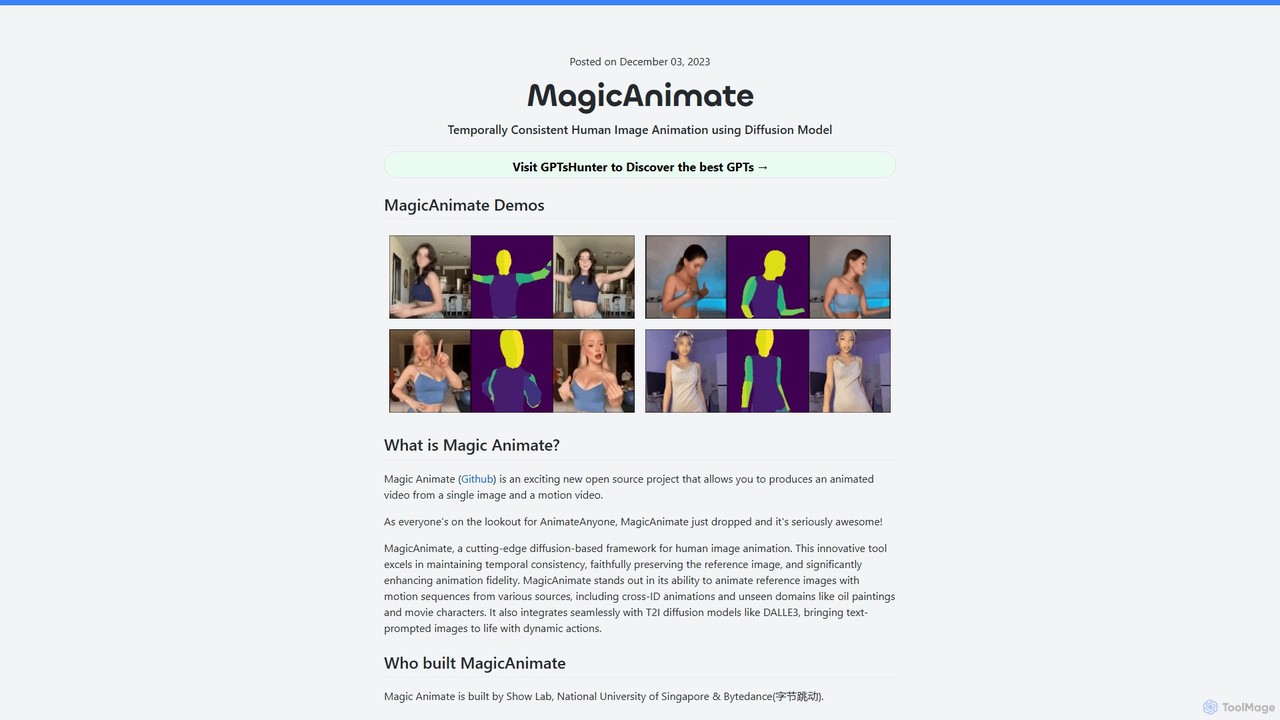
MagicAnimate
MagicAnimate is a powerful open-source AI framework that animates a human image using a motion sequence from a video. Developed by researchers from ByteDance and the National University of Singapore, it uses a diffusion model to create temporally consistent and high-fidelity animations, preserving the subject's identity while applying dynamic movements.
Social Media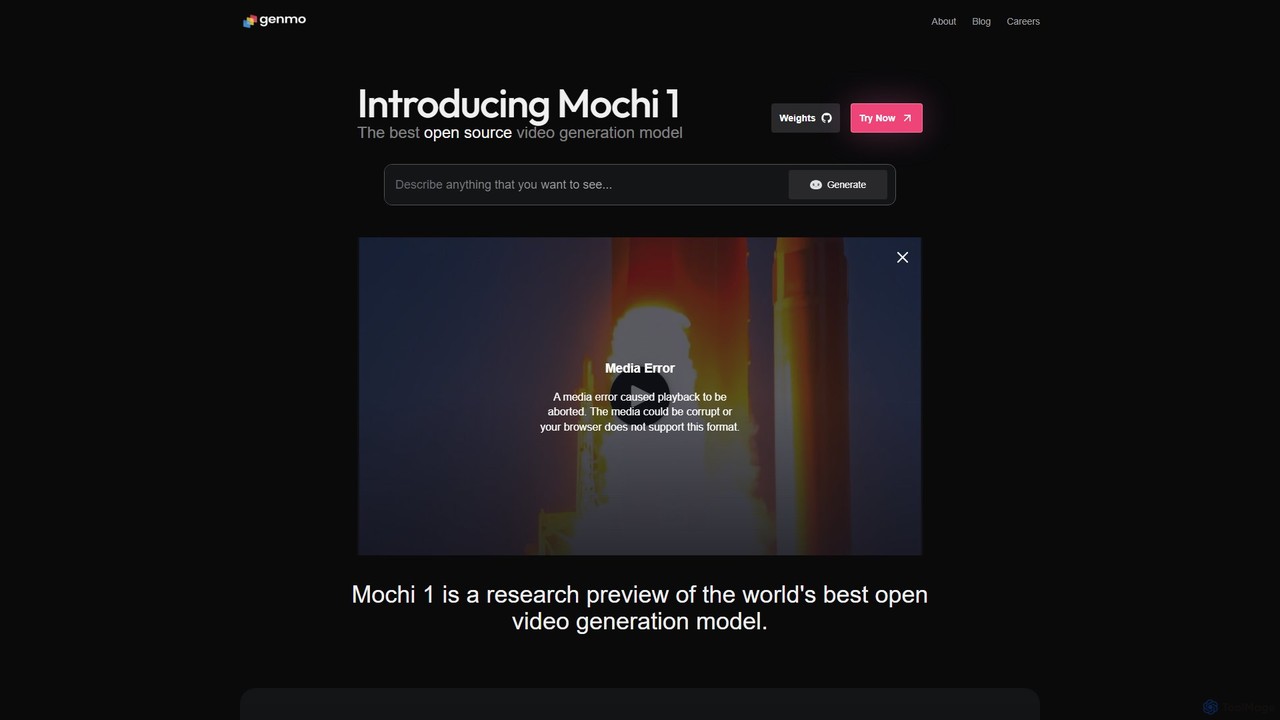
Genmo
Genmo is a pioneering AI video generation platform featuring Mochi 1, a state-of-the-art open-source model. It transforms text prompts into high-fidelity videos with exceptional motion quality and prompt adherence. Designed for creators, developers, and researchers, Genmo offers both a user-friendly web interface and an open ecosystem for building custom applications, making it a versatile tool for filmmaking, marketing, and synthetic data generation.
Generative Art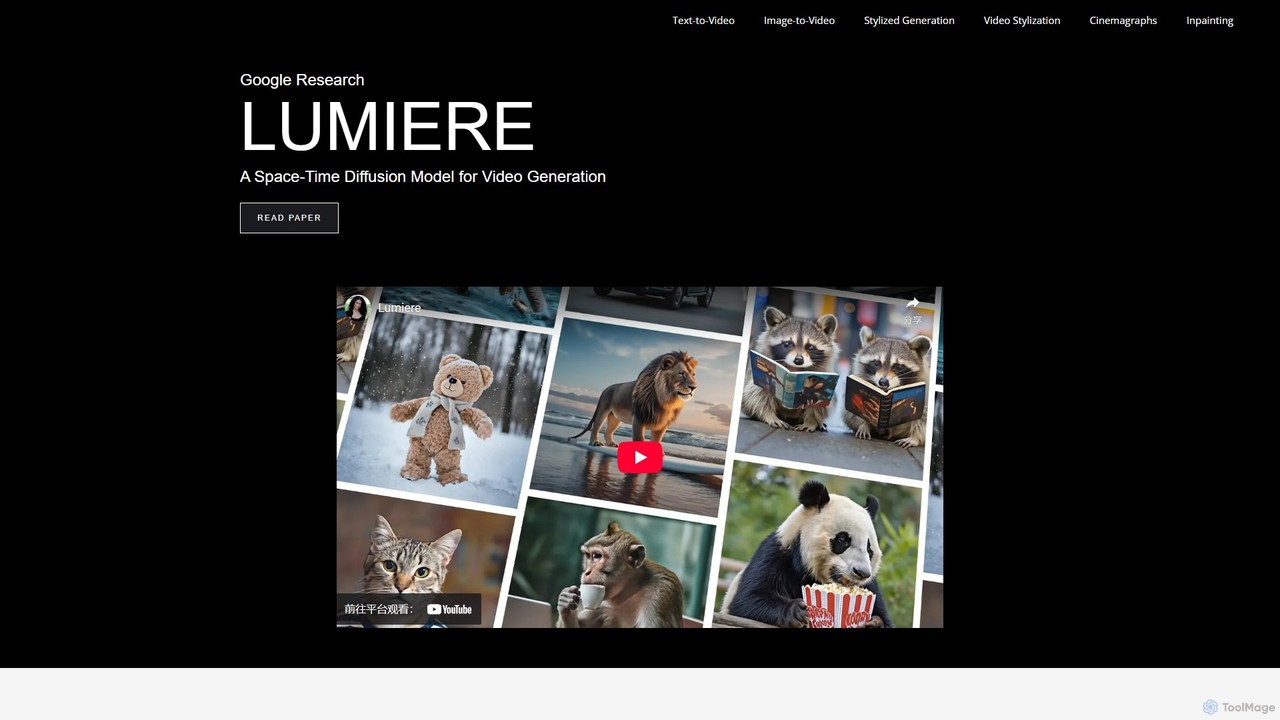
Lumiere
Lumiere is a state-of-the-art text-to-video diffusion model by Google Research. It is designed to generate videos with realistic, diverse, and coherent motion. Its unique Space-Time U-Net architecture generates the entire video duration in a single pass, ensuring exceptional temporal consistency and enabling a wide range of video creation and editing tasks.
Animation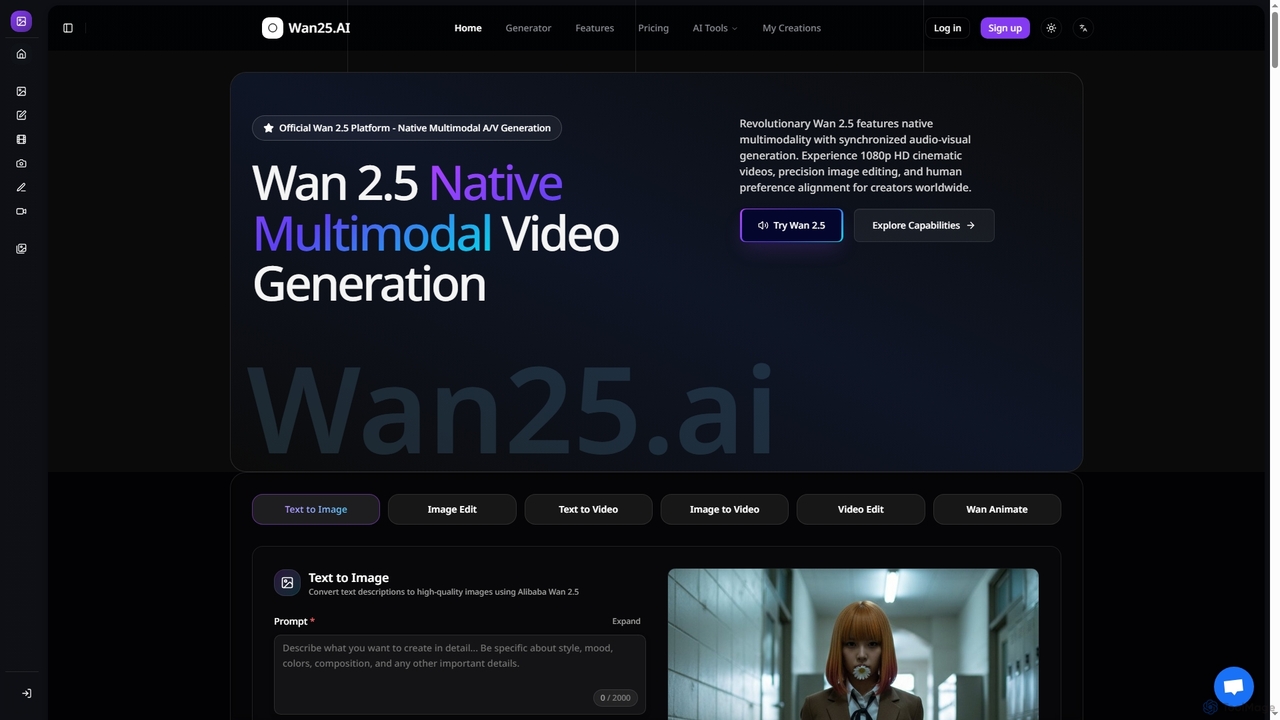
Wan25
Wan25 is a revolutionary native multimodal AI platform for synchronized audio-visual content generation. It creates 1080p HD cinematic videos, high-quality images, and offers advanced editing capabilities from text or images. Leveraging a unified architecture and RLHF, Wan25 delivers professional-grade results with high fidelity and human preference alignment for creators and researchers.
Ai Content Creation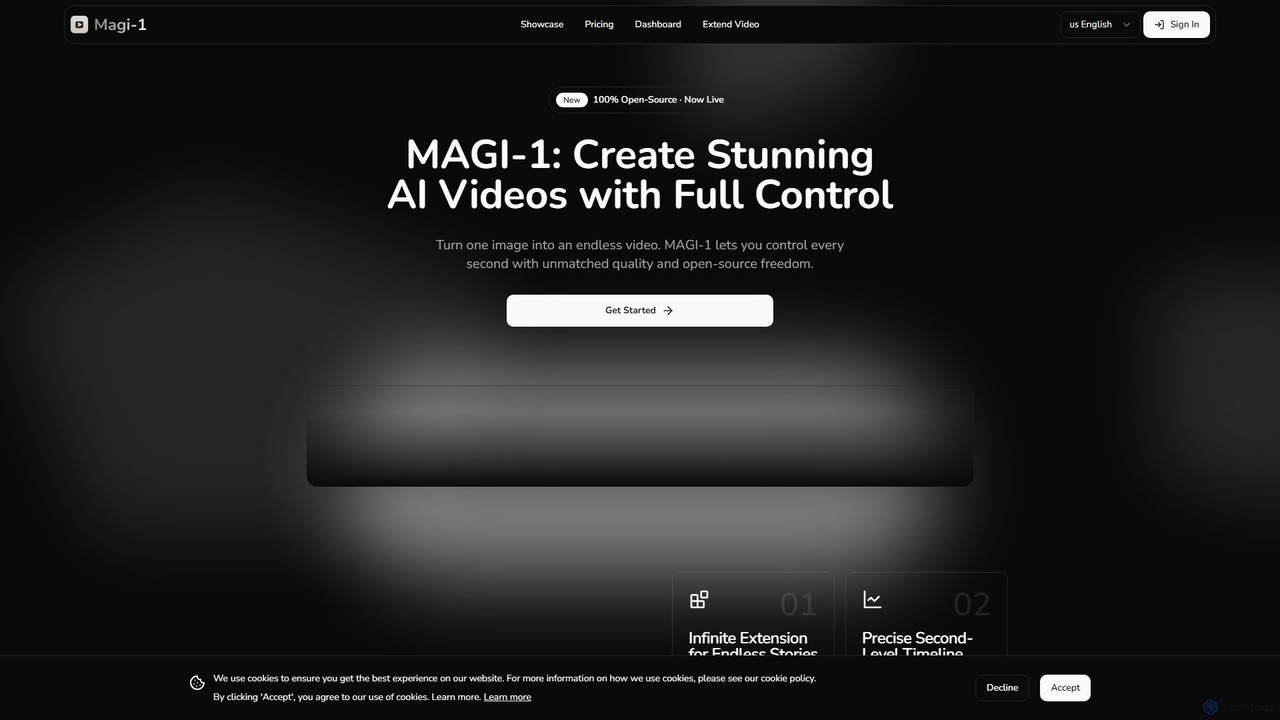
magi_1
MAGI-1 is a revolutionary open-source autoregressive diffusion model for AI video generation. It empowers users to create stunningly realistic, high-resolution videos (up to 1440p QHD) from simple text prompts. Offering advanced features like video extension, detailed parameter control, and real-time streaming support, MAGI-1 is designed for creators, developers, and marketers seeking to push the boundaries of visual content.
Generative Art
AI Video API
An all-in-one API hub for developers to integrate advanced AI video generation into their applications. It offers text-to-video, image-to-video, and extended video lengths up to 36 seconds, focusing on affordability, scalability, and ease of use with support for the latest models like RunwayML Gen-4.
Api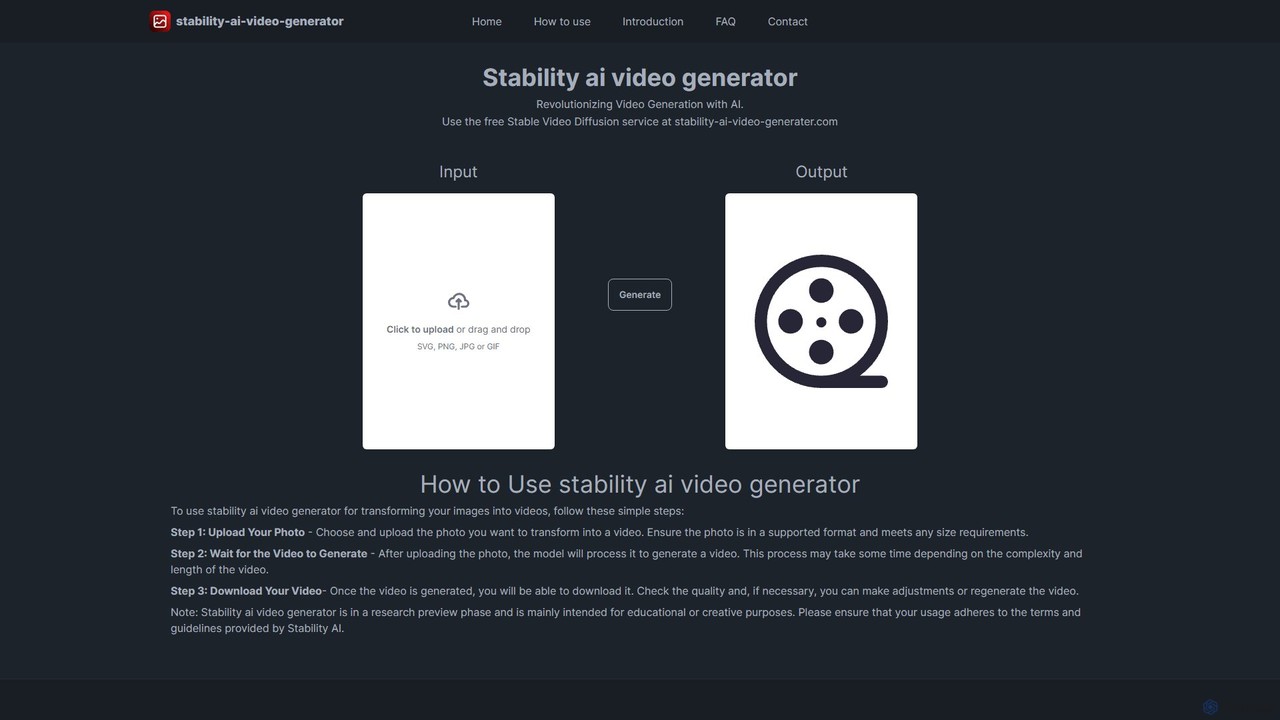
stability_ai_video_generater
A free, web-based AI tool that transforms static images into dynamic, high-quality videos. Powered by Stable Video Diffusion, it offers a simple three-step process for artists, marketers, and creators to animate their visuals effortlessly and bring their creative ideas to life.
Image To Video
Viggle
Viggle is a revolutionary AI video generation tool that animates static character images with realistic, controllable motion from source videos. Powered by the JST-1 video-3D foundation model, it offers precise control over character movements, making it ideal for filmmakers, content creators, and meme enthusiasts. Create high-quality animations, viral memes, and immersive visual effects with ease, breaking free from the technical and financial barriers of traditional animation and motion capture.
Generative Art
ToonCrafter Comments (0)
Sign in to comment.
Sign inNo comments yet.