

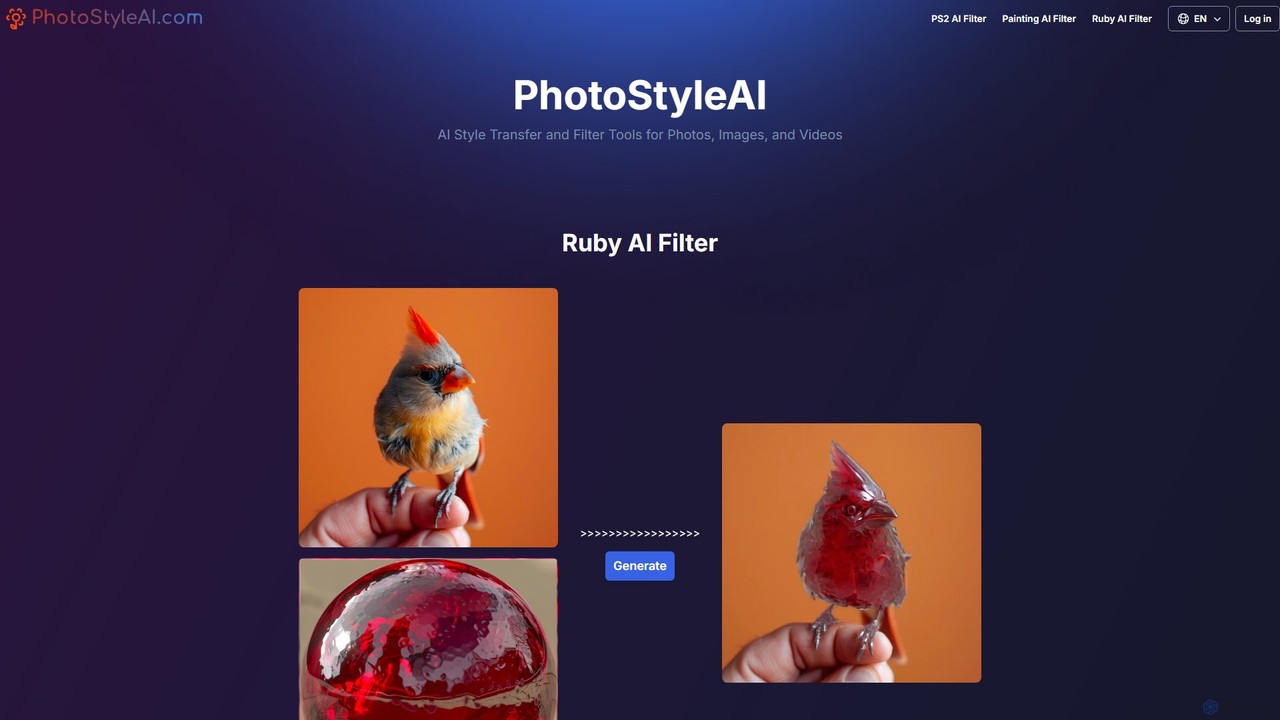
PhotoStyleAI Overview
PhotoStyleAI is a versatile and user-friendly AI-powered platform designed to apply artistic style transfers and unique filters to photos, images, and even videos. It allows users to reimagine their visual content by converting it into various creative aesthetics. The platform has gained significant popularity for its trendy and high-quality filters, most notably the PS2 AI Filter and the Painting AI Filter.
The core of PhotoStyleAI is its advanced AI style transfer technology. This technology analyzes the content of a user's image and the stylistic elements of a chosen filter, then intelligently merges them to create a new, stylized image. Whether you want to evoke a sense of nostalgia, create a piece of digital art, or simply make your social media posts stand out, PhotoStyleAI provides the tools to do so with ease and speed.
How to use PhotoStyleAI
The process of transforming your images with PhotoStyleAI is designed to be simple and intuitive, requiring just a few steps:
- Upload Your Image: Start by visiting the PhotoStyleAI website and uploading the photo you wish to transform. The platform supports common image formats like JPEG and PNG. For best results, it is recommended to use high-resolution images.
- Choose a Filter: Browse the available AI filters and select the one that best suits your creative vision. Popular choices include the 'PS2 AI Filter' for a retro gaming look or the 'Painting AI Filter' for an artistic touch.
- Customize (Optional): For some filters, you can provide additional input. This may include typing text prompts to describe desired changes or adding specific concepts (e.g., sunglasses, flowers) to be incorporated into the final image.
- Generate: Click the 'Generate' or 'Edit Image' button to let the AI work its magic. The processing time is typically very fast, ranging from a few seconds to a minute, depending on server load and image complexity.
- Preview and Download: Once the transformation is complete, you can preview the result. If you are satisfied, you can download the newly stylized image to your device.
Core Features of PhotoStyleAI
- PS2 AI Filter: A highly popular feature that transforms photos into the iconic, low-poly, and atmospheric aesthetic of early 2000s PlayStation 2 video games. It's perfect for creating unique, retro-themed profile pictures and content.
- Painting AI Filter: This filter converts your photos into the style of famous paintings. For example, it can replicate the expressive lines and emotional color palette of Edvard Munch's 'The Scream', turning any photo into a piece of art.
- Ruby AI Filter: Another distinct style filter offered by the platform, providing users with more creative options to explore.
- Text-Based Customization: Users can guide the AI by describing the desired outcome in text, offering a greater degree of creative control over the final image.
- Fast Processing: The platform is optimized for speed, delivering high-quality stylized images in under a minute.
- User Privacy: PhotoStyleAI respects user privacy by not storing generated images on its servers for an extended period. Temporary download links are provided, which expire after a set time.
Use Cases for PhotoStyleAI
PhotoStyleAI is a versatile tool suitable for a wide range of creative applications:
- Social Media Content: Create eye-catching posts for Instagram, TikTok, and other platforms. The unique styles, especially the PS2 filter, can help increase engagement and attract followers.
- Digital Art and Projects: Artists and designers can use the tool as a source of inspiration or as a quick way to apply complex styles to their work.
- Profile Pictures: Generate a unique and memorable avatar or profile picture that stands out from the crowd.
- Commercial Use: The generated images can be used for commercial purposes, provided the user has the rights to the original photo. This is ideal for marketing materials, advertisements, or product displays that need a creative flair.
- Personal Entertainment: Experiment with different photos of friends, family, pets, and landscapes to see them in fun and artistic new ways.
Advantages of PhotoStyleAI
The platform offers several key advantages. Its primary strength lies in its unique and trendy filters that are not commonly found in standard photo editors. The ease of use makes advanced AI style transfer accessible to everyone, regardless of technical skill. Furthermore, the quick processing time allows for rapid experimentation and content creation. The clear policy on commercial use and user privacy adds a layer of trust and utility for professional users.
Pricing and Plans
PhotoStyleAI operates on a freemium model with credit-based, one-time payments, ensuring flexibility for different user needs.
- Free Plan: Includes 1 credit to test the service, using a shared generation queue.
- Basic ($9.90 One-time Payment): Provides 100 credits (approx. $0.10 per credit) and access to the priority generation queue.
- Basic ($19.90 One-time Payment): Provides 300 credits (approx. $0.07 per credit) and access to the priority generation queue.
- Popular ($29.90 One-time Payment): The best value plan, offering 600 credits (approx. $0.05 per credit) and access to the priority generation queue.
The one-time payment structure is convenient for users who do not want a recurring subscription.
Traffic
Latest traffic
Status
Monthly traffic trend
- 2025-9: 1.3K
- 2026-1: 0
- 2026-2: 129
- 2026-3: 254
- 2026-4: 658
- 2026-5: 1.5K
Geography
Top 5 countries / regions
- 🇧🇷Brazil31.6%
- 🇲🇽Mexico28.3%
- 🇺🇸United States26.0%
- 🇵🇪Peru14.0%
Top keywords
| Keyword | Cost per click |
|---|---|
| photoactivation of ps2 | $0.00 |
| photo style | $0.41 |
| ps2 phpto de dessus | $0.00 |
PhotoStyleAI Alternatives
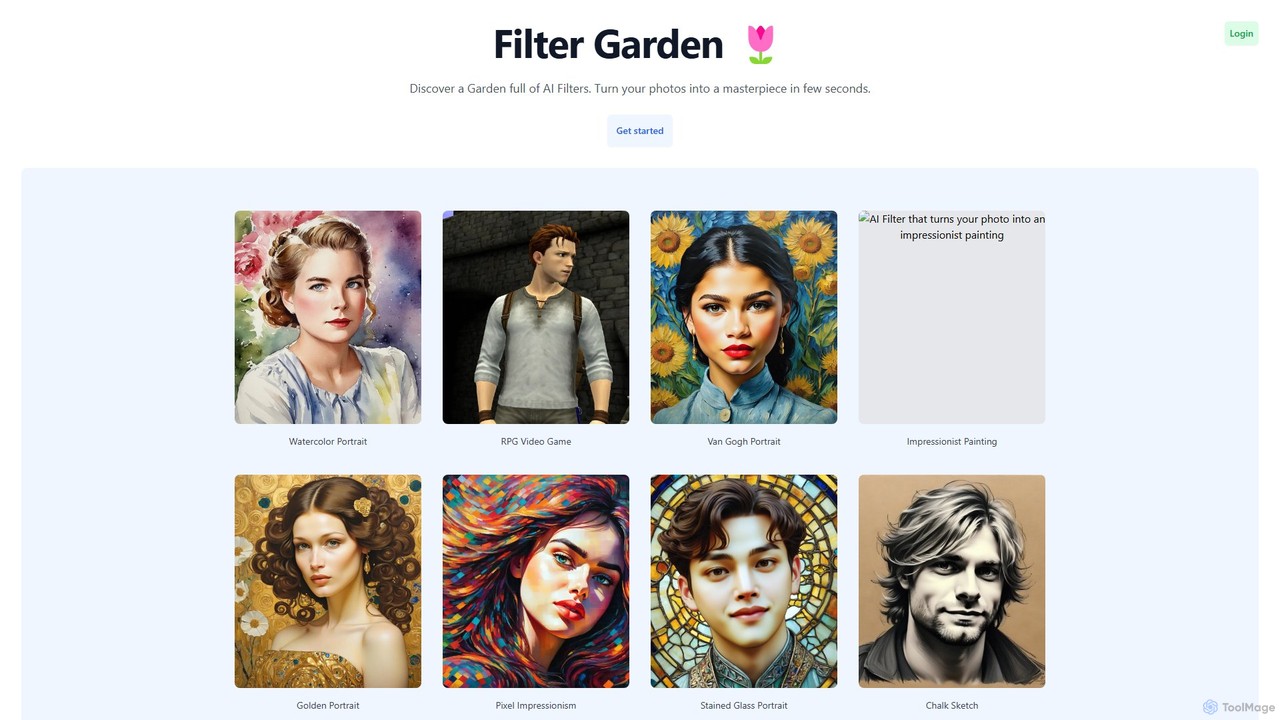
Filter Garden
Filter Garden is an AI-powered platform that transforms your photos into stunning works of art in seconds. Explore a vast collection of artistic filters, from watercolor and impressionism to RPG and pixel art, and unleash your creativity with a single click. Ideal for social media, artists, and personal projects.
Generative Art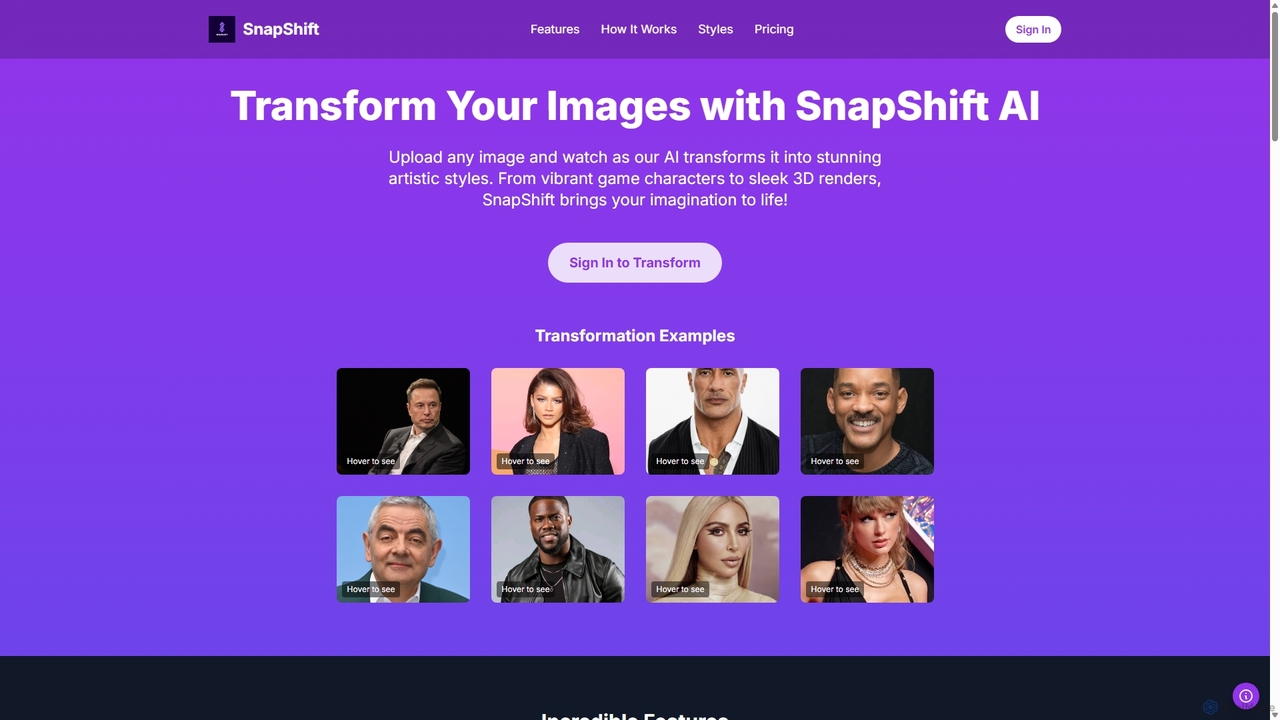
Snapshift
Snapshift is an AI-powered image transformation tool that converts your photos into a variety of stunning artistic styles. Effortlessly create video game characters, 3D renders, pixel art, and more. It's perfect for social media creators, digital artists, and gamers looking to produce unique, high-quality visuals in seconds.
Generative Art
Photoleap
Photoleap is a powerful all-in-one AI photo editing app by Lightricks. It combines traditional editing tools with a massive suite of cutting-edge AI features, allowing users to transform photos, generate stunning AI art from text, create professional headshots, and apply creative effects with ease. It's designed for everyone from social media creators to casual users looking to elevate their images.
Generative Art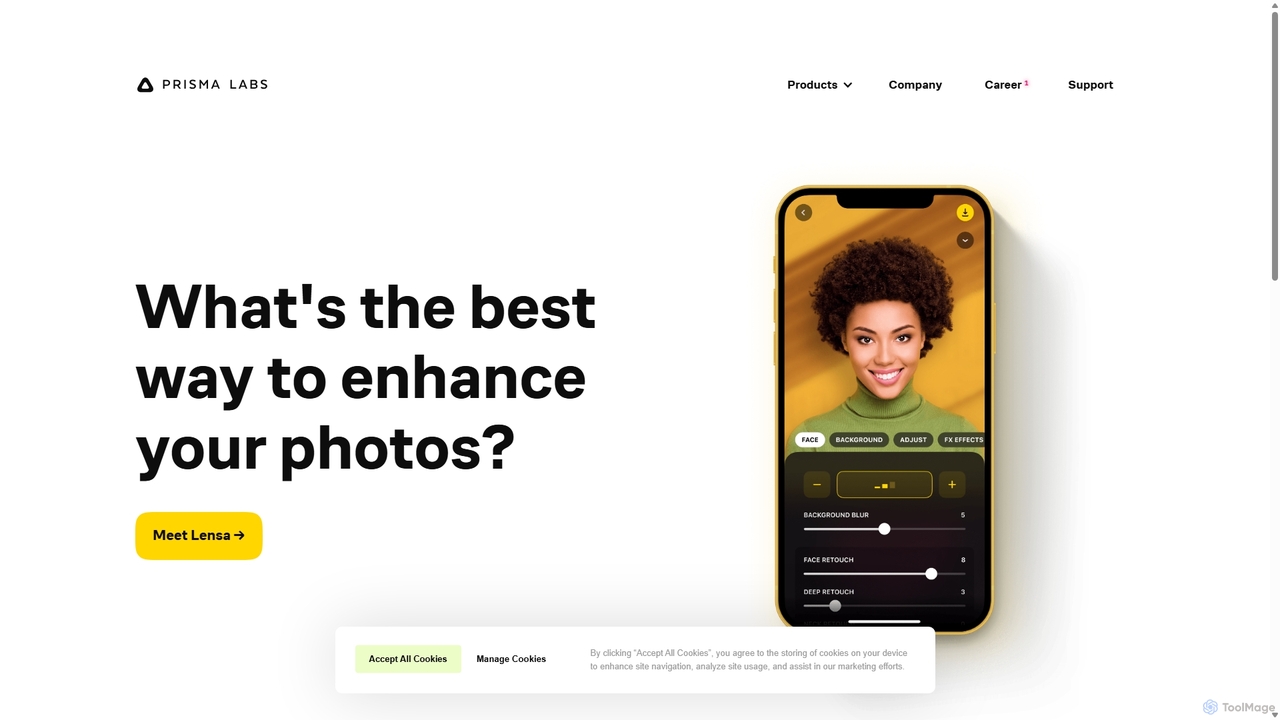
Prisma AI
Prisma AI, from Prisma Labs, is a suite of powerful mobile applications, including the famous Lensa and Prisma apps. It leverages advanced AI to transform your photos and videos into stunning works of art, create personalized 'Magic Avatars', and perform professional-grade image and video editing with ease.
Generative Art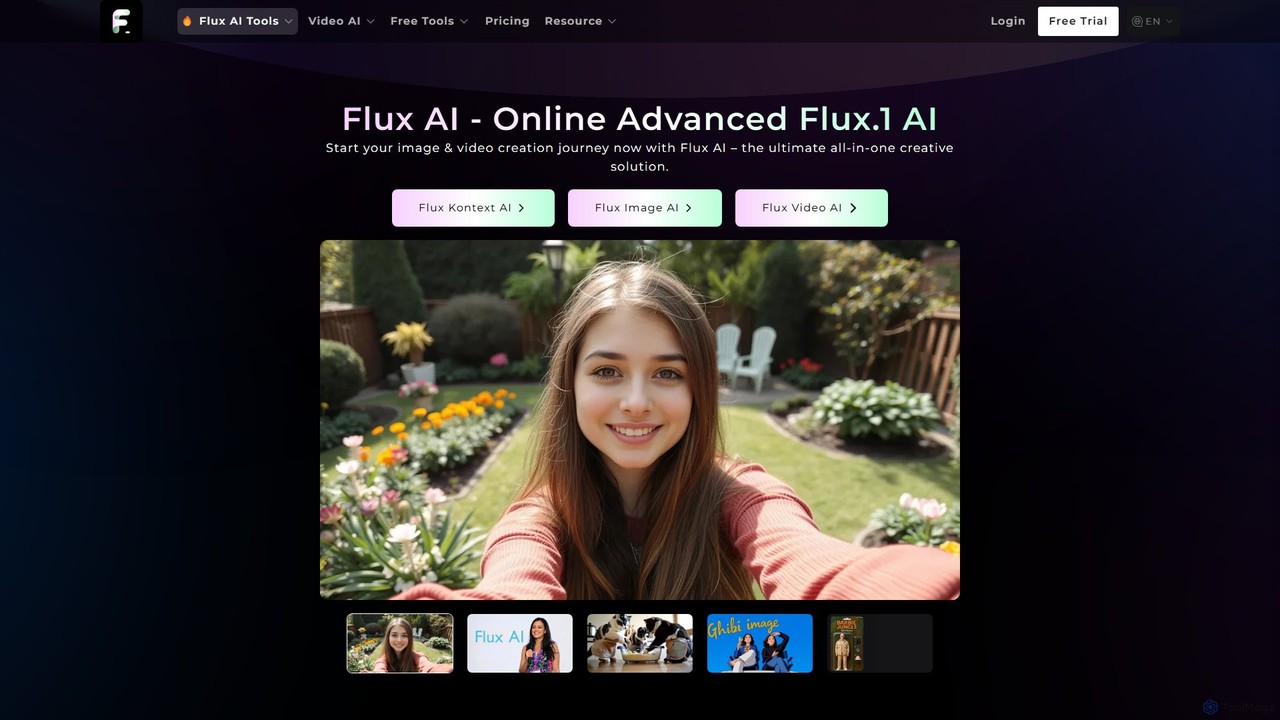
Flux AI
Flux AI is a comprehensive suite of AI-powered tools for image generation and editing. It transforms text prompts into stunning visuals using a variety of specialized models, including photorealistic, artistic (Ghibli-style), and high-speed options. It also features Flux Kontext, an AI image editor for modifying images with simple text commands.
Generative ArtPhotoStyleAI Categories
PhotoStyleAI Embed Widget
Copy this embed code to place the badge on your blog, article, or product site and send readers directly to this ToolMage detail page.

Related AI tools
aifilter
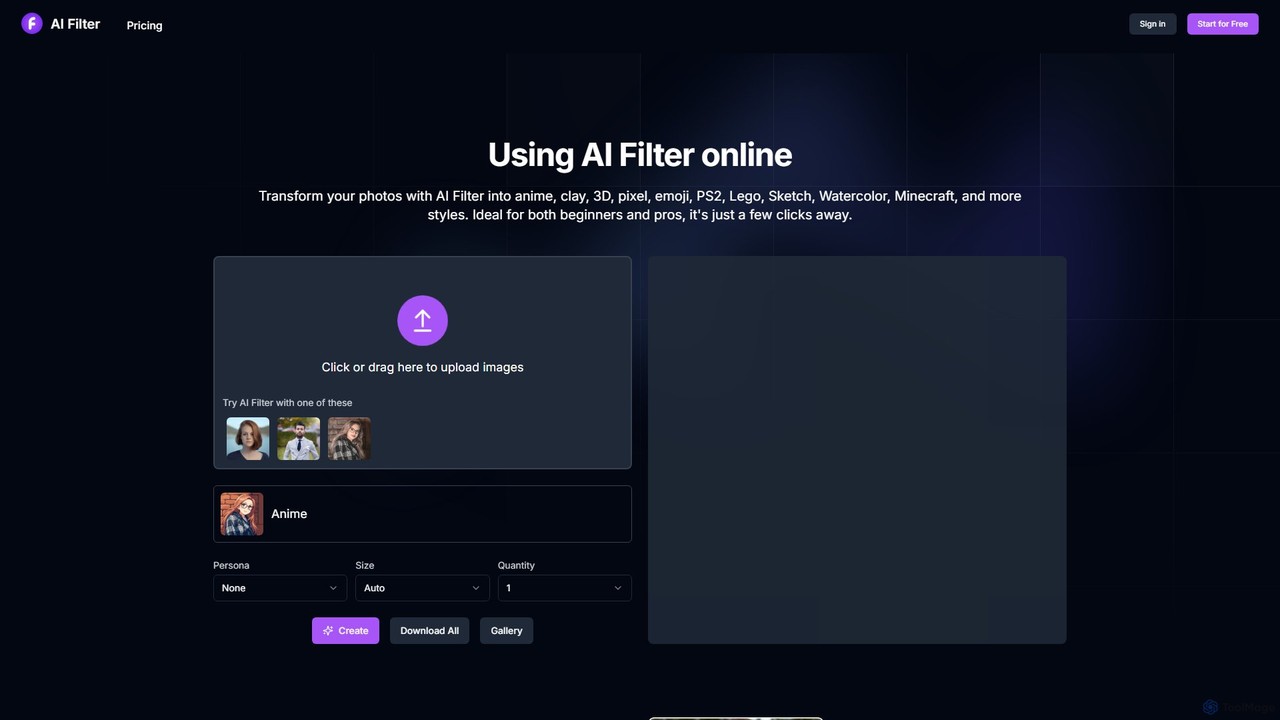
aifilter is an online AI tool that transforms your photos into various artistic styles with a single click. Explore filters like anime, clay, 3D, pixel art, PS2, and more. It's designed for both beginners and professionals, offering a user-friendly interface and a credit-based system with a free trial to get you started.
Art Generator
Imagine AI
Imagine AI is a user-friendly mobile application designed to make advanced AI image editing and generation accessible to everyone. Through its IMGN app, users can effortlessly create stunning AI art from text prompts, enhance photo quality, remove unwanted objects or backgrounds, and apply artistic styles. No technical expertise is required, making it the perfect tool for social media creators, marketers, and anyone looking to unleash their creativity on their smartphone.
Image EditingFilter Garden
Filter Garden is an AI-powered platform that transforms your photos into stunning works of art in seconds. Explore a vast collection of artistic filters, from watercolor and impressionism to RPG and pixel art, and unleash your creativity with a single click. Ideal for social media, artists, and personal projects.
Generative ArtSnapshift
Snapshift is an AI-powered image transformation tool that converts your photos into a variety of stunning artistic styles. Effortlessly create video game characters, 3D renders, pixel art, and more. It's perfect for social media creators, digital artists, and gamers looking to produce unique, high-quality visuals in seconds.
Generative Art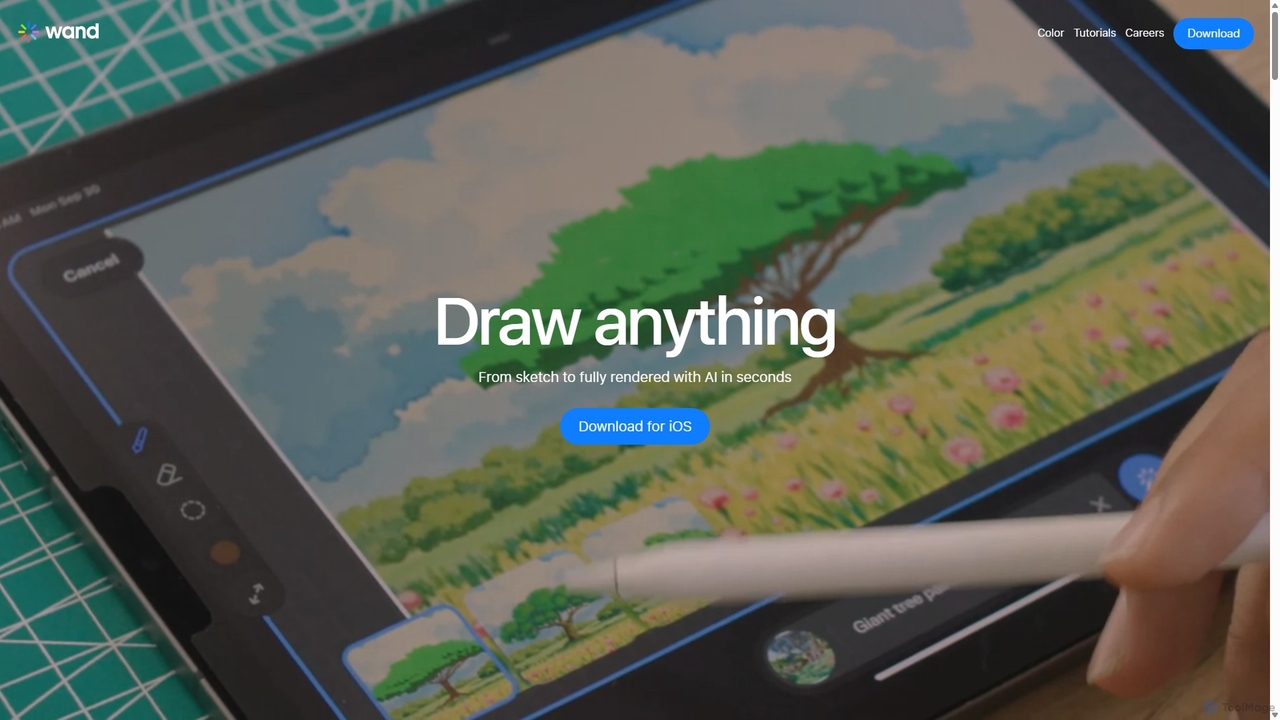
Wand
Wand is a revolutionary AI-powered art studio for iPhone and iPad. It seamlessly blends your drawing skills with powerful AI features like a custom brush engine, preloaded style libraries, and instant coloring. Designed for artists, designers, and students, Wand accelerates the creative process, allowing you to explore new techniques, refine details with precision, and produce professional-quality artwork faster than ever before.
Image GenerationPrisma AI
Prisma AI, from Prisma Labs, is a suite of powerful mobile applications, including the famous Lensa and Prisma apps. It leverages advanced AI to transform your photos and videos into stunning works of art, create personalized 'Magic Avatars', and perform professional-grade image and video editing with ease.
Generative ArtFlux AI
Flux AI is a comprehensive suite of AI-powered tools for image generation and editing. It transforms text prompts into stunning visuals using a variety of specialized models, including photorealistic, artistic (Ghibli-style), and high-speed options. It also features Flux Kontext, an AI image editor for modifying images with simple text commands.
Generative Art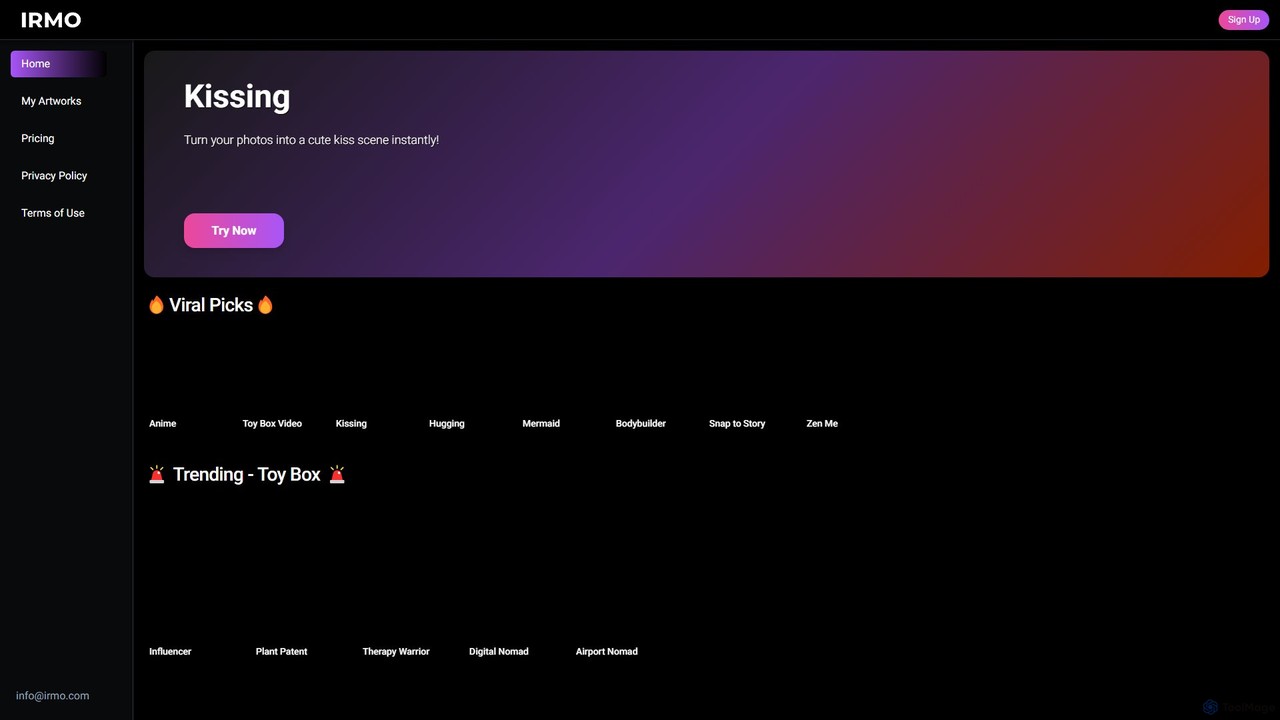
Irmo
Irmo is an AI-powered platform that transforms your static images into dynamic, eye-catching videos. It also functions as a versatile AI art generator, creating unique visuals from text prompts or other images using a vast library of artistic styles.
Generative Art
Artimator
Artimator is a versatile, all-in-one AI art and image generator. It leverages powerful models like Stable Diffusion 3, SDXL, and Leonardo Diffusion to transform text prompts into unique, high-resolution images. It offers free generation, photo-to-sketch conversion, AI-powered object removal, and full commercial rights for all created artwork, making it ideal for artists, marketers, and creators.
Generative Art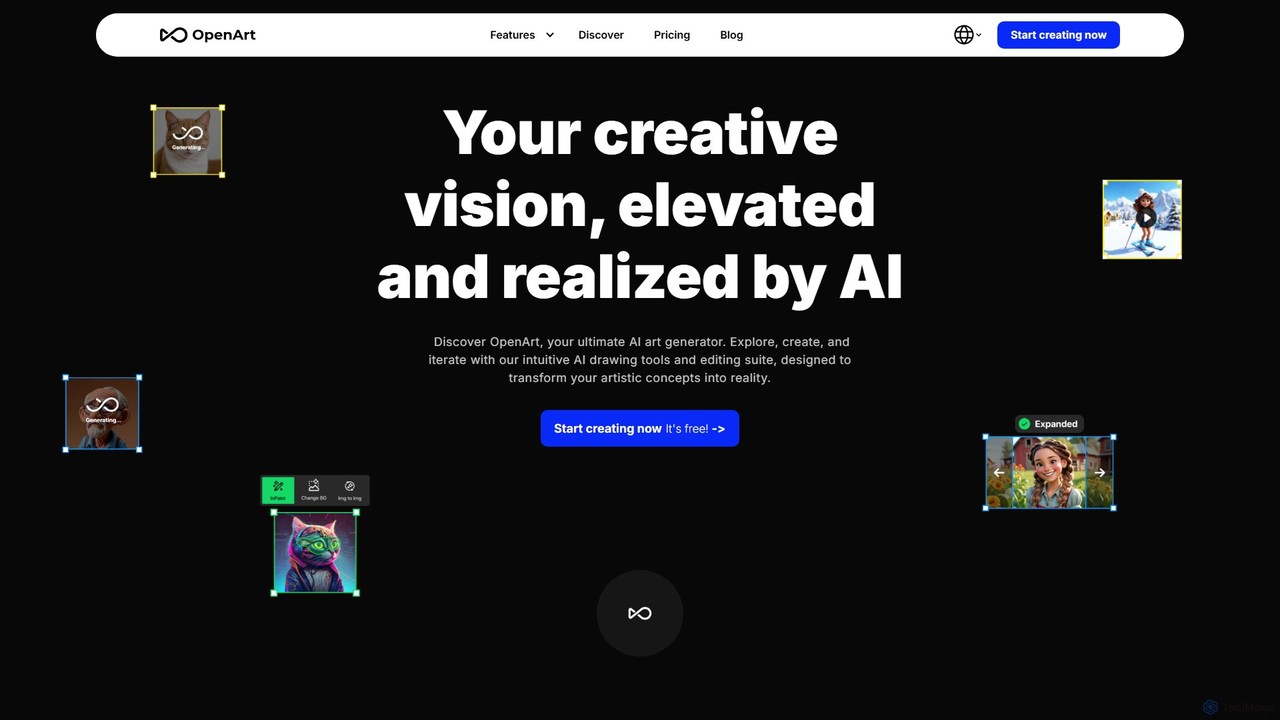
OpenArt
OpenArt is a powerful AI art platform for creating and editing images. It features an advanced AI image generator, a comprehensive suite of editing tools, and the unique ability to train custom AI models for specific styles or characters. Ideal for artists, designers, and hobbyists, it offers both free and professional plans.
Art Generation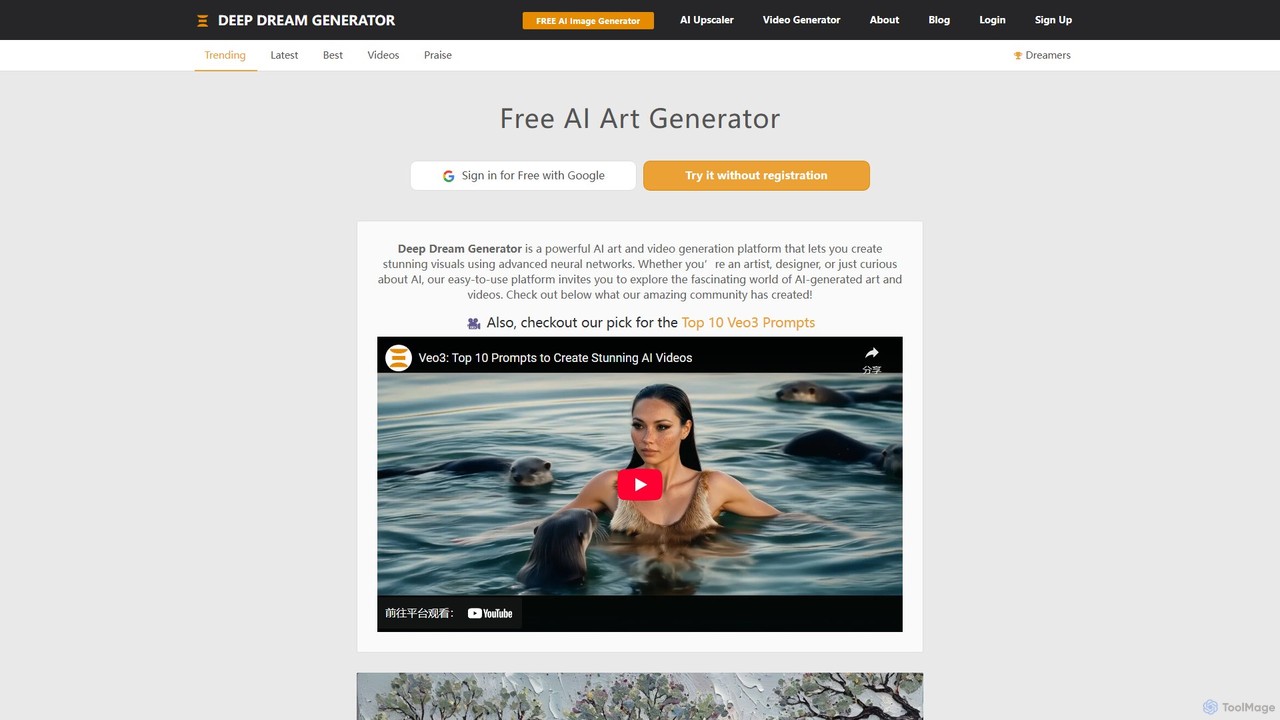
Deep Dream Generator
Deep Dream Generator (DDG) is a versatile AI-powered platform for creating stunning images, videos, and animations. It offers multiple AI models for various styles, from photorealism to abstract art, along with advanced editing tools like an AI upscaler and inpainting. It's designed for both professional artists and hobbyists, fostering a vibrant community for sharing and inspiration.
Generative Art
Magic Studio
Magic Studio is an all-in-one AI-powered image editing suite designed for everyone. It allows users to effortlessly create stunning visuals, remove unwanted objects, change backgrounds, generate images from text, and enhance photo quality in seconds, no design skills required.
Product Photos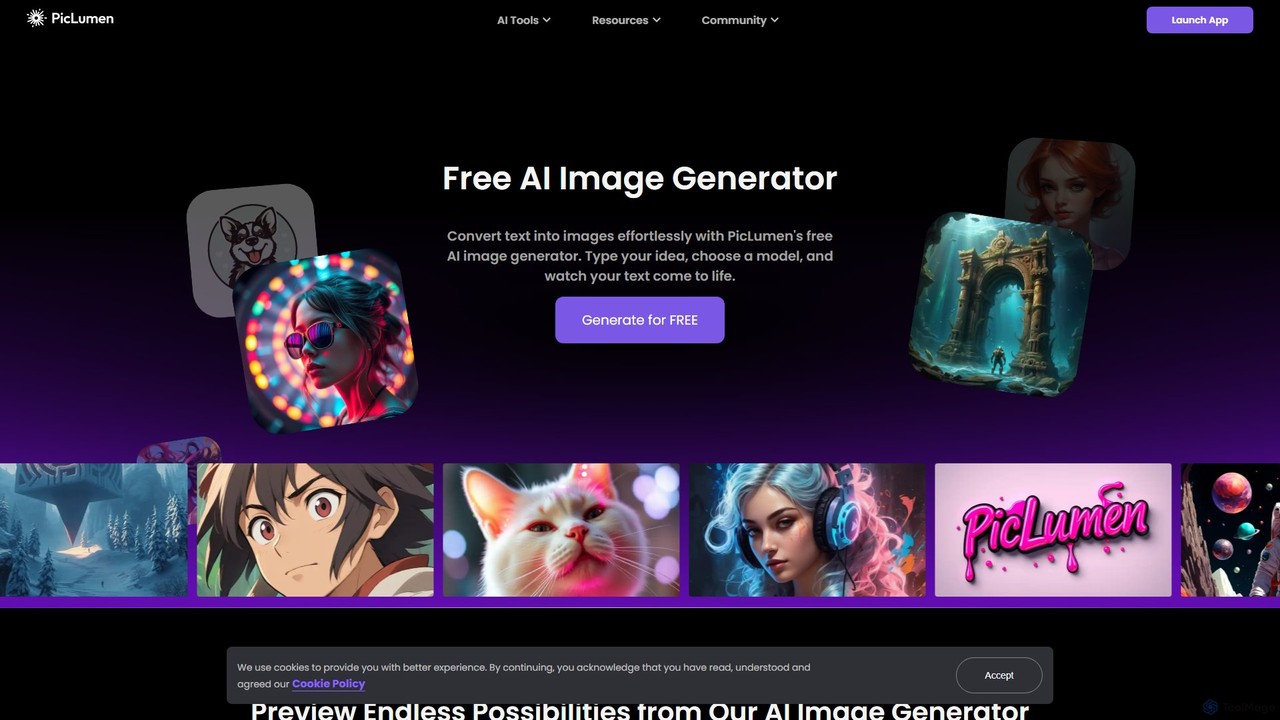
piclumen
PicLumen is a free, versatile AI image generator and editor that transforms text into stunning visuals. It offers a suite of tools including a background remover, image upscaler, colorizer, and an advanced image-to-image generator with multiple fine-tuned models for realistic photos, anime, and line art.
Generative Art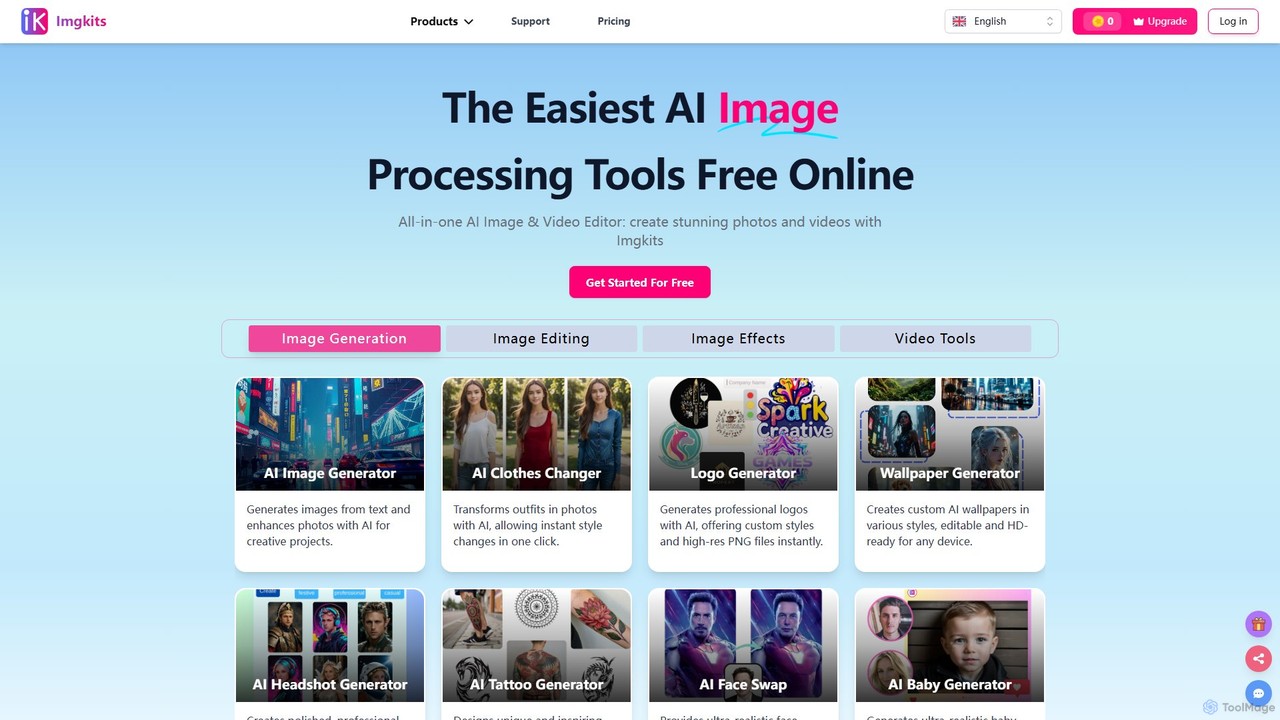
Imgkits
Imgkits is a comprehensive, AI-powered online platform for image and video editing. It offers a wide array of tools, including AI image generation, background removal, photo restoration, object removal, and video creation from text or images. Designed for ease of use, it allows users to create stunning visuals for professional or personal projects without requiring any technical expertise.
Generative Art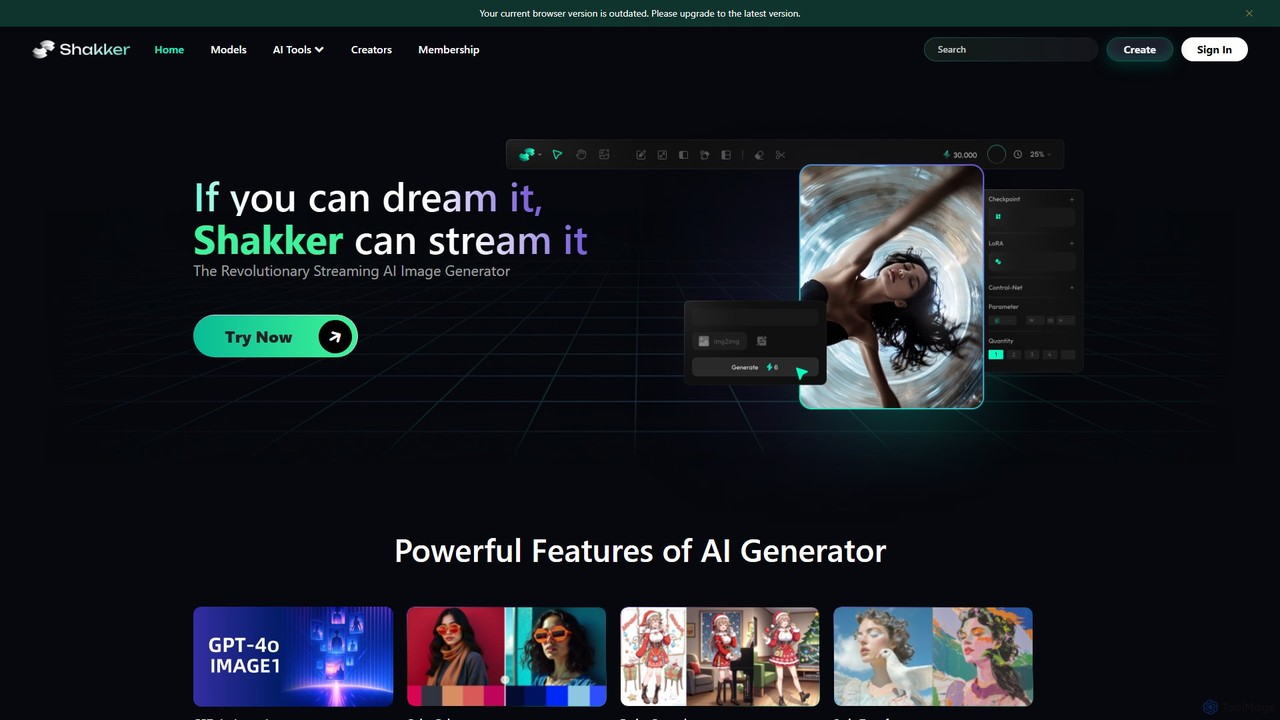
Shakker
Shakker is an all-in-one generative AI design platform, offering a vast library of diverse models (including FLUX and Stable Diffusion), integrated professional tools like online ComfyUI and A1111, and powerful features for image generation, editing, and model training. It caters to creators of all skill levels, from beginners to experts.
Generative Art
PhotoStyleAI Comments (0)
Sign in to comment.
Sign inNo comments yet.