
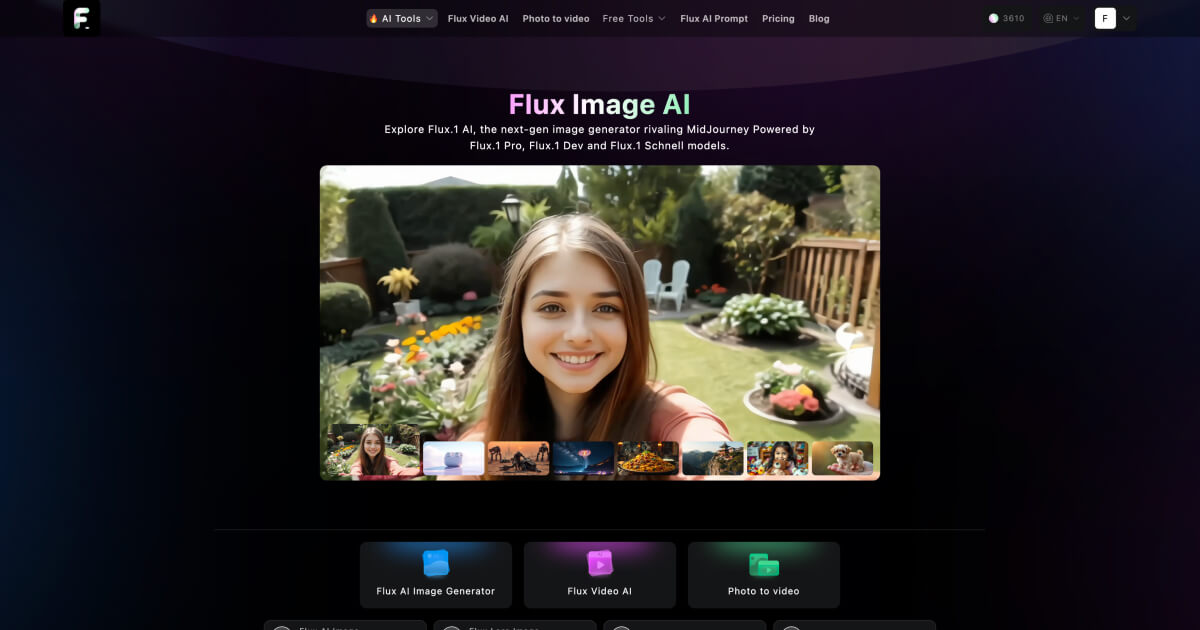
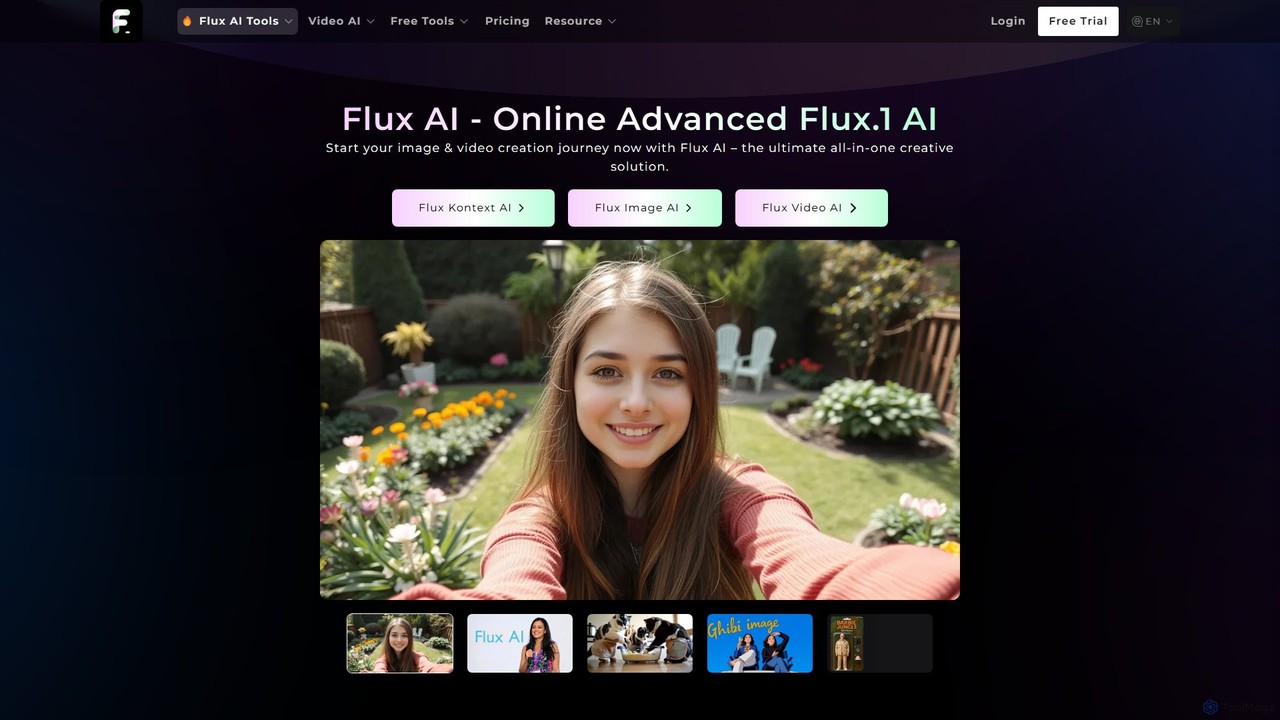
Flux AI Overview
Flux AI is a versatile and powerful platform designed for a new generation of digital creation, offering a suite of advanced AI tools for both generating and editing images. It caters to a wide range of users, from artists and designers to content creators and developers, by providing a flexible and intuitive interface to bring ideas to life. At its core, Flux AI is a sophisticated text-to-image generator that transforms written descriptions into high-quality, detailed visuals. However, its capabilities extend far beyond simple generation, incorporating a diverse family of specialized models and a revolutionary image editor.
The platform's standout feature is its collection of distinct AI models, each tailored for specific creative needs. Users can choose from models like Flux Pro for high-end commercial use, Flux 1.1 Pro Ultra for 4K resolution and speed, Flux Schnell for near-instantaneous results, Flux Realism for photorealistic outputs, and even a unique Ghibli Image Generator for creating art in the iconic anime style. It also integrates powerful third-party models like Stable Diffusion 3.5 and specialized tools like IC Light v2 for advanced lighting manipulation.
Beyond generation, Flux AI introduces Flux Kontext, an innovative AI image editor. This tool allows users to upload an existing image and modify it using simple text prompts. Whether it's changing an object's color, altering the background, transferring an artistic style, or even editing text within the image, Flux Kontext makes complex edits accessible to everyone, without the need for traditional, complex software.
How to use Flux AI
Using the Flux AI suite is designed to be straightforward and intuitive. Here’s a breakdown of the process for its main functions:
For Image Generation:
- Navigate to the Flux AI Image Generator on the website.
- In the prompt box, type a detailed description of the image you want to create. More specific prompts yield more accurate results. Use the 'Enhance Prompt' feature if you need help refining your idea.
- From the dropdown menu, select the most suitable AI model for your needs (e.g., Flux Realism for photos, Ghibli for anime style, Flux Schnell for speed).
- Adjust settings like Image Ratio (e.g., 1:1, 16:9) and select an optional Image Style.
- Click the 'Generate' button and wait for the AI to create your image.
- Once generated, you can download the image to use in your projects or share it.
For Image Editing with Flux Kontext:
- Select the 'Flux Kontext' tool from the model options.
- Upload the image you wish to edit by dragging and dropping it or selecting it from your device.
- In the prompt box, describe the changes you want to make (e.g., "change the red car to blue," "make the background a starry night," "add a cat wearing a hat").
- Click 'Generate' to apply the edits. The AI will reinterpret your image based on your text command.
- Review the edited image and download it.
Core Features of Flux AI
- Diverse Model Suite: Access a wide array of specialized models including Flux Pro, Flux 1.1 Pro Ultra (4K), Flux Schnell (Turbo), Flux Dev, Flux Realism, Ghibli Style, Stable Diffusion 3.5, and IC Light v2.
- Flux Kontext AI Editor: A revolutionary text-to-edit tool that allows for intuitive modification of existing images through text prompts, including style transfer, object manipulation, and character consistency.
- High-Quality Output: Generates images with exceptional detail, clarity, and realism, suitable for professional and commercial use.
- Superior Prompt Adherence: The models are finely tuned to accurately interpret and execute complex user prompts, ensuring the final image closely matches the user's vision.
- High-Speed Generation: Models like Flux Schnell and Flux 1.1 Pro are optimized for speed, delivering results up to 6x faster and boosting creative productivity.
- In-Image Text Editing: The Kontext editor can seamlessly modify or generate legible text within images, a challenging task for many AI generators.
- User-Friendly Interface: A clean and organized workspace that makes it easy for both beginners and professionals to navigate options and create stunning visuals.
Use Cases for Flux AI
Flux AI's versatility makes it suitable for numerous applications:
- Artists & Designers: Quickly generate concept art, character designs, storyboards, and unique artistic pieces in various styles, from photorealism to Ghibli-inspired animation.
- Marketing & Advertising: Create compelling visuals for ad campaigns, social media posts, product mockups, and website banners without the need for expensive photoshoots. For example, generating an image of "An advertisement for 'Marshmallow Menace' cereal."
- Content Creators: Produce unique thumbnails, illustrations, and background visuals for videos, blogs, and presentations.
- Developers: Integrate AI image generation and editing capabilities into their own applications via the available API.
- Personal Projects: Transform personal photos, create custom avatars, or simply explore creative ideas by turning imaginative prompts like "A cat in a car holding a can of beer that reads, 'AI Slop'" into reality.
Advantages of Flux AI
Flux AI stands out from other AI image tools due to its comprehensive approach. Its primary advantage is combining a multi-model generation engine with a powerful text-based image editor in a single platform. This eliminates the need to switch between different tools for creation and refinement. The diversity of models ensures users have the right tool for any job, whether it requires maximum speed, photorealistic detail, or a specific artistic flair. Furthermore, features like superior prompt adherence and the innovative capabilities of Flux Kontext provide a level of control and creative freedom that is hard to match.
Pricing and Plans
Flux AI operates on a freemium model, allowing users to start for free with credits provided upon signing in. For more extensive use, it offers several one-time payment plans:
- Free Tier: Sign in to receive free credits to test the platform's capabilities.
- Basic Plan: $9.9 for 200 credits. Includes a 1-month license, no ads, and access to image history.
- Standard Plan: $29.9 for 1000 credits. Includes a 1-month license, no ads, and image history.
- Max Plan: $99.9 for 5000 credits. Includes a 12-month license, no ads, and image history.
The number of credits used per generation varies depending on the selected model (e.g., Flux Schnell costs 1 credit, while Flux 1.1 Pro costs 6 credits).
Traffic
Latest traffic
Status
Monthly traffic trend
- 2025-9: 10.4K
- 2026-1: 4.2K
- 2026-2: 2.5K
- 2026-3: 2.9K
- 2026-4: 1.1K
- 2026-5: 884
Geography
Top 5 countries / regions
- 🇺🇸United States53.2%
- 🇮🇹Italy46.8%
Top keywords
| Keyword | Cost per click |
|---|---|
| flux | $0.81 |
| flux.1 | $0.68 |
| flux ai | $0.81 |
| flux ia | $0.24 |
| 免费在线图生图 ai | $0.00 |
Flux AI Alternatives

Artimator
Artimator is a versatile, all-in-one AI art and image generator. It leverages powerful models like Stable Diffusion 3, SDXL, and Leonardo Diffusion to transform text prompts into unique, high-resolution images. It offers free generation, photo-to-sketch conversion, AI-powered object removal, and full commercial rights for all created artwork, making it ideal for artists, marketers, and creators.
Generative Art
Flux2 Flex
Flux2 Flex is an AI-powered image generator and editor designed to create high-quality visuals from text prompts or transform existing photos. Leveraging advanced Flux AI models, it offers intuitive tools for text-to-image creation, image-to-image editing, style transfer, and object manipulation, catering to both professionals and beginners.
Generative Art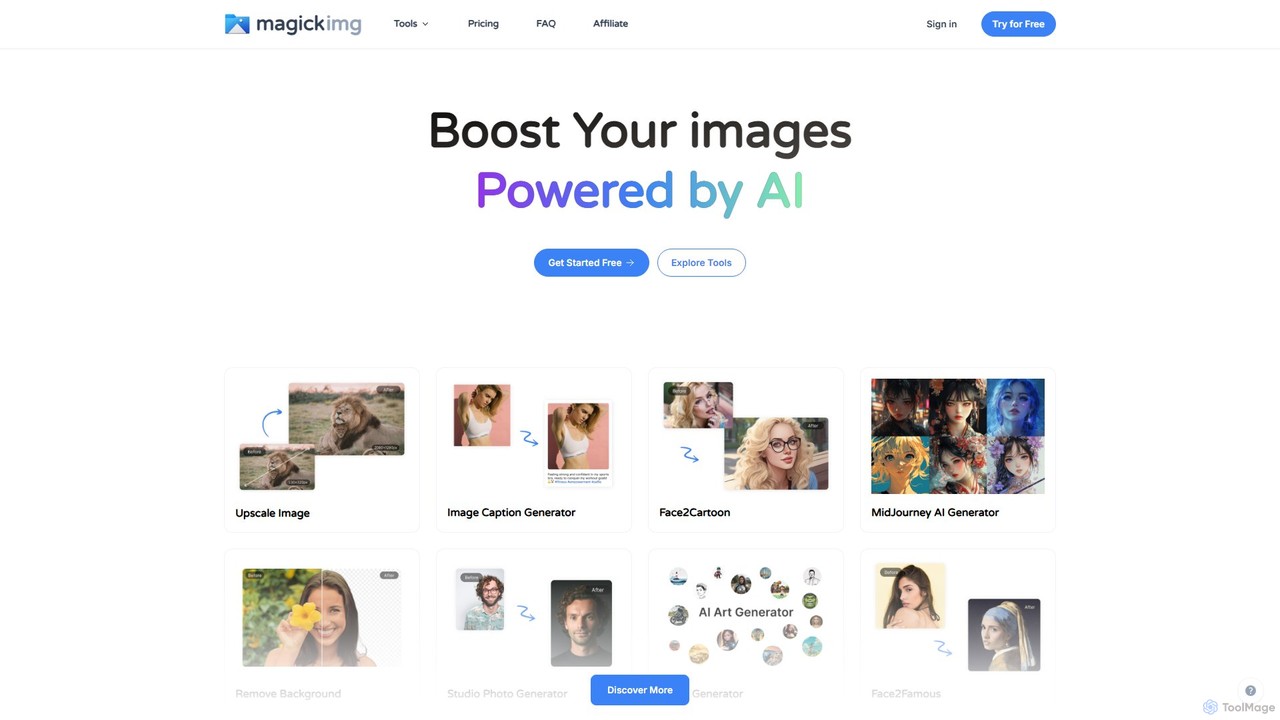
MagickImg
MagickImg is a comprehensive AI-powered image toolkit for generating, enhancing, and editing images. It offers a wide range of tools, including a text-to-image art generator, photo restorer, image upscaler, avatar creator, and more, all accessible through a user-friendly interface.
Generative Art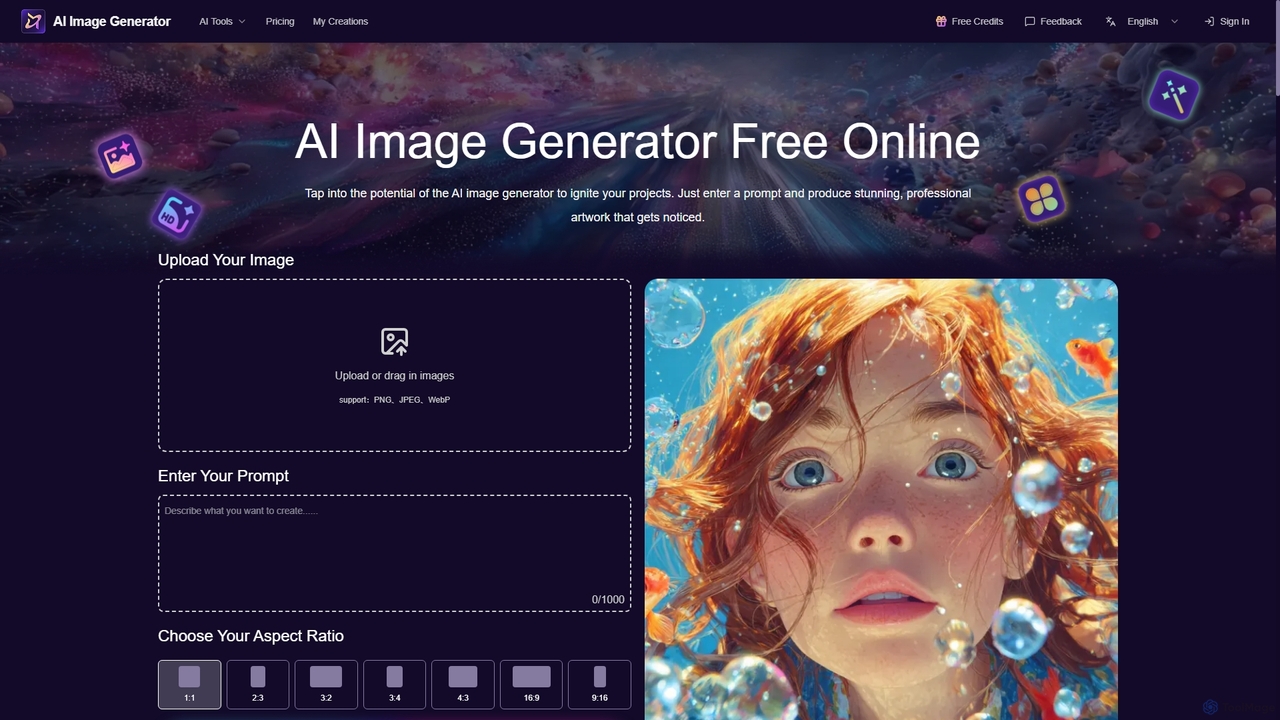
Aiimagegenerator
Aiimagegenerator is a comprehensive AI-powered suite for visual content creation. It features a text-to-image generator, an AI face swapper, a high-resolution image upscaler (up to 6x), and a background remover. The platform is designed for speed and quality, offering tools for both creative and professional projects, with options for commercial use. It operates on a freemium model, providing both free access and premium subscription plans.
Generative Art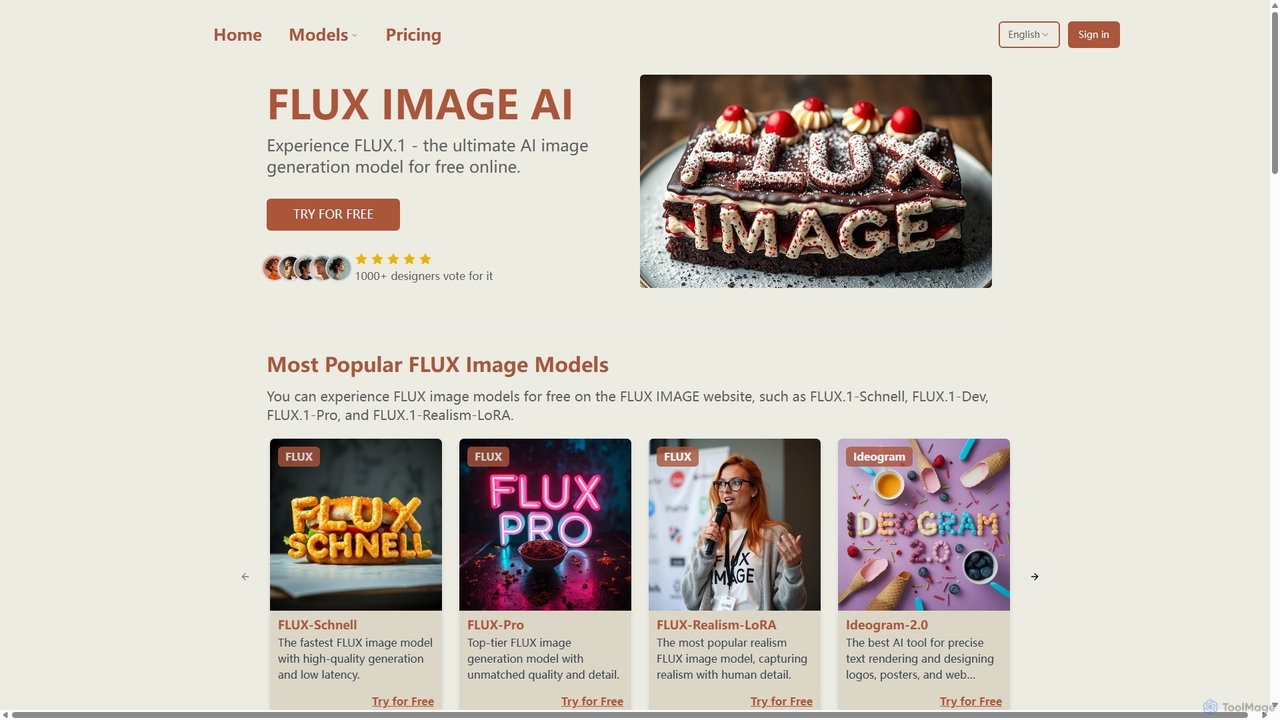
Fluximage
Fluximage is an online platform providing access to the advanced FLUX.1 suite of AI image generation models. Developed by the creators of Stable Diffusion, it offers exceptional speed, quality, and prompt adherence for creating diverse visuals from text, ranging from photorealistic portraits to artistic designs.
Generative ArtFlux AI Categories
Flux AI Embed Widget
Copy this embed code to place the badge on your blog, article, or product site and send readers directly to this ToolMage detail page.

Related AI tools
Fluximage
Fluximage is an online platform providing access to the advanced FLUX.1 suite of AI image generation models. Developed by the creators of Stable Diffusion, it offers exceptional speed, quality, and prompt adherence for creating diverse visuals from text, ranging from photorealistic portraits to artistic designs.
Generative ArtArtimator
Artimator is a versatile, all-in-one AI art and image generator. It leverages powerful models like Stable Diffusion 3, SDXL, and Leonardo Diffusion to transform text prompts into unique, high-resolution images. It offers free generation, photo-to-sketch conversion, AI-powered object removal, and full commercial rights for all created artwork, making it ideal for artists, marketers, and creators.
Generative Art
Jyek
Jyek is an AI agent platform that understands objectives, creates execution plans, uses tools, and delivers verifiable results for complex, multi-step tasks.
AutomationFlux2 Flex
Flux2 Flex is an AI-powered image generator and editor designed to create high-quality visuals from text prompts or transform existing photos. Leveraging advanced Flux AI models, it offers intuitive tools for text-to-image creation, image-to-image editing, style transfer, and object manipulation, catering to both professionals and beginners.
Generative Art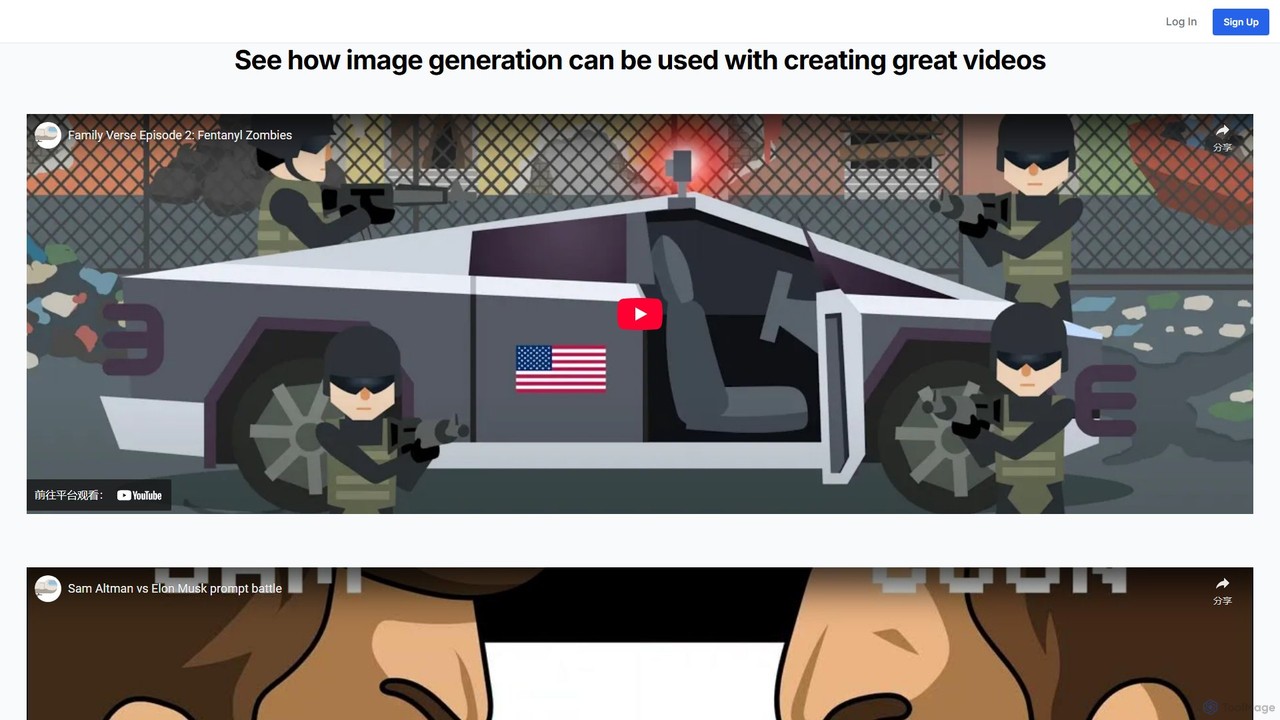
88stacks
88stacks is an AI-powered image generation platform designed for marketers, designers, and content creators. It transforms text prompts into high-quality, unique visuals using advanced models like Stable Diffusion. The platform includes specialized tools such as a blog image generator, a social media planner, and a prompt generator to streamline creative workflows and eliminate the need for generic stock photos.
Ai Image Generator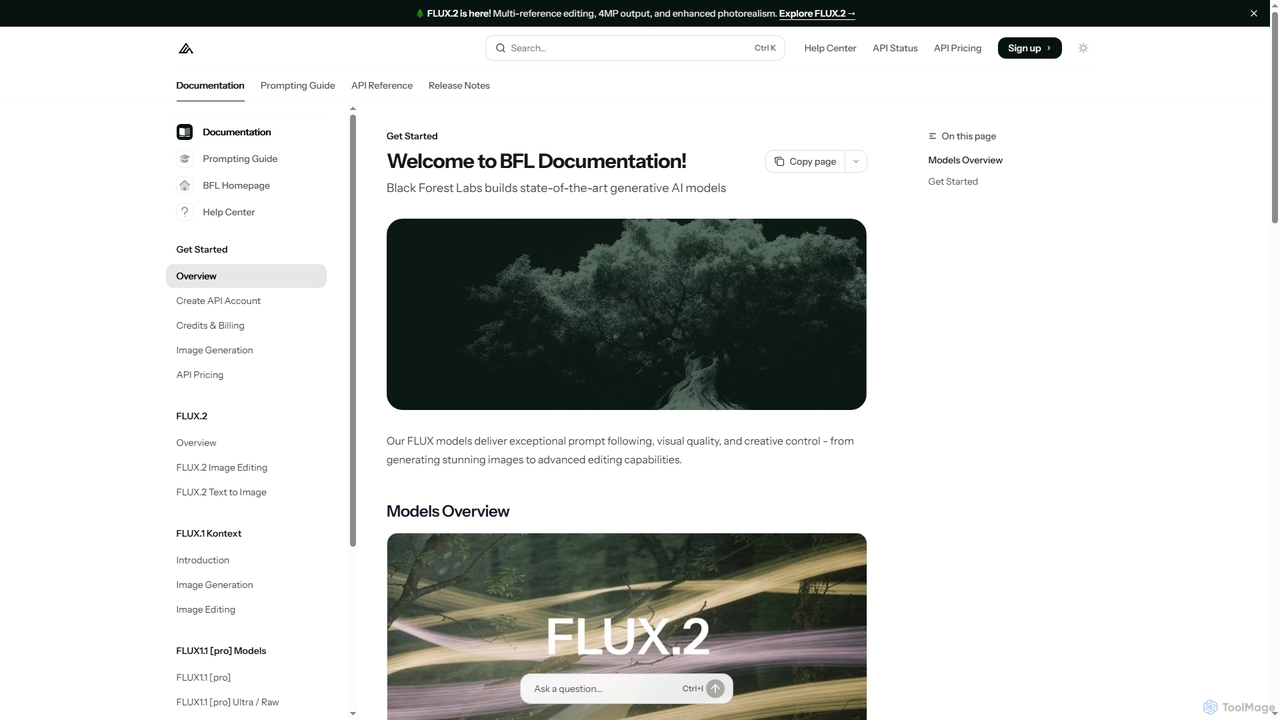
FLUX
FLUX by Black Forest Labs offers advanced AI models for photorealistic image generation and multi-reference editing. It provides precise control over visual elements, supports high-resolution output, and integrates via API for production workflows.
Image Editing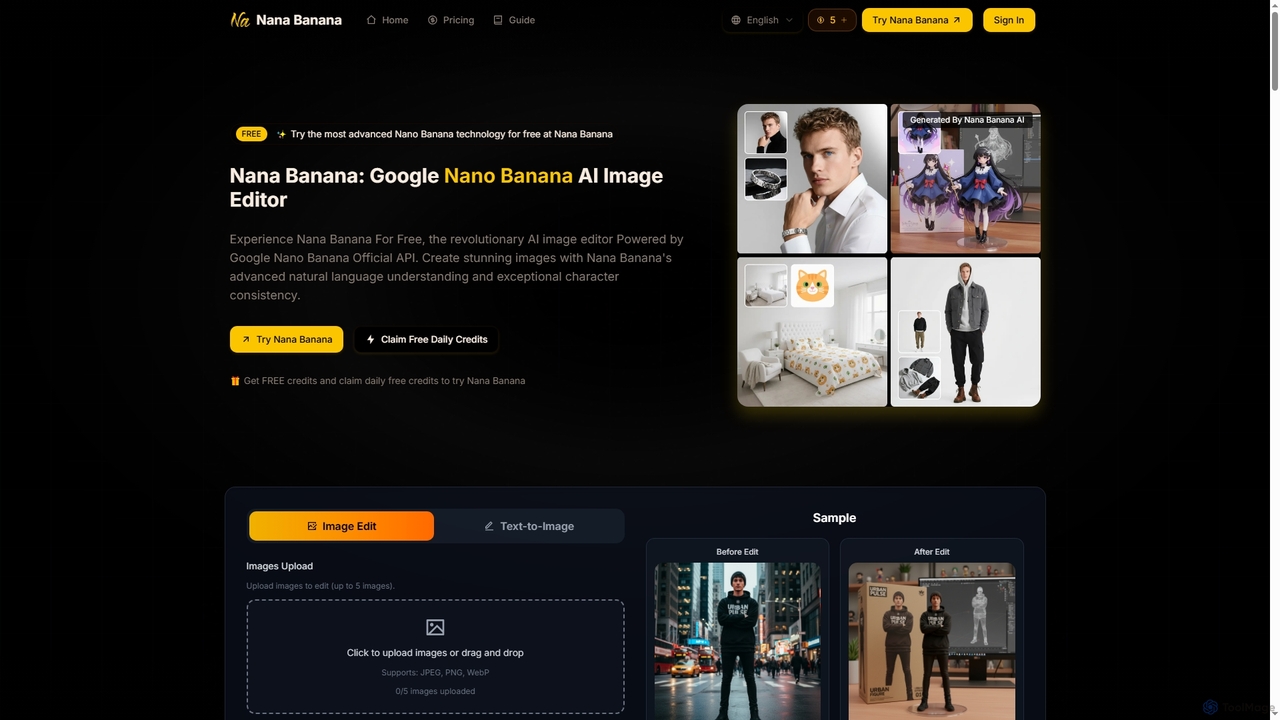
Nana Banana
Nana Banana is an advanced AI image editor and generator powered by Google's cutting-edge Gemini 2.5 Flash Image model. It enables users to create stunning visuals from text prompts or by editing existing images with exceptional natural language understanding, character consistency, and one-shot editing capabilities, delivering professional-grade 4K+ output rapidly.
Graphic Design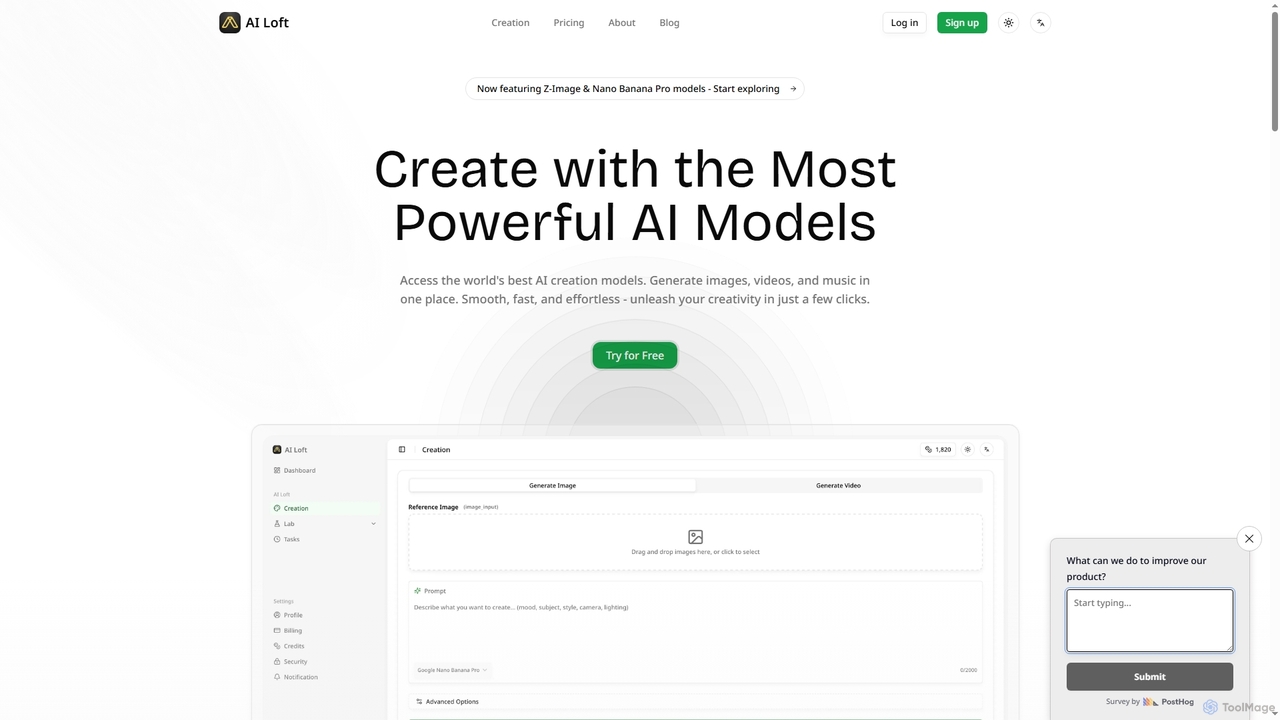
AI Loft
AI Loft is a multimodal AI creation platform designed for creators and visual artists. It enables users to generate stunning images, videos, and perform style transfers from text or images using cutting-edge AI models like Sora 2 and Nano Banana Pro. Experience fast, effortless content creation with bilingual prompt support and flexible pricing.
Content Creation
Kira
Kira is a powerful AI-powered platform for professional-grade image generation and editing. It combines a versatile text-to-image generator with a comprehensive suite of editing tools, including background removal, inpainting, upscaling, and stylization. Its key feature is the ability to maintain consistent styles and characters across multiple edits and generations, making it ideal for branding, marketing, and creative projects that require a cohesive visual identity.
Graphic Design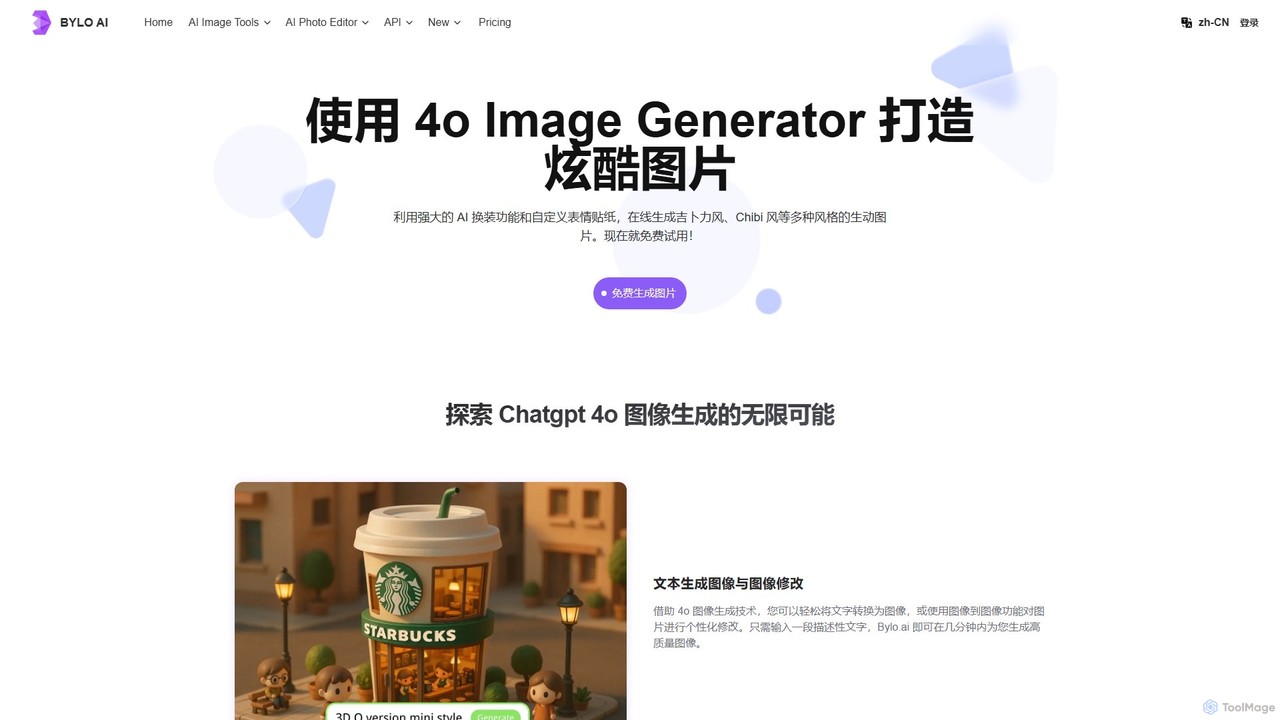
Bylo.ai
Bylo.ai is a powerful and versatile AI image generator powered by GPT-4o. It allows users to create stunning visuals from text or images, offering a wide range of styles like Ghibli and Pixar, alongside a unique "style-free" mode for complete creative control. The platform also includes a comprehensive suite of AI editing tools for background removal, photo restoration, and creative transformations like AI outfit changes and comic creation. It's designed for designers, marketers, and creators seeking high-quality, flexible, and easy-to-use image generation.
Ai Art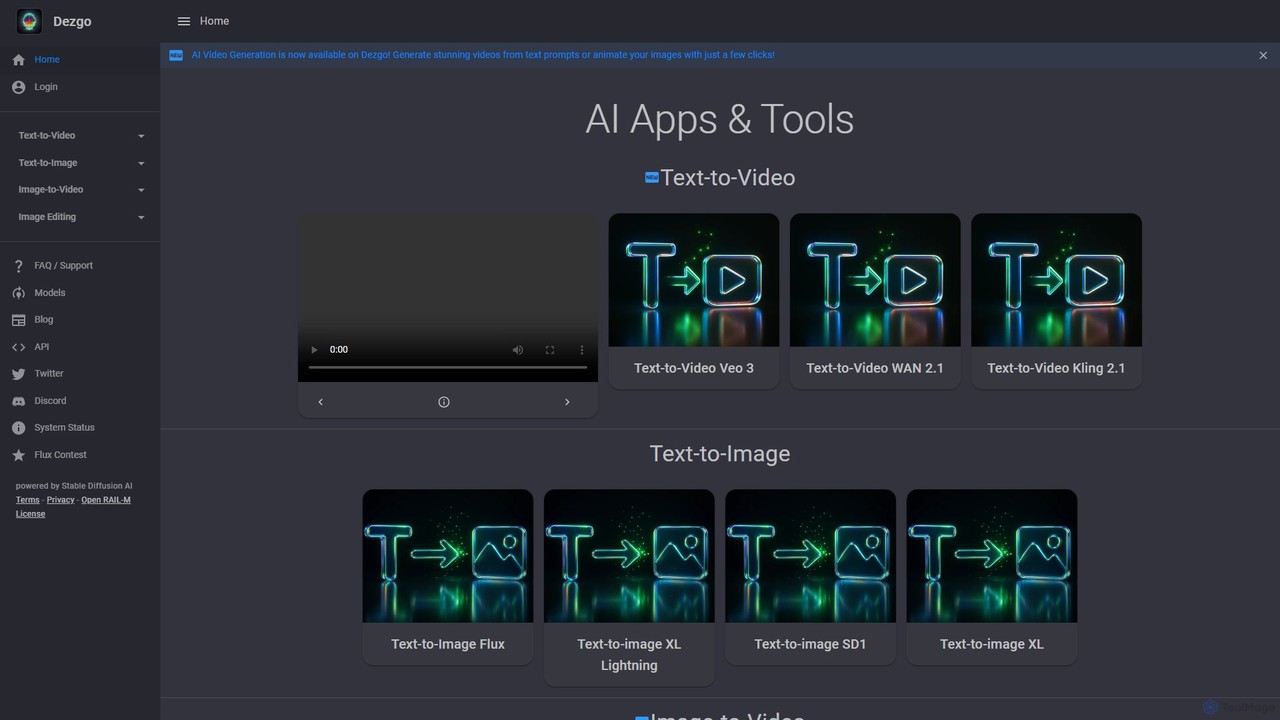
Dezgo
Dezgo is a versatile AI-powered platform for generating high-quality images and videos from text descriptions. It offers a suite of tools including text-to-image, text-to-video, image editing, upscaling, and inpainting, utilizing various advanced models like Stable Diffusion. It operates on a freemium model, providing both a free-to-use version and a pay-as-you-go 'Power Mode' for unrestricted access.
Image Editing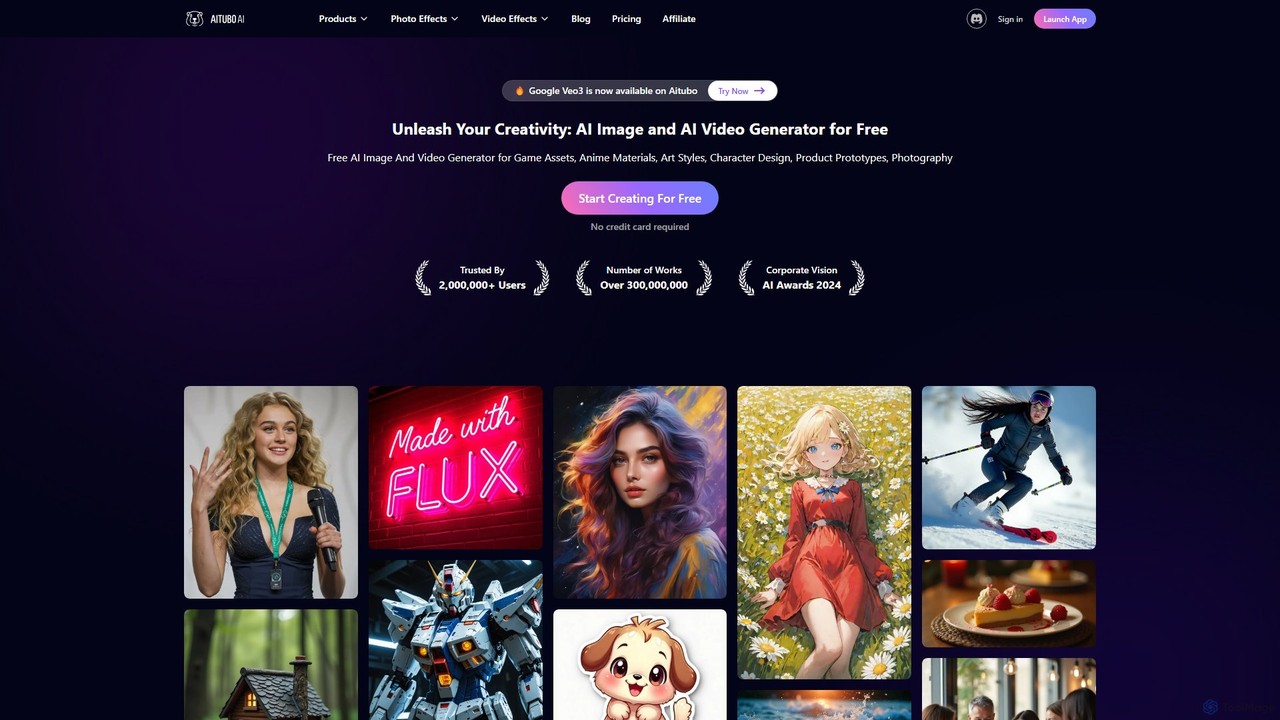
Aitubo
Aitubo is a comprehensive AI creative suite for generating and editing images and videos. It features advanced models like Flux and SD3, offering tools for text-to-image, text-to-video, background removal, image enhancement, face swapping, and AI character chat. Ideal for artists, designers, and content creators.
Chatbots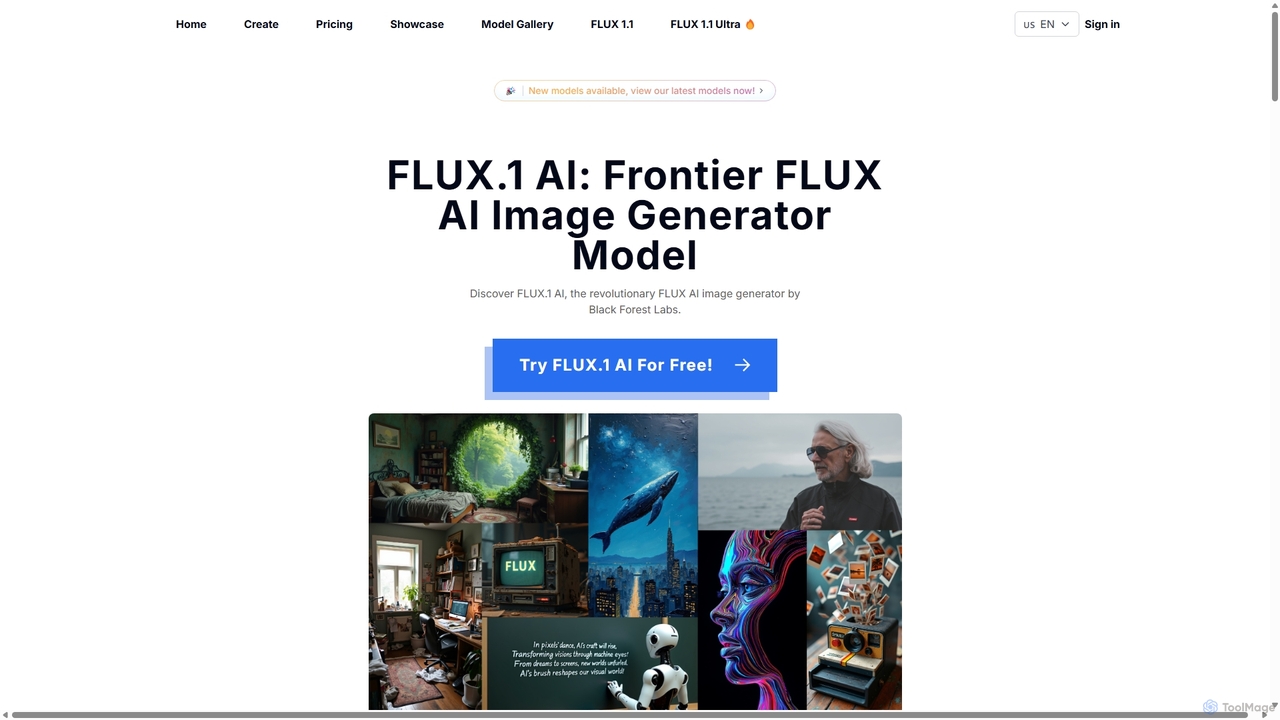
Flux1ai
Flux1ai is a revolutionary text-to-image AI generator by Black Forest Labs. It offers a suite of models tailored for different needs, from rapid generation to professional-grade photorealism. It excels in prompt adherence, visual quality, and style diversity, making it a powerful tool for artists, designers, and developers.
Generative Art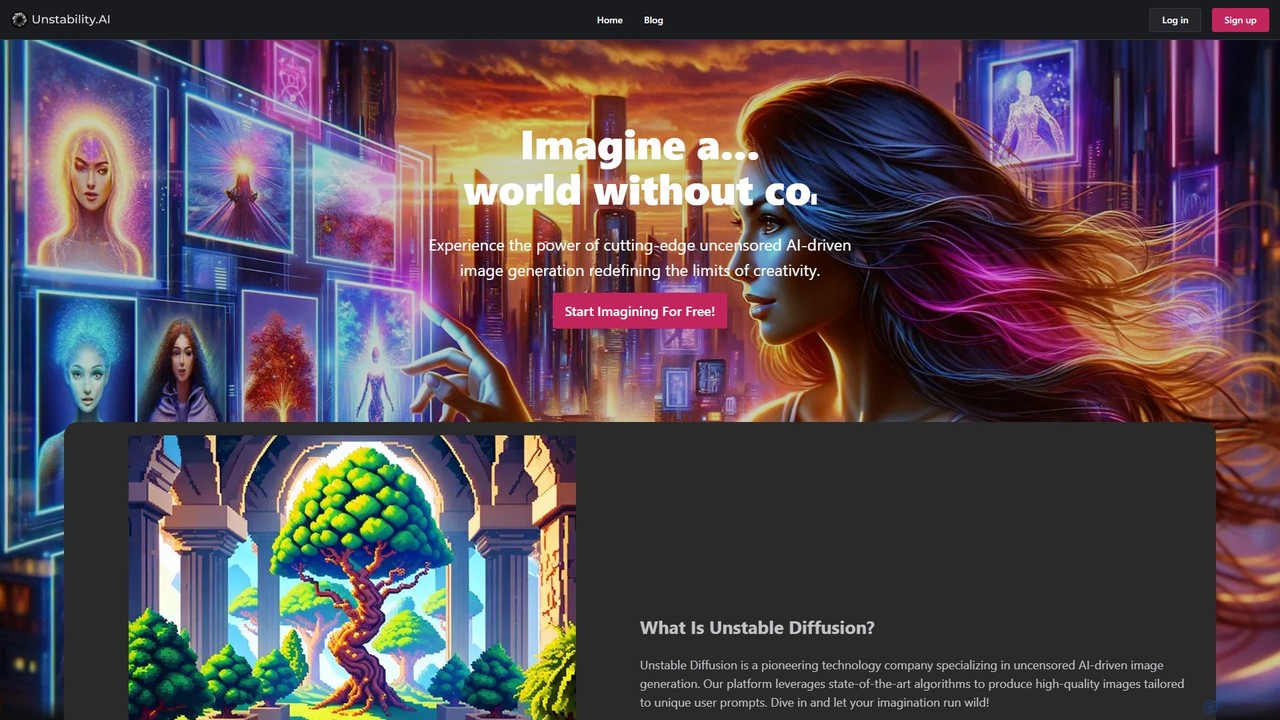
Unstable Diffusion
Unstable Diffusion is an uncensored AI image generation platform that empowers users to create high-quality, realistic visuals from text prompts without creative restrictions. It leverages state-of-the-art diffusion models to offer limitless artistic possibilities, from stunning landscapes to complex character designs. The platform provides a free-to-start experience, advanced customization options, and instant image creation, catering to artists, designers, and creative enthusiasts who seek ultimate freedom in their AI-generated art.
Generative Art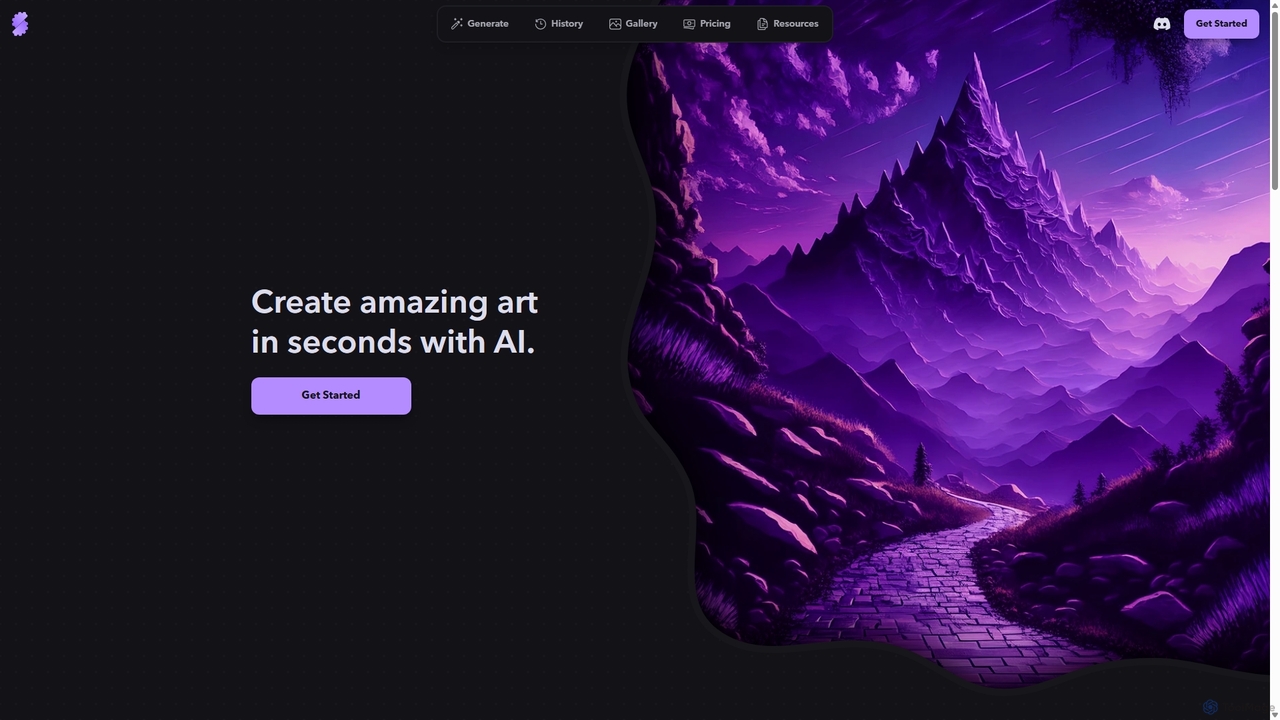
Stablecog
Stablecog is a powerful and user-friendly AI image generator that allows you to create stunning art from text or images in seconds. It supports multiple advanced AI models like Stable Diffusion 3 and SDXL, offering a versatile and creative platform for artists, designers, and content creators. With a generous free plan and flexible paid options, it's accessible to everyone.
Generative Art
Flux AI Comments (0)
Sign in to comment.
Sign inNo comments yet.