

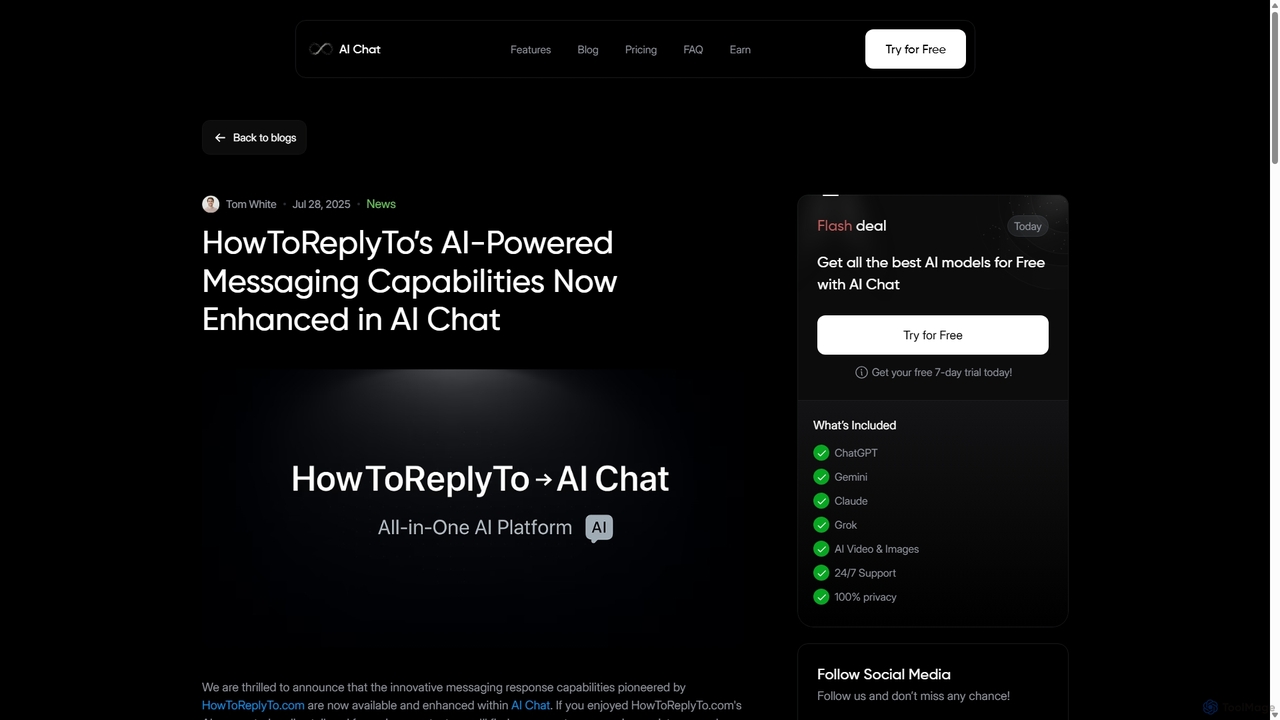
HowToReplyTo Overview
HowToReplyTo was an innovative AI-powered web application designed to serve as a personal message reply assistant. Its primary goal was to eliminate the stress and uncertainty of digital communication by generating tailored, imaginative, and appropriate responses for a wide range of scenarios, from professional emails to casual texts and even Tinder icebreakers. The tool simplified communication by offering customized replies that matched specific audiences, cultures, and contexts, ensuring users always sent the right message. While the standalone HowToReplyTo.com service has since been integrated and enhanced within the more comprehensive AI Chat platform, its original features laid the groundwork for advanced AI-driven communication assistance.
How to use HowToReplyTo
Using HowToReplyTo was a straightforward process designed for speed and efficiency:
- Input the Message: Users would start by pasting the email, text, or message they received into the tool.
- Define the Context: They would then select the context of the conversation, such as 'Professional Email', 'Tinder Chat', 'Social Media Comment', or 'Friendly Text'.
- Set Custom Parameters: Users could further refine the desired reply by adjusting parameters. This included selecting a specific tone (e.g., formal, humorous, empathetic), choosing to include or exclude emojis and slang, and specifying the recipient's personality (e.g., stressed, aggressive) for a more tailored approach.
- Generate Replies: With a single click, the AI would analyze the inputs and generate several potential replies in just a few seconds (typically 3 to 8 seconds).
- Select and Edit: Users could then review the suggestions, choose the one that best fit their needs, make any minor edits, and confidently send their reply.
Core Features of HowToReplyTo
- Customized Responses: The core of the tool was its ability to generate replies tailored to professional, social, or romantic contexts, ensuring the language and tone were always appropriate.
- Emojis and Slang Filters: It offered options to dynamically include or exclude emojis, casual language, or slang, allowing users to match the formality of any conversation.
- Scam Email Detection: A key security feature was its ability to identify and warn users against potential phishing attempts or scam emails, adding a layer of protection to their inbox.
- Personality-Based Replies: The AI could create responses suited to the recipient’s perceived personality traits, helping to de-escalate conversations with stressed or aggressive individuals or build rapport more effectively.
- Cultural Nuances: The tool could craft culturally appropriate replies based on specific country contexts, making it invaluable for international communication.
- Speedy Generation: It was designed for quick turnarounds, providing high-quality reply suggestions in a matter of seconds.
Use Cases for HowToReplyTo
HowToReplyTo was versatile and catered to a wide audience:
- Professionals: For crafting polite follow-ups, responding to client inquiries, navigating difficult workplace conversations, and maintaining a professional tone in all email correspondence.
- Online Daters: Ideal for creating witty and engaging Tinder icebreakers, keeping conversations flowing, and responding to messages on dating apps in a way that stands out.
- Social Media Managers: To efficiently reply to comments and direct messages, manage brand voice, and engage with their community effectively.
- Non-Native Speakers: To help them craft grammatically correct and culturally fluent responses, boosting their confidence in digital communication.
- Anyone with Communication Anxiety: For individuals who struggle with finding the right words, the tool served as a helpful guide to reduce stress and improve interactions.
Advantages of HowToReplyTo
The main advantages of using HowToReplyTo included saving significant time on drafting replies, reducing the mental load of communication, improving the quality and clarity of messages, and building better relationships through more thoughtful and appropriate responses. Its scam detection feature also provided a valuable security benefit, protecting users from potential online threats.
Pricing and Plans
As a standalone service, HowToReplyTo likely operated on a freemium model, offering basic features for free with premium capabilities available through a subscription. However, all of its innovative messaging features have now been integrated and enhanced within the AI Chat platform, which offers its own pricing tiers, including a free trial to access its comprehensive suite of AI models and tools.
HowToReplyTo Alternatives
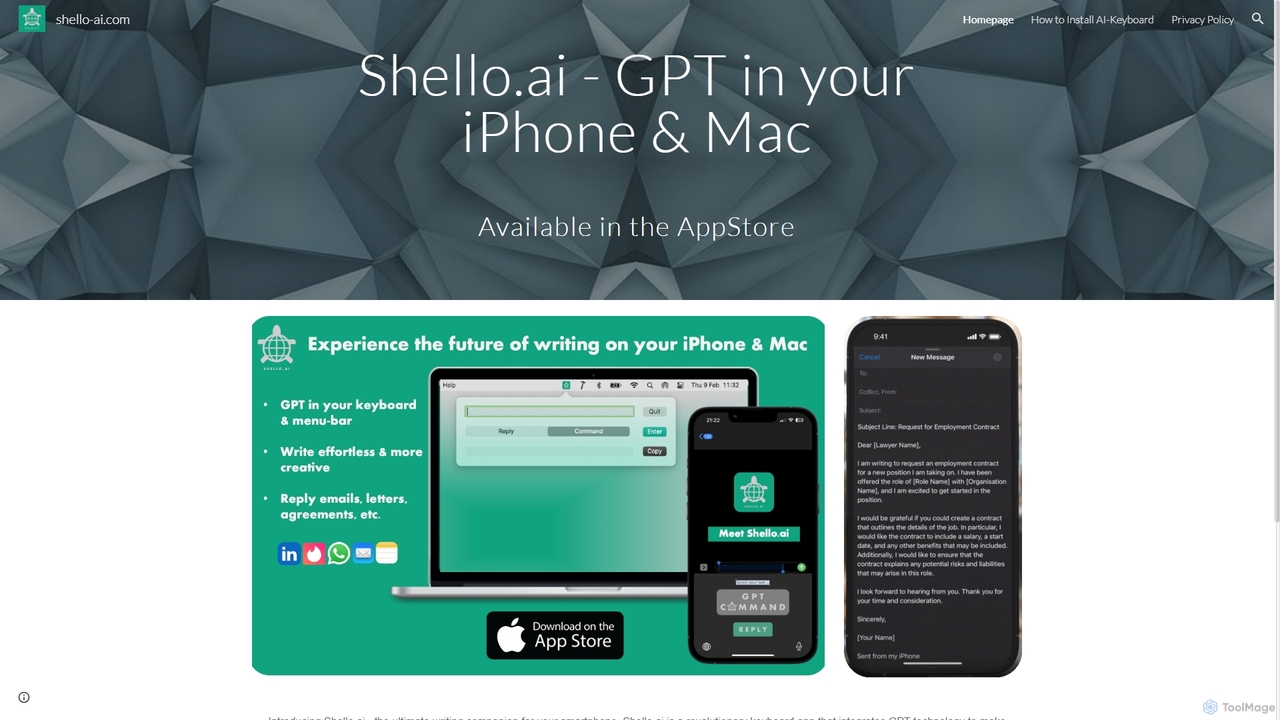
Shello Ai
Shello.ai is a revolutionary GPT-powered keyboard app for iPhone and Mac. It acts as an intelligent writing companion, integrating directly into your system to help you write faster, smarter, and more efficiently in any application. From autocompleting sentences to rephrasing text, Shello.ai enhances your productivity and writing quality.
Email Assistant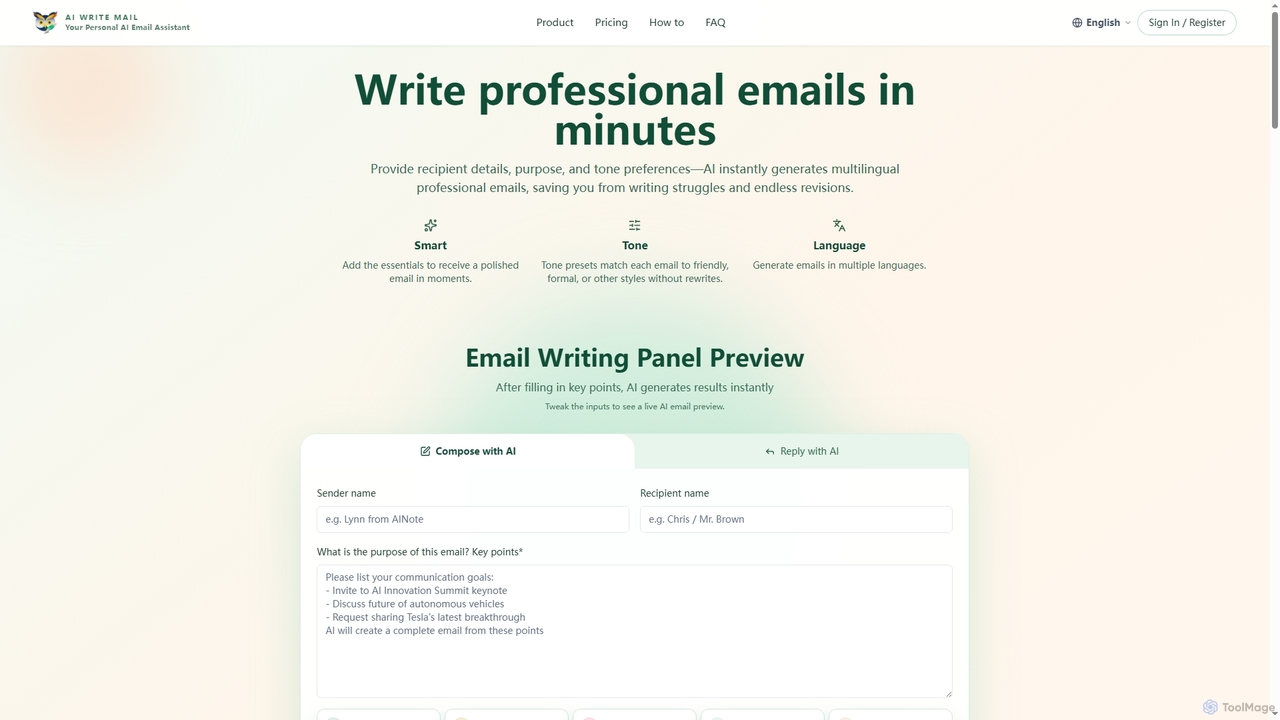
Aiwritemail
Aiwritemail is an AI-powered email generator designed for professionals and cross-language collaborators. It streamlines email writing by quickly generating structured, tone-appropriate, and multilingual messages, saving valuable time and ensuring effective communication across various business scenarios.
Cross Border Collaboration
Compose AI
Compose AI is an AI-powered writing assistant and Chrome extension that accelerates your writing process. It offers intelligent autocompletion, text generation, and rephrasing capabilities across all your favorite sites, from emails to documents. By learning your personal writing style, it helps you write faster and more effectively, saving up to 40% of your time.
Chrome Extensions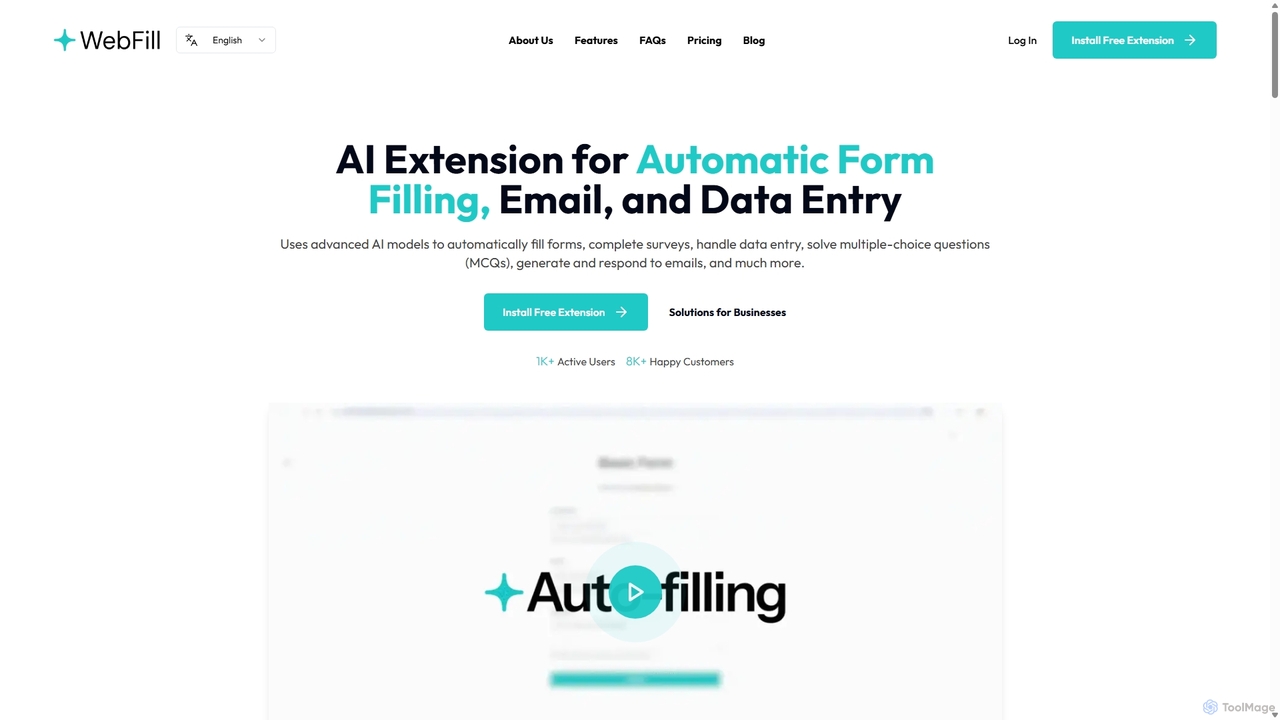
WebFill
WebFill is an AI-powered browser extension designed to automate daily digital tasks. It excels at automatically filling forms, completing surveys, handling data entry, and solving multiple-choice questions. It also features an AI assistant for generating and responding to emails, and a unique 'Vision' tool for instant answers from screen captures.
Assistant
Copy.ai
Copy.ai is an AI-powered content generation platform that helps marketers, copywriters, and entrepreneurs create high-quality content in seconds. From blog posts and social media captions to ad copy and sales emails, Copy.ai offers over 90 tools and templates to overcome writer's block and scale your content production effortlessly.
CopywritingHowToReplyTo Categories
HowToReplyTo Jobs
HowToReplyTo Embed Widget
Copy this embed code to place the badge on your blog, article, or product site and send readers directly to this ToolMage detail page.

Related AI tools
Compose AI
Compose AI is an AI-powered writing assistant and Chrome extension that accelerates your writing process. It offers intelligent autocompletion, text generation, and rephrasing capabilities across all your favorite sites, from emails to documents. By learning your personal writing style, it helps you write faster and more effectively, saving up to 40% of your time.
Chrome ExtensionsWebFill
WebFill is an AI-powered browser extension designed to automate daily digital tasks. It excels at automatically filling forms, completing surveys, handling data entry, and solving multiple-choice questions. It also features an AI assistant for generating and responding to emails, and a unique 'Vision' tool for instant answers from screen captures.
Assistant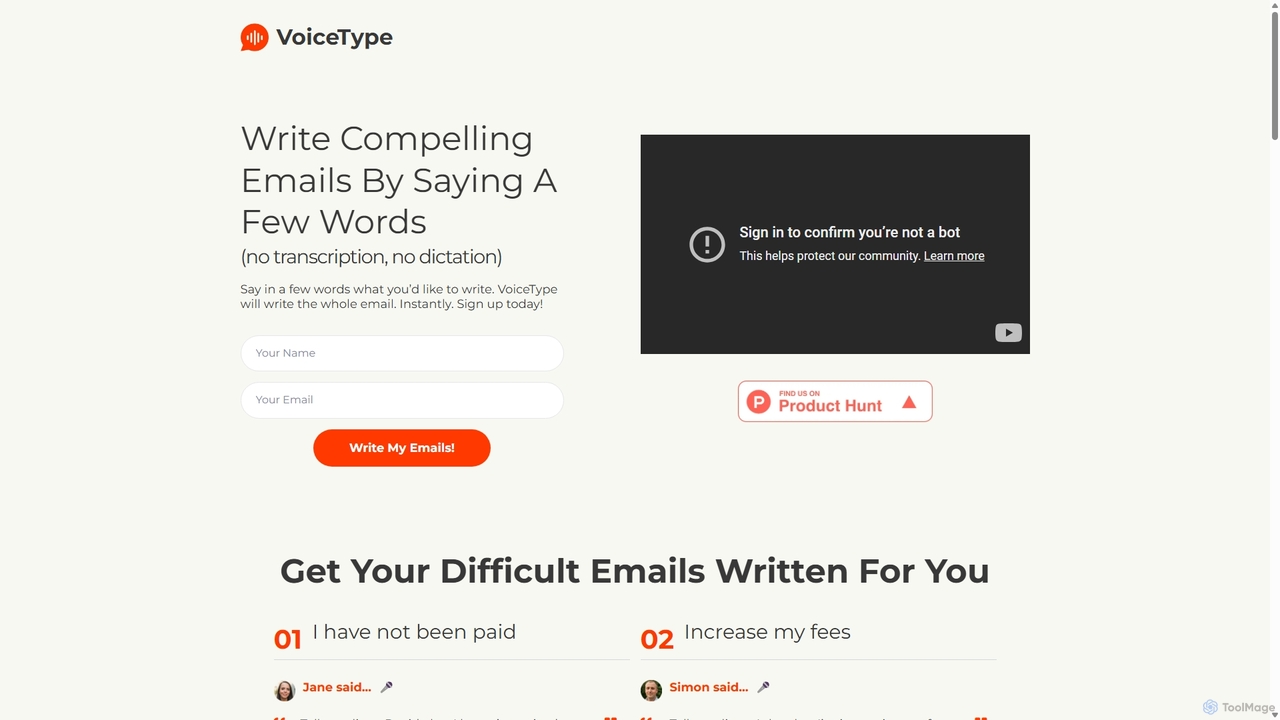
VoiceType
VoiceType is an AI-powered Chrome extension for Gmail that transforms short voice prompts into fully composed, professional emails. Instead of dictation, you simply explain the intent of your message, and VoiceType drafts a polished, grammatically correct email instantly. It's designed to save time, improve communication quality, and assist users with writing difficulties like dyslexia.
Assistive TechnologyCopy.ai
Copy.ai is an AI-powered content generation platform that helps marketers, copywriters, and entrepreneurs create high-quality content in seconds. From blog posts and social media captions to ad copy and sales emails, Copy.ai offers over 90 tools and templates to overcome writer's block and scale your content production effortlessly.
Copywriting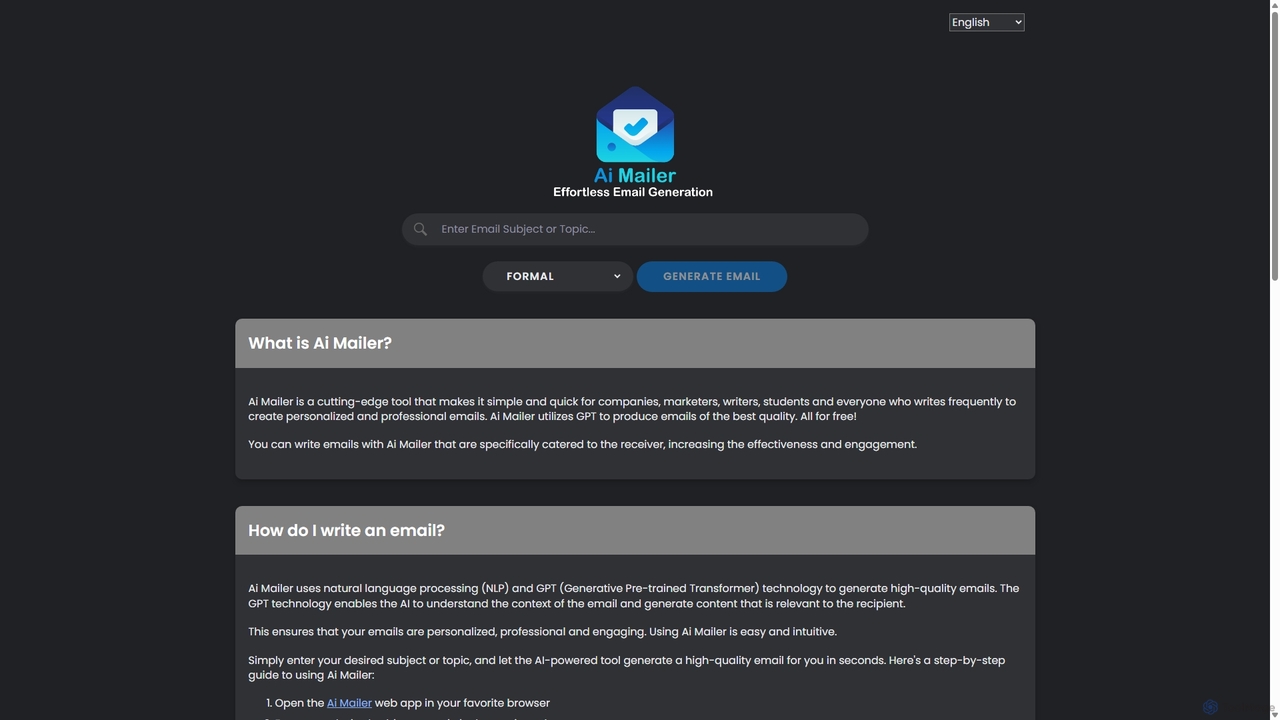
Ai Mailer
Ai Mailer is a free, AI-powered tool that leverages ChatGPT to effortlessly generate high-quality, professional emails. Simply provide a topic and select from various tones to create personalized, engaging content in seconds. Ideal for businesses, students, and anyone looking to save time and enhance their email communication.
Email Marketing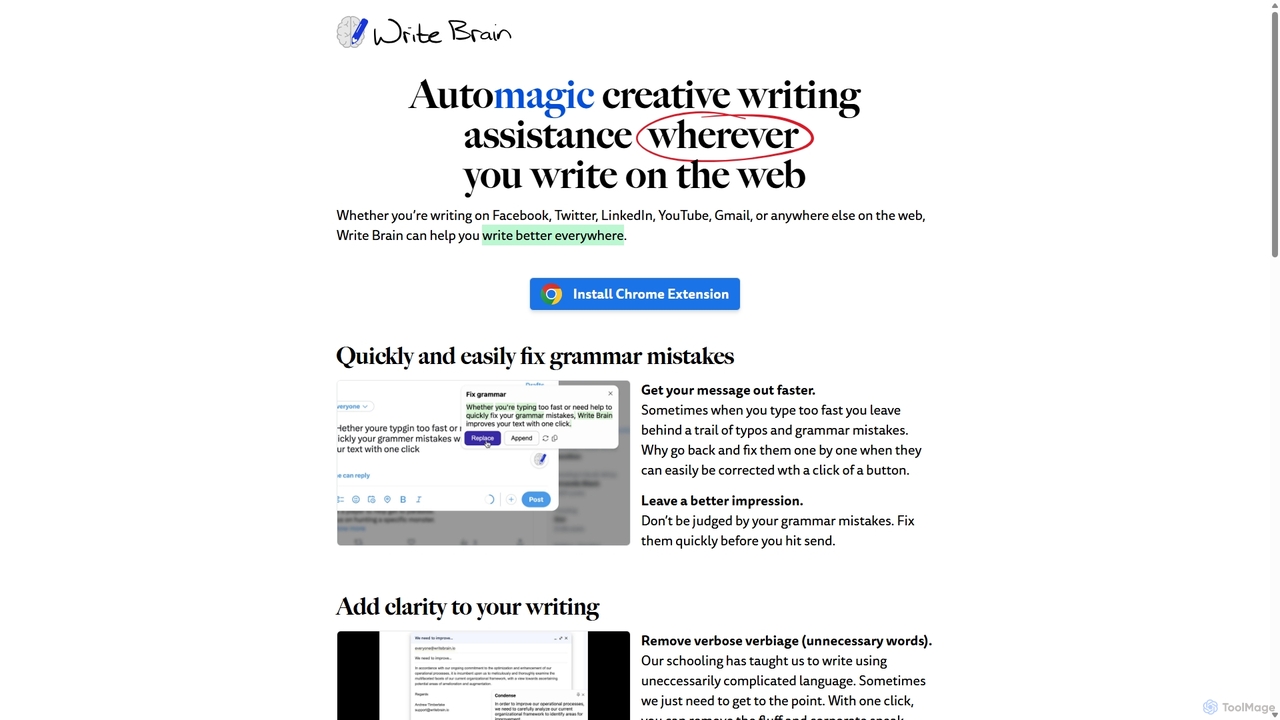
Write Brain
Write Brain is an AI-powered Chrome extension that serves as a comprehensive writing assistant. It helps users fix grammar, improve clarity, enhance writing style with descriptive language, translate text instantly, and add relevant emojis, working seamlessly across websites like Gmail, Facebook, and Twitter.
Chrome Extensions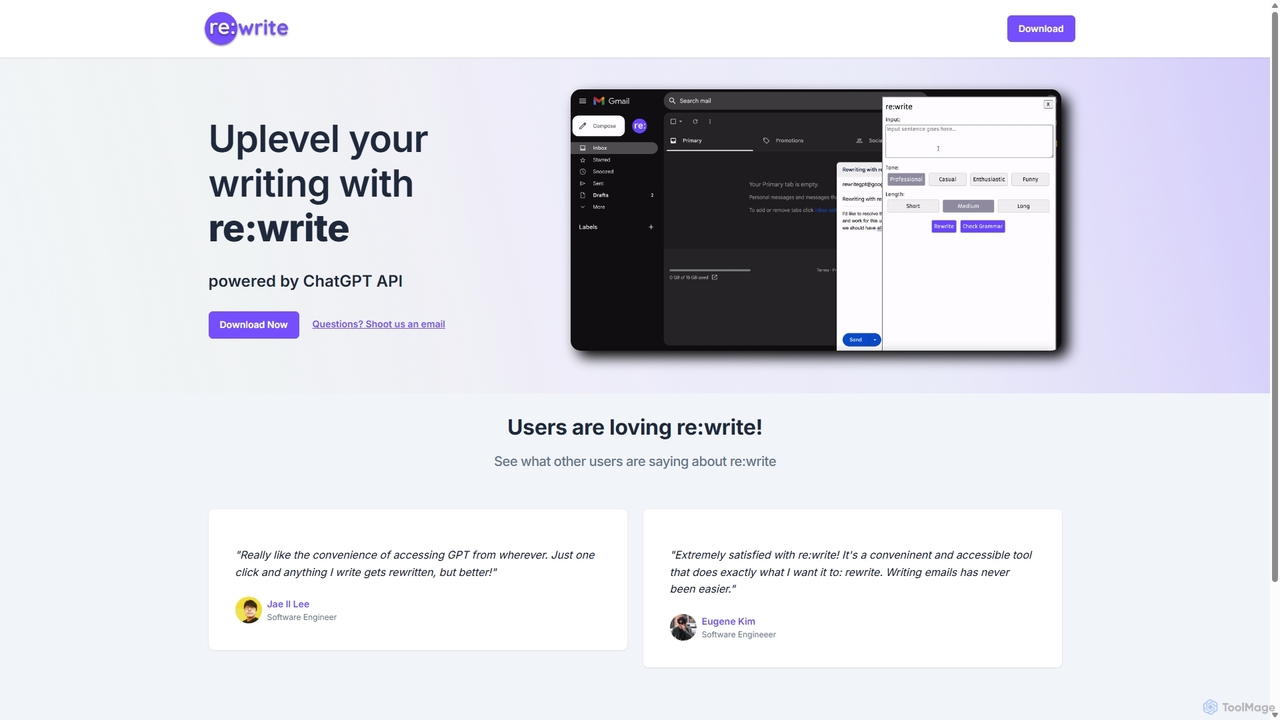
Rewritegpt
Rewritegpt is an AI-powered writing assistant and browser extension that helps you rewrite, paraphrase, and improve your text with a single click. It integrates seamlessly into your workflow, allowing you to enhance emails, reports, and social media posts directly on any website.
Study Tools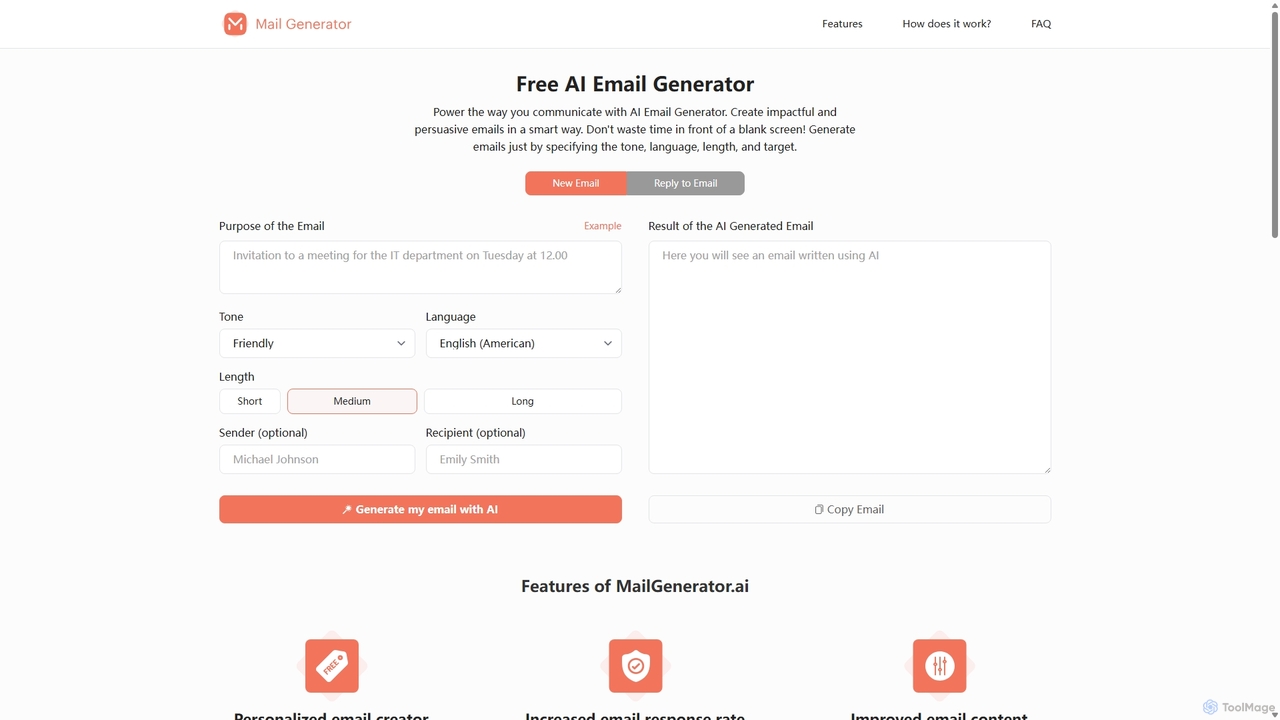
MailGenerator.ai
MailGenerator.ai is a free, AI-powered email generator designed to create impactful and persuasive emails instantly. Users can define the purpose, tone, language, and length to generate personalized content for various needs, from marketing campaigns to customer support replies. It helps overcome writer's block, improves communication quality, and significantly saves time, streamlining your email workflow.
Email Marketing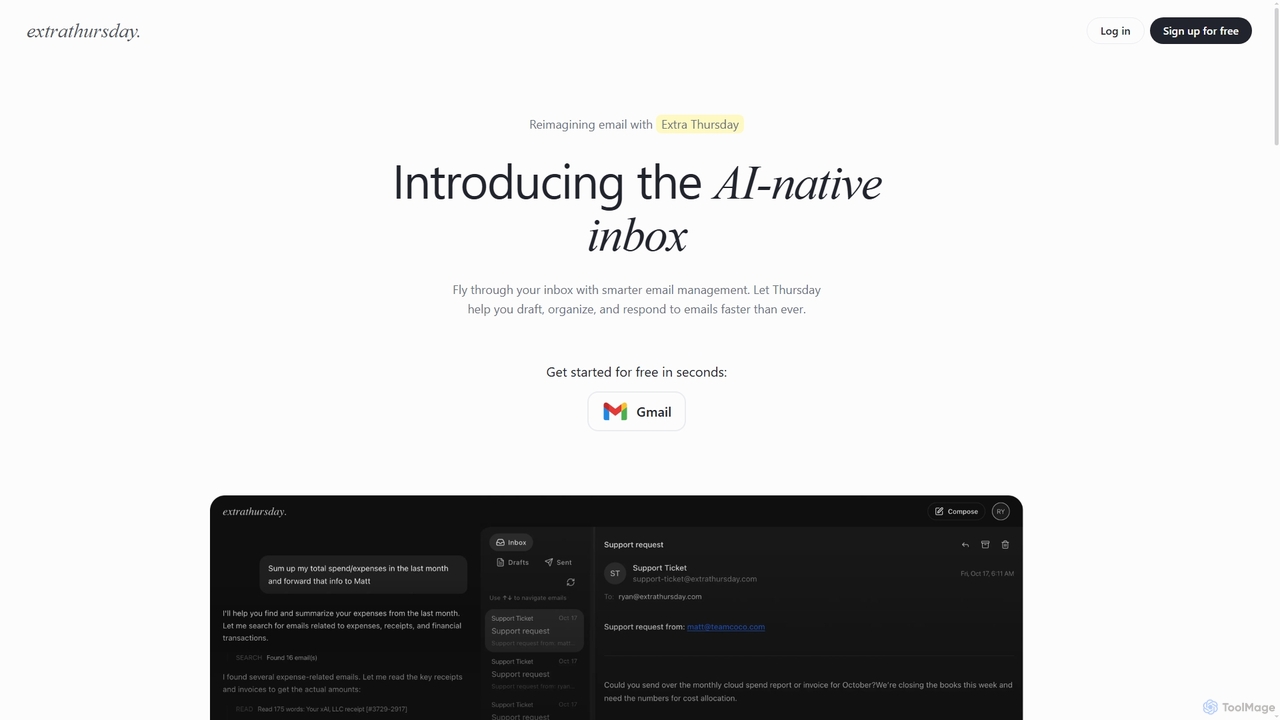
Extra Thursday
Extra Thursday is an AI-native email assistant designed to revolutionize your Gmail inbox. It helps you draft responses, organize emails, and extract key insights automatically, allowing you to manage thousands of emails in minutes and significantly boost your productivity.
Email Management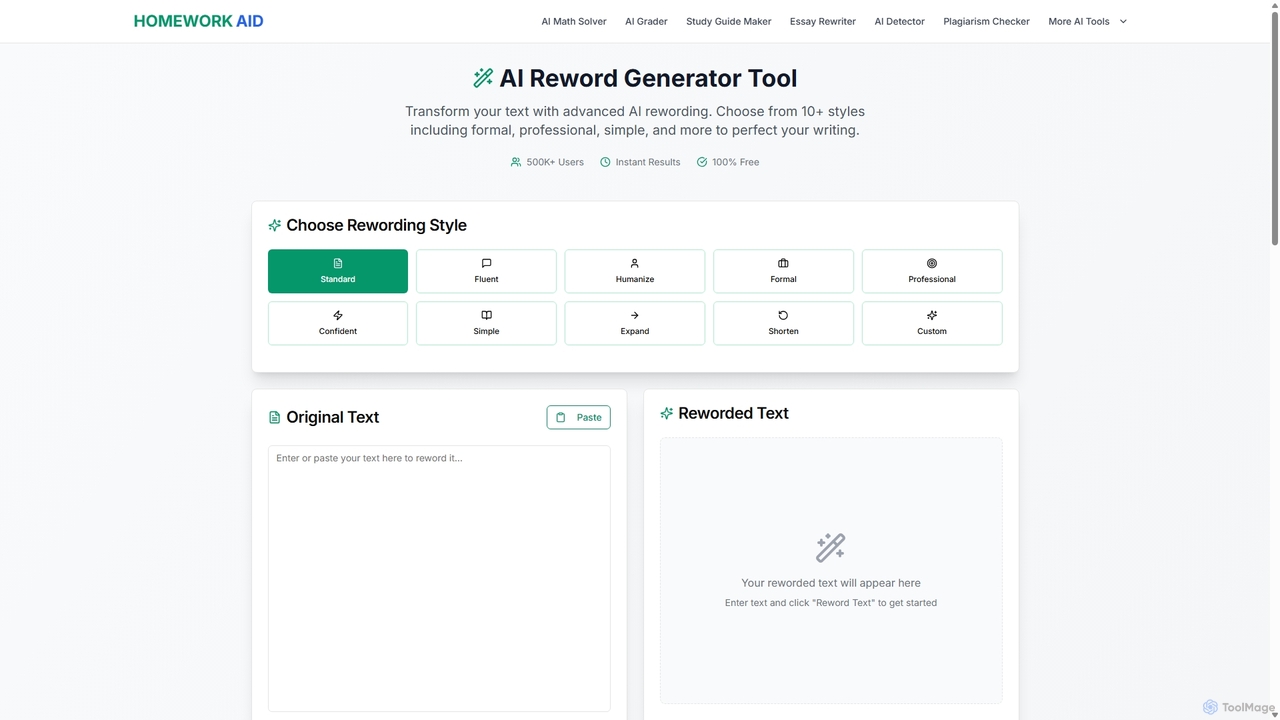
Reword Generator
Reword Generator is a free, AI-powered tool designed to transform your writing. It offers over 10 distinct styles—from formal to casual—to help you rephrase sentences, improve clarity, and enhance your tone. Ideal for students, writers, and professionals, it provides instant, high-quality results without any registration or limits, ensuring your original meaning is always preserved.
ParaphraserAiwritemail
Aiwritemail is an AI-powered email generator designed for professionals and cross-language collaborators. It streamlines email writing by quickly generating structured, tone-appropriate, and multilingual messages, saving valuable time and ensuring effective communication across various business scenarios.
Cross Border Collaboration
Mailbutler
Mailbutler is an AI-powered email extension for Apple Mail, Gmail, and Outlook that enhances your inbox. It offers features like email tracking, AI-driven smart compose and summarization, collaborative tools for teams, and professional signature marketing to boost productivity and streamline communication.
Help Desk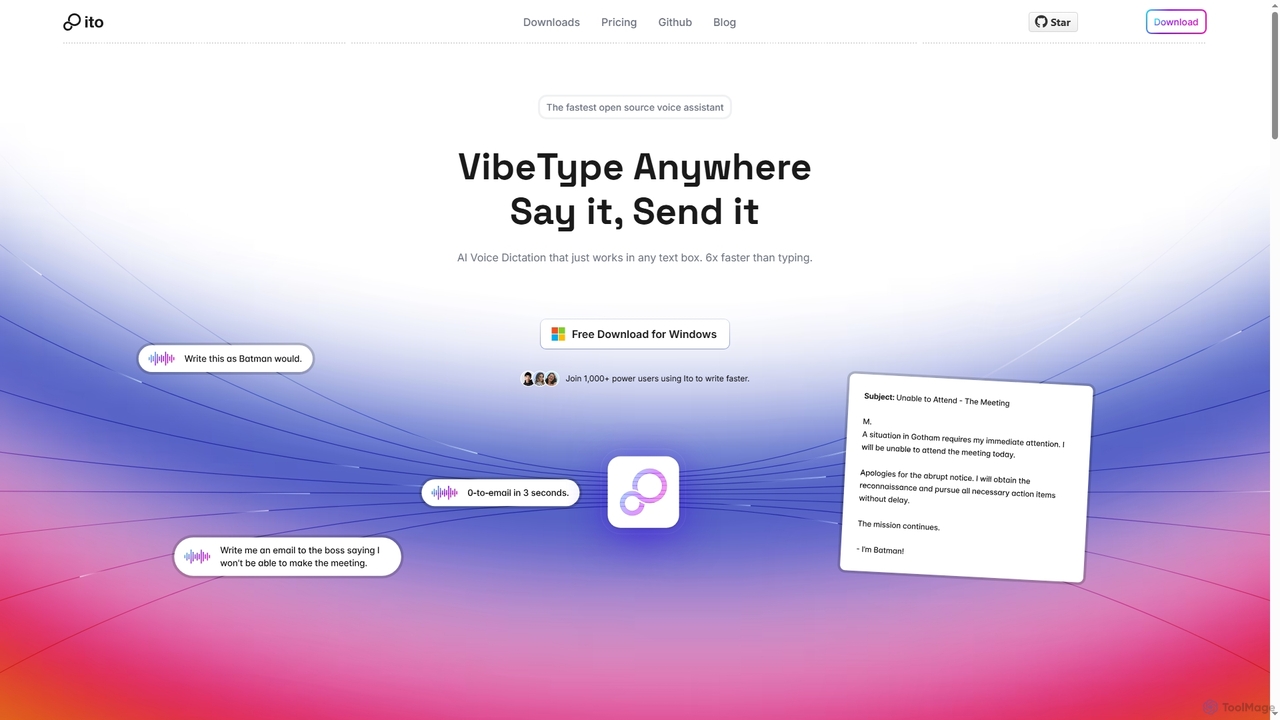
Ito
Ito is an open-source, voice-powered AI assistant for Mac and Windows that goes beyond simple dictation. Using "Vibe Typing," it understands your intent to generate polished text, smart responses, and even code, saving users significant time by allowing them to think, not type.
Email Assistant
ChatLLM
ChatLLM is an advanced conversational AI platform designed for professionals and developers. It provides unified access to multiple leading Large Language Models (LLMs) like GPT-4, Claude 3, and more. The platform focuses on enhancing productivity, streamlining workflows, and enabling powerful integrations through a robust API.
Api
Catchycv
CatchyCV is an AI-powered resume and cover letter builder designed to help job seekers create professional, ATS-optimized application documents. It offers smart templates, AI-driven content suggestions, and real-time feedback to help you land more interviews and advance your career.
Resume Builder
HowToReplyTo Comments (0)
Sign in to comment.
Sign inNo comments yet.