
NotionSender Overview
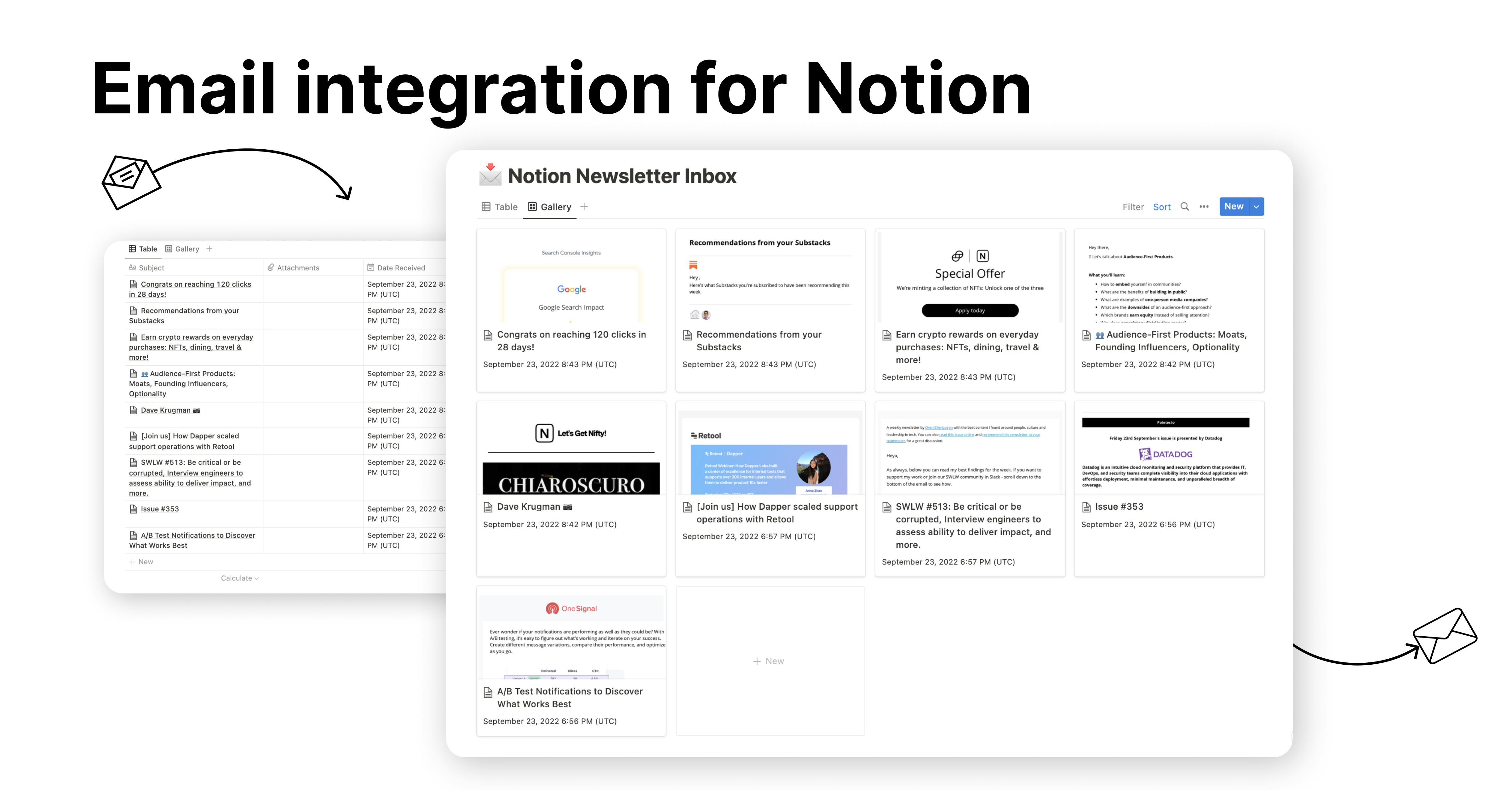
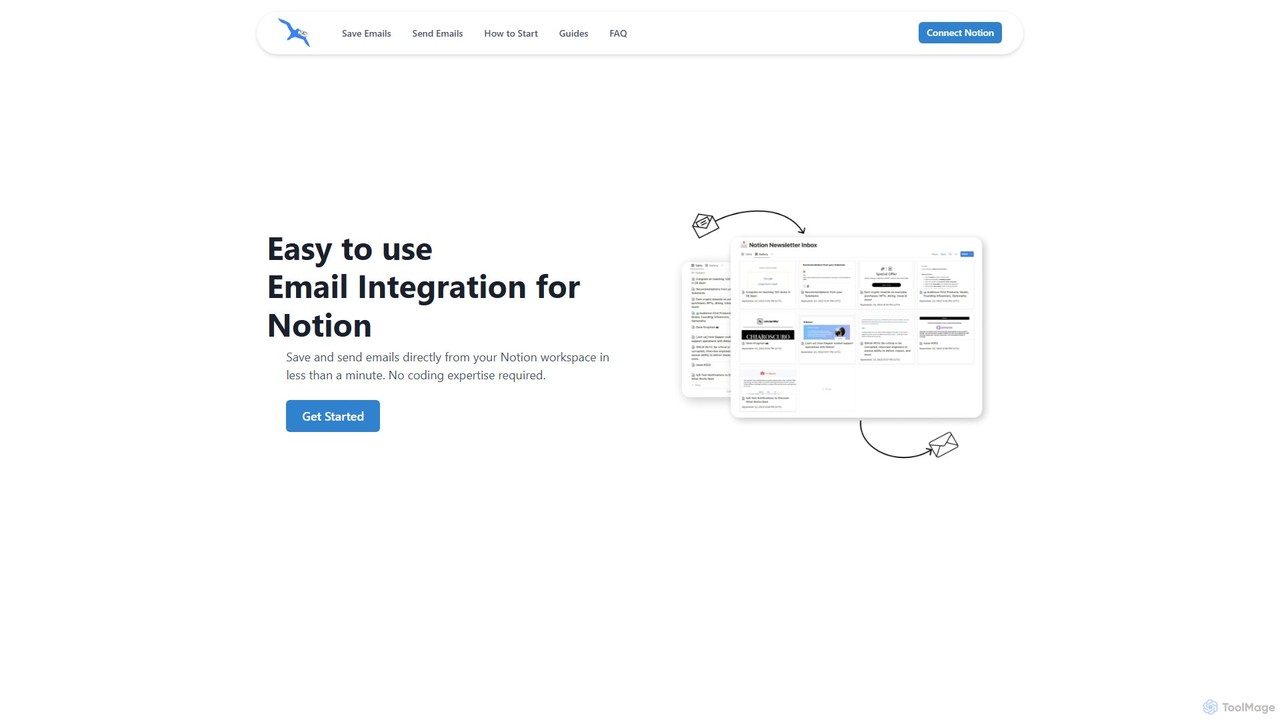
NotionSender is a powerful and user-friendly email integration designed to seamlessly connect your email client with your Notion workspace. It eliminates the need to constantly switch between your inbox and Notion, creating a unified and efficient environment for managing all your communications and projects. With NotionSender, you can both save incoming emails to any Notion database and send professionally formatted emails directly from a Notion page. The setup is incredibly fast, taking less than a minute and requiring no coding skills.
One of its standout features is the ability to transform a Notion database into a smart inbox. By assigning a unique email address to a database, you can forward or send emails directly to it. These emails are saved with all essential details, including sender information, date, attachments, and the full email body. You can view emails as styled widgets or convert them into native Notion blocks for easy editing and integration. Leveraging AI, NotionSender can intelligently extract specific information from your emails—such as invoice numbers, due dates, customer names, or key action items—and automatically populate the corresponding properties in your Notion database. This feature is perfect for automating data entry for financial transactions, lead management, or customer support tickets.
How to use NotionSender
Using NotionSender is a straightforward, four-step process:
- Connect Your Notion Workspace: First, create an account on the NotionSender website. Then, navigate to the 'Integrations' section and securely connect your Notion account, granting access to the pages or databases you wish to use.
- Set Up Your Notion Database: You can either use an existing Notion database or create a new one to serve as your inbox or outbox. Ensure the NotionSender integration has the necessary permissions to access and modify this database.
- Saving Emails to Notion: Once your database is configured as an 'Inbox' in NotionSender, you'll receive a unique email address for it. Simply forward any email from Gmail, Outlook, or Apple Mail to this address, and it will be automatically saved as a new page in your designated database.
- Sending Emails from Notion: To send an email, create a new page in your 'Outbox' database. Write the content using Notion's rich text editor, and fill in properties for the recipient's email, subject line, and attachments. By changing the status to 'Outbox' or a similar trigger, NotionSender will automatically dispatch the email.
Core Features of NotionSender
- Unique Email for Each Database: Assign a dedicated, private email address to any Notion database to turn it into a centralized inbox.
- AI-Powered Data Extraction: Automatically extract and categorize key information from email bodies (like invoice details, contact info, or dates) and save it into specific Notion properties.
- Send Emails from Notion: Compose and send emails directly from Notion pages, using Notion's formatting blocks to create visually appealing messages.
- Dynamic Email Templating: Personalize your emails by using Notion page properties as variables (e.g., {{page.Name}}), perfect for bulk outreach or automated responses.
- Scheduled & Automated Sending: Schedule emails to be sent at a specific time or automate sending based on a status change in your Notion database (e.g., from 'Draft' to 'Send').
- Full Attachment Support: Save incoming attachments directly to your Notion page and add files from Notion's file property to outgoing emails.
- Flexible Email Viewing: View emails as embedded widgets that preserve original styling or as plain text converted into editable Notion blocks.
- Custom Sender Address: Premium users can verify their own email address to send emails from Notion, ensuring brand consistency.
Use Cases for NotionSender
NotionSender is versatile and can be adapted for numerous workflows:
- Project Management: Centralize all project-related communication from clients and team members directly within your project's Notion database.
- CRM and Lead Management: Save inquiries from potential clients to a leads database and use AI to automatically extract contact details and requirements.
- Financial and Invoice Tracking: Forward all invoices and receipts to a finance database. The AI can automatically pull the invoice number, amount, and due date.
- Content & Newsletter Creation: Draft, manage, and send newsletters to your subscriber list (managed in a Notion database) directly from your workspace.
- Event Planning: Coordinate with vendors, speakers, and attendees by managing all email correspondence within a dedicated event planning database in Notion.
Advantages of NotionSender
The primary advantage of NotionSender is its ability to create a single source of truth. By integrating email, it keeps all relevant information, communication, and tasks in one organized place. This significantly boosts productivity by reducing context switching. The AI-driven data extraction automates tedious manual data entry, saving time and reducing errors. Its user-friendly interface and quick setup make powerful automation accessible to everyone, regardless of technical skill. Finally, the flexibility in sending dynamic, Notion-styled emails makes it a powerful communication tool for both internal and external purposes.
Pricing and Plans
NotionSender offers a freemium model:
- Free Trial Plan: $0/month. This plan includes most of the premium features and allows you to save up to 100 emails and send up to 50 emails per month.
- Premium Plan: $19/month (with a 20% discount for annual billing). This plan significantly increases the limits, allowing you to save up to 10,000 emails and send up to 5,000 emails per month. It also unlocks advanced features like AI property extraction, email scheduling, and the ability to use a custom sender address.
Traffic
Latest traffic
Status
Monthly traffic trend
- 2025-9: 6.6K
- 2026-1: 8.0K
- 2026-2: 5.8K
- 2026-3: 6.7K
- 2026-4: 11.0K
- 2026-5: 14.7K
Geography
Top 5 countries / regions
- 🇺🇸United States86.8%
- 🇩🇪Germany3.7%
- 🇿🇦South Africa3.6%
- 🇮🇳India3.5%
- 🇦🇺Australia2.4%
Traffic sources
| Source type | Percentage |
|---|---|
Direct | 100.0% |
Top keywords
| Keyword | Cost per click |
|---|---|
| ghost newsletter recomendation | $0.00 |
| good marketing and communication plan | $0.00 |
| how to create 2 columns in notion | $0.00 |
| notion progress bar | $0.00 |
| notion template gallery | $1.84 |
NotionSender Alternatives
Breezemail
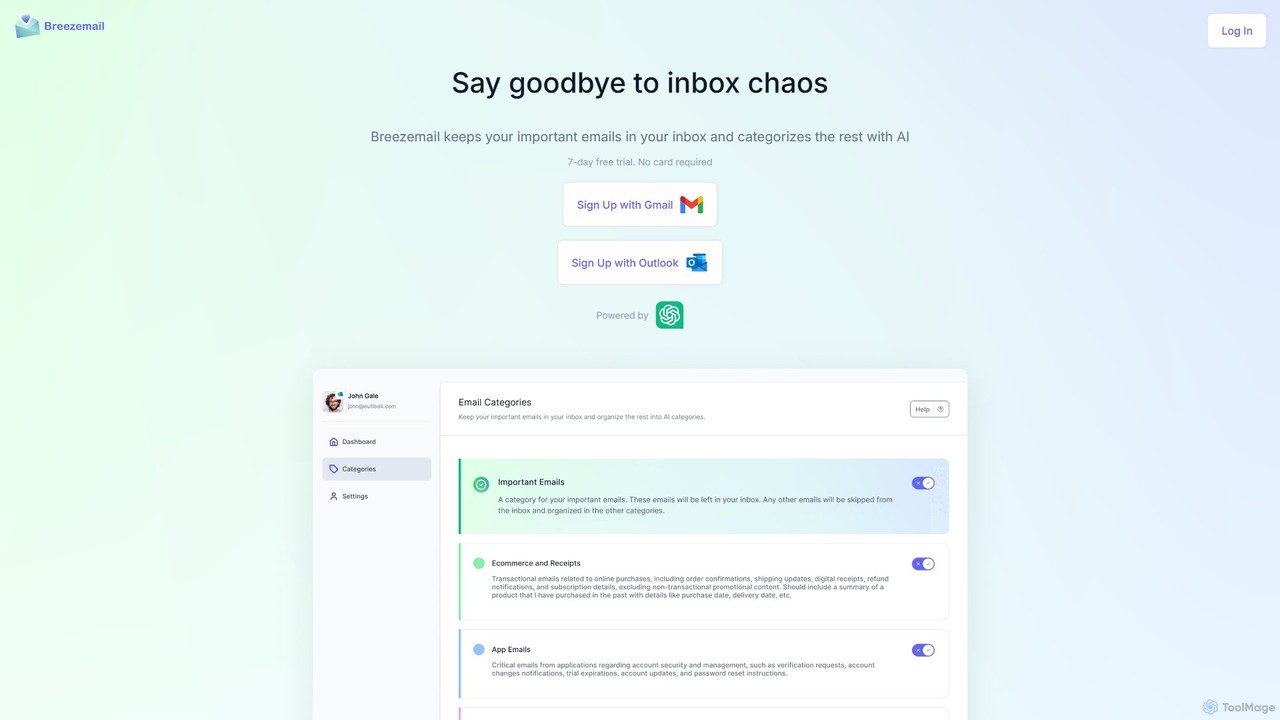
Breezemail is an AI-powered email organizer that automatically categorizes your emails in Gmail and Outlook. By creating custom, intelligent labels, it filters out newsletters and clutter, helping you focus on important conversations and achieve inbox zero effortlessly. Reclaim your productivity and enjoy a clean, organized inbox.
Workflow Automation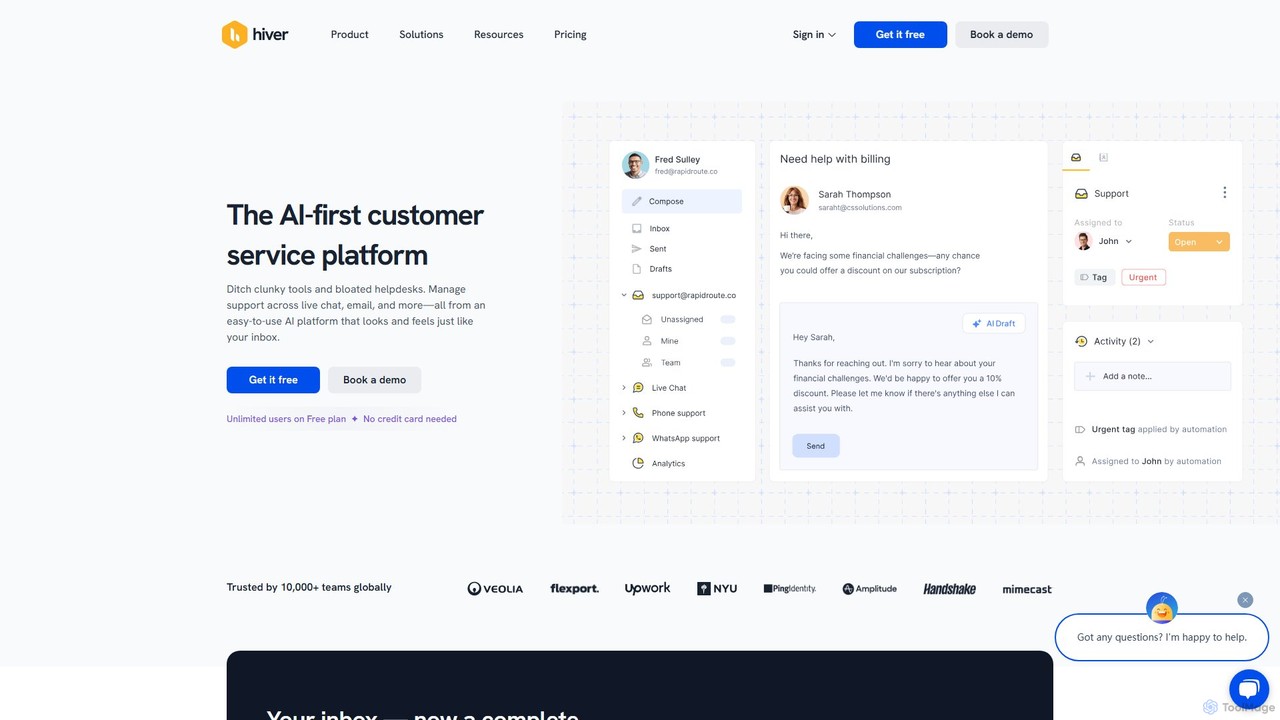
Hiver
Hiver is an AI-first customer service platform designed to work directly within your existing inbox, like Gmail or Outlook. It transforms your email into a powerful, multi-channel helpdesk, enabling teams to manage shared inboxes, live chat, and WhatsApp conversations seamlessly. With features like AI-powered automation, collaborative tools, and in-depth analytics, Hiver helps teams deliver faster, more human-like support without the complexity of traditional helpdesk software.
Help Desk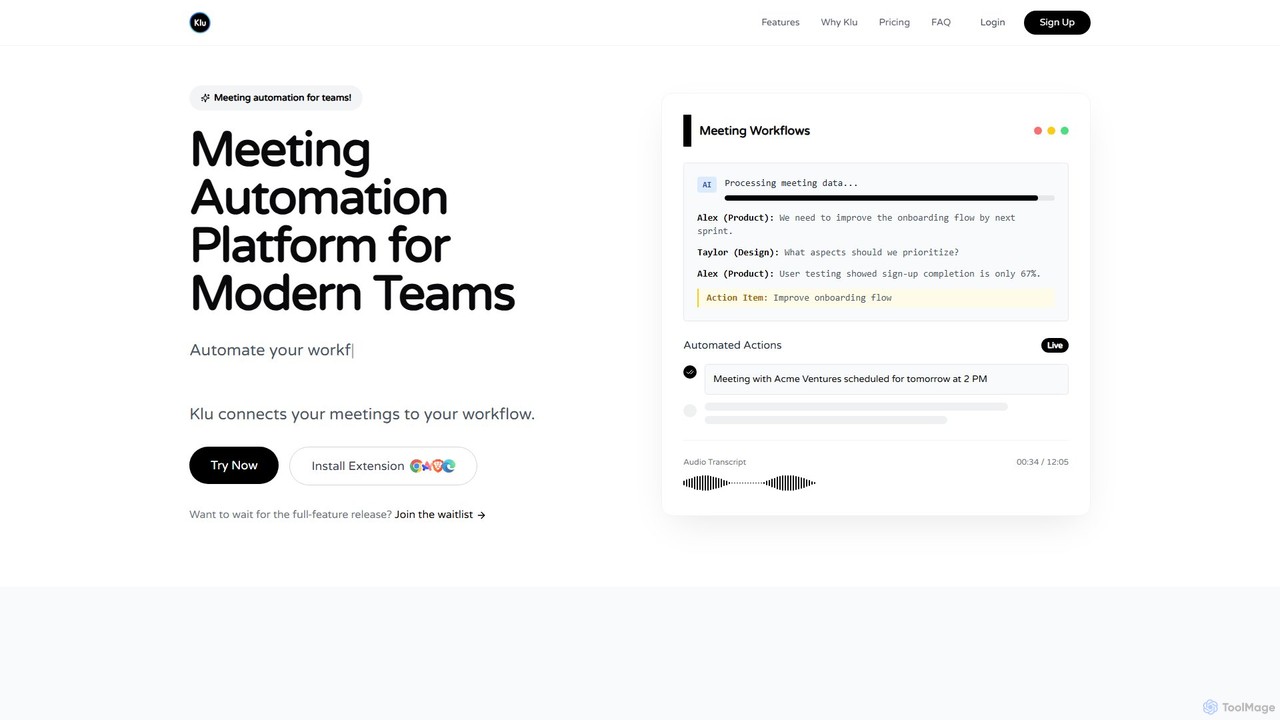
Klu
Klu is an AI-powered meeting automation platform designed for modern teams. It records, transcribes, and summarizes your meetings, automatically extracting action items and key insights. By integrating with your existing workflow tools like Notion, Slack, and Asana, Klu automates post-meeting tasks, saving time and boosting productivity.
Workflow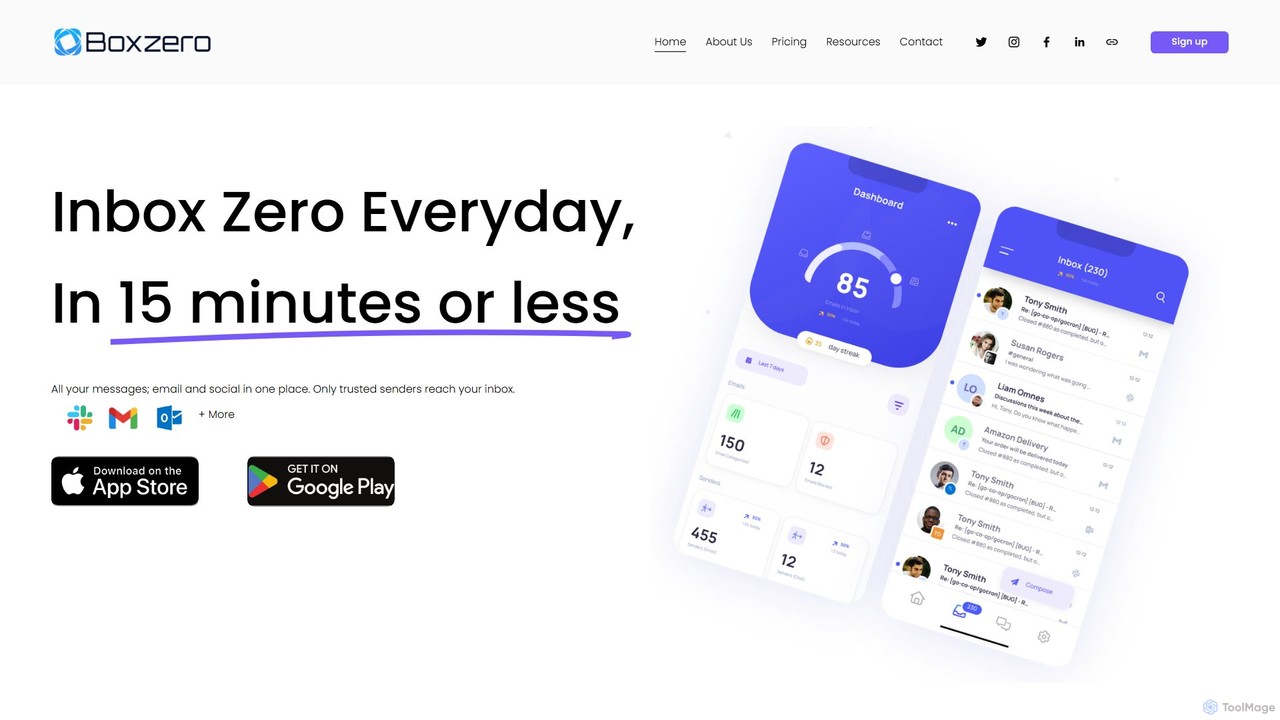
Boxzero
Boxzero is an AI-powered unified inbox that helps you achieve 'Inbox Zero' in 15 minutes or less daily. It consolidates all your emails (Gmail, Outlook) and social messages (Slack) into one place, using smart filtering to only show messages from trusted senders. An AI assistant generates smart replies, saving you hours of work and reducing communication overload.
Personal Assistant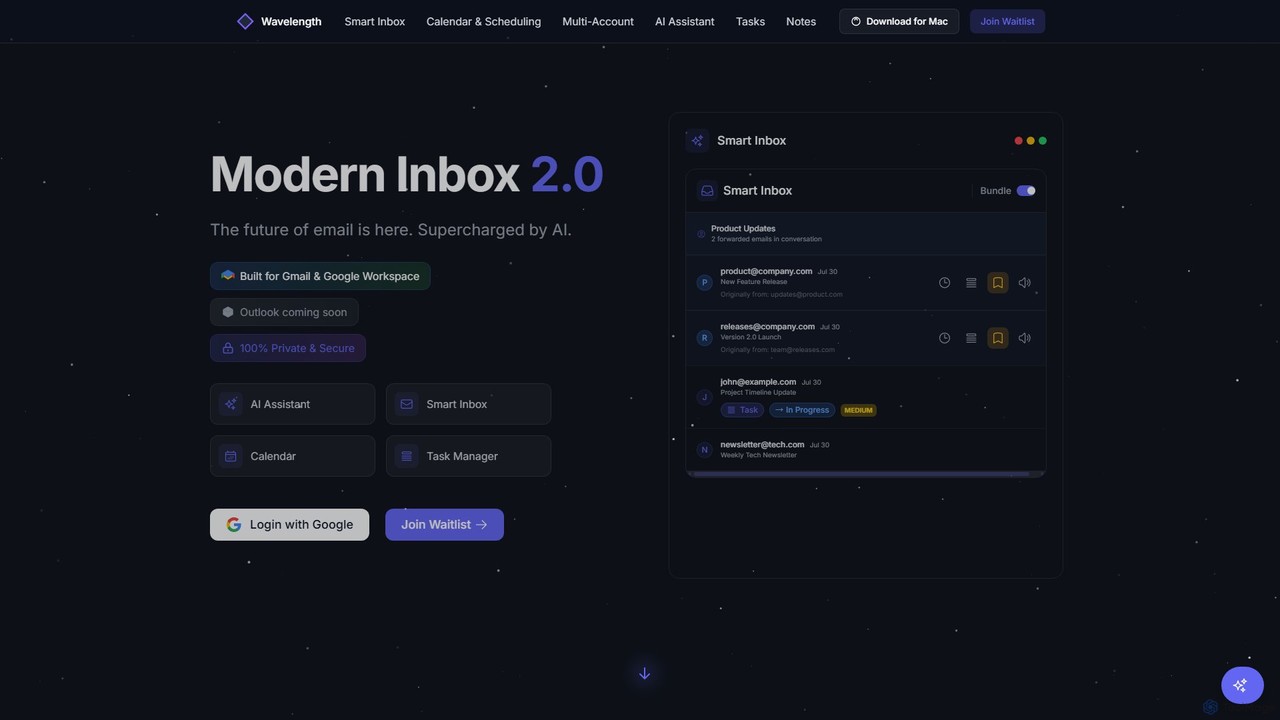
Wavelength Mail
Wavelength Mail is an intelligent email workspace that supercharges your Gmail and Google Workspace with AI. It combines a smart inbox, calendar, task manager, and AI assistant to streamline your workflow, categorize emails, summarize content, and automate scheduling, all while prioritizing your privacy with local data processing.
PersonalNotionSender Categories
NotionSender Embed Widget
Copy this embed code to place the badge on your blog, article, or product site and send readers directly to this ToolMage detail page.

Related AI tools
Breezemail
Breezemail is an AI-powered email organizer that automatically categorizes your emails in Gmail and Outlook. By creating custom, intelligent labels, it filters out newsletters and clutter, helping you focus on important conversations and achieve inbox zero effortlessly. Reclaim your productivity and enjoy a clean, organized inbox.
Workflow Automation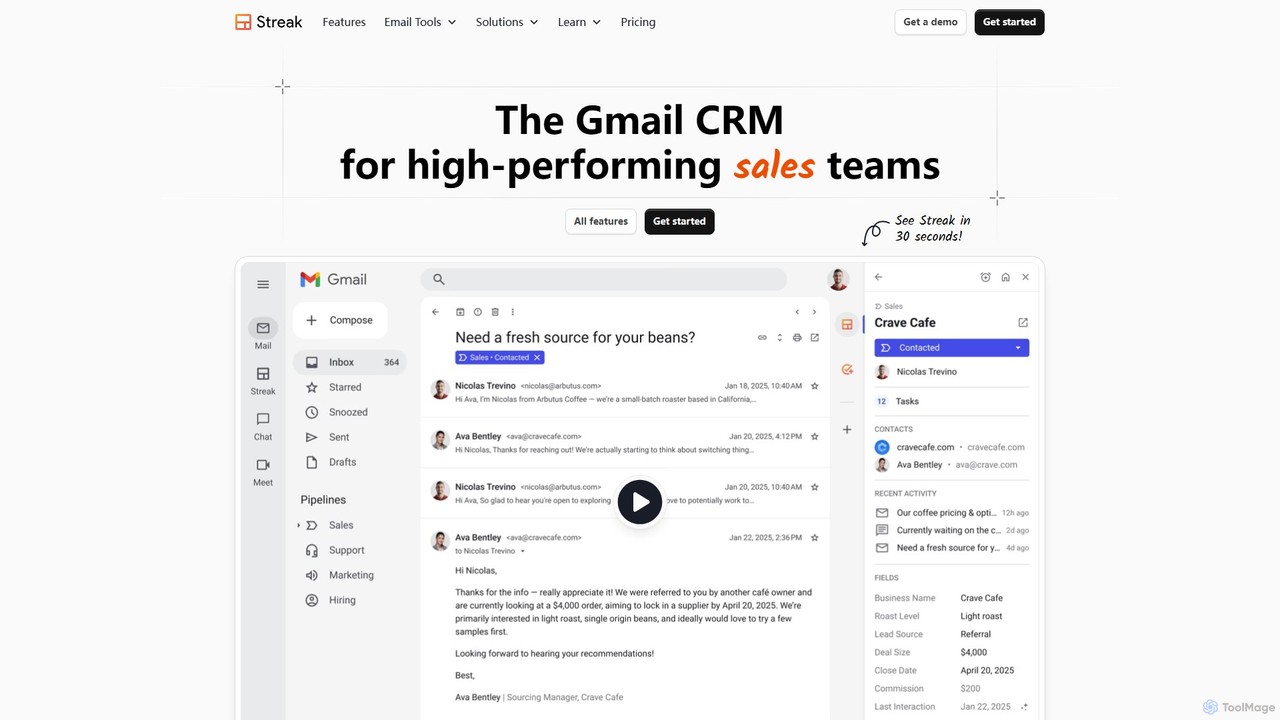
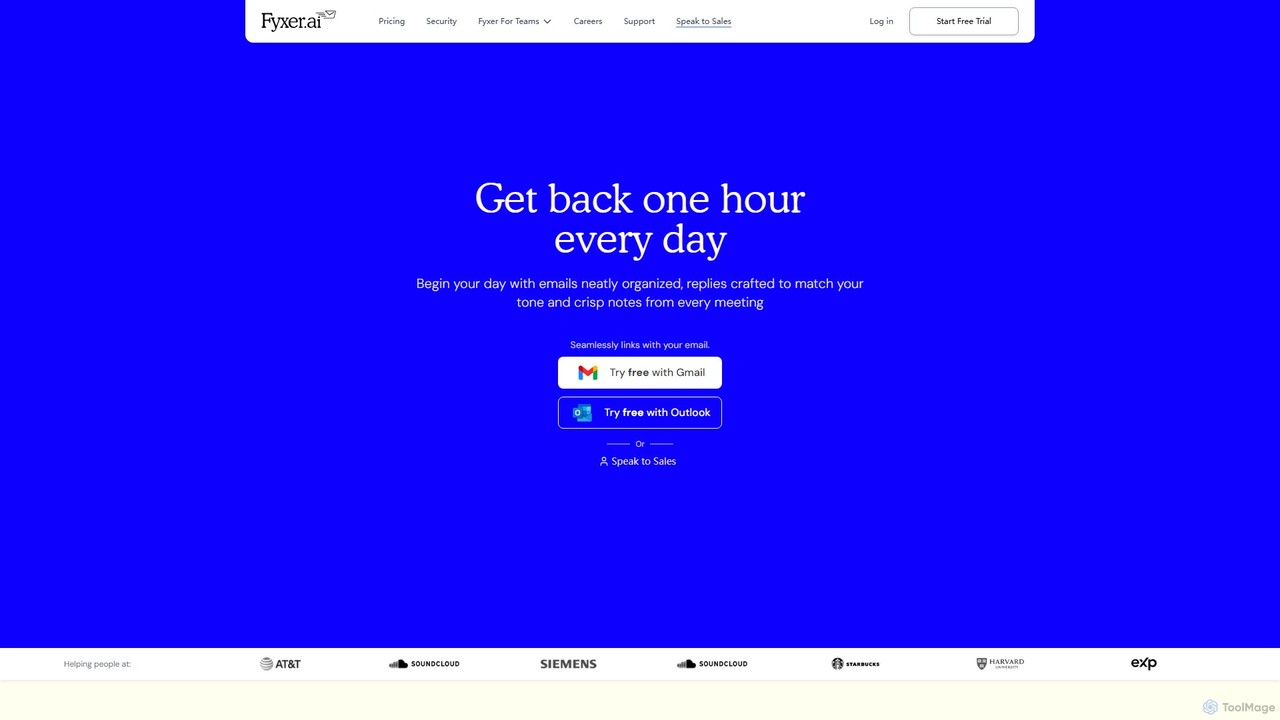
Fyxer
Fyxer is an AI executive assistant that integrates with Gmail and Outlook to save you an hour every day. It automatically sorts your inbox, drafts email replies in your personal tone, and takes detailed notes during your meetings, streamlining your entire workflow.
Automation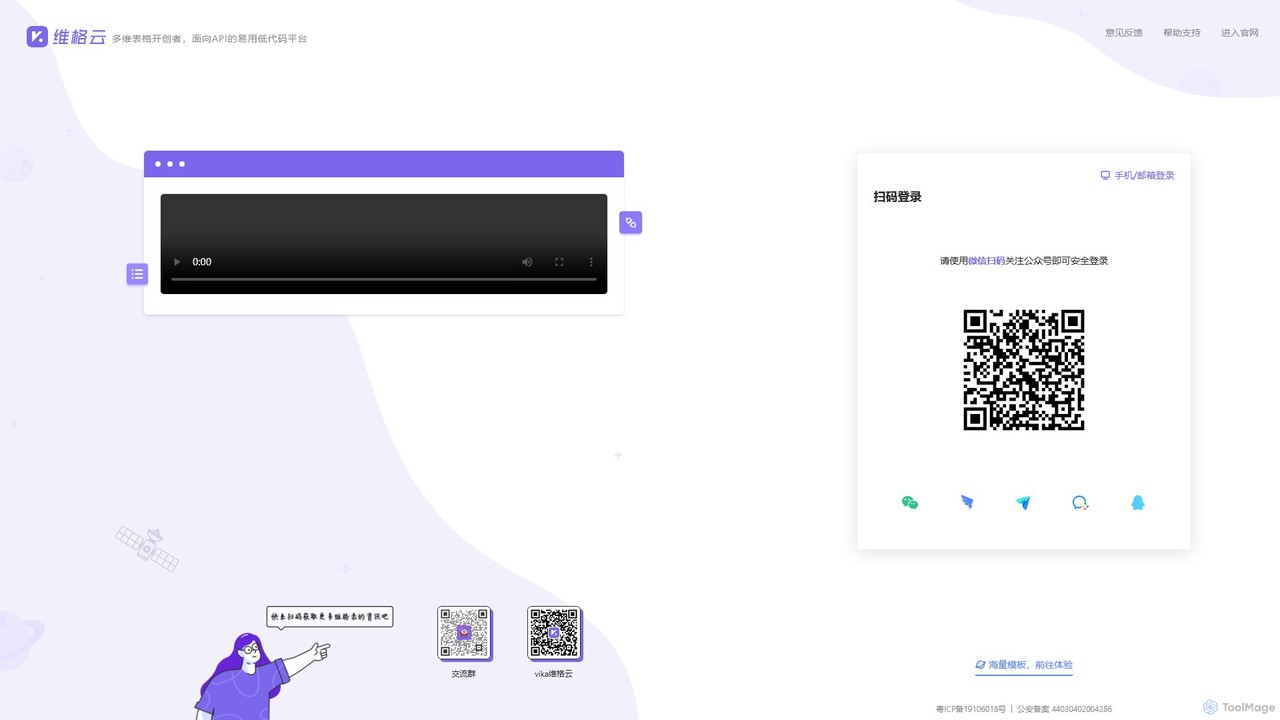
vika
vika is a pioneering multi-dimensional table and an API-oriented, easy-to-use low-code platform. It empowers teams to build flexible, scalable digital systems and automate workflows without extensive coding, integrating the functionality of a database with the simplicity of a spreadsheet.
Project Management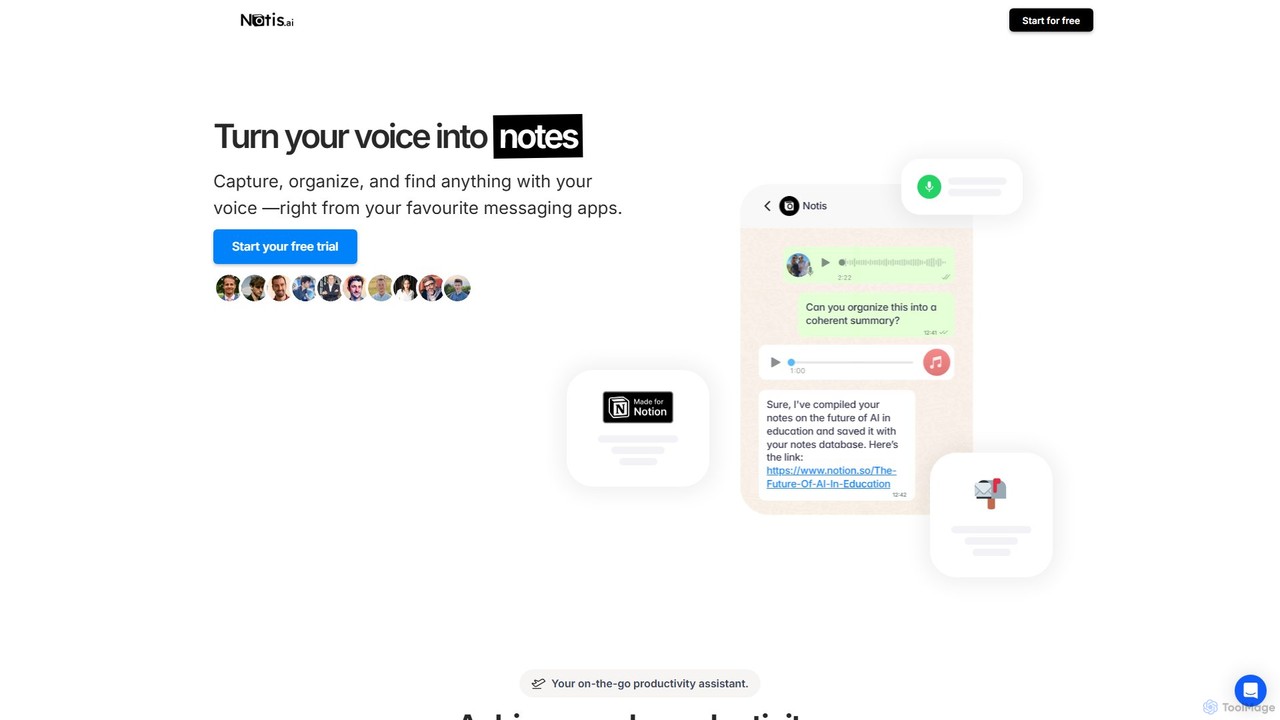
Notis
Notis is an AI-powered productivity assistant that turns your voice, text, and images into structured entries in Notion. Operating directly from messaging apps like WhatsApp and Telegram, it helps you capture ideas, manage tasks, draft content, and organize your life without ever opening the Notion app.
Content Creation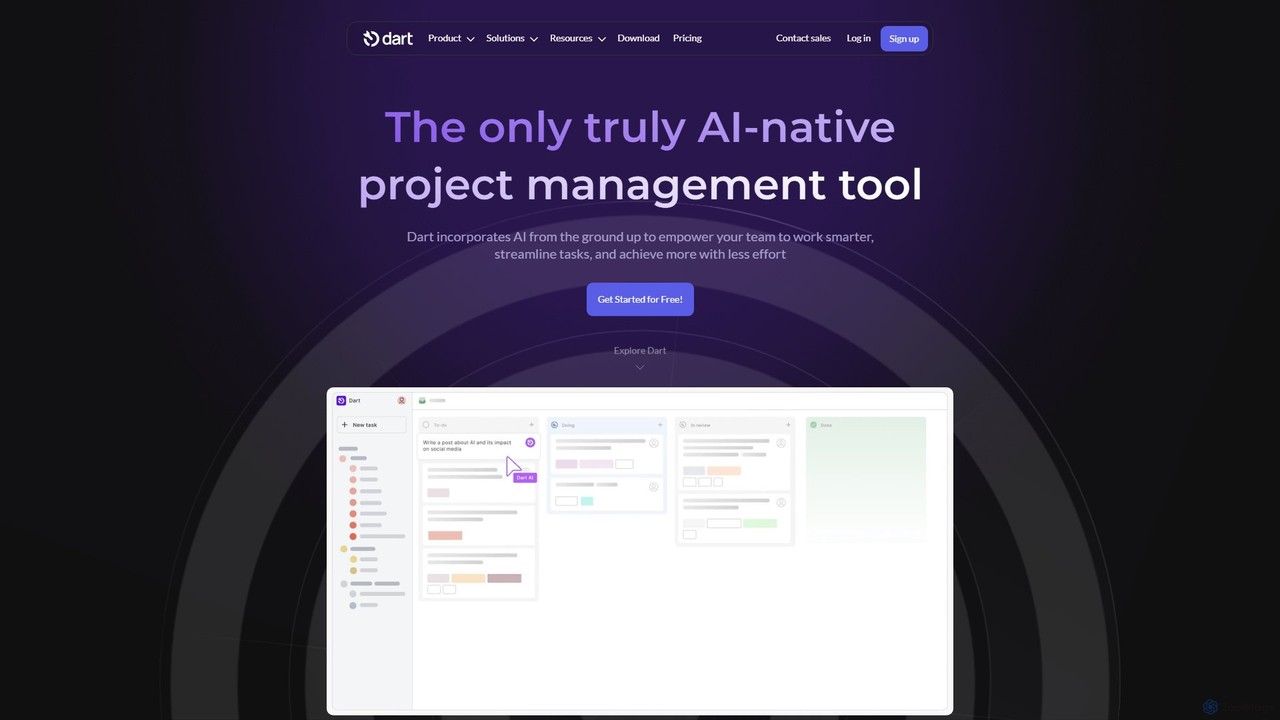
itsdart
Dart is an AI-native project management platform designed to automate workflows and enhance team productivity. It integrates AI from the ground up to handle tasks like subtask generation, project planning, and report creation. With features like intelligent task management, AI agents, integrated documents, and seamless integrations with tools like Slack and GitHub, Dart helps teams streamline operations, reduce manual overhead, and achieve goals faster.
Collaboration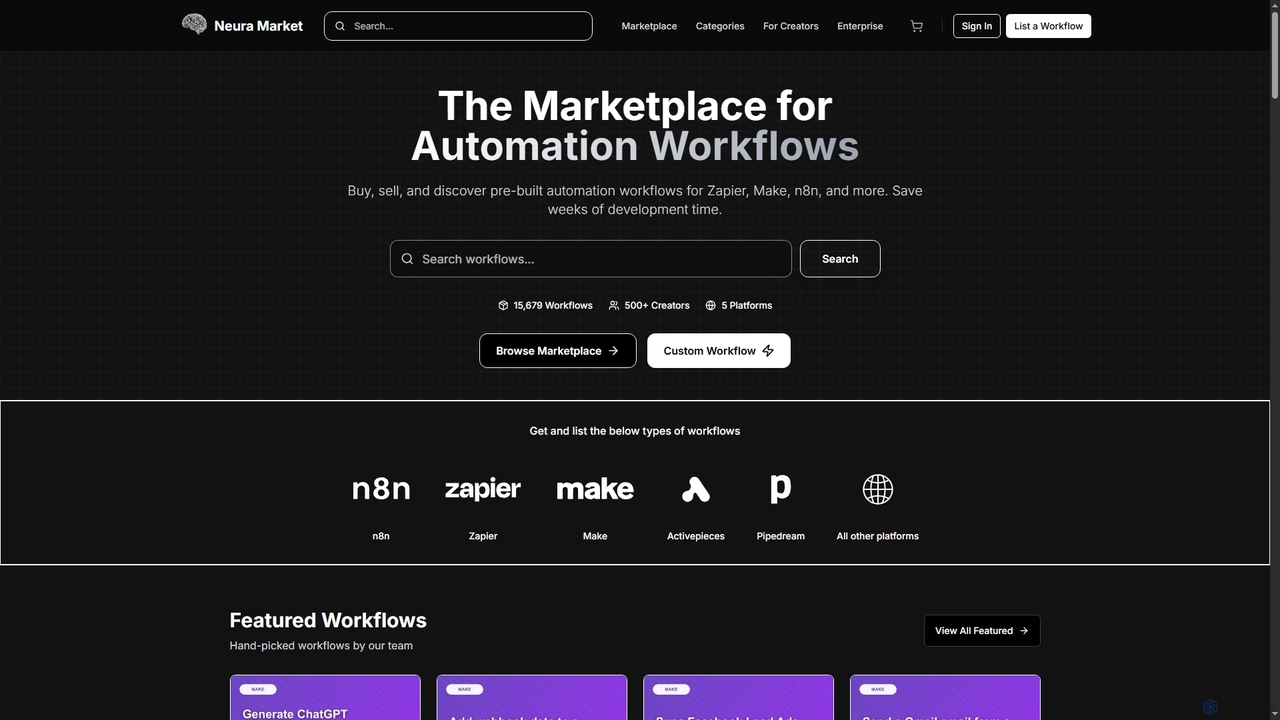
Neura
Neura is the leading marketplace for discovering, buying, and selling pre-built automation workflows. It empowers individuals and enterprises to streamline operations, integrate AI tools like ChatGPT, and save significant development time across platforms such as Zapier, Make, and n8n. With a vast library of workflows and a robust creator ecosystem, Neura simplifies complex automation tasks for various business needs.
Workflow Automation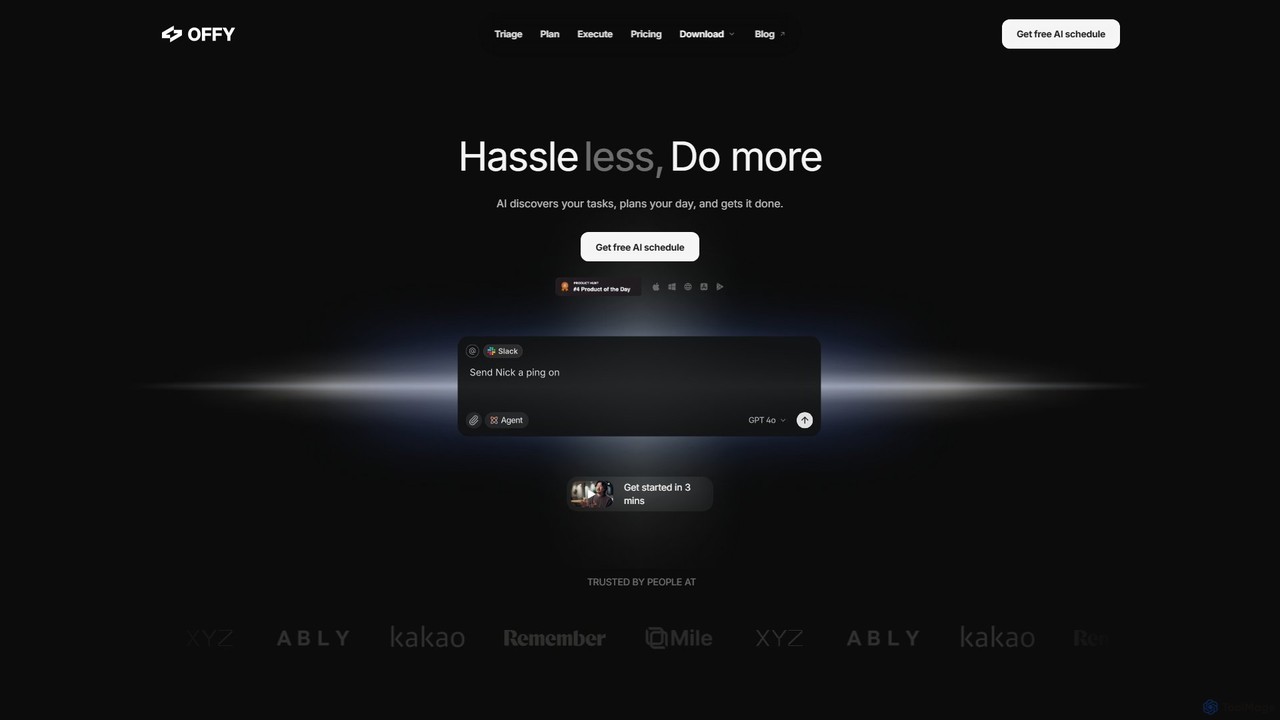
OFFLIGHT
OFFLIGHT is an AI-powered task management tool that automatically discovers tasks from your apps like Gmail and Slack, creates intelligent, time-based plans, and helps you execute them. Centralize your workflow and boost productivity with your personal AI assistant, Offy.
Personal Assistant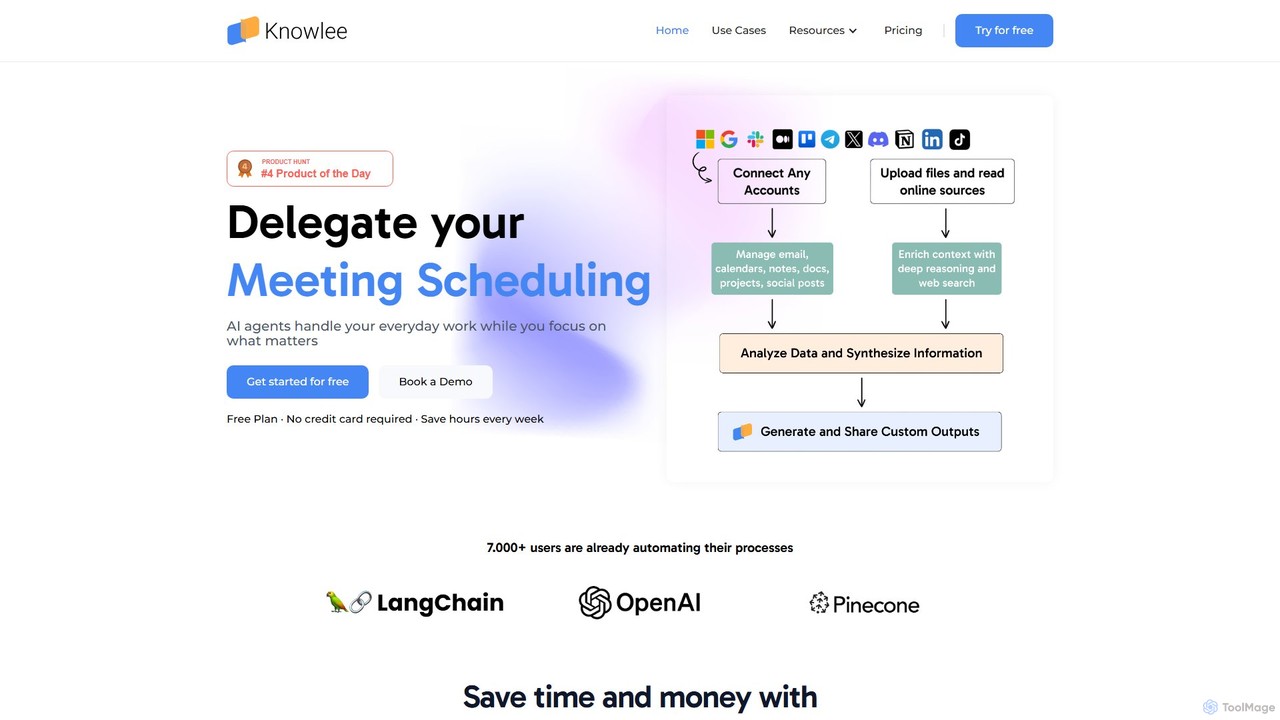
Knowlee
Knowlee is a no-code AI automation platform that enables you to build and deploy a team of AI agents. These agents can automate tasks across sales, marketing, HR, and project management by integrating with your existing tools like Google Workspace, Slack, and Notion. Streamline workflows, enhance productivity, and unlock new operational efficiencies without writing a single line of code.
Workflow Management
Jyek
Jyek is an AI agent platform that understands objectives, creates execution plans, uses tools, and delivers verifiable results for complex, multi-step tasks.
Automation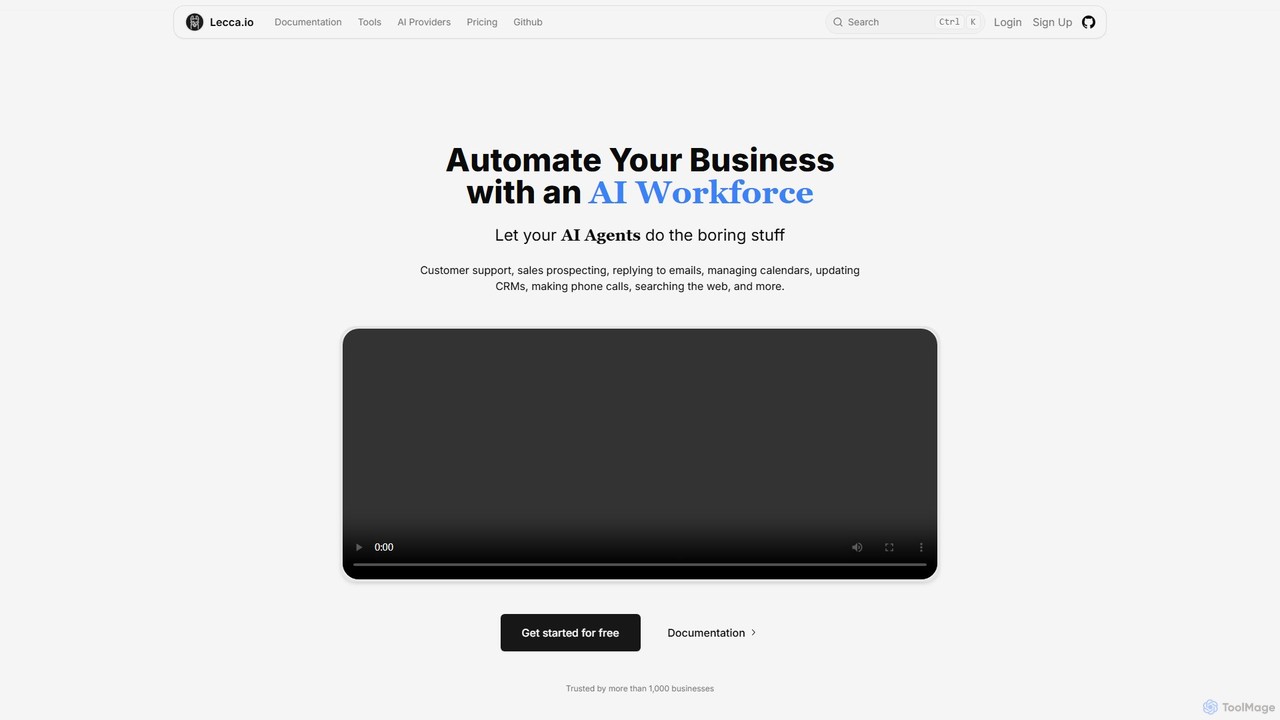
lecca.io
lecca.io is a no-code AI agent and automation platform designed to build an AI workforce for your business. It allows you to create intelligent agents that can handle repetitive tasks such as customer support, sales prospecting, email management, and CRM updates by integrating with your existing tools and workflows.
Chatbot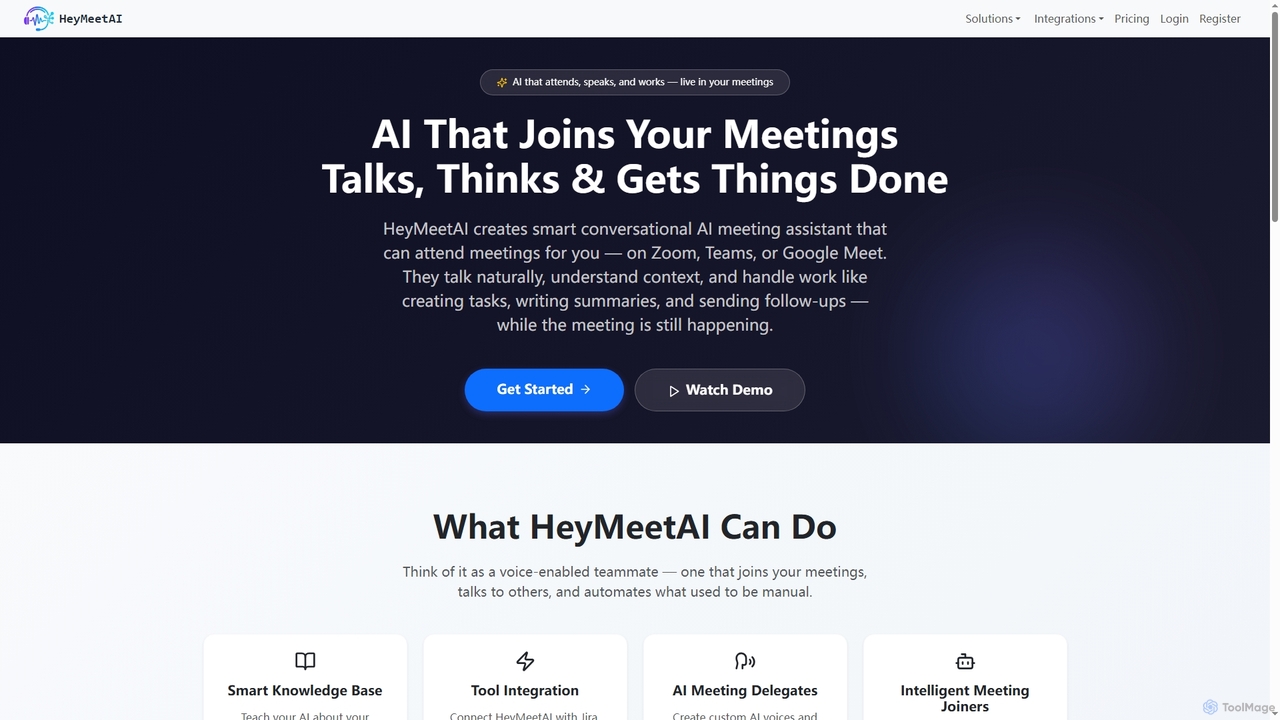
HeyMeetAI
HeyMeetAI is an intelligent conversational AI meeting assistant designed to actively participate in your virtual meetings on platforms like Zoom, Teams, and Google Meet. It speaks naturally, understands context, and automates tasks such as creating tickets, writing summaries, and sending follow-ups in real-time, enhancing team productivity and streamlining workflows.
Automation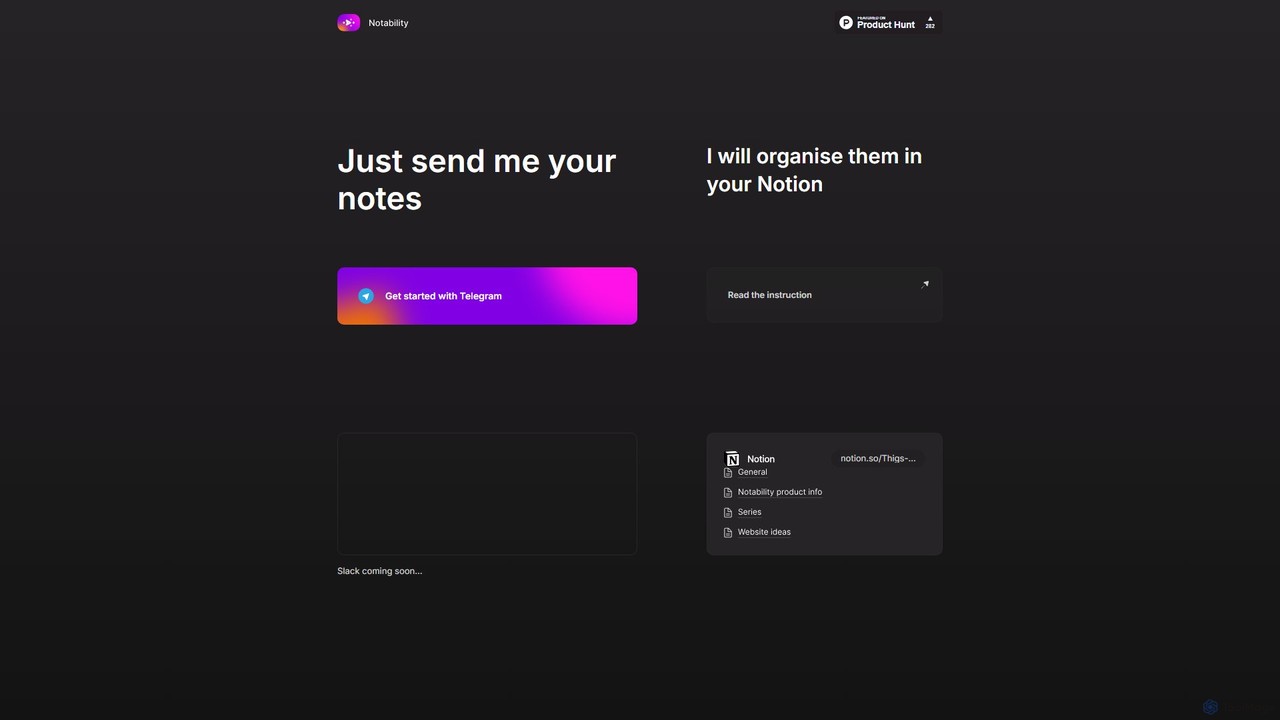
Notability
Notability is an AI-powered assistant that streamlines your workflow by automatically organizing notes from Telegram directly into your Notion workspace. Simply send text, voice notes, or links to the Telegram bot, and the AI will intelligently process, categorize, and structure the information within your designated Notion pages and databases. It's designed to eliminate manual data entry and create a frictionless knowledge management system.
Workflow Automation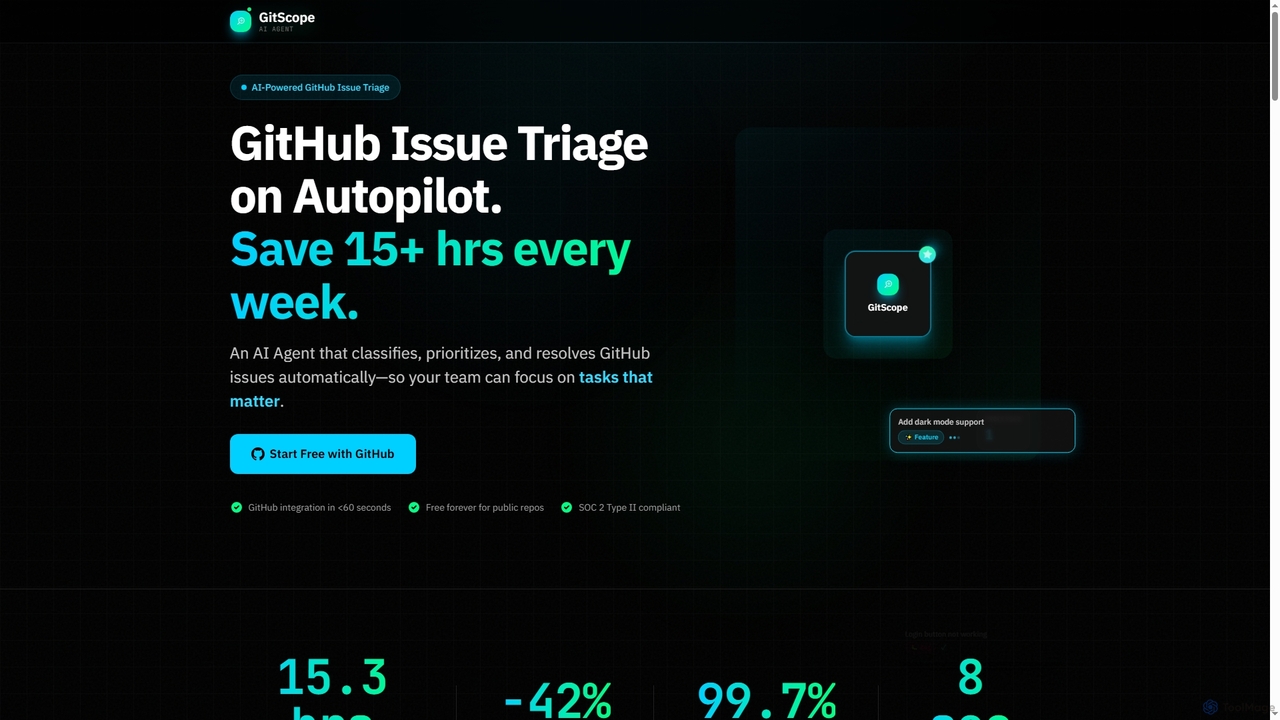
GitScope
GitScope is an AI-powered GitHub issue triage agent designed to automate the classification, prioritization, and resolution of issues. It helps engineering teams save significant time, reduce backlogs, and improve consistency by leveraging GPT-4 for intelligent analysis, duplicate detection, and configurable automation workflows. Free for public repositories, GitScope integrates seamlessly with GitHub to enhance team productivity and maintainer well-being.
Github ToolsHiver
Hiver is an AI-first customer service platform designed to work directly within your existing inbox, like Gmail or Outlook. It transforms your email into a powerful, multi-channel helpdesk, enabling teams to manage shared inboxes, live chat, and WhatsApp conversations seamlessly. With features like AI-powered automation, collaborative tools, and in-depth analytics, Hiver helps teams deliver faster, more human-like support without the complexity of traditional helpdesk software.
Help Desk
NotionSender Comments (0)
Sign in to comment.
Sign inNo comments yet.