
Superjoin Overview
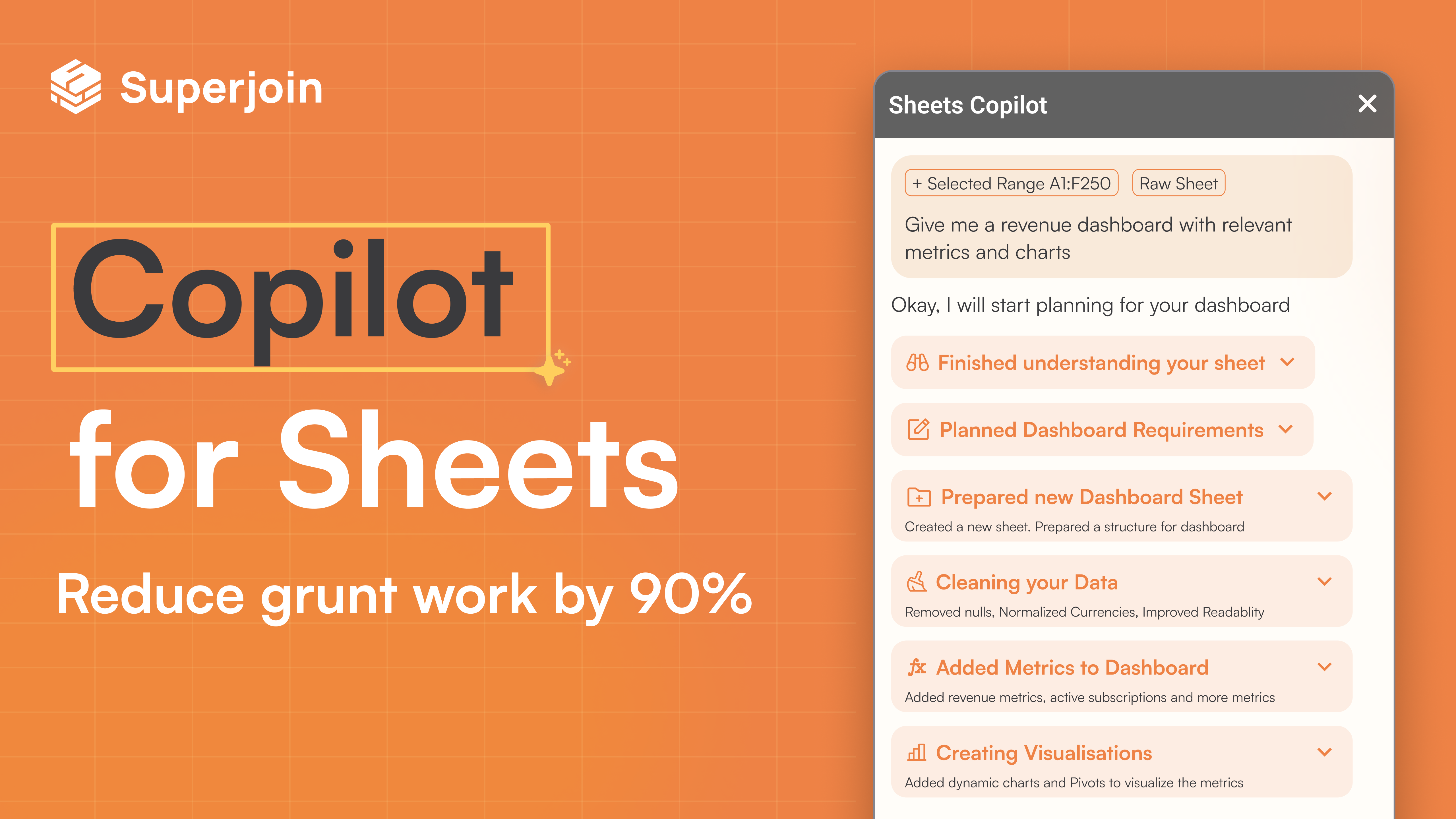
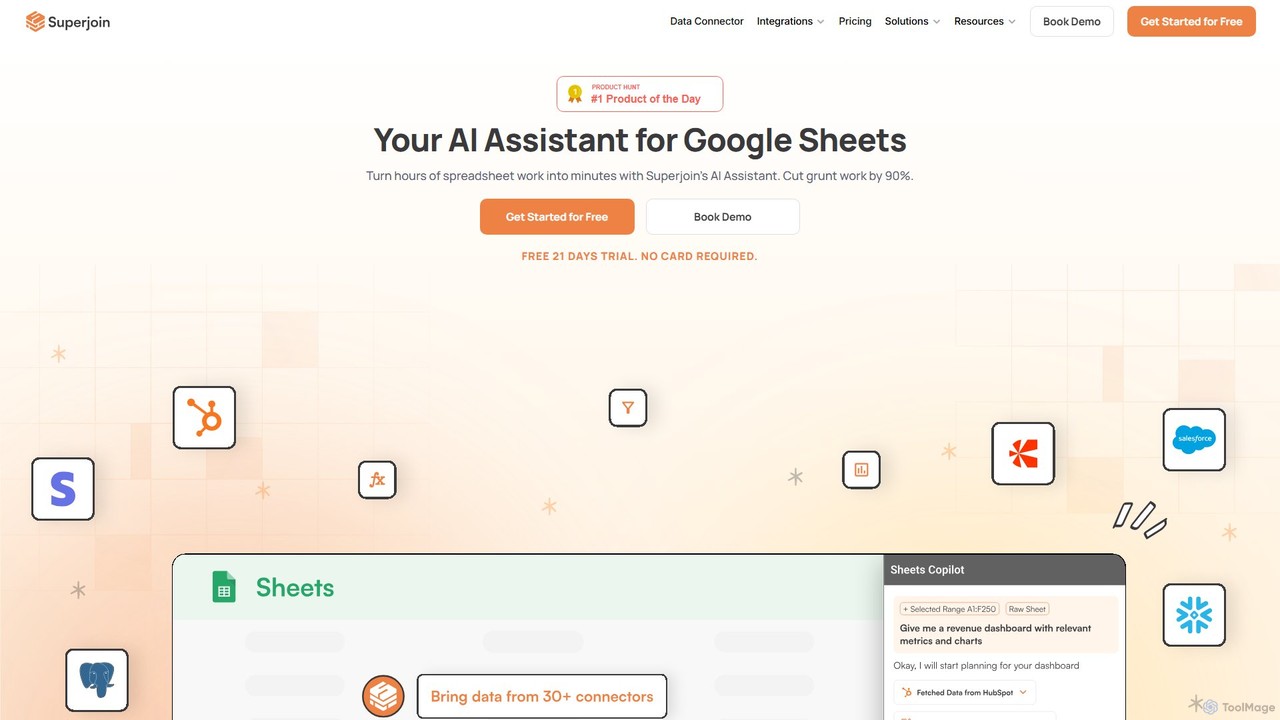
Superjoin is a powerful AI assistant designed to supercharge Google Sheets, transforming hours of tedious spreadsheet work into minutes. It aims to boost the productivity of knowledge workers by 10X, effectively eliminating up to 90% of manual grunt work. Trusted by over 18,000 users across 400+ companies, Superjoin integrates seamlessly into your existing workflow, making data management and analysis more intuitive and efficient.
The core of Superjoin is its ability to automate the entire data lifecycle within Google Sheets. It allows you to connect to over 30 data sources, including databases, ad platforms, and CRM systems, pulling fresh data directly into your sheets without ever needing to export a CSV file again. With scheduled auto-refreshes, your reports and dashboards always contain the most up-to-date information, enabling real-time, data-driven decision-making.
How to use Superjoin
Getting started with Superjoin is a straightforward process designed to deliver value quickly:
- Installation: Add the Superjoin extension to your Google Sheets from the Google Workspace Marketplace.
- Connect Data Sources: In your Google Sheet, use the Superjoin interface to connect to one or more of the 30+ available data sources (e.g., HubSpot, PostgreSQL, LinkedIn Ads).
- Automate Data Imports: Set up queries to pull the specific data you need. Schedule auto-refreshes (e.g., hourly, daily, monthly) to ensure your data is always current.
- Use AI Agent Mode: Activate the Agent Mode and use simple English commands to perform complex tasks. For example, you can ask it to "clean up the 'Name' column by removing extra spaces" or "create a bar chart showing sales by region."
- Leverage SUPERGPT() Function: For row-by-row operations, use the `=SUPERGPT()` formula. This is perfect for tasks like sentiment analysis on customer feedback, translating text, or summarizing long descriptions across thousands of rows.
- Automate Workflows: Set up smart workflows, such as automatically pushing updated data back to a source system or sending a screenshot of a report to a Slack channel or email on a schedule.
Core Features of Superjoin
- Automated Data Connectors: Connect to 30+ data sources with one click. Ditch CSVs and get fresh data automatically.
- Scheduled Auto-Refreshes: Set up schedules to automatically update your Google Sheet with the latest data, ensuring your reports are always current.
- AI Agent Mode: An end-to-end task completer that understands natural language commands to clean data, generate charts, and create pivot tables.
- =SUPERGPT() Function: Apply AI operations like summarization, translation, classification, or sentiment analysis to thousands of rows at once.
- AI Formula Generation: Let AI write and apply the perfect formula for any task, from complex calculations to smart data fixes.
- Natural Language Data Manipulation: Clean, reformat, or reorganize your data using simple English commands instead of complex formulas.
- 2-Way Sync: Push data from Google Sheets back to your source systems, maintaining data consistency across platforms.
- Smart Workflows: Automate actions like sending report screenshots to Slack and email directly from Google Sheets.
- Error Detection & Correction: The AI agent can detect and fix formula or script issues as they happen, eliminating tedious debugging.
Use Cases for Superjoin
Superjoin is versatile and valuable for various business functions:
- Sales Operations: Automate the aggregation of sales data from CRMs for real-time performance dashboards and forecasting.
- Marketing Analytics: Consolidate campaign data from multiple ad platforms (Google Ads, LinkedIn Ads) and analytics tools into a single sheet for comprehensive ROI analysis.
- Business Intelligence: Enable teams without dedicated data engineers to build and maintain their own automated reports and BI dashboards.
- Financial Reporting: Automate the collection of financial data from different systems to streamline monthly and quarterly reporting processes.
- Operations Management: Track inventory, logistics, and operational KPIs by pulling data from various sources into a centralized, auto-updating spreadsheet.
Advantages of Superjoin
Superjoin offers significant advantages over traditional spreadsheet management:
- Massive Time Savings: Automates repetitive data tasks, saving users countless hours and reducing manual work by up to 90%.
- Increased Accessibility: Empowers non-technical users to perform advanced data analysis and automation using natural language.
- Enhanced Data Accuracy: Eliminates human error from manual data entry and copy-pasting by automating data flows.
- Real-Time Insights: Auto-refreshing data ensures that decisions are based on the most current information available.
- Centralized Data Hub: Transforms Google Sheets into a powerful, centralized hub for data from all your business tools.
Pricing and Plans
Superjoin offers a freemium model with plans tailored to different usage levels. Viewers are always free, and paid plans are based on the number of 'editors' who can set up automations.
- Starter (Free): $0/editor/month. Includes manual refreshes (up to 3/month), import up to 50k rows, and export up to 1,000 rows.
- Basic: $50/editor/month (billed annually). Includes monthly auto-refreshes, up to 5 manual refreshes/month, import up to 100k rows, and export up to 5,000 rows.
- Pro: $60/editor/month (billed annually). Includes hourly auto-refreshes, unlimited refreshes, unlimited imports/exports, and unlimited workflows.
- Enterprise: Custom pricing. Includes everything in Pro plus highly customized reports, advanced workflows, dedicated support, and volume discounts.
A 21-day free trial is available for paid plans, with no credit card required.
Traffic
Latest traffic
Status
Monthly traffic trend
- 2025-9: 115.0K
- 2026-1: 121.3K
- 2026-2: 72.5K
- 2026-3: 54.9K
- 2026-4: 41.9K
- 2026-5: 41.4K
Geography
Top 5 countries / regions
- 🇮🇳India33.0%
- 🇺🇸United States32.5%
- 🇩🇪Germany15.4%
- 🇻🇳Vietnam10.3%
- 🇮🇩Indonesia8.8%
Top keywords
| Keyword | Cost per click |
|---|---|
| how to change column name excel | $0.00 |
| super join | $0.00 |
| superjoin | $6.27 |
| superjoin ai | $0.77 |
| where is the collapse button for the rows in excel | $0.00 |
Superjoin Alternatives
Coefficient
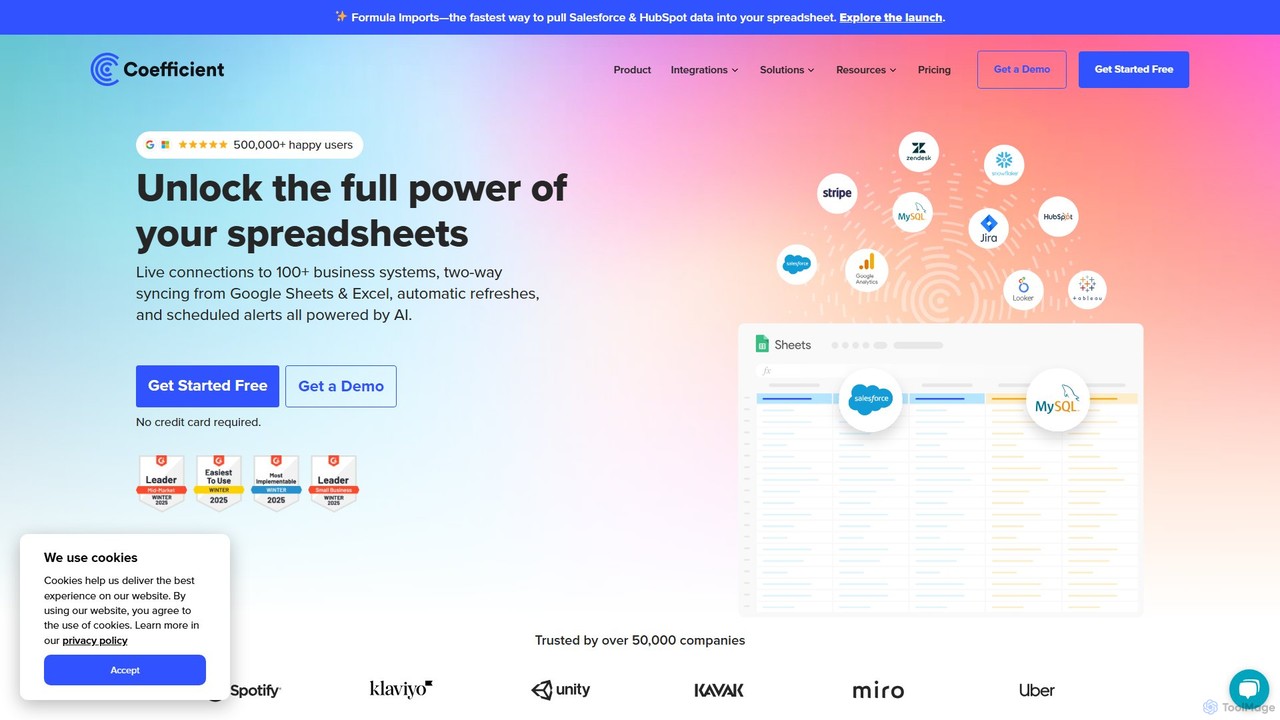
Coefficient is a data connector that links Google Sheets and Excel with over 100 business systems like Salesforce and HubSpot. It automates data imports, enables two-way syncing, and uses AI to help users build formulas, SQL queries, and charts, transforming static spreadsheets into dynamic, real-time dashboards.
Data Analysis
Spreadsheet Daddy
Spreadsheet Daddy is an advanced AI-driven add-on for Google Sheets that automates complex tasks. It allows users to generate formulas, Apps Script, and regular expressions from simple text prompts. The tool also excels at bulk content generation, data analysis, and even allows for the creation of custom AI models, transforming your spreadsheet into a powerful productivity hub.
Low Code No Code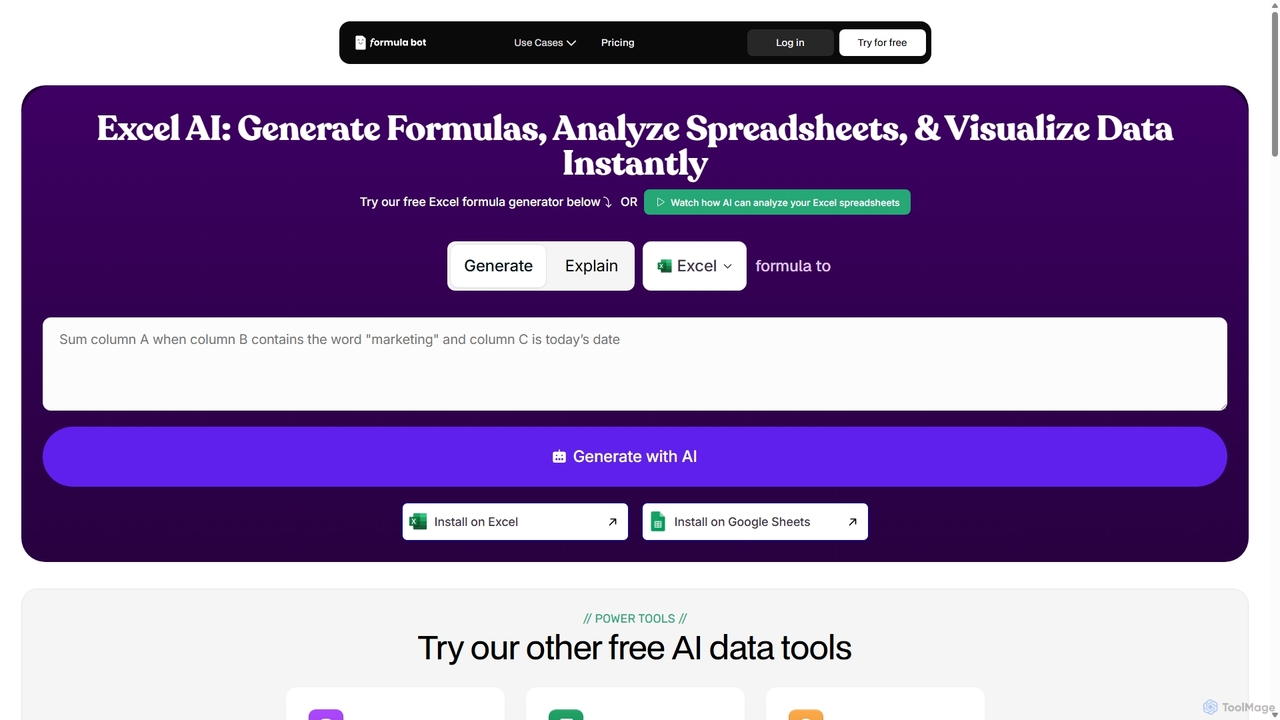
ExcelFormulaBot
ExcelFormulaBot is an AI-powered tool that generates complex Excel and Google Sheets formulas from text instructions in seconds. It also analyzes data, creates charts, generates VBA/SQL code, and explains formulas, making spreadsheet tasks faster and more accessible for everyone, from beginners to experts.
Data Analysis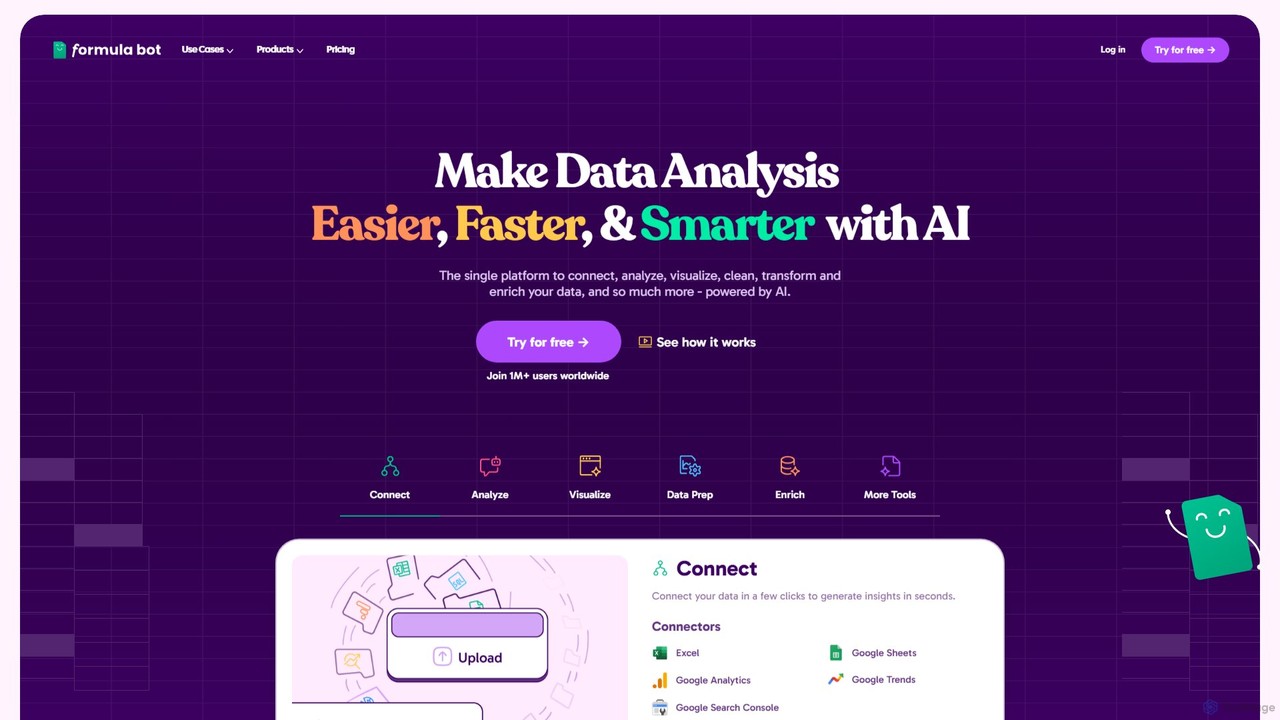
Formula Bot
Formula Bot is an AI-powered data analysis platform that simplifies working with spreadsheets and data. It allows users to generate Excel formulas, SQL queries, and VBA code from simple text instructions, analyze data through a conversational chat interface, and automate tasks like data cleaning and enrichment.
Data Visualization
thebricks
thebricks is an AI-powered workspace that transforms data analysis and reporting. It allows users to create interactive dashboards, dynamic spreadsheets, and professional slides using simple natural language prompts. Turn hours of manual work in Excel and PowerPoint into minutes, streamlining your workflow and boosting productivity.
Business IntelligenceSuperjoin Categories
Superjoin Embed Widget
Copy this embed code to place the badge on your blog, article, or product site and send readers directly to this ToolMage detail page.

Related AI tools
Coefficient
Coefficient is a data connector that links Google Sheets and Excel with over 100 business systems like Salesforce and HubSpot. It automates data imports, enables two-way syncing, and uses AI to help users build formulas, SQL queries, and charts, transforming static spreadsheets into dynamic, real-time dashboards.
Data Analysis
Chatsheet
Chatsheet is an AI-powered spreadsheet platform that automates research, content creation, and data analysis. Using a familiar spreadsheet interface, users can build complex, no-code workflows to process documents, scrape websites, and generate personalized content at scale, effectively turning each cell into a smart AI agent.
SpreadsheetsSpreadsheet Daddy
Spreadsheet Daddy is an advanced AI-driven add-on for Google Sheets that automates complex tasks. It allows users to generate formulas, Apps Script, and regular expressions from simple text prompts. The tool also excels at bulk content generation, data analysis, and even allows for the creation of custom AI models, transforming your spreadsheet into a powerful productivity hub.
Low Code No CodeExcelFormulaBot
ExcelFormulaBot is an AI-powered tool that generates complex Excel and Google Sheets formulas from text instructions in seconds. It also analyzes data, creates charts, generates VBA/SQL code, and explains formulas, making spreadsheet tasks faster and more accessible for everyone, from beginners to experts.
Data Analysis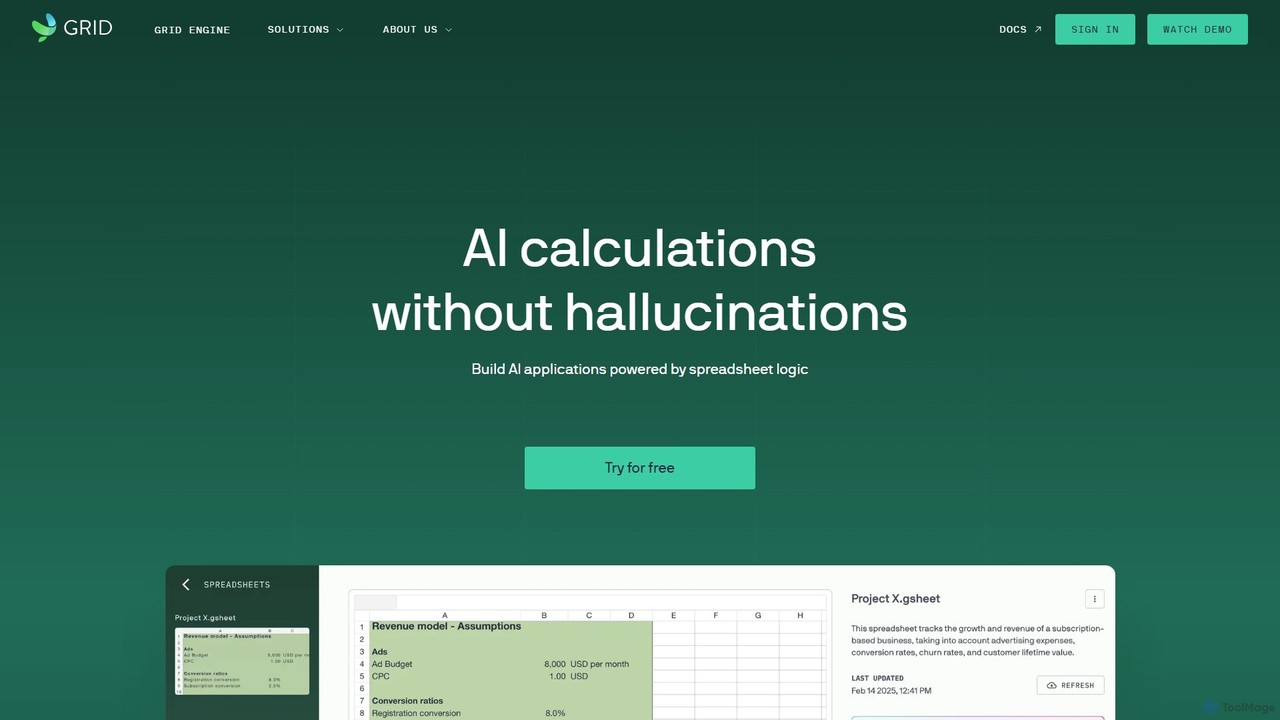
GRID
GRID is an AI-first platform that transforms your existing spreadsheets into powerful, interactive web applications and AI-driven tools. It leverages the logic and data within your Excel and Google Sheets files to build reliable calculators, dashboards, and models that can be queried using natural language, eliminating AI hallucinations.
Business Intelligence
Fabi.ai
Fabi.ai is an AI-powered business intelligence and data analysis platform designed for lean teams. It integrates SQL, Python, and AI to help users build dashboards, automate workflows, and explore data 10x faster. The platform offers an all-in-one collaborative environment, reducing context switching and enabling both technical and non-technical users to derive insights from their data sources like data warehouses, Google Sheets, and more.
Business IntelligenceFormula Bot
Formula Bot is an AI-powered data analysis platform that simplifies working with spreadsheets and data. It allows users to generate Excel formulas, SQL queries, and VBA code from simple text instructions, analyze data through a conversational chat interface, and automate tasks like data cleaning and enrichment.
Data Visualizationthebricks
thebricks is an AI-powered workspace that transforms data analysis and reporting. It allows users to create interactive dashboards, dynamic spreadsheets, and professional slides using simple natural language prompts. Turn hours of manual work in Excel and PowerPoint into minutes, streamlining your workflow and boosting productivity.
Business Intelligence
Ajelix
Ajelix is an AI-powered suite of tools designed to enhance productivity for Excel and Google Sheets users. It acts as an AI data analyst, automating tasks, generating formulas and VBA scripts, creating insightful reports, and providing advanced data analysis through a simple chat interface.
Business Intelligence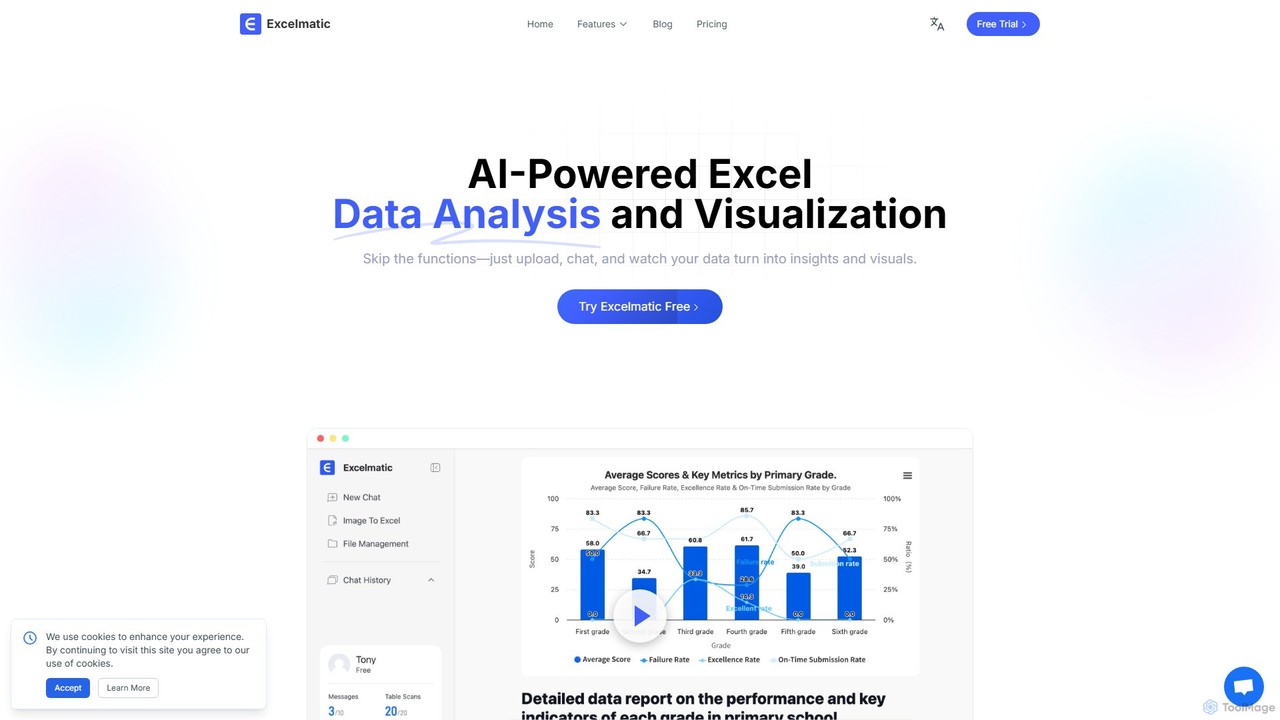
excelmatic
Excelmatic is an AI-powered assistant that transforms your Excel and spreadsheet tasks. Simply upload your data, ask questions in plain English, and instantly get data analysis, visualizations, and generated formulas. It's a no-code solution designed to automate data cleaning, chart creation, and insight discovery, making data accessible to everyone.
Business Intelligence
Sourcetable
Sourcetable is an AI-powered spreadsheet that combines the functionality of traditional spreadsheets with an AI data analyst. It allows users to connect to live data sources, ask questions in plain English, generate formulas, create charts, and automate reports. By integrating AI, Python, and SQL capabilities directly into the spreadsheet interface, Sourcetable empowers users of all skill levels to perform complex data analysis, cleaning, and visualization tasks effortlessly, turning raw data into actionable insights in seconds.
No Code
table.studio
table.studio is an AI-powered data workspace that combines the simplicity of a spreadsheet with the power of a database and AI. Use natural language to query, analyze, and visualize your data, automating tedious tasks and uncovering insights instantly. It's designed for teams to collaborate on data projects in real-time.
Database Management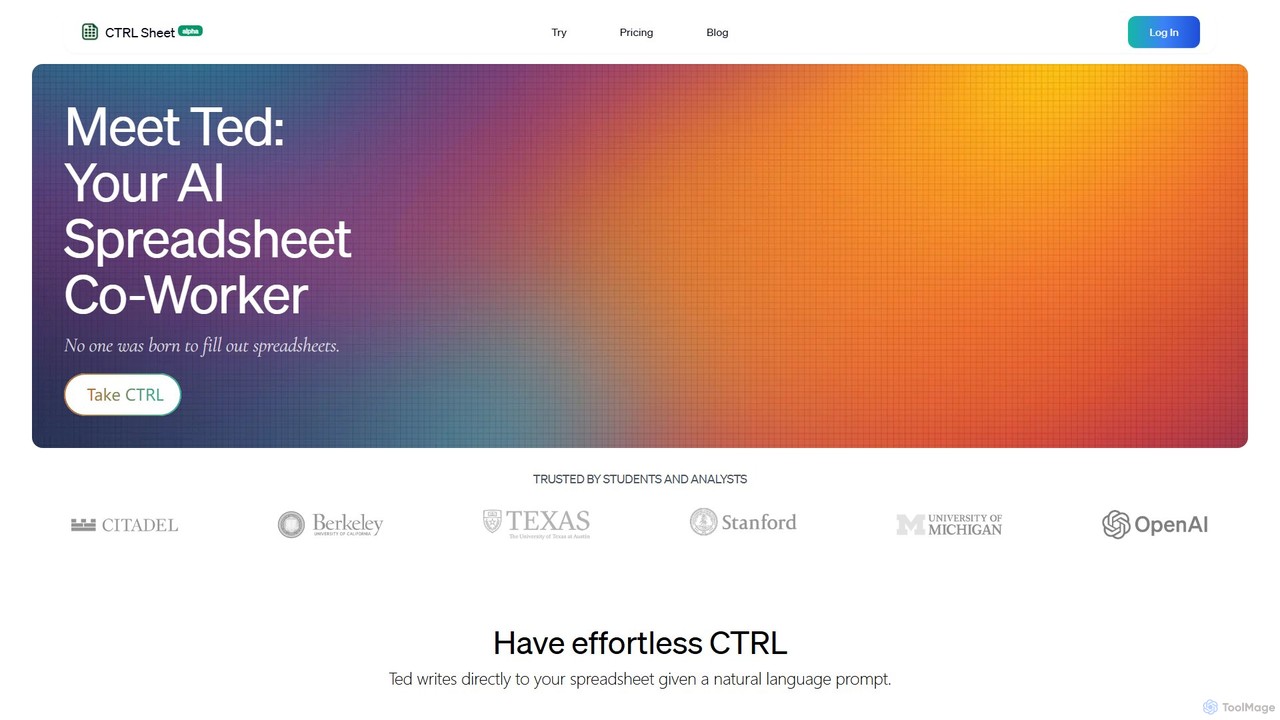
CTRL Sheet
CTRL Sheet is an AI-powered spreadsheet co-worker named Ted that automates data tasks. It allows users to interact with spreadsheets using natural language, extract data from various files like PDFs and images, and generate complex formulas effortlessly. It's designed to save time and reduce errors for students, analysts, and professionals.
Task Automation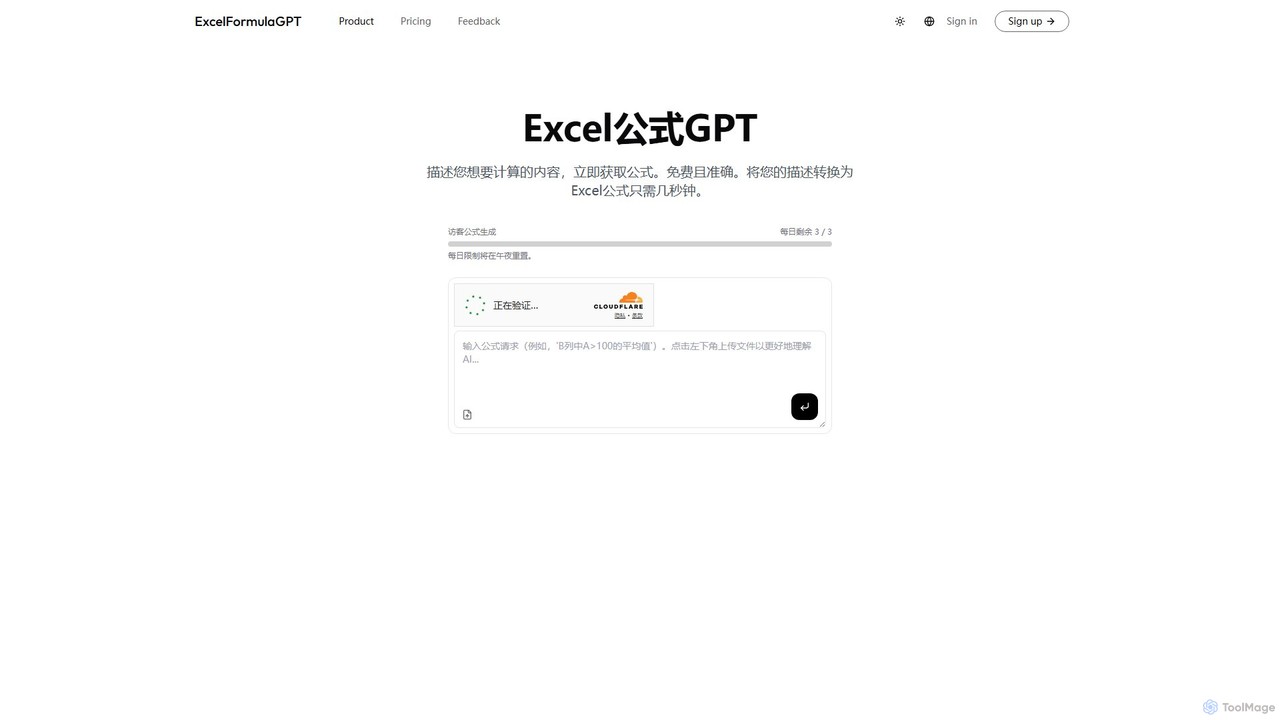
excelformulagpt
excelformulagpt is an AI-powered tool that instantly converts natural language descriptions into complex Excel and Google Sheets formulas. It helps users save time, reduce errors, and boost productivity without needing to memorize complex syntax. Features include formula generation, context-aware suggestions from uploaded files, and formula explanations.
Automation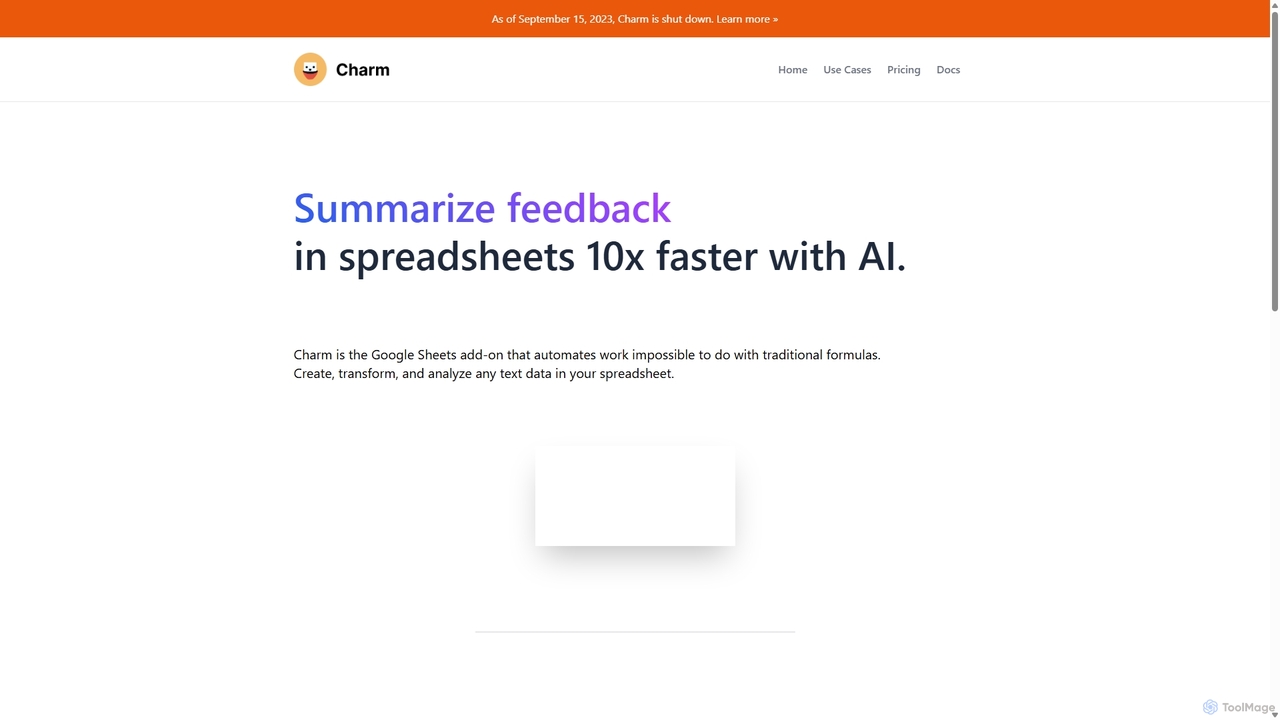
Charm
Charm was an AI-powered assistant integrated directly into Google Sheets as an add-on. It was designed to automate complex text-based tasks, such as cleaning messy data, generating content, summarizing text, and classifying information, without requiring traditional formulas or coding. Please note: Charm was officially shut down on September 15, 2023.
Automation
Superjoin Comments (0)
Sign in to comment.
Sign inNo comments yet.