


Queso Overview
Queso is a revolutionary AI-powered learning tool designed to combat passive scrolling and mindless watching, transforming the internet into an interactive and genuinely useful educational environment. As a seamless Chrome extension, Queso integrates directly into your browser, turning any online content—be it YouTube videos, articles, or PDFs—into an engaging and effective learning session with just one click.
The core philosophy behind Queso is to shift learners from passive consumption to active recall, a scientifically proven method for enhancing memory and comprehension. It achieves this by embedding context-aware questions and summaries directly into the content you are consuming, ensuring you stay focused, test your understanding, and truly absorb the material.
How to use Queso
Getting started with Queso is simple and intuitive, designed to integrate smoothly into your existing workflow:
- Install the Extension: Add the Queso Chrome Extension from the Chrome Web Store to your browser.
- Navigate to Content: Open any webpage, YouTube video, or upload a PDF you wish to study.
- Activate Queso: Click the Queso icon to start a new learning session. The AI will immediately begin analyzing the content.
- Choose Your Mode: Select from 'Timed Mode,' which presents questions at regular intervals to check your focus, or 'Inline Mode,' which embeds questions directly within the text or along the video timeline for continuous interaction.
- Engage and Learn: Answer the AI-generated questions to reinforce your knowledge. If you're stuck, use the AI Copilot for help.
- Take Notes: Utilize the integrated note-taking features. Right-click to clip important text or images, organize your thoughts on the digital whiteboard, or create connections between concepts with the mind mapping tool.
- Review with Summaries: Use the AI summary feature to get a quick overview of the content before, during, or after your session.
Core Features of Queso
- Interactive Q&A: Automatically generates and embeds context-based questions in YouTube videos, webpages, and PDFs to test your understanding in real-time.
- AI Learning Copilot: Your personal AI assistant that has full context of what you're learning. It can answer your questions, provide deeper explanations, and help you master difficult concepts.
- Dual Learning Modes: Features 'Timed Mode' for periodic comprehension checks and 'Inline Mode' for continuous, embedded engagement with the material.
- Multimodal Note-Taking: A comprehensive suite of tools including a digital whiteboard for freeform ideation, mind mapping for structured thinking, and a web clipper for saving important snippets.
- AI-Powered Summaries: Instantly generate concise summaries of long videos or dense articles to quickly grasp the main points and review key information.
- PDF Integration: Upload your own PDF documents to make them interactive, allowing you to apply Queso's full suite of learning tools to your personal study materials.
Use Cases for Queso
Queso is a versatile tool for anyone looking to learn more effectively:
- Students: Enhance online lectures, research papers, and digital textbooks. Use mind maps and whiteboards to prepare for exams and connect complex topics.
- Professionals: Quickly get up to speed on new industry trends, technical documentation, or online courses for professional development and upskilling.
- Lifelong Learners: Make learning a new skill or hobby from YouTube tutorials and blogs more structured, memorable, and effective.
- Researchers: Actively engage with academic papers, summarize key findings, and organize research notes and insights in a single, cohesive workspace.
Advantages of Queso
Queso offers a significant edge over traditional learning methods:
- Boosts Retention: By promoting active recall instead of passive consumption, Queso significantly improves long-term memory and understanding.
- All-in-One Platform: It combines interactive learning, note-taking, mind mapping, and an AI assistant in one tool, eliminating the need to juggle multiple applications.
- Seamless Workflow Integration: As a Chrome extension, it works directly within your browser, fitting naturally into your existing learning habits.
- Personalized and Contextual: The AI tailors questions and assistance to the specific content you are studying, creating a personalized learning journey.
- Increases Productivity: Saves valuable time with instant summaries and focused learning sessions, helping you avoid distractions and learn more in less time.
Pricing and Plans
Queso offers a freemium model with plans to suit different learning needs. Annual subscriptions are also available, often providing a discount.
- Casual Learner (Free Forever): Ideal for light and occasional learning. Includes 5 sessions per month, Inline & Timed Mode, Multimodal Note Taking, and the AI Co-Pilot. PDF uploads are not included.
- Pro Pack ($14.99/month): Designed for those serious about their learning. Includes 50 sessions per month and all features, including PDF uploads.
- Premium Pack ($19.99/month): Perfect for those committed to daily growth. Includes 100 sessions per month and all features.
Queso Alternatives
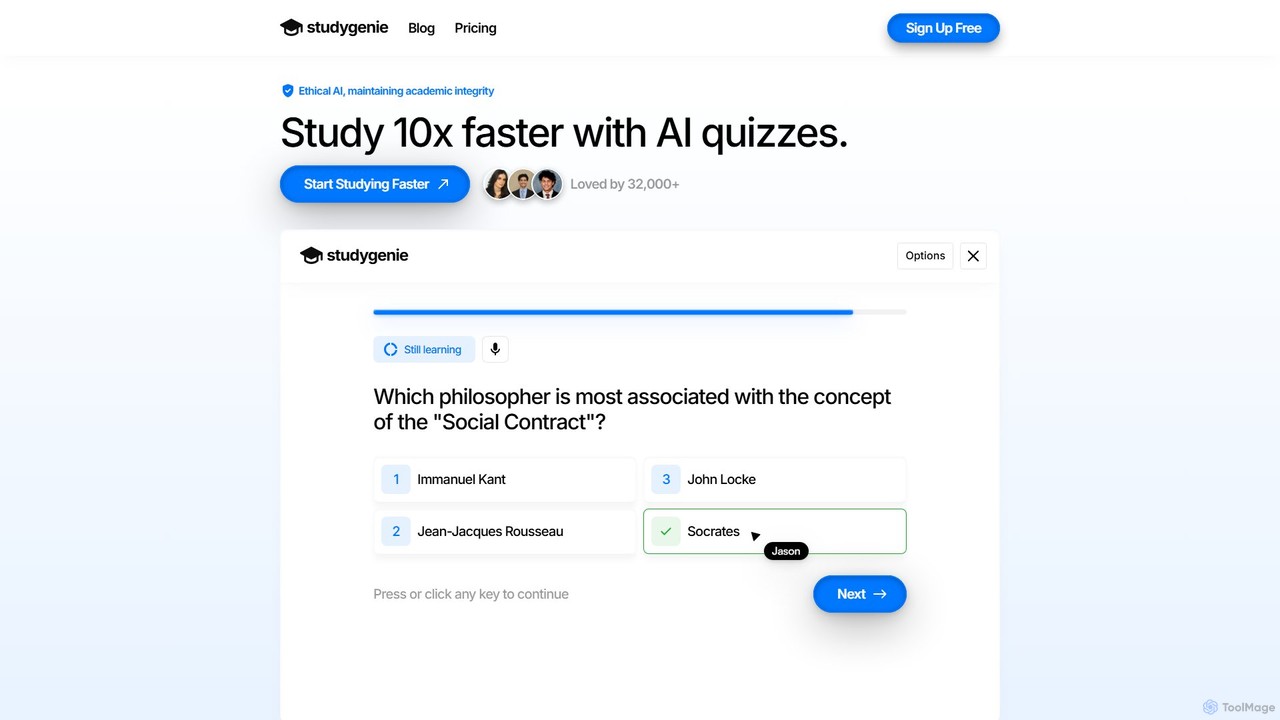
Studygenie
Studygenie is an AI-powered learning platform that transforms your course materials—like PDFs, text, and videos—into interactive quizzes and flashcards. It helps students study up to 10x faster by automating question generation, providing instant explanations for incorrect answers, and tracking knowledge retention. Ideal for exam prep and efficient learning, Studygenie makes studying more engaging and effective.
Personalized Learning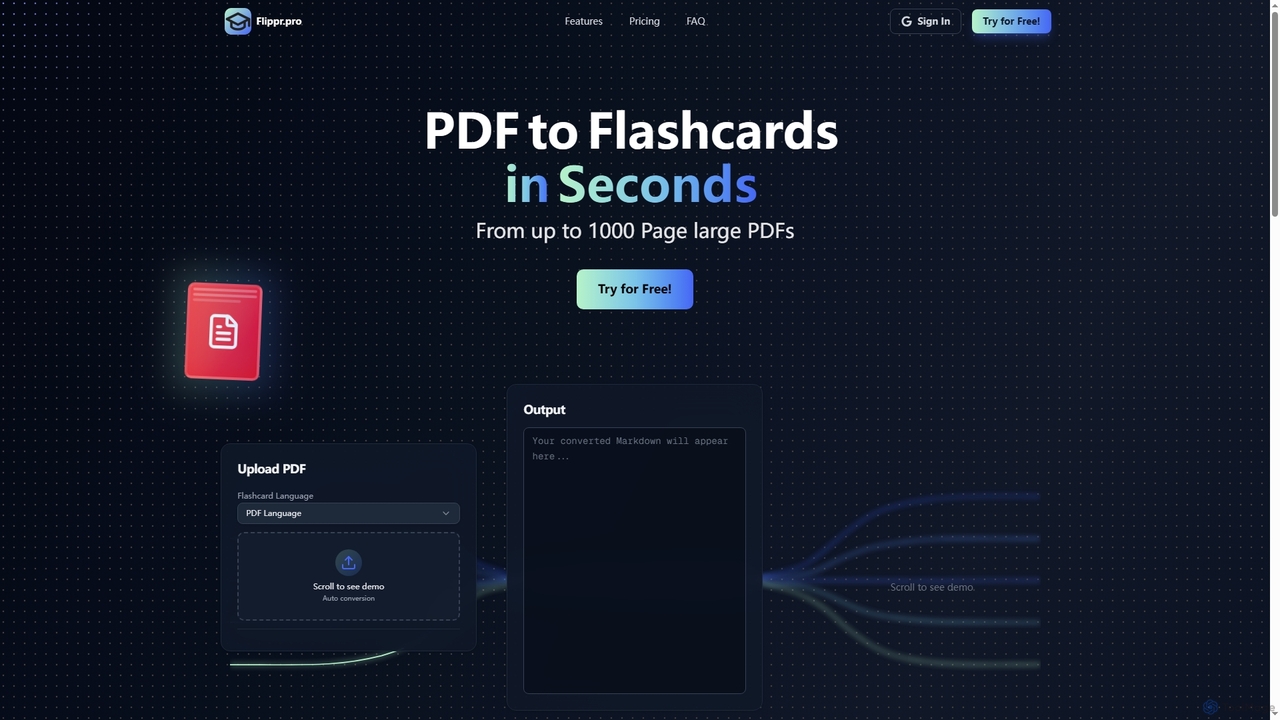
Flippr
Flippr is an AI-powered study tool that rapidly converts PDF documents into interactive flashcards. Designed for students and professionals, it streamlines the learning process by transforming extensive study materials into digestible, easy-to-review formats in seconds.
Conversion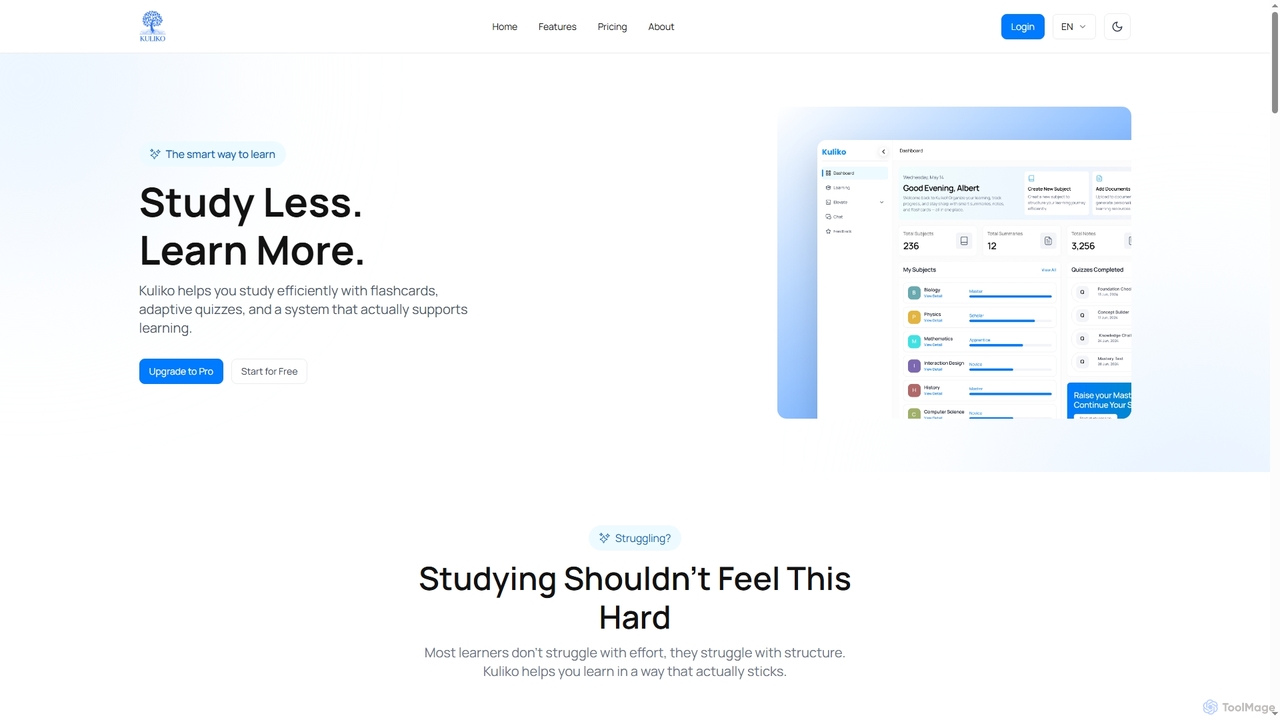
Kuliko
Kuliko is an AI-powered learning platform designed to help students and lifelong learners study more efficiently and retain information effectively. It transforms study materials into smart flashcards, concise summaries, and adaptive quizzes, utilizing spaced repetition and AI chat to enhance long-term recall and understanding across various devices.
Knowledge Management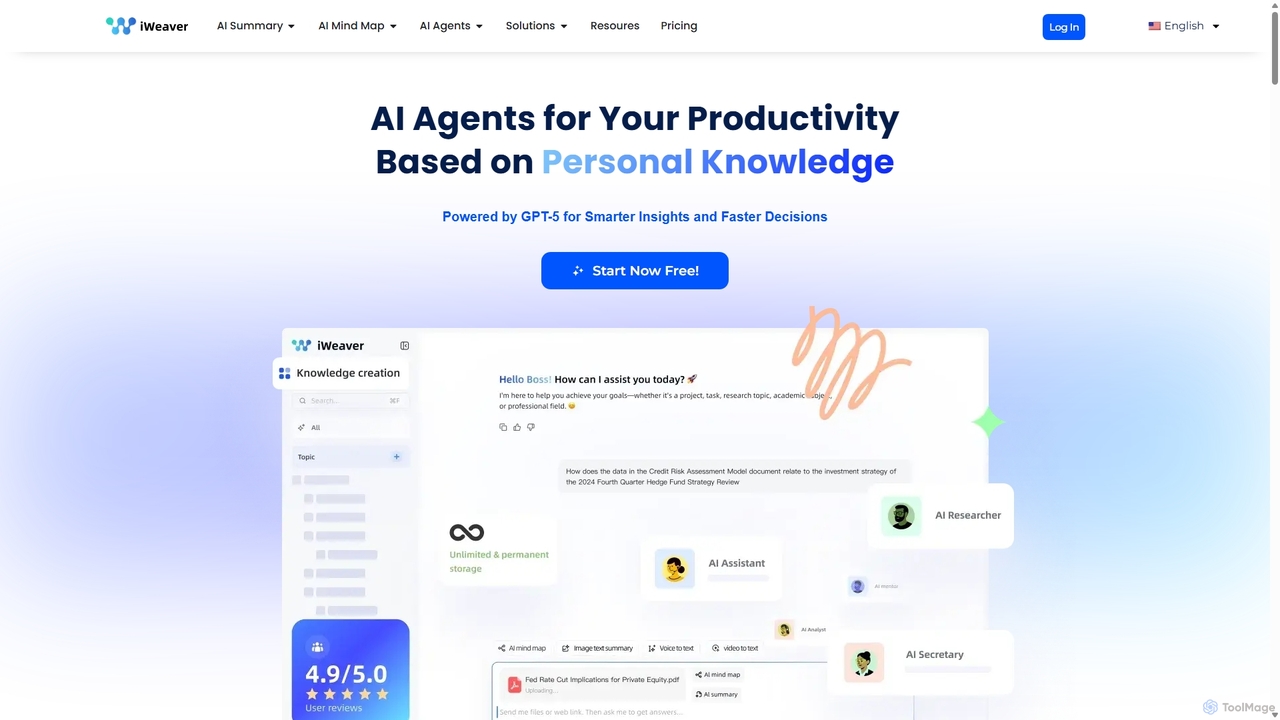
Iweaver
Iweaver is an AI-powered personal knowledge management platform that transforms your documents, images, and videos into an intelligent knowledge base. Utilize over 200 specialized AI agents to automate tasks, generate summaries, create mind maps, and get precise answers from your data. It learns your work habits to provide personalized, context-aware assistance, streamlining workflows for professionals in finance, research, law, and content creation.
Study Tools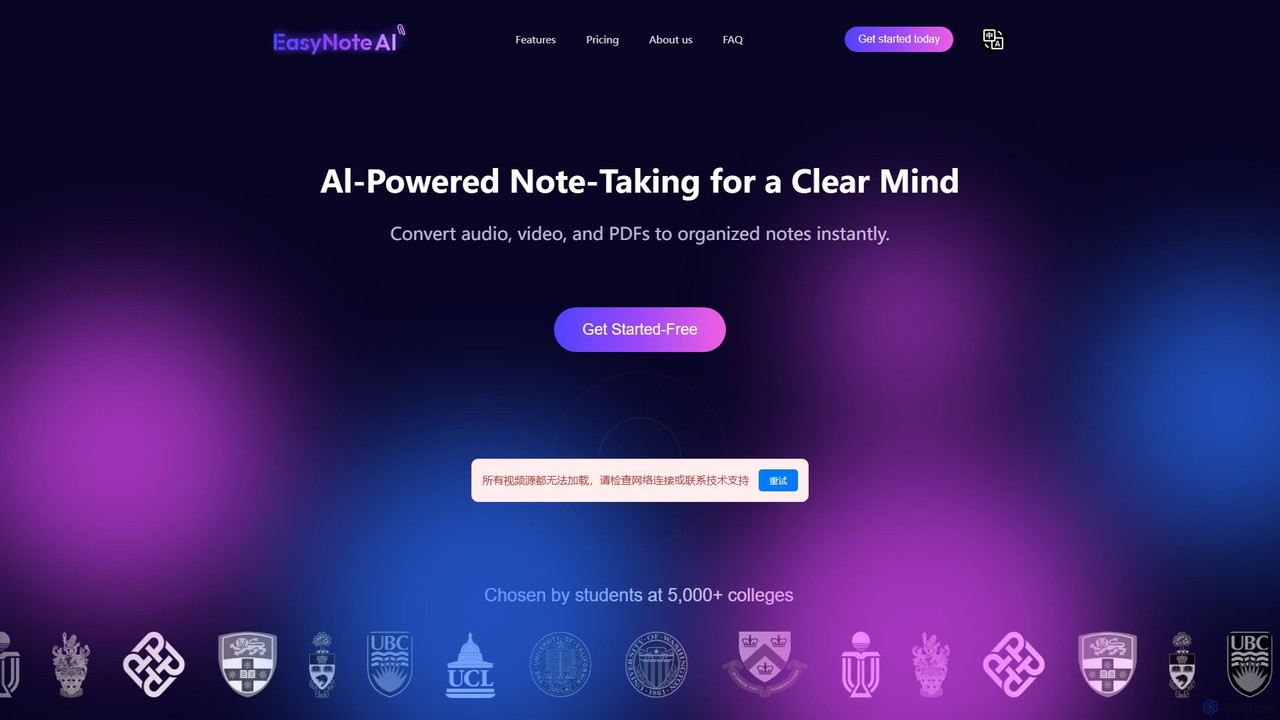
EasyNoteAI
EasyNoteAI is an AI-powered note-taking platform designed for students and researchers. It instantly converts audio, video, and PDFs into organized notes, summaries, quizzes, and mind maps. Streamline your learning and research by transforming unstructured information into structured, actionable knowledge with ease.
SummarizerQueso Categories
Queso Embed Widget
Copy this embed code to place the badge on your blog, article, or product site and send readers directly to this ToolMage detail page.

Related AI tools
StudyPotion
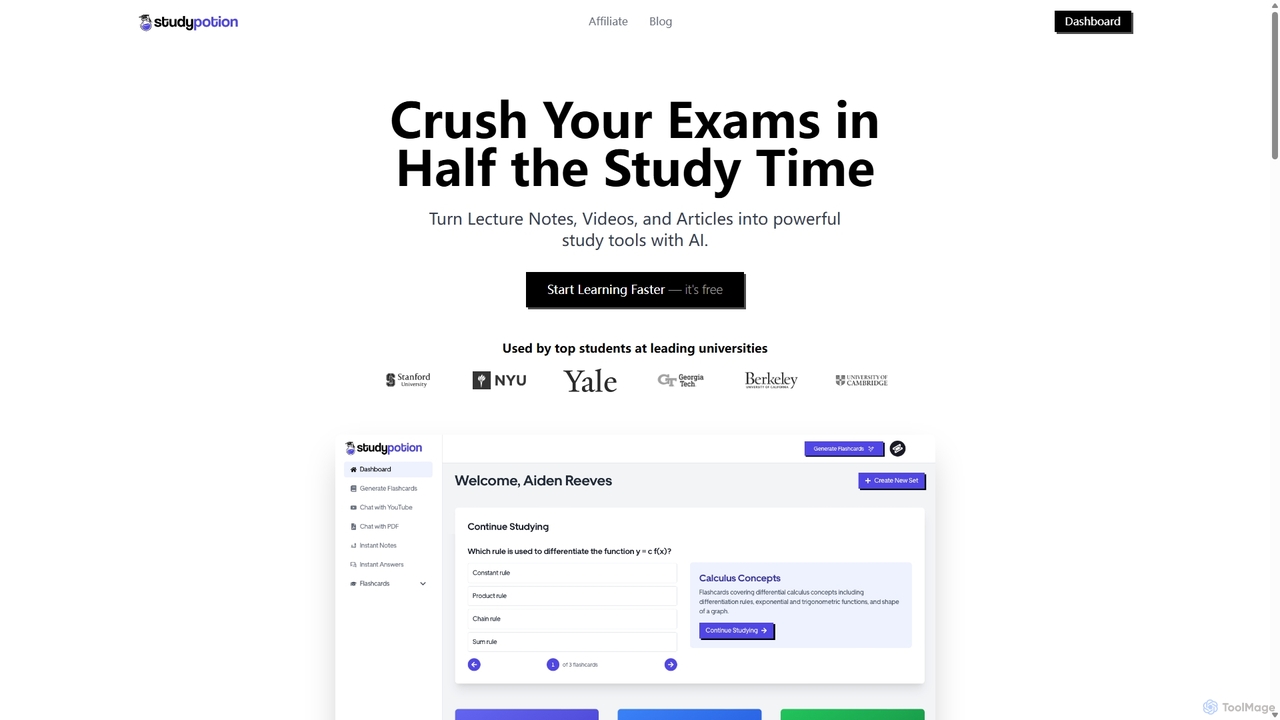
StudyPotion is an AI-powered learning platform that transforms your study materials—like lecture notes, videos, and articles—into interactive study tools. Instantly generate flashcards, chat with your documents to deepen understanding, and get summarized AI notes to streamline your revision process. It's designed for students to learn faster and more effectively, helping you ace exams with less stress.
Summarizer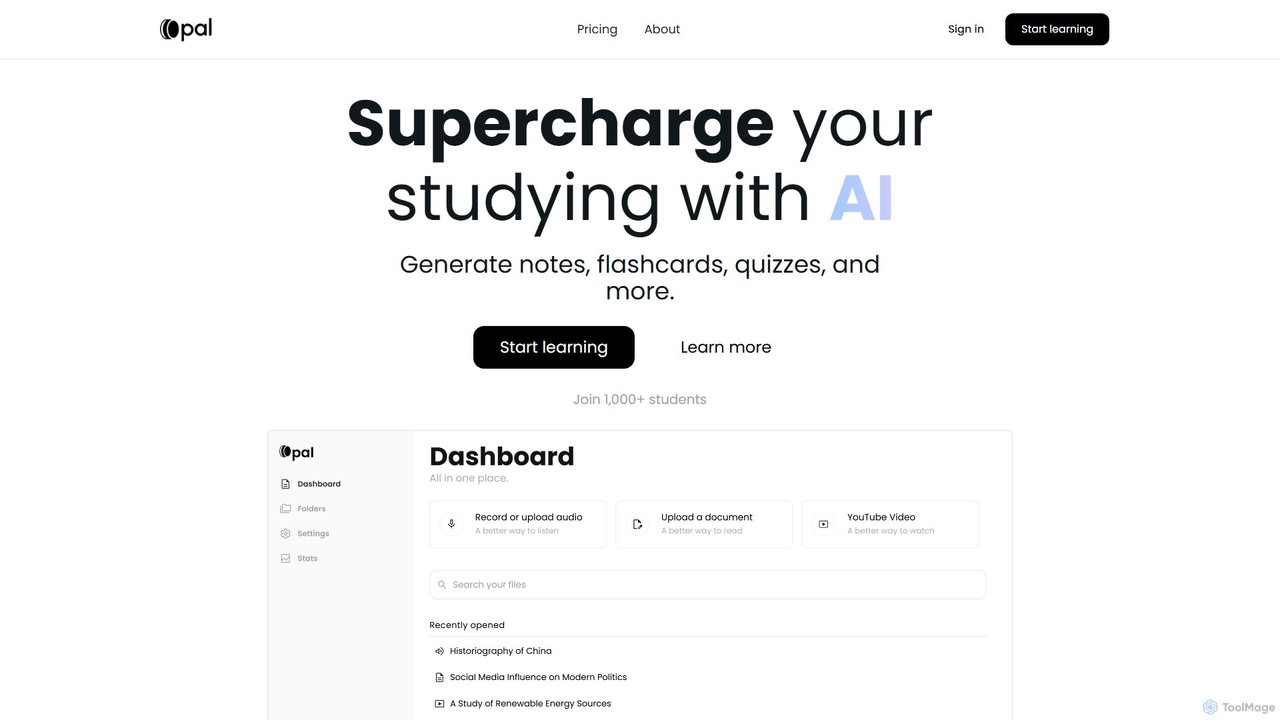
Opal
Opal is an AI-powered study platform that transforms documents, audio files, and videos into interactive learning materials like notes, flashcards, and quizzes. It features an AI tutor, "Albert," and uses active recall and personalized feedback to enhance learning efficiency for students.
Learning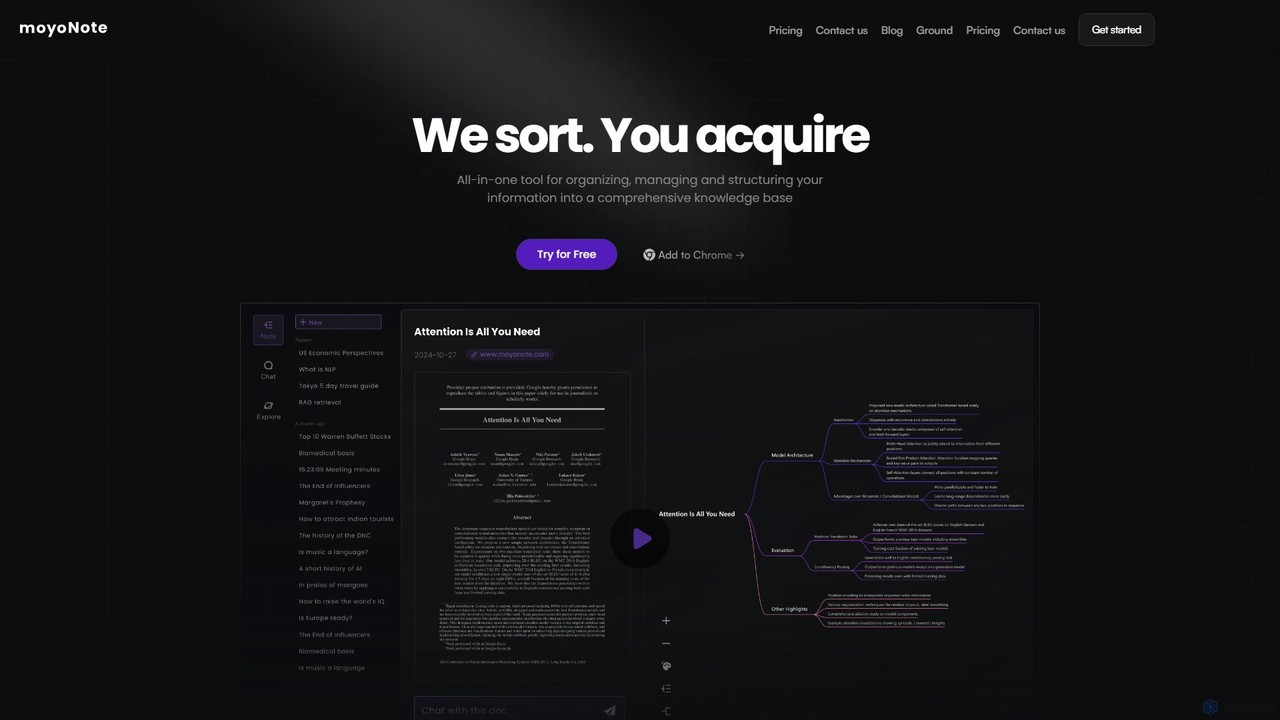
moyonote
moyonote is an AI-powered tool that automatically transforms documents, text, and various files into structured, interactive mind maps. It helps users quickly sort and acquire knowledge, enhancing productivity for students, professionals, and teams by simplifying complex information.
Document AnalysisIweaver
Iweaver is an AI-powered personal knowledge management platform that transforms your documents, images, and videos into an intelligent knowledge base. Utilize over 200 specialized AI agents to automate tasks, generate summaries, create mind maps, and get precise answers from your data. It learns your work habits to provide personalized, context-aware assistance, streamlining workflows for professionals in finance, research, law, and content creation.
Study ToolsEasyNoteAI
EasyNoteAI is an AI-powered note-taking platform designed for students and researchers. It instantly converts audio, video, and PDFs into organized notes, summaries, quizzes, and mind maps. Streamline your learning and research by transforming unstructured information into structured, actionable knowledge with ease.
Summarizer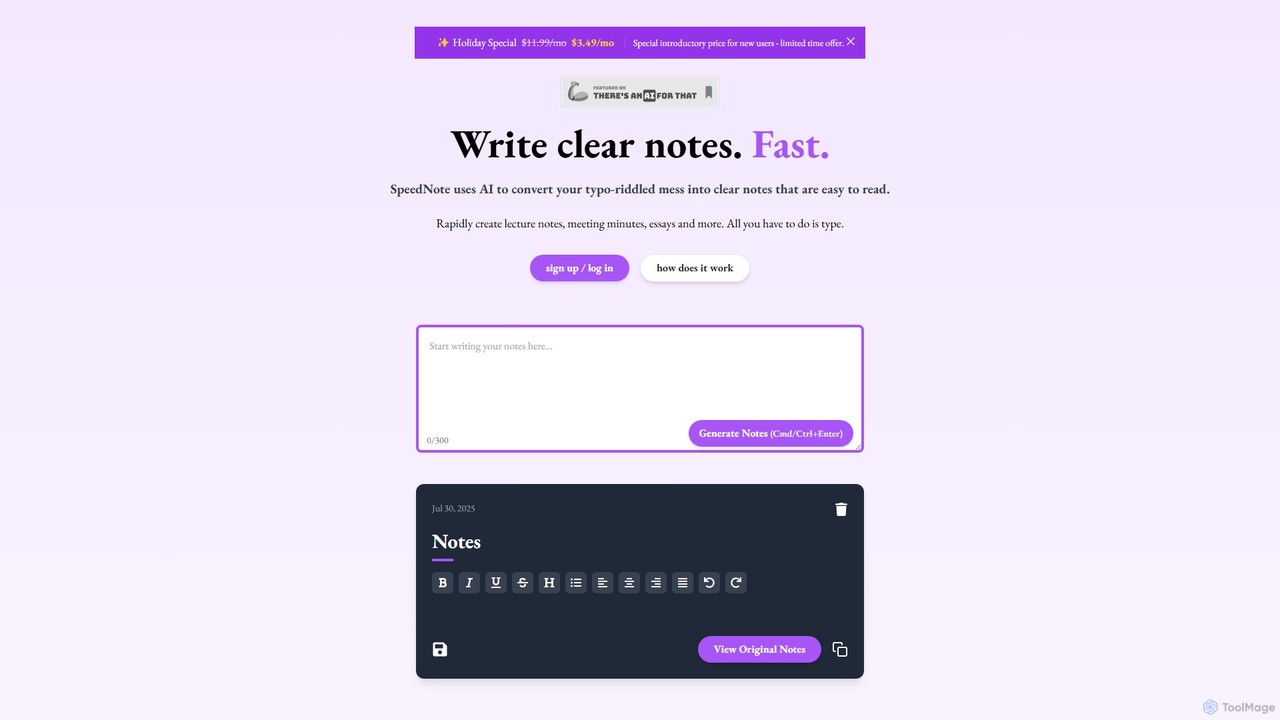
SpeedNote AI
An AI-powered tool that automatically transforms your raw, messy notes into structured, summarized, and insightful documents. Ideal for students and professionals, it saves time by formatting text, highlighting key points, and adding valuable comments, boosting productivity and comprehension.
Meeting Management
Nex
Nex is an AI Knowledge Copilot, a Chrome extension that summarizes long YouTube videos and articles. It extracts key takeaways, creates interactive timelines for videos, and highlights essential text, helping you absorb information up to 10x faster and build a personal knowledge base.
Chrome Extensions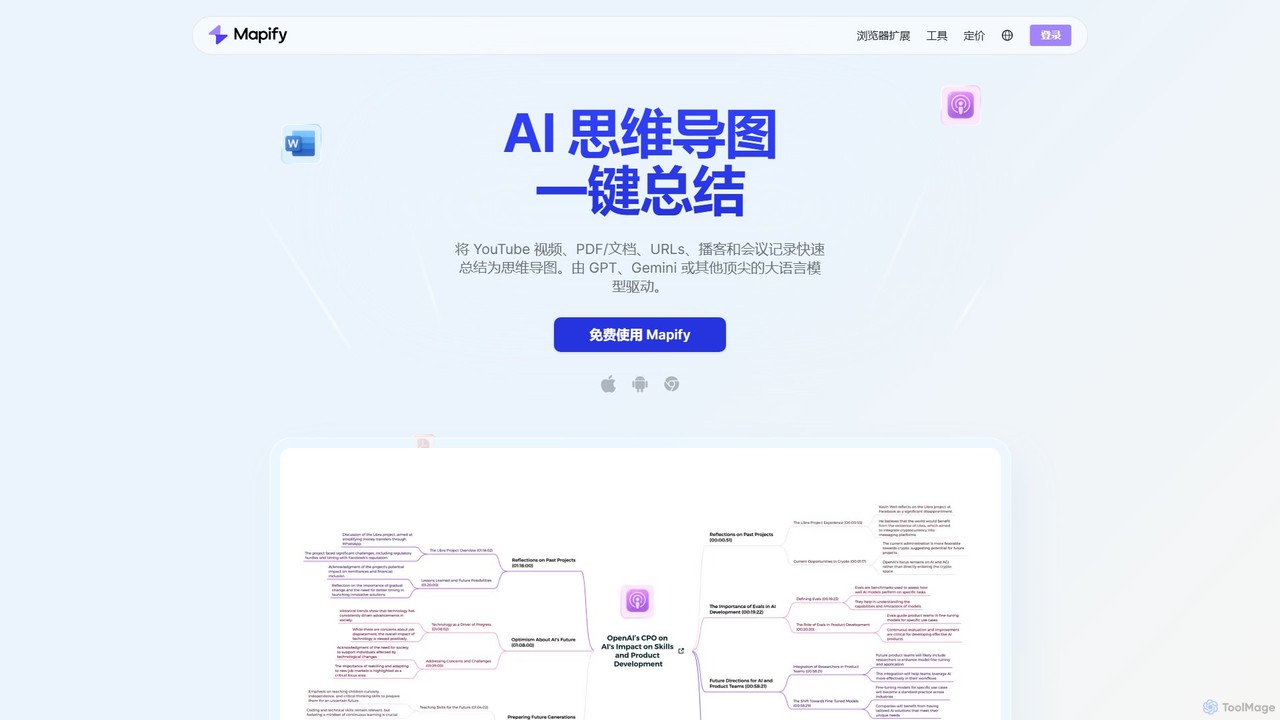
Mapify
Mapify is an AI-powered tool that instantly transforms YouTube videos, PDFs, web pages, audio, and text into structured, interactive mind maps. It leverages top LLMs like GPT and Gemini to summarize complex information, helping users learn faster, brainstorm effectively, and enhance productivity.
Study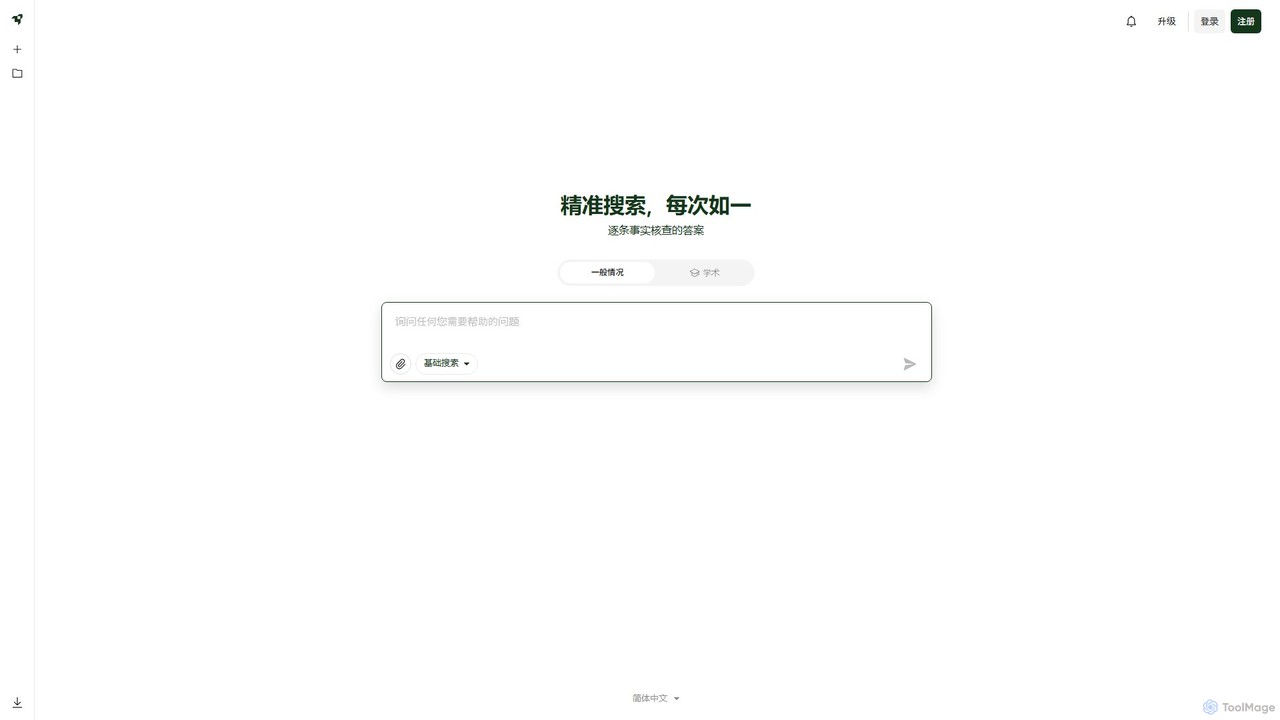
Liner
Liner is an AI-powered research assistant and web highlighter that enhances your online reading and research. It acts as an AI copilot, providing instant, fact-checked answers and summaries on search result pages and websites. Highlight text on any webpage or PDF, organize your findings into collections, and accelerate your learning and productivity.
Search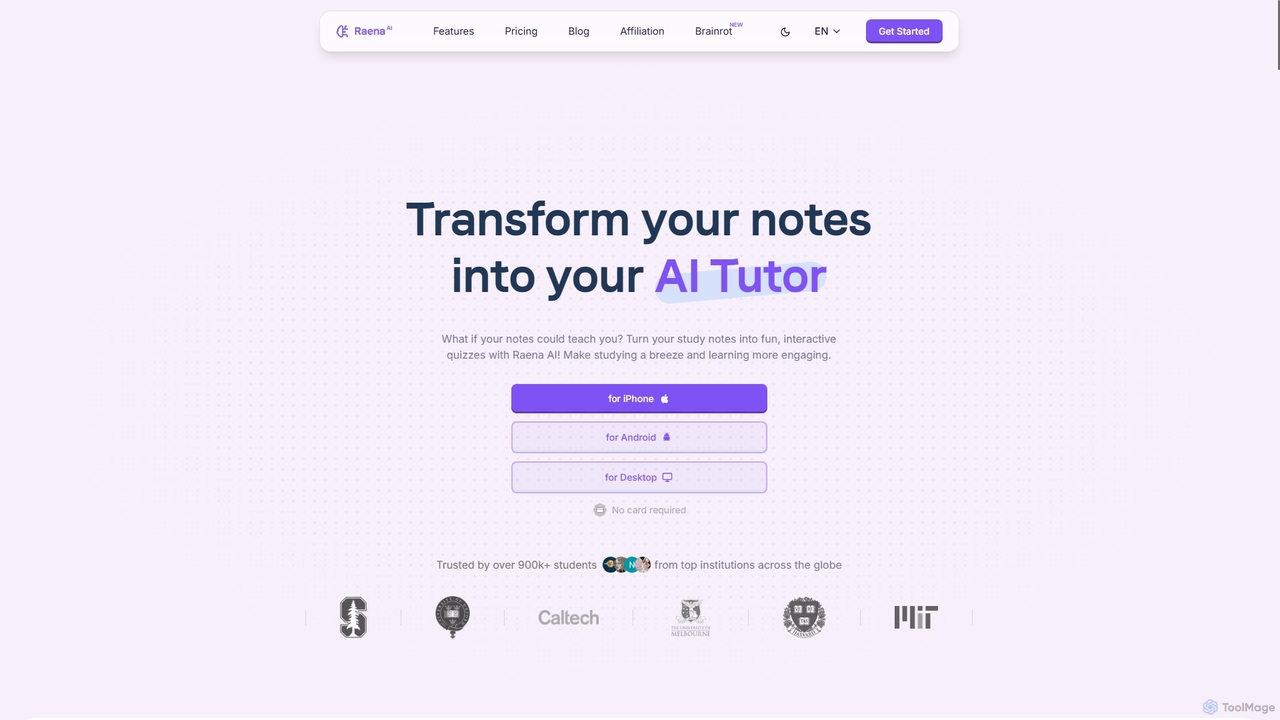
Raena AI
Raena AI is the ultimate AI-powered study application designed to transform your notes into interactive learning tools. It helps students improve retention and reduce study time by generating quizzes, summaries, flashcards, mind maps, and even audio podcasts from any study material. With a personal AI tutor and collaborative features, Raena makes learning more efficient, engaging, and stress-free.
Study Assistant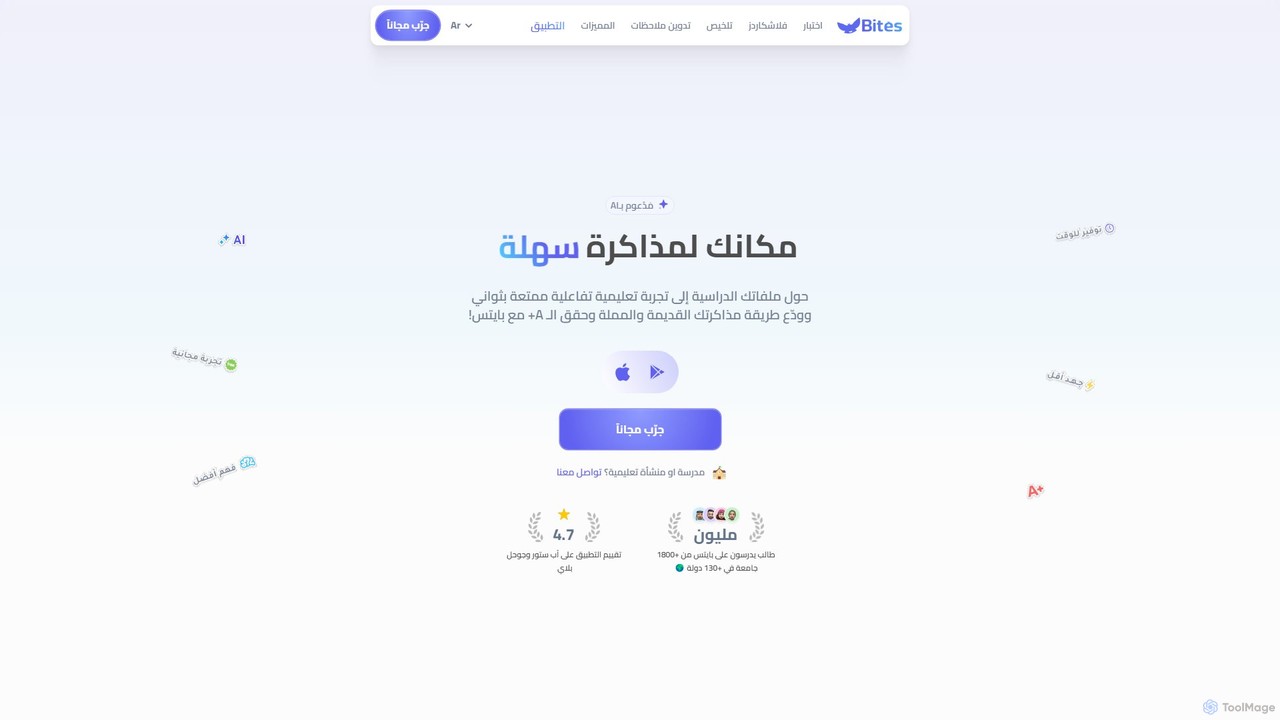
studybites
studybites is an AI-powered study partner that transforms your documents (PDFs, slides) into interactive learning materials. It automatically generates quizzes, flashcards, and summaries to make studying more efficient and engaging. With an AI tutor named Bito, it explains complex concepts, translates content, and provides personalized assistance, helping students achieve better grades.
Study Assistant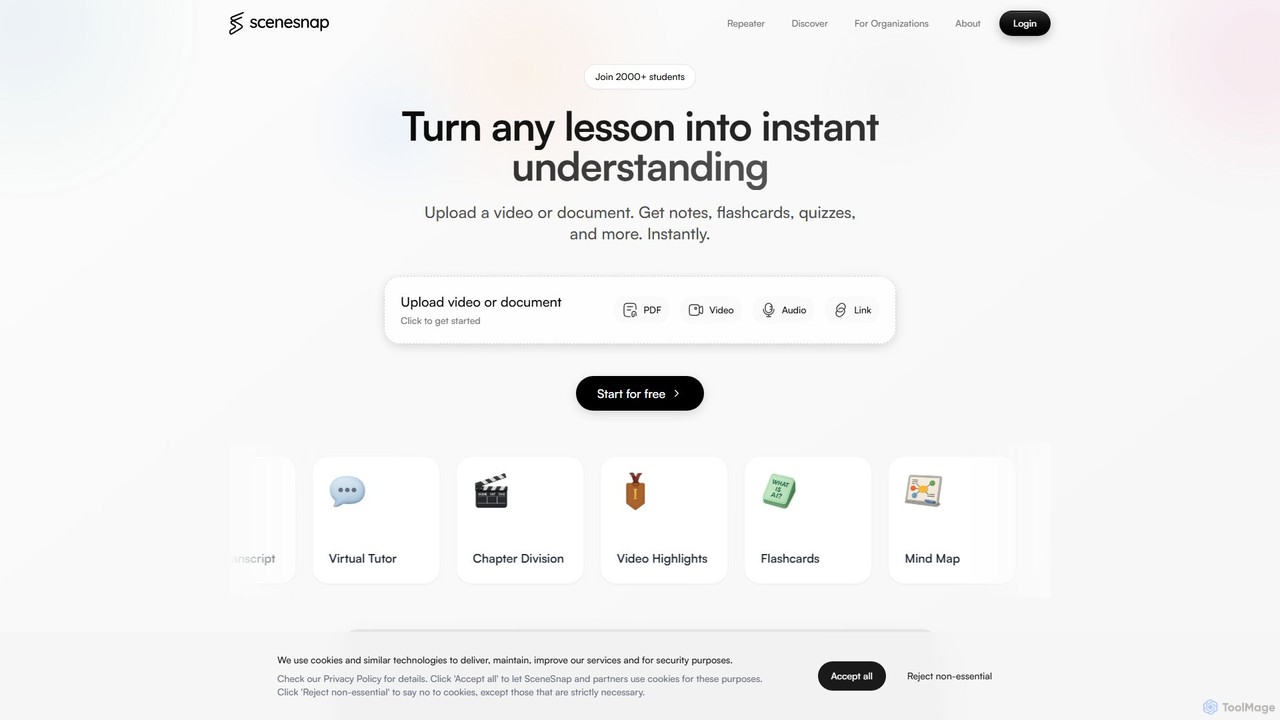
SceneSnap
SceneSnap is an AI-powered learning application that transforms videos, audio, and documents into interactive study materials. It generates automatic notes, flashcards, quizzes, mind maps, and smart transcripts to enhance learning efficiency. With a 24/7 AI tutor, SceneSnap personalizes the study experience, boosts productivity, and makes exam preparation more effective for students and professionals.
Study Assistant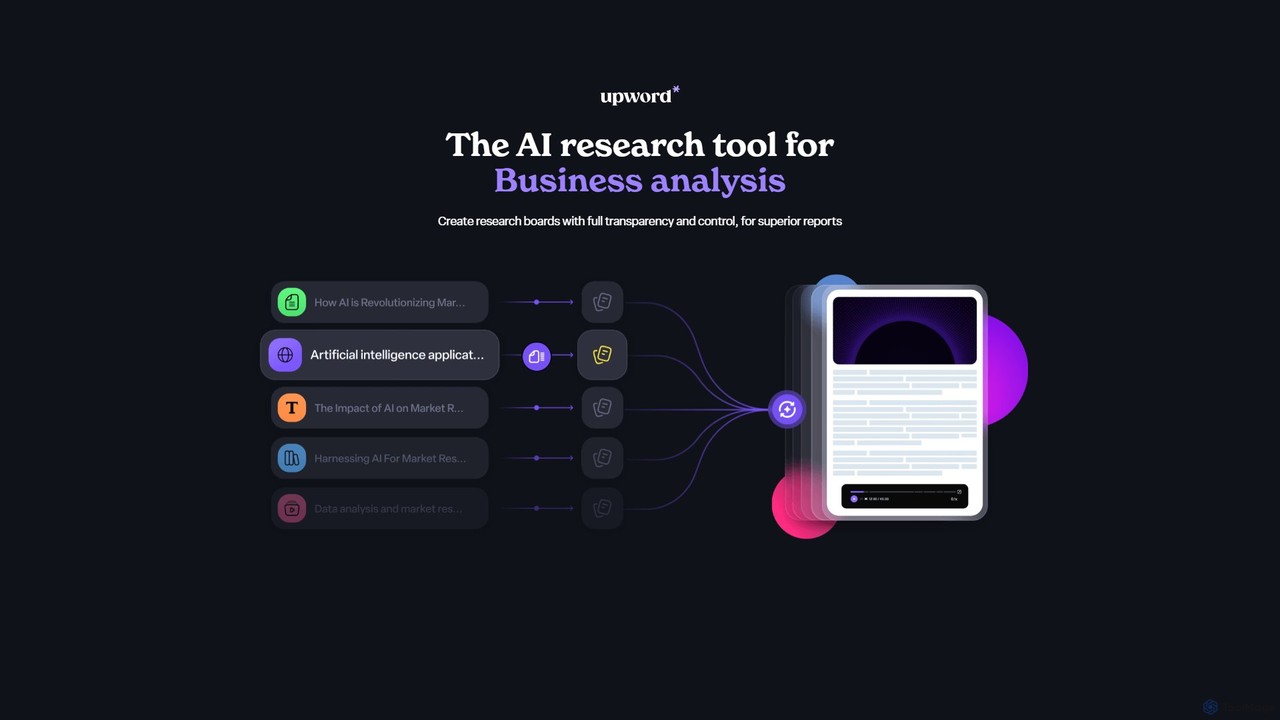
Upword
Upword is an AI-powered research platform designed for business analysis and knowledge management. It helps users summarize content from various sources like PDFs, URLs, and YouTube videos, create detailed reports with AI assistance, and organize all research in a centralized, collaborative library. It offers full control over the AI process, ensuring transparent and trustworthy results.
Analysis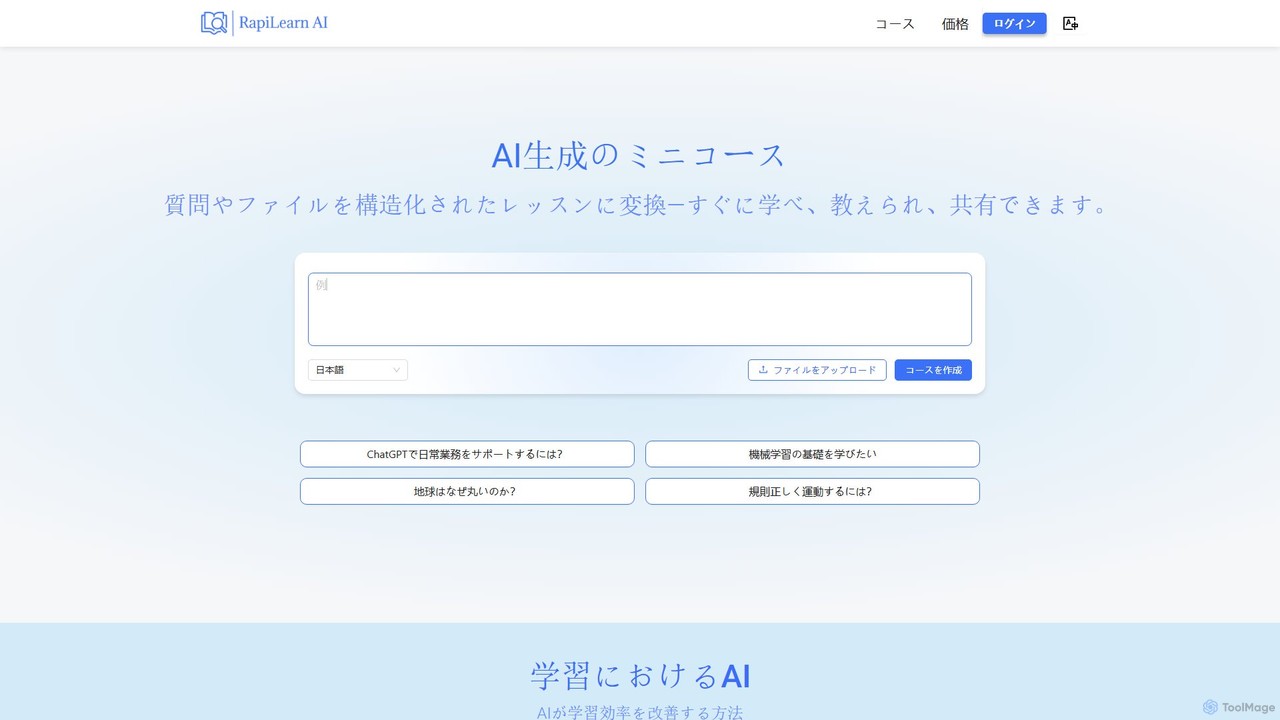
RapiLearn AI
RapiLearn AI is an AI-powered platform that transforms any file (PDF, PPT, video, audio) or question into a structured, interactive mini-course. It automatically generates learning materials like notes, mind maps, quizzes, and audio summaries, acting as a 24/7 AI tutor to accelerate learning and teaching.
Course Creation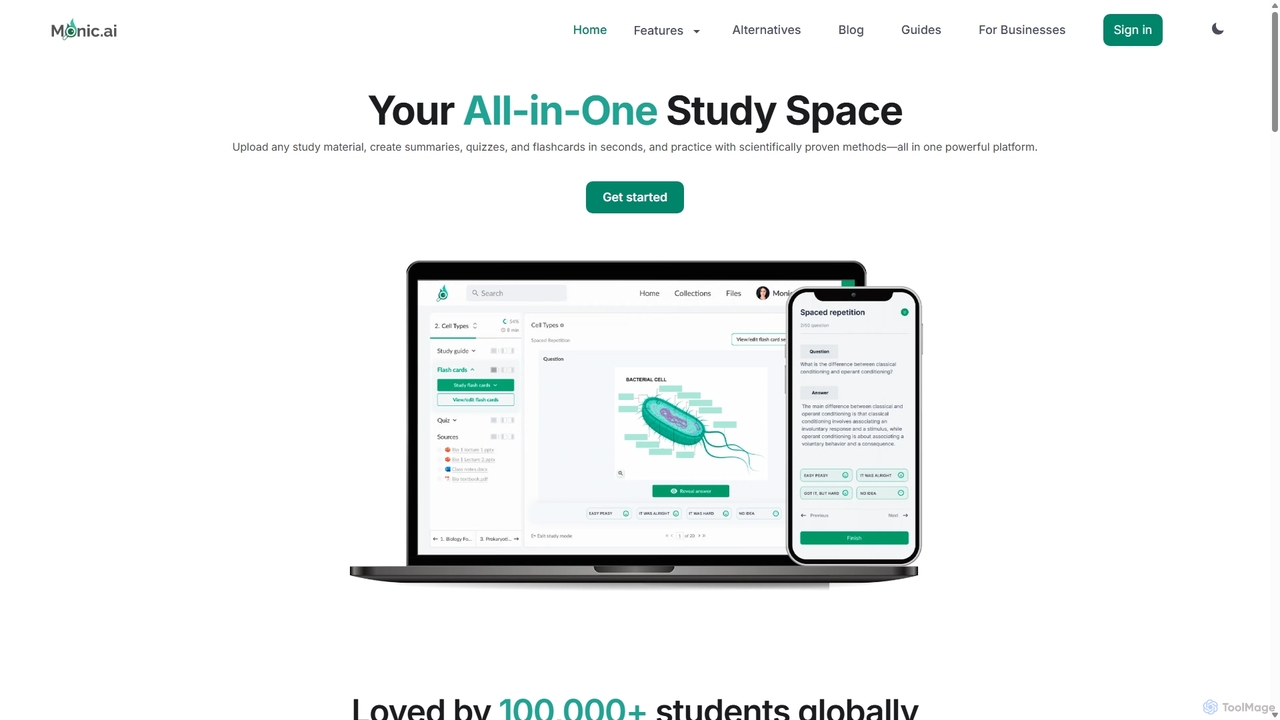
Monic.ai
Monic.ai is an all-in-one AI-powered study platform designed to enhance learning efficiency for students, educators, and professionals. It transforms any study material—including documents, audio, and YouTube videos—into interactive summaries, quizzes, and flashcards. Features like an AI tutor, smart practice modes, and file-chat capabilities create a personalized and effective study environment.
Learning
Queso Comments (0)
Sign in to comment.
Sign inNo comments yet.