ToolMage
Sign in

Best 1 Note Taking AI tools for Knowledge

Popular Note Taking AI tools in Knowledge include Queso, helping you work more efficiently.

Freemium

Queso

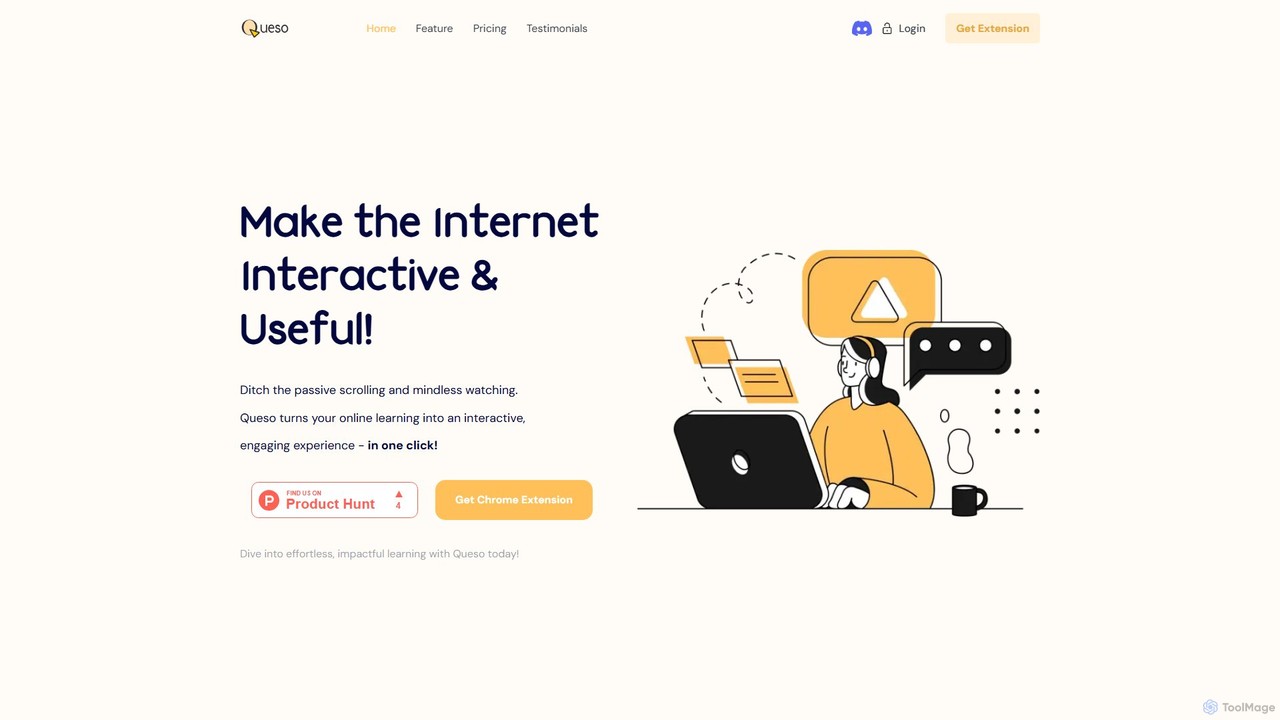
Queso is an AI-powered Chrome extension that transforms passive online learning into an active, engaging experience. It enhances content from YouTube, PDFs, and webpages by adding interactive questions, AI-generated summaries, and context-aware assistance. With integrated tools like mind mapping and whiteboarding, Queso helps you understand, retain, and organize information effortlessly, making it your all-in-one learning sidekick.

Chrome Extensions
Visits 3.4KFavorites 137Likes 125

About Note Taking

AI Note Taking tools are applications that use artificial intelligence to intelligently capture, organize, and process information. Leveraging technologies like Natural Language Processing (NLP) and speech recognition, these tools automatically transcribe audio, summarize long texts, and identify key insights. Their primary value lies in transforming unstructured data from meetings, lectures, and brainstorming sessions into structured, searchable knowledge. This enhances productivity by automating tedious tasks and uncovering connections within your notes.

Core Features

  • Automated Transcription & Summarization: Accurately converts spoken words from audio or video into text and generates concise summaries highlighting key points.
  • Semantic Search: Enables searching for concepts and ideas by meaning, not just exact keywords, making it easier to find relevant information.
  • Action Item Detection: Automatically identifies and extracts tasks, decisions, and follow-up items from meeting notes or recordings.
  • Knowledge Linking: Intelligently connects related notes, documents, and ideas to build a personal knowledge graph.
  • Multi-modal Capture: Captures information from various sources, including text, voice recordings, images, and web clippings.

Use Cases

These tools are widely used by professionals to document meetings, by students to record and review lectures, and by researchers to organize findings. Teams also use them for collaborative brainstorming, where ideas are captured and automatically structured, ensuring no valuable insight is lost.

How to Choose

When selecting an AI Note Taking tool, consider the accuracy of its transcription and summarization features. Evaluate its integration capabilities with your existing calendar, cloud storage, and project management apps. Also, assess the platform's security policies for handling sensitive data and compare pricing models, which may be based on transcription minutes, features, or user count.

Featured tool rankings

Note Taking use cases

1

Automating Meeting Minutes and Action Items

For project managers and team leads, manually taking notes and distilling action items from a one-hour meeting can take an additional 30-45 minutes. An AI Note Taking tool can record and transcribe the entire meeting in real-time. After the meeting, it automatically generates a concise summary, lists all decisions made, and extracts a checklist of action items with assigned owners. This process reduces post-meeting administrative work by over 90%, freeing up managers to focus on strategic execution rather than documentation.

2

Enhancing Academic Research and Study

University students and researchers often deal with vast amounts of information from lectures, interviews, and academic papers. An AI Note Taking tool can transcribe a two-hour lecture and provide a summary with key concepts in under 10 minutes. A researcher can upload dozens of interview recordings, and the tool can transcribe them and allow for semantic search across all transcripts to find thematic connections. This transforms the research process from manual transcription and keyword searching to a more efficient, concept-driven analysis, accelerating the path to insight.

3

Capturing Client Insights for Sales and Consulting

Sales professionals and consultants rely on understanding client needs deeply. During a discovery call, it's difficult to actively listen, ask follow-up questions, and take detailed notes simultaneously. By using an AI note-taker to record and transcribe the call, they can focus entirely on the conversation. Afterward, the AI can summarize the client's pain points, key requirements, and budget discussions. This creates a reliable, searchable record of every client interaction, improving proposal accuracy and ensuring no critical detail is forgotten during follow-ups.

4

Building a Personal Knowledge Management System

For lifelong learners and knowledge workers, building a 'second brain' is a powerful concept. An AI Note Taking tool acts as the core of this system. A user can clip articles, save voice memos with fleeting thoughts, and type out detailed notes. The AI then works in the background, automatically tagging content, linking related concepts (e.g., connecting a note on 'machine learning' with a clipped article on 'neural networks'), and making the entire knowledge base searchable by concept. This transforms a static collection of notes into a dynamic, interconnected web of personal knowledge.

5

Streamlining Content Creation and Brainstorming

Content creators, writers, and marketers often start with a brainstorming session. An AI note-taker can capture this free-flowing conversation, transcribe it, and then help structure the ideas. For example, a user can ask the AI to 'group all ideas related to social media marketing' or 'create an outline for a blog post based on this discussion.' This accelerates the transition from raw ideas to a structured content plan, saving hours of manual sorting and organization and helping to overcome writer's block by suggesting connections and next steps.

6

Improving Accessibility for Learning and Work

AI Note Taking tools significantly improve accessibility. For individuals with hearing impairments, real-time transcription of meetings or lectures provides immediate access to spoken content. For those with motor disabilities that make typing difficult, voice-to-text capture allows for effortless note-taking. Furthermore, AI-generated summaries and structured outlines help individuals with learning disabilities like dyslexia or ADHD to process and retain complex information more effectively. This technology levels the playing field, ensuring everyone can capture and engage with knowledge equally.

Note Taking FAQ

What are AI Note Taking tools?

AI Note Taking tools are advanced applications that go beyond simple text storage. They use artificial intelligence, particularly Natural Language Processing (NLP), to actively process your notes. Key functions include automatically transcribing audio from meetings or lectures, generating concise summaries of long content, and identifying action items. Unlike traditional note apps that act as digital file cabinets, AI note-takers function as intelligent assistants that help you understand, organize, and connect your information with minimal manual effort.

How do AI note-takers differ from traditional apps like Evernote or OneNote?

The key difference is active processing versus passive storage. Traditional apps like Evernote or OneNote are excellent for manually capturing and organizing information; they are like digital filing cabinets. AI note-takers, however, are intelligent systems that work on your behalf. They don't just store information; they analyze it. For example:

  • Input: AI tools can automatically transcribe audio, while traditional tools require manual typing.
  • Processing: AI tools can summarize content and find connections between notes automatically. In traditional tools, this is a manual process.
  • Retrieval: AI tools offer semantic search (searching by meaning), whereas traditional tools rely mostly on keyword and tag-based search.

In short, you manage information in a traditional app, while an AI app helps you manage and understand your information.

What are the key features to look for in an AI Note Taking tool?

When choosing an AI Note Taking tool, focus on features that automate and enhance your workflow. Consider the following:

  • Transcription Accuracy: How well does it convert speech to text, especially with different accents or in noisy environments?
  • Summarization Quality: Does it generate summaries that are concise, relevant, and capture the core essence of the original content?
  • Integration Capabilities: Can it connect with your other essential tools, such as your calendar (to automatically join meetings), cloud storage (like Google Drive), or project management software (like Trello or Asana)?
  • Search Functionality: Does it offer powerful semantic search to find information based on concepts, not just keywords?
  • Security and Privacy: How is your data handled? Look for end-to-end encryption and clear data ownership policies.
Who can benefit most from AI Note Taking tools?

AI Note Taking tools are valuable for anyone who regularly processes large amounts of information or attends many meetings. Key beneficiaries include:

  • Students and Researchers: For transcribing lectures and interviews, organizing research materials, and quickly finding thematic connections across sources.
  • Project Managers and Team Leaders: For automating meeting minutes, tracking action items, and ensuring alignment across team members without manual documentation.
  • Consultants and Sales Professionals: For capturing every detail of client conversations, allowing them to focus on building rapport rather than taking notes.
  • Content Creators and Writers: For recording brainstorming sessions and using AI to help structure raw ideas into outlines and drafts.
  • Knowledge Workers: For building a personal knowledge management system where ideas are automatically linked and easily retrievable.
How do AI note-taking tools handle data privacy and security?

Data privacy is a critical consideration for AI note-taking tools, as they often process sensitive conversations. Reputable providers typically implement several layers of security. Look for tools that offer end-to-end encryption, which means your data is encrypted both in transit and at rest on their servers. Many services also provide granular control over data sharing and access permissions. It's important to review a tool's privacy policy to understand how your data is used for model training and whether you can opt out. Some advanced tools may even offer on-device processing for certain tasks to ensure maximum privacy.