

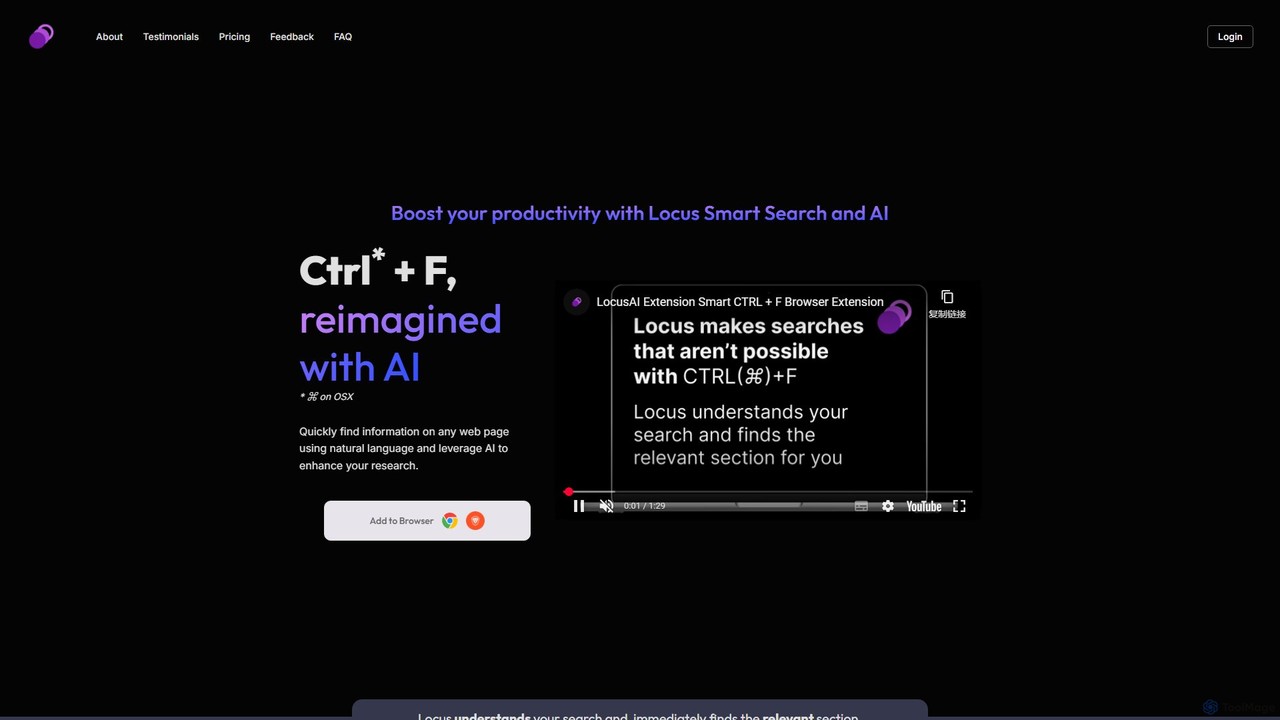
Locus Overview
Tired of the limitations of the traditional Ctrl+F function? Locus is a revolutionary browser extension that reimagines how you find information online. Powered by advanced AI, Locus acts as a smart search assistant, allowing you to use natural, conversational language to instantly locate relevant sections on any webpage or PDF. It goes beyond simple keyword matching to understand the context and intent behind your query, saving you countless hours of sifting through documents and boosting your research and reading productivity to new heights.
How to use Locus
Getting started with Locus is simple and intuitive. First, add the Locus extension to your web browser. Once installed, it seamlessly integrates with your browsing experience. To activate it, simply use the familiar keyboard shortcut (Ctrl+F on Windows, ⌘+F on macOS). Instead of the standard browser find bar, the Locus search popup will appear. Here, you can type your query in plain English, as if you were asking a question. For example, instead of searching for "revenue," you can ask, "What were the company's earnings in the last quarter?". Locus will then analyze the page content and immediately highlight the most relevant paragraphs or sections that answer your query. For more advanced features, you can open the side panel to access summarization tools, manage your saved favorites, and configure your AI settings. For unlimited access to the most powerful AI models, Pro users can connect their own OpenAI API key directly within the extension's settings.
Core Features of Locus
- AI Smart Search: The core of Locus. It uses natural language processing (NLP) to understand your search queries contextually, delivering precise results that keyword-based searches miss.
- PDF Document Search: Extend the power of AI search beyond web pages. Locus allows you to upload and search through PDF documents, making it perfect for academic papers, reports, and e-books.
- Personalized AI Assistance: Locus is more than just a search tool. It's a research partner. You can summarize entire articles or specific sections to get the TL;DR, brainstorm new ideas and related research topics, and even create digital note cards to help you study and retain key information.
- Favorites and Highlighting: Found something important? Save highlighted search results and entire documents to your "Favorites." This creates a personal knowledge base that you can easily refer back to across different sessions and documents.
- Multi-LLM Support: The Professional plan gives you access to a range of the latest and most powerful large language models, including OpenAI's GPT-4o, Anthropic's Claude 3 Haiku, and Google's Gemini 1.5 Flash, ensuring you always have the best tool for the job.
- Data Privacy and Security: Locus is designed with your privacy in mind. It does not store personal information, and document data expires after a set period. Your data is never used to train AI models.
Use Cases for Locus
Locus is a versatile tool designed for anyone who needs to process large amounts of text efficiently.
- For Professionals and Analysts: Financial analysts can quickly scan daily news and lengthy market reports to identify key trends and figures, saving valuable time during morning prep. Consultants can digest client documents and industry research faster to formulate strategies.
- For Academics and Researchers: Graduate students and researchers can navigate dense academic papers and literature reviews with ease. Instead of remembering exact phrasing, they can search for concepts and hypotheses, making the research process more manageable and efficient.
- For Students: Students with online textbooks or digital course materials can use Locus as a powerful study aid. It makes it easy to refer back to specific sections, find definitions, and create study notes directly from the source material, improving comprehension and retention.
Advantages of Locus
The primary advantage of Locus is its ability to fundamentally change how you interact with digital text. It saves a significant amount of time by eliminating manual skimming and imprecise keyword searches. By understanding context, it provides more accurate and relevant results, leading to deeper comprehension of the material. The integrated AI assistance tools create a seamless workflow, from initial search to synthesis and memorization. Furthermore, its commitment to data privacy ensures that your research remains confidential.
Pricing and Plans
Locus offers a flexible pricing structure to suit different needs.
- Free Plan: Perfect for getting started. It costs $0 forever and includes AI-powered smart searches, natural language search on web pages and PDFs, search history, and the ability to save favorites. This plan has daily limits on the number of documents and AI actions.
- Professional Plan: For power users who need unlimited access. Priced at $9 per month, this plan includes all features of the Free plan with no limits on searches, documents, or AI actions. It also provides access to the newest AI models (GPT-4o, Claude 3, Gemini 1.5), faster processing, and the option to integrate your own OpenAI API key for unlimited token usage. The Professional plan comes with a 14-day free trial.
Traffic
Latest traffic
Status
Monthly traffic trend
- 2025-9: 2.8K
- 2026-1: 1.1K
- 2026-2: 3.3K
- 2026-3: 1.9K
- 2026-4: 1.1K
- 2026-5: 646
Geography
Top 5 countries / regions
- 🇺🇸United States100.0%
Top keywords
| Keyword | Cost per click |
|---|---|
| ai role locus | $0.00 |
| how often does ai use locus | $0.00 |
| locus ai | $0.00 |
| locus ia | $0.00 |
| locus.ia | $0.00 |
Locus Alternatives
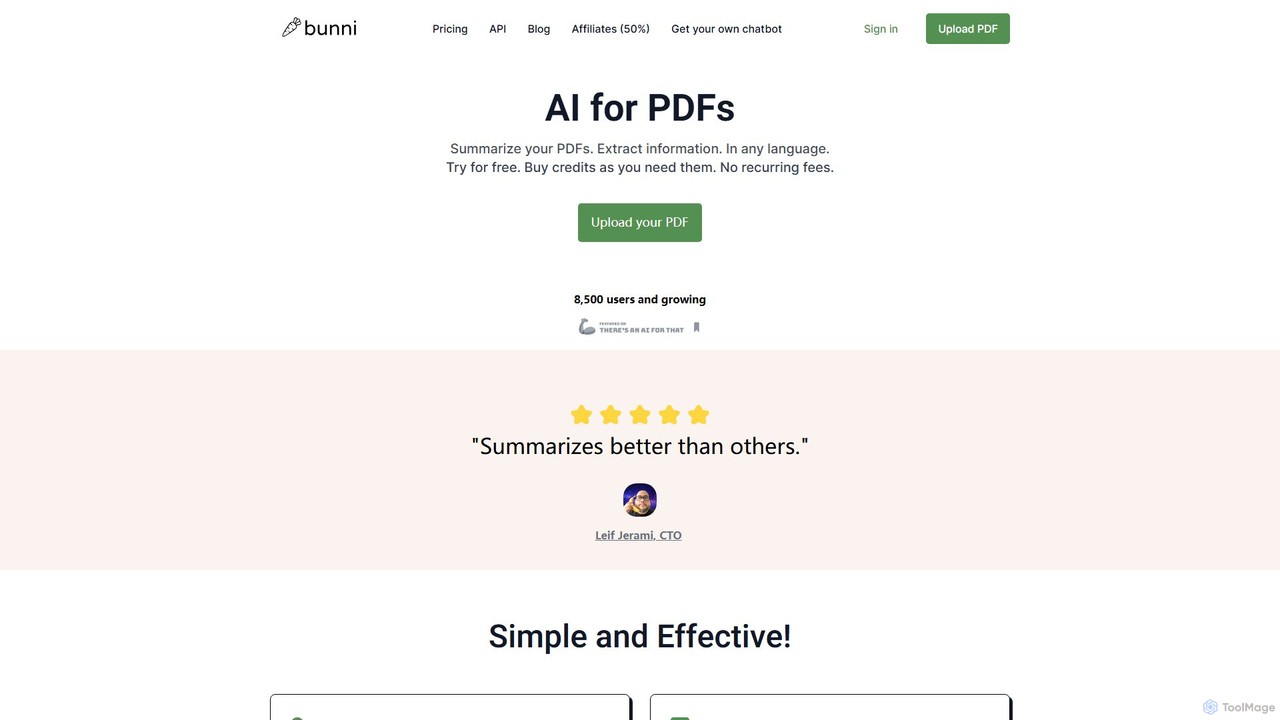
ClarifyPDF
ClarifyPDF is an AI-powered tool for interacting with your PDF documents. Simply upload one or more PDFs to summarize content, extract key information, and ask specific questions in any language. It supports large files and offers a shareable chat interface, making it ideal for students, researchers, and professionals to quickly understand complex documents without recurring subscription fees.
Data Extraction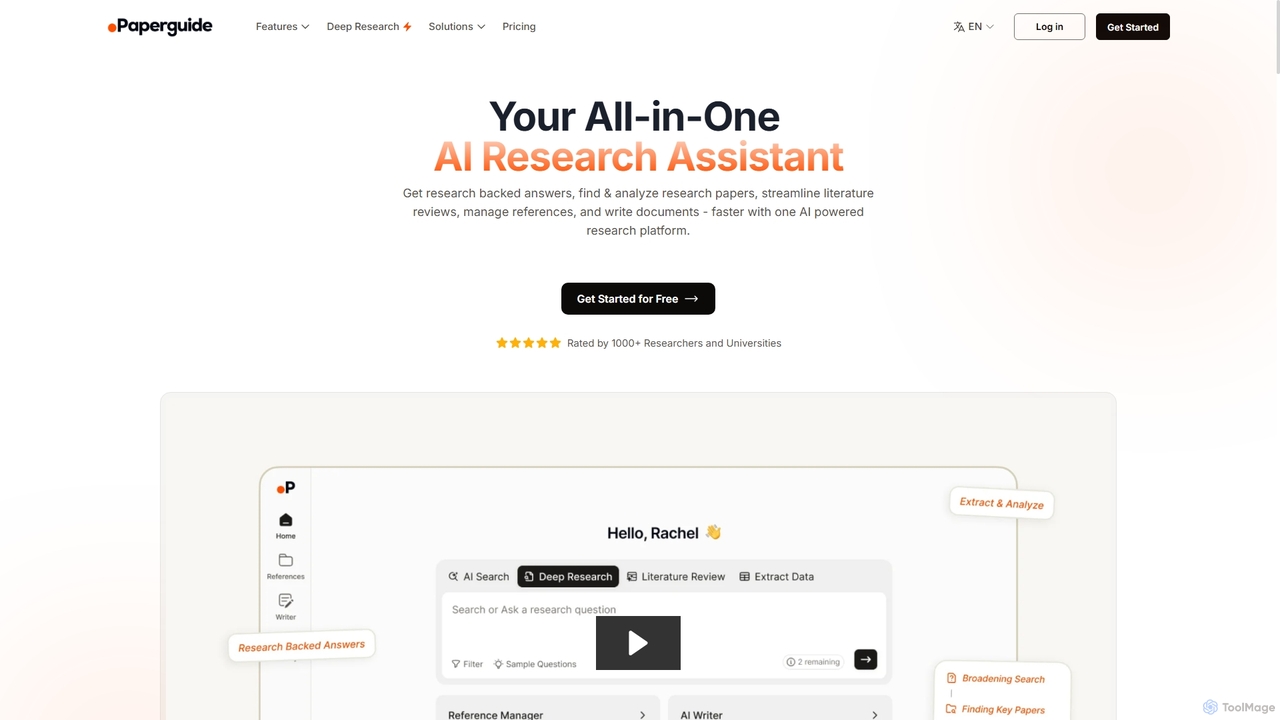
Chatwithpdf
Chatwithpdf is an AI-powered tool that allows you to interact with your PDF documents conversationally. Simply upload a file and start asking questions, get summaries, and extract key information instantly. It's designed for students, researchers, and professionals to analyze documents faster and more efficiently.
Data Extraction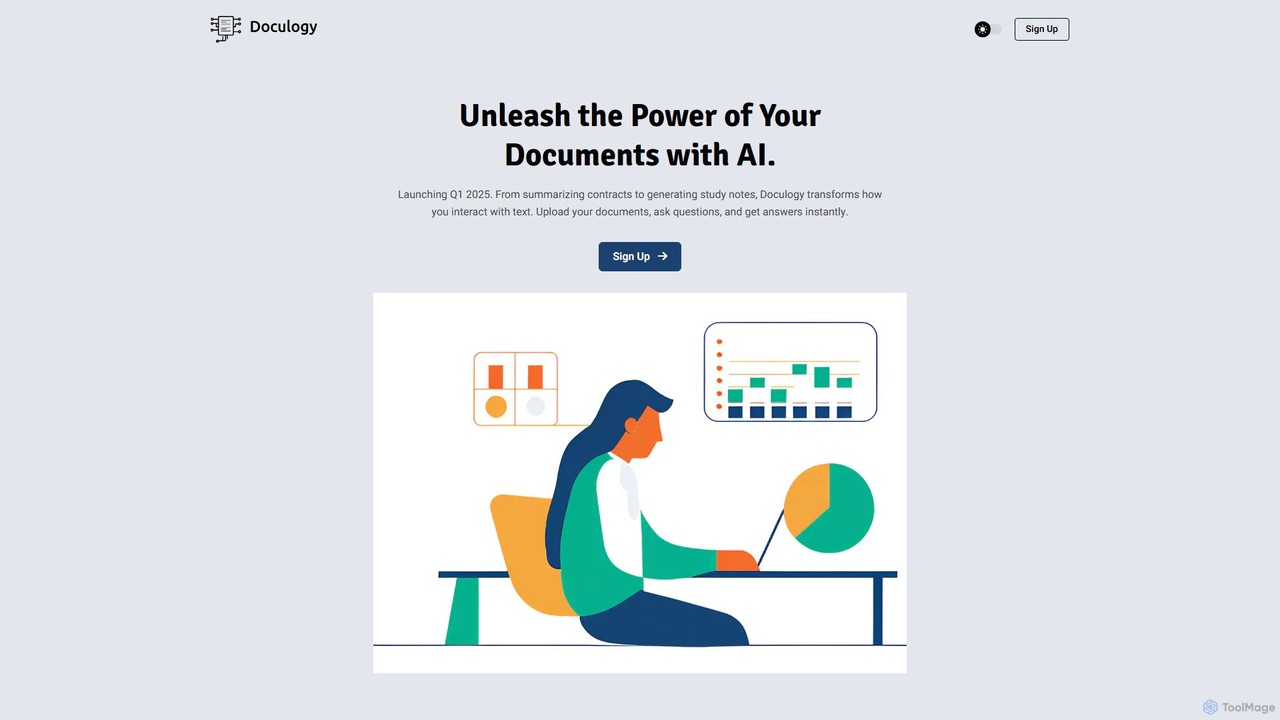
Doculogy
Doculogy is an AI-powered document analysis platform that transforms how you interact with text. Upload contracts, research papers, or CVs, ask questions in natural language, and receive instant, precise answers. It summarizes, analyzes multiple documents at once, and provides actionable insights, saving time and improving decision-making for professionals across various fields.
Reporting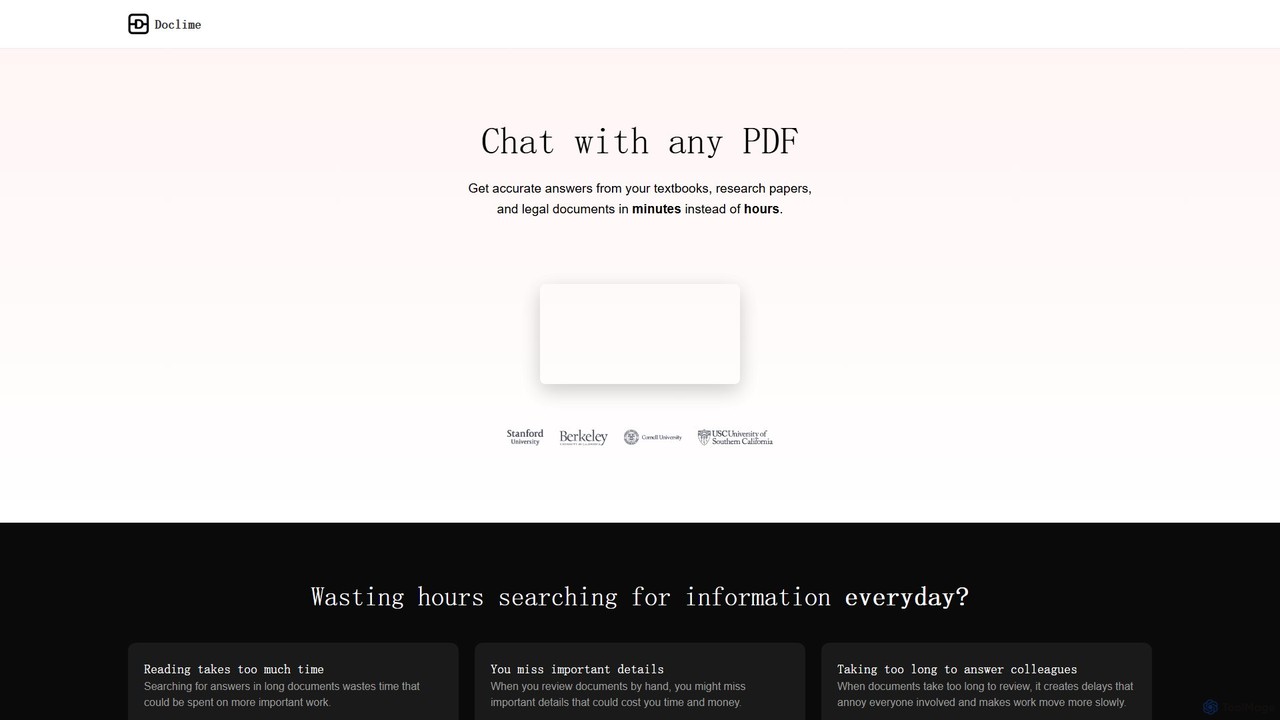
Doclime
Doclime is an AI-powered document assistant that lets you chat with your PDFs. Upload any document, ask questions in plain English, and get instant, accurate answers with citations. It's designed to help students, researchers, and professionals quickly extract information and insights from dense materials.
Study
pdfai.io
pdfai.io is an AI-powered document assistant that lets you chat with your PDF files. Instantly summarize complex documents, ask questions, and extract key information effortlessly. It's designed to boost productivity for students, researchers, and professionals by turning static PDFs into interactive knowledge bases.
Data ExtractionLocus Categories
Locus Embed Widget
Copy this embed code to place the badge on your blog, article, or product site and send readers directly to this ToolMage detail page.

Related AI tools
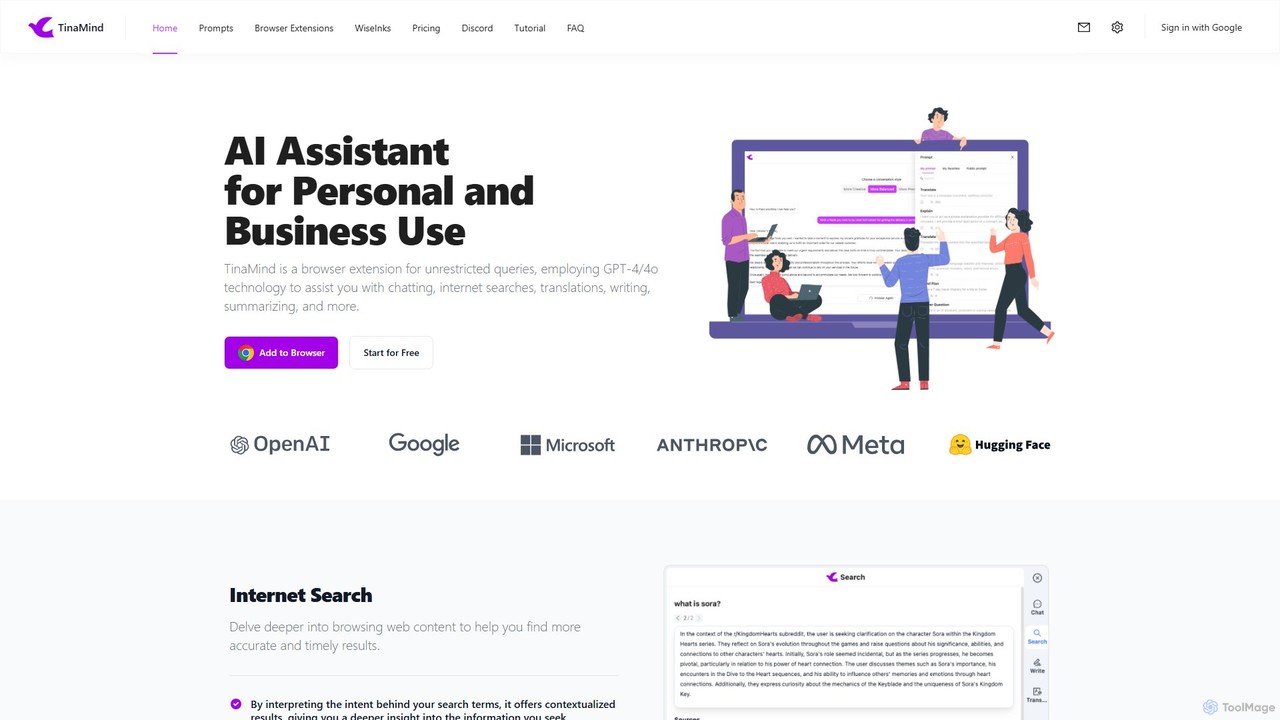
TinaMind
TinaMind is an AI-powered browser extension that enhances your productivity with GPT-4/4o. It acts as an all-in-one assistant for intelligent web search, document and YouTube summarization, content writing, high-quality translation, and efficient prompt management. Seamlessly integrated into your browser, it streamlines your workflow for both personal and business use.
Browser ExtensionClarifyPDF
ClarifyPDF is an AI-powered tool for interacting with your PDF documents. Simply upload one or more PDFs to summarize content, extract key information, and ask specific questions in any language. It supports large files and offers a shareable chat interface, making it ideal for students, researchers, and professionals to quickly understand complex documents without recurring subscription fees.
Data ExtractionChatwithpdf
Chatwithpdf is an AI-powered tool that allows you to interact with your PDF documents conversationally. Simply upload a file and start asking questions, get summaries, and extract key information instantly. It's designed for students, researchers, and professionals to analyze documents faster and more efficiently.
Data ExtractionDoculogy
Doculogy is an AI-powered document analysis platform that transforms how you interact with text. Upload contracts, research papers, or CVs, ask questions in natural language, and receive instant, precise answers. It summarizes, analyzes multiple documents at once, and provides actionable insights, saving time and improving decision-making for professionals across various fields.
ReportingDoclime
Doclime is an AI-powered document assistant that lets you chat with your PDFs. Upload any document, ask questions in plain English, and get instant, accurate answers with citations. It's designed to help students, researchers, and professionals quickly extract information and insights from dense materials.
Study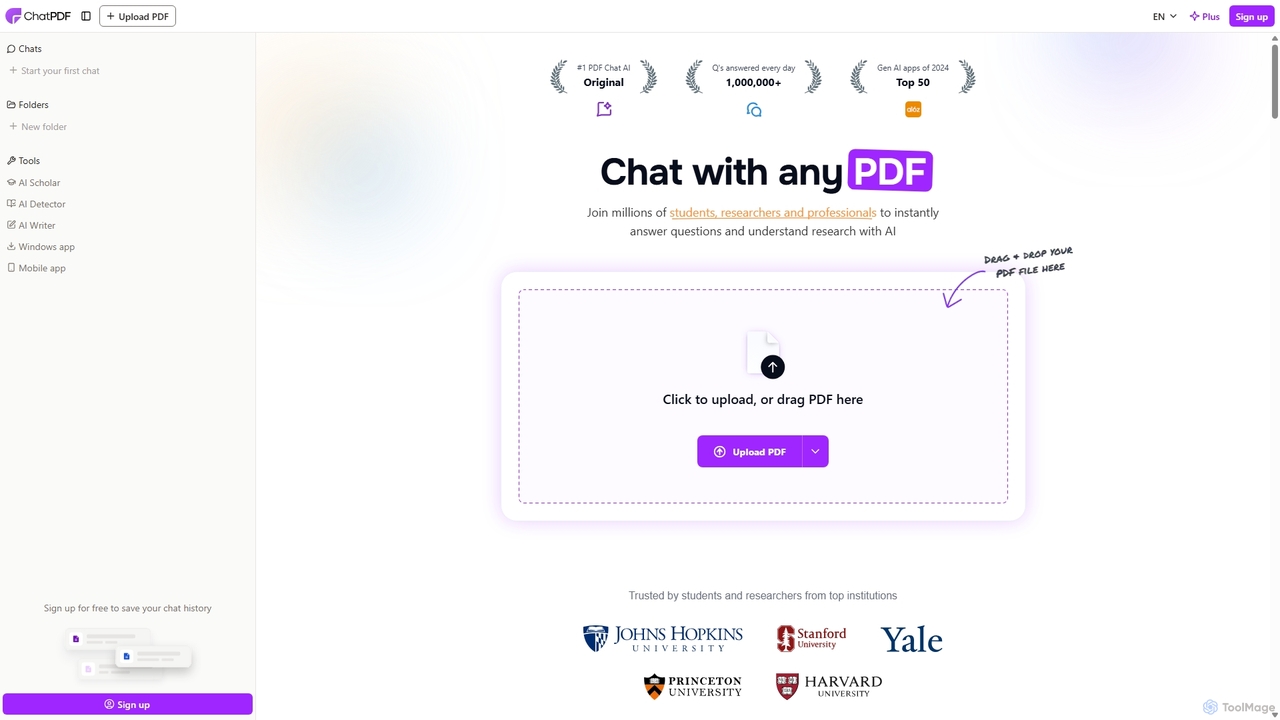
ChatPDF
ChatPDF is an AI-powered platform that allows you to interact with your documents as if you were having a conversation. Simply upload a PDF, and the AI will help you summarize content, answer specific questions, and extract key information in seconds. It's designed for students, researchers, and professionals to enhance productivity and understanding.
Research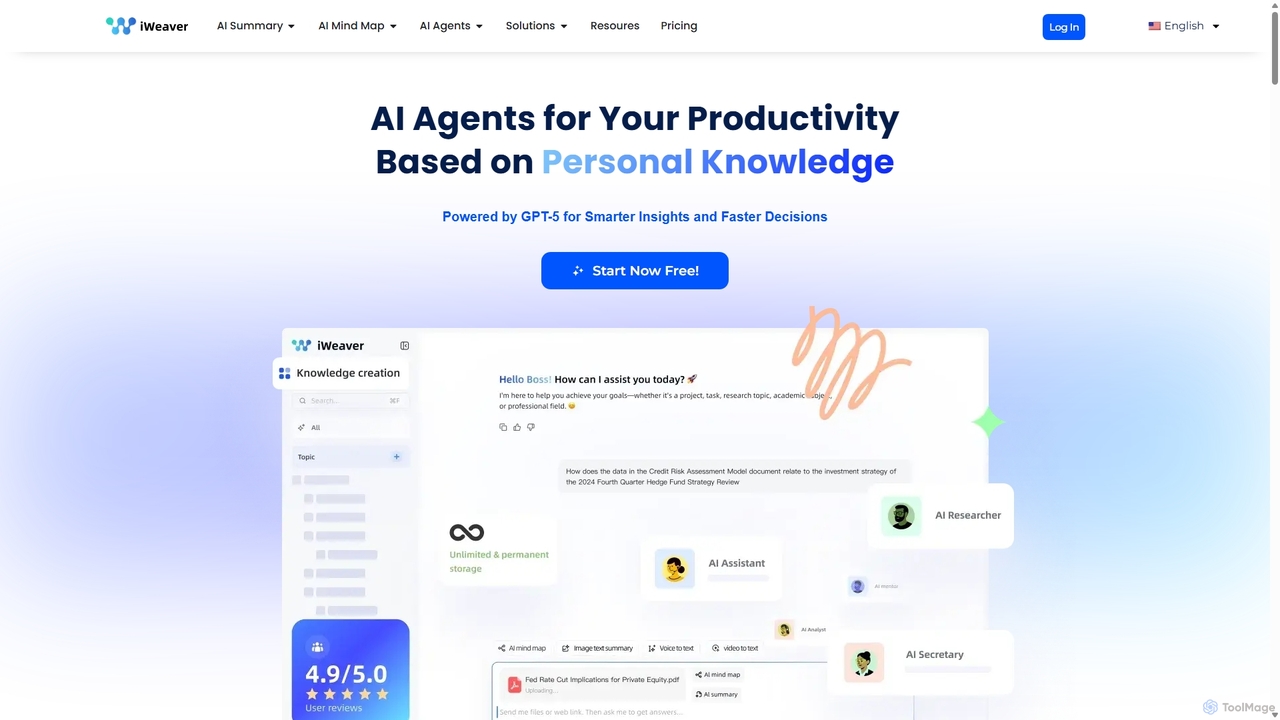
Iweaver
Iweaver is an AI-powered personal knowledge management platform that transforms your documents, images, and videos into an intelligent knowledge base. Utilize over 200 specialized AI agents to automate tasks, generate summaries, create mind maps, and get precise answers from your data. It learns your work habits to provide personalized, context-aware assistance, streamlining workflows for professionals in finance, research, law, and content creation.
Study Tools
AskYourPDF
AskYourPDF is an AI-powered document assistant that allows you to chat with your PDFs and other documents. Instantly get summaries, ask questions, and extract key information to save time and boost productivity. It supports multiple platforms and includes a suite of over 40 free AI writing and content creation tools.
Research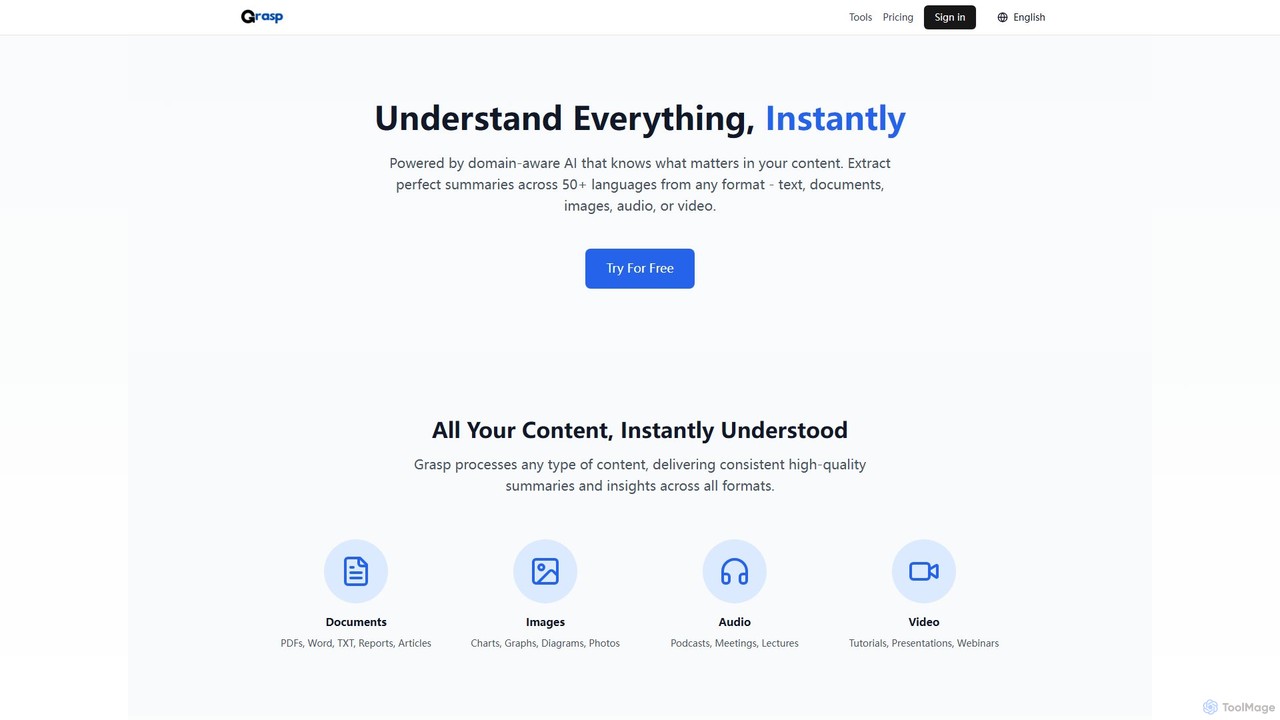
Grasp
Grasp is a comprehensive AI-powered platform that instantly extracts key insights from any content. It processes text, documents, images, audio, and video in over 50 languages, offering a suite of tools for summarization, analysis, content generation, and data extraction. Ideal for students, professionals, and creators.
Document Management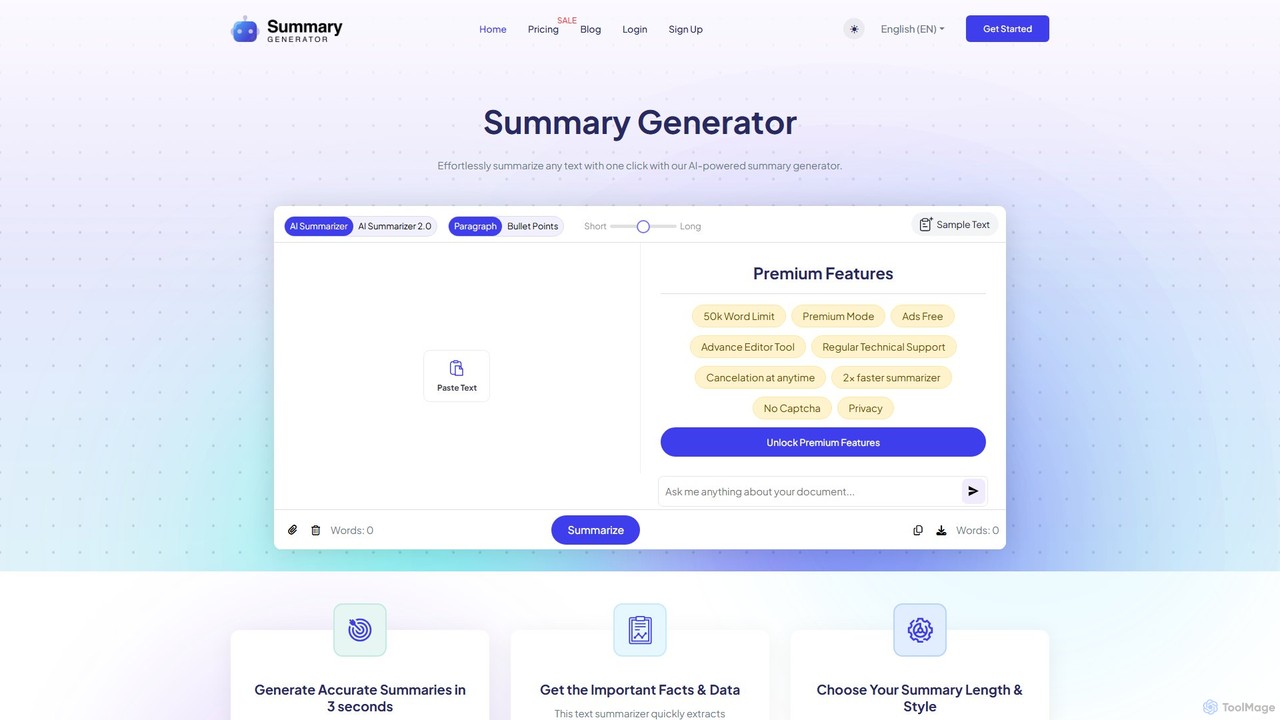
SummaryGenerator.io
An AI-powered tool that condenses long texts, articles, and documents into concise summaries in seconds. Customize summary length and format (paragraph or bullet points) to quickly extract key information and improve comprehension. Supports text input and file uploads (PDF, DOC).
Document Management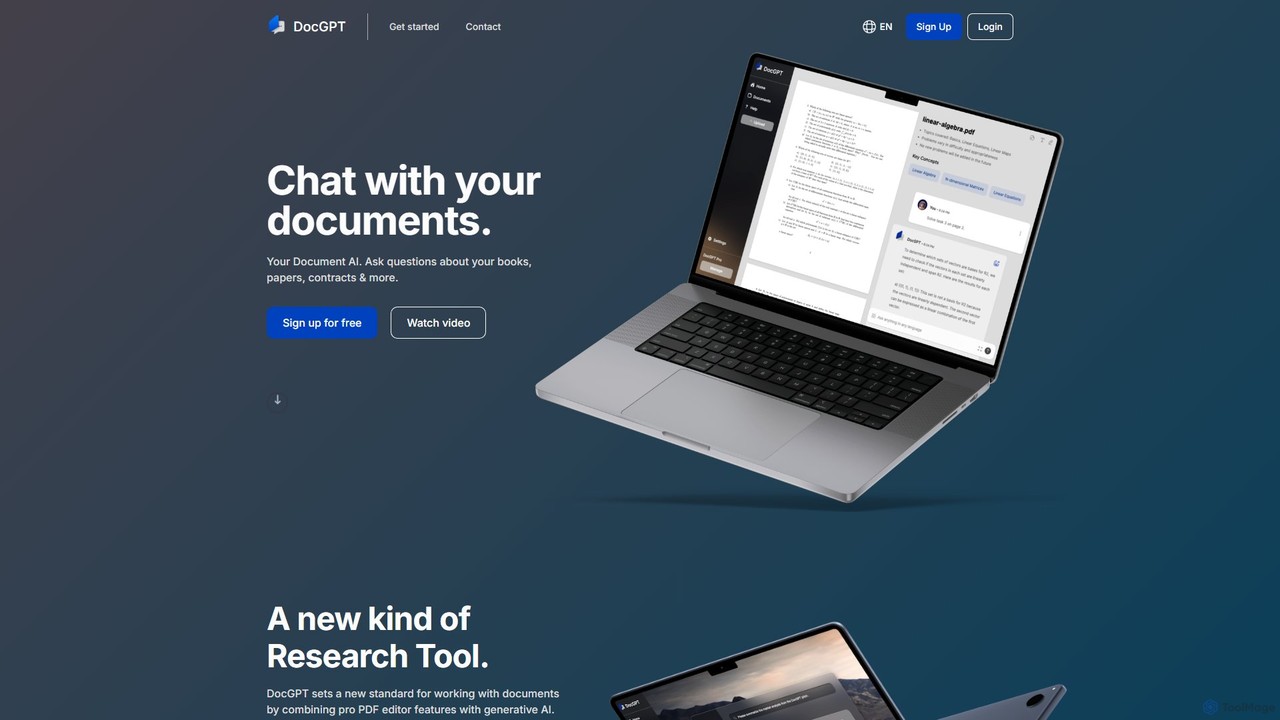
DocGPT
DocGPT is an AI-powered tool that allows you to chat directly with your documents. Simply upload files like PDFs, DOCX, or TXT, and ask questions in natural language to instantly extract information, get summaries, and find key insights. It's designed to boost productivity for students, researchers, and professionals by making document analysis fast and intuitive.
Study Aid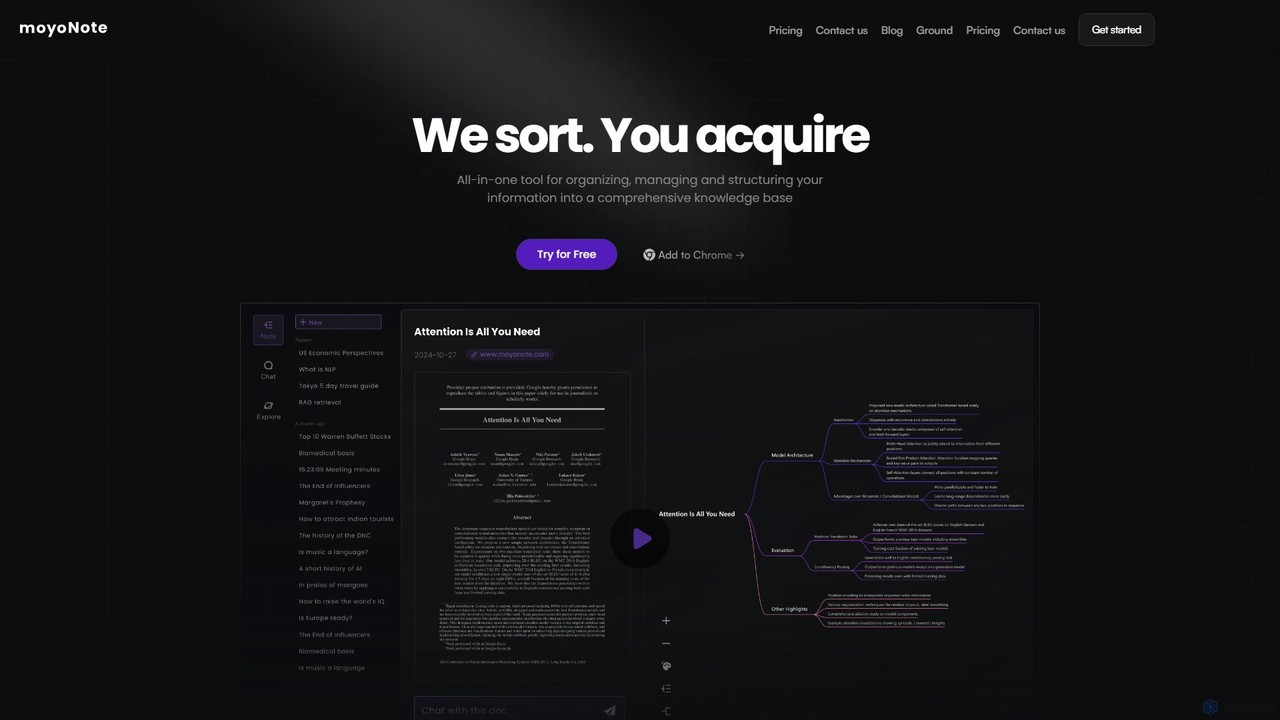
moyonote
moyonote is an AI-powered tool that automatically transforms documents, text, and various files into structured, interactive mind maps. It helps users quickly sort and acquire knowledge, enhancing productivity for students, professionals, and teams by simplifying complex information.
Document Analysis
pdfpilot.ai
pdfpilot.ai is an AI-powered assistant that transforms your PDF documents into interactive chatbots. Instantly get summaries, ask complex questions, and extract key information from research papers, reports, and contracts, saving you hours of reading time.
Data Analysis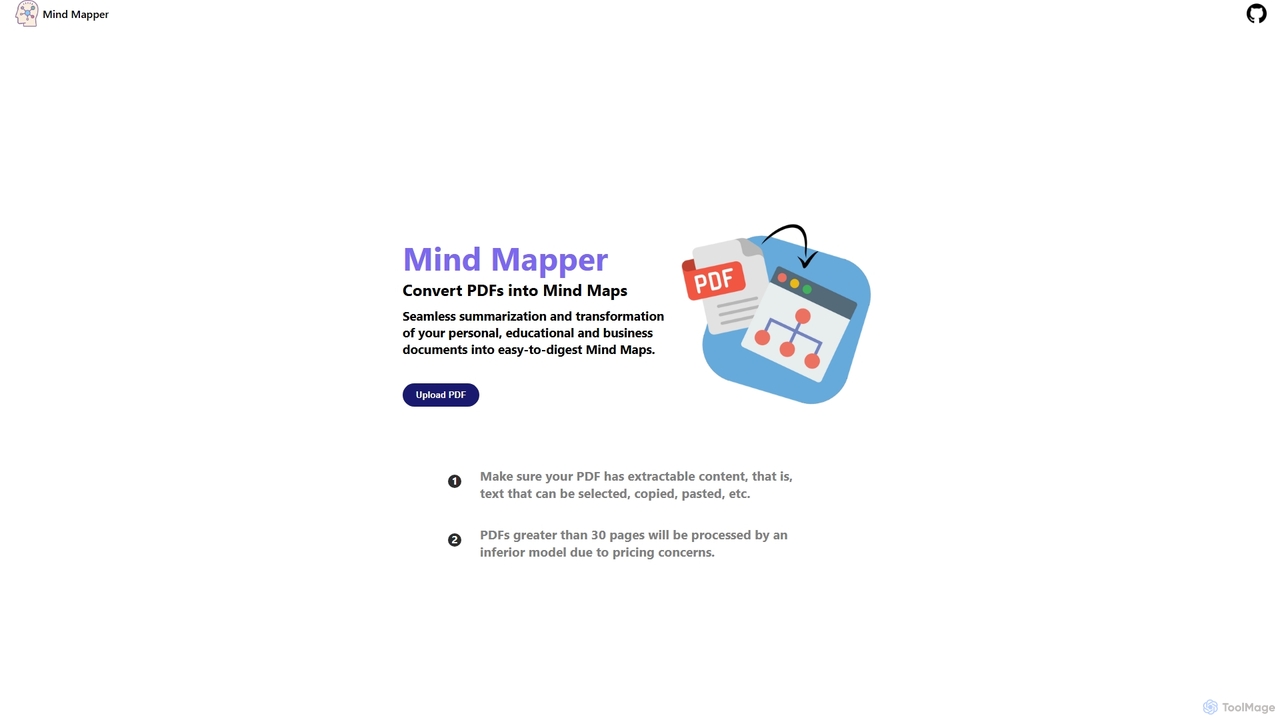
MindmapAI
MindmapAI is an AI-powered tool that transforms PDF documents into clear, structured mind maps. Using Google's Gemini AI, it automatically summarizes and visualizes complex information, making it ideal for students, researchers, and professionals to quickly grasp key concepts from dense texts.
Document Management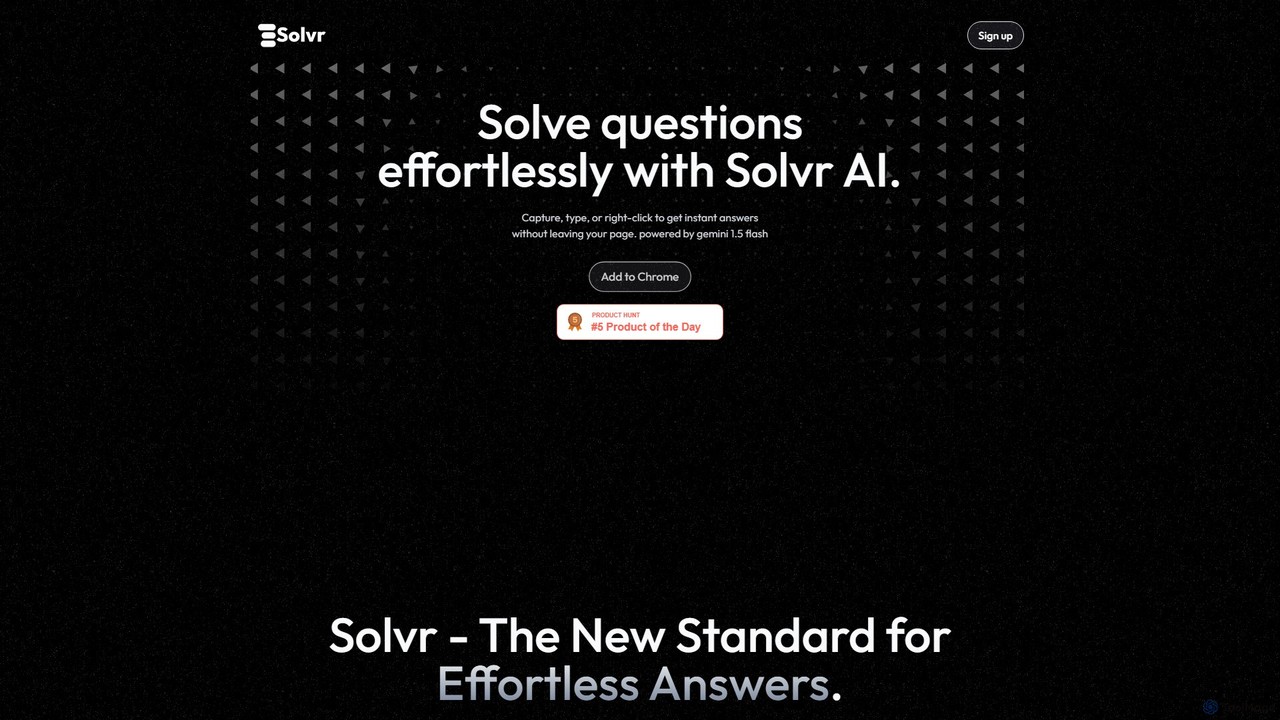
Solvr
Solvr is an AI-powered Chrome extension that provides instant answers to your questions without leaving your current page. Simply capture a screenshot, highlight text, or right-click to get clear, structured solutions. Powered by Gemini 1.5 Flash, it streamlines your workflow for studying, research, and professional tasks.
Research Assistant
Locus Comments (0)
Sign in to comment.
Sign inNo comments yet.