
Razzle Overview
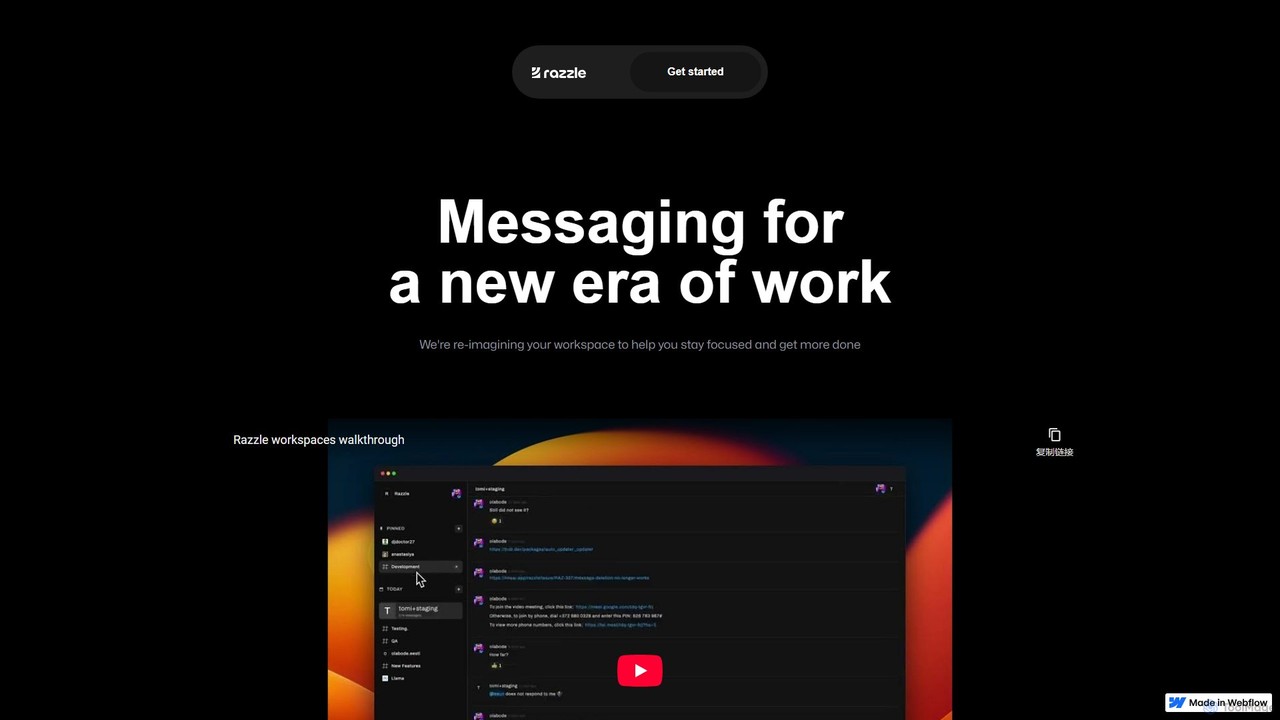
Razzle is reimagining the modern workspace by creating a messaging and collaboration tool specifically designed for a new era of work. It addresses the common pain points of digital communication, such as constant distractions and notification overload, by providing a minimal, focused environment. The core philosophy of Razzle is to help users stay in their flow state, enabling deeper concentration and higher productivity. By integrating artificial intelligence directly into the workflow, Razzle empowers teams with capabilities that go far beyond simple messaging.
How to use Razzle
Using Razzle is designed to be intuitive and seamless, allowing teams to quickly adapt and enhance their workflow. Here’s a typical process:
- Set Up Your Workspace: Sign up on the Razzle platform and create a dedicated workspace for your organization or team.
- Invite Team Members: Easily invite your colleagues to join the workspace via email or a shareable link.
- Organize with Channels: Create channels for different projects, departments, or topics to keep conversations organized and relevant.
- Communicate Effectively: Use the clean, distraction-free interface for your daily communication. The default 'Focus Mode' helps minimize non-essential notifications.
- Leverage AI Superpowers: Access the embedded AI models directly from your command bar or chat interface. Use them for tasks like drafting marketing copy, summarizing long conversations, or extracting key data from messages.
- Find Information Instantly: Utilize the powerful command bar search to quickly locate past messages, files, or information without navigating through endless channels.
- Stay Updated (Coming Soon): Use the 'Highlights' feature to tell the AI what you want to focus on, and it will surface the most relevant messages for you, saving you time catching up.
- Connect Face-to-Face (Coming Soon): Initiate Zoom or Google Meet calls with a single click directly within Razzle, streamlining the transition from text to video communication.
Core Features of Razzle
- Minimalist, Distraction-Free Design: The user interface is intentionally designed to be clean and simple, helping users stay focused on their tasks.
- Default Focus Mode: Razzle actively works to eliminate notification anxiety by enabling a focus mode by default, curating what you see and when.
- Embedded AI Models: Ships with two powerful AI models to assist with creative and analytical tasks, such as writing marketing copy and performing data extraction.
- AI-Powered Superpowers: The AI integration gives your team a competitive edge by automating and assisting with complex tasks directly within the messaging app.
- Command Bar Search: A fast and efficient search functionality accessible from a command bar, making it easy to find anything in your workspace.
- Highlights Feature (Coming Soon): An intelligent feature that allows users to define their focus areas, and the AI will automatically highlight the most important messages for them.
- Native Video Call Integration (Coming Soon): First-party support for Zoom and Google Meet, allowing for one-click video calls with colleagues.
Use Cases for Razzle
Razzle is versatile and can be adopted by various teams to improve their communication and productivity:
- Marketing Teams: Can use the built-in AI to brainstorm and generate ad copy, social media posts, and email campaign content directly in their collaboration channels.
- Product & Engineering Teams: Benefit from the distraction-free environment for deep work and use the powerful search to quickly reference past technical discussions and decisions.
- Remote & Hybrid Teams: Can combat the 'always-on' culture with Focus Mode and use the upcoming 'Highlights' feature to catch up efficiently after periods of offline work.
- Data & Research Teams: Can leverage the AI's data extraction capabilities to pull key information from user feedback, reports, or articles shared within the team.
- Leadership & Management: Can get a quick, high-level overview of important conversations without getting bogged down in channel noise, thanks to AI-powered summaries and highlights.
Advantages of Razzle
Razzle stands out from traditional messaging tools by offering a unique combination of focus and intelligence. Its primary advantages include enhanced productivity through reduced context switching, improved employee well-being by tackling notification fatigue, and a significant boost in efficiency by embedding practical AI tools directly into the team's daily workflow. This integrated approach means teams don't need separate tools for communication and AI-assisted work, creating a more cohesive and powerful digital workspace.
Pricing and Plans
As of now, specific pricing and plan details for Razzle have not been publicly released. The tool appears to be in an early or pre-launch stage. It is common for platforms like this to offer tiered pricing based on team size and feature requirements, potentially including a free plan for small teams, a business plan for growing companies, and an enterprise plan with advanced security and support. For the most accurate and up-to-date information, it is recommended to visit the official Razzle website and sign up for updates or contact their team directly.
Razzle Alternatives
Slack
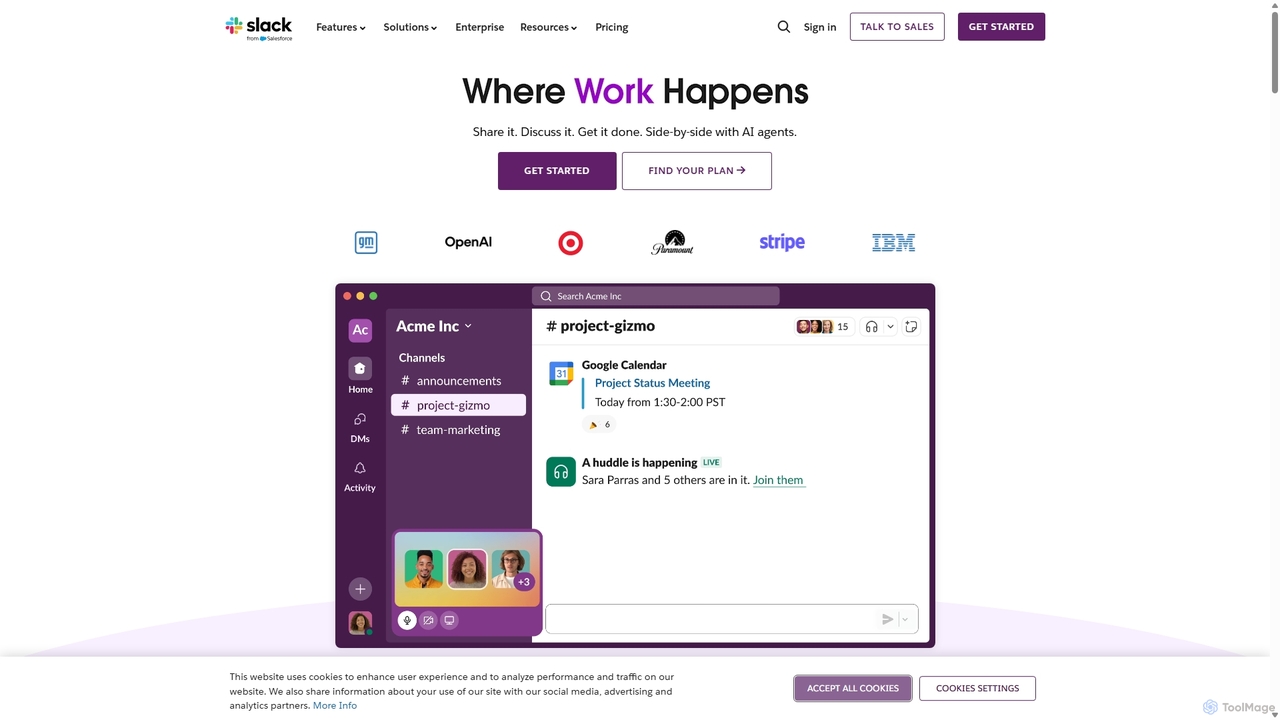
Slack is an AI-powered collaboration hub that connects your people, partners, and tools. It replaces email with faster, better-organized communication through channels. With integrated AI, workflow automation, and thousands of apps, Slack centralizes your work to boost productivity and streamline project management.
Project Management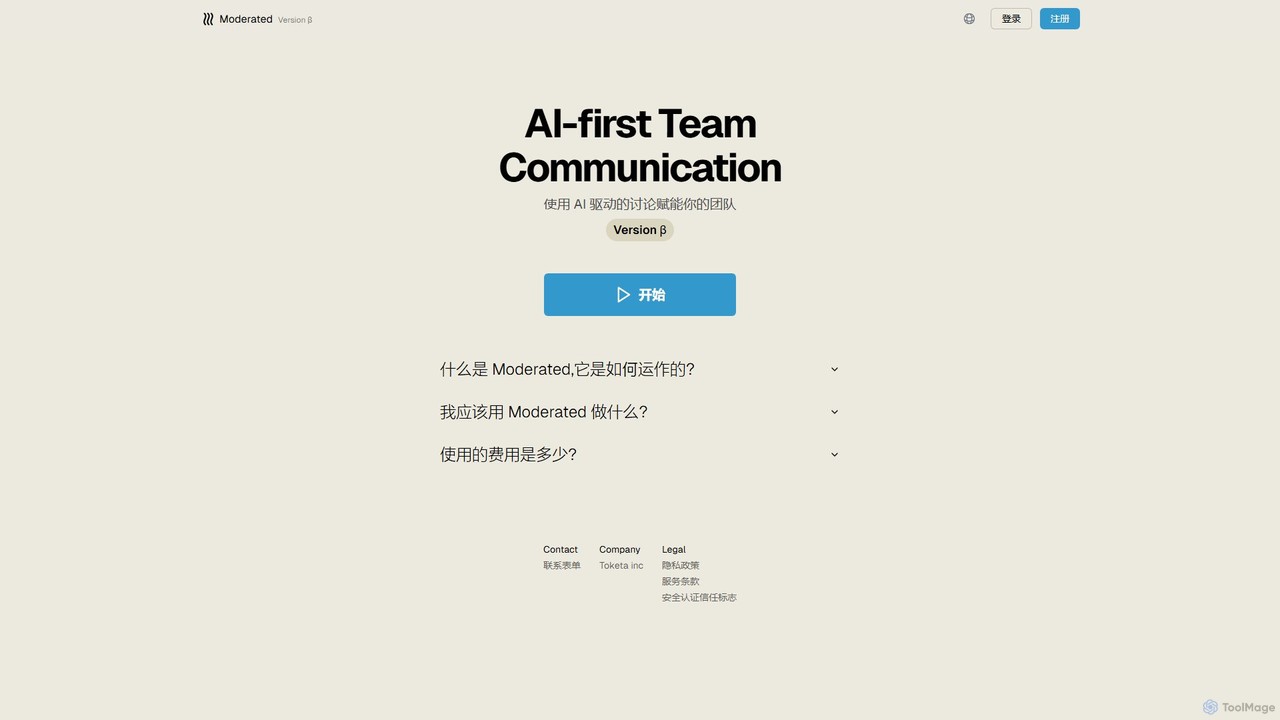
Moderated
Moderated is an AI-first team communication platform designed to empower teams with AI-driven discussions. It automatically summarizes conversations, extracts action items, and provides intelligent insights to enhance productivity and clarity in team collaboration.
Project Management
CircleChat
CircleChat is an AI-powered communication platform that unifies internal team collaboration and external customer support. It leverages AI to summarize conversations, detect tasks, analyze sentiment, and automate workflows, creating a single, intelligent hub for all business communication.
Team Chat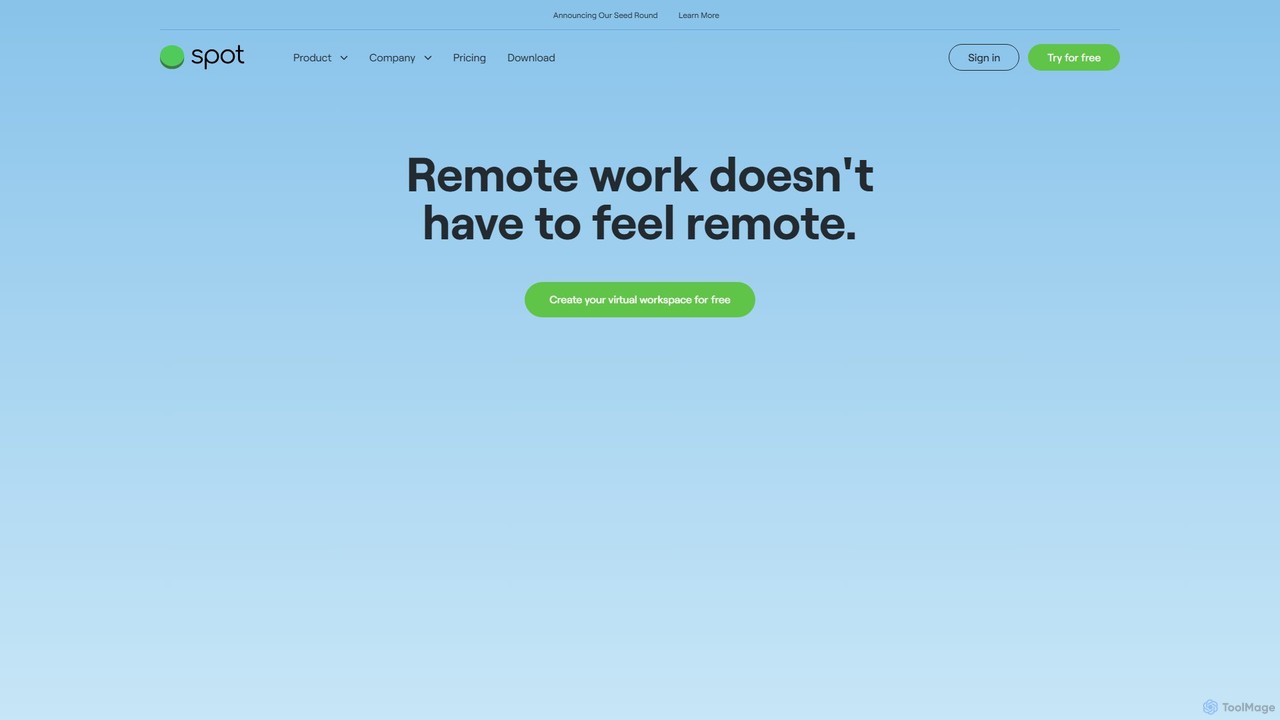
Spotvirtual
Spotvirtual is a virtual office platform that transforms remote work by creating an immersive, customizable 3D workspace. It combines the features of Slack and Zoom with the spatial presence of a physical office, allowing teams to collaborate, communicate, and connect more naturally, boosting productivity and team morale.
Team Chat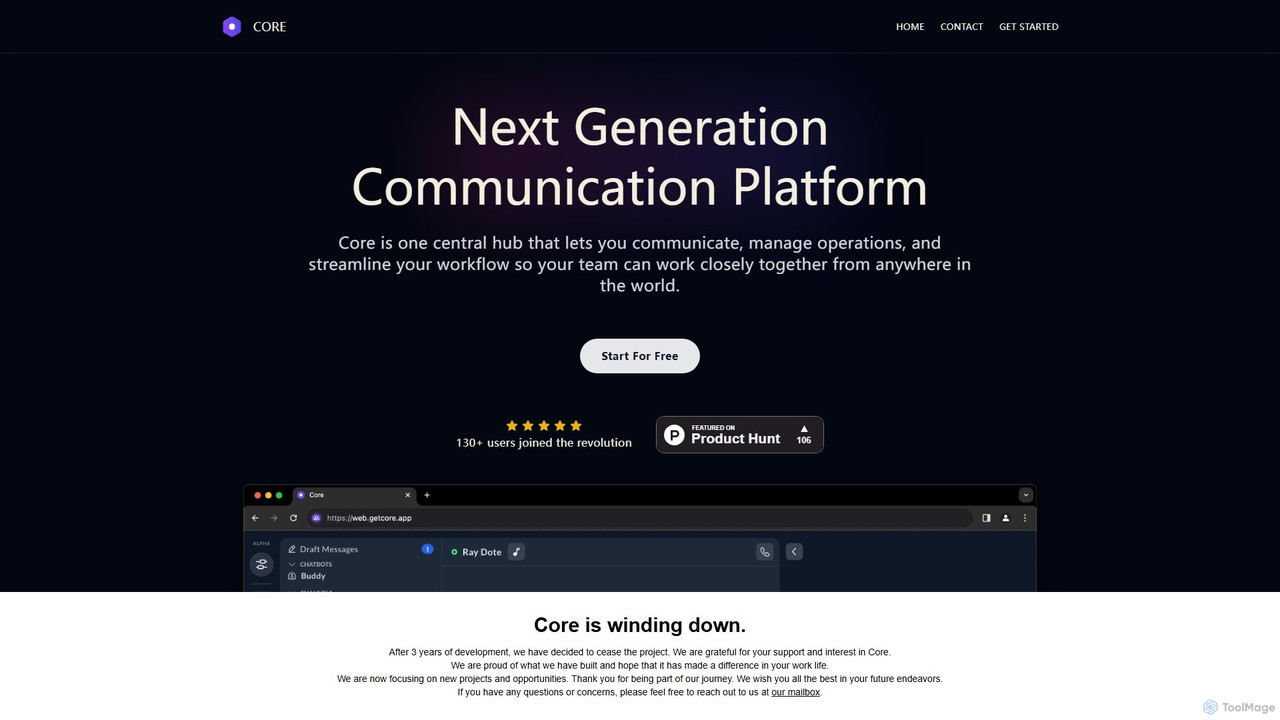
Core
Core is an AI-powered, all-in-one communication and collaboration platform for teams. It centralizes chat, video calls, calendar, and a native knowledge base to reduce distractions, streamline workflows, and boost productivity with features like process automation and AI assistants.
Team ChatRazzle Categories
Razzle Embed Widget
Copy this embed code to place the badge on your blog, article, or product site and send readers directly to this ToolMage detail page.

Related AI tools
Macro
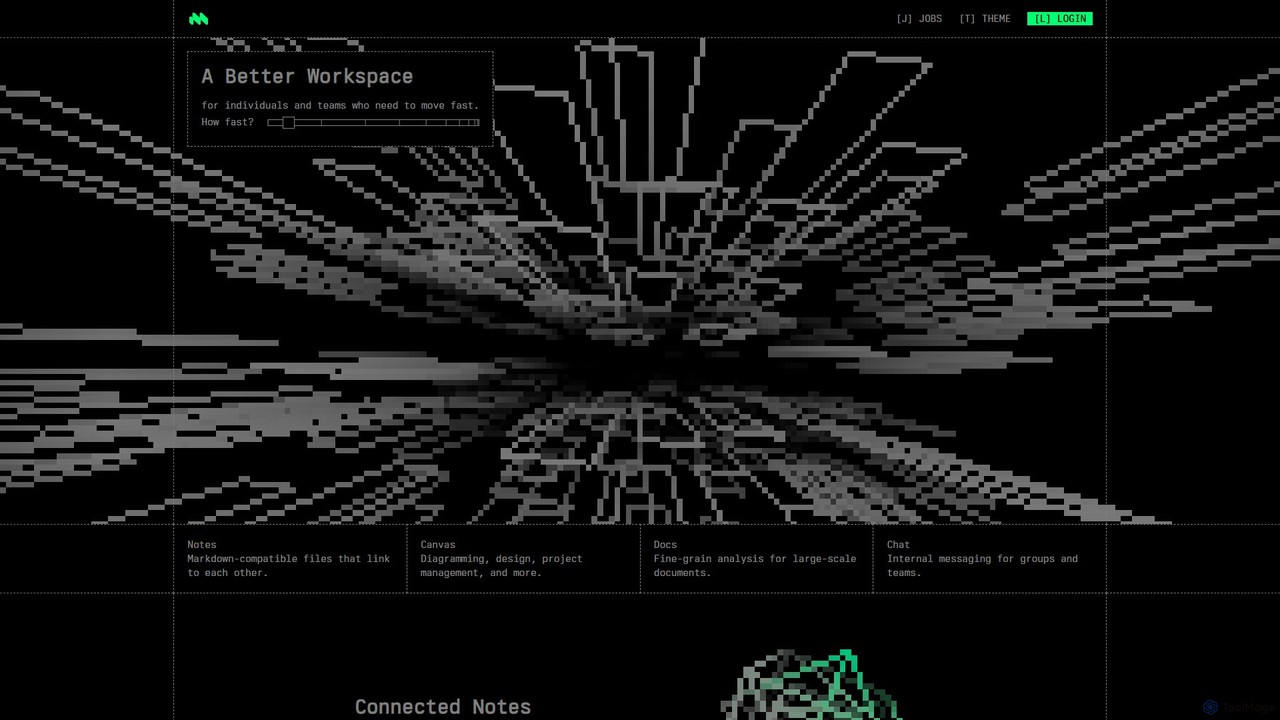
Macro is an AI-powered, unified workspace designed for speed and collaboration. It integrates linkable notes, an infinite canvas for brainstorming, intelligent document analysis, and threaded team chat into a single, secure, and enterprise-ready platform.
Ai Document Analysis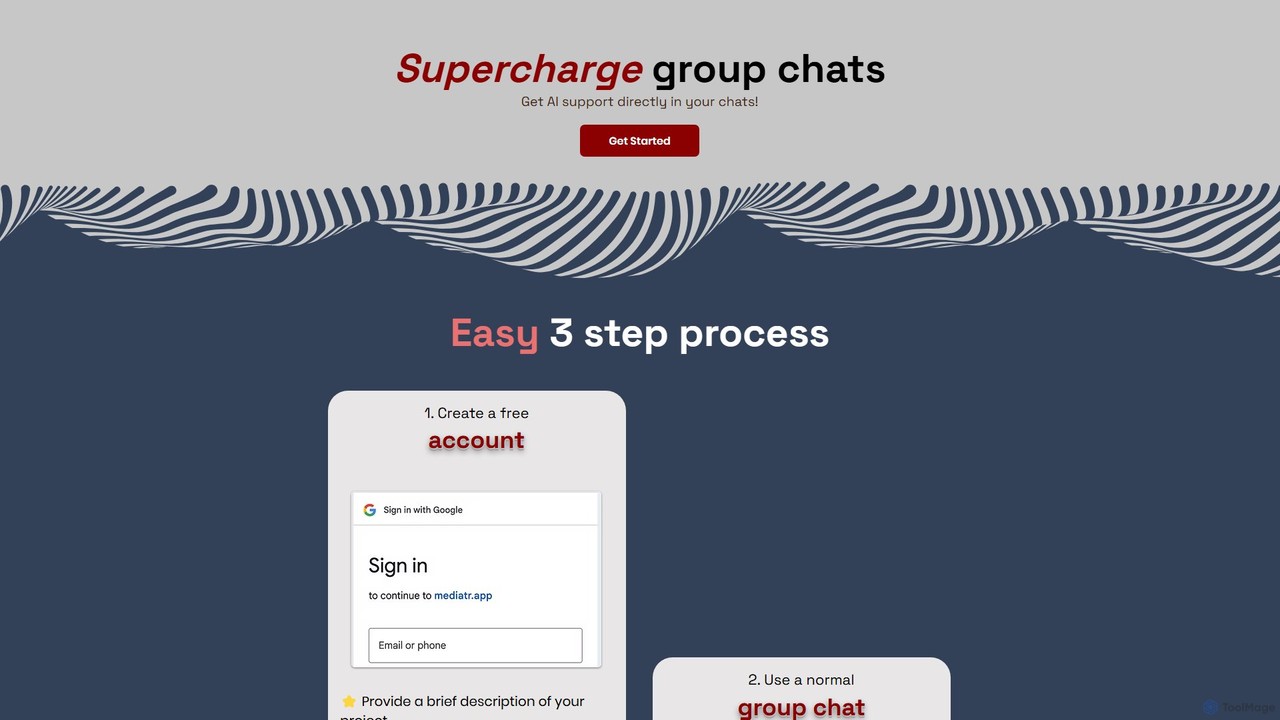
Mediatr
Mediatr is an AI-powered group chat platform designed to enhance team collaboration. It integrates an AI assistant directly into your conversations to summarize discussions, answer questions, and retrieve key information, turning your chat history into a searchable knowledge base.
ChatSlack
Slack is an AI-powered collaboration hub that connects your people, partners, and tools. It replaces email with faster, better-organized communication through channels. With integrated AI, workflow automation, and thousands of apps, Slack centralizes your work to boost productivity and streamline project management.
Project ManagementModerated
Moderated is an AI-first team communication platform designed to empower teams with AI-driven discussions. It automatically summarizes conversations, extracts action items, and provides intelligent insights to enhance productivity and clarity in team collaboration.
Project ManagementCircleChat
CircleChat is an AI-powered communication platform that unifies internal team collaboration and external customer support. It leverages AI to summarize conversations, detect tasks, analyze sentiment, and automate workflows, creating a single, intelligent hub for all business communication.
Team Chat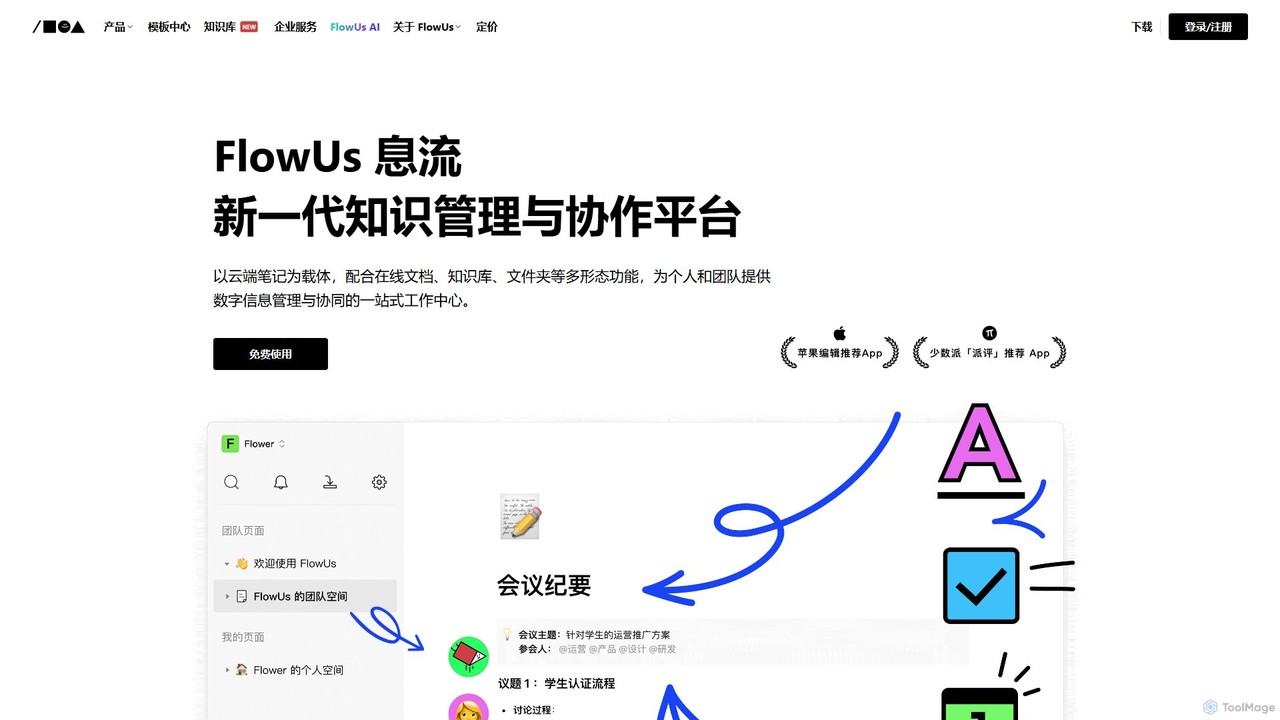
FlowUs
FlowUs is a next-generation knowledge management and collaboration platform that integrates documents, notes, databases, and project management into a unified workspace. It features a powerful, natively embedded AI assistant to streamline workflows for individuals and teams.
Writing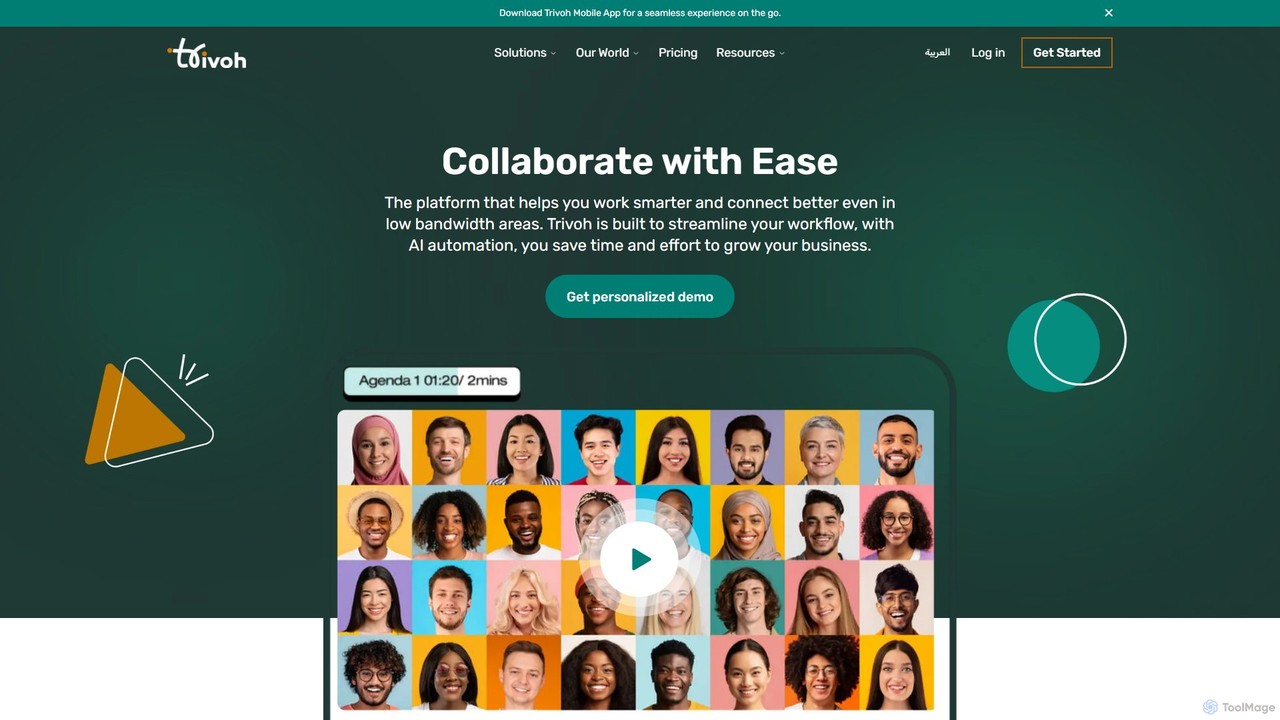
trivoh
trivoh is an AI-powered, all-in-one collaboration and productivity platform designed for seamless communication, even in low-bandwidth areas. It integrates virtual meetings, AI-driven summaries, project management, and real-time chat to streamline workflows. Key features include accessibility tools like real-time transcription and sign language interpretation, robust security, and an intuitive user interface, making it ideal for businesses, telehealth, and e-learning.
Meeting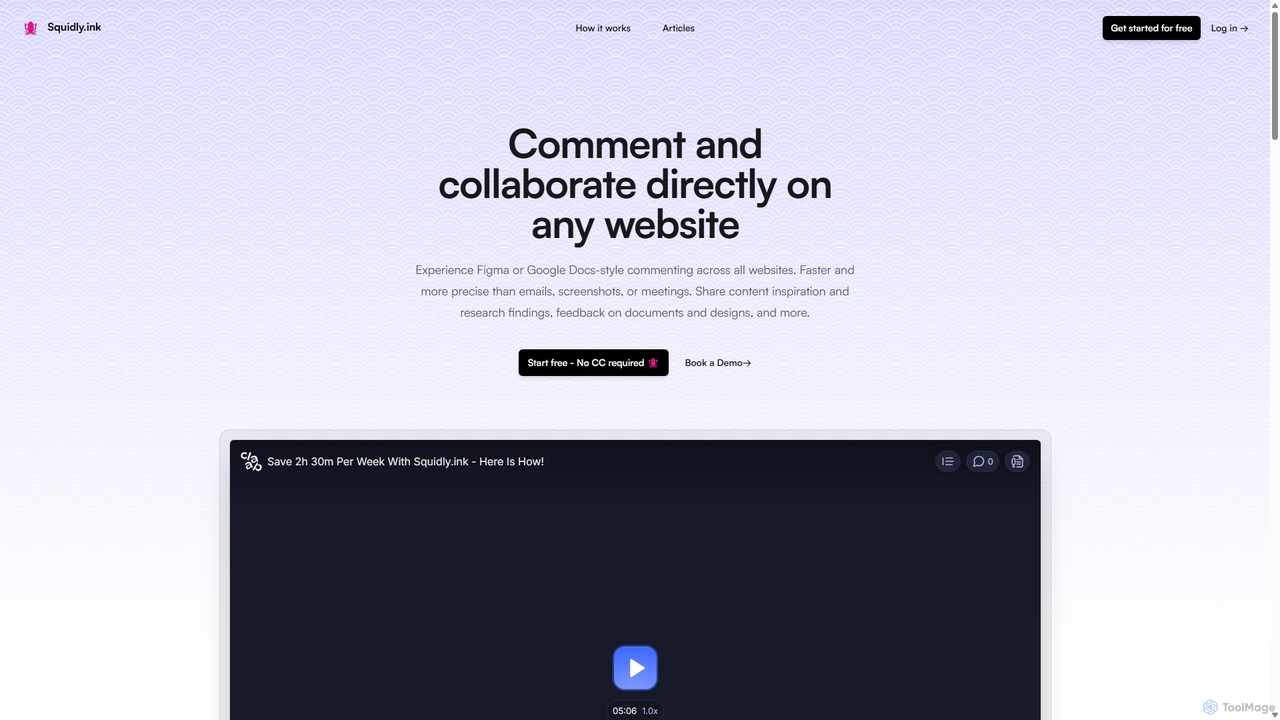
Squidly
Squidly is a collaborative browser extension that allows teams to leave comments directly on any website, similar to Figma or Google Docs. It streamlines feedback, eliminates the need for screenshots and meetings, and centralizes all discussions in one dashboard for enhanced productivity in remote and asynchronous work environments.
Review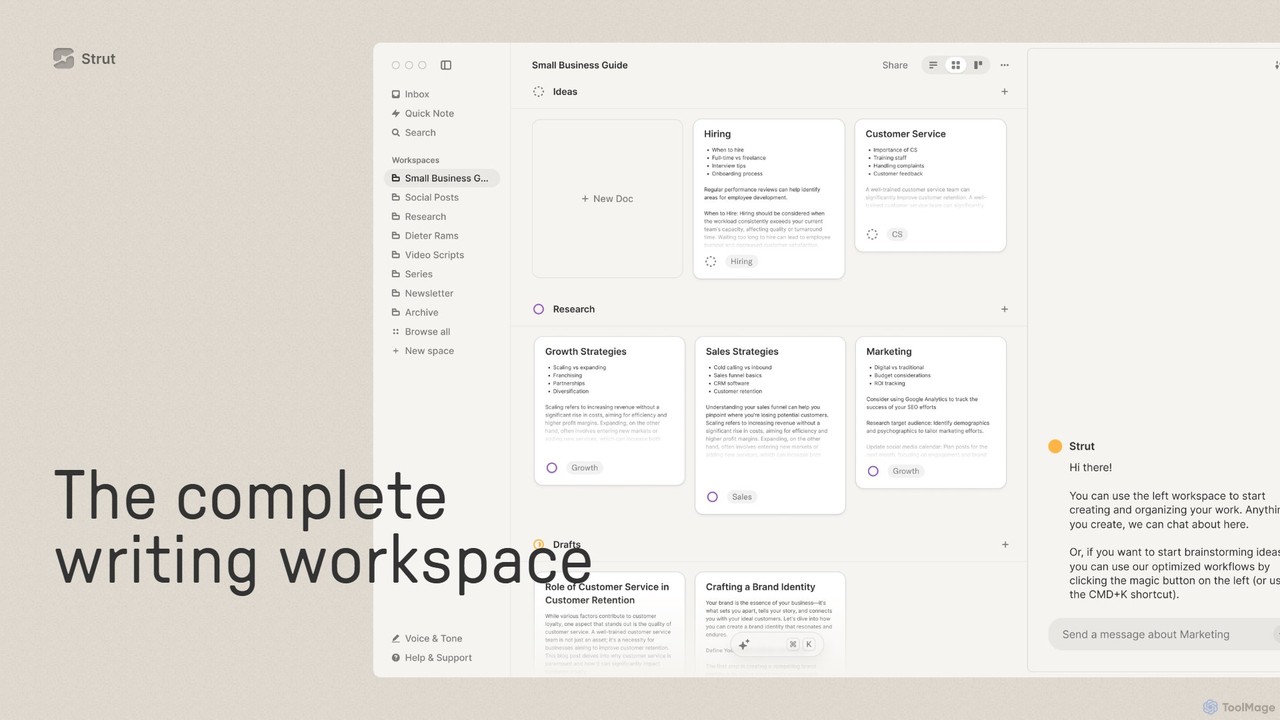
Strut
Strut is a comprehensive AI-powered writing workspace that unifies notes, documents, and project management into a single, collaborative platform. It's designed to streamline the entire writing process, from initial idea capture to final publication, with an AI partner to assist with research, editing, and inspiration.
Project Management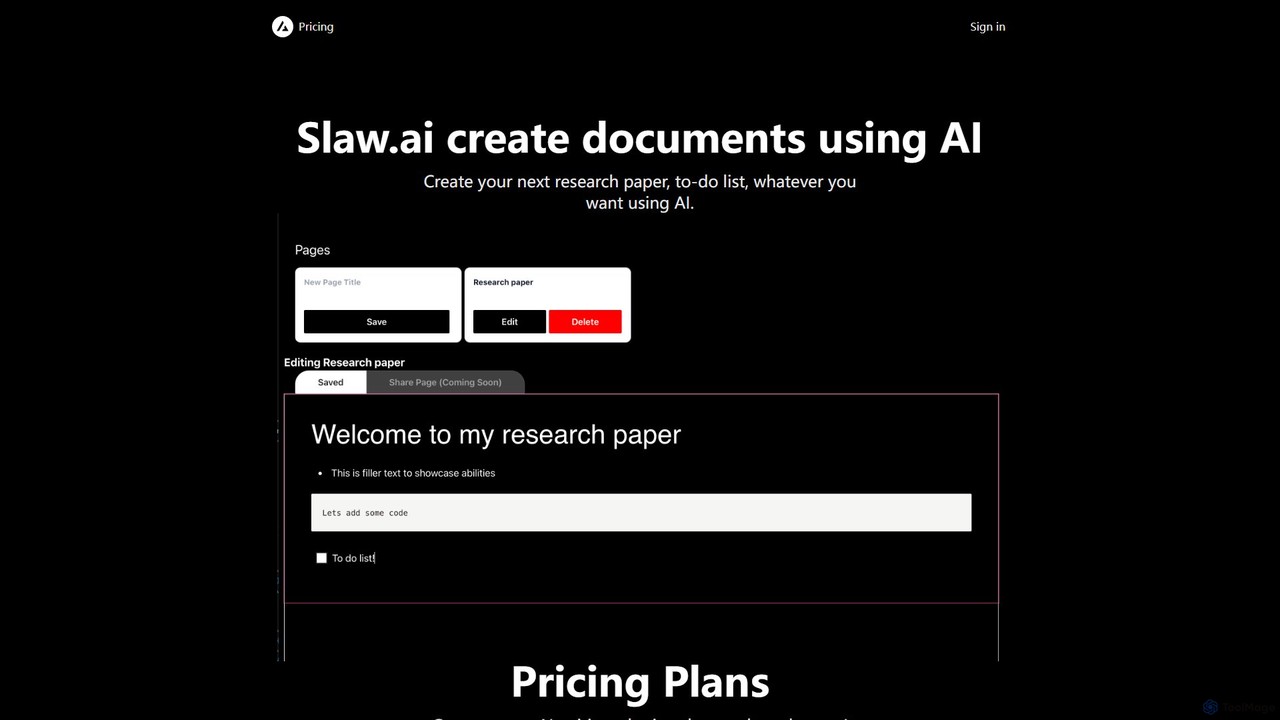
Slaw.ai
Slaw.ai is an AI-powered document creation platform that leverages GPT-4 to help users write anything from research papers to to-do lists. It offers a streamlined interface for generating high-quality text, along with features for document sharing and collaboration. With a simple, affordable subscription, users get unlimited access to all its writing capabilities.
Research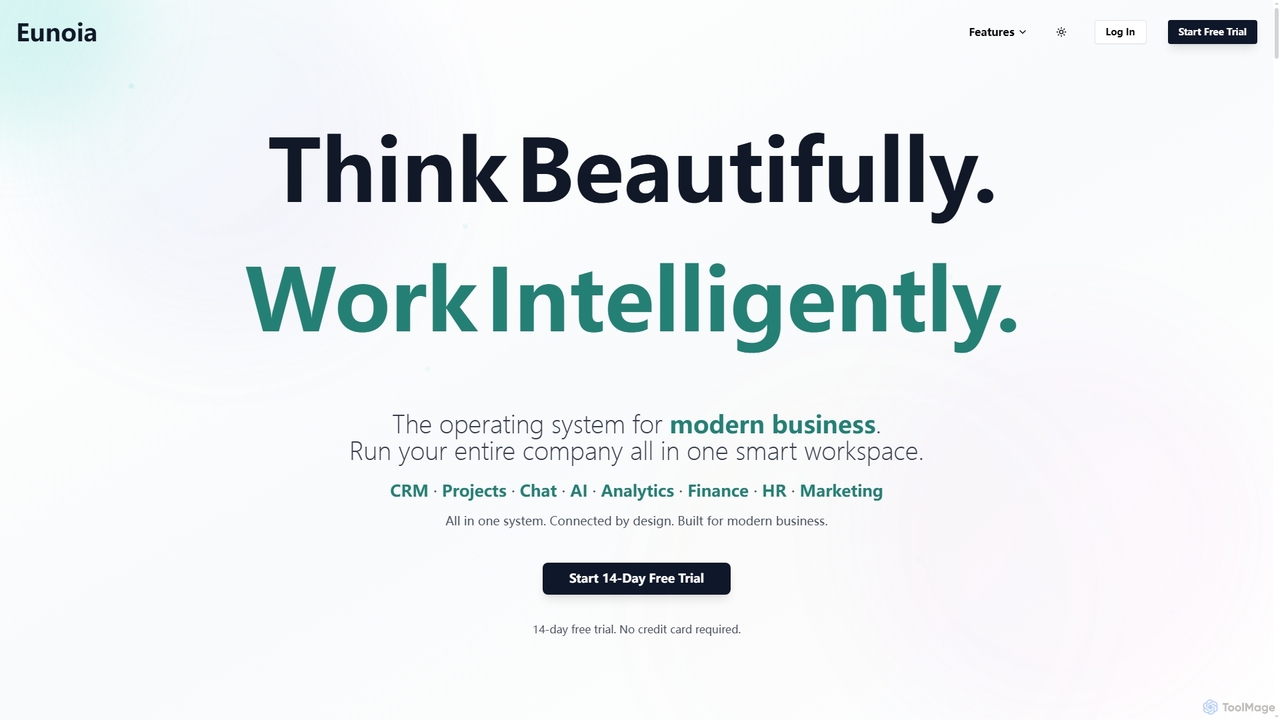
Eunoia
Eunoia is an all-in-one AI-powered business workspace designed to streamline operations by integrating CRM, project management, chat, AI, analytics, finance, HR, and marketing. It aims to replace numerous fragmented tools, offering a unified platform for modern businesses to think beautifully and work intelligently.
Business Automation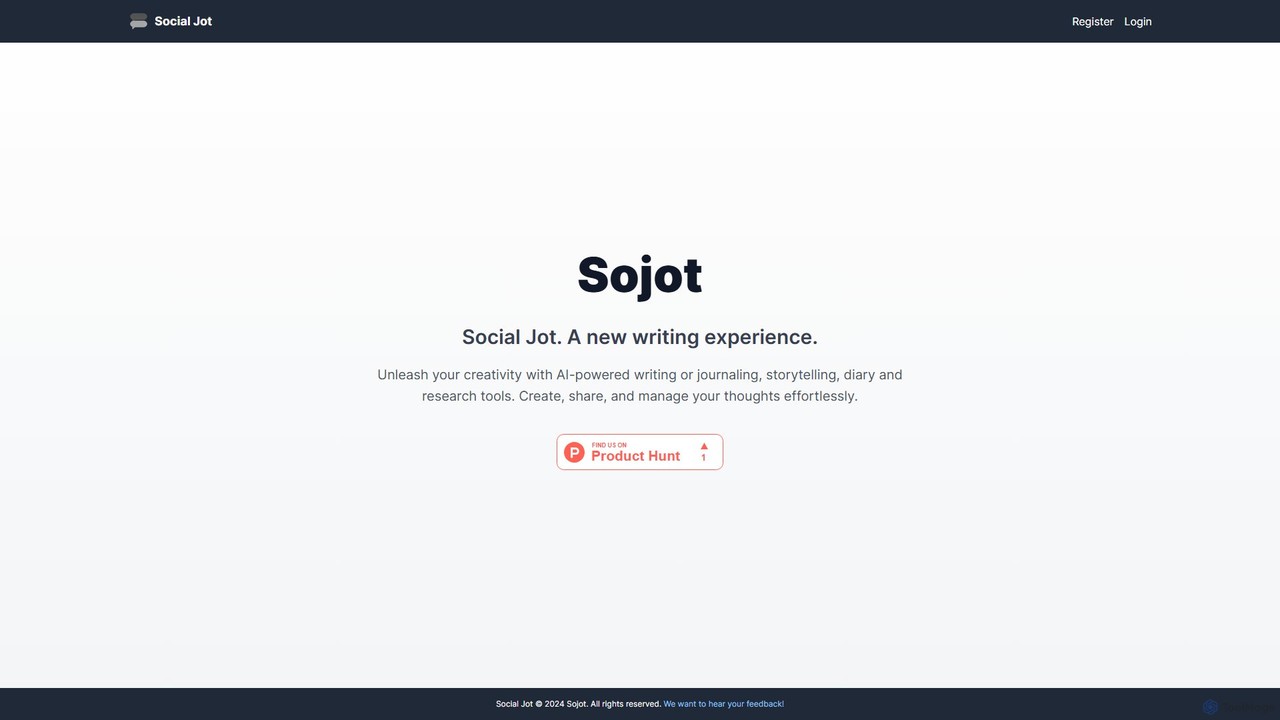
Sojot.ai
Sojot.ai is an AI-powered platform that redefines the writing experience. It integrates tools for journaling, storytelling, research, and diary-keeping, fostering creativity and productivity. Users can create, share, and manage their thoughts in a secure, collaborative environment, supported by an intelligent assistant and a community of writers.
Research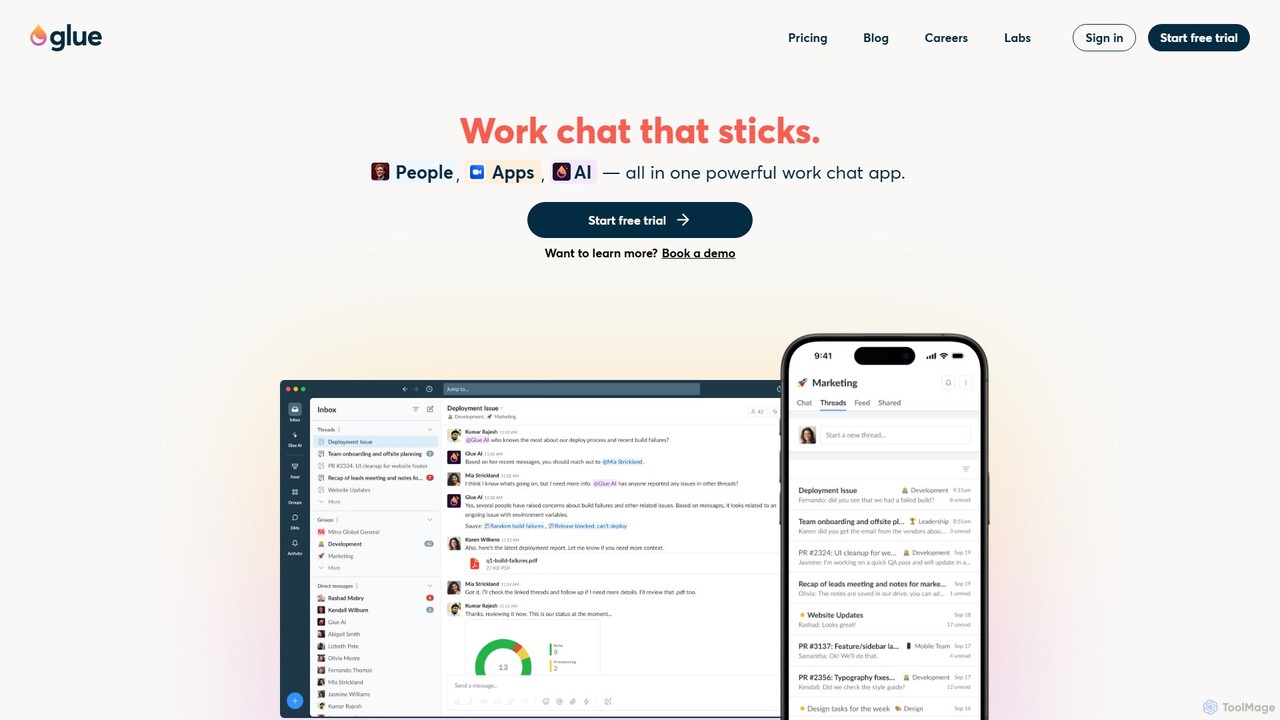
gluegroups
gluegroups is an AI-powered work chat platform designed for focused communication. It replaces traditional channels with independent, named threads to reduce noise. Featuring an integrated AI assistant (Glue AI), it supports brainstorming, collaborative problem-solving, and intelligent integrations, creating a more organized and efficient team workspace.
ChatSpotvirtual
Spotvirtual is a virtual office platform that transforms remote work by creating an immersive, customizable 3D workspace. It combines the features of Slack and Zoom with the spatial presence of a physical office, allowing teams to collaborate, communicate, and connect more naturally, boosting productivity and team morale.
Team ChatCore
Core is an AI-powered, all-in-one communication and collaboration platform for teams. It centralizes chat, video calls, calendar, and a native knowledge base to reduce distractions, streamline workflows, and boost productivity with features like process automation and AI assistants.
Team Chat
Razzle Comments (0)
Sign in to comment.
Sign inNo comments yet.