

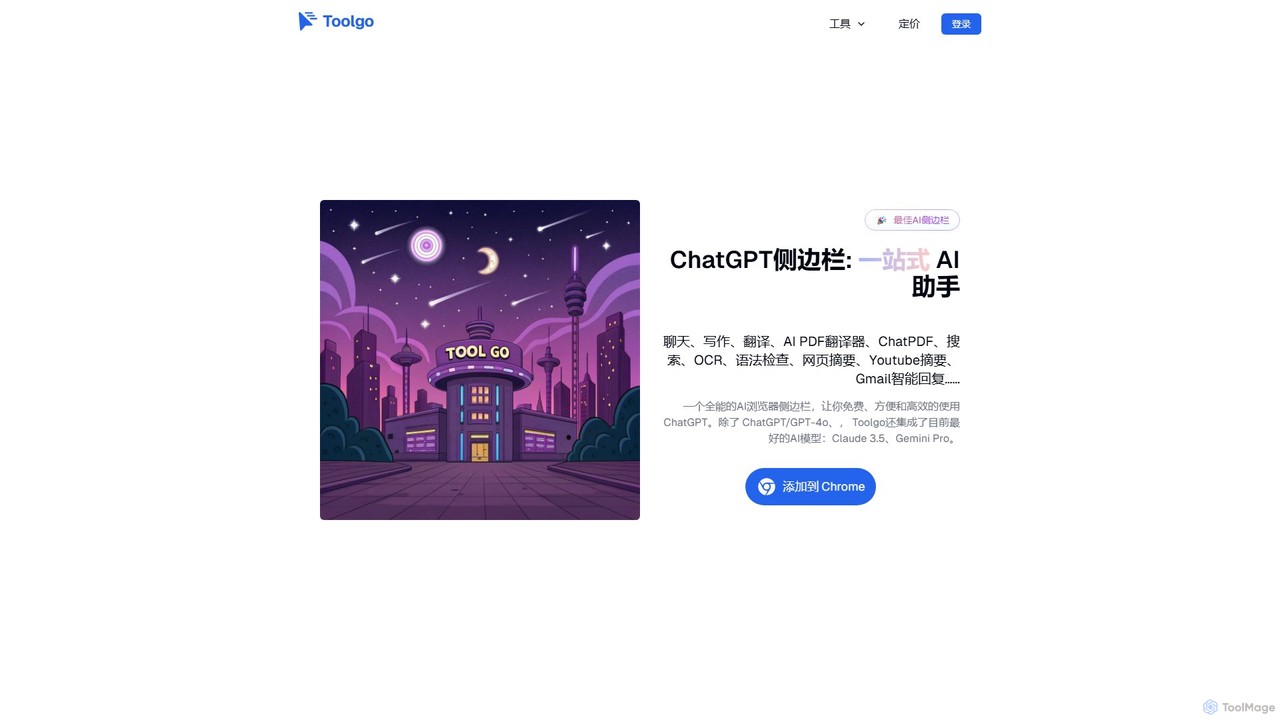
Toolgo Overview
Toolgo is a comprehensive, all-in-one AI toolbox integrated into a convenient browser sidebar. Born from the desire to create a simple, efficient, and user-friendly tool, Toolgo avoids unnecessary complexity to focus on solving everyday problems. It consolidates a wide array of AI-powered functionalities, allowing you to enhance your productivity without ever leaving your current webpage. By integrating top-tier AI models such as ChatGPT/GPT-4o, Claude 3.5, and Gemini Pro, Toolgo provides a seamless and powerful user experience for a global audience, supporting multiple languages including English, Chinese, Japanese, Spanish, and more.
The core philosophy behind Toolgo is to offer 'small and beautiful' solutions for common tasks. Whether you need a quick translation, a polished email draft, or a summary of a lengthy document, Toolgo provides an intuitive interface to get the job done quickly. It acts as your personal assistant, ready to help with research, writing, communication, and information processing directly within your browser.
How to use Toolgo
Getting started with Toolgo is incredibly simple. First, you need to install the Toolgo browser extension from the Chrome Web Store. Once installed, an icon will appear in your browser's toolbar, and the AI sidebar will be accessible on the side of your screen. You can open or hide the sidebar with a single click. From there, simply select the function you need—whether it's Chat, Translate, ChatPDF, or another feature—and start interacting with the AI directly. No need to switch between tabs or applications; all the power of AI is available right where you are.
Core Features of Toolgo
- Multi-Model AI Chat: Engage in real-time conversations with various advanced AI models, including ChatGPT/GPT-4o, Claude 3.5, and Gemini Pro, for brainstorming, problem-solving, or getting quick answers.
- AI PDF Translator: Accurately translate entire PDF documents into your desired language while preserving the original layout and formatting. Ideal for academic papers, business contracts, and reports.
- ChatPDF: Interact with your PDF files conversationally. Ask questions about the content, request summaries, or find specific information instantly without reading the whole document.
- Writing Assistant: A versatile tool for all your writing needs. It helps with creative writing, drafting professional emails and reports, optimizing content, checking grammar, and rewriting paragraphs.
- YouTube Summarizer: Quickly generate concise summaries of YouTube videos. Understand the key points of a long lecture or presentation in minutes.
- Gmail Smart Reply: Enhance your email productivity with AI-generated reply suggestions directly within Gmail, supporting multiple languages for professional and timely communication.
- OCR (Optical Character Recognition): Extract text from images, screenshots, or scanned documents on any webpage with a simple screen capture.
- In-Browser Search: Perform web searches using multiple search engines directly from the sidebar, saving you time and clicks.
Use Cases for Toolgo
Toolgo is designed for a wide range of users and scenarios:
- Academic Research: Students and researchers can use ChatPDF to quickly extract key findings from research papers, the AI PDF Translator to understand foreign literature, and the writing assistant to draft and polish their work.
- Business & Office: Professionals can draft emails and reports more efficiently, translate business documents, and use ChatPDF to analyze contracts or financial reports.
- Content Creation & Translation: Writers and marketers can brainstorm ideas, generate content, check grammar, and translate their work for a global audience.
- Education & Learning: Students can summarize long YouTube tutorials, get help with homework, and improve their writing skills with the grammar checker.
- Daily Life: Use the sidebar for quick translations while browsing foreign websites, summarizing news articles, or simply exploring topics with the AI chat.
Advantages of Toolgo
Toolgo stands out by offering a streamlined and integrated AI experience. Its main advantage is convenience—it brings a multitude of powerful tools into a single, accessible sidebar, eliminating the need to juggle multiple apps and websites. By supporting top AI models, it ensures high-quality outputs. The focus on user-friendliness makes it accessible to everyone, regardless of their technical expertise. Finally, its freemium model allows users to access core functionalities for free, making powerful AI accessible to all.
Pricing and Plans
Toolgo operates on a freemium model. It offers a robust free version that includes access to core features, which is sufficient for most daily use cases. For users who require more advanced capabilities, higher usage limits, and access to all premium features, Toolgo provides an affordable subscription plan. This ensures that both casual users and power users can find a plan that fits their needs.
Toolgo Alternatives
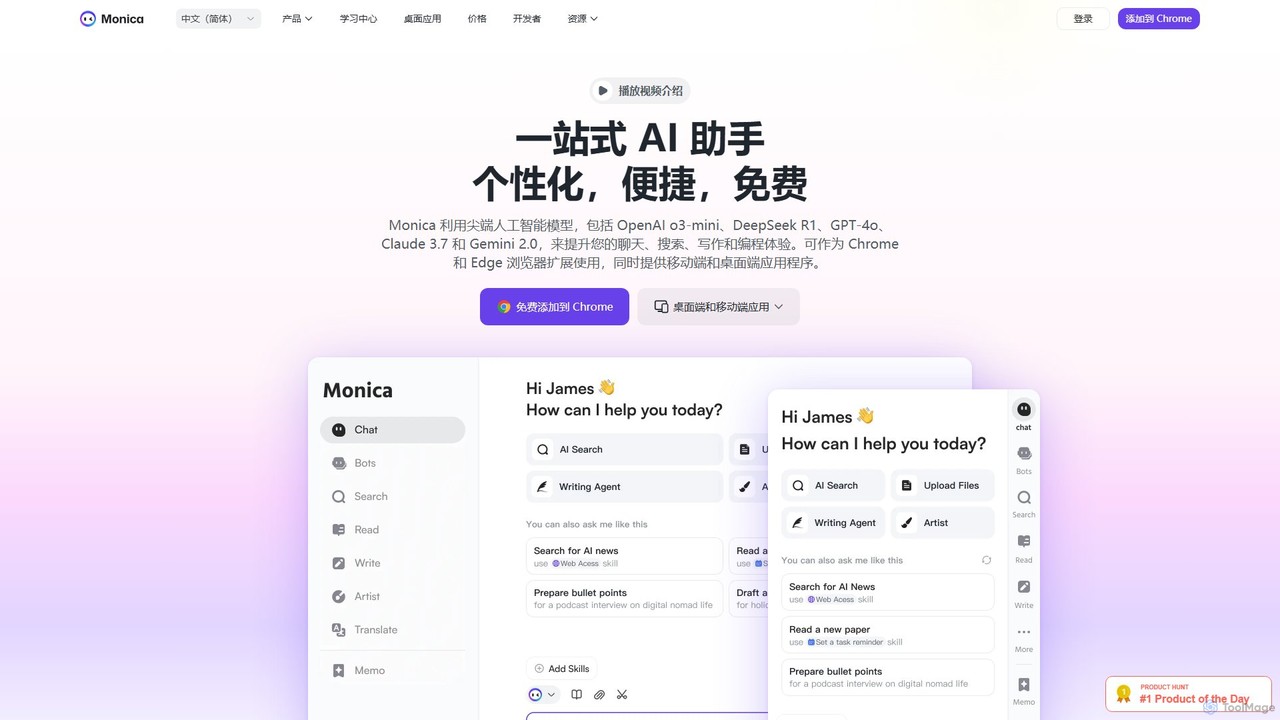
Monica
Monica is an all-in-one AI assistant powered by leading models like GPT-4o, Claude 3.7, and Gemini 1.5. It integrates seamlessly into your workflow as a browser extension, desktop, and mobile app, offering features for chat, search, writing, translation, and image creation to boost productivity.
Chrome Extensions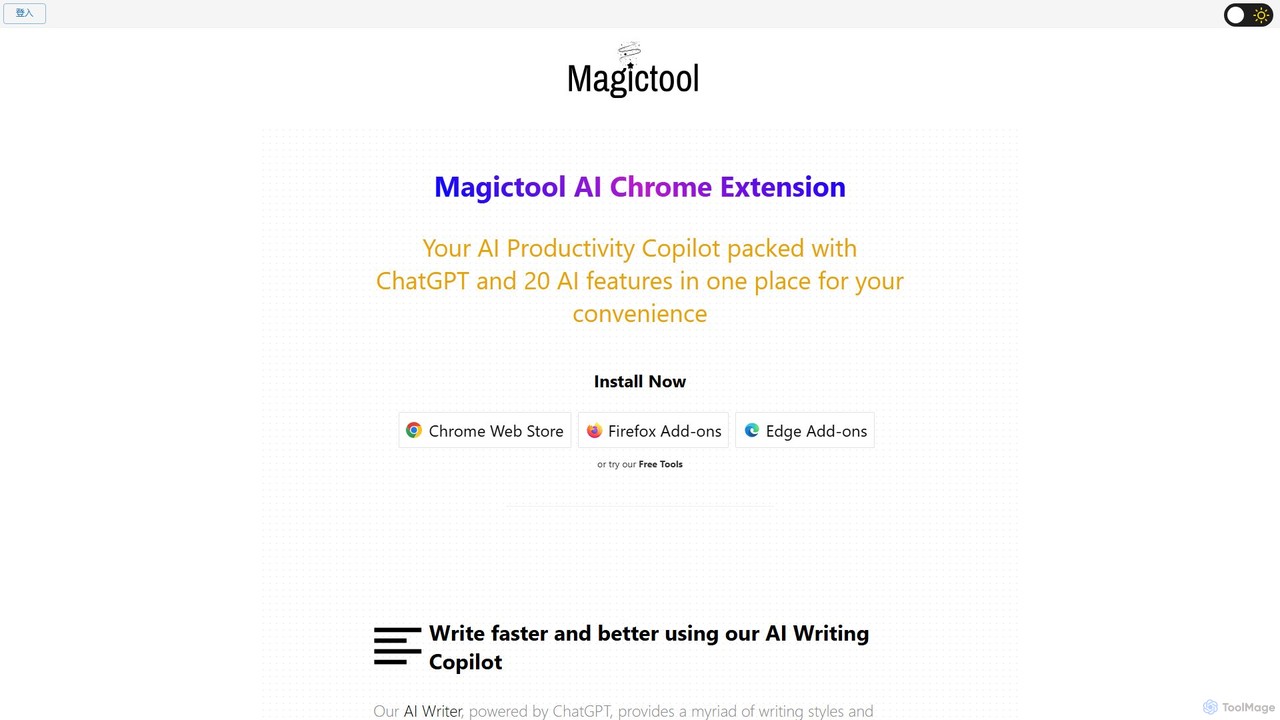
Magictool AI
Magictool AI is an all-in-one productivity hub integrated into a browser extension. It packs over 20 AI features, including a ChatGPT-powered writer, YouTube video summarizer, PDF chat, data scraper, and AI image generator. It's designed to streamline your workflow, enhance your writing, and boost your research capabilities directly within your browser.
Chrome Extensions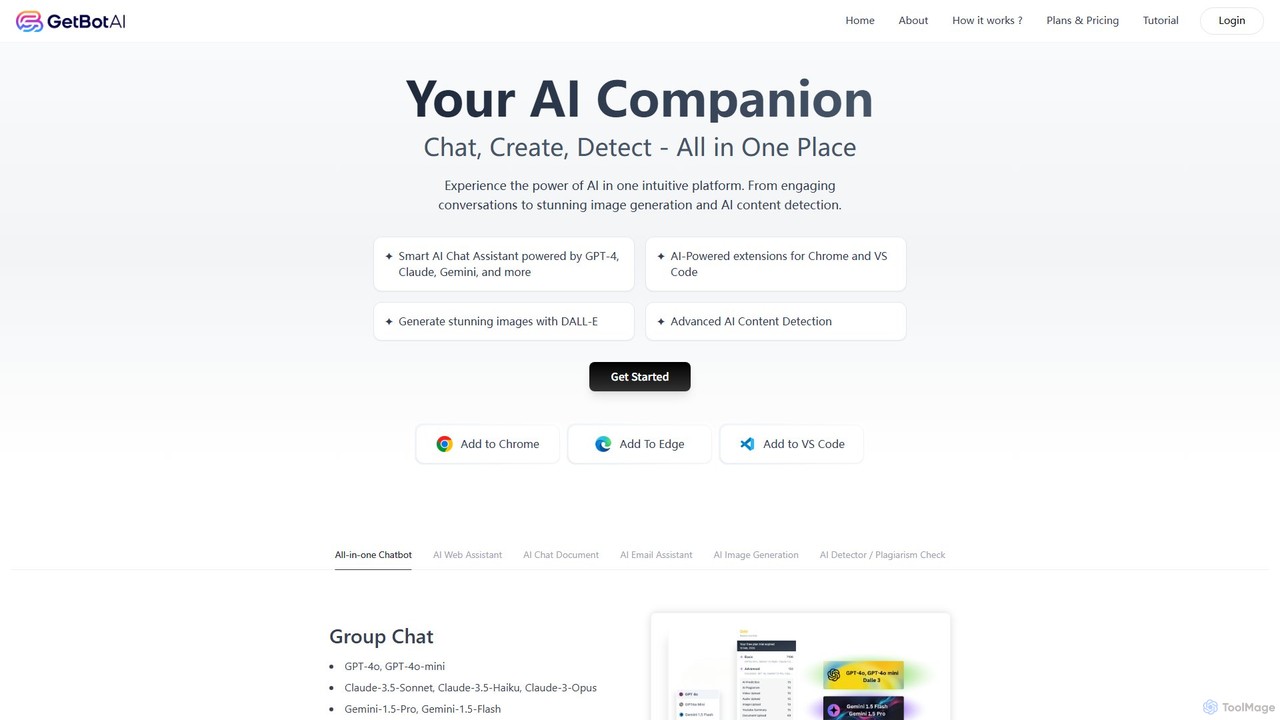
GetBot
GetBot is an all-in-one AI assistant that integrates GPT-4o, Claude 3.5, and Gemini 1.5 into your workflow. As a browser and VS Code extension, it offers AI chat, text-to-image generation, web page and YouTube summarization, AI content detection, and a powerful writing assistant. It streamlines tasks by bringing diverse AI capabilities directly into your browser and code editor, boosting productivity for writers, developers, and general users.
Chrome Extensions
getmerlin
getmerlin is a versatile AI assistant powered by top models like GPT-4o and Claude 3.5. Available as a browser extension and app, it integrates seamlessly into your workflow to summarize content, draft emails, generate text and images, and enhance research on any website. It acts as an all-in-one productivity tool, saving time and money by consolidating multiple AI services into a single subscription.
Chrome Extensions
Lunabot
Lunabot is a versatile, all-in-one AI assistant that works across all your devices. It integrates leading AI models like GPT-4o, Gemini, and Claude into a seamless experience on your browser, desktop, and mobile. Boost your productivity with features like document chat, AI image generation, voice interaction, and customizable shortcut commands, all from a single, budget-friendly platform.
ChatToolgo Categories
Toolgo Embed Widget
Copy this embed code to place the badge on your blog, article, or product site and send readers directly to this ToolMage detail page.

Related AI tools
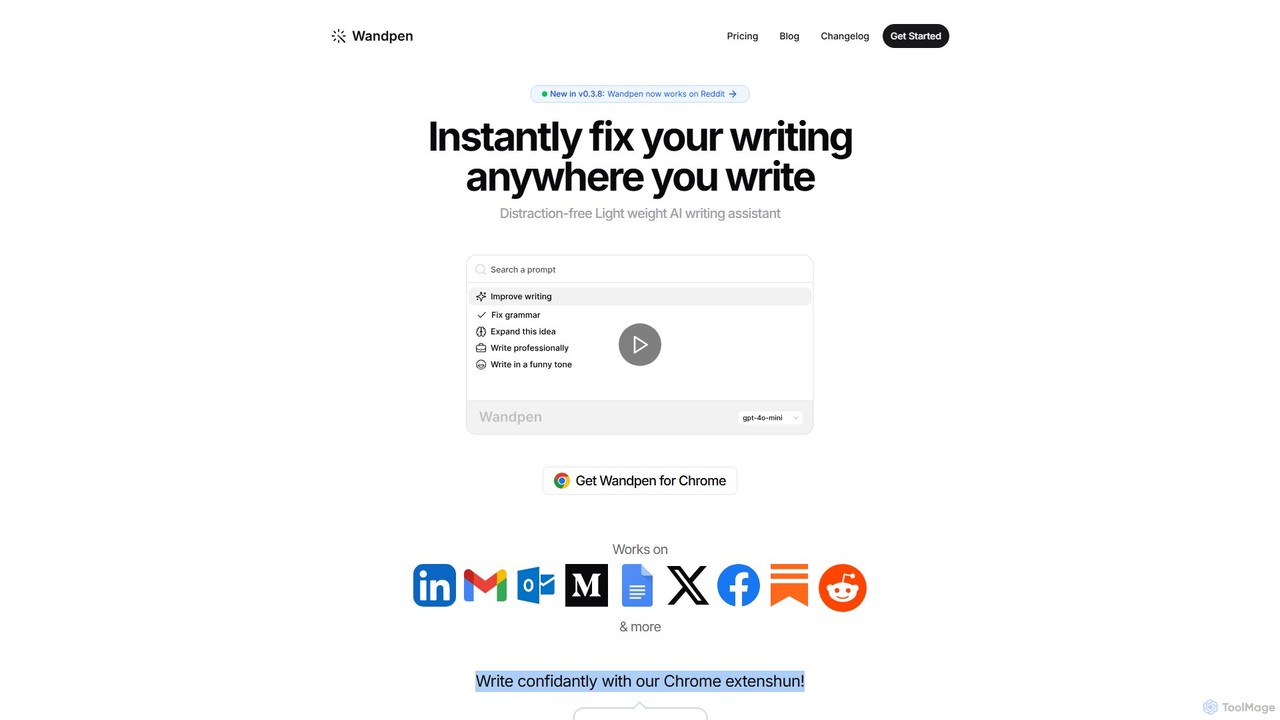
Wandpen
Wandpen is a lightweight AI writing assistant for Chrome that seamlessly integrates into your workflow. It allows you to instantly fix grammar, rewrite text, and brainstorm ideas directly on any website, including Google Docs, Reddit, and LinkedIn. By eliminating the need to switch tabs, Wandpen boosts your productivity and writing confidence using powerful AI models like GPT-4o, Claude 3.5, and Gemini.
Chrome ExtensionsMonica
Monica is an all-in-one AI assistant powered by leading models like GPT-4o, Claude 3.7, and Gemini 1.5. It integrates seamlessly into your workflow as a browser extension, desktop, and mobile app, offering features for chat, search, writing, translation, and image creation to boost productivity.
Chrome ExtensionsMagictool AI
Magictool AI is an all-in-one productivity hub integrated into a browser extension. It packs over 20 AI features, including a ChatGPT-powered writer, YouTube video summarizer, PDF chat, data scraper, and AI image generator. It's designed to streamline your workflow, enhance your writing, and boost your research capabilities directly within your browser.
Chrome ExtensionsGetBot
GetBot is an all-in-one AI assistant that integrates GPT-4o, Claude 3.5, and Gemini 1.5 into your workflow. As a browser and VS Code extension, it offers AI chat, text-to-image generation, web page and YouTube summarization, AI content detection, and a powerful writing assistant. It streamlines tasks by bringing diverse AI capabilities directly into your browser and code editor, boosting productivity for writers, developers, and general users.
Chrome Extensions
Sider
Sider is an all-in-one AI assistant integrated as a browser sidebar and cross-platform app. It combines chat with models like GPT-4 and Claude 3.5, a powerful "Deep Research" agent, a personal knowledge base called "Wisebase," and a suite of tools for summarizing, translating, writing, and image editing to enhance productivity and learning.
Assistant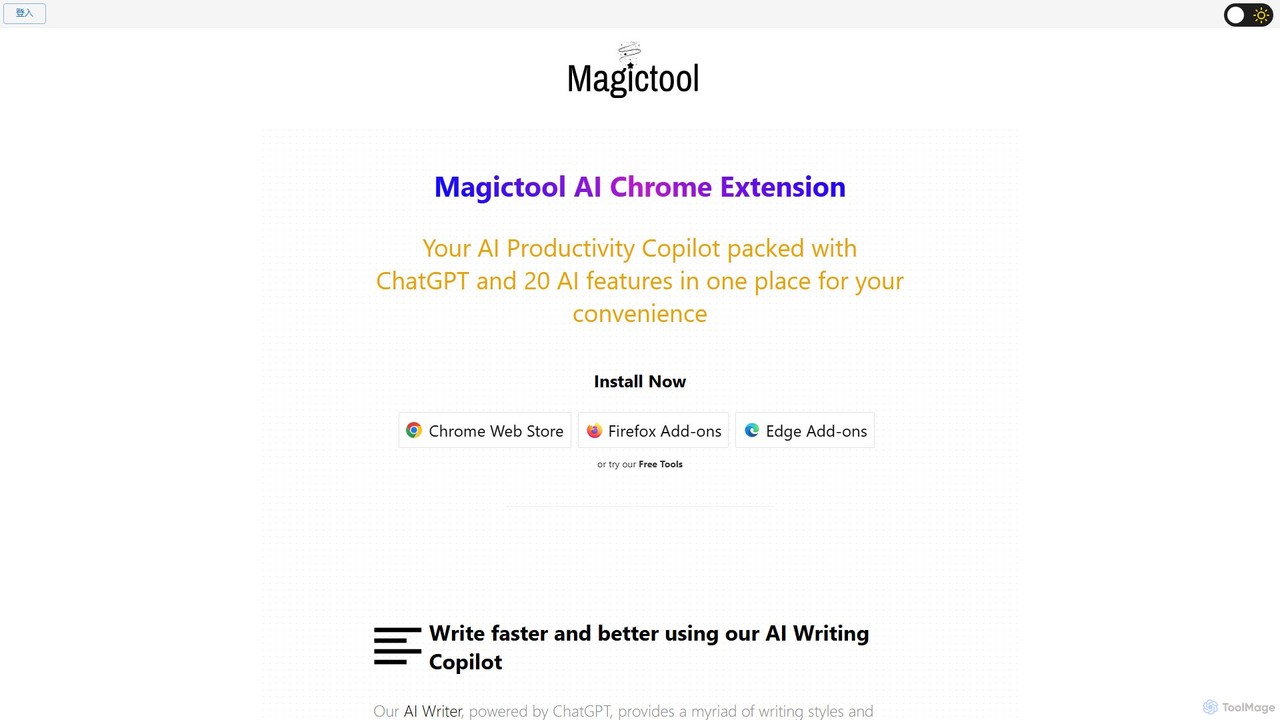
Magic Tool AI
Magic Tool AI is an all-in-one productivity browser extension that integrates ChatGPT and over 20 AI features. It acts as your personal copilot, helping you write better and faster, summarize YouTube videos and articles, chat with PDFs, scrape web data, generate images, and much more, all within your browser.
Browser Extension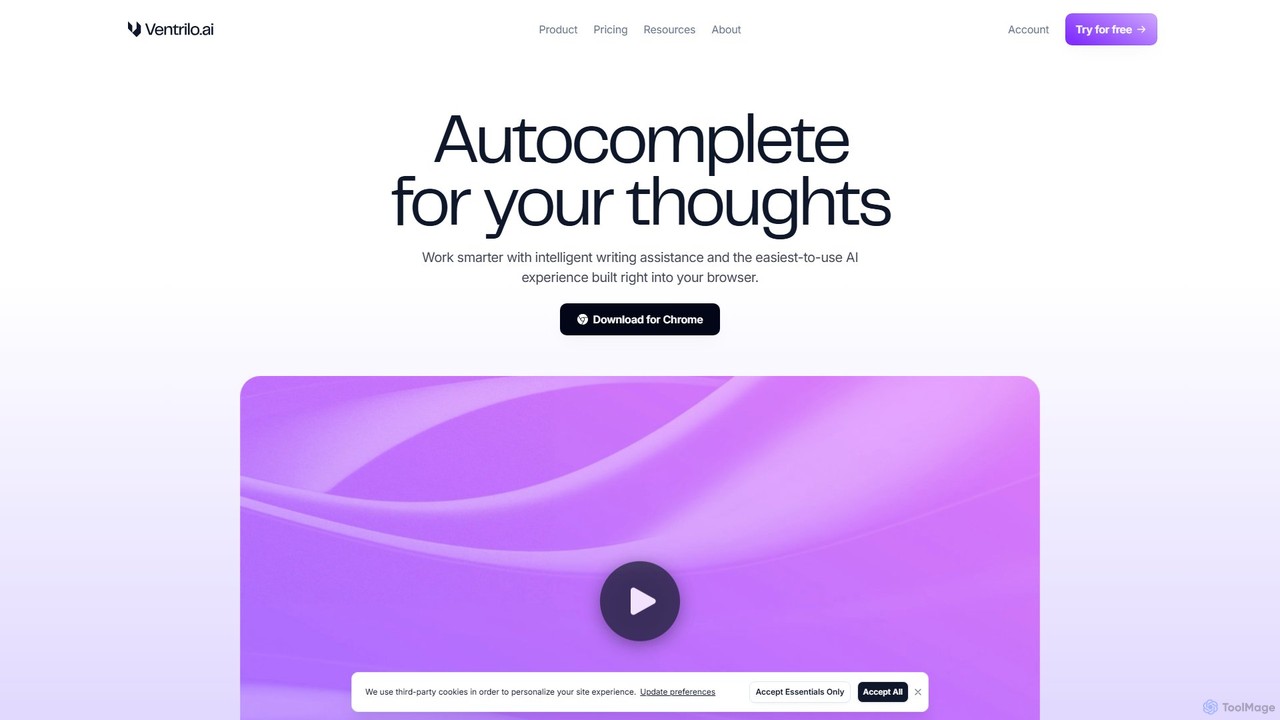
Ventrilo
Ventrilo is a context-aware AI writing assistant that integrates directly into your browser. It provides intelligent autocomplete, sentence rewriting, and a chat sidebar that understands your open tabs and documents. Access top AI models like GPT-4, Claude, and Gemini to enhance your writing, research, and overall productivity across any website or web app.
Chrome Extensions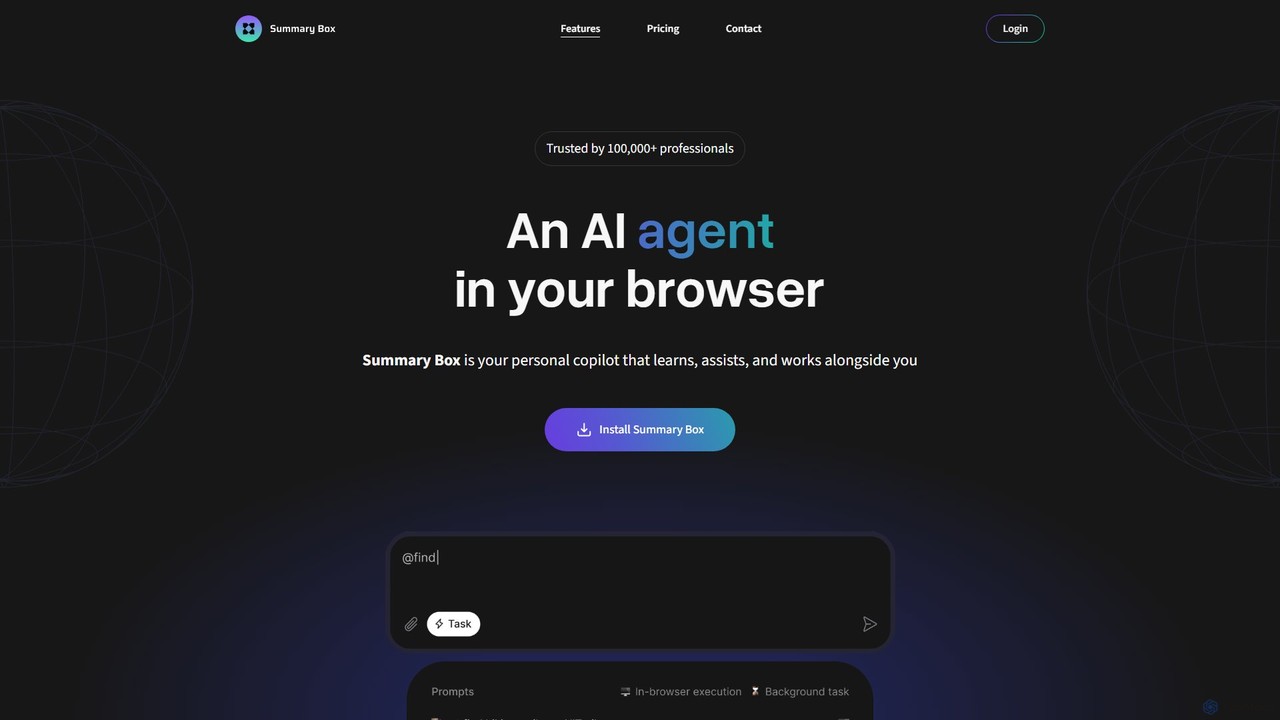
Summary Box
Summary Box is an AI-powered browser extension that acts as your personal copilot for the web. It generates high-quality, abstractive summaries of articles, PDFs, Google Docs, YouTube videos, and even audio. It's designed to save you time, enhance comprehension, and boost productivity by distilling long content into concise, key points.
Chrome Extensions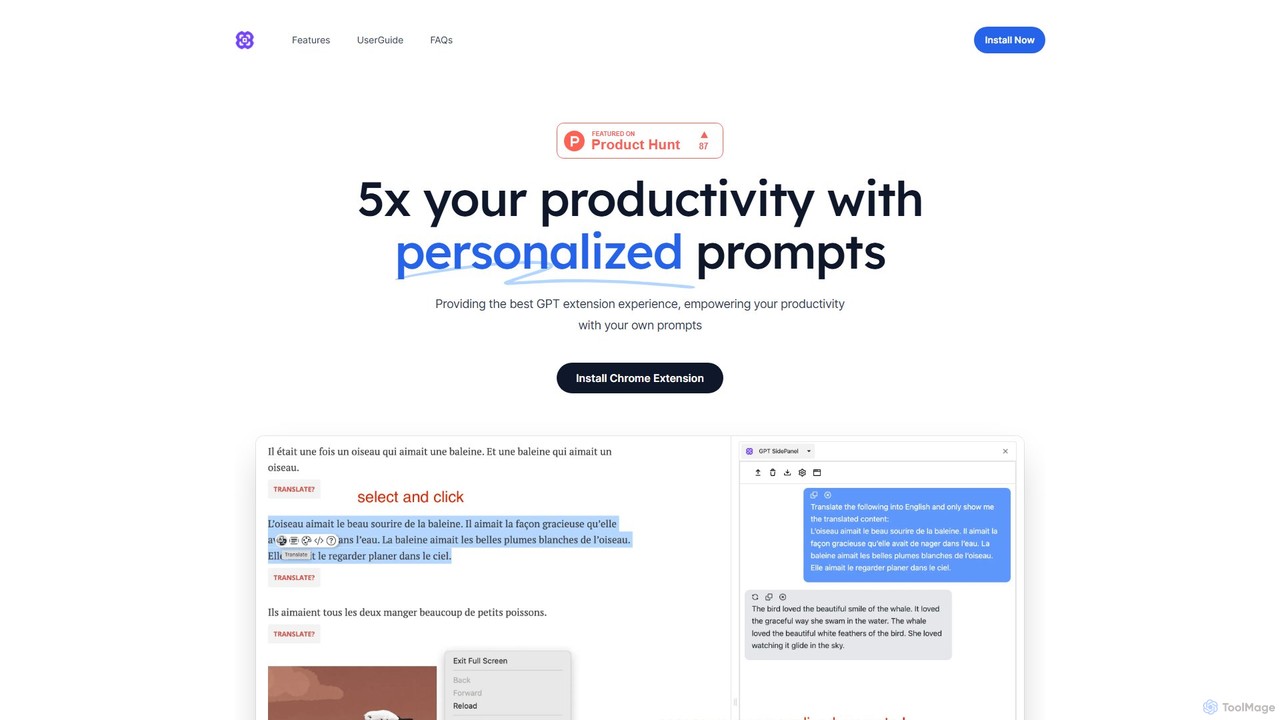
GPTSidePanel
GPTSidePanel is a powerful AI browser extension that integrates a GPT-powered sidebar into your browsing experience. Boost your productivity by summarizing articles, translating text, polishing writing, and using custom prompts directly on any webpage. Eliminate tab-switching and keep your workflow seamless with this intuitive AI assistant.
Browser Extension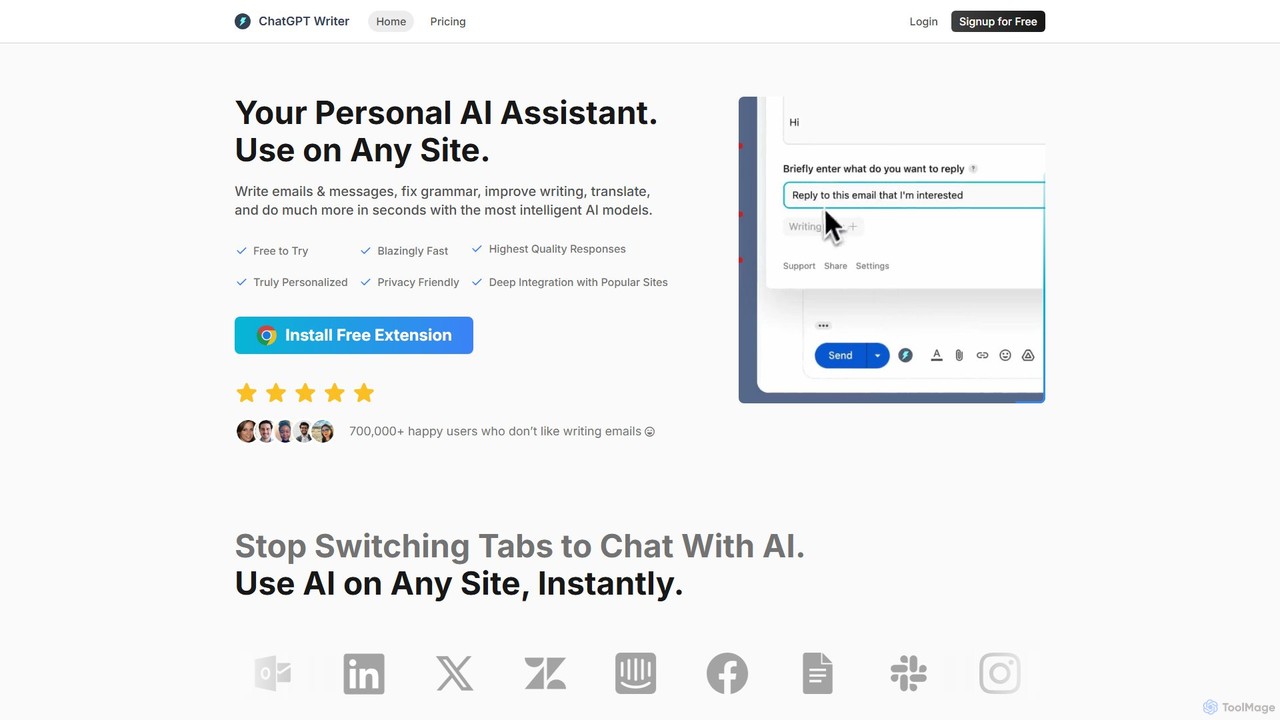
ChatGPT Writer
ChatGPT Writer is a powerful AI browser extension that integrates seamlessly into any website. Powered by models like GPT-4.1, Claude, and Gemini, it helps you write emails, fix grammar, translate text, summarize content, and more, directly within your workflow, eliminating the need to switch tabs.
Chrome Extensions
Sider
Sider is a powerful AI copilot integrated into your browser sidebar. It brings ChatGPT, GPT-4, Claude 3, and Gemini to any webpage, allowing you to seamlessly summarize content, enhance your writing, explain complex topics, and chat with documents or videos. It streamlines your workflow by eliminating the need to switch between tabs, boosting your overall productivity and creativity.
Learning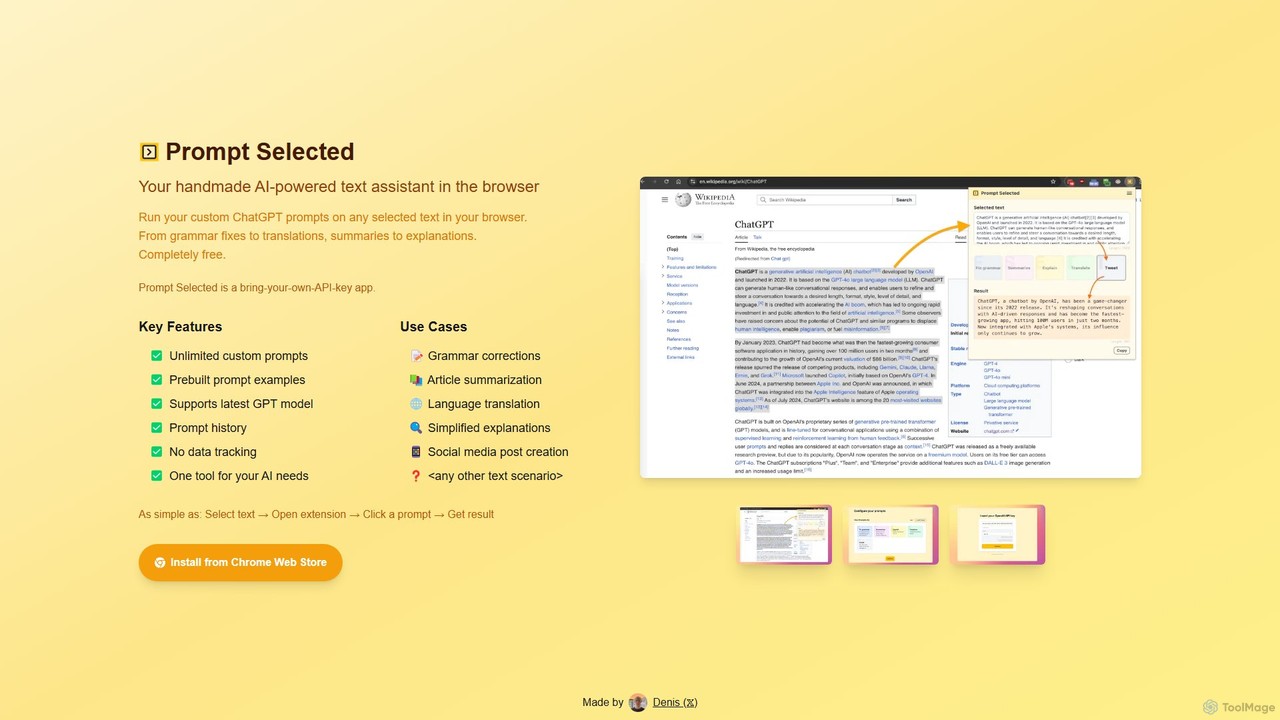
Prompt Selected
A free, privacy-focused Chrome extension that acts as your personal AI text assistant. Run unlimited custom ChatGPT prompts on any selected text directly in your browser for tasks like summarization, translation, and grammar correction using your own API key.
Prompt Engineering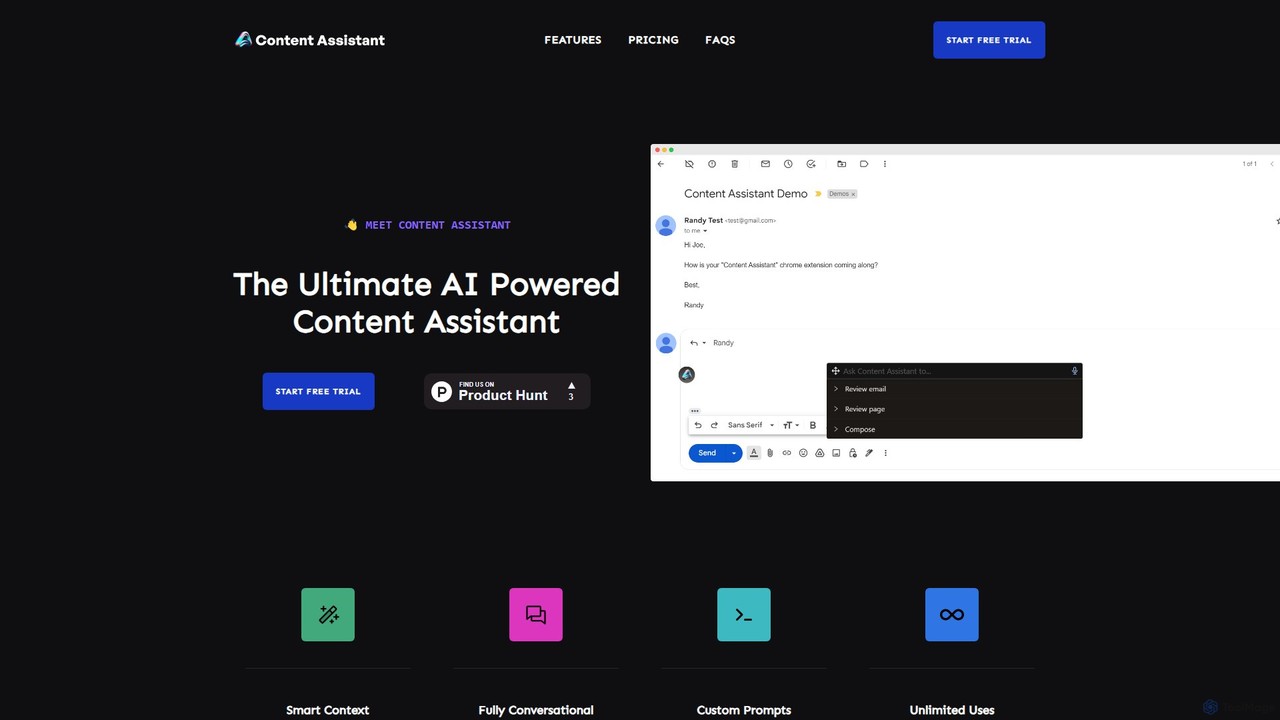
Content Assistant
A powerful AI browser extension that acts as your co-pilot for all content tasks. It intelligently uses page context to help you write, edit, summarize, translate, and reply to emails directly within your browser, boosting productivity and enhancing your workflow.
Chrome Extensions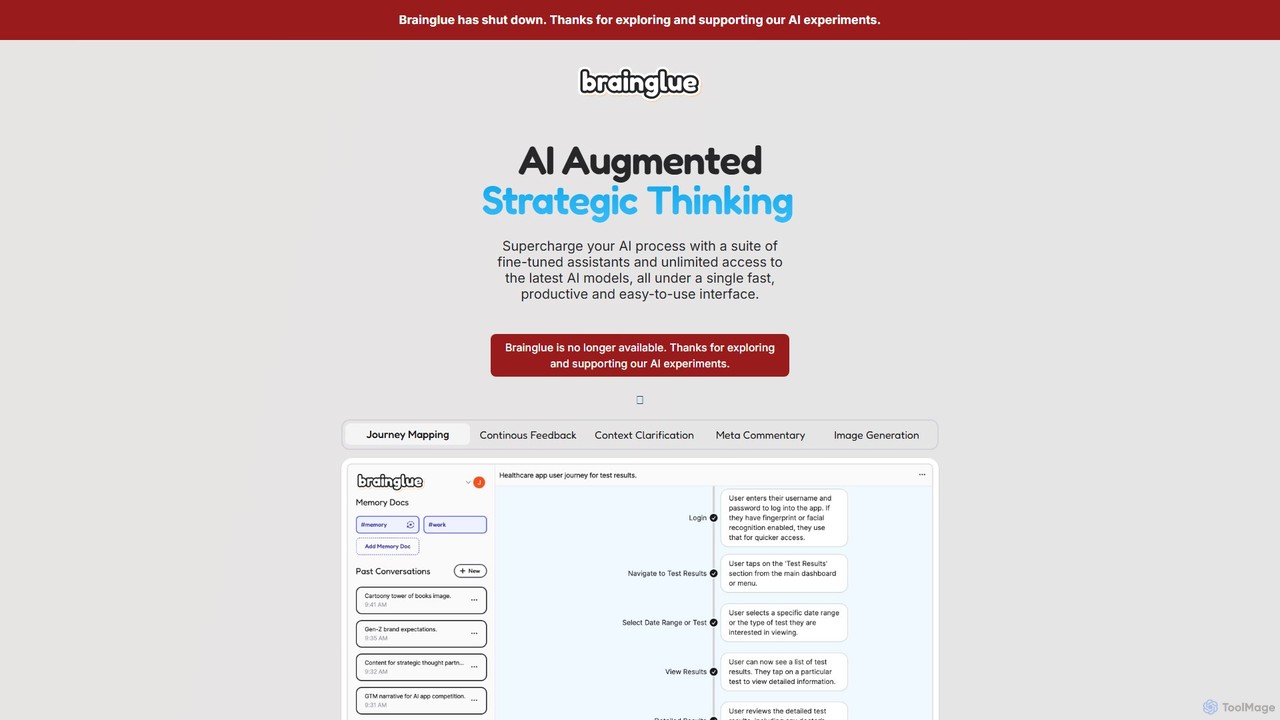
Brainglue
Brainglue was an advanced conversational AI client for creative professionals, providing a unified interface to access leading AI models like GPT-4o and Claude 3.5. It streamlined workflows with specialized assistants, context memory, and visual tools to enhance productivity and achieve superior results with less effort. Please note: this service has been discontinued.
Prototypinggetmerlin
getmerlin is a versatile AI assistant powered by top models like GPT-4o and Claude 3.5. Available as a browser extension and app, it integrates seamlessly into your workflow to summarize content, draft emails, generate text and images, and enhance research on any website. It acts as an all-in-one productivity tool, saving time and money by consolidating multiple AI services into a single subscription.
Chrome Extensions
Toolgo Comments (0)
Sign in to comment.
Sign inNo comments yet.