
ToolMage
Sign in

Best 1 Email Automation AI tools for Customer Support

Popular Email Automation AI tools in Customer Support include MailAgent.ai, helping you work more efficiently.

MailAgent.ai
Freemium

MailAgent.ai

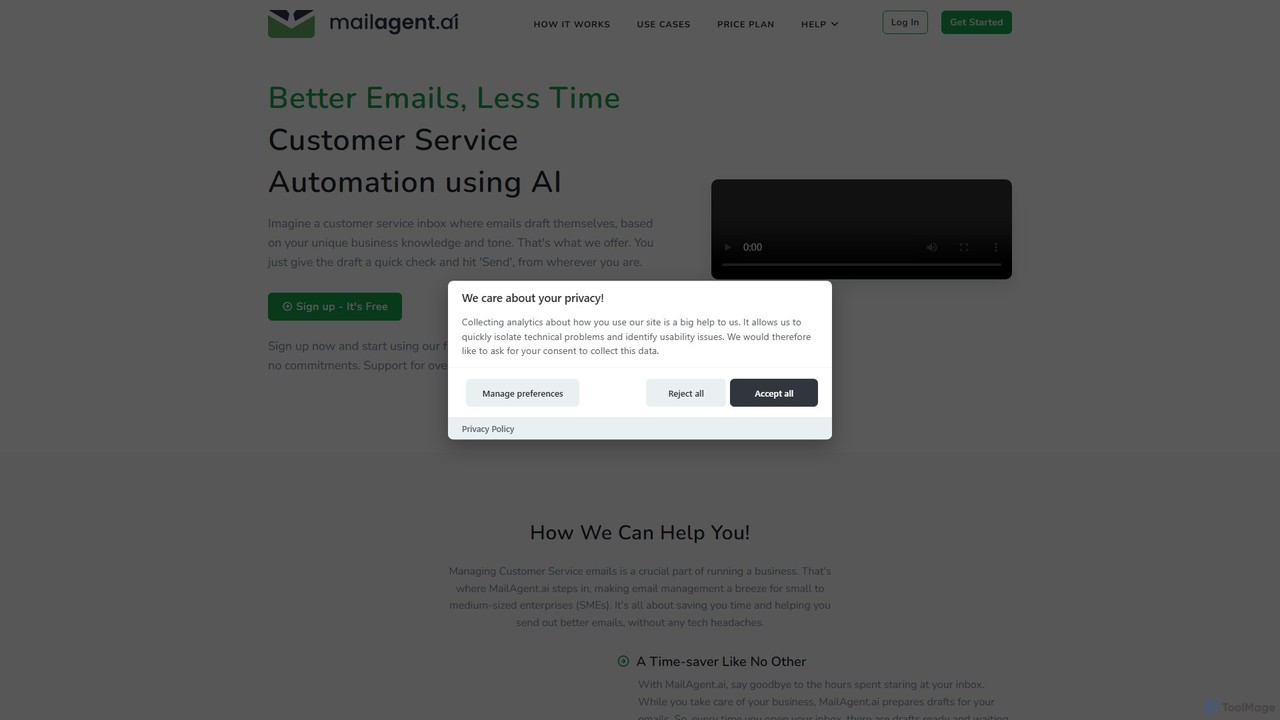
MailAgent.ai is an AI-powered email automation tool designed to enhance customer service for small and medium-sized businesses. It automatically drafts intelligent, context-aware replies to customer inquiries, supporting over 95 languages to break down communication barriers and improve response times.

Email Automation
Visits 5.6KFavorites 115Likes 103

About Email Automation

Email Automation tools are a class of software designed to automatically send personalized, trigger-based emails for customer support. These tools use predefined rules, user actions, or data changes within a helpdesk or CRM to initiate email sequences without manual intervention. They are crucial for scaling customer communications, ensuring timely responses, and providing proactive support updates. By automating routine correspondence, support teams can focus on resolving complex issues, thereby improving overall efficiency and customer satisfaction.

Core Features

  • Trigger-Based Workflows: Automatically send emails based on specific customer actions, such as ticket creation, status updates, or closing a case.
  • Dynamic Personalization: Insert customer-specific data like names, ticket numbers, or order details into email templates for a tailored experience.
  • Email Sequencing: Create multi-step email campaigns for user onboarding, post-support follow-ups, or feedback collection over a period of time.
  • Analytics and Reporting: Track key metrics like open rates, click-through rates, and response rates to measure the effectiveness of support communications.
  • Template Management: Build and manage a library of pre-approved email templates to ensure consistent and accurate messaging across the support team.

Use Cases

Email Automation is widely used by customer support teams in SaaS, e-commerce, and service-based industries. For instance, a SaaS company can use it to create an automated onboarding series that guides new users. An e-commerce store can automate post-purchase follow-ups, including shipping notifications and requests for product reviews. It's also essential for sending proactive notifications about service maintenance or known issues.

How to Choose

When selecting an Email Automation tool for customer support, consider its integration capabilities with your existing helpdesk or CRM system. Evaluate the complexity and flexibility of its workflow builder—can it handle your specific trigger logic? Assess the depth of its personalization features and the clarity of its analytics dashboard. Finally, consider its scalability to handle growing communication volumes and the quality of its technical support.

Email Automation use cases

1

Automate Customer Support Ticket Updates

A customer support manager for a growing tech company needs to ensure customers are always informed about the status of their support requests. Using an Email Automation tool integrated with their helpdesk, they set up a workflow. When a new ticket is created, an email is automatically sent confirming receipt and providing a ticket number. When the ticket is assigned to an agent or its status changes, another automated email notifies the customer. Finally, upon resolution, a closing email is sent, summarizing the solution. This process eliminates manual updates, reduces customer anxiety, and ensures consistent communication for thousands of tickets monthly.

2

Create a New User Onboarding Email Sequence

A product manager at a SaaS company wants to improve user activation rates. They use an Email Automation tool to design a 7-day onboarding sequence. Day 1: A welcome email from the CEO. Day 3: An email highlighting a key feature with a link to a tutorial video. Day 5: A case study showing how another customer succeeded. Day 7: An email asking for feedback and offering a link to book a demo with a specialist. This sequence is triggered automatically when a user signs up. It educates users proactively, reduces the burden on the support team for basic questions, and guides users toward valuable features, increasing long-term retention.

3

Automate Post-Support Feedback Collection

A customer experience manager wants to systematically gather feedback after every support interaction. They configure an email automation rule that triggers 24 hours after a support ticket is marked as 'Resolved'. The automated email thanks the customer for contacting them and includes a simple one-click survey to rate their satisfaction (CSAT). For customers who provide a low score, a second automated email can be triggered, asking for more details and notifying a support team lead to follow up personally. This system provides a constant stream of performance data, helps identify areas for improvement, and shows customers their feedback is valued.

4

Send Proactive Service Outage Notifications

An operations team at a web hosting company needs to inform customers about scheduled server maintenance. Instead of sending a manual blast email, they use an Email Automation tool. They create a customer segment based on the affected server. Then, they schedule a sequence of emails: one a week in advance, another 24 hours before, and a final one once the maintenance is complete. The tool uses dynamic tags to include the specific server name and maintenance window in each email. This proactive, automated approach reduces the number of inbound support tickets during the maintenance period and improves customer trust through transparent communication.

5

Automate Subscription Renewal Reminders

A customer success manager for a subscription-based software wants to reduce churn caused by failed payments or forgotten renewals. They implement an email automation workflow that triggers based on the subscription end date. 30 days before renewal, an email is sent as a heads-up. 7 days before, a more urgent reminder is sent, including instructions on how to update payment information. If the payment fails on the renewal date, another email is triggered immediately with a direct link to resolve the payment issue. This automated process significantly reduces manual follow-ups, prevents unintentional churn, and secures recurring revenue.

6

Nurture Trial Users into Paying Customers

A marketing team for a project management tool wants to convert more free trial users. They set up an automated email sequence triggered at the start of a 14-day trial. The emails are a mix of support and marketing content. For example, an email on Day 2 highlights a popular feature, an email on Day 5 shares a customer success story, and an email on Day 10 offers a 20% discount for upgrading before the trial ends. The system can also track user activity; if a user hasn't tried a key feature by Day 7, a specific, helpful email is sent to encourage them. This automated nurturing provides value, demonstrates the tool's benefits, and increases the trial-to-paid conversion rate.

Email Automation FAQ

What is Email Automation for customer support?

Email Automation for customer support refers to using software to automatically send timely, personalized, and relevant emails to customers based on specific triggers or schedules. Unlike marketing automation, which focuses on sales and promotion, support automation centers on the customer lifecycle and service interactions. Key functions include sending ticket status updates, collecting feedback post-interaction, providing onboarding guidance for new users, and proactively notifying customers about service issues. The primary goal is to improve communication efficiency, ensure consistency, and free up support agents to handle more complex inquiries.

How to choose the right Email Automation tool for support?

Choosing the right tool involves evaluating several key factors. First, prioritize integration capabilities. The tool must seamlessly connect with your existing helpdesk, CRM, or other customer data platforms. Second, assess the workflow builder's flexibility. It should be powerful enough to create complex, multi-step sequences with conditional logic, but also intuitive enough for your team to use. Third, examine the personalization features; look for the ability to use dynamic tags and customer segmentation. Finally, consider analytics and scalability. The tool should provide clear reports on email performance and be able to handle your future growth in customer volume.

What's the difference between Email Automation and a standard helpdesk?

A standard helpdesk is primarily a reactive tool for managing incoming support requests (tickets). Its core function is to organize, track, and resolve customer issues. Email Automation, in contrast, is a proactive communication tool. While it often integrates with a helpdesk, its main purpose is to send automated messages based on data and triggers from that helpdesk or other systems. For example, a helpdesk manages the ticket itself, but an Email Automation tool sends the 'Your ticket has been received' and 'Your issue is resolved' emails. In essence, a helpdesk is for case management, while email automation is for communication management around those cases and other customer journey touchpoints.

Can Email Automation tools personalize messages?

Yes, personalization is a core feature of modern Email Automation tools. They go far beyond simply inserting a customer's first name. These tools can pull a wide range of data from integrated CRMs or helpdesks to customize messages. This includes using dynamic content placeholders for things like ticket numbers, product names, or renewal dates. Furthermore, advanced tools allow for segmentation, where you can send different email versions to different groups of users based on their behavior, purchase history, or support interaction history. This ensures that automated communications are highly relevant and contextual, which significantly improves the customer experience.

Who should use Email Automation for customer support?

Email Automation is valuable for any business that wants to scale its customer support and provide a more consistent experience. It is particularly useful for:

  • SaaS Companies: For automating user onboarding, feature announcements, and subscription management emails.
  • E-commerce Businesses: For sending order confirmations, shipping updates, and post-purchase feedback requests.
  • High-Volume Support Teams: To manage communications for a large number of tickets without increasing headcount.
  • Customer Success Teams: To proactively engage with users at key moments in their journey, reducing churn and increasing adoption.
Essentially, if your team spends significant time sending repetitive, template-based emails, it's a strong candidate for implementing an email automation solution.