
ToolMage
Sign in

Best 1 Development AI tools for Team Collaboration

Popular Development AI tools in Team Collaboration include ByteRover, helping you work more efficiently.

ByteRover
Freemium

ByteRover

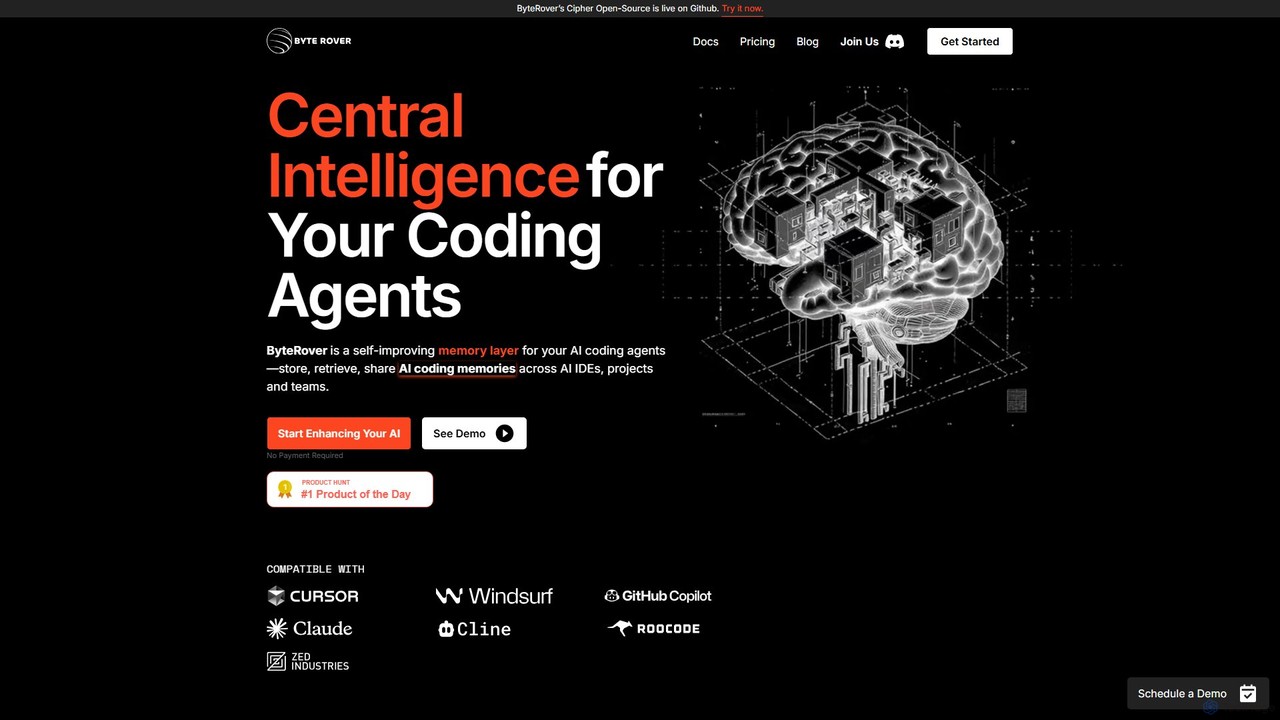
ByteRover is a central intelligence layer for AI coding agents, designed to enhance developer productivity. It integrates into your IDE to provide your AI assistant with a persistent memory, allowing it to save, recall, and share crucial context like code patterns, bug fixes, and project architecture. This makes your AI agent smarter, more personalized, and more effective for both individual developers and teams.

Code Assistant
Visits 32.4KFavorites 145Likes 150

About Development

AI-powered Development tools are a category of software designed to enhance and automate various stages of the software development lifecycle. Leveraging artificial intelligence and machine learning, these tools provide intelligent assistance for tasks ranging from code generation and debugging to testing and deployment. They significantly accelerate development cycles, improve code quality, and foster more efficient collaboration among development teams, making complex projects more manageable and innovative.

Core Features

  • AI-powered Code Generation: Automatically generates code snippets, functions, or even entire modules based on natural language prompts or existing code patterns.
  • Intelligent Debugging & Error Analysis: Identifies potential bugs, suggests fixes, and explains complex error messages, streamlining the troubleshooting process.
  • Automated Testing & Quality Assurance: Generates test cases, executes tests, and analyzes results to ensure code reliability and performance.
  • Smart Code Refactoring: Recommends and applies improvements to code structure and readability without altering its external behavior.
  • Collaborative Development Environments: Integrates AI assistance directly into shared coding platforms, enhancing real-time teamwork and knowledge sharing.

Applicable Scenarios

These tools are invaluable for software engineering teams, DevOps professionals, and product managers aiming to optimize their development workflows. They are particularly useful in agile environments where rapid iteration and high code quality are paramount, enabling teams to deliver features faster and with fewer defects.

How to Choose

When selecting AI Development tools, consider their integration capabilities with your existing IDEs and version control systems, the breadth of supported programming languages, and the robustness of their AI models. Evaluate their scalability for your team size, security protocols for sensitive code, and the clarity of their AI-generated suggestions to ensure they genuinely enhance productivity rather than complicate workflows.

Featured tool rankings

Development use cases

1

Automated Boilerplate Code Generation

A startup development team needs to rapidly build prototypes for new features. Using AI development tools, they can input high-level requirements or design patterns, and the AI automatically generates the foundational boilerplate code, reducing manual coding time by up to 50% and allowing developers to focus on core logic and innovation.

2

Intelligent Bug Detection and Resolution

In a large enterprise, a legacy system frequently encounters complex bugs that are difficult to trace. AI development tools analyze the codebase, identify potential vulnerabilities or logical errors, and suggest precise fixes or refactoring strategies, significantly cutting down debugging time and improving system stability.

3

Streamlined Code Review and Documentation

A distributed open-source project relies on efficient code reviews and clear documentation. AI tools can automatically summarize pull requests, highlight critical changes, and generate comprehensive documentation from code comments and structure, ensuring consistency and accelerating the review process for maintainers.

4

Automated Test Case Generation and Execution

A QA team is responsible for ensuring the quality of frequent software updates. AI development tools can analyze new code changes and existing functionalities to automatically generate relevant test cases, execute them, and report on coverage and failures, drastically speeding up the testing phase and catching regressions early.

5

Personalized Developer Skill Enhancement

Individual developers within a growing team want to learn new languages or frameworks efficiently. AI development tools provide personalized coding challenges, offer real-time feedback on code quality and best practices, and suggest relevant learning resources, fostering continuous skill development and onboarding new team members faster.

6

Optimized Project Task Allocation and Scheduling

A project manager oversees multiple development sprints with varying task complexities. AI development tools analyze historical data and developer skill sets to intelligently allocate tasks, predict completion times, and identify potential bottlenecks, leading to more balanced workloads and improved project delivery timelines.

Development FAQ

What are AI Development Tools?

AI Development Tools are software applications that leverage artificial intelligence and machine learning to assist and automate various aspects of the software development lifecycle. They aim to enhance developer productivity, improve code quality, and accelerate project delivery by providing intelligent suggestions, automating repetitive tasks, and offering advanced analytical capabilities.

How do AI Development Tools enhance team collaboration?

These tools boost team collaboration by integrating AI assistance directly into shared development environments, facilitating intelligent code reviews, and automating communication around code changes. They can help resolve merge conflicts, standardize coding practices across teams, and provide shared insights into project progress and potential issues, ensuring smoother teamwork and knowledge transfer.

What's the difference between AI Development Tools and traditional IDEs?

Traditional Integrated Development Environments (IDEs) provide essential coding, debugging, and building functionalities. AI Development Tools extend this by proactively offering intelligent assistance, such as predictive code completion, automated bug detection with suggested fixes, and smart test case generation, going beyond static analysis to provide dynamic, context-aware support driven by AI models.

What key features should I look for in AI Development Tools?

When choosing AI Development Tools, prioritize features like robust AI-powered code generation and completion, intelligent debugging and error analysis, and comprehensive automated testing capabilities. Also, consider their integration with your existing tech stack (IDEs, version control), support for your programming languages, security features, and the clarity and accuracy of their AI-driven suggestions.

Who benefits most from using AI Development Tools?

Software developers benefit from increased productivity and reduced manual effort. QA engineers gain from automated test generation and analysis. DevOps teams can streamline CI/CD pipelines with AI-driven insights. Project managers achieve better resource allocation and project predictability. Ultimately, any team involved in software creation, from small startups to large enterprises, can leverage these tools to deliver higher quality software faster.