ToolMage
Sign in

Best 3 Mind Mapping AI tools for Education

Popular Mind Mapping AI tools in Education include EdrawMax, Slatebox, and Edrawsoft, helping you work more efficiently.

Edrawsoft
Freemium

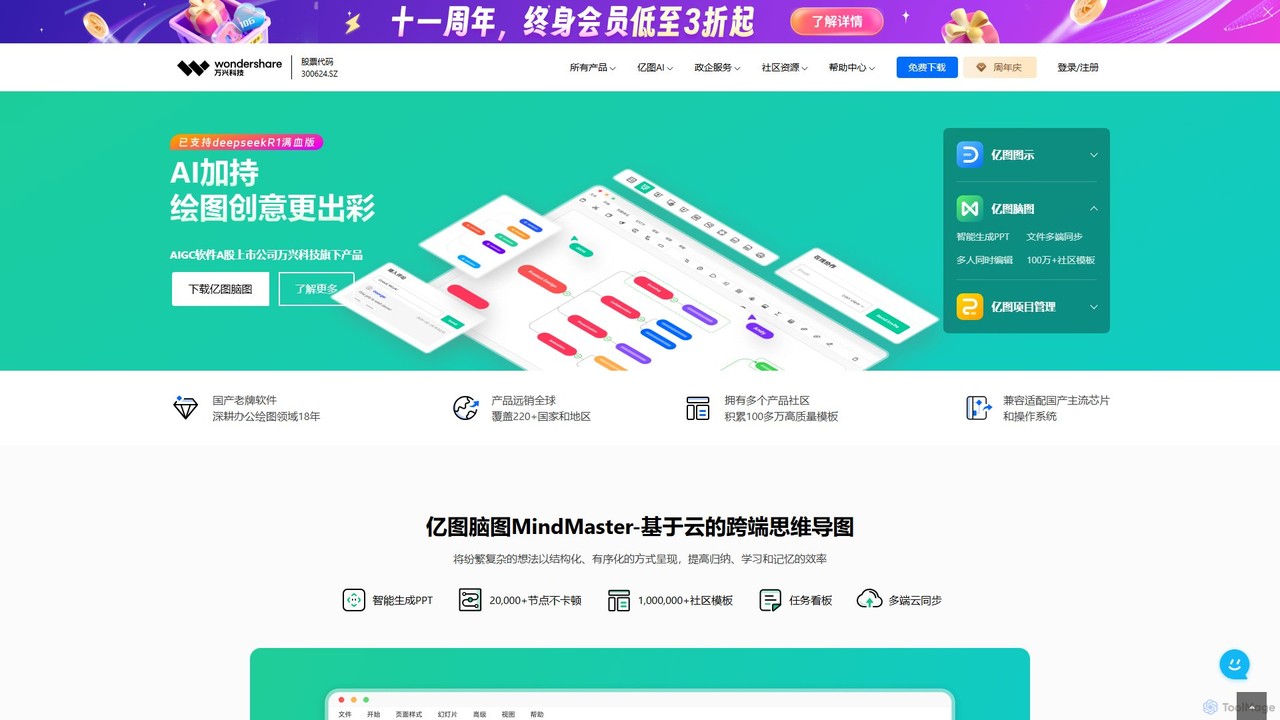
Edrawsoft

Edrawsoft is a comprehensive suite of AI-powered visual tools for diagramming, mind mapping, and project management. It includes EdrawMax for all-in-one diagram creation, EdrawMind for brainstorming, and EdrawProj for Gantt charts. With AI assistance, users can automatically generate flowcharts, org charts, and more from text, beautify designs with a single click, and collaborate seamlessly across platforms. It's a powerful Visio alternative for individuals, teams, and enterprises.

Project Management
Visits 4.2KFavorites 129Likes 130
Slatebox
Freemium

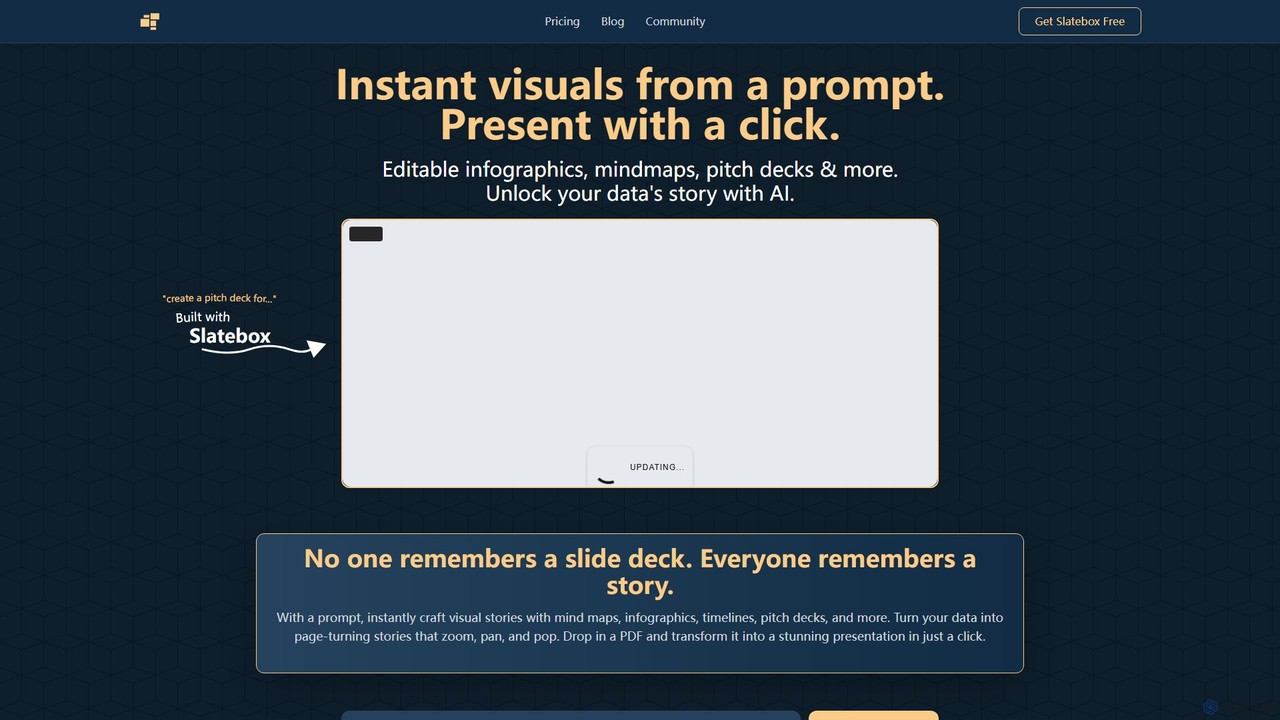
Slatebox

Slatebox is an AI-powered platform that instantly transforms text prompts and data into dynamic, editable visuals like mind maps, infographics, and presentations. It simplifies storytelling by creating engaging, Prezi-style visual narratives with a single click, featuring real-time collaboration and a vast template library.

Infographics
Visits 4.7KFavorites 118Likes 114
EdrawMax
Freemium

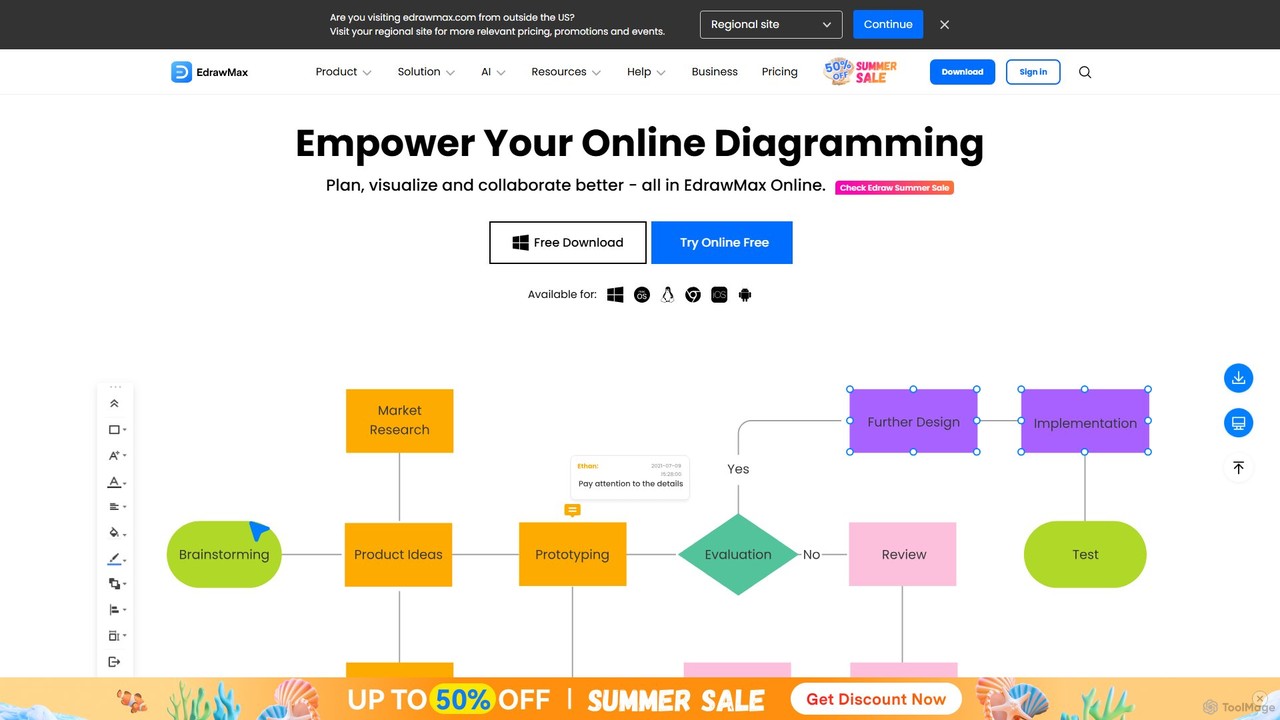
EdrawMax

EdrawMax is an all-in-one, AI-powered diagramming tool for creating over 210 types of diagrams, from flowcharts to floor plans. It combines intuitive drag-and-drop functionality with advanced AI features like one-click diagram generation, content analysis, and OCR. Ideal for teams and individuals, it facilitates real-time collaboration, offers extensive templates, and serves as a powerful Visio alternative for visualizing ideas and workflows.

Project Management
Visits 531.2KFavorites 140Likes 126

About Mind Mapping

AI Mind Mapping tools are applications that use artificial intelligence to visually structure ideas and information. They leverage AI to automatically generate related concepts, summarize text into nodes, and intelligently organize complex diagrams from simple prompts. This technology transforms brainstorming, learning, and project planning by automating the organizational process. As a key tool within education, AI mind maps help users grasp and connect complex topics with greater speed and clarity.

Core Features

  • AI-Powered Node Generation: Automatically expands on a central idea by suggesting and creating relevant sub-topics and branches.
  • Intelligent Layout: Dynamically arranges nodes and connections for optimal readability and visual appeal, saving manual formatting time.
  • Content Summarization: Condenses long articles, documents, or notes into a structured mind map of key points.
  • Natural Language Input: Allows users to build and edit maps using simple text commands or conversational prompts.
  • Multi-Format Conversion: Transforms mind maps into outlines, presentations, reports, or task lists with a single click.

Use Cases

These tools are widely used by students for academic research and study, project managers for planning and task visualization, and content creators for brainstorming article structures. In business, teams use them for strategic planning sessions and organizing meeting notes, turning unstructured discussions into actionable plans.

How to Choose

When selecting an AI Mind Mapping tool, evaluate the quality and relevance of its AI-generated suggestions. Consider its integration capabilities with other platforms like project management software or note-taking apps. Assess the flexibility of its export options (e.g., PDF, DOCX, PNG) and the intuitiveness of the user interface. For teams, collaborative features like real-time editing and commenting are crucial.

Featured tool rankings

Mind Mapping use cases

1

Academic Research and Thesis Structuring

A graduate student working on a thesis can use an AI Mind Mapping tool to organize vast amounts of research. By pasting in abstracts or entire papers, the AI identifies key themes, methodologies, and findings, automatically creating branches for each section of the thesis. It can suggest connections between different sources, helping to build a coherent argument. This transforms a daunting organizational task into a manageable, visual process, ensuring a logical flow from introduction to conclusion and significantly speeding up the writing preparation phase.

2

Agile Project Planning and Brainstorming

A project manager can initiate a brainstorming session by setting a central project goal. Team members contribute ideas, which are fed into the AI mind map. The AI categorizes these ideas into epics, user stories, and tasks, and can even suggest potential dependencies or resource requirements. The visual map provides a clear overview of the entire project scope. This map can then be converted into a task list and exported directly to project management platforms like Jira or Trello, streamlining the transition from ideation to execution.

3

Content Strategy and Blog Post Outlining

A content marketer wants to create a content cluster around a core topic. They input the topic, and the AI tool generates a map of related sub-topics, long-tail keywords, and common user questions. This visualizes the entire content strategy. For a single blog post, the marketer can provide a title, and the AI will generate a complete outline, including introduction, main headings (H2s, H3s), and a conclusion. This saves hours of research and ensures the content is comprehensive and structured for SEO.

4

Meeting Preparation and Minute Taking

A team lead preparing for a weekly sync can create a mind map agenda. During the meeting, they can add notes under each agenda item. The AI can help by transcribing key parts of the discussion or identifying action items from the notes in real-time. After the meeting, the tool can automatically generate a structured summary from the map, highlighting decisions made and tasks assigned. This organized record can be shared instantly, ensuring everyone is aligned and accountable.

5

Personal Knowledge Management and Learning

An individual learning a new programming language can use an AI mind map as a dynamic knowledge base. They can create a central node for the language (e.g., 'Python') and add main concepts like 'Data Types', 'Loops', and 'Functions'. As they learn, the AI can suggest related libraries, common use cases, or code snippets for each concept. It can also transform a page of tutorial notes into a structured map, visually connecting related functions and making complex information easier to recall and understand.

6

Business Strategy and SWOT Analysis

A business strategist can use an AI mind map to conduct a SWOT (Strengths, Weaknesses, Opportunities, Threats) analysis. After creating the four main branches, the team inputs relevant points. The AI can then analyze the text to suggest strategic connections, such as how a specific 'Strength' can be used to capitalize on an 'Opportunity', or how to mitigate a 'Threat' by addressing a 'Weakness'. This adds a layer of intelligent analysis to a traditional framework, helping to uncover insights that might otherwise be missed.

Mind Mapping FAQ

What is an AI Mind Mapping tool?

An AI Mind Mapping tool is a software application that enhances traditional mind mapping with artificial intelligence. Instead of users manually creating every node and connection, the AI can automatically generate ideas, expand on topics, summarize documents into a map, and intelligently organize the layout. It acts as a creative partner to accelerate brainstorming and information structuring.

How does AI Mind Mapping differ from traditional mind mapping software?

The key difference is automation and intelligence. Traditional tools provide a blank canvas for manual creation. AI tools actively assist in the creation process. Key differences include:

  • Content Generation: AI tools can suggest or create new nodes, while traditional tools cannot.
  • Organization: AI can automatically structure and format a map for clarity.
  • Data Input: AI tools can often process large amounts of text (like an article) and convert it into a map automatically.
  • Insight Discovery: Some AI tools can analyze the map to suggest connections or patterns.

Who should use AI Mind Mapping tools?

AI Mind Mapping tools are beneficial for a wide range of users. This includes:

  • Students and Researchers: For organizing study notes, structuring essays, and synthesizing research papers.
  • Project Managers: For brainstorming project scope, visualizing workflows, and creating task breakdowns.
  • Content Creators and Writers: For outlining articles, planning content strategies, and overcoming writer's block.
  • Business Professionals: For strategic planning, organizing meeting notes, and developing business models.
Essentially, anyone who needs to process, organize, or generate complex information can benefit from the automated assistance of AI.

What are the key features to look for in an AI Mind Mapping tool?

When choosing a tool, consider these key features:

  • Quality of AI Suggestions: How relevant and creative are the AI-generated ideas and connections?
  • Input Flexibility: Can it generate a map from a text prompt, a document upload, a URL, or voice input?
  • Integration Capabilities: Does it connect with other tools you use, such as Google Drive, Notion, or project management software?
  • Export Options: Can you export the map in various formats like PDF, PNG, DOCX, or even as a presentation?
  • Collaboration: Does it support real-time collaboration, commenting, and sharing for team projects?

Can AI Mind Mapping tools help with studying and learning?

Yes, they are powerful educational aids. AI mind maps can transform dense textbook chapters or lecture notes into clear, visual summaries, which improves comprehension and retention. The AI can automatically identify key concepts, define terms, and show relationships between topics. Some tools can even generate flashcards or quizzes from the map's content, making studying more interactive and effective. This visual and structured approach caters to different learning styles and helps solidify knowledge.