

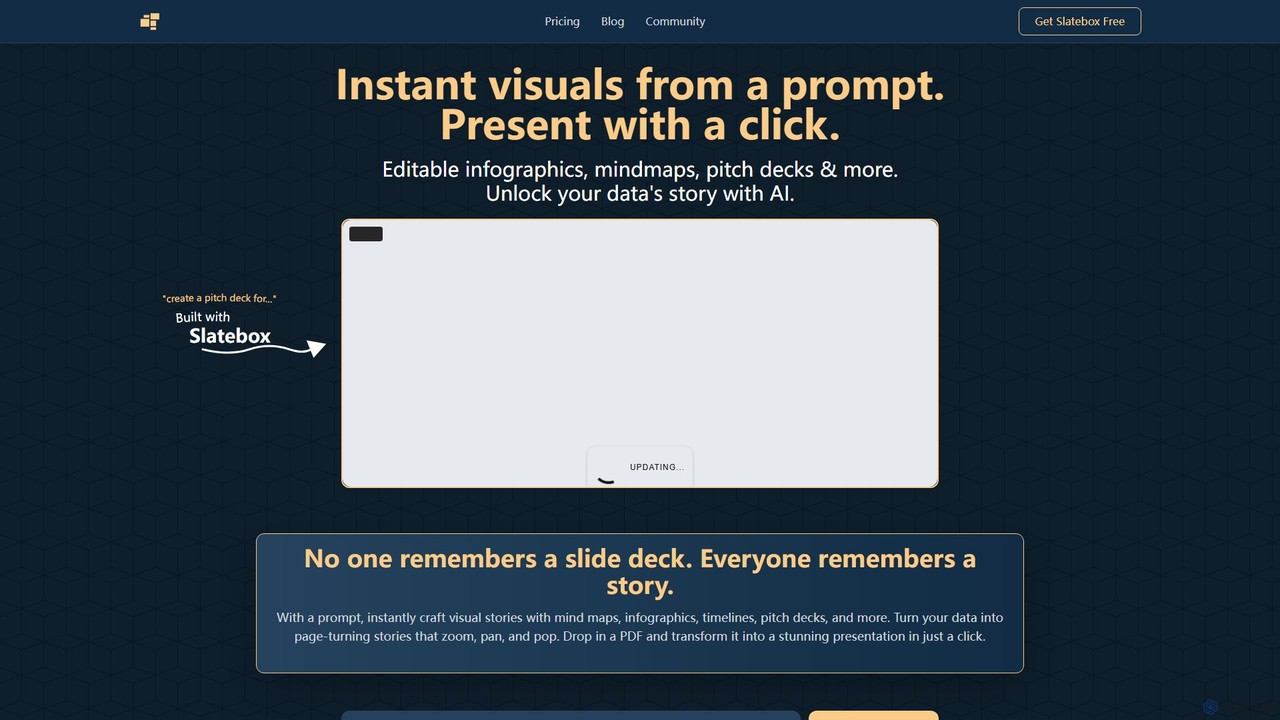
Slatebox Overview
Slatebox is a revolutionary AI-powered visualization tool designed to transform your ideas, data, and documents into compelling visual stories. Moving beyond traditional, static slide decks, Slatebox allows users to generate dynamic and interactive infographics, mind maps, timelines, and pitch decks from a simple text prompt. It aims to make information more memorable and impactful by presenting it as a narrative that zooms, pans, and pops, capturing the audience's attention in a way that standard presentations cannot.
The platform is built on an infinite canvas, providing a limitless space for creativity and collaboration. Whether you're a marketer, a project manager, an educator, or an entrepreneur, Slatebox equips you with the tools to visualize complex information, brainstorm ideas, and present your work with flair and professionalism. With its intuitive interface and powerful AI engine, you can turn a dense PDF document into a stunning, easy-to-digest presentation in seconds, or collaborate with your team in real-time to build a strategic plan from scratch.
How to use Slatebox
Using Slatebox is designed to be incredibly simple and intuitive, allowing you to create stunning visuals in just a few steps:
- Start with a Prompt: The primary way to begin is by typing a text prompt. For example, you could type "create a pitch deck for a new coffee shop" or "explain the process of photosynthesis with a mind map." The AI will then interpret your request and generate a complete visual 'slate'.
- Upload a Document: Alternatively, you can drop a PDF file into Slatebox. The AI will analyze the document's content and automatically transform it into a structured and visually appealing presentation.
- Customize and Edit: Once your slate is generated, it is fully editable. You can change text, move elements, add new nodes, modify colors, and incorporate images. The infinite canvas gives you the freedom to expand and refine your visual story as needed.
- Present with Impact: With a single click on the 'Present' button, your static slate transforms into a dynamic, Prezi-style presentation. The view automatically zooms and pans between key points, creating a cinematic and engaging experience for your audience.
Core Features of Slatebox
- AI-Powered Visual Generation: Instantly create infographics, mind maps, timelines, and more from simple text prompts.
- Dynamic Presentations: Turn any slate into an engaging, Prezi-style presentation with a single click, featuring smooth zoom and pan animations.
- PDF to Presentation: Automatically convert lengthy PDF documents into visually structured and interactive presentations.
- Real-time Collaboration: Work together with your team on an infinite canvas with multi-cursor support, making it ideal for brainstorming and joint projects.
- Fully Editable Canvas: Every element generated by the AI is completely customizable. Change text, colors, shapes, and layouts to match your brand or vision.
- AI-Powered Insights: The AI can suggest the most effective ways to visualize and structure your content for maximum impact.
- Extensive Template Library: Start quickly with hundreds of pre-built templates for various use cases, including SWOT analyses, Venn diagrams, project roadmaps, and more.
- Google Image Search: (Pro Plan) Seamlessly search for and integrate Google Images directly into your slates.
- Custom AI Personas: (Team Plan) Tailor the AI's output by creating custom personas to match specific tones or knowledge domains.
- API Access: (Team Plan) Integrate Slatebox's visualization capabilities into your own applications and workflows.
Use Cases for Slatebox
Slatebox is versatile and can be applied across various professional and educational fields:
- Business & Marketing: Create compelling pitch decks, visualize marketing campaign strategies, design infographics for social media, and map out customer journeys.
- Project Management: Develop project timelines, create SWOT analyses, organize tasks with mind maps, and present progress reports to stakeholders.
- Education & Research: Explain complex scientific concepts, create historical timelines, summarize research papers, and facilitate interactive classroom brainstorming sessions.
- Creative Brainstorming: Use the infinite canvas and mind mapping tools to explore ideas, structure narratives for stories, and plan creative projects.
Advantages of Slatebox
The primary advantage of Slatebox is its ability to transform data and ideas into memorable stories, not just static slides. It saves significant time by automating the design process, allowing users to focus on the content. The dynamic presentation style is far more engaging than traditional PowerPoints, helping to hold the audience's attention. Furthermore, its real-time collaboration features make it a powerful tool for teamwork, fostering creativity and shared understanding on a flexible, infinite canvas.
Pricing and Plans
Slatebox offers a freemium model with plans catering to different needs (pricing is based on beta information):
- Forever Free: Get started instantly with 10 AI Slates per month, audio huddles, 3 private slates, and public collaboration.
- Solo-Pro: Priced at $6/month (billed annually). Includes everything in Free, plus 200 AI Slates/month, video huddles, unlimited private slates, Google Image search, and 25 guest passes/month.
- Team-Pro: Priced at $8/user/month (billed annually). Includes everything in Pro, plus 500 AI Slates/month, custom AI personas, API access, and private team collaboration.
Slatebox Alternatives
Genially
Genially is an all-in-one online tool for creating stunning interactive and animated content. Without any coding skills, users can design presentations, infographics, gamified quizzes, and eLearning materials. It leverages AI to accelerate content creation, making it ideal for educators, marketers, and corporate trainers to boost audience engagement.
Infographics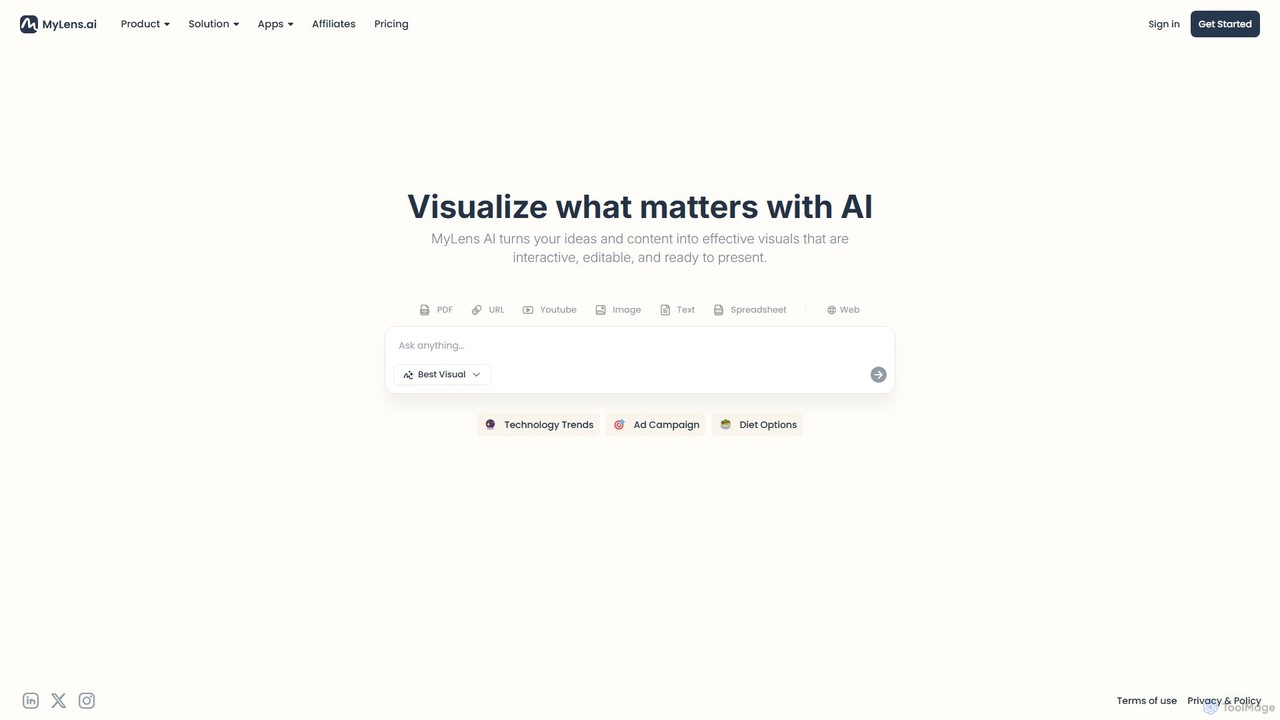
MyLens
MyLens is an AI-powered visualization platform that transforms your text, data, and ideas into interactive, editable, and presentation-ready visuals. Effortlessly create stunning infographics, charts, diagrams, and presentations to communicate complex information with clarity and impact.
Infographics
PicDoc
PicDoc is an AI-powered text-to-visual tool that instantly transforms text into stunning infographics, flowcharts, and diagrams. Simply input your content, and PicDoc's AI will analyze, summarize, and visualize it in seconds, helping you communicate complex ideas effectively and create professional-looking visuals without design skills.
Infographics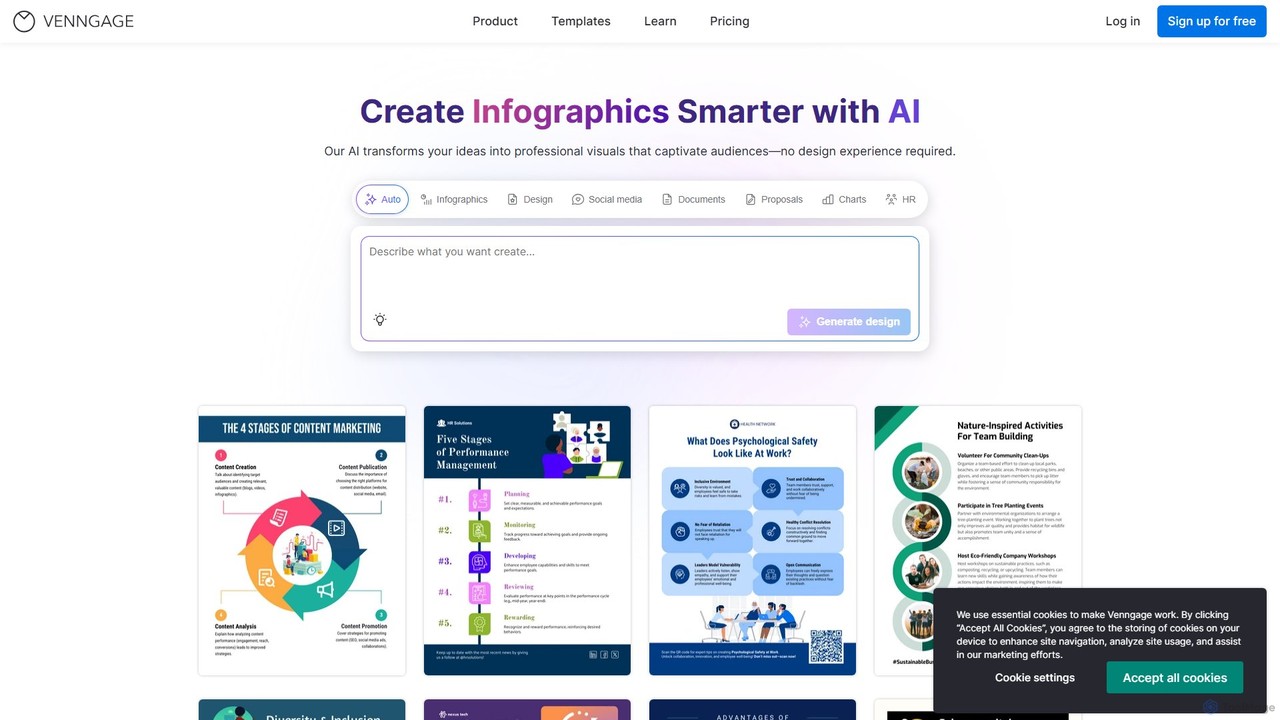
Venngage
Venngage is an AI-powered online design platform that empowers users to create professional and engaging visuals like infographics, reports, presentations, and social media graphics. With over 10,000 templates and intelligent AI tools, it simplifies the design process, making it accessible for non-designers to produce high-quality, on-brand content. It's ideal for marketing, business communications, and data visualization.
Reports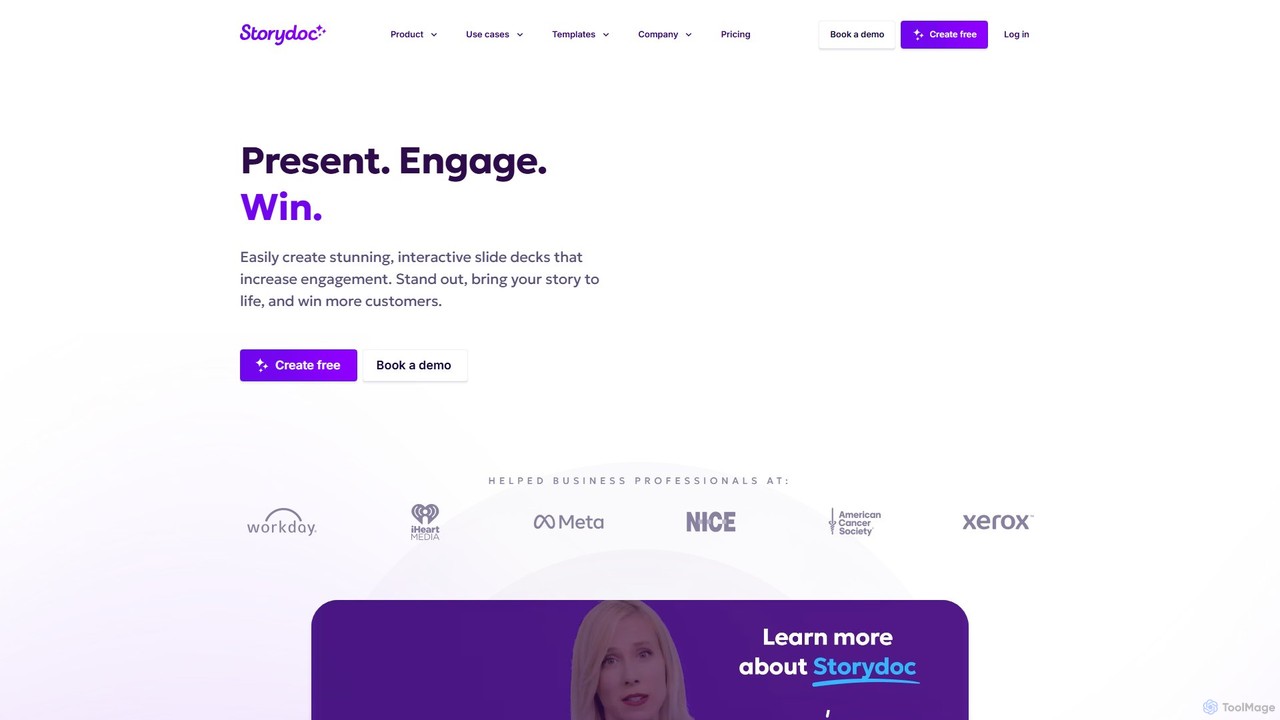
Storydoc
Storydoc is an AI-powered platform that transforms traditional presentations into interactive, engaging web-based experiences. It helps sales, marketing, and startup teams create stunning, data-driven decks that capture attention and drive results. With smart templates, AI assistance, and built-in analytics, Storydoc makes it easy to tell compelling stories and close more deals.
Content CreationSlatebox Categories
Slatebox Embed Widget
Copy this embed code to place the badge on your blog, article, or product site and send readers directly to this ToolMage detail page.

Related AI tools
Storydoc
Storydoc is an AI-powered platform that transforms traditional presentations into interactive, engaging web-based experiences. It helps sales, marketing, and startup teams create stunning, data-driven decks that capture attention and drive results. With smart templates, AI assistance, and built-in analytics, Storydoc makes it easy to tell compelling stories and close more deals.
Content CreationGenially
Genially is an all-in-one online tool for creating stunning interactive and animated content. Without any coding skills, users can design presentations, infographics, gamified quizzes, and eLearning materials. It leverages AI to accelerate content creation, making it ideal for educators, marketers, and corporate trainers to boost audience engagement.
Infographics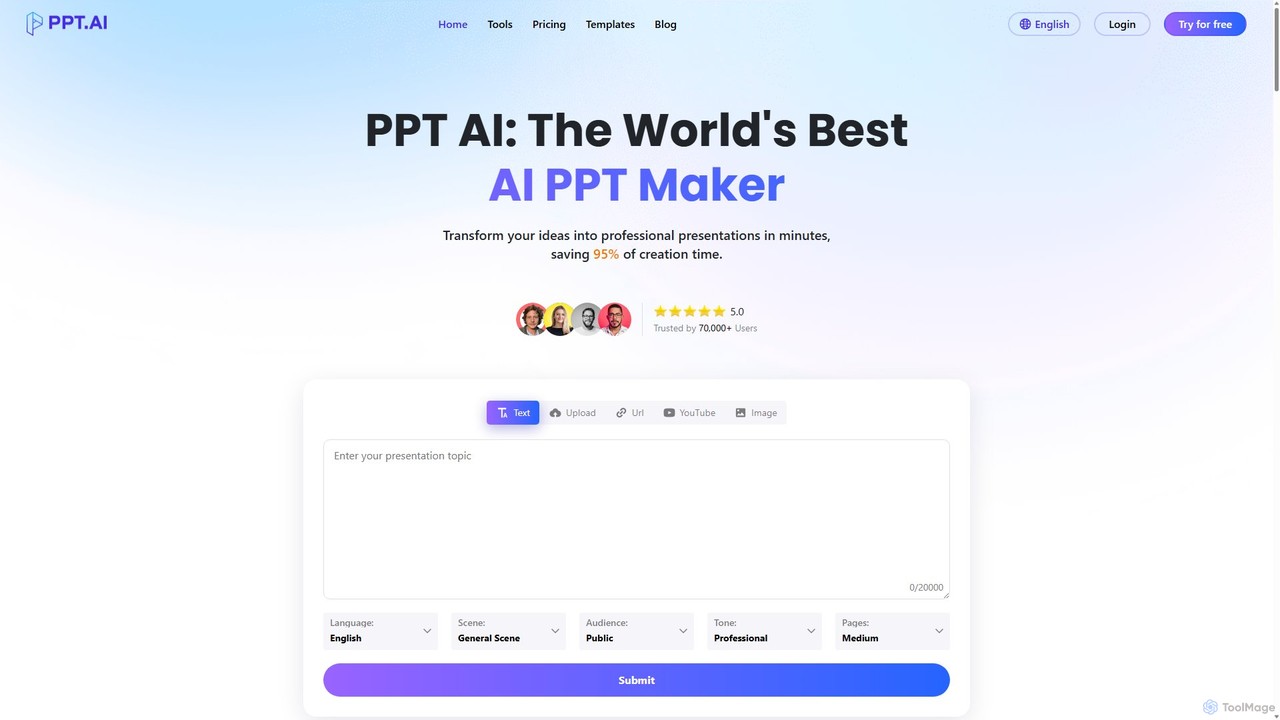
PPT.AI
PPT.AI is an AI-powered presentation maker that transforms your text, ideas, or documents into professional, ready-to-present slides in minutes. It automates the design process, offering intelligent layouts, customizable templates, and consistent branding, making it ideal for professionals and students who need to create high-impact presentations quickly without design expertise.
Automation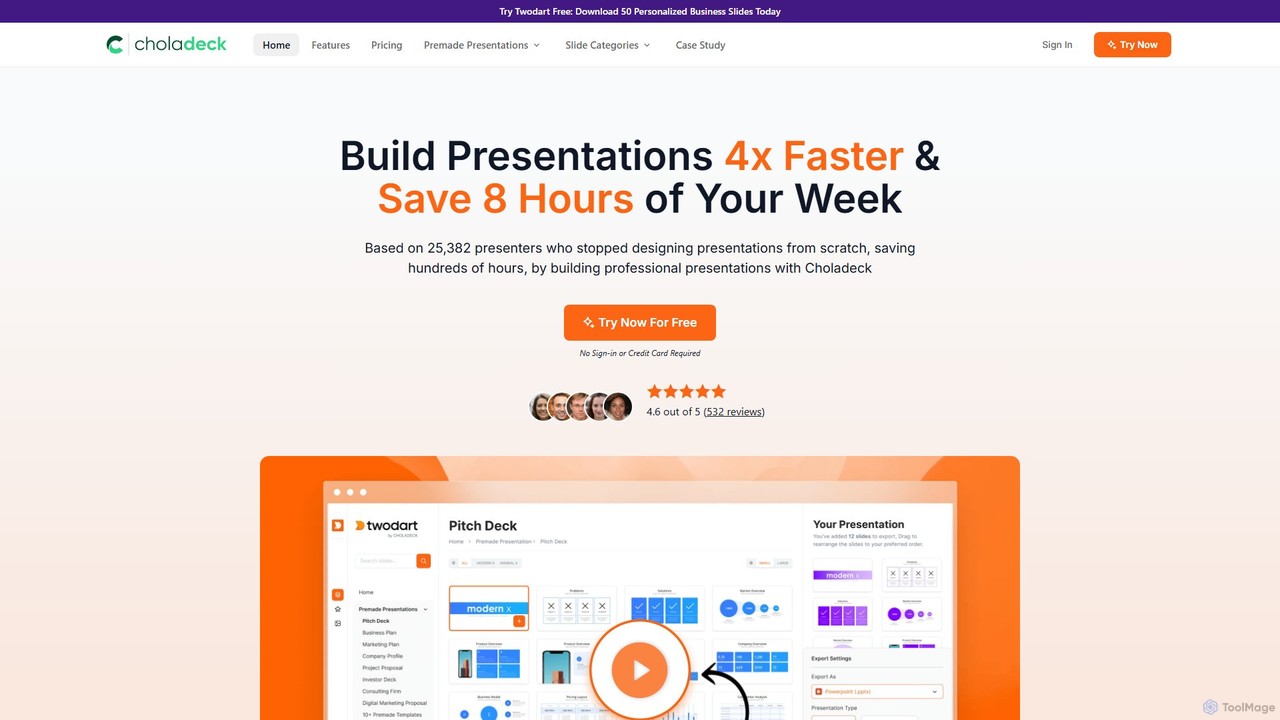
Choladeck
Choladeck (also known as the Twodart platform) is a powerful presentation builder designed to help users create professional, on-brand presentations 4x faster. With a massive library of over 9,870 customizable slides, 50+ premade templates, and seamless integration with PowerPoint, Google Slides, and Keynote, it eliminates the need to start from scratch. Ideal for professionals, teams, and businesses looking to save time, enhance visual communication, and maintain brand consistency across all their presentations.
Templates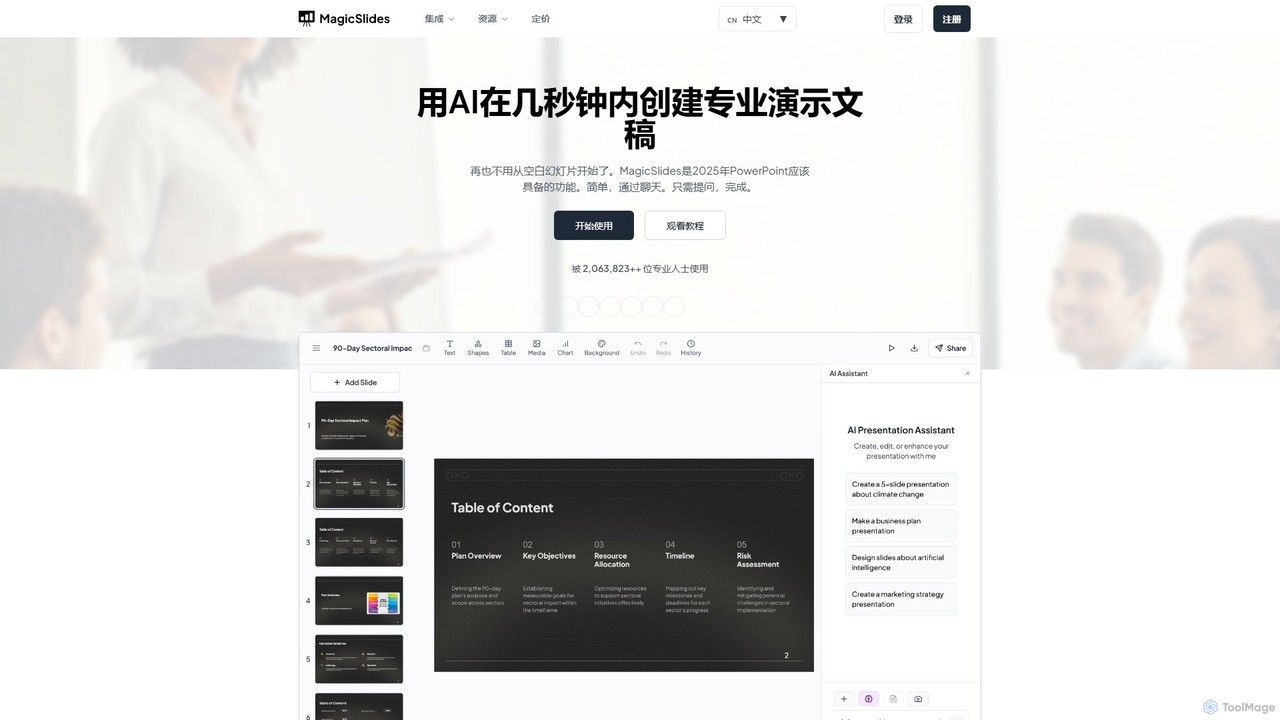
MagicSlides
MagicSlides is an AI-powered presentation maker that instantly creates professional slides from various sources, including text, topics, PDFs, YouTube videos, and URLs. It integrates seamlessly with Google Slides, PowerPoint, Figma, and more, supporting over 136 languages to streamline your workflow and save hours of design time.
Automation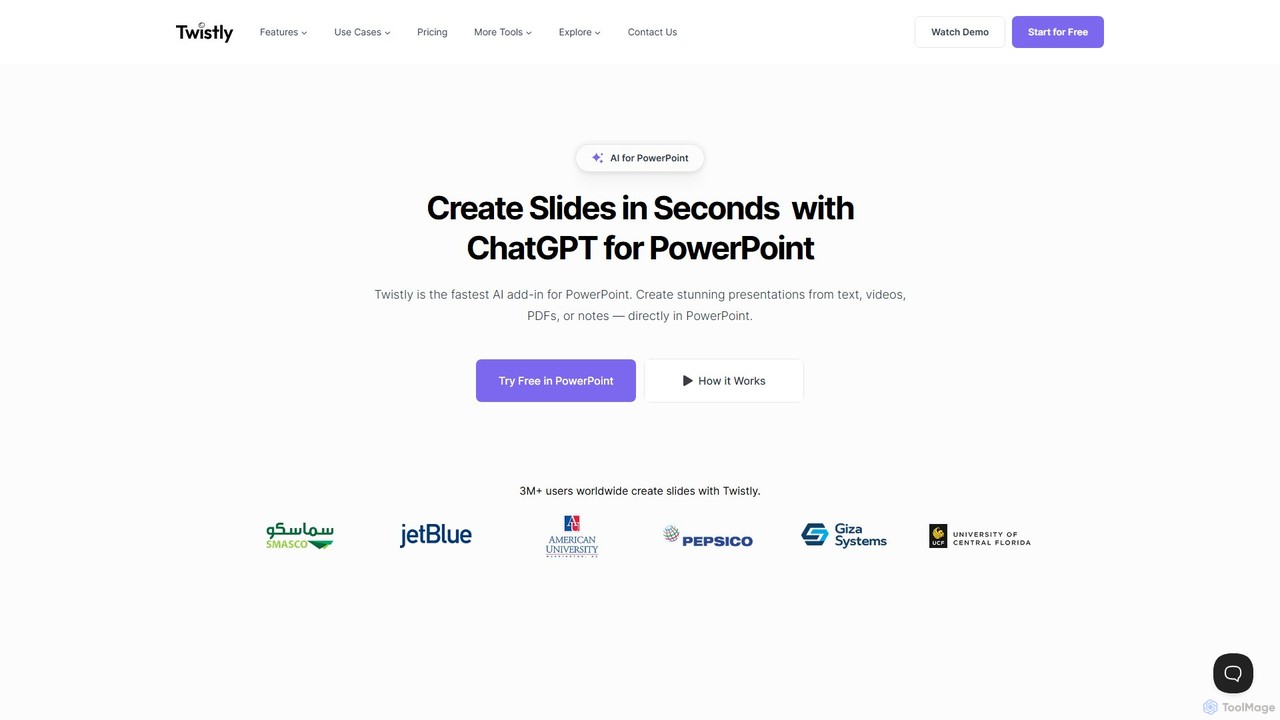
Twistly
Twistly is a powerful AI add-in for Microsoft PowerPoint that integrates ChatGPT to revolutionize presentation creation. It allows users to generate complete, stunning presentations from text, documents, PDFs, or even YouTube videos in seconds, directly within the PowerPoint interface. This eliminates the need for context switching, streamlining the workflow for professionals, educators, and students.
Teaching Tool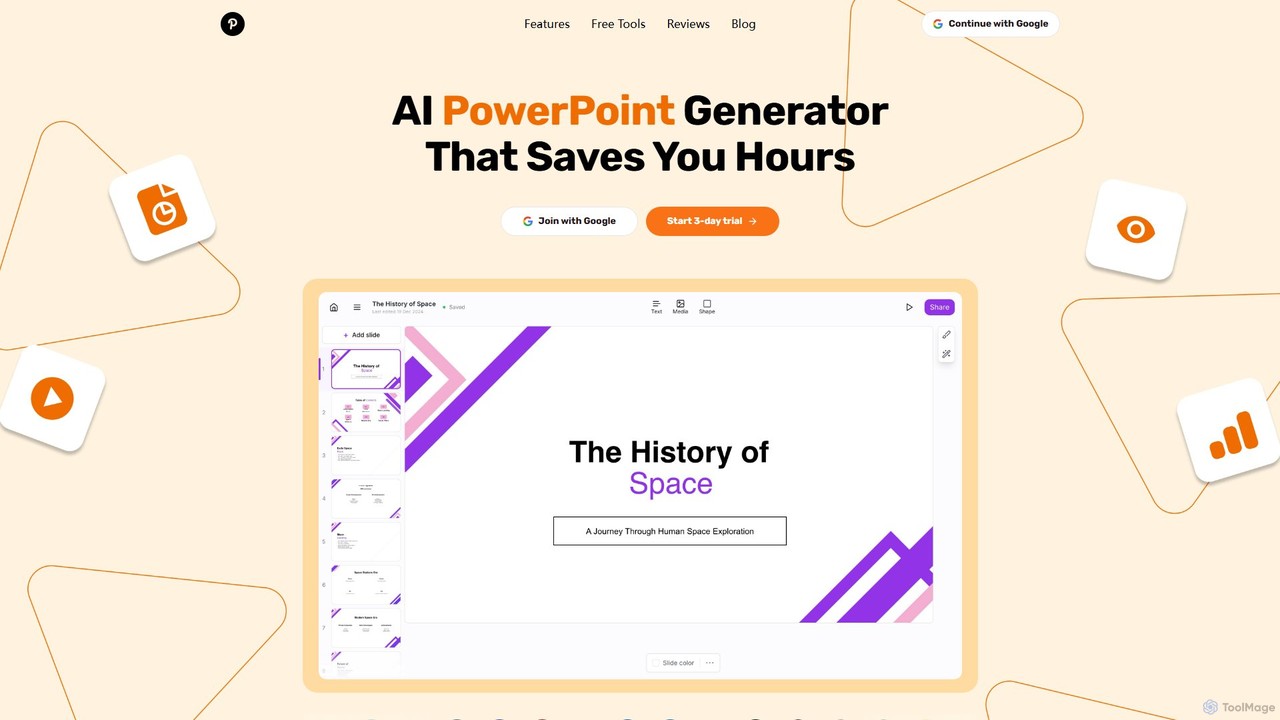
GenPPT
GenPPT is an AI-powered presentation generator that creates professional PowerPoint slides from simple text prompts in minutes. It's designed for professionals, marketers, and students to save hours on slide creation, focusing on logical structure, compelling content, and sleek design without needing any design skills.
Sales
ChatPPT
ChatPPT is a powerful AI presentation generator that creates professional slides from simple text prompts, documents, webpages, or even images. It streamlines the entire creation process, from content generation with live web search to intelligent layout and design, allowing users to produce stunning presentations in minutes.
Reporting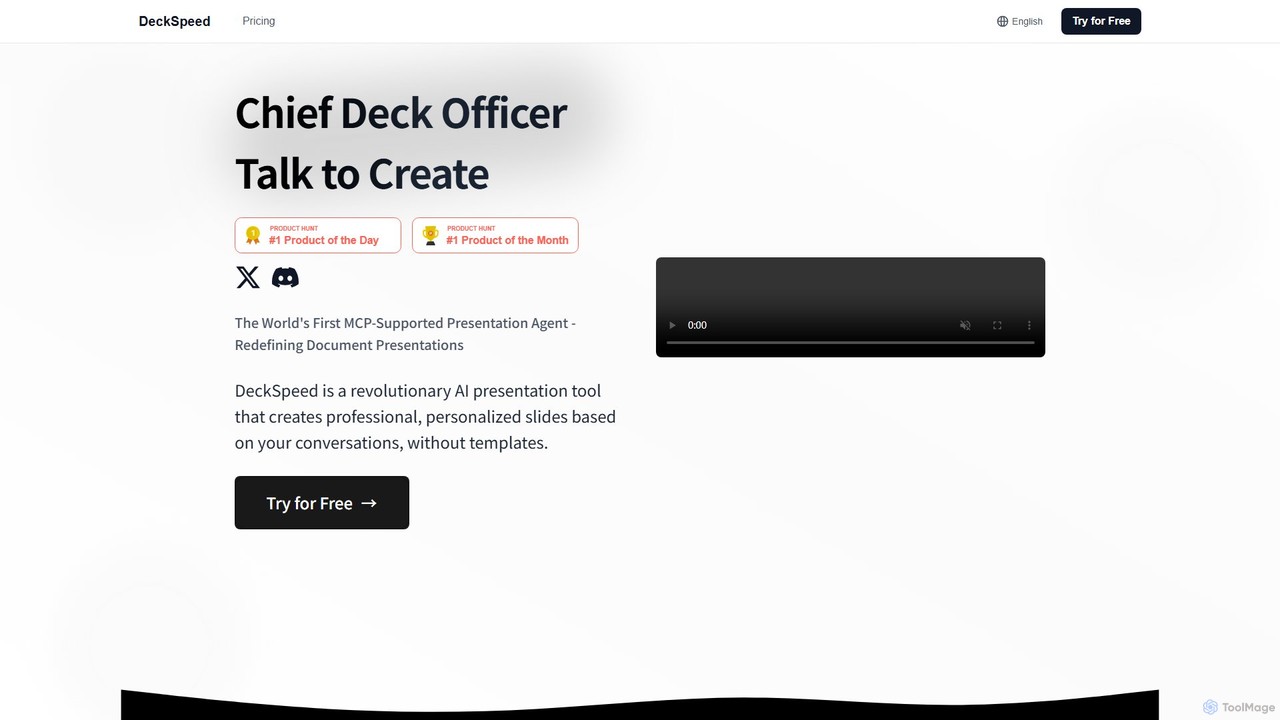
DeckSpeed
DeckSpeed is a revolutionary AI presentation tool that creates professional, personalized slides through simple conversation. Ditch rigid templates and express your ideas in natural language. The AI acts as your 'Chief Deck Officer,' instantly generating unique designs and content, allowing for real-time feedback and adjustments to save you time and elevate your presentations.
Teaching Tools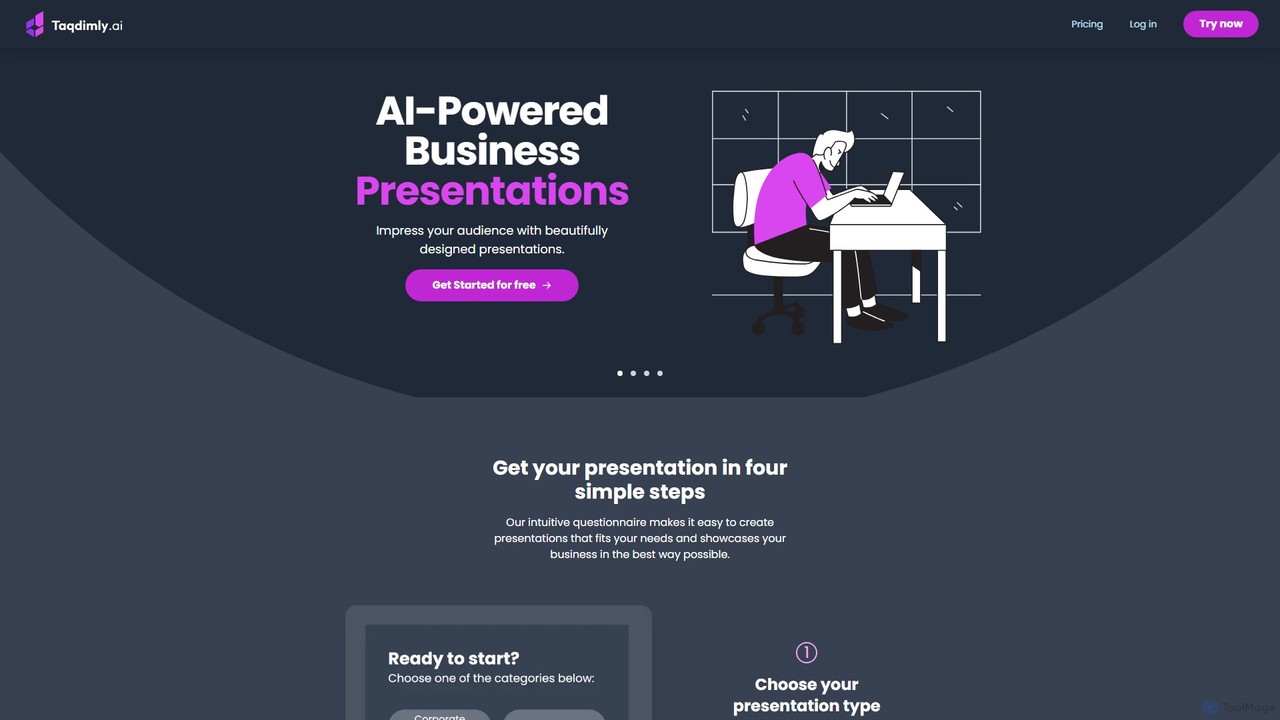
deckify
deckify is an AI-powered platform that enables users to create stunning, professional business presentations in minutes. It transforms your ideas into beautifully designed pitch decks, market research reports, and marketing plans with an intuitive, guided process. Perfect for professionals who need to impress their audience without spending hours on design.
Pitch Decks
displayease
displayease is an AI-powered platform that enables users to effortlessly create professional presentations and digital displays. Simply provide a topic or text, and the AI generates complete, well-designed slides with content and visuals in minutes. It's ideal for business, marketing, and education, saving time while ensuring high-quality, on-brand results.
Graphics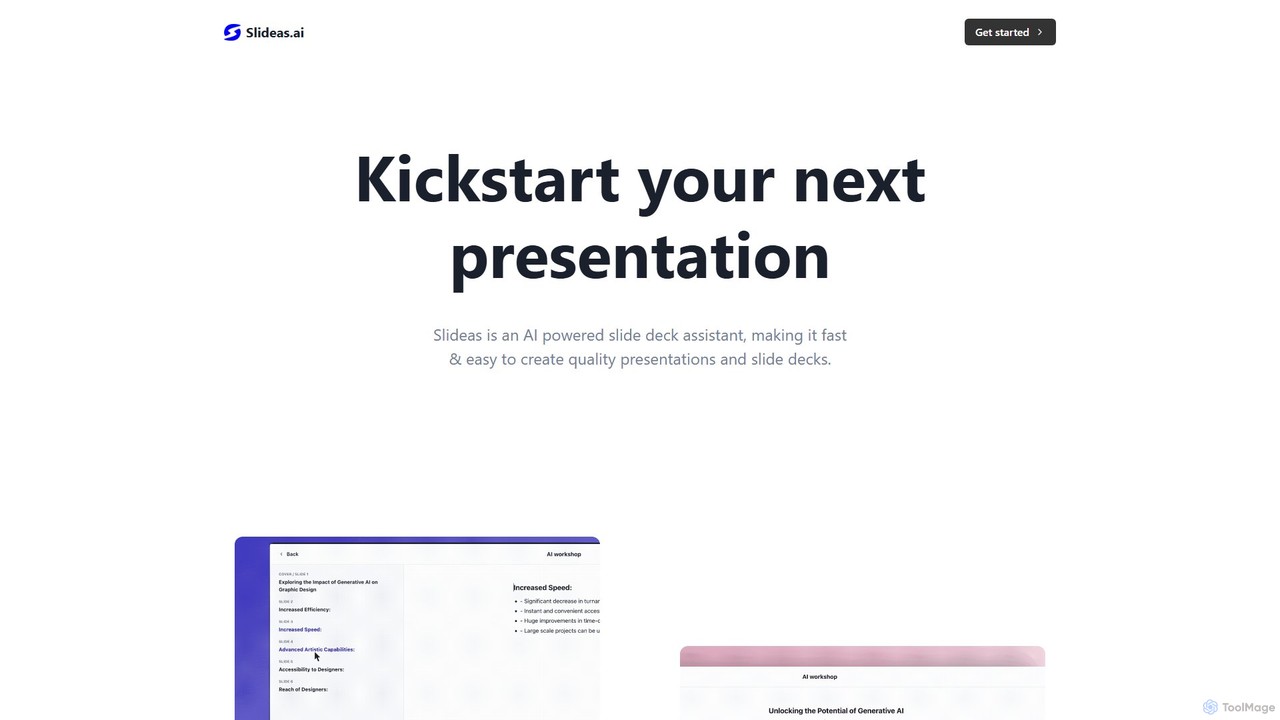
slideas.ai
slideas.ai is an AI-powered presentation assistant that rapidly creates professional slide decks. Simply provide a topic, and the AI generates headlines and talking points. Edit with an intuitive Notion-like editor, collaborate with your team in real-time, and present directly or export to Google Slides and PowerPoint.
Student Tools
Gamma
Gamma is an AI-powered design partner that revolutionizes content creation. It enables users to effortlessly generate polished presentations, engaging websites, professional documents, and social media graphics from simple text prompts. Move beyond traditional slide decks and blank pages, and transform your ideas into visually stunning, ready-to-share materials in minutes, no design skills required.
Website Builder
Visme
Visme is an all-in-one, AI-powered visual communication platform that enables users to create professional presentations, infographics, data visualizations, and other branded content. Designed for non-designers and experts alike, it combines a user-friendly drag-and-drop interface with powerful features like a brand kit, team collaboration, and a vast library of templates and assets to streamline the content creation process.
Data Visualization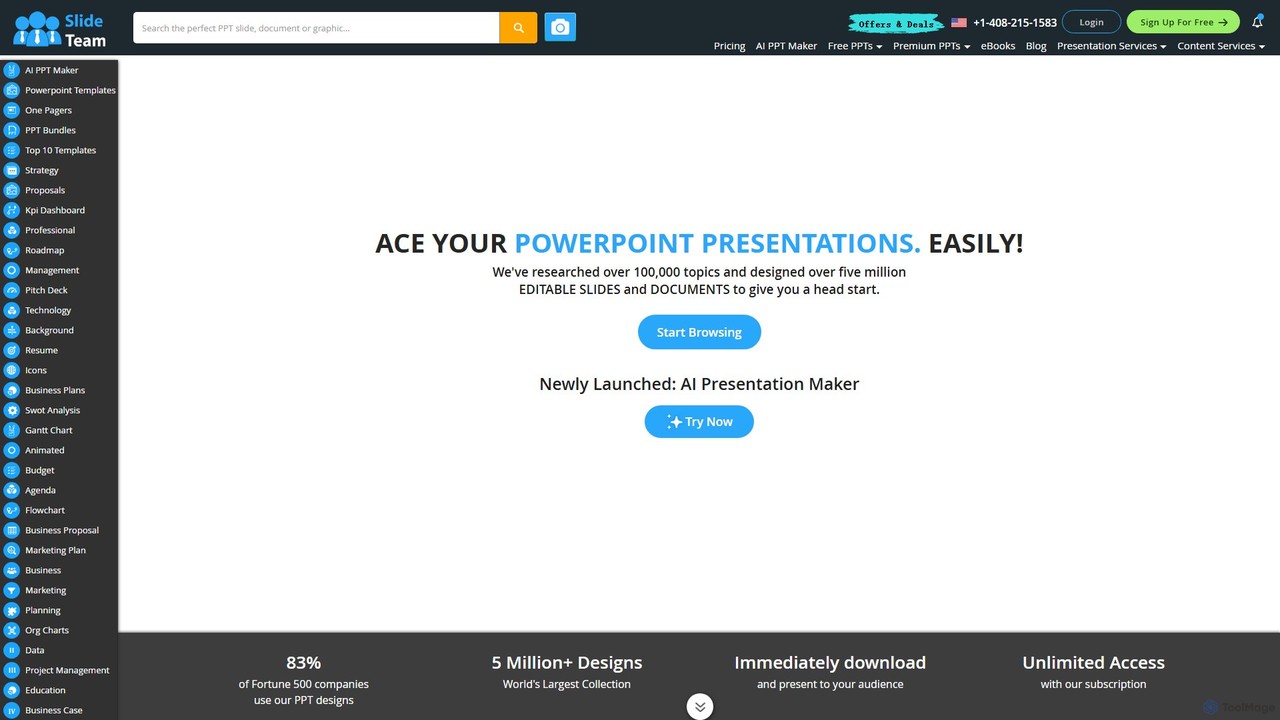
Slideteam
Slideteam is a comprehensive platform featuring an AI Presentation Maker and the world's largest library of over 5 million professional PowerPoint templates. It enables users to instantly generate or download fully editable slides, diagrams, and data-driven charts for any business topic. Trusted by Fortune 500 companies, Slideteam helps you create stunning, high-impact presentations in minutes, saving significant time and ensuring professional quality.
Marketing
Slatebox Comments (0)
Sign in to comment.
Sign inNo comments yet.