AIEditor
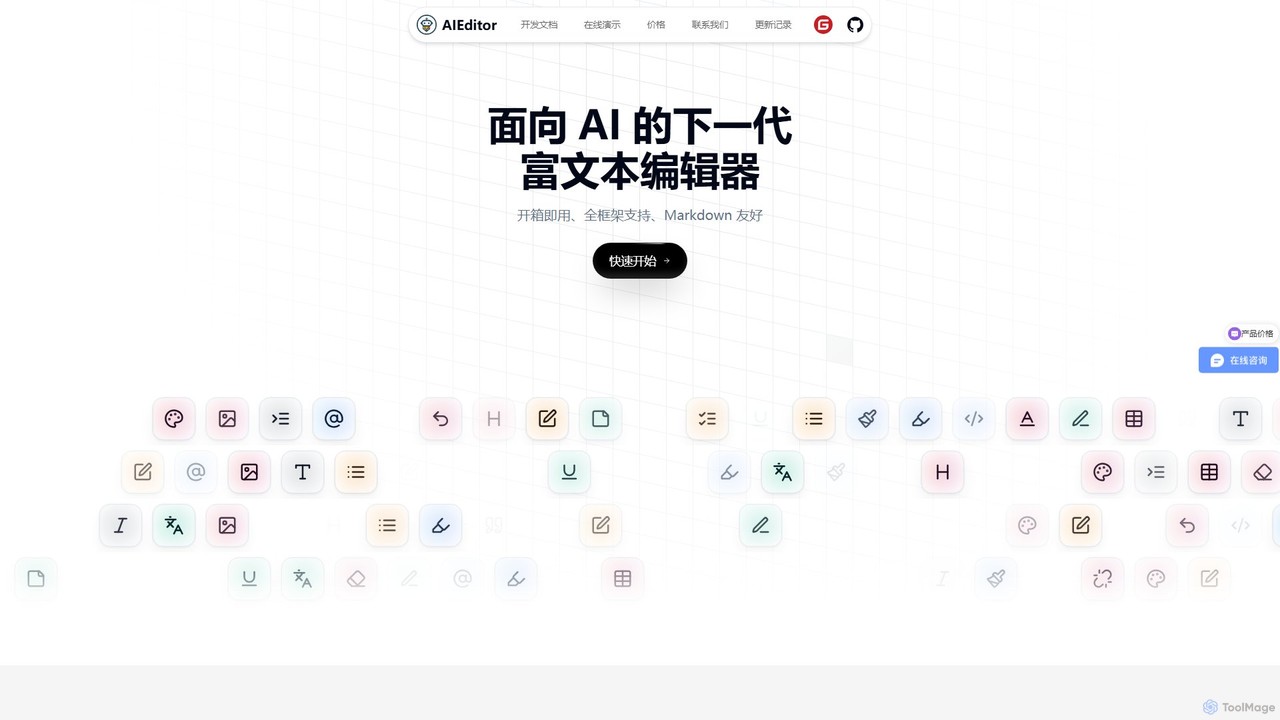
AIEditor is a next-generation, framework-agnostic rich text editor designed for seamless AI integration. Built on Web Components, it …
AIEditor is a next-generation, framework-agnostic rich text editor designed for seamless AI integration. Built on Web Components, it supports any UI framework like React or Vue. It offers powerful out-of-the-box AI features, including content generation, translation, and code analysis, while allowing full customization with any LLM and private API keys. It's ideal for developers building collaborative, AI-powered applications.
About Text Editor
AI Text Editors are specialized software tools designed for writing and manipulating plain text, primarily source code. They integrate artificial intelligence to provide advanced features like intelligent code completion, real-time error detection, and context-aware syntax highlighting. These editors significantly enhance developer productivity by automating repetitive tasks, improving code quality, and accelerating the development lifecycle. Unlike full-fledged Integrated Development Environments (IDEs), AI text editors often offer a more lightweight, faster, and highly customizable experience focused on the core editing task.
Core Features
- AI-Powered Code Completion: Suggests entire lines or blocks of code based on the current context and natural language comments.
- Advanced Syntax Highlighting: Intelligently color-codes syntax elements for various programming languages to improve readability and error spotting.
- Real-time Linting & Debugging: Identifies and suggests fixes for syntax errors, bugs, and stylistic issues as you type.
- Version Control Integration: Provides a seamless interface for managing Git repositories, including commits, branches, and merges.
- Extensible Plugin Architecture: Allows for deep customization with a vast library of community-developed extensions, themes, and tools.
Use Cases
AI Text Editors are essential for a wide range of professionals. Web developers use them for writing HTML, CSS, and JavaScript; data scientists for scripting in Python or R; and DevOps engineers for managing configuration files like YAML or JSON. Technical writers also leverage them for creating documentation in formats like Markdown.
How to Choose
When selecting an AI Text Editor, consider the programming languages you use and the tool's performance on large files. Evaluate the quality and breadth of its AI features, such as code completion and refactoring. Also, assess the richness of its plugin ecosystem for customization and its compatibility with your operating system (Windows, macOS, Linux).

Text EditorUse Cases
AI-Assisted Web Development
A front-end developer building a new React component uses an AI text editor to accelerate their workflow. The editor provides intelligent auto-completion for JSX syntax and component props, reducing manual typing. Its real-time linting feature immediately flags potential errors and stylistic inconsistencies, preventing bugs before the code is even run. Integrated Git controls allow the developer to stage, commit, and push changes without leaving the editor, creating a seamless development cycle and boosting overall productivity.
Data Science Scripting and Analysis
A data scientist uses an AI text editor for writing a Python script to analyze a dataset. The editor's AI provides intelligent suggestions for libraries like Pandas and NumPy, speeding up the coding process. It supports interactive execution, allowing the scientist to run blocks of code and see outputs, such as data visualizations, directly within the editor. This integration streamlines the exploratory data analysis workflow, combining the power of a lightweight editor with the interactive capabilities of a notebook environment.
DevOps and Infrastructure Management
A DevOps engineer manages infrastructure-as-code using an AI text editor to edit YAML files for Kubernetes configurations. The editor provides real-time syntax validation, preventing common and hard-to-spot indentation errors. It also offers schema-based auto-completion for Kubernetes resources, ensuring all required fields are present and correctly named. This significantly reduces the risk of deployment failures due to misconfiguration and streamlines the process of managing complex cloud infrastructure.
Technical Documentation Writing
A technical writer creates software documentation using an AI text editor optimized for Markdown. The editor provides a split-screen live preview, showing the rendered HTML as they type. It includes syntax highlighting for code blocks in various languages, a built-in spell checker, and grammar suggestions to ensure high-quality prose. This environment allows the writer to focus on creating clear and accurate content, producing professional-looking documentation efficiently without needing a separate preview tool.
Refactoring Legacy Codebases
A software engineer is tasked with modernizing an old JavaScript project. They use an AI text editor with advanced refactoring capabilities. The AI can identify and suggest converting old callback functions to modern async/await syntax across the entire project. It also helps find unused variables and functions, simplifying the codebase. This AI-assisted process significantly reduces the manual effort and risk associated with large-scale refactoring, improving code maintainability and performance.
Collaborative Pair Programming
A remote development team uses an AI text editor's real-time collaboration feature for pair programming. Two developers can simultaneously edit the same file, with each person's cursor and selections visible to the other. The editor might also include integrated audio chat and comment threads. This setup simulates an in-person collaboration experience, facilitating knowledge sharing, live code reviews, and mentoring, which is crucial for maintaining team cohesion and code quality in a distributed environment.