

Construct Overview
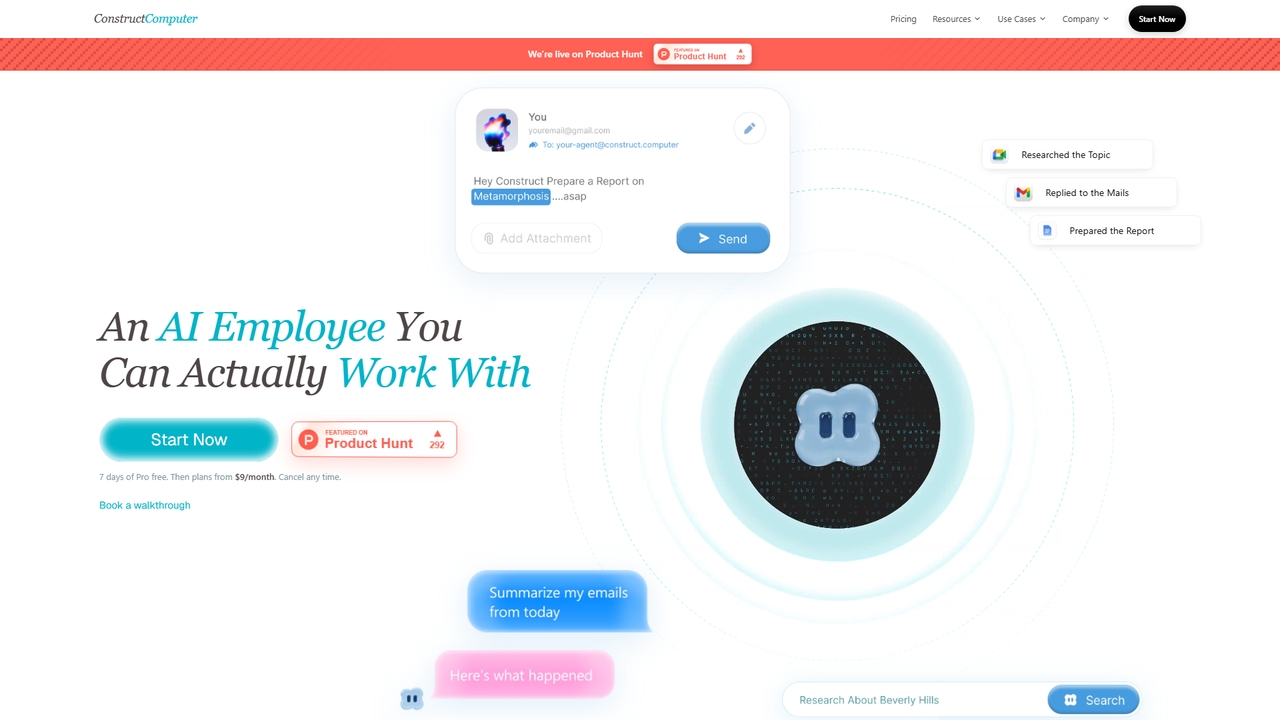
Construct is an AI employee for solo founders and small teams. It gives each agent its own cloud computer—a browser-based work desktop with Chat, Files, Browser, Terminal, Email, Calendar, Workflows, Memories, Activity, and connected apps. Persistent files and workspace memory survive across sessions, so Construct can finish research, email replies, reports, scheduled jobs, and internal tool builds while you move on to other work.
How to use Construct
Start by creating an account and using the 7-day free Pro trial. Once inside the work desktop, you can assign an outcome to Construct—research a topic, update a business system, reply to emails, or run a workflow. Encode multi-step processes once into versioned workflows, connect apps, set notifications, and schedule jobs to run once or repeatedly. You can also describe an internal tool in plain language and let Construct write, validate, and publish it into the workspace. Work with Construct from the web, Slack, Telegram, Discord slash commands, or its native email inbox, and use roles, access controls, and inspectable memory to keep work transparent.
Core Features of Construct
- Persistent cloud workspace: files and agent memory survive across sessions, with evidence and history.
- Workflow automation: versioned, scheduled workflows with agent steps, connected apps, and notifications.
- Internal tool builder: describe a tool and Construct writes, validates, and publishes it into the cloud desktop.
- Scheduled outcomes: run agent prompts, connected-app actions, or complete workflows once or repeatedly, with result history.
- Cited research: gather sources, compare details, and produce reviewable reports.
- Real computer environment: live browser runs, sandbox terminal, durable /workspace mount, file management.
- Team workspace: invite people, share files/apps/conversations, and control access with roles.
- Inspecting memory: review, correct, forget, or restore preferences, decisions, and project context.
- Multi-channel collaboration: web, Slack, Telegram, Discord slash commands, and native agent email inbox.
- Integrations and extension: Composio-supported SaaS catalog, custom MCP servers, and agent-authored workspace apps.
Use Cases for Construct
Solo founders can use Construct as a de facto employee for research, email handling, reporting, and scheduled follow-ups. Small teams can encode repeatable operations into versioned workflows and share them with permissions. Product and operations teams can automate CRM and connected-app actions, while technical users can run terminal scripts, build internal tools, and connect custom MCP servers. The workspace also supports delegated subtasks—Construct's primary agent can assign bounded research, implementation, and review subtasks to temporary agents.
Advantages of Construct
Construct combines a persistent cloud computer, inspectable memory, scheduled workflows, and multi-channel access. It is built for transparency: activity keeps bounded action summaries, tool records retain bounded inputs/outputs, and memory can be corrected or forgotten. Pro plans support BYOK with OpenRouter, OpenAI, Anthropic, Amazon Bedrock, or xAI credentials. Enterprise adds isolated workspace, deletion, and no-training-data guarantees.
Pricing and Plans
The pricing page lists Lite at $7.50/month with 2 months free, Starter at $39/month with 4 months free, and Pro at $199/month with 4 months free. Plans are advertised starting at $9/month, and a 7-day Pro free trial is available. Lite includes up to 2 agents, 50 steps per task, 2 parallel background jobs, 100 MB storage, and 5-minute command runtime. Starter adds an agent email address, background and scheduled tasks, 5 agents, and more. Pro offers 32× Lite usage, deep runs up to 1,000 steps, BYOK, and up to 15 agents. Enterprise is custom, with everything in Pro plus isolated workspace, your own model keys, and scoped SSO/private deployment/custom MCP.
Construct FAQ
Construct Alternatives
Airtable
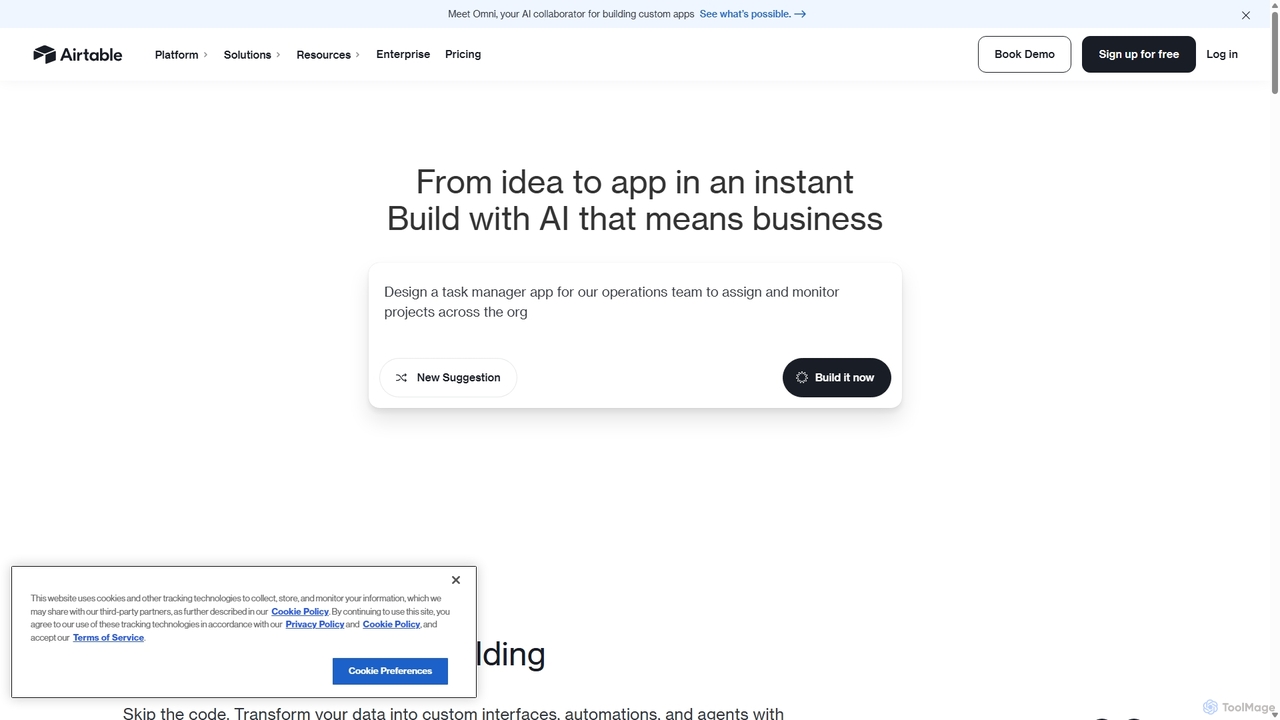
Airtable is an AI-native app building platform for enterprises, combining the flexibility of a spreadsheet with the power of a database. It enables teams to create custom applications, automate complex workflows, and deploy intelligent AI agents without writing code, transforming critical data into actionable insights and streamlined operations.
Project Management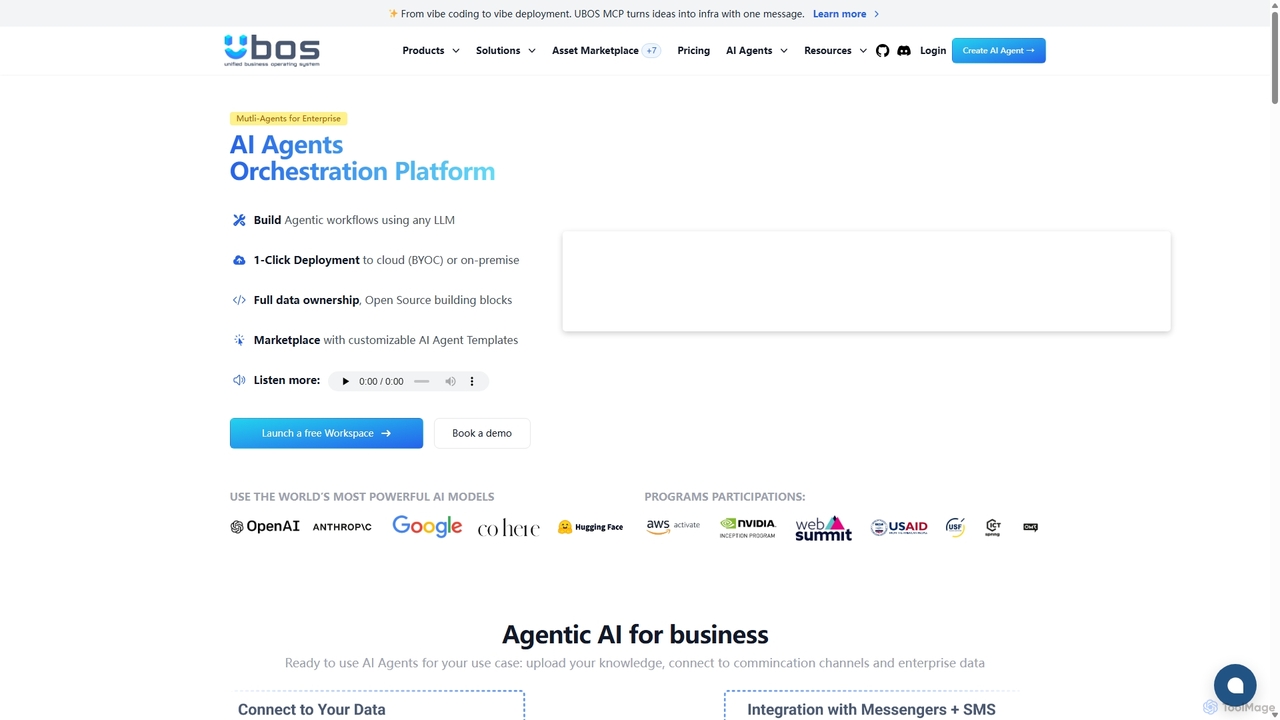
UBOS
UBOS is a low-code AI orchestration platform for enterprises to build, deploy, and scale multi-agent AI workflows. It offers a marketplace of customizable templates, supports any LLM, and enables one-click deployment to cloud or on-premise. UBOS simplifies creating complex AI solutions like chatbots and data analysis tools, empowering businesses to become AI-first organizations with full data ownership.
Orchestration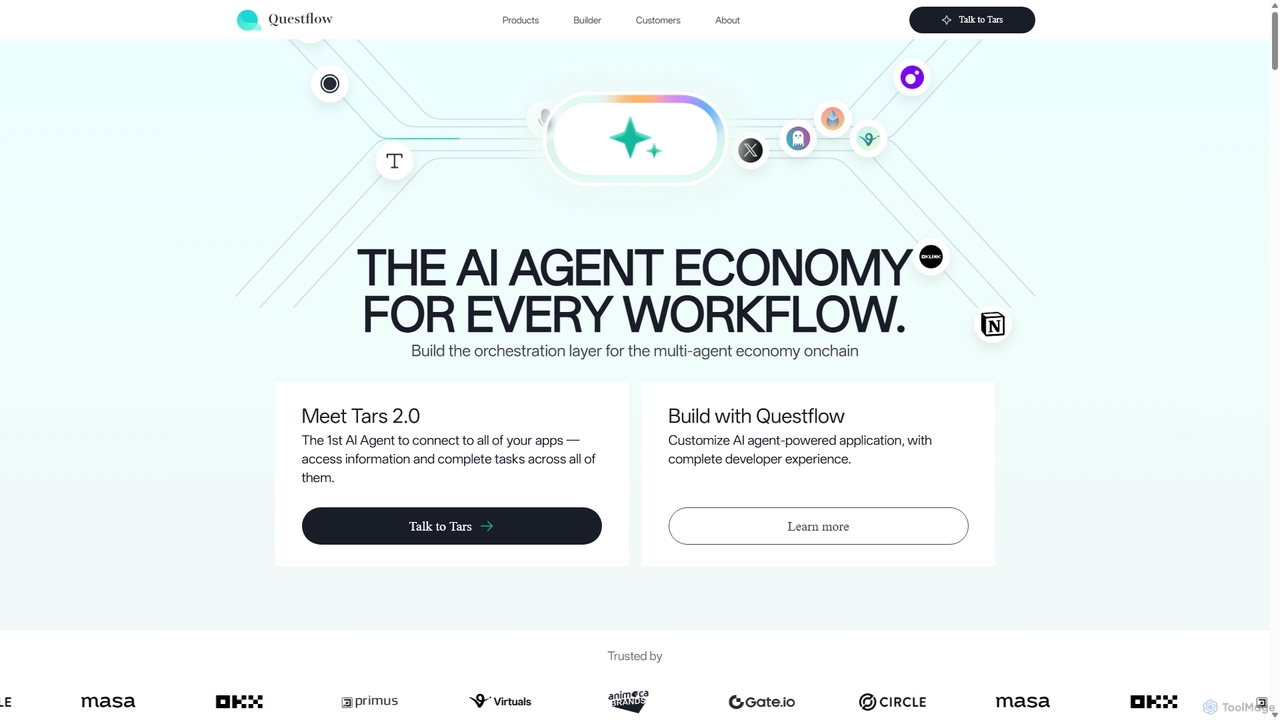
Questflow
Questflow is a no-code platform for building, deploying, and monetizing autonomous AI agent swarms on-chain. It enables users to automate complex workflows across marketing, finance, and crypto by orchestrating multiple AI agents to work collaboratively. It features a pay-as-you-go model with a built-in crypto wallet.
No Code Platform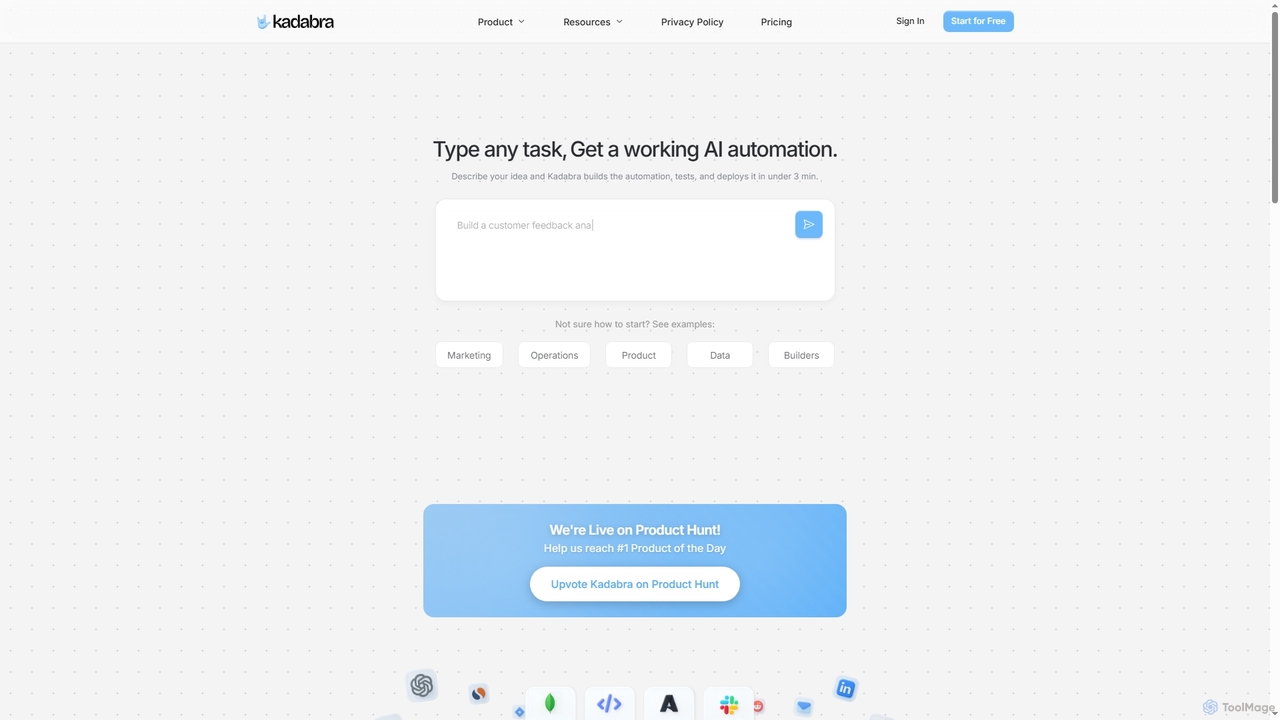
Kadabra
Kadabra is an AI-powered platform that transforms plain English descriptions into functional, deployable business and data automations. It allows users to build, test, and deploy complex workflows visually in minutes, integrating with a wide range of popular tools to streamline operations and enhance productivity.
Operations Management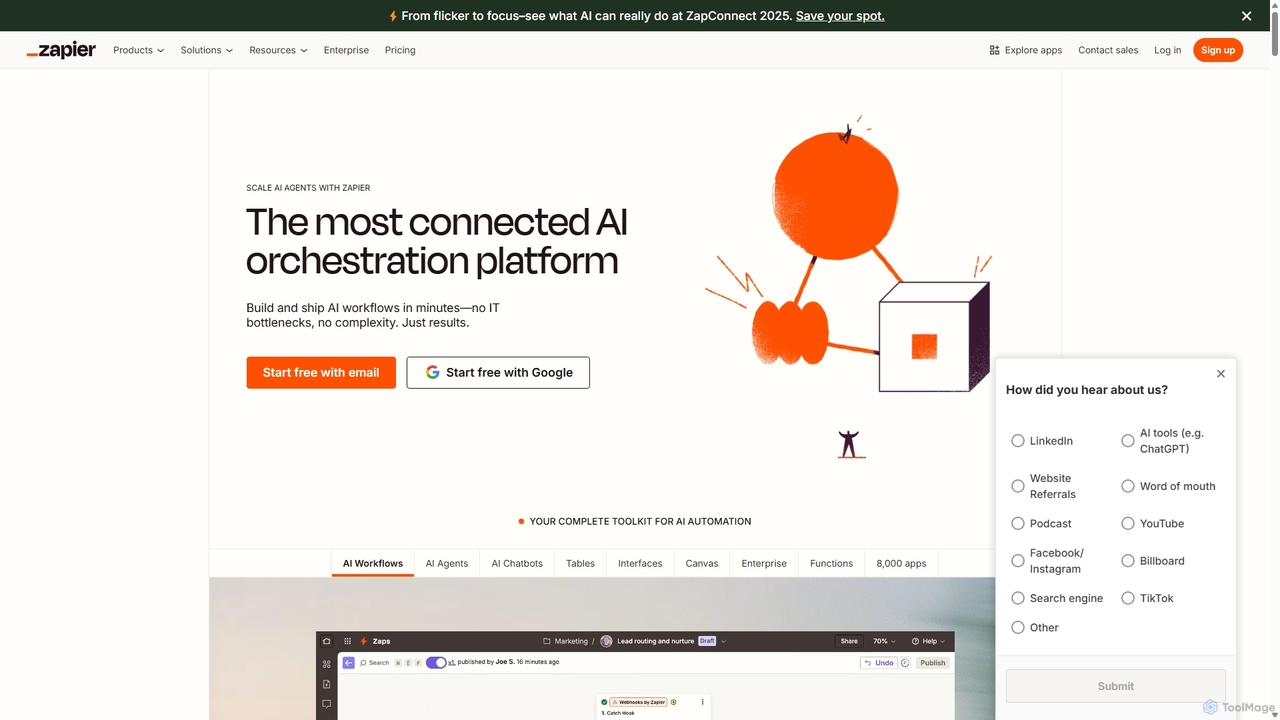
Zapier
Zapier is a leading no-code automation platform that empowers you to connect over 8,000 web apps. It now features a powerful AI toolkit, allowing you to build custom AI workflows, agents, and chatbots to automate tasks, streamline processes, and scale your business operations without writing a single line of code. From simple two-step integrations to complex, multi-step AI-powered workflows, Zapier makes automation accessible to everyone.
Ai Agent BuilderConstruct Categories
Construct Jobs
Construct Embed Widget
Copy this embed code to place the badge on your blog, article, or product site and send readers directly to this ToolMage detail page.

Related AI tools
UBOS
UBOS is a low-code AI orchestration platform for enterprises to build, deploy, and scale multi-agent AI workflows. It offers a marketplace of customizable templates, supports any LLM, and enables one-click deployment to cloud or on-premise. UBOS simplifies creating complex AI solutions like chatbots and data analysis tools, empowering businesses to become AI-first organizations with full data ownership.
OrchestrationAirtable
Airtable is an AI-native app building platform for enterprises, combining the flexibility of a spreadsheet with the power of a database. It enables teams to create custom applications, automate complex workflows, and deploy intelligent AI agents without writing code, transforming critical data into actionable insights and streamlined operations.
Project ManagementQuestflow
Questflow is a no-code platform for building, deploying, and monetizing autonomous AI agent swarms on-chain. It enables users to automate complex workflows across marketing, finance, and crypto by orchestrating multiple AI agents to work collaboratively. It features a pay-as-you-go model with a built-in crypto wallet.
No Code PlatformKadabra
Kadabra is an AI-powered platform that transforms plain English descriptions into functional, deployable business and data automations. It allows users to build, test, and deploy complex workflows visually in minutes, integrating with a wide range of popular tools to streamline operations and enhance productivity.
Operations Management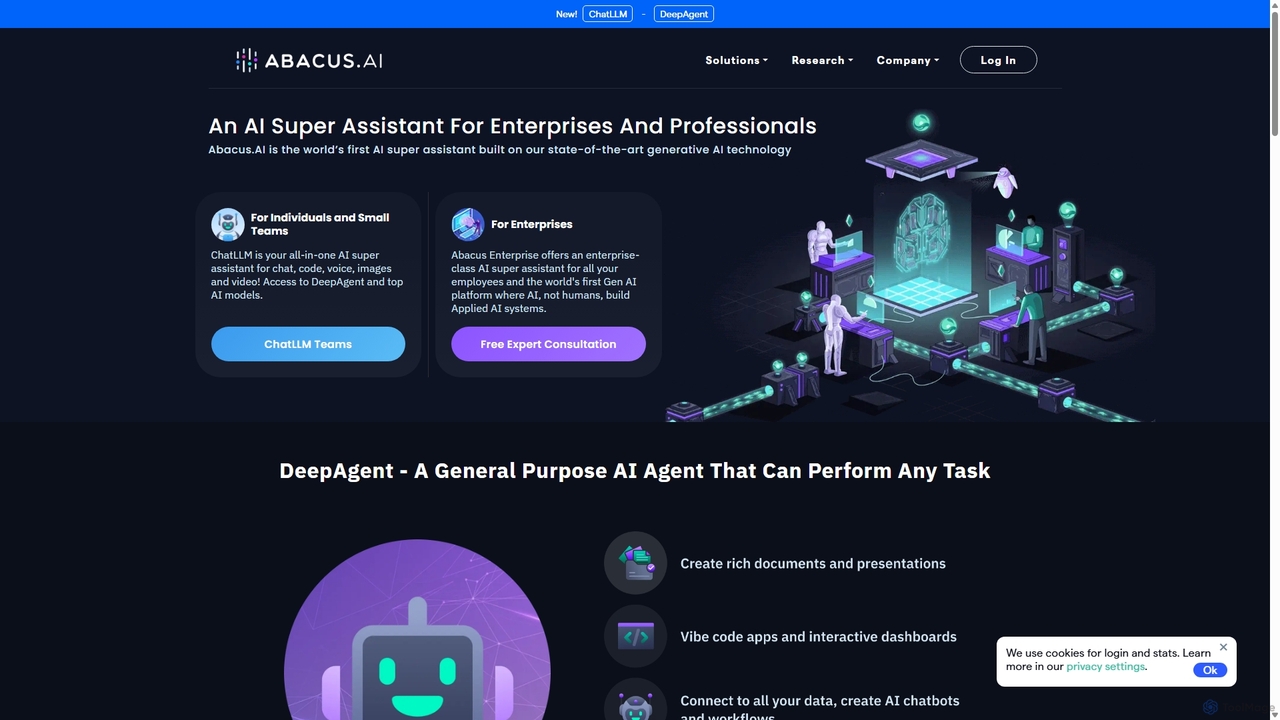
Abacus.AI
Abacus.AI is an advanced AI super assistant and generative AI platform designed for both enterprises and individuals. It enables the creation of AI agents, custom chatbots, and automated workflows to enhance productivity, analyze data, and build applied AI systems with minimal human intervention.
Chatbot
Wordware
Wordware is a no-code platform that transforms plain English descriptions into powerful AI workflows. It connects with over 2,000 applications, enabling users to automate complex tasks, build custom AI agents, and power entire products without writing a single line of code. It's designed for both individual makers and enterprise teams to innovate and improve efficiency.
Workflow Management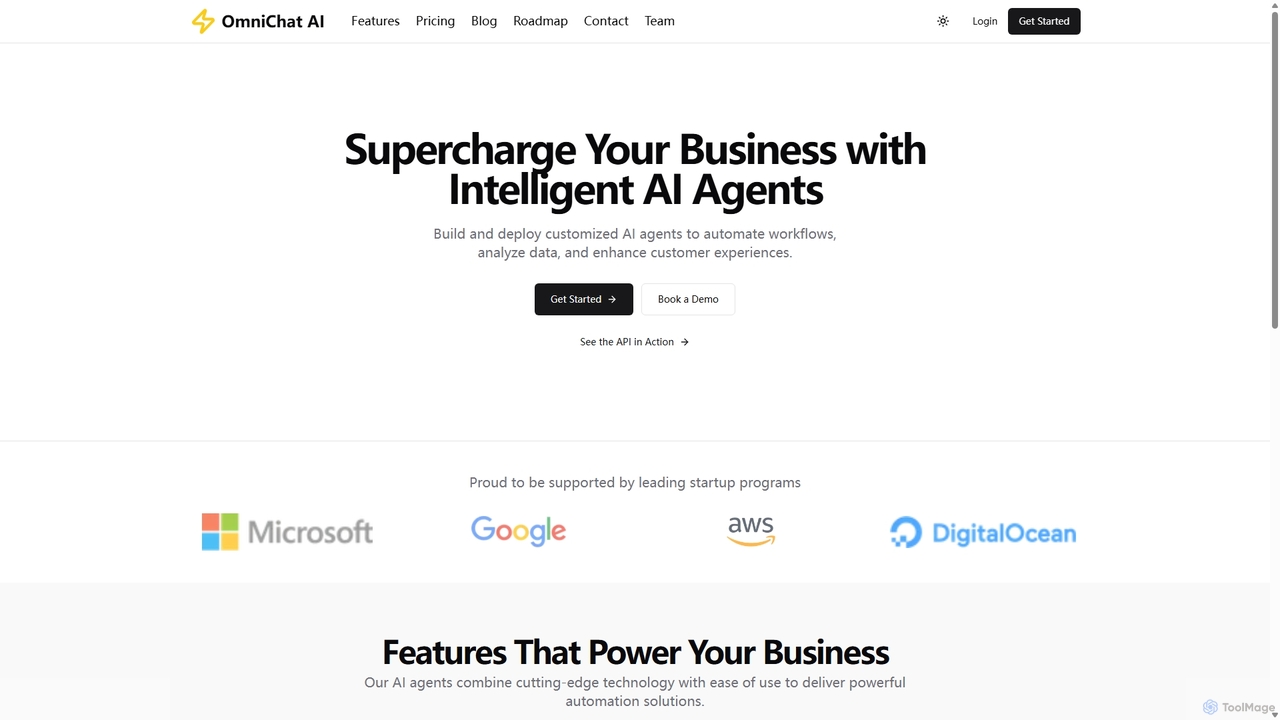
OmniChat AI
OmniChat AI is a powerful SaaS platform for building and deploying custom AI agents without coding. It enables businesses to automate workflows, analyze data, and enhance customer experiences through intelligent, API-integratable agents with advanced analytics and enterprise-grade security.
Chatbot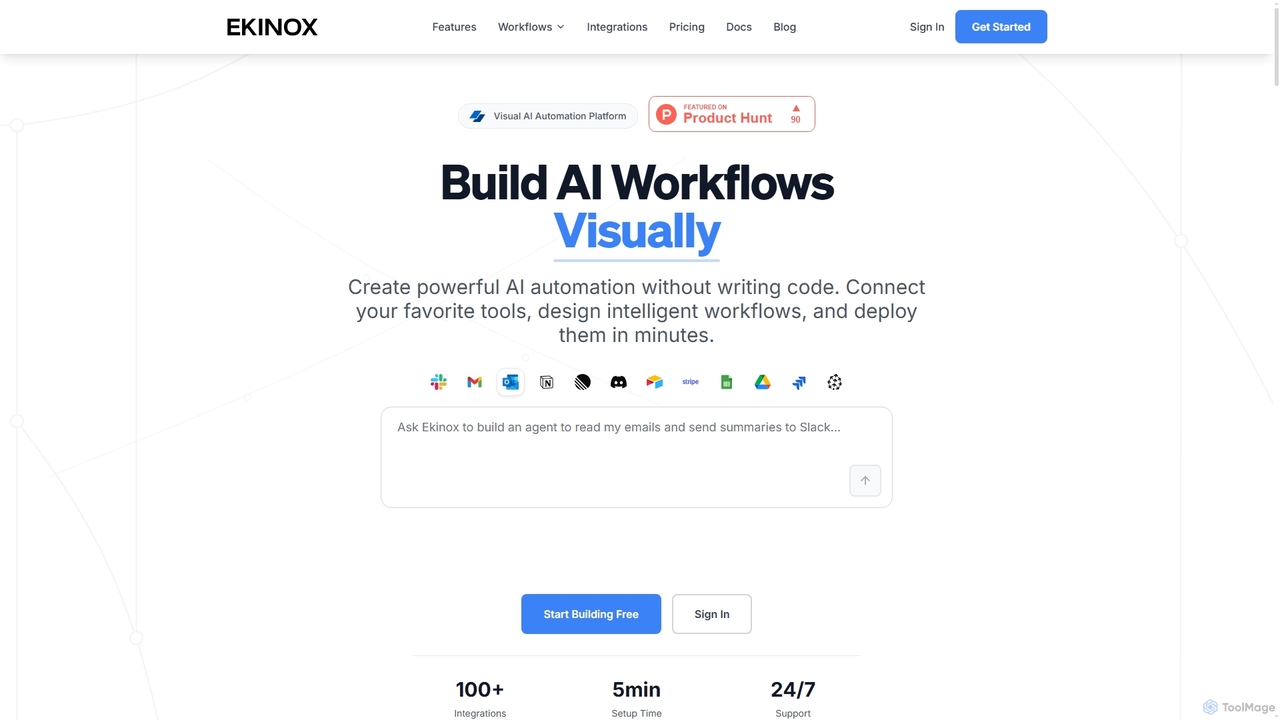
Ekinox
Ekinox is a visual AI automation platform that allows users to build, connect, and deploy complex AI workflows without writing any code. It features a drag-and-drop canvas, integrates with over 100 tools and AI models, and is designed for both simple task automation and sophisticated AI agent orchestration.
WorkflowZapier
Zapier is a leading no-code automation platform that empowers you to connect over 8,000 web apps. It now features a powerful AI toolkit, allowing you to build custom AI workflows, agents, and chatbots to automate tasks, streamline processes, and scale your business operations without writing a single line of code. From simple two-step integrations to complex, multi-step AI-powered workflows, Zapier makes automation accessible to everyone.
Ai Agent Builder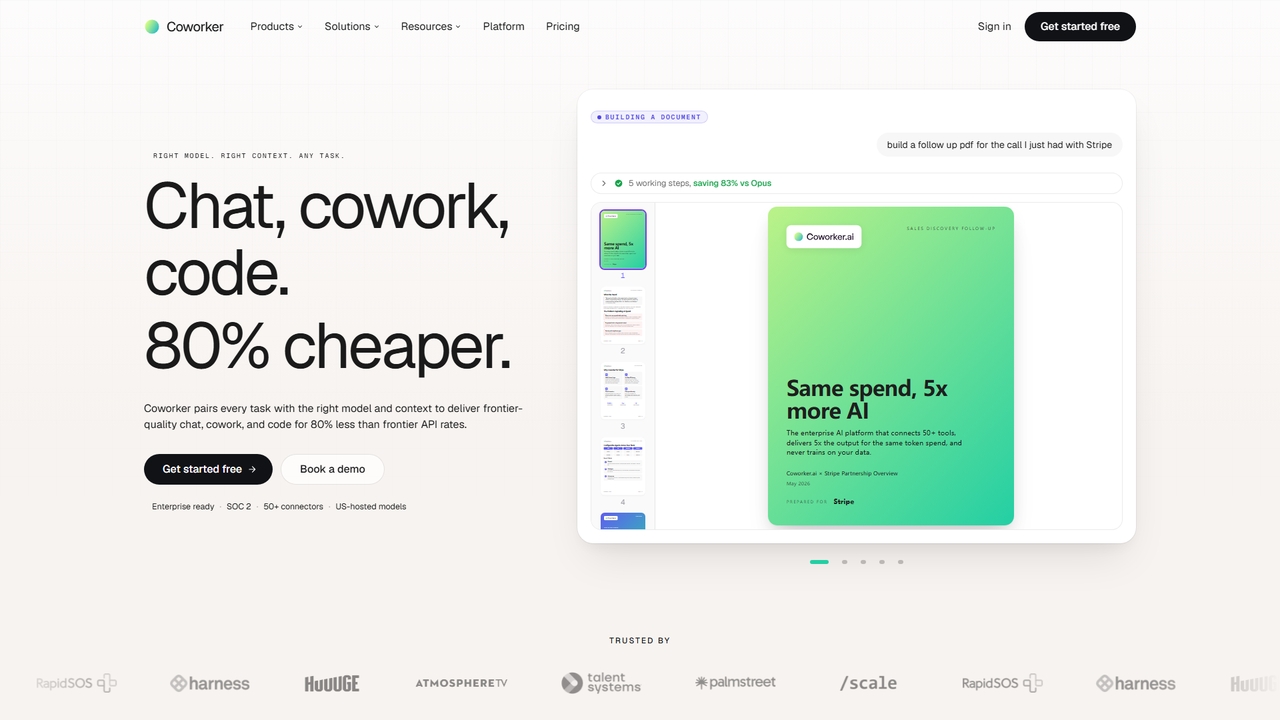
Coworker
An enterprise AI platform that connects 50+ tools, delivers 5x output for the same token spend, and never trains on your data for secure, cost-effective automation.
Conversational Ai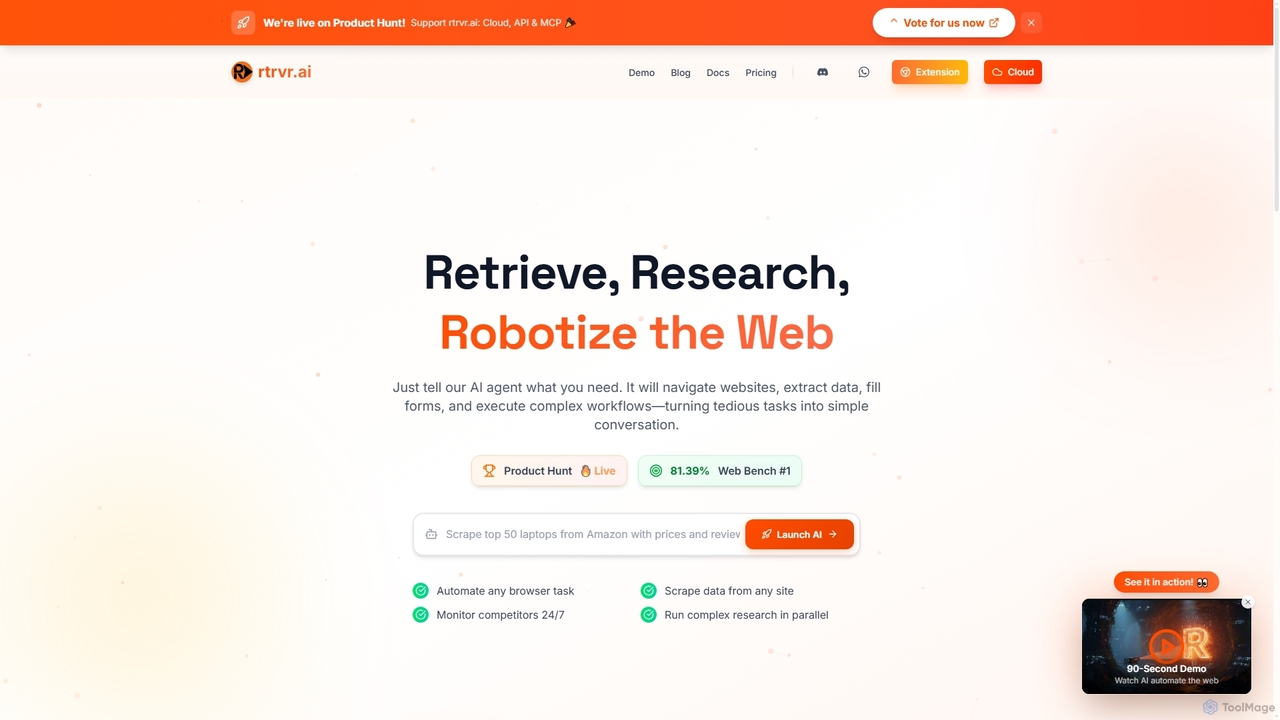
Rtrvr
Rtrvr is an advanced AI agent designed to automate complex web tasks using natural language. It navigates websites, extracts data, fills forms, and executes workflows, transforming tedious operations into simple conversations.
Web Automation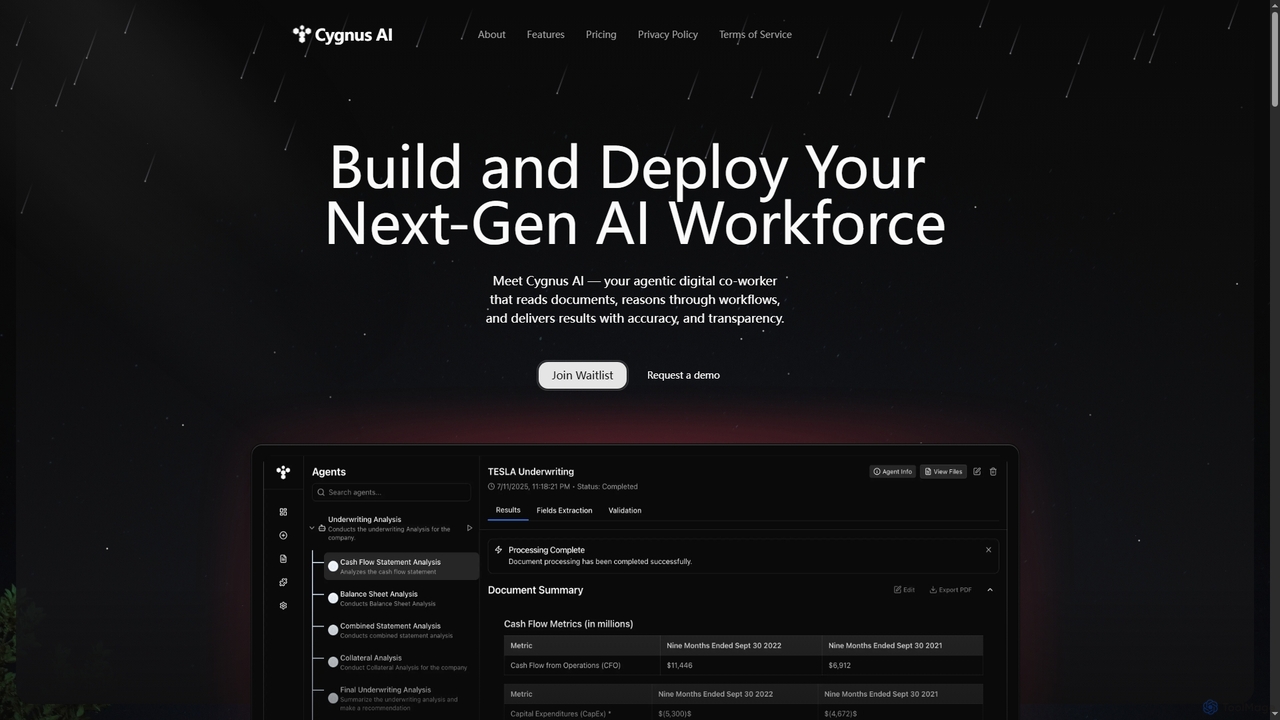
Cygnus AI
Cygnus AI is a platform for building and deploying an agentic digital workforce. Create AI agents that read documents, reason through complex workflows, and execute tasks autonomously with accuracy and transparency, all through a no-code interface.
Autonomous Agents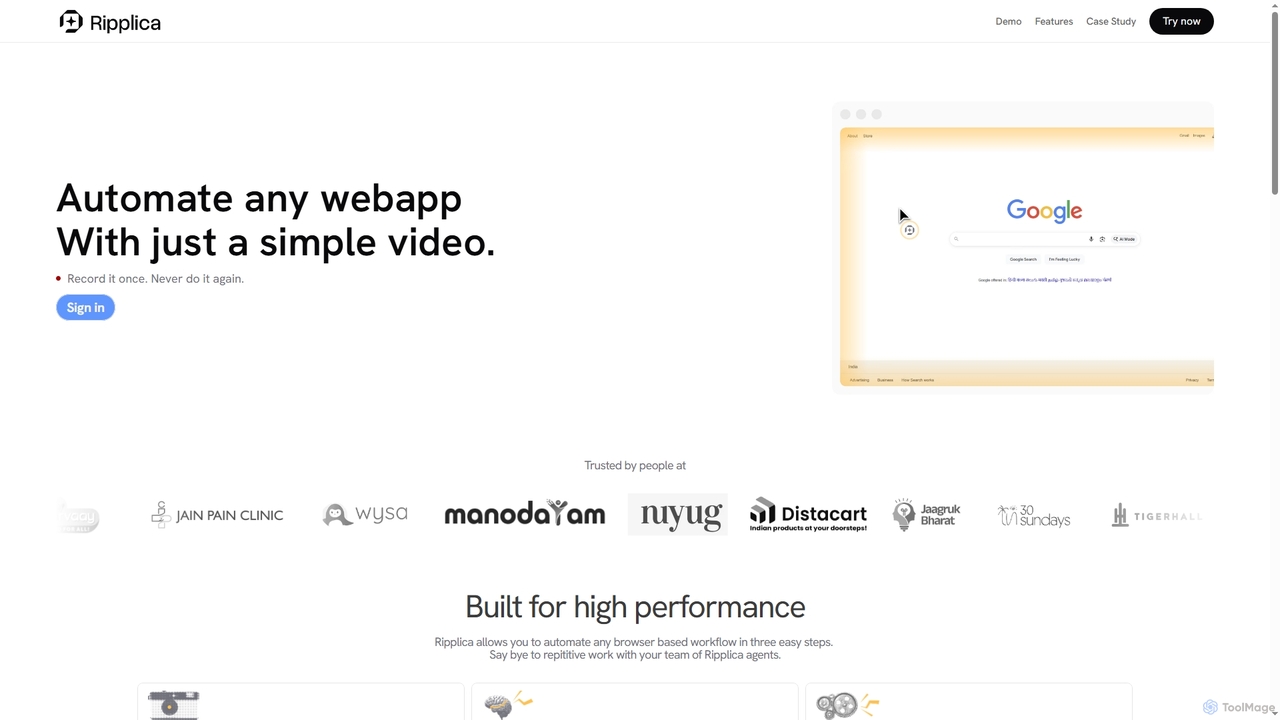
Ripplica
Ripplica is an AI-powered automation platform that turns simple screen recordings into executable workflows. It enables users to automate any browser-based task without needing APIs, compatible with both modern and legacy systems. By intelligently interpreting on-screen context, Ripplica handles repetitive work, allowing teams to boost productivity and focus on high-value activities.
Social Media Management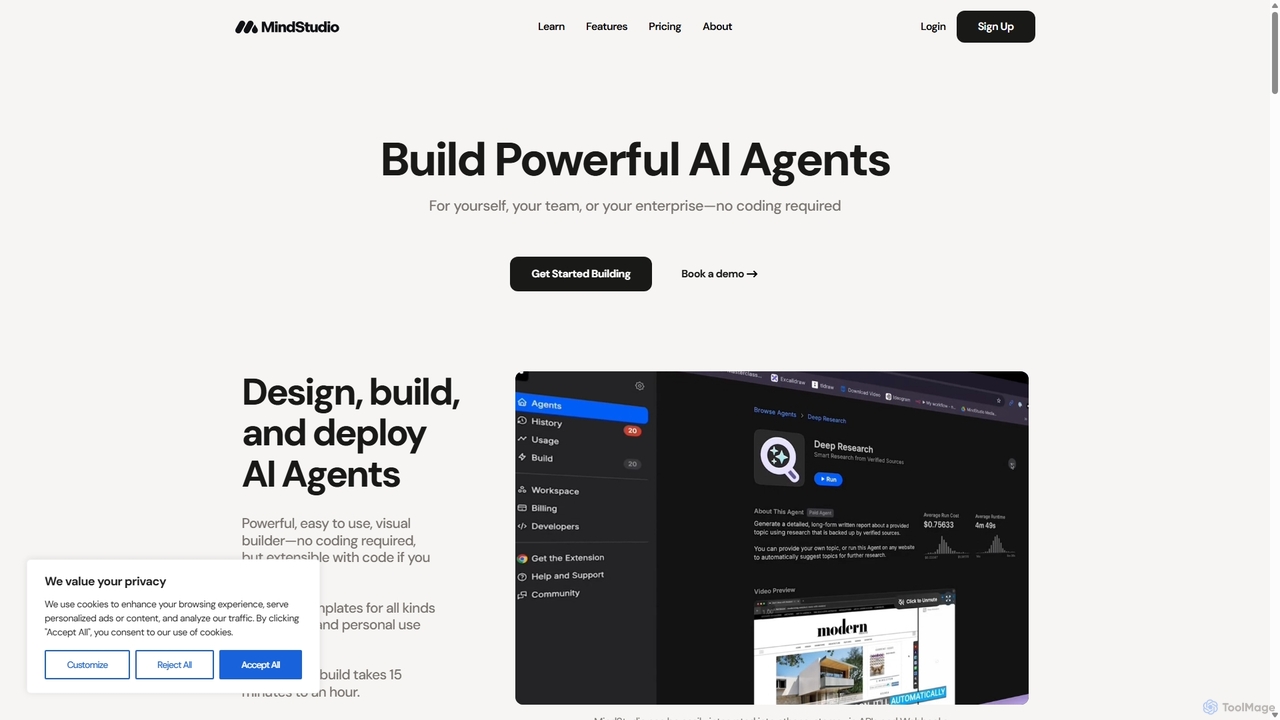
MindStudio
MindStudio is a no-code platform for designing, building, and deploying powerful AI agents. It offers a visual builder, over 100 templates, and seamless integration with 90+ LLMs and various data sources. Users can create AI-powered web apps, autonomous workflows, browser extensions, and more for personal, team, or enterprise use. It's designed for rapid development, robust automation, and scalable AI solutions without needing to write a single line of code, but is extensible with code if needed.
Ai Agent Builder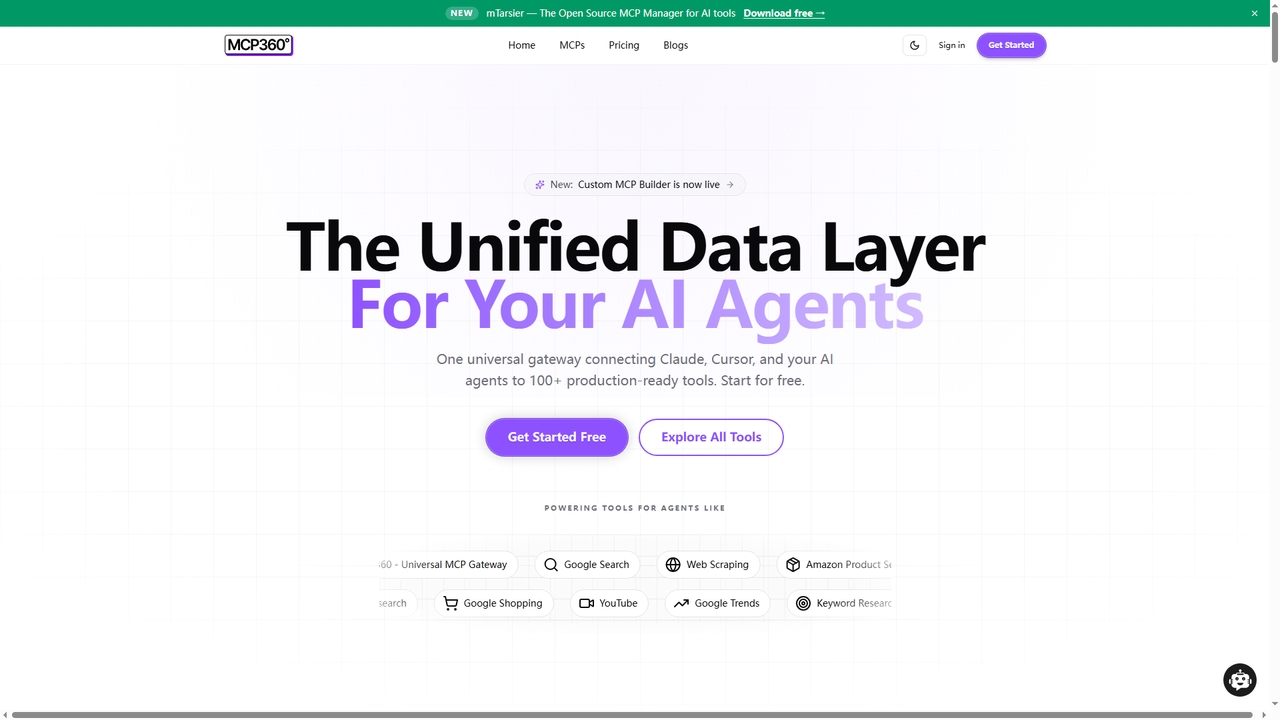
MCP360
MCP360 is a unified gateway for connecting AI agents like Claude and Cursor to over 100+ production-ready tools via the Model Context Protocol (MCP). It simplifies integration with a single subscription, offers a no-code custom MCP builder, and provides an interactive chat playground for real-time testing, accelerating AI workflow development.
Data & Research
Construct Comments (0)
Sign in to comment.
Sign inNo comments yet.