ToolMage
Sign in

Best 1 Development AI tools for Ar & Vr

Popular Development AI tools in Ar & Vr include Unity, helping you work more efficiently.

Unity
Freemium

Unity

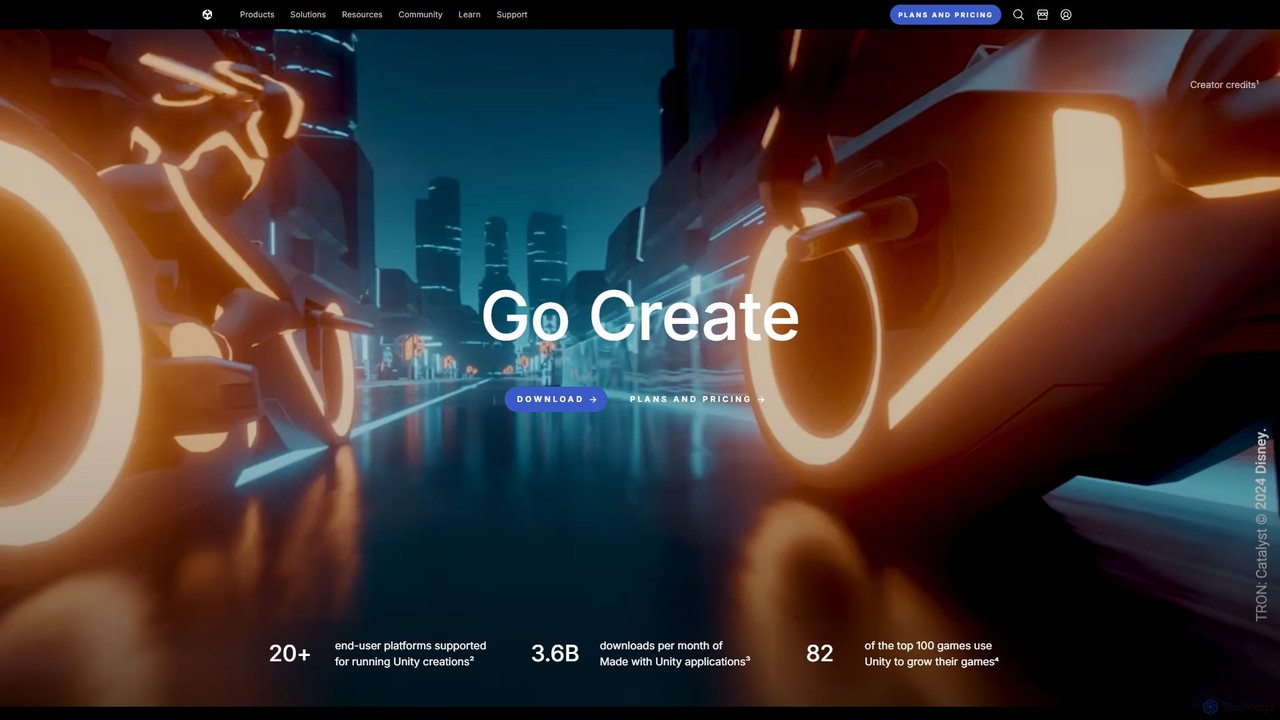
Unity is the world's leading real-time 3D development platform for creating and operating interactive content. It empowers creators across industries, from gaming and film to automotive and architecture, to build immersive experiences for over 20 platforms, including PC, mobile, console, VR, and AR.

3D Modeling
Visits 8.7MFavorites 112Likes 115

About Development

Development tools for AR & VR are specialized software platforms and SDKs that empower creators and engineers to build immersive augmented and virtual reality experiences. These tools provide comprehensive environments for coding, designing interactive logic, and integrating 3D assets, bridging the gap between digital content and real-world or virtual environments. They are essential for transforming innovative concepts into functional, high-performance AR/VR applications across various industries.

Core Features

  • AR/VR SDKs & APIs: Offer platform-specific functionalities for spatial tracking, environmental understanding, and device interaction (e.g., ARKit, ARCore, OpenXR).
  • 3D Engine Integration: Provide robust frameworks within popular game engines like Unity and Unreal Engine for building and optimizing AR/VR content.
  • Interaction Design Tools: Enable the creation of intuitive user interfaces and natural interaction methods, including hand tracking, gaze control, and haptic feedback.
  • Performance Optimization: Include profiling and debugging tools to ensure smooth frame rates and efficient resource utilization critical for immersive experiences.
  • Deployment & Testing Suites: Facilitate testing on various devices, simulation environments, and streamlined deployment to target AR/VR hardware and app stores.

Applicable Scenarios

These tools are crucial for professionals in game development, creating interactive virtual worlds and augmented reality games. They are also vital for industrial designers building virtual prototypes and simulations, and for educators developing immersive learning modules. From enterprise training to consumer entertainment, AR/VR development tools drive innovation.

How to Choose

When selecting AR/VR development tools, consider the target hardware and platform compatibility (e.g., mobile AR, standalone VR headsets, PC VR). Evaluate the learning curve and available community support, especially for new teams. Assess the range of features, including spatial computing capabilities, interaction methods, and integration with existing 3D asset pipelines. Finally, factor in licensing costs and scalability for future projects.

Featured tool rankings

Development use cases

1

Developing Immersive AR/VR Games

Game studios utilize AR/VR development tools to craft engaging virtual and augmented reality games. Developers leverage SDKs for spatial tracking and interaction design, integrating custom 3D models and animations. This enables the creation of interactive gameplay mechanics, realistic physics, and multi-user experiences, pushing the boundaries of interactive entertainment.

2

Building Industrial Training Simulations

Manufacturing and engineering firms employ AR/VR development tools to create realistic training simulations for complex machinery or hazardous environments. Trainees can practice procedures in a safe, virtual space, gaining hands-on experience without risk. These tools allow for precise replication of equipment, interactive step-by-step guides, and performance tracking, significantly reducing training costs and improving safety.

3

Creating Interactive Architectural Walkthroughs

Architects and real estate developers use AR/VR development tools to transform 2D blueprints into interactive 3D architectural visualizations. Clients can virtually walk through unbuilt properties, explore different design options, and experience spatial relationships firsthand. This enhances client engagement, facilitates design feedback, and accelerates decision-making processes before construction begins.

4

Designing Medical Training & Surgical Planning

Medical institutions and device manufacturers utilize AR/VR development tools to build advanced training modules for surgeons and medical students. These simulations offer realistic anatomical models, allow for practice of intricate surgical procedures, and provide immediate feedback. This improves surgical proficiency, reduces errors, and aids in pre-operative planning for complex cases.

5

Prototyping & Testing Product Designs

Product designers and engineers use AR/VR development tools to rapidly prototype and test new product designs in a virtual environment. Before physical manufacturing, they can visualize, manipulate, and iterate on designs, assessing ergonomics, aesthetics, and functionality. This accelerates the design cycle, reduces material waste, and allows for early identification of design flaws.

6

Developing Immersive Educational Content

Educators and content creators leverage AR/VR development tools to create engaging and interactive educational experiences. Students can explore historical sites, dissect virtual organs, or conduct science experiments in a safe, immersive setting. These tools enable dynamic learning modules that enhance comprehension, retention, and make abstract concepts tangible and exciting.

Development FAQ

What are AR/VR Development tools?

AR/VR Development tools are software platforms and SDKs specifically designed for creating augmented and virtual reality applications. They provide environments for coding, 3D asset integration, interaction design, and performance optimization. These tools enable developers to build immersive experiences for various devices, from mobile AR to high-fidelity VR headsets, bringing digital content into the real world or fully virtual environments.

How do AR/VR Development tools differ from general 3D modeling software?

While general 3D modeling software focuses on creating static or animated 3D assets (like characters or environments), AR/VR Development tools are for integrating these assets into interactive, real-time experiences. Development tools provide frameworks for spatial computing, user interaction (e.g., hand tracking, gaze), physics, and deployment to specific AR/VR hardware, which modeling software typically does not.

What programming languages are commonly used with AR/VR Development tools?

The most common programming languages for AR/VR development are C(especially with Unity) and C++ (often with Unreal Engine). JavaScript/TypeScript can be used for web-based AR/VR (WebXR), and Python might be used for backend services or data processing. Some platforms also offer visual scripting interfaces, allowing non-programmers to create interactive logic.

What are the key considerations when choosing an AR/VR Development platform?

Key considerations include the target platform (e.g., mobile AR, PC VR, standalone headsets), the required level of graphical fidelity, and the complexity of interactions. Evaluate the learning curve, available documentation, and community support. Also, consider the licensing model, integration capabilities with existing tools, and the platform's scalability to meet future project demands and evolving hardware.

Can beginners use AR/VR Development tools, or are they only for experienced developers?

While many advanced AR/VR development tools require programming knowledge, there are increasingly beginner-friendly options. Platforms like Unity and Unreal Engine offer visual scripting (e.g., Unity's Bolt, Unreal's Blueprints) that allow users to create interactive logic without extensive coding. Additionally, numerous tutorials, online courses, and strong community support make AR/VR development accessible to motivated beginners.