

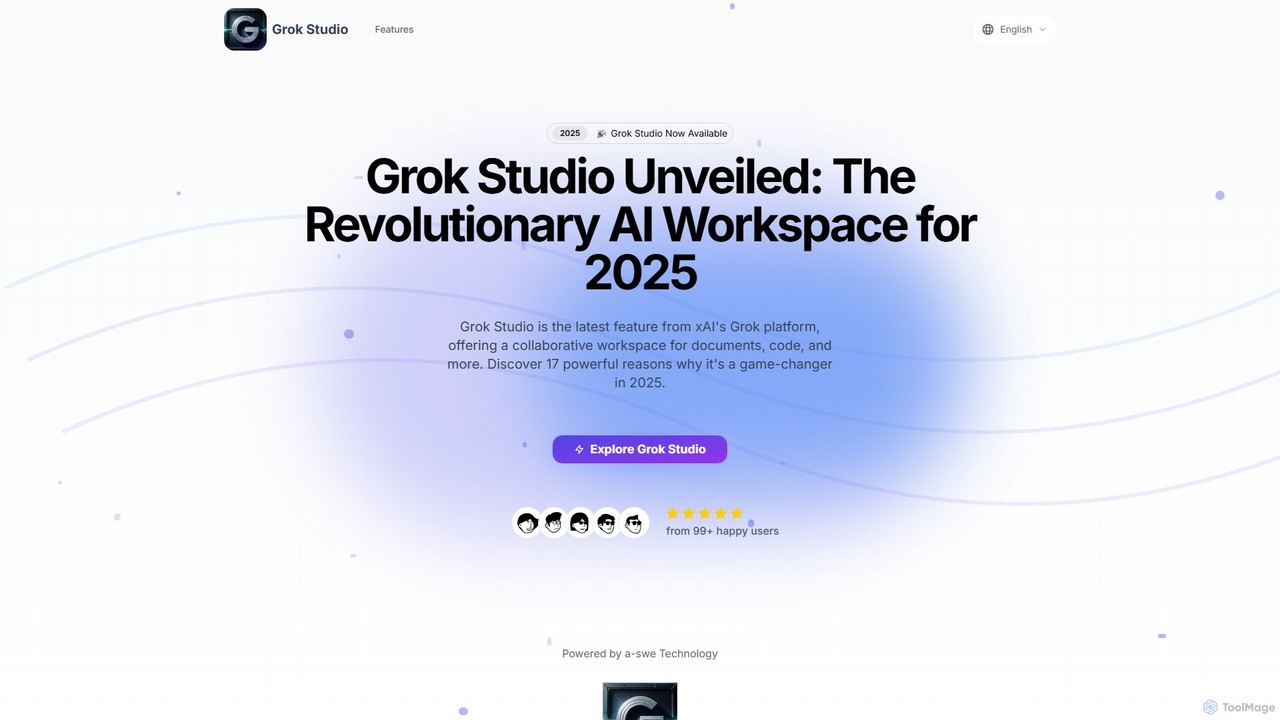
Grok Studio Overview
Grok Studio is a groundbreaking, AI-powered collaborative workspace developed by xAI, designed to revolutionize how developers, writers, and creators work. It integrates the powerful Grok AI into an intuitive environment, allowing for seamless creation and editing of a wide variety of content. The platform's core is its dual-pane, split-screen interface, which enables users to work on their content on one side while interacting with, questioning, and receiving suggestions from Grok AI on the other. This design minimizes context switching and dramatically enhances productivity.
Grok Studio is not just a text editor or an IDE; it's a comprehensive creative suite. It supports multi-format content creation, from standard documents and essays to complex code in various programming languages like Python, JavaScript, and C++. Furthermore, it offers specialized tools for building data reports and even interactive browser games using libraries such as Phaser.js. The real-time preview feature is a game-changer, allowing users to instantly see the results of their code execution or document formatting as they type, creating a fluid and responsive workflow.
How to use Grok Studio
Getting started with Grok Studio is straightforward, thanks to its intuitive workflow designed for users of all skill levels:
- Choose Your Content Type: Begin by selecting the type of project you want to work on. Options include documents, code projects, data reports, or browser games.
- Set Up Your Workspace: You can either import existing files directly from your device or seamlessly from Google Drive (including Docs, Sheets, and Slides) or start a new project from scratch within the dual-pane interface.
- Collaborate with Grok AI: This is where the magic happens. As you write, code, or analyze, you can interact with Grok AI in the adjacent panel. Ask it to write code snippets, debug errors, suggest content improvements, or explain complex concepts. The interaction is conversational and happens in real-time.
- Preview and Refine: Instantly see the output of your work in the preview pane. Run your code, check your document's layout, or test your game. Use the feedback to make adjustments, and then export or save your completed project back to Google Drive or your local machine.
Core Features of Grok Studio
- Split-Screen Interface: A dual-pane workspace that displays your content and the AI interaction side-by-side for a seamless and highly productive workflow.
- Real-Time Code Execution: Write and run code in a sandboxed environment with immediate results. This is perfect for learning, debugging, and rapid prototyping.
- Multiple Language Support: Extensive support for popular programming languages including Python, JavaScript, TypeScript, C++, and Bash, complete with syntax highlighting.
- Google Drive Integration: Effortlessly import, edit, and sync files with your Google Drive, including Google Docs, Sheets, and Slides, bridging the gap between your cloud storage and your AI workspace.
- Browser Game Development: A unique feature that allows users to create and test interactive browser games using popular libraries like Phaser.js, with AI assistance for asset creation and logic.
- Free Accessibility: Democratizing powerful AI tools, Grok Studio makes its core features available to both free and premium Grok users.
Use Cases for Grok Studio
Grok Studio's versatility makes it suitable for a wide range of applications:
- Software Development: Developers can write, test, and debug code faster than ever. Use Grok to generate boilerplate code, explain third-party libraries, or refactor complex functions.
- Content Creation: Writers and researchers can draft articles, reports, and essays, using Grok to brainstorm ideas, check grammar, summarize text, and find citations.
- Data Analysis & Reporting: Analysts can write scripts in Python to process data and generate visualizations, with Grok helping to formulate the correct syntax and logic.
- Education & Learning: Students and educators can use Grok Studio as an interactive learning tool for programming, where the AI acts as a 24/7 tutor, explaining concepts and helping with assignments.
Advantages of Grok Studio
Grok Studio stands out by offering a unified, intelligent, and accessible platform. Its primary advantage is the massive productivity boost from its real-time, collaborative AI interface. Unlike competitors that may gatekeep powerful features, Grok Studio provides its core functionality to all users, making advanced AI tools widely accessible. The integration with Google Drive and the unique focus on in-browser code execution and game development make it an exceptionally valuable tool for a broad audience, from professional developers to hobbyists and students.
Pricing and Plans
Grok Studio follows a freemium model. It is available to both free and paid subscribers of xAI's Grok. This approach ensures that everyone can access the powerful collaborative and creative features of the platform, with premium tiers likely offering enhanced capabilities, higher usage limits, or access to more advanced AI models in the future.
Traffic
Latest traffic
Status
Monthly traffic trend
- 2025-7: 37.7K
- 2025-8: 31.1K
- 2025-9: 26.6K
- 2026-3: 0
- 2026-4: 0
- 2026-5: 2.4K
Geography
Top 5 countries / regions
- 🇺🇸United States76.9%
- 🇮🇳India23.1%
Top keywords
| Keyword | Cost per click |
|---|---|
| grok ai studio | $0.00 |
| grok build | $5.95 |
| grok ia | $0.65 |
| grok studio | $2.40 |
| studio grok ai | $0.00 |
Grok Studio Alternatives
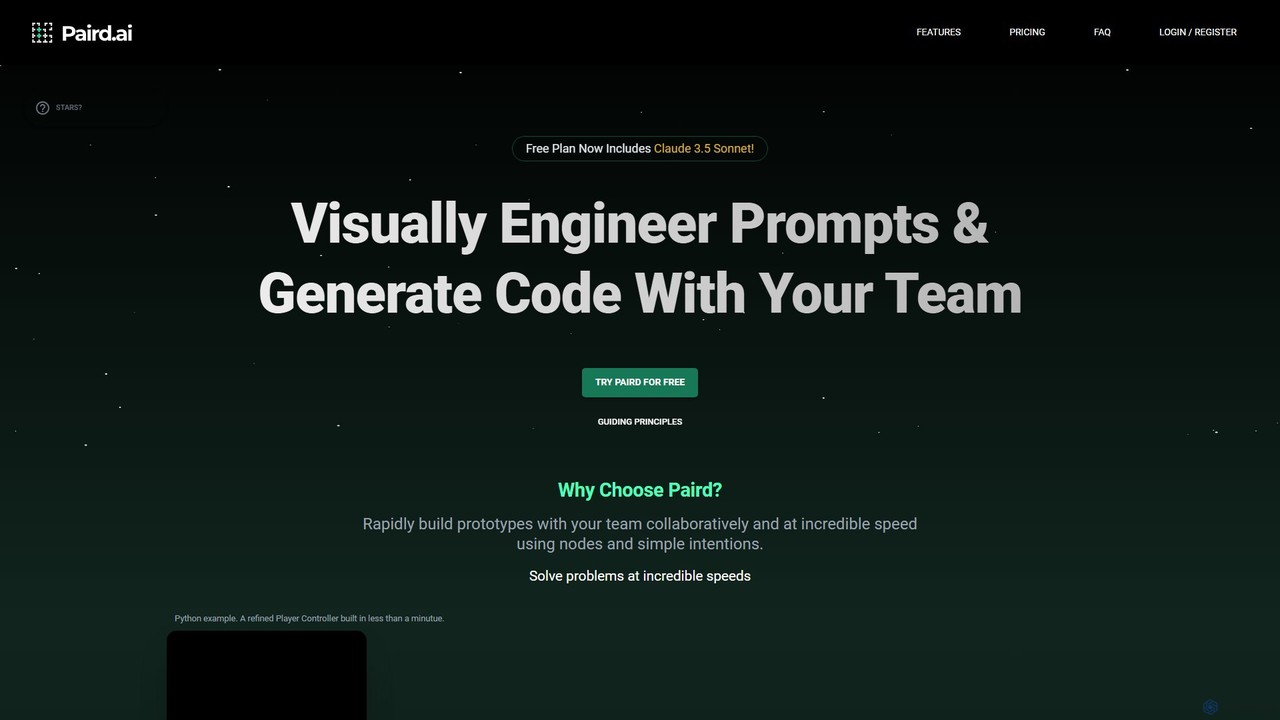
Paird.ai
Paird.ai is an AI-powered collaborative platform that elevates pair programming. It enables teams to visually engineer prompts, generate code in real-time using multiple LLMs like Claude 3.5 and GPT-4o, and receive AI-driven code evaluations. It's designed to accelerate prototyping, enhance problem-solving, and streamline complex development workflows for teams.
Code Generation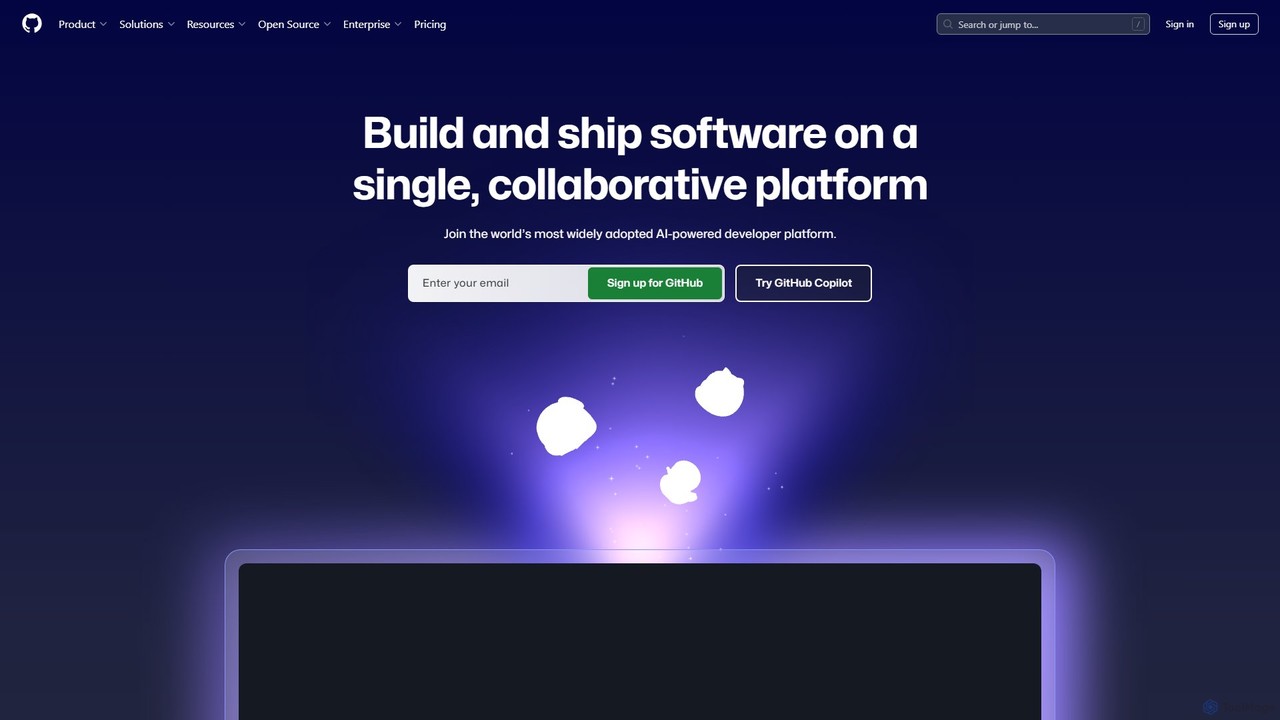
GitHub
GitHub is the world's leading AI-powered developer platform for building, shipping, and maintaining software. It provides Git-based version control, collaborative tools, and a complete DevOps lifecycle, supercharged by GitHub Copilot, an advanced AI code assistant that accelerates development and enhances code quality.
Code Assistant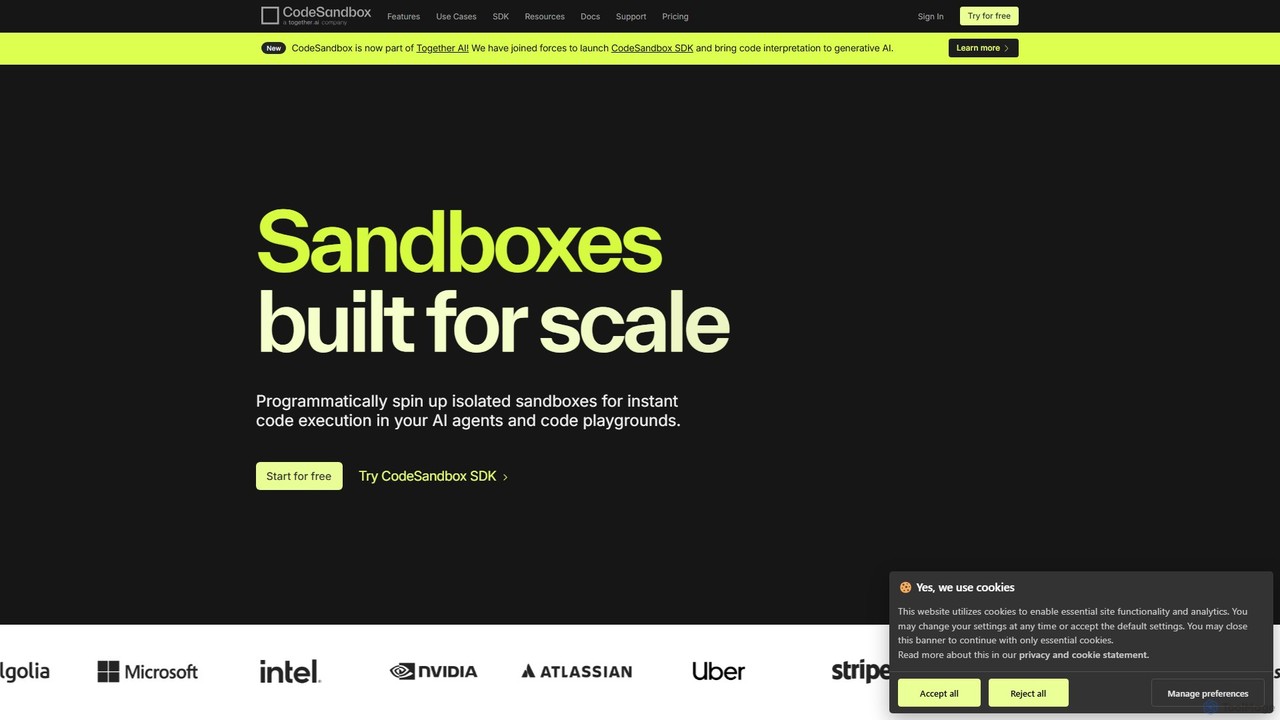
CodeSandbox
CodeSandbox is an instant cloud development environment that enables developers to build, share, and collaborate on web applications. It provides scalable, secure sandboxes for any project, from quick prototypes to full-stack applications, and now features a powerful SDK for integrating code execution into AI agents.
Code Generation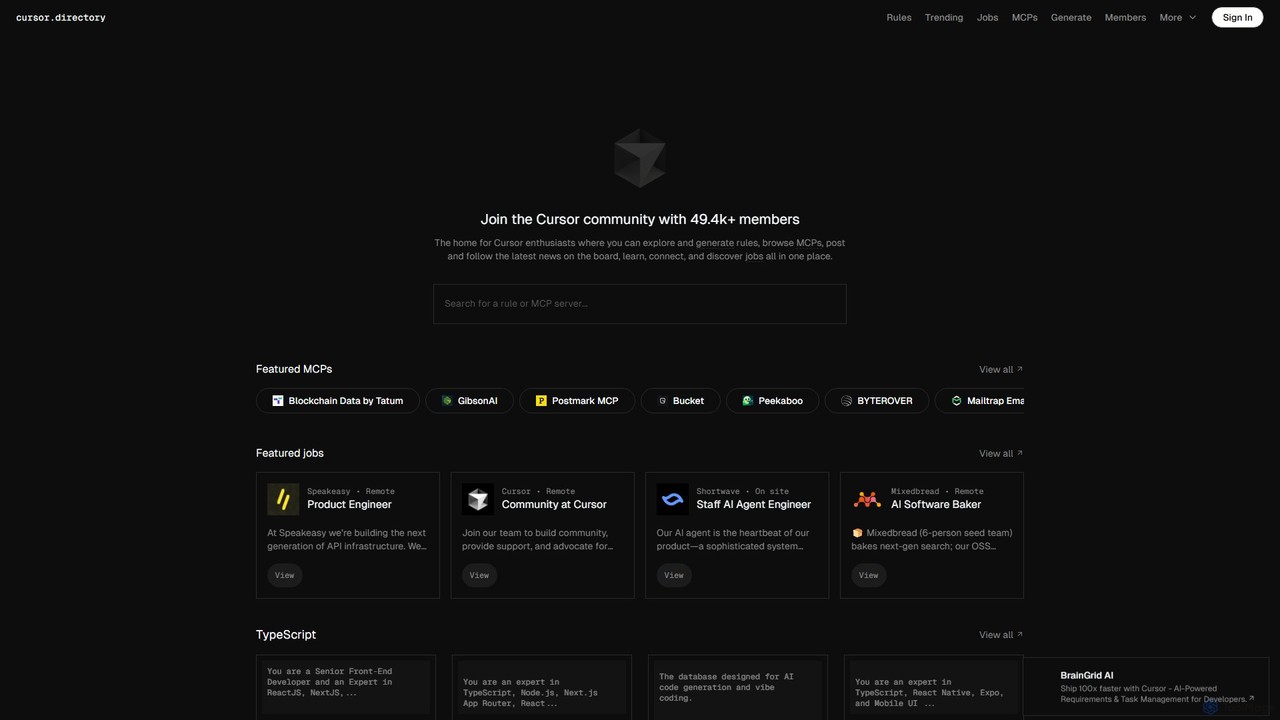
Cursor
Cursor is an AI-first code editor designed for modern software development. Built as a fork of VS Code, it integrates powerful AI capabilities directly into the editing experience, allowing developers to chat with their codebase, generate, edit, and debug code with unprecedented speed and context-awareness.
Code Generation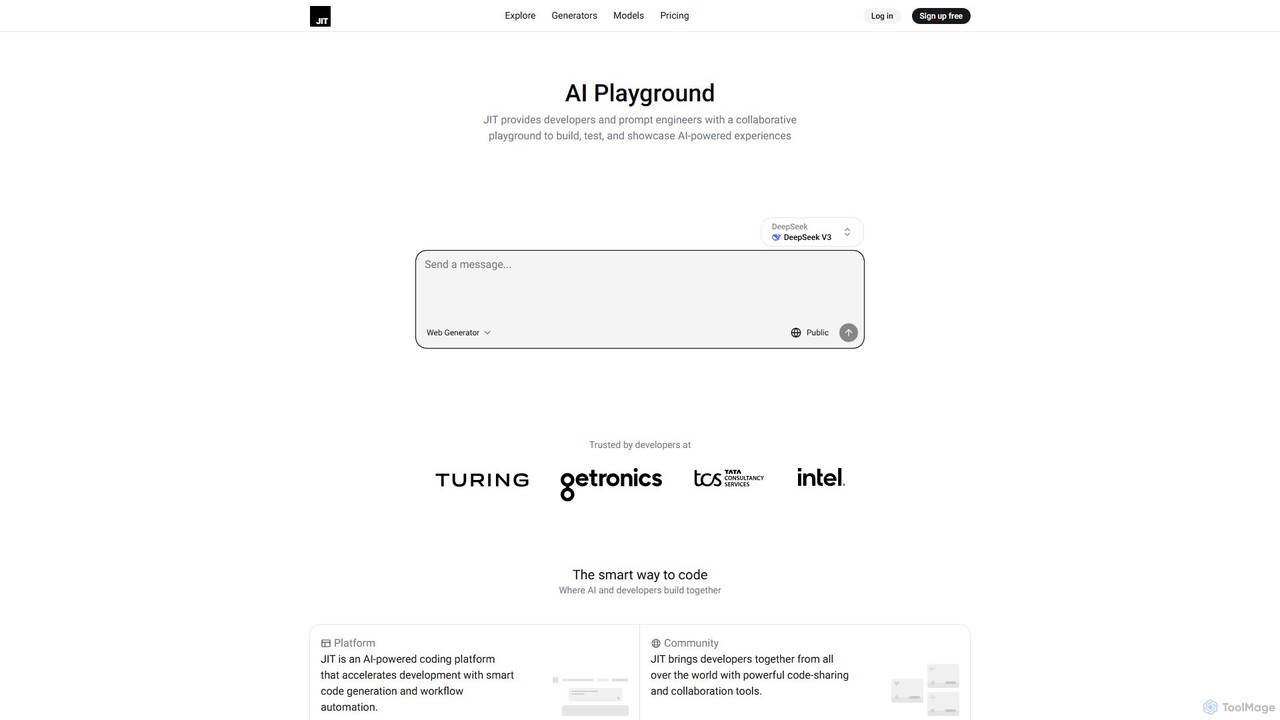
JIT
JIT is a collaborative AI playground for developers and prompt engineers. It accelerates coding with smart code generation, workflow automation, and multi-model chat. Build, test, and share AI-powered experiences using a vast library of code generators and community-driven tools.
Code GenerationGrok Studio Categories
Grok Studio Embed Widget
Copy this embed code to place the badge on your blog, article, or product site and send readers directly to this ToolMage detail page.

Related AI tools
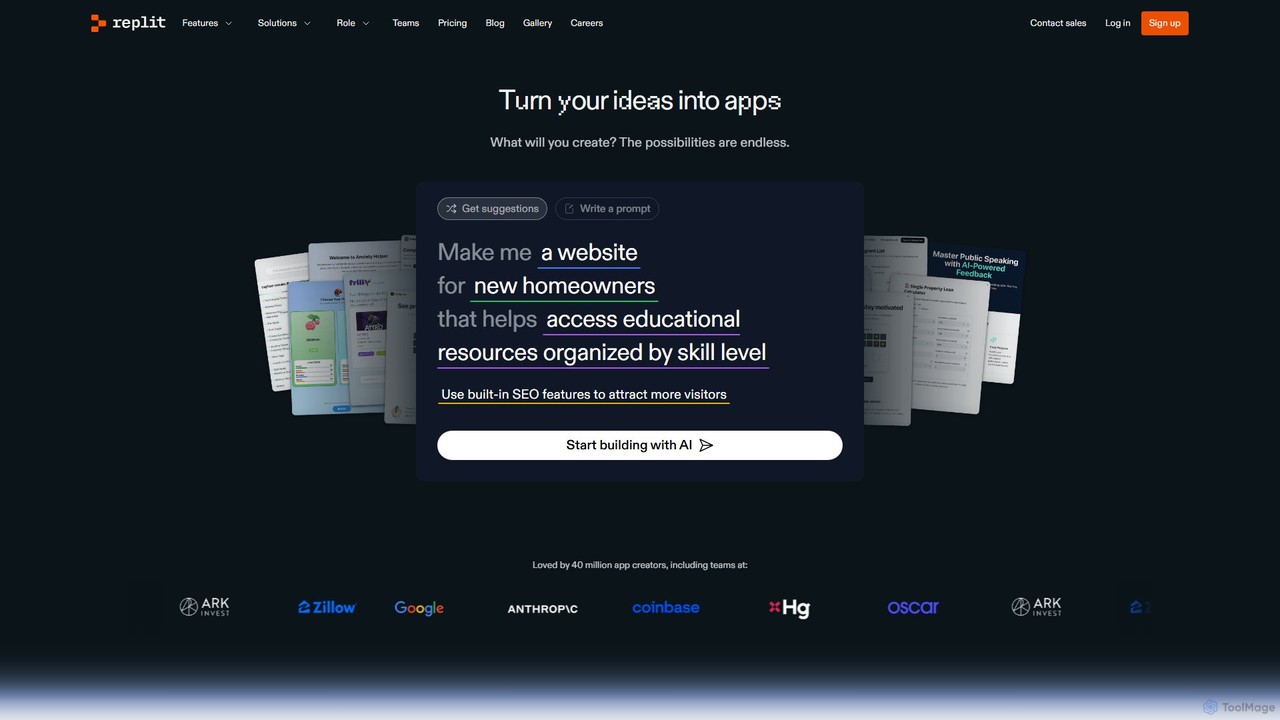
Replit
Replit is an AI-powered, collaborative, in-browser Integrated Development Environment (IDE) that allows users to build, deploy, and host applications, websites, and bots. Featuring the Replit Agent, it turns natural language prompts into functional software, making development faster and more accessible for everyone from beginners to enterprise teams.
HostingCodeSandbox
CodeSandbox is an instant cloud development environment that enables developers to build, share, and collaborate on web applications. It provides scalable, secure sandboxes for any project, from quick prototypes to full-stack applications, and now features a powerful SDK for integrating code execution into AI agents.
Code GenerationCursor
Cursor is an AI-first code editor designed for modern software development. Built as a fork of VS Code, it integrates powerful AI capabilities directly into the editing experience, allowing developers to chat with their codebase, generate, edit, and debug code with unprecedented speed and context-awareness.
Code GenerationJIT
JIT is a collaborative AI playground for developers and prompt engineers. It accelerates coding with smart code generation, workflow automation, and multi-model chat. Build, test, and share AI-powered experiences using a vast library of code generators and community-driven tools.
Code Generation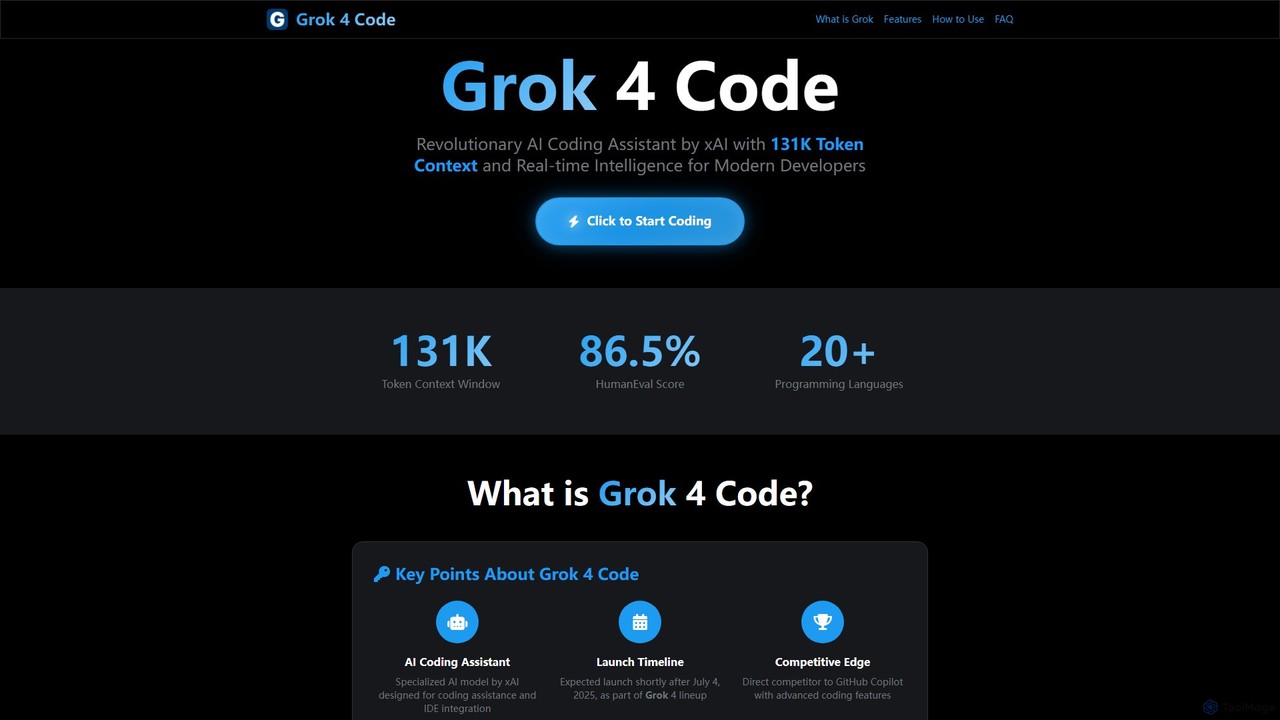
Grok 4 Code
Grok 4 Code is a revolutionary AI coding assistant from xAI, designed for modern developers. It features a massive 131K token context window, real-time web intelligence, and deep IDE integration. Supporting over 20 programming languages, it understands entire codebases, offers advanced reasoning, and provides less-censored, direct technical assistance to enhance productivity and solve complex programming challenges.
Code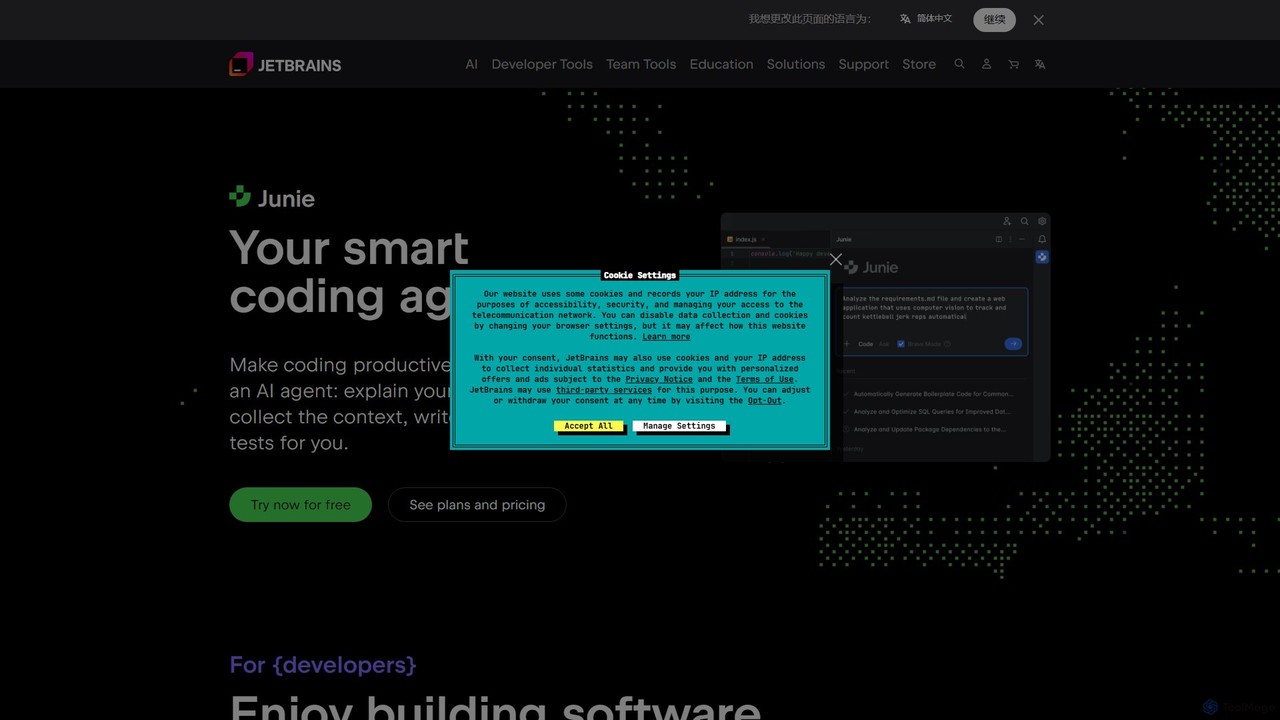
JetBrains
JetBrains provides a comprehensive suite of intelligent tools for software developers and teams, including powerful IDEs and an integrated AI Assistant. It enhances productivity with smart code completion, refactoring, and bug detection, streamlining the entire development lifecycle from coding to deployment. It supports a wide range of languages and offers robust team collaboration platforms.
Integrated Development Environment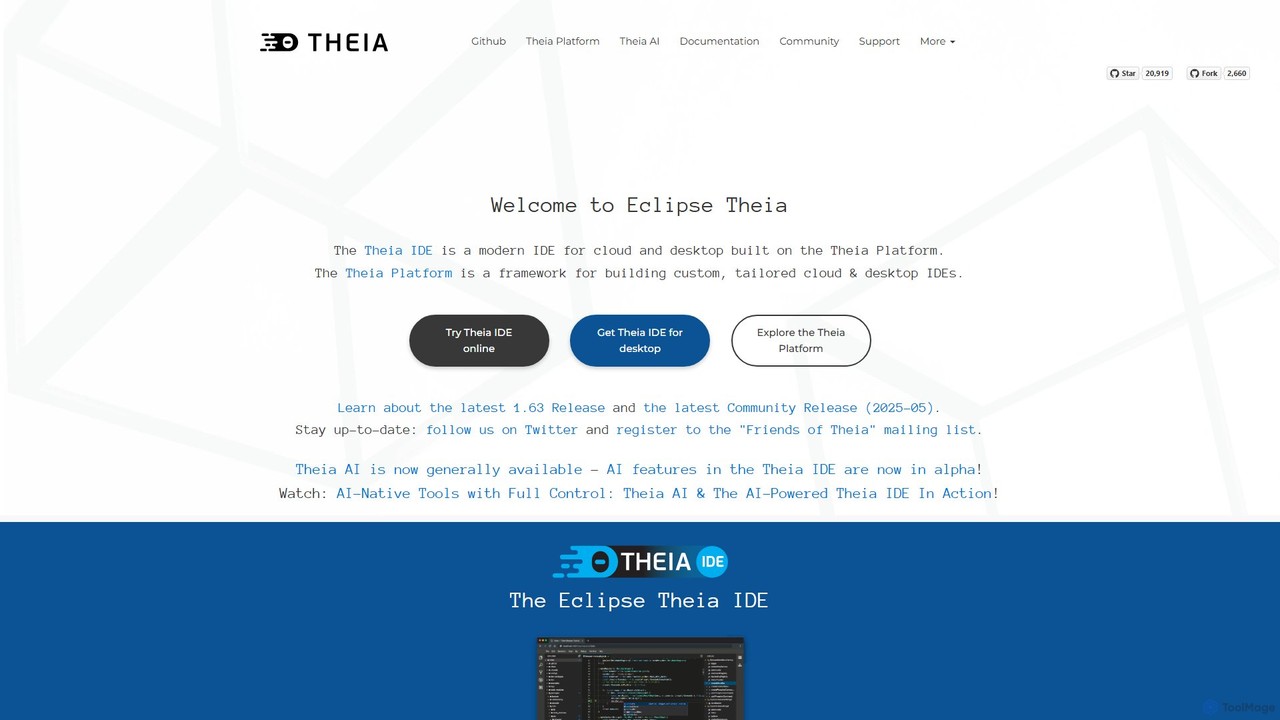
Theia IDE
Theia IDE is a modern, open-source IDE for cloud and desktop environments. It offers a flexible, extensible platform compatible with VS Code extensions and features powerful, privacy-focused AI capabilities. As a vendor-neutral alternative to VS Code, it supports numerous programming languages and allows for deep customization, making it ideal for individual developers and enterprises seeking control over their development tools.
Low Code No Code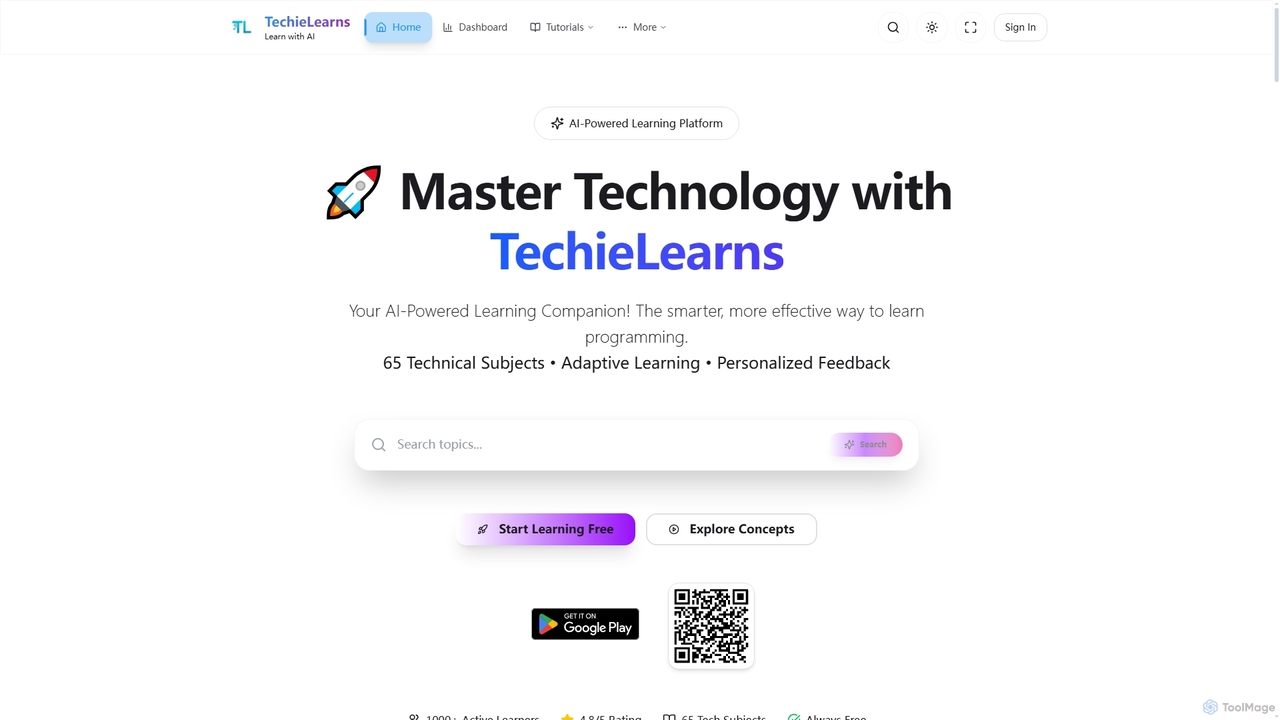
TechieLearns
TechieLearns is an AI-powered learning platform designed to help individuals master programming and various technical subjects through adaptive lessons, interactive coding practice, and personalized feedback. It offers a comprehensive, engaging, and always-free learning experience for all skill levels.
Personalized Learning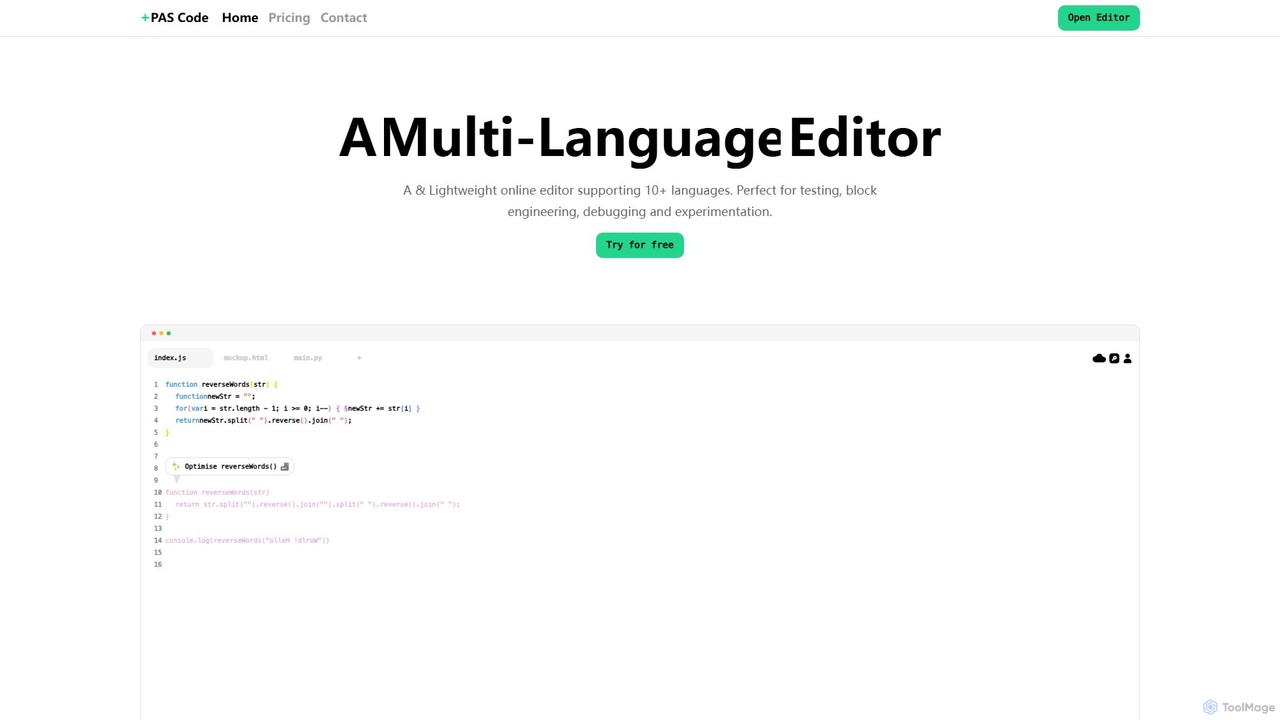
PAS Code
PAS Code is a lightweight, customizable online code editor designed for developers. It supports over 10 languages and features AI-powered autofill, smart prompts, and seamless cloud syncing. With features like a block editor for notes, live HTML previews, and secure compilation, it's perfect for testing, debugging, and rapid prototyping. It offers a free tier to get started.
Code Generation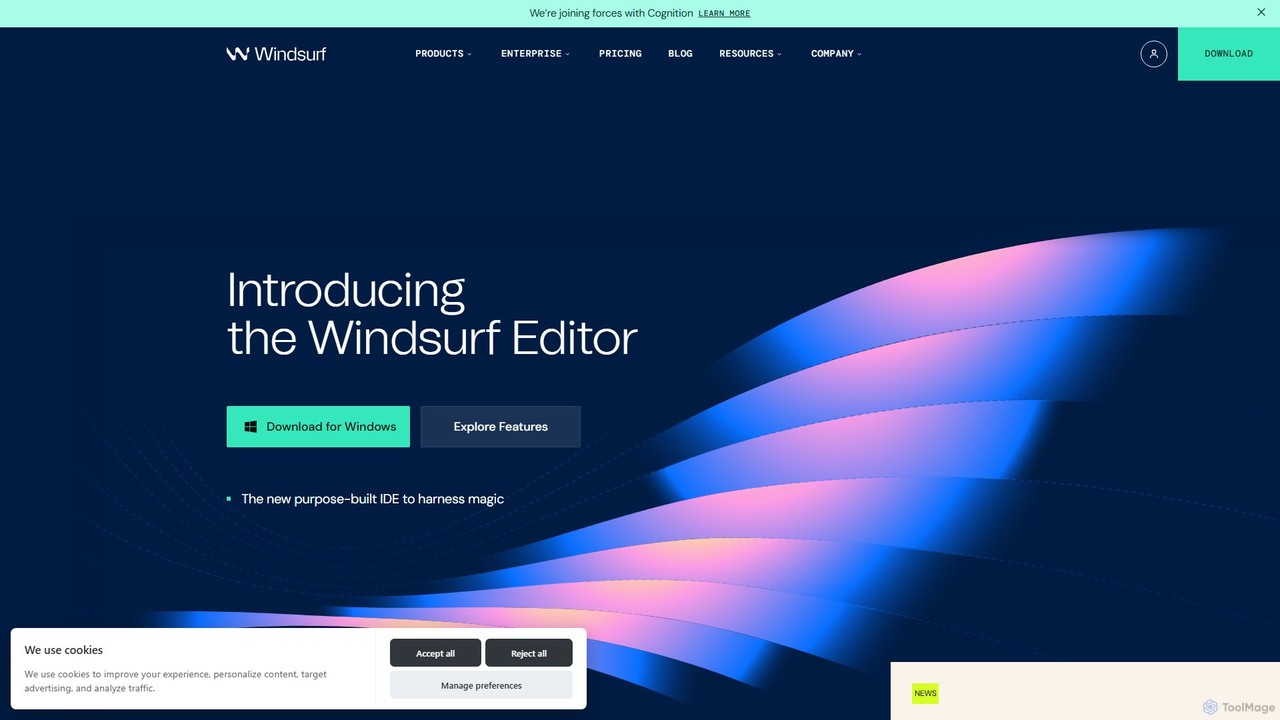
Codeium
Codeium is a free, AI-powered toolkit for developers, offering lightning-fast code completion and an in-editor chat assistant. As a leading alternative to GitHub Copilot, it supports over 70 languages and integrates with more than 40 IDEs to accelerate software development.
Code Generation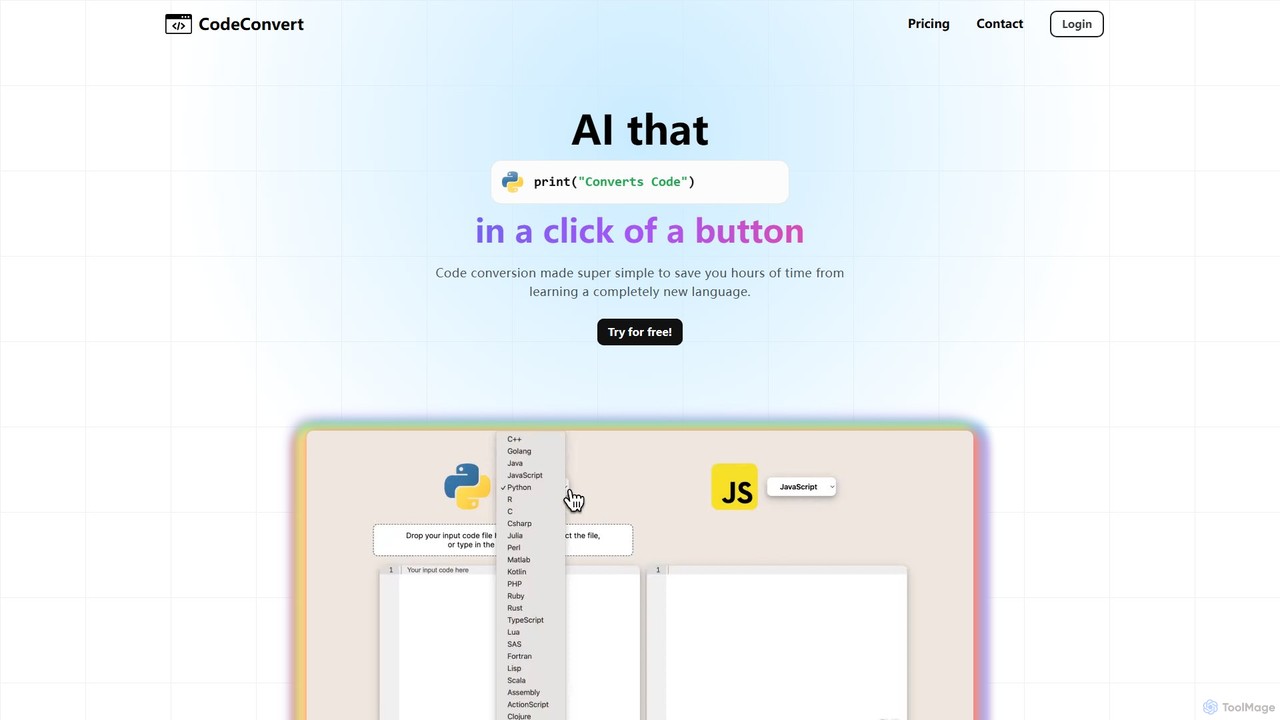
CodeConvert
CodeConvert is an AI-powered tool that instantly translates code snippets between over 50 programming languages. It helps developers save hours of manual rewriting, learn new languages, and migrate projects efficiently. Features include high-accuracy conversion, code generation, and code explanation.
Code Assistant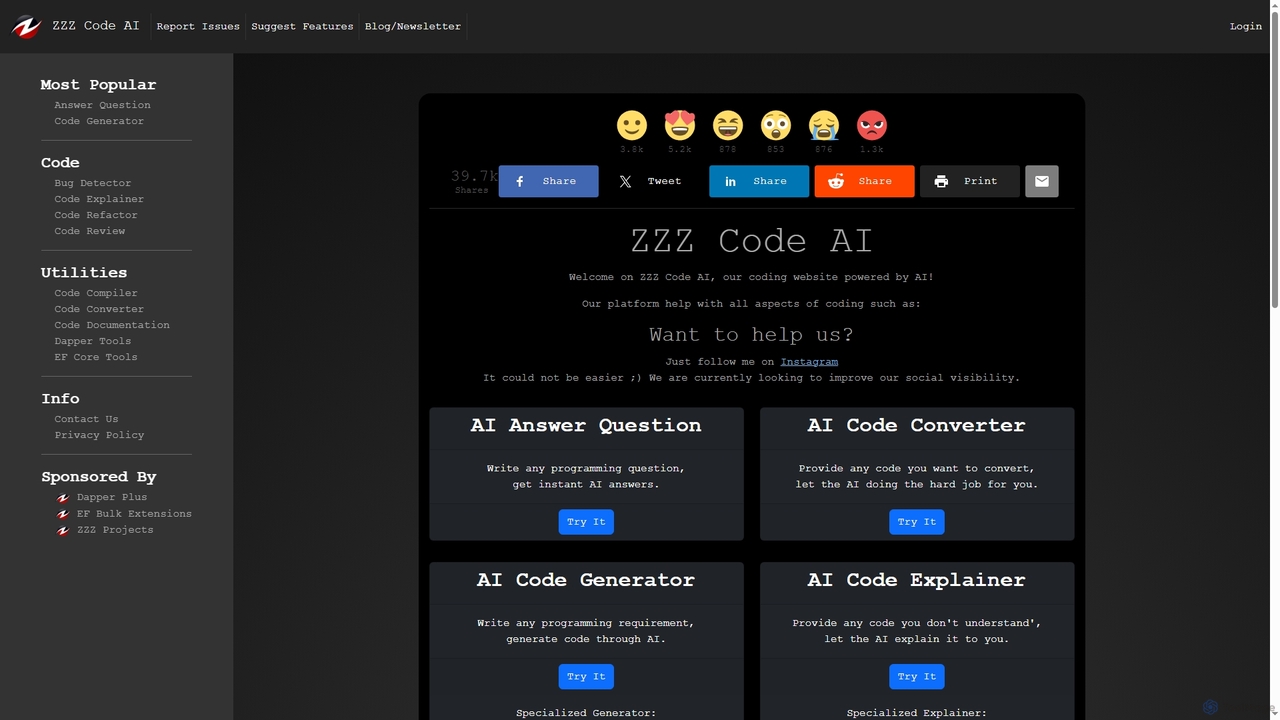
Zzzcode
Zzzcode is a free, AI-powered online platform offering a comprehensive suite of coding tools for developers. It can generate, explain, debug, refactor, review, document, and convert code across numerous programming languages, and provide instant answers to programming questions.
Code Assistant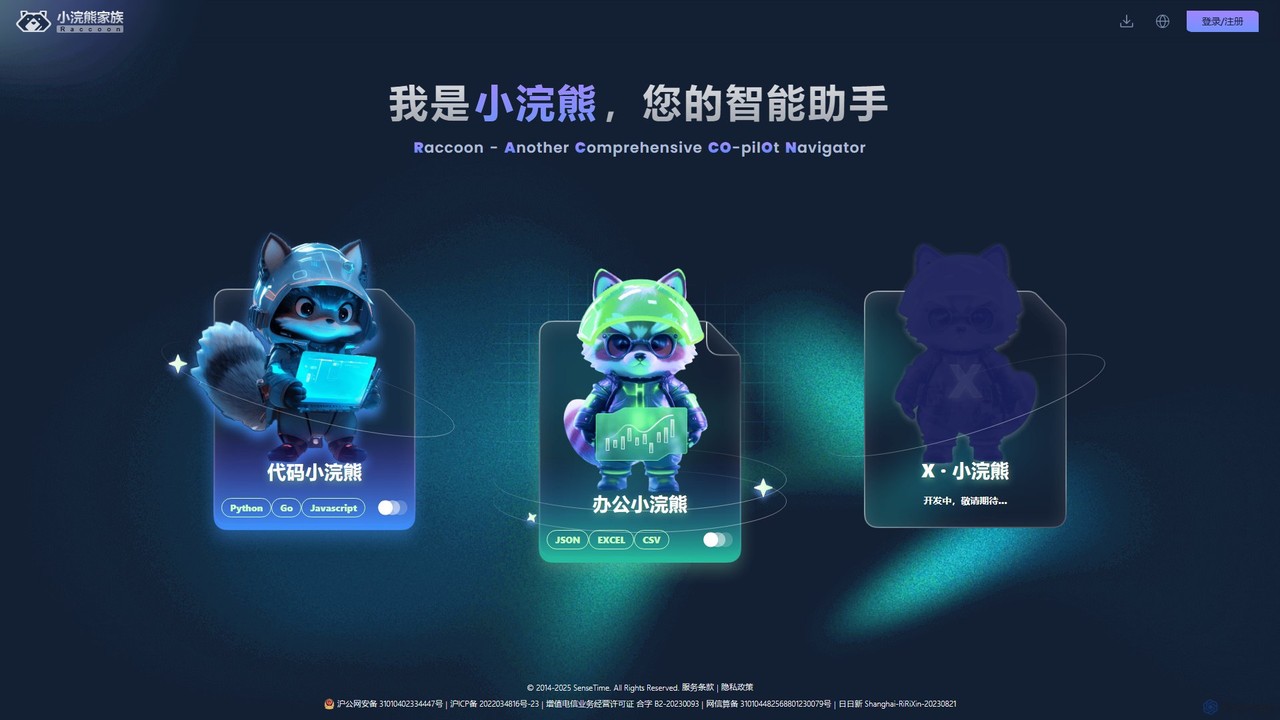
Raccoon
Raccoon, by SenseTime, is an AI-powered assistant suite designed to boost productivity for developers and office professionals. It features "Code Raccoon" for intelligent code generation, debugging, and translation in Python, Go, and JavaScript, and "Office Raccoon" for advanced data analysis and visualization from Excel, CSV, and JSON files.
Code Assistant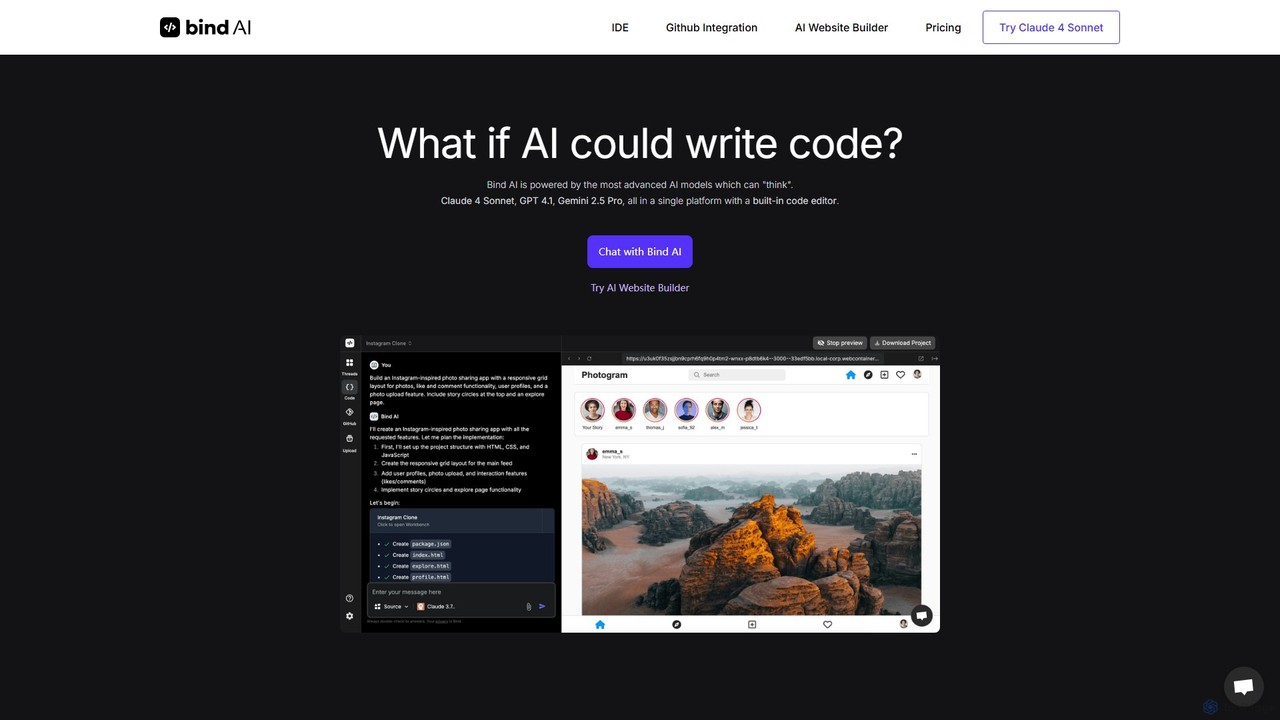
Bind AI
Bind AI is an AI-powered IDE and Copilot that enables developers and founders to build full-stack web applications, landing pages, and WordPress plugins using simple text prompts. It integrates multiple advanced AI models, supports over 15 programming languages, and offers features like GitHub sync and project hosting to accelerate the development process from idea to deployment.
Code Assistant
Codecademy
Codecademy is a leading online interactive platform for learning to code. It offers courses in over a dozen programming languages and tech subjects, enhanced by an AI-powered assistant that provides personalized help, debugging, and explanations to create an effective, hands-on learning experience for millions of users worldwide.
Code Assistant
Grok Studio Comments (0)
Sign in to comment.
Sign inNo comments yet.