

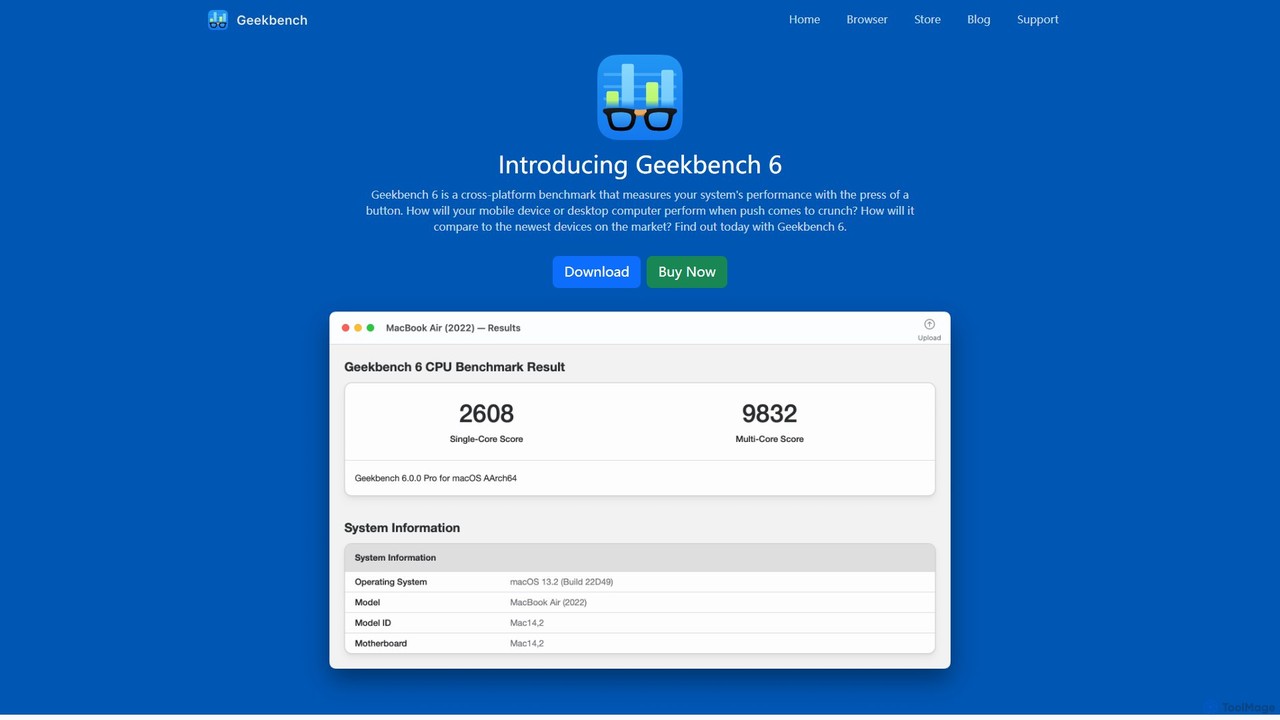
Geekbench Overview
Geekbench, developed by Primate Labs, is the industry-standard suite for measuring and comparing processor and memory performance across a vast array of devices. It provides a comprehensive set of benchmarks engineered to quickly and accurately assess the capabilities of your hardware. Geekbench 6, the latest version, has been updated with new CPU workloads and GPU Compute tasks that model real-world applications and scenarios, including augmented reality (AR) and machine learning (ML), ensuring the results are relevant to modern computing challenges.
In addition to traditional CPU and GPU testing, Geekbench has introduced Geekbench AI, a specialized benchmark designed to measure on-device AI performance with confidence. It runs ten distinct AI workloads using large, realistic datasets to provide a multi-dimensional view of a device's AI capabilities. This allows users to test performance on specific hardware components like the CPU, GPU, or dedicated Neural Processing Units (NPUs) and understand the impact of different AI frameworks like Core ML or QNN.
How to use Geekbench
Using Geekbench is a straightforward process designed for both novices and experts. First, download the appropriate version of the Geekbench application for your operating system (macOS, Windows, Linux, iOS, or Android) from the official website. Once installed, simply launch the application and choose the benchmark you wish to run: CPU Benchmark, GPU Compute Benchmark, or the specialized Geekbench AI Benchmark. Click the 'Run' button to start the test. The software will then execute a series of tasks that simulate real-world use cases. Upon completion, Geekbench will display a set of scores. You can analyze these scores locally or upload them to the Geekbench Browser. By creating a free account on the Geekbench Browser, you can track all your results in one place, compare your device's performance against a massive global database of other devices, and share your findings with the community.
Core Features of Geekbench
- CPU Benchmark: Measures your processor's single-core and multi-core power using tests that simulate everyday tasks like checking email, playing music, and processing images, as well as cutting-edge applications in AR and ML.
- GPU Compute Benchmark: Evaluates the potential of your system's graphics processor for gaming, image processing, and video editing. It supports major APIs including OpenCL, Metal, and Vulkan.
- Geekbench AI Benchmark: A dedicated tool to measure real-world, on-device AI performance. It tests CPUs, GPUs, and NPUs with ten different workloads and three data types (Single Precision, Half Precision, and Quantized).
- Cross-Platform Comparison: Designed from the ground up to allow direct performance comparisons between devices running different operating systems and processor architectures.
- Geekbench Browser: An online platform to upload, store, and share your benchmark results. It features comprehensive Benchmark Charts aggregated from real users to help you make informed decisions.
- Real-World Tests: Employs practical, everyday scenarios and realistic datasets to ensure that benchmark results are relevant and directly applicable to how you use your devices.
- Professional Features (Pro Version): Offers command-line automation for streamlined testing, the ability to save results offline for privacy, and a license for commercial use.
Use Cases for Geekbench
Geekbench serves a wide range of users. For consumers, it's an invaluable tool for making informed purchasing decisions by comparing the performance of smartphones, laptops, and desktops. Tech journalists and reviewers rely on it to provide objective, standardized performance data in their articles and videos. Developers use Geekbench to test and optimize their applications, ensuring they run efficiently across various hardware. IT professionals can use it for system diagnostics and to benchmark hardware for enterprise deployment. For hardware enthusiasts and overclockers, it's the perfect tool to quantify performance gains from system modifications and tweaks.
Advantages of Geekbench
The primary advantage of Geekbench is its position as a universal, cross-platform standard. It provides a single, reliable yardstick to measure performance across the entire computing landscape, from mobile phones to high-end servers. Its focus on real-world workloads, rather than purely synthetic tests, means the scores it produces are a more accurate reflection of actual user experience. The tool is both simple enough for a casual user to run a quick test and powerful enough for a professional to conduct in-depth, automated analysis. The vast, user-populated Geekbench Browser database adds immense value, providing context for every result.
Pricing and Plans
Geekbench offers a flexible pricing structure to suit different needs:
- Geekbench 6 (Free): Ideal for personal, non-commercial use. It includes the full CPU and GPU benchmarks and allows users to manage their results online via the Geekbench Browser.
- Geekbench 6 Pro ($99 per user): Aimed at professionals and commercial users. This one-time purchase includes all features of the free version, plus powerful tools like command-line automation, standalone mode for portable use, offline results management, and a commercial use license.
- Corporate Licenses: For larger organizations, Primate Labs offers perpetual Site, Source, and Development licenses. These provide usage rights for all users within an organization and include features like dedicated support and source code access. Pricing is available upon request. Geekbench AI follows a similar freemium model with Pro and Corporate options available.
Traffic
Latest traffic
Status
Monthly traffic trend
- 2025-9: 1.1M
- 2026-1: 1.1M
- 2026-2: 834.4K
- 2026-3: 1.1M
- 2026-4: 923.0K
- 2026-5: 890.2K
Geography
Top 5 countries / regions
- 🇺🇸United States42.8%
- 🇮🇳India22.8%
- 🇨🇳China14.5%
- 🇩🇪Germany12.1%
- 🇬🇧United Kingdom7.9%
Traffic sources
| Source type | Percentage |
|---|---|
Direct | 82.8% |
Referral | 15.7% |
Email | 1.5% |
Top keywords
| Keyword | Cost per click |
|---|---|
| benchmark test | $2.07 |
| cpu benchmark | $2.71 |
| geekbench | $4.35 |
| geekbench 6 | $0.00 |
| geekbench browser | $0.00 |
Geekbench Videos on YouTube

Counterpoint Research

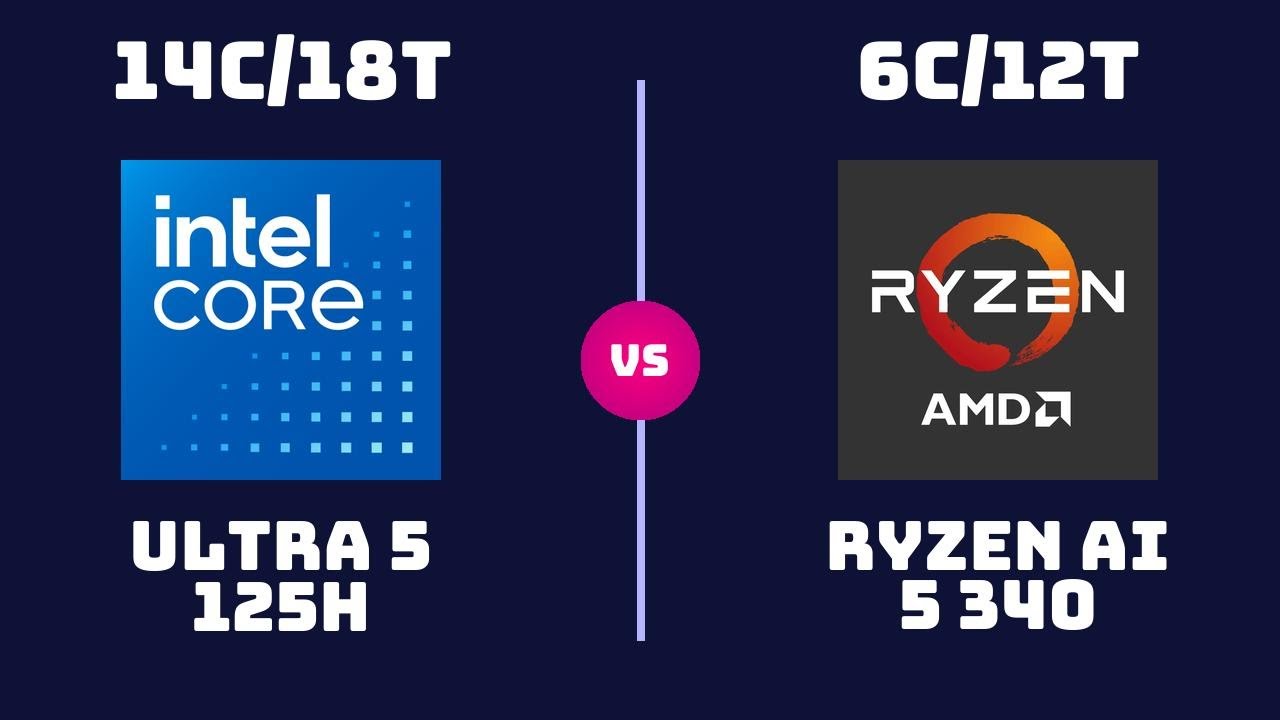


Alex Ziskind
Geekbench Alternatives
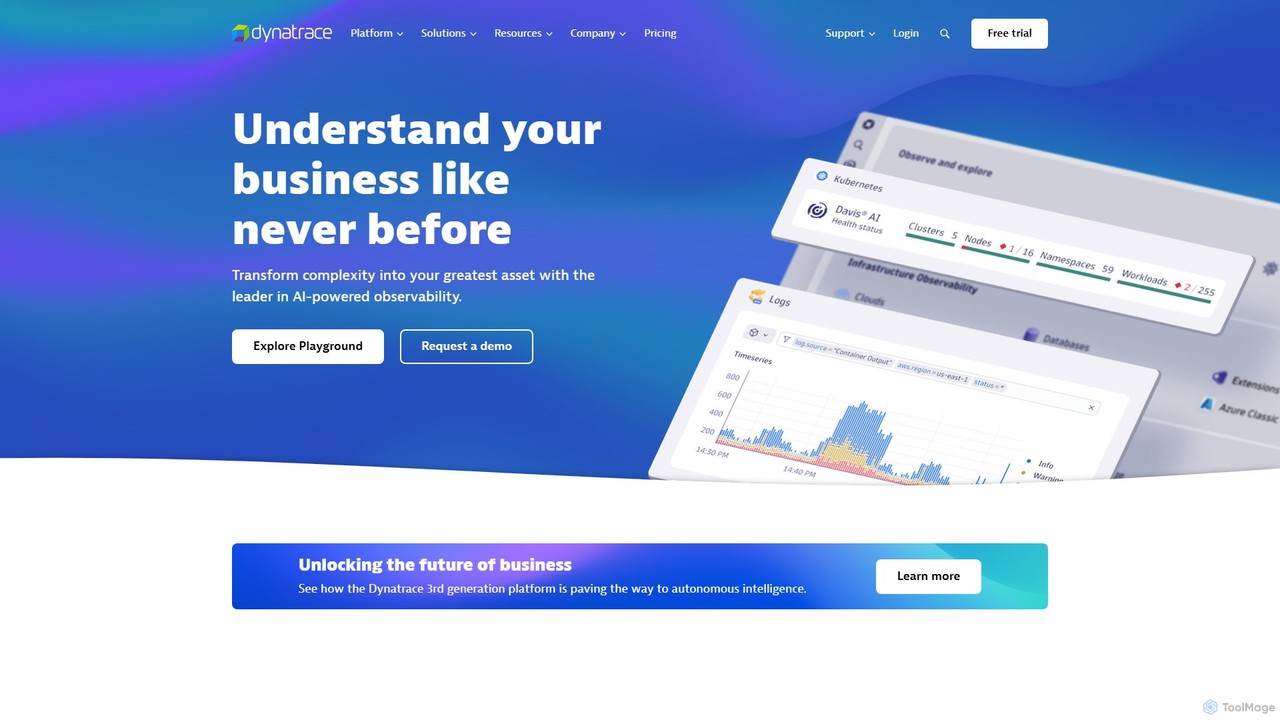
Dynatrace
Dynatrace is an all-in-one, AI-powered observability and security platform. It provides intelligent automation and precise answers about the performance of applications, the underlying infrastructure, and the experience of all users, enabling organizations to innovate faster, collaborate more efficiently, and deliver better business outcomes.
Analytics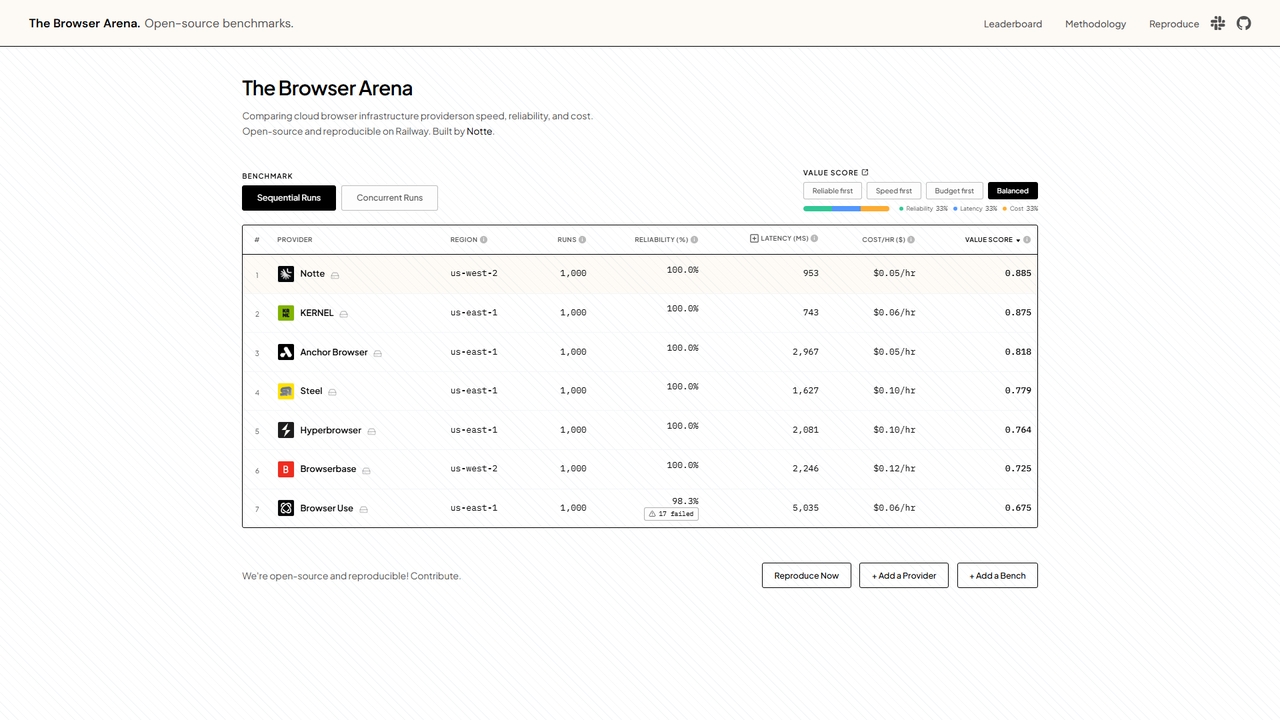
Browserarena
Browserarena is an open-source benchmarking and comparison platform for cloud browser infrastructure providers. It objectively evaluates and ranks providers based on key performance metrics including speed (latency), reliability (success rate), and cost per hour, helping developers and businesses make data-driven decisions for their browser automation and testing needs.
Infrastructure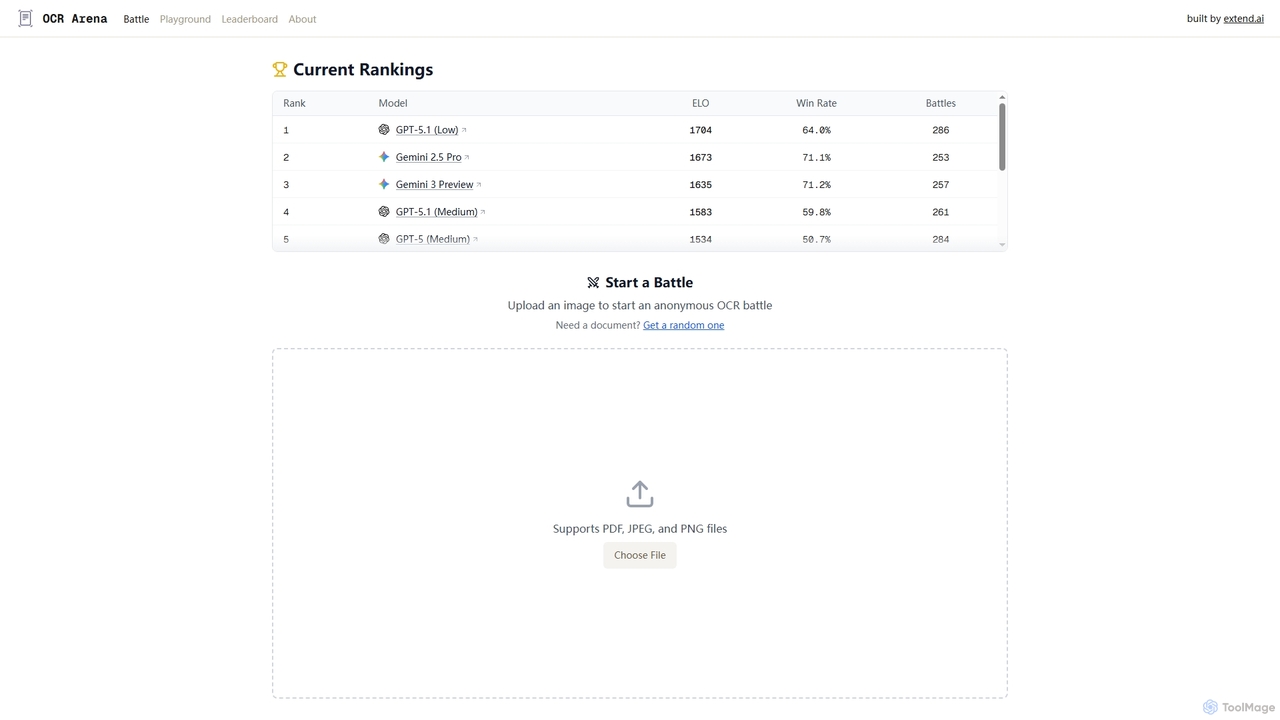
OCR Arena
OCR Arena is a free online platform designed for testing and evaluating leading foundation Vision-Language Models (VLMs) and open-source Optical Character Recognition (OCR) models. It allows users to upload documents, measure accuracy, and compare model performance on a public leaderboard.
Model Evaluation
DefinedCrowd
DefinedCrowd is a leading provider of high-quality AI training data. It leverages a global crowd to collect, annotate, and enrich data for machine learning models, specializing in speech, NLP, and computer vision. It offers a fully managed service to help companies build robust and unbiased AI applications at scale.
Machine Learning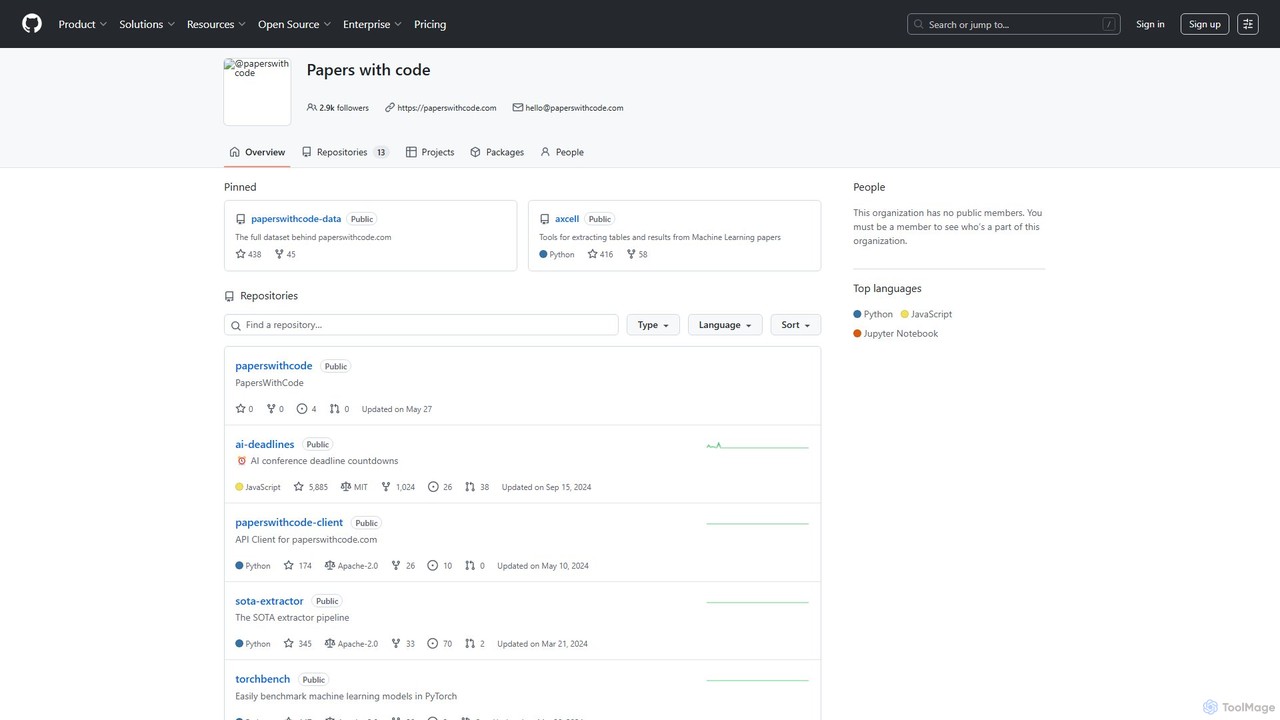
Papers with Code
Papers with Code is a free, open resource for machine learning researchers and developers. It connects scientific papers to their corresponding open-source code, making research more accessible and reproducible. The platform features state-of-the-art leaderboards, browsable datasets, and a comprehensive collection of AI research, helping users track progress, find implementations, and accelerate their work. It is an essential tool for anyone in the AI/ML community.
Machine LearningGeekbench Categories
Geekbench Embed Widget
Copy this embed code to place the badge on your blog, article, or product site and send readers directly to this ToolMage detail page.

Related AI tools
OCR Arena
OCR Arena is a free online platform designed for testing and evaluating leading foundation Vision-Language Models (VLMs) and open-source Optical Character Recognition (OCR) models. It allows users to upload documents, measure accuracy, and compare model performance on a public leaderboard.
Model EvaluationDefinedCrowd
DefinedCrowd is a leading provider of high-quality AI training data. It leverages a global crowd to collect, annotate, and enrich data for machine learning models, specializing in speech, NLP, and computer vision. It offers a fully managed service to help companies build robust and unbiased AI applications at scale.
Machine LearningPapers with Code
Papers with Code is a free, open resource for machine learning researchers and developers. It connects scientific papers to their corresponding open-source code, making research more accessible and reproducible. The platform features state-of-the-art leaderboards, browsable datasets, and a comprehensive collection of AI research, helping users track progress, find implementations, and accelerate their work. It is an essential tool for anyone in the AI/ML community.
Machine Learning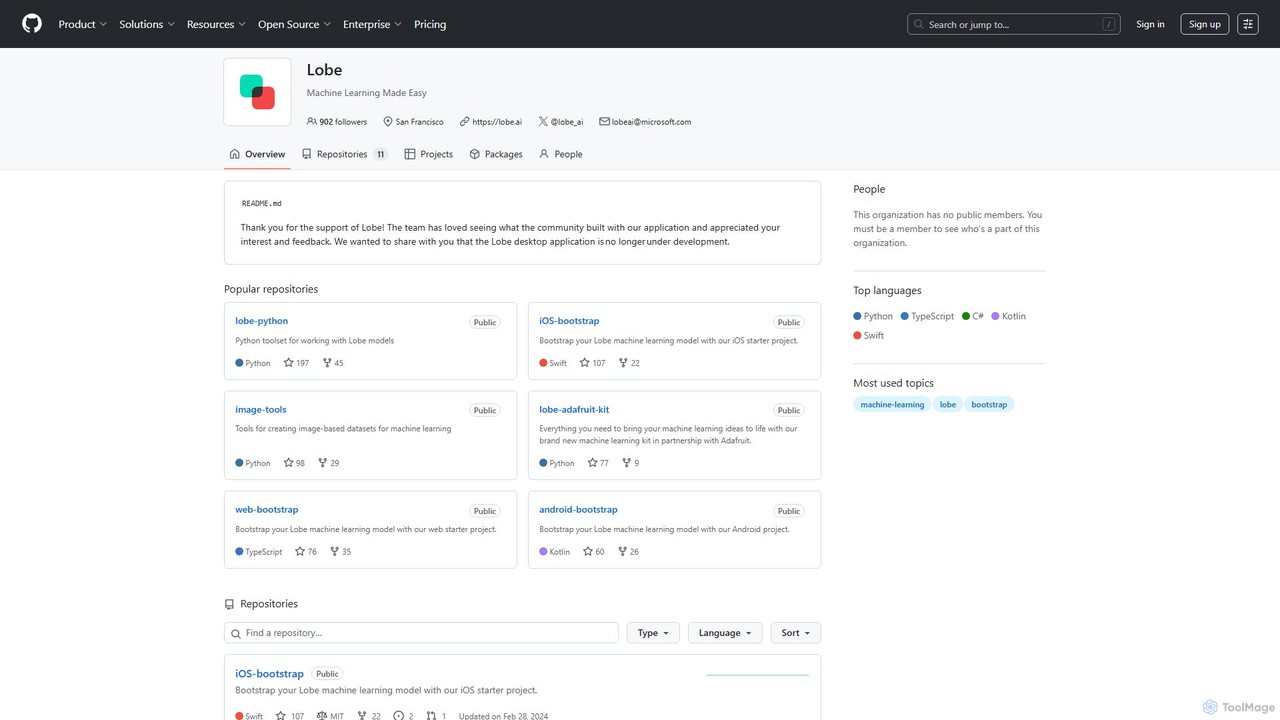
Lobe
Lobe is a free, user-friendly desktop application for Mac and Windows that allows you to build, train, and deploy custom machine learning models without writing any code. It simplifies the process of creating AI, focusing primarily on image classification.
Machine Learning
OpenAI
OpenAI is a leading AI research and deployment company dedicated to ensuring that artificial general intelligence (AGI) benefits all of humanity. It develops state-of-the-art models like GPT-5, ChatGPT for conversational AI, Sora for text-to-video, and DALL-E for image generation. Through its robust API platform, OpenAI empowers developers and businesses to integrate powerful AI capabilities into their applications, driving innovation across various industries.
Image Generation
AWS
Amazon Web Services (AWS) is the world's most comprehensive and broadly adopted cloud platform, offering over 200 fully featured services from data centers globally. It provides a vast suite of AI and machine learning tools, including Amazon Bedrock for building generative AI applications with leading foundation models, Amazon SageMaker for the complete ML lifecycle, and the powerful Amazon Nova models for advanced text, image, and video generation.
Machine Learning
Google Cloud
Google Cloud is a comprehensive suite of cloud computing services that provides infrastructure, platform, and serverless environments. It excels in AI/ML with Vertex AI and Gemini, data analytics with BigQuery, and offers scalable, secure infrastructure for businesses of all sizes, from startups to global enterprises.
Machine Learning
OctoAI
OctoAI is a high-performance compute platform for developers to run, tune, and scale generative AI models efficiently. It offers optimized, production-ready API endpoints for popular open-source models like Llama, Mixtral, and Stable Diffusion. By focusing on deep system optimizations, OctoAI provides faster inference speeds and lower costs, enabling businesses to build and deploy scalable AI applications without managing complex infrastructure.
Api
NVIDIA
NVIDIA is a global leader in artificial intelligence computing, providing a full-stack platform of hardware, software, and services. Its solutions power everything from gaming and professional graphics with GeForce and RTX GPUs to advanced AI, data science, and high-performance computing in data centers and the cloud.
Infrastructure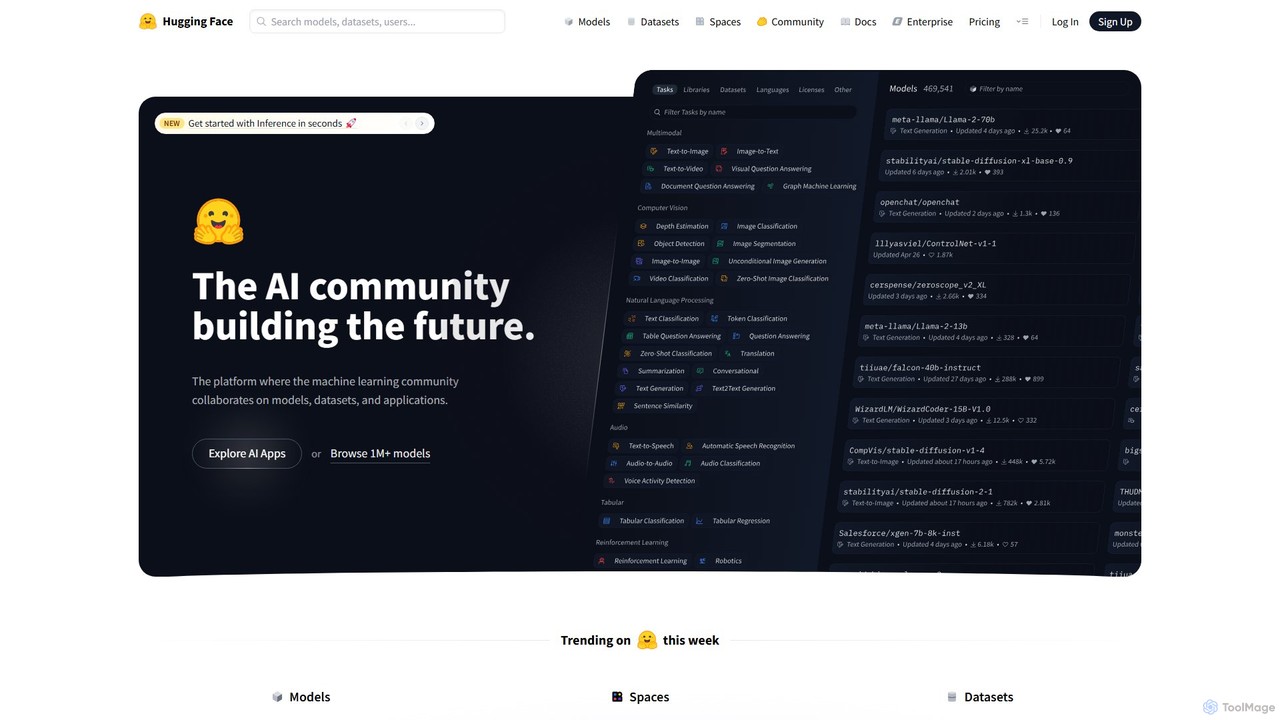
Hugging Face
Hugging Face is the leading open-source platform and community for machine learning. It provides tools for developers and researchers to build, train, and deploy state-of-the-art models, offering a vast hub of pre-trained models, datasets, and demo applications.
Dataset
Prolific
Prolific is a leading platform for collecting high-quality data from a global pool of over 200,000 vetted and engaged human participants. It enables AI developers and researchers to quickly launch studies, train models, and gather reliable human feedback for tasks like data annotation, RLHF, and surveys.
Data Annotation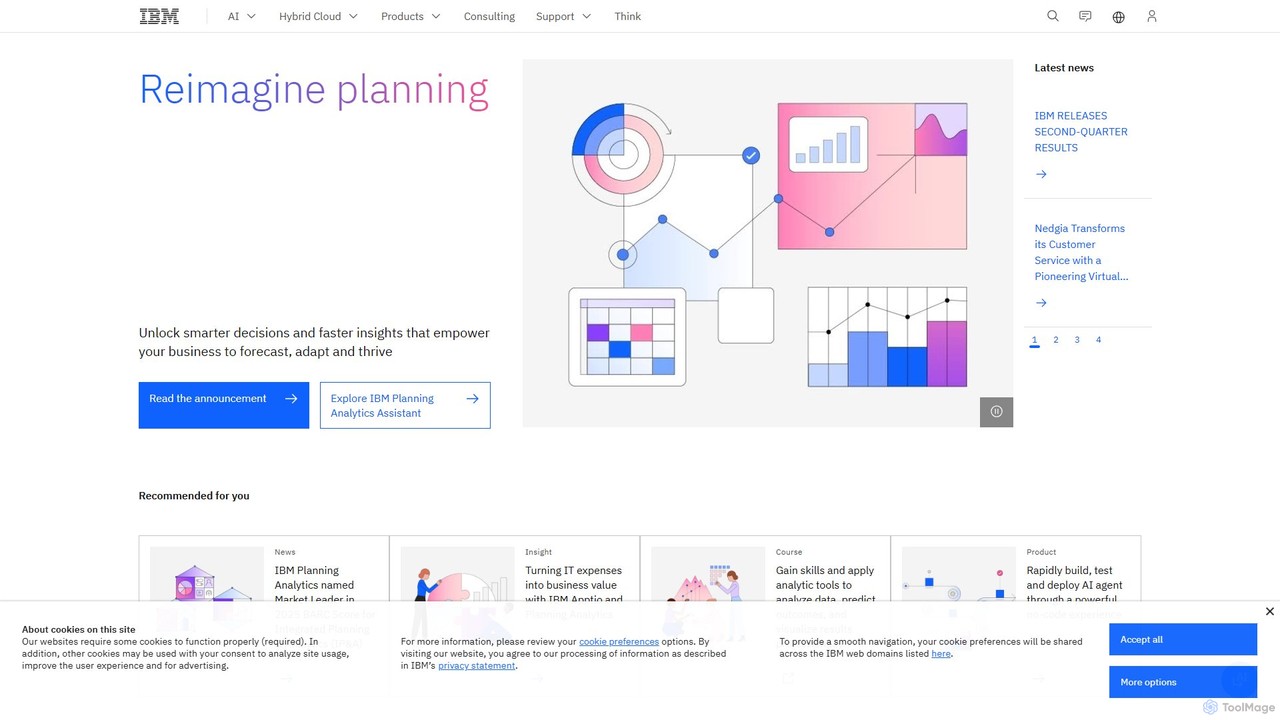
IBM
IBM offers a comprehensive enterprise AI and hybrid cloud platform, watsonx, designed to help businesses build, scale, and govern AI with trust and transparency. It provides access to IBM's proprietary Granite foundation models, open-source models, a fit-for-purpose data store, and an AI governance toolkit, empowering organizations to accelerate innovation and automate processes securely.
Enterprise Solutions
Kaggle
Kaggle is the world's largest online community for data scientists and machine learning practitioners. Owned by Google, it provides a platform to explore datasets, build models in a web-based environment, compete in machine learning challenges, and access educational resources. It offers free access to powerful computational resources, including GPUs and TPUs, making it an essential tool for anyone from beginners to seasoned experts in the AI and data science fields.
Datasets
Outlier
Outlier is a platform powered by Scale AI that connects domain experts with opportunities to train the next generation of AI models. Freelancers can use their knowledge in fields like coding, math, and languages to complete tasks, improve AI accuracy, and earn money with a flexible, remote work schedule.
Online Learning
SpoiledChild
SpoiledChild is an intelligent beauty and wellness brand that uses an AI-powered engine, SpoiledBrain, to provide personalized skin and hair care recommendations. By analyzing millions of data points and your unique profile through a simple quiz, SpoiledBrain identifies the exact products you need, eliminating guesswork. The platform offers a range of data-formulated, anti-aging products with a focus on sustainability through refillable packaging and a "Try Before You Buy" model.
Recommendation Engine
Geekbench Comments (0)
Sign in to comment.
Sign inNo comments yet.