ToolMage
Sign in

Best 7 3D & Animation AI tools

Popular 3D & Animation AI tools include Matterport, Unity, Polycam, Seeles, Asseter, DreamWorld, and maketafi, helping you work more efficiently.

Asseter
Freemium

Asseter

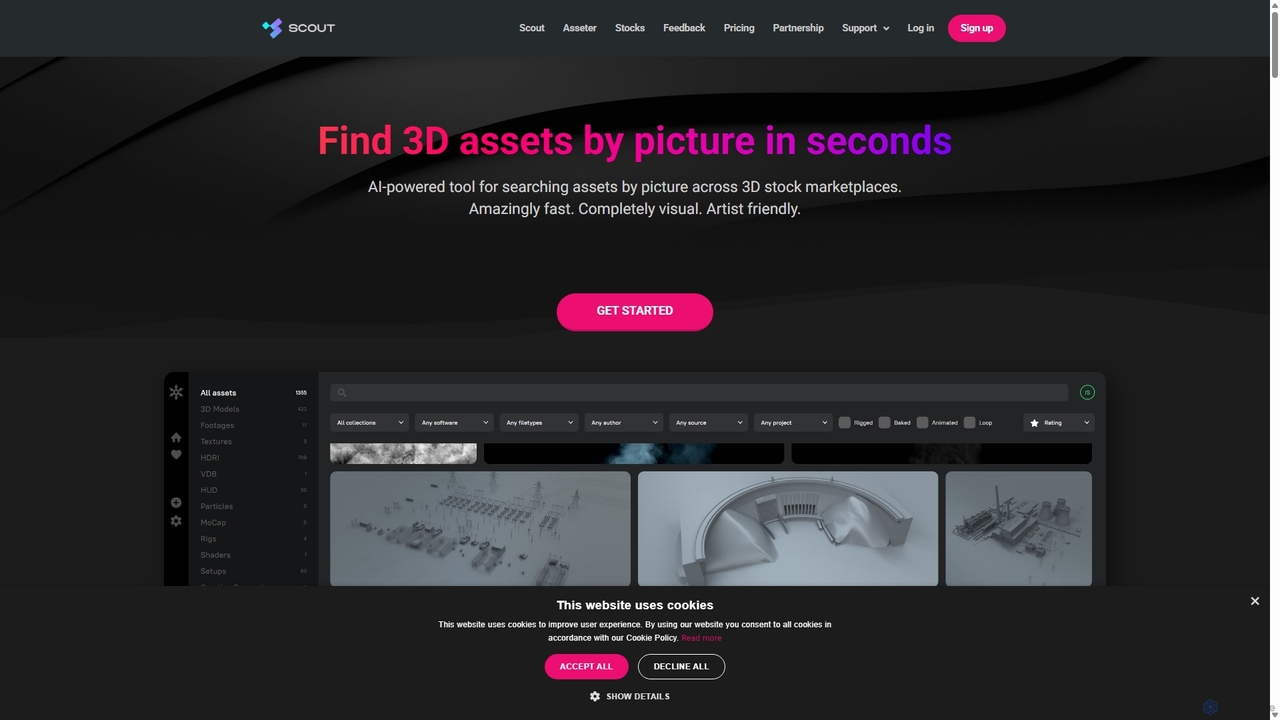
Asseter is an AI-powered Digital Asset Management (DAM) platform for CG artists and creative teams. It organizes and categorizes 3D models and media, featuring deep DCC software integration. It includes Scout, a unique visual search engine that finds 3D assets from stock marketplaces using just a picture, dramatically speeding up creative workflows.

Asset Management
Visits 50.5KFavorites 121Likes 98
Seeles
Freemium

Seeles

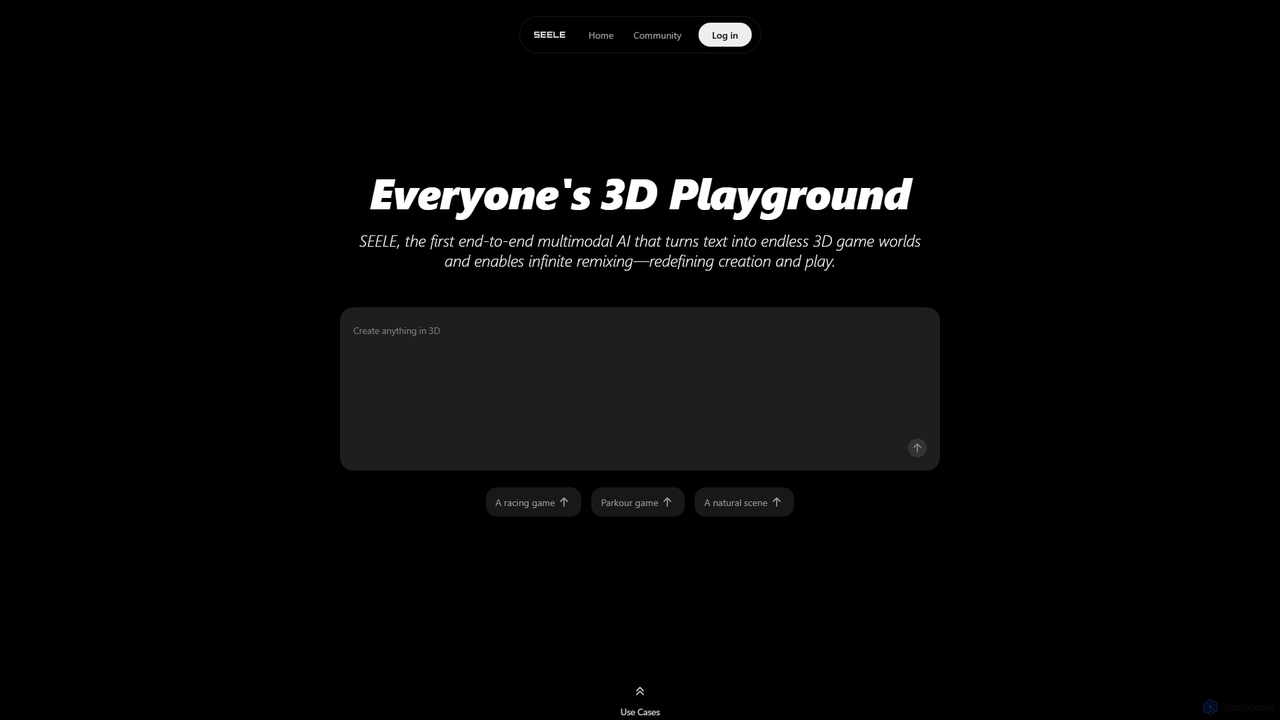
Seeles is a pioneering end-to-end multimodal AI platform that transforms simple text prompts into fully playable 3D game worlds. It empowers creators of all levels to generate and infinitely remix interactive environments, characters, and game mechanics without coding. From racing games to mystery adventures, Seeles redefines creation and play by making game development accessible to everyone.

3D Modeling
Visits 210.7KFavorites 127Likes 127
DreamWorld
Freemium

DreamWorld

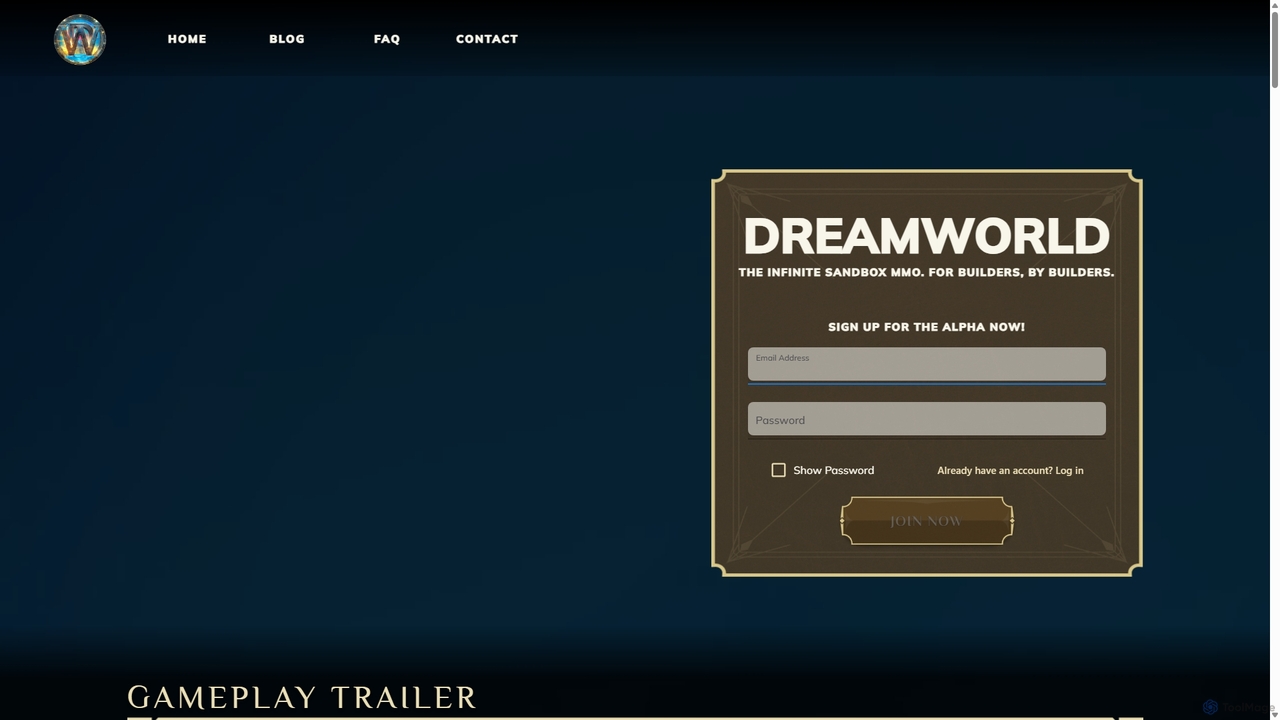
DreamWorld is an infinite sandbox MMO game where players build, explore, and fight together in a single, procedurally generated world. Its standout feature is the AI-powered 'DreamForge,' which allows players to create 3D objects simply by typing text descriptions, bringing any idea to life within the game.

3D Modeling
Visits 17.8KFavorites 110Likes 104
Matterport
Freemium

Matterport

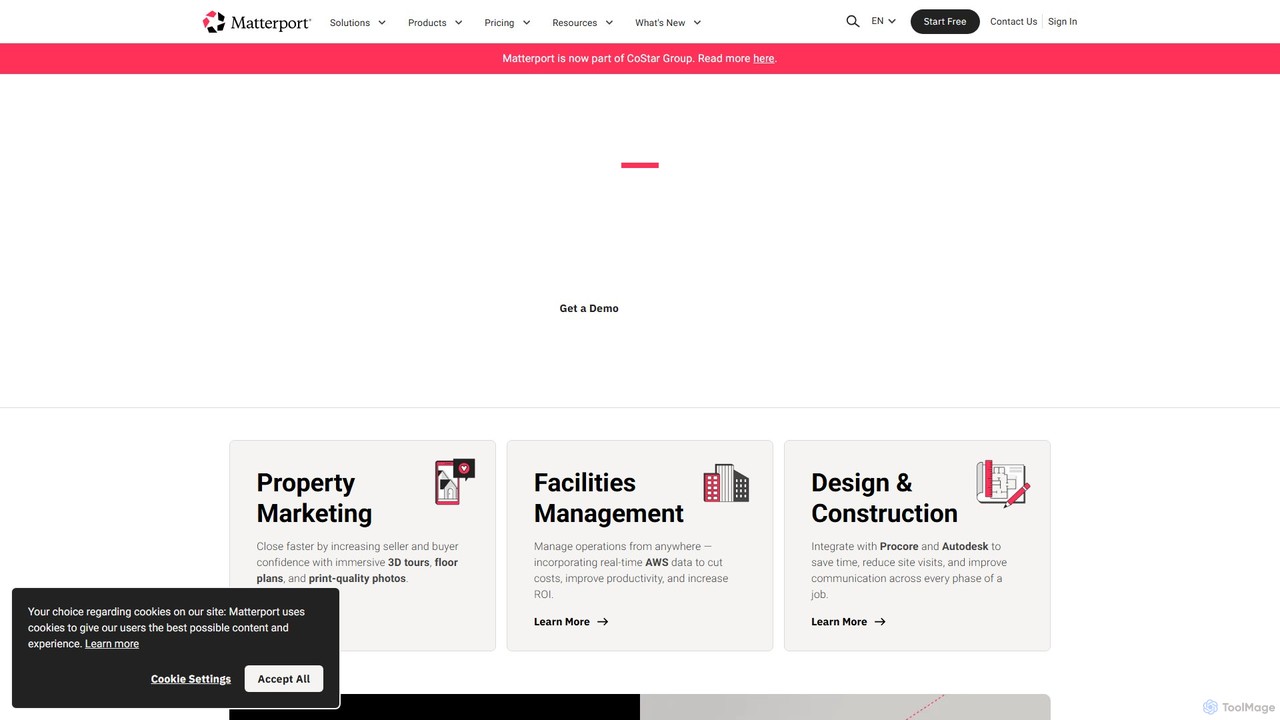
Matterport is a leading AI-powered platform for creating immersive 3D digital twins of physical spaces. It enables users to capture, share, and collaborate on interactive 3D models for industries like real estate, construction, and facilities management. The platform transforms spatial data into photorealistic, dimensionally-accurate virtual experiences, complete with integrated data and tools.

3D Modeling
Visits 12.4MFavorites 132Likes 123
Polycam
Freemium

Polycam

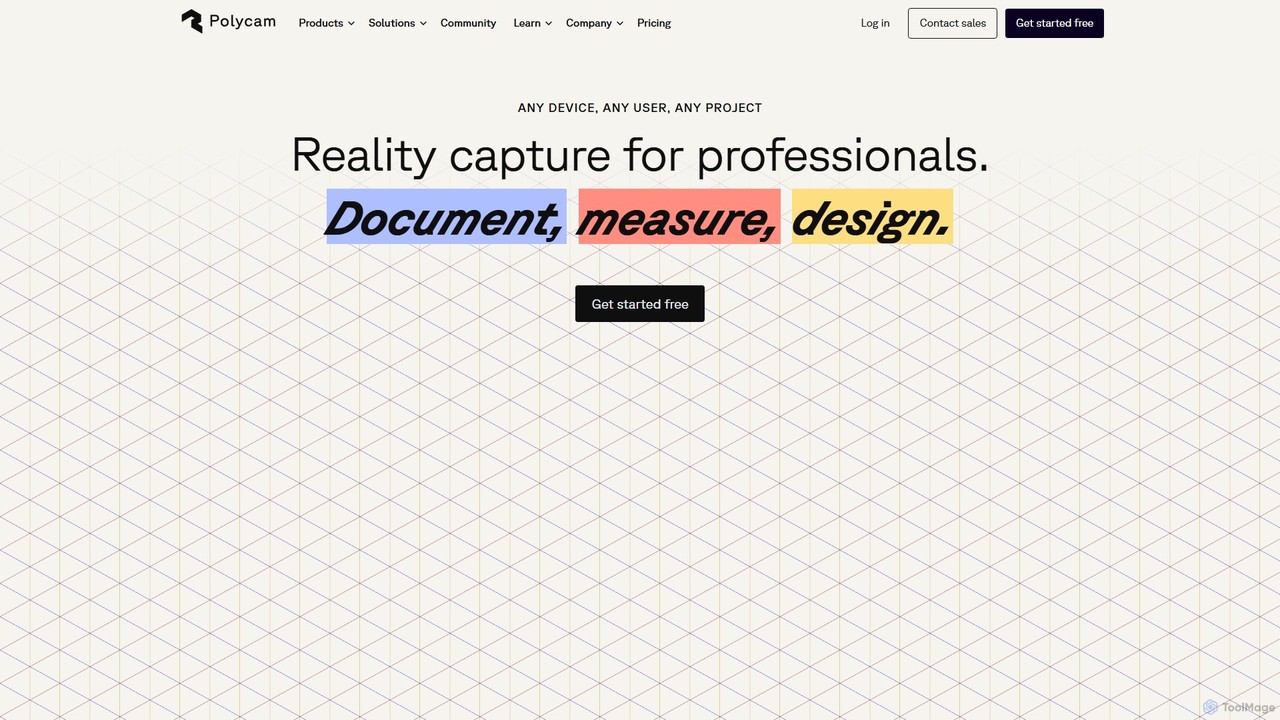
Polycam is a leading 3D capture application for iOS, Android, and Web, using LiDAR and photogrammetry to create high-quality 3D models, floor plans, and drone maps. It's designed for professionals in architecture, construction, real estate, and e-commerce, as well as for creators and hobbyists.

3D Modeling
Visits 621.6KFavorites 126Likes 134
Unity
Freemium

Unity

Unity is the world's leading real-time 3D development platform for creating and operating interactive content. It empowers creators across industries, from gaming and film to automotive and architecture, to build immersive experiences for over 20 platforms, including PC, mobile, console, VR, and AR.

3D Modeling
Visits 8.7MFavorites 112Likes 115
maketafi
Paid

maketafi

Tafi is a leading provider of enterprise-grade 3D character datasets for AI training, simulation, and content creation. It offers scalable, topology-consistent, and parametrically generated 3D characters, complete with rich metadata, to power advanced AI models in robotics, gaming, XR, and multimodal learning.

3D Model Generation
Visits 4.8KFavorites 149Likes 141

About 3D & Animation

AI 3D & Animation tools are a class of software that leverages artificial intelligence to automate and accelerate the creation of 3D models, textures, and animations. These tools utilize generative models, procedural algorithms, and machine learning to produce complex assets from simple inputs like text prompts or 2D images. They significantly reduce the time and technical skill required for digital content creation, enabling artists and designers to rapidly prototype ideas and populate virtual worlds. This technology is transforming workflows in gaming, film, and virtual reality production.

Core Features

  • Text-to-3D Generation: Creates 3D models directly from descriptive text prompts, ideal for rapid concepting.
  • AI-Powered Texturing: Generates realistic PBR materials and textures from images or text descriptions.
  • Automated Rigging & Animation: Simplifies the process of creating character skeletons (rigs) and generating motion from video or audio inputs.
  • Procedural Scene Generation: Assembles entire 3D environments, including landscapes and object placement, based on defined rules.
  • Motion Data Enhancement: Uses AI to clean up, refine, and stylize raw motion capture data for smoother animations.

Use Cases

These tools are widely adopted in industries like game development for creating assets and environments, in film and VFX for pre-visualization and special effects, and in architectural visualization for populating scenes with realistic objects. Product designers also use them for rapid prototyping and creating virtual photoshoots.

How to Choose

When selecting an AI 3D & Animation tool, consider the quality and style of the generated assets, compatibility with standard file formats (FBX, OBJ, glTF), and integration with your existing software like Blender, Maya, or Unreal Engine. Also, evaluate the control you have over the output and the pricing model, whether it's subscription-based or pay-per-generation.

Featured tool rankings

3D & Animation use cases

1

Rapid Prototyping for Game Assets

A solo game developer needs to populate a fantasy world with various props but lacks the time for manual modeling. Using a text-to-3D tool, they input prompts like "ornate wooden treasure chest with iron fittings" or "glowing magical potion bottle." The AI generates dozens of unique 3D model variations in minutes. The developer can then select the best options, perform minor cleanup, and directly import them into their game engine, accelerating level design by days.

2

Generating PBR Textures from Photos

A 3D artist working on an architectural visualization project needs a specific brick texture. Instead of searching online libraries, they take a photo of a real wall. They upload this image to an AI texturing tool, which automatically analyzes it and generates a complete set of PBR maps: albedo, normal, roughness, and ambient occlusion. This process provides a perfectly tailored, high-quality material in under a minute, ensuring the final render has a unique and realistic look.

3

Automating Character Animation from Audio

A content creator wants to produce a weekly animated series for social media featuring a talking avatar. Manually animating lip-sync and facial expressions for each episode is too time-consuming. They use an AI animation tool where they upload the character model and the voice-over audio file. The AI automatically generates accurate lip-sync, eye blinks, and head movements that match the audio's cadence and tone. This reduces animation time from hours to minutes, enabling a consistent content schedule.

4

Creating Architectural Visualization Scenes

An architect needs to present a new building design to a client. Instead of manually placing every piece of furniture and vegetation in their 3D software, they use an AI scene generation tool. They define the space and specify a style, such as "modern minimalist interior with Scandinavian furniture." The AI populates the scene with appropriate, high-quality 3D assets, arranges them realistically, and sets up natural lighting. This allows the architect to create multiple compelling visualization options in a fraction of the time.

5

Concept Art Ideation for Film Characters

A concept artist is tasked with designing a new sci-fi creature for a film. To explore a wide range of ideas quickly, they use an AI 3D generation tool. They input detailed descriptions like "bipedal reptilian alien with bioluminescent scales and four eyes." The AI produces several distinct 3D sculpts, each offering a different interpretation of the prompt. The artist uses these generated models as a base mesh for further sculpting and refinement in ZBrush, saving significant time in the initial ideation phase.

6

Virtual Product Photography for E-commerce

An online furniture store wants to showcase a new sofa in dozens of different room settings and fabric colors without expensive photoshoots. They use an AI tool to generate a high-quality 3D model of the sofa from product photos. Then, using a scene generation tool, they place this model into various virtual interiors—from a loft apartment to a suburban home. The AI can also instantly apply different fabric textures. This creates a vast library of photorealistic marketing images at a low cost, boosting customer engagement.

3D & Animation FAQ

What are AI 3D & Animation tools?

AI 3D & Animation tools are software applications that use artificial intelligence to automate or assist in the creation of 3D content. They can generate 3D models from text or images, create realistic textures, automate character rigging, and produce animations from audio or video inputs. Their primary purpose is to accelerate traditional 3D workflows, lower the technical barrier for creators, and enable rapid prototyping of ideas.

How to choose the right AI 3D tool?

When selecting an AI 3D tool, consider these factors:

  • Output Quality: Assess the detail, topology, and artistic style of the generated models or textures. Check if it meets your project's standards.
  • Input Method: Determine if you prefer working with text prompts, 2D images, or video inputs.
  • Integration: Ensure the tool can export in formats compatible with your main software (e.g., Blender, Unreal Engine), such as FBX, OBJ, or glTF.
  • Control and Iteration: Check how much control you have over the final output and how easily you can refine or iterate on the generated results.
AI 3D generation vs. traditional 3D modeling: what's the difference?

The main difference lies in the creation process. Traditional 3D modeling is a manual, skill-intensive process where artists meticulously build objects polygon by polygon or by sculpting digital clay. It offers precise control but is time-consuming. AI 3D generation automates this process, creating models from simple prompts. It excels at speed and idea generation but may offer less granular control and often produces assets that require manual refinement for production use.

Who can benefit from using AI Animation tools?

A wide range of users can benefit from AI animation tools. Game developers can quickly create NPC animations and environmental effects. Social media managers and marketers can produce engaging animated content without animation expertise. VFX artists can use them for pre-visualization or generating background character movements. Even educators and corporate trainers can create animated explainer videos more efficiently.

Can AI generate production-ready 3D assets?

Currently, AI-generated 3D assets often serve as a strong starting point rather than a final, production-ready product. While the quality is rapidly improving, assets generated by AI may still require manual cleanup, retopology (optimizing the polygon mesh), and UV unwrapping for professional use in games or film. They are exceptionally useful for concept art, rapid prototyping, and creating background elements where high levels of detail and optimization are less critical.