

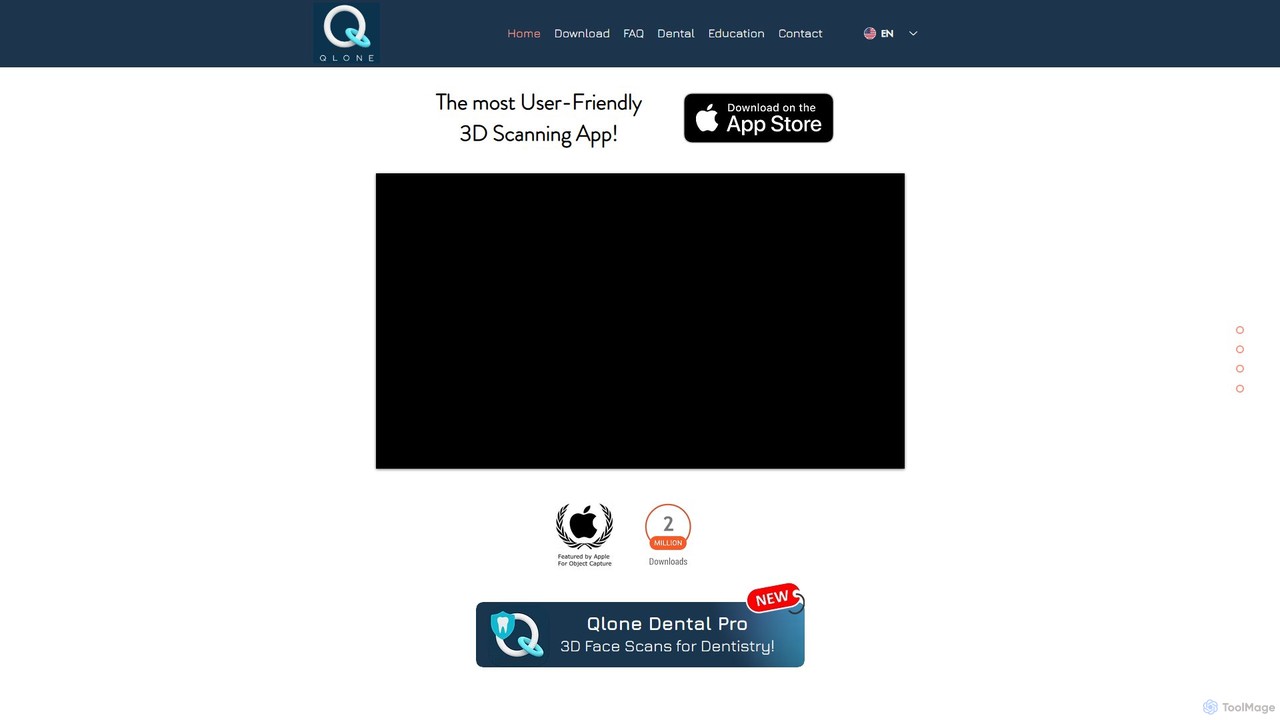
Qlone Overview
Qlone is a revolutionary and user-friendly 3D scanning application developed by EyeCue Vision Technologies LTD. It empowers users to transform real-world objects into detailed 3D models using nothing more than their smartphone's camera. Designed for both beginners and professionals, Qlone simplifies the complex process of photogrammetry into a few easy steps. The app's core technology relies on an included printable AR mat, which serves as a tracker to ensure accurate and high-fidelity scans. This approach eliminates the need for expensive, specialized hardware, making 3D scanning accessible to a broad audience. Qlone operates entirely on your device, ensuring complete privacy and fast processing without requiring an account or internet connection for the scanning process itself.
How to use Qlone
The process of creating a 3D model with Qlone is straightforward and intuitive:
1. Print the Mat: First, download and print the special AR mat from the Qlone website. This mat is crucial for the scanning process.
2. Place the Object: Position the object you wish to scan in the center of the printed mat.
3. Scan the Object: Open the Qlone app and point your camera at the object. An augmented reality dome will appear over it, guiding you through the capture process. Slowly move your device around the object, ensuring you capture it from all angles until the dome is fully colored in.
4. Processing: Once the scan is complete, the app will automatically process the captured images on your device to generate the 3D model.
5. Modify and Refine: Qlone includes a suite of in-app editing tools. You can clean up the model by erasing unwanted parts, modify its shape with sculpting tools, and adjust its texture and color.
6. Export and Share: After refining your model, you can export it in a variety of standard 3D file formats, such as OBJ, STL, GLB, and PLY, making it ready for 3D printing, use in game engines, AR/VR applications, or for sharing on social media and 3D platforms.
Core Features of Qlone
- High-Quality 3D Scanning: Utilizes your phone's camera and advanced algorithms to create detailed and textured 3D models.
- AR Guiding Mat: The printable mat ensures precise tracking, scaling, and high-quality results without complex calibration.
- On-Device Processing: All scanning and processing happen locally on your device, ensuring speed and complete user privacy. No account is needed to start scanning.
- In-App Editing Suite: A powerful set of tools to texture, clean, sculpt, and modify your 3D models directly within the app.
- Multiple Export Formats: Supports exporting to popular formats like OBJ, STL, FBX, GLB, PLY, and X3D for wide compatibility.
- Seamless Platform Integration: Directly upload and share your models to leading 3D platforms like Sketchfab, Shapeways, i.materialise, and Lens Studio.
- AR View: Project your scanned 3D models back into your real-world environment using augmented reality to visualize them in context.
- Specialized Versions: Offers professional-grade versions like Qlone Dental Pro for specific industry applications, such as 3D face scans for dentistry.
Use Cases for Qlone
Qlone's versatility makes it suitable for a wide range of applications:
E-commerce: Businesses can create interactive 3D models of their products for online stores, providing customers with a more engaging shopping experience.
3D Printing: Hobbyists and professionals can scan real-world objects to create replicas, spare parts, or custom designs for 3D printing.
AR/VR Content Creation: Game developers and AR creators can quickly generate realistic 3D assets for their games and interactive experiences.
Art and Design: Artists can capture unique shapes, textures, and objects from the real world to incorporate into their digital artwork and designs.
Education: Teachers and students can scan historical artifacts, scientific specimens, or engineering parts for interactive and hands-on learning.
Cultural Heritage Preservation: Museums and institutions can digitize artifacts for archival purposes and virtual exhibitions.
Advantages of Qlone
Qlone stands out from other scanning solutions due to several key advantages:
Accessibility: It democratizes 3D scanning by turning a standard smartphone into a powerful scanning tool, removing the high cost barrier of dedicated hardware.
Ease of Use: The guided AR dome and simple workflow make it incredibly easy for users with no prior experience to achieve great results.
Speed and Efficiency: On-device processing provides near-instant results, streamlining the creative workflow.
Privacy-Centric: With no mandatory account creation or cloud uploading for scanning, users retain full control and privacy over their data and models.
Portability: As a mobile app, you can scan anything, anywhere, at any time.
Pricing and Plans
Qlone operates on a freemium model. The app is free to download on both iOS and Android, and users can perform an unlimited number of scans for free. However, to export the 3D models, users must make an in-app purchase. Qlone offers flexibility with two options: purchasing export credits for individual models or opting for a one-time purchase that unlocks unlimited exports, providing a cost-effective solution for frequent users.
Traffic
Latest traffic
Status
Monthly traffic trend
- 2025-9: 5.4K
- 2026-1: 6.4K
- 2026-2: 6.0K
- 2026-3: 5.0K
- 2026-4: 4.7K
- 2026-5: 4.0K
Geography
Top 5 countries / regions
- 🇺🇸United States44.8%
- 🇮🇹Italy27.2%
- 🇩🇪Germany18.2%
- 🇧🇷Brazil9.8%
Top keywords
| Keyword | Cost per click |
|---|---|
| qione | $0.00 |
| qlone | $1.05 |
| qloneapp | $0.00 |
| qlone dental pro | $0.00 |
| распечатать площадку для qlone | $0.00 |
Qlone Alternatives
Magiscan
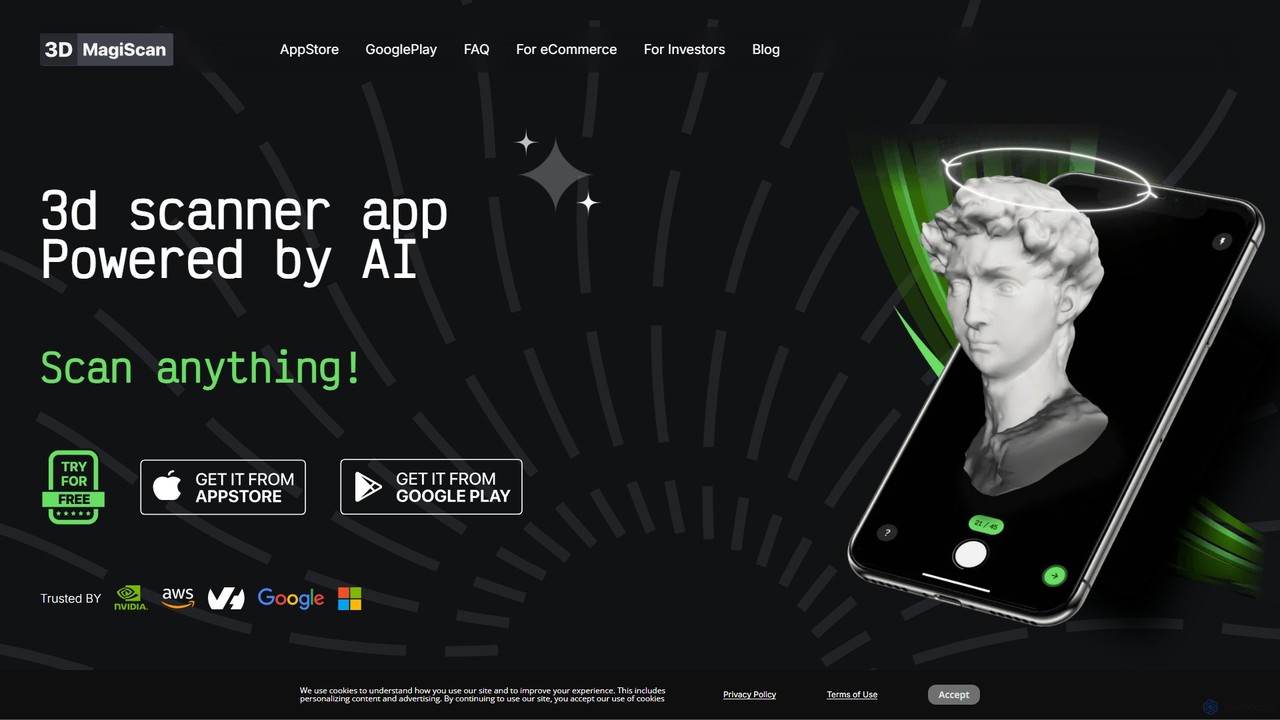
Magiscan is an AI-powered 3D scanner app for iOS and Android that transforms photos of real-world objects into high-quality 3D models. It offers multiple scanning modes, including photogrammetry and Lidar point cloud capture. With support for numerous export formats (GLB, OBJ, STL, etc.) and direct integration with NVIDIA Omniverse, it's a versatile tool for eCommerce, game development, AR/VR, and 3D artists. A free tier is available, with a premium subscription for advanced features and higher limits.
3D Scanning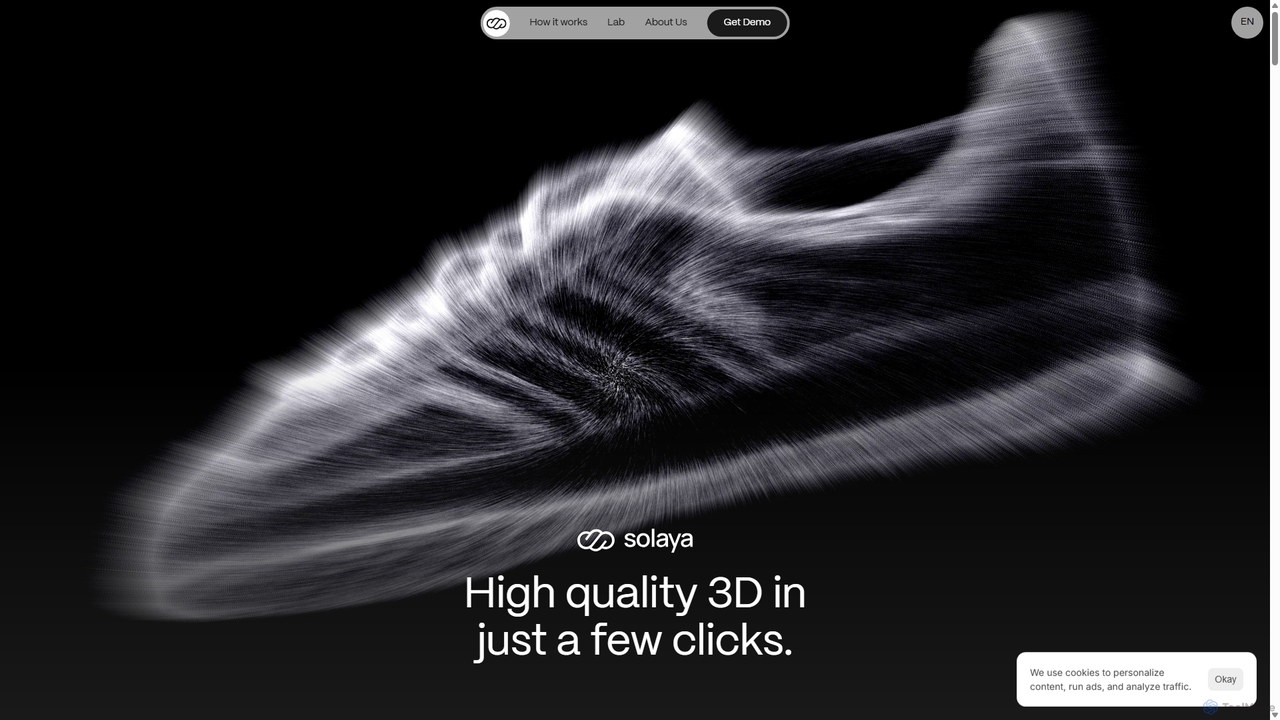
Solaya
Solaya is an AI-powered platform that transforms simple smartphone scans into high-quality 3D models and unlimited product visuals. It enables e-commerce brands to create stunning images and videos in minutes, drastically reducing production time and costs while boosting sales conversions.
3D Scanning
Zolak
Zolak is an AI-powered 3D product visualization platform for e-commerce. It transforms online shopping with immersive experiences like real-time 3D configurators, AR product try-ons, and virtual showrooms. By allowing customers to realistically visualize and customize products, Zolak helps businesses increase conversion rates, boost average order value, and reduce returns, effectively bridging the gap between digital browsing and confident purchasing.
3D Modeling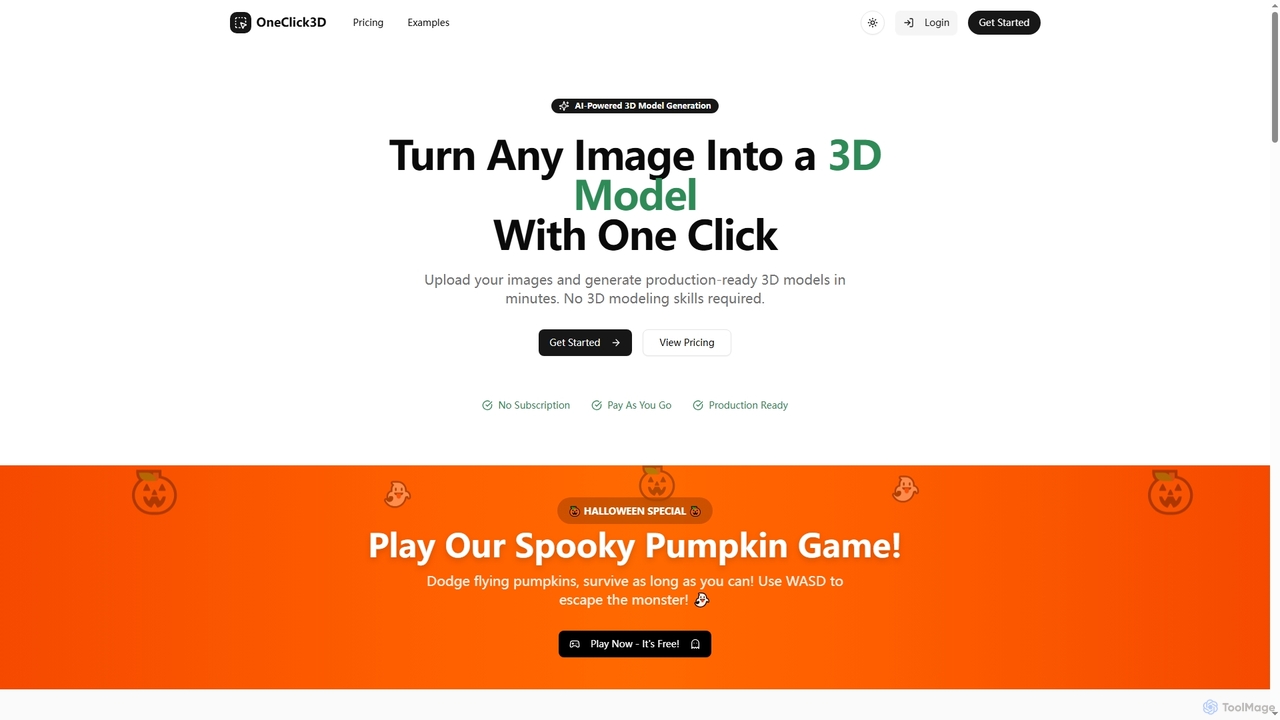
Oneclick3d
OneClick3D is an AI-powered tool that transforms images into production-ready 3D models in minutes. It requires no 3D modeling skills, supporting multiple export formats (GLB, FBX, OBJ, STL, USDZ) and PBR textures for professional results in game development, 3D printing, and Web3.
Image To 3D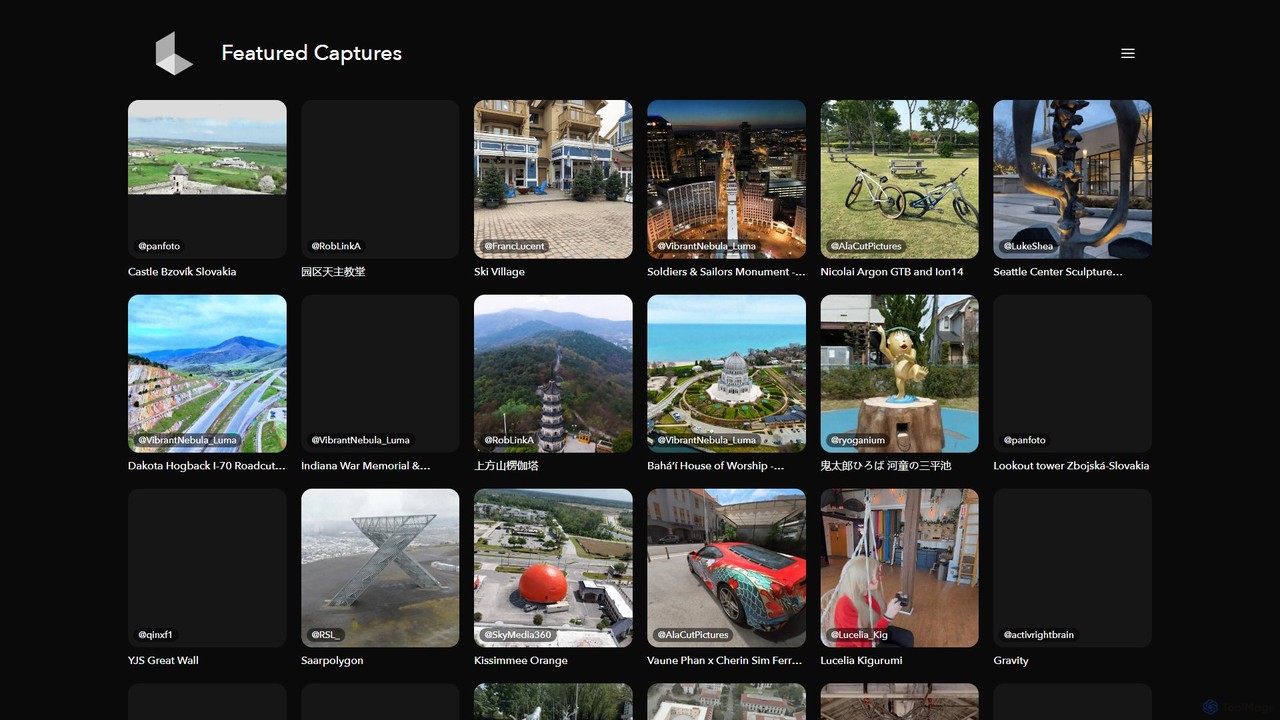
Luma AI
Luma AI is a pioneering AI company specializing in generative media. Its flagship product, Dream Machine, creates high-quality, realistic videos and images from text or image prompts. It also offers 3D capture and modeling tools, empowering creators to bring their imagination to life with unprecedented speed and creative freedom.
3D ScanningQlone Categories
Qlone Embed Widget
Copy this embed code to place the badge on your blog, article, or product site and send readers directly to this ToolMage detail page.

Related AI tools
Animant
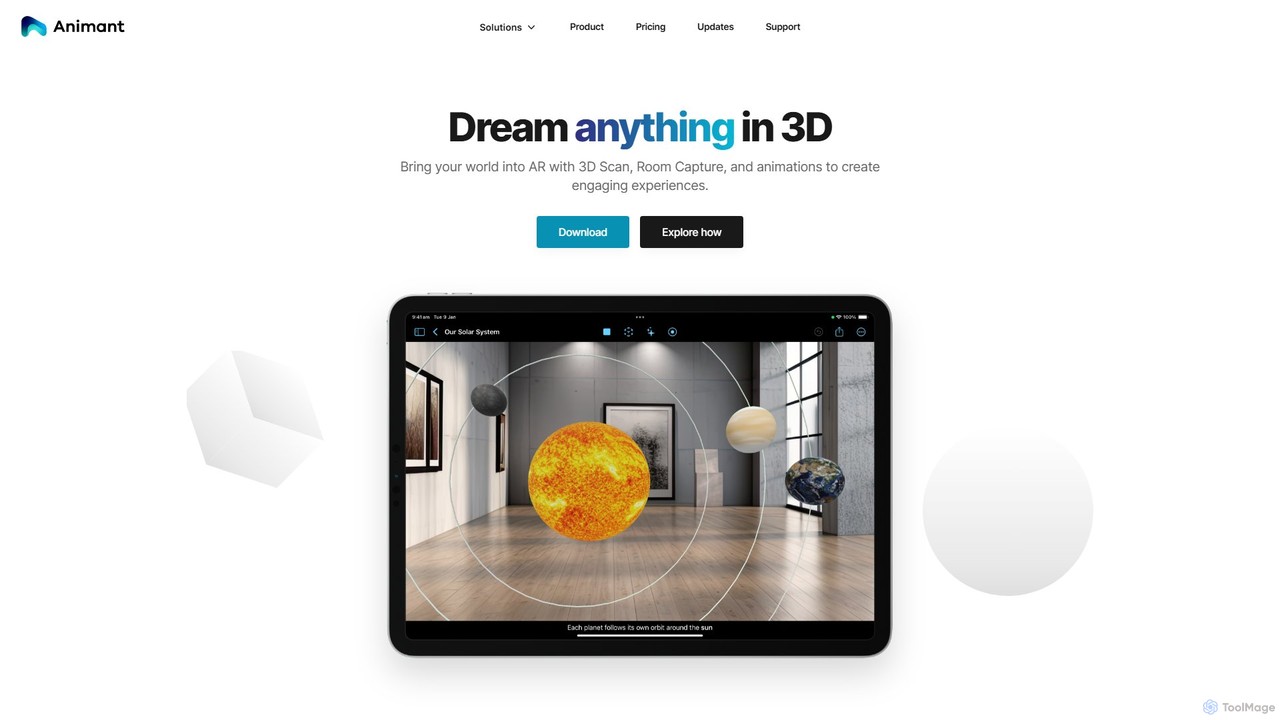
Animant is a powerful AR creation studio for Apple devices that lets you build interactive augmented reality scenes. It features advanced 3D scanning for objects and rooms, intuitive animation tools, and real-time collaboration, making AR creation accessible to everyone.
3D ModelingMagiscan
Magiscan is an AI-powered 3D scanner app for iOS and Android that transforms photos of real-world objects into high-quality 3D models. It offers multiple scanning modes, including photogrammetry and Lidar point cloud capture. With support for numerous export formats (GLB, OBJ, STL, etc.) and direct integration with NVIDIA Omniverse, it's a versatile tool for eCommerce, game development, AR/VR, and 3D artists. A free tier is available, with a premium subscription for advanced features and higher limits.
3D ScanningSolaya
Solaya is an AI-powered platform that transforms simple smartphone scans into high-quality 3D models and unlimited product visuals. It enables e-commerce brands to create stunning images and videos in minutes, drastically reducing production time and costs while boosting sales conversions.
3D ScanningZolak
Zolak is an AI-powered 3D product visualization platform for e-commerce. It transforms online shopping with immersive experiences like real-time 3D configurators, AR product try-ons, and virtual showrooms. By allowing customers to realistically visualize and customize products, Zolak helps businesses increase conversion rates, boost average order value, and reduce returns, effectively bridging the gap between digital browsing and confident purchasing.
3D ModelingOneclick3d
OneClick3D is an AI-powered tool that transforms images into production-ready 3D models in minutes. It requires no 3D modeling skills, supporting multiple export formats (GLB, FBX, OBJ, STL, USDZ) and PBR textures for professional results in game development, 3D printing, and Web3.
Image To 3D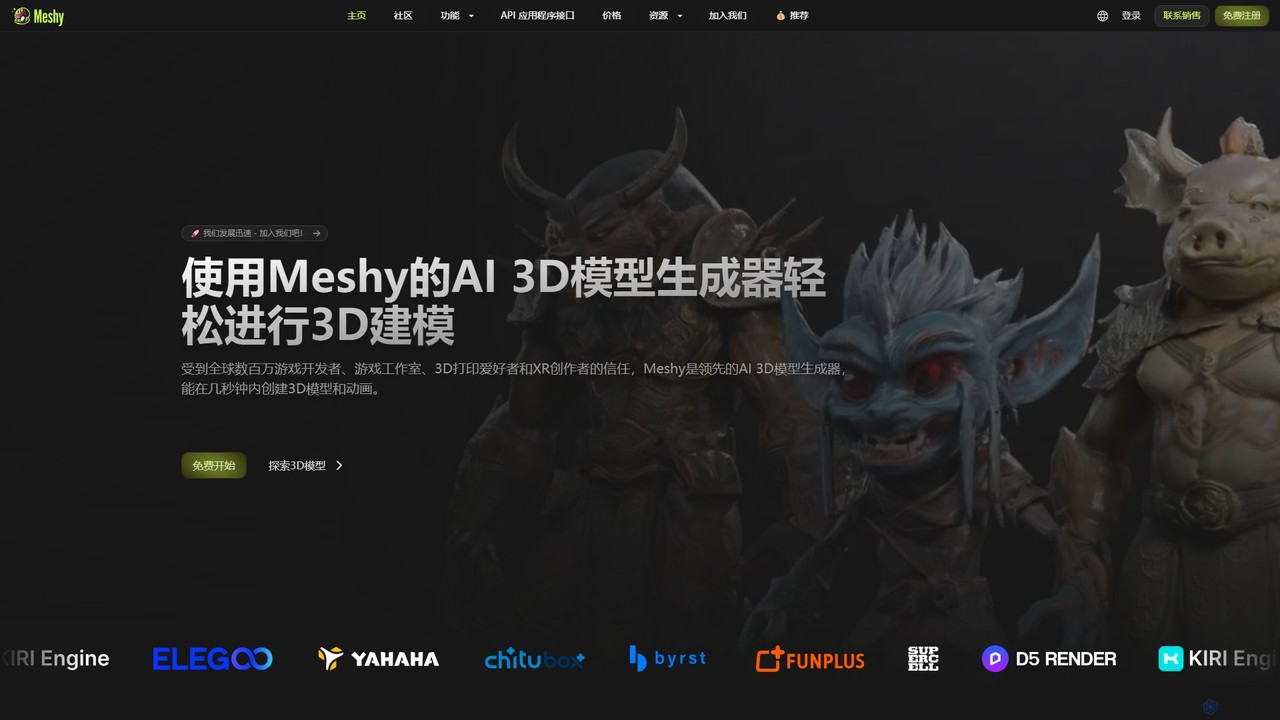
Meshy
Meshy is an all-in-one AI 3D content creation suite. Generate stunning 3D models, textures, and animations from text or images in minutes. It's the ultimate toolkit for game developers, artists, and creators, simplifying the entire 3D workflow from concept to a fully animated asset.
Generator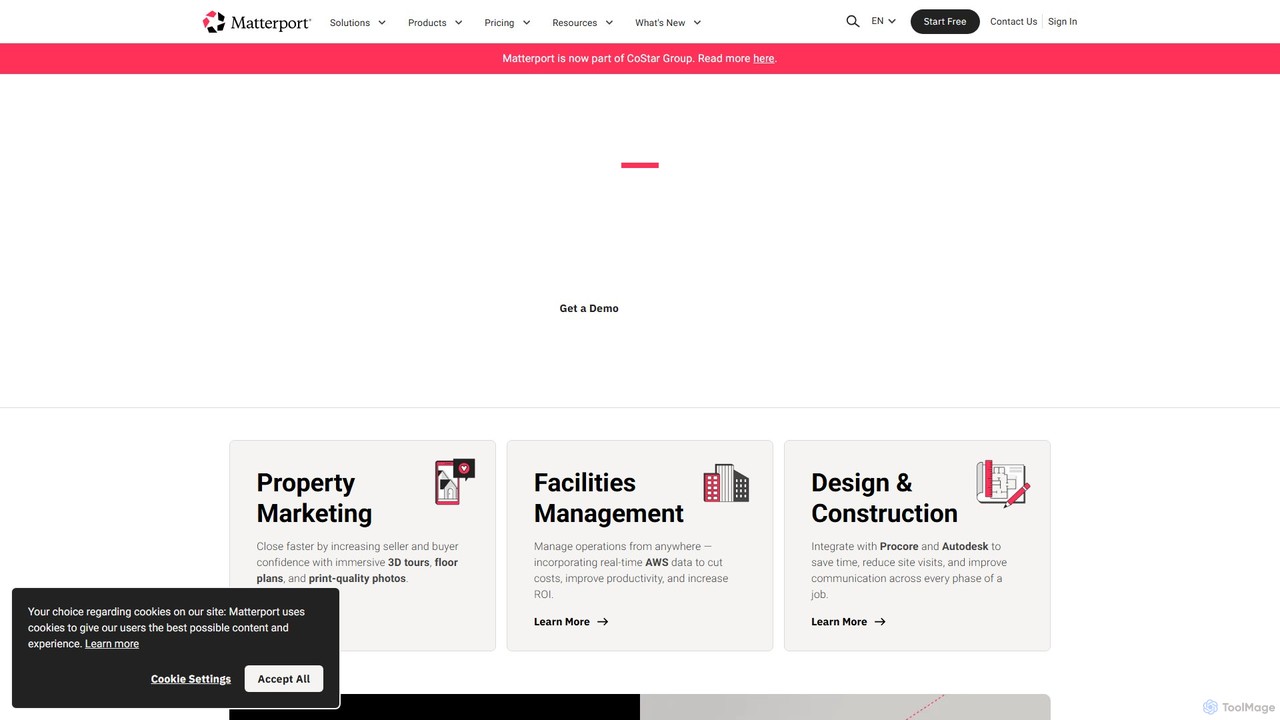
Matterport
Matterport is a leading AI-powered platform for creating immersive 3D digital twins of physical spaces. It enables users to capture, share, and collaborate on interactive 3D models for industries like real estate, construction, and facilities management. The platform transforms spatial data into photorealistic, dimensionally-accurate virtual experiences, complete with integrated data and tools.
3D Modeling
Rork
Rork is an AI-powered development platform that transforms simple text prompts into complete, native, cross-platform mobile apps in minutes. Using React Native, it allows users to "vibe code" their ideas, generating functional applications for iOS and Android without writing a single line of code. Ideal for rapid prototyping, MVPs, and accelerating development, Rork makes app creation accessible to everyone, from entrepreneurs to seasoned developers.
Mobile App Building
Arc
Arc is a revolutionary browser by The Browser Company, designed to be a smart, organized, and private alternative to Chrome. It integrates AI features to enhance productivity, offers unique organization tools like Spaces and Split View, and provides a seamless, ad-free experience across desktop and mobile.
Search Assistant
Polycam
Polycam is a leading 3D capture application for iOS, Android, and Web, using LiDAR and photogrammetry to create high-quality 3D models, floor plans, and drone maps. It's designed for professionals in architecture, construction, real estate, and e-commerce, as well as for creators and hobbyists.
3D Modeling
Appy Pie
Appy Pie is a leading AI-powered no-code development platform that enables users to create mobile apps, websites, and other digital solutions without any coding. Simply describe your idea, and the AI generator will build a functional foundation for you to customize and launch quickly.
App Builder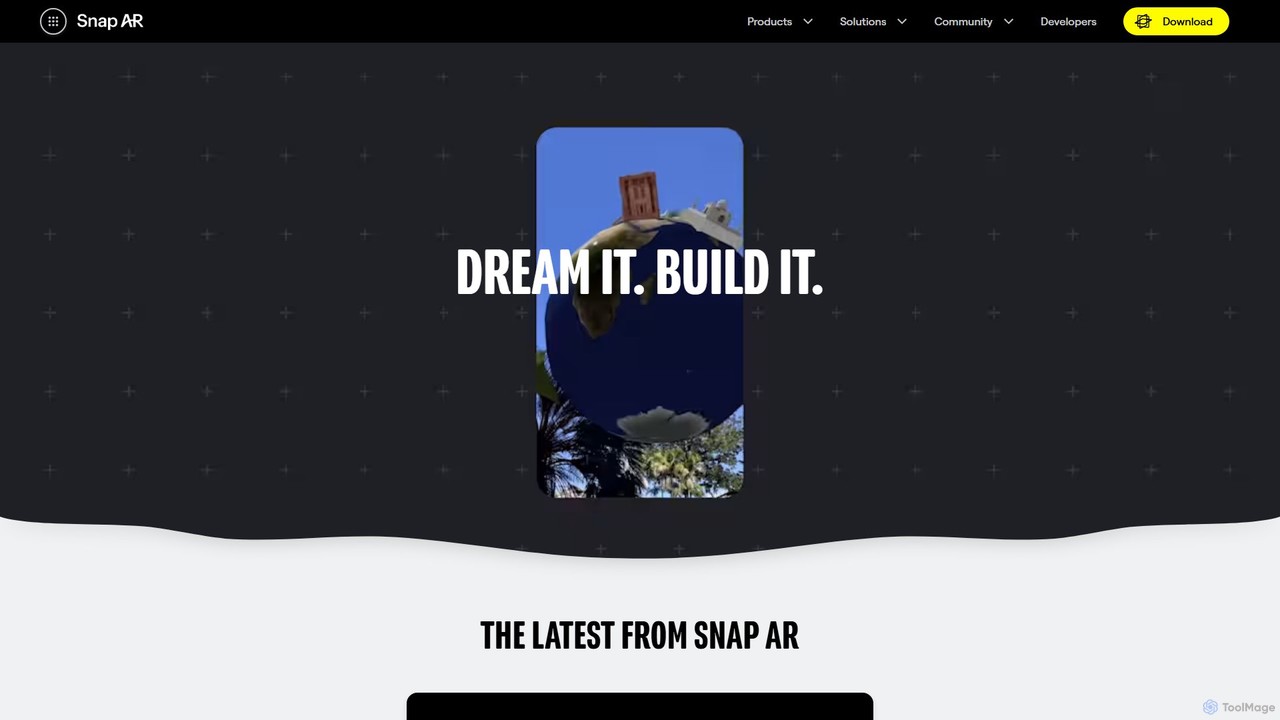
Snap AR
Snap AR is a comprehensive platform for creators, developers, and brands to build and deploy powerful augmented reality experiences. It features the advanced Lens Studio for creation, the Camera Kit SDK for cross-platform integration, and a new GenAI Suite to accelerate development from a simple prompt to a published AR Lens.
3D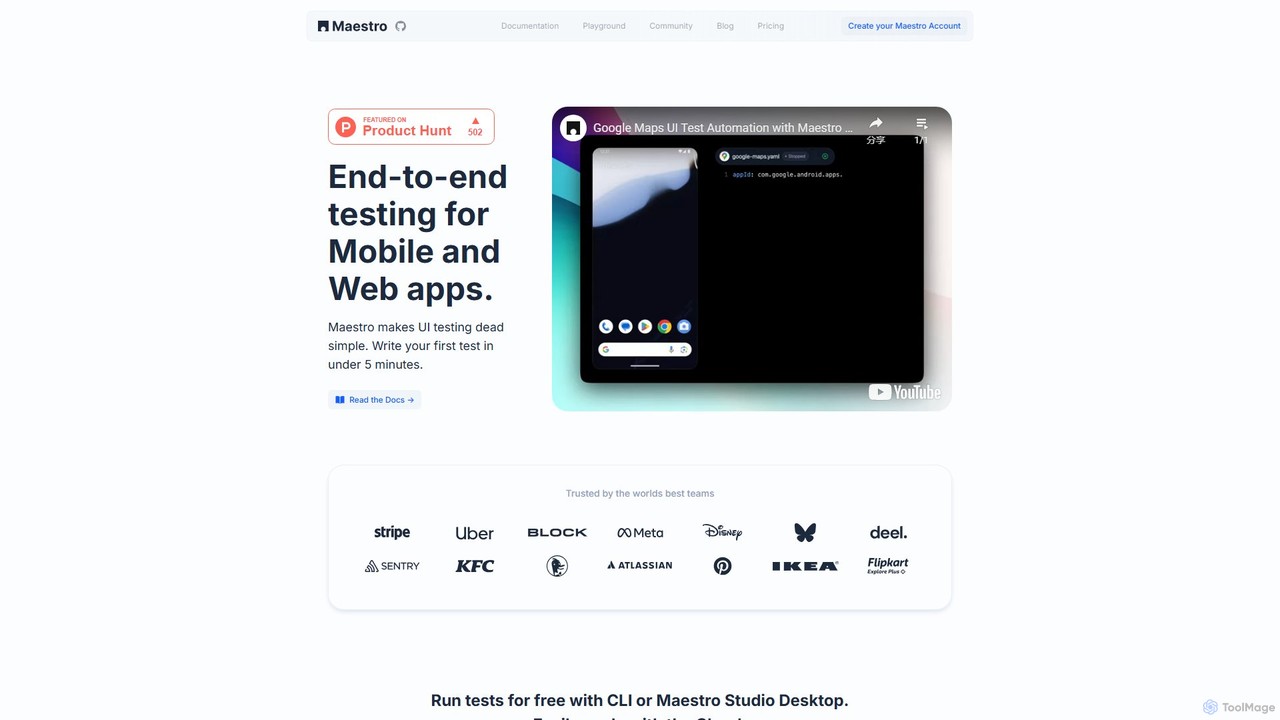
Maestro
Maestro is an AI-powered, end-to-end UI testing framework that simplifies testing for mobile and web applications. With its intuitive syntax, visual test creation via Maestro Studio, and an AI assistant (MaestroGPT), it enables developers and testers to write reliable tests in minutes. It supports a wide range of frameworks like iOS, Android, React Native, and Flutter, offering both a free local environment and a scalable cloud platform for CI/CD integration.
Automation
VideoSDK
VideoSDK is a comprehensive developer platform providing APIs and SDKs to build, scale, and secure real-time audio/video communication and interactive live streaming. It features low-latency infrastructure, cross-platform support, and integrated AI capabilities like voice agents, transcription, and summarization, enabling developers to embed immersive communication experiences into any application.
Video Conferencing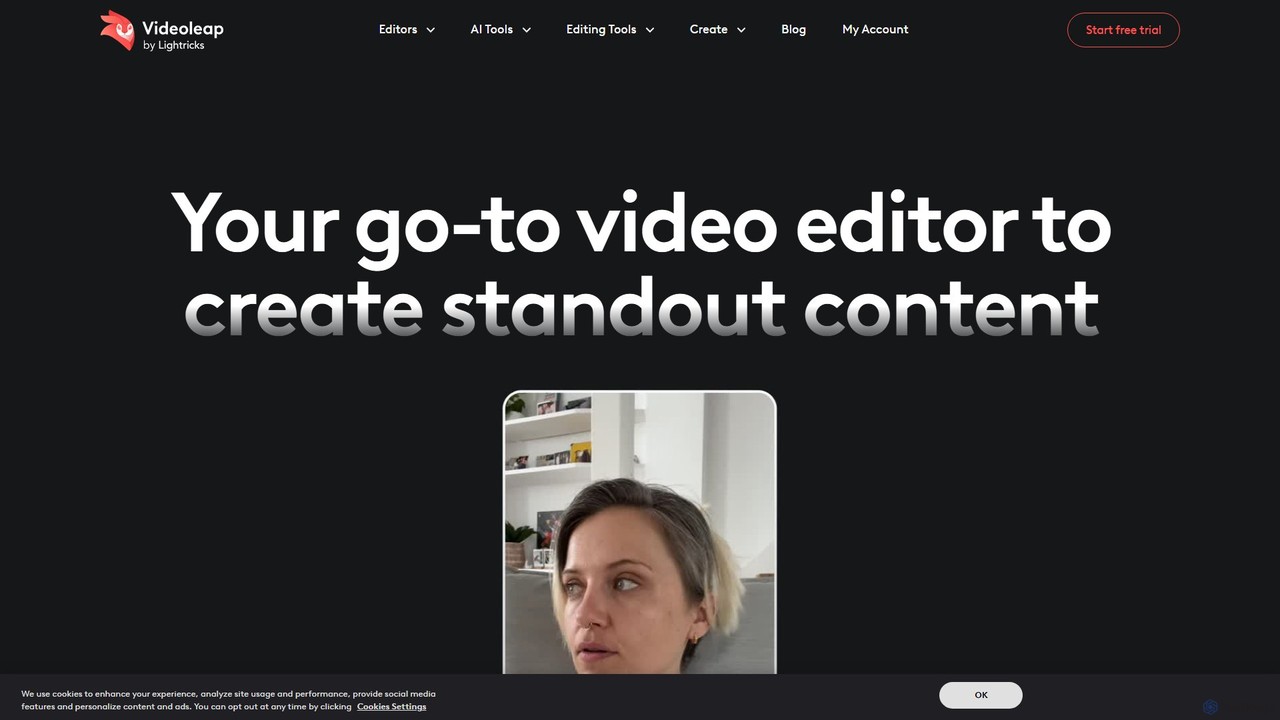
Videoleap
Videoleap is a powerful AI-driven video editor and maker app designed for both beginners and professionals. It combines a full suite of traditional editing tools with cutting-edge AI features like object removal, infinite zoom, and AI-generated effects. Create stunning, professional-quality videos for social media, marketing, or personal projects directly from your mobile device with ease and speed.
Mobile Apps
Qlone Comments (0)
Sign in to comment.
Sign inNo comments yet.