

Animant Overview
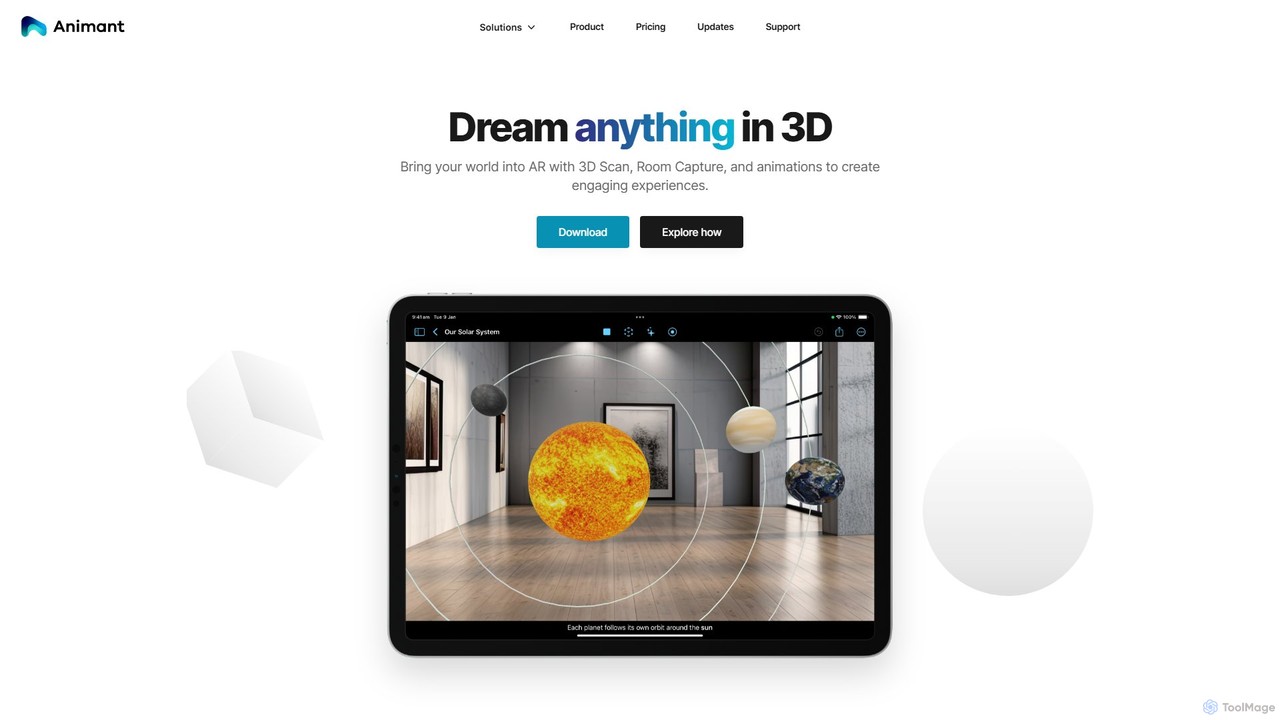
Animant is a comprehensive and intuitive creative studio designed to bring your imagination into the world of augmented reality (AR). Built from the ground up for the Apple ecosystem, Animant empowers users to create, animate, and share immersive 3D experiences on iPhone, iPad, Mac, and Apple Vision Pro. It seamlessly blends the real and virtual worlds by allowing you to scan physical objects and entire rooms, transforming them into manipulable digital assets.
At its core, Animant is designed to be accessible, whether you are a professional designer, an educator, or a hobbyist. The application focuses on an intuitive user experience, removing the steep learning curve often associated with 3D and AR development. With a strong commitment to privacy, Animant processes most data directly on your device, ensuring your creations and personal information remain secure and private.
How to use Animant
Using Animant is a straightforward process designed for creativity and efficiency:
- Download and Install: Get the Animant app from the App Store for your iPhone, iPad, Mac, or Apple Vision Pro.
- Capture Your World: Use the 'Object Capture' feature to create detailed 3D scans of physical items using your device's camera. For larger spaces, 'Room Capture' (on LiDAR-enabled devices) constructs a complete 3D floor plan.
- Build Your Scene: Import your scanned assets or other 3D models into a new project. Arrange objects within your virtual or real-world space. You can also use panoramic photos or 360-degree videos as immersive environments.
- Animate with Ease: Bring your scene to life with the Storyline animation system. A standout feature is 'Path-Aligned Animations,' which lets you create complex movement paths simply by walking with your device in AR.
- Enhance and Refine: Add realism with physics, custom lighting, and textures created from photos. Add context with captions that can even be read aloud.
- Collaborate and Share: Use Apple's SharePlay to invite up to 32 friends into your AR scene for real-time, collaborative editing over FaceTime or iMessage.
- Export Your Work: Pro users can export their assets in the universal USDZ format, allowing for integration with other 3D applications and workflows.
Core Features of Animant
- 3D Scanning (Object & Room Capture): High-fidelity 3D scanning of individual objects and entire rooms using your device's camera and LiDAR scanner.
- Intuitive Animation Tools: Create animations with a simple Storyline editor and the unique 'Walk to Animate' feature for path creation.
- Real-time Collaboration via SharePlay: Co-create and experience AR scenes with others simultaneously, with all changes synced in real-time.
- Cross-Platform Syncing: Work seamlessly across iPhone, iPad, Mac, and Apple Vision Pro, with projects and settings synced across your devices.
- On-Device Processing & Privacy: Most rendering and processing happen on-device, ensuring fast performance, offline capabilities, and a strong privacy-first approach.
- USDZ Import/Export: Full support for importing and exporting in the USDZ format, making it compatible with a wide range of 3D and AR tools.
- Immersive Environments: Use panoramic photos (skyboxes) or 360-degree videos as backgrounds for your scenes, complete with Spatial Audio support.
- Physics and Lighting Engine: Add a layer of realism to your creations with support for object physics and customizable lighting sources.
- Shortcuts Integration: Automate workflows and launch directly into tasks using Siri and the Shortcuts app.
Use Cases for Animant
Animant's versatility makes it suitable for a wide array of applications:
- Interior Design: Scan a room and virtually place 3D models of furniture to visualize different layouts and designs accurately.
- Product Design & Prototyping: Create 3D scans of physical prototypes to animate their functions, share for feedback, or present to stakeholders.
- Education: Teachers can build interactive 3D models and animations to explain complex scientific or technical concepts in an engaging way.
- AR Storytelling: Creators can produce unique short films and stories by combining live camera footage with animated 3D characters and effects.
- Collaborative Planning: Teams can use SharePlay to collaboratively plan event layouts, architectural spaces, or stage designs in a shared virtual environment.
Advantages of Animant
Animant stands out due to its user-centric design and powerful features:
- Accessibility: It democratizes AR creation, making it possible for users without technical expertise to build sophisticated scenes.
- Deep Apple Ecosystem Integration: Leverages native Apple technologies like LiDAR, SharePlay, and Vision Pro for a seamless and powerful experience.
- Intuitive Workflow: Innovative features like creating animation paths by walking dramatically simplify the creation process.
- Privacy-Focused: By prioritizing on-device processing, Animant ensures user data is not collected or compromised.
- All-in-One Studio: It combines scanning, modeling, animation, and collaboration into a single, cohesive application, streamlining the creative workflow.
Pricing and Plans
Animant offers two simple pricing tiers:
- Free Plan ($0): Ideal for getting started. Includes up to two projects with two scenes each, two Storyline Animations, unlimited textures, and one reusable Asset (including 3D scans).
- Pro Plan ($5.99/month): Unlocks the full potential of the app. Includes unlimited projects, scenes, Storyline Animations, textures, and reusable Assets. It also adds key professional features like Asset sharing and USDZ export. Family Sharing is available for Pro subscribers.
Animant Alternatives
Qlone
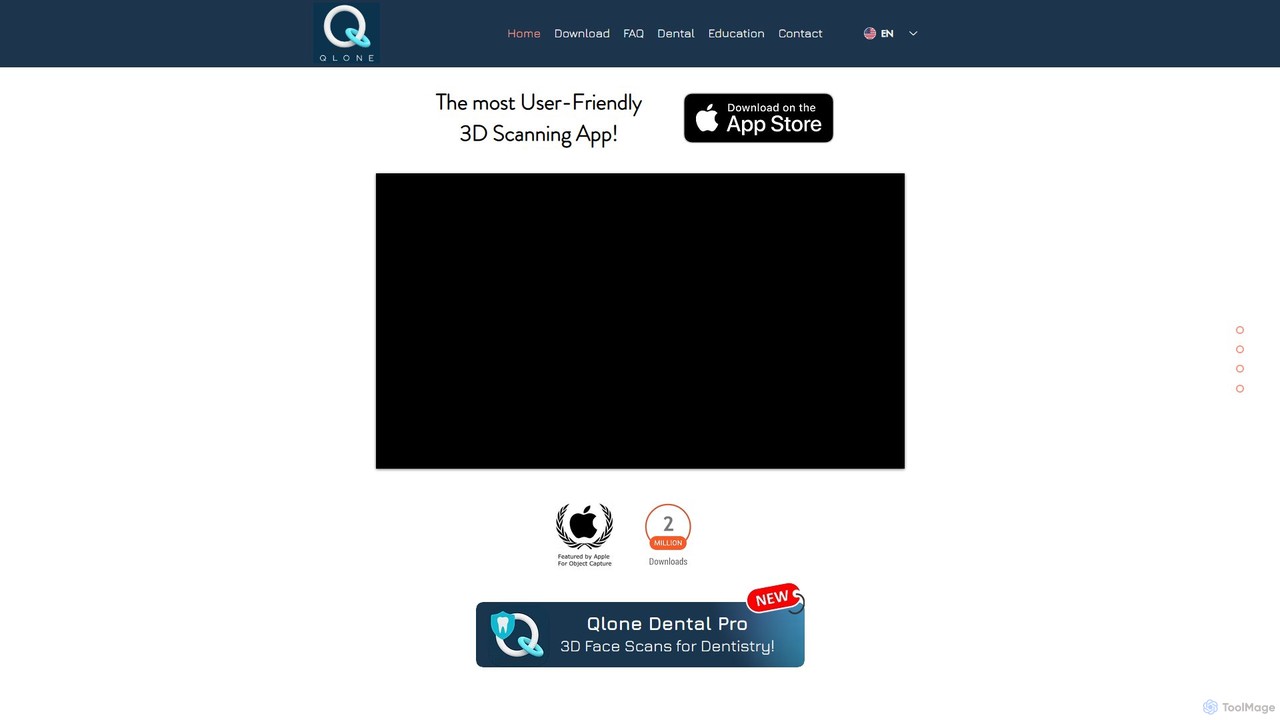
Qlone is a user-friendly, all-in-one 3D scanning app for mobile devices. It allows anyone to easily capture real-world objects and people, turning them into high-quality 3D models directly on their phone. With its unique AR mat for guidance, on-device processing, and seamless export options, Qlone makes 3D creation accessible for 3D printing, AR/VR content, e-commerce, and art.
3D Scanning
Studio.Design
Studio.Design is a powerful no-code website builder that empowers designers and creators to turn ideas into fully responsive, animated websites with complete creative freedom. It features an intuitive visual editor, real-time collaboration, an integrated CMS, and AI-powered SEO tools, allowing you to publish professional sites in a single click.
Web Design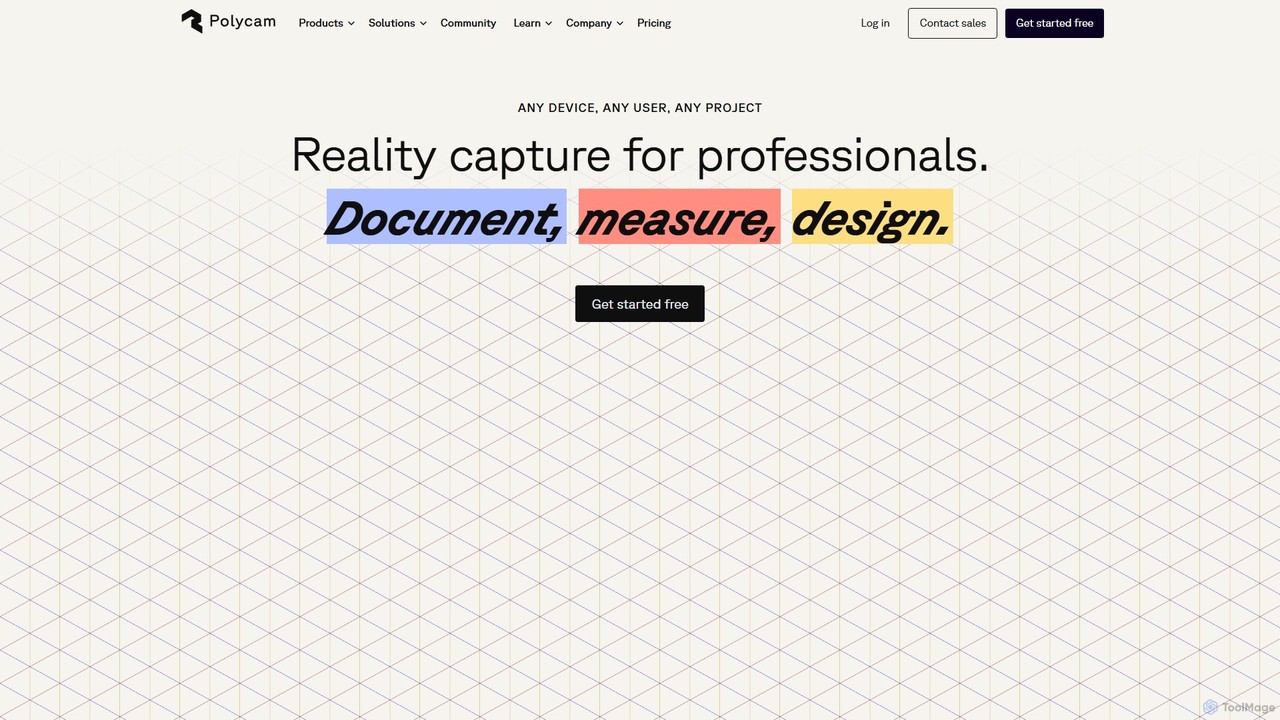
Polycam
Polycam is a leading 3D capture application for iOS, Android, and Web, using LiDAR and photogrammetry to create high-quality 3D models, floor plans, and drone maps. It's designed for professionals in architecture, construction, real estate, and e-commerce, as well as for creators and hobbyists.
3D Modeling
superwhisper
superwhisper is an AI-powered dictation and transcription tool for macOS and iOS. It offers high-accuracy speech-to-text conversion, intelligent formatting modes for different contexts (emails, notes), and supports over 100 languages. It prioritizes privacy with offline, on-device processing and works seamlessly in any application.
Speech To Text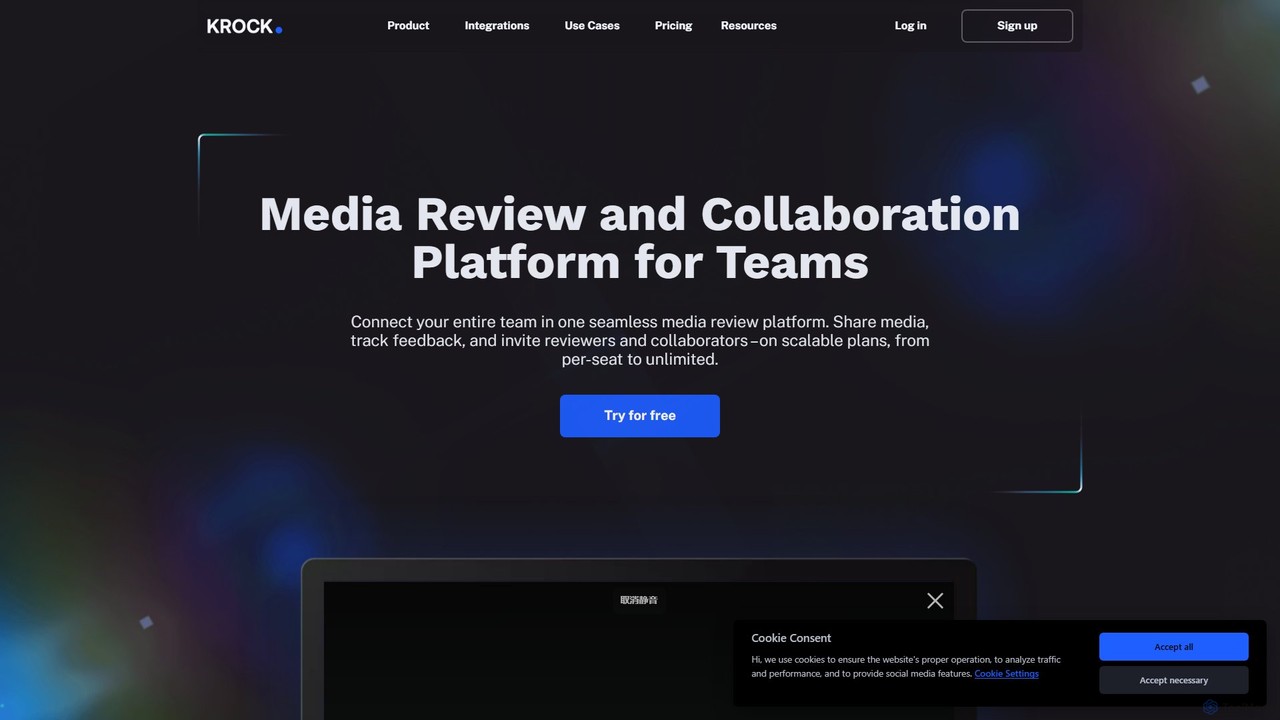
Krock.io
Krock.io is a comprehensive media review and collaboration platform for creative teams. It streamlines video production, animation, and design workflows by centralizing feedback, version control, and project management. Features include time-coded comments, an AI-powered storyboard tool, and seamless integration with Adobe CC, helping teams deliver projects faster and more efficiently.
CollaborationAnimant Categories
Animant Embed Widget
Copy this embed code to place the badge on your blog, article, or product site and send readers directly to this ToolMage detail page.

Related AI tools
Qlone
Qlone is a user-friendly, all-in-one 3D scanning app for mobile devices. It allows anyone to easily capture real-world objects and people, turning them into high-quality 3D models directly on their phone. With its unique AR mat for guidance, on-device processing, and seamless export options, Qlone makes 3D creation accessible for 3D printing, AR/VR content, e-commerce, and art.
3D ScanningStudio.Design
Studio.Design is a powerful no-code website builder that empowers designers and creators to turn ideas into fully responsive, animated websites with complete creative freedom. It features an intuitive visual editor, real-time collaboration, an integrated CMS, and AI-powered SEO tools, allowing you to publish professional sites in a single click.
Web DesignPolycam
Polycam is a leading 3D capture application for iOS, Android, and Web, using LiDAR and photogrammetry to create high-quality 3D models, floor plans, and drone maps. It's designed for professionals in architecture, construction, real estate, and e-commerce, as well as for creators and hobbyists.
3D Modelingsuperwhisper
superwhisper is an AI-powered dictation and transcription tool for macOS and iOS. It offers high-accuracy speech-to-text conversion, intelligent formatting modes for different contexts (emails, notes), and supports over 100 languages. It prioritizes privacy with offline, on-device processing and works seamlessly in any application.
Speech To TextKrock.io
Krock.io is a comprehensive media review and collaboration platform for creative teams. It streamlines video production, animation, and design workflows by centralizing feedback, version control, and project management. Features include time-coded comments, an AI-powered storyboard tool, and seamless integration with Adobe CC, helping teams deliver projects faster and more efficiently.
Collaboration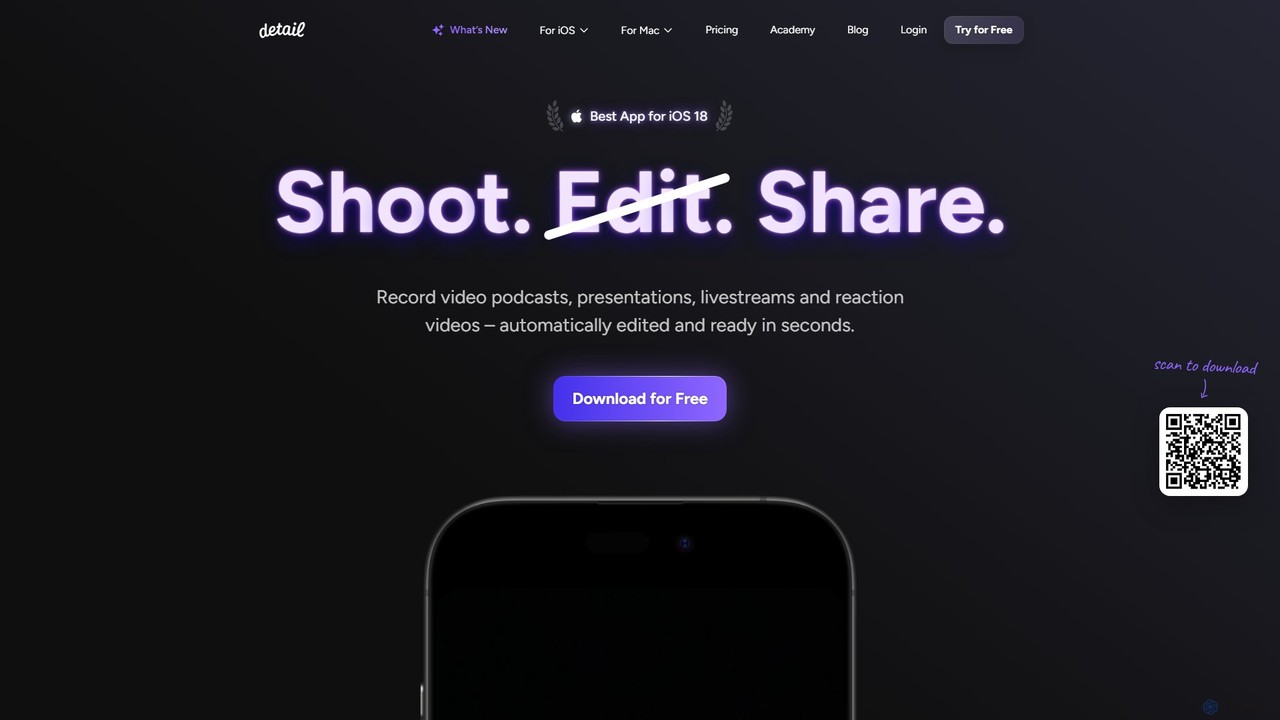
Detail
Detail is an AI-powered video creation and editing app for iOS and macOS that turns your device into a portable production studio. It automates editing for podcasts, reaction videos, and livestreams with features like a teleprompter, multi-camera recording, green screen, and automatic captions, simplifying professional video creation for everyone.
Content Creation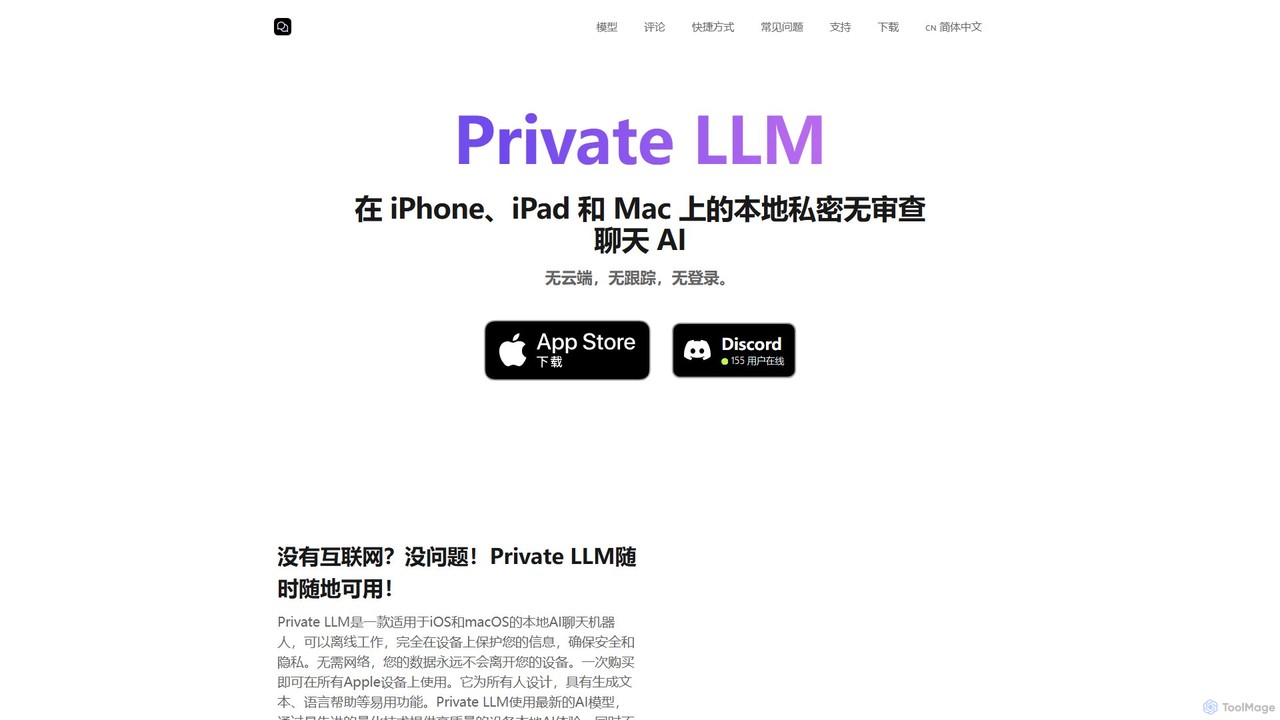
Private LLM
Private LLM is a secure, offline AI chatbot for iPhone, iPad, and Mac. It runs powerful open-source LLMs locally on your device, ensuring 100% privacy with no data tracking or cloud servers. It features a one-time purchase model, deep integration with the Apple ecosystem via Siri and Shortcuts, and offers superior performance through advanced model quantization.
Coding Assistant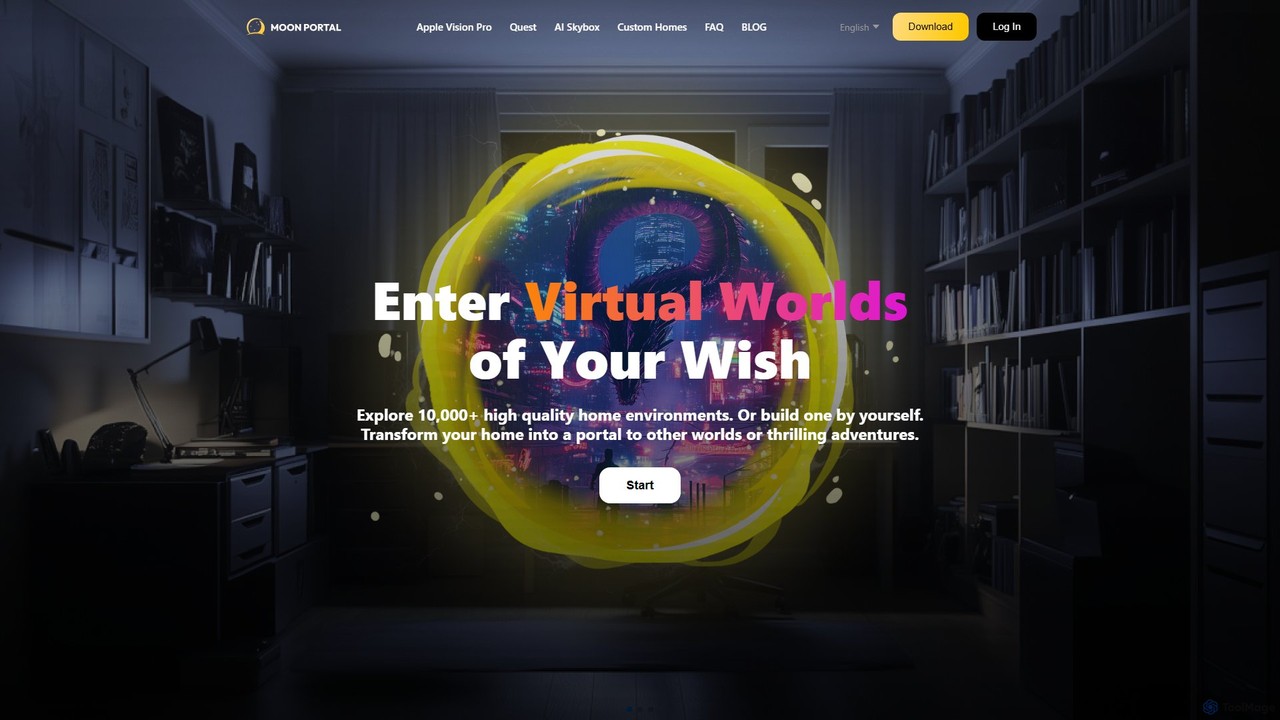
moonvrhome
moonvrhome is a platform for Meta Quest and Apple Vision Pro users to customize their virtual reality home environments. It offers a vast library of over 10,000 custom homes and 30,000 skyboxes, plus an AI Skybox Generator to create unique 360° worlds from text prompts. Transform your VR space with ease, no sideloading required.
Utilities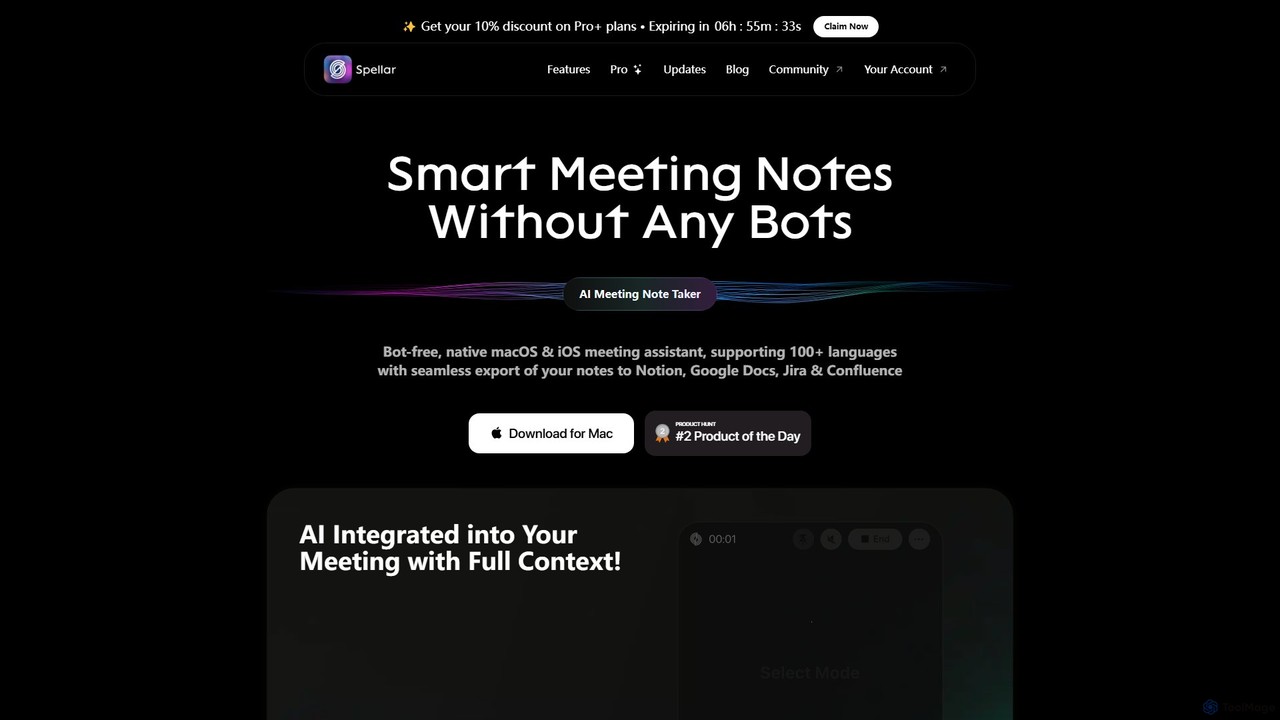
Spellar
Spellar is a bot-free AI meeting assistant for macOS, iOS, and web. It records, transcribes, and summarizes your meetings, providing actionable insights and real-time communication feedback. It integrates seamlessly with tools like Notion, Jira, and Google Docs, supporting over 100 languages to boost your productivity.
Language Learning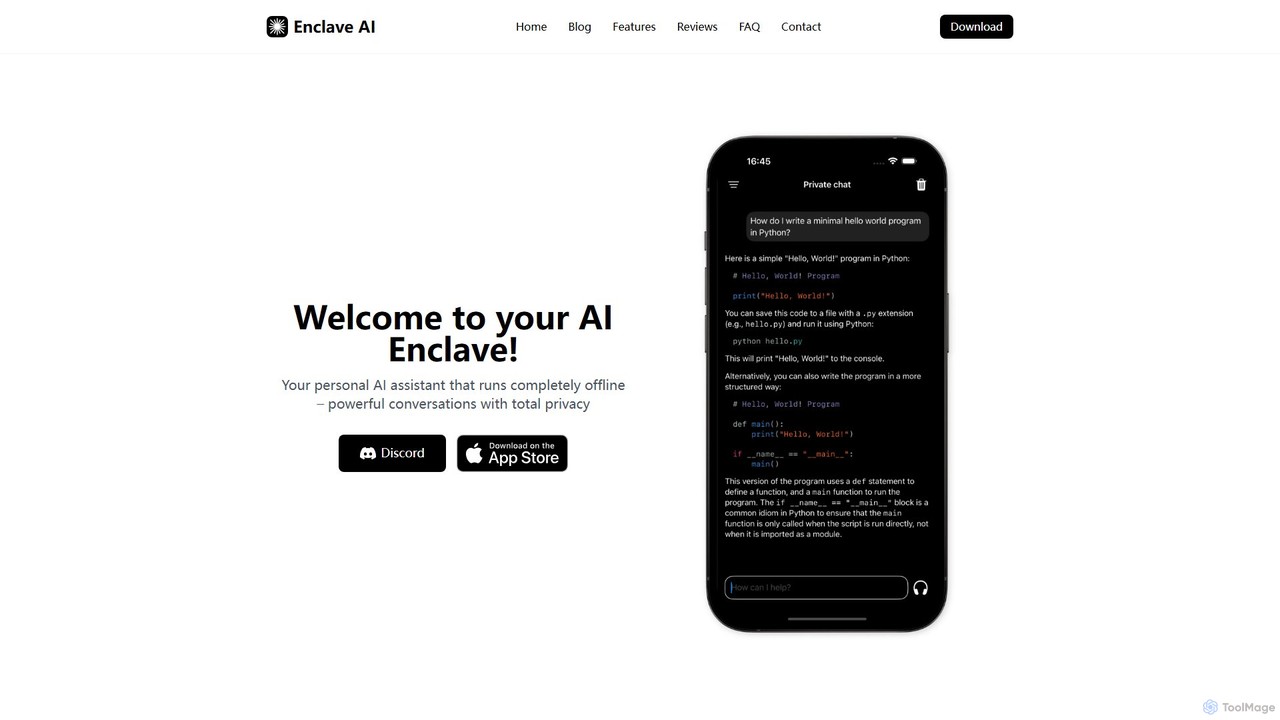
Enclave AI
Enclave AI is a private, local, and offline AI assistant for macOS and iOS. It runs powerful open-source models directly on your device, ensuring your conversations, documents, and data remain 100% private and secure, with no internet connection required.
Local Models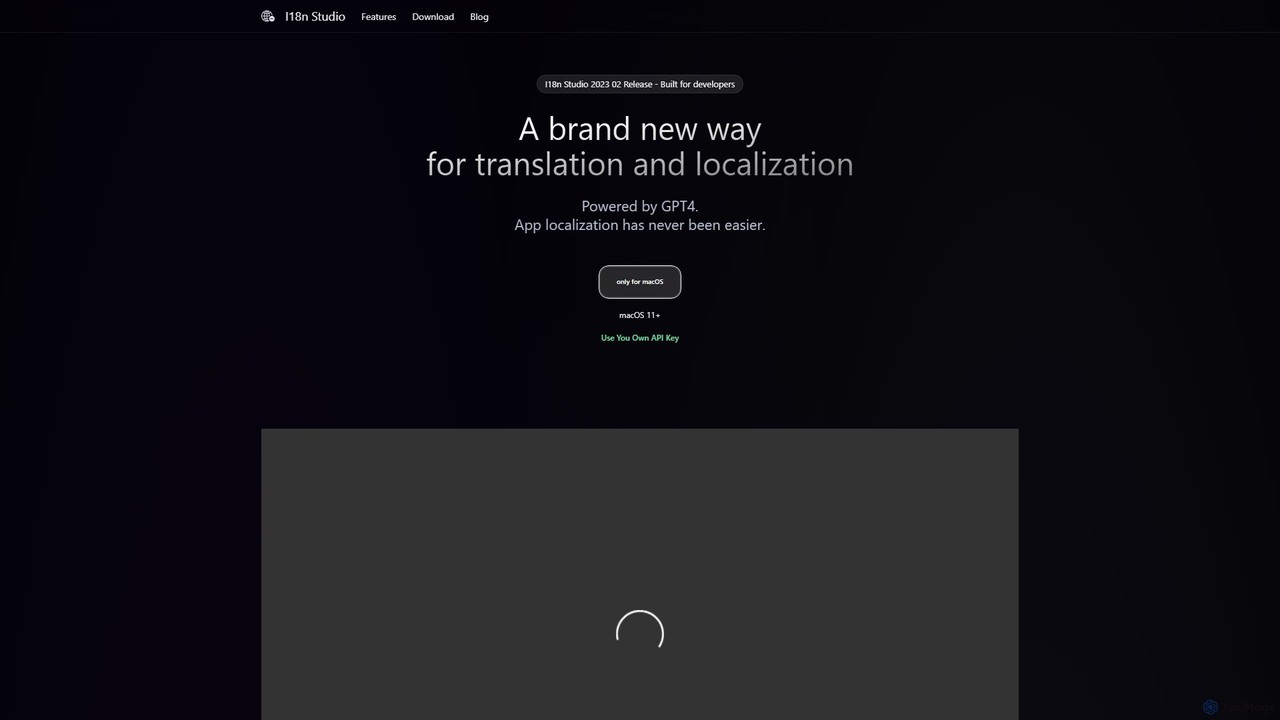
I18n Studio
I18n Studio is a GPT-4 powered localization tool for developers on macOS. It streamlines the translation of app resource files (JSON, XML, .strings) for iOS, Android, and web apps, offering context-aware, one-click batch translations and seamless integration with IDEs like Xcode and VSCode.
Internationalization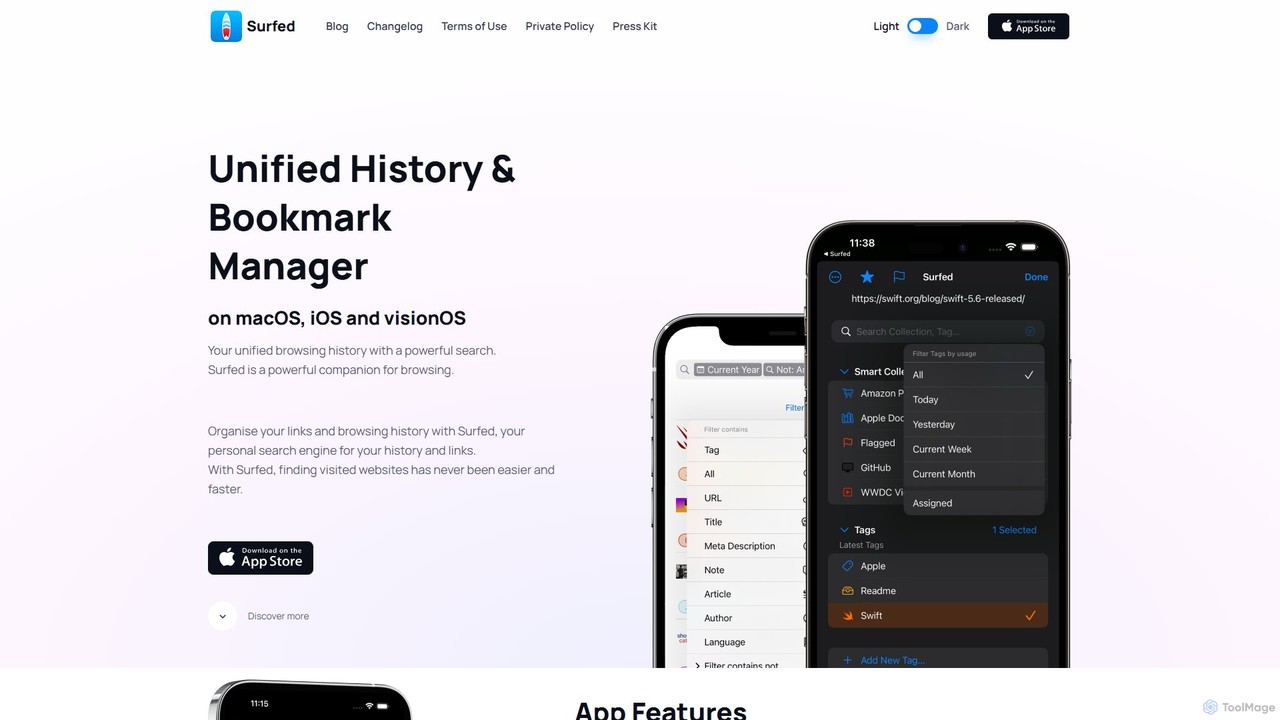
Surfed
Surfed is a powerful, privacy-focused history and bookmark manager for macOS, iOS, and visionOS. It unifies your browsing history from all major browsers, acting as your personal search engine. With features like AI-powered summarization, web automation, read-it-later, and cross-device sync, Surfed transforms how you organize, find, and interact with your web links and content.
Automation
Short Circuit
Short Circuit is a privacy-focused AI assistant for iPhone, iPad, and Mac, powered by ChatGPT & GPT-4. It offers deep integration with the Apple ecosystem, including Siri and Shortcuts. Customize AI personalities for any task, from a math tutor to a code expert. With a strong commitment to privacy and flexible pricing options, including a lifetime unlock with your own API key, Short Circuit provides a premium, secure, and versatile AI experience.
Code Assistant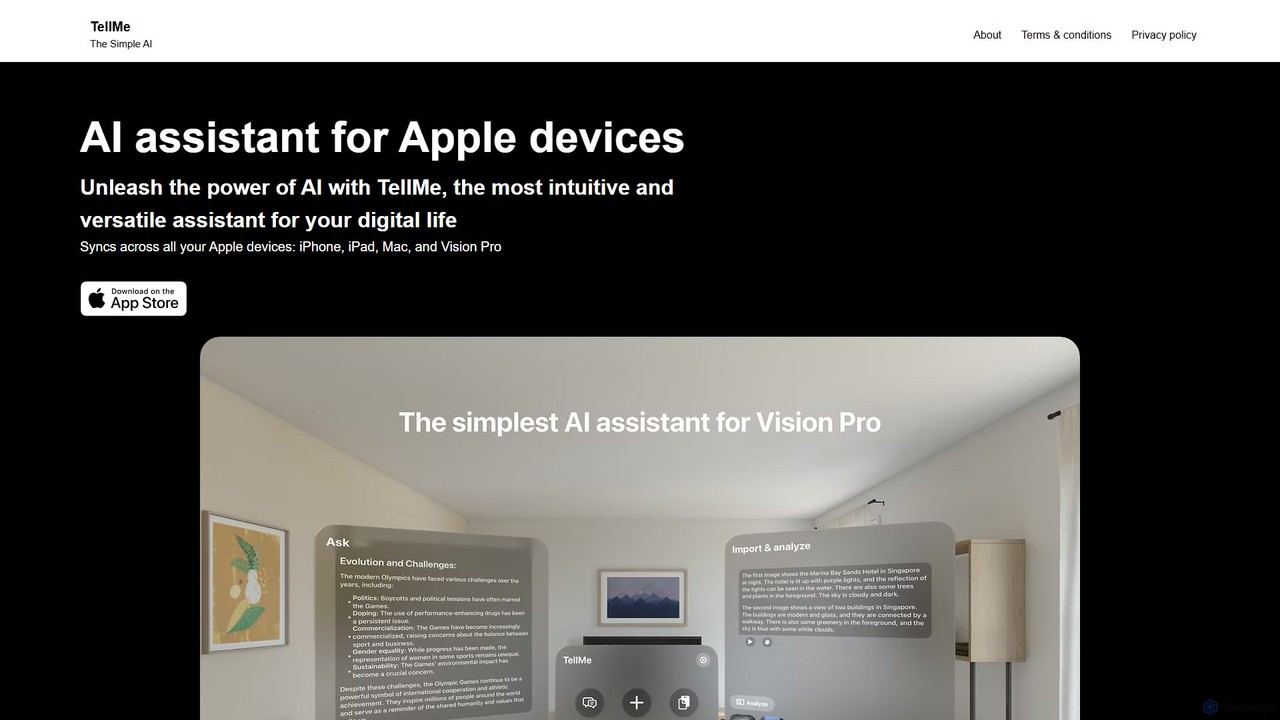
TellMe
TellMe is an intelligent AI assistant designed exclusively for the Apple ecosystem. It offers seamless synchronization across iPhone, iPad, Mac, and Vision Pro, providing an intuitive and versatile tool to enhance productivity, streamline tasks, and simplify your digital life.
Ecosystem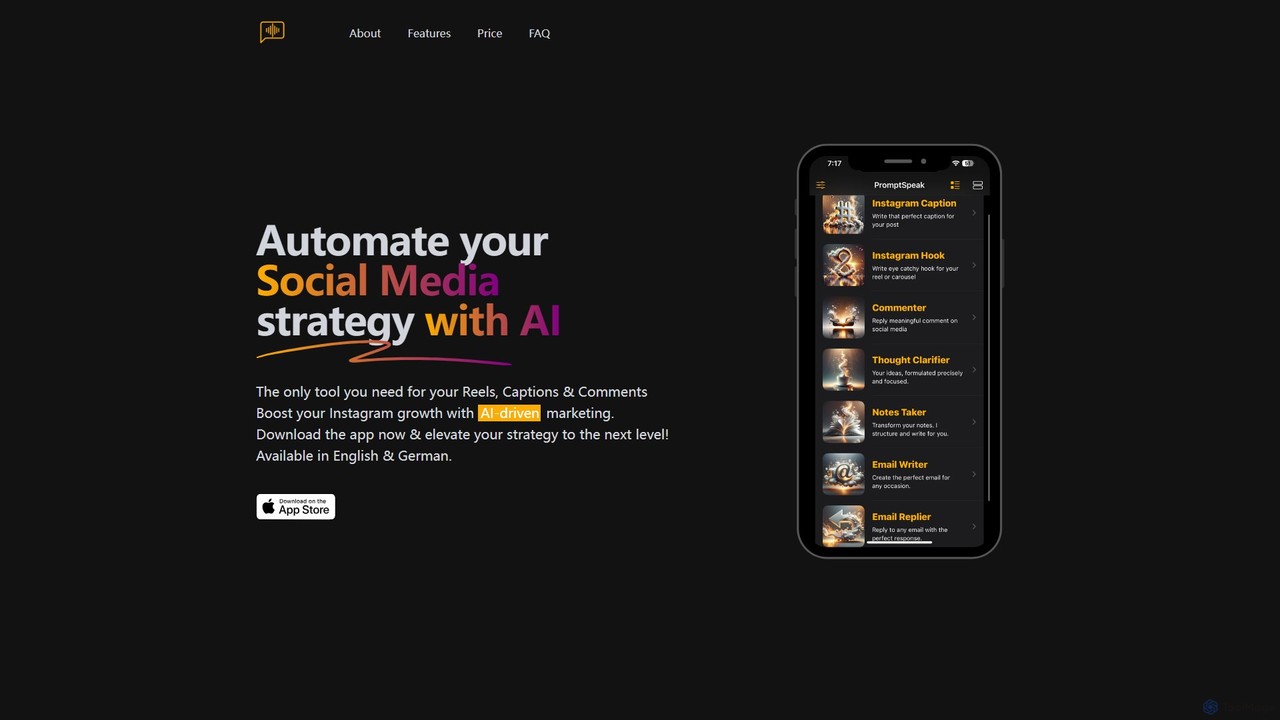
PromptSpeak.AI
PromptSpeak.AI is an AI-powered assistant that transforms your voice or text prompts into polished content. Designed for iOS and MacOS, it automates social media strategies, crafts professional emails, organizes notes, and clarifies thoughts. It's the ideal tool for content creators, marketers, and professionals looking to boost productivity and streamline their content creation workflow, especially for platforms like Instagram.
Email Marketing
Animant Comments (0)
Sign in to comment.
Sign inNo comments yet.