ToolMage
Sign in

Best 5 Utilities AI tools for Gaming

Popular Utilities AI tools in Gaming include Voicemod, kudos, irocketx, Altered, and moonvrhome, helping you work more efficiently.

Voicemod
Freemium

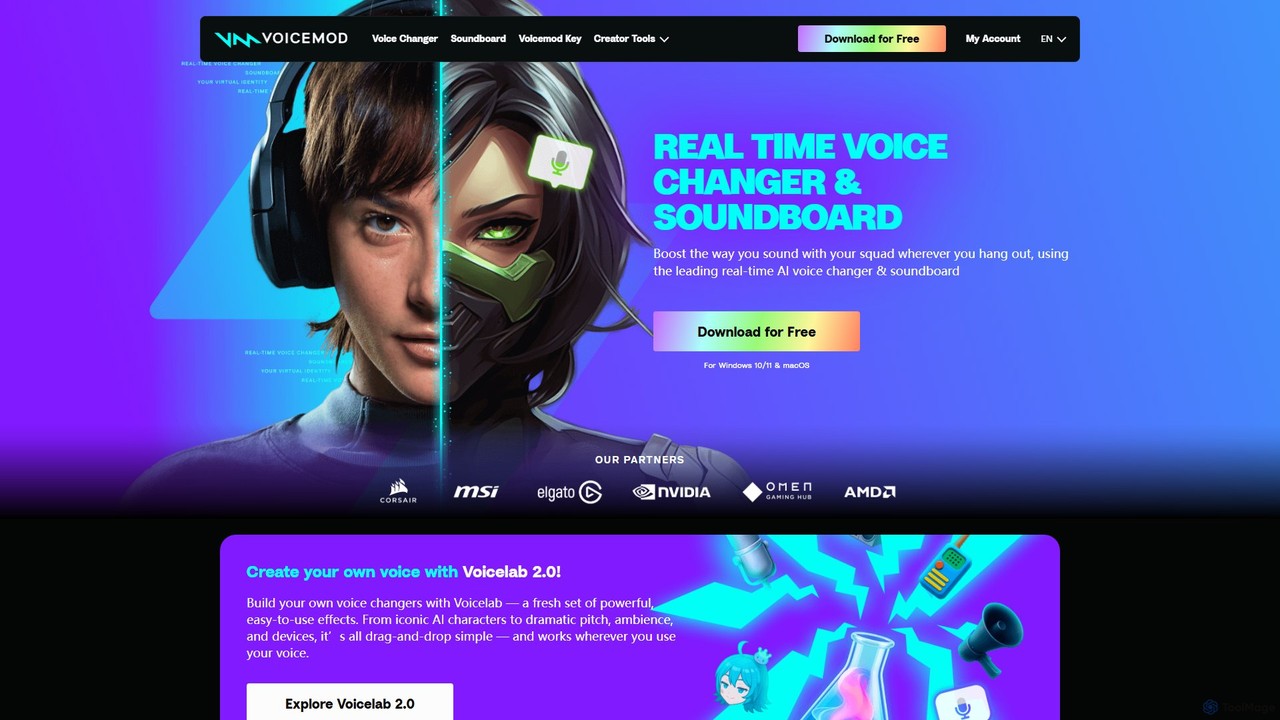
Voicemod

Voicemod is the leading real-time AI voice changer and soundboard for PC and Mac. Designed for gamers, streamers, and content creators, it allows you to transform your voice into anything you can imagine, from a robot to an anime character. With a vast library of voices, sound effects, and the powerful Voicelab for custom voice creation, Voicemod integrates seamlessly with all your favorite games and communication apps like Discord, Zoom, and VRChat.

Voice Modulation
Visits 4.3MFavorites 147Likes 162
Altered
Freemium

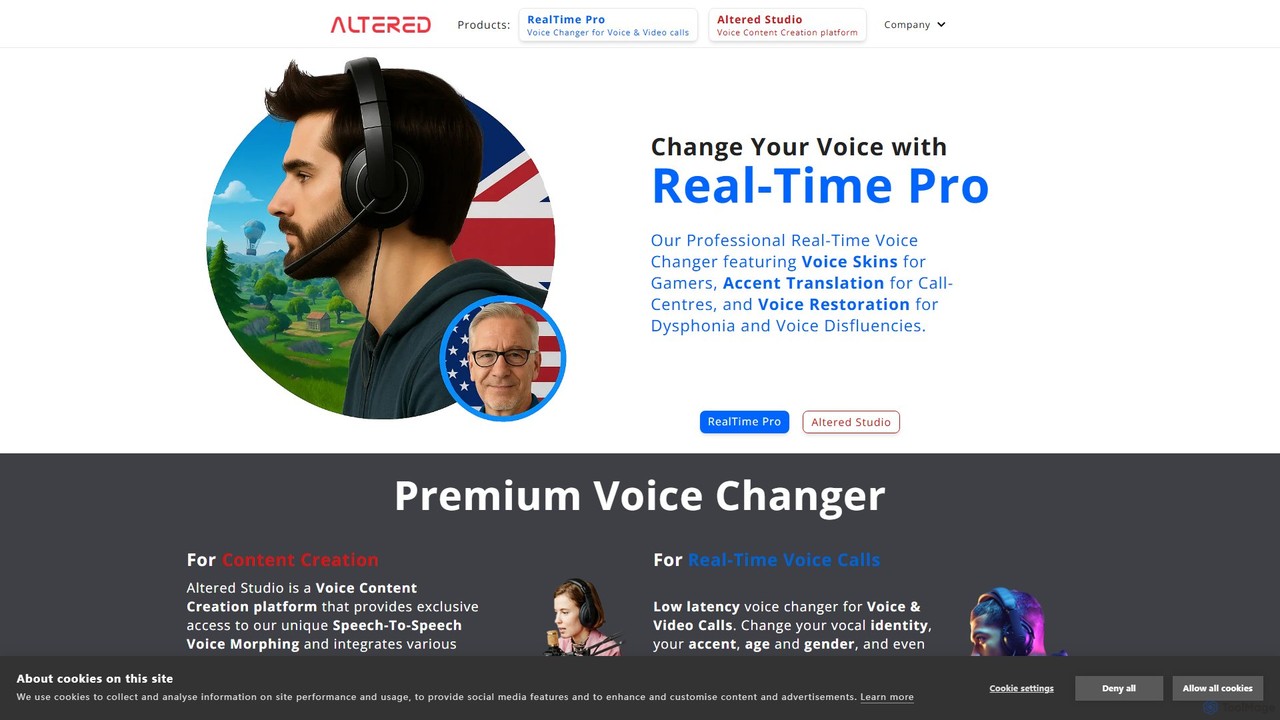
Altered

Altered is a professional AI voice technology platform offering both real-time voice changing and post-production voice editing. With its unique Speech-To-Speech morphing, users can change their voice to a curated portfolio, clone any voice, alter accents, or restore vocal clarity. It serves content creators, gamers, call centers, and individuals seeking voice modification or protection.

Voice Changing
Visits 39.8KFavorites 96Likes 109
moonvrhome
Freemium

moonvrhome

moonvrhome is a platform for Meta Quest and Apple Vision Pro users to customize their virtual reality home environments. It offers a vast library of over 10,000 custom homes and 30,000 skyboxes, plus an AI Skybox Generator to create unique 360° worlds from text prompts. Transform your VR space with ease, no sideloading required.

Utilities
Visits 17.7KFavorites 127Likes 120
kudos
Freemium

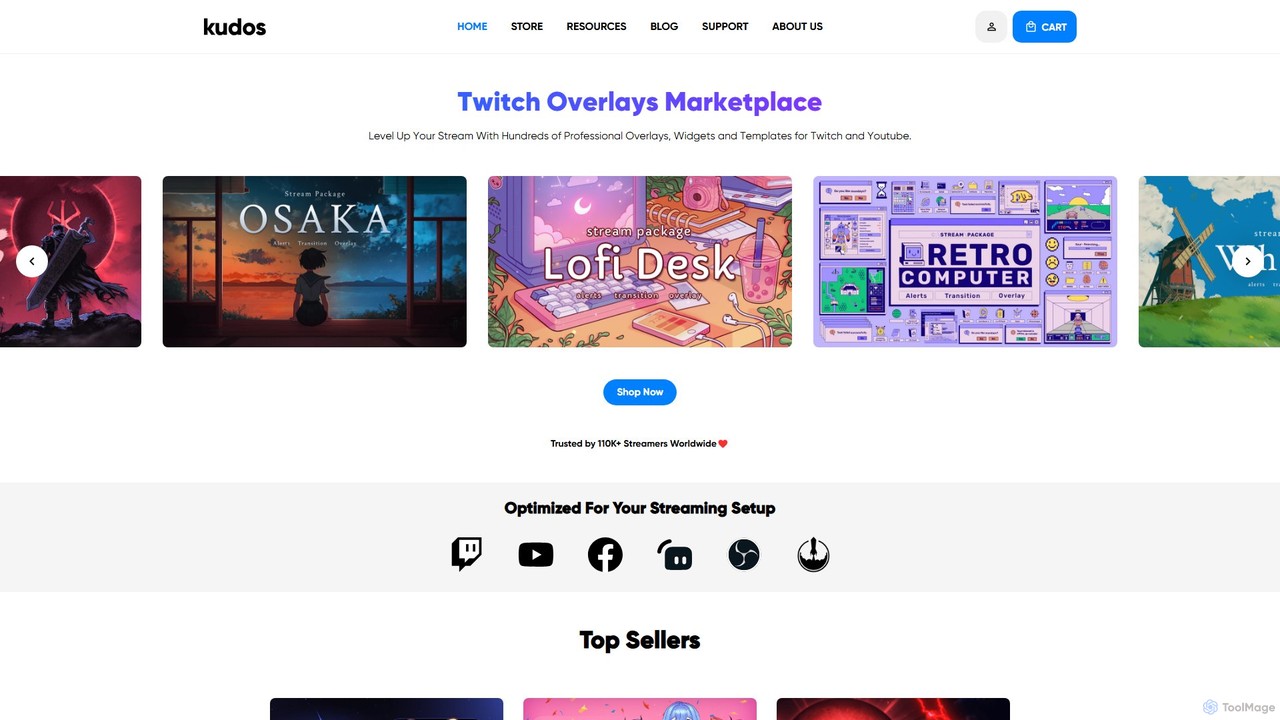
kudos

Kudos is a marketplace offering professional stream graphics for creators on Twitch and YouTube. It provides a vast library of high-quality overlays, widgets, alerts, VTuber models, and templates. Designed for easy setup with OBS, Streamlabs, and other software, Kudos helps streamers enhance their visual appeal, boost viewer engagement, and build a unique brand identity with both premium and free assets.

Graphics
Visits 170KFavorites 111Likes 108
irocketx
Freemium

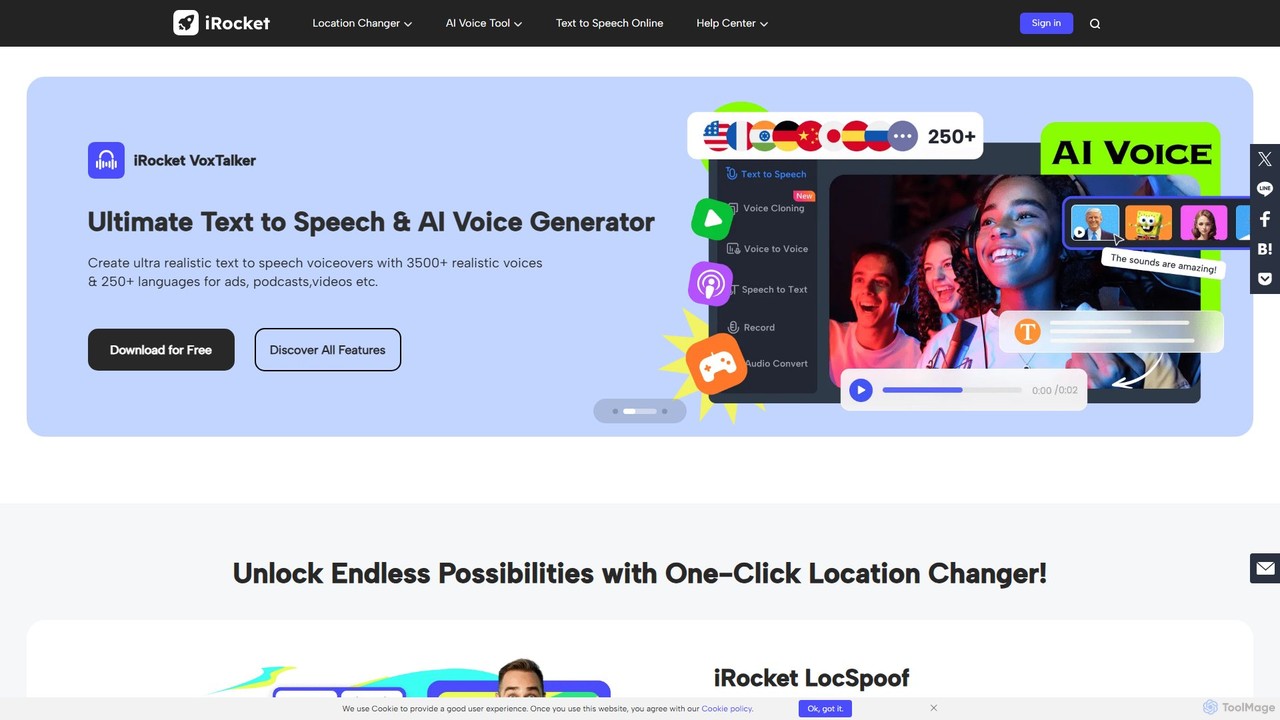
irocketx

iRocket offers a suite of powerful AI tools for digital privacy, content creation, and gaming. It includes a location spoofer (LocSpoof), a text-to-speech and voice cloning generator (VoxTalker), a real-time voice changer (iCreaVoice), and a video converter (Fildown). These applications are designed to enhance online experiences, protect user privacy, and unlock creative potential with user-friendly interfaces.

Voice Modulation
Visits 66KFavorites 128Likes 133

About Utilities

AI Gaming Utilities are specialized tools that use artificial intelligence to enhance, analyze, or manage the gaming experience. These tools often operate by processing real-time game data, user inputs, or system performance to provide automated optimizations and actionable insights. They serve a wide range of functions, from improving individual player skill to streamlining community management and content creation. Unlike core game development tools, AI gaming utilities typically augment existing games for players, modders, or community managers.

Core Features

  • Gameplay Analysis: Automatically reviews match replays or live gameplay to identify strategic patterns, mistakes, and areas for improvement.
  • Performance Optimization: Dynamically adjusts in-game settings or system parameters to maximize frame rates and visual quality based on hardware capabilities.
  • Automated Content Moderation: Scans in-game chat and user-generated content to detect and filter toxicity, spam, or inappropriate material.
  • Procedural Content Assistance: Aids modders and creators by generating game elements like textures, character dialogues, or level layouts.

Use Cases

These utilities are widely used by competitive gamers seeking to refine their strategies, streamers looking to automate highlight creation, and server administrators aiming to maintain healthy online communities. They are also valuable for casual players who want the best performance from their hardware without manual tweaking.

How to Choose

When selecting an AI Gaming Utility, consider its specific function (e.g., coaching vs. optimization), compatibility with your target games, and its impact on system performance. Also, verify the tool's compliance with the game's terms of service to ensure it is not considered an unfair advantage or cheat. User reviews and community trust are also important factors.

Featured tool rankings

Utilities use cases

1

Gameplay Analysis for Competitive Improvement

A competitive player in a tactical shooter like Valorant or CS:GO uses an AI utility to analyze their match history. The tool processes video recordings or game data APIs to create a detailed report, highlighting common mistakes such as poor crosshair placement, inefficient ability usage, or predictable positioning. It provides visual overlays on maps showing where the player is most vulnerable. By reviewing these AI-generated insights, the player can identify specific weaknesses in their strategy and focus their practice sessions more effectively, leading to a measurable improvement in rank.

2

Automated Graphics Optimization for Smooth Gameplay

A PC gamer with mid-range hardware wants to play a new, graphically demanding open-world game. Instead of spending hours manually testing different graphics settings to find a balance between visual quality and performance, they use an AI optimization utility. The tool analyzes the user's specific hardware configuration (CPU, GPU, RAM) and runs benchmarks. Based on this data, its AI model predicts and applies the optimal settings to achieve a stable target frame rate (e.g., 60 FPS) with the highest possible fidelity. This automates a complex process, ensuring a smooth, stutter-free experience without requiring technical expertise from the user.

3

AI-Assisted Game Modding

A mod creator for a role-playing game like Skyrim wants to add a new non-player character (NPC) with unique dialogue. Using an AI utility integrated into their modding tools, they can input a character description and key plot points. The AI then generates dozens of contextually appropriate dialogue lines in the desired tone, saving hours of creative writing. The same utility might also assist in generating simple textures or item descriptions based on prompts, significantly accelerating the asset creation workflow and allowing the modder to focus on more complex design and scripting tasks.

4

Automated Stream Highlight Clipping

A content creator streams their gameplay on platforms like Twitch or YouTube for several hours. Manually reviewing the entire broadcast to find exciting moments for a highlight reel is time-consuming. They use an AI utility that analyzes the stream in real-time or from a recording. The AI detects spikes in action, audience engagement (like chat velocity), or in-game events (e.g., multi-kills, boss defeats) and automatically clips these segments. This provides the streamer with a curated collection of high-impact moments, ready to be edited and shared on social media, saving 90% of the manual review time.

5

Community Moderation in Online Games

An administrator of a large Minecraft server or a community manager for an MMO needs to maintain a positive and safe environment for thousands of players. They deploy an AI moderation utility that constantly monitors in-game chat channels. The AI is trained to recognize and flag various forms of toxic behavior, including hate speech, harassment, and spam, often with a better understanding of gaming-specific slang than simple keyword filters. It can automatically issue warnings, mute offenders, or escalate severe cases to human moderators, allowing a small team to effectively manage a large community and improve player retention.

6

Creating Custom AI Training Scenarios

A player wants to practice a very specific skill in a first-person shooter, such as countering a certain type of aggressive rush on a specific map point. Standard in-game bots may not replicate this behavior accurately. Using an AI utility, the player can define custom bot behaviors. They can specify paths, actions, and reaction patterns for the AI opponents. The utility then controls the in-game bots to execute these complex scenarios repeatedly, providing a highly tailored and effective training environment that goes far beyond the game's default practice modes, helping the player build muscle memory for critical situations.

Utilities FAQ

What are AI Gaming Utilities?

AI Gaming Utilities are software tools that use artificial intelligence to assist players, content creators, or community managers with tasks related to video games. Unlike a game itself, these utilities work alongside a game to provide services like performance optimization, gameplay analysis, content moderation, or modding assistance. Their primary goal is to enhance the overall gaming experience or streamline related workflows without altering the core game code in an unauthorized way.

How do I choose the right AI Gaming Utility?

To choose the right utility, first identify your primary need: are you looking for performance boosts, gameplay coaching, streaming assistance, or moderation tools? Then, consider these factors:

  • Game Compatibility: Ensure the tool officially supports the games you play.
  • Feature Set: Compare the specific features offered. A coaching tool might analyze positioning, while an optimizer focuses on graphics settings.
  • Performance Impact: A good utility should not significantly decrease your game's performance while running.
  • Terms of Service Compliance: Crucially, verify that using the tool does not violate the game's terms of service. Avoid any tool that provides an unfair competitive advantage, as it may be classified as a cheat.
  • User Reviews: Check community feedback for reliability and effectiveness.
Are AI Gaming Utilities considered cheating?

This depends entirely on the tool's function and the game's specific rules. Legitimate AI utilities, such as performance optimizers or post-game analysis tools, are generally not considered cheating because they do not provide a real-time, unfair advantage over other players. However, any tool that automates gameplay actions (like aiming or shooting), reveals hidden information (like enemy positions), or otherwise violates the spirit of fair competition is almost always considered a cheat and can lead to a ban. Always check a game's anti-cheat policy and terms of service before using any third-party utility.

What's the difference between AI Gaming Utilities and AI Game Development tools?

The primary difference lies in their target user and application stage. AI Game Development tools are used by developers *during* the creation of a game. They help with tasks like generating assets (characters, environments), creating intelligent NPC behavior, or balancing game mechanics. Their purpose is to build the game itself. In contrast, AI Gaming Utilities are typically used by end-users (players, streamers, community managers) *after* a game has been released. They enhance the experience of playing or managing an existing game, rather than creating a new one.

Do AI Gaming Utilities require powerful hardware to run?

It varies depending on the utility's function. An AI tool that analyzes video recordings after a match has a minimal real-time impact and can run on most systems. However, a utility that provides real-time performance optimization or gameplay overlays might consume additional CPU or GPU resources. Most well-designed utilities are optimized to have a low performance footprint, but it's always a good practice to check the system requirements and user reviews to understand the potential impact on your gaming experience, especially if you have an older or less powerful computer.