Domo
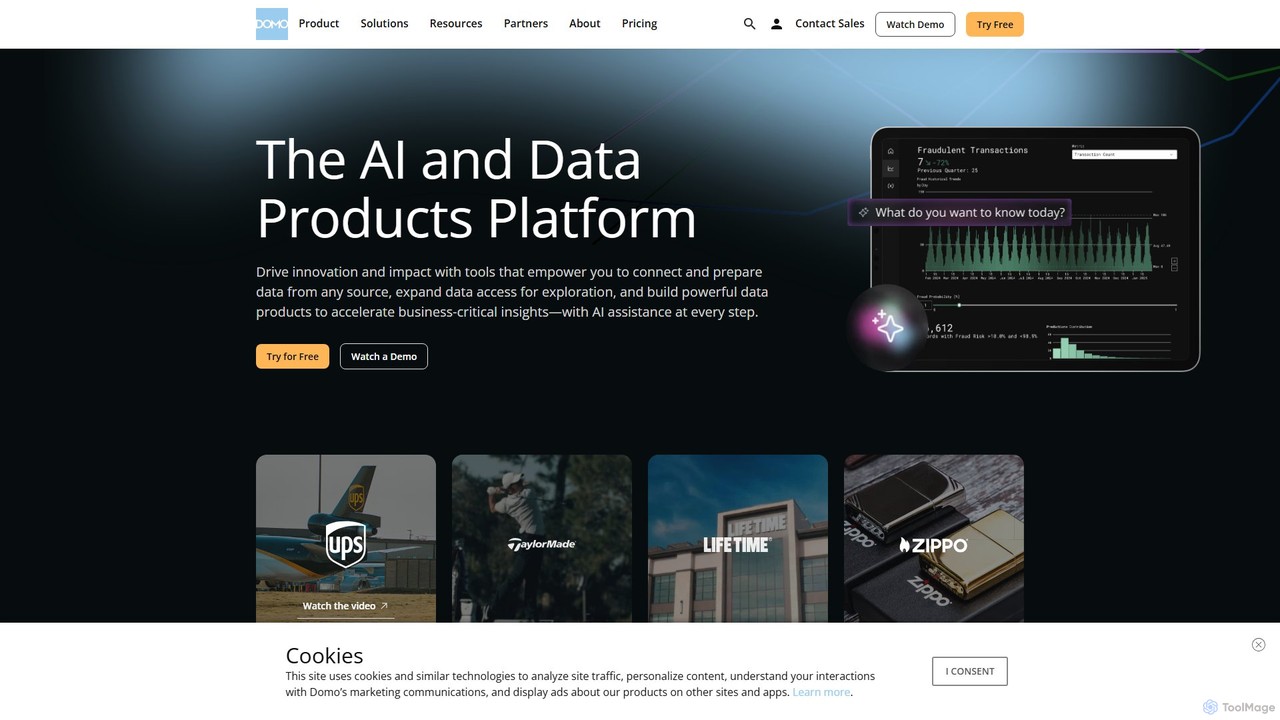
Domo is an AI-powered cloud platform that integrates all your business data, providing real-time analytics, interactive dashboards, and …
Domo is an AI-powered cloud platform that integrates all your business data, providing real-time analytics, interactive dashboards, and automated workflows. It empowers users to build data products, create AI agents, and make faster, data-driven decisions across the entire organization.
About Low Code No Code
Low-code/no-code platforms are tools that enable the creation of applications and automation of processes through graphical user interfaces instead of traditional programming. They utilize visual modeling, drag-and-drop components, and pre-built templates to abstract away complex code. This approach significantly accelerates development, lowers the technical barrier for entry, and empowers business users and developers alike to build and deploy solutions quickly. As a key part of the modern developer toolkit, these platforms bridge the gap between business ideas and technical implementation.
Core Features
- Visual Application Builder: Design user interfaces, data models, and business logic using drag-and-drop editors.
- Pre-built Components & Templates: Utilize a library of ready-to-use elements for forms, dashboards, and common functionalities.
- Workflow Automation: Create and manage complex business processes and logic visually without writing code.
- One-Click Deployment: Publish applications to web, desktop, or mobile environments with a single action.
- Integration Connectors: Easily connect applications to third-party services, databases, and APIs.
Use Cases
These platforms are widely used across industries for tasks like building internal tools (e.g., custom CRMs, project management dashboards), automating business processes (e.g., employee onboarding, expense approvals), and developing customer-facing portals. They are also ideal for creating Minimum Viable Products (MVPs) to quickly test business ideas in the market.
How to Choose
When selecting a low-code/no-code tool, consider the distinction: no-code is for non-technical users, while low-code offers more customization for developers. Evaluate the platform's scalability to handle future growth in users and data. Check its integration capabilities with your existing software stack. Finally, assess the level of customization and extensibility available if you need to add custom code later.

Low Code No CodeUse Cases
Build an Internal Approval Workflow
An HR manager needs to streamline the employee leave request process, which is currently handled through emails and spreadsheets. Using a no-code platform, they design a simple application with a form for employees to submit requests. They then create a visual workflow that automatically routes the request to the employee's direct manager for approval. Once approved or rejected, the system sends an automated email notification to the employee and updates a central calendar. This eliminates manual tracking, reduces approval time from days to hours, and provides a clear audit trail for all requests.
Develop a Customer-Facing Portal
A small consulting firm wants to provide clients with a self-service portal to track project progress and access documents. Using a low-code platform, a developer quickly assembles a secure portal. They use pre-built UI components for the dashboard, a file repository, and a messaging feature. The portal integrates with their existing project management tool via a pre-built connector, ensuring data is always synchronized. This project, which would have taken months with traditional coding, is completed in two weeks, improving client satisfaction and freeing up consultants' time from sending manual status updates.
Automate Data Entry from Web Forms
A marketing team uses various web forms for lead generation. Manually transferring this data into their CRM and mailing list is time-consuming and prone to errors. They use a no-code automation tool to connect their form software (e.g., Typeform) to their CRM (e.g., Salesforce) and email marketing platform (e.g., Mailchimp). A simple workflow is created: 'When a new form is submitted, create a new lead in Salesforce and add the contact to a specific Mailchimp audience.' This automation runs 24/7, ensuring immediate follow-up with new leads and saving the team several hours of manual data entry each week.
Create a Mobile App for Field Agents
A logistics company needs a simple mobile app for its delivery drivers to update delivery statuses and capture signatures. A developer on the IT team uses a low-code platform to build a cross-platform mobile app. They design a simple interface for viewing daily routes, updating statuses (e.g., 'In Transit', 'Delivered'), and using the phone's camera to capture proof of delivery. The app connects to the company's central database via a REST API. The entire app is developed and deployed to drivers' devices in under a month, significantly improving real-time tracking and reducing paperwork.
Prototype a New SaaS Idea (MVP)
An entrepreneur has an idea for a new SaaS product but lacks the time and capital for full-scale development. They use a low-code platform to build a Minimum Viable Product (MVP). They focus on core features: user registration, a central dashboard, and one key functionality. Using visual builders and pre-made components, they create a functional web application in a few weeks. This MVP is then used to demonstrate the concept to potential investors and gather feedback from early users, validating the market need before committing significant resources to traditional development.
Develop a Custom Inventory Management System
A small e-commerce business is outgrowing its spreadsheet-based inventory tracking. They need a custom solution but cannot afford a large enterprise system. A tech-savvy business owner uses a no-code database platform to build a simple inventory management tool. They create tables for products, suppliers, and orders. Using the platform's interface, they build forms for adding new stock and processing orders, which automatically update inventory levels. They also set up automated low-stock alerts. This custom-built system perfectly fits their workflow, reduces stock errors, and scales with their business growth, all without writing a single line of code.