
ToolMage
Sign in

Best 1 Local Development AI tools for Infrastructure

Popular Local Development AI tools in Infrastructure include Ollama, helping you work more efficiently.

Freemium

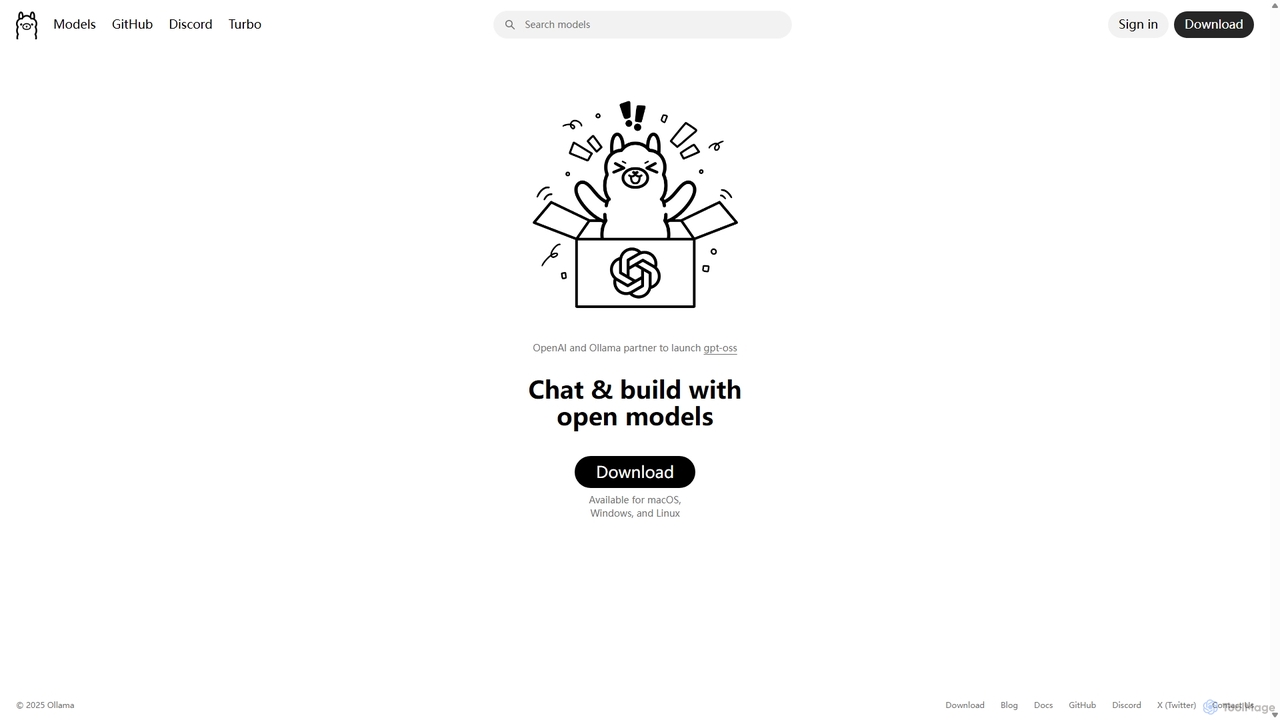
Ollama

Ollama is a powerful open-source framework for running large language models (LLMs) like Llama 3, Mistral, and Gemma locally on your own hardware. Available for macOS, Windows, and Linux, it simplifies the setup and management of open-source models, enabling private, offline, and cost-effective AI development and usage.

Machine Learning
Visits 11.1MFavorites 115Likes 139

About Local Development

Local Development tools are a category of essential software that enables developers to build, test, and debug applications directly on their personal machines. These tools provide isolated and consistent environments, mimicking production setups without requiring constant internet access or remote server deployments. They are fundamental to the broader Infrastructure category, allowing for rapid iteration and robust testing before applications are integrated into larger systems.

Core Features

  • Environment Provisioning: Quickly set up and configure development stacks including web servers, databases, and language runtimes.
  • Containerization & Virtualization: Isolate projects using technologies like Docker or virtual machines to ensure consistent environments across different machines.
  • Local Server Management: Easily start, stop, and manage local web servers (e.g., Apache, Nginx) and database instances (e.g., MySQL, PostgreSQL).
  • Debugging & Testing Tools: Integrate with debuggers and testing frameworks to identify and resolve code issues efficiently within the local environment.
  • Dependency Management: Handle project-specific dependencies and libraries, ensuring all required components are available locally.

Use Cases

Local Development tools are indispensable for individual developers and teams across various industries. They facilitate rapid prototyping, allow for offline work, and enable thorough testing of new features or bug fixes in a controlled environment. This approach significantly reduces the feedback loop and enhances developer productivity.

How to Choose

When selecting a Local Development tool, consider its ease of setup and configuration, the resource footprint on your machine, and its compatibility with your specific technology stack (languages, frameworks, databases). Evaluate its integration capabilities with containerization platforms like Docker and the availability of strong community support and documentation.

Featured tool rankings

Local Development use cases

1

Setting Up New Project Environments

Developers quickly provision a local web server (e.g., Nginx), database (e.g., PostgreSQL), and runtime (e.g., Node.js) for a new application, accelerating initial setup and ensuring a consistent starting point.

2

Offline Mobile Application Development

Mobile developers work on app features and test them using local emulators and mock APIs, ensuring productivity and continuous progress even without an active internet connection.

3

Testing Backend API Endpoints Locally

Backend engineers develop and rigorously test new API endpoints against local database instances and mock services, validating functionality and performance before deployment to remote environments.

4

Reproducing Production Environment Bugs

QA teams or developers replicate specific production issues on their local machines using containerized environments, facilitating efficient debugging and resolution without impacting live systems.

5

Experimenting with New Technologies

Developers safely explore new programming languages, frameworks, or libraries in isolated local environments without impacting their primary development setup, fostering learning and innovation.

6

Ensuring Team-Wide Environment Consistency

Development teams utilize containerization tools to standardize local setups, guaranteeing that all members work with identical environments and minimizing "it works on my machine" conflicts, streamlining collaboration.

Local Development FAQ

What are Local Development tools?

Local Development tools are software solutions that allow developers to build, test, and debug applications directly on their personal computers. They create isolated environments that mimic production setups, enabling rapid iteration, offline work, and thorough testing without needing to deploy to remote servers for every change.

Why is Local Development important for Infrastructure?

Local Development is crucial for Infrastructure as it forms the initial stage of building reliable systems. By developing and testing locally, developers ensure the foundational components of an application are stable and functional before they are integrated into complex remote infrastructure, reducing risks and deployment issues.

How do Local Development tools differ from Cloud Development Environments?

Local Development tools operate entirely on a developer's machine, offering offline capabilities and direct control over resources, but are limited by local hardware. Cloud Development Environments are browser-based, hosted remotely, providing scalable resources and collaboration features, but require an internet connection and may have higher operational costs.

What are the key benefits of using containerization for Local Development?

Containerization, primarily through tools like Docker, offers significant benefits for Local Development by providing isolated, consistent, and portable environments. It ensures that applications run identically across different machines, simplifies dependency management, and allows for easy setup and teardown of development environments, preventing "works on my machine" issues.

What should I consider when choosing a Local Development tool?

When selecting a Local Development tool, evaluate its ease of setup, resource consumption on your machine, and its compatibility with your specific technology stack (e.g., programming languages, databases, frameworks). Also, consider its integration with containerization platforms and the quality of its community support and documentation.