Infrastructure Best in category 1 results Cloud Native AI Tool

Popular AI tools in the Cloud Native field of Infrastructure include Higress.AI, etc., helping you quickly improve efficiency.

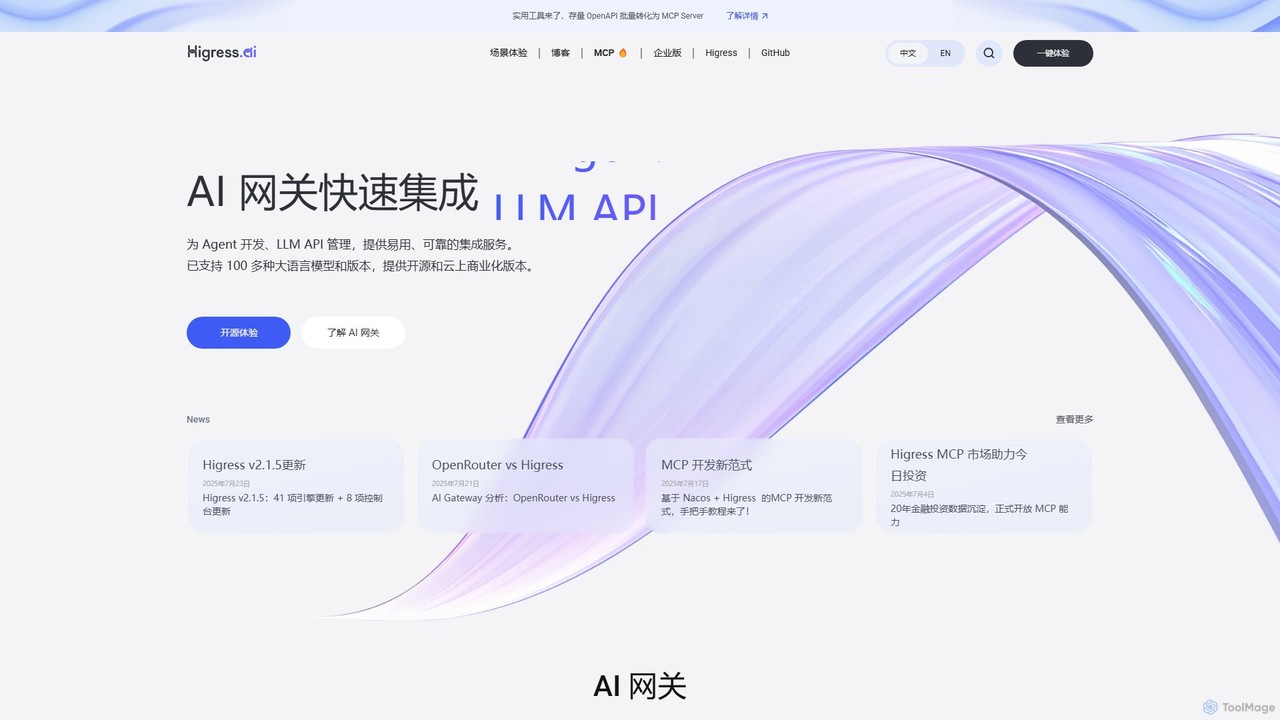
Higress.AI

Higress.AI

Higress.AI is an advanced, open-source AI Gateway designed for developers and enterprises. It simplifies the integration and management …

44.1K

About Cloud Native

Cloud Native tools are a suite of technologies for building and running scalable applications in modern, dynamic environments like public, private, and hybrid clouds. These tools leverage concepts such as containers, microservices, service meshes, and declarative APIs to create resilient, manageable, and observable systems. Their primary value lies in enabling faster development cycles, automated deployments, and improved resource efficiency. This approach allows organizations to build loosely coupled systems that are robust and can be updated frequently and predictably.

Core Features

  • Containerization: Packages applications and their dependencies into isolated units for consistent deployment across any environment.
  • Orchestration: Automates the deployment, scaling, and management of containerized applications, like Kubernetes does.
  • Service Mesh: Provides a dedicated infrastructure layer for managing service-to-service communication, enhancing reliability and security.
  • Declarative APIs: Defines the desired state of the system, allowing automation tools to handle the process of reaching that state.
  • CI/CD Automation: Enables continuous integration and continuous delivery pipelines specifically designed for cloud-native architectures.

Use Cases

Cloud Native tools are essential for organizations implementing DevOps practices, building modern microservices-based applications, and migrating legacy systems to the cloud. They are widely used in industries like e-commerce, finance, and technology to build highly available and scalable platforms that can handle fluctuating workloads and rapid feature releases. For example, a development team can use these tools to deploy hundreds of updates per day without downtime.

How to Choose

When selecting Cloud Native tools, consider the scale and complexity of your application. Evaluate the tool's integration with your existing infrastructure and its position within the Cloud Native Computing Foundation (CNCF) ecosystem, which indicates community support and interoperability. Also, assess your team's expertise and the tool's learning curve, as orchestration platforms like Kubernetes can be complex. Finally, consider the observability and security features provided to ensure you can manage and protect your applications effectively.

Cloud NativeUse Cases

1

Automating Application Deployment with CI/CD

A DevOps team is tasked with increasing the release frequency of a microservices-based e-commerce platform. They use Cloud Native CI/CD tools like ArgoCD or Jenkins X to build a GitOps pipeline. Developers push code to Git, which automatically triggers builds, container image creation, and deployments to a Kubernetes staging environment. After automated tests pass, the changes are promoted to production with a single approval. This process reduces manual deployment errors and cuts release cycles from weeks to just a few hours.

2

Building a Scalable Microservices Architecture

A software architect is designing a new video streaming service expected to handle millions of users. Instead of a single monolithic application, they choose a microservices architecture. Each feature (e.g., user authentication, video processing, recommendations) is developed as an independent service. These services are packaged into Docker containers and managed by a Kubernetes cluster. This allows the team to scale the video processing service independently during peak hours without affecting other parts of the application, ensuring a smooth user experience and efficient resource usage.

3

Ensuring High Availability and System Resilience

A Site Reliability Engineer (SRE) for an online payment gateway needs to guarantee 99.99% uptime. They deploy their application on a multi-node Kubernetes cluster spread across different availability zones. Kubernetes automatically handles load balancing, distributing traffic across healthy application instances. If a server or an application instance fails, Kubernetes' self-healing feature automatically restarts it or reschedules it on a healthy node. This automated recovery minimizes downtime and ensures the payment service remains continuously available to customers, even during infrastructure failures.

4

Implementing Advanced System Observability

A platform engineering team manages a complex system with hundreds of microservices. To understand system behavior and troubleshoot issues, they implement a cloud-native observability stack. They use Prometheus to scrape metrics (like CPU usage, latency, error rates) from all services and nodes. Grafana is used to create dashboards that visualize these metrics in real-time. For logging, they deploy Fluentd to aggregate logs from all containers into a central location. This comprehensive view allows them to detect anomalies proactively, diagnose problems faster, and understand the performance impact of new code releases.

5

Securing Service-to-Service Communication

A financial technology company needs to enforce strict security policies for communication between its microservices. A platform engineer implements a service mesh like Istio or Linkerd. The service mesh automatically encrypts all traffic between services using mutual TLS (mTLS), preventing data interception. It also allows the security team to define fine-grained access control policies, such as allowing the 'payments' service to call the 'user-database' service but blocking all other access. This enhances the security posture of the application without requiring developers to write complex security logic in their code.

6

Accelerating Local Development and Testing

A software developer is working on a new feature for an application composed of five different microservices. To test the interactions between these services locally, they use a tool like Docker Compose or Minikube. They define the entire application stack in a single configuration file. With one command, they can spin up all five services, a database, and a message queue on their laptop, creating a lightweight, production-like environment. This allows them to identify and fix integration issues early in the development cycle, long before the code is pushed to a shared staging environment, significantly speeding up their workflow.

Cloud NativeFrequently Asked Questions