
Userdoc Overview
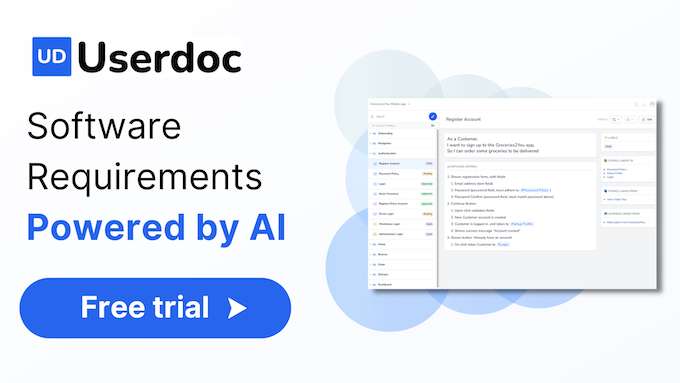
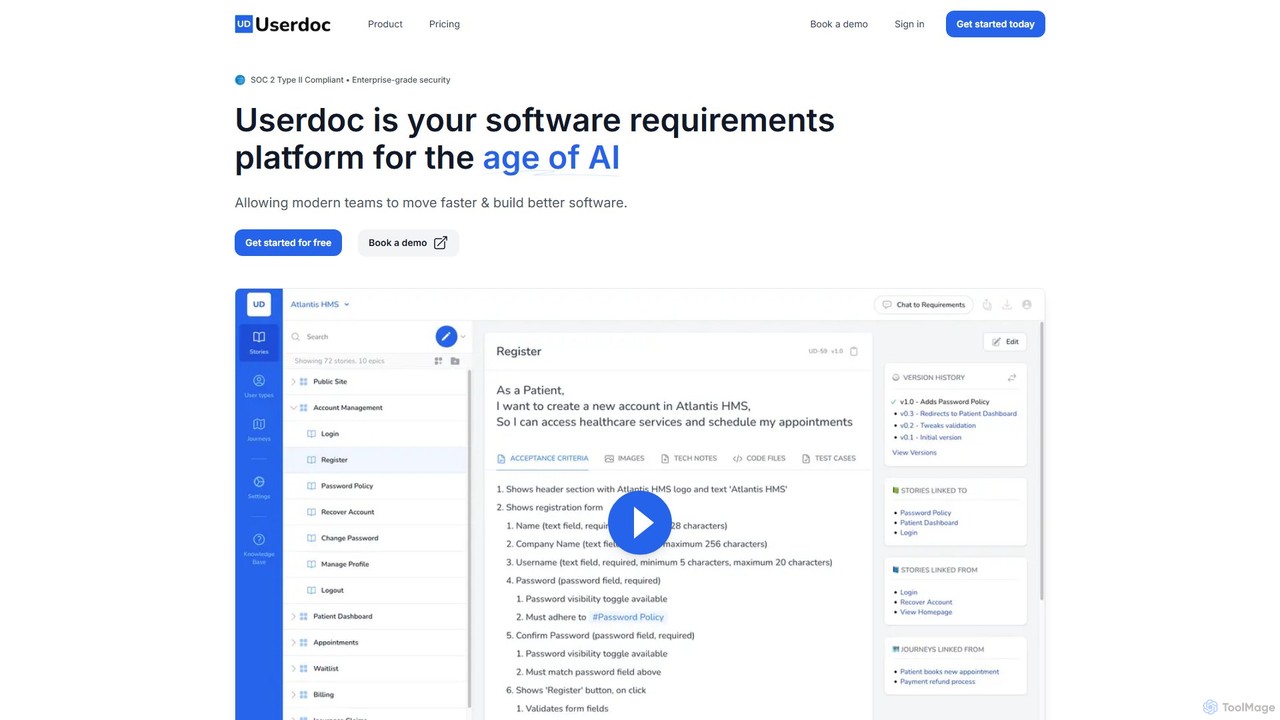
Userdoc is a comprehensive, AI-driven platform designed to revolutionize the way software requirements are created, managed, and understood. In an era where AI is writing more code than ever, Userdoc provides the critical foundation—high-quality specifications—that both human developers and AI coding agents need to build excellent software. It serves as a central hub for all project requirements, ensuring clarity, consistency, and collaboration across product, development, and business teams. The platform is SOC 2 Type II compliant, guaranteeing enterprise-grade security for your sensitive project data.
How to use Userdoc
Using Userdoc is designed to be intuitive and seamlessly integrate into your existing workflow. The process typically follows these steps:
- Map High-Level Concepts: Start by outlining high-level user journeys and epics to establish a shared understanding of the software's purpose and scope among all stakeholders.
- Generate Detailed Requirements: Input rough notes, bullet points, or simple descriptions. Userdoc's AI will then expand these into well-structured user stories, comprehensive acceptance criteria, and detailed test cases.
- Reverse-Engineer Existing Code: For legacy systems or existing projects, you can use Userdoc to analyze your source code (frontend, API, backend, database) and automatically generate crystal-clear functional specifications. This process turns hours or months of manual documentation work into a task that takes mere minutes.
- Create Development Plans: Userdoc helps generate detailed development plans, including technical stack overviews and coding guidelines, which are essential for guiding AI coding agents and ensuring they stay on track.
- Collaborate and Query: Use the platform as a single source of truth. The "Ask Userdoc" feature allows any team member to ask questions about the requirements in natural language and get instant, accurate answers, eliminating debates and ambiguity.
- Integrate and Sync: Connect Userdoc with your favorite project management tools like JIRA, Asana, Linear, and Trello, as well as AI development platforms like Cursor and GitHub Copilot, to maintain a synchronized and efficient workflow.
Core Features of Userdoc
- AI-Powered Requirement Generation: Automatically create detailed user stories, epics, non-functional requirements, and acceptance criteria from simple inputs.
- Code to Functional Specs: Reverse-engineer your existing codebase into comprehensive and understandable documentation, deciphering legacy systems and surfacing forgotten knowledge.
- User Personas & Journeys: Create and manage detailed user personas and map out user journeys to ensure a user-centric design and development process.
- AI-Assisted Technical Planning: Generate technical specifications, development plans, and coding standards to guide both human and AI developers.
- "Ask Userdoc" AI Chat: An interactive AI that allows users to query the requirements documentation in plain language, providing instant clarity and traceability.
- Full Change Tracking: Offers a "Git for requirements" system, providing complete version history and change tracking for all documentation.
- Platform Integrations: Seamlessly integrates with popular project management and AI development tools to streamline workflows.
- Enterprise-Grade Security: SOC 2 Type II compliant, ensuring your data is safe, secure, and private.
Use Cases for Userdoc
Userdoc is versatile and valuable for various roles and scenarios:
- Product Managers: Accelerate the creation of user requirements, generate personas, and ensure all stakeholder voices are heard and documented.
- Software Developers & Engineers: Receive clear, unambiguous, and developer-ready requirements, reducing rework and clarifying project scope. It's also used to understand legacy codebases.
- Business Analysts: Drastically reduce the time spent on writing documentation, transforming rough notes into professional-grade specifications.
- Large Enterprises (e.g., Sunoco): Standardize the requirements process across multiple teams, improve the quality of documentation, and eliminate friction between business and IT departments.
- Software Agencies (e.g., MBLM, Portable): Significantly cut down the requirements gathering timeline, from months to weeks, and deliver projects faster.
- Freelancers & Solo Developers: Acts as an affordable "AI product manager" or digital assistant to help scope projects, define features, and manage requirements single-handedly.
Advantages of Userdoc
Userdoc offers significant advantages over traditional methods:
- Massive Time Savings: Customers report up to a 95% reduction in time spent on documentation and a 240x faster requirements creation process.
- Improved Quality and Clarity: The AI helps generate more thorough and precise requirements, leading to fewer misunderstandings and higher-quality software.
- Reduced Rework: By providing a clear, shared source of truth, Userdoc minimizes mid-project redesigns and costly rework.
- Streamlined Collaboration: It brings all stakeholders together on one platform, making it easy to engage clients, business users, and developers in the requirements process.
- Fast Onboarding: The platform is incredibly intuitive, with teams becoming productive in as little as 15 minutes.
- Data-Driven Insights: The "Ask Userdoc" feature transforms static documents into a dynamic knowledge base, providing instant answers and ensuring traceability.
Pricing and Plans
Userdoc offers a flexible pricing structure with a 14-day free trial (no credit card required).
- Free Trial: Includes 1 seat, 1 project, and up to 10 requirements to test the platform.
- Lite Plan: $19 USD per seat/month. Includes everything in the free plan, plus up to 3 seats and unlimited requirements.
- Pro Plan (Most Popular): $25 USD per seat/month. Includes everything in the Lite plan, with no seat limit, unlimited projects, the "Chat to requirements" feature, export options, and platform integrations.
- Enterprise Plan: Custom pricing. Offers tailored solutions including onboarding workshops, SAML2/SSO integration, a dedicated account manager, and SLA guarantees.
- Code to Documentation Service: Priced based on the size of the codebase (e.g., $499 for 5,000 lines of code), offering a fast and cost-effective way to document existing systems.
Yearly billing provides a 14% discount on seat-based plans.
Traffic
Latest traffic
Status
Monthly traffic trend
- 2025-9: 3.3K
- 2026-1: 2.4K
- 2026-2: 666
- 2026-3: 4.0K
- 2026-4: 4.5K
- 2026-5: 2.0K
Geography
Top 5 countries / regions
- 🇺🇸United States100.0%
Top keywords
| Keyword | Cost per click |
|---|---|
| ai doc | $2.70 |
| app doc | $0.00 |
| social doc | $0.00 |
| userdoc | $0.00 |
| user journey | $3.47 |
Userdoc Alternatives
Figflow
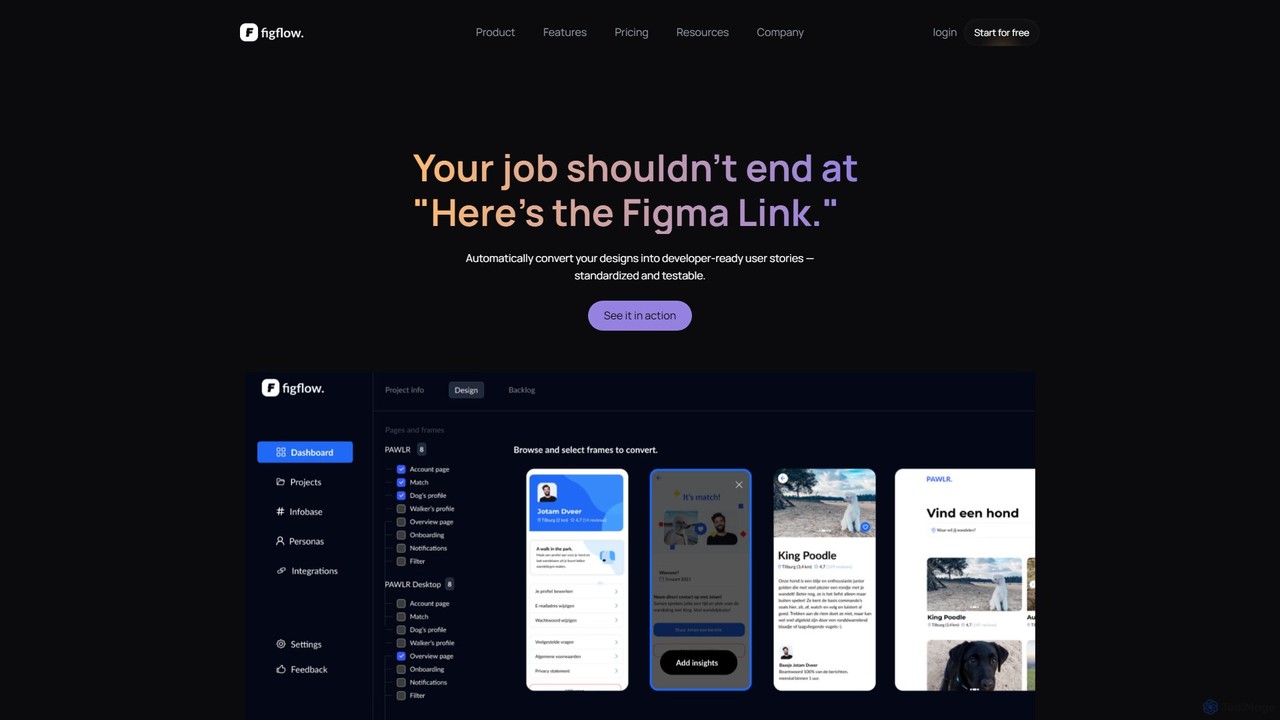
Figflow is an AI-powered tool that automates the conversion of Figma designs into developer-ready user stories. With a single click, it generates clear, structured documentation, including acceptance criteria, test scenarios, and story point estimations, streamlining the design-to-development handoff and saving teams hours of manual work.
Design Handoff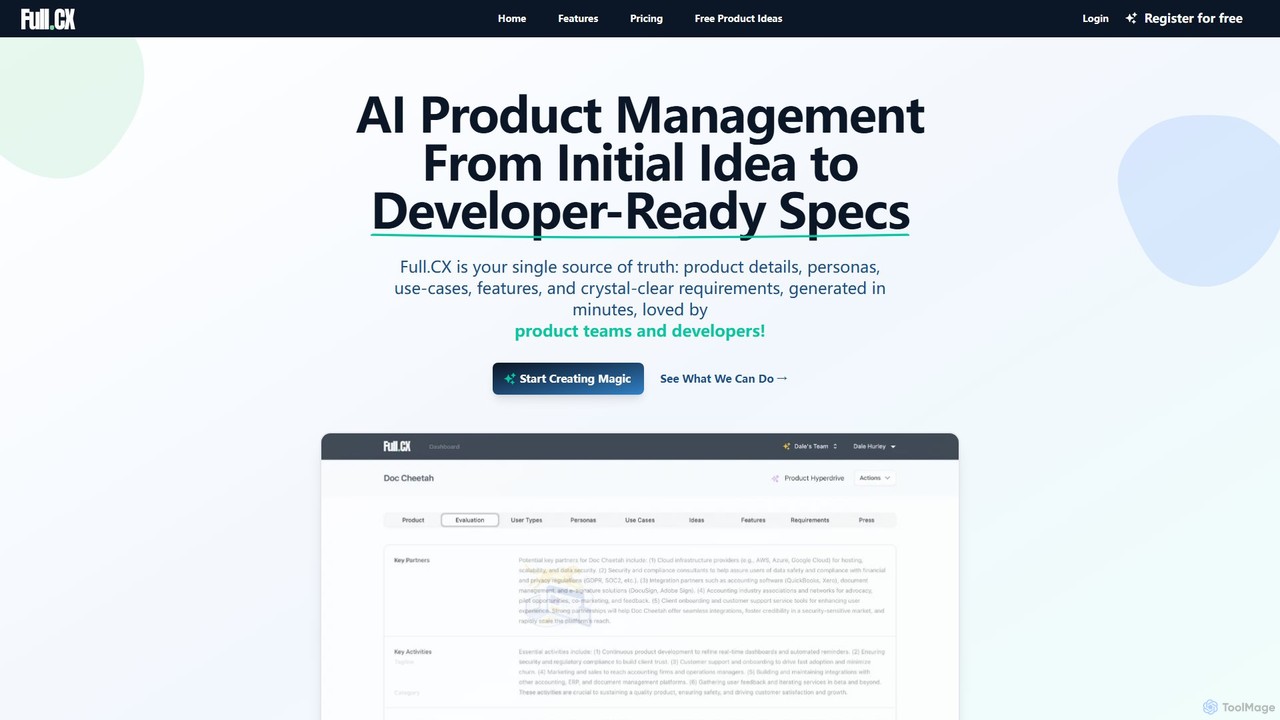
Full.CX
Full.CX is an AI-powered product management platform designed to transform ideas into developer-ready specifications. It streamlines the entire process from ideation to creating detailed product profiles, user personas, features, and acceptance criteria, fostering better collaboration between product teams and developers.
Documentation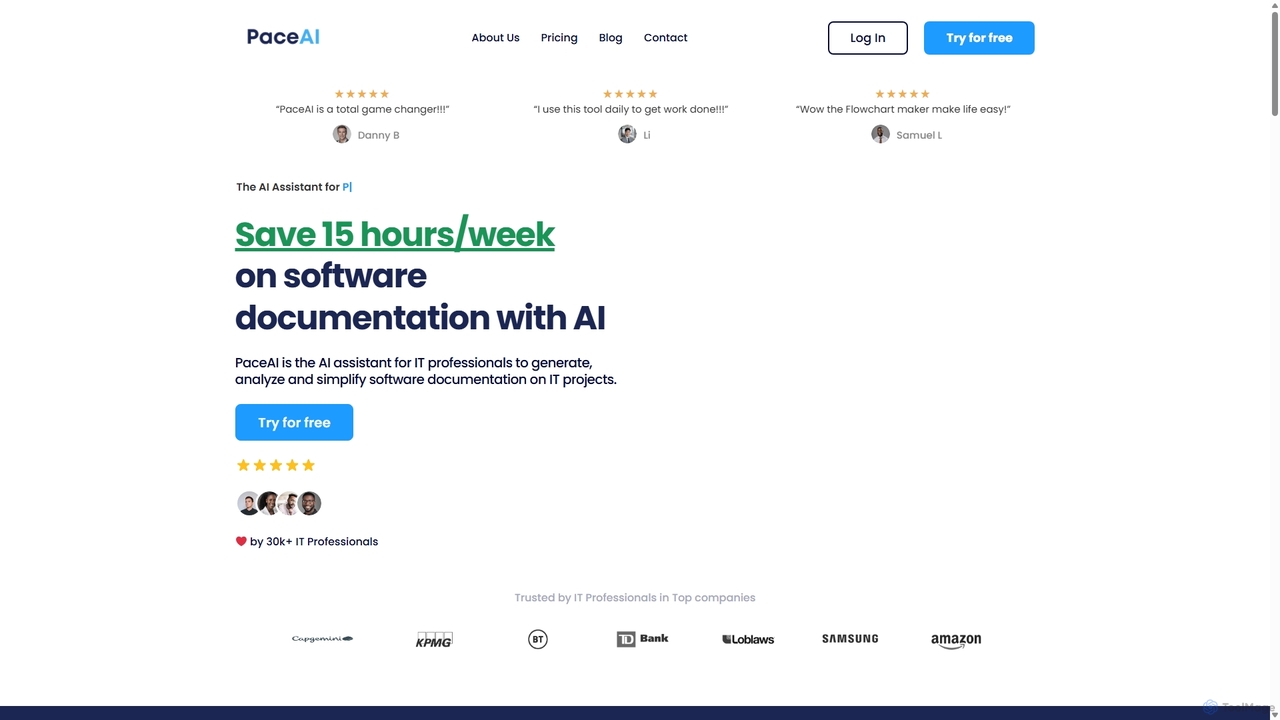
PaceAI
PaceAI is an AI-powered assistant designed for IT professionals to streamline the software development lifecycle (SDLC). It automates the generation, analysis, and simplification of software documentation, saving users up to 15 hours per week. With over 35 specialized tools, it helps create user stories, business requirements, flowcharts, and product vision documents, ensuring clarity and reducing miscommunication between technical and business teams.
Documentation
PaceAI
PaceAI is an AI-powered assistant for IT professionals, designed to streamline software documentation. It offers over 35 specialized tools to generate, analyze, and simplify documents across the entire software development lifecycle (SDLC). From creating user stories and business requirements to generating flowcharts and product visions, PaceAI helps teams save significant time, improve communication, and ensure clarity on IT projects. It's trusted by over 30,000 professionals to enhance productivity and collaboration.
Requirements Management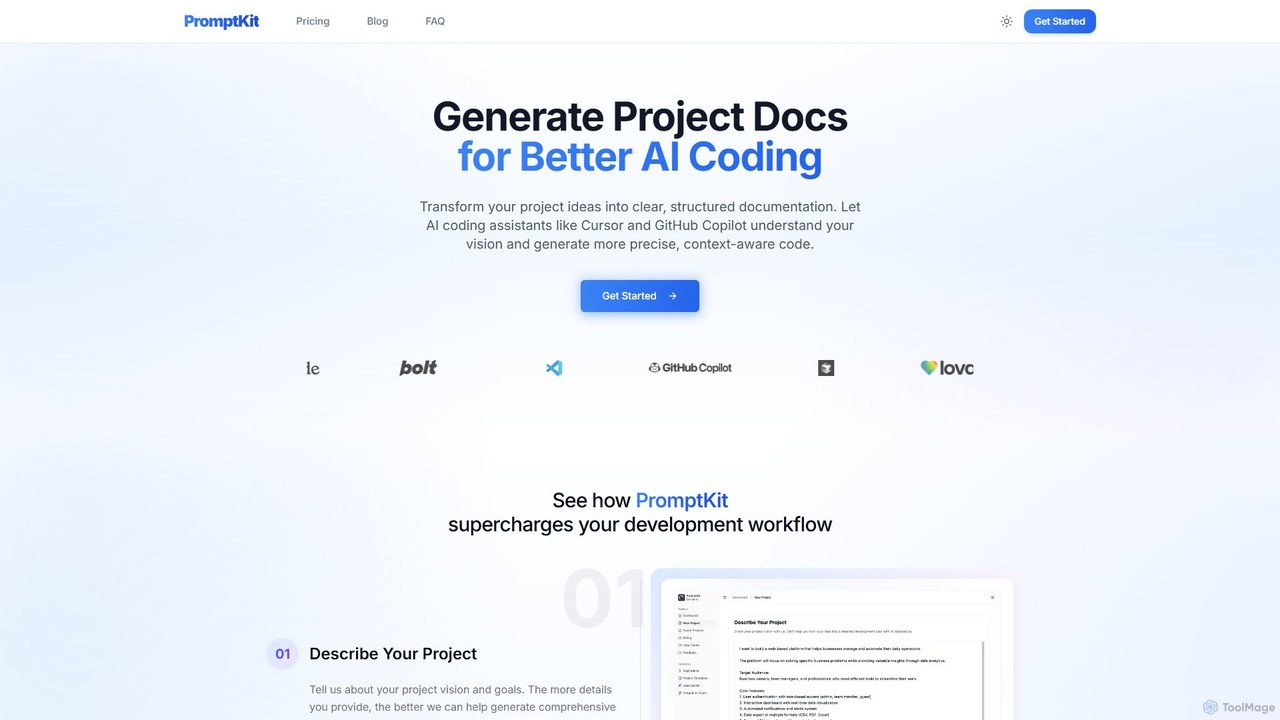
PromptKit
PromptKit is an AI-powered tool that transforms your project ideas into clear, structured documentation. It's designed to enhance AI coding assistants like GitHub Copilot and Cursor by providing them with comprehensive context, resulting in more precise, context-aware code generation. By automating the creation of PRDs, technical specs, and system prompts, PromptKit helps developers save time, improve code quality, and reduce AI hallucinations.
Code GenerationUserdoc Categories
Userdoc Embed Widget
Copy this embed code to place the badge on your blog, article, or product site and send readers directly to this ToolMage detail page.

Related AI tools
Figflow
Figflow is an AI-powered tool that automates the conversion of Figma designs into developer-ready user stories. With a single click, it generates clear, structured documentation, including acceptance criteria, test scenarios, and story point estimations, streamlining the design-to-development handoff and saving teams hours of manual work.
Design HandoffFull.CX
Full.CX is an AI-powered product management platform designed to transform ideas into developer-ready specifications. It streamlines the entire process from ideation to creating detailed product profiles, user personas, features, and acceptance criteria, fostering better collaboration between product teams and developers.
DocumentationPaceAI
PaceAI is an AI-powered assistant designed for IT professionals to streamline the software development lifecycle (SDLC). It automates the generation, analysis, and simplification of software documentation, saving users up to 15 hours per week. With over 35 specialized tools, it helps create user stories, business requirements, flowcharts, and product vision documents, ensuring clarity and reducing miscommunication between technical and business teams.
Documentation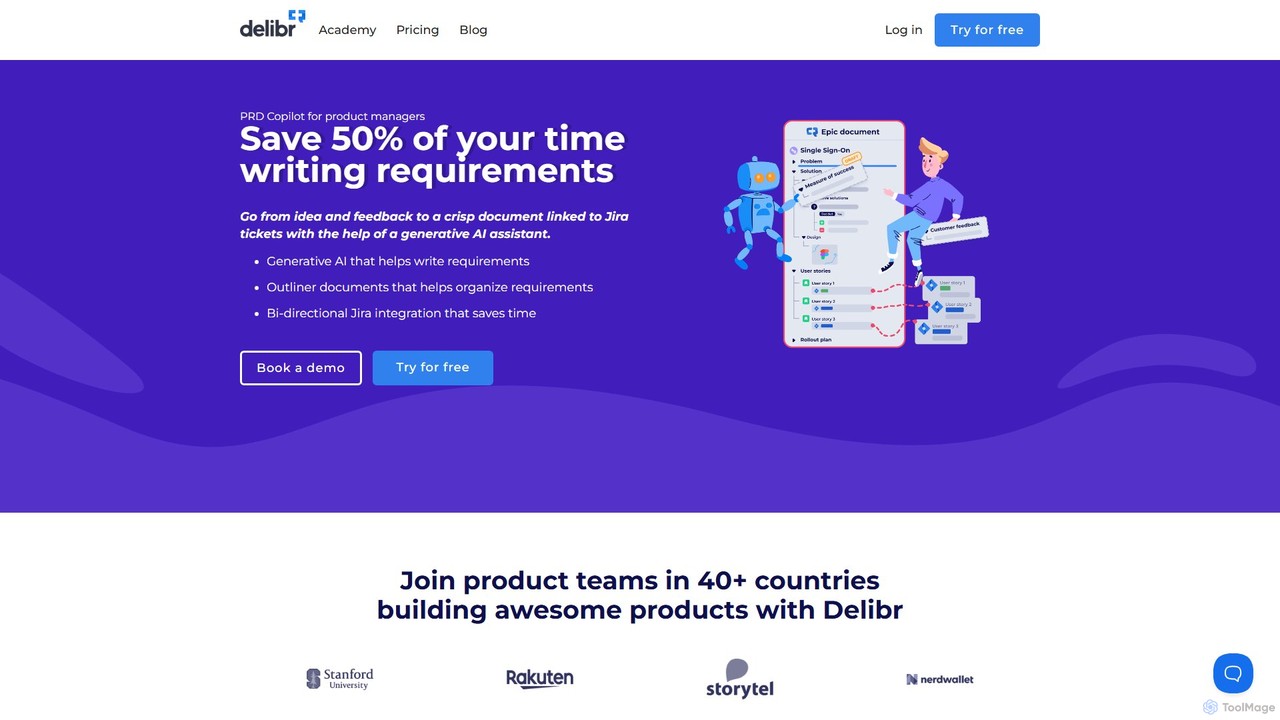
Delibr
Delibr is an AI-powered platform for product teams to create clear, collaborative, and structured product requirement documents. It streamlines the process from ideation to Jira, helping teams define features, user stories, and acceptance criteria with AI assistance, ensuring alignment and consistency.
Product Management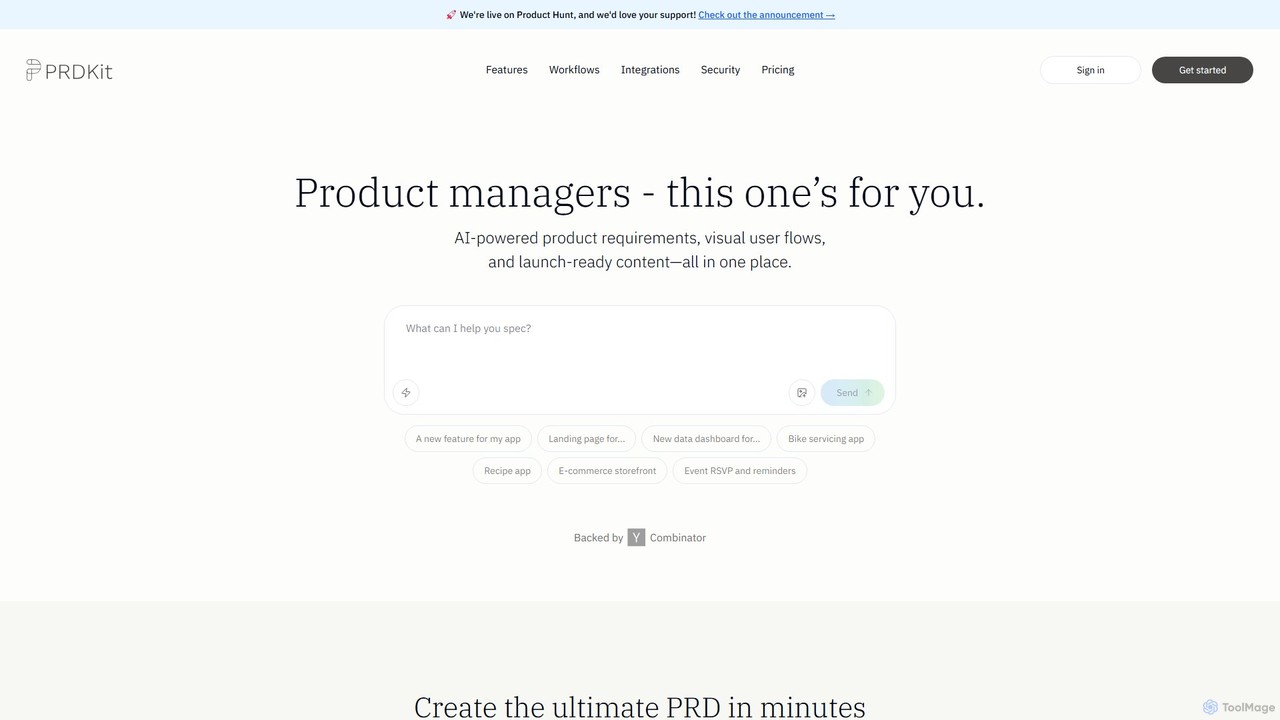
prdkit
prdkit is an AI-powered platform designed for product managers to streamline the creation of product requirements documents (PRDs), visual user flows, and launch-ready content. By simply chatting with the AI, users can transform ideas into comprehensive, structured documentation and visual assets in minutes, accelerating the entire product development lifecycle.
Product Management
Ticket Artisan
Ticket Artisan is an AI-powered tool that transforms UI design screenshots into detailed, developer-ready tickets for project management platforms like Jira and Asana. It automates the tedious process of writing user stories and technical tasks, bridging the gap between design and development. By analyzing visual elements, it helps product managers, designers, and developers streamline sprint planning, reduce ambiguity, and accelerate the development lifecycle, ensuring design fidelity is maintained from concept to code.
Handoff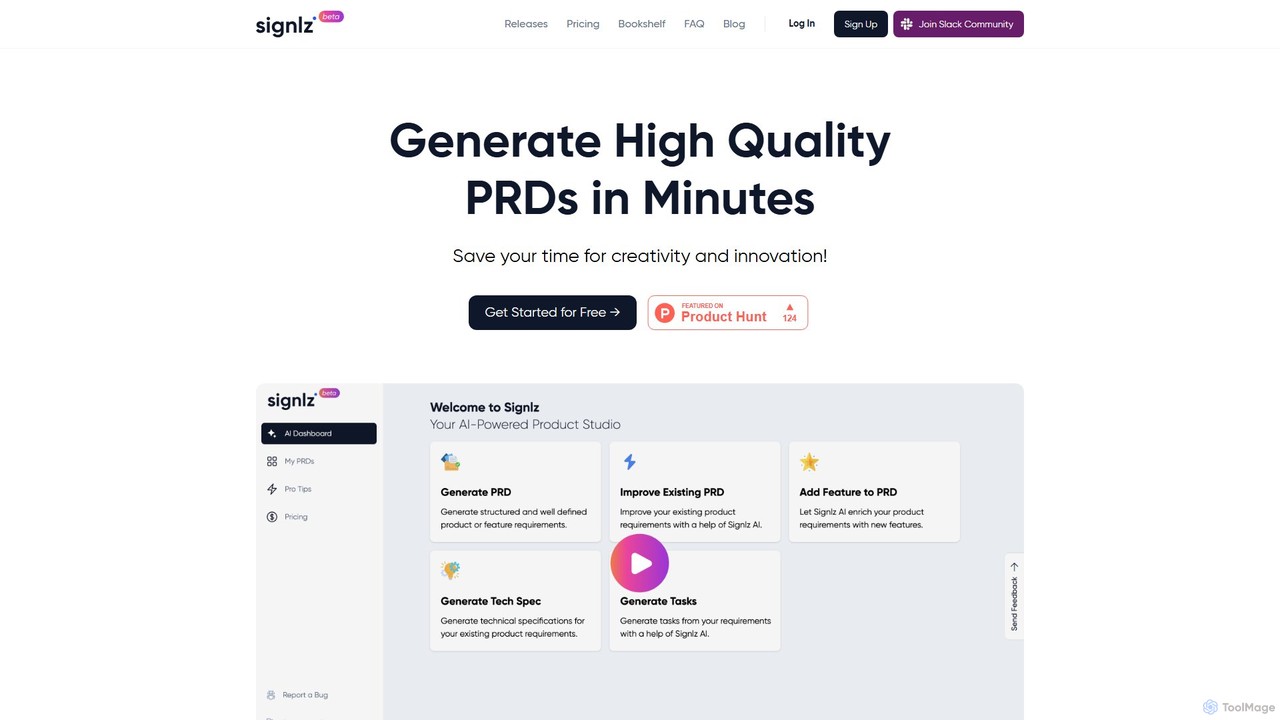
Signlz
Signlz is an AI-powered platform designed for product managers to streamline the creation of Product Requirements Documents (PRDs). It transforms simple prompts into structured, professional PRDs, technical specifications, and actionable user stories. With seamless Jira integration and a specialized knowledge base of product management frameworks, Signlz automates tedious documentation, allowing product teams to focus on innovation and strategy.
Workflow Automation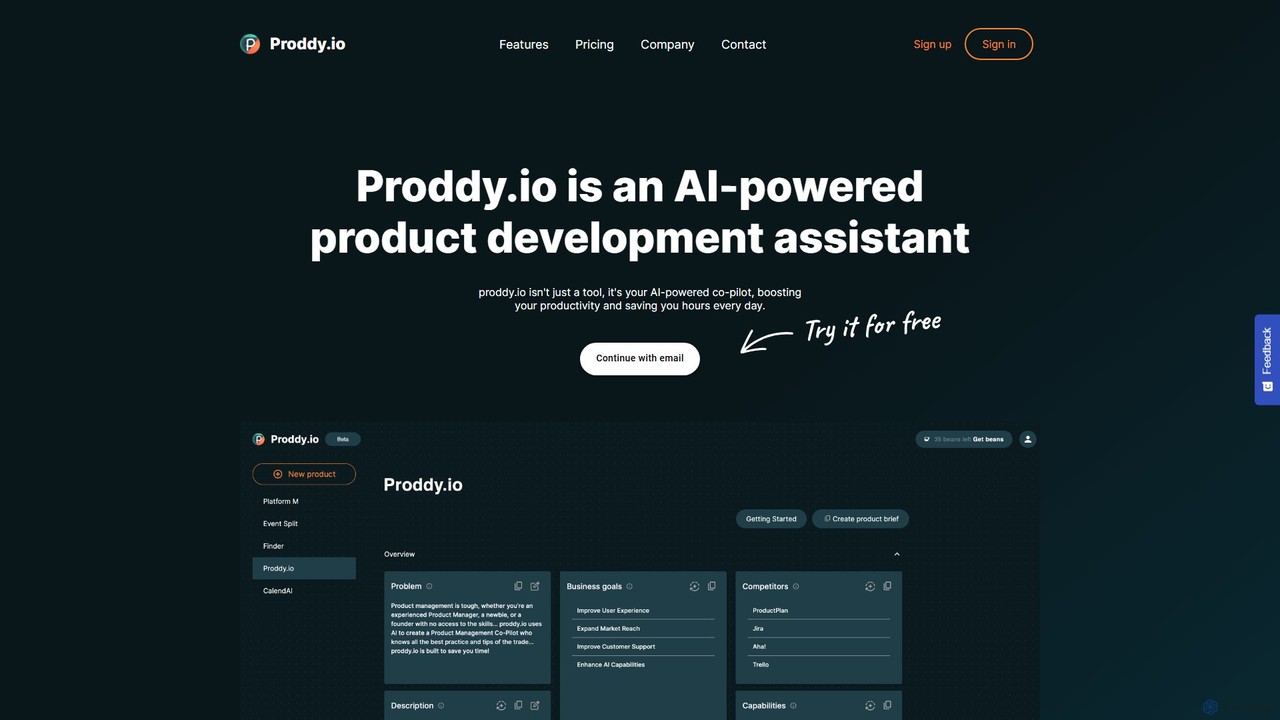
Proddy.io
Proddy.io is an AI-powered co-pilot for product managers, designed to streamline the entire product development lifecycle. It transforms simple instructions into professional product documentation, such as detailed product briefs, user stories, and release notes, in minutes. By automating tedious documentation tasks and analyzing customer feedback, Proddy.io saves product teams hours of work, allowing them to focus on strategy and innovation. It's the ideal assistant for product managers, founders, and entrepreneurs looking to accelerate their workflow and build better products faster.
Project ManagementPaceAI
PaceAI is an AI-powered assistant for IT professionals, designed to streamline software documentation. It offers over 35 specialized tools to generate, analyze, and simplify documents across the entire software development lifecycle (SDLC). From creating user stories and business requirements to generating flowcharts and product visions, PaceAI helps teams save significant time, improve communication, and ensure clarity on IT projects. It's trusted by over 30,000 professionals to enhance productivity and collaboration.
Requirements ManagementPromptKit
PromptKit is an AI-powered tool that transforms your project ideas into clear, structured documentation. It's designed to enhance AI coding assistants like GitHub Copilot and Cursor by providing them with comprehensive context, resulting in more precise, context-aware code generation. By automating the creation of PRDs, technical specs, and system prompts, PromptKit helps developers save time, improve code quality, and reduce AI hallucinations.
Code Generation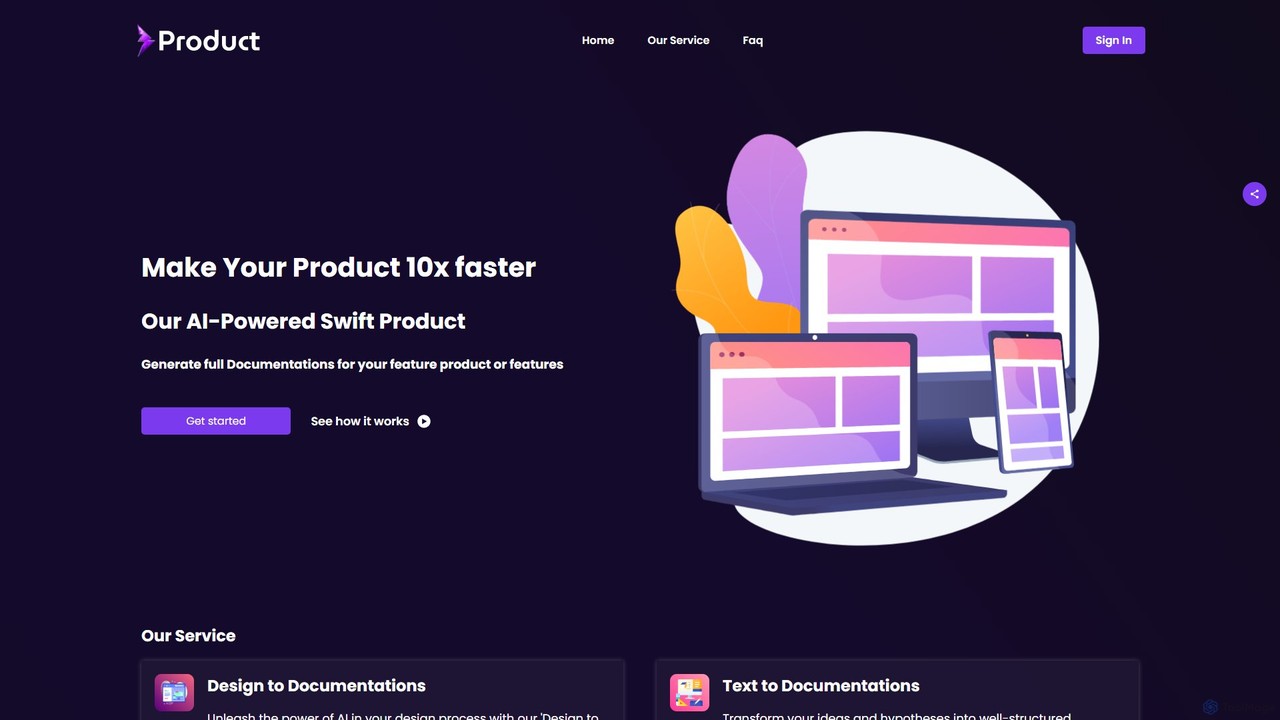
swiftproduct
swiftproduct is an AI-powered platform designed to accelerate product development by automatically generating comprehensive documentation. It transforms designs, mockups, or simple text descriptions into structured documents like user stories and acceptance criteria, aiming to speed up the process by up to 10x for product managers, developers, and startups.
Prototyping
MindyGem
MindyGem is an AI-powered requirements management software designed for agile teams. It accelerates product development by transforming visions into standardized requirements, generating comprehensive documentation, and streamlining collaboration, helping teams build successful products 10x faster.
Collaboration
Howsthisgoing
Howsthisgoing is an AI-powered project manager for Slack that automates team standups and status updates. It integrates with tools like GitHub to generate intelligent summaries and provide instant insights into your team's progress, blockers, and code changes, all through natural language queries within Slack.
Team Collaboration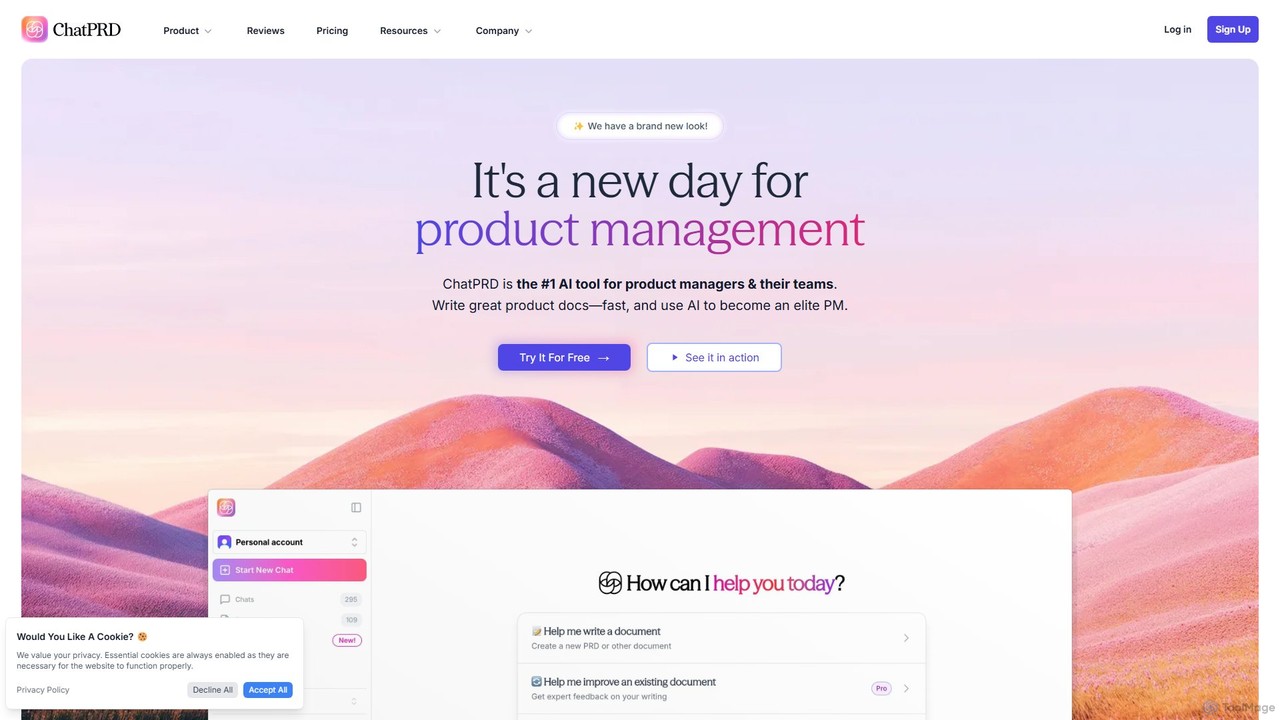
ChatPRD
ChatPRD is the #1 AI copilot designed for product managers and their teams. It streamlines the creation of high-quality product documents, such as Product Requirements Documents (PRDs), from a simple idea. Enhance your specs, brainstorm goals and metrics, and get AI-powered coaching to become an elite PM, saving hours of work and improving team clarity.
Product Management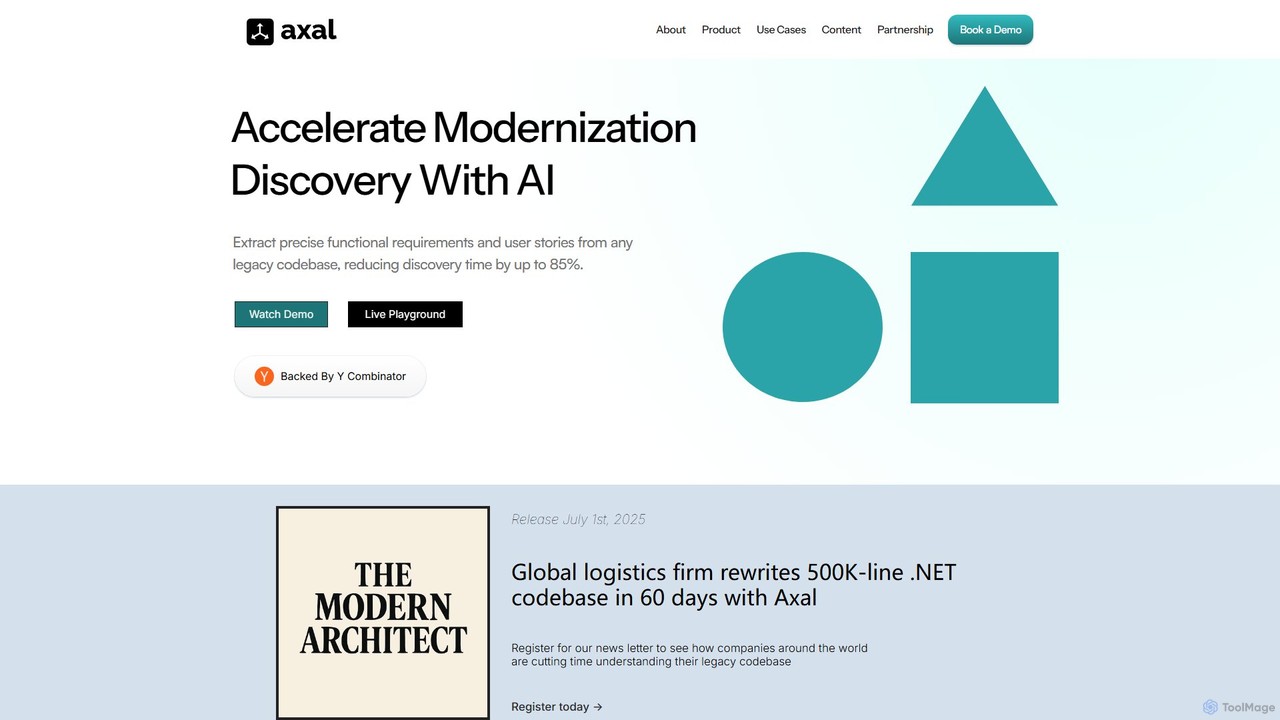
Axal
Axal is a Y Combinator-backed AI platform that analyzes legacy codebases to automatically extract functional requirements, user stories, and business logic. It accelerates software modernization by reducing discovery time by up to 85%, enabling teams to understand complex systems in hours instead of months.
Code Analysis
Userdoc Comments (0)
Sign in to comment.
Sign inNo comments yet.