

JSON Formatter Overview
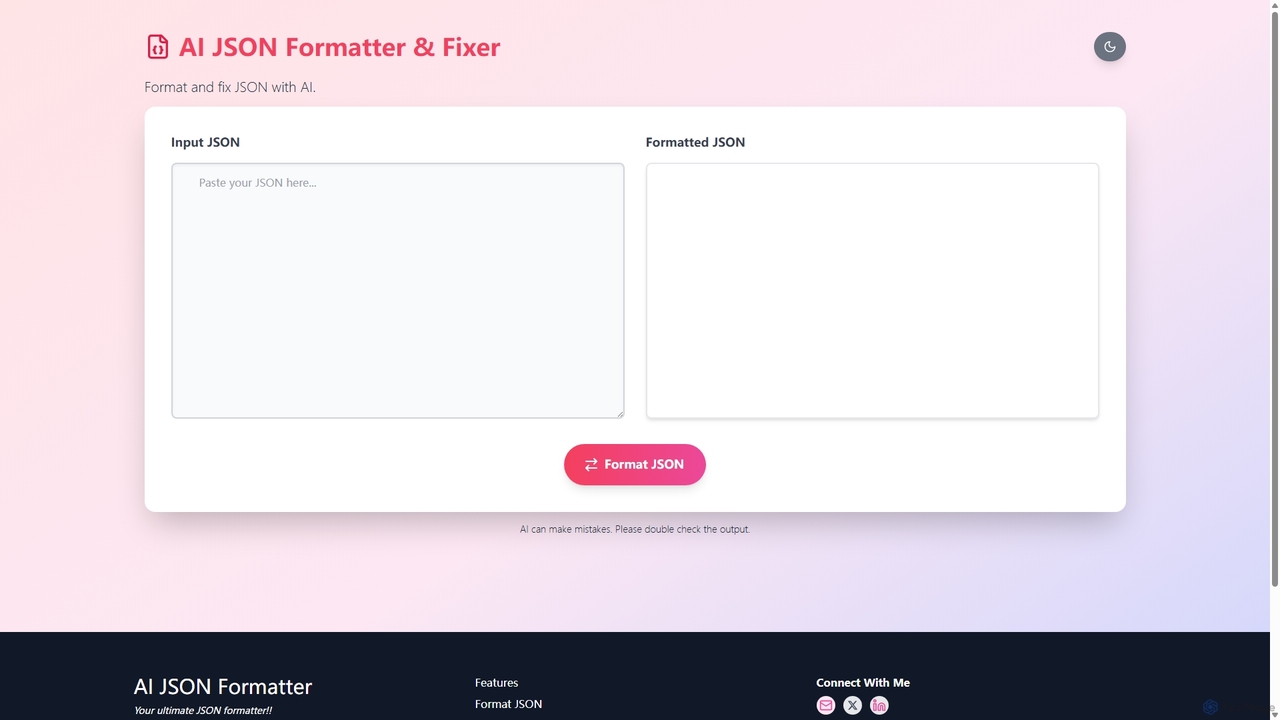
JSON Formatter is a powerful and user-friendly online utility designed to help developers, data analysts, and QA engineers work with JSON (JavaScript Object Notation) data more effectively. Hosted at json.baby, this tool stands out with its speed, simplicity, and an intelligent AI-powered feature for fixing corrupted or malformed JSON. It streamlines the process of reading, debugging, and managing JSON, transforming cluttered data into a clean, human-readable format.
The core purpose of the tool is to take any raw JSON string—whether it's minified, unformatted, or contains errors—and instantly convert it into a well-structured and indented format. This process, often called 'prettifying,' is crucial for understanding complex data structures, especially when dealing with API responses or configuration files. What sets this tool apart is its integrated AI JSON fixer, which goes beyond simple validation. It intelligently identifies common syntax errors such as missing commas, unclosed brackets, or improper quotes, and suggests or applies corrections automatically, saving developers significant time and effort in debugging.
How to use JSON Formatter
Using the JSON Formatter is designed to be an intuitive and straightforward process, requiring no setup or registration. Follow these simple steps to format and validate your JSON data:
- Input Your JSON Data: You can either copy and paste your raw JSON string directly into the main text area on the website.
- Upload a File: For larger datasets or local files, you can use the 'Upload JSON files' feature to select a .json file from your computer.
- Automatic Formatting: The tool processes the input instantly. Upon pasting or uploading, the data is automatically formatted with proper indentation and syntax highlighting on the output side.
- AI-Powered Fixing: If your JSON contains syntax errors, the AI fixer will highlight the problematic areas. It will provide clear suggestions for corrections, which you can apply with a single click to repair the data structure.
- View and Utilize: Once formatted and validated, you can easily browse the structured data in a clear tree or text view. You can then copy the corrected, formatted JSON to your clipboard or download it as a new .json file for use in your projects.
Core Features of JSON Formatter
- AI-Powered JSON Fixer: Intelligently detects and corrects common syntax errors in malformed JSON, such as missing commas, brackets, and quotes.
- Instant Formatting & Beautifying: Automatically converts messy, single-line JSON into a well-indented, human-readable format.
- JSON Validation: Provides real-time validation to check if the JSON data is syntactically correct, immediately flagging any issues.
- File Upload Capability: Allows users to directly upload .json files from their local machine, simplifying the workflow for larger data sets.
- Syntax Highlighting: Applies color-coding to keys, values, and strings, making the JSON structure easy to read and navigate.
- Minification/Compacting: Offers the ability to convert formatted JSON back into a compact, single-line format to reduce file size for production use.
- Copy and Download: Provides one-click options to copy the formatted or minified JSON to the clipboard or download it as a file.
Use Cases for JSON Formatter
This tool is invaluable for a wide range of professionals and scenarios:
- Web & App Developers: For debugging API responses from servers, verifying the structure of JSON payloads sent in requests, and managing configuration files like `package.json`.
- Data Analysts: For cleaning and structuring raw JSON data extracted from various sources before importing it into analysis tools or databases.
- QA Engineers: For creating, viewing, and validating test data in JSON format when testing APIs and application endpoints.
- Students and Learners: For understanding the hierarchical structure of JSON in a clear, visual, and interactive way.
- DevOps Engineers: For managing infrastructure-as-code configurations and other settings often stored in JSON files.
Advantages of JSON Formatter
The primary advantage of JSON Formatter is its combination of simplicity and advanced AI capabilities. Unlike basic formatters, its AI fixer actively helps users resolve issues rather than just pointing them out. This significantly reduces debugging time. The tool is web-based, requiring no installation, and offers a clean, ad-free interface that focuses on performance and usability. Its ability to handle both small snippets and large files makes it a versatile and reliable utility for any task involving JSON.
Pricing and Plans
JSON Formatter is currently available as a completely free online tool. There are no subscription fees, usage limits, or premium features hidden behind a paywall. This makes it an accessible and cost-effective solution for individual developers, students, and teams of all sizes.
JSON Formatter Alternatives
Webutility
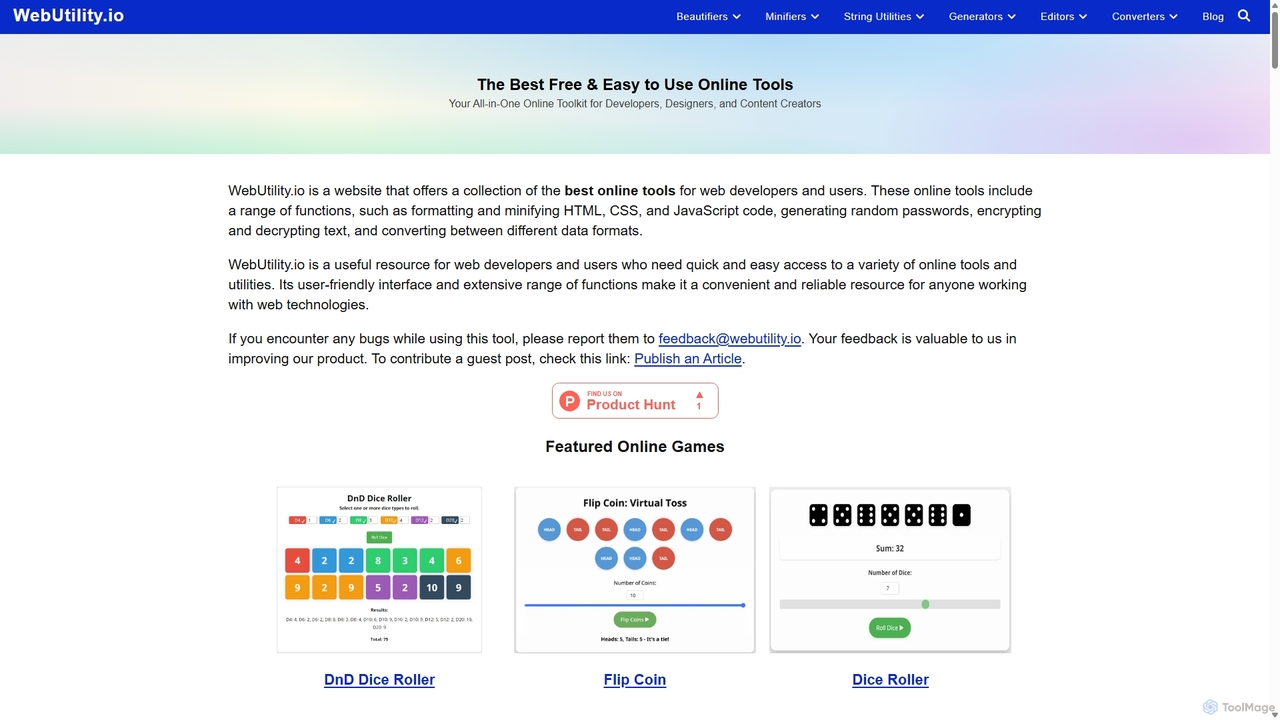
WebUtility.io is a comprehensive suite of free online tools for web developers, content creators, and general users. It offers a vast collection of utilities, including code beautifiers and minifiers, data converters, various generators (passwords, dummy data, AI prompts), text formatters, and image tools. With a user-friendly interface and no registration required, it provides quick and efficient solutions for a wide range of daily digital tasks.
Prompting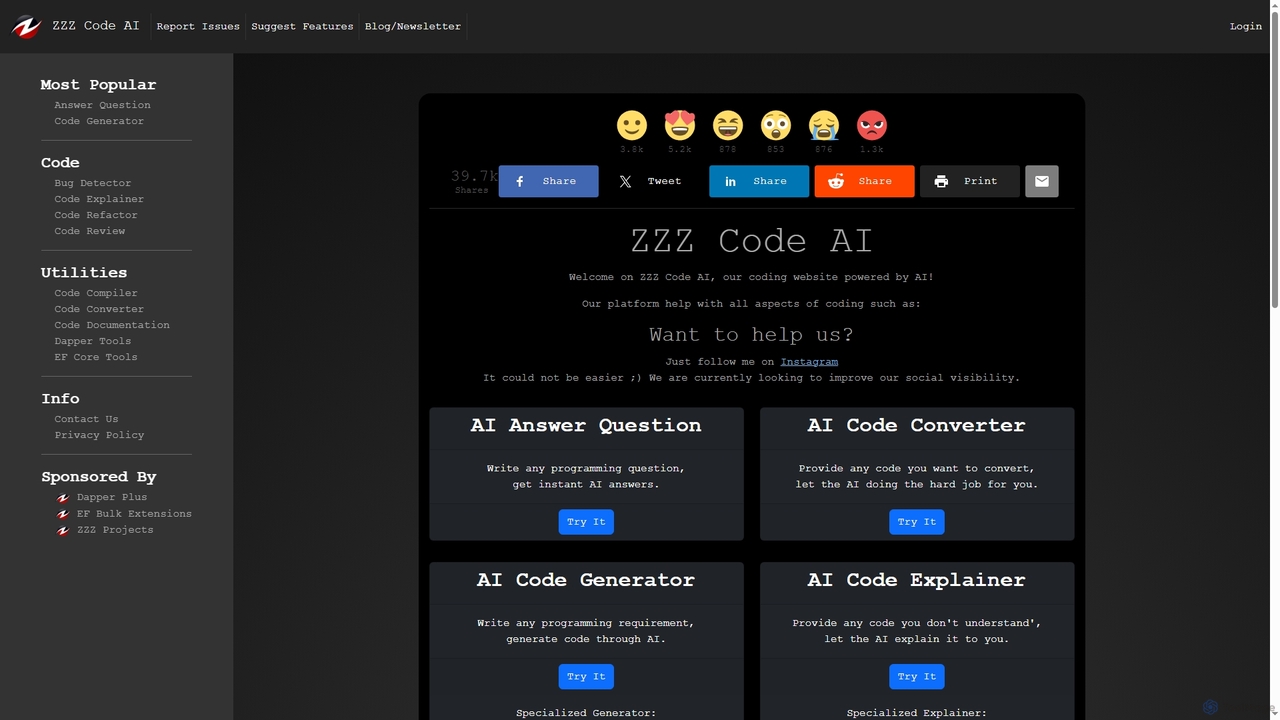
Zzzcode
Zzzcode is a free, AI-powered online platform offering a comprehensive suite of coding tools for developers. It can generate, explain, debug, refactor, review, document, and convert code across numerous programming languages, and provide instant answers to programming questions.
Code Assistant
Greb
Greb is an intelligent code search service that allows developers to find precise code chunks in massive codebases using natural language queries. It integrates seamlessly with AI coding assistants via MCP and offers a faster, more accurate alternative to traditional RAG systems.
Code Assistant
Fireyourqa
Fireyourqa is an AI-powered QA agent that automates web application testing. By installing a browser extension, users can record testing workflows once. The AI then learns these processes, autonomously runs continuous tests, validates all cases, and reports results directly in the browser, saving significant time and resources.
Code Assistant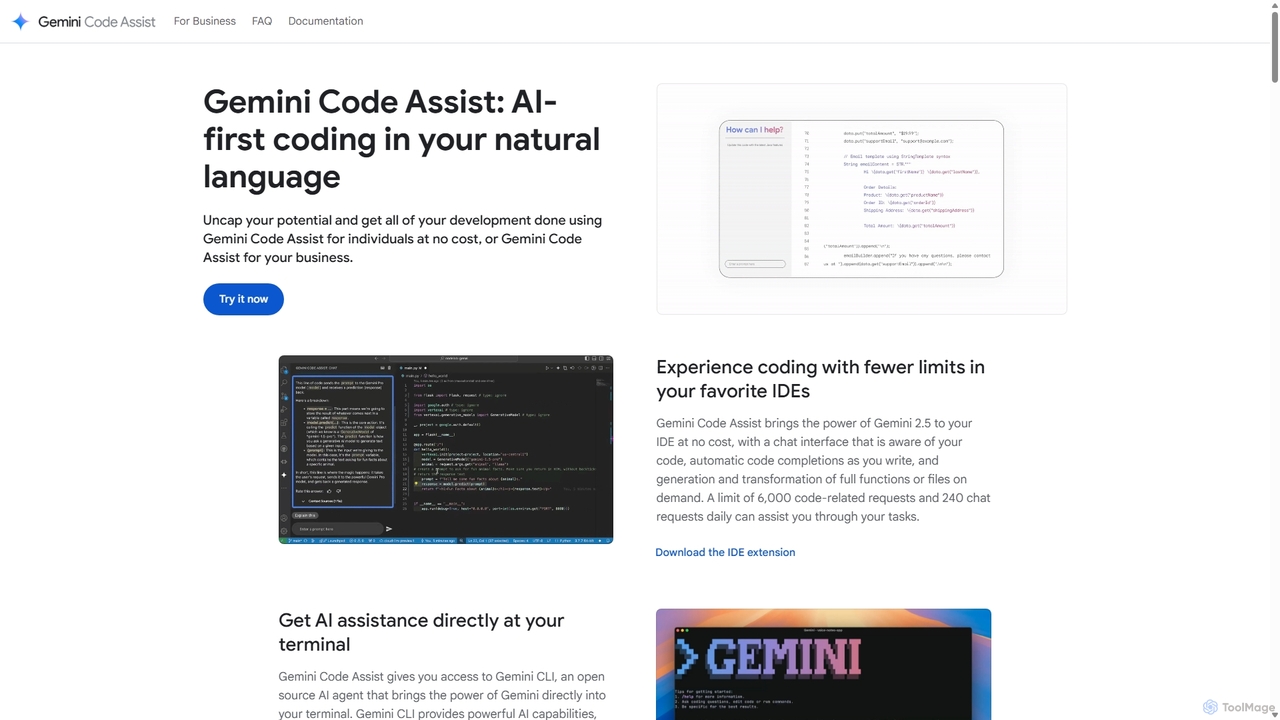
Gemini Code Assist
Gemini Code Assist is an AI-powered coding assistant from Google, powered by the Gemini 2.5 model. It integrates into your favorite IDEs, terminal, and development platforms to accelerate the entire software development lifecycle with features like code completion, generation, natural language chat, and automated code reviews.
Code AssistantJSON Formatter Categories
JSON Formatter Jobs
JSON Formatter Embed Widget
Copy this embed code to place the badge on your blog, article, or product site and send readers directly to this ToolMage detail page.

Related AI tools
Zzzcode
Zzzcode is a free, AI-powered online platform offering a comprehensive suite of coding tools for developers. It can generate, explain, debug, refactor, review, document, and convert code across numerous programming languages, and provide instant answers to programming questions.
Code AssistantGemini Code Assist
Gemini Code Assist is an AI-powered coding assistant from Google, powered by the Gemini 2.5 model. It integrates into your favorite IDEs, terminal, and development platforms to accelerate the entire software development lifecycle with features like code completion, generation, natural language chat, and automated code reviews.
Code Assistant
Codecademy
Codecademy is a leading online interactive platform for learning to code. It offers courses in over a dozen programming languages and tech subjects, enhanced by an AI-powered assistant that provides personalized help, debugging, and explanations to create an effective, hands-on learning experience for millions of users worldwide.
Code Assistant
Codeium
Codeium is an AI-powered code acceleration toolkit that provides free, ultra-fast code completion, in-editor chat, and other intelligent features. It supports over 70 programming languages and integrates seamlessly with more than 40 popular IDEs to help developers code faster and more efficiently.
Code Assistant
TechTreks
TechTreks is an AI-powered learning platform offering structured crash courses and roadmaps for a wide range of technology skills. It covers programming languages, frameworks, cloud computing, data science, design, and entrepreneurship. Ideal for students, career changers, and professionals looking to upskill quickly and efficiently with practical, job-oriented content.
Code Learning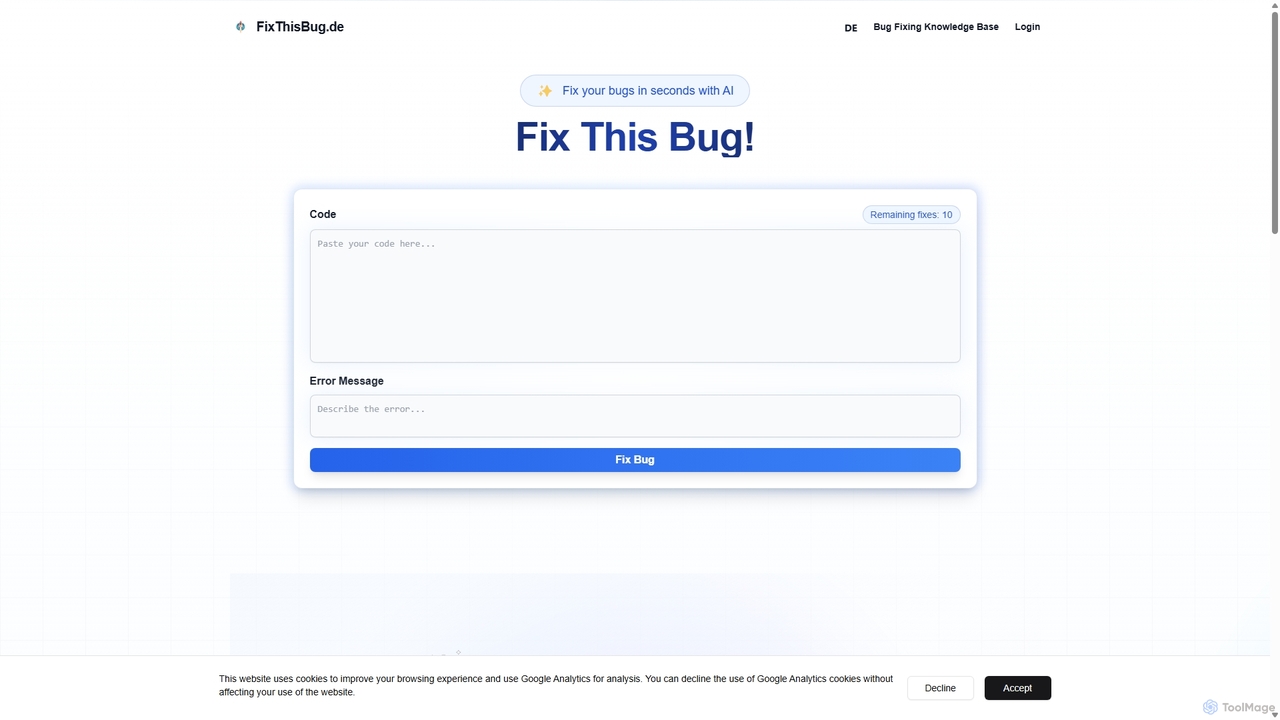
FixThisBug
FixThisBug is an AI-powered debugging assistant for developers. It instantly analyzes your code and error messages to provide accurate fixes and detailed explanations. Supporting all major programming languages, it prioritizes privacy with self-hosted models on German servers, ensuring 100% GDPR compliance. Fix bugs faster and learn as you code.
Code CorrectionWebutility
WebUtility.io is a comprehensive suite of free online tools for web developers, content creators, and general users. It offers a vast collection of utilities, including code beautifiers and minifiers, data converters, various generators (passwords, dummy data, AI prompts), text formatters, and image tools. With a user-friendly interface and no registration required, it provides quick and efficient solutions for a wide range of daily digital tasks.
Prompting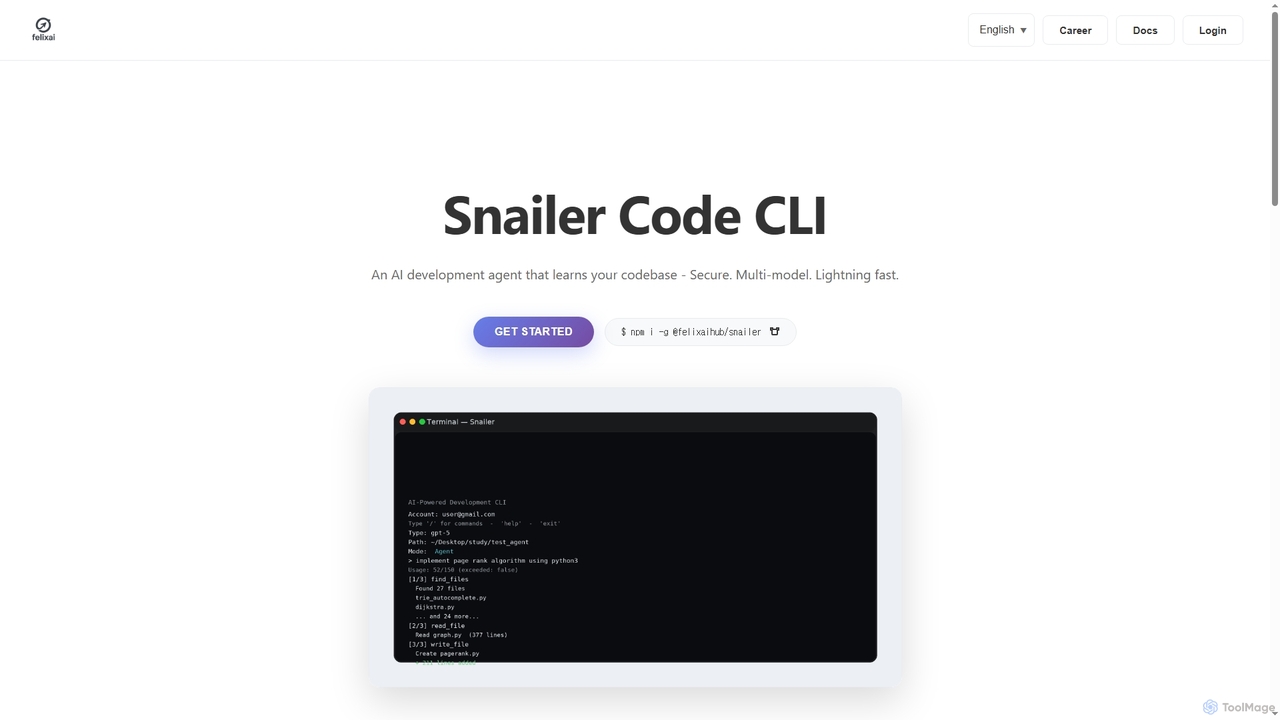
Snailer
Snailer is a multi-model AI coding agent that operates within your command-line interface (CLI) and integrates with popular IDEs. It understands your codebase, allowing you to describe tasks in plain English to generate, propose, and execute code edits securely and efficiently.
Code Assistant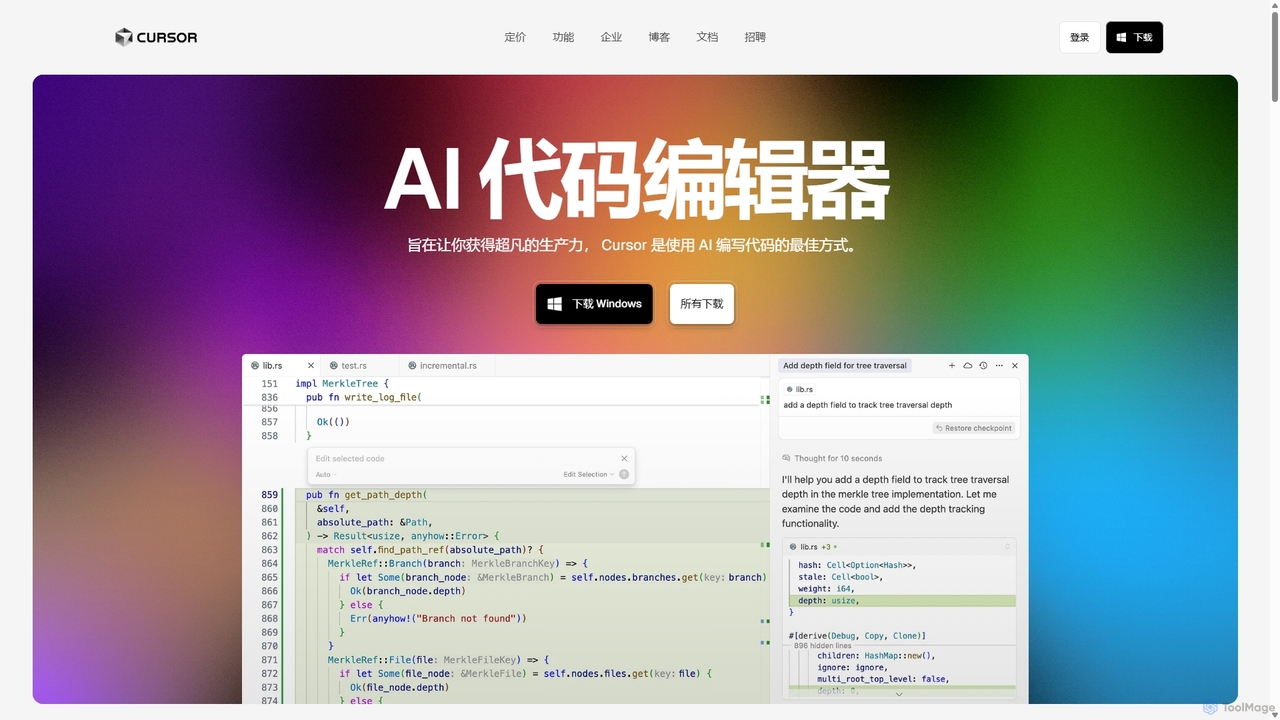
Cursor
Cursor is an AI-first code editor designed for pair-programming with artificial intelligence. Built as a fork of VS Code, it offers a familiar environment supercharged with advanced AI capabilities for code generation, editing, debugging, and codebase comprehension, aiming to significantly boost developer productivity.
Code Assistant
Jyek
Jyek is an AI agent platform that understands objectives, creates execution plans, uses tools, and delivers verifiable results for complex, multi-step tasks.
Automation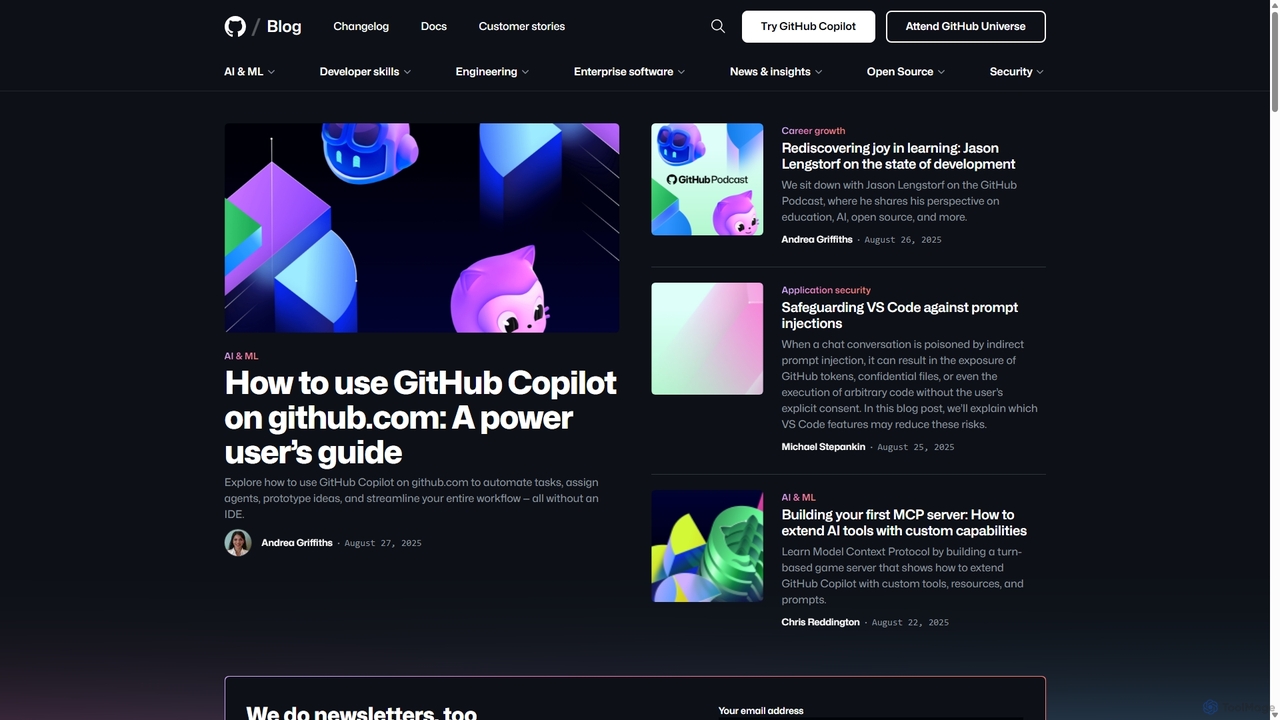
GitHub Copilot
GitHub Copilot is an AI pair programmer that offers intelligent code completions and suggestions directly in your editor. It helps you write code faster, learn new languages, and stay in the flow by turning natural language prompts into coding suggestions across dozens of languages.
Code Generation
TripleTen
TripleTen offers online, part-time coding bootcamps designed to equip individuals with in-demand tech skills for career transformation. Specializing in fields like Software Engineering, AI & Machine Learning, QA Engineering, BI Analytics, Cyber Security, and UX/UI Design, TripleTen provides structured curricula aimed at preparing students for successful roles in the technology industry.
Tech Training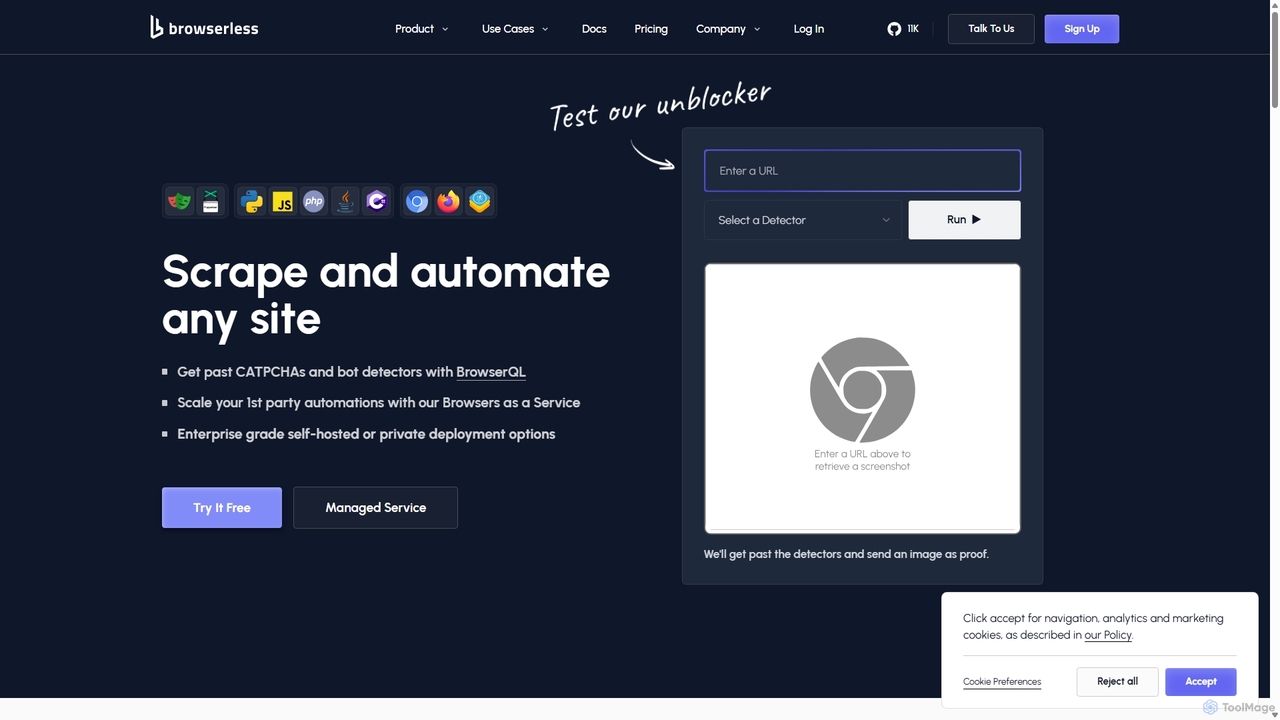
Browserless
Browserless is a powerful Browser-as-a-Service (BaaS) platform designed for scalable web scraping and browser automation. It helps developers bypass CAPTCHAs and bot detectors effortlessly using Puppeteer, Playwright, or its proprietary BrowserQL language. The service manages browser infrastructure, allowing users to focus on building automation scripts without worrying about updates, memory leaks, or scaling.
Data Extraction
Devgen
Devgen is an AI-powered coding assistant designed to accelerate the software development lifecycle. It helps developers write better code faster by providing intelligent code generation, completion, refactoring, and automated testing, directly within their IDE.
Code Assistant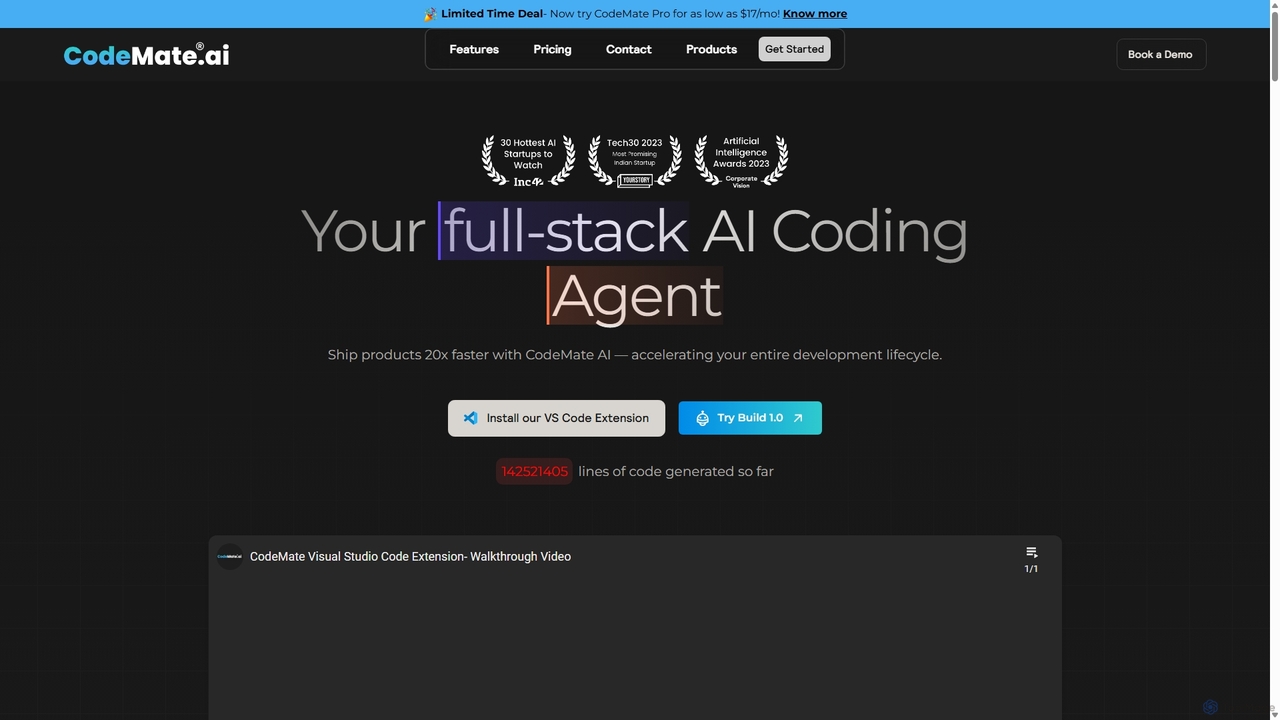
CodeMate
CodeMate is a secure, personalized AI pair programmer designed to enhance developer productivity. It assists with debugging, reviewing, and optimizing code, offering context-aware chat and seamless integration with IDEs like VS Code to help developers build software up to 20x faster.
Code Assistant
JSON Formatter Comments (0)
Sign in to comment.
Sign inNo comments yet.