ToolMage
Sign in

Best 1 Ide Extensions AI tools for Developer Tools

Popular Ide Extensions AI tools in Developer Tools include Visual Studio Marketplace, helping you work more efficiently.

Freemium

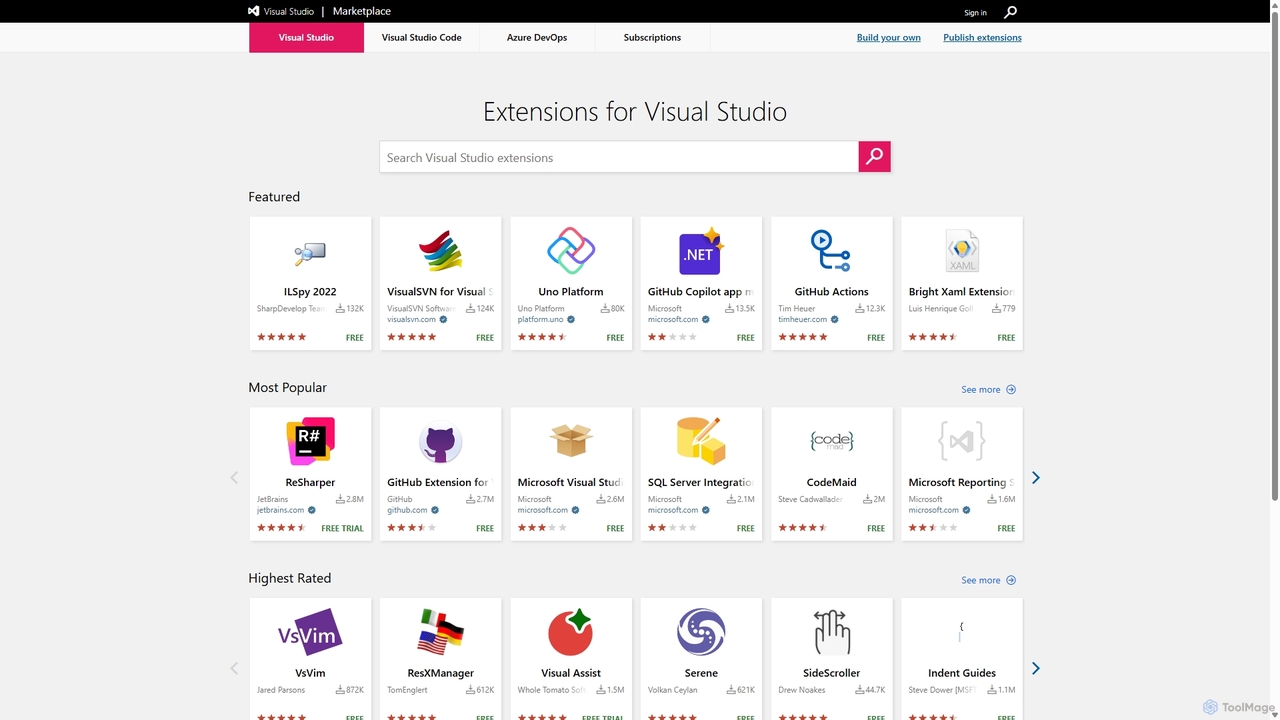
Visual Studio Marketplace

The official marketplace for discovering and installing thousands of extensions for the Visual Studio family of products, including Visual Studio, VS Code, and Azure DevOps. Enhance productivity, add new features, and customize your development environment with tools from Microsoft and the community.

Machine Learning
Visits 5MFavorites 126Likes 118

About Ide Extensions

AI IDE Extensions are plugins that integrate artificial intelligence directly into your Integrated Development Environment (IDE) to assist with software development. These tools leverage large language models to understand code context, enabling them to generate, refactor, and debug code in real-time. By providing intelligent suggestions and automating repetitive tasks, they significantly accelerate the coding process and improve code quality. This makes them a powerful addition to the toolkit of any modern developer working within the Developer Tools ecosystem.

Core Features

  • AI-Powered Code Completion: Suggests entire blocks of context-aware code, not just single lines or keywords.
  • Natural Language to Code: Generates functional code snippets from plain English descriptions or comments.
  • Automated Bug Detection & Fixing: Analyzes code to identify potential errors and proposes one-click solutions.
  • Intelligent Refactoring: Recommends improvements for code readability, performance, and maintainability.
  • Automated Test Generation: Creates unit tests for functions and classes to improve test coverage.

Use Cases

AI IDE Extensions are widely used by software developers, data scientists, and students. In professional development, they accelerate feature creation and reduce time spent on debugging. For data scientists, they can quickly generate boilerplate code for data analysis and visualization. In educational settings, they serve as a learning aid, helping students understand complex code and programming concepts faster.

How to Choose

When selecting an AI IDE Extension, consider four key factors. First, verify compatibility with your specific IDE (e.g., VS Code, JetBrains) and primary programming languages. Second, evaluate the core feature set—some excel at code completion while others focus on testing or debugging. Third, assess the performance impact on your IDE to ensure it doesn't slow down your workflow. Finally, review the tool's data privacy policy to understand how your code is handled and used for model training.

Featured tool rankings

Ide Extensions use cases

1

Accelerate Backend API Development

A backend developer is tasked with creating a new set of REST API endpoints for a user management module. Instead of writing all the boilerplate code manually, they use an AI IDE Extension. By writing a simple comment like '// Create a POST endpoint to register a new user with email and password', the extension generates the complete function, including request validation, database interaction logic, and response handling. This reduces development time for a single endpoint from 30 minutes to under 5, allowing the developer to focus on more complex business logic.

2

Automate Unit Test Generation

A software engineer needs to increase the test coverage for a critical financial calculation module. Manually writing tests for every edge case is time-consuming. Using an AI IDE Extension, they can right-click on a function and select 'Generate Unit Tests'. The tool analyzes the function's logic, identifies potential inputs and edge cases (e.g., zero, negative numbers, large values), and generates a comprehensive test suite using the project's testing framework. This automates over 80% of the test writing process, ensuring higher code quality and reliability.

3

Refactor and Modernize Legacy Code

A senior developer is tasked with improving a legacy codebase that is poorly documented and inefficient. They highlight a large, complex function within the IDE. The AI extension analyzes the code and suggests several refactoring options, such as breaking it down into smaller, more manageable functions, replacing outdated loops with modern array methods, and improving variable names for clarity. The developer can review and apply these suggestions individually, transforming unmaintainable code into a clean, efficient, and readable module in a fraction of the time it would take manually.

4

Explain and Document Complex Code

A junior developer joins a team and is assigned to work on a complex algorithm they don't understand. Instead of spending hours trying to decipher it, they highlight the code block and use the 'Explain Code' feature of their AI IDE Extension. The tool provides a clear, natural language explanation of the code's purpose, inputs, outputs, and step-by-step logic. They can then use this explanation to add detailed comments and documentation, improving the codebase for future developers and accelerating their own onboarding process.

5

Debug Code with AI-Powered Insights

A developer encounters a cryptic runtime error in their application. The stack trace points to a specific line, but the root cause is not obvious. They use their AI IDE Extension's debugging feature. The tool analyzes the problematic code, the error message, and the surrounding context. It then provides a hypothesis for the bug, such as 'The variable `user` might be null here, causing a NullPointerException. Consider adding a null check before accessing its properties.' This insight directs the developer straight to the solution, saving significant debugging time.

6

Drafting Code for Data Analysis Scripts

A data scientist is working in a Python environment within their IDE to analyze a new dataset. They need to perform several standard steps: load a CSV file, clean the data by removing null values, and generate a visualization. They use the AI extension by typing comments like 'Load 'sales_data.csv' into a pandas DataFrame' and 'Create a bar chart of sales by region'. The tool generates the correct Python code using the pandas and matplotlib libraries, including error handling and plot customizations. This allows the data scientist to rapidly prototype their analysis script without constantly looking up library syntax.

Ide Extensions FAQ

What are AI IDE Extensions?

AI IDE Extensions are specialized plugins for Integrated Development Environments (IDEs) that use artificial intelligence to enhance the coding process. Unlike traditional extensions, they leverage large language models to provide context-aware assistance. Key features include generating entire code blocks from natural language, offering intelligent multi-line code completions, detecting complex bugs, and suggesting code refactoring for better performance and readability. They act as an AI-powered pair programmer directly within your editor.

How to choose the right AI IDE Extension?

Choosing the right AI IDE Extension depends on your specific needs. Consider these factors:

  • IDE and Language Support: Ensure the extension is fully compatible with your primary IDE (e.g., VS Code, JetBrains, Visual Studio) and the programming languages you use most often.
  • Feature Set: Determine which AI features are most important to you. Some tools excel at code completion (e.g., GitHub Copilot), while others might offer stronger debugging, testing, or refactoring capabilities.
  • Performance: An AI extension should assist, not hinder. Check user reviews or use a trial to assess its impact on your IDE's responsiveness and resource consumption.
  • Data Privacy and Security: Understand the tool's policy on code privacy. Some extensions may send your code snippets to the cloud for processing, so choose a tool that aligns with your or your company's security requirements.
What's the difference between AI IDE Extensions and traditional linters/formatters?

The primary difference lies in their core function and intelligence. Traditional linters and formatters (like ESLint or Prettier) operate on a fixed set of predefined rules. They enforce code style and catch syntax errors but do not understand the code's logic or intent. In contrast, AI IDE Extensions use large language models to understand the semantic context of your code. They can generate new, functional code, identify logical errors that are syntactically correct, and provide suggestions based on the developer's intent, which is far beyond the capabilities of rule-based tools.

Can AI IDE Extensions write a complete application?

Currently, AI IDE Extensions cannot write a complete, complex application from a single prompt. They excel at generating smaller, self-contained pieces of code, such as functions, classes, or configuration files. They can significantly accelerate the development process by handling boilerplate and routine logic. However, building a full application requires high-level architectural design, complex state management, and integration of multiple components, which still requires the expertise and oversight of a human developer. Think of them as powerful assistants, not replacements for developers.

What are the key features of AI IDE Extensions?

AI IDE Extensions offer a range of powerful features to boost developer productivity. The most common ones include:

  • Context-Aware Code Completion: Goes beyond simple autocompletion to suggest entire functions or logical blocks based on the surrounding code.
  • Natural Language to Code Generation: Allows developers to write a comment describing what they want to do, and the AI generates the corresponding code.
  • Automated Bug Detection and Fixing: Scans code for logical errors, race conditions, and potential null pointer exceptions, often suggesting a one-click fix.
  • Code Refactoring and Optimization: Suggests ways to improve code structure, simplify complex logic, and enhance performance.
  • Automated Documentation: Generates docstrings or comments for functions and classes, explaining what they do, their parameters, and what they return.