ToolMage
Sign in

Best 4 Website Analytics AI tools for Marketing

Popular Website Analytics AI tools in Marketing include GoSquared, prettyinsights, Skid Platform, and TestMyWebsite.AI, helping you work more efficiently.

Skid Platform
Freemium

Skid Platform

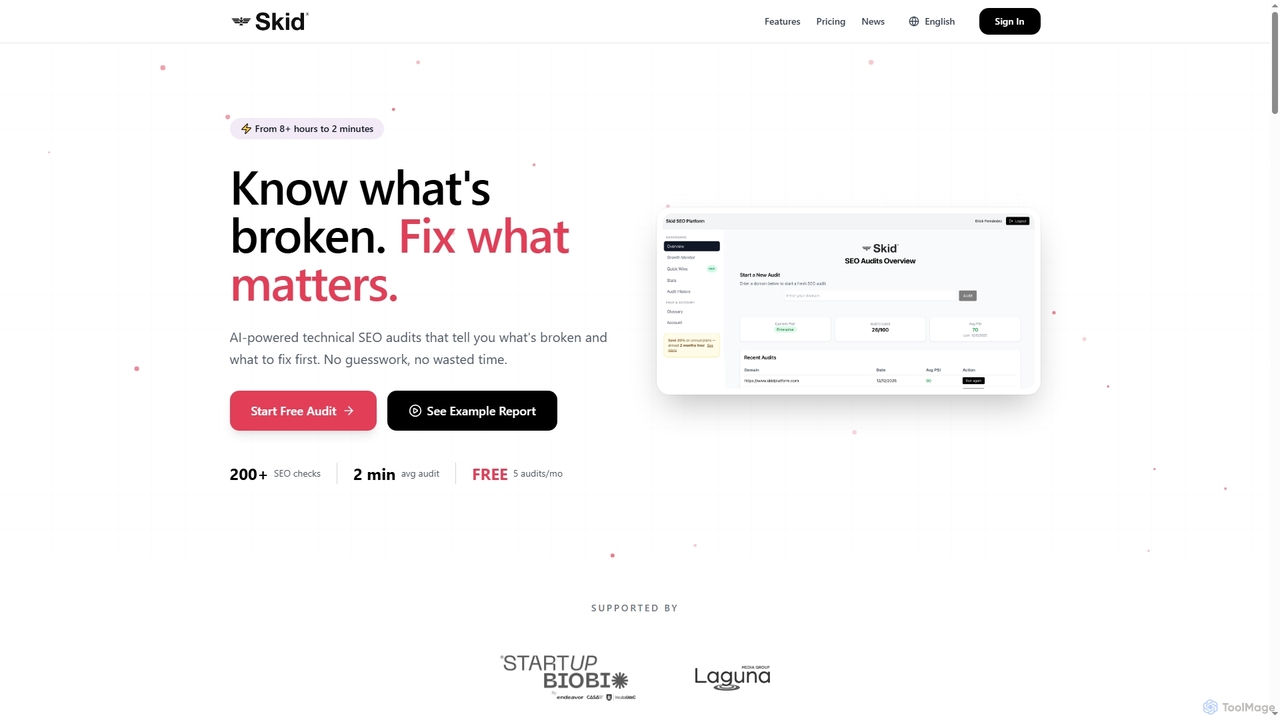
Skid Platform is an AI-powered SaaS tool designed to automate technical SEO audits, transforming hours of manual work into minutes. It identifies critical website issues, prioritizes fixes based on business impact, and provides actionable insights for improved search engine rankings.

Website Analytics
Visits 5.1KFavorites 21Likes 23
prettyinsights
Freemium

prettyinsights

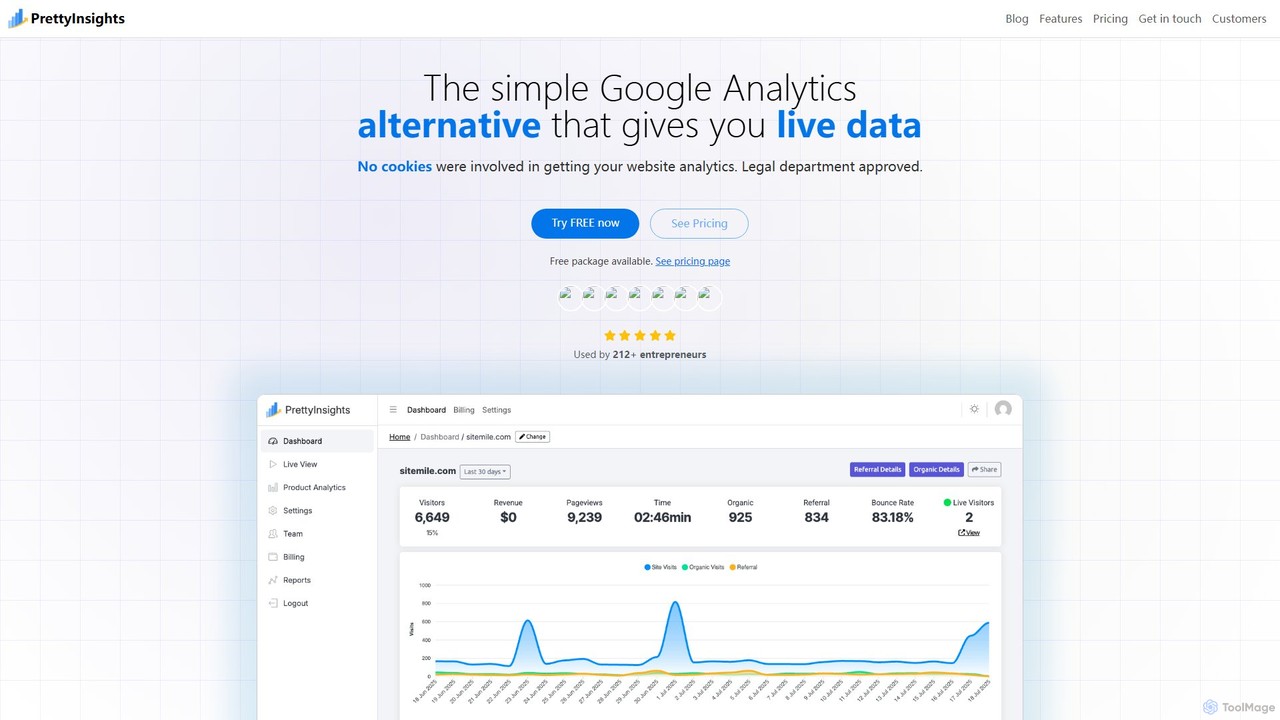
PrettyInsights is a privacy-first, AI-powered web analytics platform, serving as a user-friendly alternative to Google Analytics. It provides real-time insights, session replays, heatmaps, and conversational analytics without using cookies or storing personal data, ensuring full GDPR and CCPA compliance.

Analytics
Visits 6KFavorites 133Likes 116
TestMyWebsite.AI
Freemium

TestMyWebsite.AI

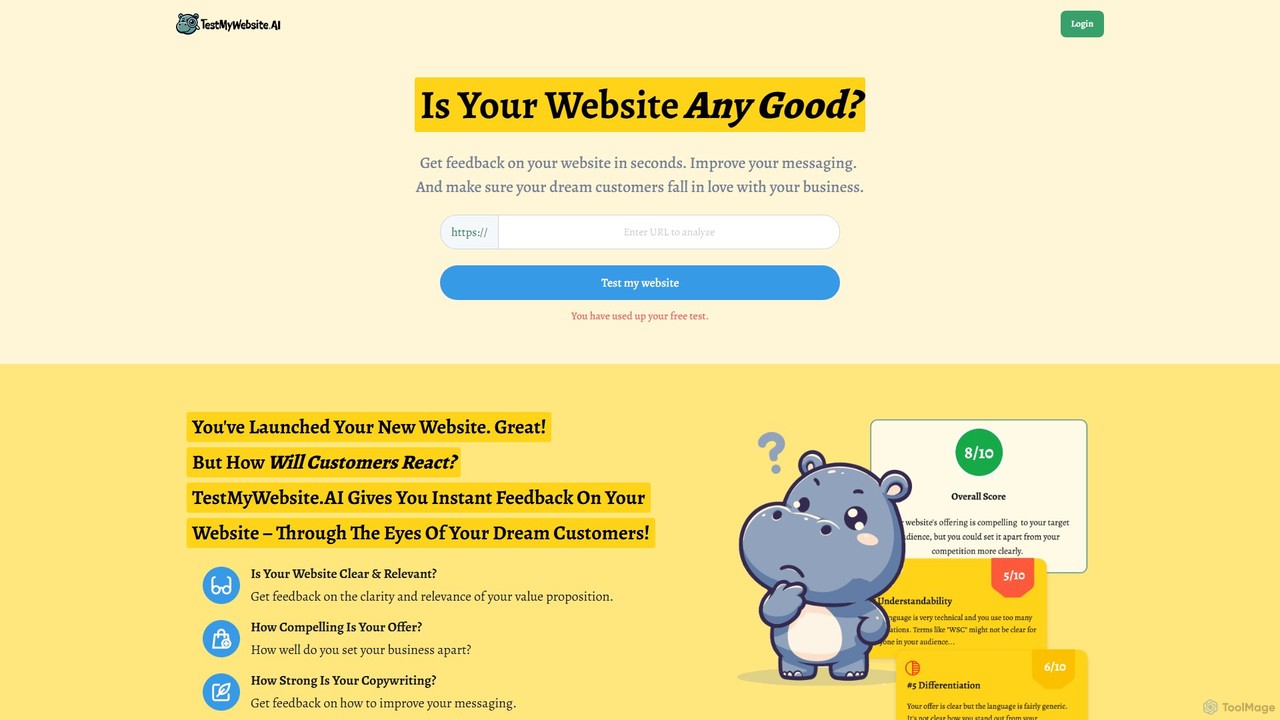
TestMyWebsite.AI is an AI-powered tool that provides instant feedback on your website's messaging, clarity, and value proposition. It acts as a virtual marketing advisor, analyzing your site through proven marketing frameworks to give you actionable tips for improvement. Ensure your dream customers fall in love with your business by optimizing your website's first impression.

Website Analytics
Visits 4.2KFavorites 127Likes 125
GoSquared
Freemium

GoSquared

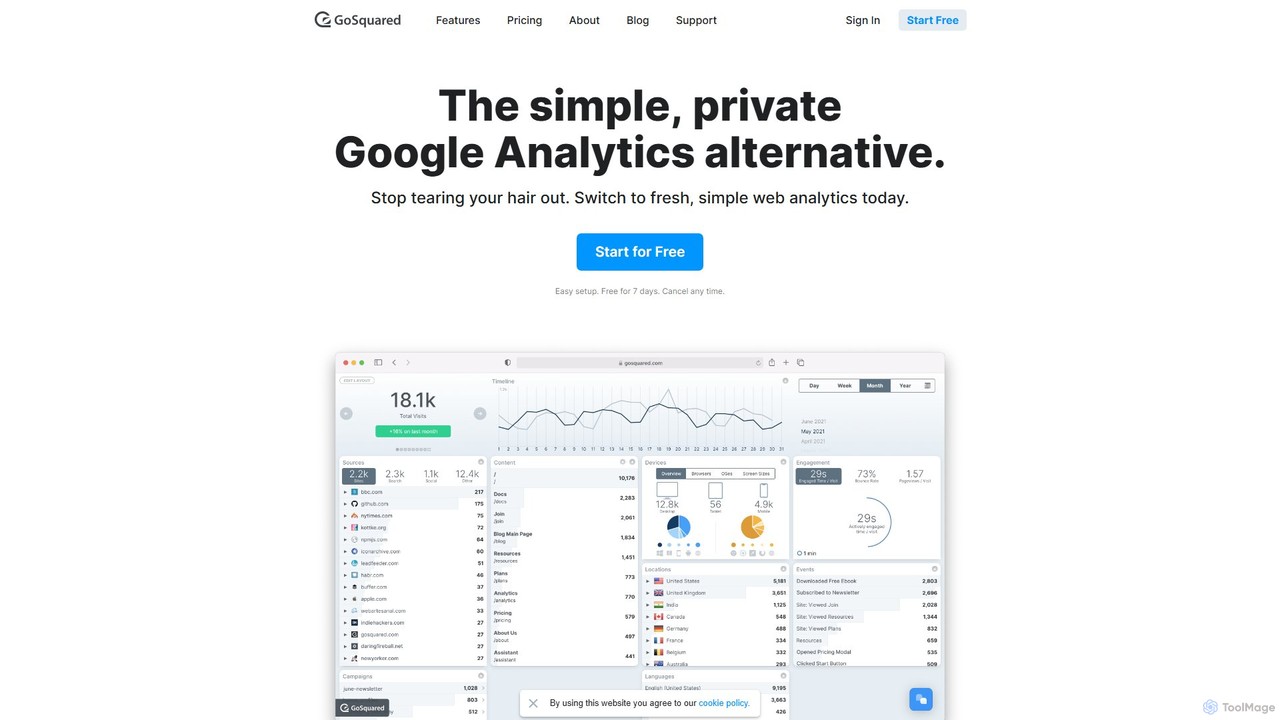
GoSquared is a simple, private, and real-time web analytics platform designed as a user-friendly alternative to Google Analytics. It provides beautiful, intuitive dashboards to monitor website traffic, user engagement, and marketing campaign performance instantly. With a strong focus on privacy and GDPR compliance, GoSquared offers key metrics without the complexity, making data accessible to everyone on your team.

Analytics
Visits 26.4KFavorites 111Likes 112

About Website Analytics

Website Analytics tools are AI-powered platforms designed to collect, measure, and analyze data related to website traffic and user behavior. Leveraging advanced algorithms and machine learning, these tools go beyond basic metrics to identify patterns, predict trends, and offer actionable insights into visitor interactions, content engagement, and conversion funnels. They empower businesses to understand their audience, optimize user experience, and make data-driven decisions, forming a crucial part of any effective digital marketing strategy within the broader marketing landscape.

Core Features

  • Traffic Analysis: Monitor visitor numbers, sources (organic, direct, referral), and geographic distribution.
  • Behavior Tracking: Analyze page views, time on site, bounce rate, click paths, and scroll depth.
  • Conversion Funnel Optimization: Map user journeys, identify drop-off points, and measure goal completions.
  • Audience Segmentation: Group visitors by demographics, interests, or behavior for targeted analysis.
  • Real-time Monitoring: Observe live visitor activity and immediate impacts of changes or campaigns.

Applicable Scenarios

These tools are indispensable for marketing teams to evaluate campaign ROI, for UX designers to identify usability issues, and for content creators to understand audience preferences and optimize content strategy. E-commerce managers use them to refine checkout processes, while webmasters monitor site health and performance.

How to Choose

When selecting a Website Analytics tool, consider its data collection capabilities (e.g., event tracking, heatmaps), reporting flexibility and customization options, integration with other marketing platforms (CRM, ad platforms), and compliance with data privacy regulations (GDPR, CCPA). Scalability for future growth and the level of AI-driven insights provided are also crucial factors for effective decision-making.

Featured tool rankings

Website Analytics use cases

1

Optimizing Marketing Campaign Performance

Marketing managers use website analytics to track the effectiveness of various campaigns (e.g., PPC, social media, email). By analyzing traffic sources, conversion rates, and user behavior from specific campaigns, they can identify high-performing channels, reallocate budgets, and refine messaging to maximize ROI and achieve marketing objectives. This data-driven approach ensures marketing efforts are continuously improved.

2

Improving Website User Experience (UX)

UX designers and product managers leverage analytics data like bounce rates, time on page, and click-through rates to pinpoint areas of friction or confusion on a website. Heatmaps and session recordings reveal how users interact with specific elements, enabling data-backed design improvements that enhance navigation, content discoverability, and overall user satisfaction, leading to a more intuitive site.

3

Enhancing Content Strategy and Engagement

Content creators and strategists utilize website analytics to understand which content resonates most with their audience. By examining page views, time spent on articles, and exit rates, they can identify popular topics, preferred formats, and areas needing improvement. This data guides future content creation, ensuring it aligns with audience interests and drives deeper engagement, ultimately boosting content effectiveness.

4

Identifying Conversion Funnel Bottlenecks

E-commerce businesses and lead generation teams employ conversion funnel analysis to visualize the customer journey from initial visit to purchase or lead submission. Analytics tools highlight specific steps where users drop off, allowing teams to optimize landing pages, checkout processes, or form designs to reduce friction and significantly increase conversion rates, directly impacting revenue and lead acquisition.

5

Personalizing User Experiences

Digital marketers use advanced website analytics to segment their audience based on behavior, demographics, or referral source. This segmentation allows for the delivery of personalized content, product recommendations, or calls-to-action to different user groups. By tailoring the website experience, businesses can increase relevance, engagement, and ultimately, conversion rates for individual visitors, leading to stronger customer relationships.

6

Monitoring Website Health and Performance

Webmasters and IT teams rely on website analytics to continuously monitor site performance metrics such as page load times, server response, and error rates. Sudden spikes in bounce rates or drops in traffic can signal technical issues. Proactive monitoring ensures website stability, optimal speed, and a seamless experience for all visitors, preventing potential revenue loss and maintaining user trust.

Website Analytics FAQ

What are Website Analytics tools?

Website Analytics tools are software platforms that collect, process, and report data on how visitors interact with a website. They provide insights into traffic sources, user behavior, content engagement, and conversion paths. These tools are essential for understanding audience demographics, optimizing site performance, and informing data-driven marketing and business decisions, helping businesses measure their online presence effectively.

How do Website Analytics tools help with marketing?

Website Analytics tools are crucial for marketing by providing measurable data on campaign effectiveness. They help marketers track traffic from various channels, measure conversion rates for specific goals, and understand which content drives engagement. This data enables optimization of ad spend, refinement of messaging, and identification of new opportunities, directly impacting marketing ROI and overall strategy within the broader marketing context.

What key metrics should I track using Website Analytics?

Key metrics to track include total visitors, page views, bounce rate, average session duration, and traffic sources (e.g., organic, social, direct). For e-commerce, conversion rate, revenue per visitor, and cart abandonment rate are vital. Event tracking for specific user actions (like downloads or video plays) also provides valuable insights into user engagement and goal completion, offering a comprehensive view of site performance.

What is the difference between Website Analytics and Business Intelligence (BI) tools?

Website Analytics tools specifically focus on data related to website traffic and user behavior, providing insights for optimizing online presence and digital marketing. Business Intelligence (BI) tools, on the other hand, aggregate and analyze data from various business operations (sales, finance, CRM, etc.) to provide a holistic view for strategic decision-making across the entire organization. While Website Analytics can feed into BI, their scope and primary focus differ significantly, with BI offering a broader enterprise-level perspective.

How can AI enhance Website Analytics?

AI enhances Website Analytics by moving beyond raw data reporting to offer predictive analysis, anomaly detection, and automated insights. AI algorithms can identify subtle patterns in user behavior, forecast future trends, and flag unusual activity that might indicate issues or opportunities. This allows businesses to gain deeper, more actionable intelligence without extensive manual data interpretation, making data-driven decisions faster and more precise, ultimately boosting efficiency and effectiveness.