ToolMage
Sign in

Best 1 Wordpress Plugin AI tools for Development

Popular Wordpress Plugin AI tools in Development include WP Snippets AI, helping you work more efficiently.

WP Snippets AI
Freemium

WP Snippets AI

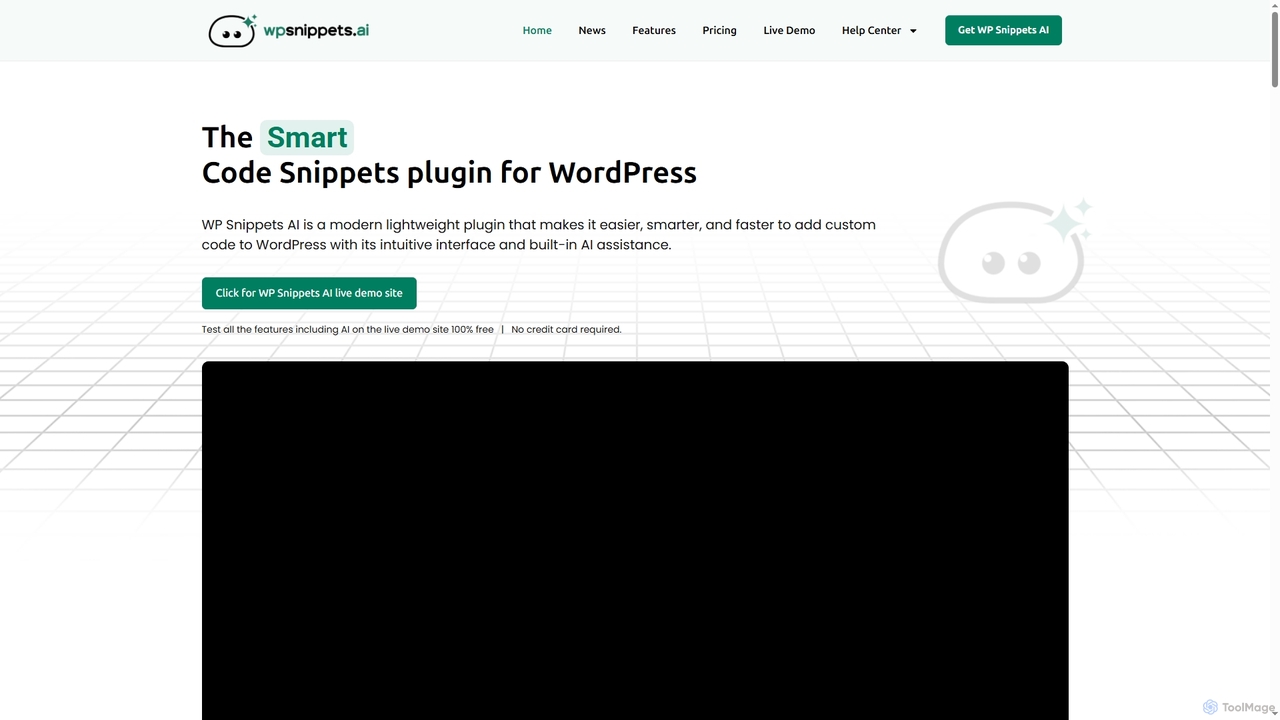
WP Snippets AI is a fast, modern, and lightweight WordPress plugin designed to simplify custom code management. It features an intuitive interface and built-in AI assistance for generating, analyzing, and improving code snippets in HTML, CSS, JavaScript, and PHP, enhancing workflow for developers and site administrators.

Code Generation
Visits 8.8KFavorites 148Likes 138

About Wordpress Plugin

AI WordPress Plugins are specialized extensions that integrate artificial intelligence capabilities directly into the WordPress dashboard. These tools leverage technologies like natural language processing (NLP) and machine learning to automate tasks such as content creation, SEO optimization, and customer interaction. By embedding AI functions within the familiar WordPress environment, they enable website owners and developers to enhance site performance, create content more efficiently, and deliver personalized user experiences without needing external platforms or complex coding.

Core Features

  • AI Content Generation: Automatically create blog posts, product descriptions, and marketing copy from simple prompts.
  • Intelligent SEO Optimization: Analyze content and provide real-time suggestions for keywords, meta tags, and readability improvements.
  • Automated Chatbots & Support: Deploy AI-driven chatbots to handle customer inquiries and provide 24/7 support.
  • Image & Media Optimization: Automatically compress images, generate alt text, and create captions to improve site speed and accessibility.
  • AI-Powered Translation: Translate website content into multiple languages to reach a global audience.

Use Cases

These plugins are widely used by content creators, digital marketing agencies, e-commerce store owners, and bloggers. For instance, a blogger can use an AI writer plugin to overcome writer's block and generate post ideas, while a WooCommerce store owner can implement an AI recommendation plugin to increase sales through personalized product suggestions.

How to Choose

When selecting an AI WordPress Plugin, consider its specific function—whether you need content creation, SEO, or customer service. Evaluate its compatibility with your theme and other plugins, check the pricing model (e.g., subscription-based credits vs. one-time fee), and assess the user interface to ensure it's intuitive for your workflow.

Wordpress Plugin use cases

1

Automate Blog Post Creation and Scheduling

For content managers and bloggers managing multiple websites. An AI writer plugin can generate drafts for articles based on keywords, create outlines, write paragraphs, and even suggest titles. This process reduces research and writing time significantly, allowing the manager to focus on editing and strategy. The plugin can then integrate with WordPress scheduling to automatically publish posts, maintaining a consistent content calendar and saving hours of manual work each week.

2

Enhance On-Page SEO Automatically

For SEO specialists and website owners aiming for higher search rankings. An AI SEO plugin analyzes every page and post in real-time. It suggests optimal keywords, generates compelling meta descriptions, creates internal linking structures, and ensures content meets readability standards. This automates many tedious on-page SEO tasks, helping to improve rankings without manual, repetitive analysis and providing actionable insights directly within the post editor.

3

Deploy an AI Chatbot for Customer Support

For e-commerce businesses and service providers using WordPress. Install an AI chatbot plugin to provide instant answers to common customer questions about shipping, returns, or product details. The chatbot can be trained on website content and FAQs. This frees up human support agents to handle complex issues, improves user experience by providing 24/7 assistance, and can capture leads by collecting contact information from visitors outside of business hours.

4

Generate Product Descriptions for WooCommerce

For WooCommerce store managers with large product catalogs. Instead of manually writing descriptions for hundreds of items, an AI plugin can generate unique, persuasive, and SEO-friendly descriptions based on product attributes like name, category, and key features. This saves countless hours, ensures all product pages have high-quality, consistent copy, and helps improve product visibility in search engine results, ultimately driving more sales.

5

Optimize Website Images for Speed and SEO

For web developers and site administrators focused on performance. An AI image optimization plugin automatically compresses images upon upload without visible quality loss. More importantly, it uses computer vision to analyze image content and generate descriptive alt text, which is crucial for accessibility (for screen readers) and image search SEO. This dual function improves both user experience through faster load times and search visibility through better-indexed media.

6

Create a Multilingual Website with AI Translation

For global businesses wanting to reach a wider audience. An AI translation plugin integrates with services like DeepL or Google Translate to automatically translate website content into multiple languages. Unlike traditional methods that are slow and costly, this provides high-quality initial translations that can be quickly reviewed and refined by a human. This approach drastically reduces the time and cost of localization, making it feasible for smaller businesses to go global.

Wordpress Plugin FAQ

What is an AI WordPress Plugin?

An AI WordPress Plugin is an extension that adds artificial intelligence features directly into your WordPress website. Instead of using separate AI tools, these plugins allow you to perform tasks like generating content, optimizing SEO, or creating chatbots from within your admin dashboard. Key features often include natural language processing for text creation and analysis, and machine learning for personalization and automation.

How do I choose the right AI WordPress Plugin?

To choose the right plugin, first identify your primary need: content creation, SEO, customer service, or e-commerce optimization. Then, consider these factors:

  • Compatibility: Ensure it works with your current WordPress version, theme, and essential plugins.
  • Features vs. Cost: Compare the features offered with the pricing model (e.g., one-time purchase, monthly subscription, or usage-based credits).
  • Ease of Use: Look for a plugin with an intuitive interface that doesn't require extensive technical knowledge.
  • Support and Updates: Check user reviews for feedback on customer support and the frequency of plugin updates.
What's the difference between an AI WordPress Plugin and a standalone AI tool?

The main difference is integration. An AI WordPress Plugin operates directly within your WordPress environment, making it seamless to create, edit, and publish AI-generated content or apply AI optimizations. A standalone AI tool (like a separate web-based writer) requires you to copy and paste content between platforms. Plugins offer a more streamlined workflow for WordPress users, while standalone tools might offer more specialized features but require more steps to implement on your site.

Can AI plugins write complete blog posts that rank on Google?

AI plugins can generate well-structured and grammatically correct blog posts that serve as excellent first drafts. However, for content to rank well, it typically requires human oversight. A human editor should review the content for factual accuracy, add unique insights or personal experience (E-E-A-T), and ensure it fully aligns with the target audience's search intent. AI is a powerful assistant, not a complete replacement for a content strategist.

Are AI WordPress Plugins difficult to set up?

Most AI WordPress Plugins are designed to be user-friendly and follow the standard WordPress installation process. Typically, you can install and activate them from the WordPress plugin directory with a few clicks. Some may require you to create an account with the service provider and connect it via an API key, but the process is usually well-documented and straightforward, requiring no coding skills.