

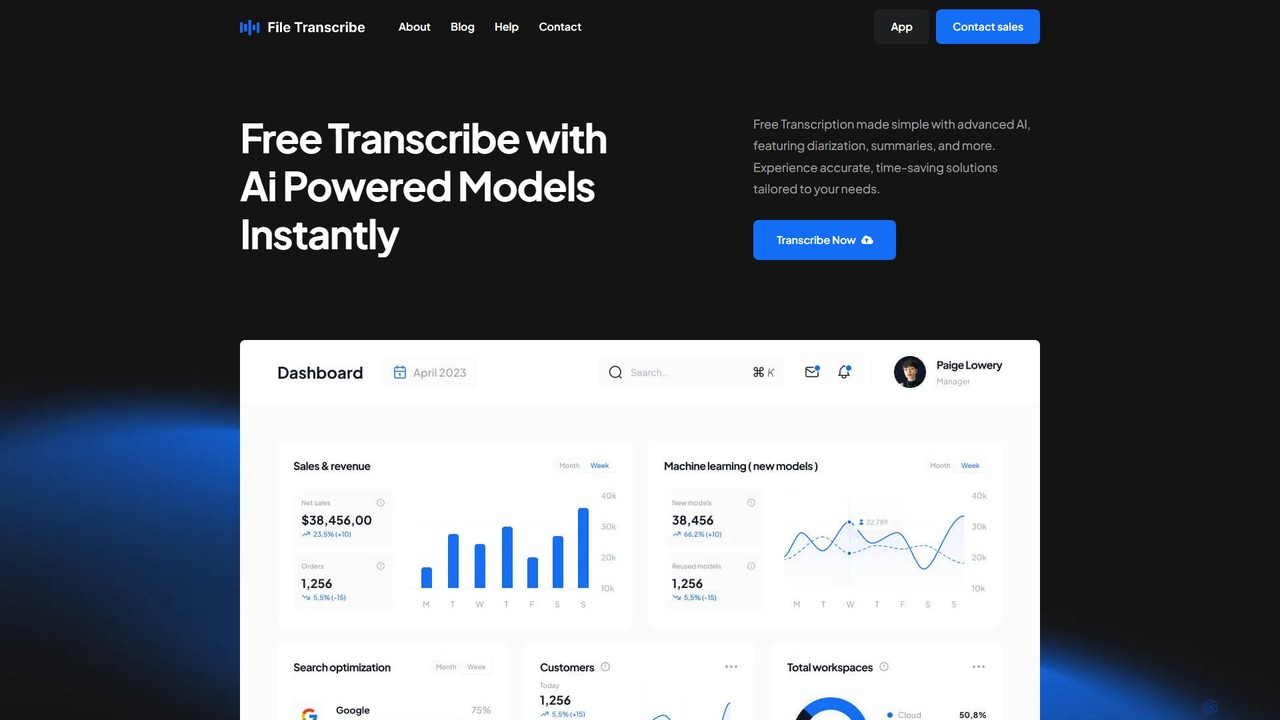
FileTranscribe Overview
FileTranscribe is an advanced AI-powered transcription platform designed to convert audio and video files into accurate, readable text quickly and for free. Leveraging cutting-edge artificial intelligence models, the service goes beyond simple speech-to-text conversion. It provides a comprehensive solution for anyone needing to process spoken content, including professionals, students, researchers, and content creators. The platform is built to be intuitive and powerful, handling complex tasks like identifying different speakers and generating concise summaries from lengthy recordings, thereby saving users significant time and effort.
How to use FileTranscribe
Using FileTranscribe is a straightforward process designed for maximum efficiency. First, visit the FileTranscribe website. Next, upload your audio or video file directly to the platform. The tool supports a wide variety of common file formats. Once uploaded, the AI engine begins processing the content, automatically transcribing the speech. After a few moments, the complete transcript is ready. You can then review, edit, and export the text. Additionally, you can utilize features like generating an AI summary or creating structured meeting minutes from the transcript before downloading the final document.
Core Features of FileTranscribe
- High-Accuracy AI Transcription: Utilizes state-of-the-art AI models to provide fast and highly accurate transcriptions for both audio and video files.
- Speaker Diarization: Automatically identifies and labels different speakers in the conversation, making transcripts of meetings, interviews, and podcasts easy to follow.
- AI-Powered Summaries: Generates concise and coherent summaries of long transcripts, allowing users to grasp key points without reading the entire text.
- Meeting Minutes Generation: Transforms raw meeting transcripts into structured and professional meeting minutes, highlighting key decisions and action items.
- Multi-Language Support: Capable of transcribing content in various languages, making it a versatile tool for global users.
- Free to Use: Offers a robust and feature-rich transcription service completely free of charge, making it accessible to everyone.
Use Cases for FileTranscribe
FileTranscribe is a versatile tool with a wide range of applications. For students, it's perfect for transcribing lectures and seminars, creating searchable study notes, and improving comprehension. Professionals and businesses can use it to create accurate records of meetings, interviews, and conference calls, ensuring no detail is lost and facilitating follow-ups. Content creators, such as podcasters and YouTubers, can generate transcripts to improve their content's SEO, create subtitles for accessibility, and repurpose audio/video content into blog posts or articles. Journalists and researchers can also benefit by quickly transcribing interviews and fieldwork recordings, speeding up their analysis and reporting workflow.
Advantages of FileTranscribe
The primary advantage of FileTranscribe is its combination of power and accessibility. It delivers professional-grade accuracy and features like diarization and summarization, which are often found in paid services, for free. The platform is incredibly fast, turning hours of audio into text in just minutes. Its user-friendly interface requires no technical expertise, allowing anyone to start transcribing immediately. By automating the tedious transcription process, it dramatically boosts productivity and allows users to focus on more critical tasks.
Pricing and Plans
FileTranscribe is primarily a free service. The core features, including transcription, summarization, and speaker diarization, are available to all users at no cost. For users with extensive needs, such as large enterprises or those requiring API access for integration, custom plans may be available by contacting the sales team. This freemium model ensures that the tool is accessible for individual and small-scale use while offering scalable solutions for businesses.
Traffic
Latest traffic
Status
Monthly traffic trend
- 2025-9: 7.5K
- 2026-1: 3.6K
- 2026-2: 2.6K
- 2026-3: 1.8K
- 2026-4: 1.1K
- 2026-5: 1.1K
Geography
Top 5 countries / regions
- 🇺🇸United States100.0%
Top keywords
| Keyword | Cost per click |
|---|---|
| file transcribe | $0.00 |
| google docs audio to text | $2.02 |
| transcribefile | $0.00 |
| transcriber | $1.12 |
| transcribe tsr file | $0.00 |
FileTranscribe Alternatives

itingnao
itingnao is an AI-powered assistant that transcribes audio and video into text. It offers real-time transcription, file uploads, and video link parsing. Key features include automatic summarization, key point extraction, and AI-driven Q&A on your content. Designed for students, professionals, and content creators, it streamlines note-taking, meeting minutes generation, and subtitle creation across web, iOS, and Android platforms.
Speech To Text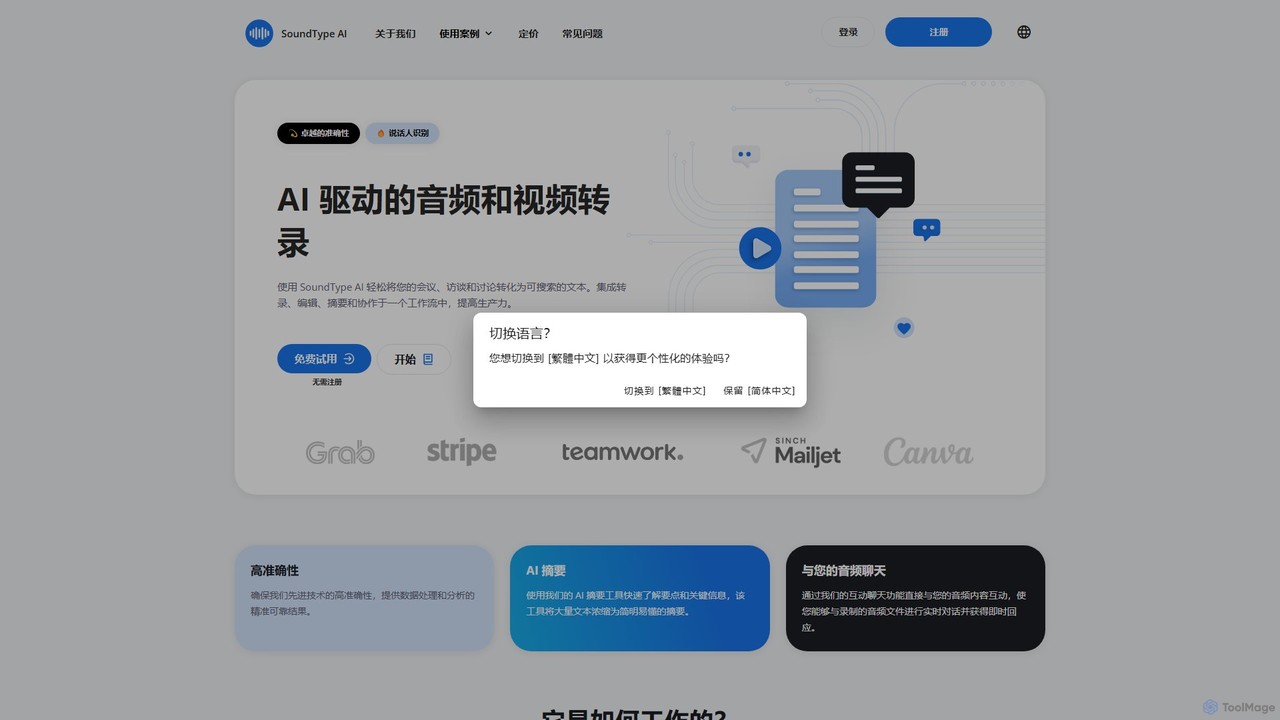
SoundType AI
SoundType AI is an advanced AI-powered service for transcribing audio and video with high accuracy. It features speaker identification, AI-generated summaries, and an interactive chat function to query your audio content. It streamlines workflows for professionals, educators, and content creators by converting speech into searchable, editable text.
Speech To Text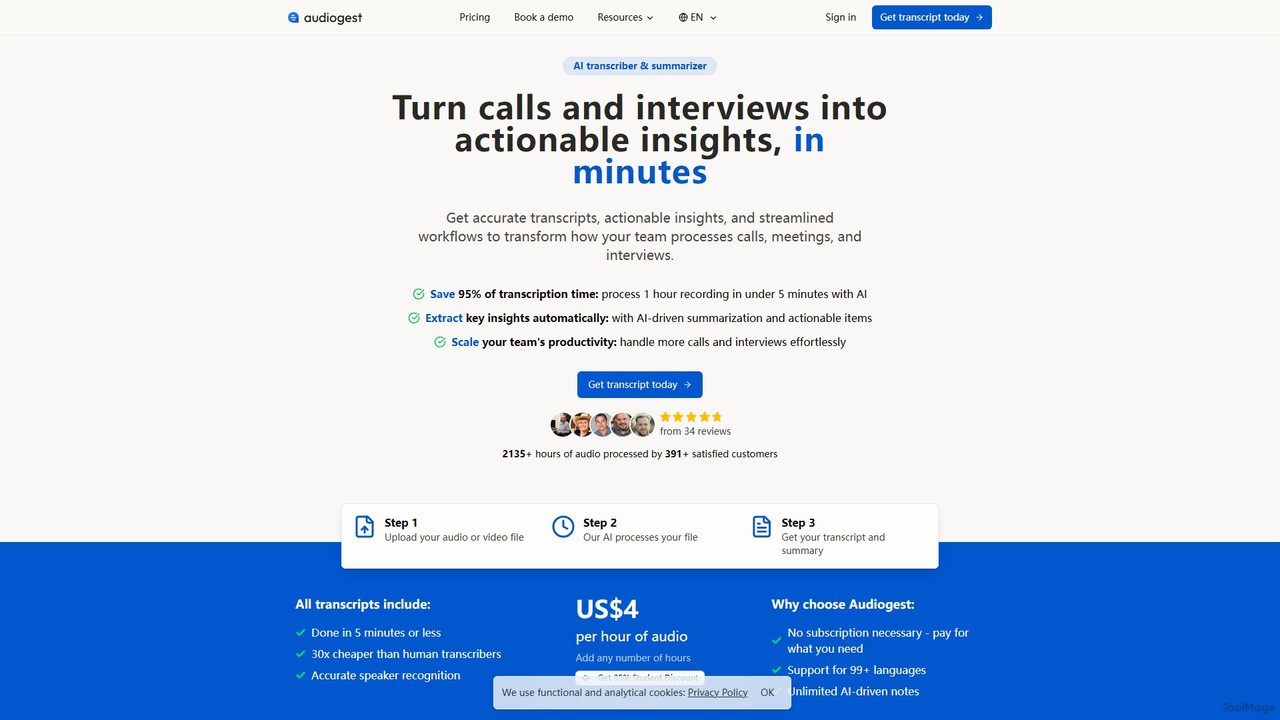
Audiogest
Audiogest is an AI-powered tool that quickly and accurately transcribes and summarizes audio and video files in over 99 languages. It features speaker recognition, customizable AI notes, and flexible pay-as-you-go pricing. Ideal for students, researchers, and professionals, it saves hours of manual work while ensuring data privacy with EU-based servers. Get fast, affordable, and reliable transcripts and summaries without a subscription.
Speech To Text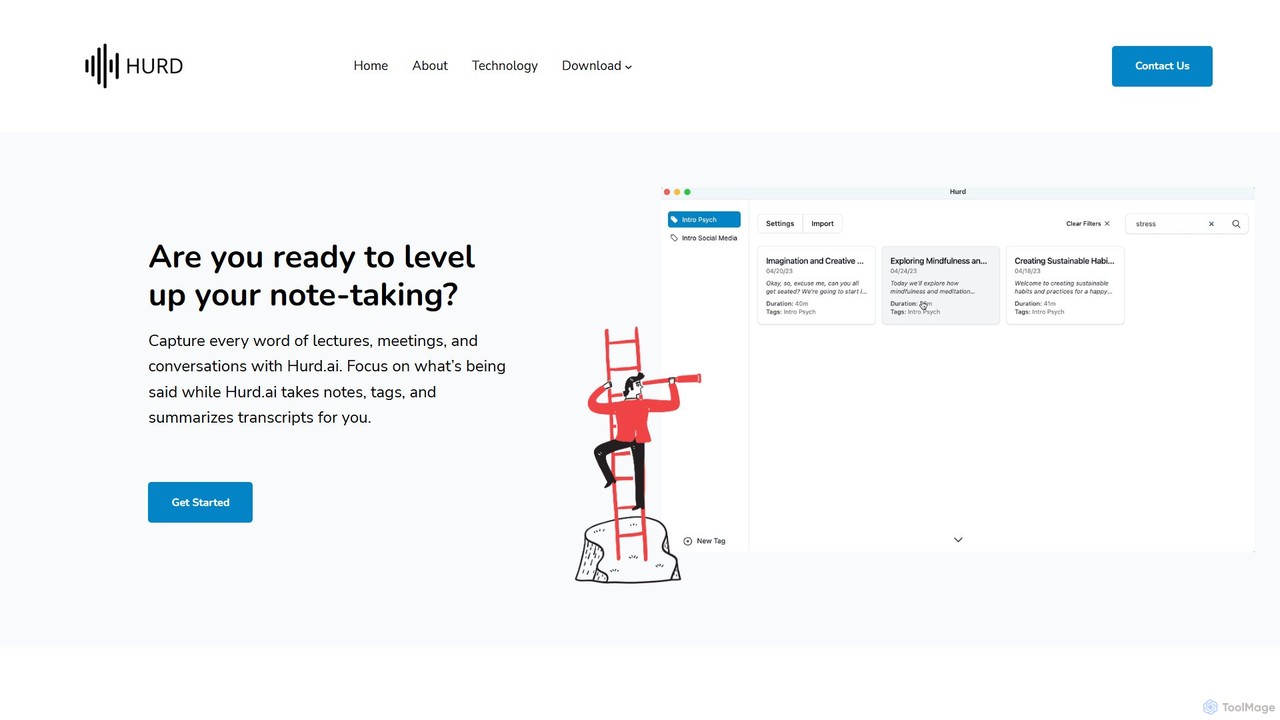
Hurd.ai
Hurd.ai is a free, privacy-focused AI transcription tool for macOS. It automatically transcribes, summarizes, and tags your lectures, meetings, and conversations from audio/video files. Powered by OpenAI's Whisper, it offers high accuracy in over 90 languages. All processing is done locally on your device, ensuring your data remains private. Ideal for students, professionals, and anyone needing to capture spoken information without the distraction of manual note-taking.
Speech To Text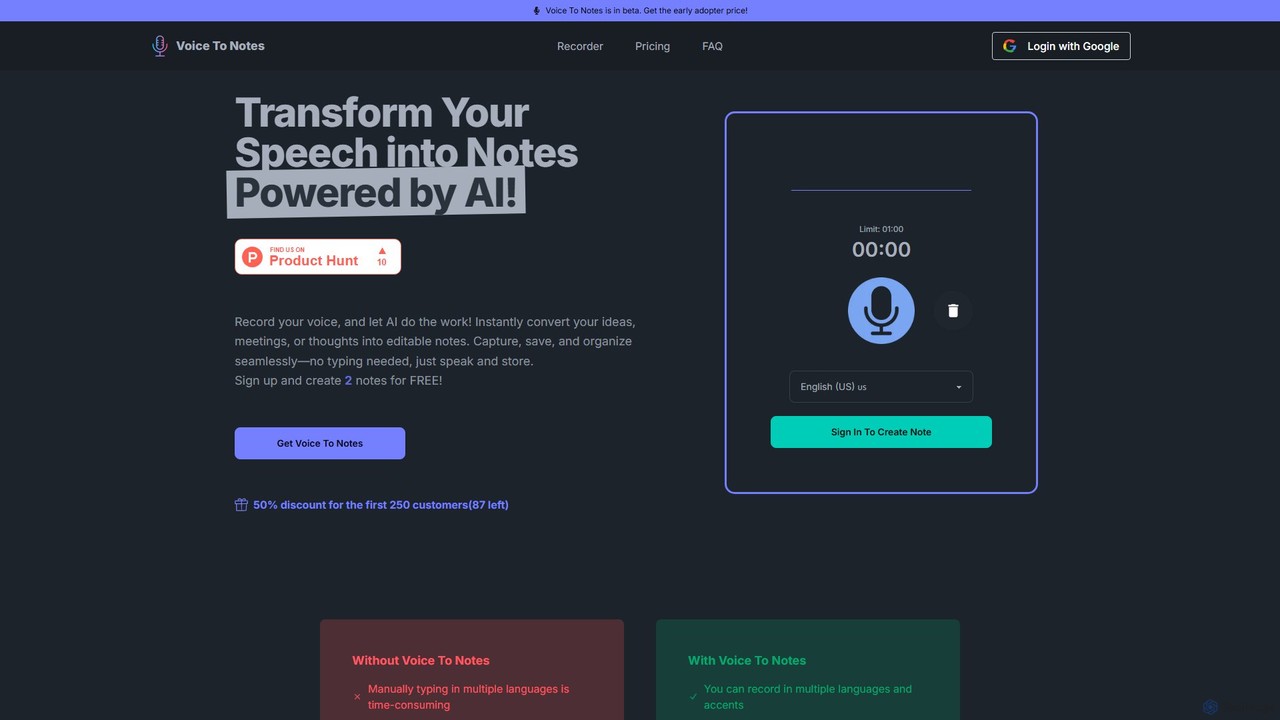
Voice To Notes
Voice To Notes is an AI-powered tool that instantly converts your speech into editable, organized text notes. Supporting over 70 languages, it's perfect for capturing ideas, meeting minutes, and interviews without typing. Record for up to 2 hours and edit your notes seamlessly.
Speech To TextFileTranscribe Categories
FileTranscribe Embed Widget
Copy this embed code to place the badge on your blog, article, or product site and send readers directly to this ToolMage detail page.

Related AI tools
itingnao
itingnao is an AI-powered assistant that transcribes audio and video into text. It offers real-time transcription, file uploads, and video link parsing. Key features include automatic summarization, key point extraction, and AI-driven Q&A on your content. Designed for students, professionals, and content creators, it streamlines note-taking, meeting minutes generation, and subtitle creation across web, iOS, and Android platforms.
Speech To Text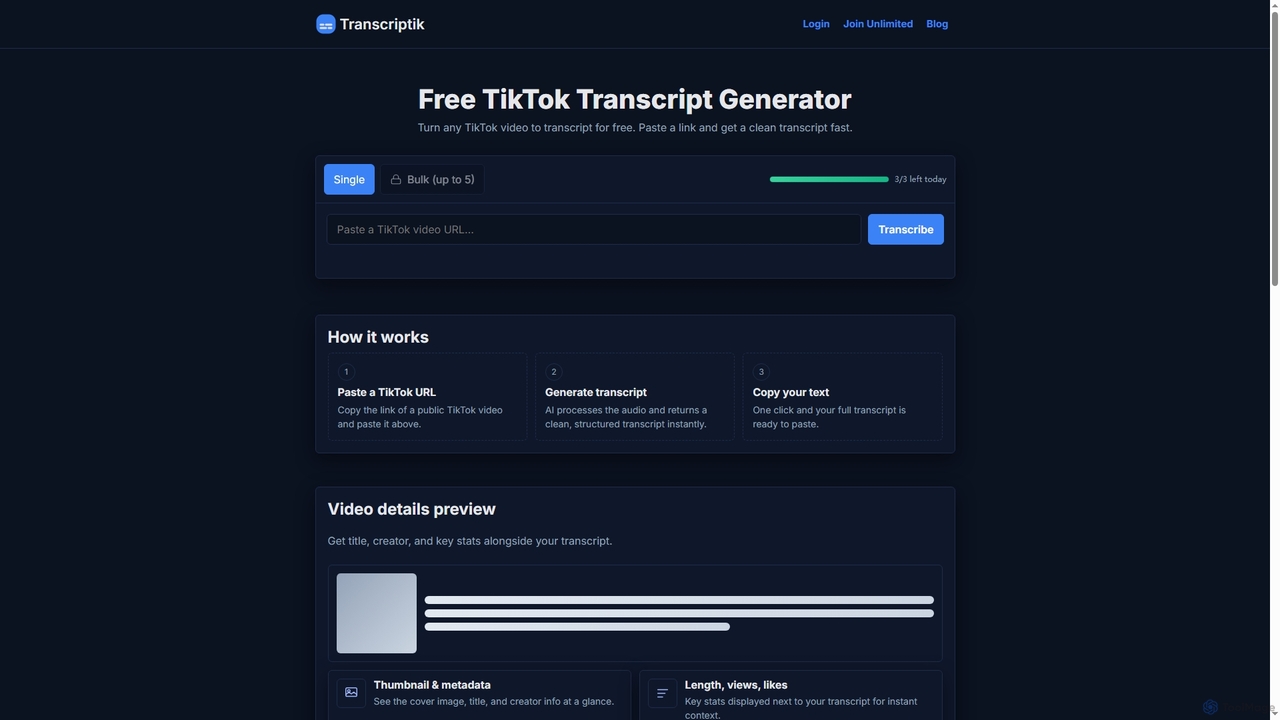
Transcriptik
Transcriptik is a free and fast AI-powered tool designed to generate accurate transcripts from TikTok videos. It supports over 50 languages, allowing users to quickly convert video audio into structured text for various content creation and analysis needs without requiring an account.
Text Generation
Notta
Notta is an AI-powered transcription service that converts audio and video to text with high accuracy. It offers real-time transcription, AI summaries, speaker identification, and translation in 58 languages, streamlining workflows for meetings, interviews, and lectures.
Speech To Text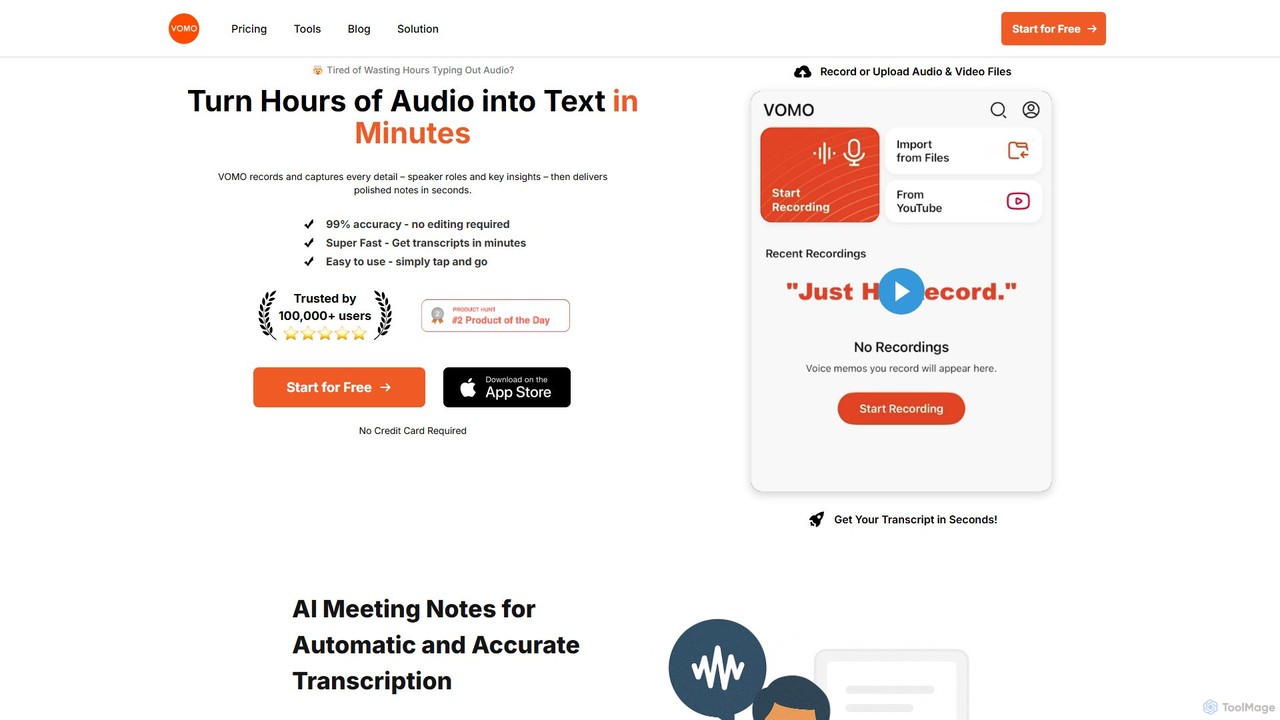
VOMO
VOMO is an AI-powered tool that transcribes audio and video into text in minutes with 99% accuracy. It automatically generates meeting notes, summaries, and identifies speakers, helping users save time and boost productivity. It supports various file uploads, including YouTube links, and offers features like AI-powered Q&A and smart templates.
Speech To Text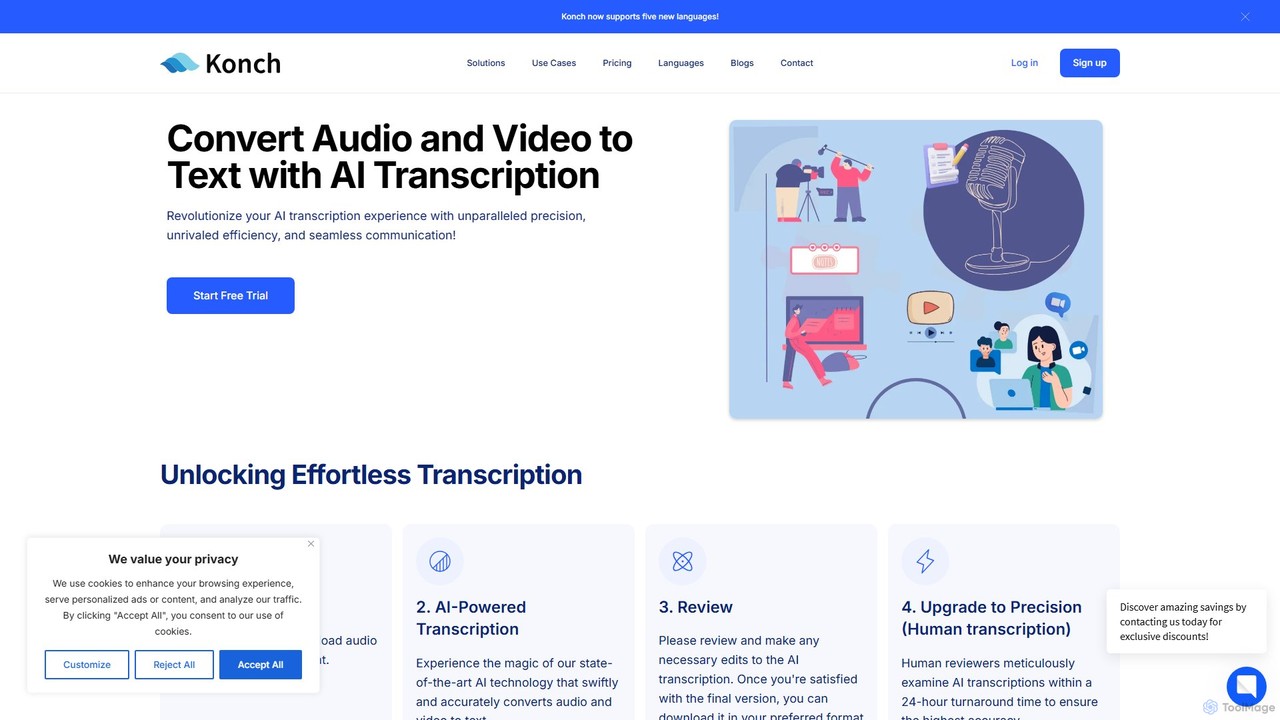
Konch
Konch is an advanced AI-powered transcription service that converts audio and video to text with up to 99% accuracy in over 55 languages. It offers real-time transcription, translation, and in-depth analysis features like summarization and speaker identification. Ideal for journalists, researchers, content creators, and businesses seeking to unlock insights from their voice and video content efficiently.
Speech To Text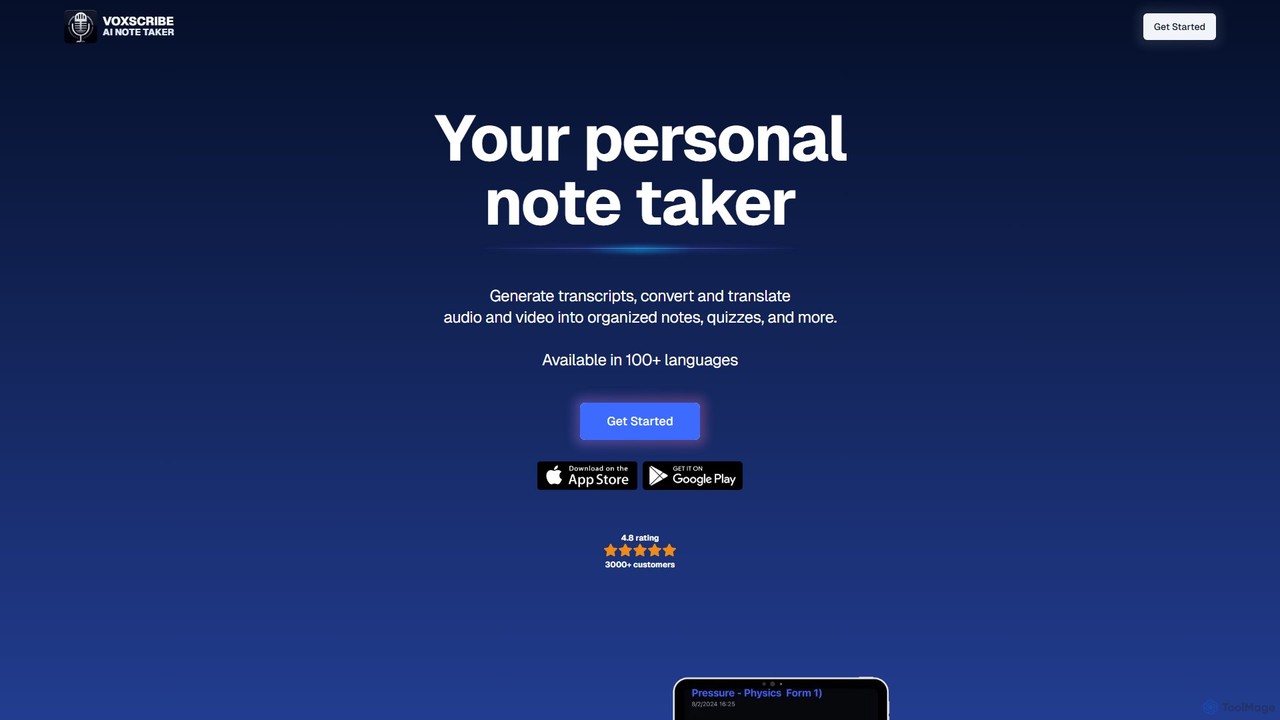
Voxscribe
Voxscribe is an AI-powered tool that transcribes audio and video into text, then transforms it into organized notes, summaries, quizzes, and social media content. Supporting over 100 languages, it streamlines content creation for professionals, writers, and marketers.
Speech To Text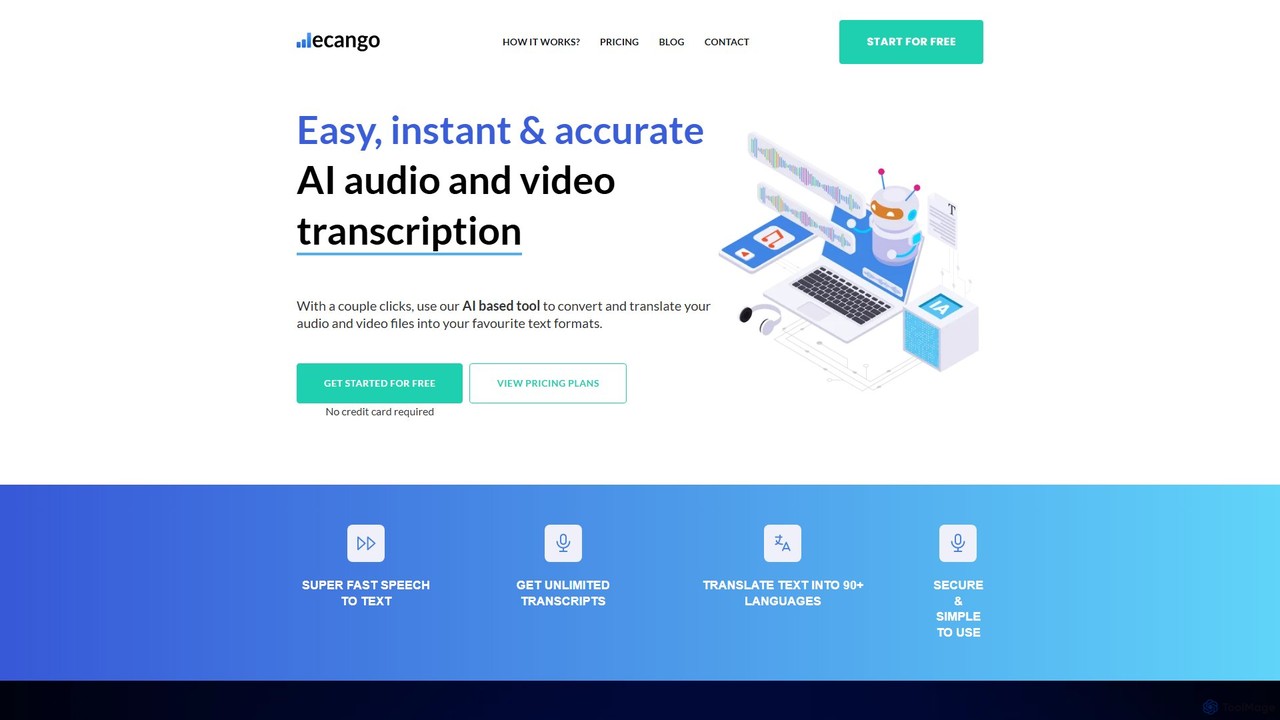
ecango
An AI-powered tool for fast, accurate, and secure transcription and translation of audio and video files. Supporting over 90 languages, it offers speaker identification, an in-browser editor, and multiple export formats. Ideal for legal, medical, academic, and content creation professionals seeking to streamline their workflow.
Speech To Text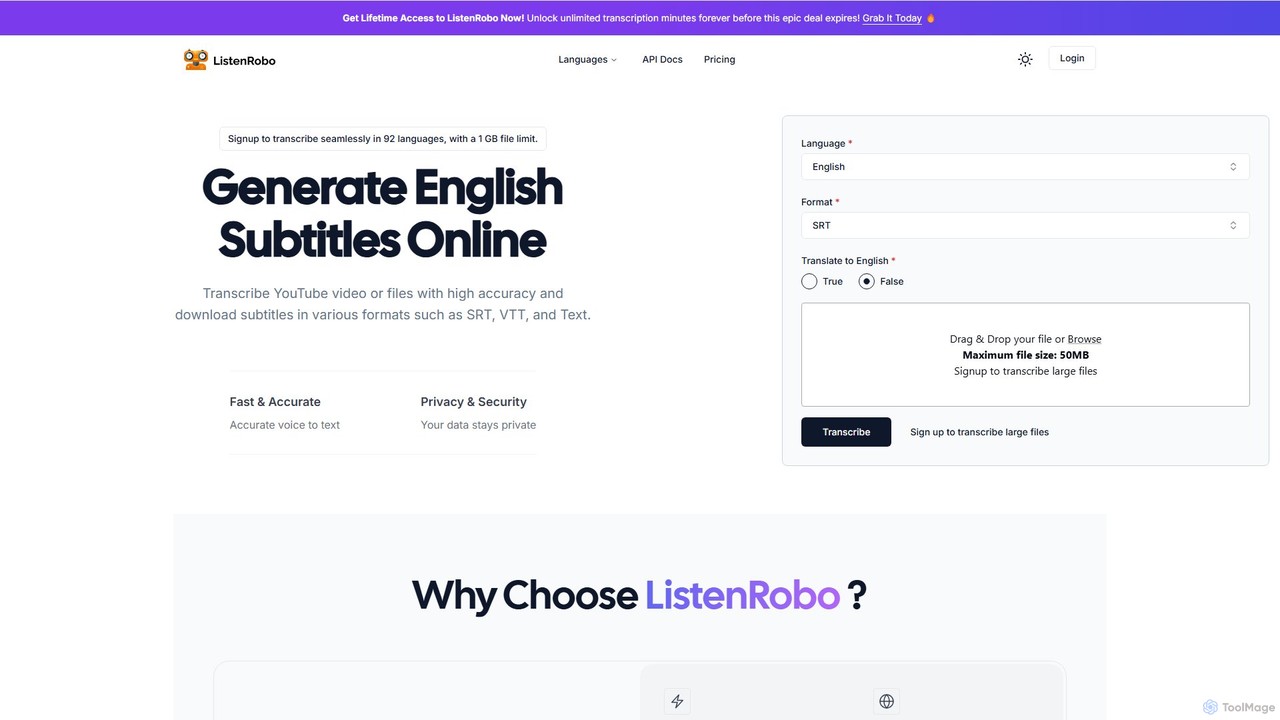
ListenRobo
ListenRobo is an AI-powered transcription service that accurately converts audio and video into text in over 92 languages. It supports various file formats and direct transcription from URLs like YouTube. Key features include high-accuracy voice-to-text, subtitle generation (SRT, VTT), translation into English, and automated summaries. Designed for students, journalists, and businesses, it enhances accessibility, boosts SEO, and streamlines content repurposing.
Speech To Text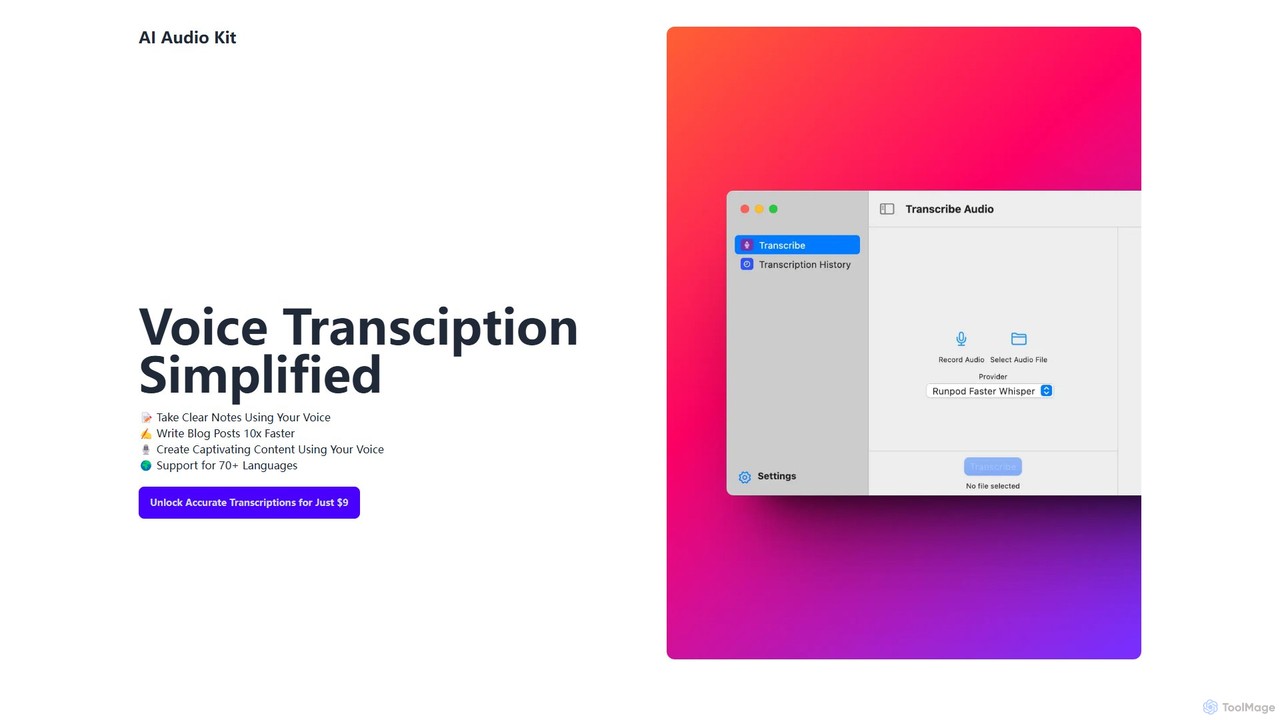
AI Audio Kit
AI Audio Kit is an AI-powered tool that simplifies voice transcription. It accurately converts audio and voice notes into text, supporting over 70 languages. Ideal for content creators, students, and professionals to quickly create notes, blog posts, and other written content from speech, boosting productivity significantly.
Speech To Text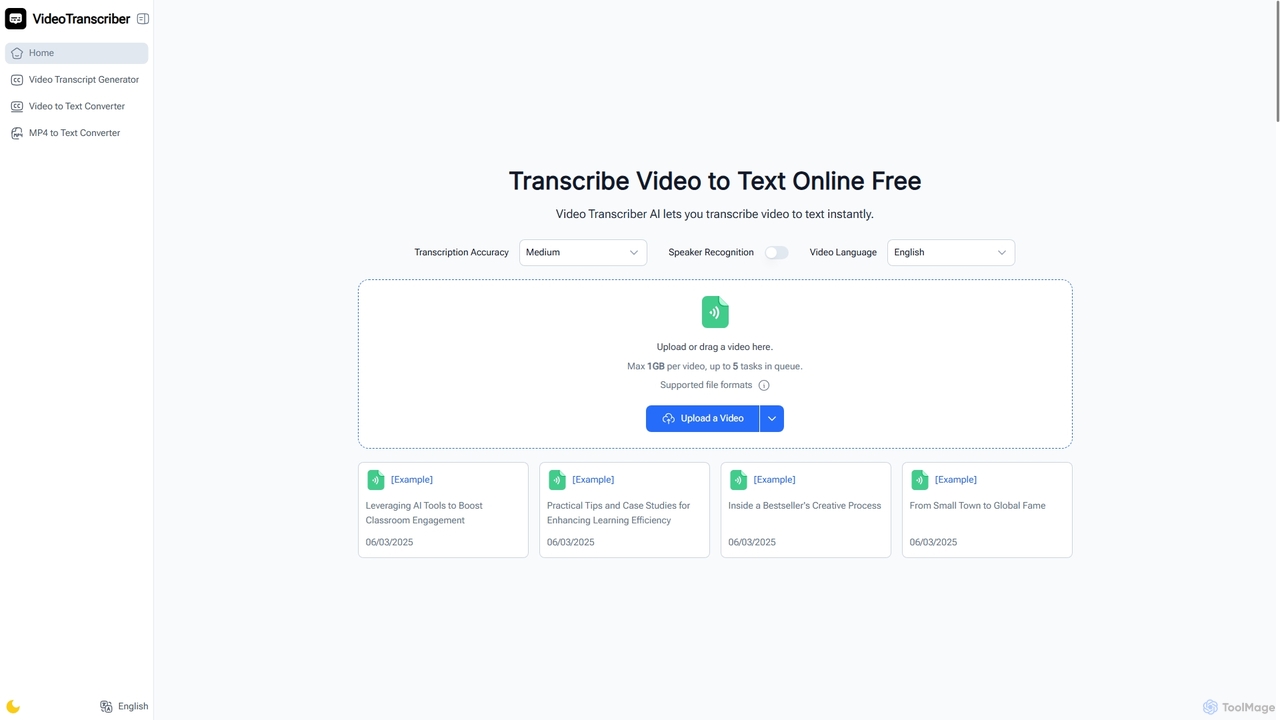
Video Transcriber AI
Video Transcriber AI is a free online tool that instantly converts video content into accurate, readable text. It supports various formats like MP4, YouTube links, and Zoom recordings, making it ideal for students, professionals, and content creators to quickly get transcripts without any sign-up.
Meeting Tools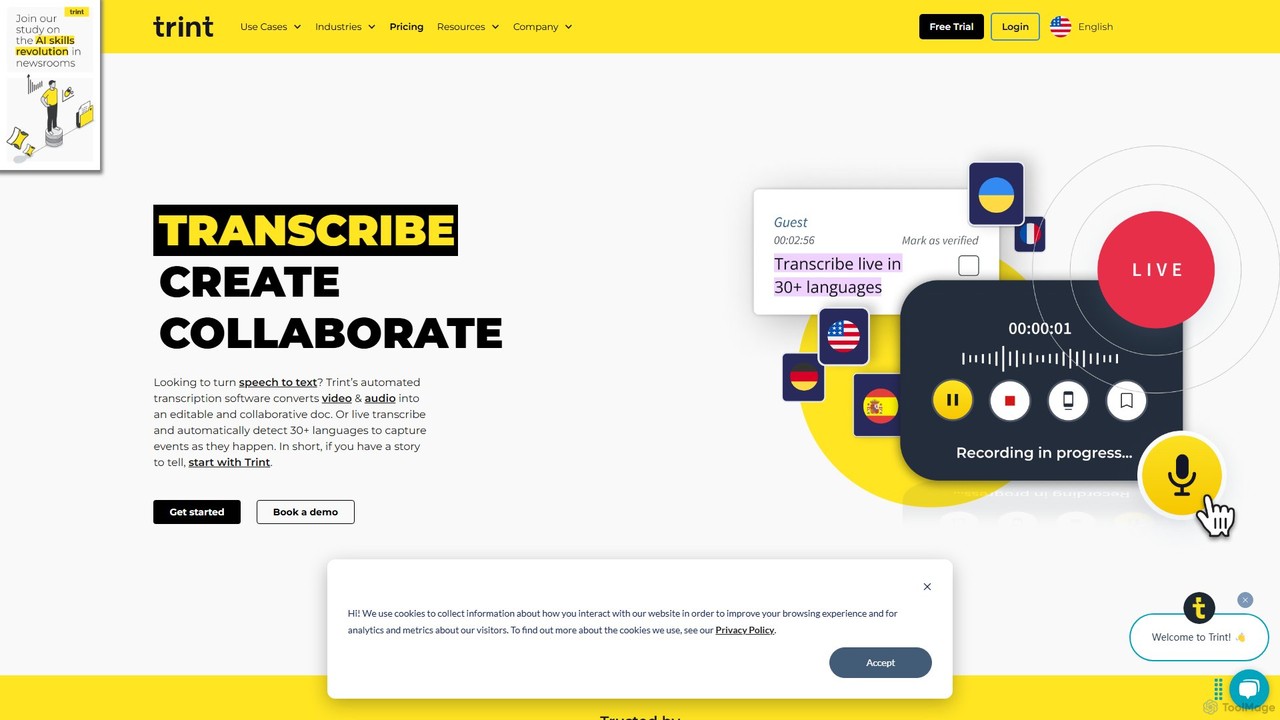
Trint
Trint is an AI-powered transcription platform that converts audio and video to text with up to 99% accuracy. It supports over 40 languages for transcription and 50+ for translation, offering real-time collaboration, an interactive editor, and content creation tools for journalists, marketers, and researchers to streamline their workflow and tell stories faster.
Content Creation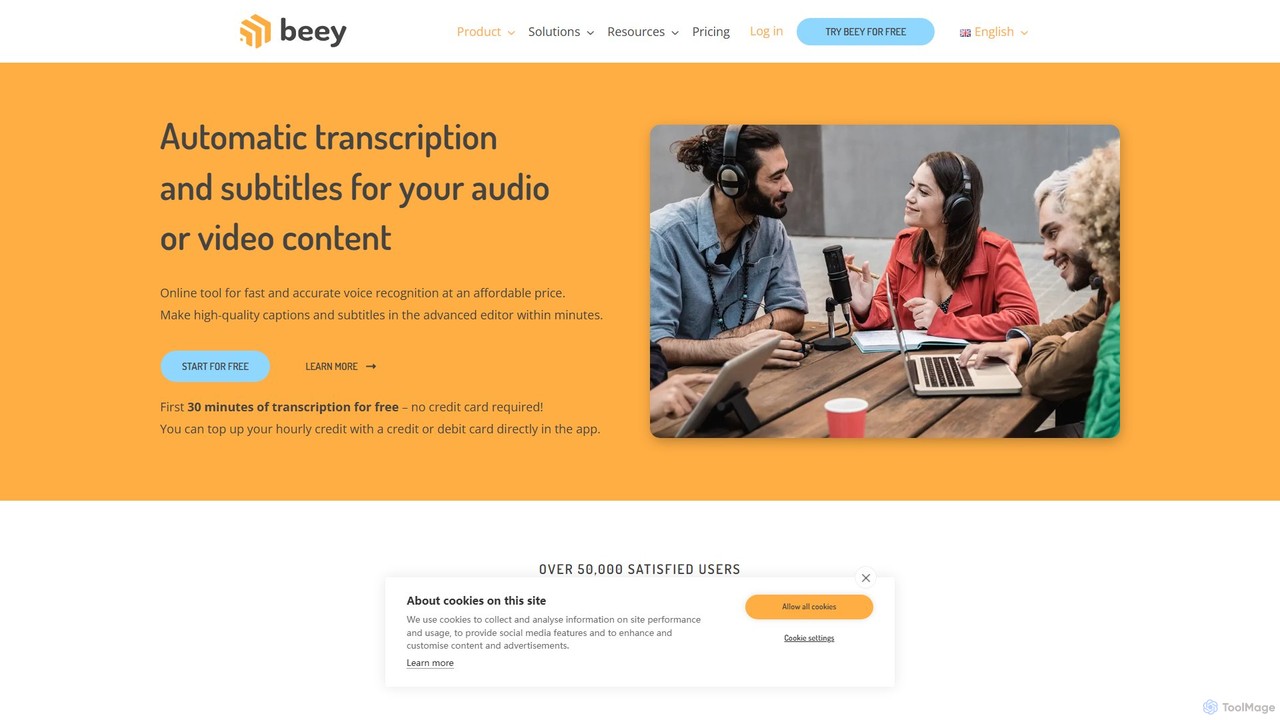
Beey
Beey is an AI-powered online tool for fast and accurate automatic transcription and subtitling of audio and video content. It supports over 30 languages, offers a smart editor for corrections, and provides features like speaker recognition, automatic translation, and team collaboration.
Content Creation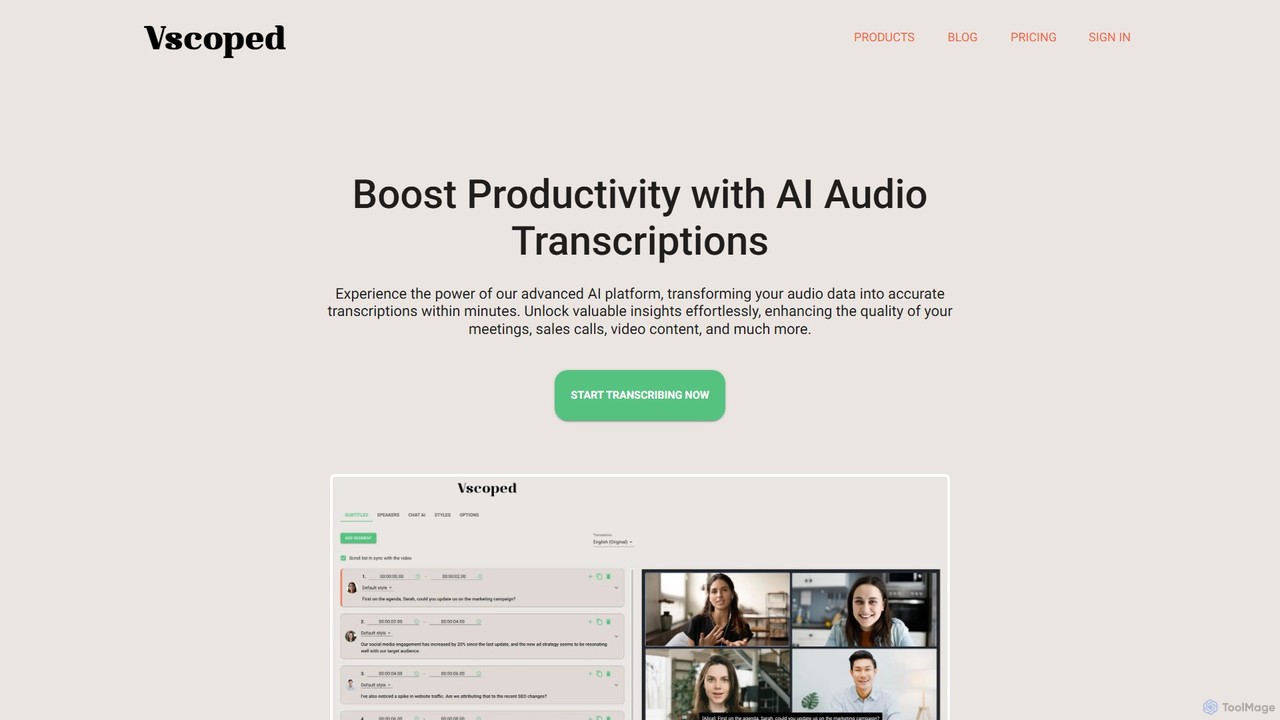
Vscoped
Vscoped is an AI-powered service that rapidly transcribes audio and video files into accurate text. It supports over 90 languages for transcription and 130 for translation, features speaker labeling, and offers a Chat AI to summarize content and extract insights. Ideal for creating meeting minutes, video subtitles, and analyzing spoken data.
Transcription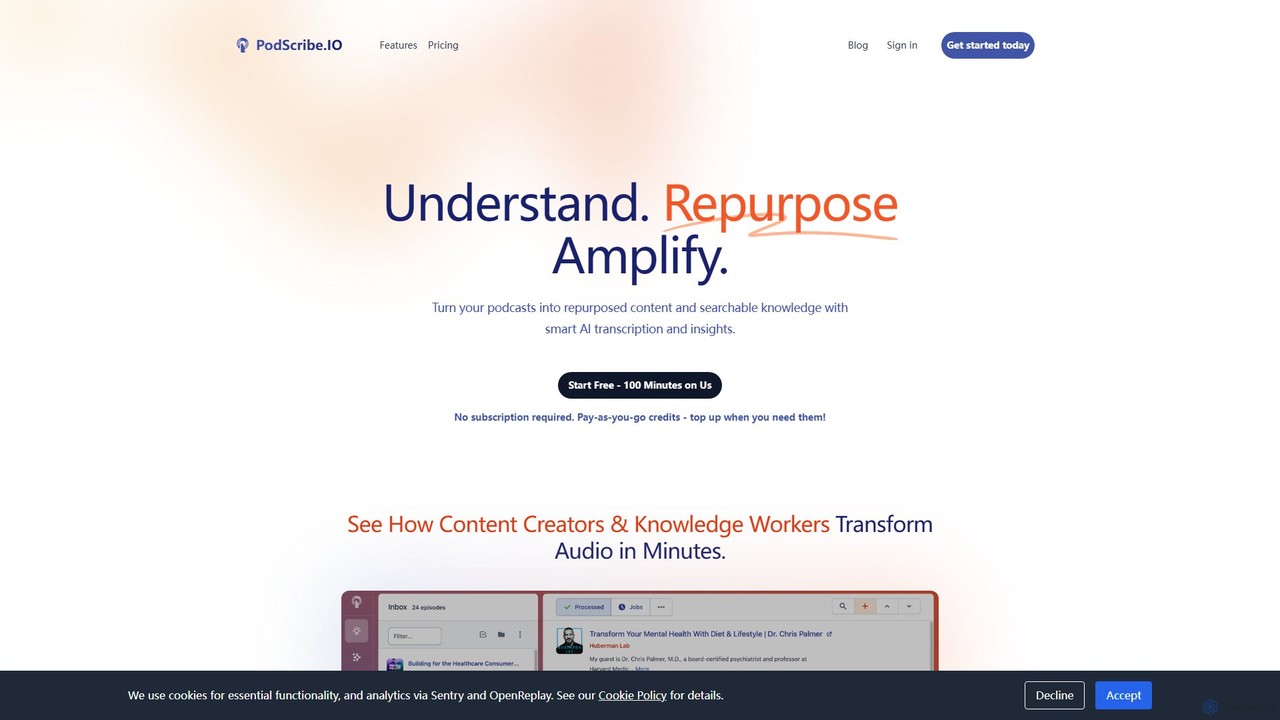
PodScribe.IO
PodScribe.IO is an AI-powered platform designed for creators and knowledge workers to repurpose audio and video content effortlessly. It transforms podcasts and videos into accurate transcripts, detailed show notes, social media posts, blog outlines, and a searchable knowledge base, saving hours of manual work and maximizing content reach.
RepurposingSoundType AI
SoundType AI is an advanced AI-powered service for transcribing audio and video with high accuracy. It features speaker identification, AI-generated summaries, and an interactive chat function to query your audio content. It streamlines workflows for professionals, educators, and content creators by converting speech into searchable, editable text.
Speech To Text
FileTranscribe Comments (0)
Sign in to comment.
Sign inNo comments yet.