

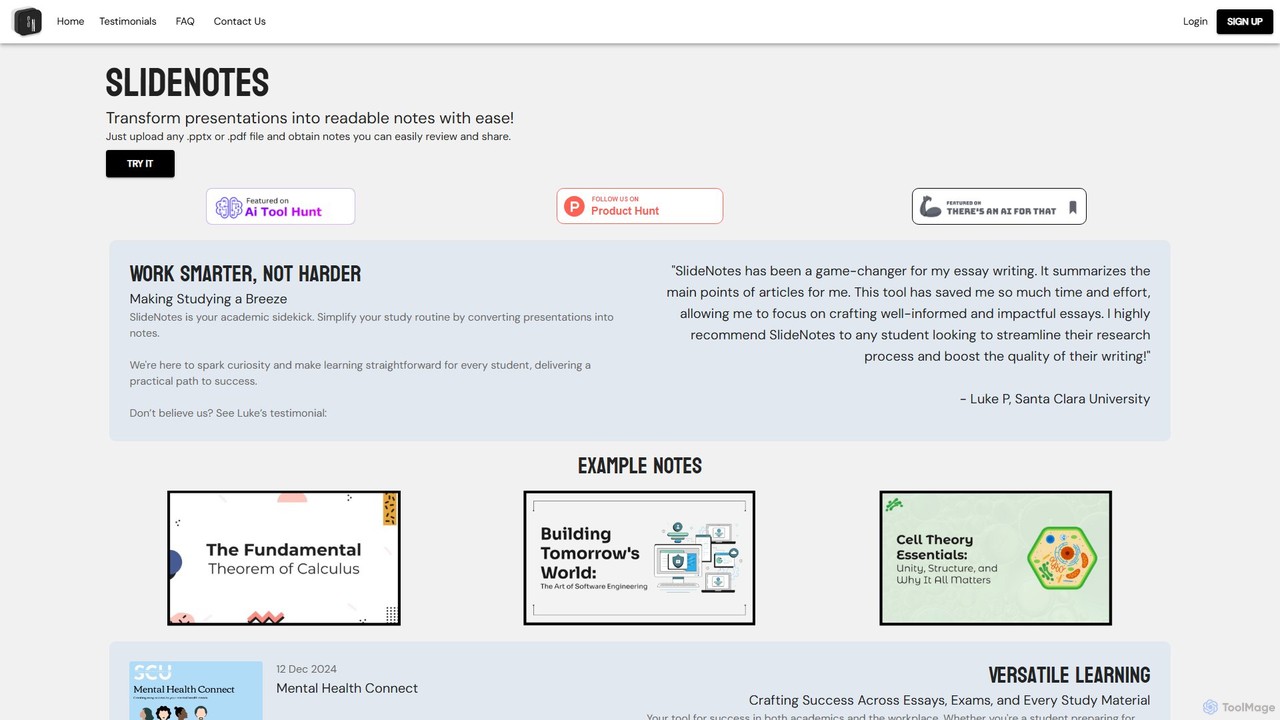
SlideNotes Overview
SlideNotes is an innovative AI-driven platform designed to streamline the process of information consumption from presentations. It serves as an intelligent academic and professional assistant, converting dense PowerPoint slides and PDF documents into clear, structured, and easy-to-digest bulleted notes. By identifying key phrases and concepts within the source material, SlideNotes automates the tedious task of manual note-taking, allowing users to focus on understanding and applying the information rather than just transcribing it.
Born from the needs of students drowning in lecture slides, the tool is perfectly tailored for the academic environment. However, its utility extends seamlessly into the professional world, where it helps business executives, project managers, and team members distill crucial insights from meeting presentations, training materials, and reports. The core mission of SlideNotes is to make learning and information processing more efficient, accessible, and less stressful for everyone.
How to use SlideNotes
Using SlideNotes is designed to be a simple and intuitive three-step process:
- Upload Your File: Navigate to the SlideNotes website and locate the upload area. Click the button to select a PowerPoint (.pptx) or PDF file from your computer.
- AI Processing: Once uploaded, the AI engine gets to work. It scans the entire document, analyzing text, identifying key topics, and understanding the hierarchical structure of the information presented on each slide.
- Receive Your Notes: In a short amount of time, the tool generates a comprehensive set of bulleted notes. These notes are organized, summarized, and ready for you to review, study, share with colleagues, or integrate into your own documents.
Core Features of SlideNotes
- AI-Powered Summarization: Utilizes advanced algorithms to identify and extract the most important information, converting it into concise summaries.
- PPTX and PDF Support: Accepts the two most common presentation and document formats, ensuring wide compatibility for both academic and business materials.
- Bulleted Note Generation: Automatically structures the output into a clear, bulleted list format, which is ideal for quick reviews and easy memorization.
- User-Friendly Interface: Features a clean, straightforward design that requires no technical expertise. The entire process is as simple as uploading a file.
- Time-Saving Automation: Drastically reduces the hours spent on manual note-taking, freeing up valuable time for more critical tasks like analysis, research, and strategic thinking.
Use Cases for SlideNotes
SlideNotes is a versatile tool with applications across various fields:
- For Students: Quickly convert lengthy lecture slides into study guides for midterms and final exams. Summarize academic papers and articles to accelerate research for essays and reports. Review key concepts from class presentations without re-reading every slide.
- For Business Professionals: Instantly create actionable meeting minutes from a presentation deck. Onboard new employees faster by providing them with summarized training materials. Analyze competitor presentations or industry reports to quickly grasp key strategies and data points.
- For Researchers and Academics: Efficiently process large volumes of research papers and conference presentations to stay updated on the latest findings in their field.
Advantages of SlideNotes
The primary advantage of SlideNotes is its efficiency. It transforms a traditionally time-consuming task into a quick, automated process. This leads to enhanced productivity, allowing users to accomplish more in less time. The quality of the notes is another key benefit; the AI focuses on core concepts, resulting in focused and relevant summaries that are more effective for studying and review than cluttered, manually-written notes. Its accessibility makes it a valuable tool for anyone, regardless of their technical skill, promoting a smarter, not harder, approach to work and study.
Pricing and Plans
SlideNotes appears to operate on a freemium model. Users can likely try the service for free with certain limitations, such as a limited number of file uploads or pages per month. For more extensive use, paid subscription plans would be available, offering features like unlimited conversions, larger file size support, priority processing, and potentially advanced features. For the most accurate and up-to-date pricing information, it is recommended to visit the official SlideNotes website.
Traffic
Latest traffic
Status
Monthly traffic trend
- 2025-9: 10.4K
- 2026-1: 8.6K
- 2026-2: 5.5K
- 2026-3: 4.8K
- 2026-4: 2.5K
- 2026-5: 2.0K
Geography
Top 5 countries / regions
- 🇺🇸United States77.8%
- 🇮🇳India22.2%
Top keywords
| Keyword | Cost per click |
|---|---|
| ai turn slides into notes | $0.00 |
| create powerpoint from upnote | $0.00 |
| is there a website that turns slides into notes | $0.00 |
| slide notes | $2.58 |
| turn slides into notes | $2.93 |
SlideNotes Alternatives

minimemo
minimemo is an AI-powered tool designed for rapid summarization and intelligent note-taking. It transforms long articles, meeting transcripts, and videos into concise, digestible summaries, key points, and action items, helping users save time and absorb information more effectively.
Meeting Assistant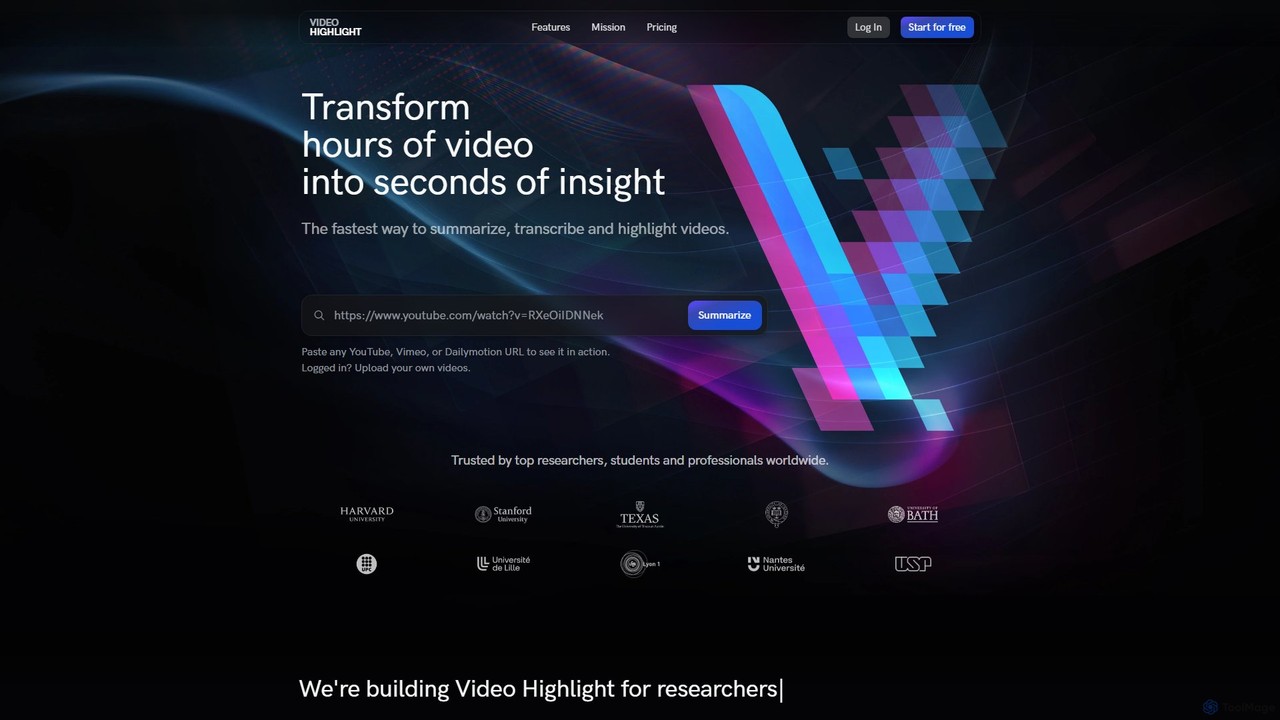
Video Highlight
Video Highlight is an AI-powered tool that transforms long videos into concise, actionable insights. It instantly generates timestamped summaries, accurate transcripts, and allows interactive chat with video content. Ideal for researchers, students, and content creators looking to save time and enhance productivity.
Note Taking
Thetawave AI
Thetawave AI is an intelligent note-taking assistant designed for college students. It transforms various learning materials like live lectures, documents, and videos into structured notes, mind maps, quizzes, and flashcards. This tool helps students focus during class, enhance memory retention, and study more efficiently, aiming to boost learning productivity by up to 10x.
Note Taking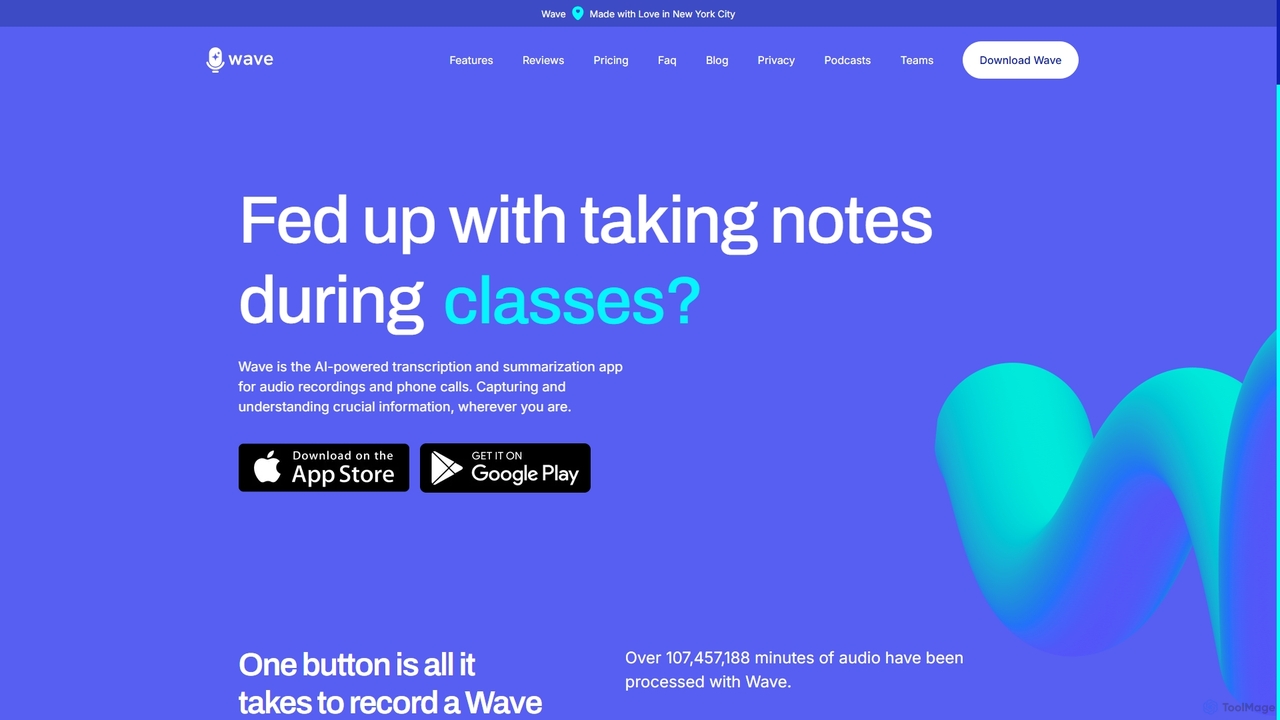
Wave
Wave is an AI-powered note-taker and transcription app for iOS and Android. It effortlessly records audio from meetings, calls, and lectures, providing highly accurate transcriptions and concise, customizable summaries. With features like phone call recording, multi-language support, and cross-device sync, Wave helps you capture and understand crucial information anywhere, anytime, without the hassle of manual note-taking.
Meeting Assistant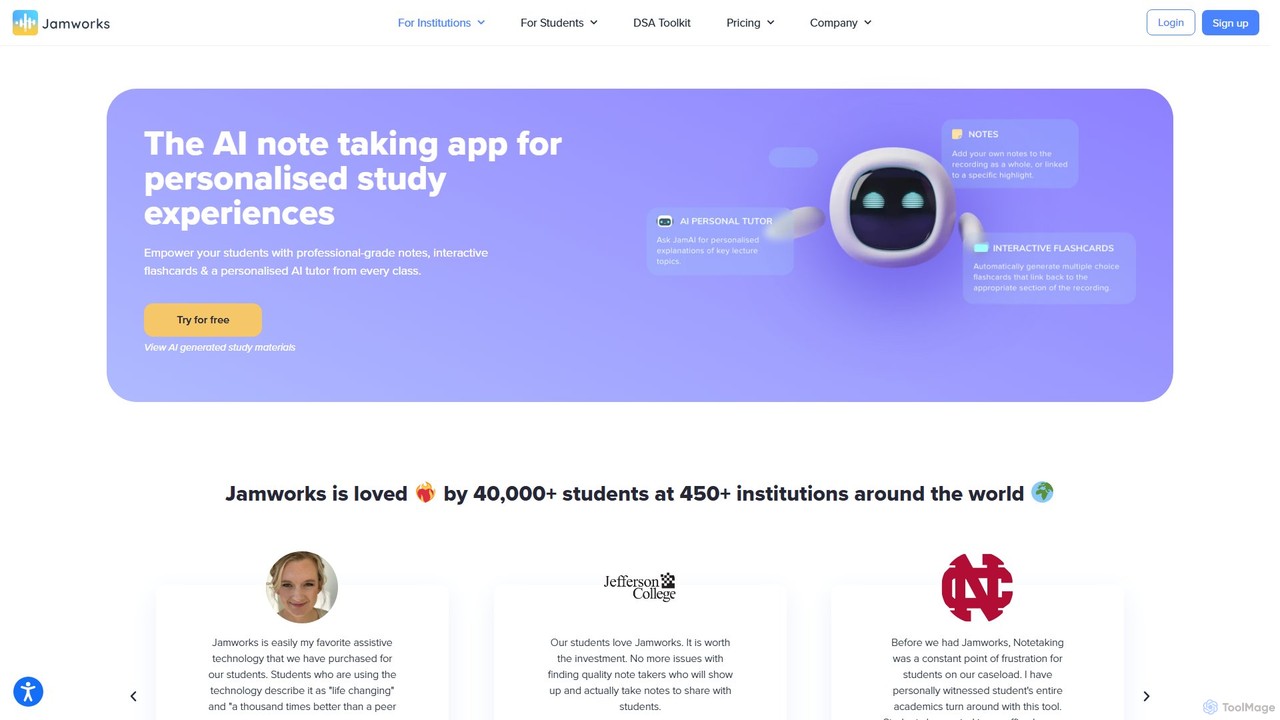
jamworks
Jamworks is an AI-powered note-taking application designed for students to enhance their learning experience. It records lectures and automatically generates professional-grade notes, interactive flashcards, summaries, and a personalized AI tutor for each class. It aims to reduce study stress, improve comprehension, and make education more accessible for everyone.
Note TakingSlideNotes Categories
SlideNotes Embed Widget
Copy this embed code to place the badge on your blog, article, or product site and send readers directly to this ToolMage detail page.

Related AI tools
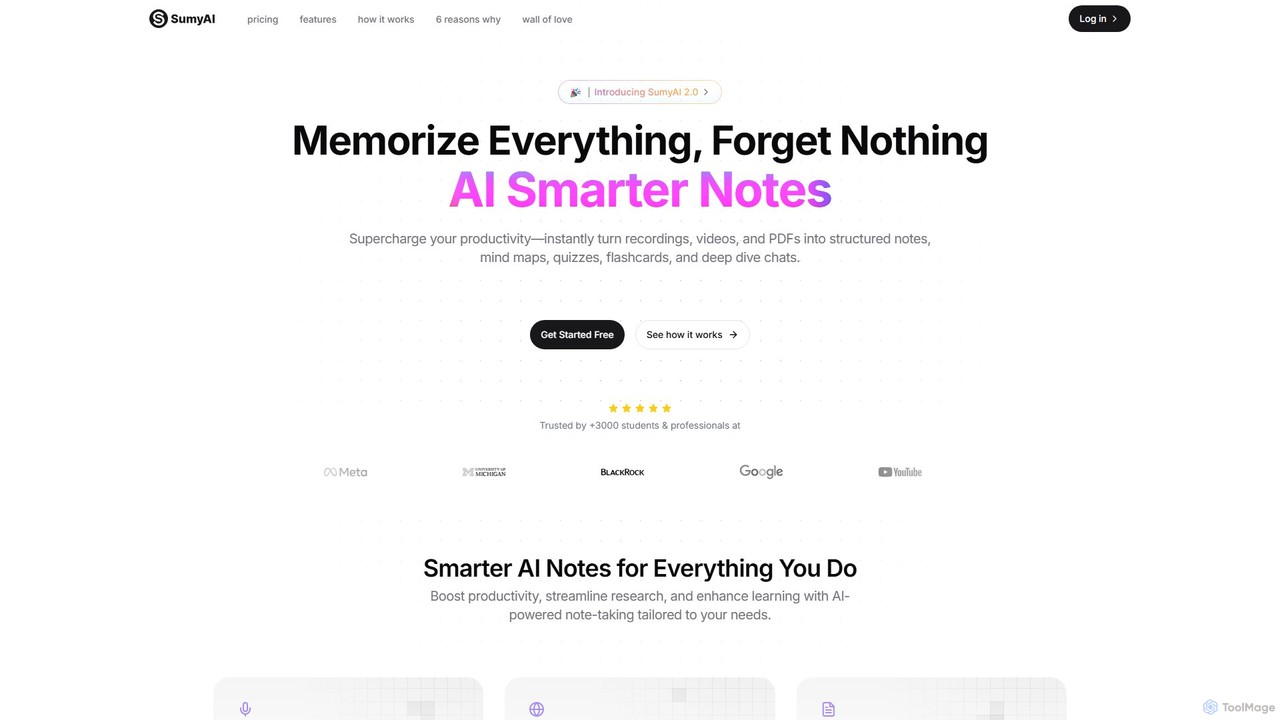
SumyAI
SumyAI is an AI-powered note-taking tool that enhances productivity and learning. It instantly transforms audio recordings, videos, and PDFs into structured notes, summaries, mind maps, quizzes, and flashcards. Supporting over 100 languages, it's designed for students, professionals, and researchers to capture, organize, and interact with information effortlessly.
Transcription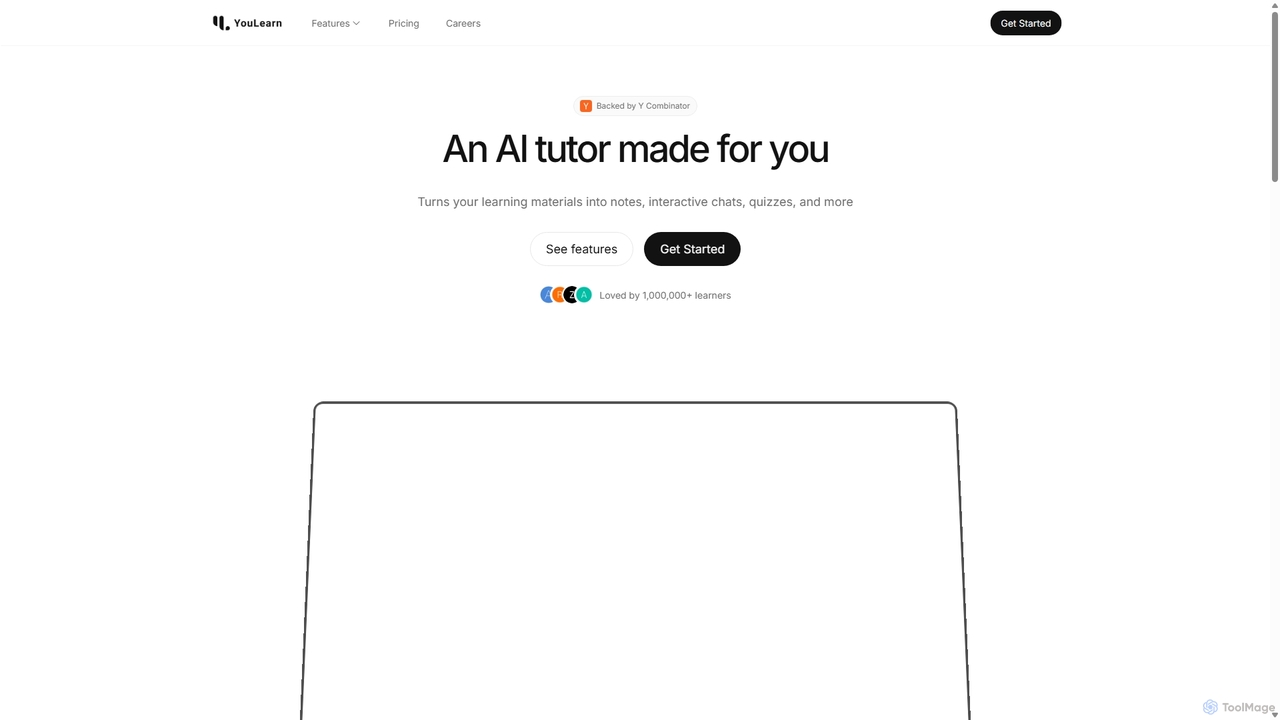
YouLearn
YouLearn is a Y Combinator-backed AI tutor that transforms any learning material—like PDFs, YouTube videos, and lectures—into interactive study tools. It creates summaries, flashcards, and quizzes, and offers an AI chat feature to simplify complex topics, helping over a million students and professionals learn smarter and faster.
Learning Assistantminimemo
minimemo is an AI-powered tool designed for rapid summarization and intelligent note-taking. It transforms long articles, meeting transcripts, and videos into concise, digestible summaries, key points, and action items, helping users save time and absorb information more effectively.
Meeting Assistant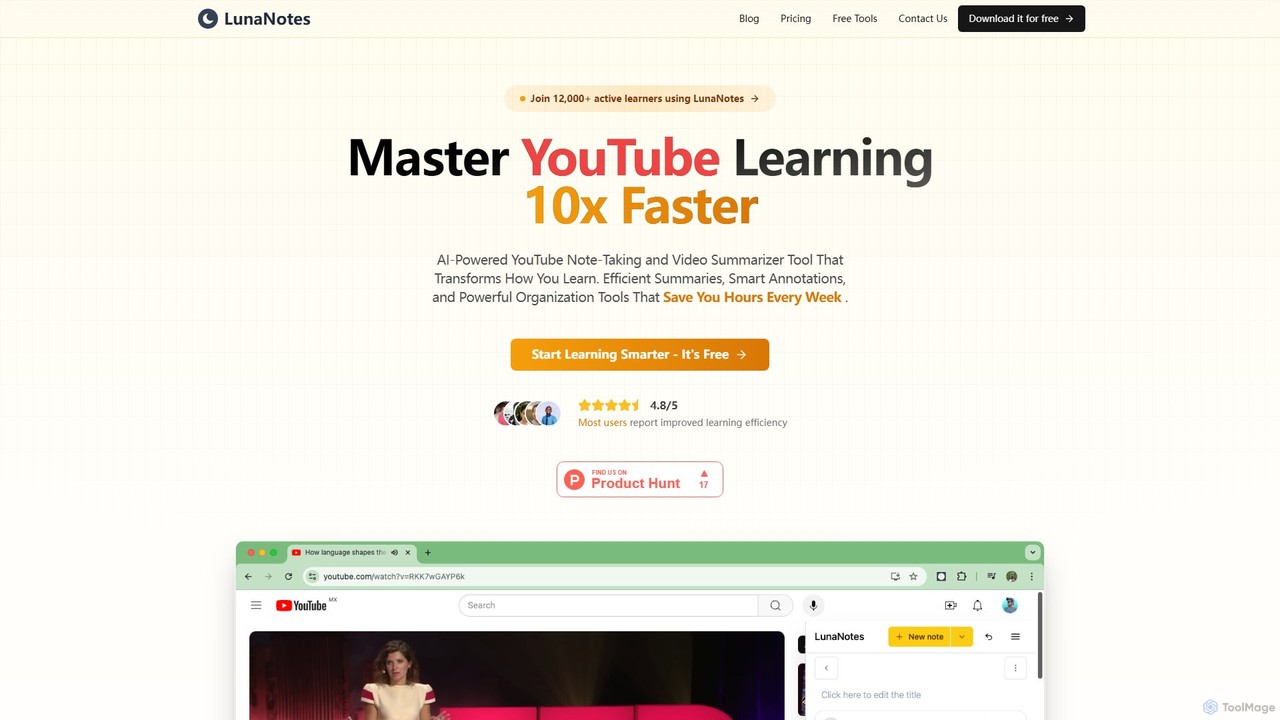
LunaNotes
LunaNotes is an AI-powered note-taking tool and video summarizer for YouTube. It enhances video learning by allowing users to take time-stamped notes, generate AI summaries, and organize content efficiently. Available as a Chrome extension and web app, it's designed for students, educators, and professionals to learn 10x faster from video content.
Chrome Extensions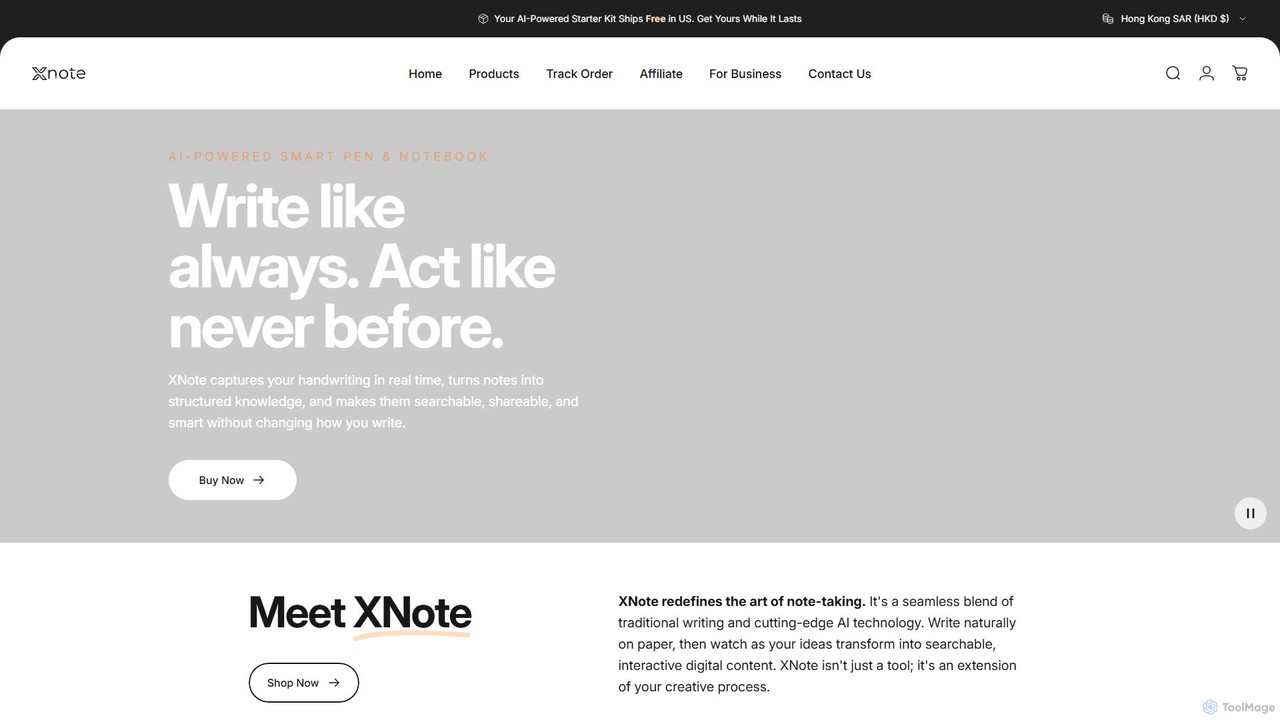
XNote
XNote is an AI-powered smart writing set that combines a traditional pen and paper notebook with advanced digital technology. It captures your handwriting in real-time, converts it into editable digital text, and uses AI to help you search, summarize, and organize your notes. It's designed for anyone who loves the feel of writing on paper but needs the power and convenience of digital tools.
Study Tools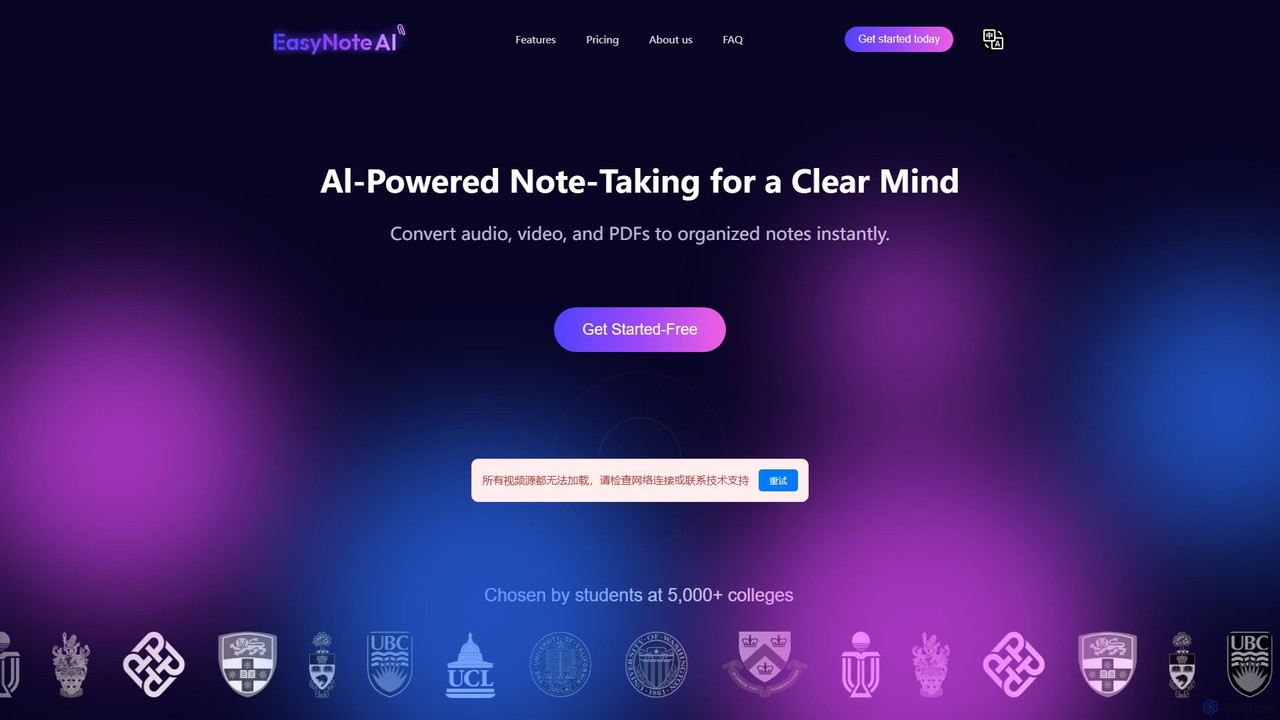
EasyNoteAI
EasyNoteAI is an AI-powered note-taking platform designed for students and researchers. It instantly converts audio, video, and PDFs into organized notes, summaries, quizzes, and mind maps. Streamline your learning and research by transforming unstructured information into structured, actionable knowledge with ease.
Summarizer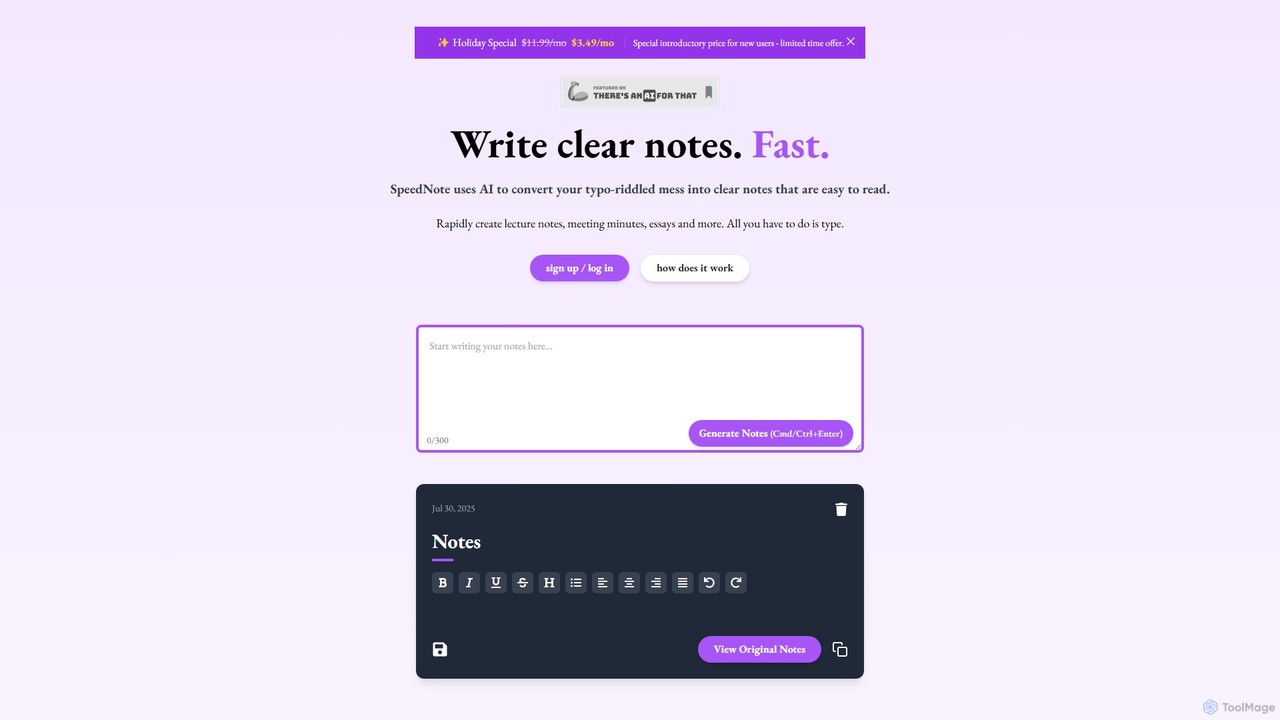
SpeedNote AI
An AI-powered tool that automatically transforms your raw, messy notes into structured, summarized, and insightful documents. Ideal for students and professionals, it saves time by formatting text, highlighting key points, and adding valuable comments, boosting productivity and comprehension.
Meeting Management
Lilys AI
Lilys AI is a powerful knowledge assistant that instantly summarizes diverse content formats, including YouTube videos, audio files, PDFs, websites, and Excel sheets. It extracts key insights, creates structured notes, and allows you to build a searchable personal knowledge base. Ideal for students, researchers, and professionals looking to save time and accelerate learning by quickly grasping the core ideas from lengthy materials.
Research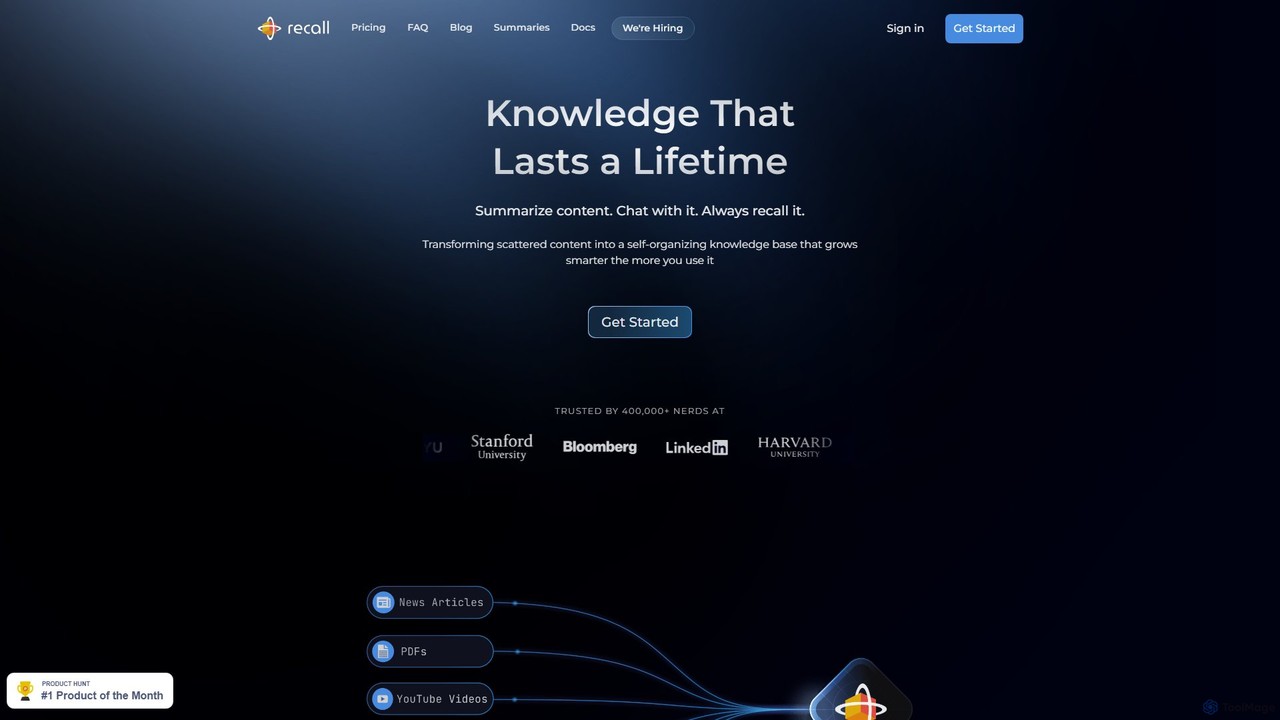
Recall
Recall is an AI-powered knowledge management tool that transforms scattered content into a self-organizing knowledge base. It summarizes articles, YouTube videos, PDFs, and more, allows you to chat with your content, and uses features like augmented browsing and spaced repetition to help you remember everything you learn.
Research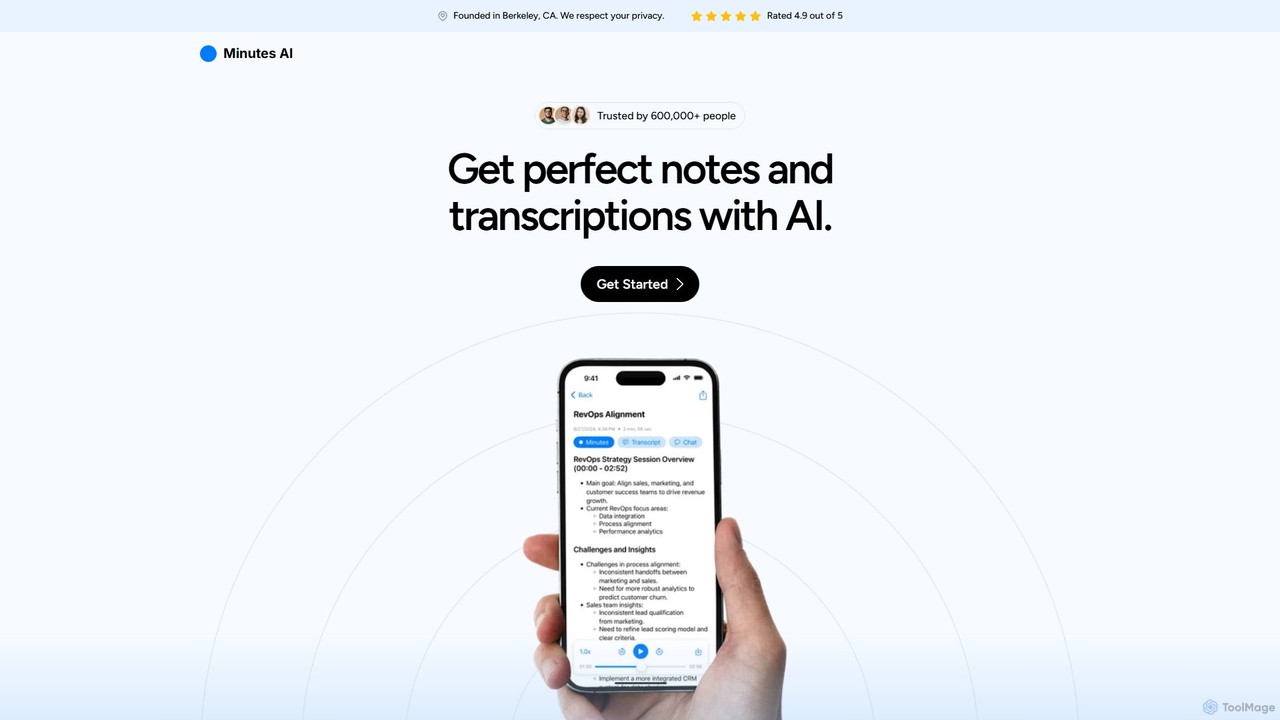
myminutes
myminutes is an AI-powered tool that automates note-taking and transcription from audio. It instantly converts live recordings, audio files, or YouTube videos into beautifully formatted, summarized notes and accurate transcripts, allowing you to focus on the conversation.
Meeting Assistant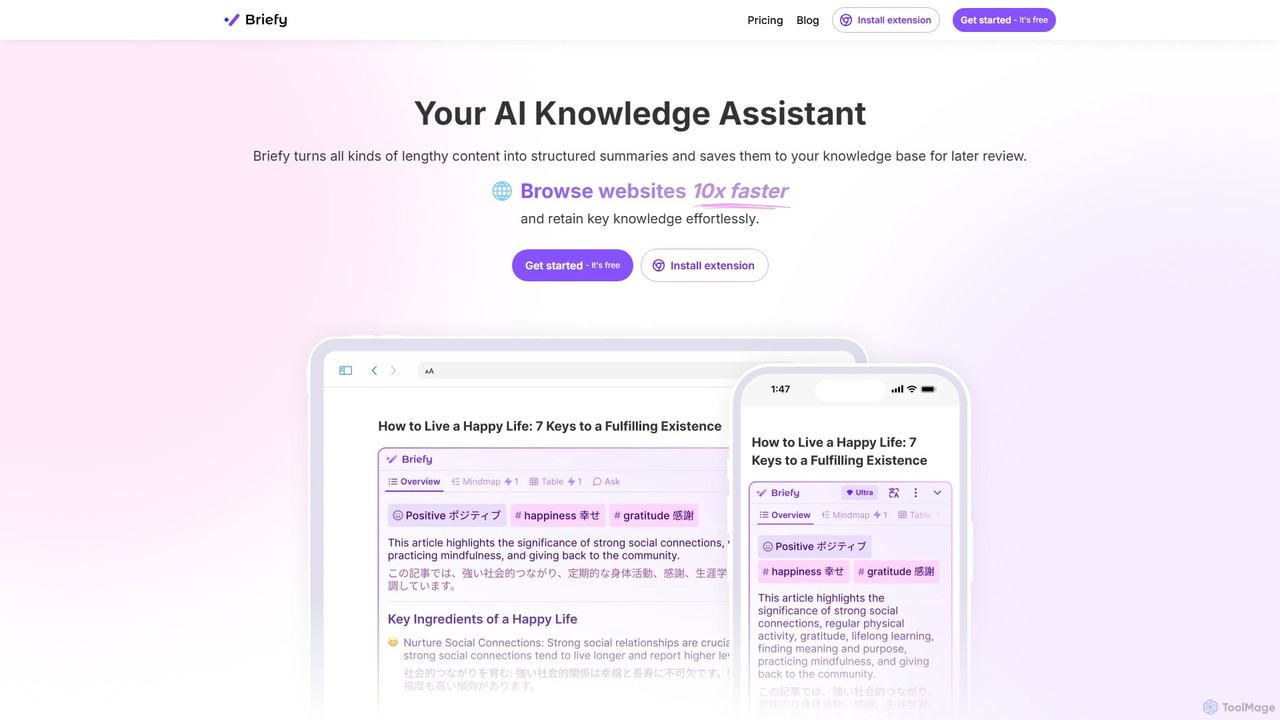
Briefy
Briefy is an AI-powered knowledge assistant that transforms lengthy content like articles, videos, and PDFs into structured summaries. It helps you conduct research 10x faster, retain key knowledge, and build a personal, searchable knowledge base for later review and interaction.
Research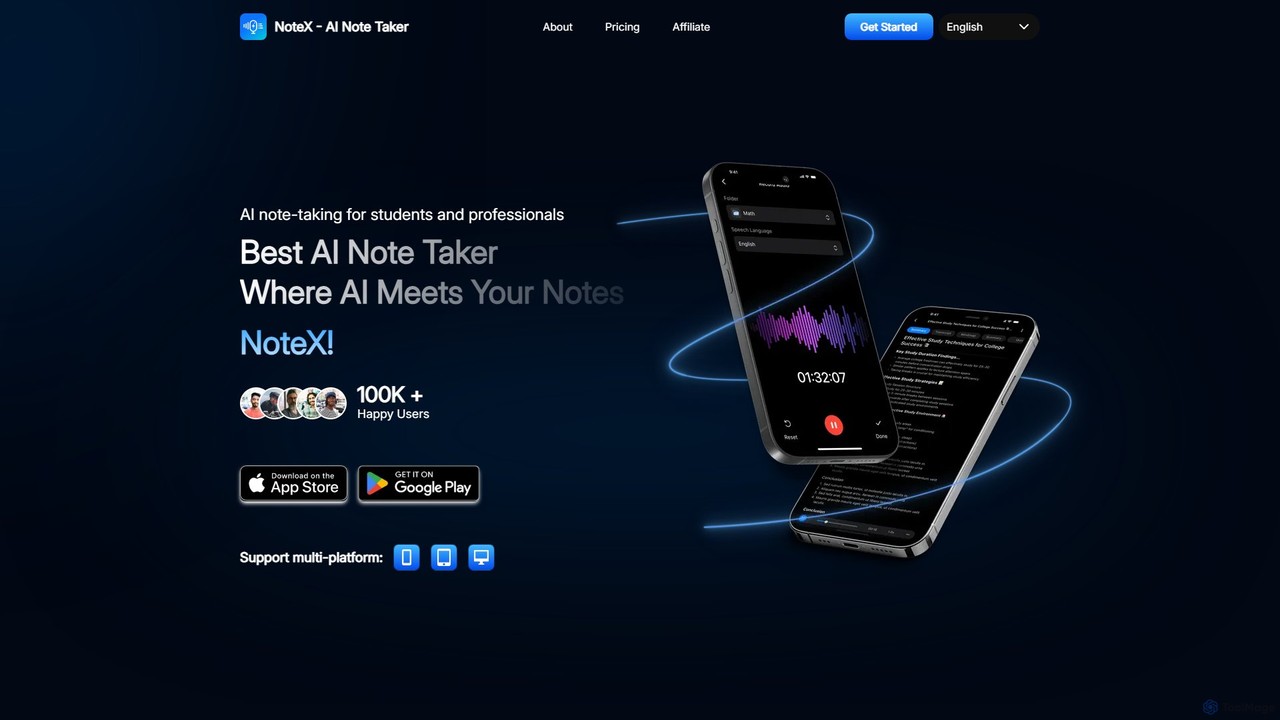
NoteX
NoteX is an AI-powered note-taking application designed for students and professionals. It automatically transcribes audio and video, generates intelligent summaries, and creates mind maps, quizzes, and flashcards from your notes. With cross-device sync and support for over 100 languages, NoteX streamlines information capture, enhances learning, and boosts productivity.
Transcription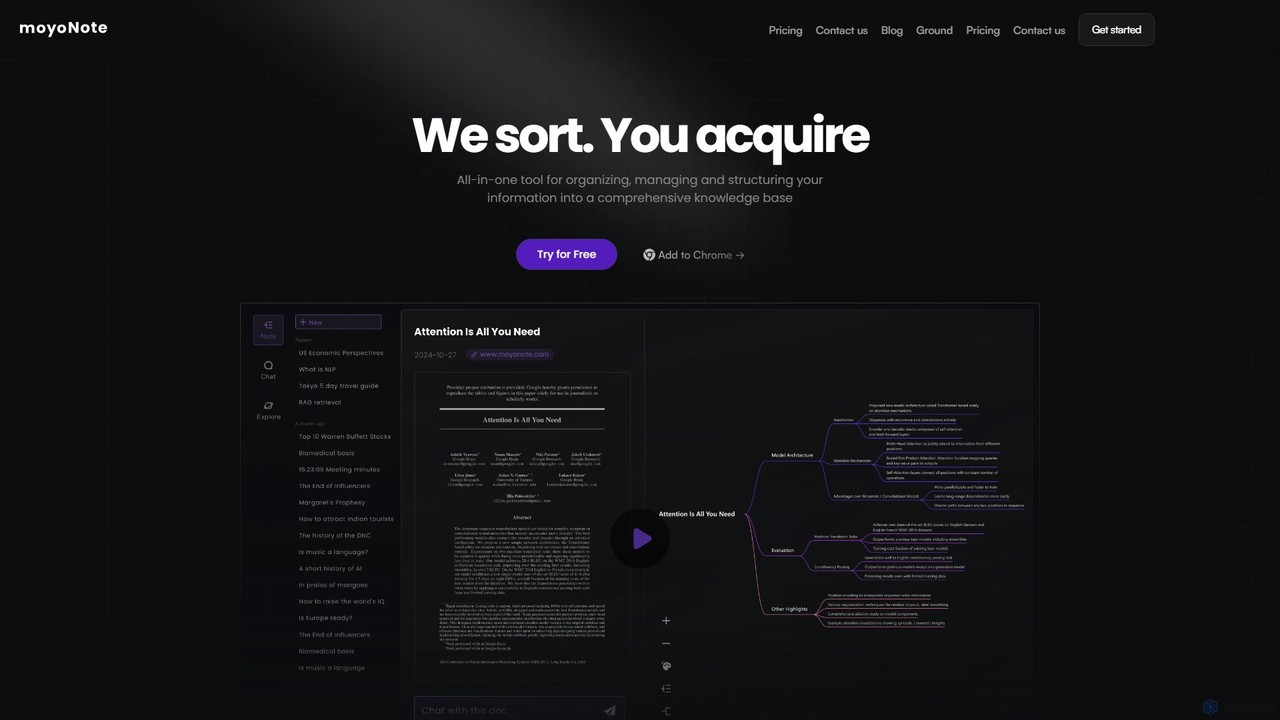
moyonote
moyonote is an AI-powered tool that automatically transforms documents, text, and various files into structured, interactive mind maps. It helps users quickly sort and acquire knowledge, enhancing productivity for students, professionals, and teams by simplifying complex information.
Document Analysis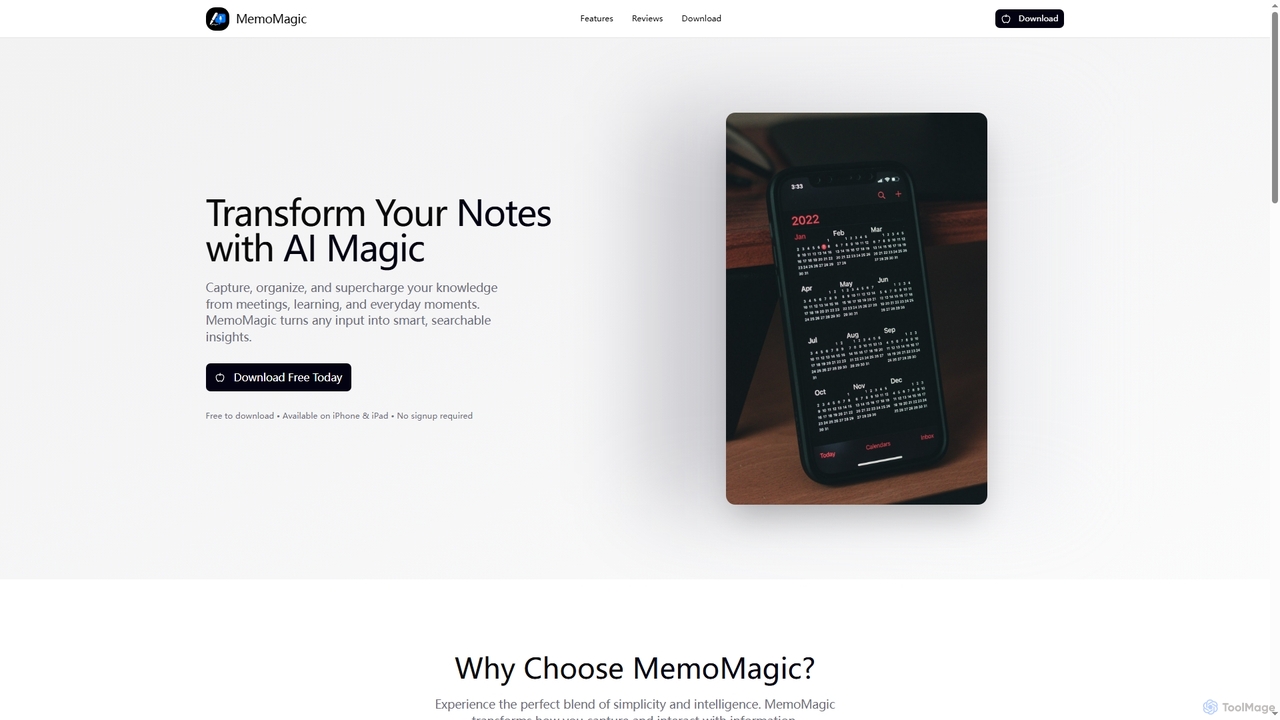
Memomagic
Memomagic is an AI-powered note-taking app for iPhone and iPad that captures information from multiple sources like voice, text, and images. It automatically summarizes, translates, and transforms notes into interactive learning tools such as quizzes, flashcards, and mind maps to boost productivity and knowledge retention.
Meeting Assistant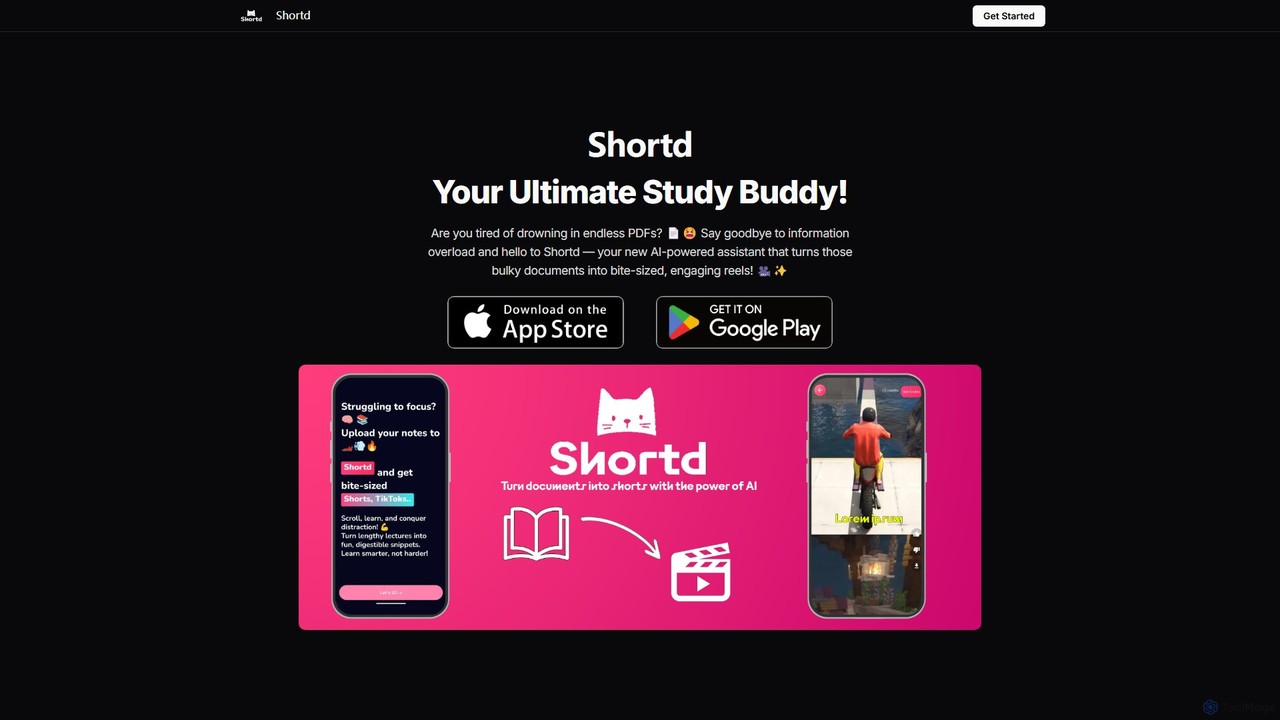
Shortd
Shortd is an AI-powered study assistant that transforms lengthy PDFs and images into concise, engaging summary reels and flashcards. It's designed to combat information overload, boost productivity, and make learning more efficient and enjoyable for students and professionals.
Study Assistant
SlideNotes Comments (0)
Sign in to comment.
Sign inNo comments yet.