
LunaNotes Overview
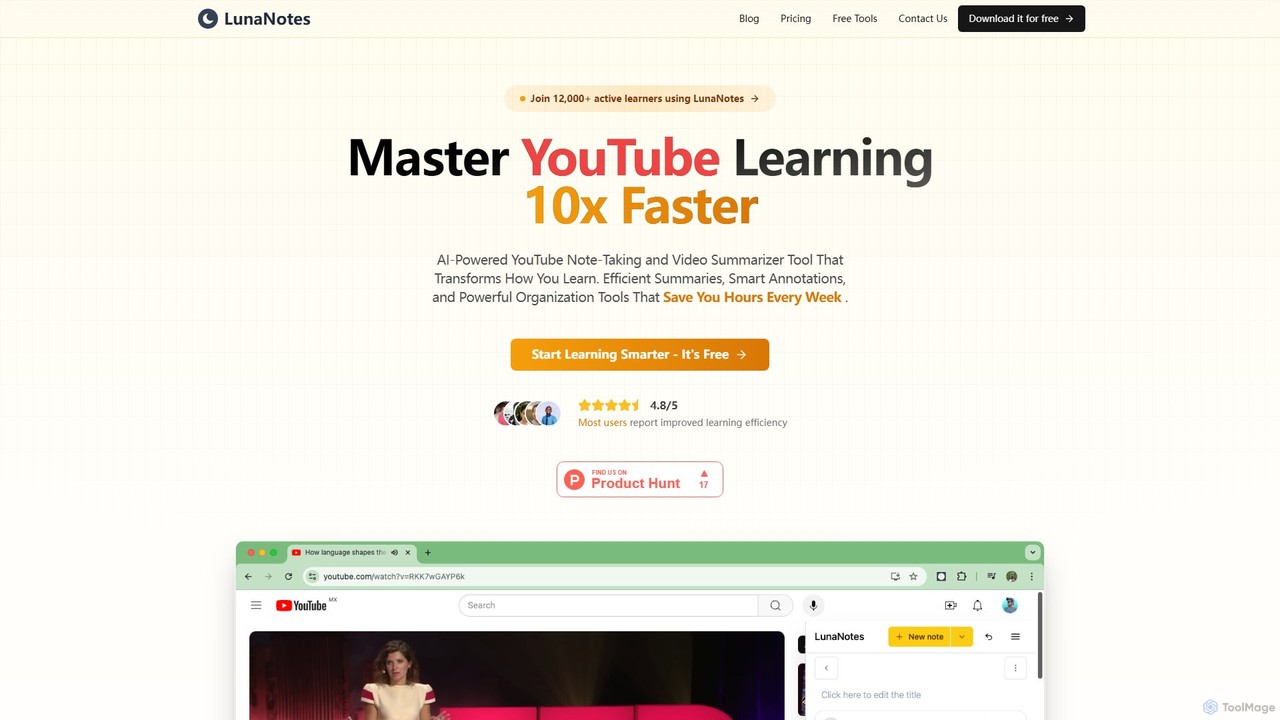
LunaNotes is a revolutionary AI-powered tool designed to transform the way you learn from YouTube videos. It serves as a comprehensive note-taking system and video summarizer, trusted by over 12,000 active learners, including students, educators, and professionals at leading institutions. By integrating seamlessly with YouTube via a Chrome extension and a flexible web app, LunaNotes allows you to capture insights, organize knowledge, and accelerate your learning process significantly.
The core of LunaNotes is its ability to let you take notes directly alongside a YouTube video. The video automatically pauses when you start typing, ensuring you never miss a crucial detail. Your notes are automatically time-stamped, linking them to the exact moment in the video, which makes reviewing and referencing specific points incredibly efficient. With its powerful AI features, you can generate smart summaries of videos, get AI-powered completions for your notes, and even chat with the video's content to ask questions and clarify concepts. This transforms passive video watching into an active, engaging learning experience.
How to use LunaNotes
Getting started with LunaNotes is a simple, three-step process designed to get you learning smarter in minutes:
- Install the Extension: Begin by adding the LunaNotes Chrome extension to your browser. This integrates the note-taking panel directly into the YouTube interface.
- Create an Account: Sign up for a LunaNotes account to save and sync your notes across devices. You can sign up with your email or start with a guest account to try it out immediately.
- Take Notes on YouTube: Open any YouTube video and the LunaNotes panel will appear. Start typing to take notes. Your notes will be automatically saved with timestamps, and you can use the rich text editor and AI tools to enhance your learning.
Core Features of LunaNotes
- AI-Powered Tools: Leverage advanced AI to generate intelligent summaries of entire videos, get smart completions for your notes, and use the AI chat feature to ask questions about the video content.
- Time-Stamped Notes: Automatically link your notes to specific moments in the video for quick and easy reference during review.
- Powerful Rich Text Editor: A full-featured editor that supports headings, lists, tables, code blocks, and Markdown syntax. It includes real-time auto-saving so you never lose your work.
- Smart Organization: Keep your learning materials tidy with folders, tags, and intelligent filtering. Group related videos and notes together for easy access.
- Cross-Platform Access: Use LunaNotes anywhere. The Chrome extension provides a seamless experience on YouTube, while the web app gives you access to all your notes from any browser, on desktop or mobile.
- Screenshot & Annotation: Capture important visuals from the video with a single click and annotate them directly within your notes.
- Custom Templates: Create and reuse note templates for different types of content, such as lectures, tutorials, or meetings, to save time and maintain consistency.
- Collaboration Features: Share your notes with classmates, study groups, or colleagues. Work together on the same set of notes in real-time.
Use Cases for LunaNotes
LunaNotes is a versatile tool perfect for a wide range of users:
- Students: Take comprehensive, organized notes during online lectures and tutorials. Ideal for distance learning and self-paced courses to improve retention and study efficiency.
- Teachers & Educators: Create annotated video lessons, prepare structured learning materials, and share educational resources with students to enrich the learning experience.
- Professionals: Capture key insights from webinars, training videos, and professional development content. Stay organized and boost productivity by easily referencing important information.
- Researchers: Document findings from video interviews, academic lectures, and research presentations. Organize and cite video sources effectively.
- Content Creators: Research topics, collect video references, and plan content structure for YouTube videos or online courses.
- Language Learners: Practice listening skills with native content, create vocabulary lists with timestamps, and track progress by noting new phrases and grammar points.
Advantages of LunaNotes
LunaNotes stands out by offering a focused and powerful learning environment. Its primary advantage is the seamless integration of note-taking within the video-watching experience, eliminating the need to switch between windows. The time-stamping feature saves countless hours when reviewing material. The AI-driven summaries and chat provide a deeper level of engagement and understanding. Furthermore, its cloud-based nature ensures your notes are always accessible and synced across all your devices, while collaboration features foster shared learning and knowledge building.
Pricing and Plans
LunaNotes offers a flexible pricing structure to suit different needs, including a comprehensive free plan.
- Free Plan: $0/month. Includes essential tools for starting out, such as 5 AI notes/summaries per month, 3 notes per video, 5 AI chats per month, 1 team with up to 3 members, 1 note template, 3 folders, and 200 MB of storage.
- Starter Plan: $4.99/month (or $47.88/year, saving 20%). Designed for active learners, this plan includes everything in Free, plus 20 AI notes/summaries per month, 10 notes per video, 20 AI chats per month, 3 teams, 5 templates, 10 folders, 600 MB of storage, unlimited screenshots, and priority support.
- Premium Plan: $9.99/month (or $95.88/year, saving 20%). Offers unlimited access for serious learners and teams. Includes everything in Starter, plus unlimited AI notes, unlimited notes per video, unlimited AI chat, unlimited teams and members, unlimited templates and folders, 2 GB of storage, custom integrations, and early access to new features.
Both paid plans come with a 3-day free trial.
Traffic
Latest traffic
Status
Monthly traffic trend
- 2025-9: 53.5K
- 2026-1: 69.5K
- 2026-2: 47.6K
- 2026-3: 53.3K
- 2026-4: 45.0K
- 2026-5: 46.1K
Geography
Top 5 countries / regions
- 🇺🇸United States28.7%
- 🇮🇳India22.0%
- 🇳🇬Nigeria19.9%
- 🇬🇧United Kingdom18.6%
- 🇧🇷Brazil10.7%
Traffic sources
| Source type | Percentage |
|---|---|
Direct | 89.8% |
Referral | 10.2% |
Top keywords
| Keyword | Cost per click |
|---|---|
| biology required pratices aqa explantion and unsetandin | $0.00 |
| bodice block tutorial | $0.00 |
| forgeui | $1.50 |
| youtube caption downloader | $0.63 |
| yt subtitles download | $0.00 |
LunaNotes Alternatives

TubeMemo
TubeMemo is an AI-powered browser extension for Chrome and Firefox that transforms YouTube videos into actionable knowledge. It generates instant summaries, interactive transcripts, and organized notes. Ideal for students, professionals, and creators, it helps you save time, learn more effectively, and repurpose video content with ease.
Learning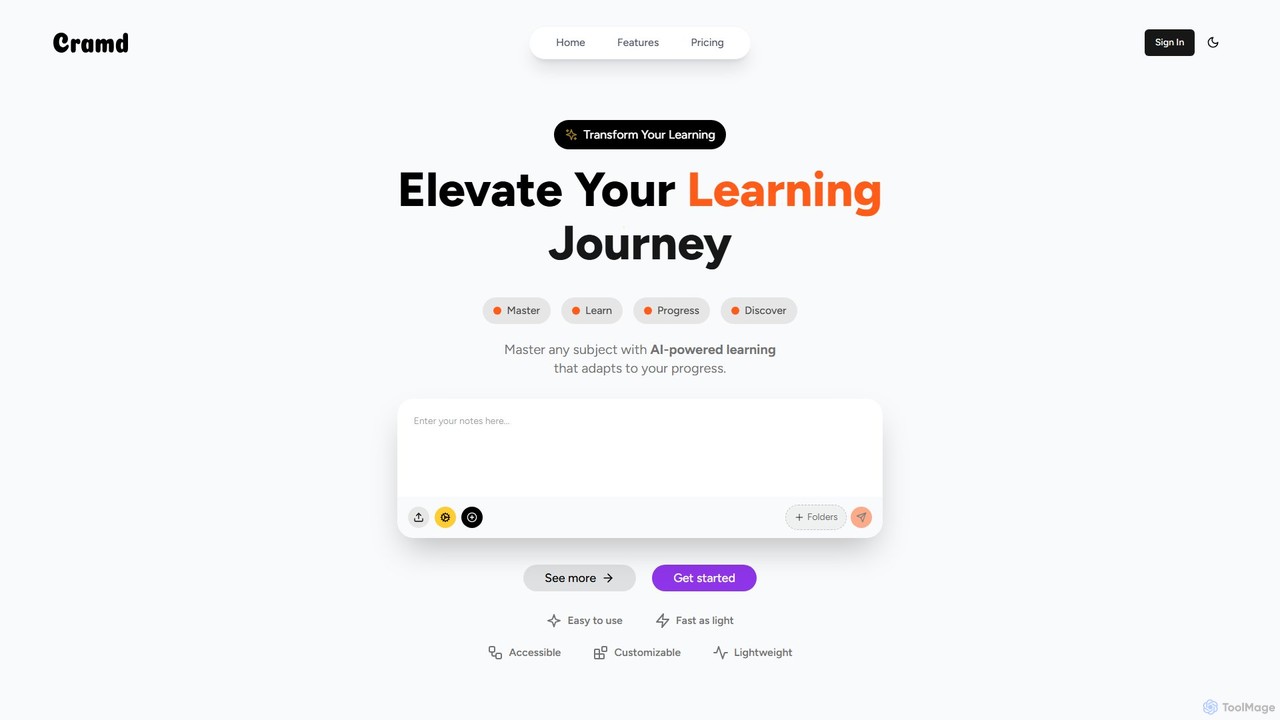
Cramd
Cramd is an AI-powered learning platform that transforms your study materials into an engaging and effective learning experience. It automatically converts notes, PDFs, and YouTube videos into interactive flashcards and quizzes, utilizing scientifically-proven methods like spaced repetition and active recall to enhance memory retention and accelerate learning for students and professionals.
Learning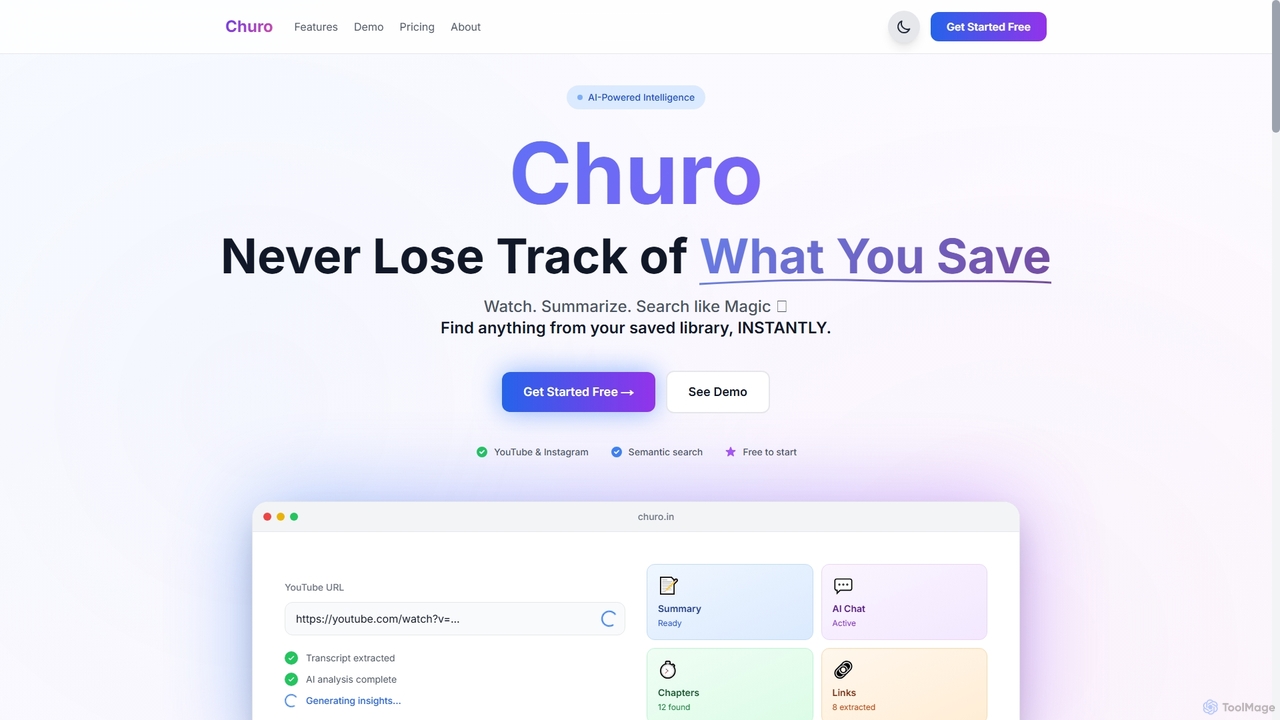
Churo
Churo is an AI-powered video summarizer and knowledge management tool that helps users save, search, and recall information from YouTube videos and Instagram reels. It provides instant AI summaries, semantic search capabilities, and a unified library to transform saved content into an organized, searchable knowledge base.
Learning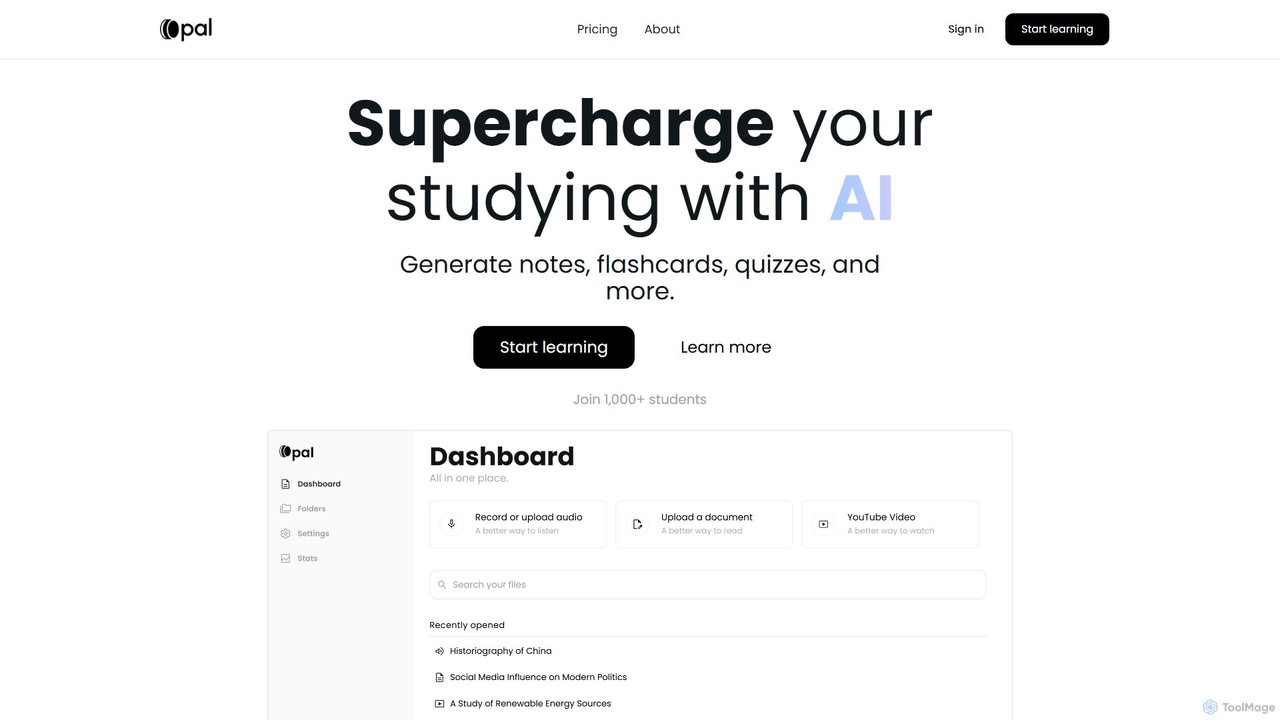
Opal
Opal is an AI-powered study platform that transforms documents, audio files, and videos into interactive learning materials like notes, flashcards, and quizzes. It features an AI tutor, "Albert," and uses active recall and personalized feedback to enhance learning efficiency for students.
Learning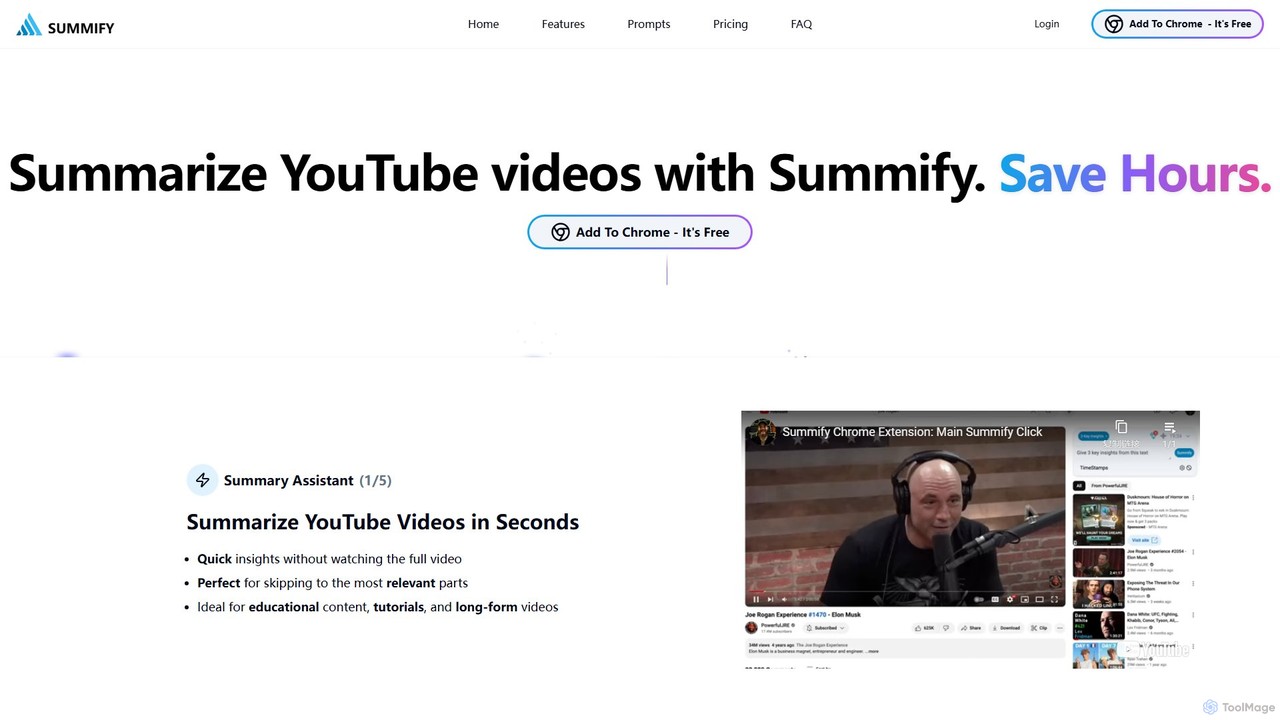
SummifyAI
SummifyAI is a powerful Chrome extension that uses AI to summarize YouTube videos in seconds. It helps users save time by providing quick insights, summarizing specific timestamps, and allowing custom questions about the video content. Ideal for students, professionals, and researchers, it transforms videos into a searchable knowledge base.
Chrome ExtensionsLunaNotes Categories
LunaNotes Embed Widget
Copy this embed code to place the badge on your blog, article, or product site and send readers directly to this ToolMage detail page.

Related AI tools
SumyAI
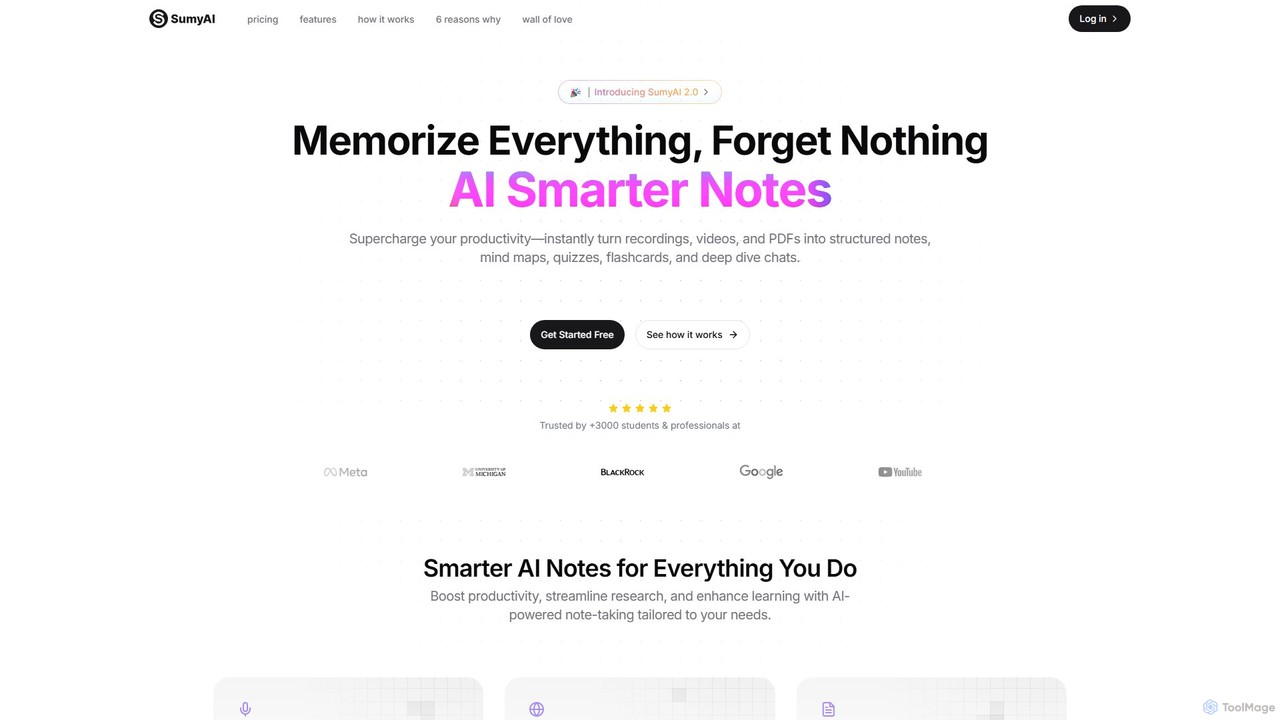
SumyAI is an AI-powered note-taking tool that enhances productivity and learning. It instantly transforms audio recordings, videos, and PDFs into structured notes, summaries, mind maps, quizzes, and flashcards. Supporting over 100 languages, it's designed for students, professionals, and researchers to capture, organize, and interact with information effortlessly.
TranscriptionTubeMemo
TubeMemo is an AI-powered browser extension for Chrome and Firefox that transforms YouTube videos into actionable knowledge. It generates instant summaries, interactive transcripts, and organized notes. Ideal for students, professionals, and creators, it helps you save time, learn more effectively, and repurpose video content with ease.
Learning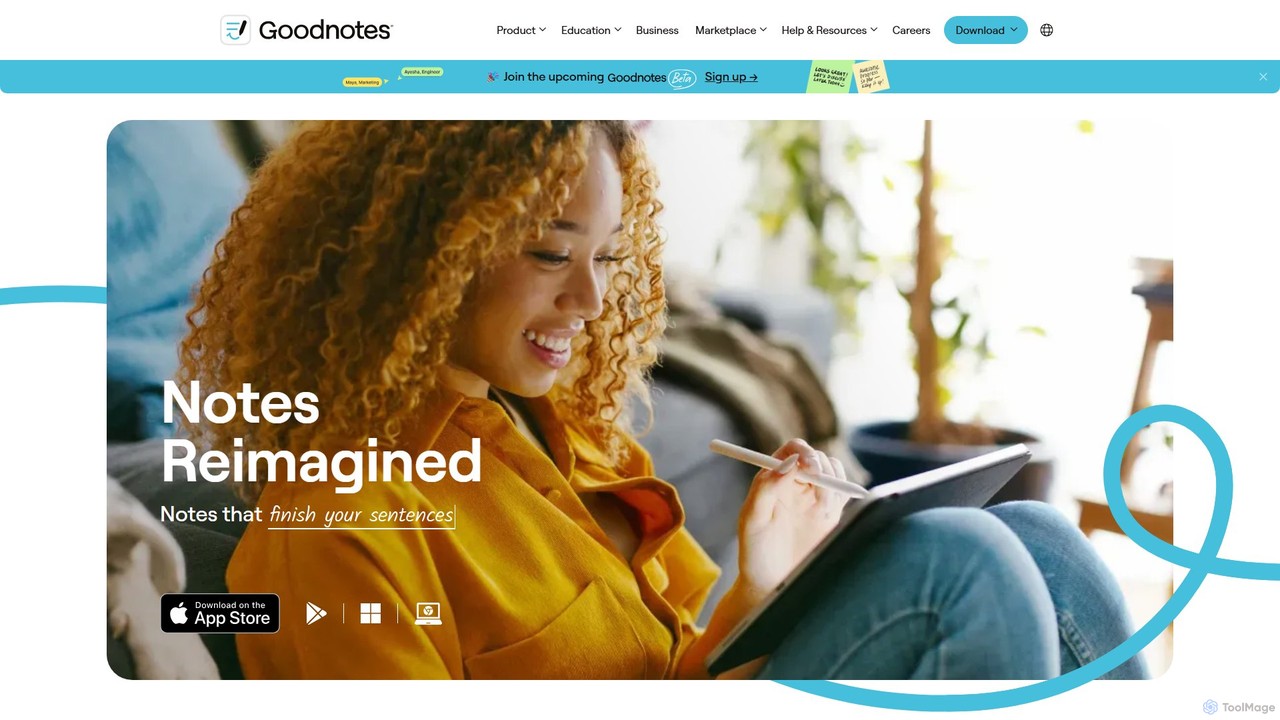
Goodnotes
Goodnotes is a leading digital note-taking app that enhances the handwriting experience with powerful AI features. It allows users to create, organize, and search handwritten notes, annotate PDFs, and study with interactive flashcards. Available across iOS, Android, Windows, and Web, it's designed for students, professionals, and anyone looking to digitize their notebooks and boost productivity.
Document Management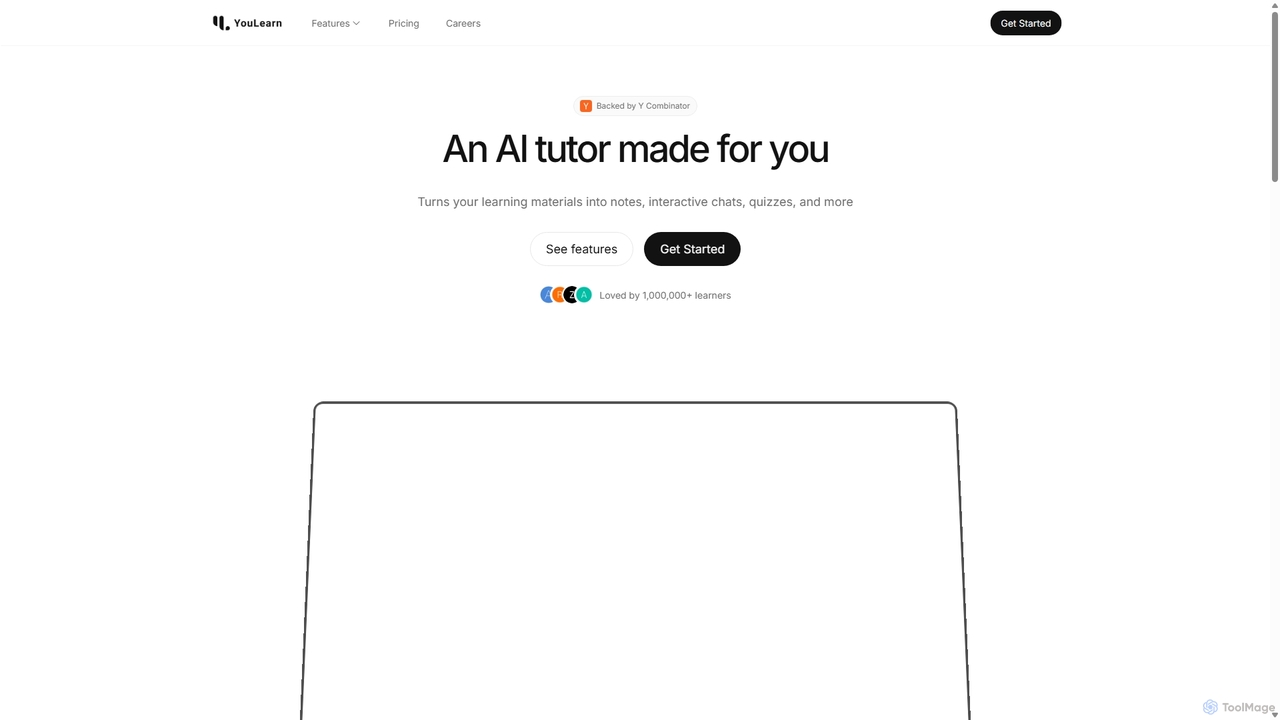
YouLearn
YouLearn is a Y Combinator-backed AI tutor that transforms any learning material—like PDFs, YouTube videos, and lectures—into interactive study tools. It creates summaries, flashcards, and quizzes, and offers an AI chat feature to simplify complex topics, helping over a million students and professionals learn smarter and faster.
Learning Assistant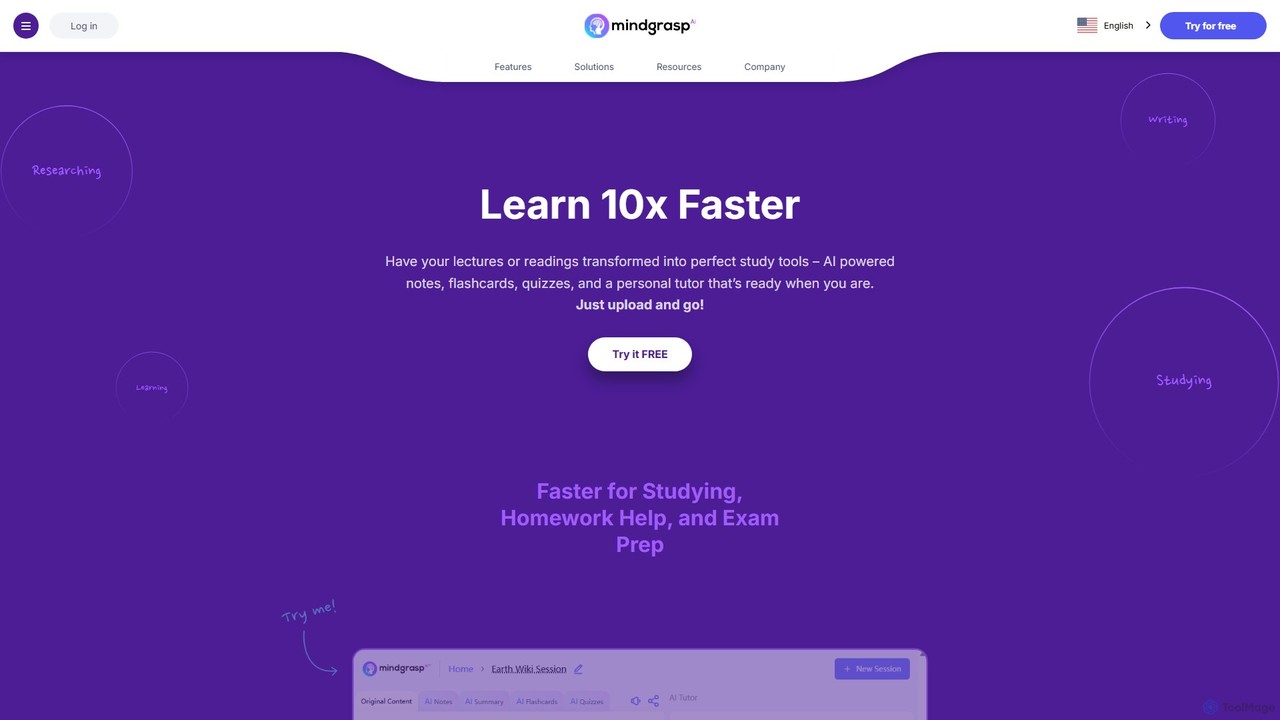
Mindgrasp
Mindgrasp is an AI-powered learning platform that helps students and professionals learn 10x faster. It instantly transforms any document, video, lecture, or link into summaries, detailed notes, flashcards, and quizzes. Its AI Tutor provides instant answers and assistance, making studying and research more efficient and accessible.
Study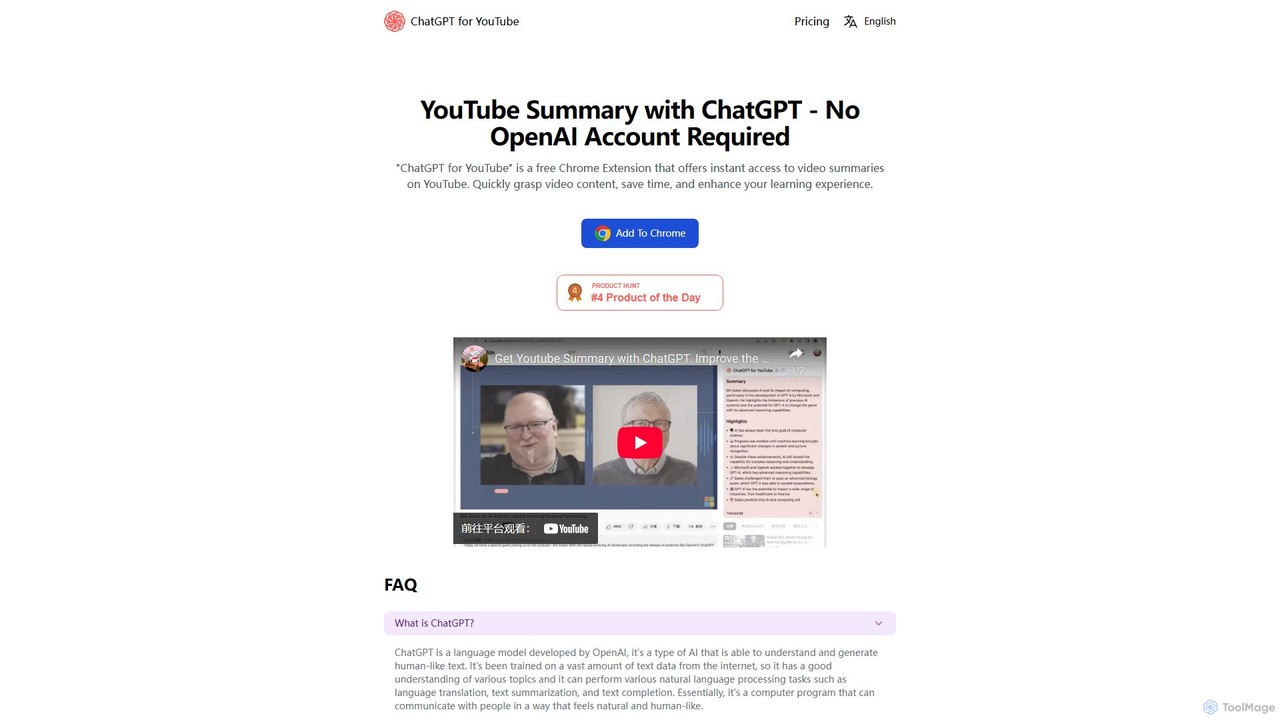
ChatGPT for YouTube
ChatGPT for YouTube is a free Chrome extension that provides AI-powered summaries of YouTube videos. Instantly grasp the core content of any video, save significant time, and improve your learning efficiency. No OpenAI or ChatGPT account is required to start summarizing.
Learning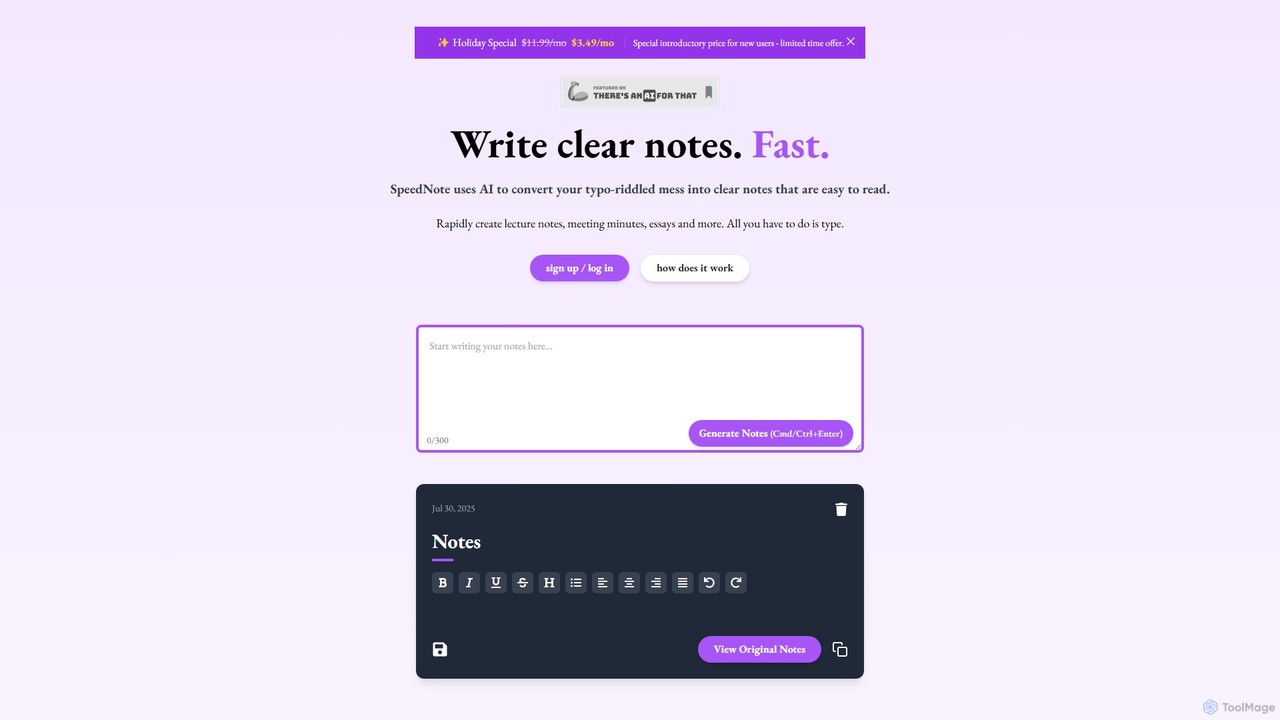
SpeedNote AI
An AI-powered tool that automatically transforms your raw, messy notes into structured, summarized, and insightful documents. Ideal for students and professionals, it saves time by formatting text, highlighting key points, and adding valuable comments, boosting productivity and comprehension.
Meeting ManagementCramd
Cramd is an AI-powered learning platform that transforms your study materials into an engaging and effective learning experience. It automatically converts notes, PDFs, and YouTube videos into interactive flashcards and quizzes, utilizing scientifically-proven methods like spaced repetition and active recall to enhance memory retention and accelerate learning for students and professionals.
Learning
Jyek
Jyek is an AI agent platform that understands objectives, creates execution plans, uses tools, and delivers verifiable results for complex, multi-step tasks.
Automation
Kumo Study
Kumo Study is the ultimate study tool specifically designed for students with ADHD. This Chrome extension helps improve focus, organization, and motivation through features like a task planner, a customizable timer, a site blocker, and a unique collaborative support system. It's built on neurodesign principles to combat executive dysfunction and boost academic success.
Study Tools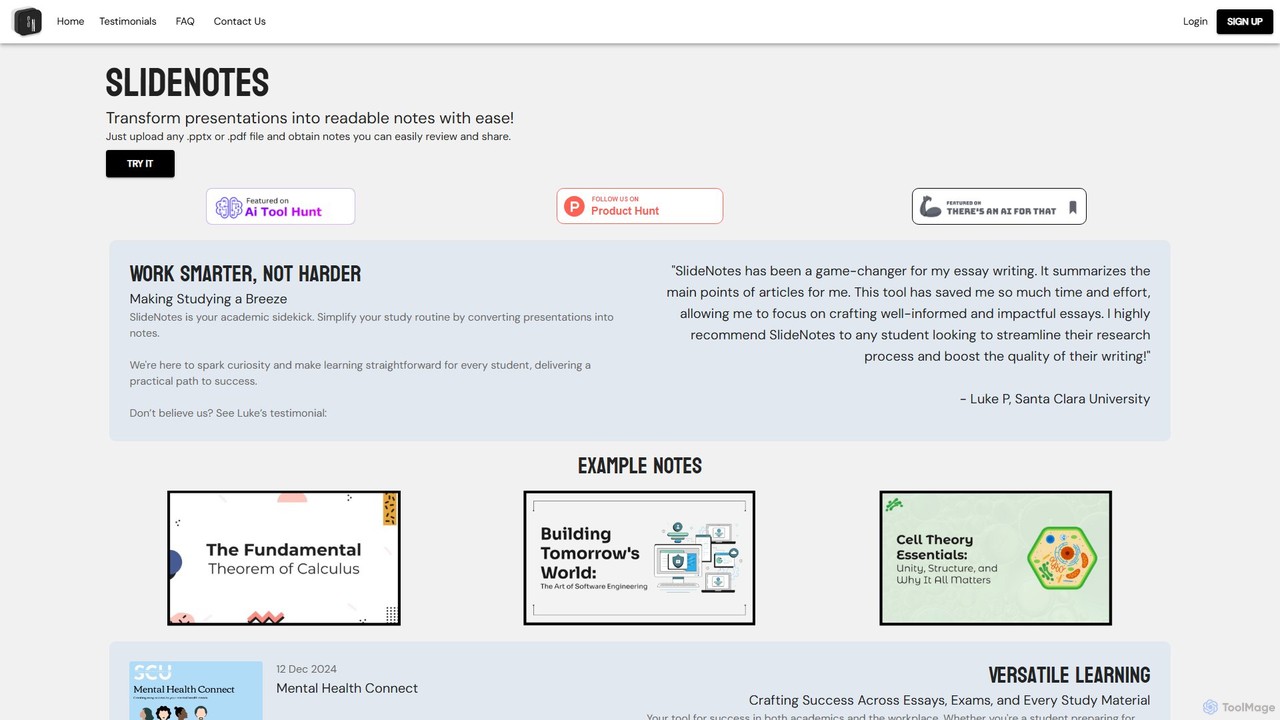
SlideNotes
SlideNotes is an AI-powered tool that effortlessly transforms PowerPoint (.pptx) and PDF presentations into concise, readable, and shareable notes. Ideal for students and professionals, it automates the note-taking process, saving time and boosting productivity for studying, exam preparation, and post-meeting reviews.
Meeting Assistant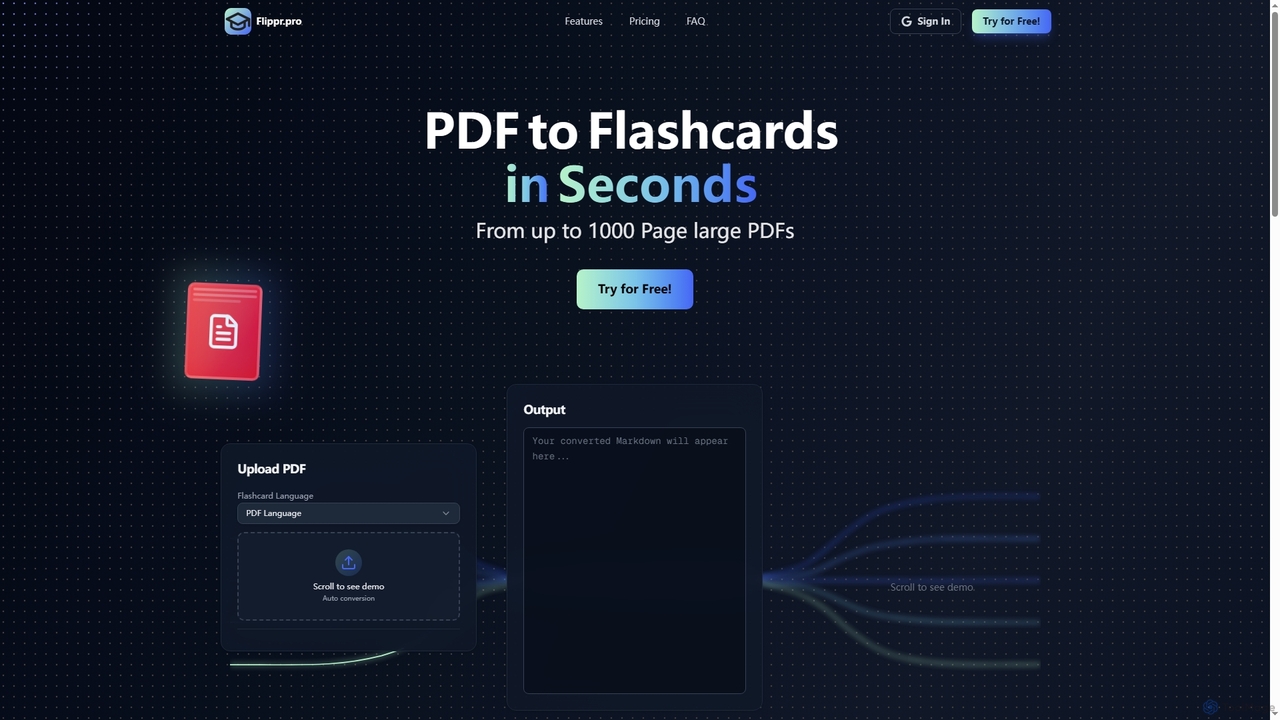
Flippr
Flippr is an AI-powered study tool that rapidly converts PDF documents into interactive flashcards. Designed for students and professionals, it streamlines the learning process by transforming extensive study materials into digestible, easy-to-review formats in seconds.
Conversion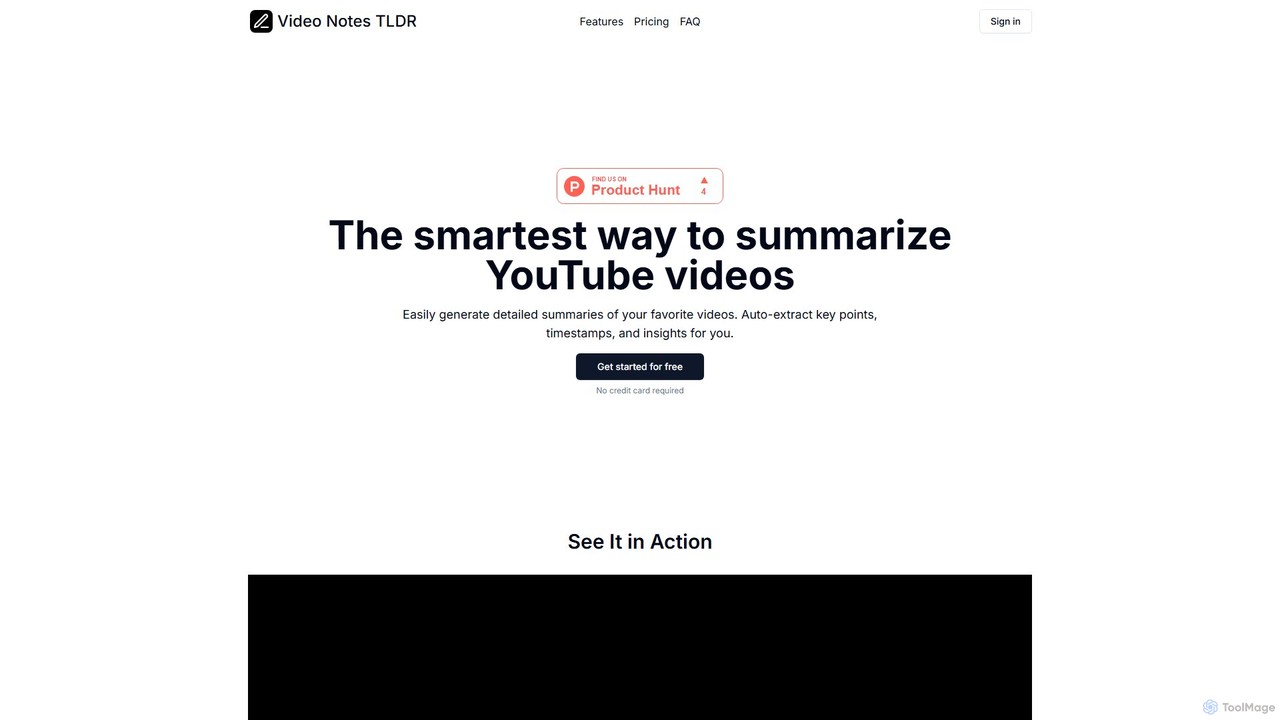
videonotestldr
videonotestldr is an AI-powered tool that instantly generates detailed summaries, key points, and timestamps from any YouTube video. It helps users save time, learn faster, and efficiently organize video content by exporting notes directly to Notion.
Note Taking
captr
captr is an AI-powered assistant that transforms long videos, primarily from YouTube, into concise summaries, full transcripts, and actionable insights. It allows users to quickly understand video content without watching it in its entirety, ask questions, and export key information, boosting productivity and learning efficiency.
Note Taking
minimemo
minimemo is an AI-powered tool designed for rapid summarization and intelligent note-taking. It transforms long articles, meeting transcripts, and videos into concise, digestible summaries, key points, and action items, helping users save time and absorb information more effectively.
Meeting Assistant
LunaNotes Comments (0)
Sign in to comment.
Sign inNo comments yet.