

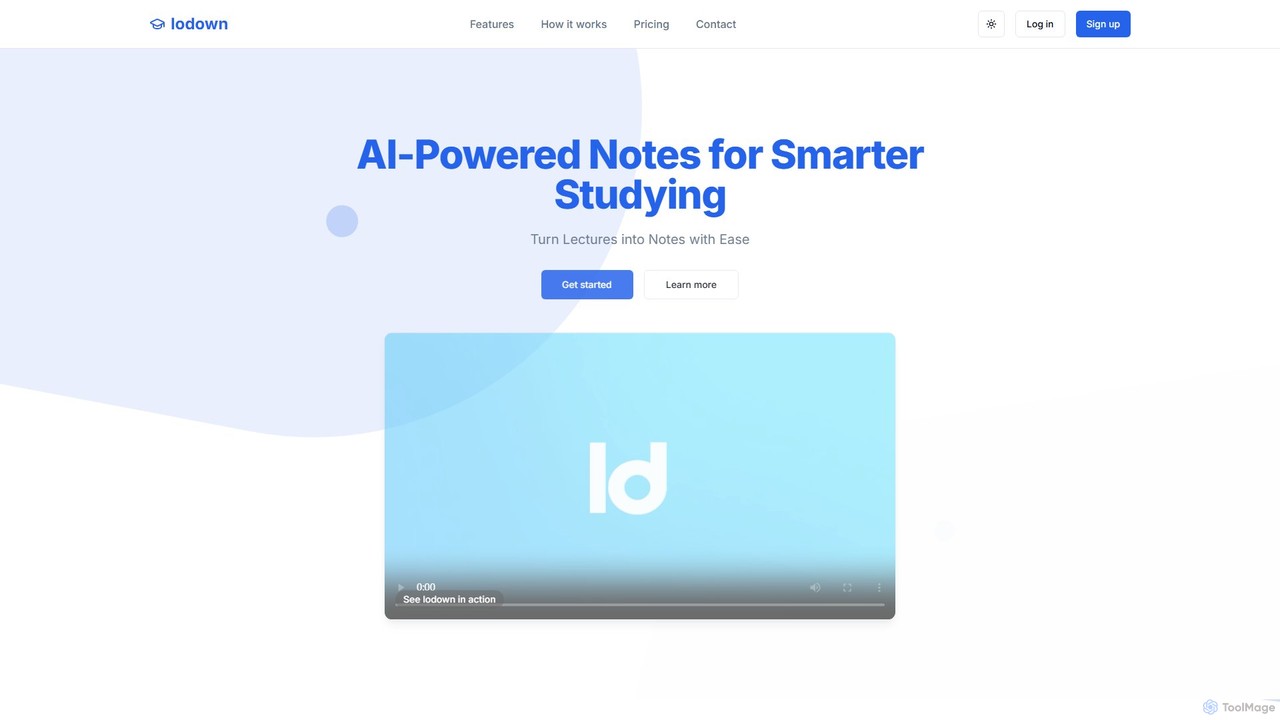
lodown Overview
lodown is a revolutionary AI-powered platform specifically engineered to enhance the learning experience for students. It acts as a personal study assistant, transforming spoken lectures from both in-person classes and online recordings into structured, comprehensive, and easily digestible notes. The core of lodown is its advanced speech-to-text technology, which captures lectures with high accuracy, freeing students from the stress of manual note-taking and allowing them to focus on understanding the material being taught. The AI then intelligently organizes the raw transcript, adding headings, bullet points, and highlighting key concepts to create a clear and logical structure. This makes reviewing and studying significantly more efficient.
Trusted by students from leading universities like Stanford and Johns Hopkins, lodown is proven to help improve grades and reduce study time. It's not just a transcription service; it's a complete study ecosystem. Users can generate summaries, create flashcards for key terms, and use a powerful smart search feature to instantly find specific information across all their lecture notes. This is particularly useful for exam preparation and when working on complex assignments or case studies.
How to use lodown
Using lodown is a simple and intuitive process designed to integrate seamlessly into a student's workflow. First, you start a new note within the platform. If you're in a live lecture, you can use the real-time recording feature to capture the audio, and lodown will transcribe it as the lecture happens. For remote learning or pre-recorded content, you can upload an audio or video file directly. Once the lecture is processed, the AI generates both a full transcript and a structured set of notes. You can then review and edit the transcript for any inaccuracies and refine the AI-generated notes by adding your own insights or reorganizing sections. To deepen your understanding, you can explore the 'Related Notes' feature to see connections across different lectures, use the smart search to find specific concepts, and manage a personal glossary of key terms.
Core Features of lodown
- Real-time Lecture Capture: Automatically converts spoken lectures into text notes in real-time using advanced speech-to-text technology.
- Online Lecture Processing: Upload recorded audio/video lectures or provide video links to generate comprehensive notes from online content.
- AI-Powered Organization: Intelligently structures notes with clear headings, bullet points, and automatically highlights key concepts and terms.
- Study-Ready Formats: Export notes in various formats, automatically generate flashcards for key terminology, and create concise summaries for efficient revision.
- Smart Search: A context-aware search engine that allows you to instantly find specific concepts, definitions, and key points across all your notes.
- Glossary and Related Notes: Build a personal glossary of important terms and discover connections between topics across different lectures to build a holistic understanding.
- Transcript and Note Editing: Full control to edit the generated transcript and refine the structured notes to match your personal study style.
Use Cases for lodown
lodown is versatile and beneficial for students across various disciplines. For a Computer Science major, it can capture fast-paced coding lectures, ensuring no detail is missed while they focus on understanding complex algorithms. For a Pre-Med student, it accurately transcribes lectures dense with complex terminology (like biochemistry or anatomy) and automatically creates flashcards for efficient memorization. For an MBA candidate, the smart search feature is a game-changer for analyzing case studies, allowing them to instantly locate specific business concepts across months of lecture notes, saving hours of preparation time for finals.
Advantages of lodown
The primary advantage of lodown is its ability to significantly boost academic productivity and performance. It allows students to be more present and engaged during lectures, as the burden of frantic note-taking is removed. This leads to better comprehension and retention of information. The AI-driven organization saves countless hours that would otherwise be spent manually structuring notes. The smart search and summary features streamline exam preparation, making studying more targeted and effective. Ultimately, lodown helps students achieve better grades while reducing study-related stress.
Pricing and Plans
lodown offers a flexible freemium model to suit different student needs:
- Basic Plan ($0/forever): Ideal for occasional use, this plan includes basic AI note-taking features, 3 recording hours, a 50-minute limit per note, 25 smart search queries, and the ability to upload audio files.
- Standard Plan ($3.99/month): Designed for serious students, this plan offers advanced AI features, 15 recording hours, a 90-minute limit per note, 500 smart search queries, and additional features like Sticky Notes.
- Pro Plan ($6.99/month): For students aiming for excellence, this plan includes the most advanced AI models, all features of the Standard plan, and access to upcoming features like AI autocomplete and note sharing.
lodown Alternatives
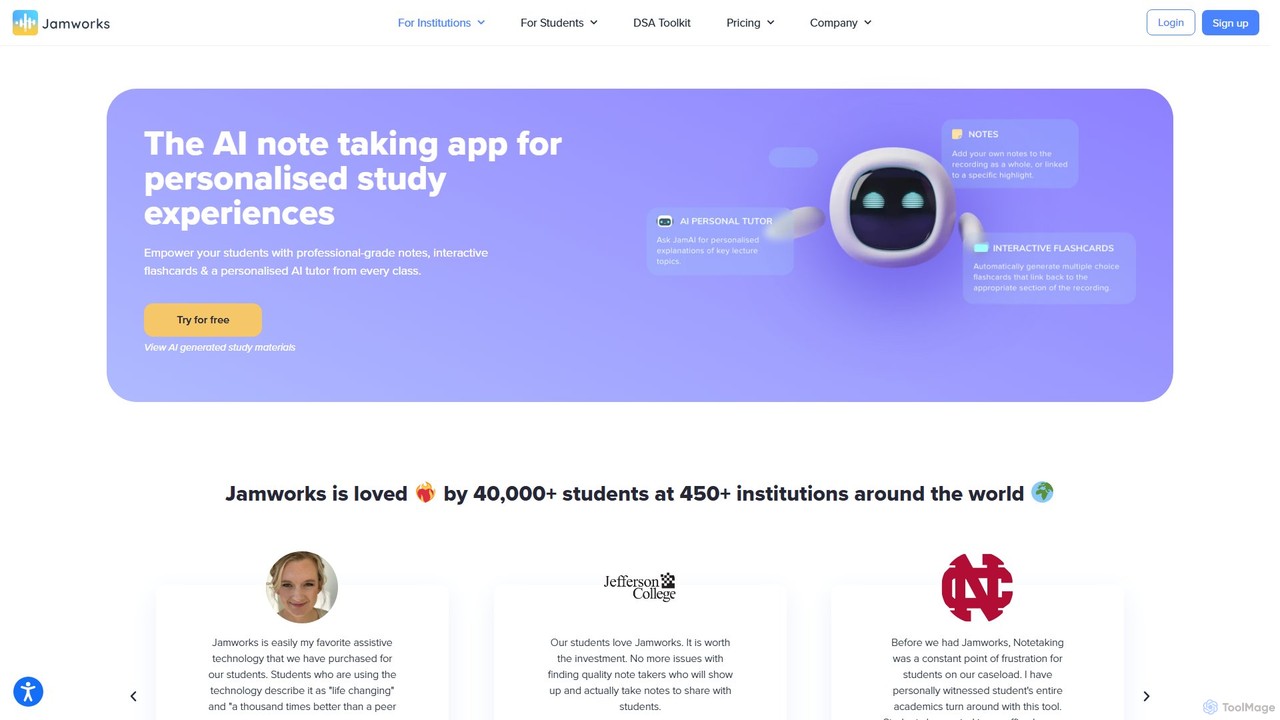
jamworks
Jamworks is an AI-powered note-taking application designed for students to enhance their learning experience. It records lectures and automatically generates professional-grade notes, interactive flashcards, summaries, and a personalized AI tutor for each class. It aims to reduce study stress, improve comprehension, and make education more accessible for everyone.
Note Taking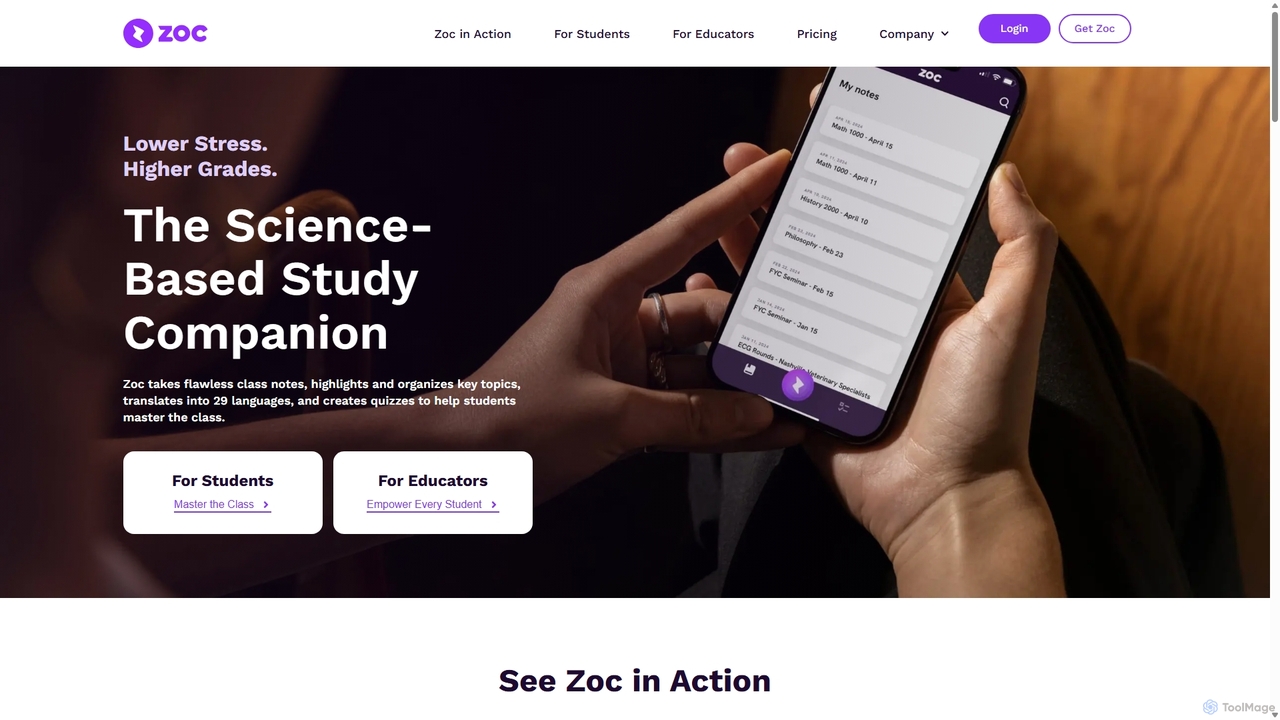
Zoc
Zoc is an AI-powered study companion for students, designed to reduce stress and improve grades. It automatically transcribes lectures, synthesizes key topics into organized notes, creates interactive quizzes for revision, and translates content into 29 languages. It's a science-based tool that helps students focus in class and study more effectively.
Note Taking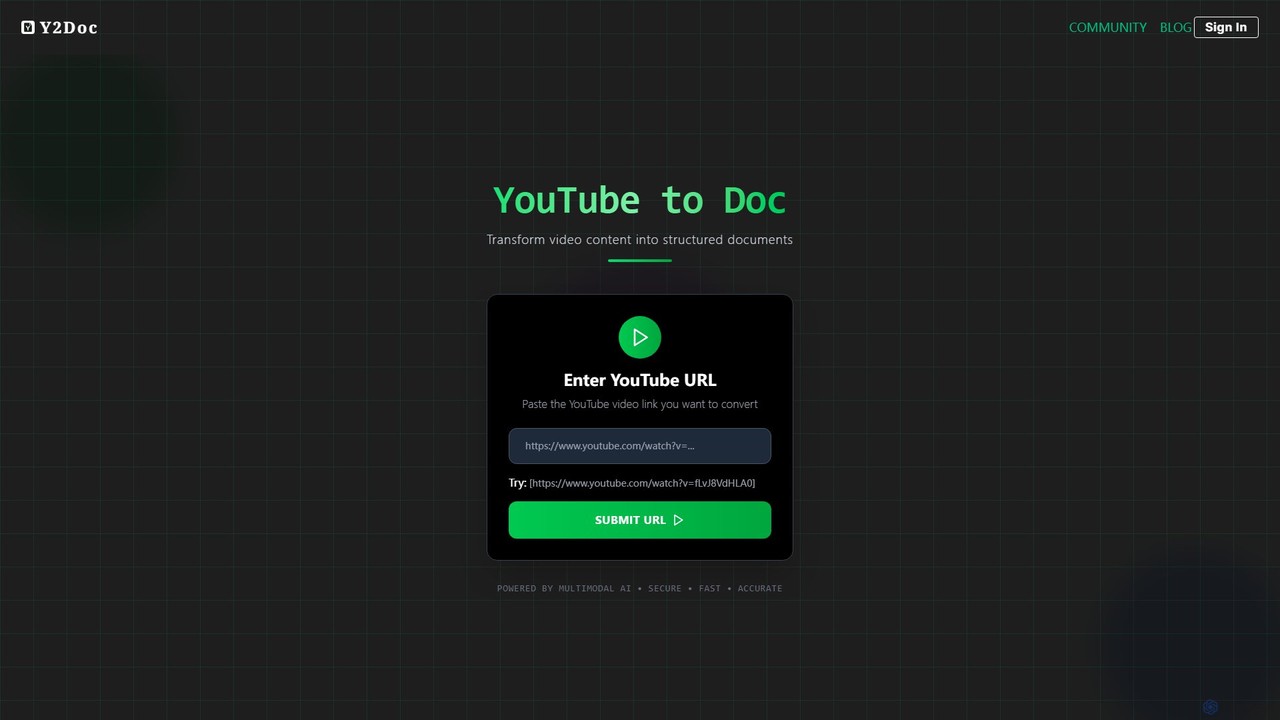
y2doc
y2doc is an AI-powered tool that transforms YouTube videos into structured documents. Simply paste a YouTube URL to get accurate transcriptions, concise summaries, and key takeaways. It also functions as a versatile converter, allowing you to download videos as MP4 or audio as MP3. Ideal for students, content creators, and researchers looking to save time and repurpose video content efficiently.
Summarizer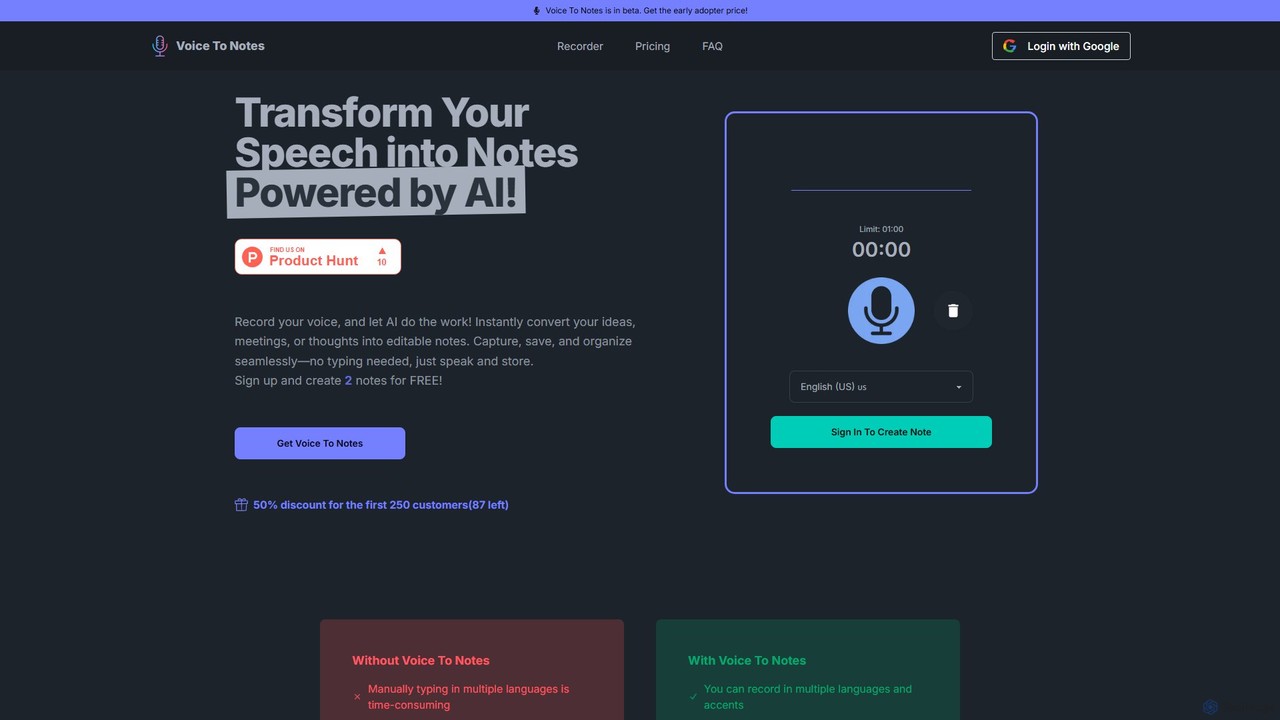
Voice To Notes
Voice To Notes is an AI-powered tool that instantly converts your speech into editable, organized text notes. Supporting over 70 languages, it's perfect for capturing ideas, meeting minutes, and interviews without typing. Record for up to 2 hours and edit your notes seamlessly.
Speech To Text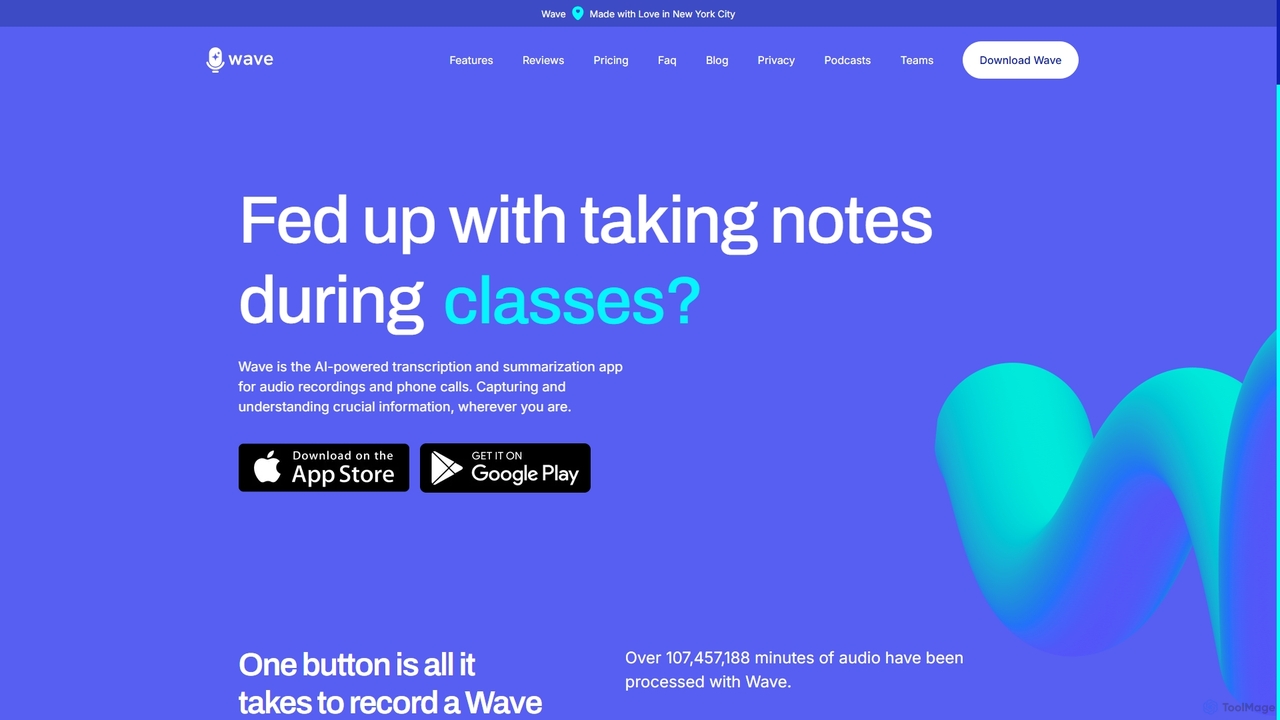
Wave
Wave is an AI-powered note-taker and transcription app for iOS and Android. It effortlessly records audio from meetings, calls, and lectures, providing highly accurate transcriptions and concise, customizable summaries. With features like phone call recording, multi-language support, and cross-device sync, Wave helps you capture and understand crucial information anywhere, anytime, without the hassle of manual note-taking.
Meeting Assistantlodown Categories
lodown Embed Widget
Copy this embed code to place the badge on your blog, article, or product site and send readers directly to this ToolMage detail page.

Related AI tools
jamworks
Jamworks is an AI-powered note-taking application designed for students to enhance their learning experience. It records lectures and automatically generates professional-grade notes, interactive flashcards, summaries, and a personalized AI tutor for each class. It aims to reduce study stress, improve comprehension, and make education more accessible for everyone.
Note TakingZoc
Zoc is an AI-powered study companion for students, designed to reduce stress and improve grades. It automatically transcribes lectures, synthesizes key topics into organized notes, creates interactive quizzes for revision, and translates content into 29 languages. It's a science-based tool that helps students focus in class and study more effectively.
Note Taking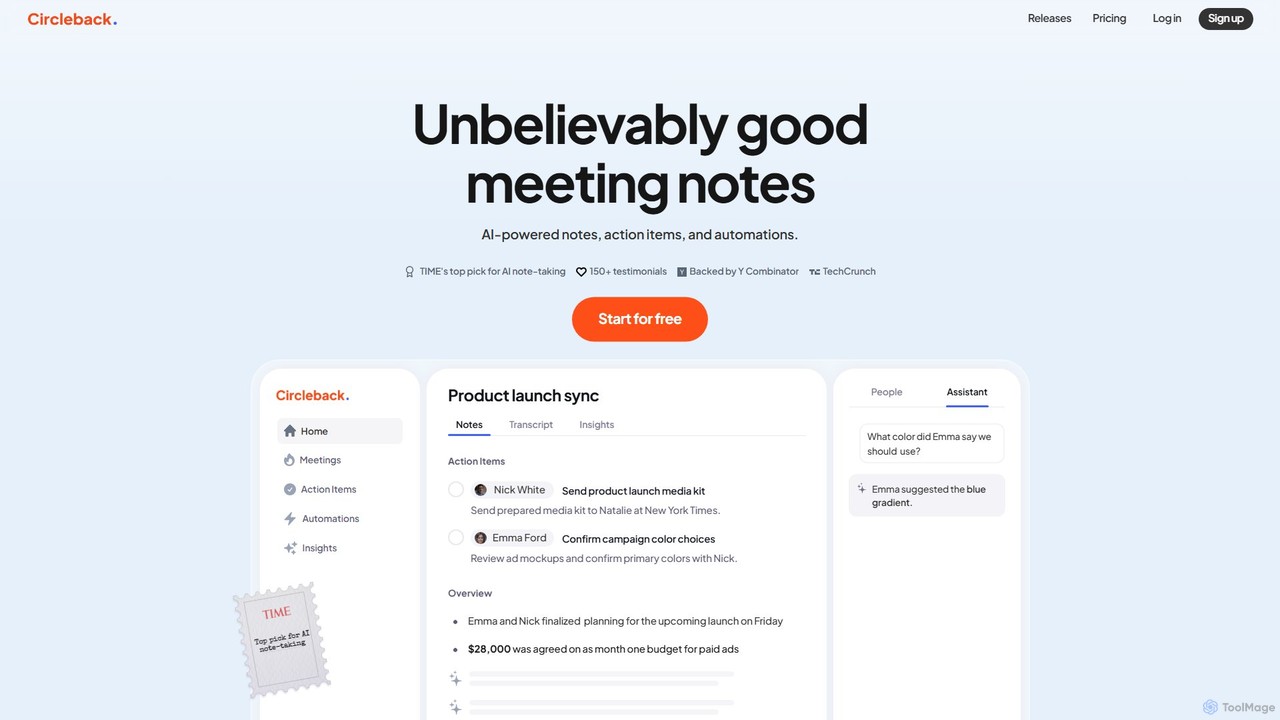
Circleback
Circleback is an AI-powered meeting assistant that automatically generates meticulous notes, assigns action items, and provides accurate transcriptions for both virtual and in-person meetings. It integrates with your favorite apps to automate post-meeting workflows, helping you save time, stay organized, and focus on the conversation.
Workflow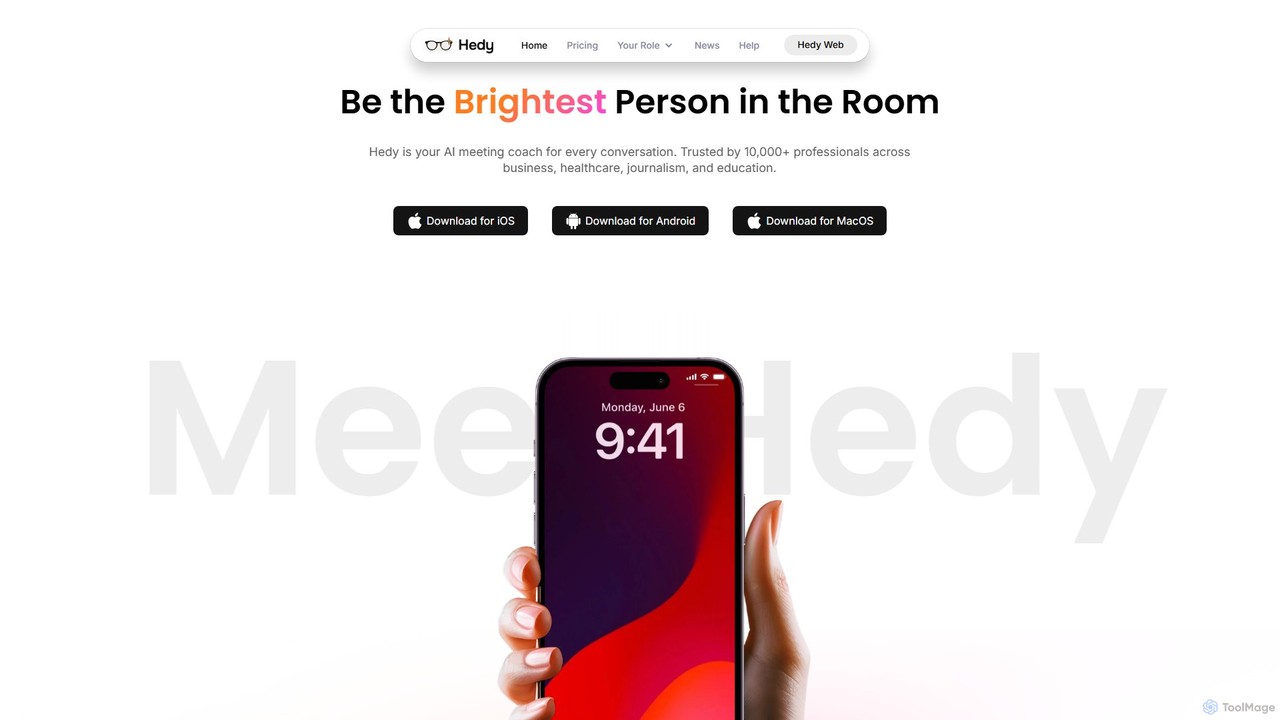
Hedy
Hedy is a real-time AI coach for meetings, interviews, and classes. It provides live insights, automated notes, summaries, and suggestions in over 30 languages to help professionals, students, and journalists communicate with confidence and clarity. It enhances your voice, not replaces it.
Transcription
Jyek
Jyek is an AI agent platform that understands objectives, creates execution plans, uses tools, and delivers verifiable results for complex, multi-step tasks.
Automation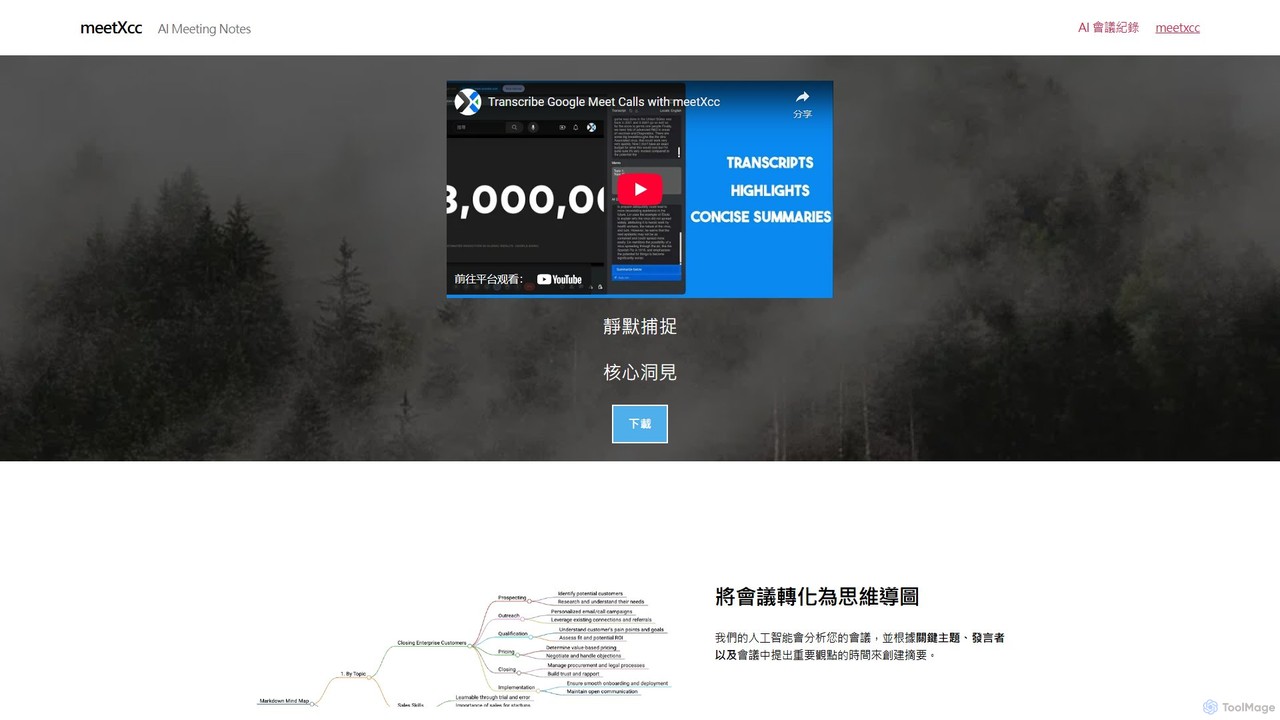
meetXcc
meetXcc is an AI-powered meeting assistant for Google Meet that operates invisibly without a bot. It provides real-time transcription, speaker identification, and generates insightful summaries, action items, and unique mind maps to transform your meeting content into structured, actionable insights.
Collaboration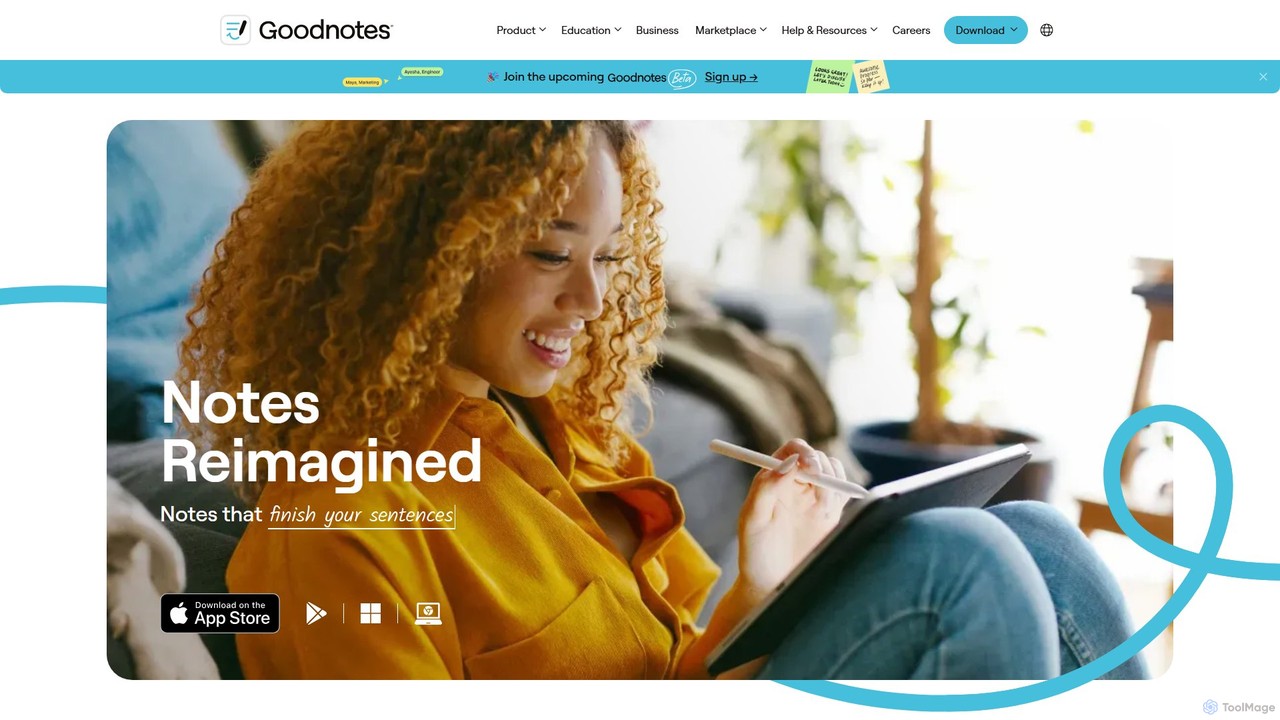
Goodnotes
Goodnotes is a leading digital note-taking app that enhances the handwriting experience with powerful AI features. It allows users to create, organize, and search handwritten notes, annotate PDFs, and study with interactive flashcards. Available across iOS, Android, Windows, and Web, it's designed for students, professionals, and anyone looking to digitize their notebooks and boost productivity.
Document Management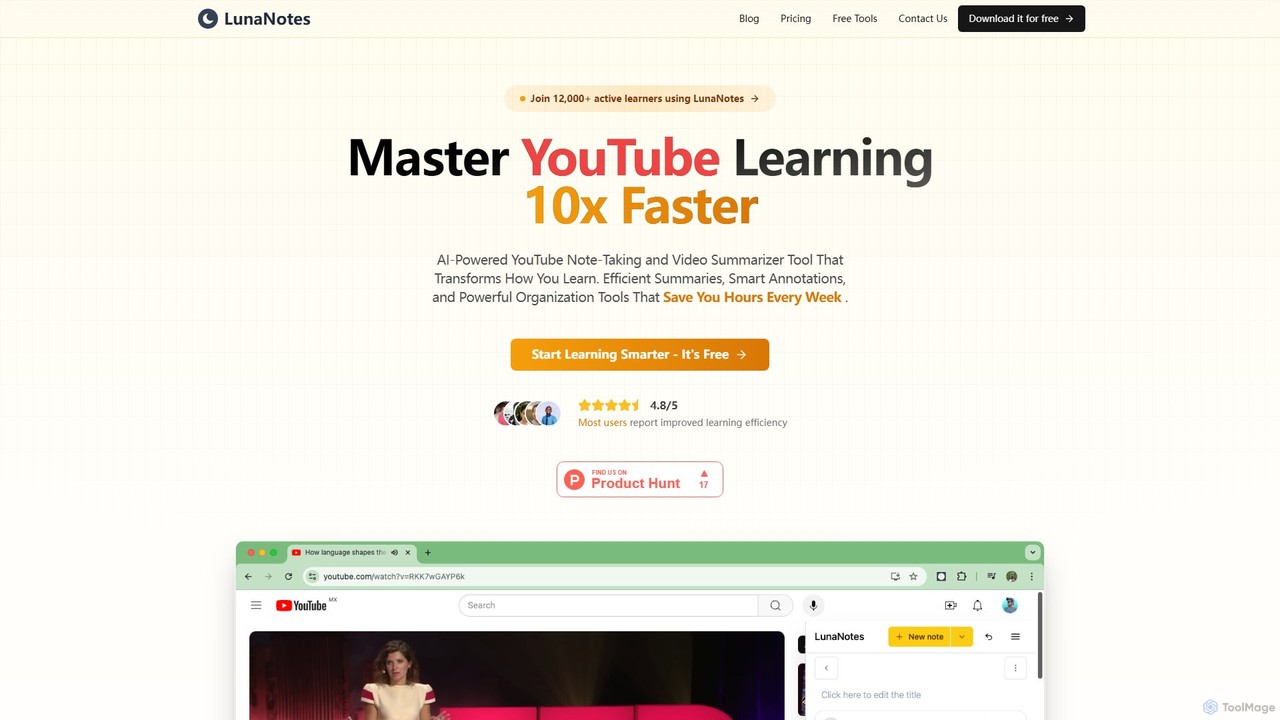
LunaNotes
LunaNotes is an AI-powered note-taking tool and video summarizer for YouTube. It enhances video learning by allowing users to take time-stamped notes, generate AI summaries, and organize content efficiently. Available as a Chrome extension and web app, it's designed for students, educators, and professionals to learn 10x faster from video content.
Chrome Extensions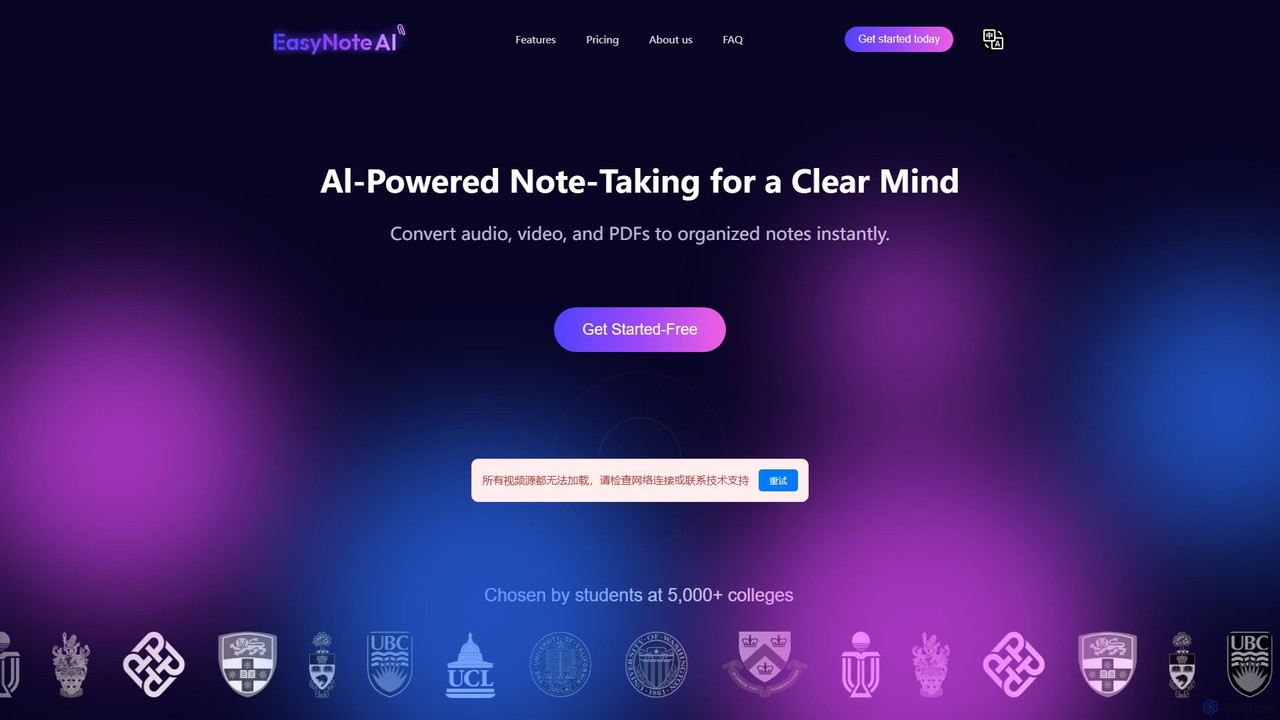
EasyNoteAI
EasyNoteAI is an AI-powered note-taking platform designed for students and researchers. It instantly converts audio, video, and PDFs into organized notes, summaries, quizzes, and mind maps. Streamline your learning and research by transforming unstructured information into structured, actionable knowledge with ease.
Summarizer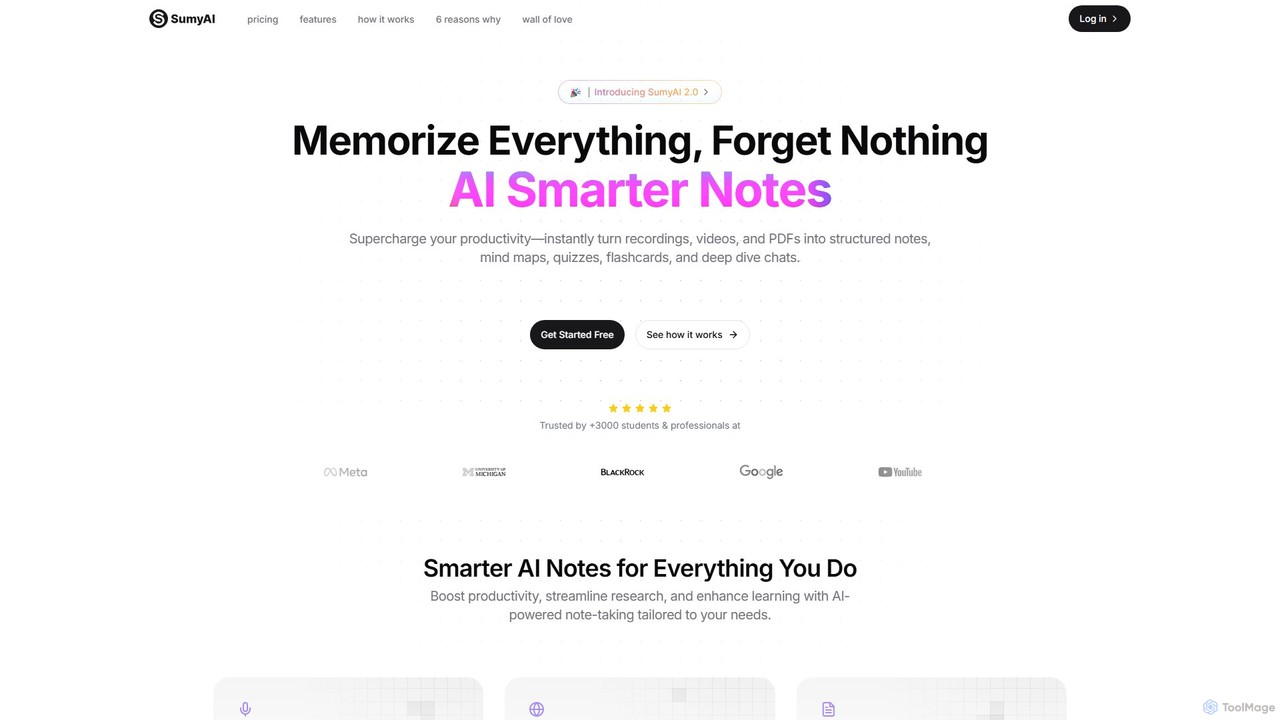
SumyAI
SumyAI is an AI-powered note-taking tool that enhances productivity and learning. It instantly transforms audio recordings, videos, and PDFs into structured notes, summaries, mind maps, quizzes, and flashcards. Supporting over 100 languages, it's designed for students, professionals, and researchers to capture, organize, and interact with information effortlessly.
Transcription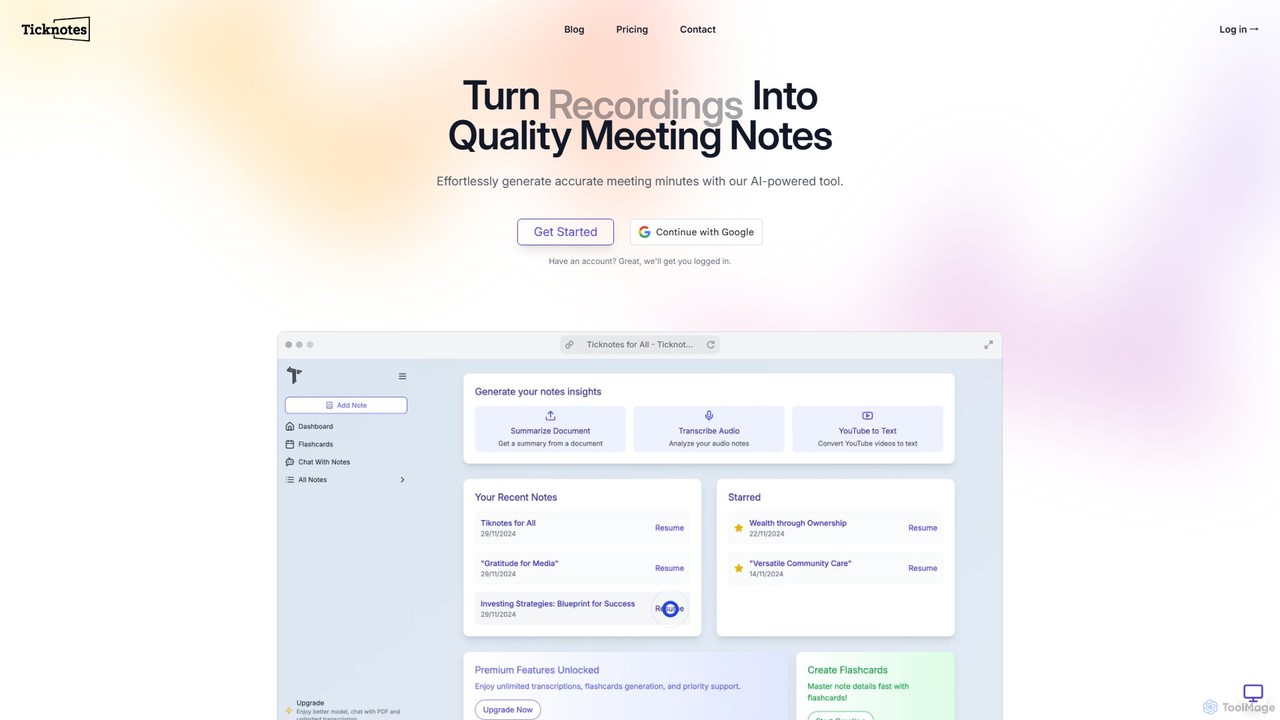
Ticknotes
Ticknotes is an AI-powered tool that transcribes and summarizes meetings, lectures, and YouTube videos. It transforms audio and documents into searchable notes, interactive Q&A sessions, and study flashcards. Designed for students and professionals, it streamlines information capture, enhances comprehension, and boosts productivity by automating the note-taking process.
Transcription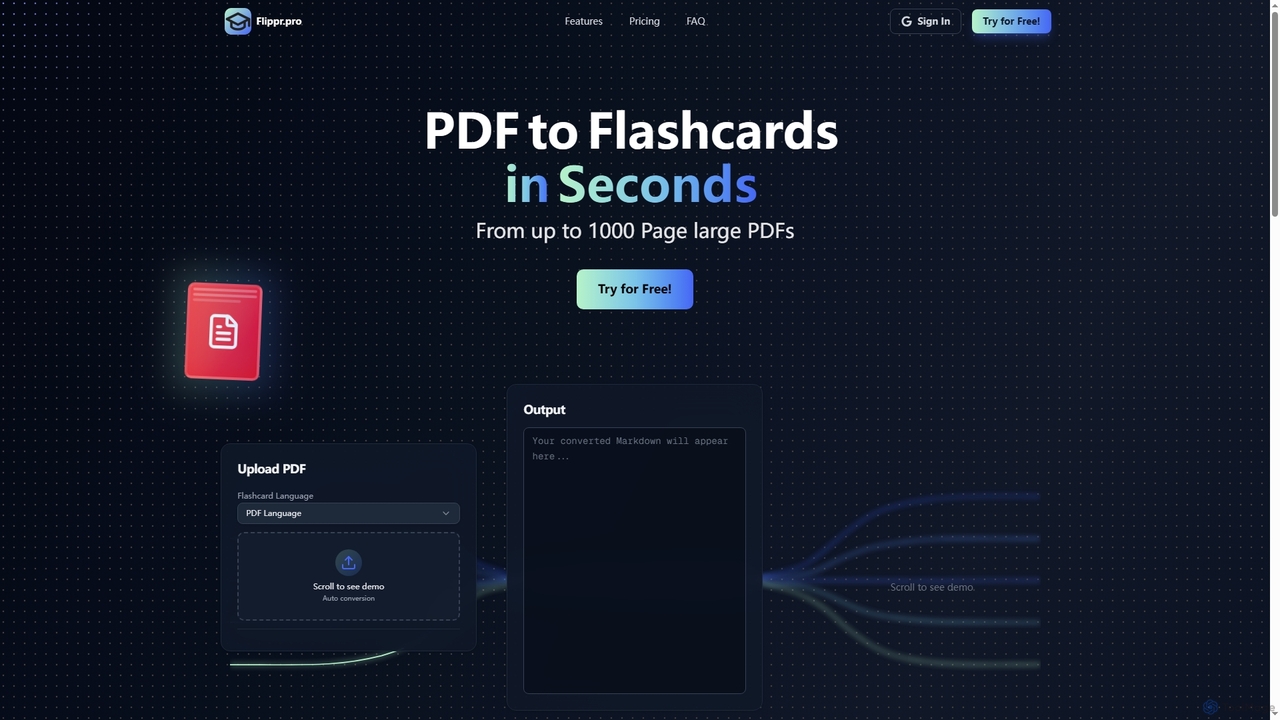
Flippr
Flippr is an AI-powered study tool that rapidly converts PDF documents into interactive flashcards. Designed for students and professionals, it streamlines the learning process by transforming extensive study materials into digestible, easy-to-review formats in seconds.
Conversion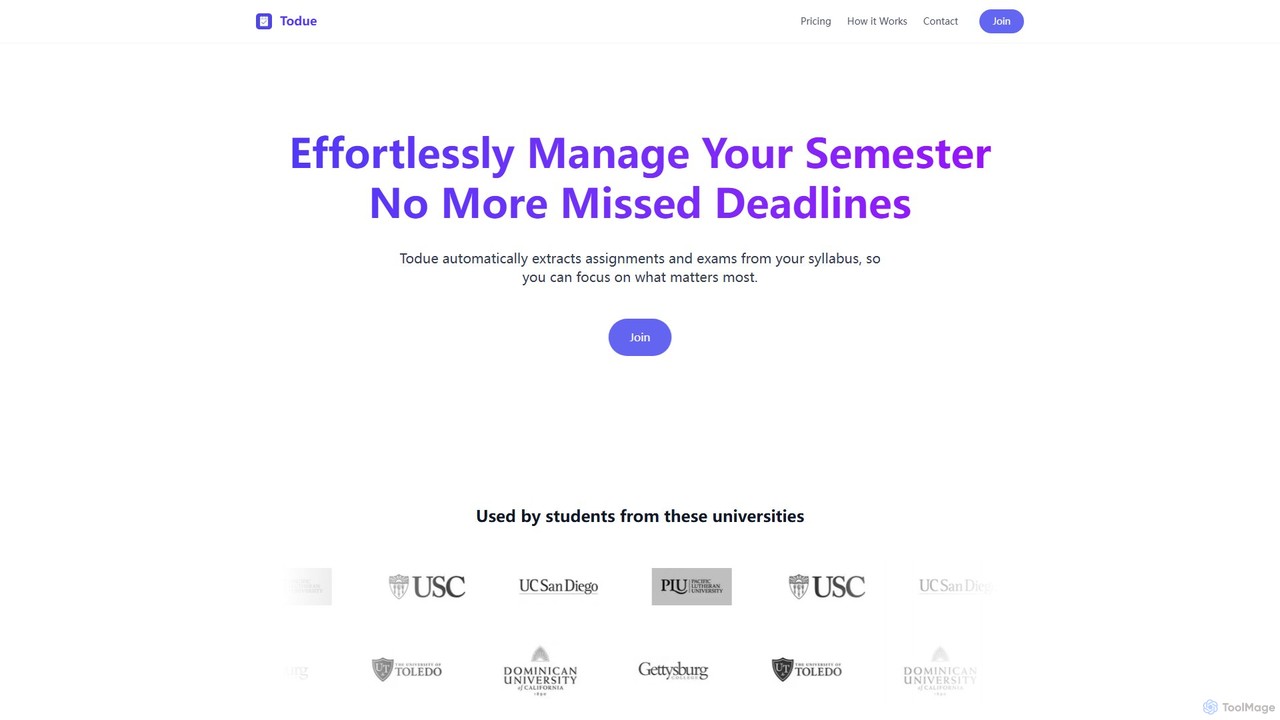
Todue
Todue is an AI-powered tool for students that automatically scans academic syllabi, extracts key dates like assignments and exams, and syncs them directly to your digital calendar. It helps you stay organized, avoid missing deadlines, and manage your semester effortlessly, freeing you up to focus on your studies.
Student Toolsy2doc
y2doc is an AI-powered tool that transforms YouTube videos into structured documents. Simply paste a YouTube URL to get accurate transcriptions, concise summaries, and key takeaways. It also functions as a versatile converter, allowing you to download videos as MP4 or audio as MP3. Ideal for students, content creators, and researchers looking to save time and repurpose video content efficiently.
SummarizerVoice To Notes
Voice To Notes is an AI-powered tool that instantly converts your speech into editable, organized text notes. Supporting over 70 languages, it's perfect for capturing ideas, meeting minutes, and interviews without typing. Record for up to 2 hours and edit your notes seamlessly.
Speech To Text
lodown Comments (0)
Sign in to comment.
Sign inNo comments yet.