

captr Overview
captr is an innovative AI tool designed to revolutionize how we consume video content. In an age of information overload, long-form videos such as lectures, podcasts, tutorials, and webinars contain valuable knowledge but demand significant time investment. captr addresses this challenge by using advanced artificial intelligence to distill lengthy videos into digestible and actionable formats. It serves as a personal video assistant, allowing users to extract the core essence of any YouTube video in a matter of minutes, not hours.
The platform is built for anyone looking to optimize their learning and information-gathering process. By simply providing a video link, captr gets to work, generating a comprehensive summary, a complete time-stamped transcript, and a list of key moments. This not only saves time but also enhances comprehension and retention by focusing on the most critical parts of the content.
How to use captr
Using captr is designed to be a simple and intuitive process, seamlessly integrating into your workflow:
- Provide the Video Link: Navigate to the captr website or open its browser extension. Copy the URL of the YouTube video you want to process and paste it into the input field.
- Initiate the Analysis: Click the 'Capture' or 'Summarize' button. The AI will begin processing the video's audio and visual content in the background.
- Receive the Insights: Within a short period, captr will present a structured output. This includes a concise summary of the video's main points, a full searchable transcript with timestamps, and a list of automatically identified key topics or chapters.
- Interact with the Content: Use the interactive Q&A feature to ask specific questions about the video. For example, you could ask, 'What were the main conclusions?' or 'Explain the process mentioned at 15:30.' The AI will provide answers based on the video's content.
- Export and Share: Easily export the generated summary, transcript, or key insights into various formats like plain text, Markdown, or directly to note-taking applications such as Notion or Obsidian for further study or content creation.
Core Features of captr
- AI-Powered Summarization: Leverages state-of-the-art language models to create accurate and coherent summaries that capture the essence of the video.
- Full Video Transcription: Provides a complete, time-stamped transcript of the video's audio, making the content searchable and citable.
- Interactive Q&A: An intelligent chatbot that allows you to 'talk' to the video, asking specific questions and receiving instant, context-aware answers.
- Key Moment Detection: Automatically identifies and bookmarks the most significant segments, highlights, or topic changes within the video, allowing for quick navigation.
- Multi-Language Support: Capable of transcribing and summarizing videos in numerous languages, breaking down language barriers for global content.
- Seamless Browser Extension: Offers a browser extension (e.g., for Chrome) that allows you to capture and summarize videos directly from the YouTube page with a single click.
- Versatile Export Options: Supports exporting content to various formats and platforms, facilitating easy integration into your personal knowledge management system or content workflow.
Use Cases for captr
captr is a versatile tool with applications across various fields:
- Students and Academics: Quickly review hours of online lectures, summarize educational content for exam preparation, and efficiently gather information from academic presentations for research papers.
- Professionals and Executives: Stay current with industry trends by summarizing webinars, keynote speeches, and market analysis videos. Quickly digest internal training videos or meeting recordings.
- Content Creators: Repurpose existing video content into blog posts, articles, social media threads, or newsletters. Generate show notes for podcasts or video descriptions for YouTube.
- Lifelong Learners: Efficiently absorb knowledge from documentaries, interviews, and expert talks on platforms like YouTube, maximizing learning on any topic of interest.
- Researchers: Rapidly sift through numerous video sources to find relevant data points, quotes, and findings without manual transcription.
Advantages of captr
The primary advantage of captr is its ability to unlock the value trapped in video content with unprecedented efficiency.
- Massive Time Savings: Condenses hours of video content into a few minutes of reading, freeing up valuable time.
- Enhanced Productivity: Enables users to process a higher volume of information, accelerating research, learning, and content creation.
- Improved Comprehension and Retention: By highlighting key points and providing interactive Q&A, it helps users focus on and better understand the core message.
- Accessibility: Creates text-based versions of video content, making it accessible to individuals with hearing impairments or those who prefer reading over watching.
- Efficient Workflow Integration: With its browser extension and export features, captr fits smoothly into existing workflows and tools.
Pricing and Plans
captr typically operates on a freemium model, making it accessible to a wide range of users while offering advanced capabilities for power users.
- Free Plan: Ideal for casual users, this plan usually offers a limited number of video summaries per month (e.g., 3-5 videos) with access to basic features.
- Pro Plan (Paid): Aimed at individuals like students, researchers, and professionals, this plan offers unlimited video summaries, support for longer videos, advanced export options, and priority support.
- Team/Business Plan (Paid): Designed for organizations and teams, this tier includes all Pro features plus collaborative workspaces, centralized billing, and potential API access for custom integrations.
For the most accurate and up-to-date pricing information, please visit the official captr website.
captr Alternatives
Video Highlight
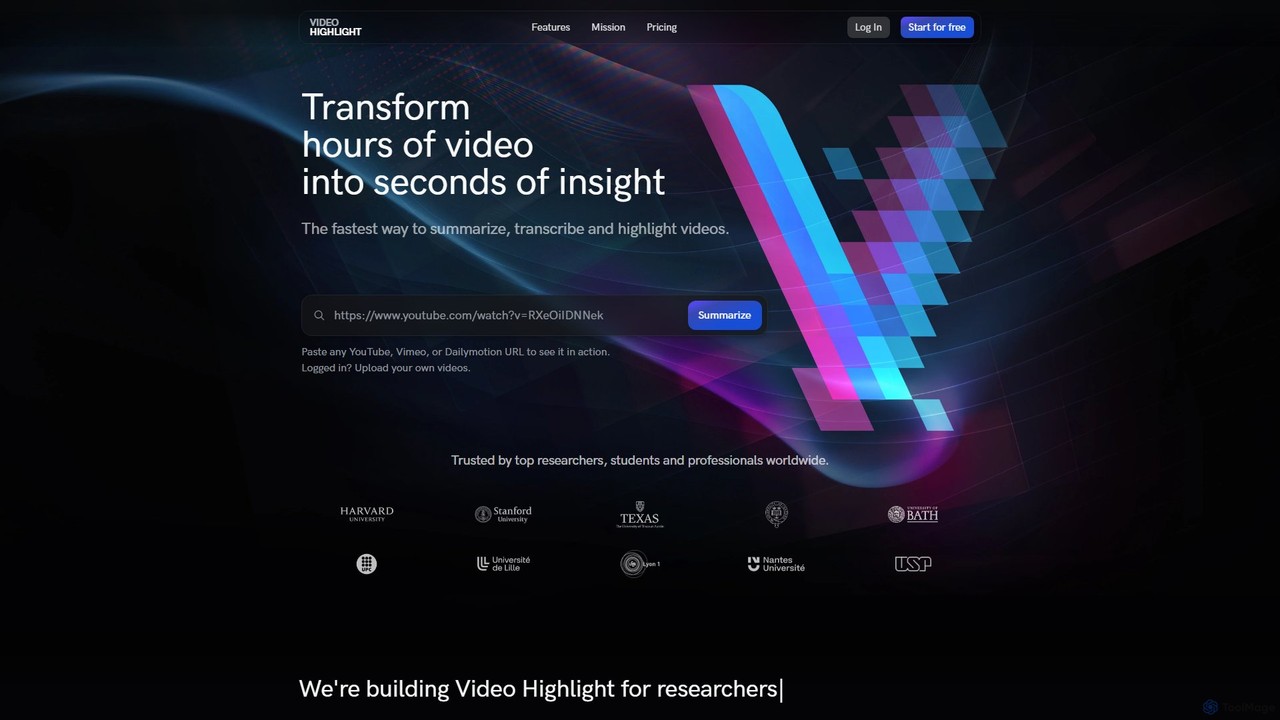
Video Highlight is an AI-powered tool that transforms long videos into concise, actionable insights. It instantly generates timestamped summaries, accurate transcripts, and allows interactive chat with video content. Ideal for researchers, students, and content creators looking to save time and enhance productivity.
Note Taking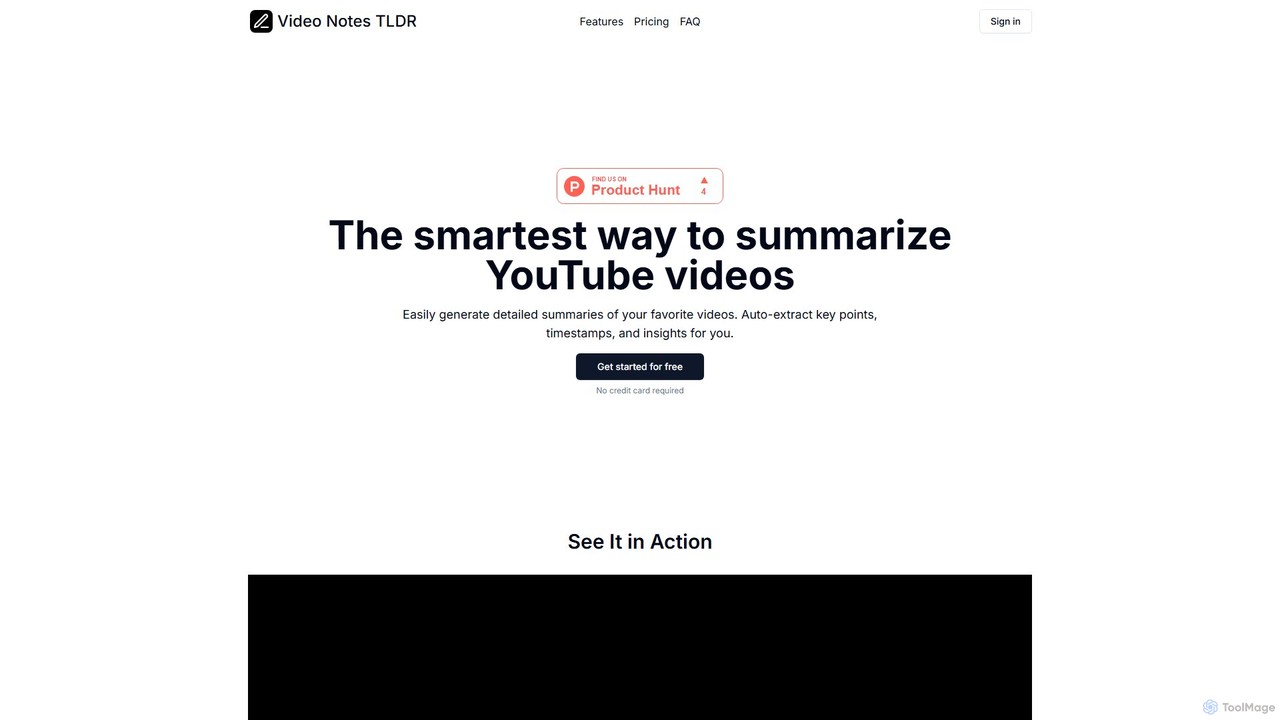
videonotestldr
videonotestldr is an AI-powered tool that instantly generates detailed summaries, key points, and timestamps from any YouTube video. It helps users save time, learn faster, and efficiently organize video content by exporting notes directly to Notion.
Note Taking
Recaply
Recaply is an AI-powered summarization tool that transforms long-form content like YouTube videos, articles, and audio files into concise, digestible summaries. It extracts key insights, main points, and action items in seconds, helping users save time and boost productivity. Ideal for students, researchers, and professionals who need to quickly grasp the essence of content without consuming it in its entirety.
Note Taking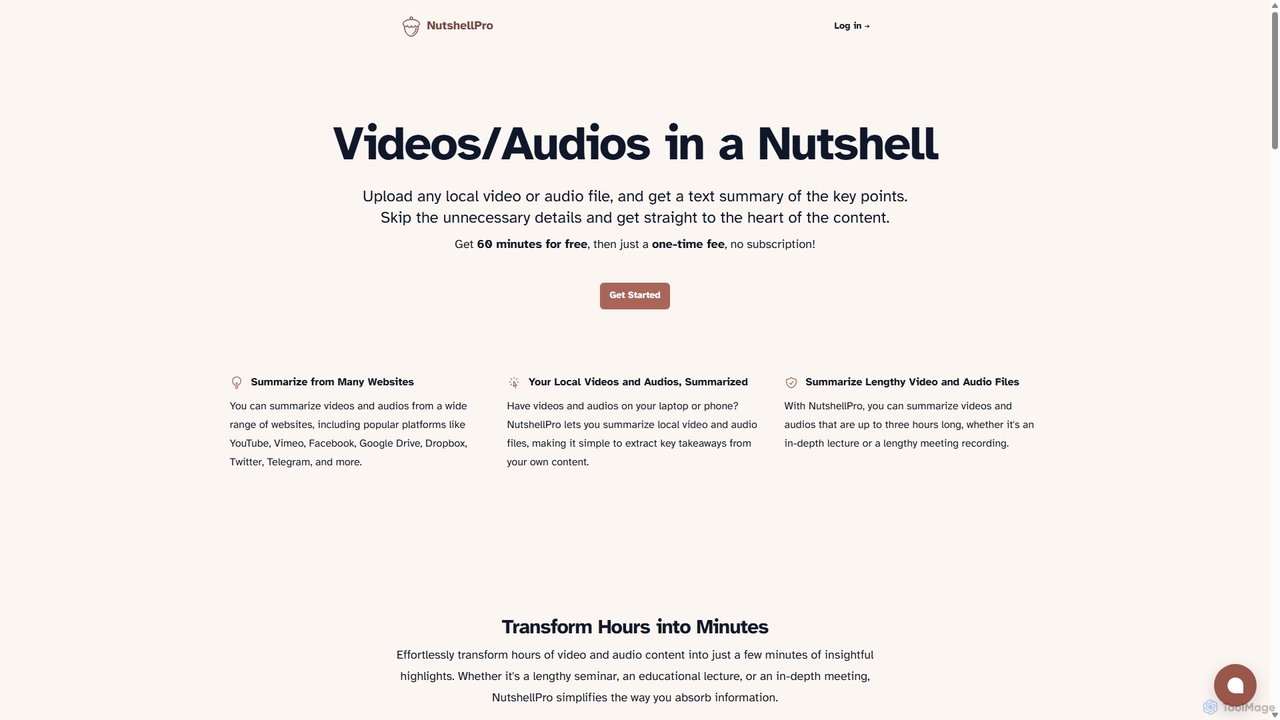
NutshellPro
NutshellPro is an AI-powered tool that efficiently summarizes any video or audio file. It supports both local files and content from various websites like YouTube, Vimeo, and Google Drive. By extracting key points, it transforms hours of content into concise text summaries, saving you significant time and effort. It offers a free trial and flexible, one-time payment plans without a subscription.
Note Taking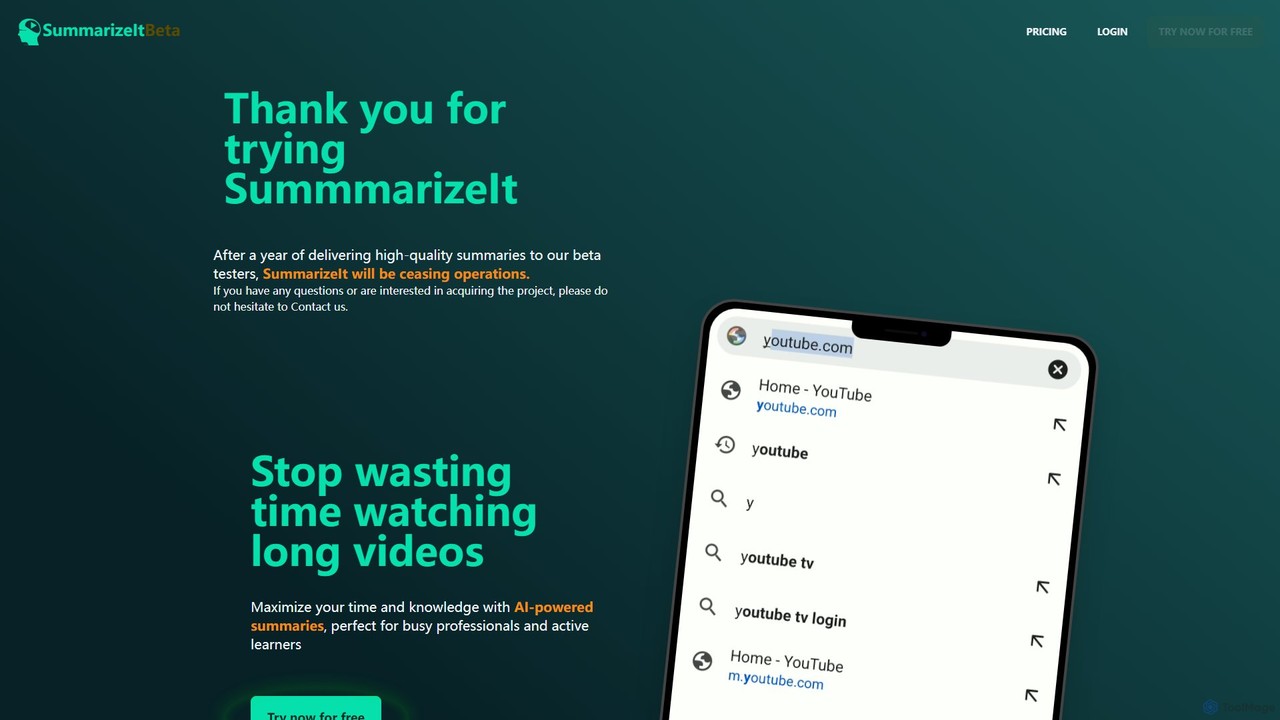
SummarizeIt
SummarizeIt is an AI-powered tool designed to save you time by generating concise summaries of long YouTube videos. It quickly extracts key points and insights, making it perfect for busy professionals, students, and anyone looking to learn more efficiently.
Learningcaptr Categories
captr Embed Widget
Copy this embed code to place the badge on your blog, article, or product site and send readers directly to this ToolMage detail page.

Related AI tools
Video Highlight
Video Highlight is an AI-powered tool that transforms long videos into concise, actionable insights. It instantly generates timestamped summaries, accurate transcripts, and allows interactive chat with video content. Ideal for researchers, students, and content creators looking to save time and enhance productivity.
Note TakingSummarizeIt
SummarizeIt is an AI-powered tool designed to save you time by generating concise summaries of long YouTube videos. It quickly extracts key points and insights, making it perfect for busy professionals, students, and anyone looking to learn more efficiently.
Learning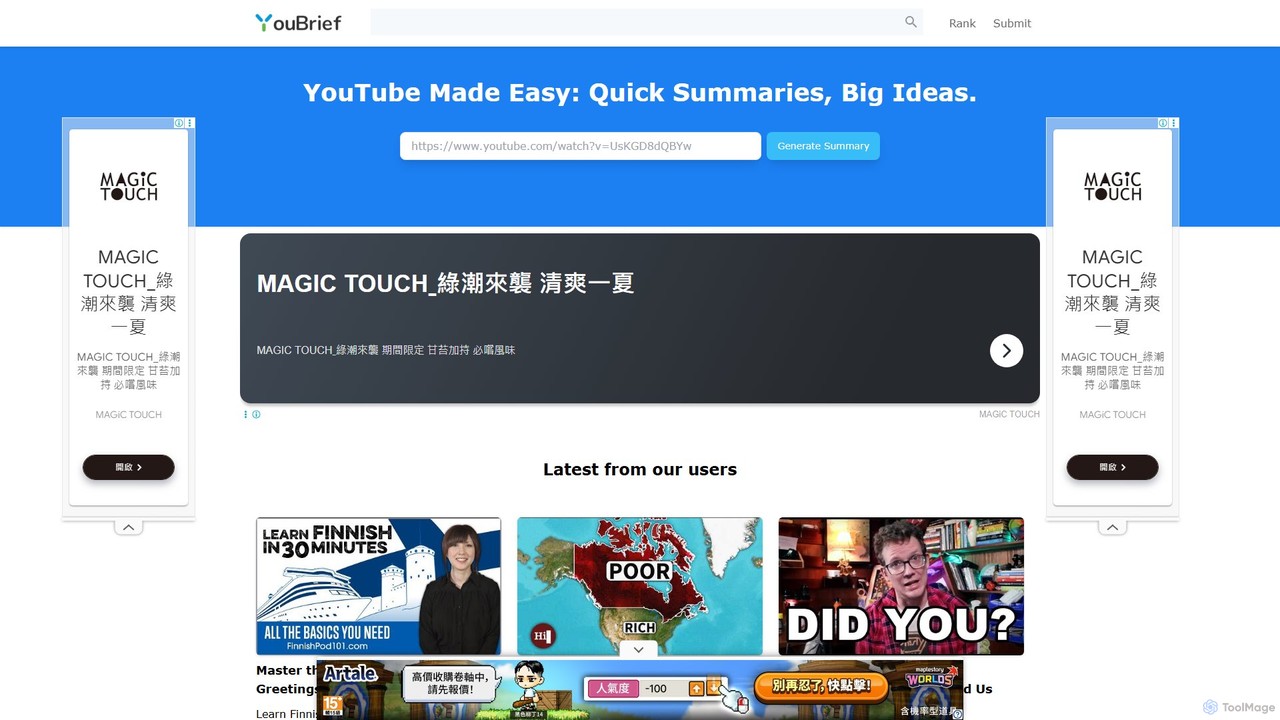
YouBrief
YouBrief is an AI-powered tool that transforms long YouTube videos into concise, easy-to-read summaries. It extracts key insights, generates Q&A sections, and provides timestamped breakdowns to help you learn faster and save time. Ideal for students, professionals, and lifelong learners who want to absorb video content efficiently.
Learningvideonotestldr
videonotestldr is an AI-powered tool that instantly generates detailed summaries, key points, and timestamps from any YouTube video. It helps users save time, learn faster, and efficiently organize video content by exporting notes directly to Notion.
Note Taking
tldwai
tldwai is an AI-powered video summarizer that transforms long videos from YouTube or local files into concise, easy-to-read text summaries. It supports a vast range of languages, helping users save time, overcome language barriers, and quickly grasp key information from any video content.
Learning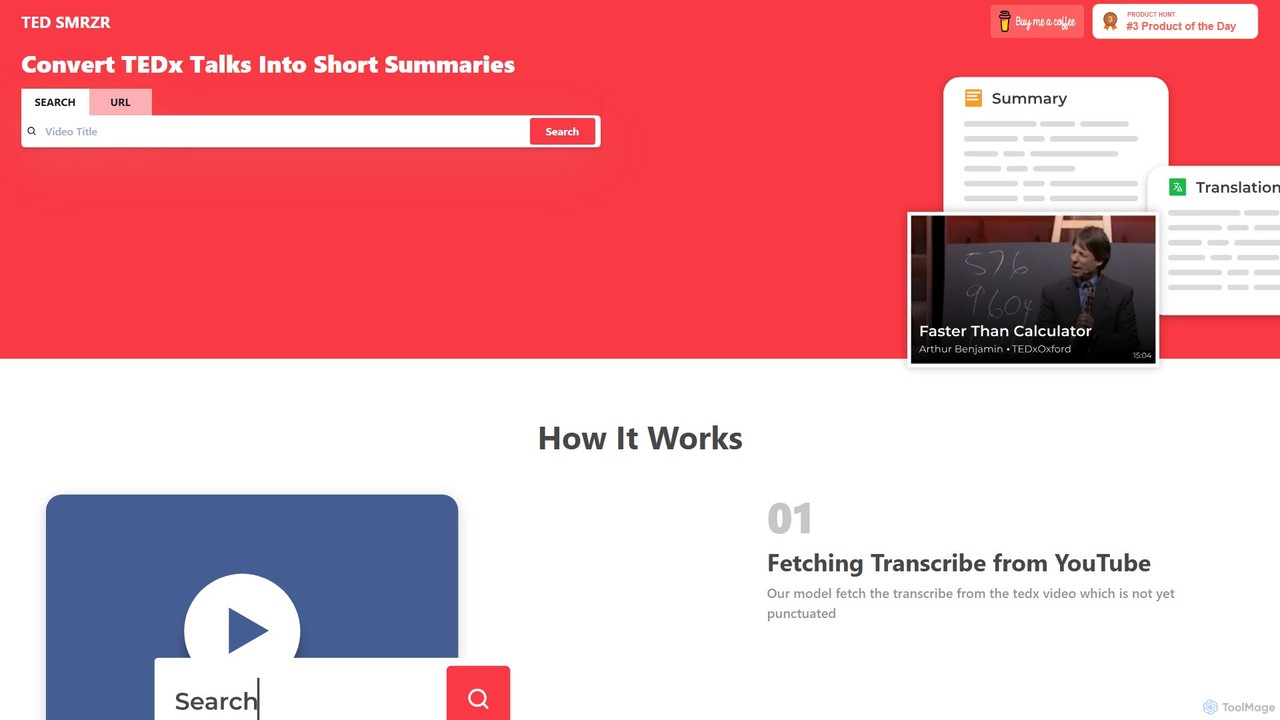
TED SMRZR
TED SMRZR is an AI-powered tool that transforms lengthy TED and TEDx talks into concise, easy-to-read summaries. Simply paste a YouTube URL, and the tool will fetch the transcript, add punctuation, and generate a summary. It also allows you to compare multiple talks for deeper insights and offers translations, making knowledge from TED accessible to everyone in a fraction of the time.
Learning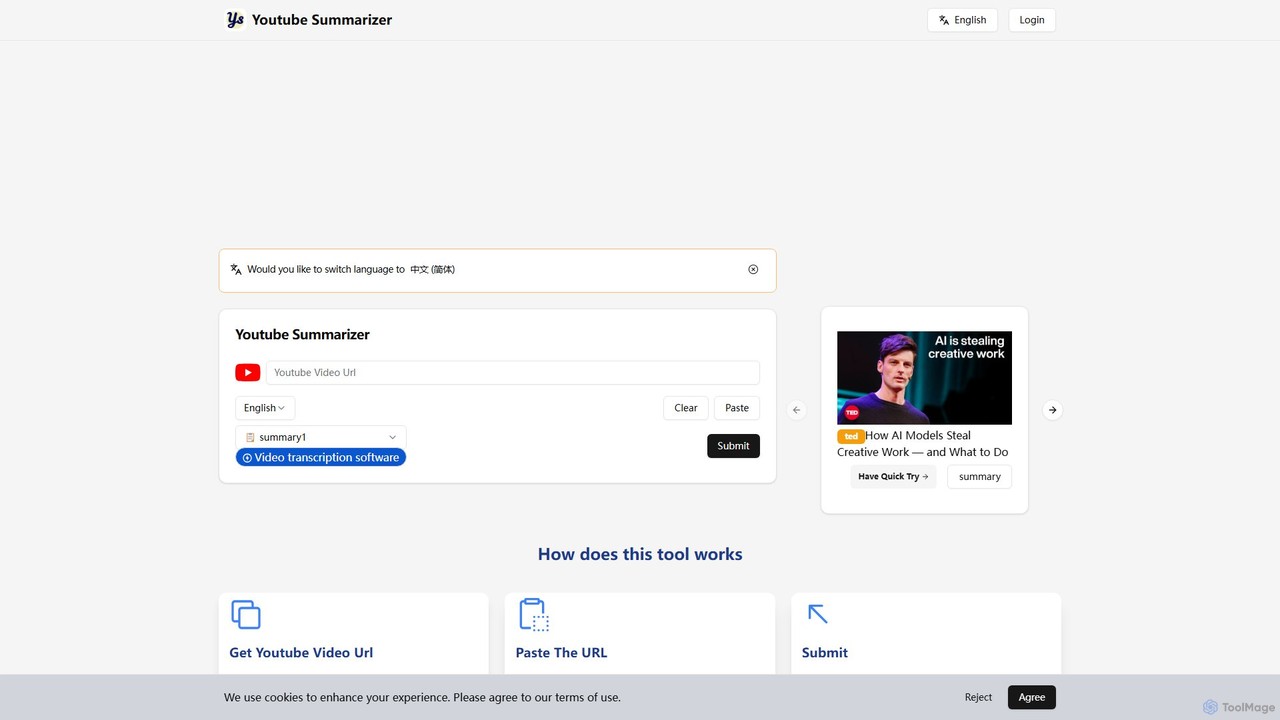
youtubesummarizer
youtubesummarizer is a free, AI-powered online tool that instantly generates concise summaries and full transcripts of YouTube videos. Simply paste a video URL to get key insights, saving time on long lectures, tutorials, and talks. It supports multiple languages, requires no account, and works on any device, making it an essential productivity tool for students, professionals, and lifelong learners.
Learning Tools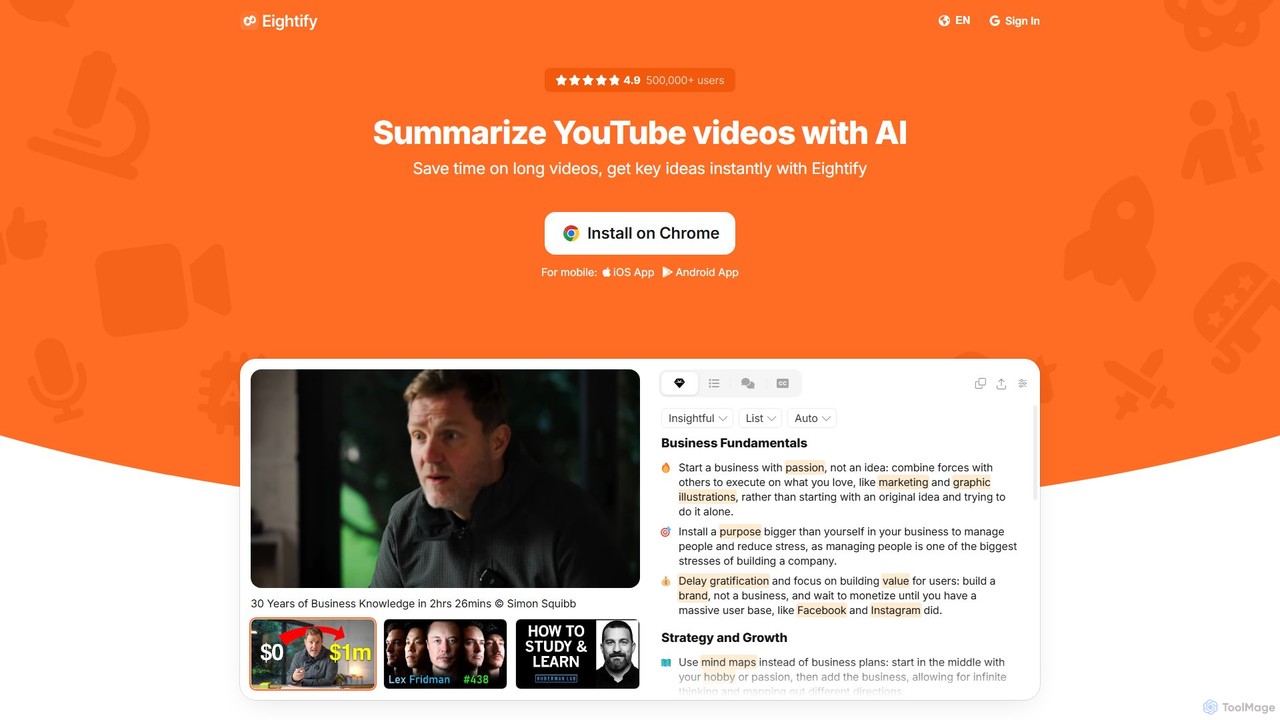
Eightify
Eightify is an AI-powered YouTube video summarizer that saves you time by generating concise, accurate summaries. Available as a browser extension and mobile app, it extracts key ideas, provides timestamped outlines, and transcribes video content. With support for over 40 languages, it's the perfect tool for professionals, students, and content creators to quickly grasp the essence of long videos, boosting productivity and learning efficiency.
LearningRecaply
Recaply is an AI-powered summarization tool that transforms long-form content like YouTube videos, articles, and audio files into concise, digestible summaries. It extracts key insights, main points, and action items in seconds, helping users save time and boost productivity. Ideal for students, researchers, and professionals who need to quickly grasp the essence of content without consuming it in its entirety.
Note Taking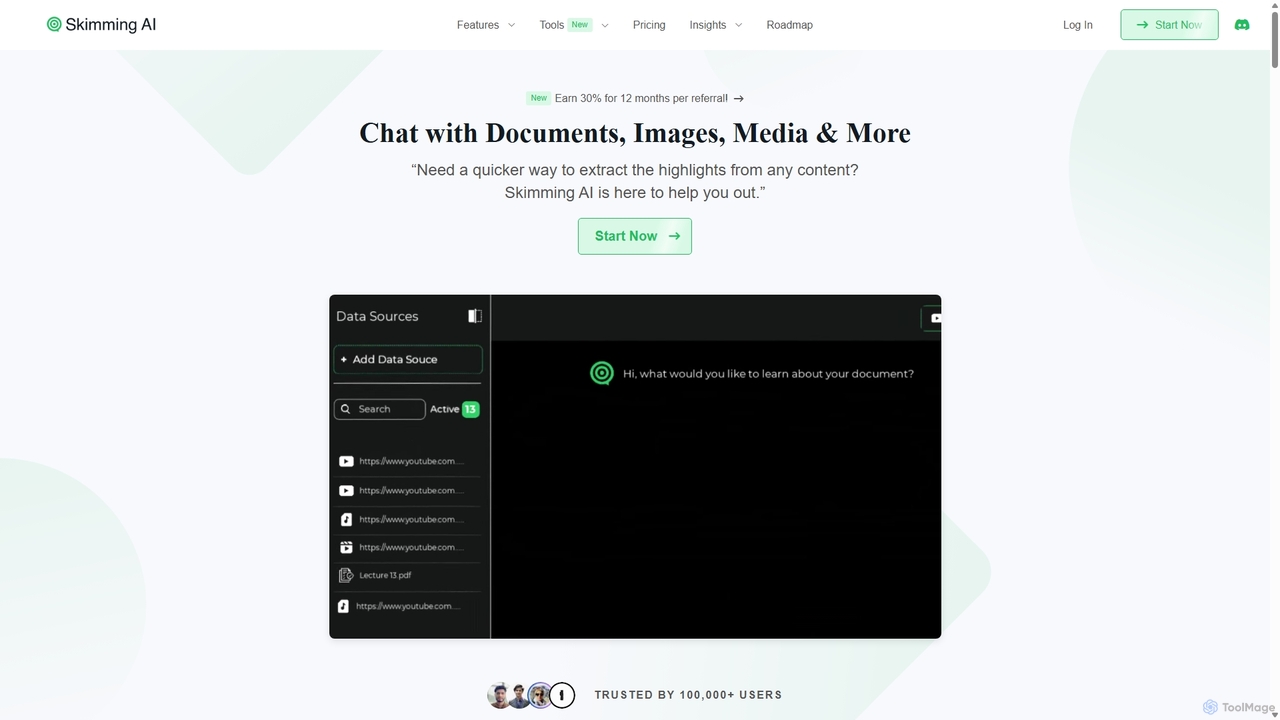
Skimming AI
Skimming AI is a versatile AI-powered platform that allows you to chat with and summarize a wide range of content, including documents, PDFs, YouTube videos, audio, images, and social media posts. Instantly extract key insights, ask questions, and get accurate answers without sifting through hours of material. It's designed to boost productivity for students, researchers, and professionals by making information consumption faster and more efficient across multiple formats and languages.
Analysis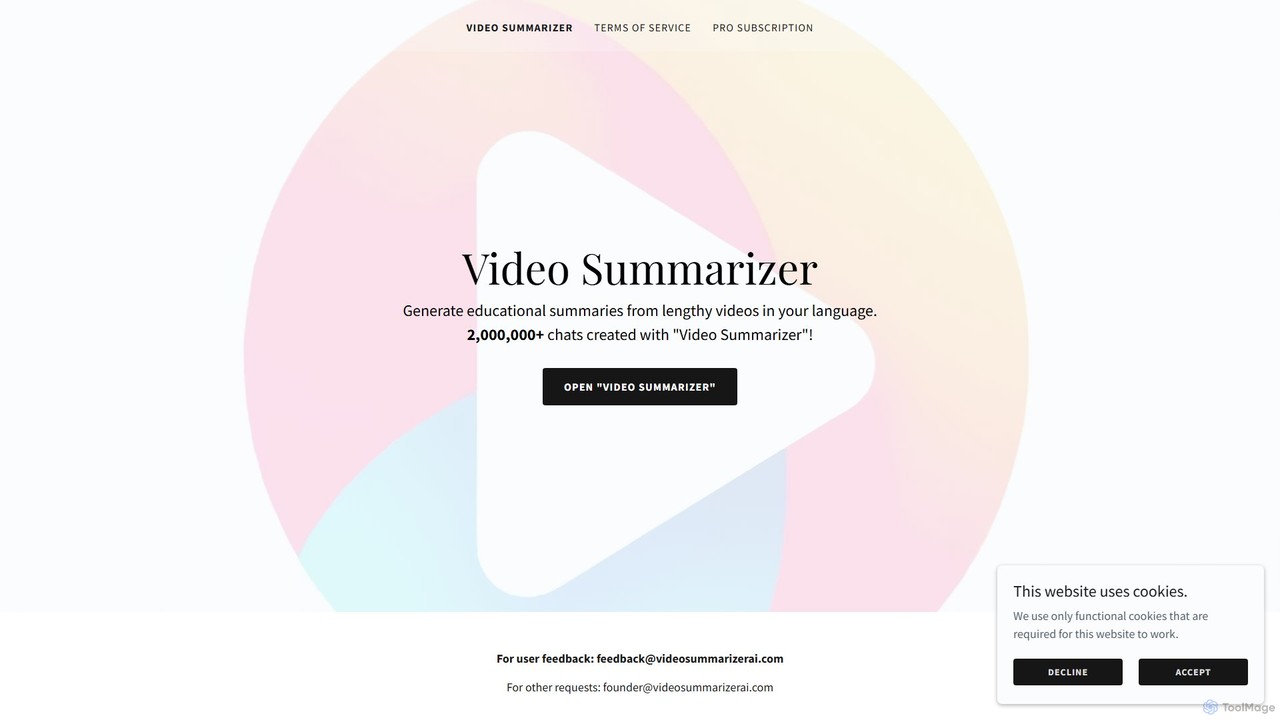
Video Summarizer AI
Video Summarizer AI is an intelligent tool that generates concise, educational summaries from lengthy videos in multiple languages. Ideal for students, researchers, and professionals, it quickly extracts key information from lectures, webinars, and talks, saving you valuable time.
Learning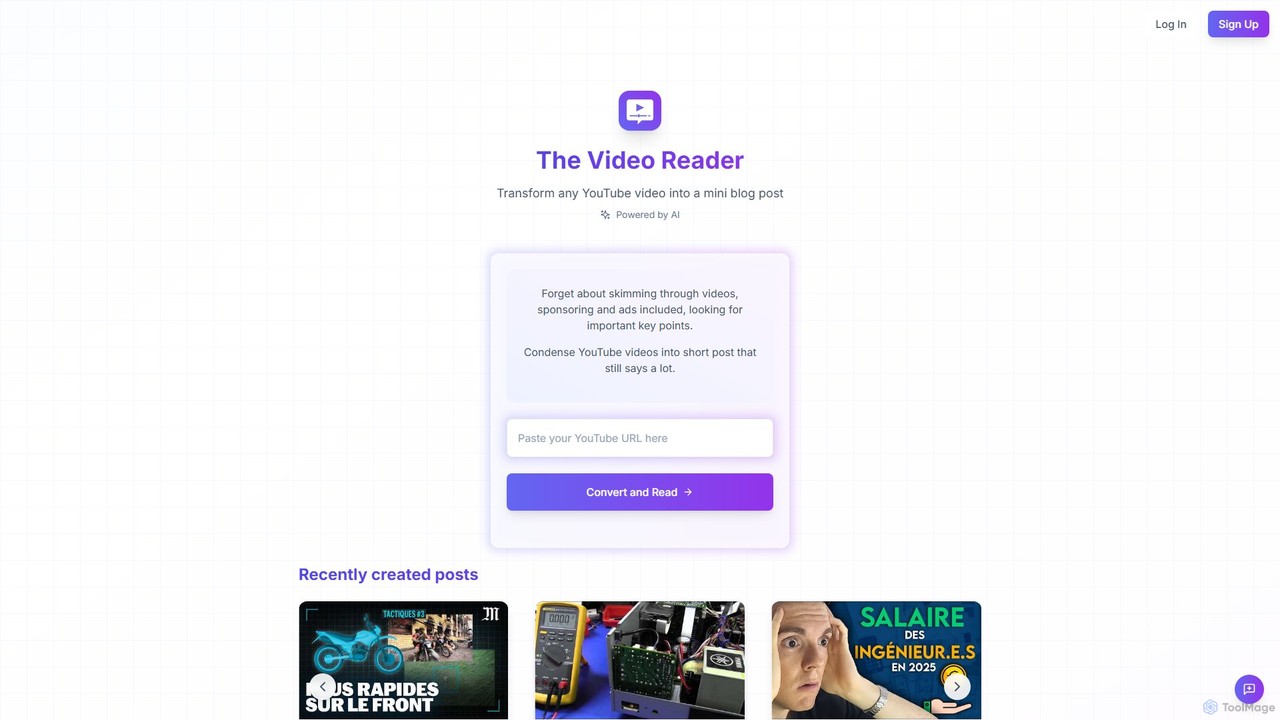
The Video Reader
The Video Reader is an AI-powered tool that transforms any YouTube video into a concise, readable blog post. It automatically transcribes, summarizes, and extracts key points, allowing you to grasp the core message of a video in minutes. Ideal for students, researchers, and content creators looking to save time and repurpose content efficiently.
Repurposing
minimemo
minimemo is an AI-powered tool designed for rapid summarization and intelligent note-taking. It transforms long articles, meeting transcripts, and videos into concise, digestible summaries, key points, and action items, helping users save time and absorb information more effectively.
Meeting Assistant
Lilys AI
Lilys AI is a powerful knowledge assistant that instantly summarizes diverse content formats, including YouTube videos, audio files, PDFs, websites, and Excel sheets. It extracts key insights, creates structured notes, and allows you to build a searchable personal knowledge base. Ideal for students, researchers, and professionals looking to save time and accelerate learning by quickly grasping the core ideas from lengthy materials.
Research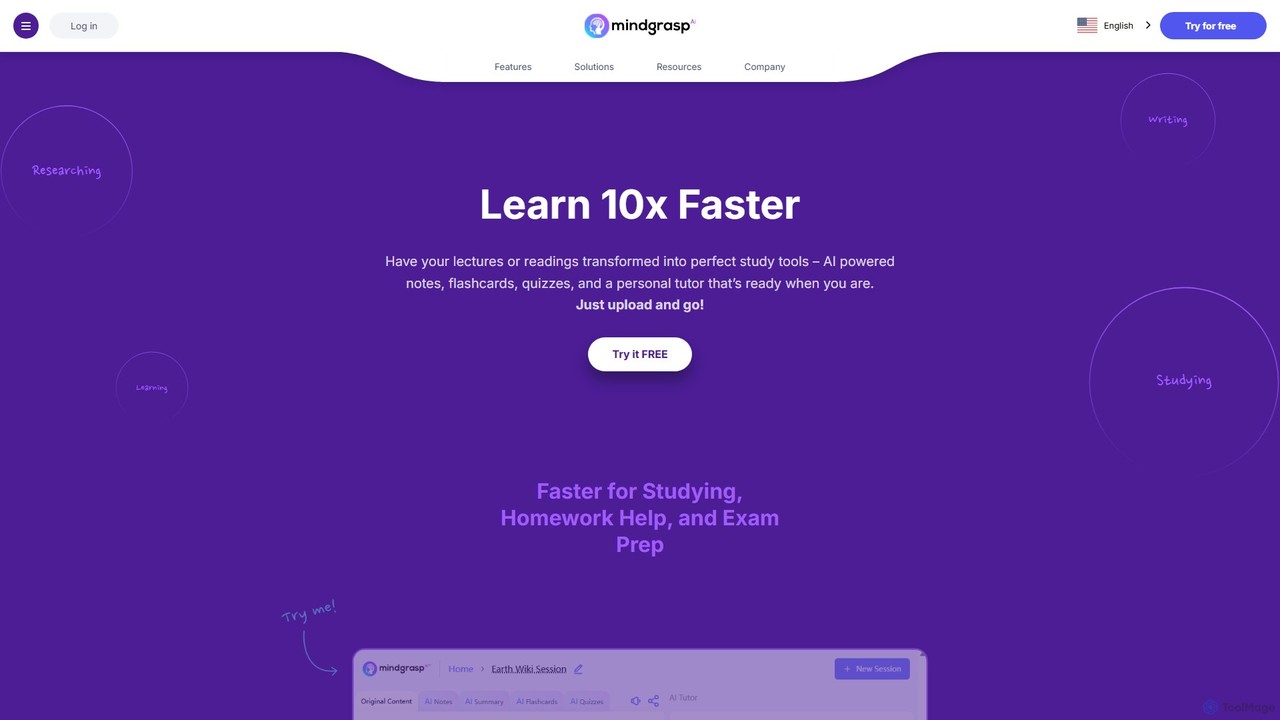
Mindgrasp
Mindgrasp is an AI-powered learning platform that helps students and professionals learn 10x faster. It instantly transforms any document, video, lecture, or link into summaries, detailed notes, flashcards, and quizzes. Its AI Tutor provides instant answers and assistance, making studying and research more efficient and accessible.
Study
captr Comments (0)
Sign in to comment.
Sign inNo comments yet.