
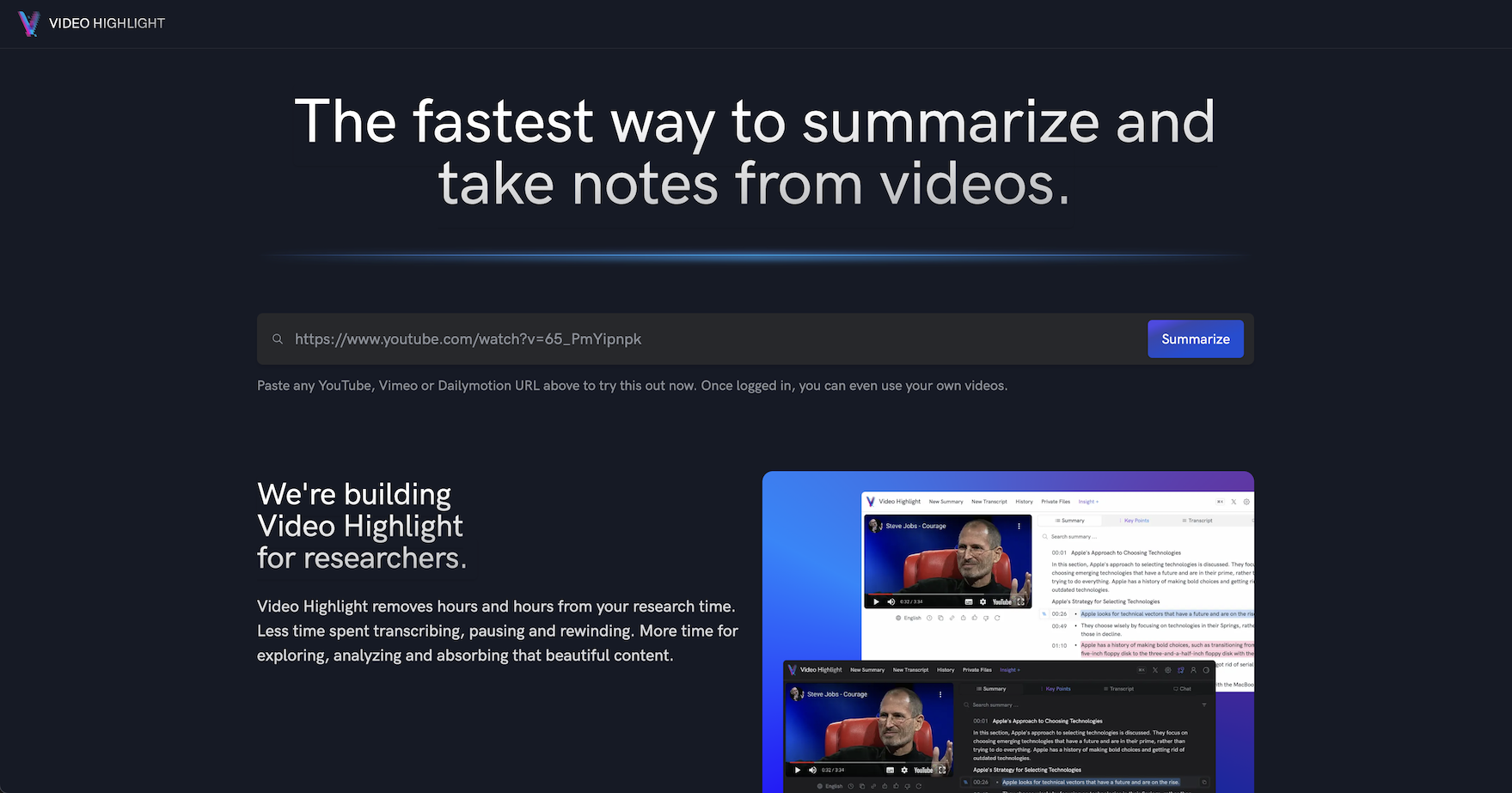
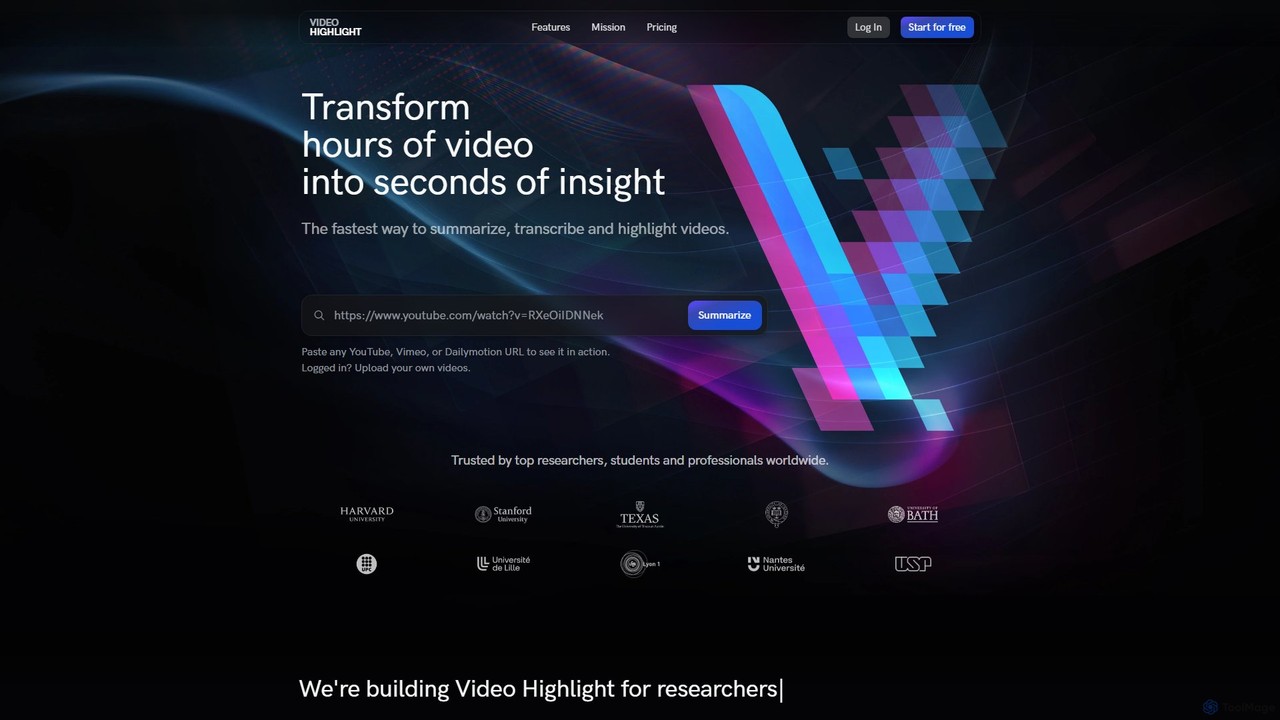
Video Highlight Overview
Video Highlight is a cutting-edge AI platform designed to combat information overload by making video content more accessible and digestible. It serves as a powerful information filter and compressor, allowing users to extract key insights from lengthy videos in seconds. By simply pasting a URL from YouTube, Vimeo, or Dailymotion, or by uploading a private video file, users can unlock a suite of intelligent tools that streamline their research, learning, and content analysis workflows.
The core mission of Video Highlight is to eliminate the need for endless pausing, scrubbing, and rewinding. It transforms the traditionally inefficient medium of video into a source of dense, easily navigable knowledge. This tool is trusted by professionals, academics, and creators worldwide to quickly identify what matters most in any video, saving hours of valuable time and boosting productivity.
How to use Video Highlight
The workflow is designed for maximum efficiency and simplicity:
- Input Video: Paste a public video link from YouTube, Vimeo, or Dailymotion. For private content, upload your own video file (supported in paid plans).
- Instant Processing: The AI begins working immediately, performing transcription and summarization in parallel. Results are streamed in real-time, so you don't have to wait for the entire video to be processed.
- Interact and Analyze: Once processed, you receive an interactive, timestamped summary. You can click on any point in the summary to jump directly to that moment in the video.
- Deepen Understanding: Use the 'Chat with your video' feature to ask specific questions and get precise, timestamped answers. Highlight important text, take notes, and capture screenshots of key moments.
- Export and Integrate: Seamlessly export your summaries, transcripts, and highlights to tools like Notion and Readwise, or copy them as markdown to fit into your existing workflow.
Core Features of Video Highlight
- AI-Powered Timestamped Summaries: Get concise overviews or detailed key points of a video, with each point linked to the exact moment it occurs. This allows for quick navigation to the most relevant sections.
- Interactive Video Chat: Ask questions directly to the video in natural language. The AI provides accurate answers with corresponding timestamps, enabling a conversational approach to research.
- Multilingual Transcription & Summarization: Access accurate, searchable transcripts for videos in over 24 languages. Summaries are available in more than 10 languages, breaking down language barriers and unlocking global insights.
- Highlighting, Note-Taking & Screenshots: Treat videos like text documents. Highlight crucial segments, add your own notes, and capture visual screenshots of important frames to enrich your analysis.
- Seamless Integration: Directly import YouTube playlists and channels for bulk analysis. Export all your work—summaries, notes, and highlights—to popular productivity apps like Notion and Readwise.
- AI Formatted Transcripts: (Beta feature) Get transcripts that are not just accurate but also well-structured and formatted for readability and easier analysis.
Use Cases for Video Highlight
Video Highlight is versatile and benefits a wide range of users:
- Researchers & Professionals: Quickly analyze hours of interviews, conference talks, or market research footage. Identify key themes and extract critical data without watching every minute.
- Students & Educators: Efficiently review long lectures and educational content. Jump to specific topics, summarize key concepts for exam preparation, and create organized study notes.
- Content Creators: Repurpose existing content by quickly identifying the most engaging parts of long videos. Analyze competitor content and gather ideas for new material.
- Lifelong Learners: Consume podcasts, documentaries, and tutorials more effectively. Grasp the main ideas of any video quickly to decide if it's worth a full watch.
Advantages of Video Highlight
The primary advantage is massive time savings. Beyond that, users benefit from a smarter, more focused workflow. The ability to interact with video content through chat, combined with multilingual support, makes it a powerful tool for global research and learning. The seamless integration with tools like Notion ensures that insights are not just discovered but also easily organized and utilized.
Pricing and Plans
Video Highlight offers a freemium model with plans tailored to different needs:
- Free Plan ($0/month): Get started with 450 minutes of public video processing per month (max 10 videos, 150 min/video), AI summaries, transcripts, video chat, and Notion integration for up to 2 workspace members.
- Plus Plan ($8/month, billed annually): Includes all Free features plus 1,200 minutes for public videos, 600 minutes for private uploads, and increased limits (max 50 videos, 300 min/video).
- Pro Plan ($15/month, billed annually): The most popular choice. Offers 2,400 minutes for public videos, 1,200 minutes for private files, AI formatted transcripts (beta), 1 AI Alert, and experimental API access.
- Business Plan ($35/month, billed annually): For heavy users and teams. Provides 12,000 minutes for public videos, 2,400 minutes for private files, 5 AI Alerts, and 3 workspace members.
Annual subscriptions offer significant discounts (up to 5 months free).
Traffic
Latest traffic
Status
Monthly traffic trend
- 2025-9: 207.2K
- 2026-1: 106.0K
- 2026-2: 122.6K
- 2026-3: 332.7K
- 2026-4: 605.7K
- 2026-5: 578.3K
Geography
Top 5 countries / regions
- 🇺🇸United States29.5%
- 🇲🇽Mexico19.3%
- 🇨🇴Colombia18.4%
- 🇵🇪Peru16.8%
- 🇻🇳Vietnam15.9%
Traffic sources
| Source type | Percentage |
|---|---|
Direct | 92.6% |
Referral | 5.6% |
Email | 1.9% |
Top keywords
| Keyword | Cost per click |
|---|---|
| 10 ais play mafia | $0.00 |
| vidas transmutadas | $0.00 |
| video highlight | $2.08 |
| videohighlight | $0.25 |
| video summarizer | $0.54 |
Video Highlight Alternatives
captr
captr is an AI-powered assistant that transforms long videos, primarily from YouTube, into concise summaries, full transcripts, and actionable insights. It allows users to quickly understand video content without watching it in its entirety, ask questions, and export key information, boosting productivity and learning efficiency.
Note Taking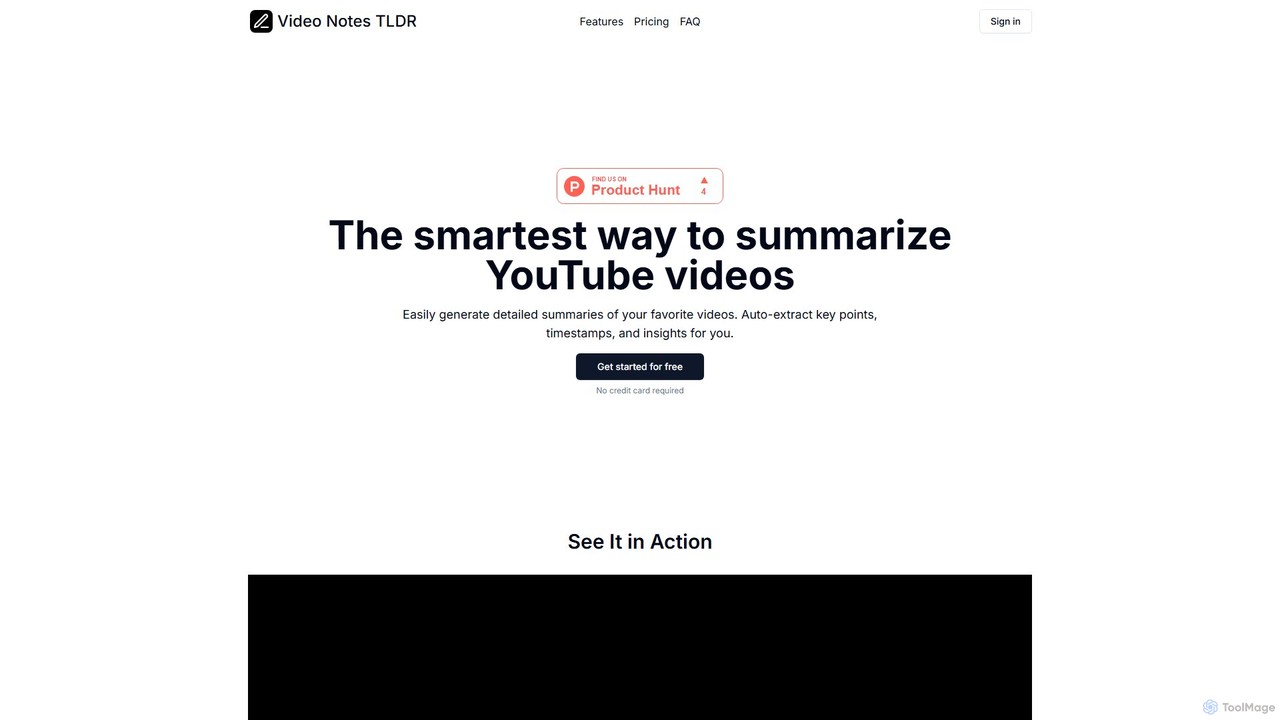
videonotestldr
videonotestldr is an AI-powered tool that instantly generates detailed summaries, key points, and timestamps from any YouTube video. It helps users save time, learn faster, and efficiently organize video content by exporting notes directly to Notion.
Note Taking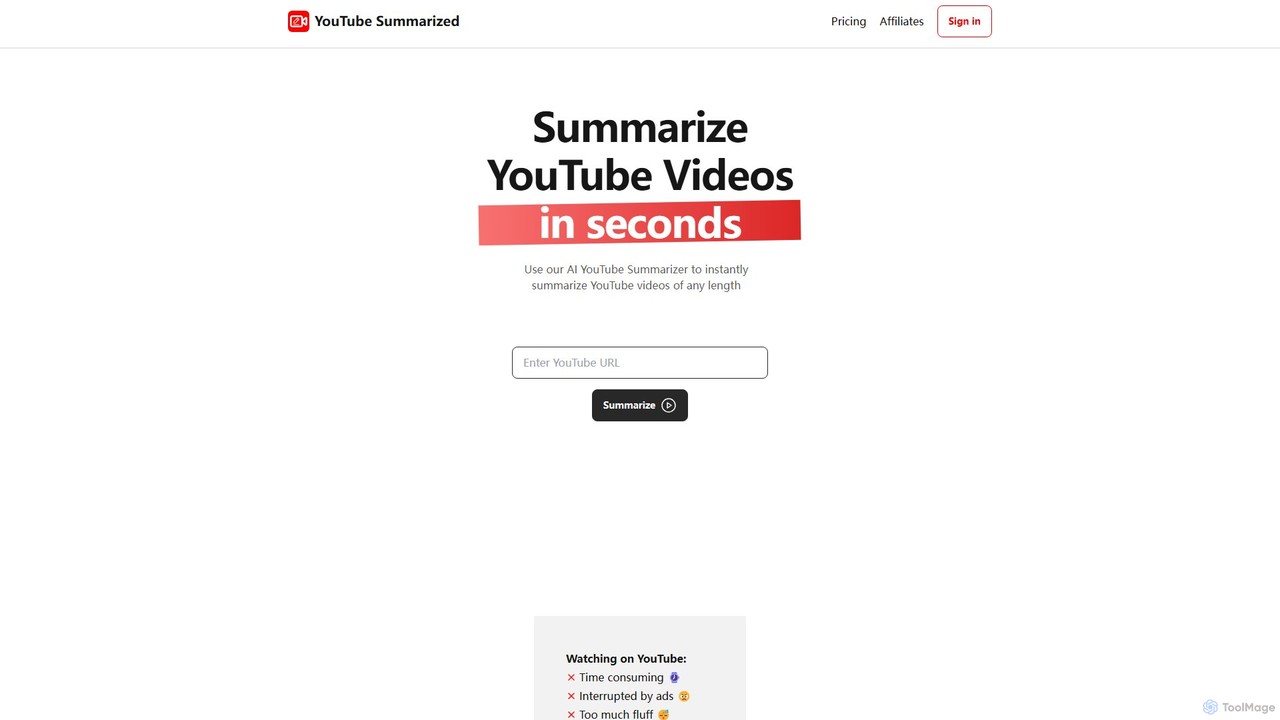
youtubesummarized
youtubesummarized is an AI-powered tool that instantly condenses any YouTube video into a concise, easy-to-read summary. Save time, avoid ads, and grasp key information in seconds. Ideal for students, researchers, and professionals who need to absorb video content efficiently. It offers browser extensions for seamless integration and supports multiple languages, making learning faster and more accessible.
Note Taking
Recaply
Recaply is an AI-powered summarization tool that transforms long-form content like YouTube videos, articles, and audio files into concise, digestible summaries. It extracts key insights, main points, and action items in seconds, helping users save time and boost productivity. Ideal for students, researchers, and professionals who need to quickly grasp the essence of content without consuming it in its entirety.
Note Taking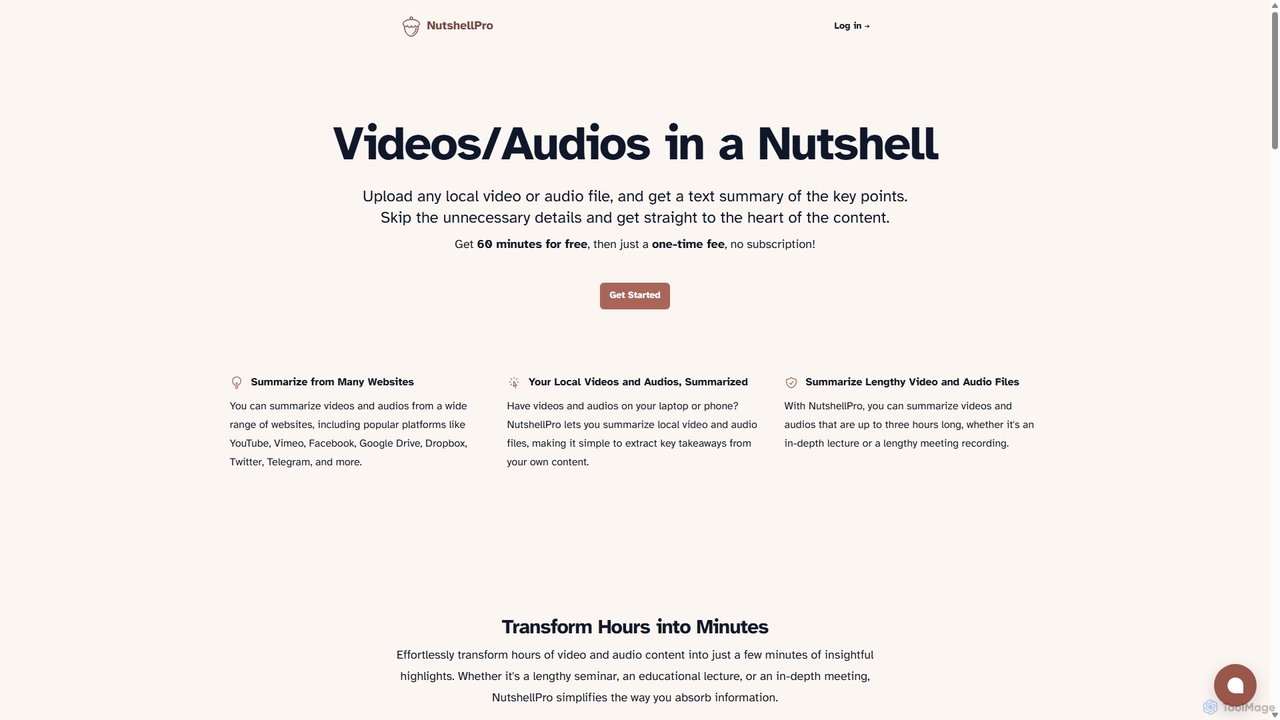
NutshellPro
NutshellPro is an AI-powered tool that efficiently summarizes any video or audio file. It supports both local files and content from various websites like YouTube, Vimeo, and Google Drive. By extracting key points, it transforms hours of content into concise text summaries, saving you significant time and effort. It offers a free trial and flexible, one-time payment plans without a subscription.
Note TakingVideo Highlight Categories
Video Highlight Embed Widget
Copy this embed code to place the badge on your blog, article, or product site and send readers directly to this ToolMage detail page.

Related AI tools
captr
captr is an AI-powered assistant that transforms long videos, primarily from YouTube, into concise summaries, full transcripts, and actionable insights. It allows users to quickly understand video content without watching it in its entirety, ask questions, and export key information, boosting productivity and learning efficiency.
Note Takingvideonotestldr
videonotestldr is an AI-powered tool that instantly generates detailed summaries, key points, and timestamps from any YouTube video. It helps users save time, learn faster, and efficiently organize video content by exporting notes directly to Notion.
Note Taking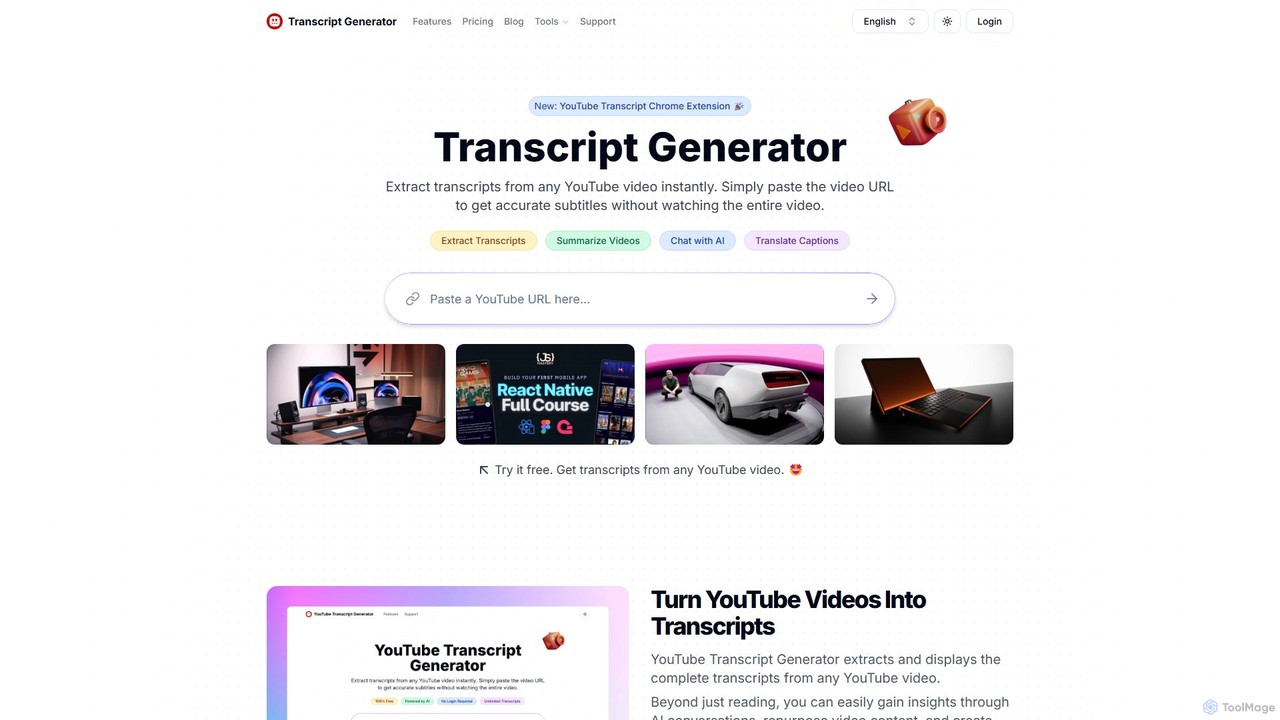
Transcript Generator
Transcript Generator is an AI-powered tool that instantly extracts, summarizes, and translates transcripts from any YouTube video. Simply paste a URL or use the Chrome extension to get accurate text, chat with the video's content, and boost your productivity. Ideal for content creators, researchers, and students.
Research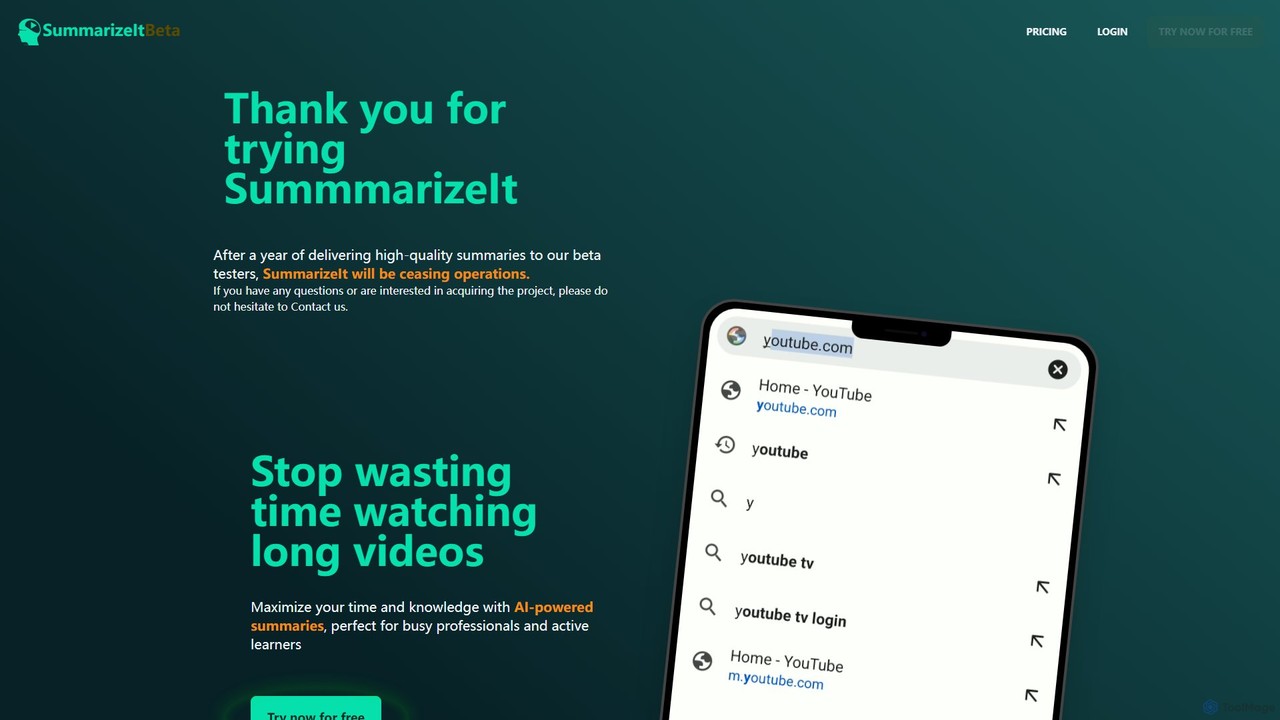
SummarizeIt
SummarizeIt is an AI-powered tool designed to save you time by generating concise summaries of long YouTube videos. It quickly extracts key points and insights, making it perfect for busy professionals, students, and anyone looking to learn more efficiently.
Learning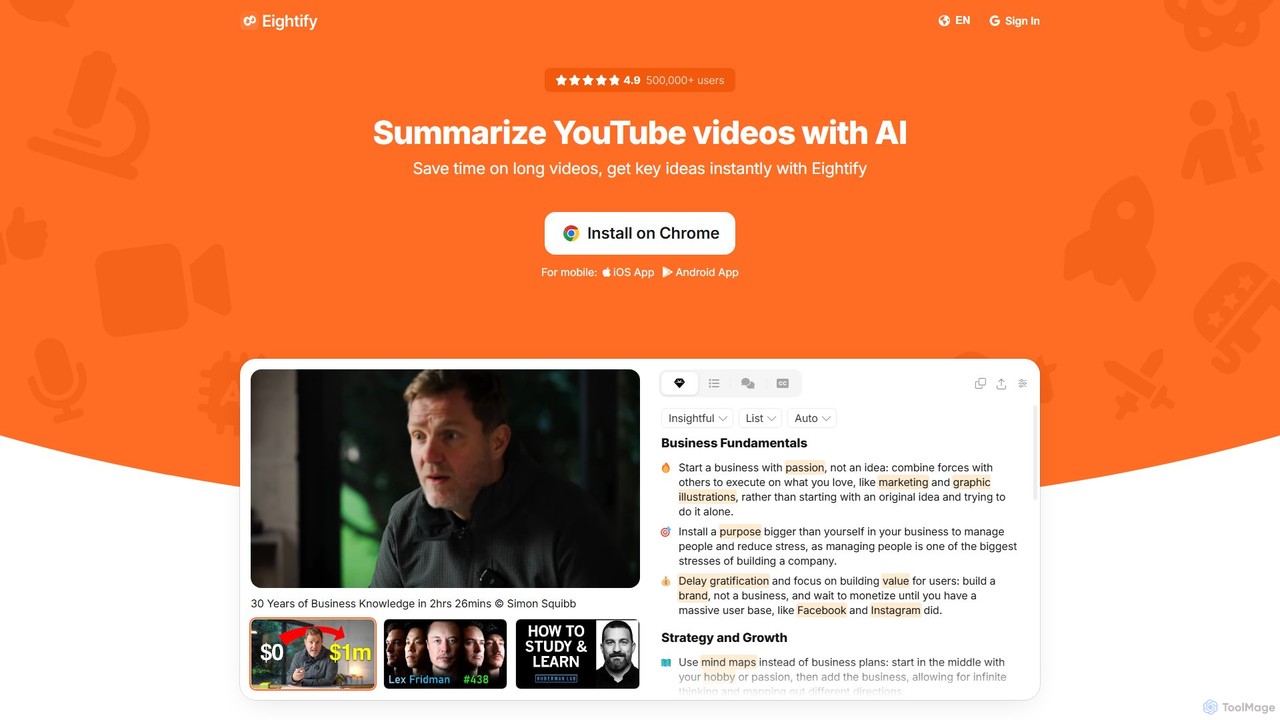
Eightify
Eightify is an AI-powered YouTube video summarizer that saves you time by generating concise, accurate summaries. Available as a browser extension and mobile app, it extracts key ideas, provides timestamped outlines, and transcribes video content. With support for over 40 languages, it's the perfect tool for professionals, students, and content creators to quickly grasp the essence of long videos, boosting productivity and learning efficiency.
Learning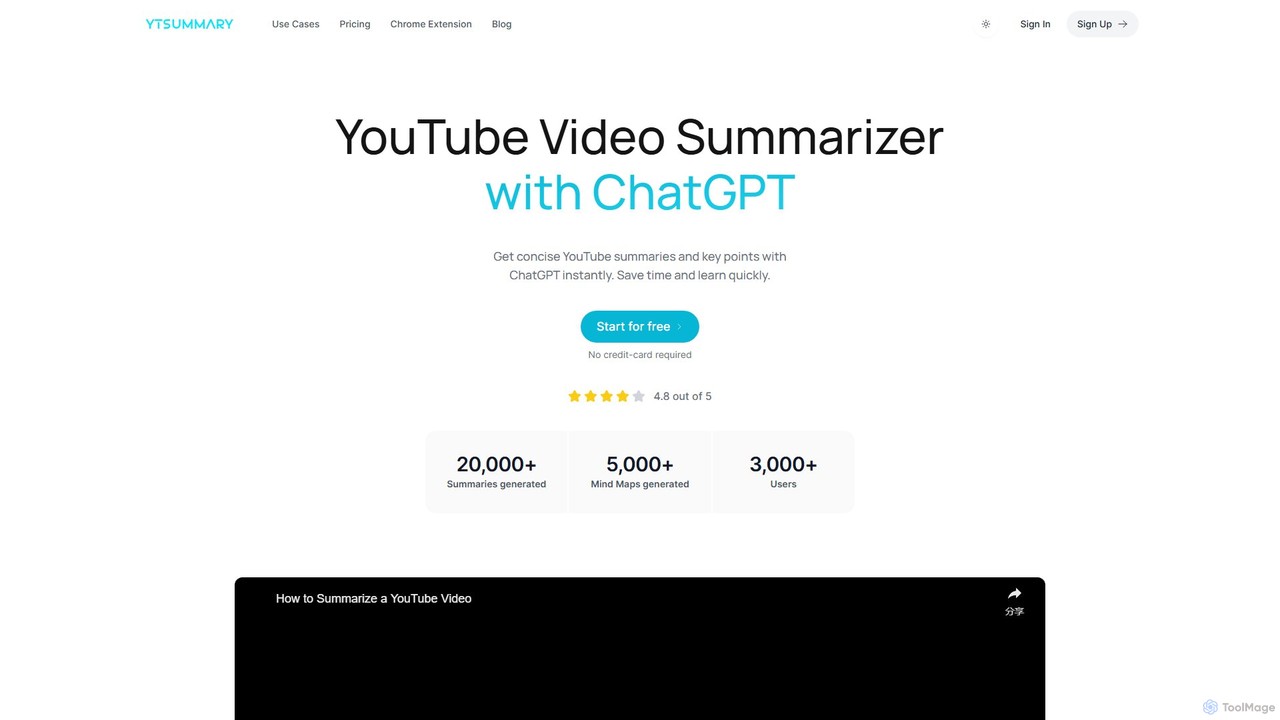
ytsummary
ytsummary is a ChatGPT-powered AI tool that instantly generates concise summaries, key points, and visual mind maps for any YouTube video. It's designed to save you time, enhance learning, and boost productivity by allowing you to grasp the core content of long videos without watching them in their entirety. It supports multiple languages, various export formats, and includes a convenient Chrome extension.
Learningyoutubesummarized
youtubesummarized is an AI-powered tool that instantly condenses any YouTube video into a concise, easy-to-read summary. Save time, avoid ads, and grasp key information in seconds. Ideal for students, researchers, and professionals who need to absorb video content efficiently. It offers browser extensions for seamless integration and supports multiple languages, making learning faster and more accessible.
Note TakingRecaply
Recaply is an AI-powered summarization tool that transforms long-form content like YouTube videos, articles, and audio files into concise, digestible summaries. It extracts key insights, main points, and action items in seconds, helping users save time and boost productivity. Ideal for students, researchers, and professionals who need to quickly grasp the essence of content without consuming it in its entirety.
Note Taking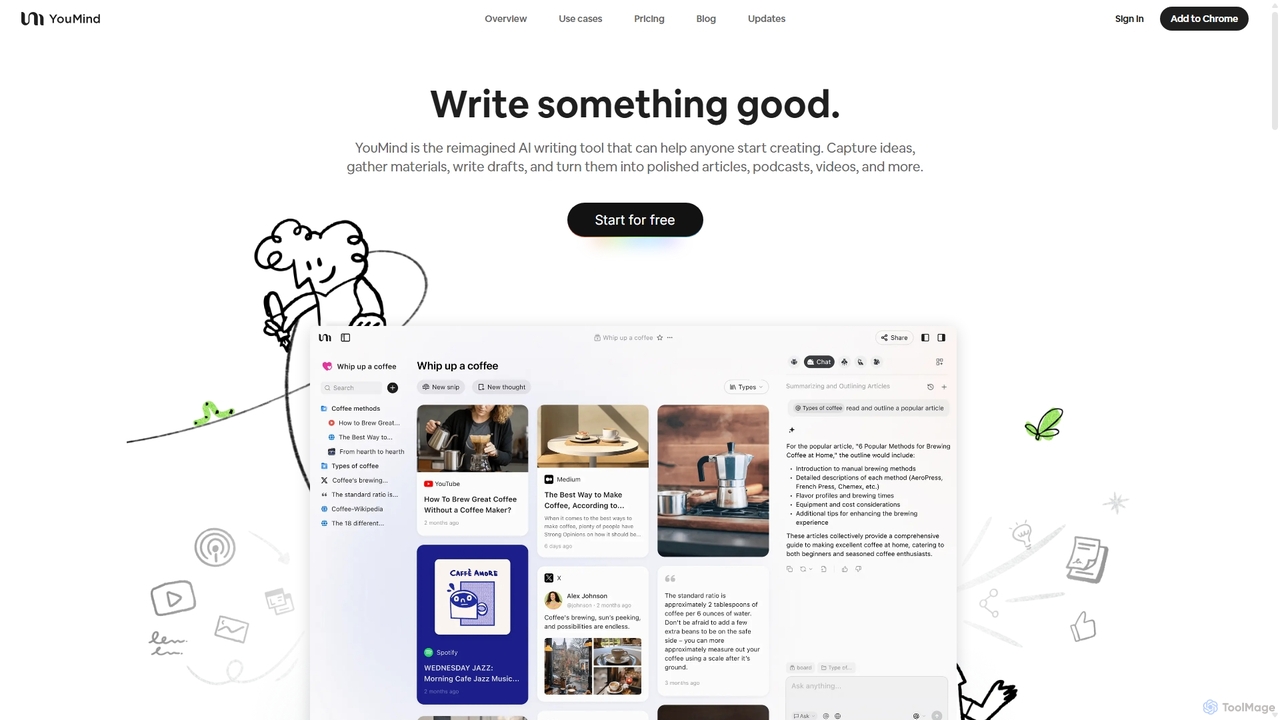
YouMind
YouMind is an AI-powered creation studio designed to streamline the entire content creation workflow. It integrates material collection from various sources like YouTube, podcasts, and articles into a unified workspace. Users can research, organize, and collaborate with top AI models to transform their ideas into polished articles, videos, and more, all within a single, project-based environment.
Knowledge Management
Jyek
Jyek is an AI agent platform that understands objectives, creates execution plans, uses tools, and delivers verifiable results for complex, multi-step tasks.
Automation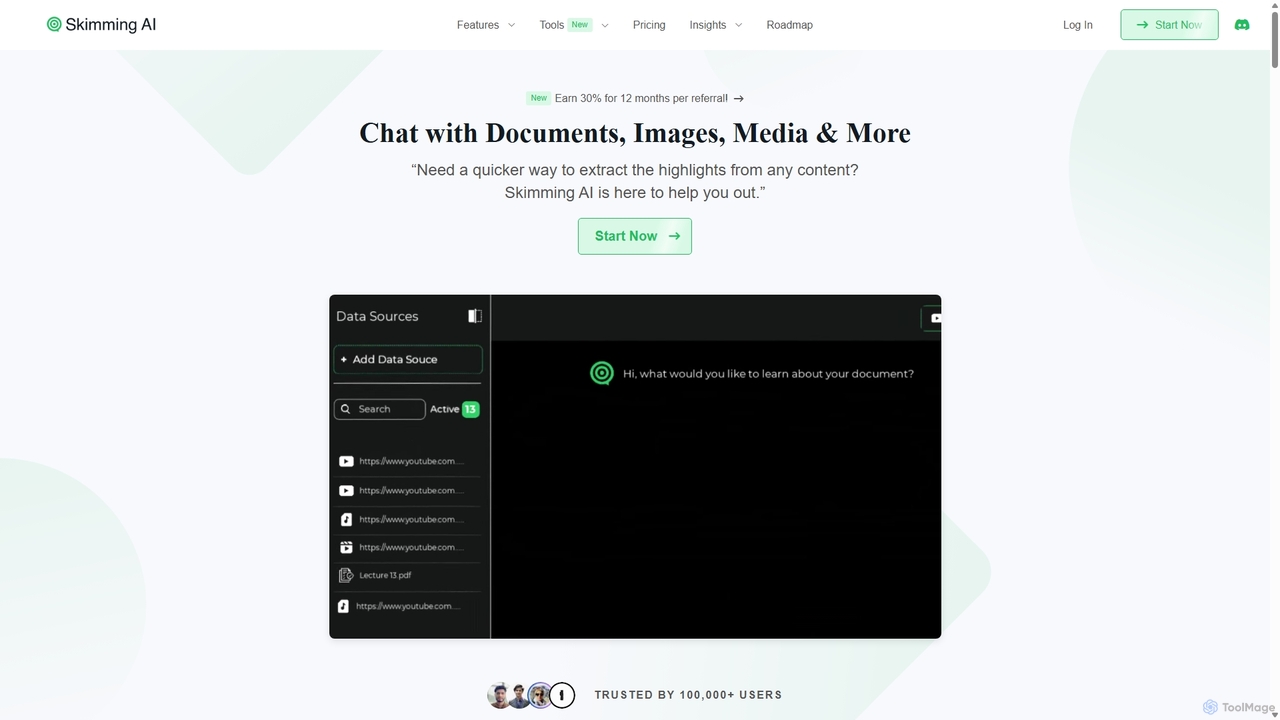
Skimming AI
Skimming AI is a versatile AI-powered platform that allows you to chat with and summarize a wide range of content, including documents, PDFs, YouTube videos, audio, images, and social media posts. Instantly extract key insights, ask questions, and get accurate answers without sifting through hours of material. It's designed to boost productivity for students, researchers, and professionals by making information consumption faster and more efficient across multiple formats and languages.
Analysis
tldwai
tldwai is an AI-powered video summarizer that transforms long videos from YouTube or local files into concise, easy-to-read text summaries. It supports a vast range of languages, helping users save time, overcome language barriers, and quickly grasp key information from any video content.
Learning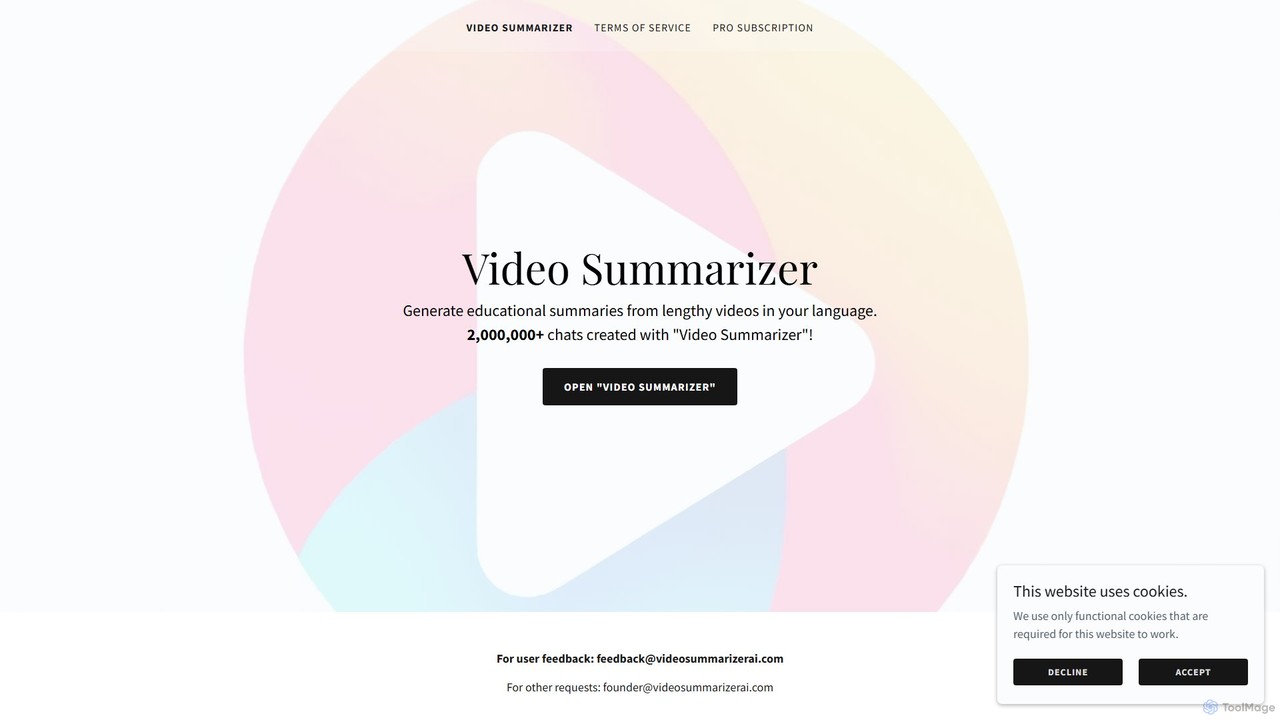
Video Summarizer AI
Video Summarizer AI is an intelligent tool that generates concise, educational summaries from lengthy videos in multiple languages. Ideal for students, researchers, and professionals, it quickly extracts key information from lectures, webinars, and talks, saving you valuable time.
Learning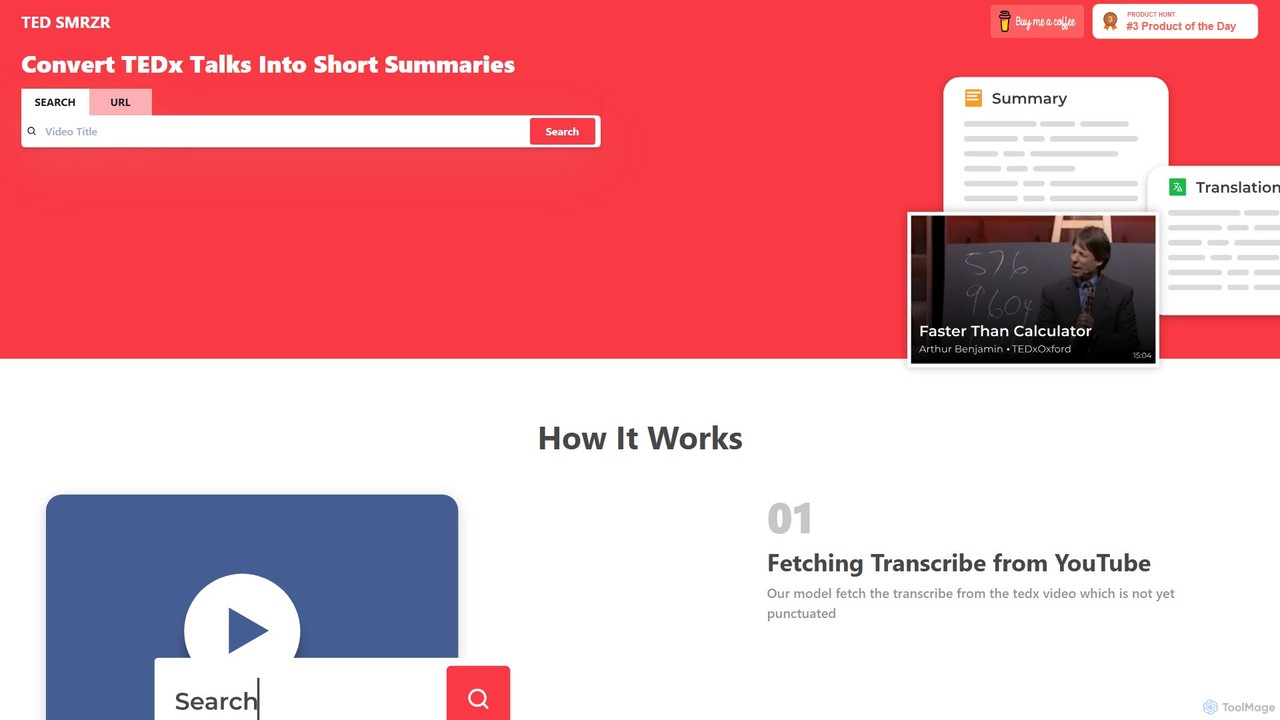
TED SMRZR
TED SMRZR is an AI-powered tool that transforms lengthy TED and TEDx talks into concise, easy-to-read summaries. Simply paste a YouTube URL, and the tool will fetch the transcript, add punctuation, and generate a summary. It also allows you to compare multiple talks for deeper insights and offers translations, making knowledge from TED accessible to everyone in a fraction of the time.
Learning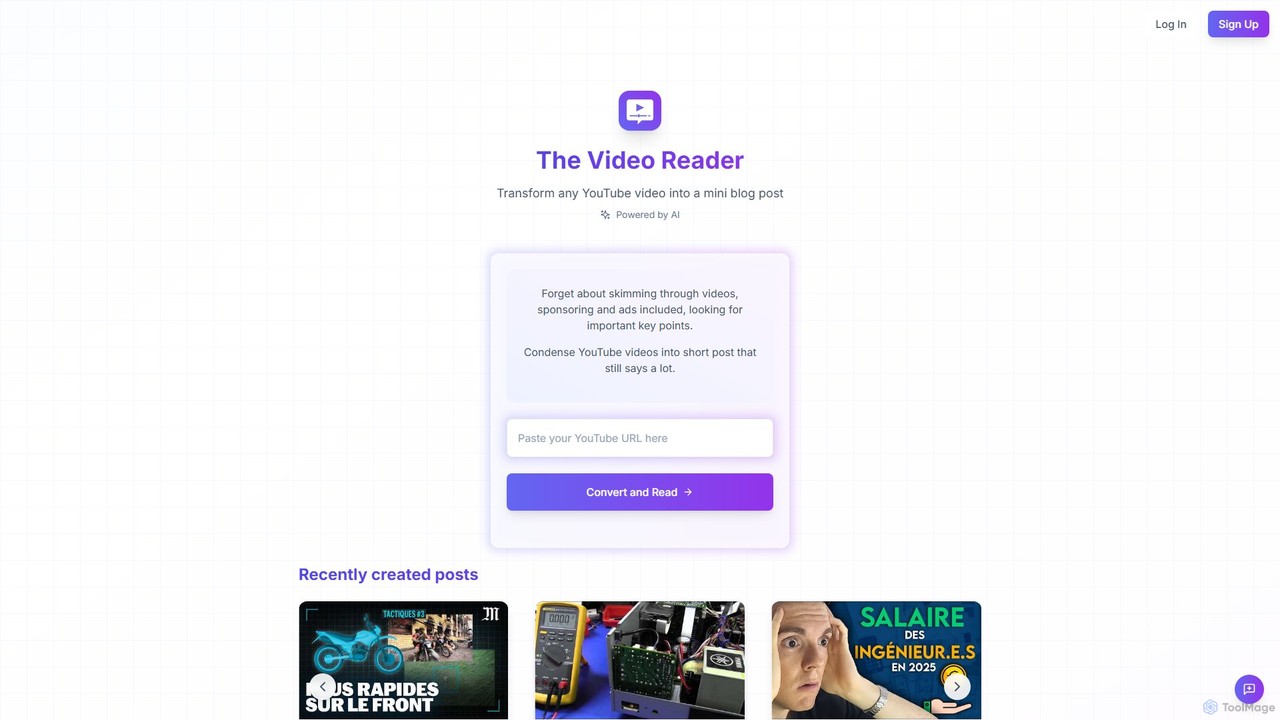
The Video Reader
The Video Reader is an AI-powered tool that transforms any YouTube video into a concise, readable blog post. It automatically transcribes, summarizes, and extracts key points, allowing you to grasp the core message of a video in minutes. Ideal for students, researchers, and content creators looking to save time and repurpose content efficiently.
Repurposing
Video Highlight Comments (0)
Sign in to comment.
Sign inNo comments yet.