

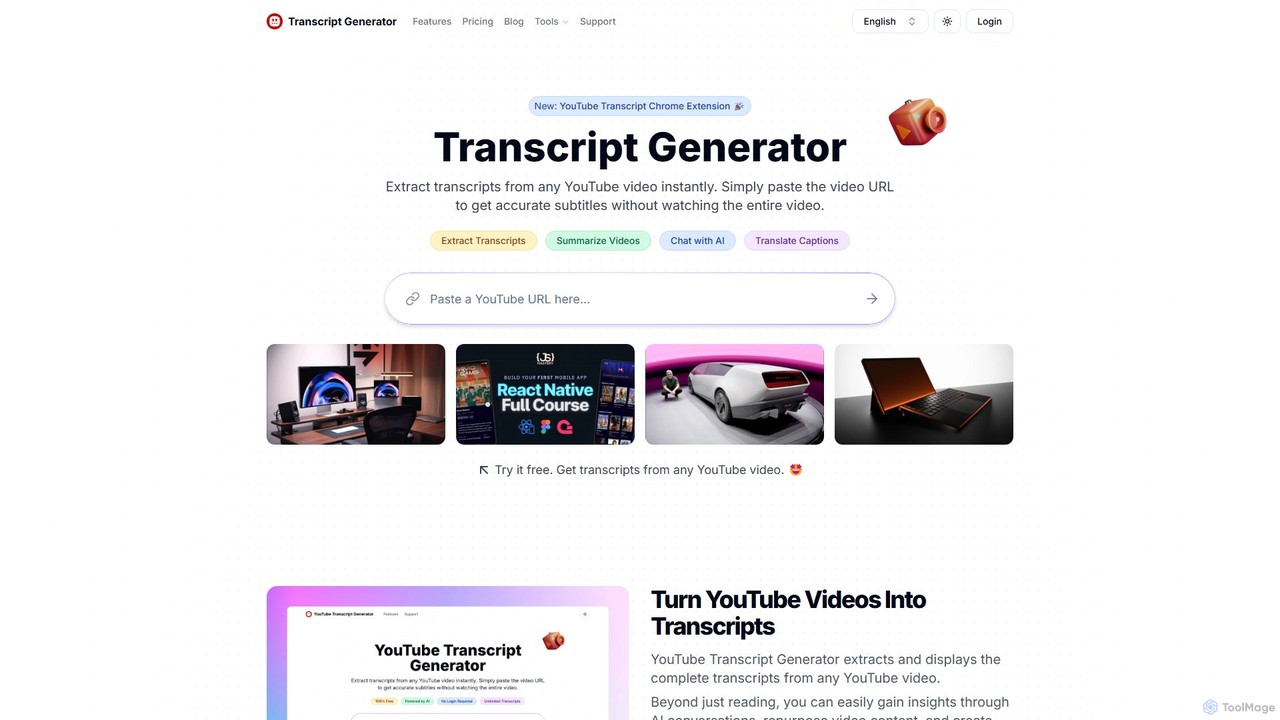
Transcript Generator Overview
Transcript Generator is a powerful and versatile AI tool designed to streamline your interaction with YouTube content. It allows users to instantly extract accurate text transcripts from any YouTube video, eliminating the need for manual transcription or watching lengthy videos to find specific information. Beyond simple transcription, the platform offers a suite of AI-powered features to enhance productivity and content accessibility. These include generating concise summaries of videos, enabling interactive chat sessions with the video's content to ask questions and get instant answers, and translating captions into multiple languages. This makes it an indispensable asset for a wide range of users, from content creators and researchers to students and casual viewers.
The platform is built for speed and efficiency. With a user-friendly interface and a newly launched Chrome Extension, accessing video content in text format has never been easier. Whether you need to repurpose a video into a blog post, pull quotes for academic research, or simply get the gist of a video without committing time to watch it, Transcript Generator provides a seamless solution. It even has the capability to transcribe videos that do not have pre-existing closed captions, making it a comprehensive tool for all types of YouTube content.
How to use Transcript Generator
Using Transcript Generator is incredibly straightforward and designed for immediate results. Follow these simple steps:
- Find a YouTube Video: Navigate to YouTube and find the video you want to transcribe.
- Copy the URL: Copy the full URL of the YouTube video from your browser's address bar.
- Paste and Generate: Go to the Transcript Generator website and paste the URL into the designated input field on the homepage. The tool will instantly process the video and generate the full transcript.
- Use the Chrome Extension (Optional): For even greater convenience, install the Transcript Generator Chrome Extension. This allows you to generate transcripts directly from the YouTube video page with a single click, integrating the functionality seamlessly into your browsing experience.
Core Features of Transcript Generator
- Instant Transcription: Get full, accurate text transcripts from any YouTube video in seconds.
- AI Video Summaries: Generate concise, AI-powered summaries to understand the key points of a video quickly.
- AI Chat with Videos: Interact with a video's content by asking specific questions and receiving instant, context-aware answers from the AI.
- Multi-Language Translation: Translate video captions and transcripts into various languages, breaking down language barriers.
- Transcription for Videos without Captions: The tool can generate transcripts even for videos where the creator has not provided subtitles or closed captions.
- Download Transcripts: Easily download the generated transcripts in various formats for offline use, editing, or sharing.
- Chrome Extension: A dedicated browser extension for a more integrated and faster workflow directly on YouTube.
- Generous Credit System: A flexible credit system allows users to access features, with a free weekly allowance and affordable top-up plans.
Use Cases for Transcript Generator
Transcript Generator is a versatile tool that caters to various needs:
- For Content Creators: Quickly repurpose video content into blog articles, social media posts, newsletters, or podcast show notes. Improve video SEO by including a full transcript in the description.
- For Researchers and Students: Effortlessly transcribe lectures, interviews, and documentaries for academic papers. Use the AI chat to quickly find specific data points or quotes within a long video.
- For Marketers: Analyze competitor video strategies, extract key marketing messages, and monitor brand mentions in video content.
- For Language Learners: Enhance learning by reading along with the transcript or translating it to a native language to improve comprehension and vocabulary.
- For General Users: Save time by reading a video's summary or transcript instead of watching it. Easily grab instructions, recipes, or other important information from DIY or educational videos.
- For Accessibility: Make video content accessible to individuals who are deaf or hard of hearing by providing a complete text version.
Advantages of Transcript Generator
The primary advantage of Transcript Generator is its combination of speed, accuracy, and multi-functionality. Unlike basic transcription tools, it offers a comprehensive suite of AI features like summarization and chat, turning passive video content into an interactive knowledge base. The platform's user-friendly design, coupled with the convenience of a Chrome extension, ensures a smooth user experience. Furthermore, its freemium model is a significant benefit, offering 10 free credits every week, which allows users to test all core features extensively before committing to a paid plan. The flexible and affordable pricing structure makes powerful AI video tools accessible to everyone, from individuals to professional teams.
Pricing and Plans
Transcript Generator offers a flexible pricing structure to suit different user needs, including a generous free plan.
- Free Plan: $0/month. Includes 10 free credits per week. Users can access all core features, including transcript downloads, translations, video summaries, and AI chat.
- Lite Plan: $6.99/month. Perfect for casual users, providing 700 credits per month. It allows transcribing videos up to 30 minutes long and includes priority support.
- Standard Plan: $9.99/month. The most popular plan, ideal for content creators and researchers. It includes 1500 credits per month and supports transcribing videos up to 1.5 hours long, with priority support.
- Professional Plan: $24.99/month. The ultimate solution for power users and teams, offering unlimited credits per month. It supports transcribing videos up to 3 hours long and includes priority support.
Credit System: One credit is consumed for generating one transcript. Features like video summarization and AI chat also consume one credit per use. Unused credits in monthly plans do not roll over. Users can cancel or change their plan at any time.
Transcript Generator Alternatives

Tubetranscript
Tubetranscript is a free, AI-powered tool that effortlessly generates accurate transcripts and summaries from any YouTube video. It requires no software installation or user registration, providing instant results with timestamps directly in your browser.
Writing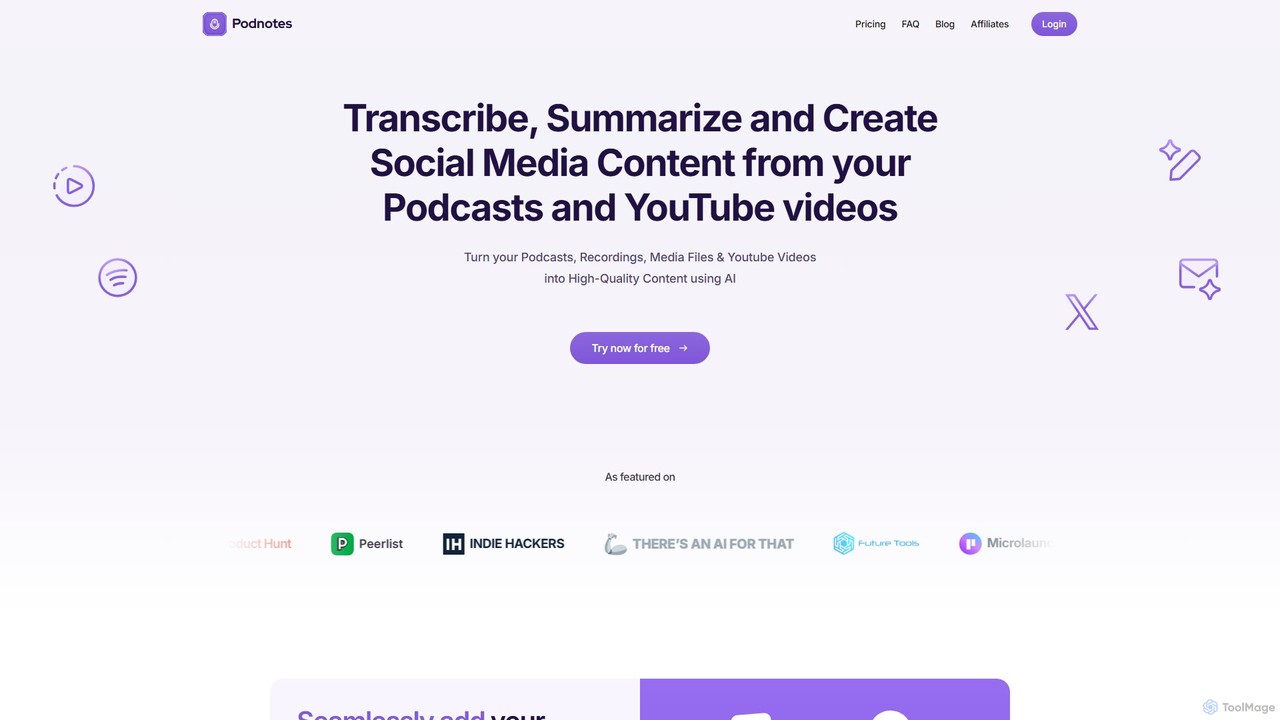
Podnotes
Podnotes is an AI-powered platform that transcribes, summarizes, and repurposes podcasts and YouTube videos into high-quality written content. It helps creators, marketers, and agencies effortlessly generate show notes, blog posts, social media content, and newsletters to expand their audience reach.
Repurposing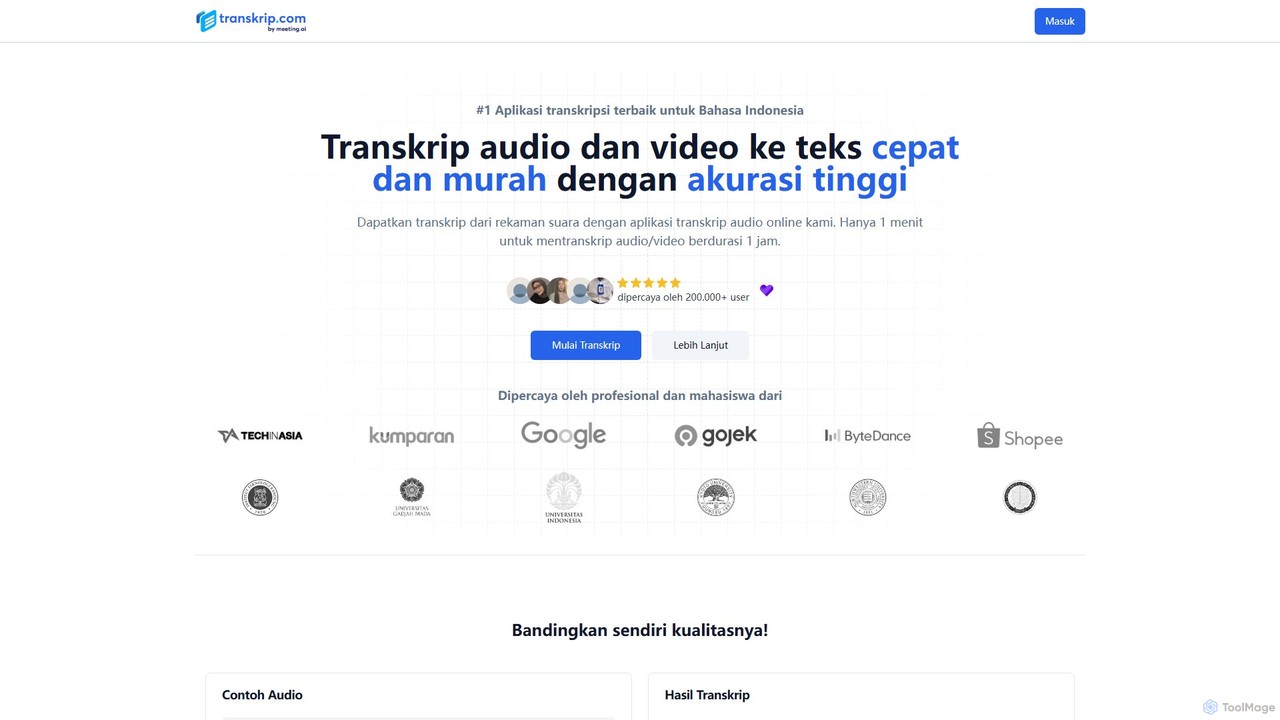
transkrip
transkrip is an AI-powered transcription service that quickly and accurately converts audio and video files into text. It specializes in Indonesian but supports over 25 other languages. With a simple pay-per-file model, it's ideal for students, journalists, and researchers who need fast, affordable, and reliable transcripts without a subscription. It handles large files and long durations, delivering timestamped and speaker-labeled text in minutes.
Speech To Text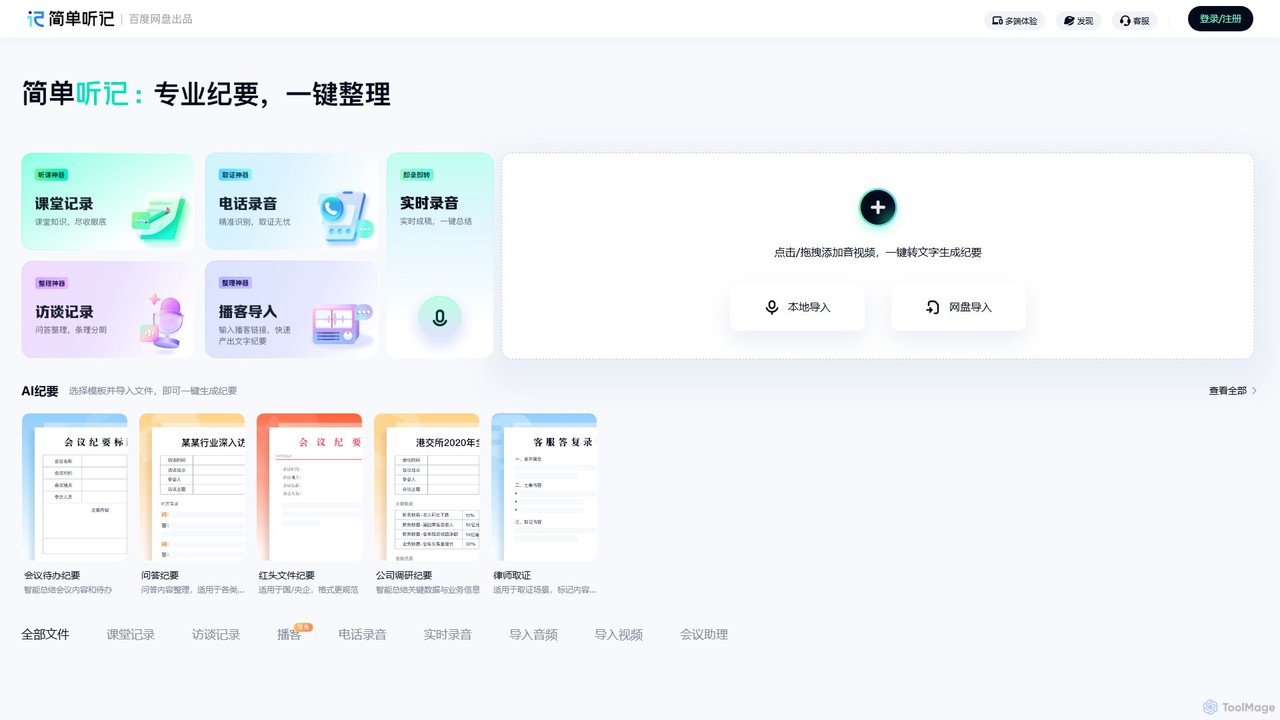
Tingji
Tingji is an all-in-one AI-powered audio and video transcription expert from Baidu. It accurately converts speech to text, generates intelligent summaries, extracts key information, and creates structured meeting minutes, boosting productivity for professionals and students.
Speech To Text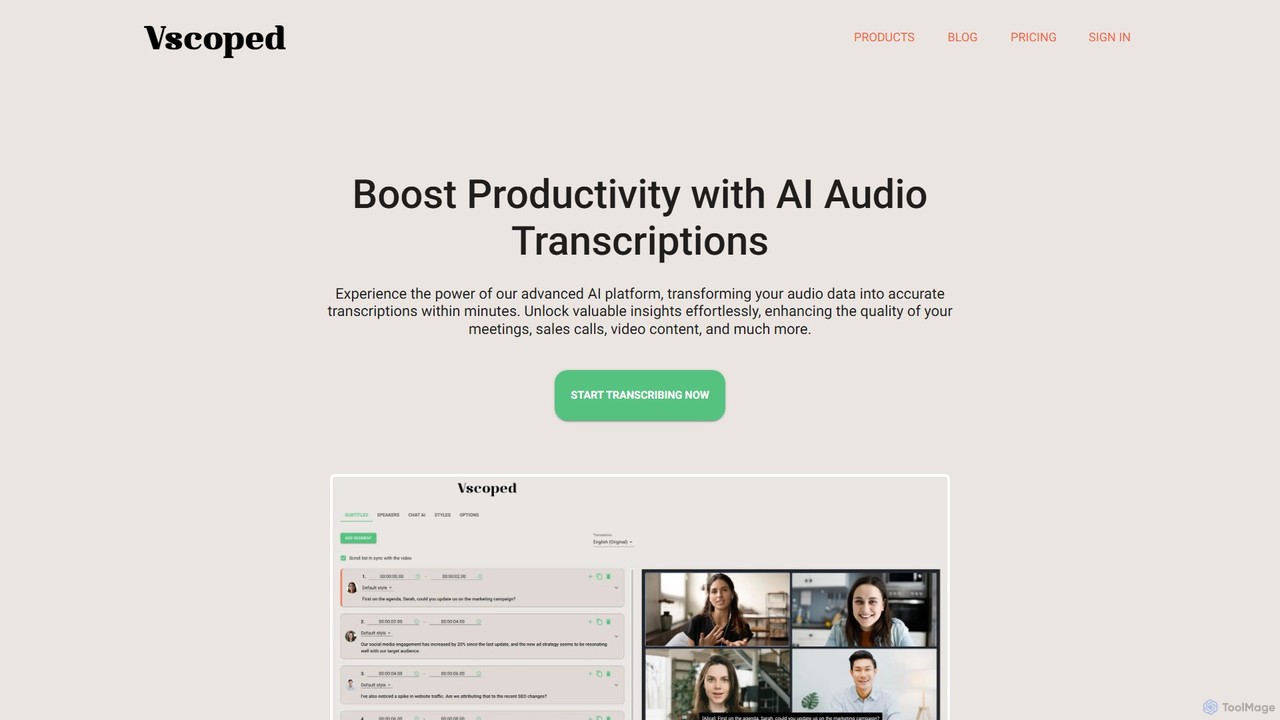
Vscoped
Vscoped is an AI-powered service that rapidly transcribes audio and video files into accurate text. It supports over 90 languages for transcription and 130 for translation, features speaker labeling, and offers a Chat AI to summarize content and extract insights. Ideal for creating meeting minutes, video subtitles, and analyzing spoken data.
TranscriptionTranscript Generator Categories
Transcript Generator Embed Widget
Copy this embed code to place the badge on your blog, article, or product site and send readers directly to this ToolMage detail page.

Related AI tools
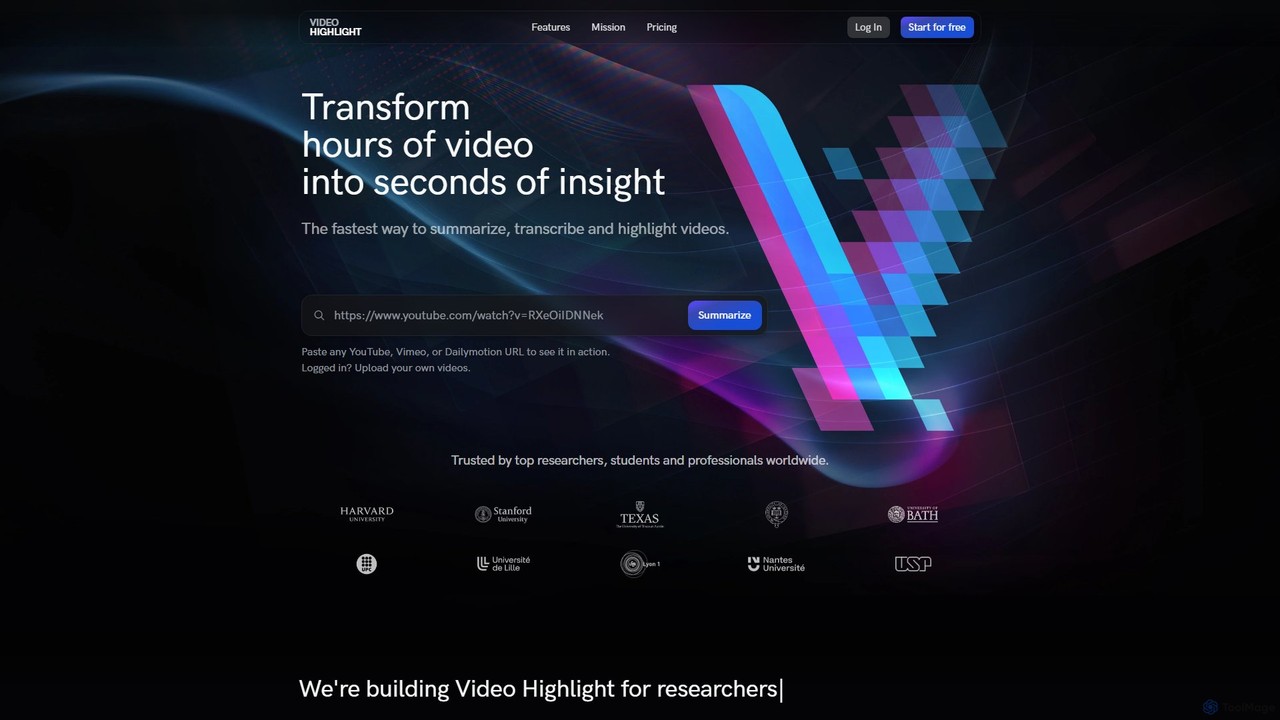
Video Highlight
Video Highlight is an AI-powered tool that transforms long videos into concise, actionable insights. It instantly generates timestamped summaries, accurate transcripts, and allows interactive chat with video content. Ideal for researchers, students, and content creators looking to save time and enhance productivity.
Note TakingVscoped
Vscoped is an AI-powered service that rapidly transcribes audio and video files into accurate text. It supports over 90 languages for transcription and 130 for translation, features speaker labeling, and offers a Chat AI to summarize content and extract insights. Ideal for creating meeting minutes, video subtitles, and analyzing spoken data.
TranscriptionTubetranscript
Tubetranscript is a free, AI-powered tool that effortlessly generates accurate transcripts and summaries from any YouTube video. It requires no software installation or user registration, providing instant results with timestamps directly in your browser.
Writing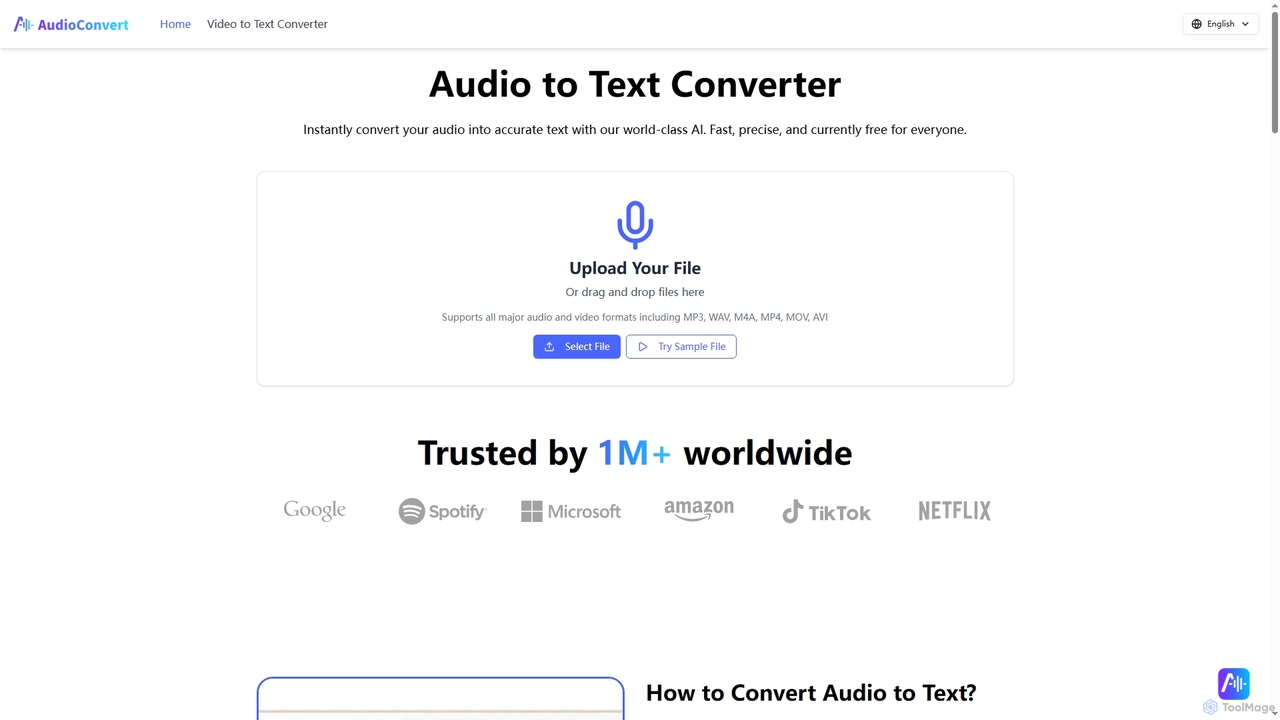
Audioconvert
Audioconvert is an AI-powered tool that swiftly and accurately converts audio and video files into text transcripts. It supports major formats, identifies multiple speakers, provides precise timestamps, and offers various export options like TXT, DOCX, and SRT, all currently available for free.
Meeting Management
Accuratescribe
Accuratescribe is an AI-powered transcription service that converts audio and video to text with 99.8% accuracy. Powered by Whisper technology, it supports 134+ languages, speaker detection, and large file processing. Ideal for content creators, researchers, and legal professionals, it offers fast, secure, and reliable transcription with flexible export options like SRT, VTT, DOCX, and PDF.
Speech To Text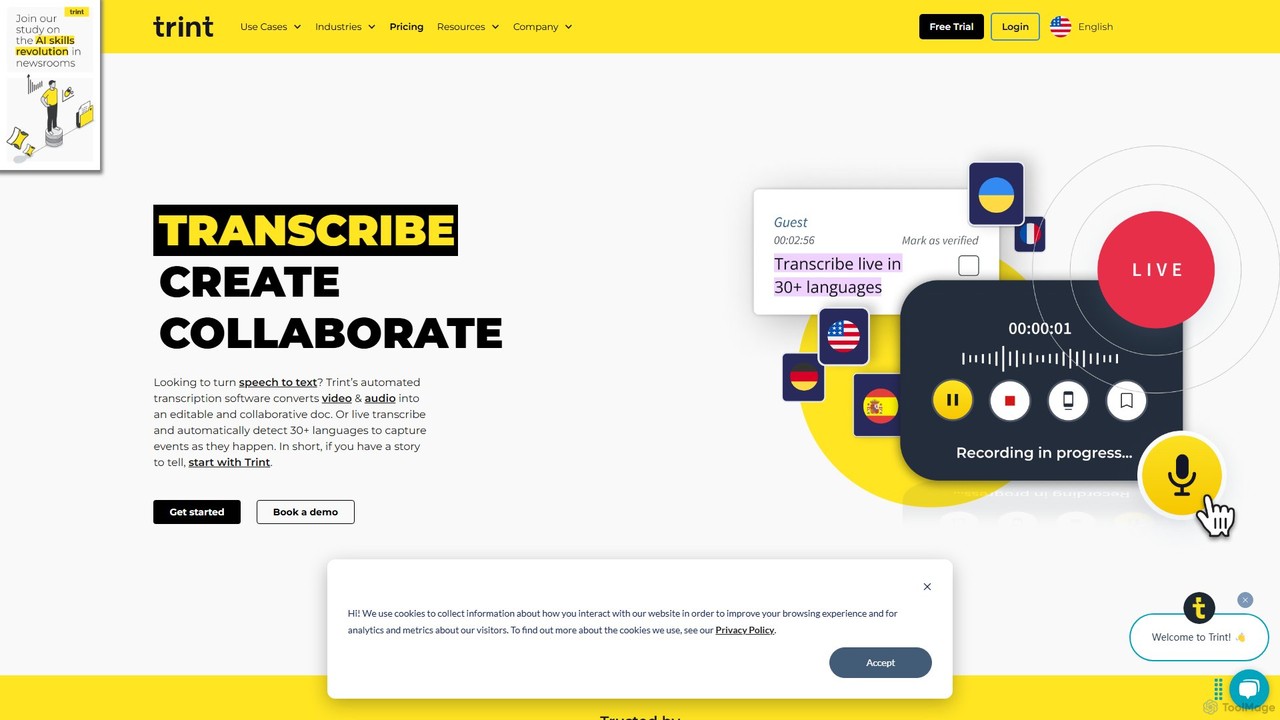
Trint
Trint is an AI-powered transcription platform that converts audio and video to text with up to 99% accuracy. It supports over 40 languages for transcription and 50+ for translation, offering real-time collaboration, an interactive editor, and content creation tools for journalists, marketers, and researchers to streamline their workflow and tell stories faster.
Content Creation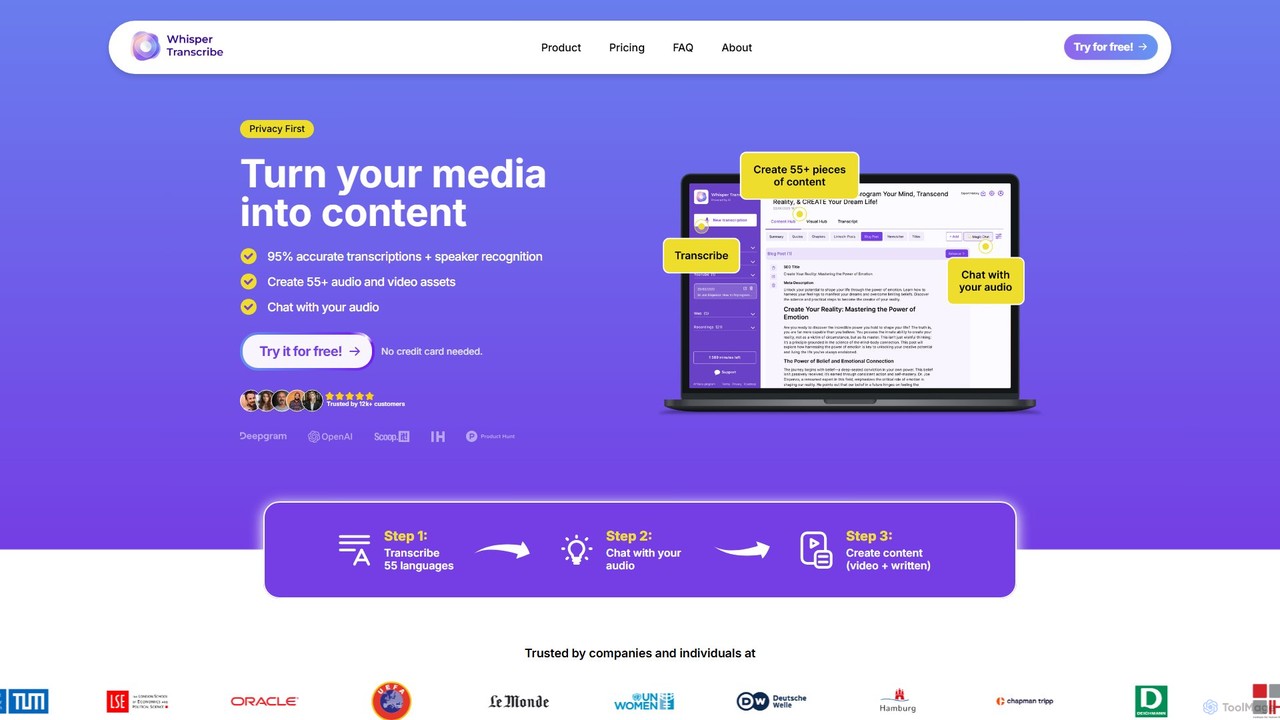
WhisperTranscribe
WhisperTranscribe is an AI-powered platform that transforms audio and video into accurate text transcripts and a wide range of content assets. Leveraging OpenAI's Whisper, it provides 95% accurate transcriptions in 55+ languages, complete with speaker detection. Beyond transcription, it features a 'Magic Chat' to query your audio, and automatically generates over 57 content types, including social media posts, blog articles, summaries, and video clips, all tailored to your unique voice and style. It's an all-in-one solution for content creators, marketers, and researchers.
Content Creation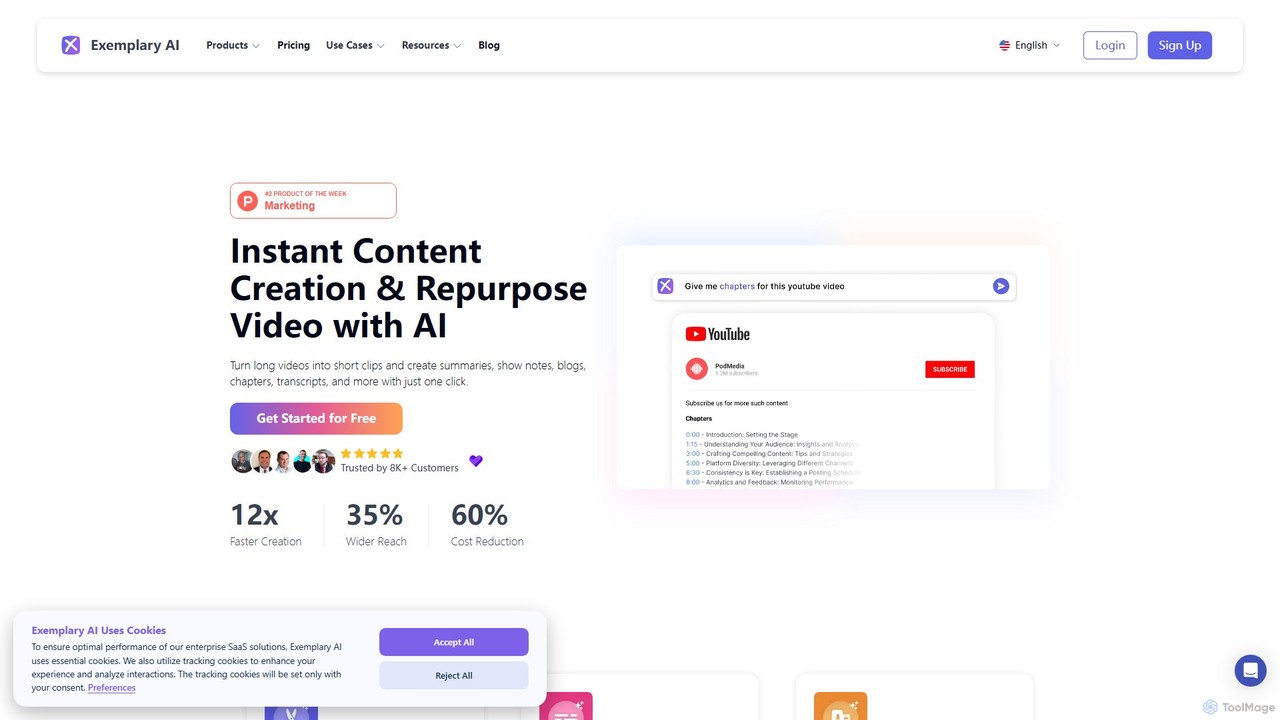
Exemplary AI
Exemplary AI is an all-in-one content repurposing toolkit designed for creators, marketers, and businesses. It uses AI to automatically transcribe, translate, and summarize audio and video content. Key features include a video clip generator, text-based video editing, and automatic subtitle creation, enabling users to effortlessly transform long-form content into engaging social media posts, blogs, and more in over 120 languages.
Repurposing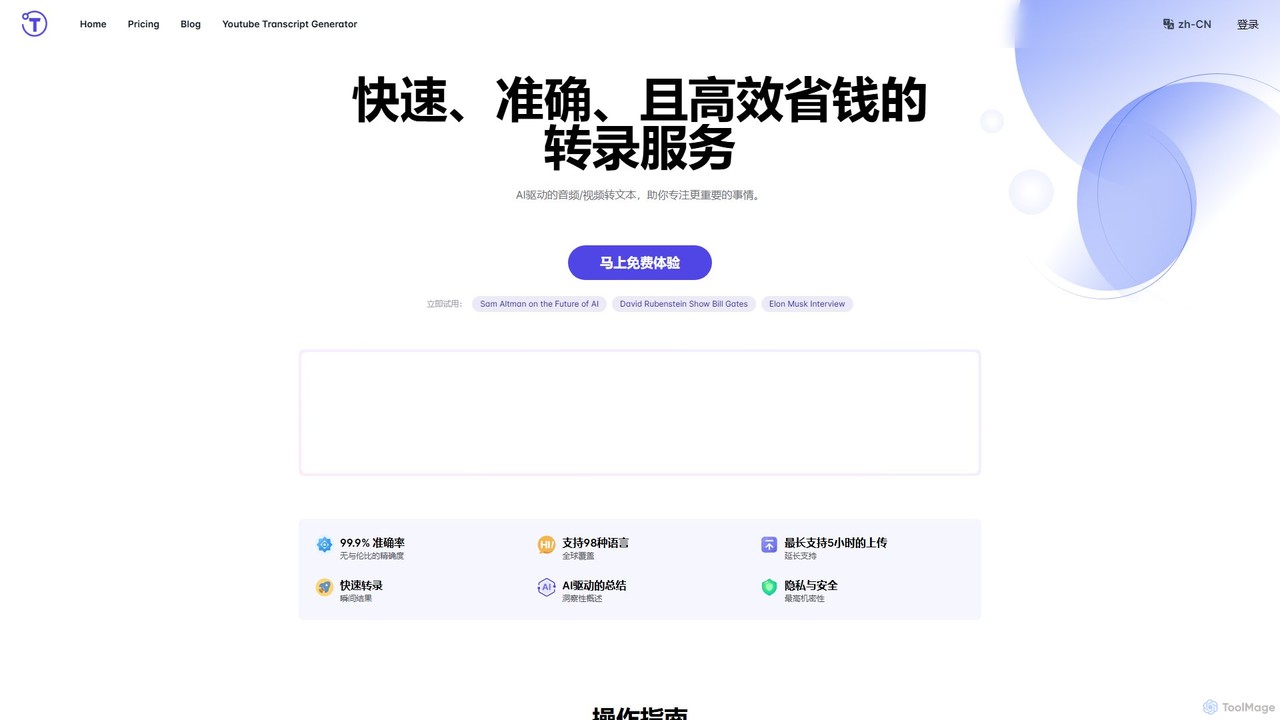
yescribe
yescribe is an AI-powered transcription service that quickly and accurately converts audio and video files into text. Supporting 98 languages, it offers 99.9% accuracy, AI-driven summaries, and speaker identification. Ideal for professionals, researchers, and content creators to streamline workflows, enhance accessibility, and unlock insights from their media content.
Speech To Text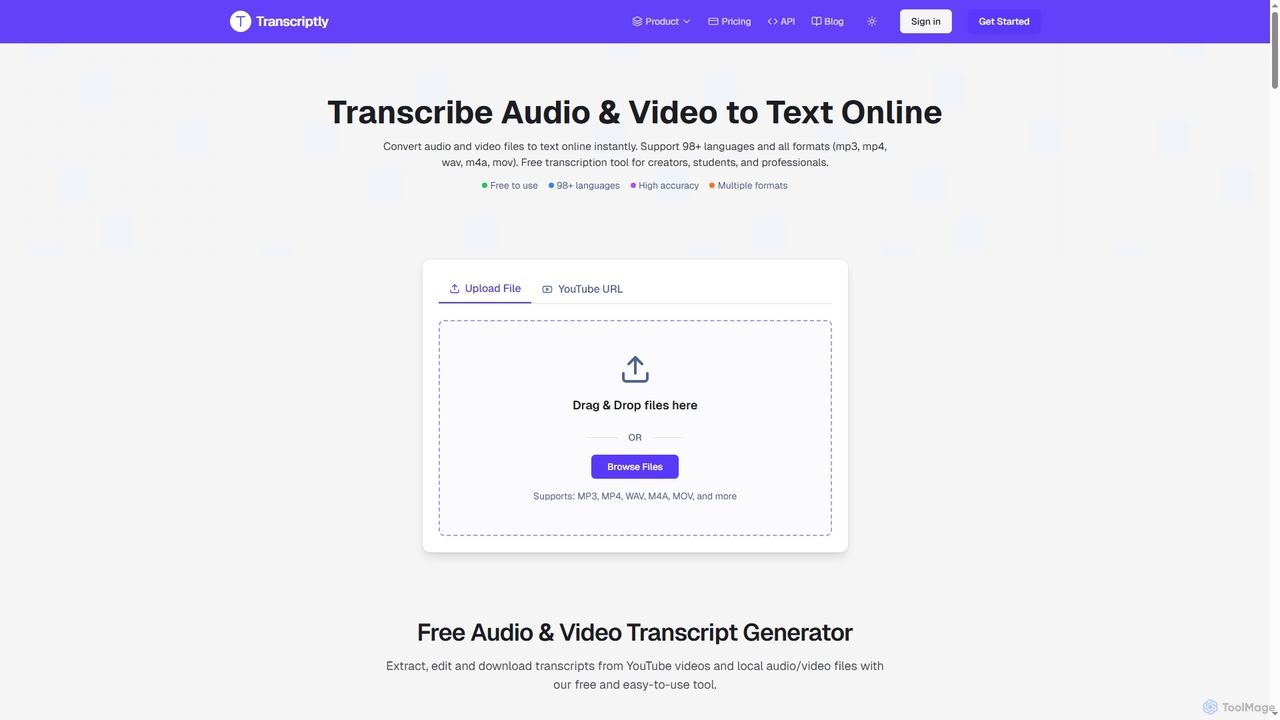
Transcriptly
Transcriptly is an AI-powered online platform that converts audio and video files into accurate text transcripts. Supporting over 98 languages and various formats, it offers fast processing, AI insights, and multiple export options for students, creators, professionals, and businesses.
Market Research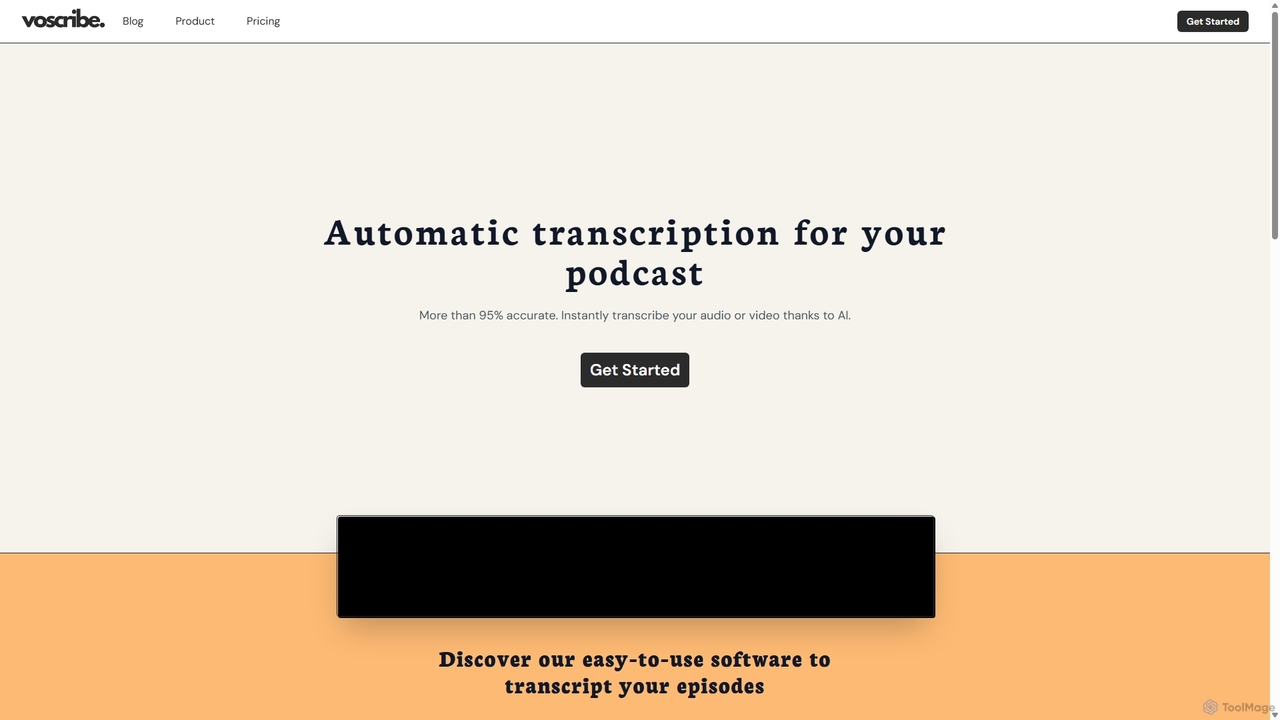
Voscribe
Voscribe is an AI-powered suite for podcasters and video creators, offering highly accurate, fast, and automatic transcription services. It converts audio and video to text in minutes, provides an intuitive editor to sync and edit transcripts, and generates subtitles (SRT) effortlessly. Ideal for content repurposing, enhancing accessibility, and saving valuable production time.
Transcription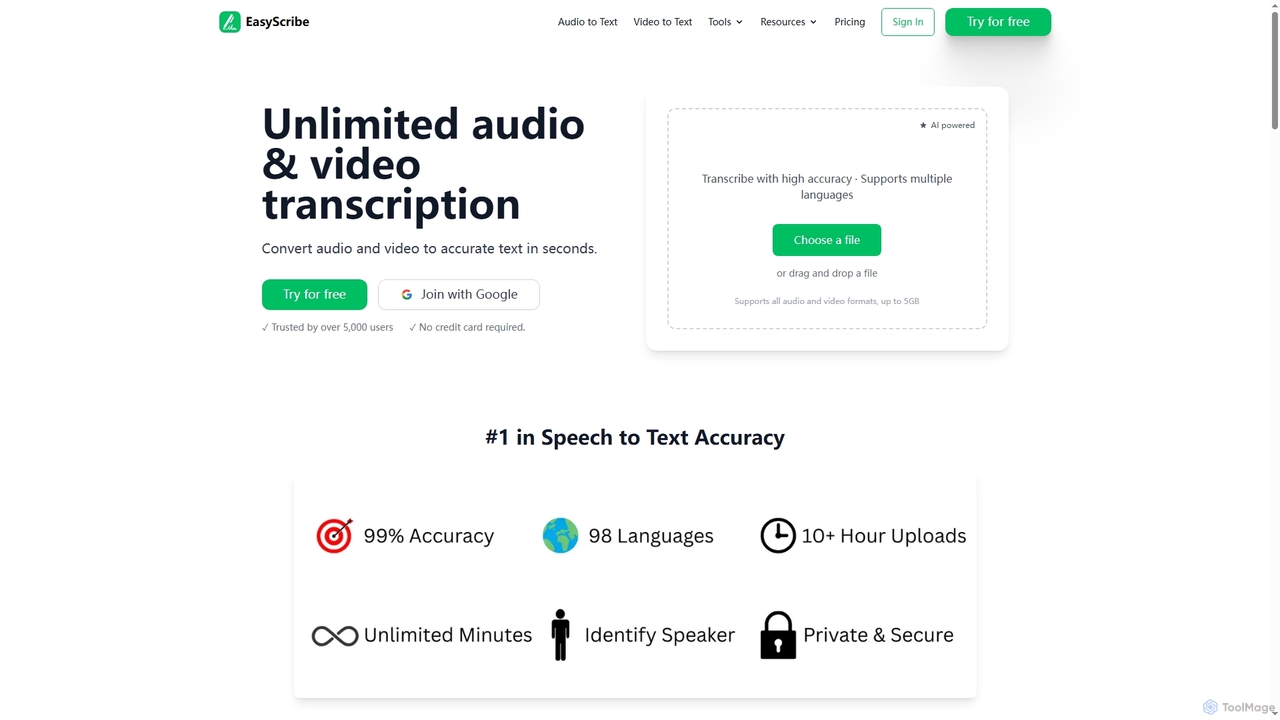
EasyScribe
EasyScribe is an AI-powered transcription tool that converts audio and video files into accurate text in seconds. It supports 98+ languages, offers speaker identification, and allows translation to 134+ languages, making it ideal for global communication and content creation.
Meeting Management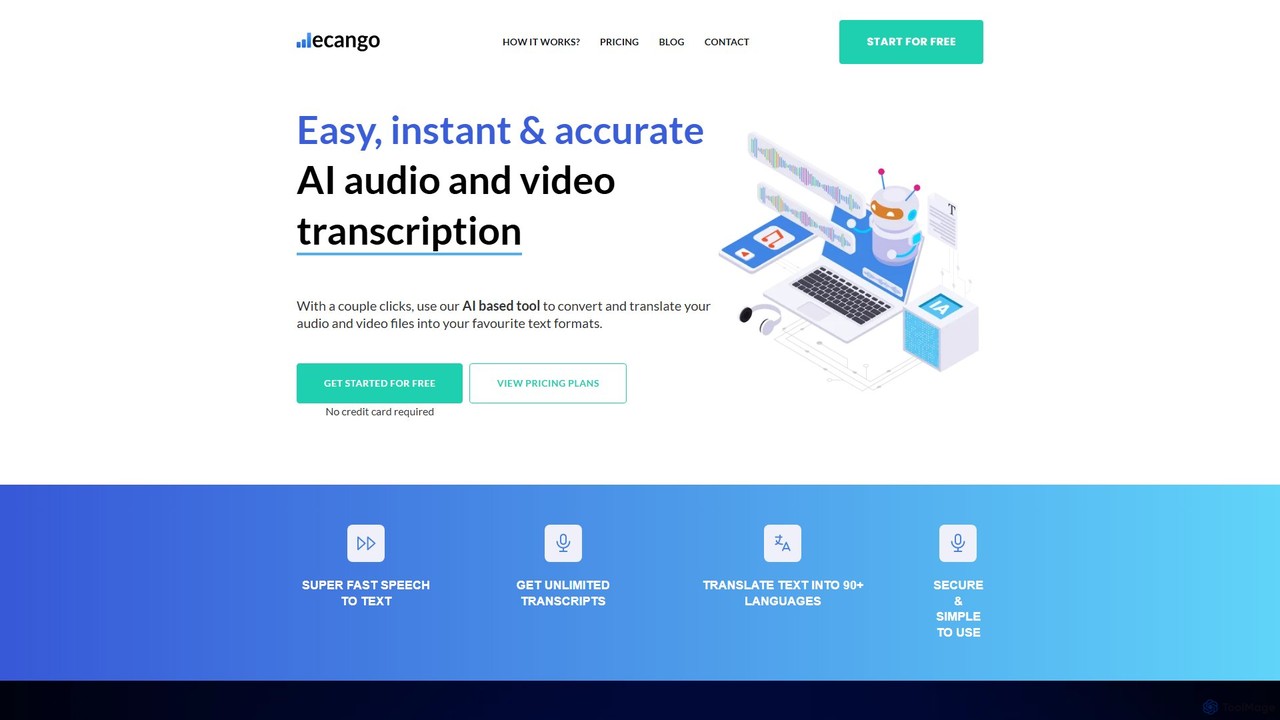
ecango
An AI-powered tool for fast, accurate, and secure transcription and translation of audio and video files. Supporting over 90 languages, it offers speaker identification, an in-browser editor, and multiple export formats. Ideal for legal, medical, academic, and content creation professionals seeking to streamline their workflow.
Speech To Text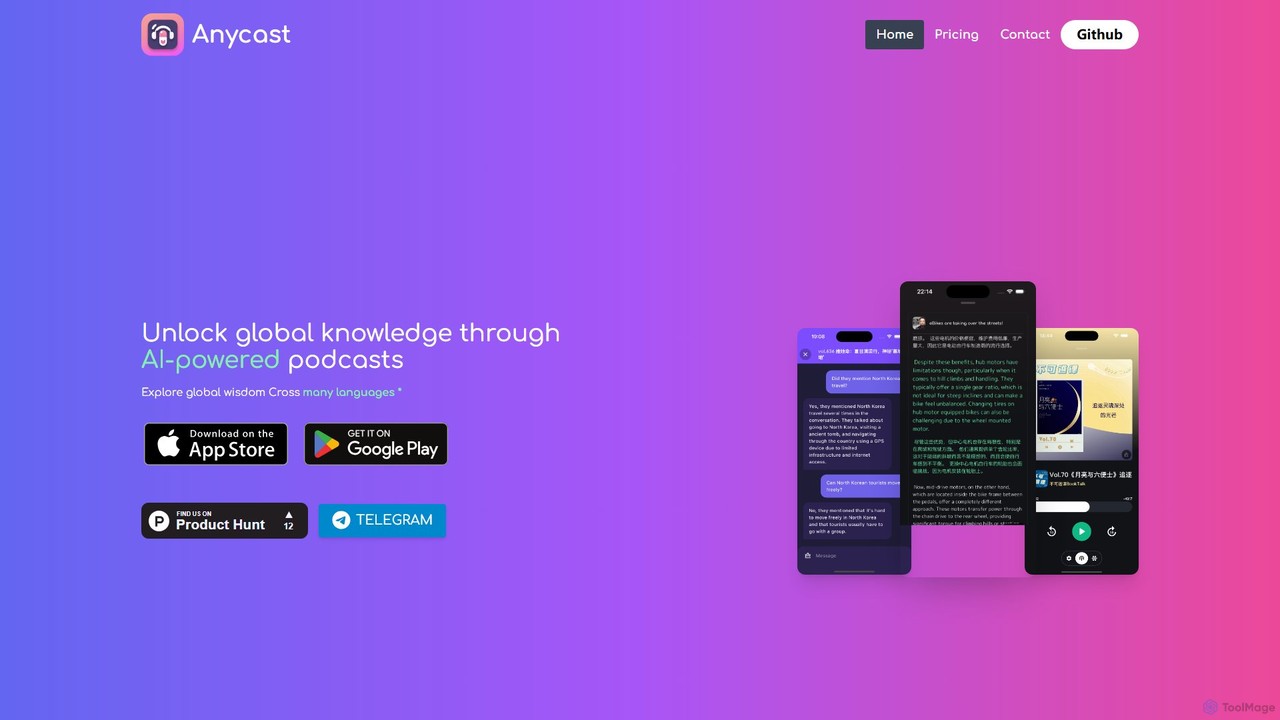
Anycast
Anycast is an AI-powered podcast player that breaks down language barriers. It offers real-time transcription, bilingual subtitles, and an AI chat feature to interact with podcast content. Subscribe to any podcast via RSS, export notes, and explore global knowledge without privacy concerns. Ideal for language learners and curious minds seeking to understand content from around the world.
Podcast Tools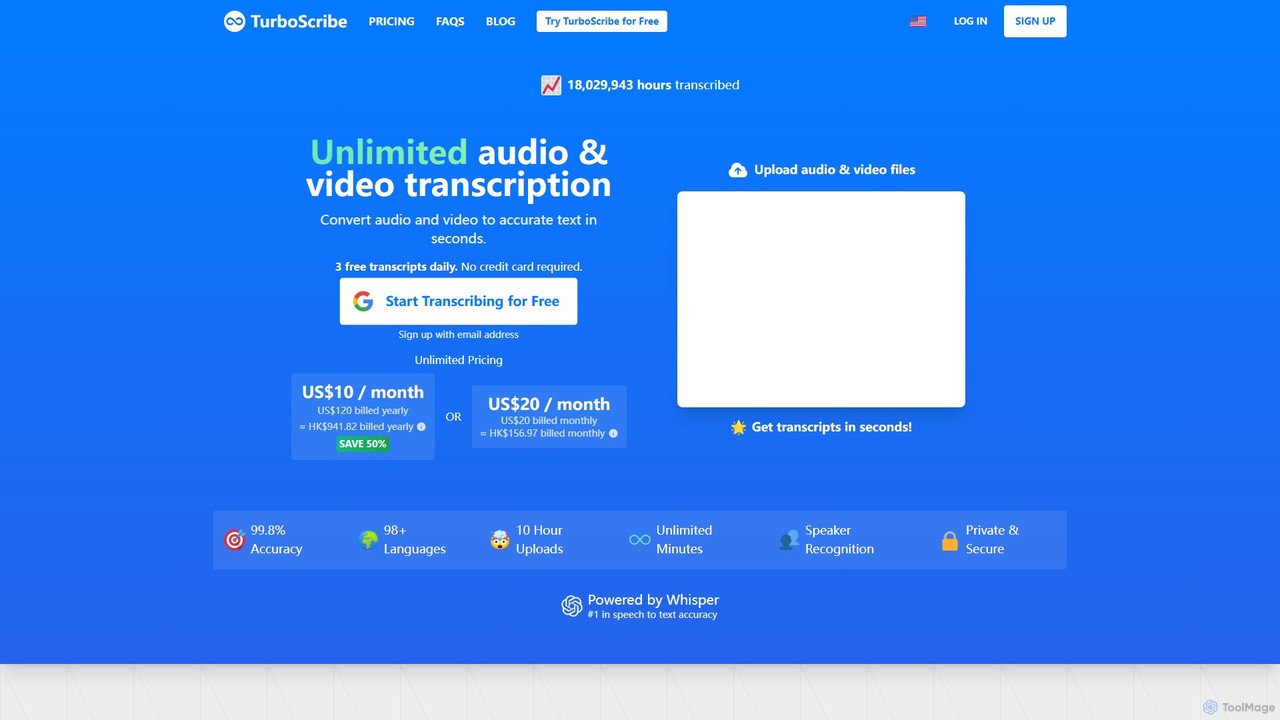
TurboScribe
TurboScribe is an AI-powered transcription service that converts unlimited audio and video files to highly accurate text in seconds. Powered by Whisper, it supports over 98 languages, features speaker recognition, and offers built-in translation to 134+ languages. Ideal for transcribing meetings, interviews, podcasts, and videos with up to 99.8% accuracy. It offers a generous free plan and an affordable unlimited plan.
Transcription
Transcript Generator Comments (0)
Sign in to comment.
Sign inNo comments yet.