

TubeMemo Overview
TubeMemo is a powerful AI-driven browser extension designed to revolutionize how you interact with YouTube videos. In an age of information overload, TubeMemo acts as your personal video assistant, allowing you to extract key insights, summaries, and notes from any YouTube video in seconds. It eliminates the need for manual note-taking and re-watching long videos, making learning and research more efficient and organized. By integrating directly into your browser (Chrome and Firefox), it provides a seamless workflow for students, busy professionals, content creators, and lifelong learners who want to maximize their time and knowledge retention.
How to use TubeMemo
Getting started with TubeMemo is simple and intuitive. First, install the TubeMemo extension from the Chrome Web Store or Firefox Add-ons. Once installed, navigate to any YouTube video you wish to analyze. The TubeMemo panel will automatically appear alongside the video player. From this panel, you can instantly access the video's transcript, request an AI-generated summary, ask specific questions about the content, or start highlighting key moments. Your notes and highlights are automatically saved with timestamps, allowing you to jump back to the exact point in the video. You can then organize these insights, turn them into flashcards, or export them in various formats like Markdown or HTML.
Core Features of TubeMemo
- AI-Powered Summarization: Instantly condenses long videos into concise, easy-to-read summaries, breaking down content into main ideas and key takeaways.
- Interactive Transcripts: Provides a full, timestamped transcript of the video. Clicking on any part of the transcript navigates you directly to that moment in the video, making it easy to find specific information.
- Highlighting and Note-Taking: Select and save important text segments from the transcript. Add your own notes to these highlights to build a structured knowledge base from the videos you watch.
- Learning Mode: Transform any video into an interactive study session. Create flashcards from key concepts and use comprehension checks to test your knowledge and improve retention.
- Versatile Export Options: Export your transcripts, summaries, and notes in multiple formats, including SRT (for subtitles), HTML, and Markdown. This makes it easy to integrate your findings into other applications like Notion, Obsidian, or your blog.
- AI Q&A and Analysis: Ask questions directly about the video's content and receive instant, AI-generated answers, helping you clarify complex topics without re-watching.
- Content Repurposing: Automatically generate blog post drafts, social media content, or research outlines based on the video's content, significantly speeding up the content creation workflow.
Use Cases for TubeMemo
TubeMemo is a versatile tool that caters to a wide range of users:
- For Students: Convert lengthy online lectures and educational tutorials into structured study notes, cheat sheets, and flashcards. Quickly review key concepts before exams without re-watching hours of video.
- For Busy Professionals: Stay updated on industry trends by quickly skimming summaries of webinars, conference talks, and interviews. Save valuable time while capturing all the essential information.
- For Content Creators: Accelerate your research process by extracting key ideas, quotes, and data points from source videos. Use the draft generation feature to fuel script ideas and create SEO-optimized blog posts from video content.
- For Educators and Teachers: Quickly prepare lesson plans and teaching materials by summarizing educational videos. Create handouts and discussion points for your students in minutes.
- For Journalists and Researchers: Efficiently pull direct quotes and factual information from video interviews or documentaries. The timestamped transcripts ensure accuracy and easy citation.
- For Lifelong Learners: Engage more deeply with the content you love. Watch smarter by capturing insights from documentaries, podcasts, and talks, building a personal, searchable knowledge library.
Advantages of TubeMemo
TubeMemo stands out from other YouTube tools by offering a comprehensive, integrated learning and productivity solution. Unlike simple summarizers, it provides a deep, interactive experience. Its key advantages include a significant boost in productivity by reducing video watching time, enhanced learning and memory retention through active engagement features like flashcards and note-taking, and a seamless workflow that turns passive video consumption into an active process of knowledge creation. The ability to export notes in multiple formats ensures your insights are portable and can be integrated into your existing knowledge management system. Its specialized algorithm for long-form content ensures high-quality, structured summaries where other tools might fail.
Pricing and Plans
TubeMemo offers a flexible pricing structure to suit different needs, including a generous free plan.
- Free Plan: Perfect for getting started, this plan costs $0 and includes 50 AI credits per week, allowing you to process up to 16 video hours of content with core AI-powered insights.
- Basic Plan: Ideal for students and lifelong learners, this plan costs $4.99 per month. It includes 1200 AI credits per month (for up to 160 video hours of insights), unlimited notes, and unlimited blog post drafts.
- Pro Plan: Designed for power users like creators, researchers, and professionals, this plan is priced at $14.99 per month. It provides 3600 AI credits per month (for up to 480 video hours of insights), all the features of the Basic plan, plus priority support and early access to new AI features.
Traffic
Latest traffic
Status
Monthly traffic trend
- 2025-8: 908
- 2025-9: 2.7K
- 2026-2: 1.7K
- 2026-3: 0
- 2026-4: 369
- 2026-5: 774
Geography
Top 5 countries / regions
- 🇺🇸United States100.0%
Top keywords
| Keyword | Cost per click |
|---|---|
| eightify pricing | $0.00 |
| generate videos google flow tutorial | $0.00 |
| how to make ai videos in google flow | $0.00 |
| tube memo | $0.00 |
| tubememo | $0.00 |
TubeMemo Alternatives
LunaNotes
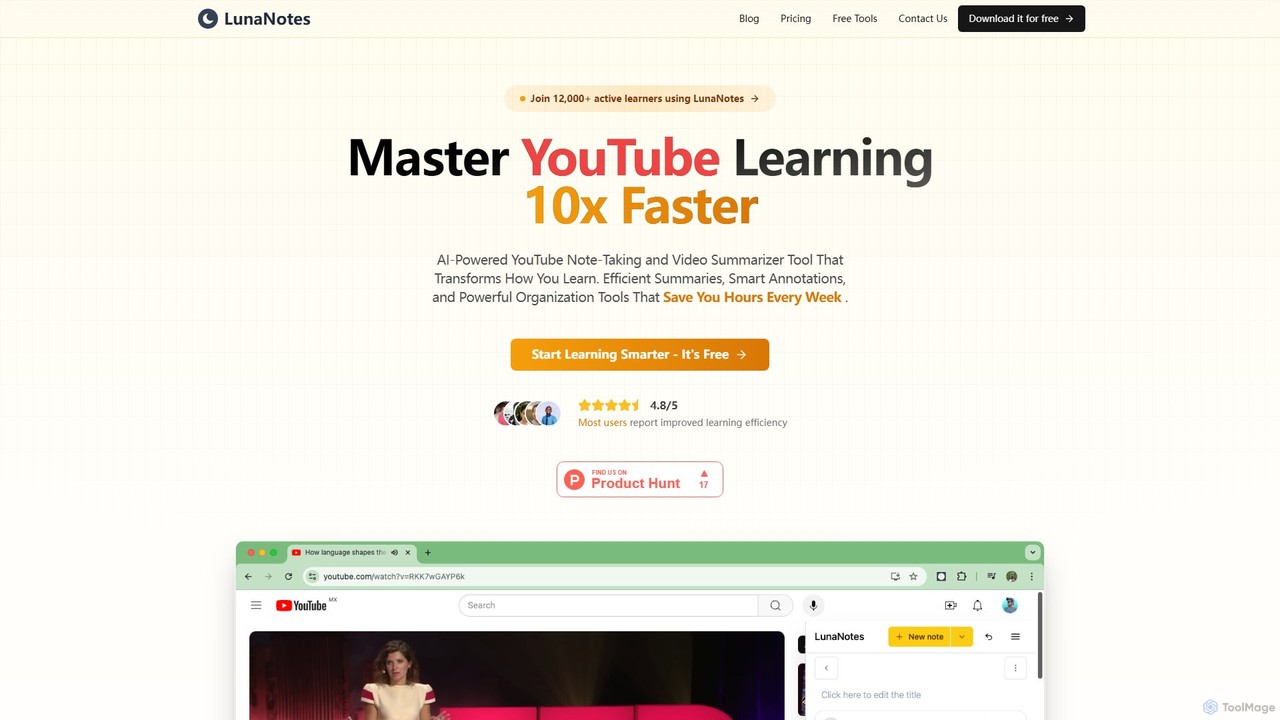
LunaNotes is an AI-powered note-taking tool and video summarizer for YouTube. It enhances video learning by allowing users to take time-stamped notes, generate AI summaries, and organize content efficiently. Available as a Chrome extension and web app, it's designed for students, educators, and professionals to learn 10x faster from video content.
Chrome Extensions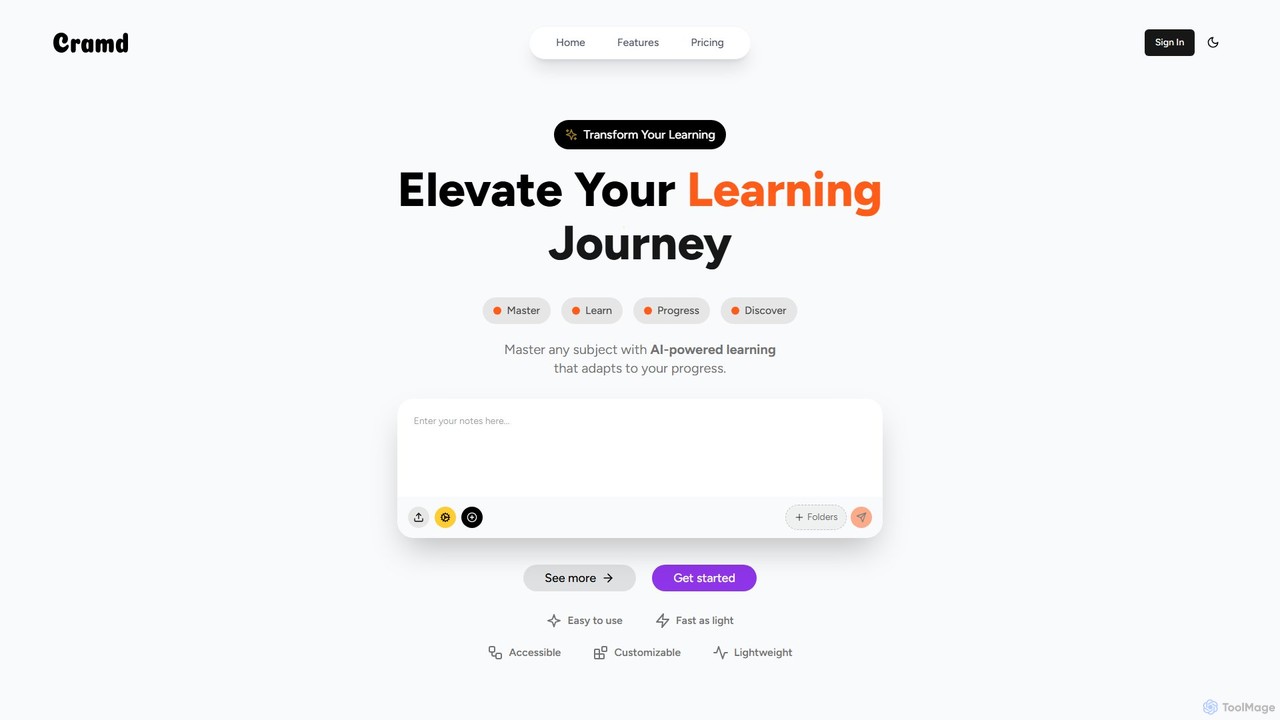
Cramd
Cramd is an AI-powered learning platform that transforms your study materials into an engaging and effective learning experience. It automatically converts notes, PDFs, and YouTube videos into interactive flashcards and quizzes, utilizing scientifically-proven methods like spaced repetition and active recall to enhance memory retention and accelerate learning for students and professionals.
Learning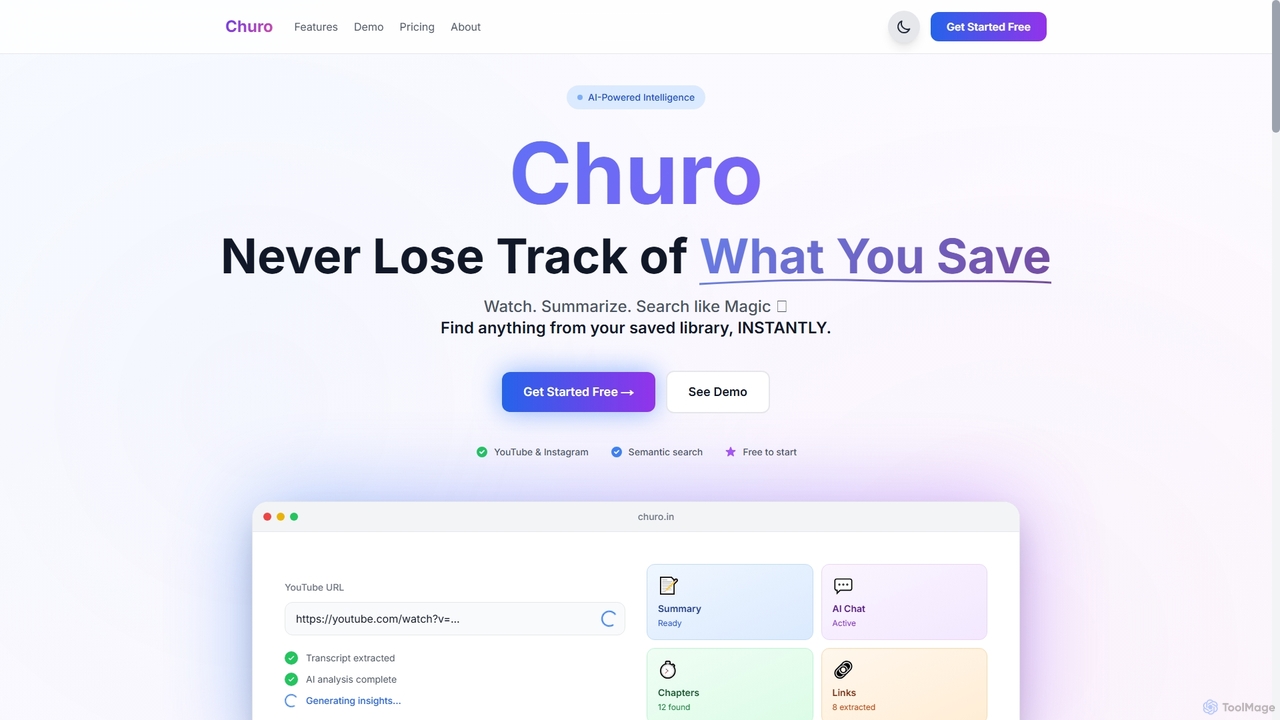
Churo
Churo is an AI-powered video summarizer and knowledge management tool that helps users save, search, and recall information from YouTube videos and Instagram reels. It provides instant AI summaries, semantic search capabilities, and a unified library to transform saved content into an organized, searchable knowledge base.
Learning
Tubetranscript
Tubetranscript is a free, AI-powered tool that effortlessly generates accurate transcripts and summaries from any YouTube video. It requires no software installation or user registration, providing instant results with timestamps directly in your browser.
Writing
noiz
noiz is an AI-powered productivity suite designed to save you time. Its core feature is a YouTube video summarizer that provides instant, timestamped summaries and transcripts in over 40 languages. It also offers a collection of free AI tools for content creation, marketing, and education, making it a versatile assistant for students, creators, and professionals.
LearningTubeMemo Categories
TubeMemo Embed Widget
Copy this embed code to place the badge on your blog, article, or product site and send readers directly to this ToolMage detail page.

Related AI tools
noiz
noiz is an AI-powered productivity suite designed to save you time. Its core feature is a YouTube video summarizer that provides instant, timestamped summaries and transcripts in over 40 languages. It also offers a collection of free AI tools for content creation, marketing, and education, making it a versatile assistant for students, creators, and professionals.
Learning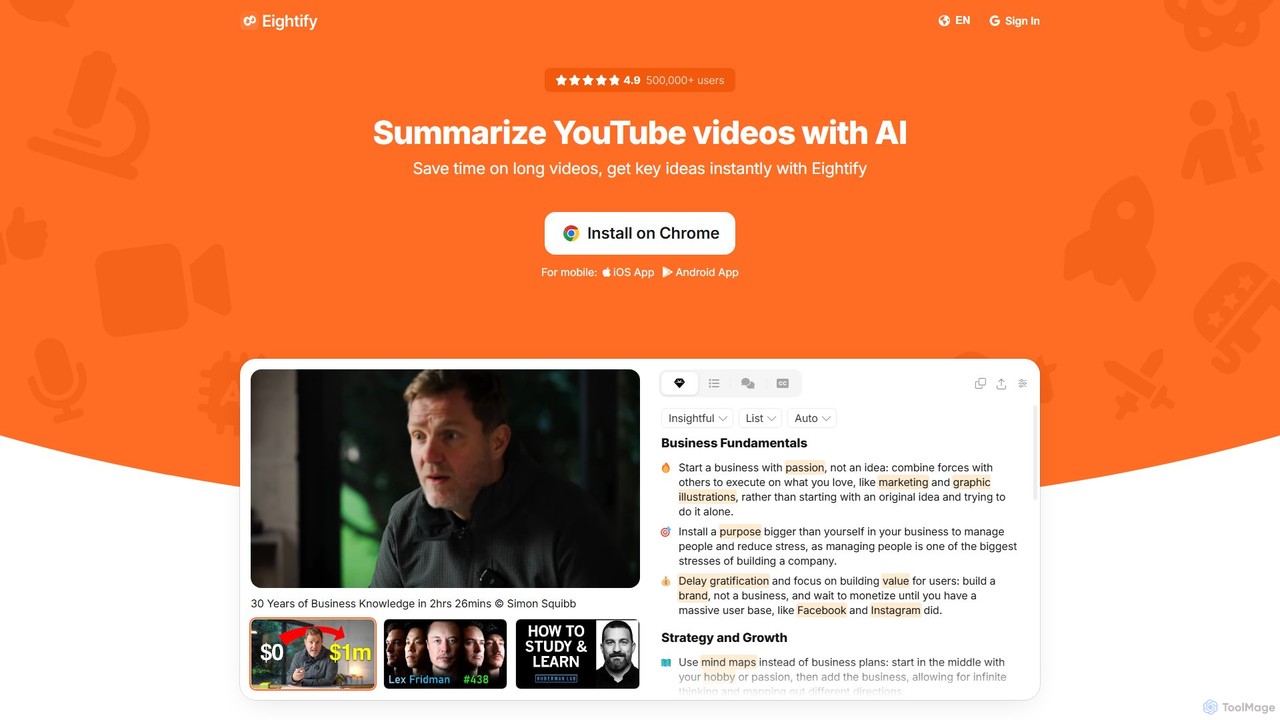
Eightify
Eightify is an AI-powered YouTube video summarizer that saves you time by generating concise, accurate summaries. Available as a browser extension and mobile app, it extracts key ideas, provides timestamped outlines, and transcribes video content. With support for over 40 languages, it's the perfect tool for professionals, students, and content creators to quickly grasp the essence of long videos, boosting productivity and learning efficiency.
Learning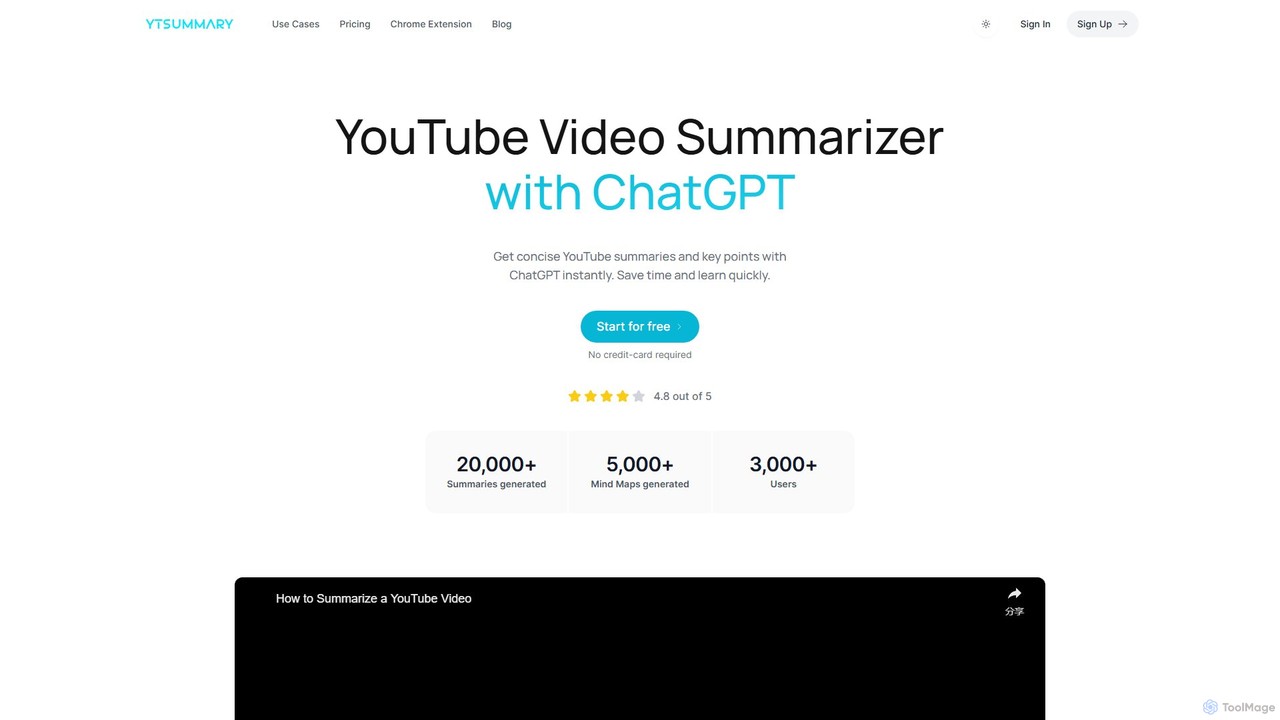
ytsummary
ytsummary is a ChatGPT-powered AI tool that instantly generates concise summaries, key points, and visual mind maps for any YouTube video. It's designed to save you time, enhance learning, and boost productivity by allowing you to grasp the core content of long videos without watching them in their entirety. It supports multiple languages, various export formats, and includes a convenient Chrome extension.
Learning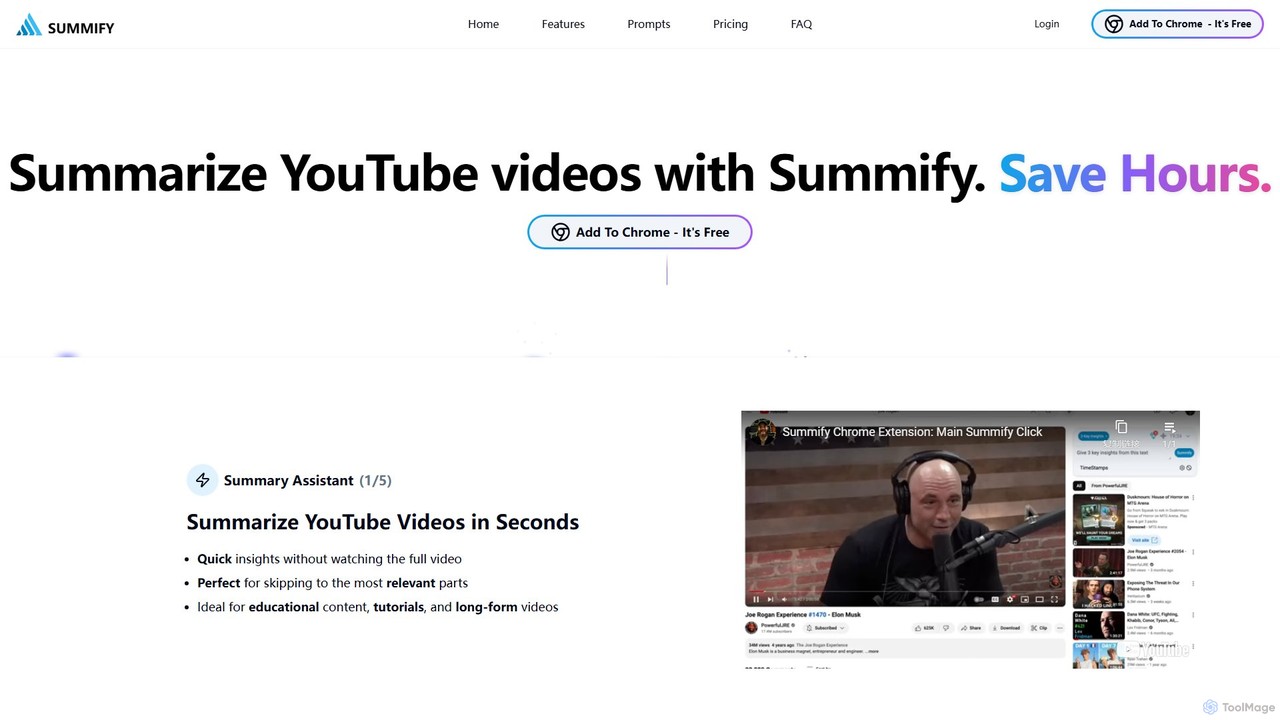
SummifyAI
SummifyAI is a powerful Chrome extension that uses AI to summarize YouTube videos in seconds. It helps users save time by providing quick insights, summarizing specific timestamps, and allowing custom questions about the video content. Ideal for students, professionals, and researchers, it transforms videos into a searchable knowledge base.
Chrome Extensions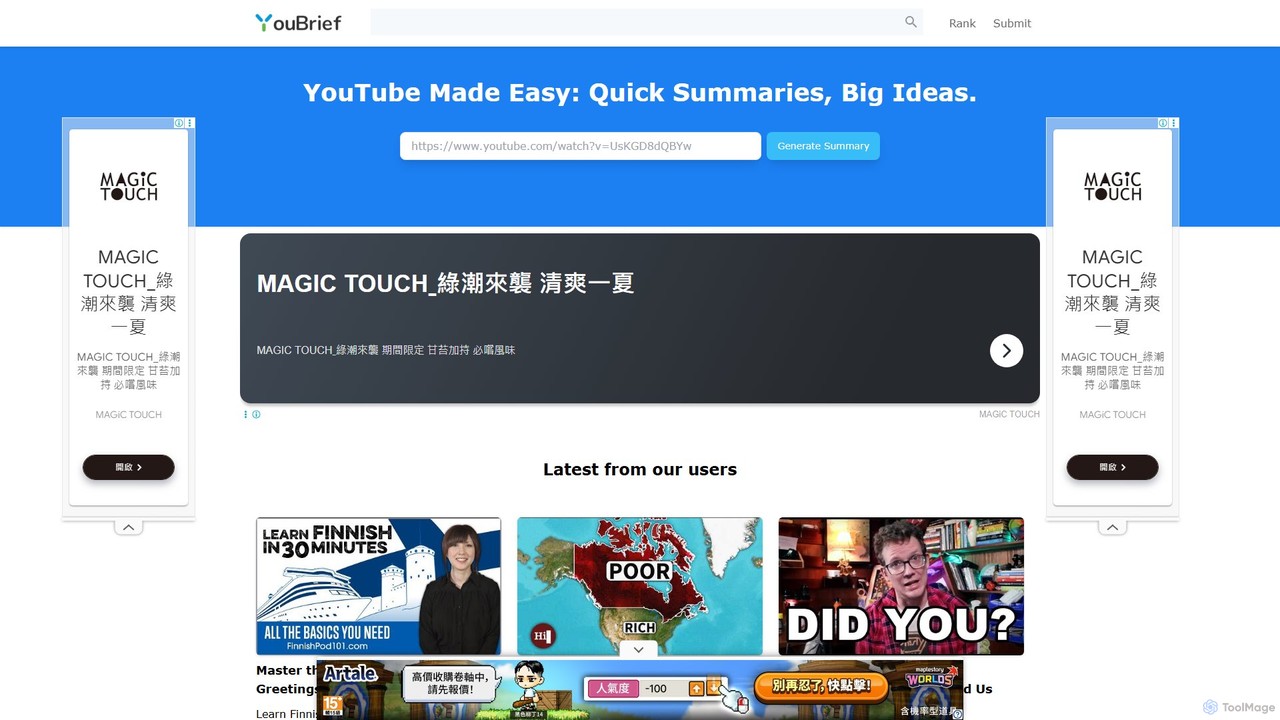
YouBrief
YouBrief is an AI-powered tool that transforms long YouTube videos into concise, easy-to-read summaries. It extracts key insights, generates Q&A sections, and provides timestamped breakdowns to help you learn faster and save time. Ideal for students, professionals, and lifelong learners who want to absorb video content efficiently.
LearningLunaNotes
LunaNotes is an AI-powered note-taking tool and video summarizer for YouTube. It enhances video learning by allowing users to take time-stamped notes, generate AI summaries, and organize content efficiently. Available as a Chrome extension and web app, it's designed for students, educators, and professionals to learn 10x faster from video content.
Chrome ExtensionsChuro
Churo is an AI-powered video summarizer and knowledge management tool that helps users save, search, and recall information from YouTube videos and Instagram reels. It provides instant AI summaries, semantic search capabilities, and a unified library to transform saved content into an organized, searchable knowledge base.
Learning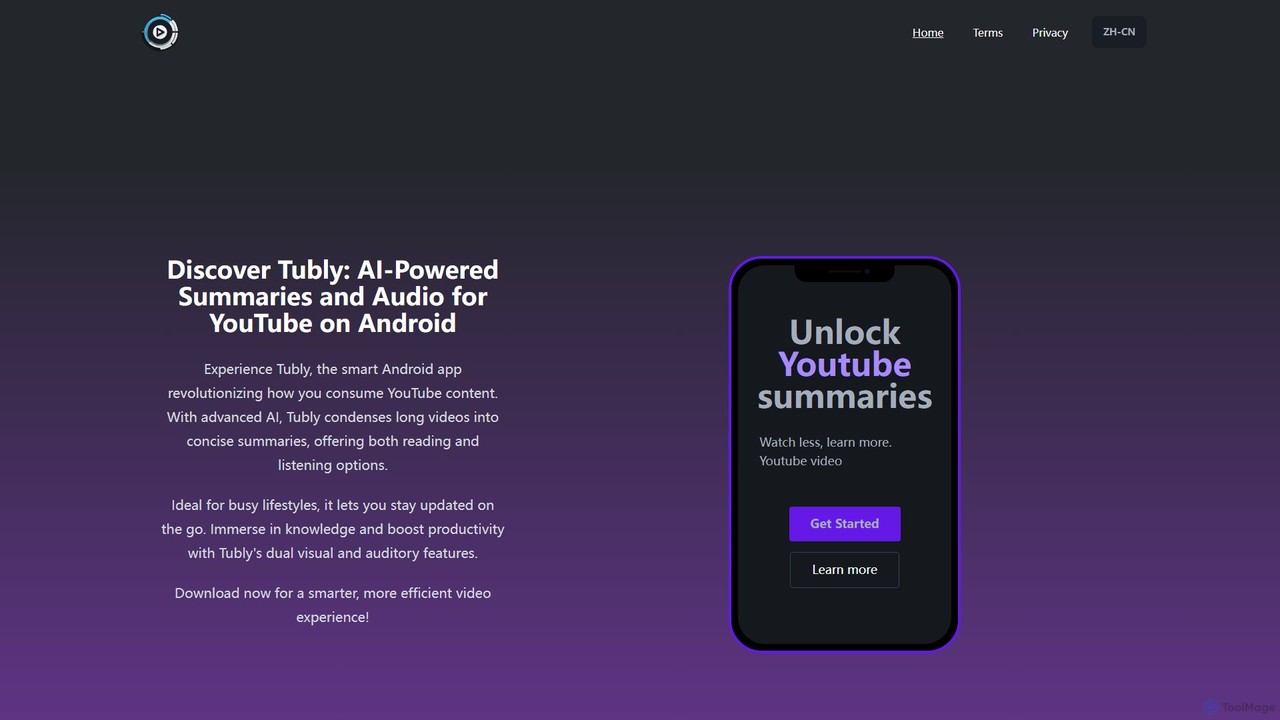
Tubly
Tubly is an AI-powered Android app that transforms long YouTube videos into concise text and audio summaries. It features multilingual translation, interactive timestamps, and a feed summarizer to help you learn more in less time. Ideal for busy individuals, it boosts productivity by making video content easily digestible on the go.
Learning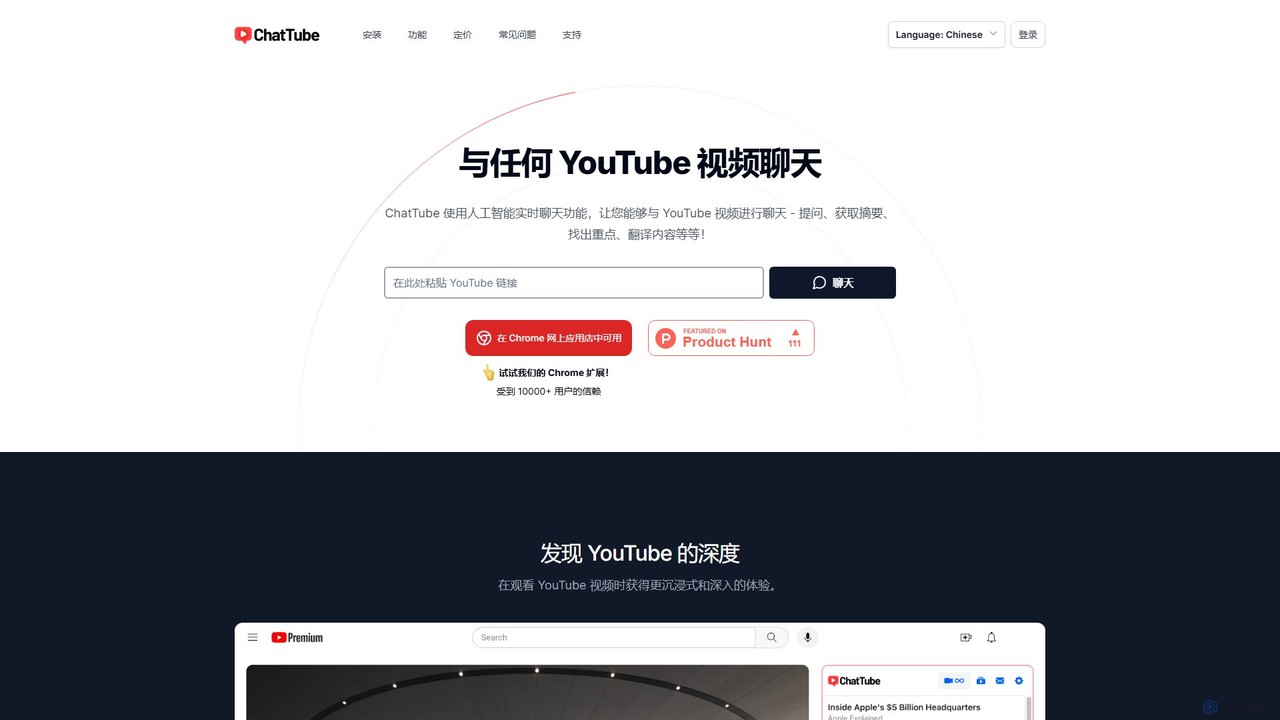
ChatTube
ChatTube is an AI-powered tool, available as a Chrome extension and web app, that lets you interact with any YouTube video. Ask questions, get instant summaries, find key information, and translate content to enhance your learning, research, and content discovery experience.
Learning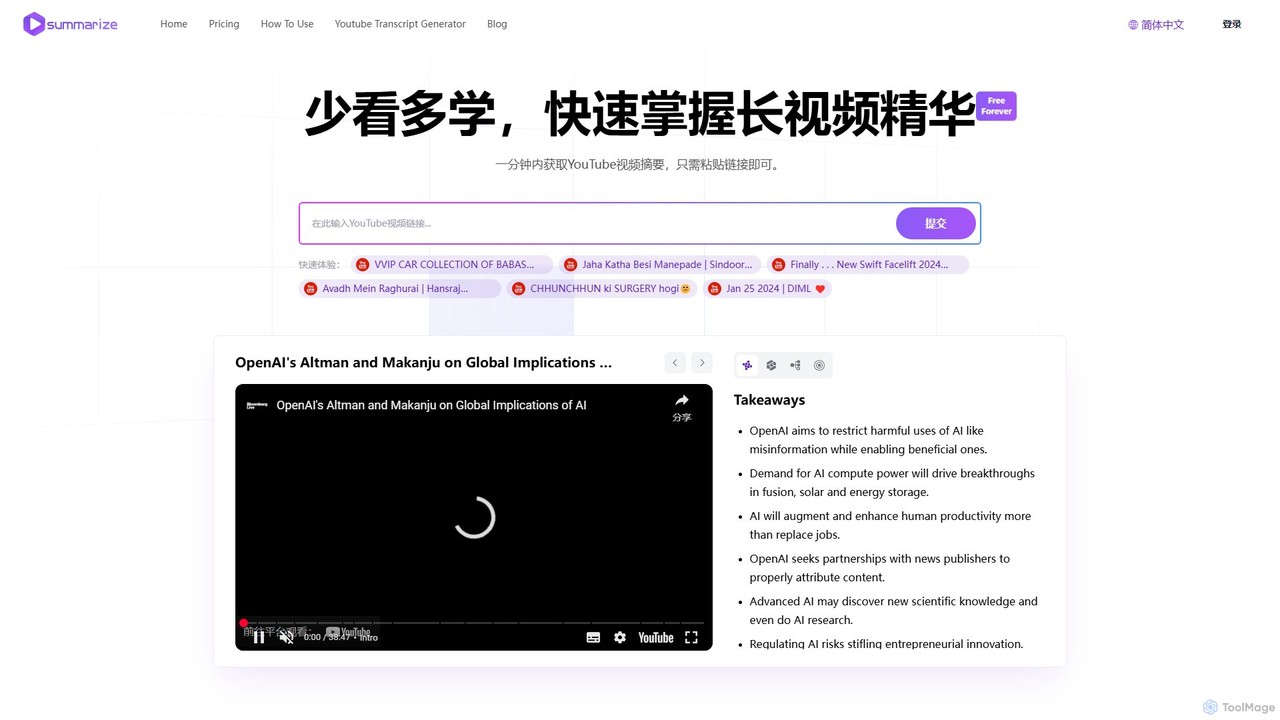
Summarize.ing
Summarize.ing is an AI-powered tool that instantly generates comprehensive summaries of any YouTube video. Powered by Claude 3.5 Sonnet, it extracts key points, creates mind maps, and provides FAQs to help you learn faster and save valuable time. Simply paste a video link to get detailed, multi-dimensional insights in under a minute. Ideal for students, researchers, and lifelong learners.
Learning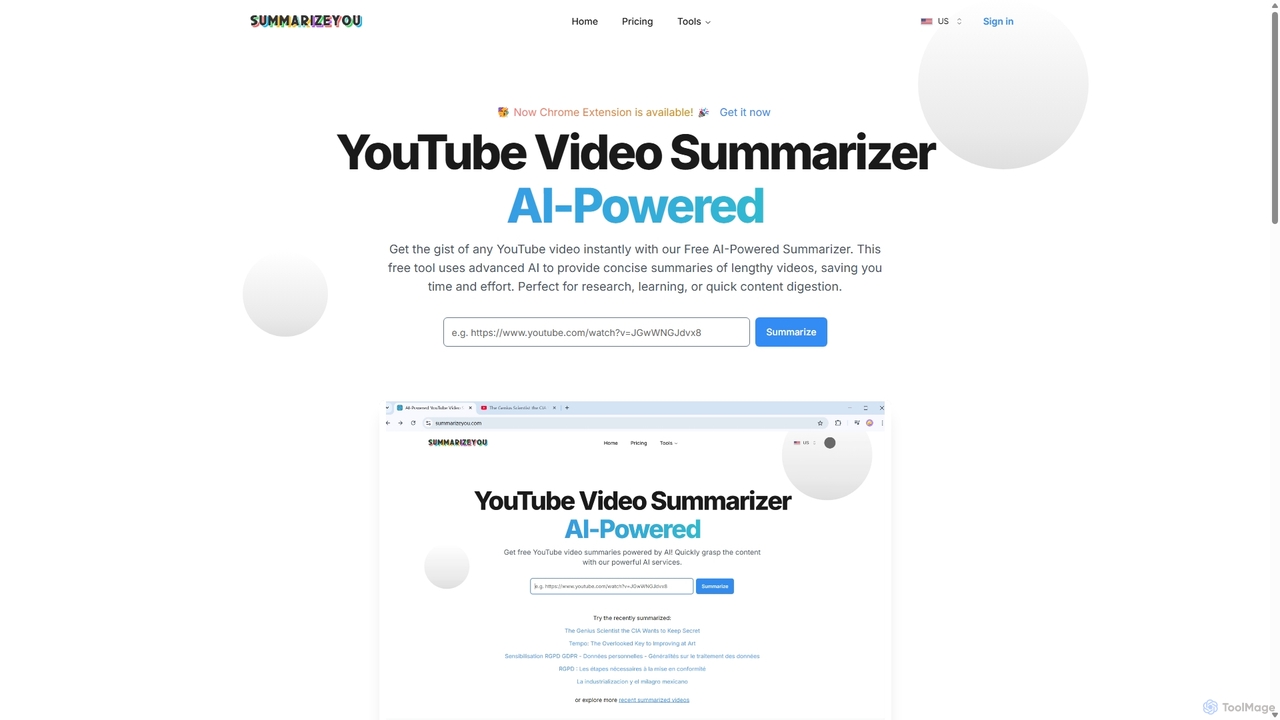
SummarizeYou
SummarizeYou is an AI-powered tool that instantly summarizes YouTube videos. It provides concise summaries, timestamped breakdowns, downloadable subtitles, and interactive mind maps, saving time for students, researchers, and professionals. It also features a Chrome extension for seamless integration.
Learning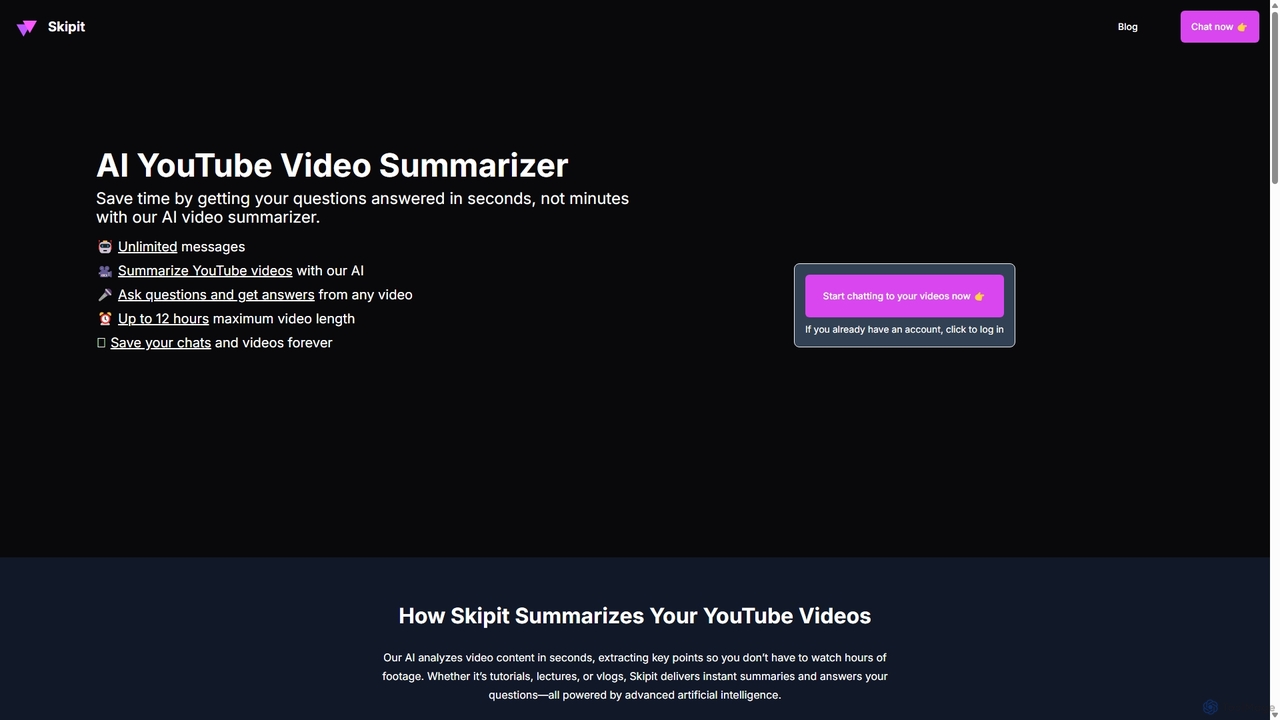
Skipit
Skipit is an AI-powered tool that summarizes YouTube videos instantly. It allows you to chat with any video, ask specific questions, and get key insights in seconds without watching the entire content. Ideal for students, professionals, and creators, it supports videos up to 12 hours long, saving you valuable time and boosting productivity.
Learning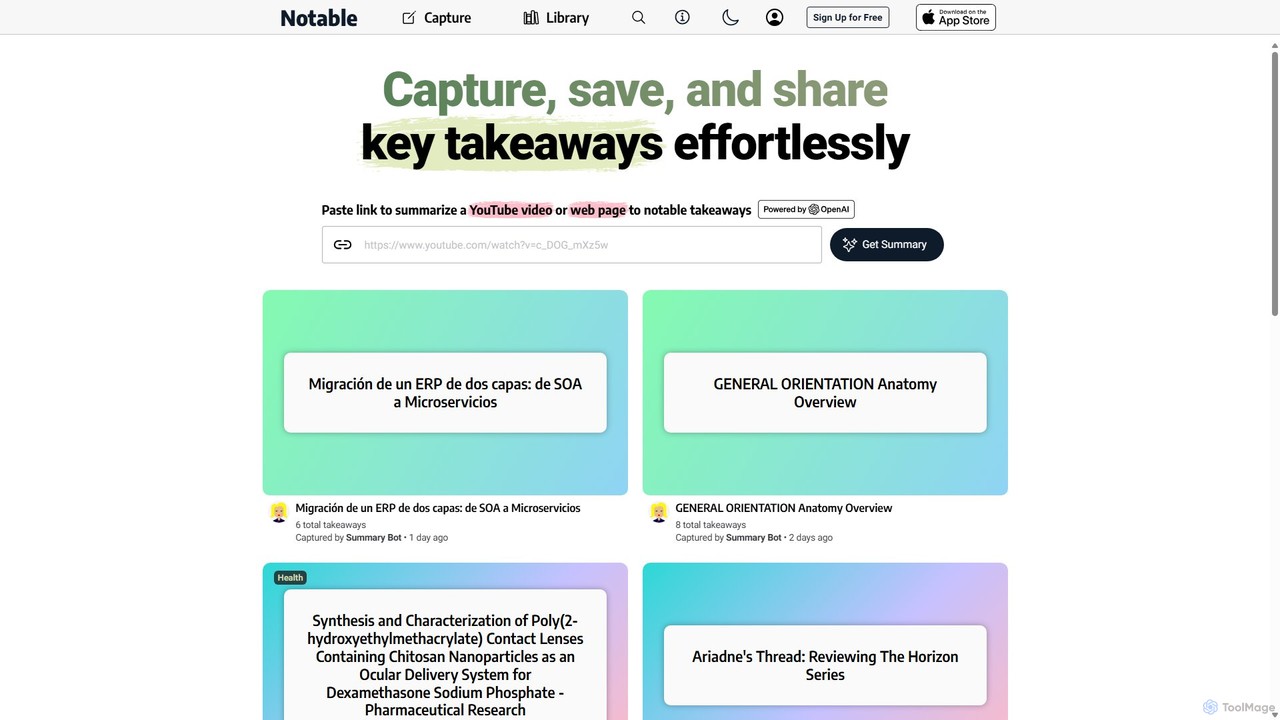
Notable AI
Notable AI is an intelligent tool designed to capture, summarize, and organize key takeaways from web pages and YouTube videos. Simply paste a link, and the AI generates concise summaries, helping you build a personal knowledge library and share insights effortlessly.
Research
SummarizeYT
SummarizeYT is an AI-powered browser extension that uses ChatGPT to generate concise summaries of YouTube videos. It helps you save time by quickly grasping the key points of any video without watching it in its entirety, integrating seamlessly into the YouTube interface.
Learning
Horsy.ai
Horsy.ai is an AI-powered Chrome extension that acts as a productivity layer for the web. It summarizes web pages and YouTube videos, allows you to chat with content, fact-checks information, and organizes your bookmarks into a searchable knowledge base. It's designed to help users save time, learn faster, and enhance their online research.
Learning
TubeMemo Comments (0)
Sign in to comment.
Sign inNo comments yet.