ToolMage
Sign in

Best 41 Note Taking AI tools for Education

Popular Note Taking AI tools in Education include Otter.ai, Image to Text, Xmind, GitMind, Video Highlight, Thetawave AI, Wave, SoundType AI, TreeMind, and AmyMind, helping you work more efficiently.

itingnao
Freemium

itingnao

itingnao is an AI-powered assistant that transcribes audio and video into text. It offers real-time transcription, file uploads, and video link parsing. Key features include automatic summarization, key point extraction, and AI-driven Q&A on your content. Designed for students, professionals, and content creators, it streamlines note-taking, meeting minutes generation, and subtitle creation across web, iOS, and Android platforms.

Speech To Text
Visits 45.2KFavorites 124Likes 126
Xmind
Freemium

Xmind

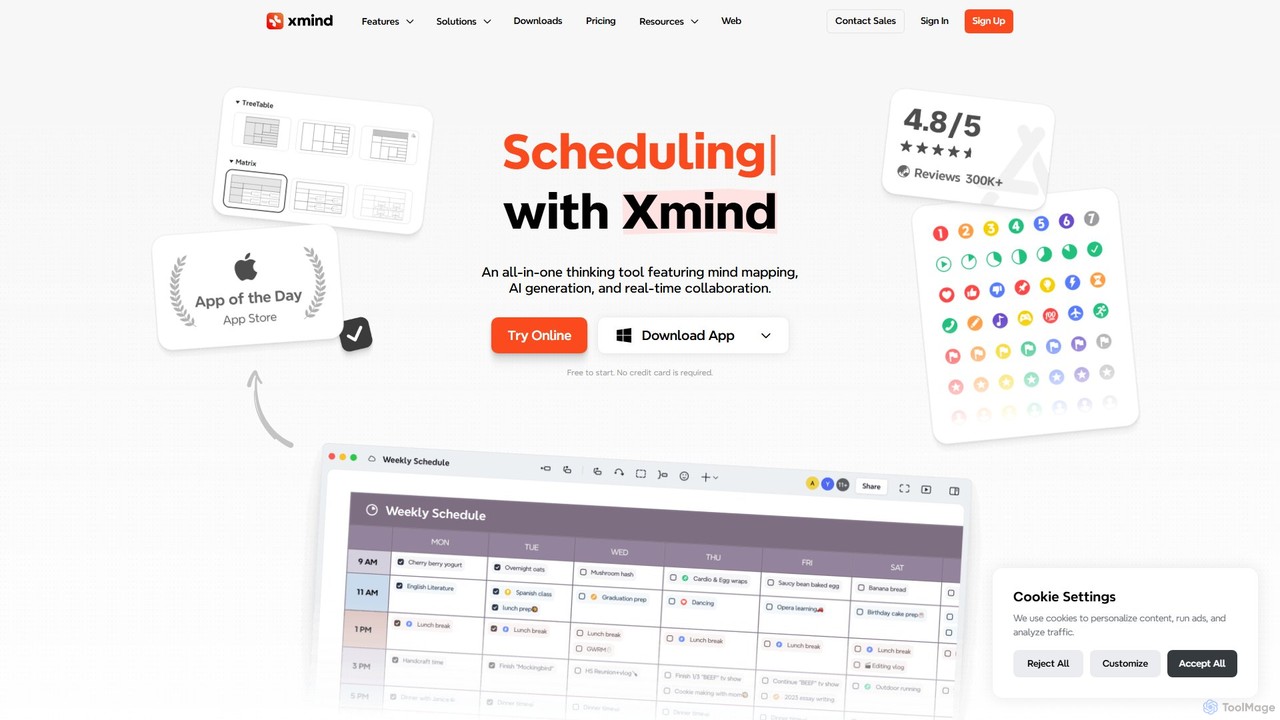
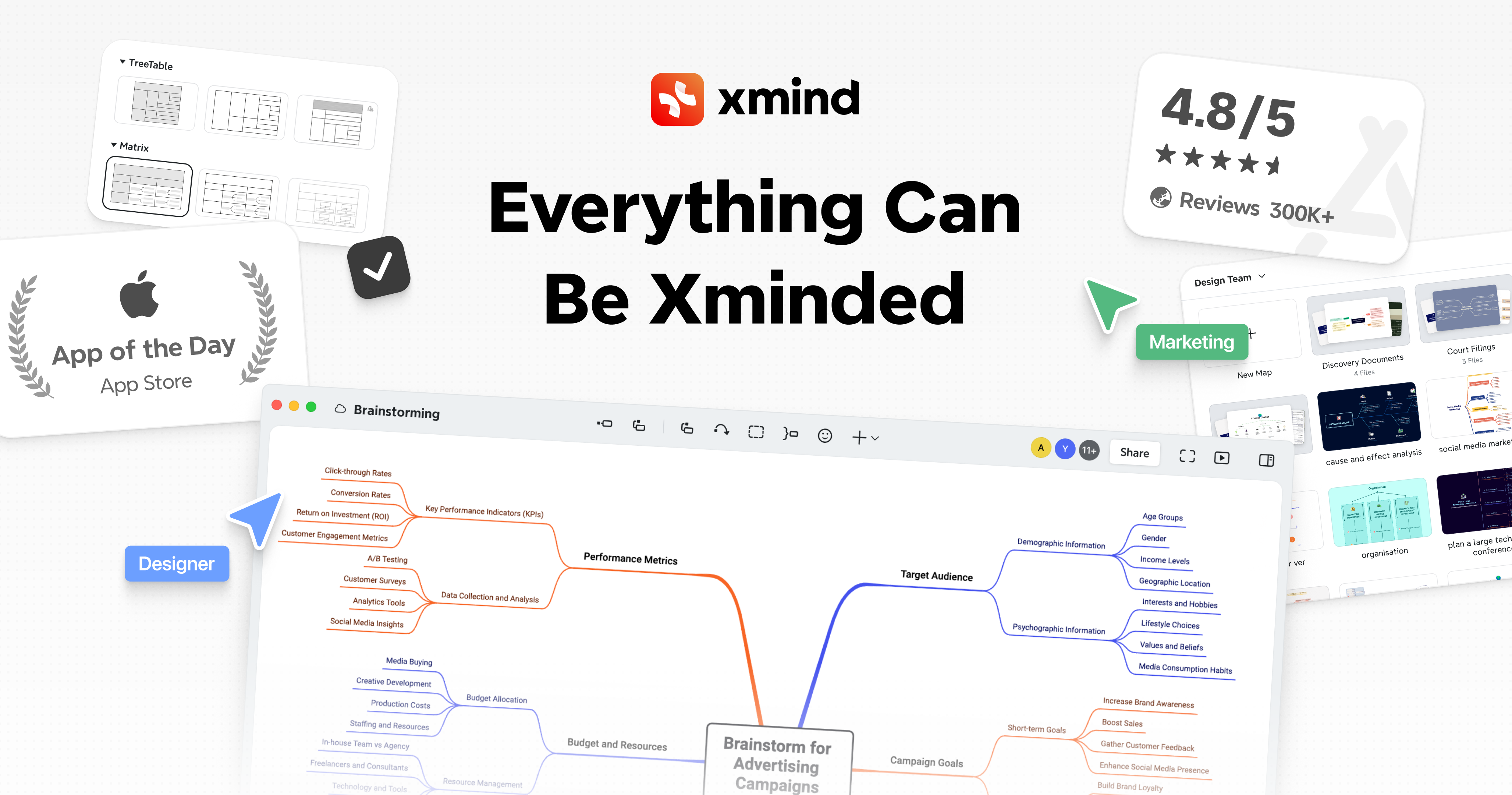
Xmind is an all-in-one thinking tool that combines mind mapping, AI-powered brainstorming, and real-time collaboration. It helps users capture, organize, and present ideas visually, boosting creativity and productivity across all major platforms.

Planning
Visits 1.5MFavorites 148Likes 143
Hedy
Freemium

Hedy

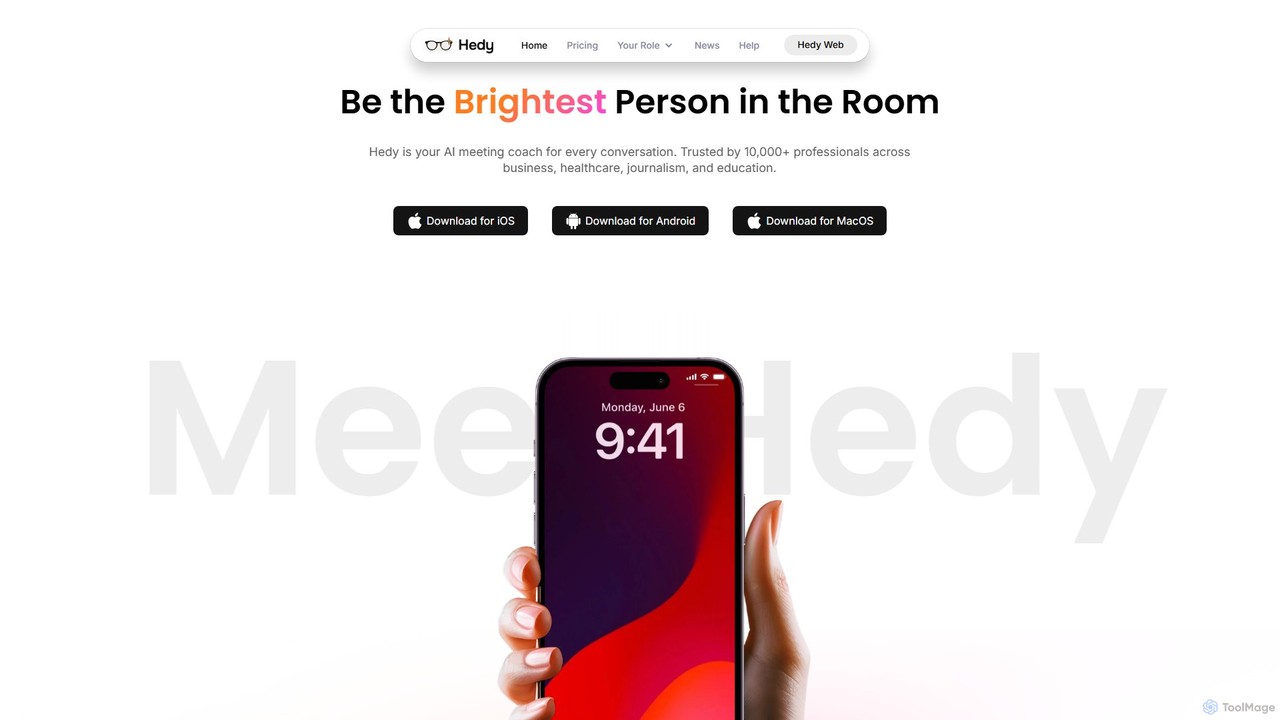
Hedy is a real-time AI coach for meetings, interviews, and classes. It provides live insights, automated notes, summaries, and suggestions in over 30 languages to help professionals, students, and journalists communicate with confidence and clarity. It enhances your voice, not replaces it.

Transcription
Visits 43.6KFavorites 151Likes 135
Video Highlight
Freemium

Video Highlight

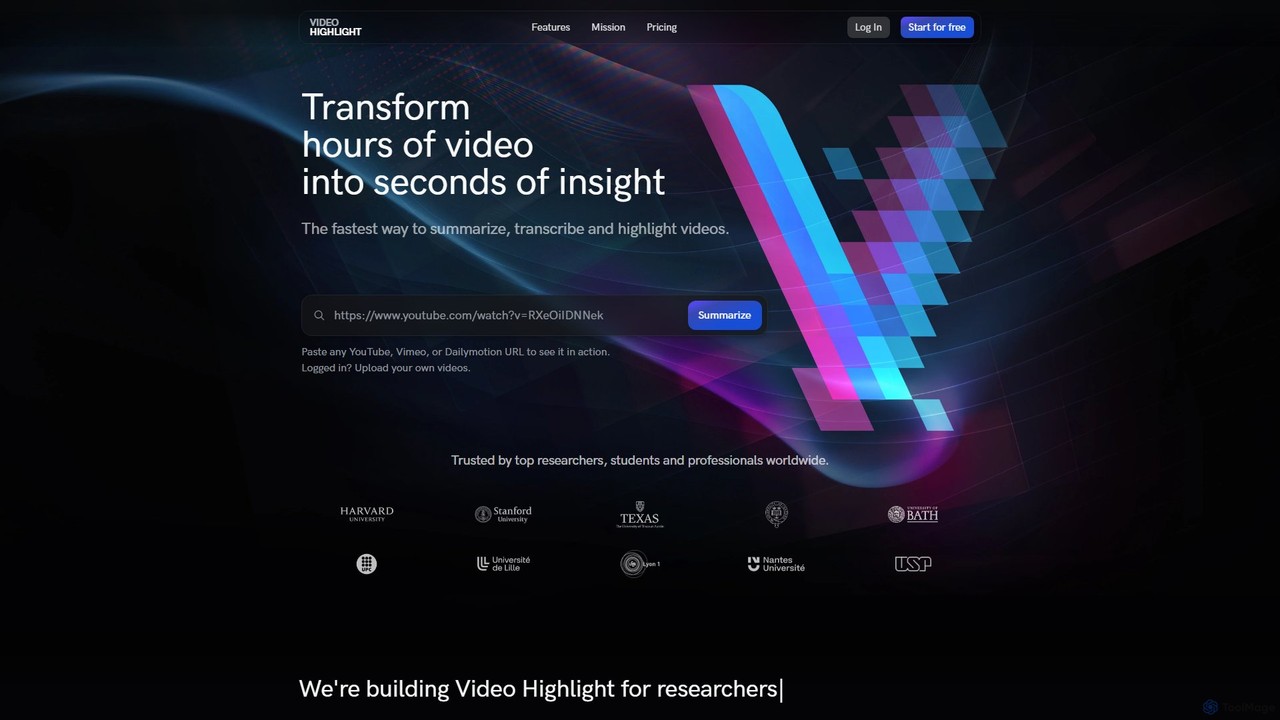
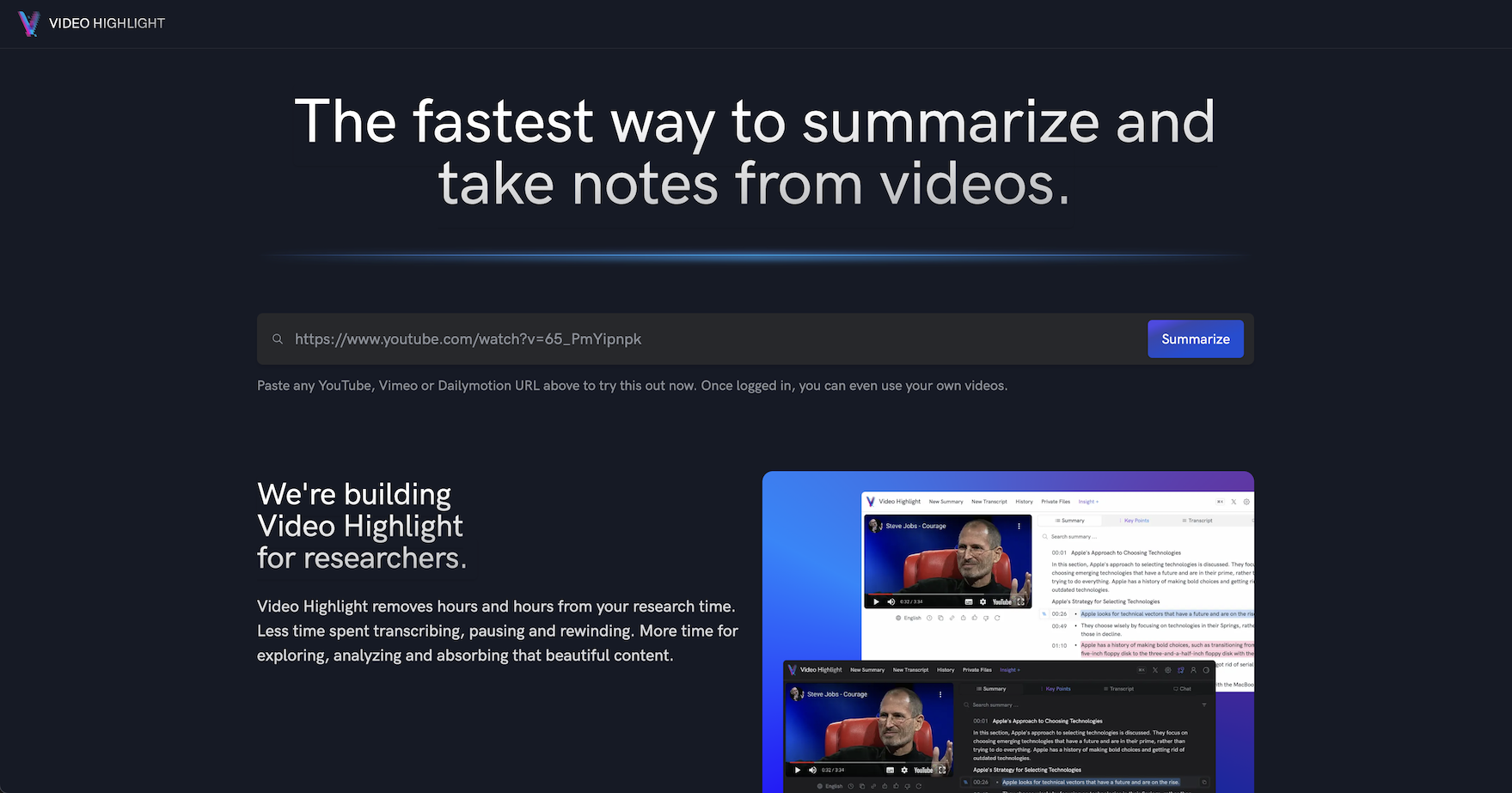
Video Highlight is an AI-powered tool that transforms long videos into concise, actionable insights. It instantly generates timestamped summaries, accurate transcripts, and allows interactive chat with video content. Ideal for researchers, students, and content creators looking to save time and enhance productivity.

Note Taking
Visits 584KFavorites 113Likes 127
Voice To Notes
Freemium

Voice To Notes

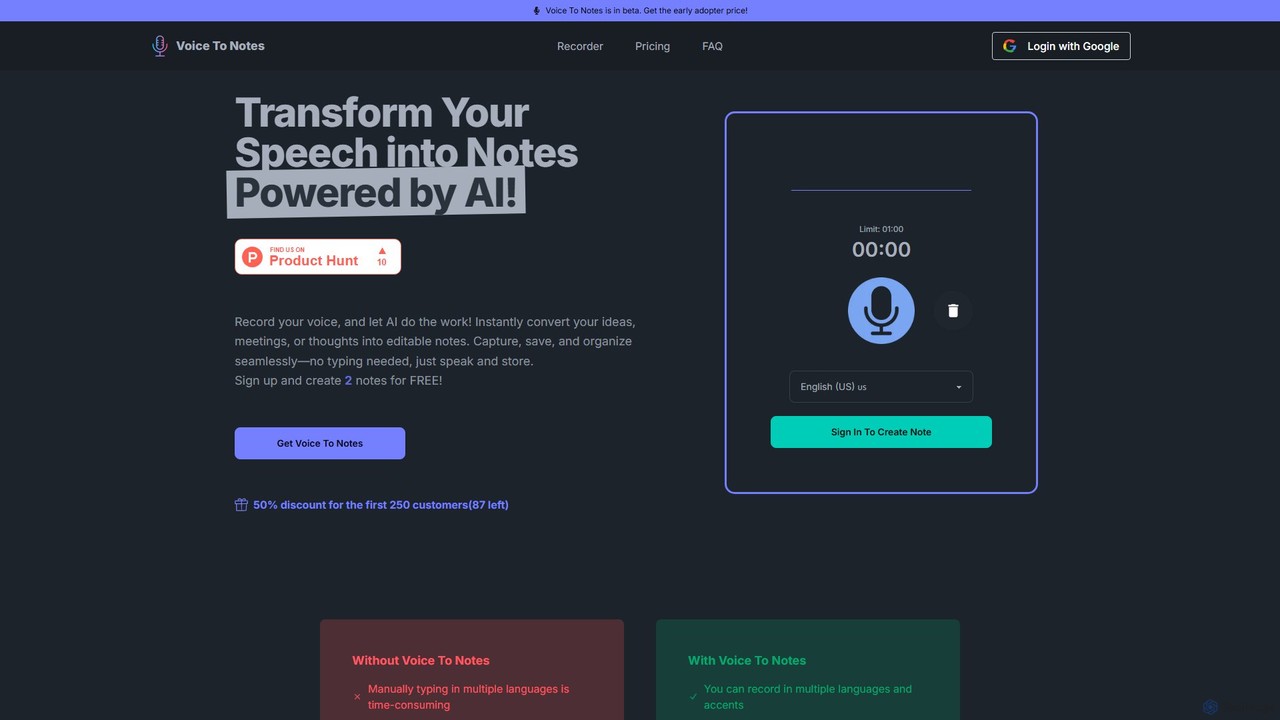
Voice To Notes is an AI-powered tool that instantly converts your speech into editable, organized text notes. Supporting over 70 languages, it's perfect for capturing ideas, meeting minutes, and interviews without typing. Record for up to 2 hours and edit your notes seamlessly.

Speech To Text
Visits 5.5KFavorites 140Likes 117
Otter.ai
Freemium

Otter.ai

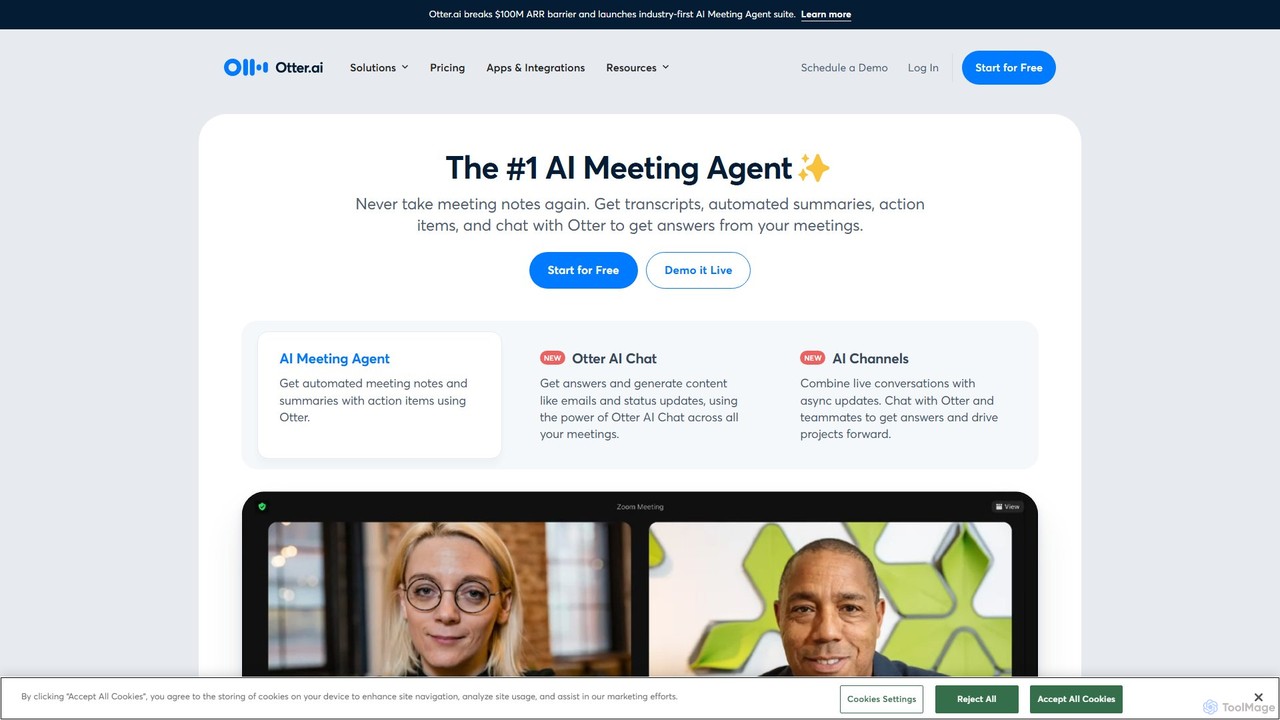
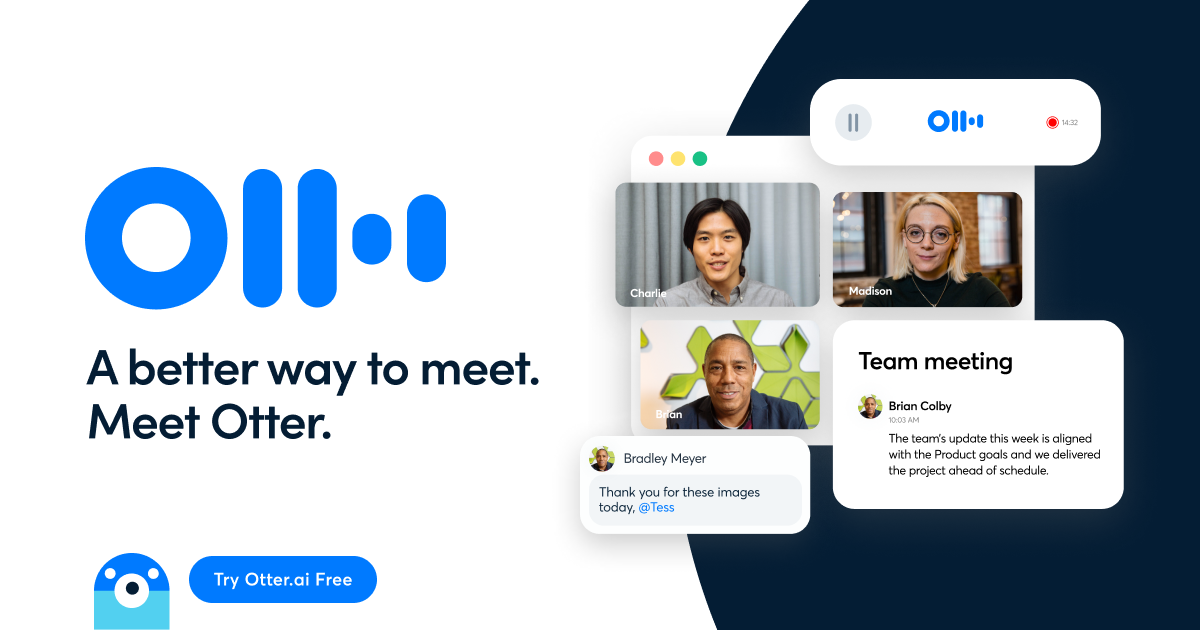
Otter.ai is an AI-powered meeting assistant that automatically records, transcribes, and summarizes your conversations. It joins your meetings on Zoom, Google Meet, and MS Teams, providing real-time notes, action items, and searchable archives. This allows teams to stay focused, collaborate effectively, and unlock insights from their spoken knowledge.

Note Taking
Visits 7MFavorites 120Likes 113
TreeMind
Freemium

TreeMind

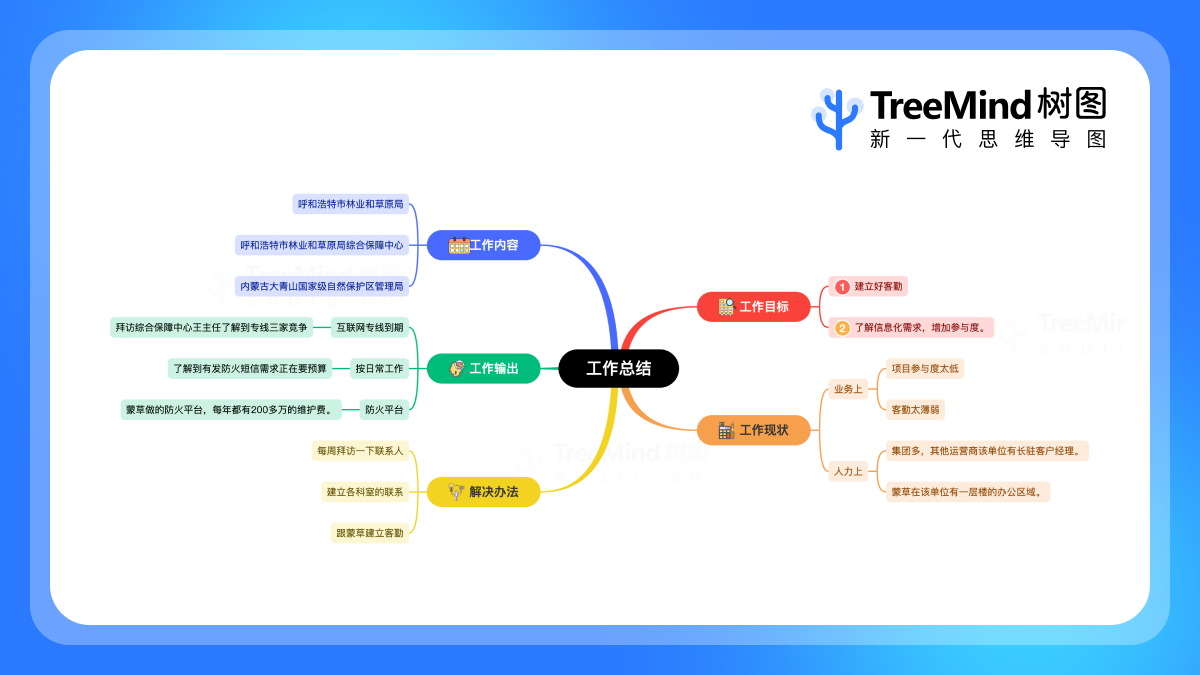
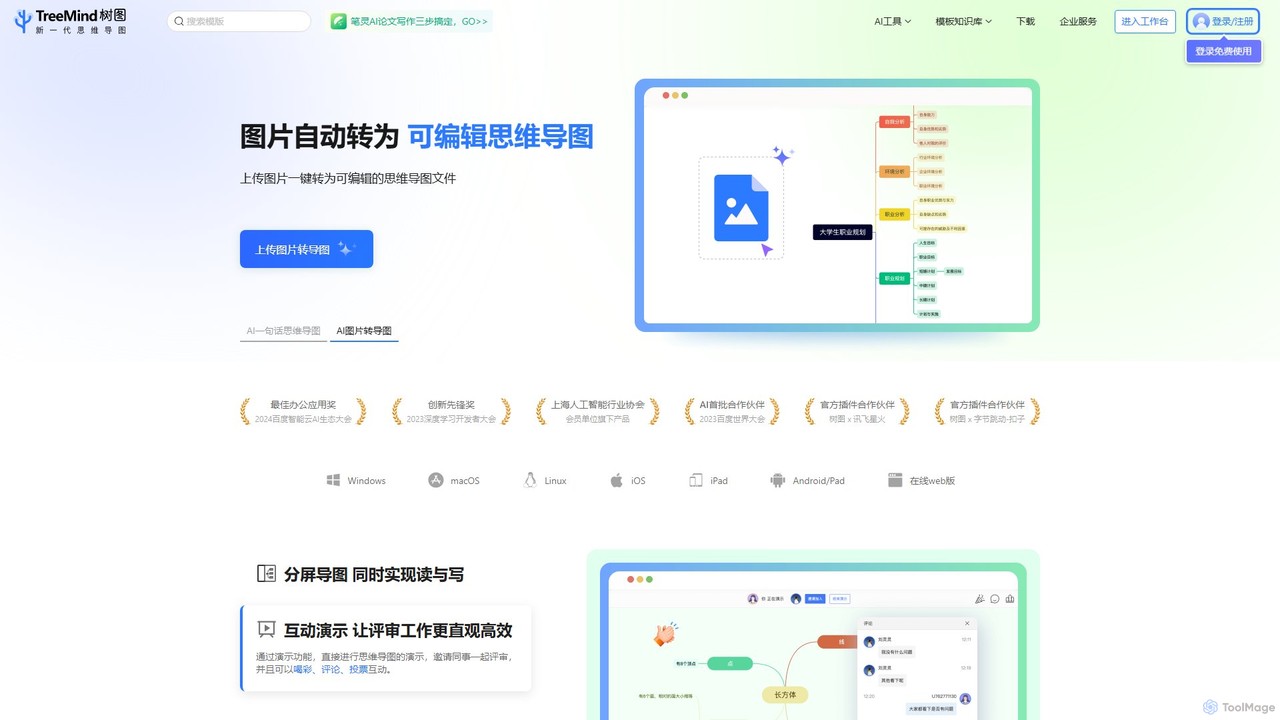
TreeMind is a next-generation AI-powered mind mapping tool that allows users to generate, organize, and visualize ideas effortlessly. It supports creating mind maps from a single sentence, images, or documents, and offers real-time collaboration, cross-platform synchronization, and a vast library of templates and design assets.

Generative
Visits 80.6KFavorites 144Likes 152
AmyMind
Freemium

AmyMind

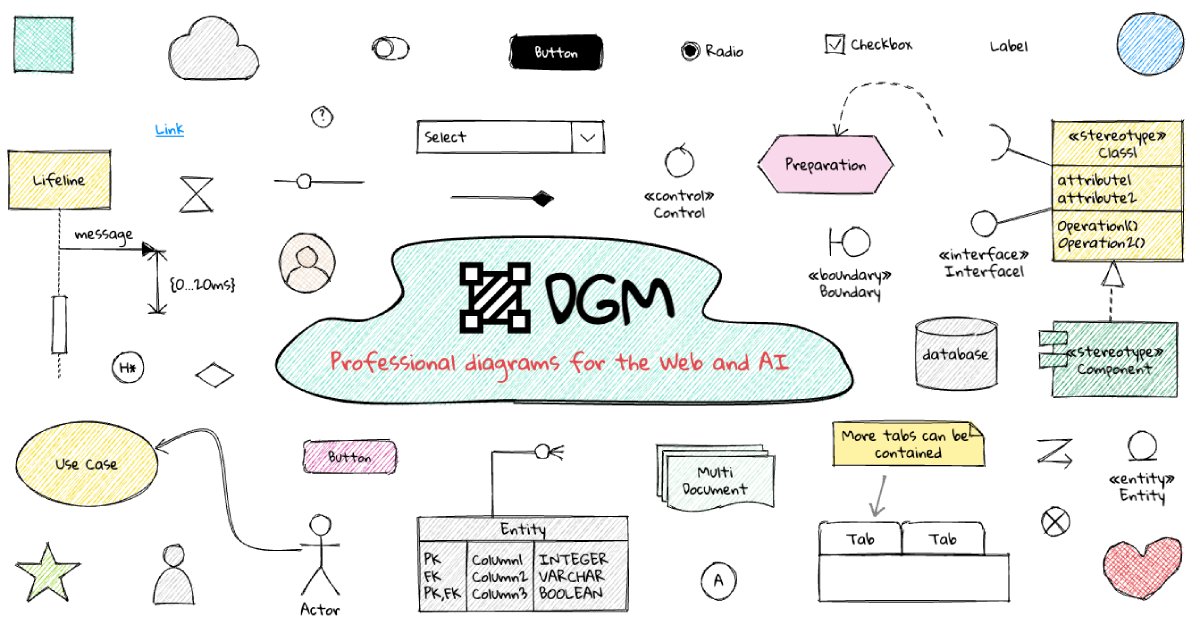
AmyMind is an AI-powered mind mapping tool that instantly transforms text, documents (PDF, Word, Markdown), and ideas into clear, organized mind maps, flowcharts, and UML diagrams. It features AI-assisted exploration for deeper insights, one-click export to multiple formats like PowerPoint and PDF, and a versatile online whiteboard. Ideal for students, professionals, and creatives looking to visualize information and streamline their workflow.

Diagramming
Visits 60.8KFavorites 111Likes 107
moyonote
Freemium

moyonote

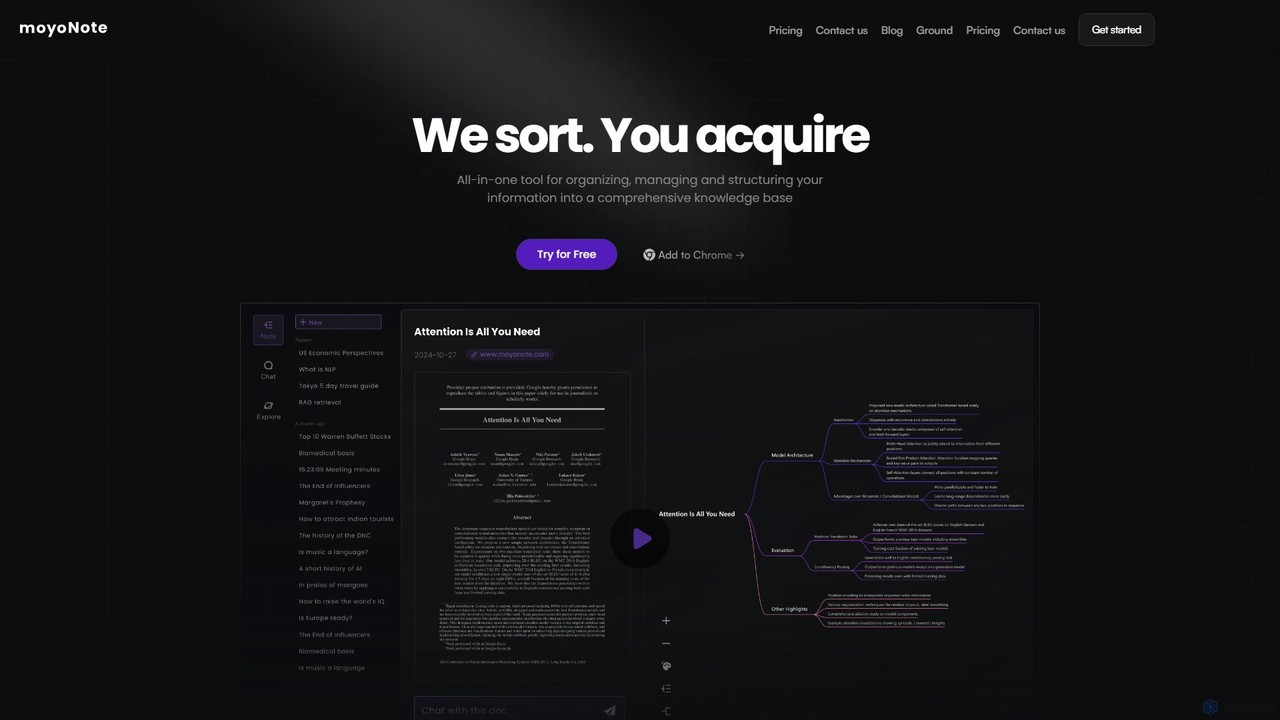
moyonote is an AI-powered tool that automatically transforms documents, text, and various files into structured, interactive mind maps. It helps users quickly sort and acquire knowledge, enhancing productivity for students, professionals, and teams by simplifying complex information.

Document Analysis
Visits 8KFavorites 143Likes 143
tulz.ai
Freemium

tulz.ai

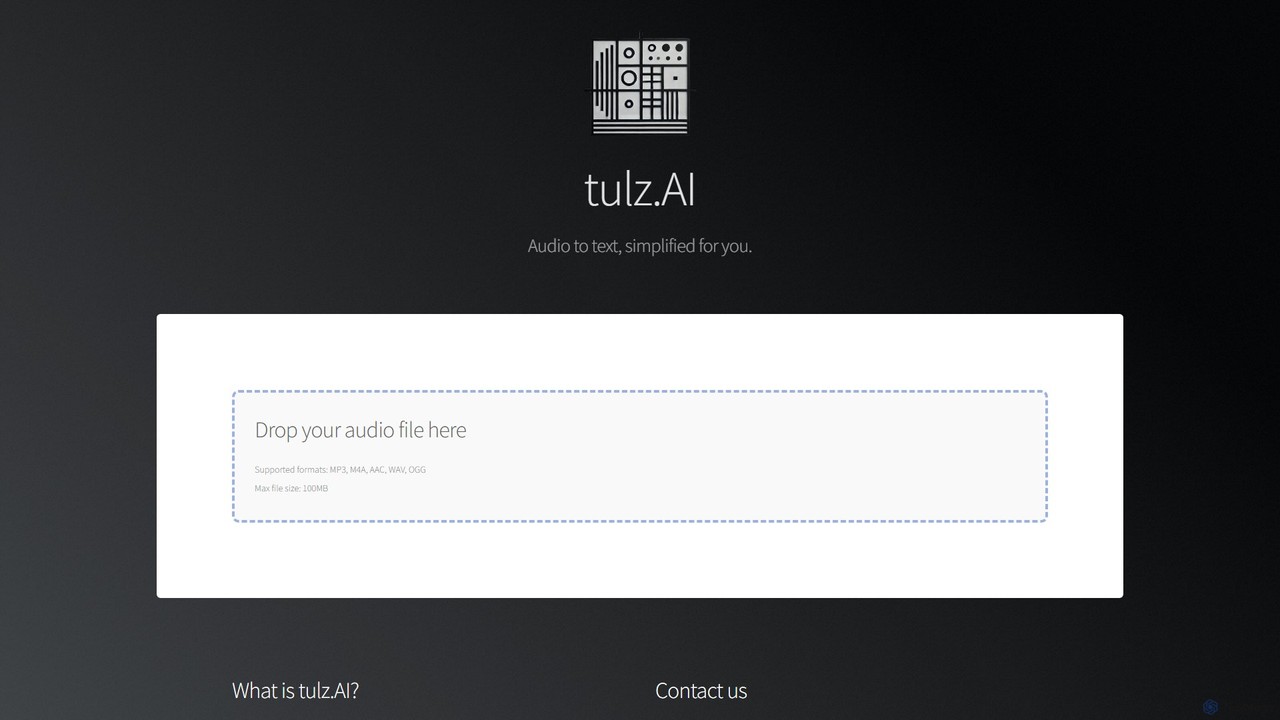
tulz.ai is a user-friendly AI-powered transcription service that quickly converts audio files into accurate text. Simply drag and drop your MP3, WAV, or other audio formats to get fast transcriptions for meetings, interviews, podcasts, and more. It's designed for professionals, content creators, and students who need a quick and reliable way to document spoken content, enhance accessibility, and streamline their workflow.

Speech To Text
Visits 5.5KFavorites 103Likes 112
captr
Freemium

captr

captr is an AI-powered assistant that transforms long videos, primarily from YouTube, into concise summaries, full transcripts, and actionable insights. It allows users to quickly understand video content without watching it in its entirety, ask questions, and export key information, boosting productivity and learning efficiency.

Note Taking
Visits 5.6KFavorites 116Likes 126
messydesk
Freemium

messydesk

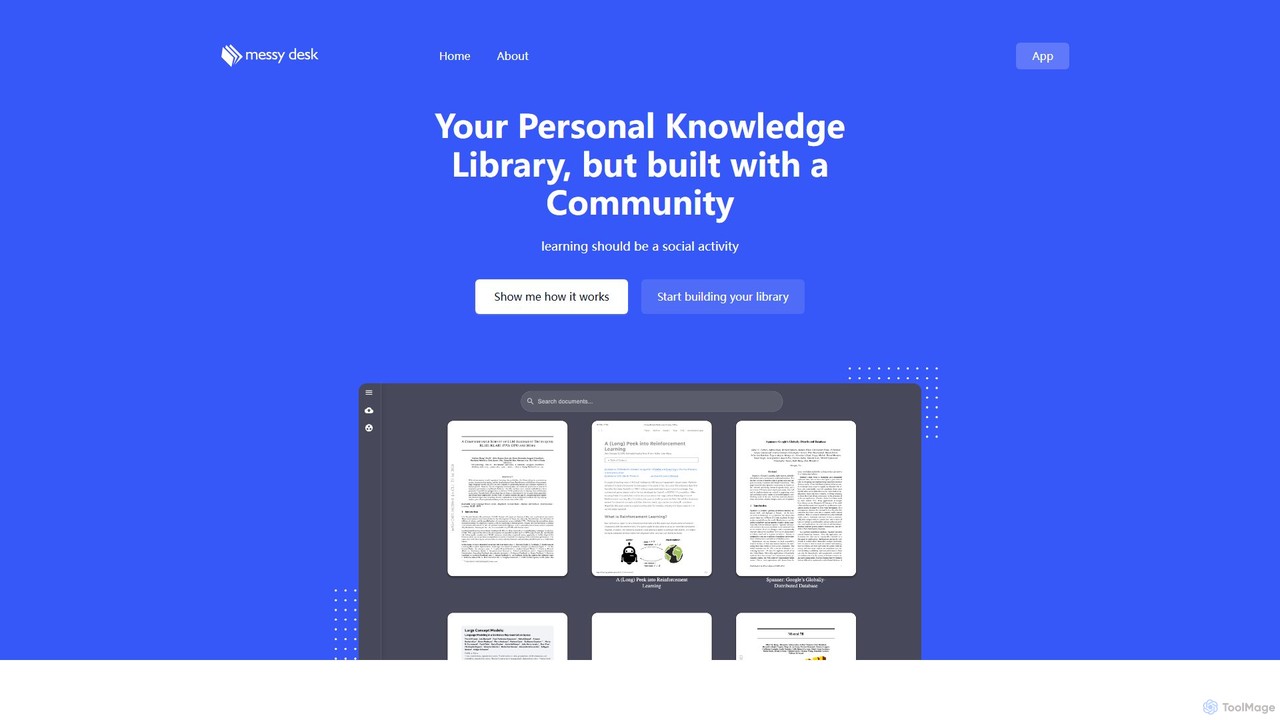
messydesk is an AI-powered knowledge librarian that transforms personal note-taking into a social learning experience. It helps you organize your "messy desk" of information into a structured library and connect with a community of learners. Build your personal knowledge base, discover insights from others, and collaborate on shared knowledge, all within one intelligent platform.

Teamwork
Visits 5.9KFavorites 137Likes 140
Nodeland
Freemium

Nodeland

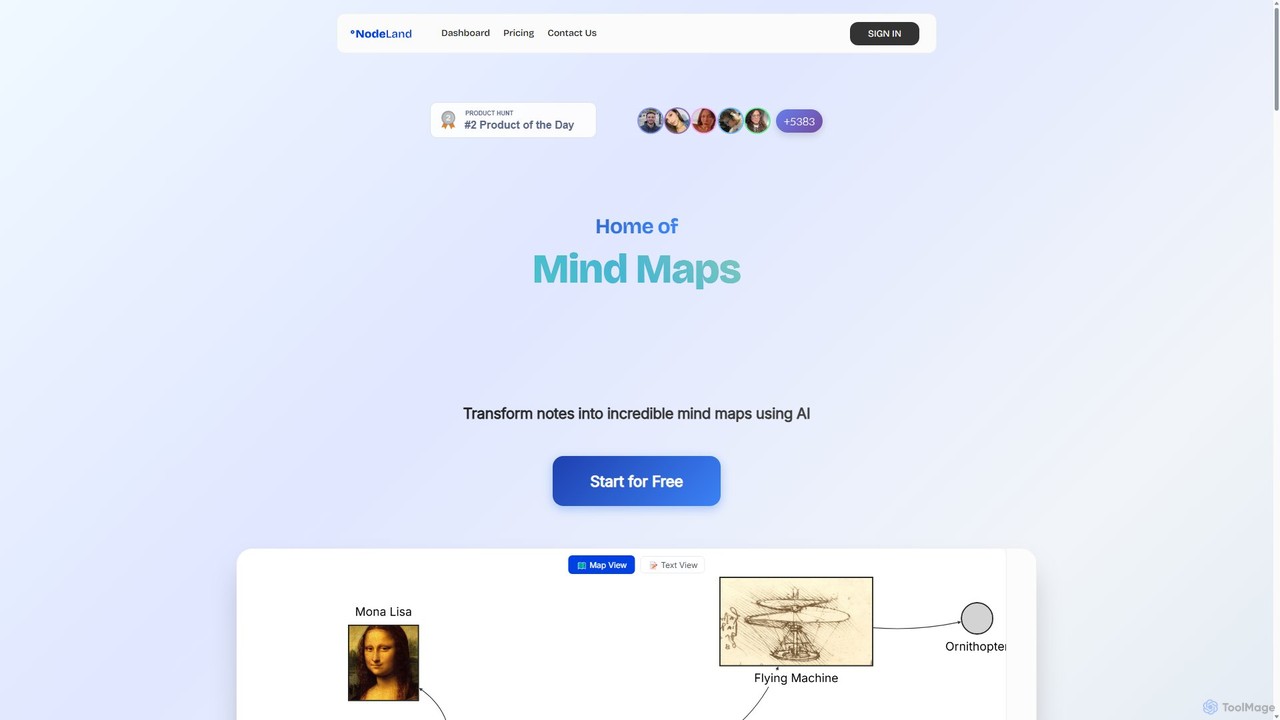
Nodeland is an AI-powered platform that transforms your notes, ideas, and documents into interactive mind maps and concept maps. It uses a non-linear, connection-based model to help you visualize information, enhance learning, and boost creativity. With its AI assistant, you can automatically generate maps, summarize texts, and explore topics in depth, making it an ideal tool for students, professionals, and creative thinkers.

Note Taking
Visits 9.1KFavorites 141Likes 128
videonotestldr
Freemium

videonotestldr

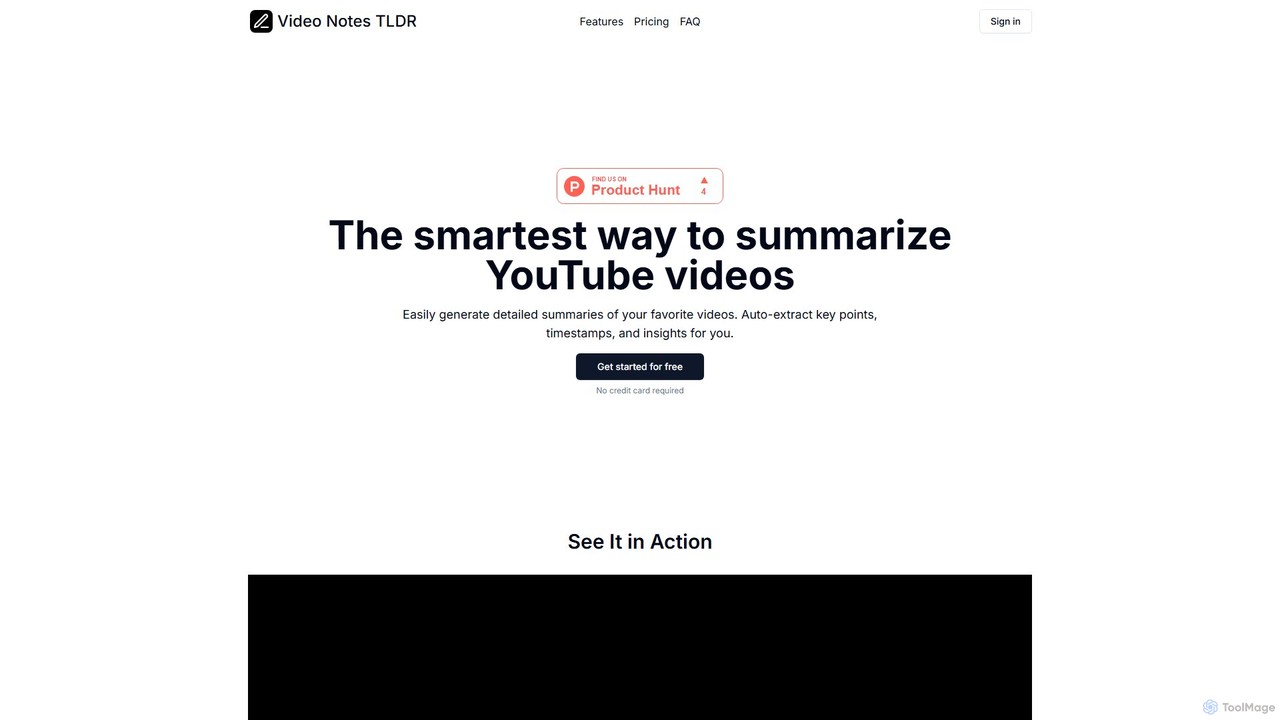
videonotestldr is an AI-powered tool that instantly generates detailed summaries, key points, and timestamps from any YouTube video. It helps users save time, learn faster, and efficiently organize video content by exporting notes directly to Notion.

Note Taking
Visits 5.7KFavorites 108Likes 103
Thetawave AI
Freemium

Thetawave AI

Thetawave AI is an intelligent note-taking assistant designed for college students. It transforms various learning materials like live lectures, documents, and videos into structured notes, mind maps, quizzes, and flashcards. This tool helps students focus during class, enhance memory retention, and study more efficiently, aiming to boost learning productivity by up to 10x.

Note Taking
Visits 512.7KFavorites 125Likes 118
lodown
Freemium

lodown

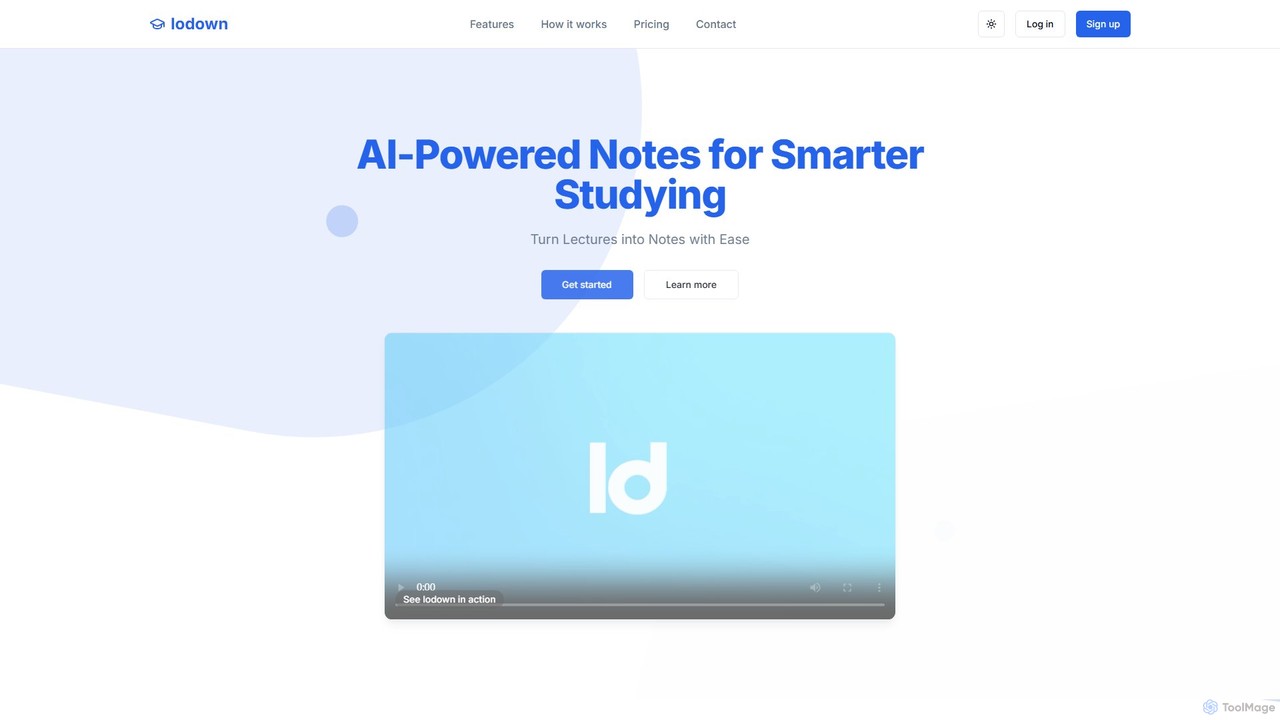
lodown is an AI-powered note-taking assistant designed for students. It automatically transcribes live or recorded lectures into organized, searchable, and study-ready notes. By structuring content with headings, summaries, and flashcards, lodown helps students save time, improve focus during class, and enhance their academic performance.

Note Taking
Visits 5.4KFavorites 106Likes 107
Hurd.ai
Free

Hurd.ai

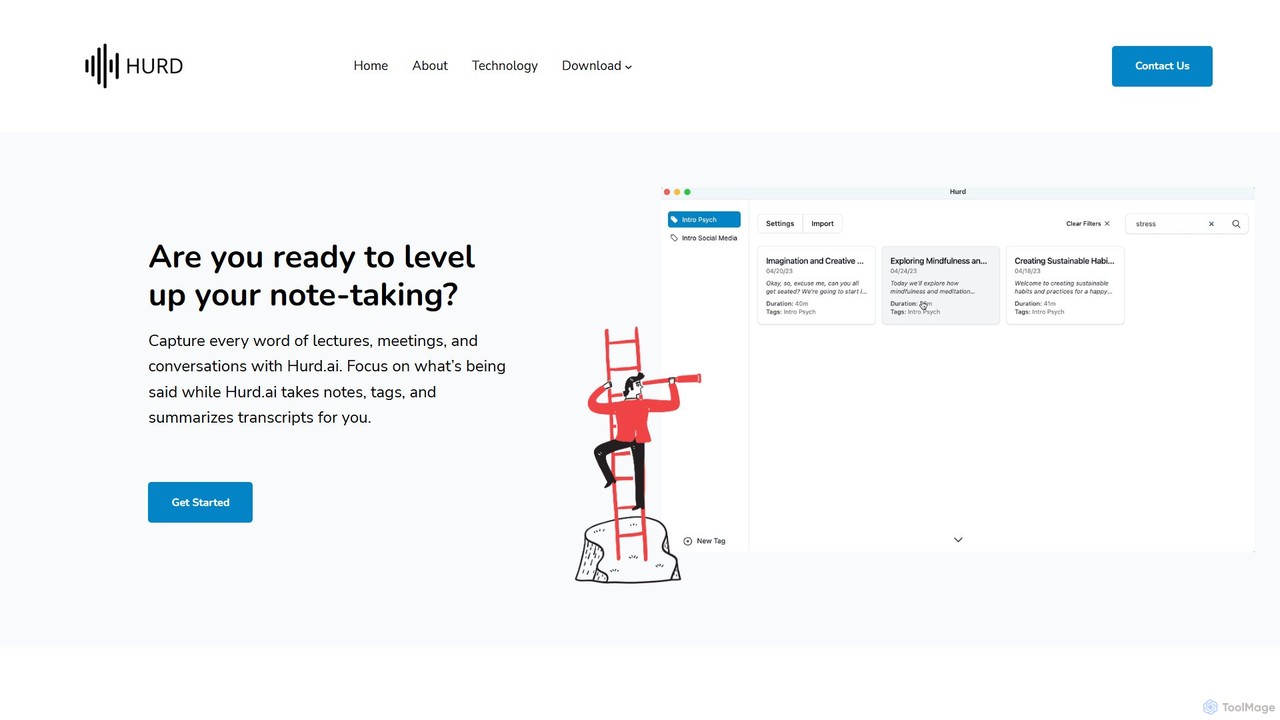
Hurd.ai is a free, privacy-focused AI transcription tool for macOS. It automatically transcribes, summarizes, and tags your lectures, meetings, and conversations from audio/video files. Powered by OpenAI's Whisper, it offers high accuracy in over 90 languages. All processing is done locally on your device, ensuring your data remains private. Ideal for students, professionals, and anyone needing to capture spoken information without the distraction of manual note-taking.

Speech To Text
Visits 6.7KFavorites 162Likes 163

About Note Taking

AI Note Taking tools are applications that use artificial intelligence to enhance the capture, organization, and retrieval of information. They leverage technologies like Natural Language Processing (NLP) to automatically transcribe audio, summarize long texts, and identify key concepts. This transforms static notes into a dynamic, searchable knowledge base, making it easier for users in educational and professional settings to manage information. These tools excel at creating intelligent connections between disparate pieces of information, revealing insights that might otherwise be missed.

Core Features

  • Automated Transcription: Converts spoken words from lectures, meetings, or voice memos into searchable text.
  • AI-Powered Summarization: Condenses lengthy documents, articles, or notes into concise summaries highlighting key points.
  • Semantic Search: Enables users to search for notes based on conceptual meaning and context, not just exact keywords.
  • Intelligent Organization: Automatically tags, categorizes, and links related notes to build a connected knowledge graph.
  • Action Item Detection: Identifies tasks, decisions, and follow-ups within meeting notes or transcripts.

Use Cases

These tools are widely used by students for capturing and reviewing lecture content, by researchers for organizing literature reviews and data, and by professionals for managing meeting minutes and project documentation. Content creators also use them to brainstorm and structure ideas, building a personal knowledge management (PKM) system.

How to Choose

When selecting an AI Note Taking tool, consider the accuracy of its transcription and summarization features. Evaluate its integration capabilities with other platforms like calendars or cloud storage. Assess the user interface for ease of use and organization. Finally, review the platform's data privacy and security policies to ensure your information is protected.

Featured tool rankings

Note Taking use cases

1

Efficient Lecture Capture and Review

A university student uses an AI note-taking tool during a complex lecture. They activate the real-time audio transcription feature to capture every word the professor says. After class, the AI automatically generates a concise summary of the two-hour lecture, highlighting key theories and definitions. The student then uses semantic search to find all notes related to a specific concept for their exam preparation, saving hours of manual review and ensuring they don't miss critical information.

2

Managing Corporate Meeting Minutes

A project manager uses an AI note-taking app to record a virtual project kickoff meeting. The tool transcribes the entire conversation and distinguishes between different speakers. After the meeting, the AI identifies and lists all action items, assigning them to the correct team members based on the conversation. The manager can then share this structured summary and task list directly, ensuring clear communication and accountability without spending time manually drafting minutes.

3

Building a Personal Knowledge Management System

A researcher clips articles, PDFs, and web pages into their AI note-taking tool. As they add new information, the AI automatically identifies connections between different sources, creating a knowledge graph. When they start writing a paper, they can ask the tool, 'What are the main arguments against this theory?' The AI then synthesizes information from dozens of notes to provide a comprehensive answer, complete with source links, dramatically accelerating the research and writing process.

4

Journalist Interview Transcription and Analysis

A journalist conducts and records a 90-minute interview with a source. Instead of spending hours transcribing it manually, they upload the audio file to an AI note-taking tool. Within minutes, they receive a full, speaker-labeled transcript. They then use the AI's summarization feature to extract key quotes and themes from the conversation, allowing them to quickly draft their article with accurate, verifiable information while the interview is still fresh in their mind.

5

Content Creation and Idea Structuring

A content creator uses a voice memo feature on their AI note-taking app to capture ideas on the go. Later, they review the transcribed notes. The AI tool automatically groups related ideas and suggests potential headlines and outlines for a blog post. By visualizing the connections between different thoughts, the creator can develop a more coherent and well-structured piece of content, moving from scattered ideas to a polished draft more efficiently.

6

Analyzing User Feedback and Interviews

A UX researcher uploads recordings of several user interviews to an AI note-taking platform. The tool transcribes each session and allows the researcher to tag key moments, such as user pain points or feature requests. The AI can then analyze across all interviews to identify recurring themes and sentiment. This provides the product team with data-driven insights into user needs, saving dozens of hours of manual analysis and helping to prioritize the development roadmap effectively.

Note Taking FAQ

What are AI Note Taking tools?

AI Note Taking tools are advanced applications that go beyond traditional digital note-taking. They use artificial intelligence to actively assist in processing information by offering features like real-time audio transcription, automated summarization of long texts, and semantic search that understands context. Essentially, they act as an intelligent assistant to help you capture, understand, and connect ideas more effectively.

How do AI note-taking tools differ from traditional apps like Evernote or OneNote?

The primary difference lies in automation and intelligence. While traditional apps are excellent digital file cabinets for storing notes, AI tools actively process your information. Key differentiators include:

  • Automated Content Generation: AI tools can summarize text and transcribe audio, which traditional apps typically cannot do natively.
  • Intelligent Search: AI tools use semantic search to find concepts, whereas traditional apps rely on keyword matching.
  • Content Connection: AI tools can automatically link related notes to create a knowledge web, a feature not central to traditional apps.
In short, traditional apps help you store information; AI apps help you understand and synthesize it.

What are the key features to look for in an AI Note Taking tool?

When evaluating an AI Note Taking tool, focus on features that save time and enhance understanding. Key features include:

  • Transcription Accuracy: How well does it convert speech to text, especially with accents or background noise?
  • Summarization Quality: Does the AI create coherent and relevant summaries, or just pull random sentences?
  • Integration Capabilities: Can it connect with your calendar, cloud storage (like Google Drive), and other productivity apps?
  • Cross-Platform Sync: Is the tool available and does it sync seamlessly across all your devices (desktop, mobile, web)?
  • Data Security: Check for end-to-end encryption and clear privacy policies to ensure your notes are secure.

Who can benefit most from using AI Note Taking tools?

AI Note Taking tools are valuable for anyone who deals with a large volume of information. Key beneficiaries include:

  • Students and Academics: For capturing lectures, organizing research, and studying more efficiently.
  • Professionals: For documenting meetings, tracking action items, and managing project knowledge.
  • Researchers and Journalists: For transcribing interviews and analyzing large amounts of text-based data.
  • Content Creators: For brainstorming, structuring ideas, and building a personal knowledge base.
Essentially, if your work involves synthesizing information from various sources, these tools can provide a significant productivity boost.

Is my data secure with AI Note Taking tools?

Data security is a critical consideration. Reputable AI note-taking tools employ strong security measures, but practices can vary. When choosing a tool, look for:

  • End-to-End Encryption: This ensures that only you can access your notes, and not even the service provider can read them.
  • Clear Privacy Policy: The policy should explicitly state how your data is used, especially whether it's used for training AI models, and provide options to opt out.
  • Data Residency Options: Some services allow you to choose the geographic region where your data is stored, which can be important for compliance with regulations like GDPR.
Always review a tool's security and privacy documentation before entrusting it with sensitive information.