

TextToVoice Overview
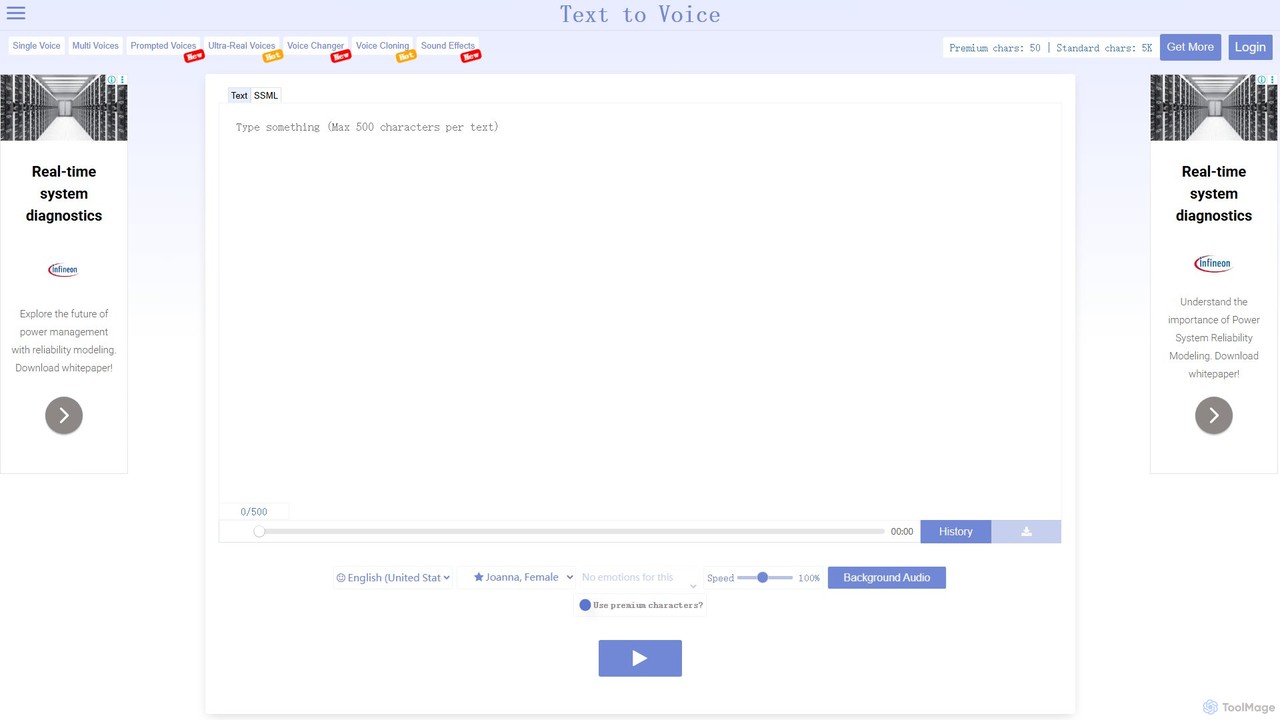
TextToVoice is a powerful and intuitive web-based AI tool designed to convert written text into natural-sounding speech. It stands out with its advanced Generation 2 (Gen2) voices, which deliver ultra-lifelike audio experiences. This technology is capable of capturing a wide spectrum of emotions directly from the text's context, ranging from the joy of laughter to the intensity of a scream. A unique aspect of Gen2 voices is that each playback offers a fresh and distinct vocal tone, ensuring a dynamic and non-repetitive listening experience even when using the same text multiple times.
The platform is built for ease of use and accessibility, allowing anyone to generate professional-grade voiceovers without needing technical skills or recording equipment. It serves a diverse range of users, from content creators looking for high-quality narration for their videos on platforms like YouTube, Instagram, and TikTok, to individuals wanting to convert blog posts into audio for podcasts or create audiobooks. The tool emphasizes high audio quality, ensuring every word is clear and easily understandable.
How to use TextToVoice
Using TextToVoice is a straightforward, three-step process designed for maximum efficiency:
- Input Text: Simply type or paste the text you wish to convert into the online editor on the website.
- Customize Voice: Select your desired language, voice gender, and accent. For more nuanced output, choose a specific speech style or emotion (e.g., happy, sad, angry, newscast) if you are using a supported premium voice.
- Generate and Download: Click the 'Play' button to preview the audio. Once you are satisfied with the result, click the 'Download' button to save the voiceover as a high-quality MP3 file to your device. The conversion process is extremely fast, typically taking less than a second.
Core Features of TextToVoice
- Generation 2 Voices: Advanced AI voices that provide ultra-realistic and emotionally expressive audio. Each playback is unique, avoiding a robotic or repetitive sound.
- Voice Emotions & Speech Styles: Users can select from a wide range of emotions and styles, such as happy, angry, sad, whispering, shouting, or even a professional newscast style, to perfectly match the tone of their content.
- Multi-language and Accent Support: The tool supports a vast array of languages and different accents (e.g., American English, Ukrainian), allowing for global content creation.
- Premium & Standard Voices: Offers both standard voices for quick conversions and premium voices that use a more advanced algorithm for superior realism.
- MP3 Downloads: All generated audio can be easily downloaded as a standard MP3 file for use in any project.
- Cross-Platform Compatibility: As a web-based tool, it works seamlessly on any operating system, including Windows and Mac OS, without requiring any software installation.
- High Security: The service ensures user privacy by using random IDs for files, which are stored in complex paths and automatically deleted from the server queue.
Use Cases for TextToVoice
TextToVoice is a versatile tool suitable for various applications:
- Video Narration: Create professional voiceovers for YouTube videos, tutorials, explainers, and corporate presentations. It's an excellent solution for creators who are not comfortable speaking on camera.
- Social Media Content: Generate engaging voiceovers for short-form videos on platforms like Instagram Reels, TikTok, and Facebook.
- E-Learning and Education: Develop audio materials for online courses, language learning modules, and educational content to improve accessibility and engagement.
- Podcasting: Convert articles, blog posts, or written scripts into podcast episodes, saving significant recording and editing time.
- Audiobooks: Turn written books or long-form content into audiobooks for personal use or distribution.
- Accessibility: Assist individuals with visual impairments or reading difficulties by converting written content into audible speech.
Advantages of TextToVoice
The tool offers several key benefits:
- Ease of Use: A simple and intuitive interface makes text-to-speech conversion accessible to everyone.
- High-Quality Output: Produces clear, natural, and human-like voices that are pleasant to listen to.
- Speed and Efficiency: The server-side processing ensures rapid conversion without using the user's computer resources.
- Cost-Effective: Provides a generous free plan and affordable options for premium features, making it a budget-friendly alternative to hiring voice actors.
- Versatility: The wide range of voices, languages, and emotions makes it adaptable to almost any project or creative need.
Pricing and Plans
TextToVoice operates on a freemium model, making it accessible to all users. The pricing structure is based on character usage for premium features:
- Free Plan: All users receive a daily allowance of 1,000 free premium characters. Standard voices can be used without character limits.
- Premium Characters: To access the advanced premium voices and the full range of voice emotions/styles, users need to have premium characters. These can be purchased in various packs directly from the website. The use of voice emotions specifically requires a balance of over 100,000 premium characters. This pay-as-you-go model allows users to buy credits as needed for their projects.
For detailed pricing on character packs, users are encouraged to visit the 'Upgrade' or 'Prices' section on the official website.
Traffic
Latest traffic
Status
Monthly traffic trend
- 2025-9: 30.5K
- 2026-1: 47.8K
- 2026-2: 45.9K
- 2026-3: 50.8K
- 2026-4: 49.4K
- 2026-5: 49.4K
Geography
Top 5 countries / regions
- 🇺🇸United States70.5%
- 🇬🇧United Kingdom11.1%
- 🇨🇦Canada8.0%
- 🇻🇳Vietnam6.6%
- 🇲🇽Mexico3.9%
Traffic sources
| Source type | Percentage |
|---|---|
Direct | 98.5% |
Referral | 1.5% |
Top keywords
| Keyword | Cost per click |
|---|---|
| chinese text to speech | $1.96 |
| french text to speech | $1.72 |
| spanish text to speech | $1.08 |
| text to speech yelling | $0.00 |
| whisper text to speech | $1.85 |
TextToVoice Alternatives

Voicefy
Voicefy is an advanced AI-powered text-to-speech (TTS) platform that converts written text into incredibly natural and human-like audio. It offers a vast library of voices across multiple languages and accents, perfect for creators, marketers, and developers looking to produce high-quality voiceovers, audiobooks, and more.
Text To Speech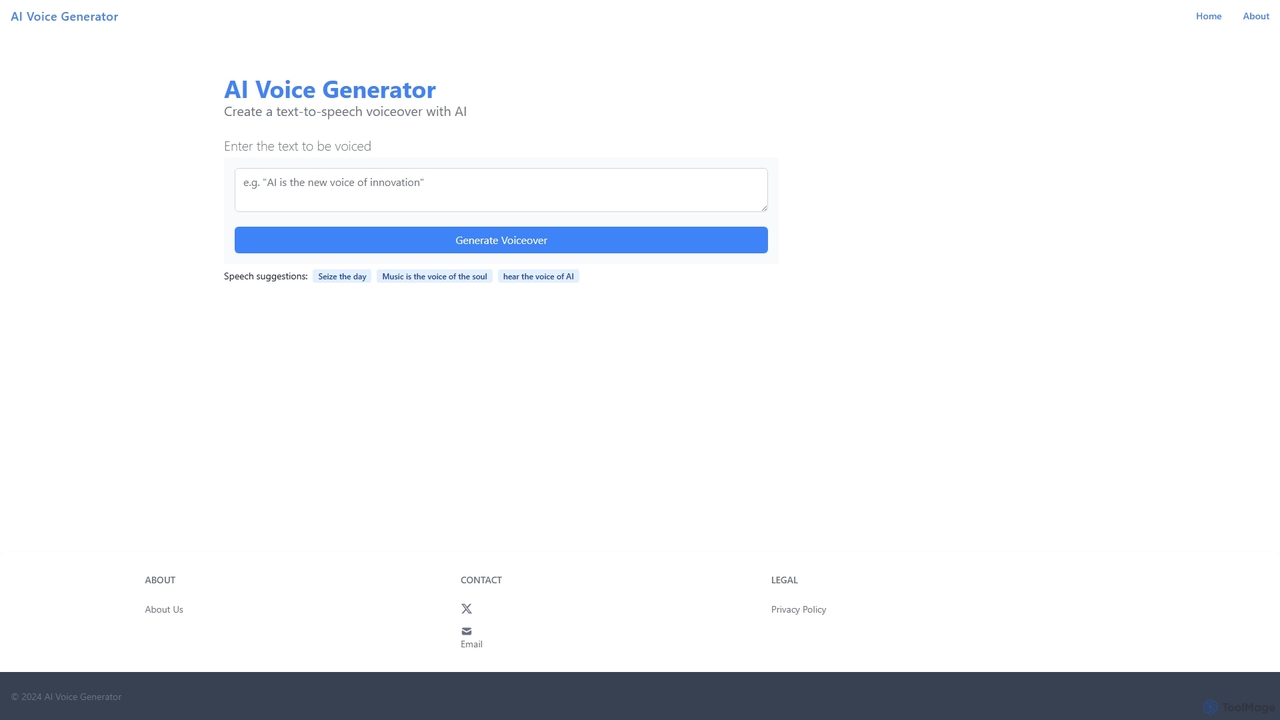
AI Voice Generator
A free, web-based AI text-to-speech tool that instantly converts written text into natural-sounding audio. Ideal for creating voiceovers for videos, narrations, marketing content, and e-learning materials without any cost or complex software.
Text To Speech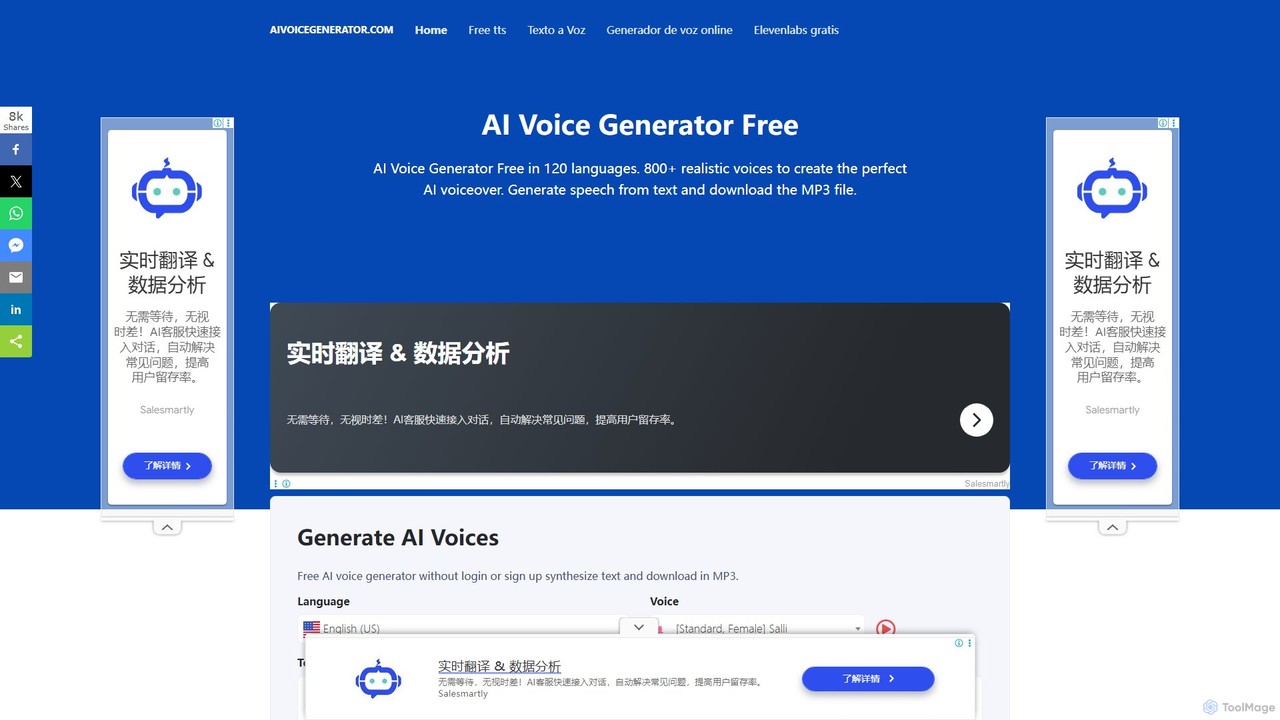
aivoicegenerator
A free, no-signup AI voice generator that converts text to speech in over 120 languages with 800+ realistic voices. It supports SSML for advanced customization and allows users to download audio in MP3 and WAV formats, making it ideal for content creators, educators, and developers.
Text To Speech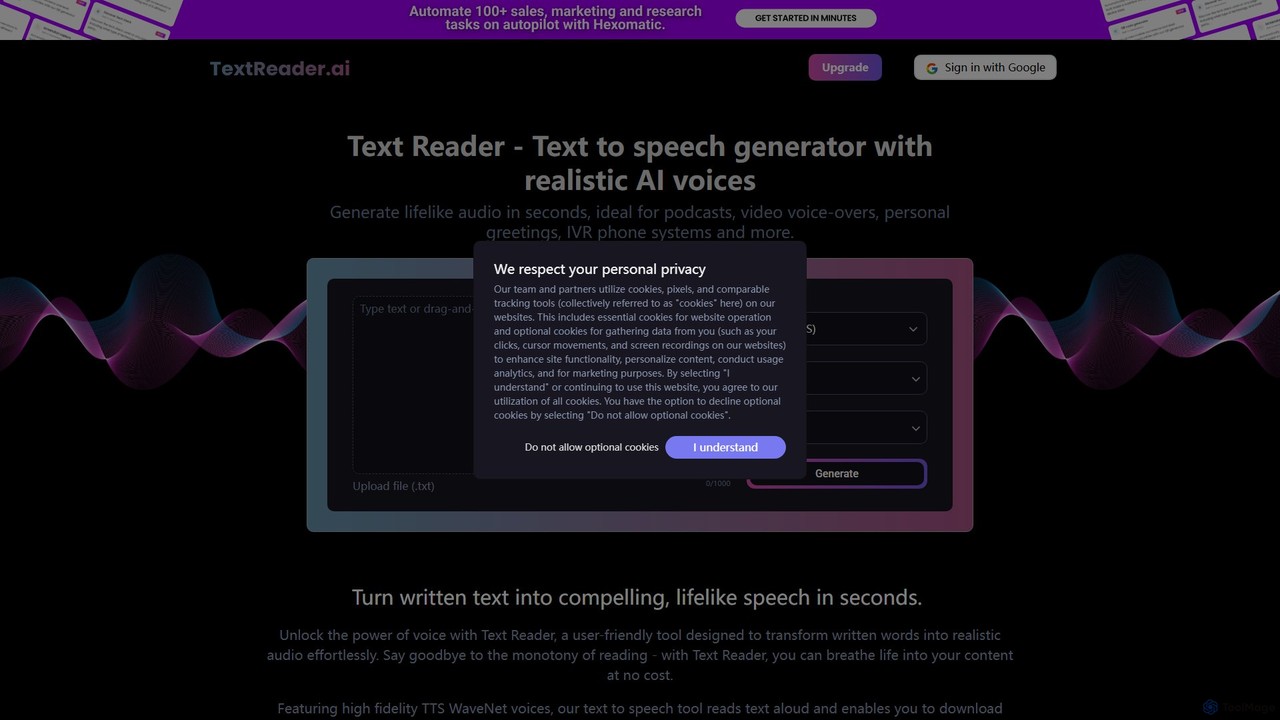
Text Reader
Text Reader is a free AI-powered text-to-speech generator that converts written text into realistic, lifelike audio in seconds. Supporting over 40 languages with high-fidelity voices, it's perfect for creating voice-overs for videos, podcasts, educational content, and personal greetings. Simply type or upload text, choose a voice, and download the MP3 audio file instantly.
Text To Speech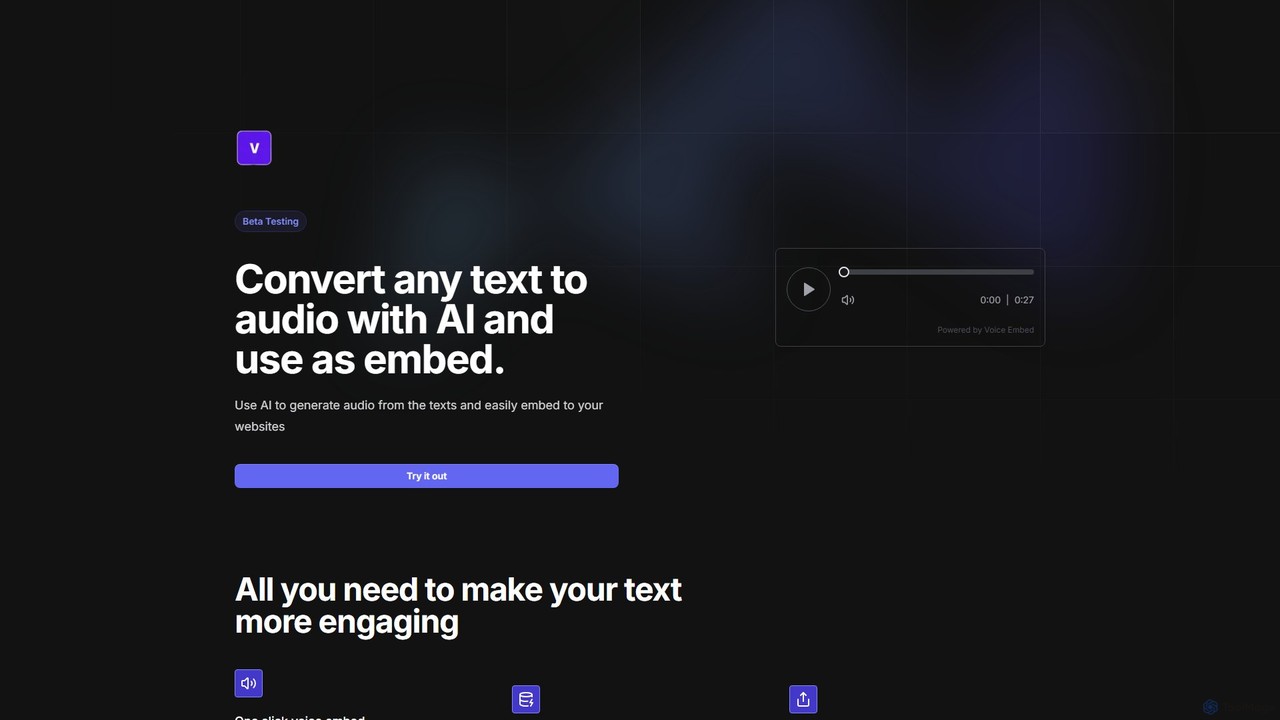
embedvoice
embedvoice is an AI-powered tool that converts any text into natural-sounding audio and provides a simple, embeddable player for your website or blog. It's designed for content creators, marketers, and educators to enhance content accessibility and user engagement with just one click. The service includes free cloud storage for all generated audio files, making it easy to manage and share your voice content.
Text To SpeechTextToVoice Categories
TextToVoice Embed Widget
Copy this embed code to place the badge on your blog, article, or product site and send readers directly to this ToolMage detail page.

Related AI tools
AiVOOV
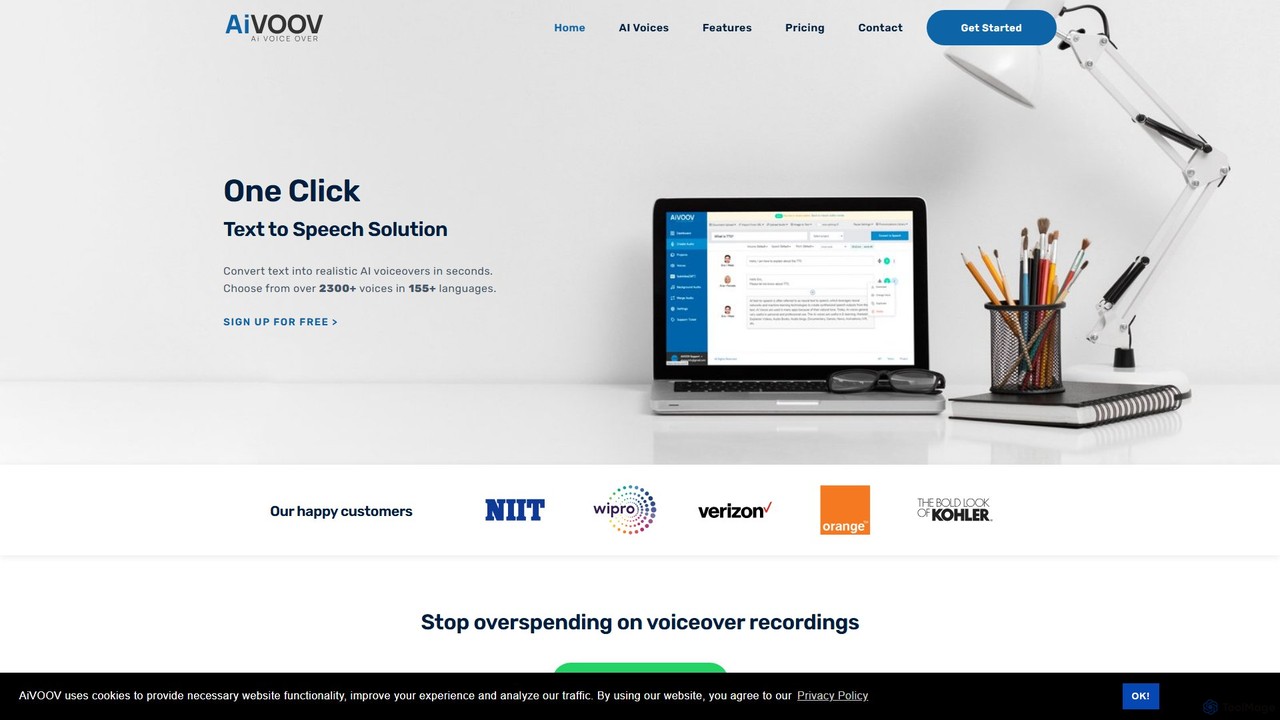
AiVOOV is an advanced AI text-to-speech (TTS) and voice generator that converts text into realistic, human-like voiceovers. It offers a vast library of over 2300 voices in more than 155 languages and accents, catering to a wide range of applications like video narration, podcasts, e-learning, and marketing content. With powerful features including podcast hosting, SRT file generation, and background music integration, AiVOOV provides a comprehensive, one-click solution for professional-grade audio production.
Text To Speech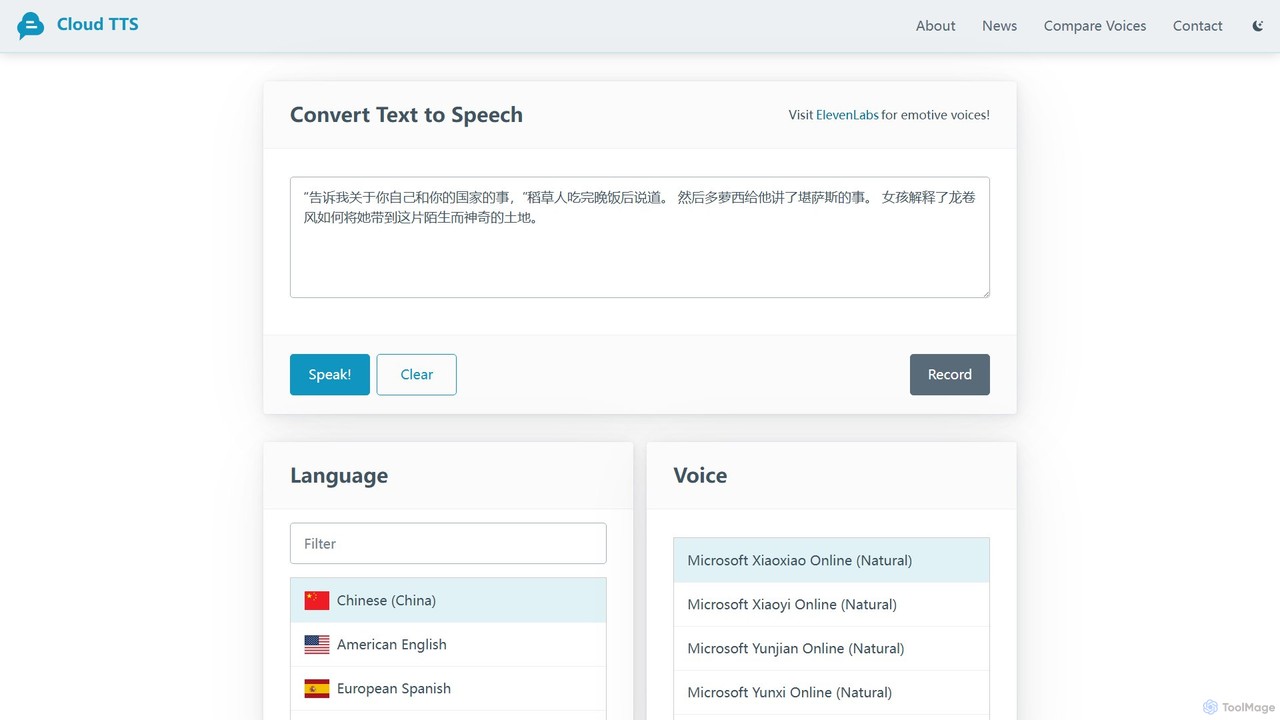
CloudTTS
CloudTTS is a completely free, AI-powered text-to-speech tool that converts text into natural-sounding audio. It supports approximately 140 languages and dialects, features adjustable speed and volume, and highlights words as they are spoken. Ideal for language learners, content creators, and accessibility needs, it's a simple, user-friendly web application with no fees or subscriptions.
Text To Speech
tts4free
A powerful and completely free online text-to-speech tool. tts4free utilizes advanced AI, including Microsoft's natural voices and the StyleTTS 2 model, to convert text into high-quality, human-like audio. It supports hundreds of languages and various voice styles, making it perfect for content creators, educators, and accessibility purposes, with a simple interface and no registration required.
Assistive Technology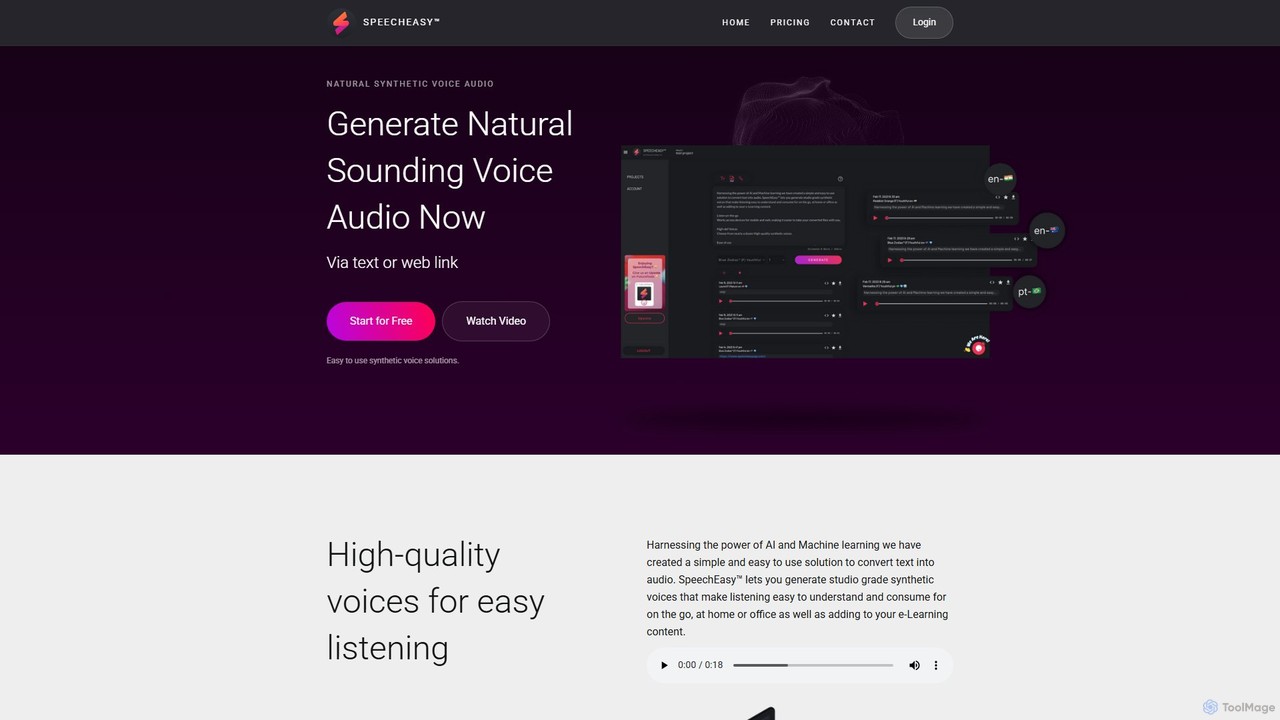
SpeechEasy
SpeechEasy is an advanced AI-powered text-to-speech platform that converts written text into high-quality, natural-sounding audio. It's designed for content creators, marketers, educators, and publishers to effortlessly generate professional voiceovers for videos, e-learning courses, audiobooks, and marketing materials. With a wide range of voices and languages, SpeechEasy streamlines audio production, saving time and costs.
Text To Speech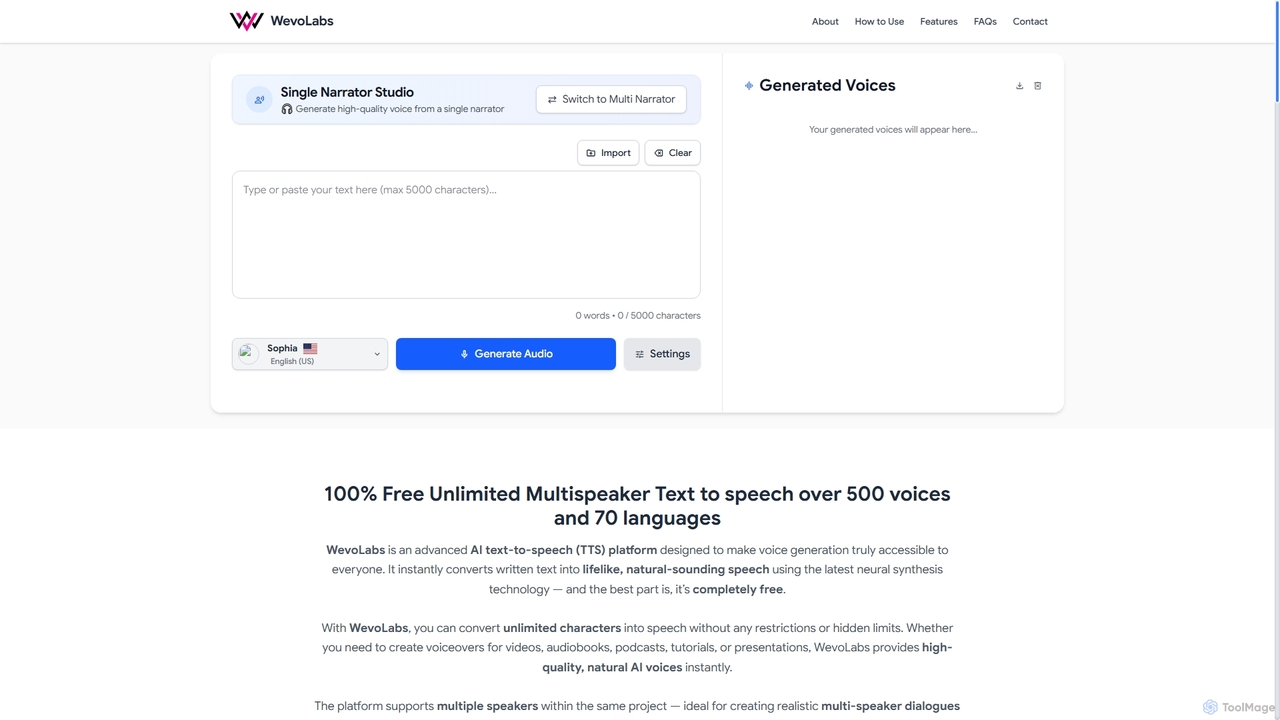
WevoLabs
WevoLabs is a completely free, advanced AI text-to-speech platform that converts written text, PDFs, and Word documents into lifelike, natural-sounding speech. It offers unlimited character conversion, over 580 voices in 75+ languages, and multi-speaker dialogue capabilities, all without requiring registration or imposing watermarks.
3DVoicefy
Voicefy is an advanced AI-powered text-to-speech (TTS) platform that converts written text into incredibly natural and human-like audio. It offers a vast library of voices across multiple languages and accents, perfect for creators, marketers, and developers looking to produce high-quality voiceovers, audiobooks, and more.
Text To SpeechAI Voice Generator
A free, web-based AI text-to-speech tool that instantly converts written text into natural-sounding audio. Ideal for creating voiceovers for videos, narrations, marketing content, and e-learning materials without any cost or complex software.
Text To Speech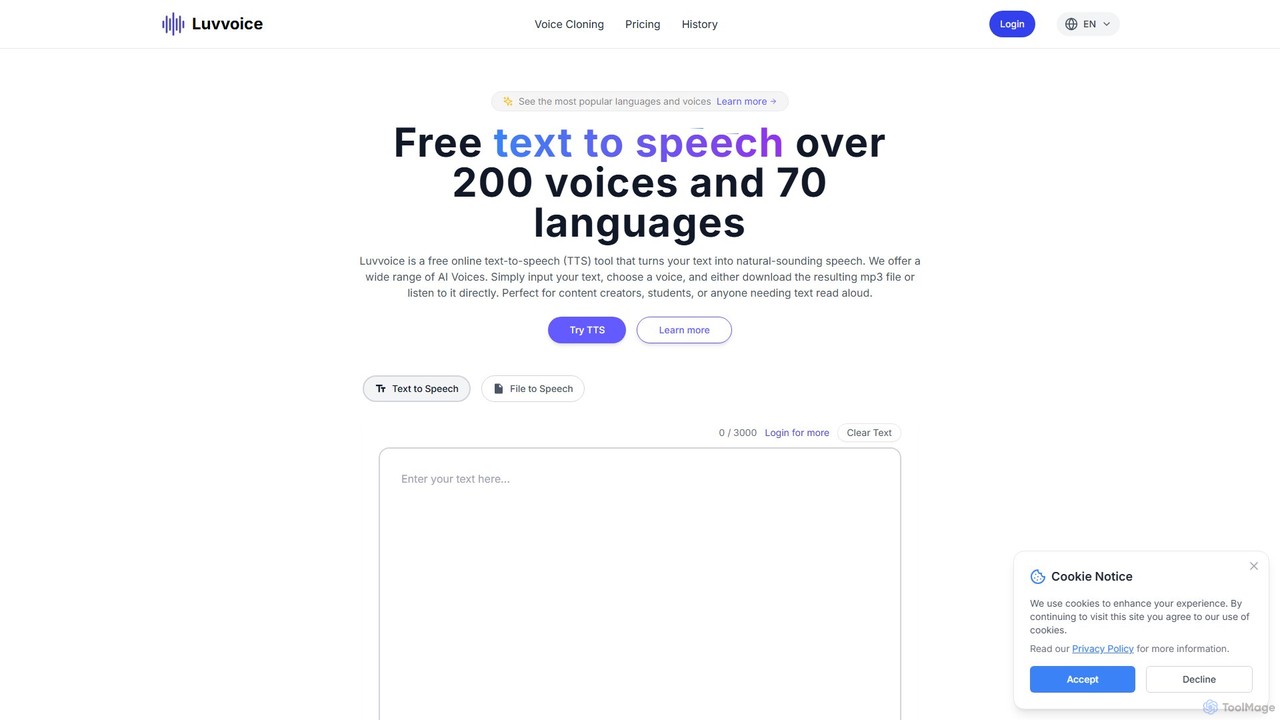
Luvvoice
Luvvoice is an advanced AI voice generator offering free text-to-speech (TTS) and voice cloning services. It converts text into natural-sounding speech with over 300 voices in 70+ languages. Key features include document-to-speech conversion (PDF, TXT), adjustable speech settings, and high-quality voice cloning from a short audio sample. It's ideal for content creators, educators, and businesses.
Voice Cloning
Jyek
Jyek is an AI agent platform that understands objectives, creates execution plans, uses tools, and delivers verifiable results for complex, multi-step tasks.
Automation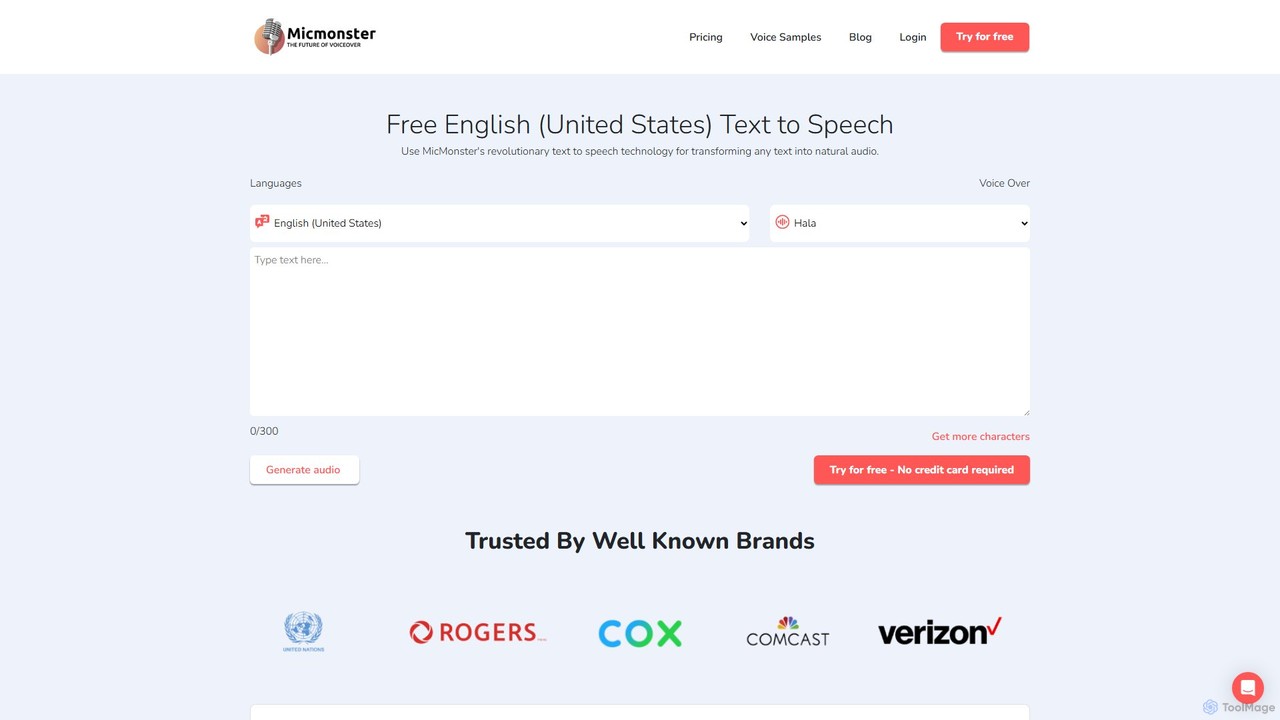
MicMonster
MicMonster is a powerful AI text-to-speech generator that transforms any text into natural-sounding voiceovers. It offers over 800 voices across 140+ languages, an advanced editor for fine-tuning, and a multi-voice feature. Ideal for content creators, marketers, and educators, it simplifies the creation of high-quality audio for YouTube, podcasts, e-learning, and more.
Text To Speech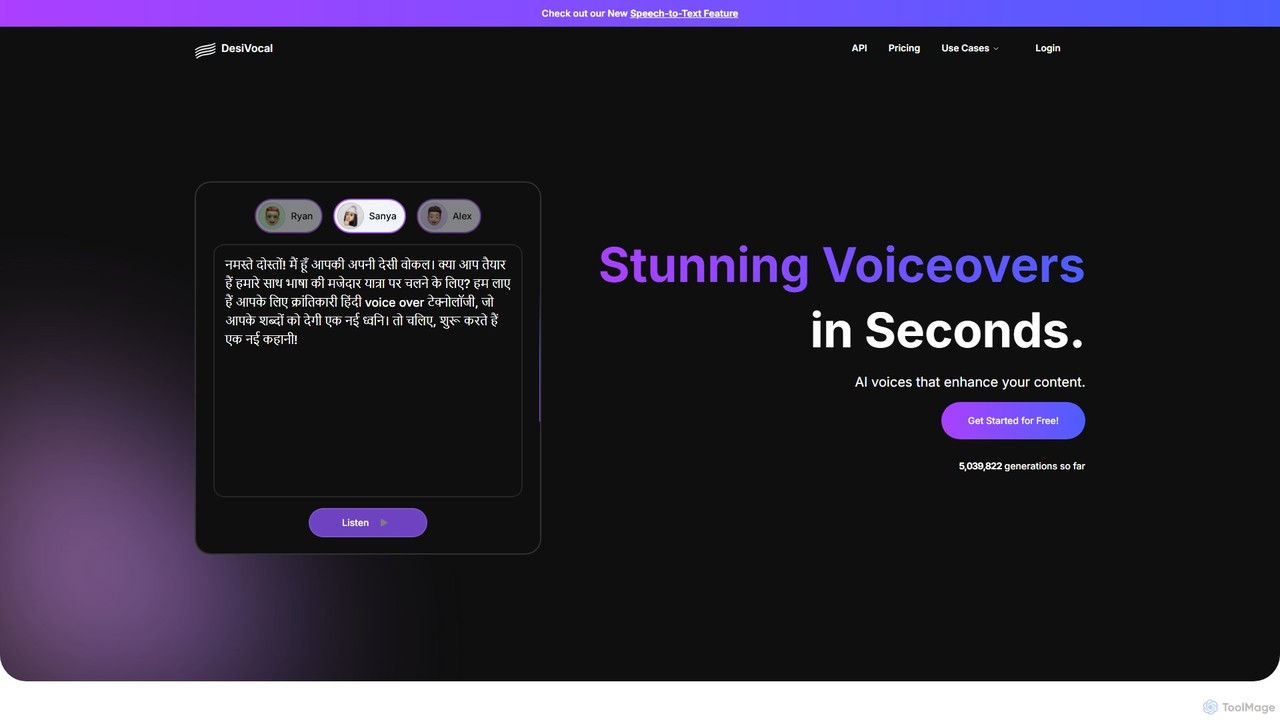
DesiVocal
DesiVocal is a powerful AI voice generator specializing in high-quality, authentic text-to-speech (TTS) conversions, with a strong focus on Indian and global languages. It enables content creators, marketers, and businesses to produce stunning voiceovers, audiobooks, and ad narrations in seconds. The platform also offers advanced features like ethical voice cloning, a voice changer, and speech-to-text transcription, making it a comprehensive solution for all audio content needs.
Text To Speech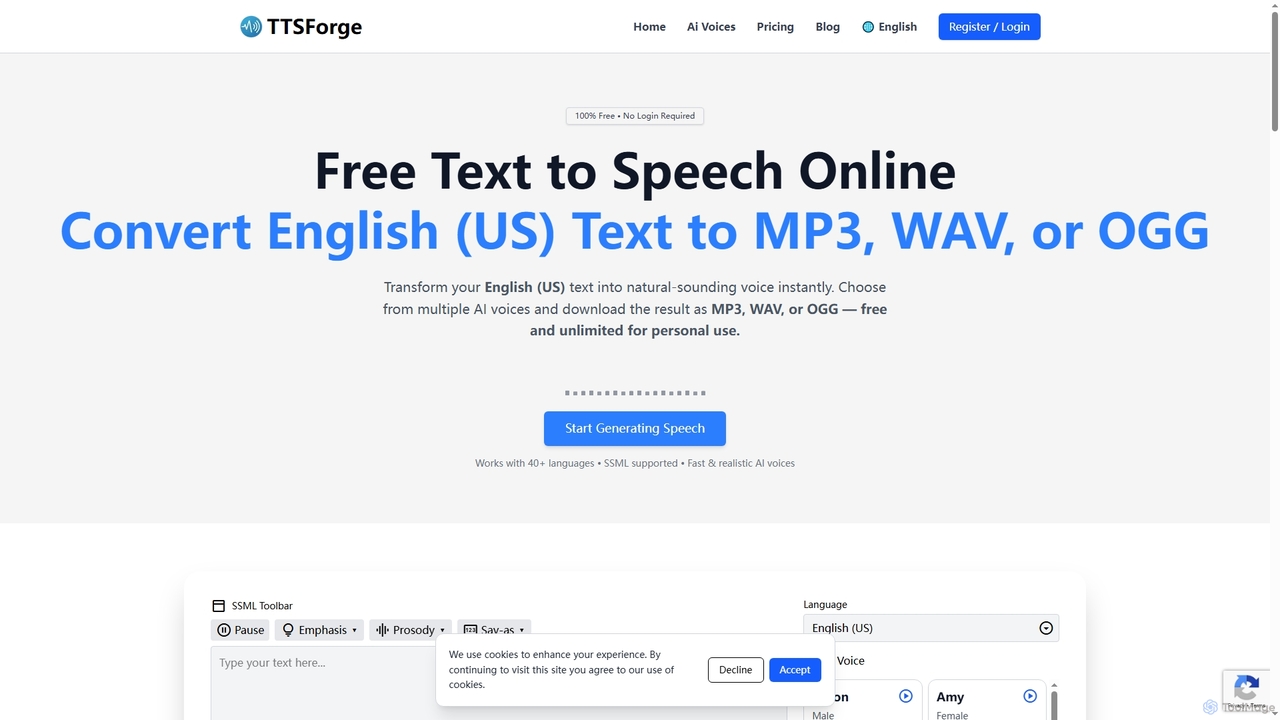
TTSForge
TTSForge is a free online text-to-speech platform that converts written text into natural-sounding audio using advanced AI voices. It supports over 40 languages and allows users to download audio in MP3, WAV, or OGG formats for various personal and commercial projects.
Text To Speech
ttsopenai
A powerful text-to-speech tool leveraging OpenAI's advanced voice engine. Instantly convert text into incredibly natural, human-like audio in multiple languages and voices. Ideal for content creators, developers, and businesses seeking high-quality voiceovers for videos, podcasts, e-learning, and more.
Text To Speech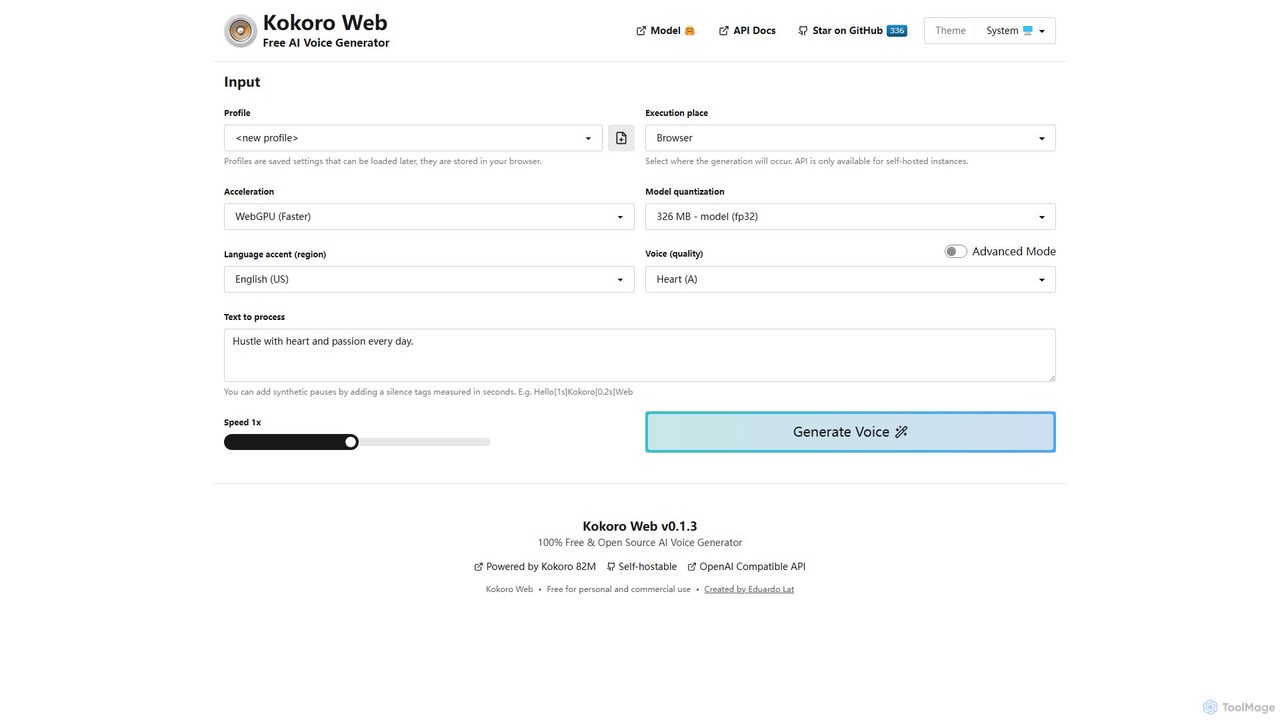
Kokoro Web
A free, open-source, and browser-based AI voice generator that offers multi-language support and advanced technical controls. It processes text directly on your device, ensuring complete privacy and providing high-quality text-to-speech (TTS) output without any cost or registration.
Text To Speech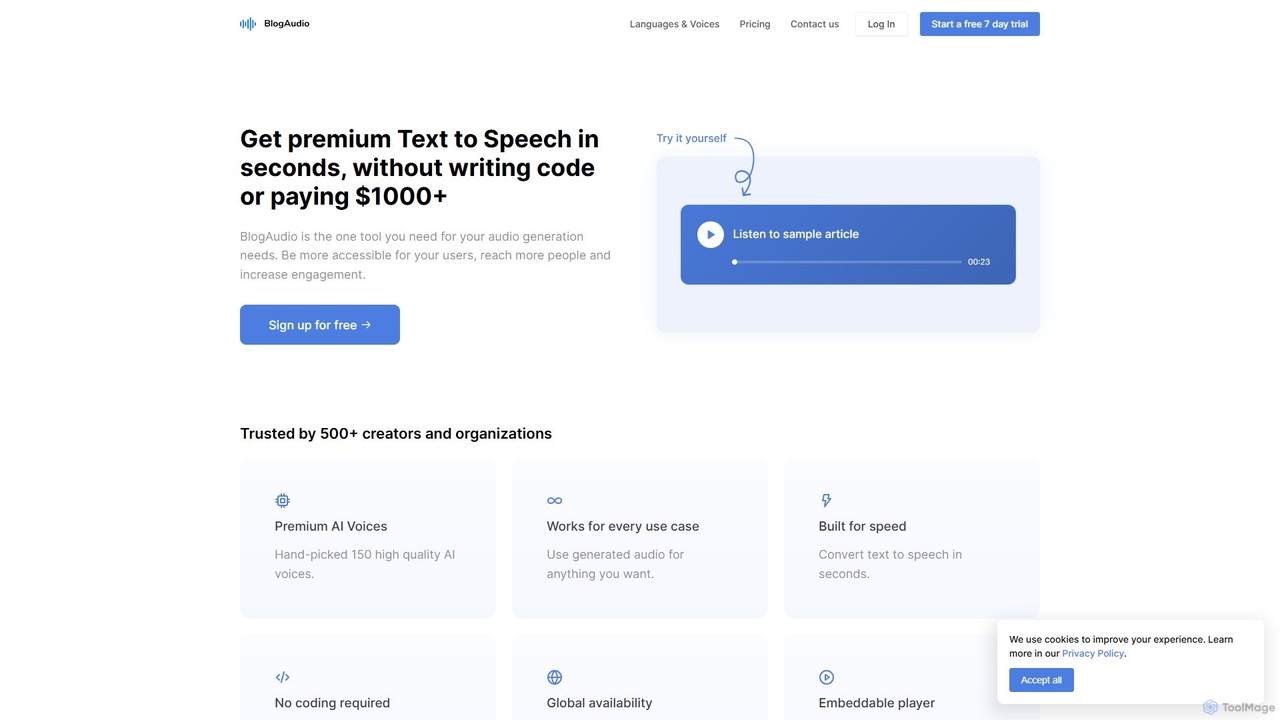
BlogAudio
BlogAudio is a powerful AI-driven Text-to-Speech (TTS) platform that converts written content into high-quality, natural-sounding audio in seconds. It offers 158 premium AI voices across 43 languages, an embeddable player, and analytics. Ideal for creating audio articles, podcasts, voiceovers, and enhancing content accessibility for a global audience.
Assistive Technology
TextToVoice Comments (0)
Sign in to comment.
Sign inNo comments yet.