

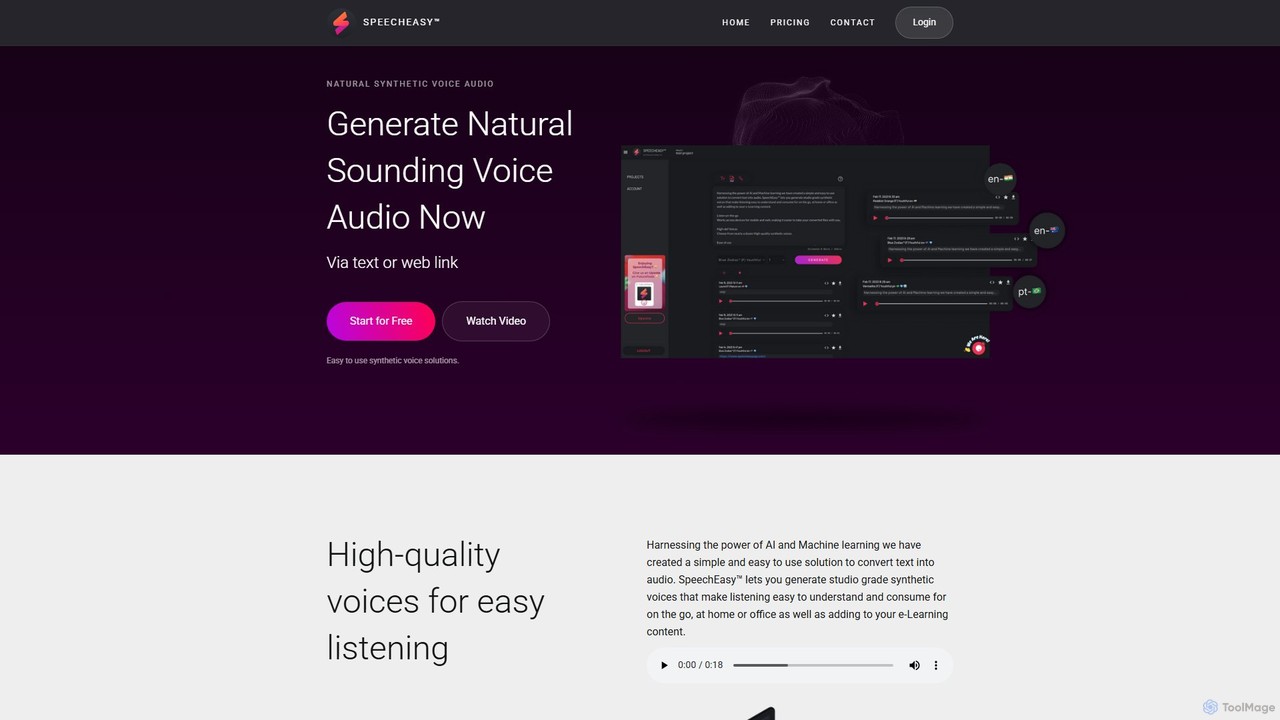
SpeechEasy Overview
SpeechEasy is a cutting-edge AI text-to-speech (TTS) tool designed to transform any written content into exceptionally clear, natural-sounding audio. It leverages advanced speech synthesis technology to produce high-quality voiceovers that are virtually indistinguishable from human speech. This platform serves a diverse range of users, from individual content creators and marketers to large educational institutions and publishing houses, providing a streamlined, efficient, and cost-effective solution for all audio production needs.
The core mission of SpeechEasy is to make high-quality audio production accessible to everyone. Whether you're creating a marketing video on a tight deadline, developing an engaging e-learning module, or converting a novel into an audiobook, SpeechEasy provides the tools to deliver consistent, professional-grade audio. The platform is continuously evolving, with a dedicated team working to introduce new features and support more complex use cases, ensuring it remains at the forefront of voice technology.
How to use SpeechEasy
Using SpeechEasy is a simple and intuitive process, designed for users of all technical skill levels:
- Input Text: Begin by typing or pasting your script directly into the SpeechEasy text editor. The interface is clean and straightforward, allowing you to focus on your content.
- Select Voice and Language: Browse through an extensive library of AI voices. You can filter by language, gender, and style (e.g., professional, conversational, narrative) to find the perfect voice for your project.
- Customize the Audio: Fine-tune the voice output to match your exact requirements. Adjust the speech rate (speed), pitch, and volume. You can also insert pauses of varying lengths to create a more natural cadence and emphasis. For advanced users, SSML (Speech Synthesis Markup Language) support may be available for granular control over pronunciation and intonation.
- Preview and Generate: Listen to a preview of the generated audio to ensure it meets your expectations. Once satisfied, click the generate button to process the full text.
- Download and Use: After a brief processing time, your audio file will be ready for download, typically in standard formats like MP3 or WAV. You can then immediately use this audio in your videos, presentations, podcasts, or any other project.
Core Features of SpeechEasy
- High-Quality, Natural Voices: Access a vast library of ultra-realistic AI voices across numerous languages and accents, powered by state-of-the-art neural networks.
- Multi-language Support: Generate audio in dozens of languages, making it easy to create content for a global audience.
- Voice Customization: Full control over audio output with adjustable settings for speed, pitch, volume, and pauses.
- SSML Support: Advanced users can leverage SSML tags for fine-grained control over speech elements like emphasis, pronunciation, and tone.
- Simple and Intuitive Interface: A user-friendly platform that makes creating professional voiceovers quick and hassle-free.
- Fast Audio Processing: Rapidly convert long-form text into audio, significantly reducing production time compared to traditional recording methods.
- Multiple Export Formats: Download your finished voiceovers in universally compatible formats such as MP3 and WAV.
- API Access: Developers can integrate SpeechEasy's powerful TTS capabilities directly into their own applications, websites, and services.
Use Cases for SpeechEasy
SpeechEasy is a versatile tool suitable for a wide array of applications:
- Marketing and Advertising: Create compelling voiceovers for promotional videos, social media ads, product demonstrations, and corporate presentations.
- Education and E-Learning: Develop engaging learning materials, virtual lectures, and training modules with consistent, clear narration. Enhance accessibility for learners with visual impairments.
- Publishing and Media: Convert articles, blog posts, and entire books into audiobooks, expanding your content's reach to listeners.
- Content Creation: Produce high-quality narration for YouTube videos, podcasts, and documentaries without the need for expensive recording equipment or voice actors.
- Corporate Communication: Generate professional audio for internal training videos, IVR (Interactive Voice Response) systems, and company-wide announcements.
Advantages of SpeechEasy
Using SpeechEasy offers significant benefits over traditional audio production methods. It is highly cost-effective, eliminating the high fees associated with hiring professional voice talent. The platform is incredibly time-efficient, turning hours or days of recording and editing into just a few minutes of generation. It ensures perfect consistency in voice and tone across all your projects, which is difficult to achieve with human actors. Finally, the exceptional quality of the AI voices ensures a professional and engaging experience for your audience.
Pricing and Plans
While specific pricing is not detailed on the homepage, SpeechEasy is expected to follow a freemium model, offering various tiers to suit different needs:
- Free Plan: Ideal for personal use or testing, this plan would likely offer a limited number of characters per month, access to standard voices, and be for non-commercial use.
- Creator/Personal Plan: A subscription-based plan for content creators and individuals, offering a higher character limit, access to premium voices, and commercial usage rights.
- Pro/Business Plan: Designed for professionals and businesses with higher volume needs. This tier would likely include a very large character allowance, team collaboration features, priority support, and API access.
- Enterprise Plan: Custom solutions for large organizations with specific requirements, offering unlimited usage, dedicated support, and advanced security features.
Traffic
Latest traffic
Status
Monthly traffic trend
- 2025-9: 375
- 2026-1: 0
- 2026-2: 77
- 2026-3: 978
- 2026-4: 457
- 2026-5: 184
Top keywords
| Keyword | Cost per click |
|---|---|
| easy speech | $0.00 |
| speechase | $0.00 |
SpeechEasy Alternatives
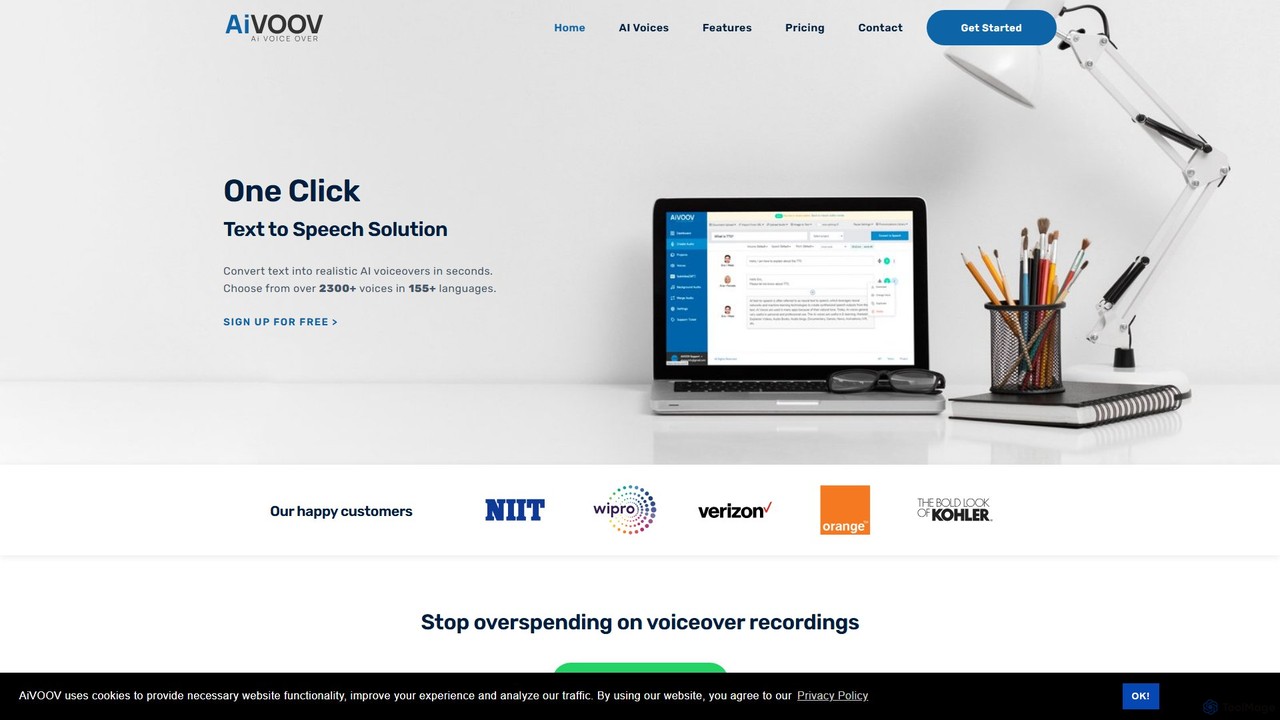
AiVOOV
AiVOOV is an advanced AI text-to-speech (TTS) and voice generator that converts text into realistic, human-like voiceovers. It offers a vast library of over 2300 voices in more than 155 languages and accents, catering to a wide range of applications like video narration, podcasts, e-learning, and marketing content. With powerful features including podcast hosting, SRT file generation, and background music integration, AiVOOV provides a comprehensive, one-click solution for professional-grade audio production.
Text To Speech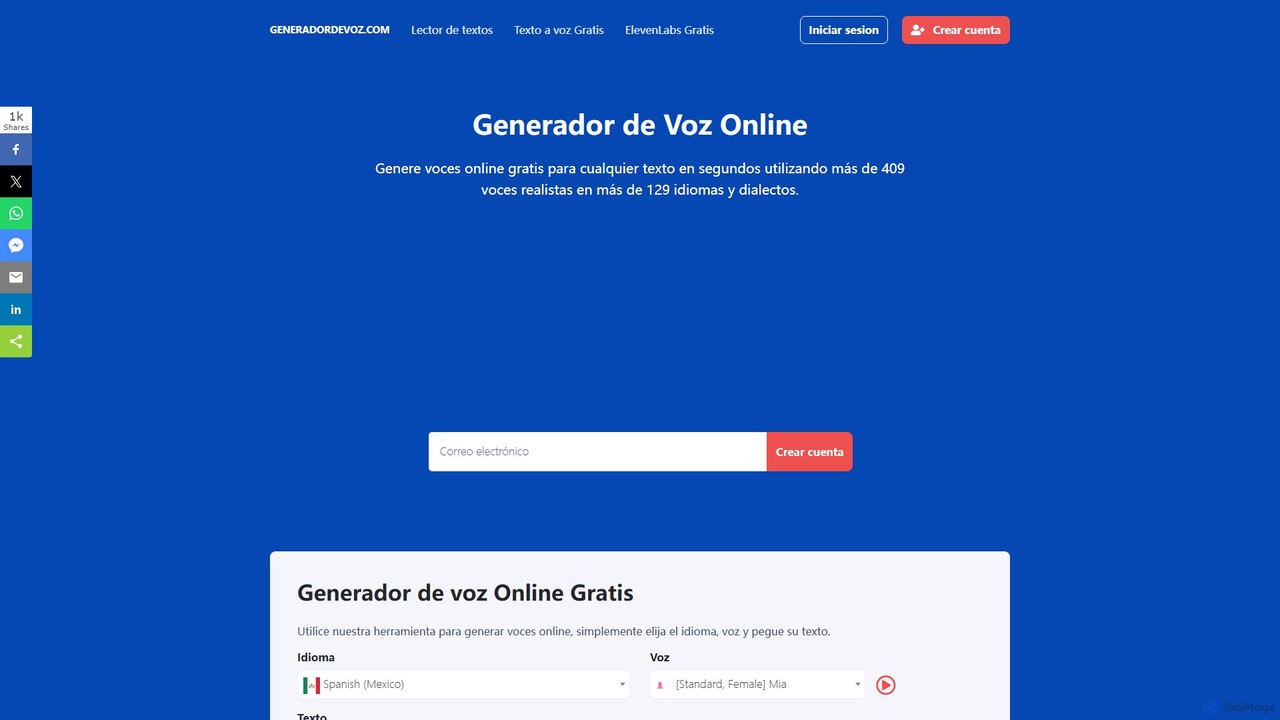
Generador de Voz
An AI-powered online text-to-speech generator that creates realistic voiceovers in seconds. It supports over 129 languages and dialects with more than 409 natural-sounding voices. Ideal for content creators, marketers, educators, and developers, offering both a free quick-use tool and an advanced panel with enhanced features for professional projects.
Text To Speech
leelo_ai
Leelo AI is a powerful text-to-speech (TTS) generator that transforms written text into lifelike, engaging audio. It offers over 800 AI voices across 142 languages, complete with various emotional styles and speaking modes. Ideal for creating voiceovers for video ads, audiobooks, podcasts, and e-learning content, Leelo AI simplifies audio production with cloud storage, commercial usage rights, and an embeddable article reader widget.
Text To Speech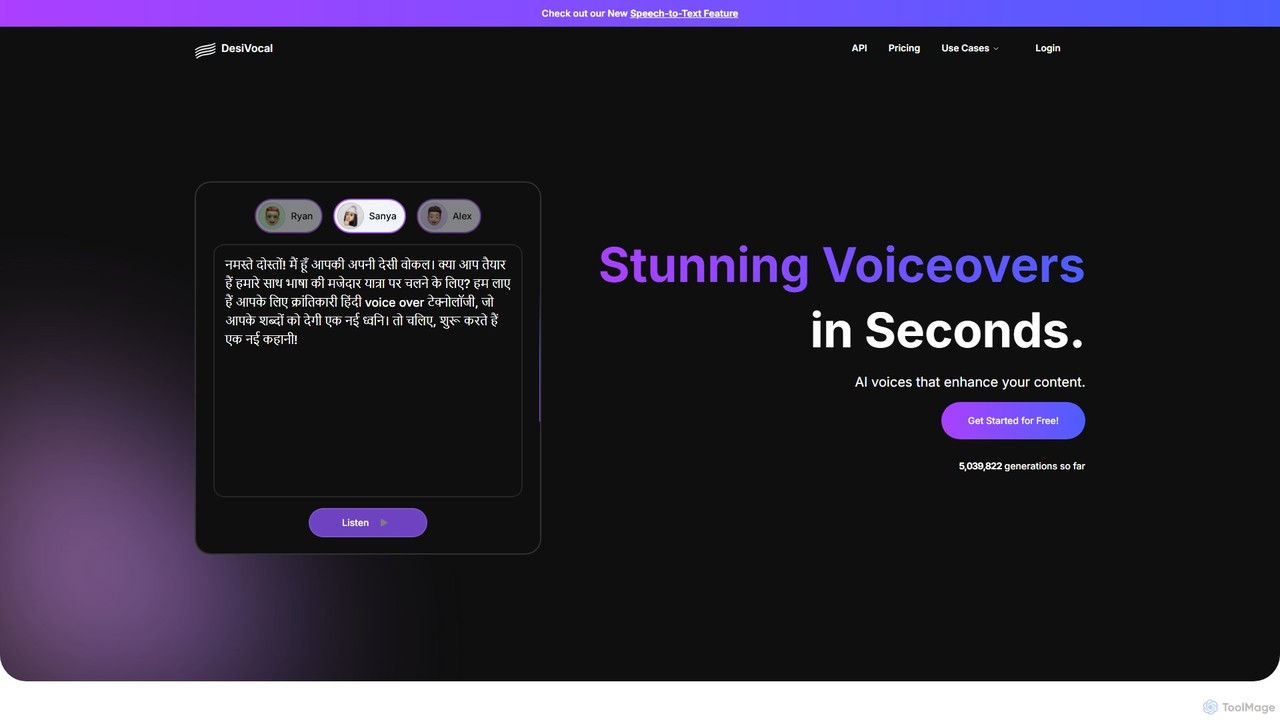
DesiVocal
DesiVocal is a powerful AI voice generator specializing in high-quality, authentic text-to-speech (TTS) conversions, with a strong focus on Indian and global languages. It enables content creators, marketers, and businesses to produce stunning voiceovers, audiobooks, and ad narrations in seconds. The platform also offers advanced features like ethical voice cloning, a voice changer, and speech-to-text transcription, making it a comprehensive solution for all audio content needs.
Text To Speech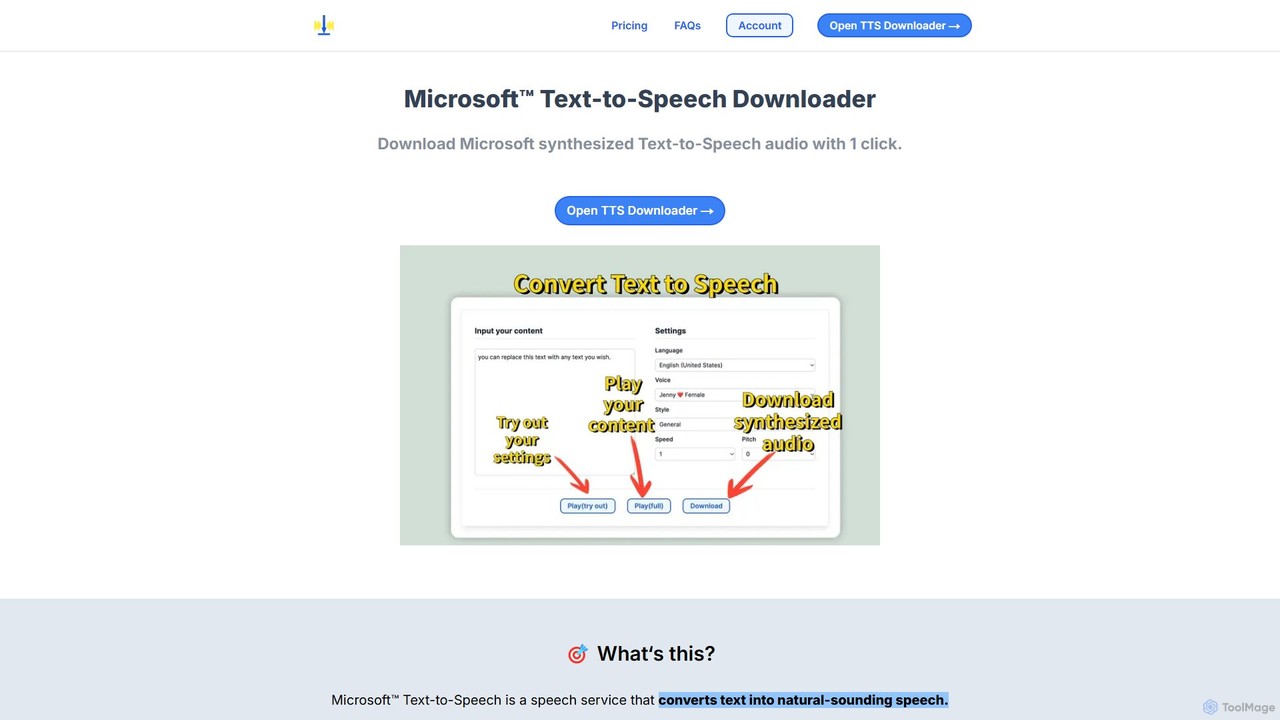
Microsoft TTS Downloader
An easy-to-use web tool that simplifies converting text into natural-sounding speech using Microsoft's advanced TTS technology. Generate and download high-quality audio files with a single click, without needing any technical expertise or a Microsoft Azure account. Ideal for content creators, educators, and developers.
Text To SpeechSpeechEasy Categories
SpeechEasy Embed Widget
Copy this embed code to place the badge on your blog, article, or product site and send readers directly to this ToolMage detail page.

Related AI tools
MicVoice.ai
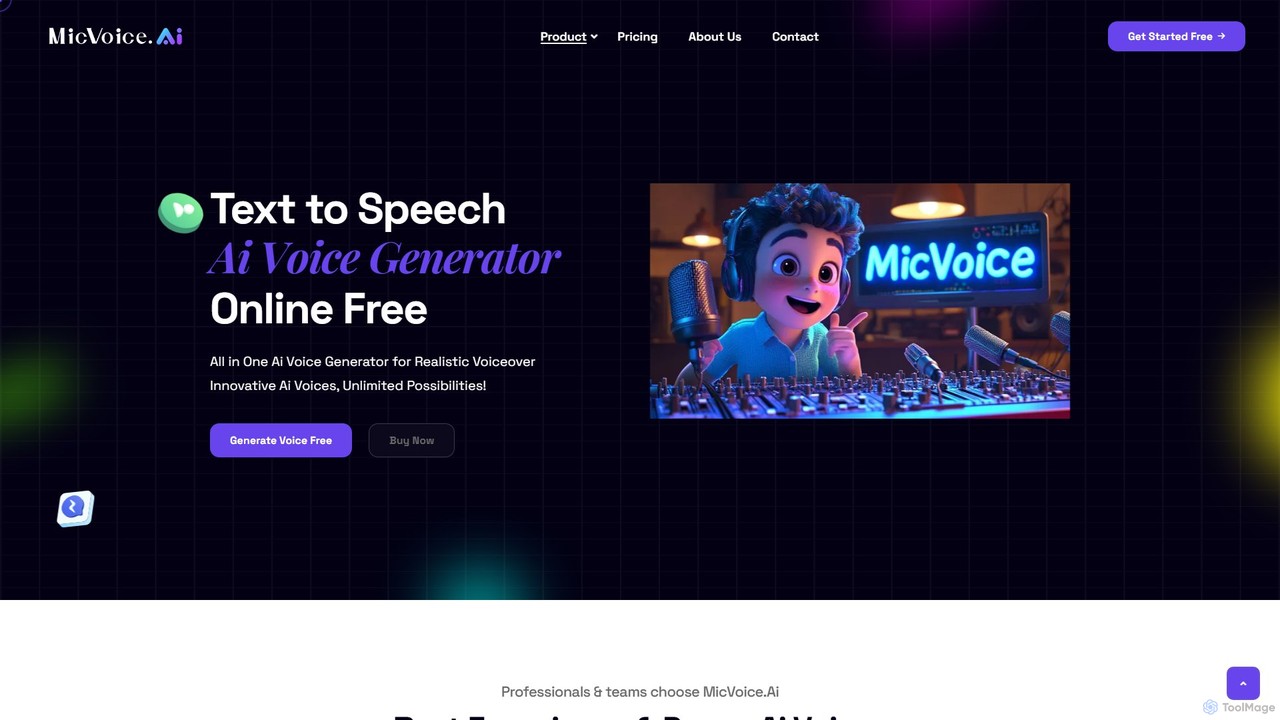
MicVoice.ai is an advanced AI voice generator that converts text to natural-sounding speech. It offers text-to-speech, voice cloning, and voice changing capabilities, supporting various inputs like text, PDF, and JPG. Ideal for content creators, marketers, and educators to produce high-quality voiceovers for audiobooks, ads, and e-learning.
Text To Speech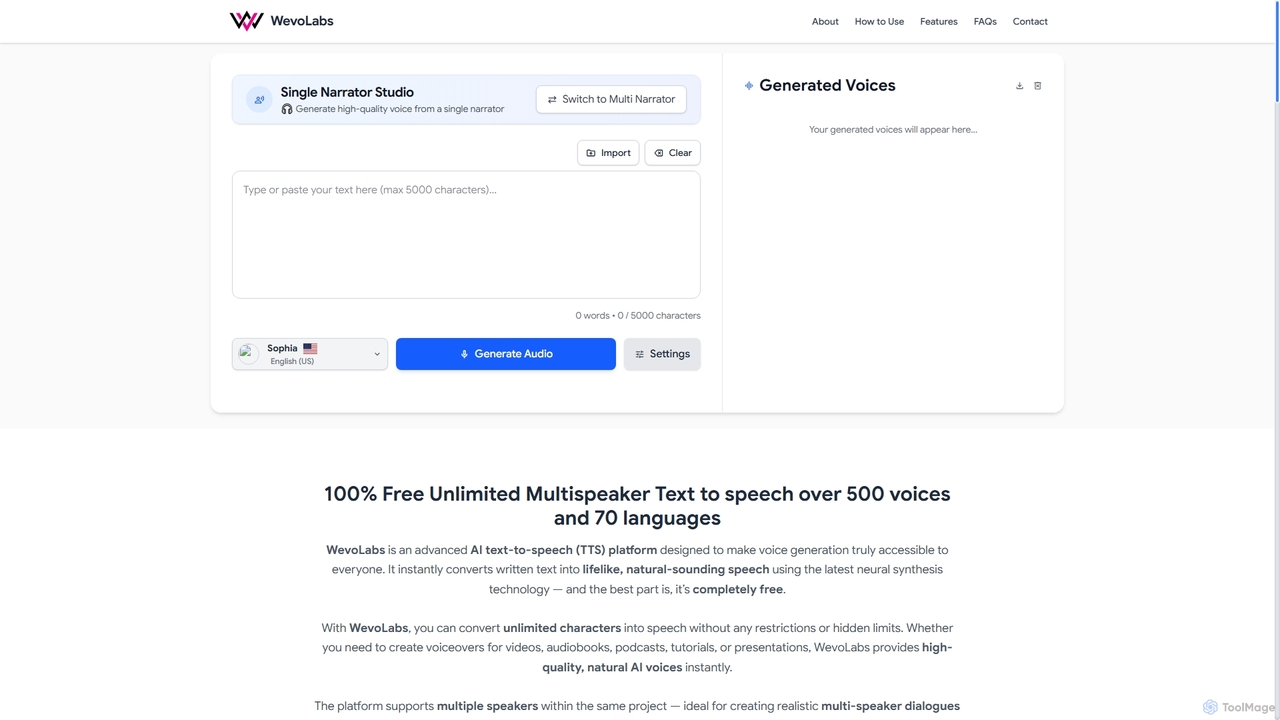
WevoLabs
WevoLabs is a completely free, advanced AI text-to-speech platform that converts written text, PDFs, and Word documents into lifelike, natural-sounding speech. It offers unlimited character conversion, over 580 voices in 75+ languages, and multi-speaker dialogue capabilities, all without requiring registration or imposing watermarks.
3D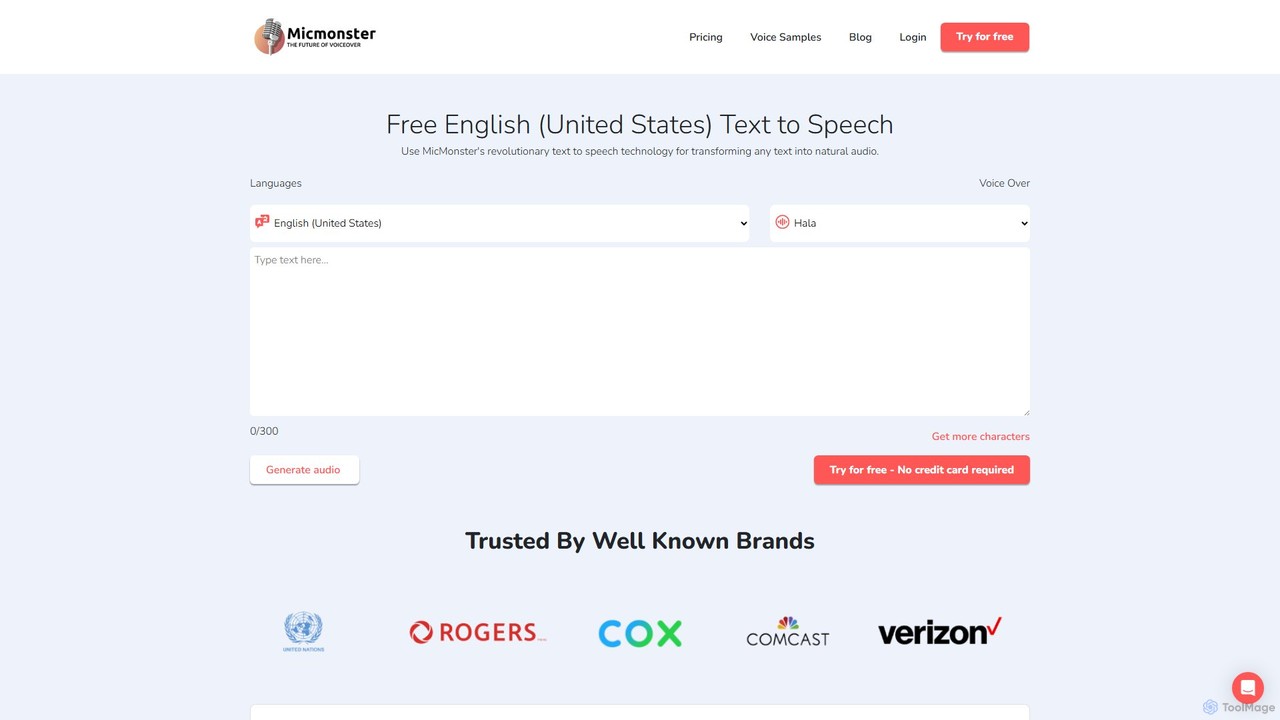
MicMonster
MicMonster is a powerful AI text-to-speech generator that transforms any text into natural-sounding voiceovers. It offers over 800 voices across 140+ languages, an advanced editor for fine-tuning, and a multi-voice feature. Ideal for content creators, marketers, and educators, it simplifies the creation of high-quality audio for YouTube, podcasts, e-learning, and more.
Text To SpeechAiVOOV
AiVOOV is an advanced AI text-to-speech (TTS) and voice generator that converts text into realistic, human-like voiceovers. It offers a vast library of over 2300 voices in more than 155 languages and accents, catering to a wide range of applications like video narration, podcasts, e-learning, and marketing content. With powerful features including podcast hosting, SRT file generation, and background music integration, AiVOOV provides a comprehensive, one-click solution for professional-grade audio production.
Text To Speech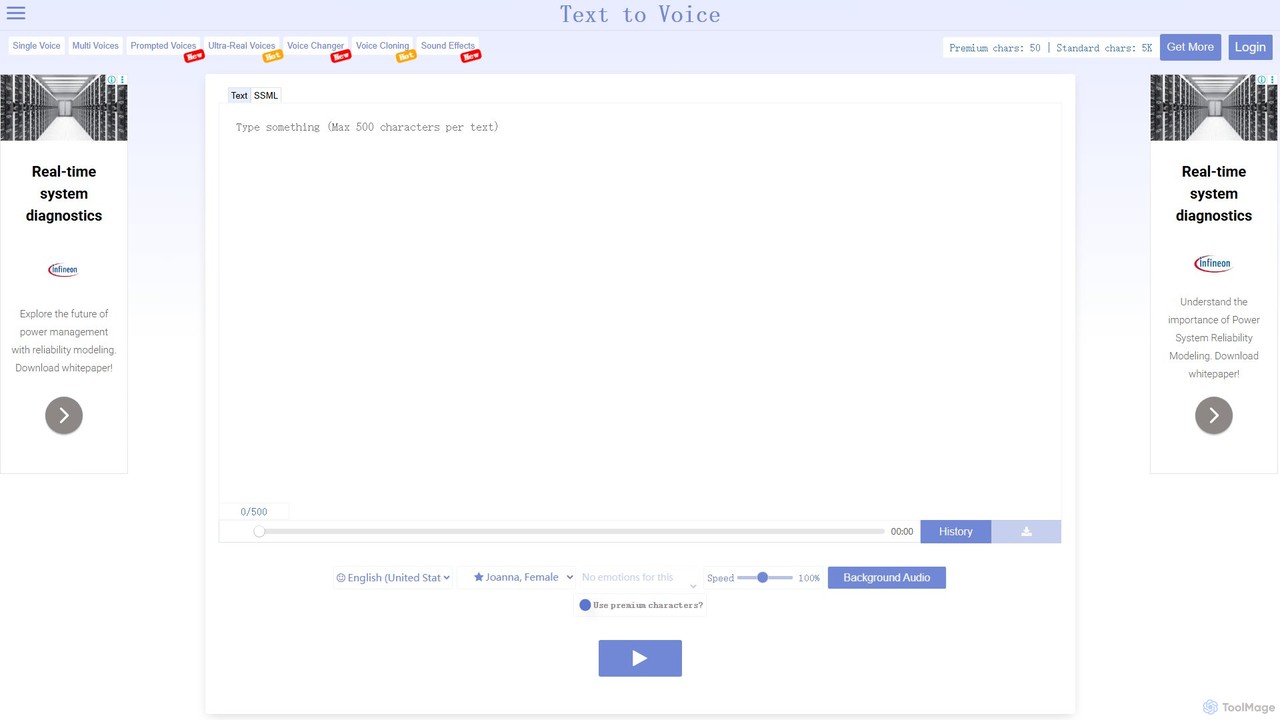
TextToVoice
An advanced AI text-to-speech converter that generates ultra-realistic, emotional voices from text. It supports multiple languages, various speech styles, and offers high-quality audio downloads, making it perfect for video creators, podcasters, and content producers.
Text To Speech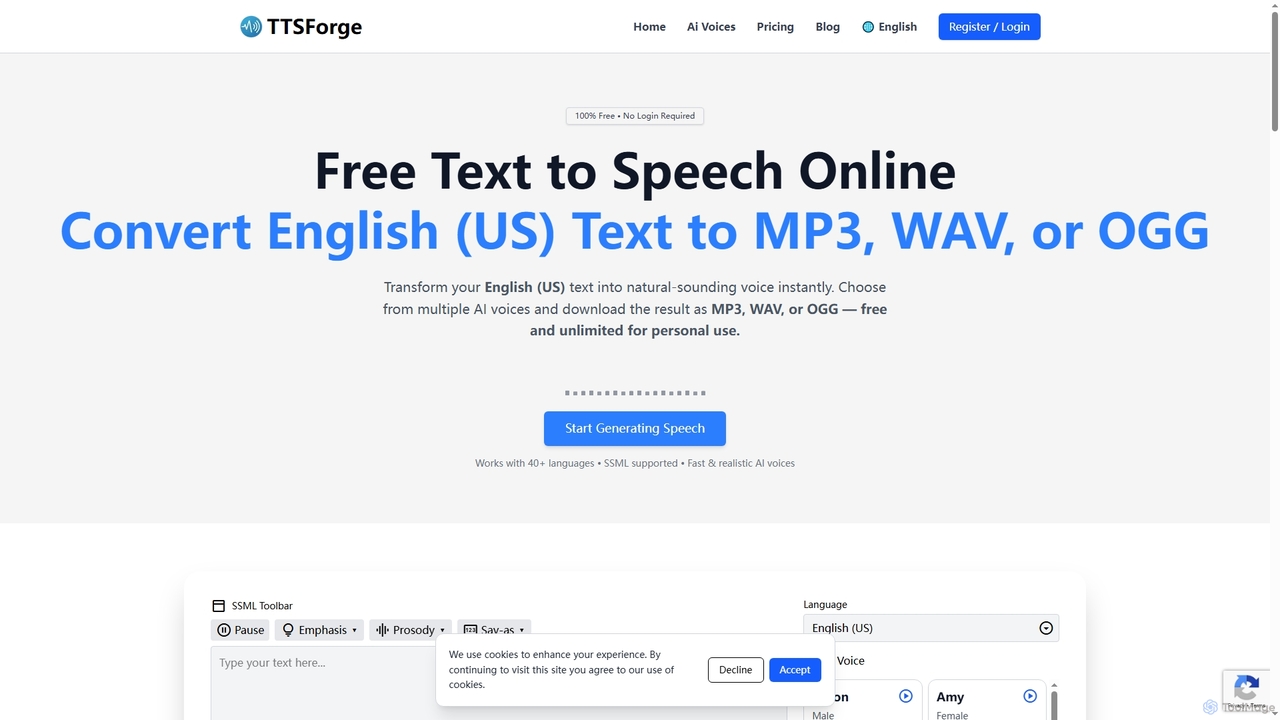
TTSForge
TTSForge is a free online text-to-speech platform that converts written text into natural-sounding audio using advanced AI voices. It supports over 40 languages and allows users to download audio in MP3, WAV, or OGG formats for various personal and commercial projects.
Text To SpeechDesiVocal
DesiVocal is a powerful AI voice generator specializing in high-quality, authentic text-to-speech (TTS) conversions, with a strong focus on Indian and global languages. It enables content creators, marketers, and businesses to produce stunning voiceovers, audiobooks, and ad narrations in seconds. The platform also offers advanced features like ethical voice cloning, a voice changer, and speech-to-text transcription, making it a comprehensive solution for all audio content needs.
Text To SpeechMicrosoft TTS Downloader
An easy-to-use web tool that simplifies converting text into natural-sounding speech using Microsoft's advanced TTS technology. Generate and download high-quality audio files with a single click, without needing any technical expertise or a Microsoft Azure account. Ideal for content creators, educators, and developers.
Text To Speech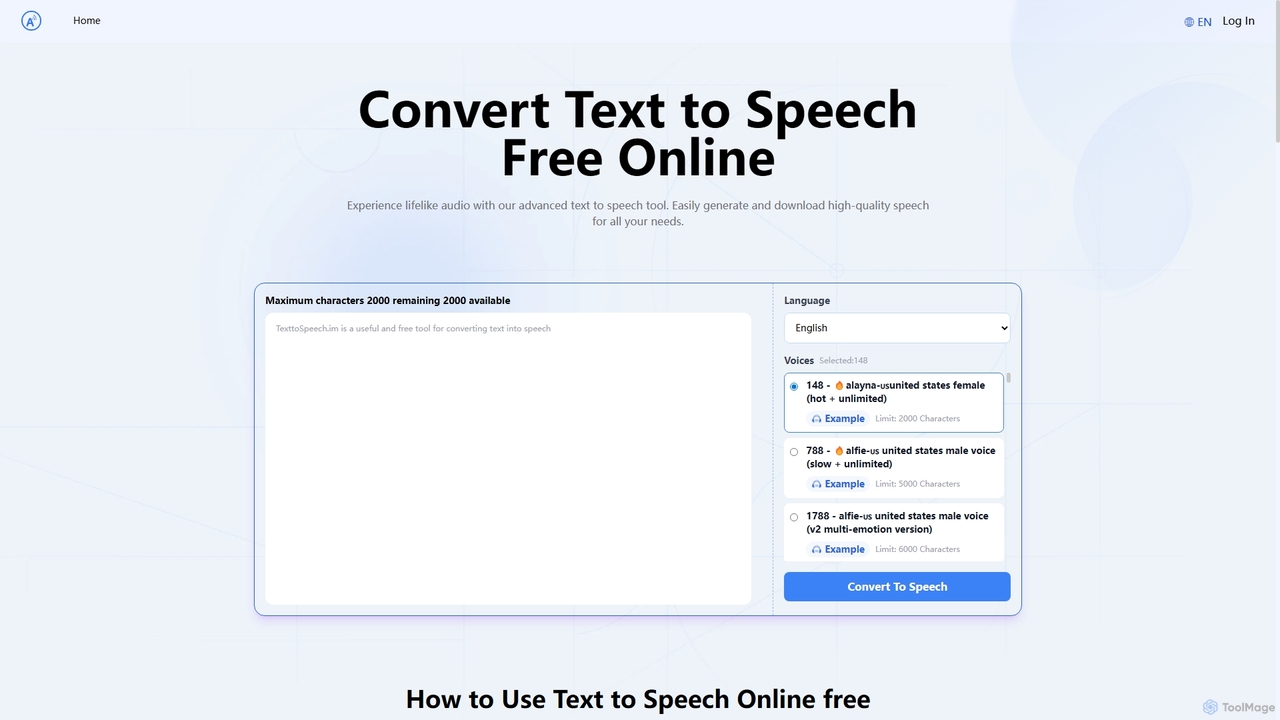
Text to Speech.im
Text to Speech.im is a free online AI tool that converts text into natural-sounding speech. It supports a vast array of languages and voices, allowing users to generate high-quality audio for videos, e-learning, accessibility, and more. Customize voice speed and volume, then easily download the generated audio as an MP3 file.
Speech Synthesis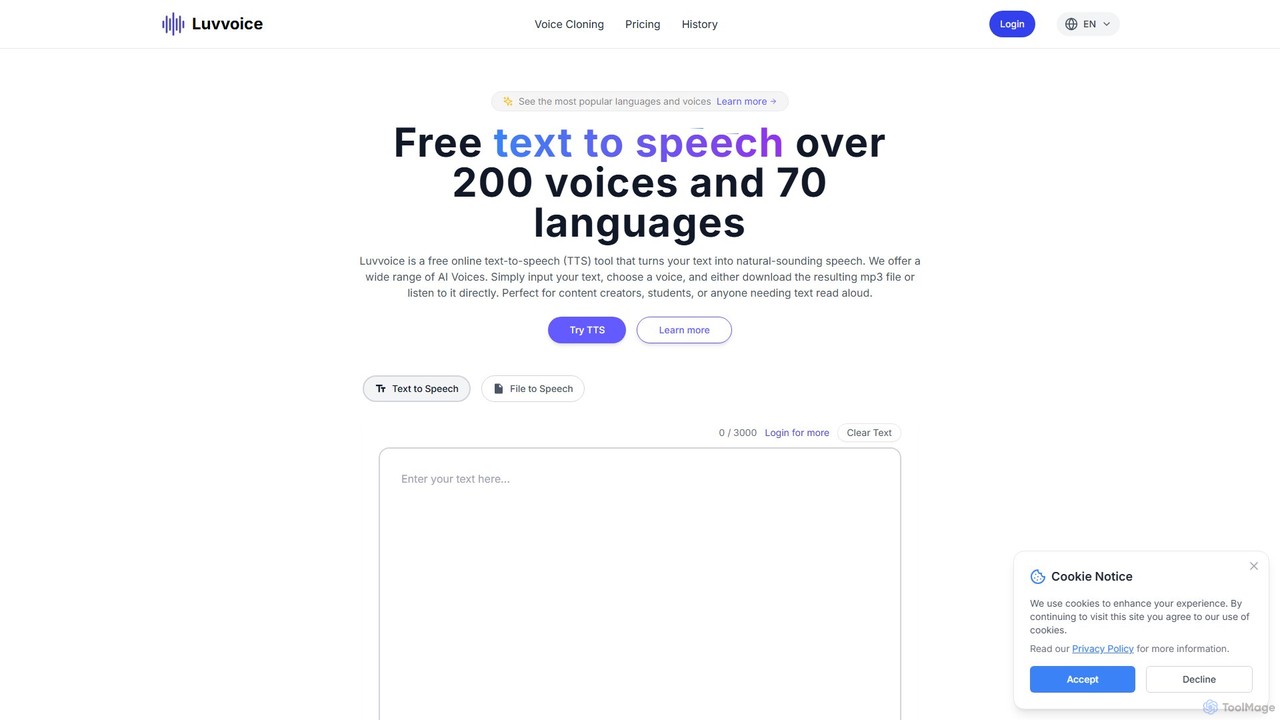
Luvvoice
Luvvoice is an advanced AI voice generator offering free text-to-speech (TTS) and voice cloning services. It converts text into natural-sounding speech with over 300 voices in 70+ languages. Key features include document-to-speech conversion (PDF, TXT), adjustable speech settings, and high-quality voice cloning from a short audio sample. It's ideal for content creators, educators, and businesses.
Voice Cloning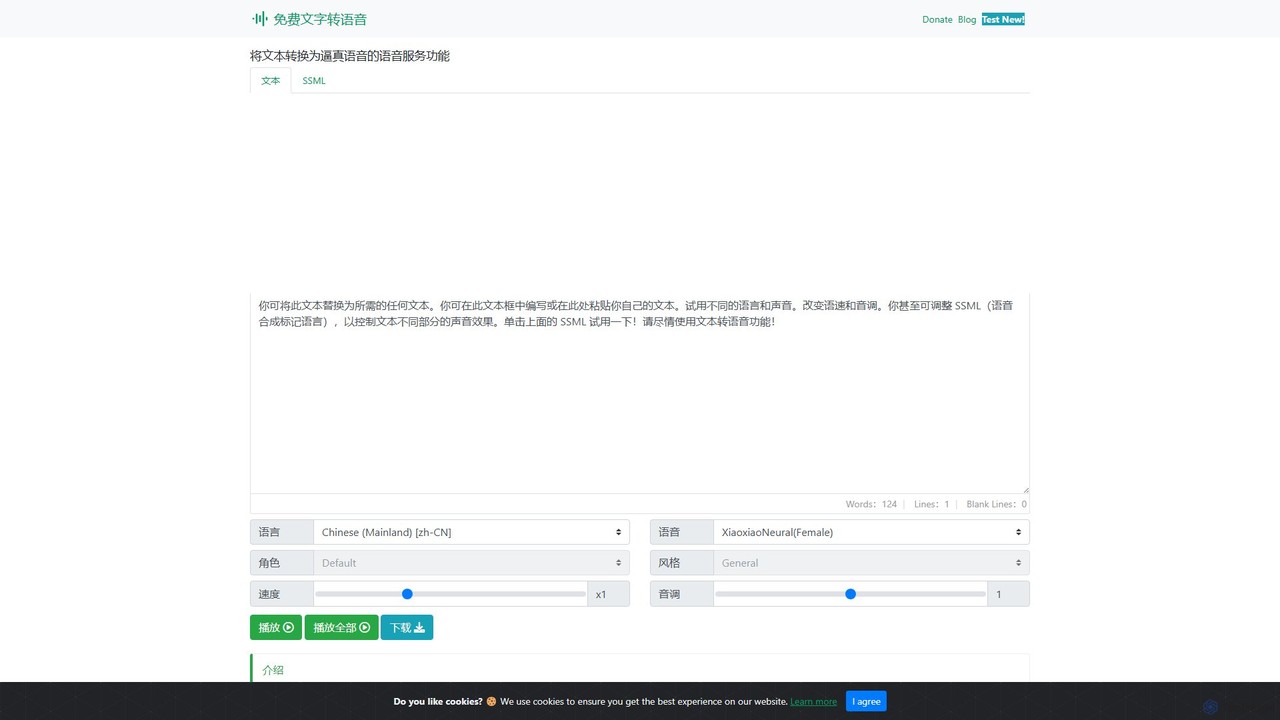
Text to Speech Online
A free, powerful online text-to-speech converter that uses advanced AI to generate realistic, human-like voices. It supports over 129 languages and 330+ neural voices, offering extensive customization of speed, pitch, and style for various applications.
Text To Speech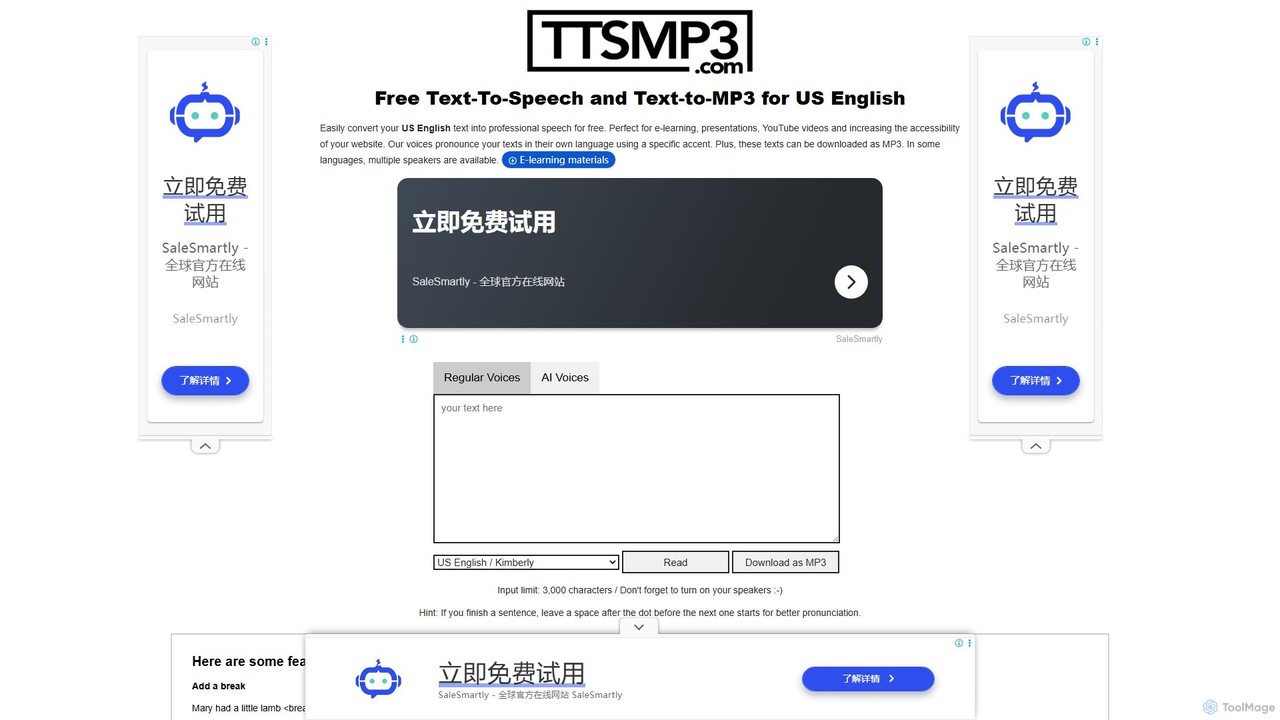
ttsmp3.com
A free online text-to-speech (TTS) tool that converts text into natural-sounding audio and allows MP3 downloads. It offers a wide range of languages and voices, powered by both standard (AWS Polly) and advanced AI (OpenAI) voice engines, perfect for e-learning, presentations, and content creation.
Text To Speech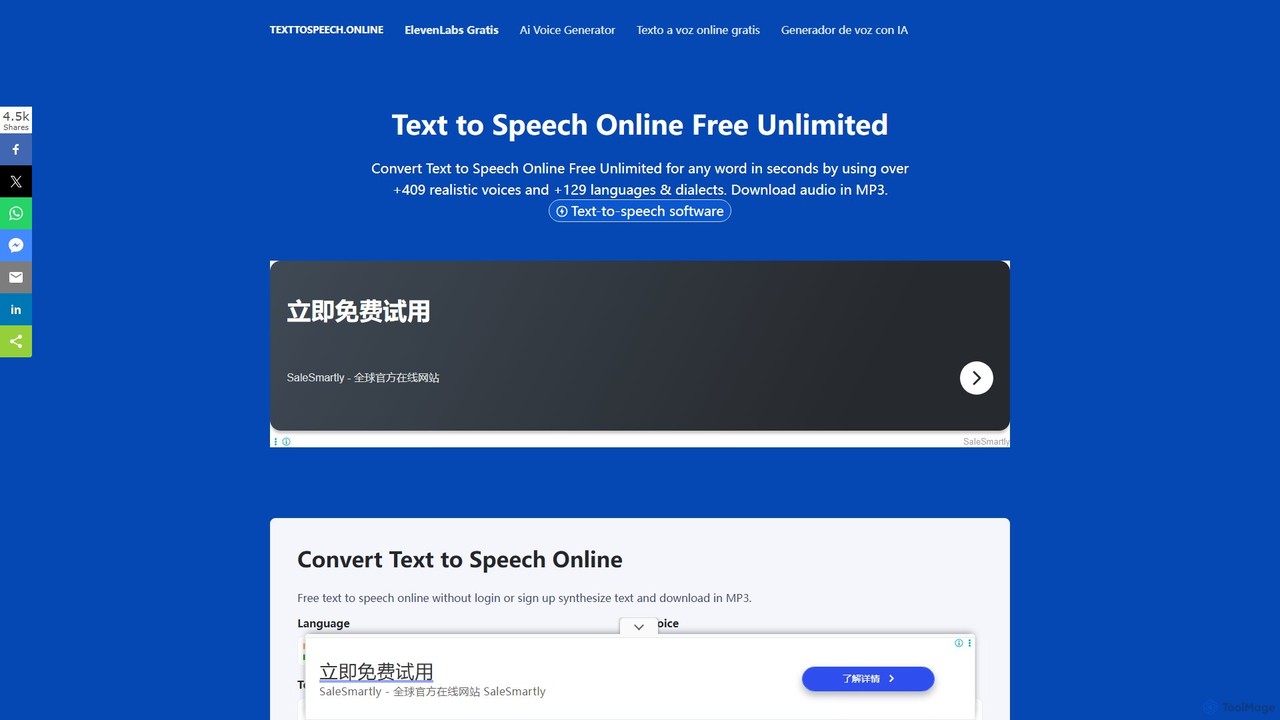
Text To Speech Online
A free and unlimited online AI tool that converts text into natural-sounding speech. It supports over 129 languages and dialects with more than 409 realistic voices. Users can download the audio in MP3 or WAV format without needing to sign up, making it ideal for content creation, learning, and accessibility.
Text To Speech
ttsopenai
A powerful text-to-speech tool leveraging OpenAI's advanced voice engine. Instantly convert text into incredibly natural, human-like audio in multiple languages and voices. Ideal for content creators, developers, and businesses seeking high-quality voiceovers for videos, podcasts, e-learning, and more.
Text To Speech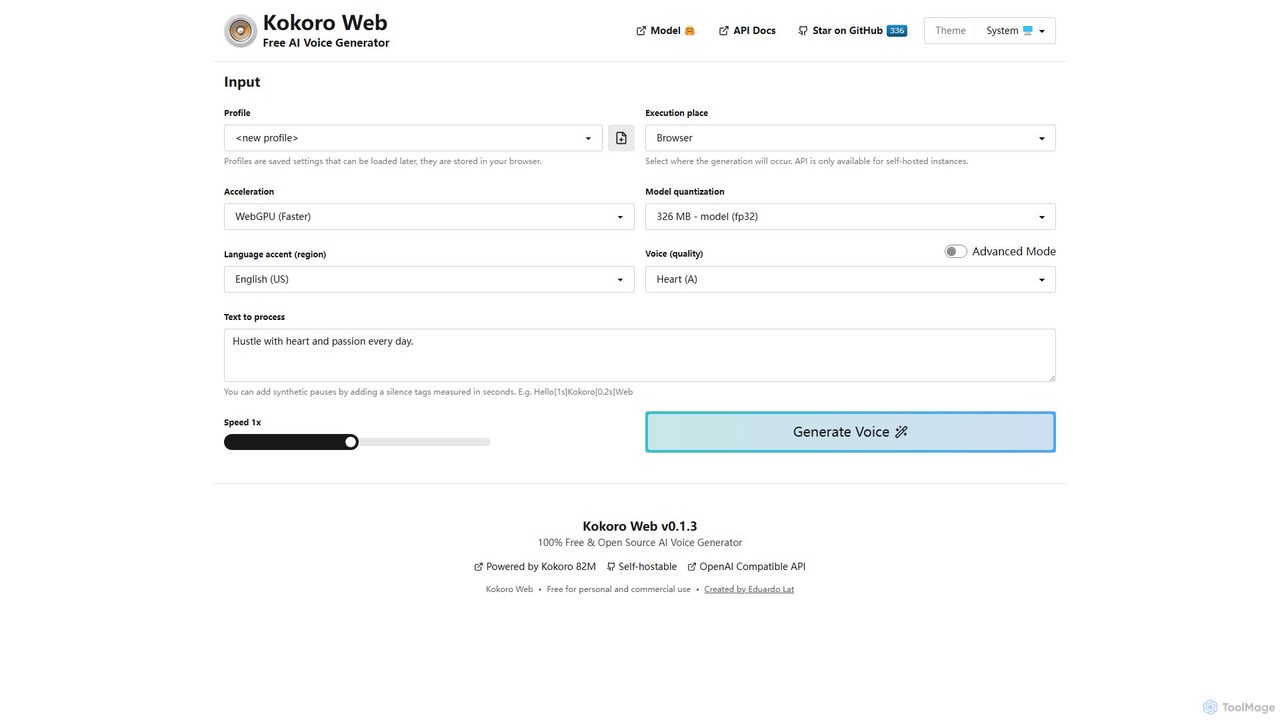
Kokoro Web
A free, open-source, and browser-based AI voice generator that offers multi-language support and advanced technical controls. It processes text directly on your device, ensuring complete privacy and providing high-quality text-to-speech (TTS) output without any cost or registration.
Text To Speech
SpeechEasy Comments (0)
Sign in to comment.
Sign inNo comments yet.