

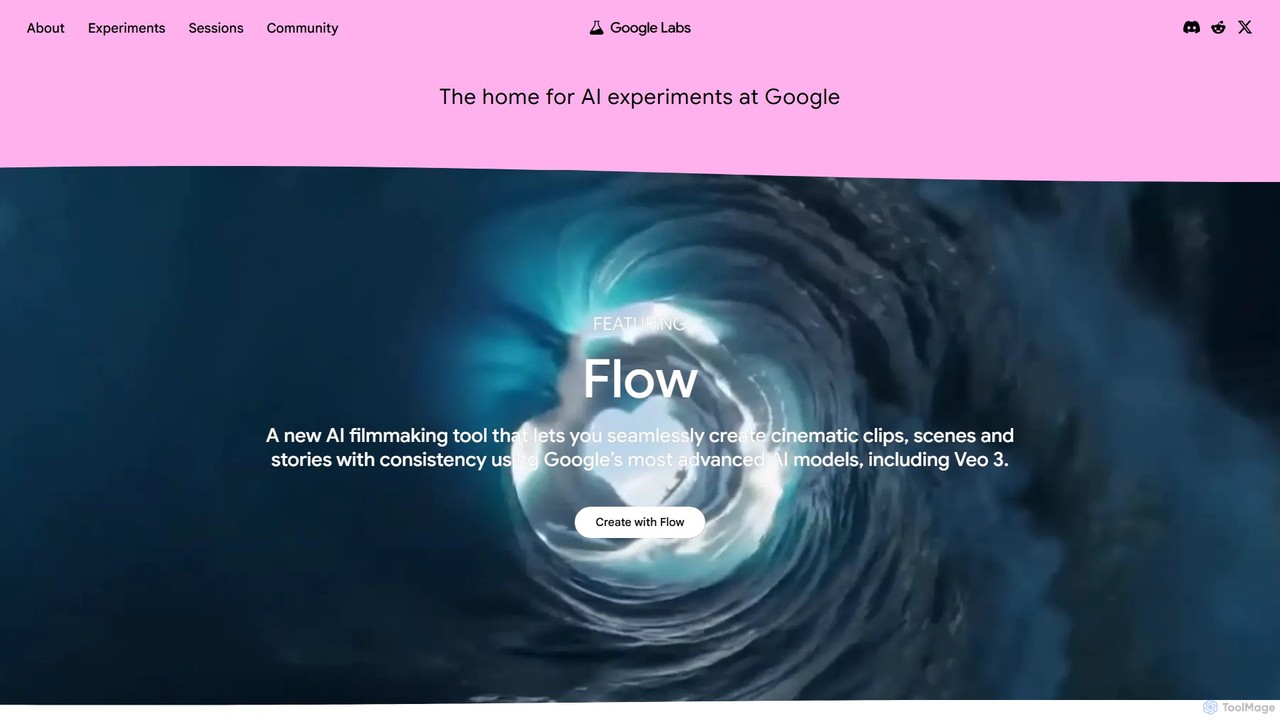
Google Labs Overview
Google Labs serves as Google's dedicated home for its most innovative and forward-thinking AI experiments. It's a public-facing platform where users can get a firsthand look at the next generation of AI tools, long before they become part of mainstream Google products. Powered by Google's most advanced models, including the multimodal Gemini family and the high-definition video model Veo, Google Labs offers a diverse portfolio of projects that span creativity, productivity, and research. It acts as a crucial bridge between Google's research teams and the global community, inviting creators, developers, and curious minds to not only test these new technologies but also to provide valuable feedback that shapes their development.
How to use Google Labs
Engaging with Google Labs is designed to be simple and accessible. The primary method is to visit the official website, where all current experiments are showcased. Users can browse through the featured projects and click 'Try It Now' or a similar call-to-action to start interacting with a specific tool. For many experiments, there's an option to sign up as a 'Trusted Tester,' which may grant even earlier access to new features or upcoming projects. To stay informed about the latest releases and join the conversation, users can subscribe to the newsletter or join the official Google Labs Discord community. The interaction with each tool is intuitive: you typically provide an input (a text prompt, an image, a theme) and the AI model generates a creative or functional output, which can then be refined or exported.
Core Features of Google Labs
- Diverse AI Experiments: A constantly evolving collection of tools covering various domains, including video, music, art, design, coding, and personal productivity.
- Creative Media Generation: Features powerful tools like Flow for AI filmmaking, MusicFX and Music AI Sandbox for music composition, and ImageFX for stunning visual creation.
- Developer & Design Tools: Includes innovative projects like Stitch, which turns simple prompts into UI designs and frontend code, and Jules, an AI coding agent that automates tasks in GitHub.
- Personalized & Learning Experiences: Offers unique applications such as Doppl for virtual style exploration, Portraits for AI-powered coaching, and 'Say What You See' to help users master the art of prompting.
- Powered by State-of-the-Art Models: All experiments leverage Google's most powerful AI models, such as Gemini, Veo, and Imagen 2, ensuring high-quality and capable outputs.
- Community Engagement: Provides direct channels for user feedback and interaction through a Discord community, events, and trusted tester programs.
Use Cases for Google Labs
The tools within Google Labs cater to a wide audience. Filmmakers and content creators can use Flow to generate cinematic clips and storyboards from text. Musicians and songwriters can find inspiration with Music AI Sandbox or create full tracks with MusicFX. UI/UX designers and developers can accelerate their workflow by using Stitch to rapidly prototype interfaces and generate code. Software developers can leverage Jules to automate bug fixes and write tests. Artists and designers can explore new visual styles with ImageFX or create unique fonts with GenType. Even casual users can find value in generating creative recipes with Food Mood or taking AI-guided audio tours of landmarks with Talking Tours.
Advantages of Google Labs
The primary advantage of Google Labs is the opportunity to gain early access to Google's groundbreaking AI technology. Users can experiment with tools that are at the absolute cutting edge of the industry. By participating, users can directly influence the development trajectory of future Google products with their feedback. Most experiments are free to use, making powerful AI accessible to everyone. The platform fosters a unique environment of creativity, learning, and collaboration between Google and its user community.
Pricing and Plans
The experiments and tools available on Google Labs are currently offered for free. The platform's purpose is research, community engagement, and gathering user feedback rather than direct monetization. Users can explore and use the available tools without any subscription or payment required.
Traffic
Latest traffic
Status
Monthly traffic trend
- 2025-9: 21.8M
- 2026-1: 41.2M
- 2026-2: 43.8M
- 2026-3: 55.3M
- 2026-4: 62.0M
- 2026-5: 68.0M
Geography
Top 5 countries / regions
- 🇮🇳India32.9%
- 🇺🇸United States23.6%
- 🇧🇷Brazil22.4%
- 🇵🇰Pakistan11.4%
- 🇰🇷South Korea9.7%
Traffic sources
| Source type | Percentage |
|---|---|
Direct | 79.3% |
Referral | 19.6% |
Email | 1.1% |
Top keywords
| Keyword | Cost per click |
|---|---|
| flow | $0.43 |
| flow ai | $0.29 |
| google flow | $0.41 |
| whisk | $0.54 |
| whisk ai | $0.36 |
Google Labs Videos on YouTube



Skill Leap AI

![How to Use Google Labs AI [Beginner Guide]](https://i.ytimg.com/vi/l1I8KOcj34c/maxresdefault.jpg)
Eric Dawson

Blazing Zebra
Google Labs Alternatives
Google Gemini
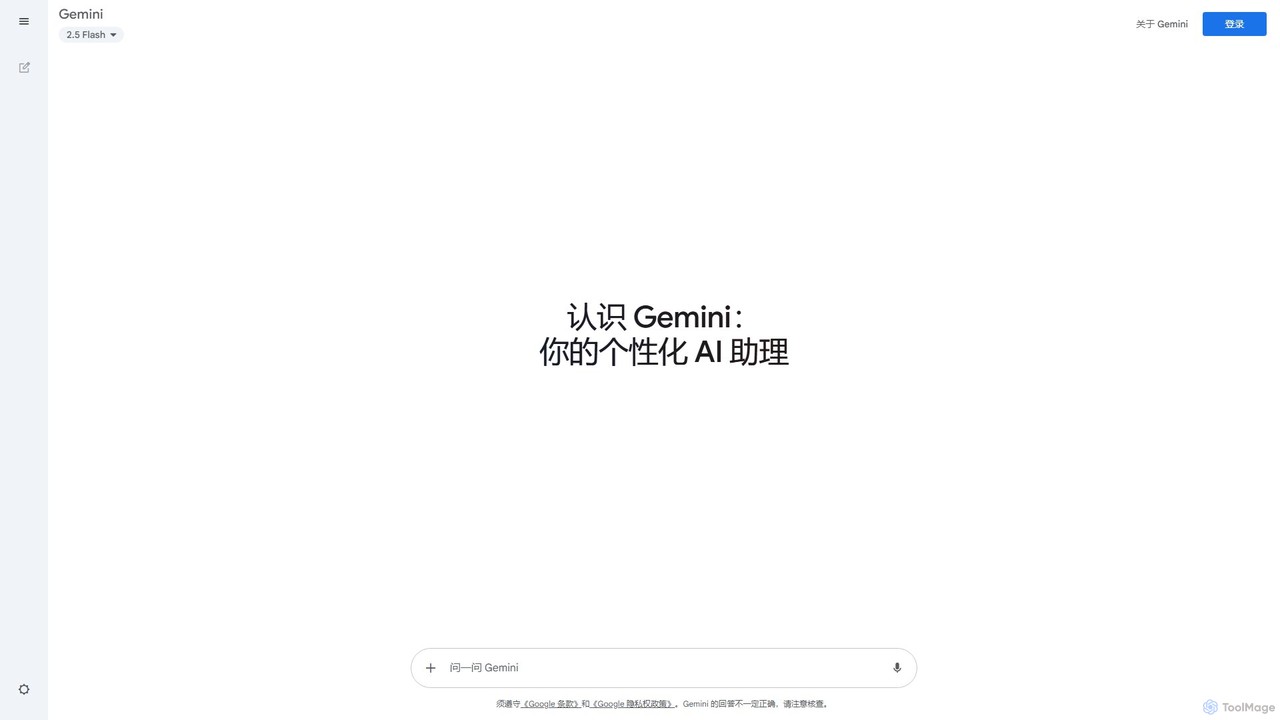
Google Gemini is a powerful and versatile AI assistant designed to enhance creativity and productivity. It can understand and process text, images, code, and voice to help with tasks like writing, coding, brainstorming, planning, and learning. With deep integration into the Google ecosystem and access to cutting-edge models like 2.5 Pro, Gemini acts as a collaborative partner for everyday tasks and complex problem-solving.
Image Generator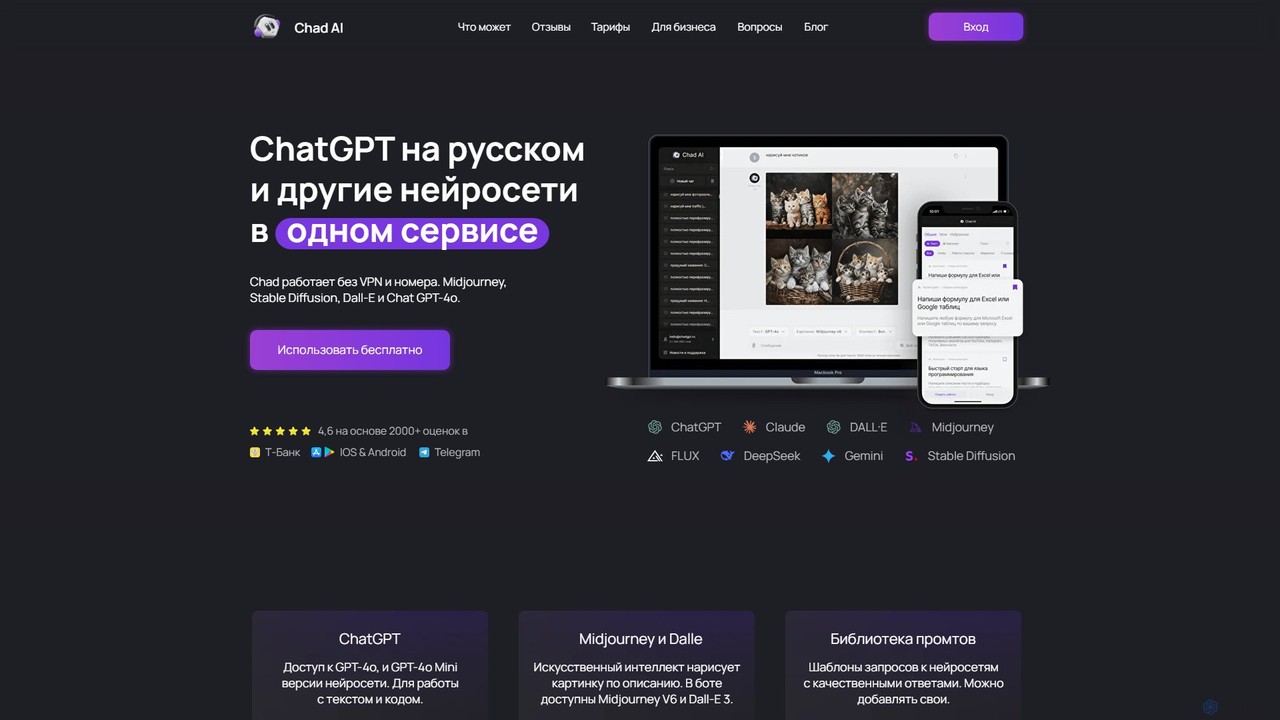
Chad AI
Chad AI is an all-in-one platform providing seamless, VPN-free access to a wide range of leading AI models like GPT-4o, Claude 3, Midjourney, DALL-E 3, and various video generators. It's designed for text generation, coding, image creation, and more, all within a single, user-friendly interface with a flexible credit-based pricing system.
Generative Ai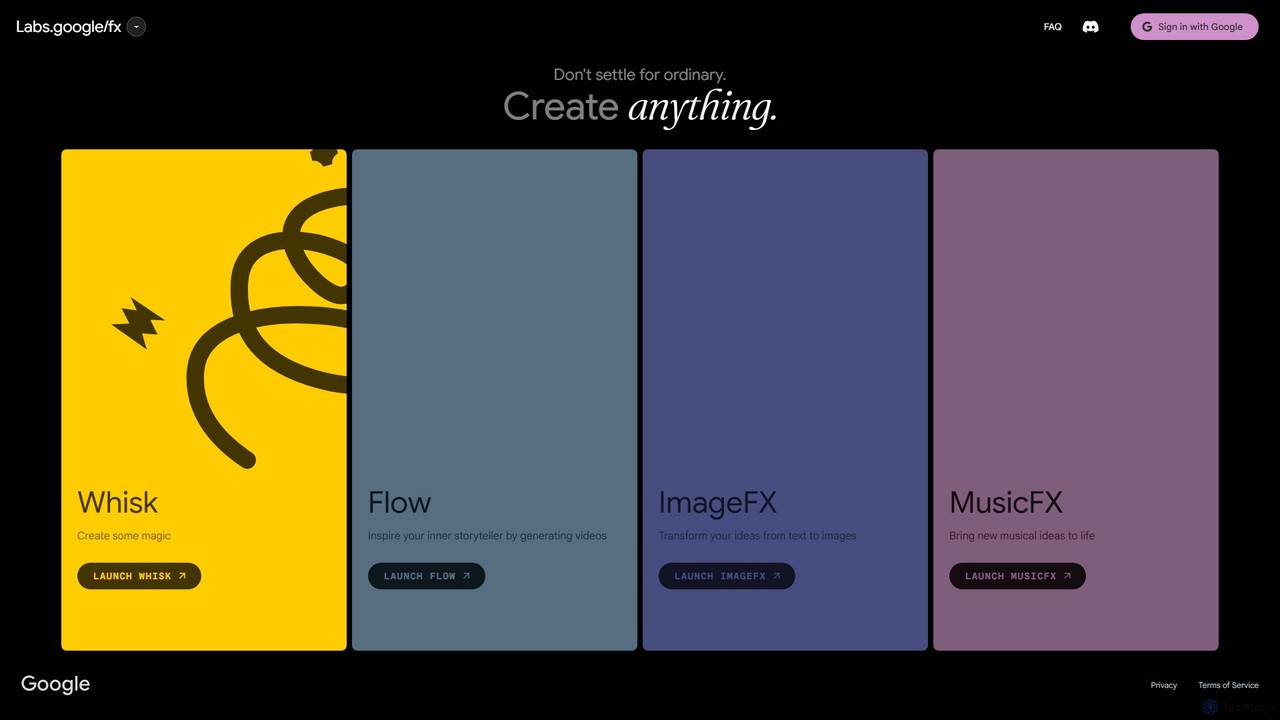
labs.google/fx
labs.google/fx is a suite of experimental generative AI tools from Google. It allows users to create unique images, music, and videos from simple text prompts, providing a playground for exploring the creative potential of artificial intelligence.
Music Generation
ComfyUI
ComfyUI is a powerful, free, and open-source node-based graphical user interface for generative AI. It offers unparalleled control and flexibility for creating complex workflows to generate images, videos, 3D assets, and audio, designed for artists, developers, and researchers.
3D Modeling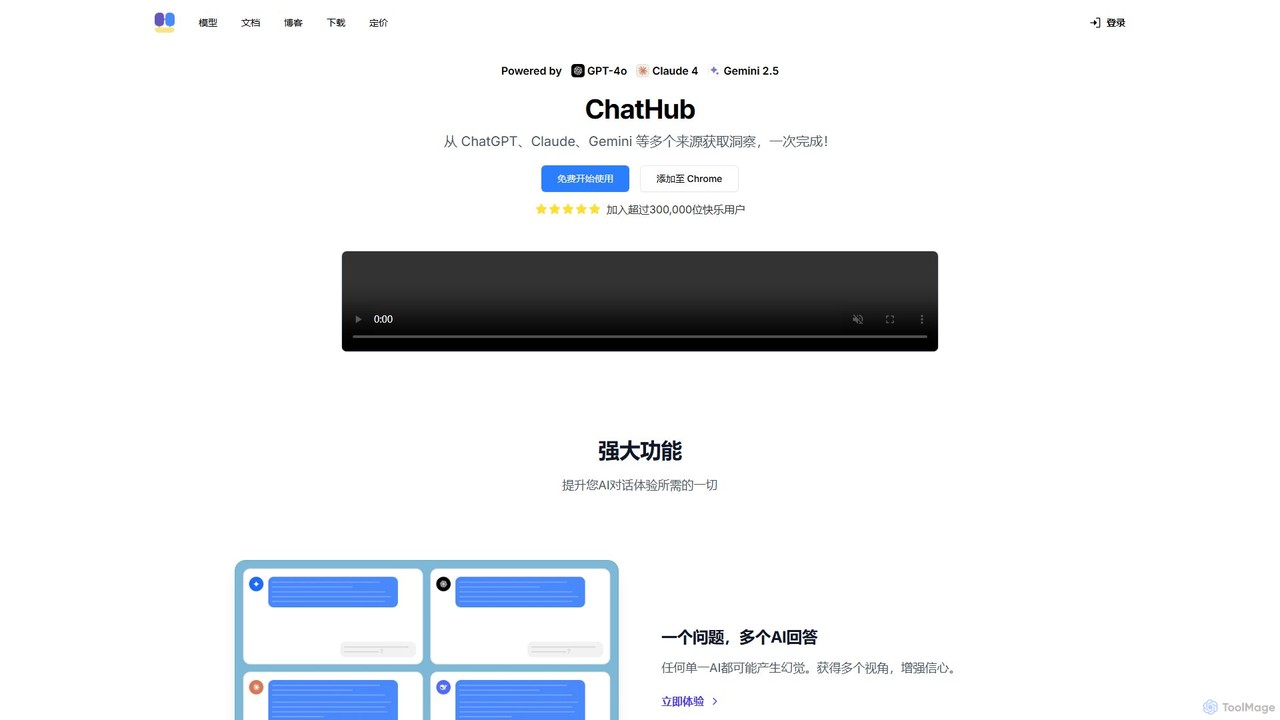
ChatHub
ChatHub is an all-in-one chatbot client that allows you to simultaneously use and compare responses from multiple AI models like GPT-4o, Claude 4, and Gemini 2.5 in a single interface. It enhances productivity by providing diverse perspectives, reducing AI hallucinations, and integrating features like image generation and file analysis.
Image GeneratorGoogle Labs Categories
Google Labs Embed Widget
Copy this embed code to place the badge on your blog, article, or product site and send readers directly to this ToolMage detail page.

Related AI tools
Google Gemini
Google Gemini is a powerful and versatile AI assistant designed to enhance creativity and productivity. It can understand and process text, images, code, and voice to help with tasks like writing, coding, brainstorming, planning, and learning. With deep integration into the Google ecosystem and access to cutting-edge models like 2.5 Pro, Gemini acts as a collaborative partner for everyday tasks and complex problem-solving.
Image GeneratorChad AI
Chad AI is an all-in-one platform providing seamless, VPN-free access to a wide range of leading AI models like GPT-4o, Claude 3, Midjourney, DALL-E 3, and various video generators. It's designed for text generation, coding, image creation, and more, all within a single, user-friendly interface with a flexible credit-based pricing system.
Generative Ai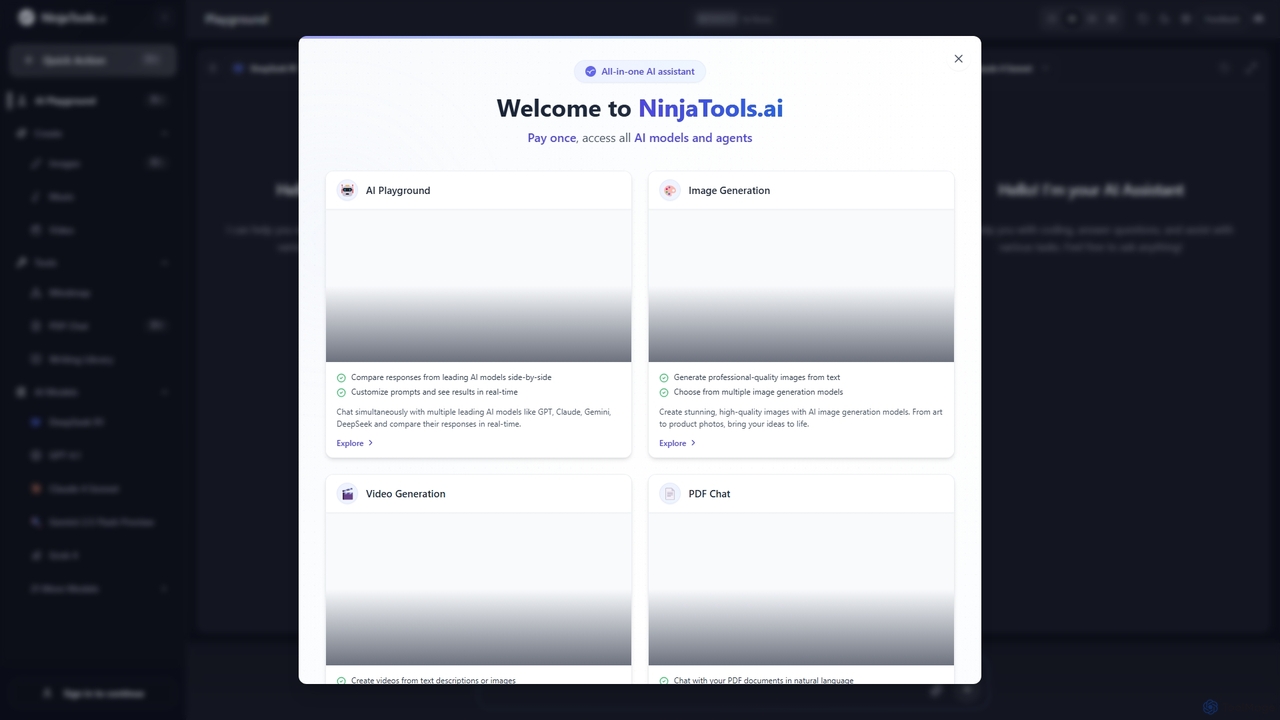
Ninjatools
Ninjatools is an all-in-one AI platform providing unified access to a vast array of leading AI models like GPT, Claude, Gemini, and more. It enables users to generate text, images, videos, and music, chat with PDFs, and compare model responses side-by-side in a single, intuitive interface. It's designed for creators, developers, and marketers seeking efficiency and versatility.
Music Generation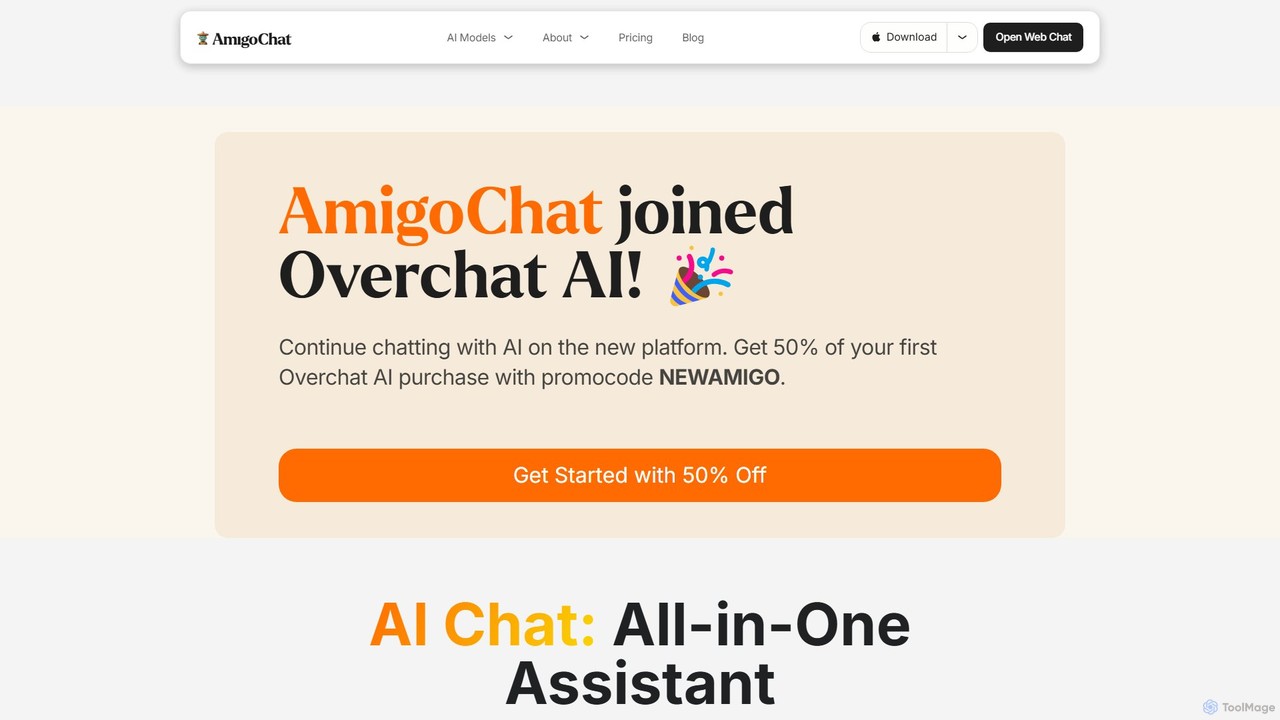
AmigoChat
AmigoChat is an all-in-one AI chat platform that integrates dozens of leading AI models like ChatGPT, Claude, Grok, and DeepSeek into a single interface. It offers a comprehensive suite of tools for text, image, video, music, and code generation, designed for professionals, creators, and students. Now part of Overchat AI, it emphasizes versatility, privacy, and cross-platform accessibility.
Code Assistant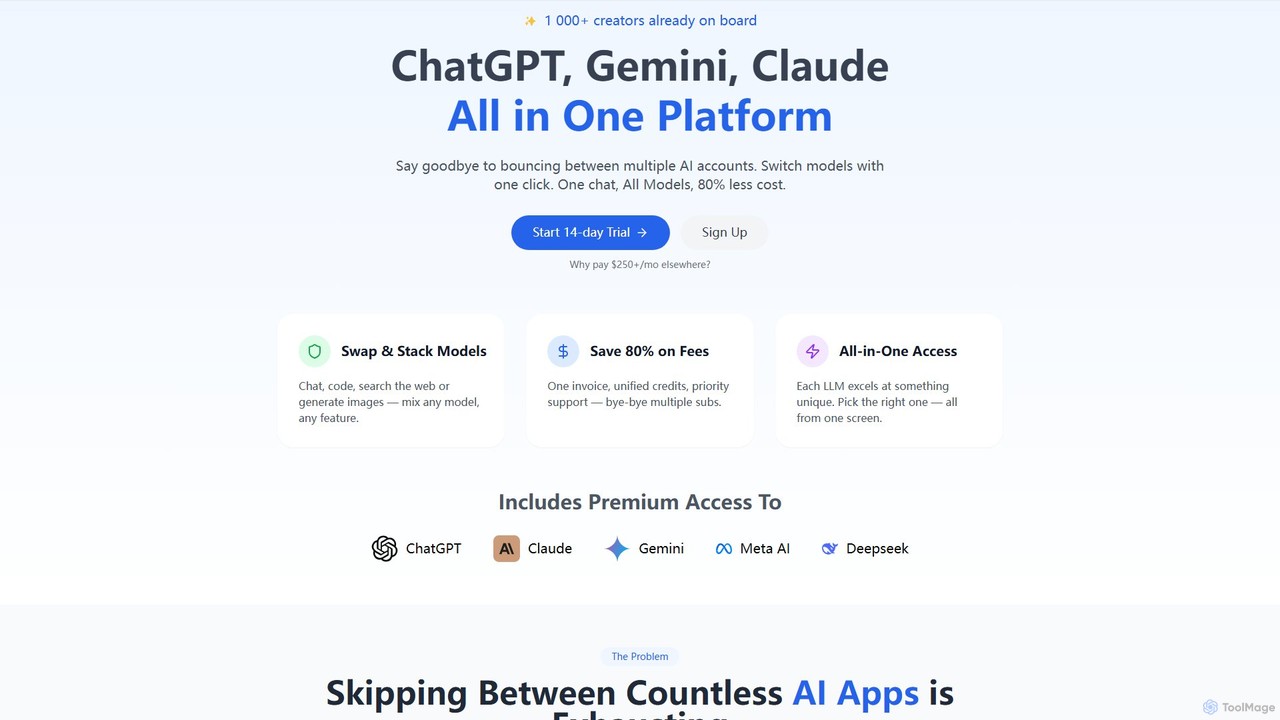
llmwizard
llmwizard is an all-in-one AI platform that consolidates leading AI models like ChatGPT, Gemini, and Claude into a single subscription. It allows users to seamlessly switch between models for text, image, and video generation, offering significant cost savings and enhanced productivity by eliminating the need for multiple accounts.
Code Assistantlabs.google/fx
labs.google/fx is a suite of experimental generative AI tools from Google. It allows users to create unique images, music, and videos from simple text prompts, providing a playground for exploring the creative potential of artificial intelligence.
Music GenerationComfyUI
ComfyUI is a powerful, free, and open-source node-based graphical user interface for generative AI. It offers unparalleled control and flexibility for creating complex workflows to generate images, videos, 3D assets, and audio, designed for artists, developers, and researchers.
3D ModelingChatHub
ChatHub is an all-in-one chatbot client that allows you to simultaneously use and compare responses from multiple AI models like GPT-4o, Claude 4, and Gemini 2.5 in a single interface. It enhances productivity by providing diverse perspectives, reducing AI hallucinations, and integrating features like image generation and file analysis.
Image Generator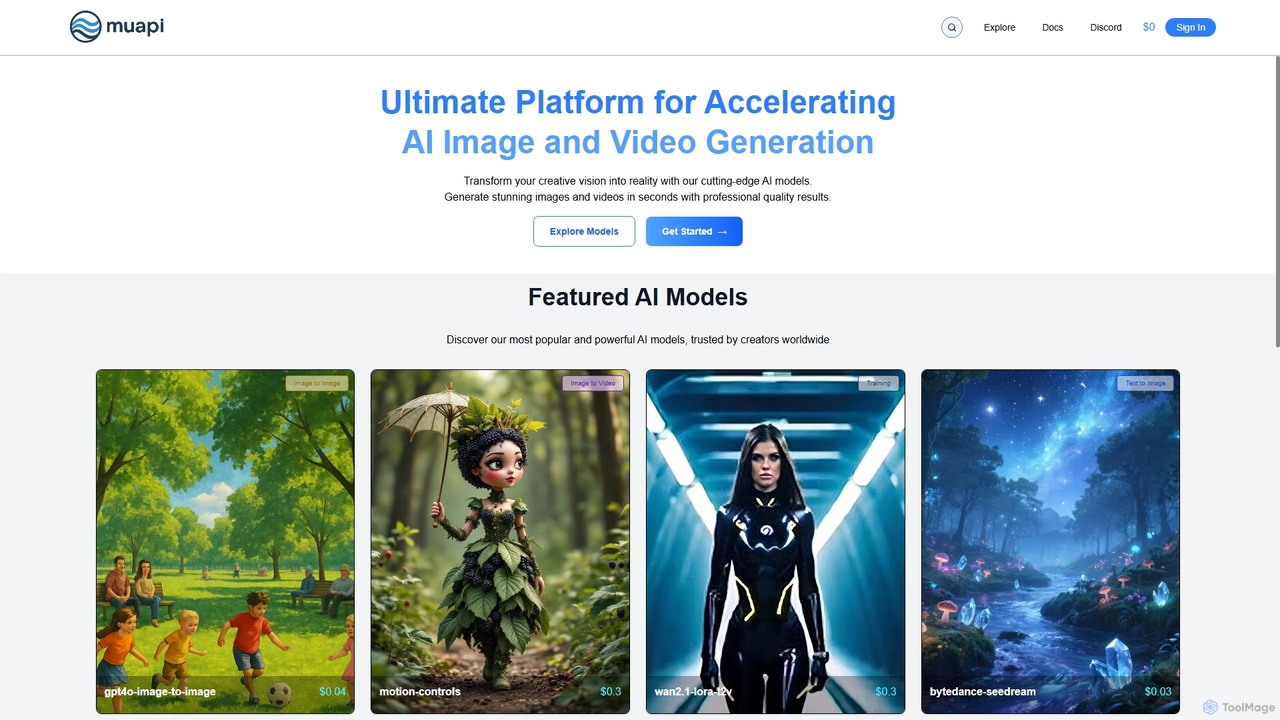
Muapi
Muapi is a powerful API platform designed to accelerate AI image and video generation. It provides developers and creators with unified access to a diverse range of cutting-edge AI models. With Muapi, you can easily integrate functionalities like text-to-video, image-to-video, consistent character generation, and style transfer into your applications. The platform simplifies the development process, offering a single API endpoint for multiple advanced generative AI tasks, backed by a clear, pay-as-you-go pricing structure.
Api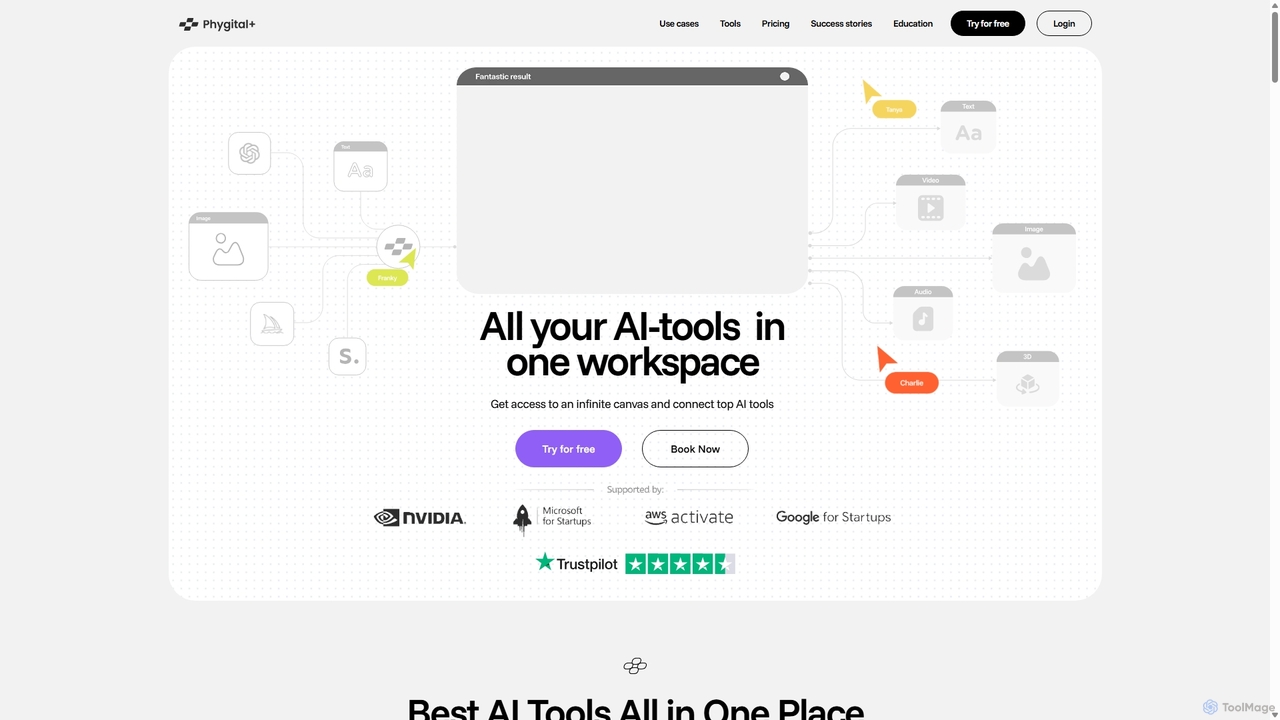
Phygital+
Phygital+ is an all-in-one AI creative workspace that integrates over 30 top generative AI models like GPT-4o, Midjourney, and Stable Diffusion. It offers a unified infinite canvas for generating and editing images, text, videos, and 3D models. Designed for creative professionals and teams, it streamlines workflows, ensures brand consistency through custom model training, and accelerates content production for marketing, design, and game development.
Generative Art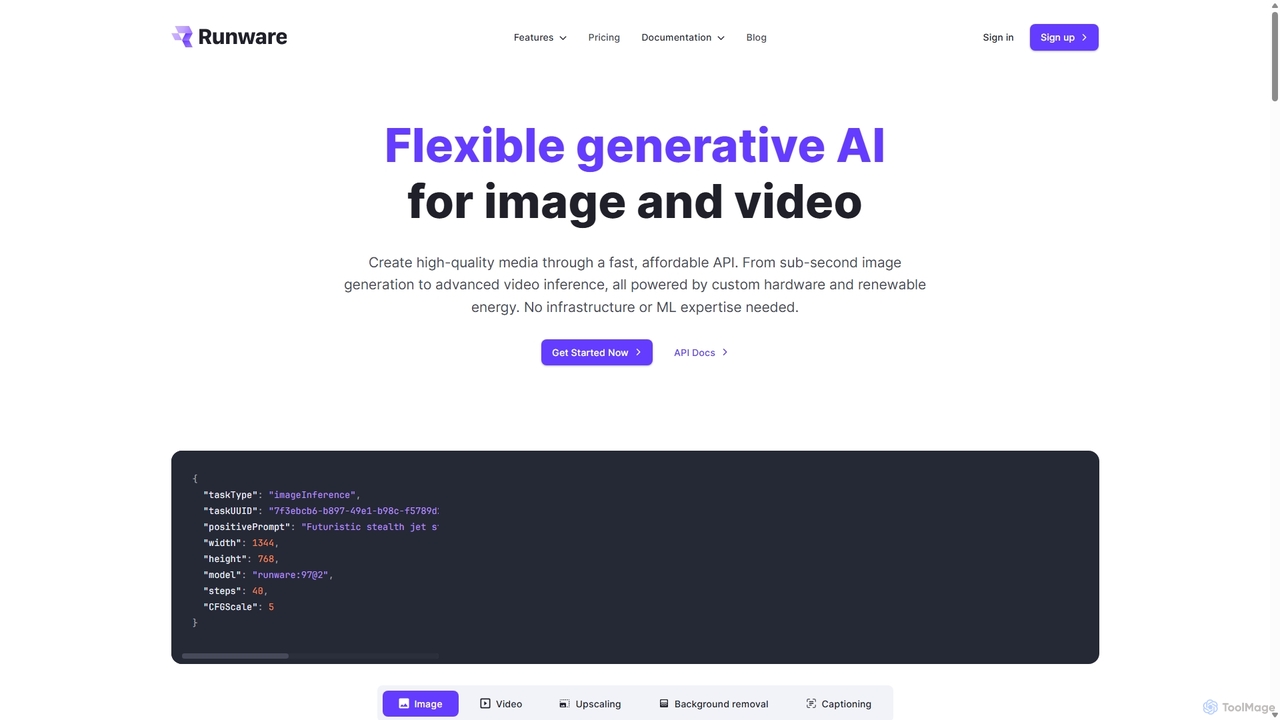
Runware
Runware provides a high-performance, low-cost API for developers to integrate generative AI for image and video creation. Leveraging custom hardware and renewable energy, it offers industry-leading inference speeds for over 300,000 models, including Stable Diffusion, FLUX.1, and Kling. It's a scalable, easy-to-use platform that requires no ML expertise, designed for building next-generation AI-native applications.
Api Platform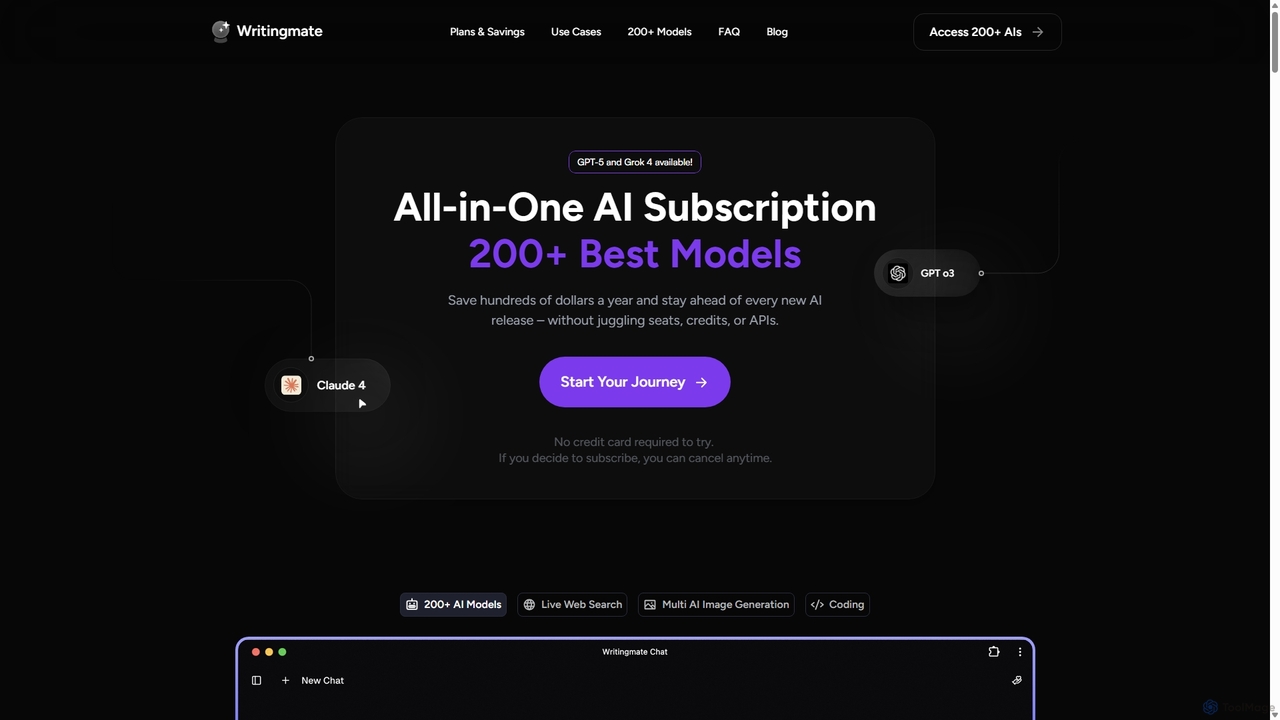
Writingmate
Writingmate is an all-in-one AI platform that provides access to over 200 of the best AI models, including GPT-5, Claude 4, and Grok 4, through a single subscription. It saves users money and time by eliminating the need to manage multiple AI tool subscriptions. Features include a model switcher, live web search, document chat, AI coding assistants, and multi-model image generation, catering to a wide range of professionals from developers to marketers.
Code Assistant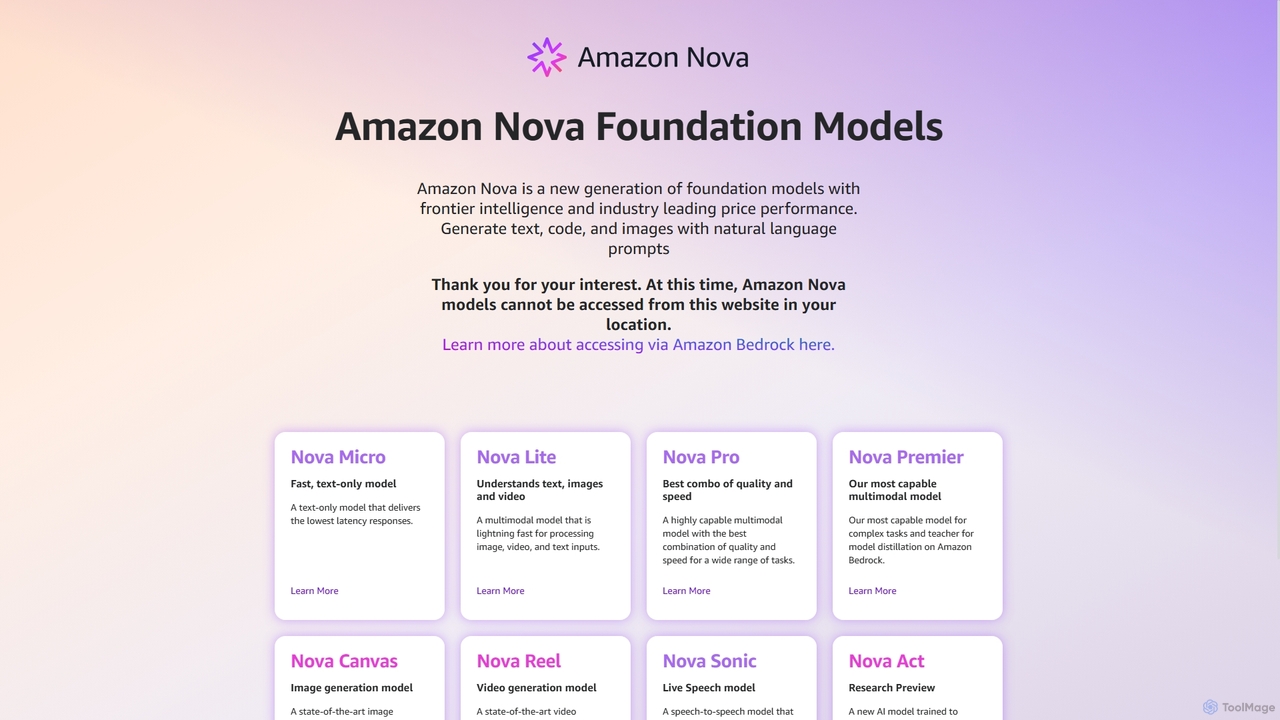
Amazon Nova
Amazon Nova is a suite of next-generation foundation models developed by Amazon. It offers a range of specialized models for generating text, code, images, video, and human-like speech, designed for high performance and cost-efficiency. These models are accessible to developers through Amazon Bedrock.
Foundation Model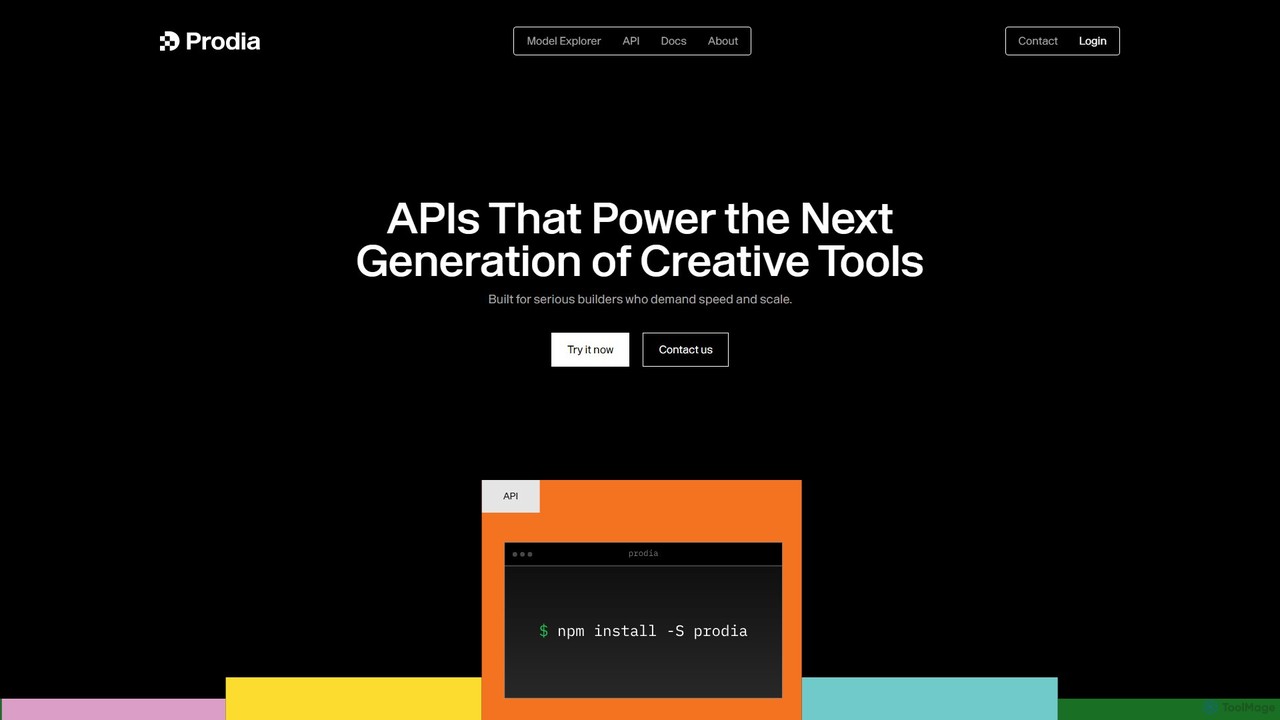
Prodia
Prodia is a high-speed, scalable generative AI API for developers. It enables seamless integration of image and video generation into applications, offering ultra-low latency and eliminating the need for GPU infrastructure management. Built for production, it powers the next generation of creative tools.
Api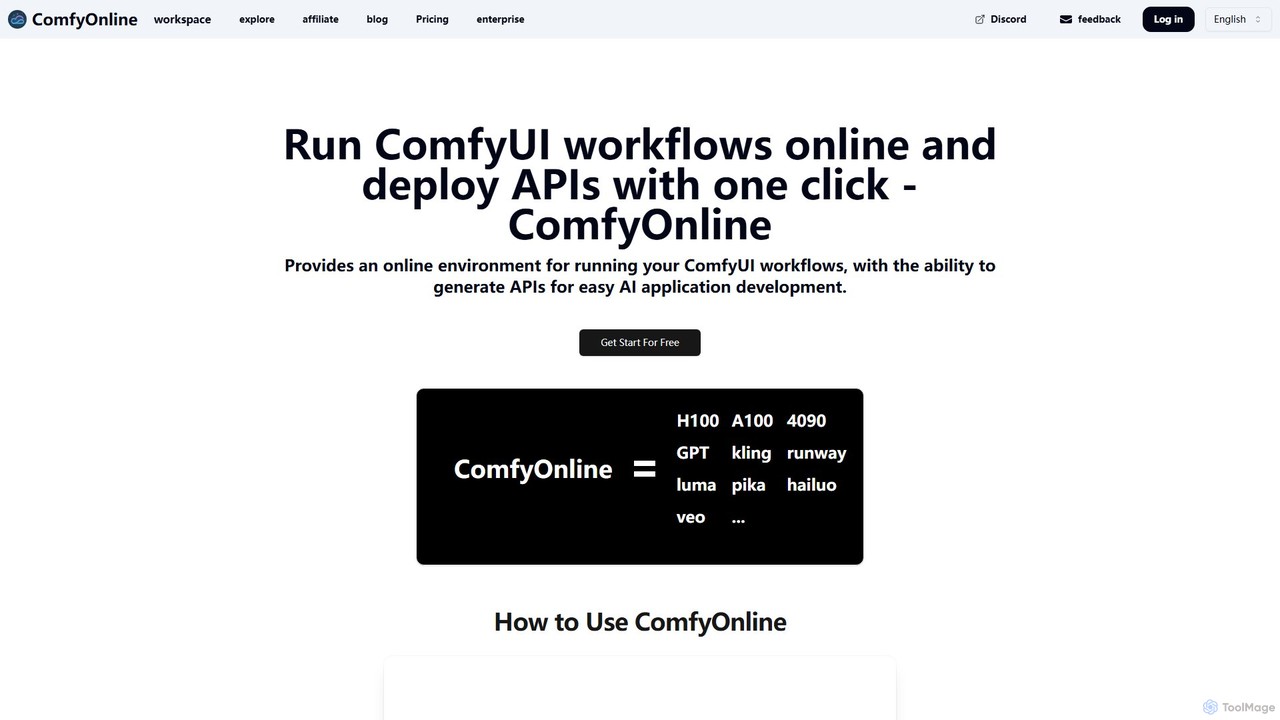
ComfyOnline
A cloud-based platform for running ComfyUI workflows online without expensive hardware. It offers a serverless environment, one-click API deployment for AI applications, and pay-as-you-go access to high-performance GPUs like H100 and A100. It simplifies the entire process from workflow creation to scalable deployment.
Api & Infrastructure
Google Labs Comments (0)
Sign in to comment.
Sign inNo comments yet.