Ai Copilot Best in category 2 results Assistant AI Tool

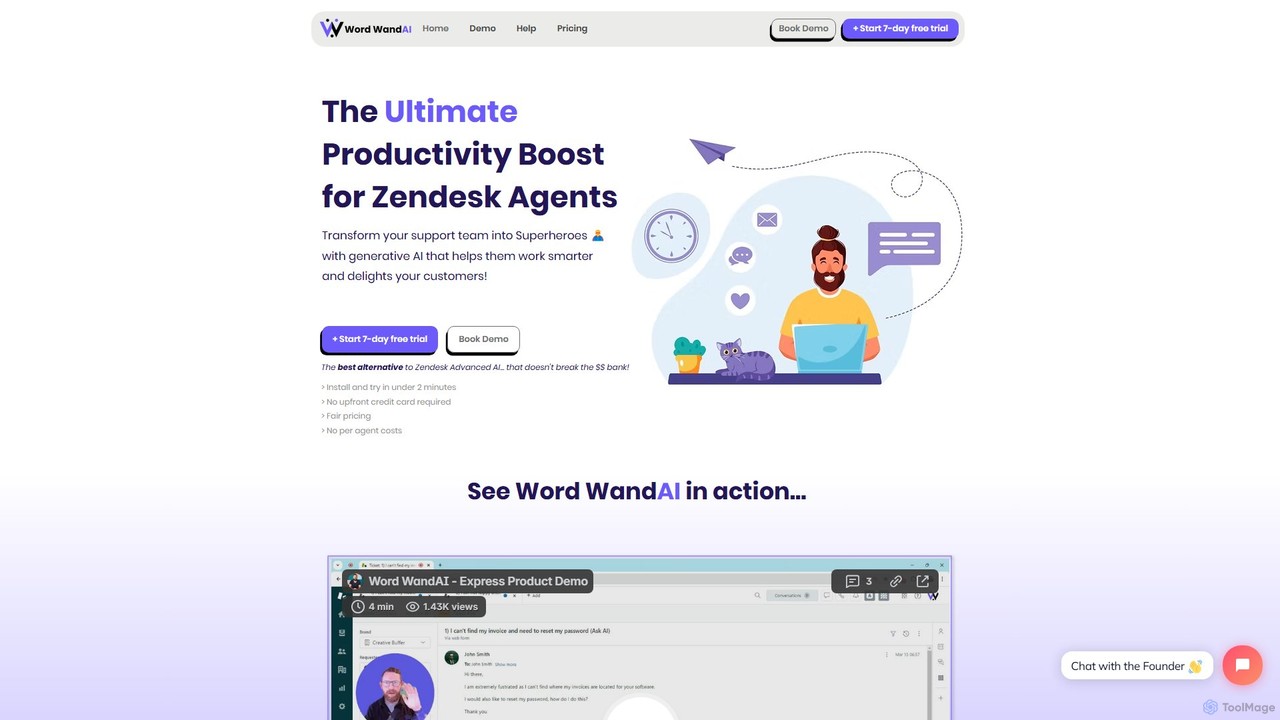
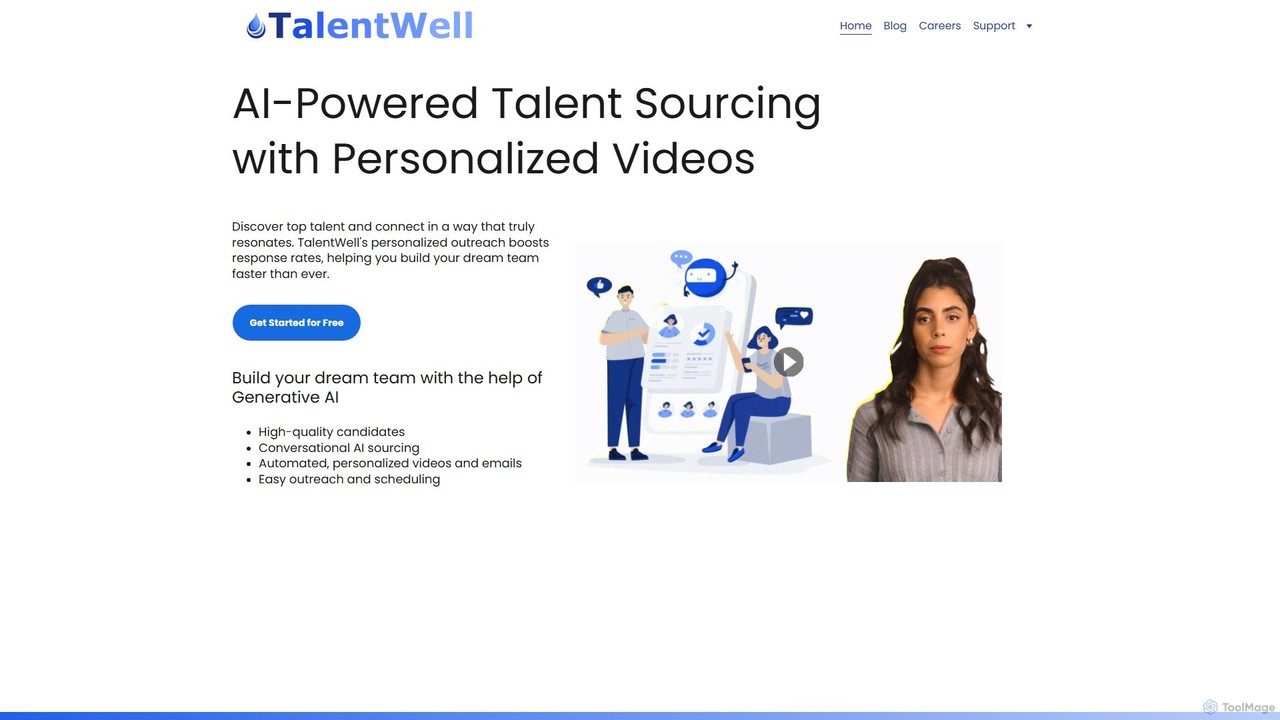
Popular AI tools in the Assistant field of Ai Copilot include Word WandAI、TalentWell, etc., helping you quickly improve efficiency.

TalentWell

TalentWell

TalentWell is an AI-powered talent sourcing copilot that helps you discover, connect with, and hire top-tier talent. It …

2.7K
Word WandAI

Word WandAI

Word WandAI is a generative AI assistant for Zendesk, designed to supercharge support teams. It instantly drafts on-brand …

3.6K

About Assistant

AI Assistants are intelligent tools designed to proactively manage tasks, information, and workflows for individuals and teams. As a specialized type of AI Copilot, they function like a personal or team aide, using natural language processing to understand requests and automate actions. They excel at organizing schedules, summarizing information, handling communications, and connecting disparate applications to streamline daily operations. This focus on task execution and workflow automation distinguishes them from more broadly integrated copilot systems.

Core Features

  • Task Automation: Automatically performs routine tasks like scheduling meetings, sending follow-up emails, or updating CRM records.
  • Information Synthesis: Gathers data from various sources like the web, documents, or meetings and provides concise summaries.
  • Natural Language Interface: Interacts with users through conversational text or voice commands for intuitive control and delegation.
  • Proactive Assistance: Anticipates needs by suggesting actions, providing timely reminders, and highlighting important information.
  • Cross-App Integration: Connects with various software (calendars, email, project management tools) to execute complex workflows.

Use Cases

AI Assistants are widely used by busy professionals, executives, and project teams to offload administrative burdens. They are particularly valuable in roles requiring heavy coordination, such as sales, marketing, and operations, for managing client communications, organizing project timelines, and automating data entry. Small business owners also leverage them for handling customer inquiries and managing daily schedules efficiently.

How to Choose

When selecting an AI Assistant, evaluate its integration capabilities with your existing tools (e.g., Google Workspace, Microsoft 365, Slack). Consider the scope of its automation features—does it handle simple tasks or complex, multi-step workflows? Also, assess its learning capacity and personalization options, as effective assistants adapt to your specific habits and preferences over time. Finally, review the security and privacy policies, especially if handling sensitive data.

AssistantUse Cases

1

Automated Meeting Summarization and Action Item Tracking

For project managers and team leads who spend hours in back-to-back meetings, an AI Assistant can be a game-changer. The assistant joins virtual meetings (like Zoom or Teams), transcribes the entire conversation in real-time, and identifies key speakers. After the meeting, it automatically generates a concise summary highlighting decisions made and key discussion points. More importantly, it extracts and assigns action items to specific individuals with due dates, then integrates them directly into project management tools like Asana or Jira. This process eliminates manual note-taking and ensures accountability, saving significant administrative time.

2

Intelligent Calendar and Appointment Management

Sales professionals and consultants often struggle with managing a complex schedule. An AI Assistant can take over this task by connecting to their email and calendar. When a client emails to request a meeting, the user can simply forward the email to the assistant or instruct it to 'find a 30-minute slot next week'. The assistant then analyzes the user's availability, communicates with the client to offer available times, and once a time is confirmed, it automatically creates the calendar event with all necessary details (like video conference links). This automates the entire back-and-forth scheduling process, preventing double bookings and freeing up valuable time for client-facing activities.

3

Cross-Platform Research and Report Generation

Market analysts and students frequently need to gather and synthesize information from multiple sources. An AI Assistant can streamline this by taking a simple prompt like, 'Research the market trends for electric vehicles in Europe for 2023 and create a summary.' The assistant can then browse the web, access internal company documents, and search through academic databases to collect relevant data. It then compiles the findings into a structured report, complete with key statistics, summaries of articles, and a list of sources. This transforms a multi-hour research task into a process that takes only a few minutes, allowing the user to focus on analysis and interpretation rather than data collection.

4

Automated Email Triage and Response Drafting

Customer support agents and executives often face an overflowing inbox. An AI Assistant can manage this by automatically sorting incoming emails based on priority and category (e.g., Urgent, Inquiry, Spam). For common inquiries, the assistant can draft a response based on a knowledge base or past communications, which the user can then quickly review and send. For complex issues, it can summarize the email thread and suggest the appropriate team member to forward it to. This system acts as an intelligent filter, ensuring that critical messages are addressed promptly while reducing the time spent on managing routine correspondence.

5

Personal Workflow Automation for Repetitive Tasks

Many professionals, from marketers to developers, perform daily repetitive tasks. An AI Assistant can automate these multi-step workflows. For example, a content creator could set up a workflow: 'When I save a new article to my 'Published' folder in Google Drive, extract the title and summary, generate five social media post variations, and schedule them on Buffer for next week.' The assistant connects these different applications (Google Drive, an AI writer, Buffer) and executes the sequence automatically. This eliminates manual copy-pasting and context switching, allowing the creator to focus on producing high-quality content rather than on distribution logistics.

6

Centralized Team Knowledge Base Management

For growing teams, knowledge often gets siloed in different apps like Slack, Notion, and Google Drive. An AI Assistant can act as a centralized knowledge hub. Team members can ask the assistant natural language questions like, 'What is our Q4 marketing budget?' or 'Find the latest design mockups for Project Phoenix.' The assistant, integrated with all these platforms, can instantly retrieve the correct document, message, or data point, regardless of where it's stored. This prevents wasted time searching for information and ensures everyone on the team has access to the most up-to-date resources, improving collaboration and decision-making speed.

AssistantFrequently Asked Questions