
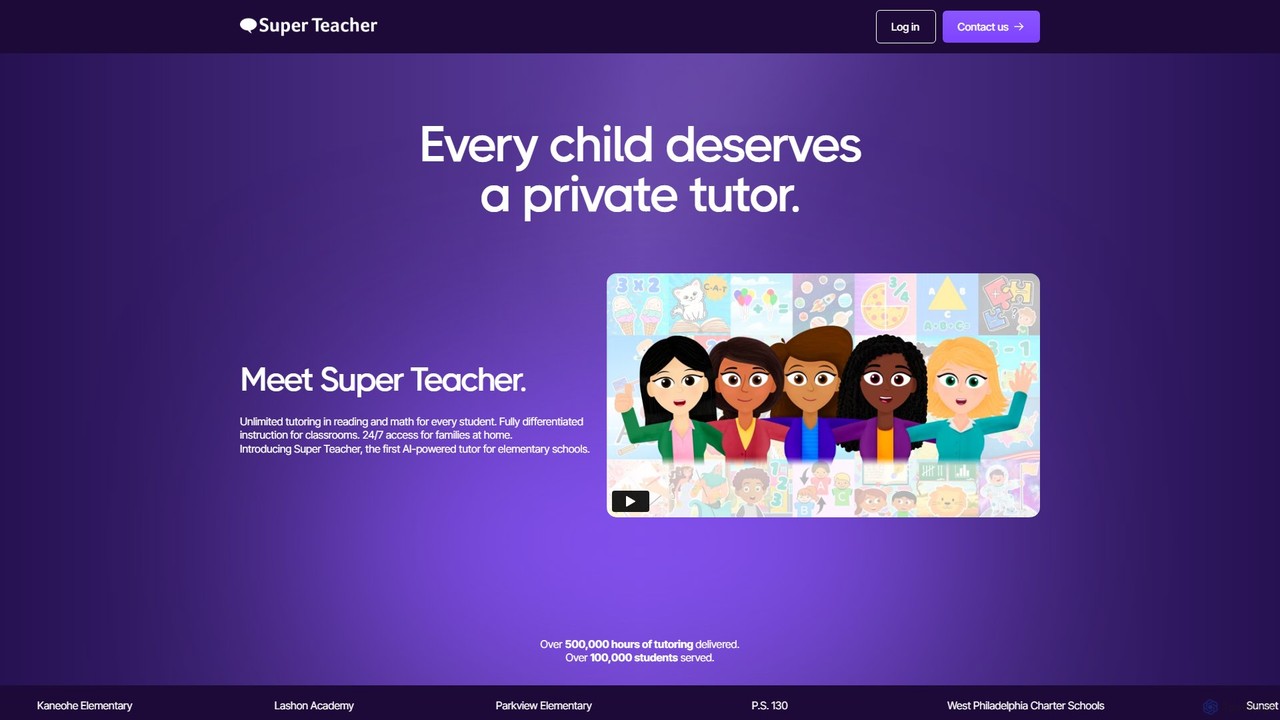
Super Teacher
Super Teacher is an AI-powered tutor designed for elementary schools, providing unlimited, personalized tutoring in reading and math. …
Super Teacher is an AI-powered tutor designed for elementary schools, providing unlimited, personalized tutoring in reading and math. It offers 24/7 access for students, differentiated instruction for classrooms, and detailed progress dashboards for teachers, making one-on-one learning accessible and affordable for every child.
About Learning
AI Learning tools for kids are applications that use artificial intelligence to create personalized and interactive educational experiences. These tools often employ adaptive algorithms to adjust the difficulty of content based on a child's performance, providing real-time feedback and tailored learning paths. They transform traditional subjects like math, reading, and science into engaging games and activities, making the learning process more effective and enjoyable for children. This approach helps build foundational skills and fosters a genuine curiosity for knowledge.
Core Features
- Adaptive Learning Path: Automatically adjusts lesson difficulty to match the child's individual pace and understanding.
- Gamified Content: Incorporates game mechanics, points, and rewards to motivate and engage young learners.
- Real-time Feedback: Provides immediate corrections and positive reinforcement to help children learn from mistakes.
- Progress Tracking for Parents: Offers detailed dashboards for parents to monitor their child's learning journey and identify areas for improvement.
- Interactive Storytelling: Uses AI to create dynamic narratives that respond to a child's choices, enhancing reading comprehension.
Use Cases
These tools are primarily used in home and early education settings. Parents use them to supplement school curriculum, help with homework, or introduce new subjects like coding in a fun way. Educators in preschools and elementary schools may integrate these apps to provide differentiated instruction, allowing each student to work at their own level within a classroom environment.
How to Choose
When selecting an AI Learning tool for a child, consider the age-appropriateness of the content and user interface. Evaluate the educational methodology and ensure it aligns with your learning goals. Look for robust parental controls and clear privacy policies. Finally, check for a good balance between educational content and engaging gameplay to ensure the child remains motivated.
LearningUse Cases
Personalized Math Tutoring for Elementary Students
A parent of a second-grader notices their child is struggling with subtraction. They use an AI learning app that first assesses the child's skill level through a fun, interactive quiz. Based on the results, the AI creates a personalized lesson plan focusing specifically on two-digit subtraction. The app presents problems in a gamified format, offering hints when the child gets stuck and celebrating correct answers with animations. The parent can view a weekly progress report showing improved accuracy and speed, turning a frustrating subject into a confident skill.
Building Reading Habits with Interactive Stories
For a preschooler who is a reluctant reader, an AI storytelling app can be a game-changer. The child chooses a character and a setting, and the AI generates a unique story. At key points, the child makes choices that alter the plot, making them an active participant. The app highlights words as they are read aloud and includes simple comprehension questions. This interactive process makes reading feel like play, encouraging the child to spend more time with stories and gradually building their vocabulary and comprehension skills without pressure.
Learning a New Language Through Gamified Lessons
A family is preparing for a trip to Spain, and they want their 8-year-old to learn some basic Spanish. They use an AI language learning app designed for kids. The app teaches vocabulary and simple phrases through animated games, songs, and quizzes. An AI-powered speech recognition feature listens to the child's pronunciation and provides instant, gentle feedback. The app's storyline involves collecting virtual souvenirs for each completed lesson, keeping the child motivated to learn new words every day before their trip.
Introduction to Coding with Visual Block Puzzles
A 10-year-old shows an interest in video games and how they are made. A parent introduces them to an AI coding app for kids. Instead of complex text-based programming, the child learns coding logic by dragging and dropping visual blocks to make a character move or complete a task. The AI provides progressively harder challenges and offers hints by highlighting the next logical block if the child is stuck for too long. This approach demystifies programming and builds a strong foundation in computational thinking in a creative and accessible way.
Exploring Science Concepts with Interactive Simulations
A teacher wants to explain the water cycle to their third-grade class in an engaging way. They use an AI learning tool that provides an interactive simulation. Students can manipulate variables like temperature and watch in real-time how it affects evaporation and condensation. The AI guide asks questions to prompt critical thinking, such as 'What do you think will happen if we make the sun hotter?'. This hands-on, inquiry-based approach helps children grasp abstract scientific concepts more effectively than a static textbook diagram.
Homework Help with Step-by-Step AI Guidance
A fifth-grader is stuck on a multi-step math word problem for homework. Instead of just giving the answer, an AI homework helper app guides them through the process. The AI first asks the student to identify the key information in the problem. Then, it prompts them to break the problem down into smaller steps. If the student makes a mistake in their calculation, the AI provides a hint related to the specific error, rather than just saying 'try again'. This method teaches problem-solving skills and builds independence, rather than creating a reliance on answer keys.