Gabber
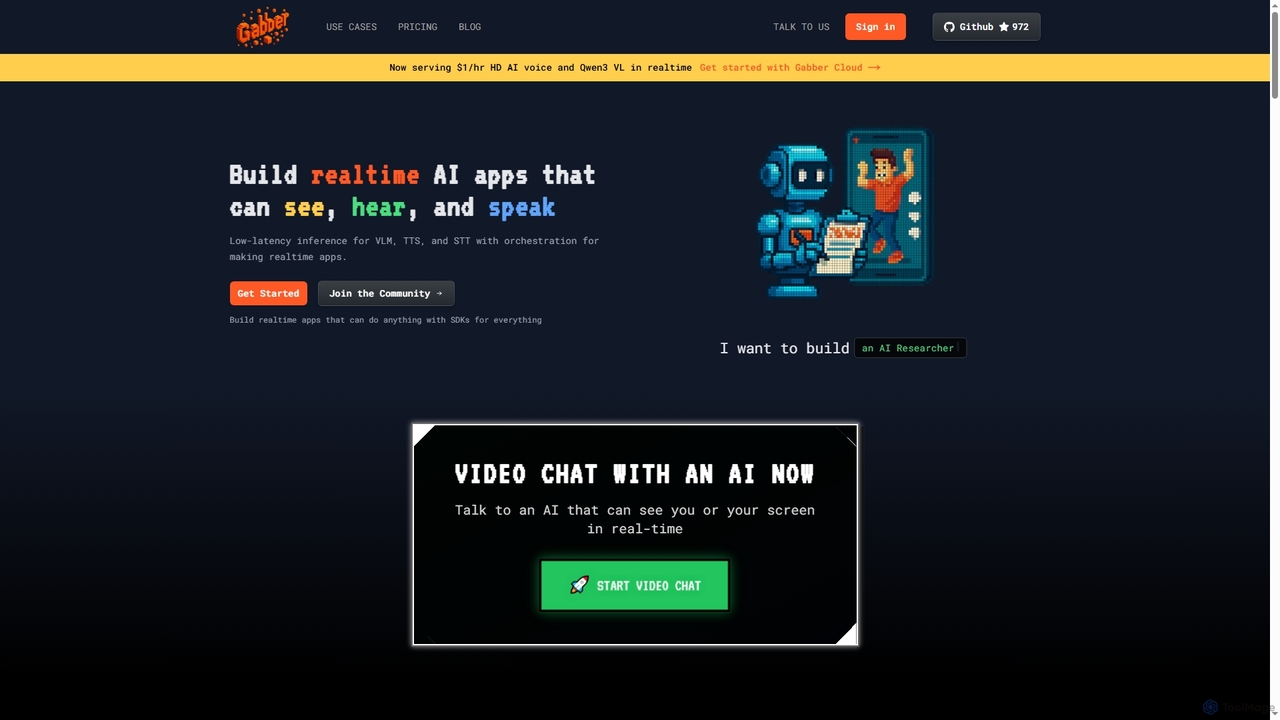
Gabber is a powerful platform for building real-time, multimodal AI applications that can see, hear, and speak. It …
Gabber is a powerful platform for building real-time, multimodal AI applications that can see, hear, and speak. It offers low-latency inference for Vision Language Models (VLM), Text-to-Speech (TTS), and Speech-to-Text (STT), coupled with a graph-based orchestration system for rapid development and deployment.
About Text To Speech
Text To Speech (TTS) tools are a type of AI model that converts written text into audible, human-like speech. These tools utilize deep learning neural networks to analyze text and generate corresponding audio waveforms, capturing nuances like intonation, rhythm, and emotion. They enable the creation of voiceovers, audiobooks, and accessible content without the need for human voice actors, significantly reducing production time and costs. Modern AI TTS systems offer a wide range of voices, languages, and emotional styles, providing highly realistic and customizable audio outputs.
Core Features
- Multiple Voices & Languages: Access a vast library of natural-sounding voices across numerous languages, accents, and dialects.
- Voice Customization: Adjust parameters like speed, pitch, volume, and pauses to fine-tune the audio output for specific contexts.
- Emotional Styles: Infuse the speech with specific emotions such as happiness, sadness, or excitement for more engaging and expressive content.
- SSML Support: Use Speech Synthesis Markup Language (SSML) for advanced control over pronunciation, emphasis, and intonation.
- API Access: Integrate TTS capabilities directly into applications, websites, and services for automated, real-time audio generation.
Use Cases
Text To Speech tools are widely used by content creators for producing video voiceovers and podcasts, authors for generating audiobooks, and educators for creating e-learning materials. Developers also leverage these tools to build accessibility features like screen readers and to create voice responses for applications and smart assistants. In business, they are essential for developing interactive voice response (IVR) systems and producing corporate training videos.
How to Choose
When selecting a Text To Speech tool, first evaluate the voice quality and realism by listening to samples. Ensure the tool supports your required languages, accents, and voice styles. Consider the level of customization available, including controls for speed, pitch, and SSML support for advanced editing. Finally, assess the pricing model—whether it's based on character count, subscription, or API usage—and check the quality of API documentation if integration is needed.

Text To SpeechUse Cases
Creating Voiceovers for YouTube Videos
A video creator can use a Text To Speech tool to produce consistent, clear narration for educational or commentary videos without recording their own voice. By pasting the video script into the tool, selecting a preferred voice and style, and adjusting the pacing, they can generate a high-quality audio file. This process results in an error-free voiceover created in minutes, enabling faster video production cycles and allowing for easy script updates without the need for complete re-recording.
Generating Audio Versions of Blog Posts
A content marketer or blogger can make their written content more accessible by providing an audio option. Using a Text To Speech tool with an API or plugin, they can automatically convert new articles into audio files. By embedding an audio player at the top of the blog post, they cater to users who prefer listening over reading. This strategy increases user engagement, improves accessibility for visually impaired users, and repurposes existing text into podcast-style content with minimal effort.
Developing Interactive Voice Response (IVR) Systems
A telecom developer or business owner can create professional and dynamic voice prompts for a customer service phone system. By inputting scripts for greetings, menus, and informational messages into a TTS tool, they can generate consistent audio files. These files are then integrated into the IVR platform. The result is a flexible and easily updatable IVR system with a consistent brand voice, avoiding the high cost and time delays associated with hiring voice actors for every minor update or new promotion.
Producing Audiobooks and E-Learning Materials
An author or e-learning course creator can cost-effectively convert a book manuscript or training modules into an audiobook or narrated course. By breaking the text into chapters or modules and using a TTS tool with high-quality narrative voices, they can produce engaging audio content. Advanced tools allow the use of SSML for proper pacing and emphasis on key points. This makes educational materials and literature accessible to a wider audience, including those with visual impairments or those who prefer learning through listening.
Prototyping Voice User Interfaces (VUI)
A UX/UI designer or app developer can rapidly test and iterate on voice commands and system responses for a smart assistant or voice-enabled application. Instead of waiting for human voice actors, they can use a TTS API to quickly generate various audio responses for different user interactions. This allows for immediate testing of the conversational flow and clarity of the interface. The result is an accelerated design and development cycle for voice applications, enabling faster prototyping and more effective user testing of the VUI.
Creating Accessibility Tools for Digital Content
A software developer or accessibility specialist can build applications that read on-screen text aloud for visually impaired users. By integrating a real-time TTS API, their application can process text from websites, documents, or app interfaces and convert it into clear, intelligible speech. This provides a crucial service that empowers individuals to navigate and consume digital content independently. The quality of the TTS voice directly impacts the user experience, making natural and responsive voices essential for effective screen readers.