ToolMage
Sign in

Best 1 Video Generation AI tools for Ai Video

Popular Video Generation AI tools in Ai Video include Monet, helping you work more efficiently.

Monet
Freemium

Monet

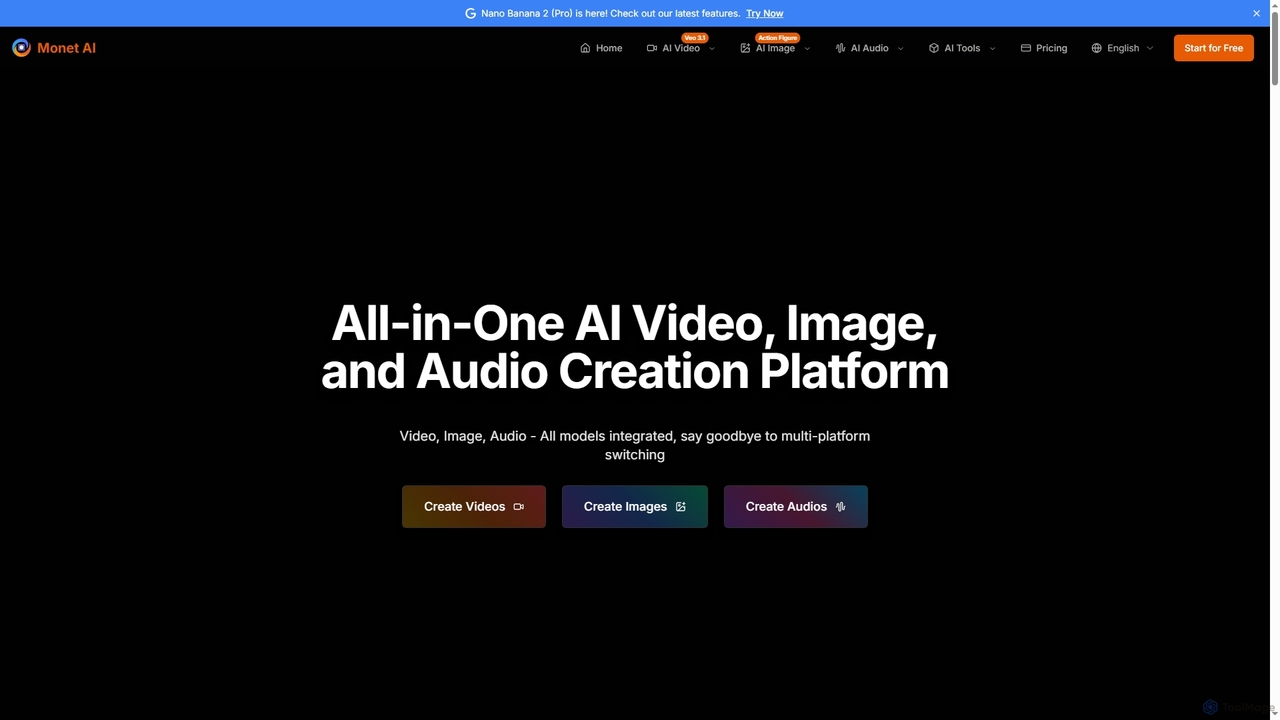
Monet is an all-in-one AI creation platform that integrates leading AI models for generating high-quality videos, images, and audio. It offers text-to-video, image-to-video, text-to-image, style transfer, and text-to-speech functionalities, streamlining creative workflows for diverse users.

Image Generation
Visits 195.3KFavorites 146Likes 128

About Video Generation

Video Generation tools are AI-powered platforms that automatically create videos from various inputs such as text, images, audio, or existing video clips. Leveraging advanced machine learning models, these tools synthesize visual and auditory elements to produce dynamic and engaging video content. They empower creators, marketers, and businesses to rapidly produce high-quality videos for diverse purposes, significantly reducing the time and resources traditionally required for video production.

Core Features

  • Text-to-Video: Transforms written scripts or prompts into complete video sequences with relevant visuals, voiceovers, and music.
  • Image-to-Video: Animates static images or combines multiple images into a cohesive video narrative.
  • Audio-to-Video: Generates visuals that synchronize with an uploaded audio track, often used for podcasts or music videos.
  • Avatar & Lip-Sync: Creates realistic or stylized AI avatars that speak and animate according to a script, complete with natural lip movements.
  • Style Transfer & Customization: Applies various visual styles, templates, and branding elements to generated videos, allowing for extensive personalization.

Applicable Scenarios

Video Generation tools are invaluable for content creators needing to scale production, marketing teams launching campaigns, and educators developing engaging learning materials. They are particularly useful in scenarios where rapid iteration, cost-efficiency, and diverse content formats are crucial, such as social media marketing, e-learning, and personalized outreach.

How to Choose

When selecting a Video Generation tool, consider the primary input types it supports (text, image, audio), the quality and realism of the output videos, and the range of customization options available. Evaluate its ease of use, integration capabilities with existing workflows, and the pricing model based on your production volume and specific feature requirements.

Video Generation use cases

1

Creating Social Media Video Ads

Marketing professionals can use video generation tools to quickly produce a multitude of short, engaging video ads for various social media platforms. By inputting product descriptions or marketing copy, the AI generates diverse video creatives with different visuals, music, and voiceovers, allowing for rapid A/B testing and optimization of campaigns without extensive manual editing.

2

Producing Explainer Videos for Products

Product managers and sales teams can leverage these tools to create concise and informative explainer videos for new features or products. By simply providing a script, the AI can generate animated visuals, on-screen text, and a professional voiceover, making complex concepts easy to understand for potential customers and reducing the time-to-market for educational content.

3

Generating Personalized Marketing Videos

Businesses can create personalized video messages for individual customers or segments at scale. By integrating with CRM data, the AI can dynamically insert customer names, specific product recommendations, or tailored offers into a video template, enhancing engagement and conversion rates for email marketing or sales outreach.

4

Developing E-learning Course Content

Educators and instructional designers can utilize video generation tools to transform lecture notes or text-based course materials into dynamic video lessons. The AI can add relevant visuals, animations, and a consistent voiceover, making educational content more engaging and accessible for students, especially for remote learning environments.

5

Automating News and Content Summaries

Media outlets and content curators can automate the creation of video summaries for articles, news reports, or long-form content. By feeding the text into the AI, it can identify key points and generate a short video with relevant stock footage, text overlays, and a synthesized voice, providing quick digestible updates for audiences.

6

Designing Virtual Presenters for Webinars

Event organizers and corporate trainers can create virtual AI presenters for webinars, online presentations, or internal training modules. Instead of hiring actors or recording live, users can script the content and have an AI avatar deliver the presentation with natural speech and gestures, ensuring consistency and reducing production costs.

Video Generation FAQ

What are Video Generation tools?

Video Generation tools are AI-powered software that create videos automatically from various inputs like text, images, or audio. They use machine learning to synthesize visual and auditory elements, enabling users to produce dynamic video content without traditional editing skills. These tools are a subset of AI video technologies, specifically focusing on the creation aspect rather than just editing or analysis.

How do AI Video Generation tools work?

AI Video Generation tools typically work by taking user inputs (text, images, audio) and processing them through sophisticated AI models, often including natural language processing (NLP) for text, computer vision for images, and speech synthesis for audio. The AI then selects or generates appropriate visuals, animates them, adds voiceovers, and synchronizes all elements to produce a coherent video. Some tools use generative adversarial networks (GANs) or diffusion models for highly realistic outputs.

What are the main benefits of using Video Generation AI?

The primary benefits of using Video Generation AI include significant time and cost savings in video production, the ability to scale content creation rapidly, and democratizing video production for users without professional editing skills. These tools also enable personalization at scale, facilitate A/B testing of video creatives, and help maintain brand consistency across various video assets.

What's the difference between Video Generation and AI Video Editing?

Video Generation focuses on creating entirely new video content from scratch using AI, often from non-video inputs like text or images. In contrast, AI Video Editing tools enhance, modify, or automate tasks within existing video footage, such as background removal, object tracking, color correction, or smart cutting. While both fall under the broader "AI Video" category, generation is about creation, and editing is about refinement and manipulation of existing material.

Who can benefit most from Video Generation tools?

Video Generation tools are highly beneficial for content creators, digital marketers, small businesses, educators, and e-commerce professionals. Anyone needing to produce a high volume of video content, personalize videos for outreach, or quickly transform text/images into engaging video formats will find these tools invaluable for streamlining their workflow and expanding their content strategy.